Built around the jobs contractors and property managers actually do
See which certificates are about to lapse
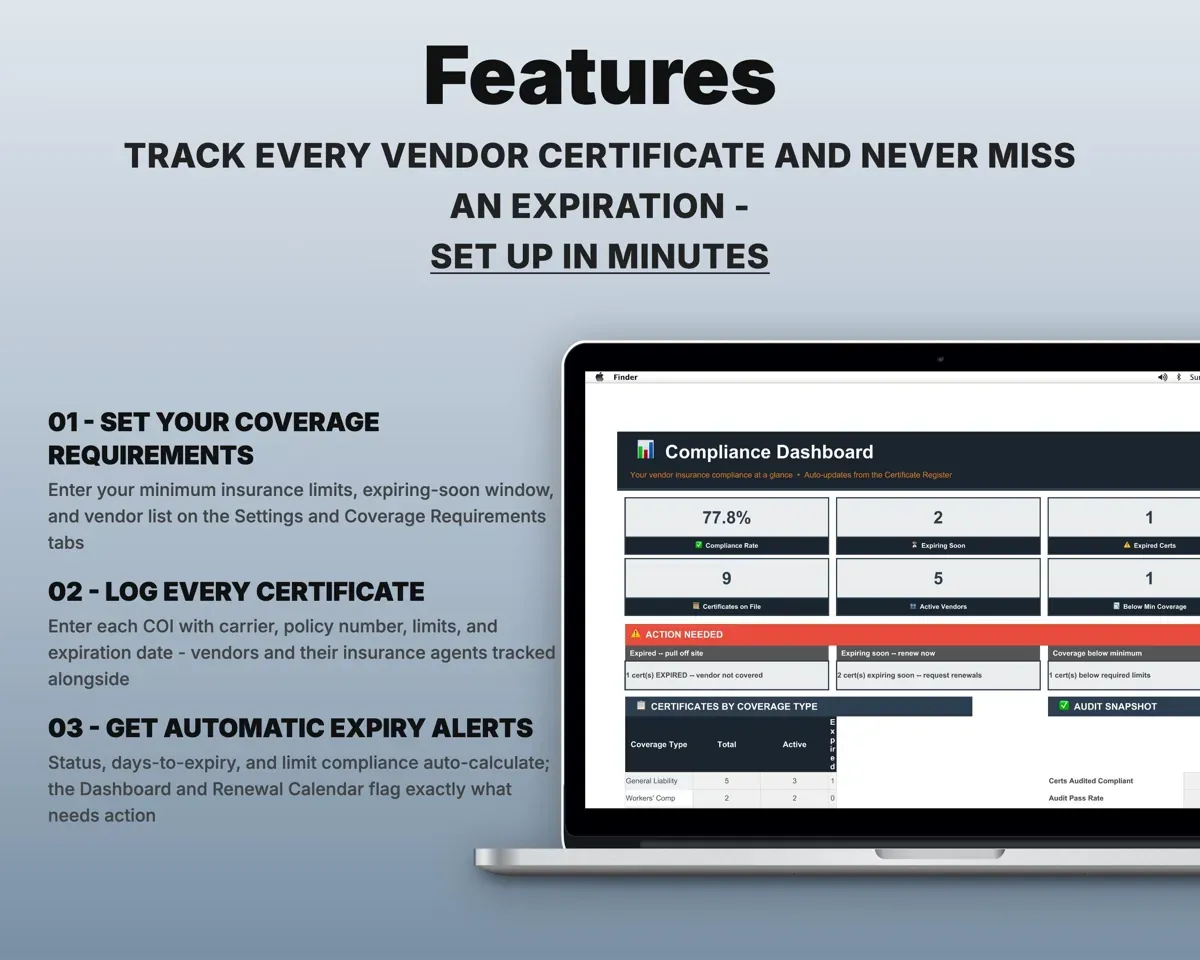
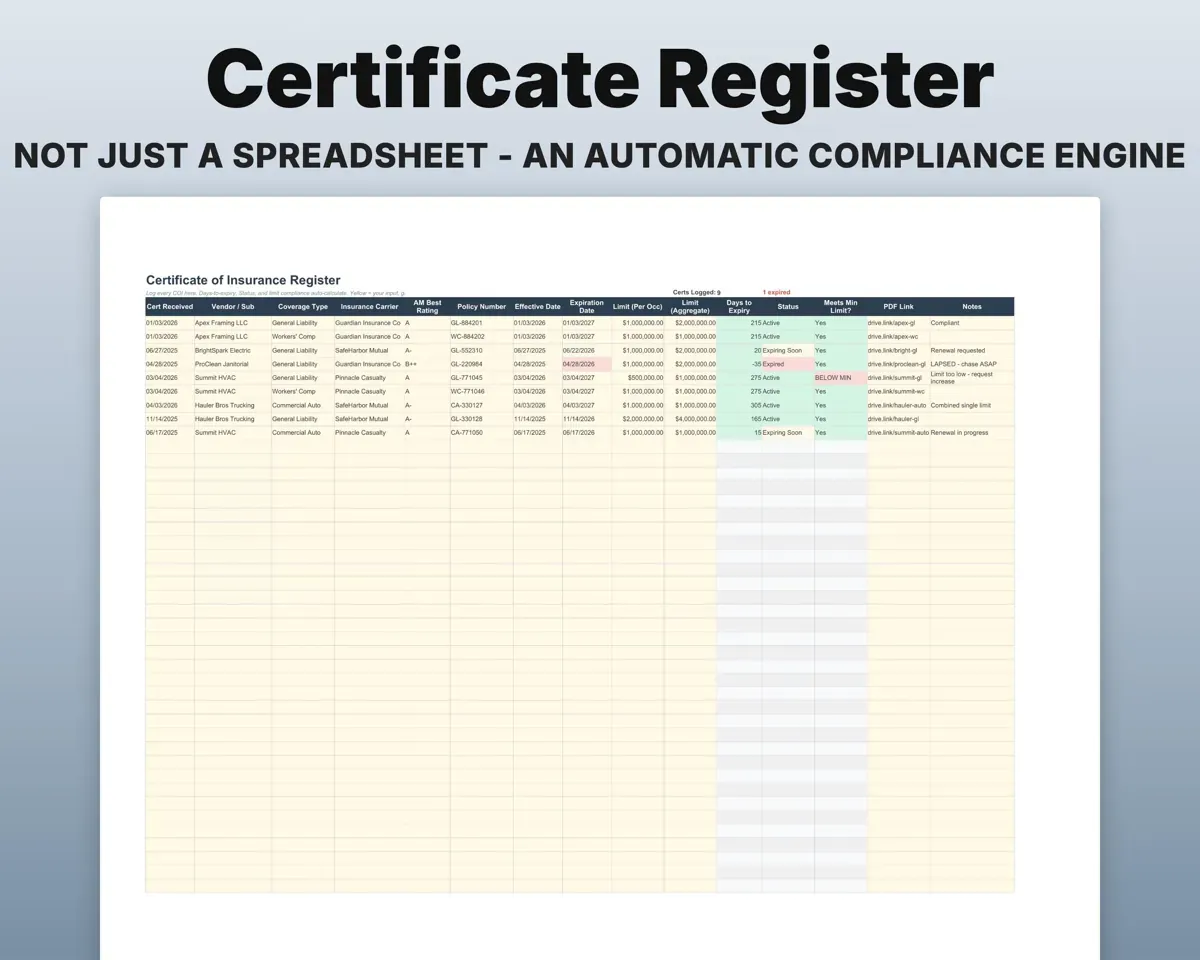
Enter each expiration date. Days to expiry and an Active, Expiring Soon or Expired status work out on their own, color-coded green, amber and red.
Expiration dateDays to expiryCatch coverage below your minimums
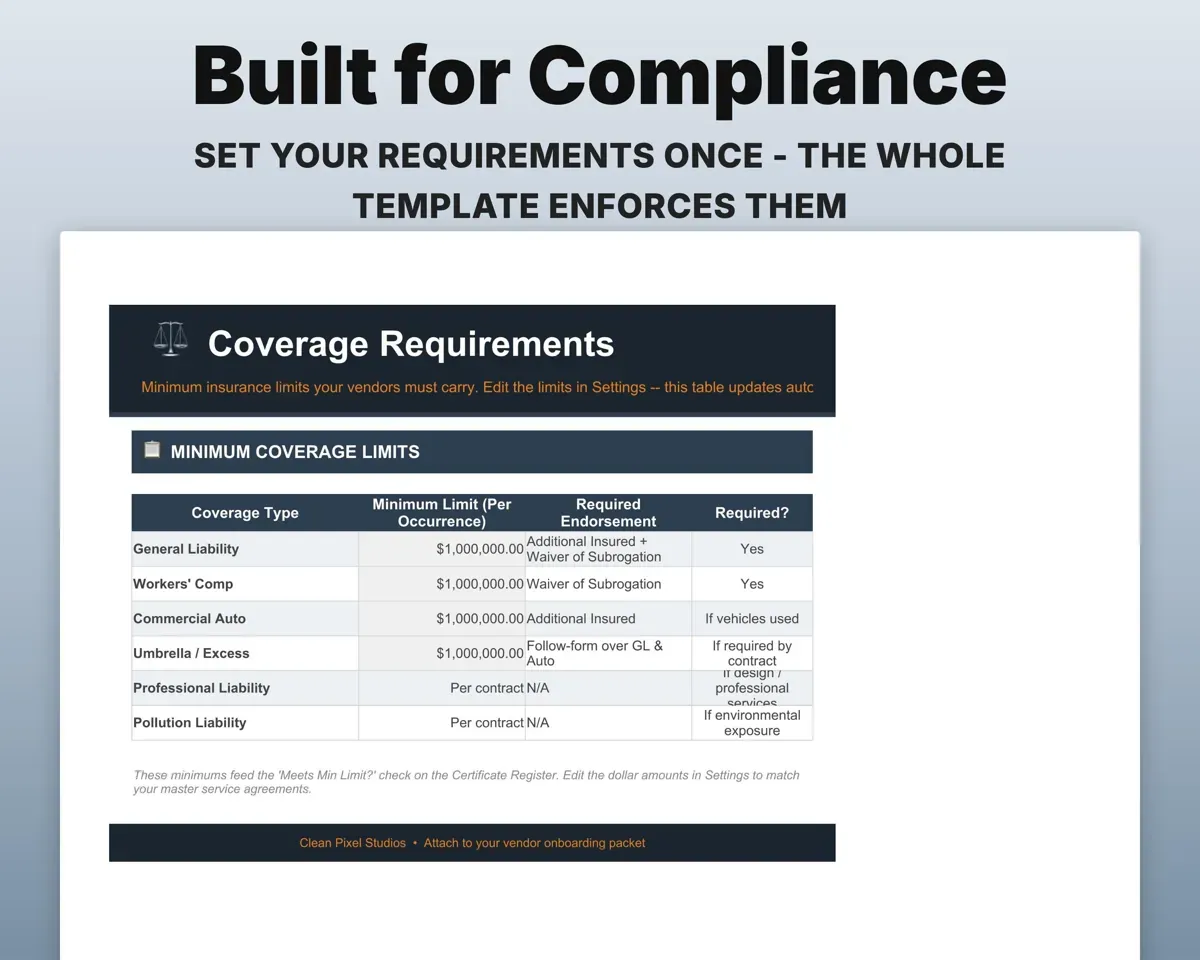
Set the minimum limits you require for each coverage type. Any certificate under them is flagged BELOW MIN.
Required limitsBELOW MIN flagKnow who to call next
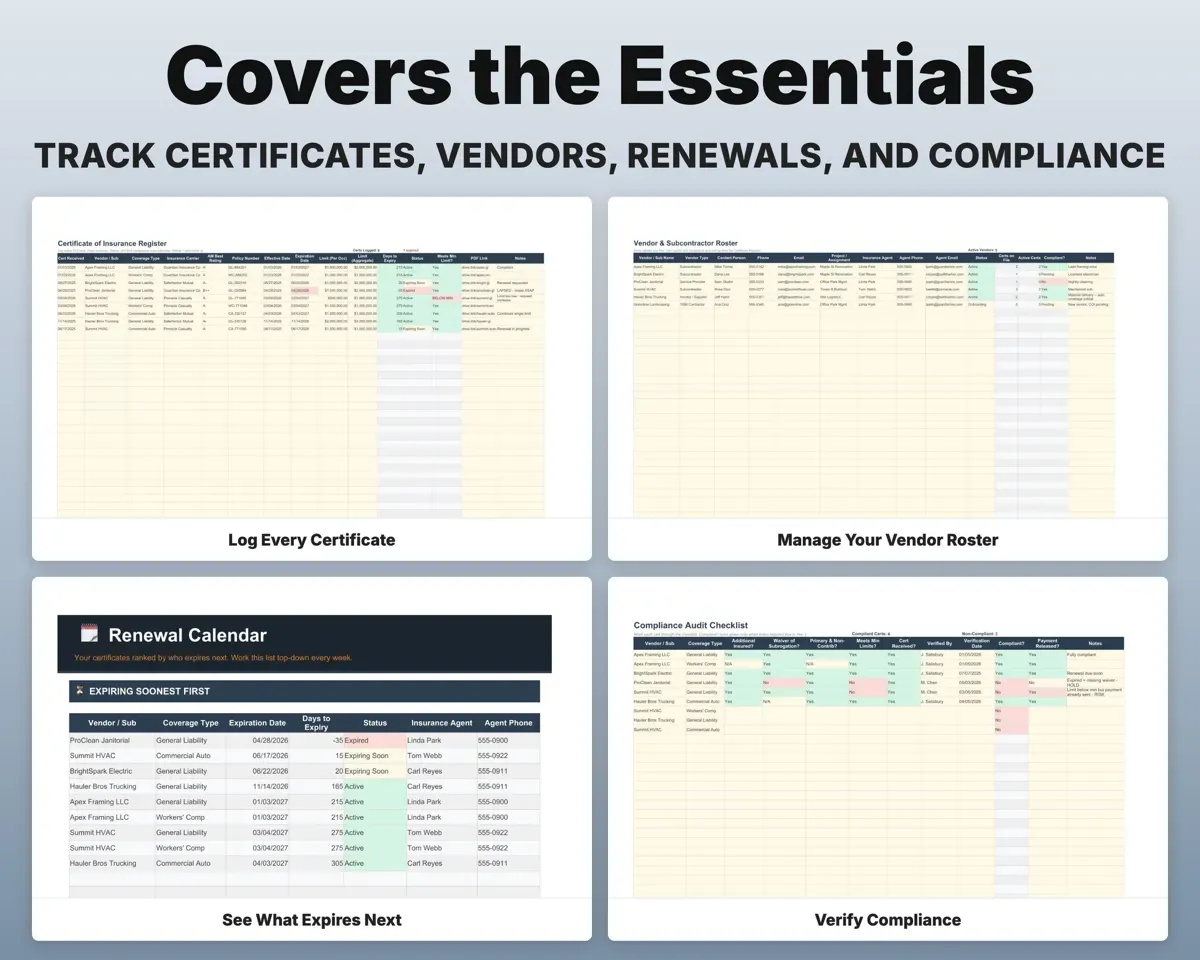
The Renewal Calendar ranks certificates by soonest expiration, with the vendor's insurance agent and phone number beside each one.
Agent name and phoneCall list in orderCheck the endorsements before you approve
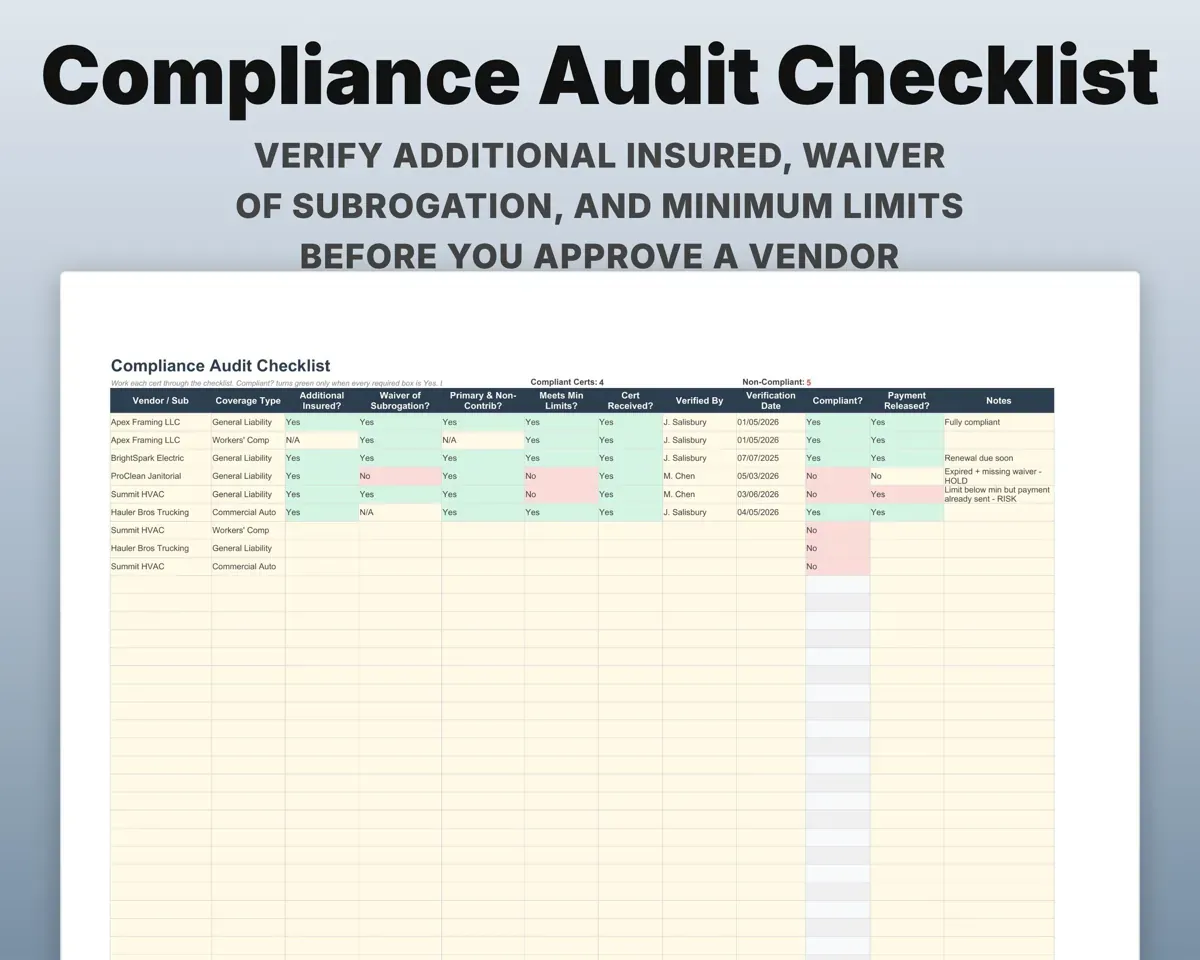
Tick off Additional Insured, Waiver of Subrogation, Primary & Non-Contributory and the minimum limits. Each vendor then gets a Compliant? result.
Endorsement checksCompliant?See your compliance rate on one screen
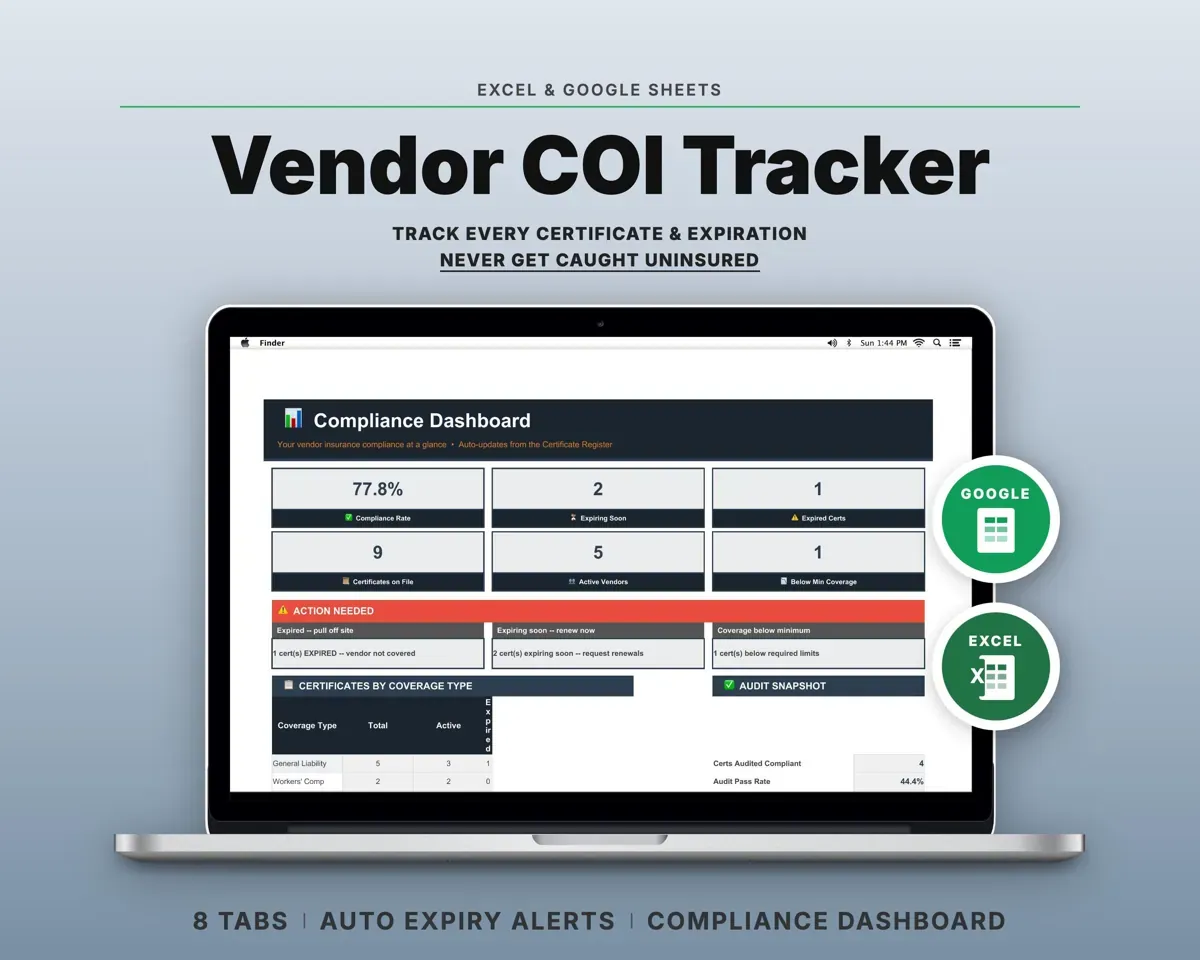
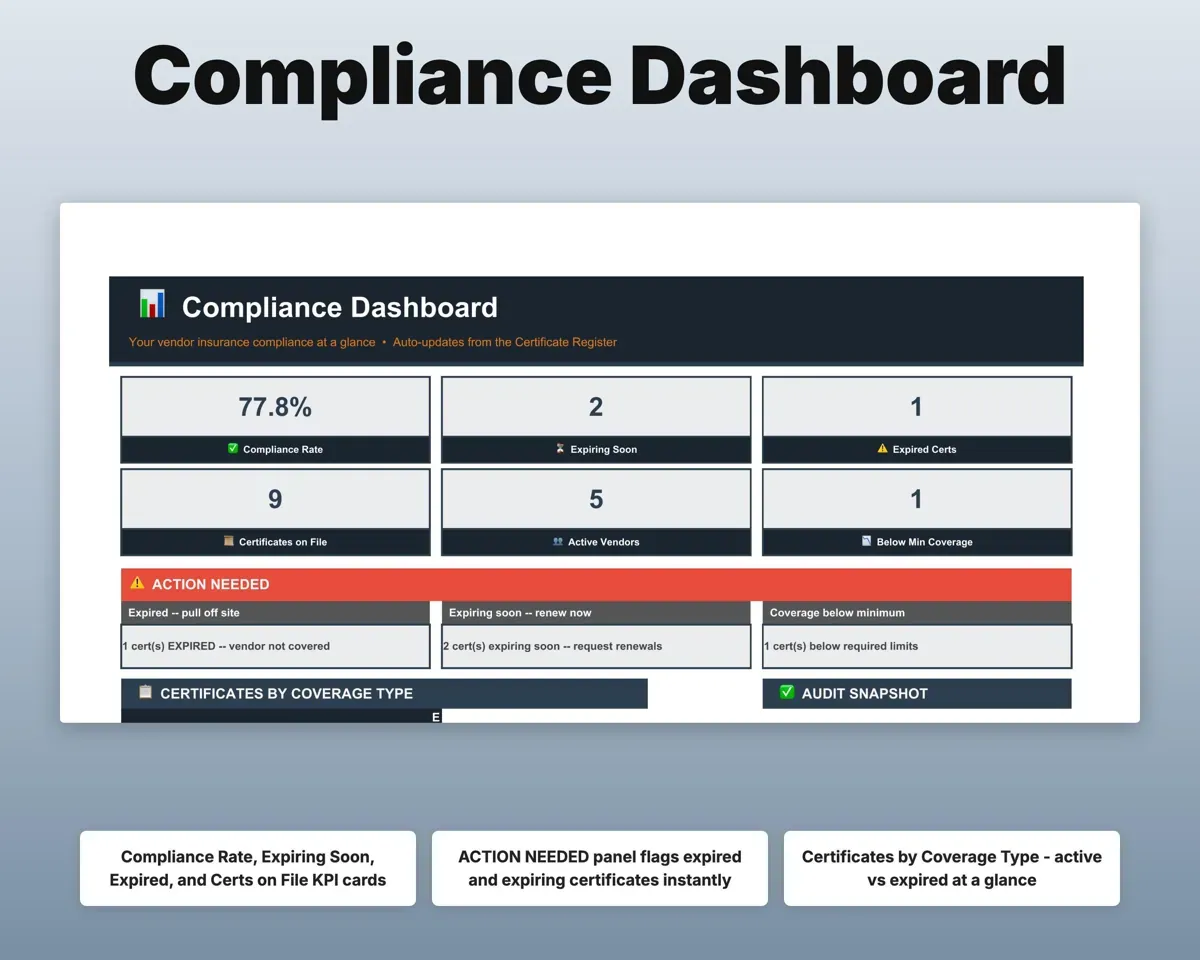
Compliance rate, expiring and expired counts, certificates on file, active vendors and an Action Needed panel.
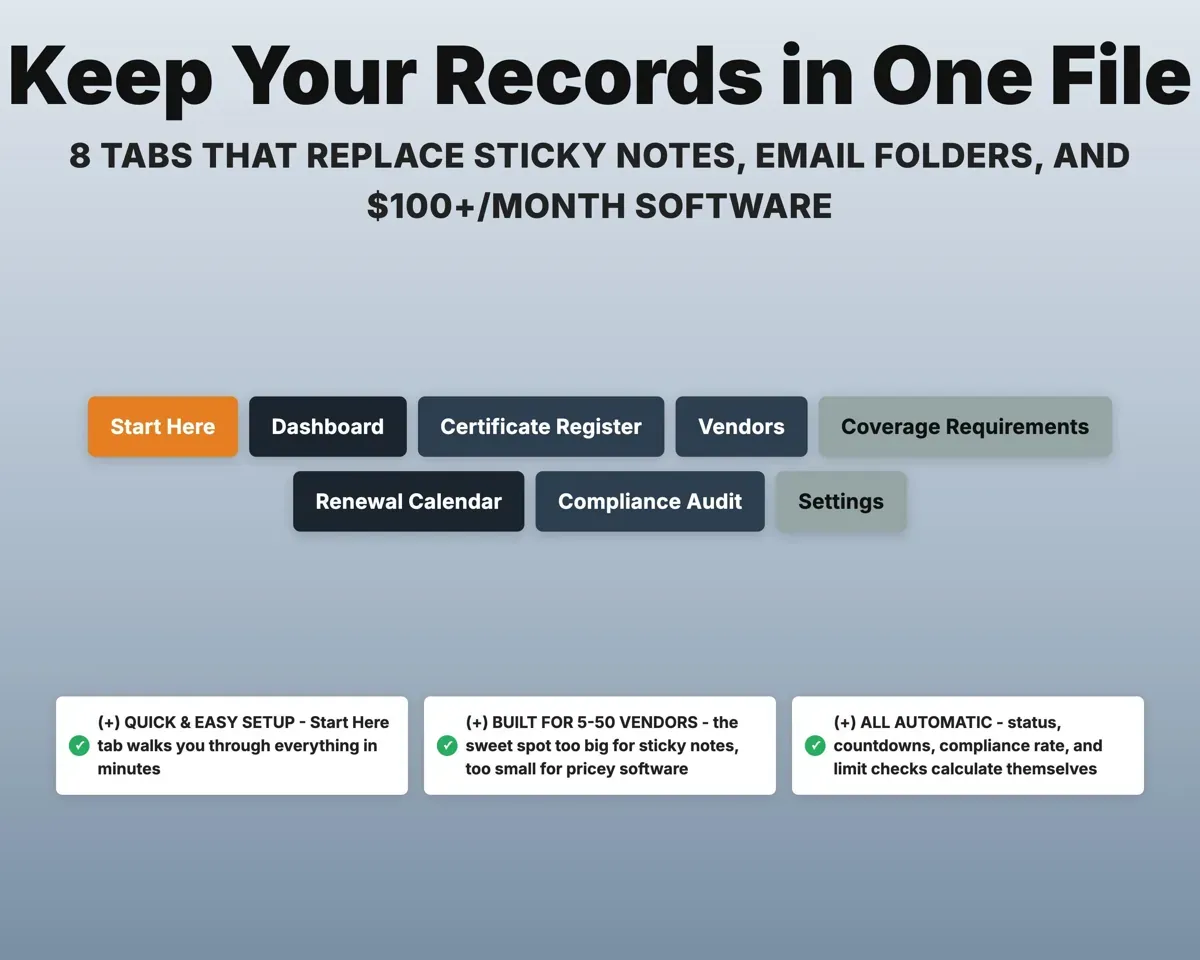
Your other tabsCompliance rate8 tabs in one file
- Start Here
- Dashboard
- Certificate Register
- Vendors
- Coverage Requirements
- Renewal Calendar
- Compliance Audit
- Settings
- Start Here
- A quick walkthrough to get you started.
- Dashboard
- Compliance rate, expiring counts and what needs action.
- Certificate Register
- Every COI with carrier, limits, dates and status.
- Vendors
- Vendor contacts plus each one's insurance agent.
- Coverage Requirements
- Minimum limits you require for each coverage type.
- Renewal Calendar
- Certificates in order of who expires next.
- Compliance Audit
- An endorsement checklist with a Compliant? flag per vendor.
- Settings
- Business info, warning window and dropdown lists.
Pair it with
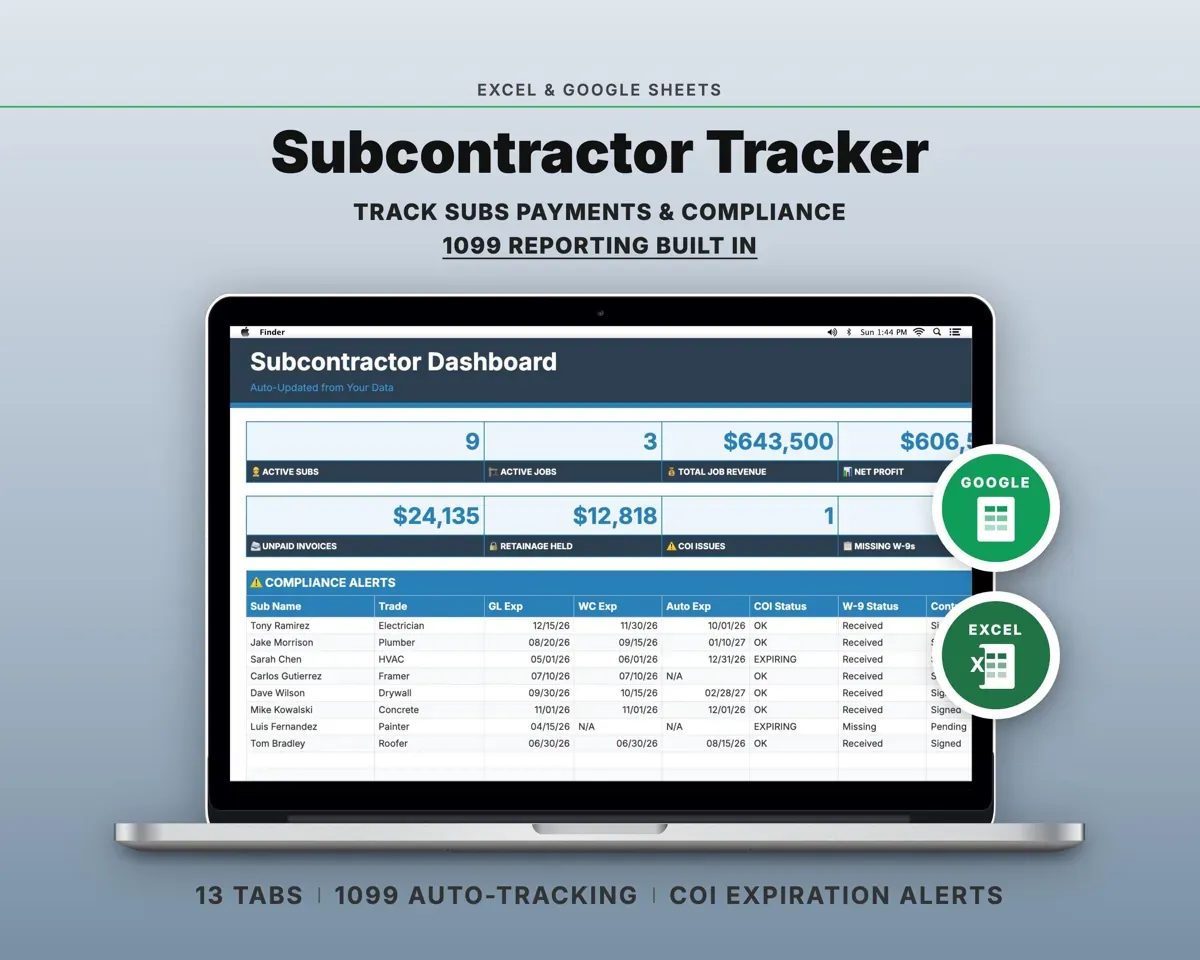
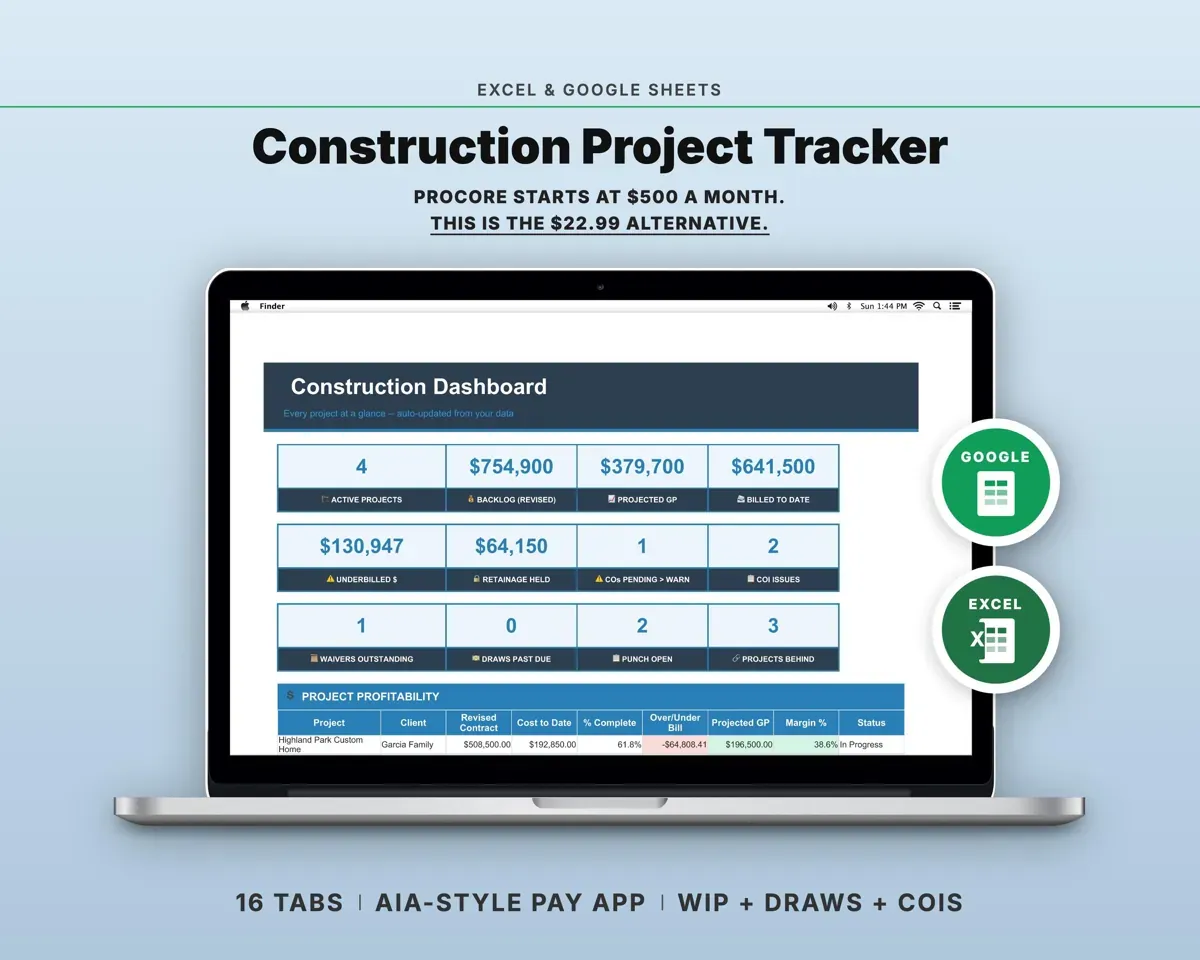
“Excellent! Very easy to use.”
“Nice Organization for 4H projects”
Before you buy
How many vendors can it handle?
It is built for about 5 to 50 vendors and has room for up to 500 certificate rows.
Can I set my own requirements?
Yes. Set minimum limits for each coverage type on the Coverage Requirements tab, and choose on Settings how many days ahead the expiring-soon warning starts.
Does it confirm a certificate is valid?
No. It organizes what each certificate says and checks it against your requirements. Confirming coverage with the carrier or agent is still up to you.
What do I get?
An Excel file (.xlsx), a filled-in sample to look at, and a quick-start PDF guide with a link that makes your own copy in Google Sheets.
How does delivery work?
You get your download links right after checkout, and Stripe emails your receipt. There is nothing to ship and nothing to wait for.
How do I set it up in Google Sheets?
Open the quick-start PDF and click the Google Sheets link. Google makes a copy in your own Drive that only you can edit. You need a free Google account.
Will it work on a Mac?
Yes. It works in Excel on Mac and Windows, and in Google Sheets in any browser.
I'm not a spreadsheet person. Is that a problem?
No. You only type in the yellow cells. Everything in gray works itself out, and the Start Here tab shows you where to begin.
Can I get a refund?
Templates are digital downloads, so sales are final. If a file won't open, is broken or doesn't match its description, email hello@cleanpixelstudios.com within 30 days and we'll fix it, or refund you if we can't.
What if I get stuck?
Email hello@cleanpixelstudios.com and we'll help you get it working.
More in Small business & money
See all Small business & money templates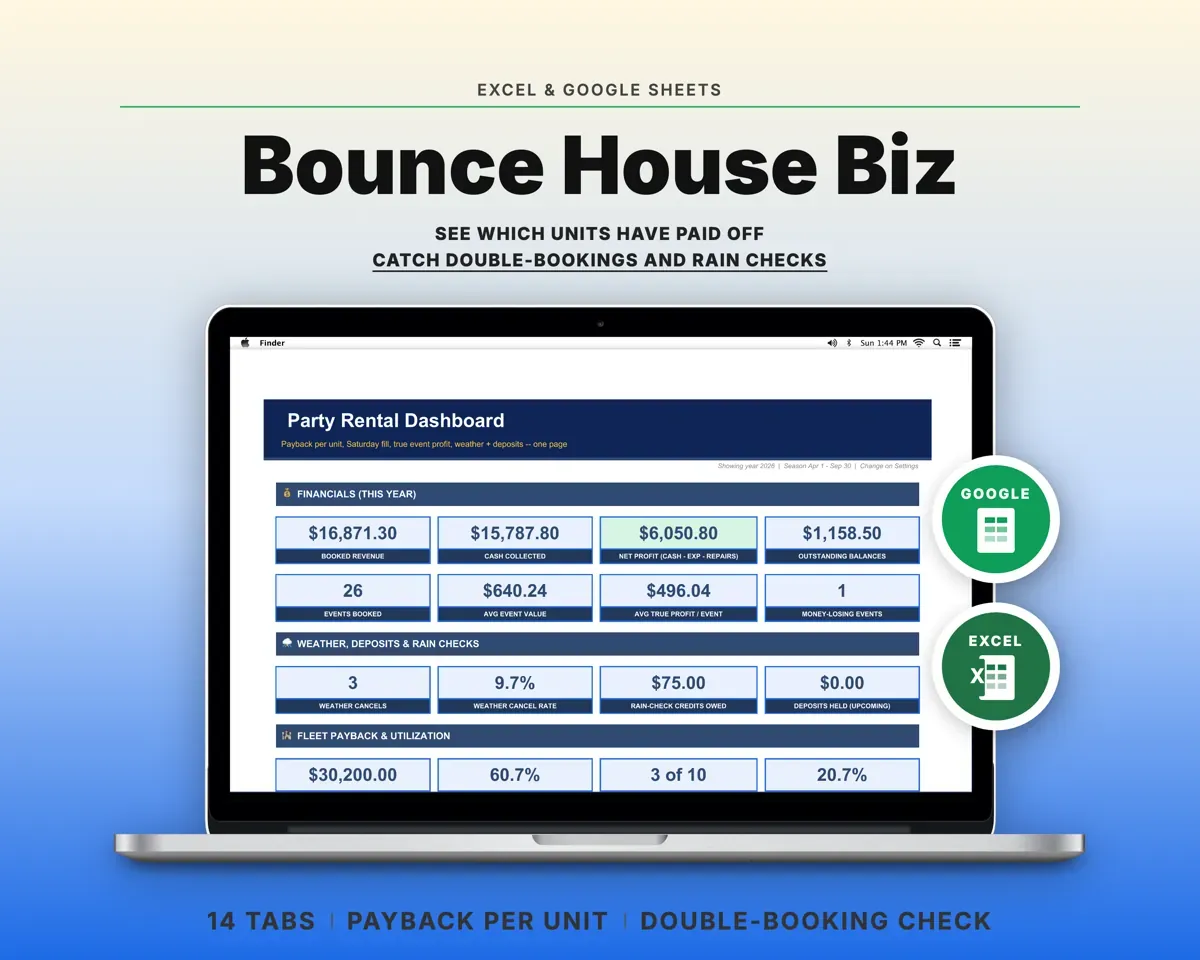
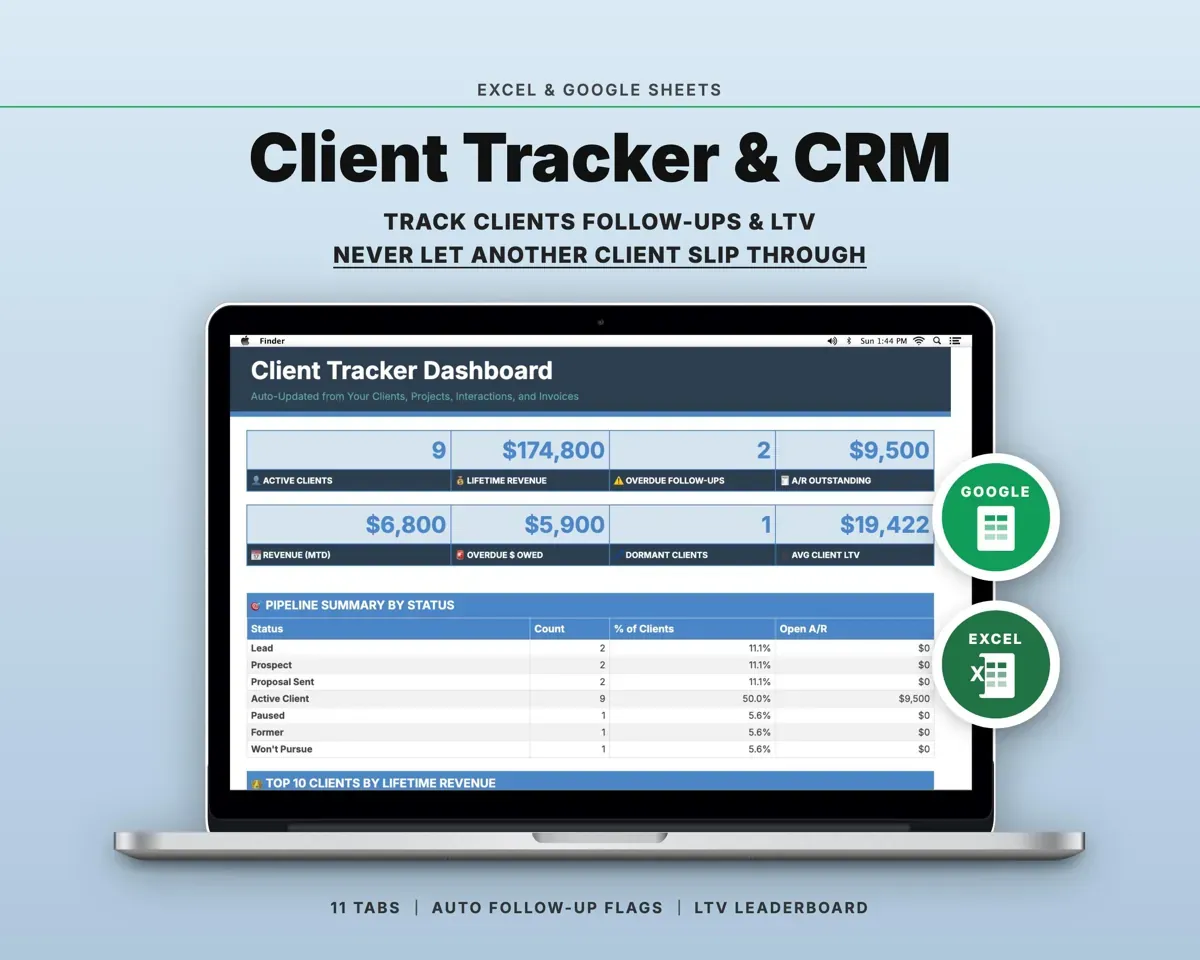
 Made by Clean Pixel Studios
We start every template by reading what people in that line of work say they struggle with, then build the spreadsheet around those problems. This one was made for contractors and property managers and nobody else.
How we build templatesVendor COI Tracker Spreadsheet$14.99 · Excel + Google Sheets