
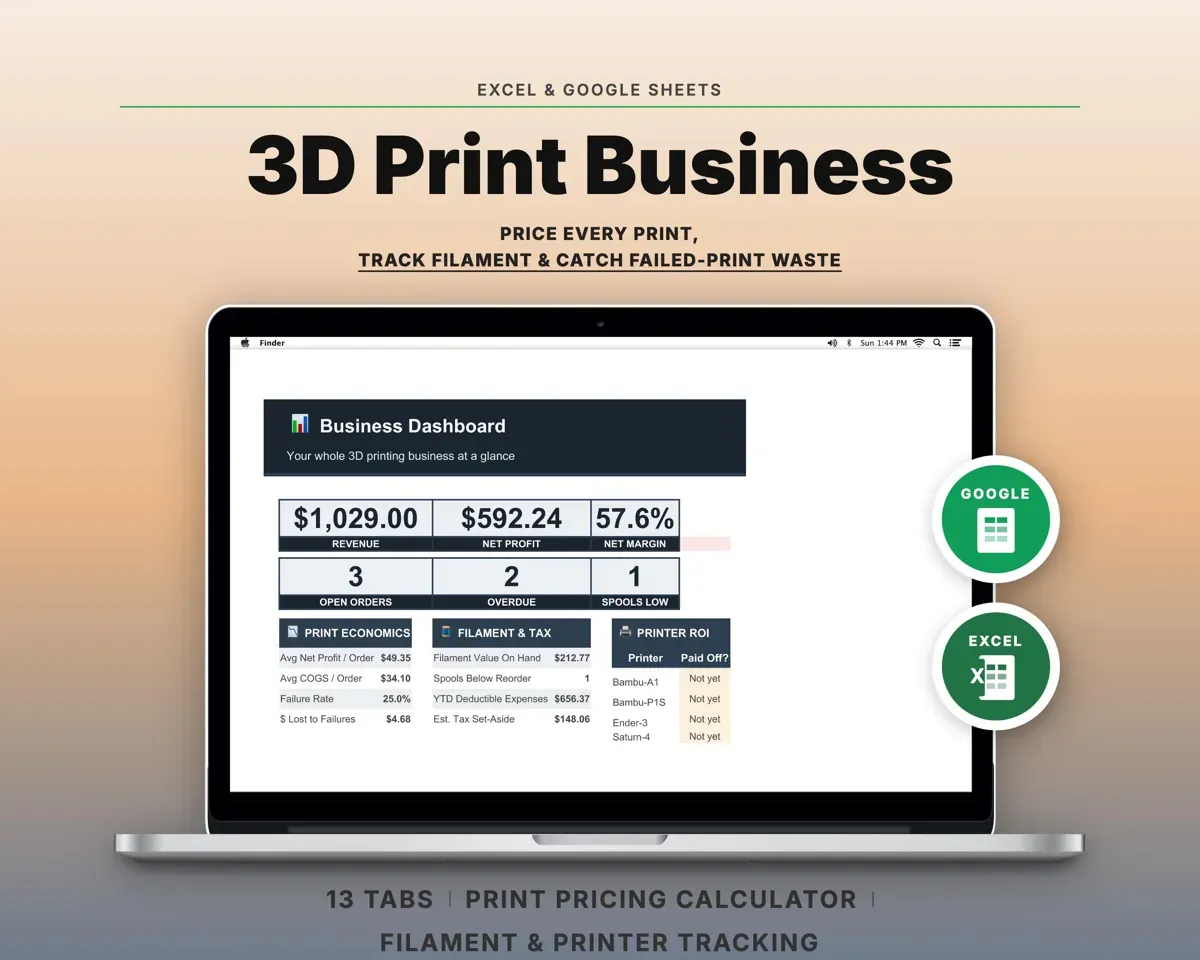
How to price a 3D print
Filament is usually not the biggest cost of a print you sell. Your time and the wear on the printer often cost more. This calculator adds every cost for one item, then sets a price that still leaves your profit after the marketplace takes its cut.
1. Material
Divide the spool price by the grams on the spool to get a price per gram. Multiply by the part weight from your slicer, with supports included. Then add a waste allowance for purge, brims, test pieces and failed prints. If you track failures, use your real failure rate here.
2. Electricity
Watts divided by 1,000 gives kilowatts. Multiply by print hours to get kWh, then by your rate. Prusa measured an average of 80 W on an MK-series printer printing PLA and 120 W printing ABS. Enclosed and larger printers can draw more, and the first few minutes of heating draw much more than the average. The EIA reports a U.S. average residential price of 18.31 cents per kWh for July 2026. Your bill shows your own rate, which can be far from the average.
3. Machine wear
A printer wears out with use, so its cost belongs in each print. Divide the printer price by the print hours you expect to get from it. That is straight-line depreciation spread over hours of use, the same idea as the units-of-production method in IRS Publication 946. Add a per-hour figure for nozzles, belts, build plates and other parts. The lifetime and maintenance numbers are your estimates; there is no published standard.
4. Labor and other costs
Count the minutes you spend on the item: slicing, loading, removing supports, sanding and packing. Multiply by an hourly rate you would accept. Add packaging, inserts or hardware per order.
5. Markup or margin, then fees
Markup is profit as a share of cost. Margin is profit as a share of the price. A 50% markup on a $10 cost gives a $15 price, which is a 33% margin. A 50% margin on the same cost needs a $20 price. Pick the one you think in. The calculator shows both for the result.
Marketplace and payment fees are charged on the sale price. So the calculator divides by one minus the fee, which keeps your full markup or margin after the fee comes off. Fees differ by platform and change over time, so check your platform's current fee page and enter the combined rate.
Worked example
A 60 g PLA part from a $25 1 kg spool with a 10% waste allowance. It prints in 4 hours at 80 W, with power at $0.18 per kWh. The printer cost $800 and should last 5,000 print hours, plus $0.10 an hour in maintenance. Labor is 15 minutes at $20 an hour, and packaging is $1.50. The seller uses a 50% markup and a 10% fee.
| Material: 66 g at $0.025 per g | $1.65 |
|---|---|
| Electricity: 0.32 kWh | $0.06 |
| Machine wear: $0.26 an hour | $1.04 |
| Labor | $5.00 |
| Packaging | $1.50 |
| Total cost | $9.25 |
| Price with 50% markup and 10% fee | $15.41 |
| Less marketplace fee | −$1.54 |
| Profit per item | $4.62 |
Electricity is only $0.06 of the $9.25 cost, while labor is $5.00. The $15.41 price leaves $4.62 after the fee: a 50.0% markup on cost and a 30.0% margin on price. If the seller had asked for a 50% margin instead, the price would be $23.12. Selling below the $10.28 break-even price loses money on every order.
Things this does not cover
It prices one item at a time. It does not add design time for a new model, shipping charged to the buyer, sales tax, or income tax. Multi-color prints with heavy purge waste may need a higher waste allowance. For a print farm, the real failure rate and real printer hours from your own records will beat any default.
Sources
- Prusa Research: FAQ, average power consumption of MK-series printers
- U.S. EIA: Electric Power Monthly, Table 5.6.A, average price of electricity by state and sector
- AccountingTools: The difference between margin and markup
- IRS Publication 946: How to Depreciate Property (straight-line and units-of-production methods)