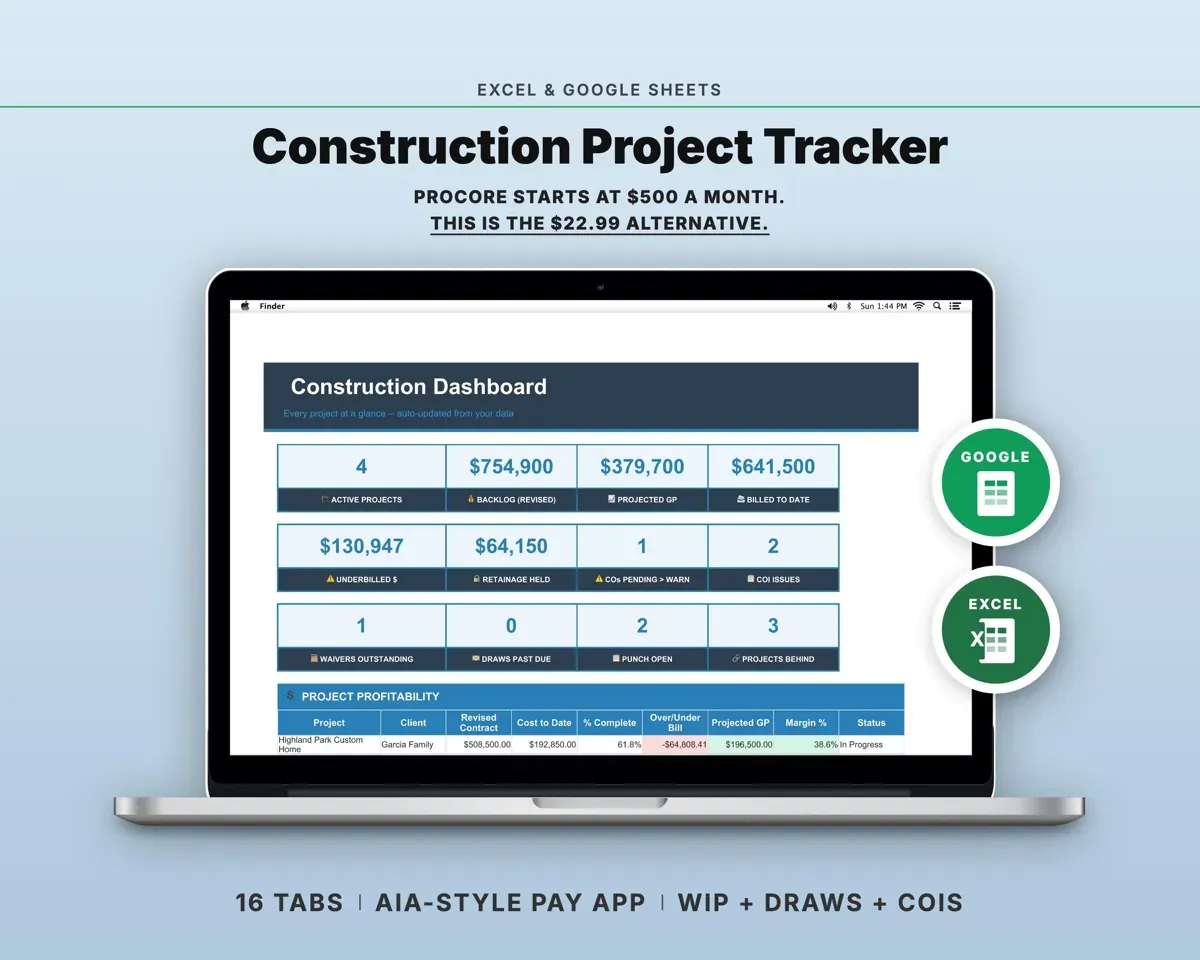
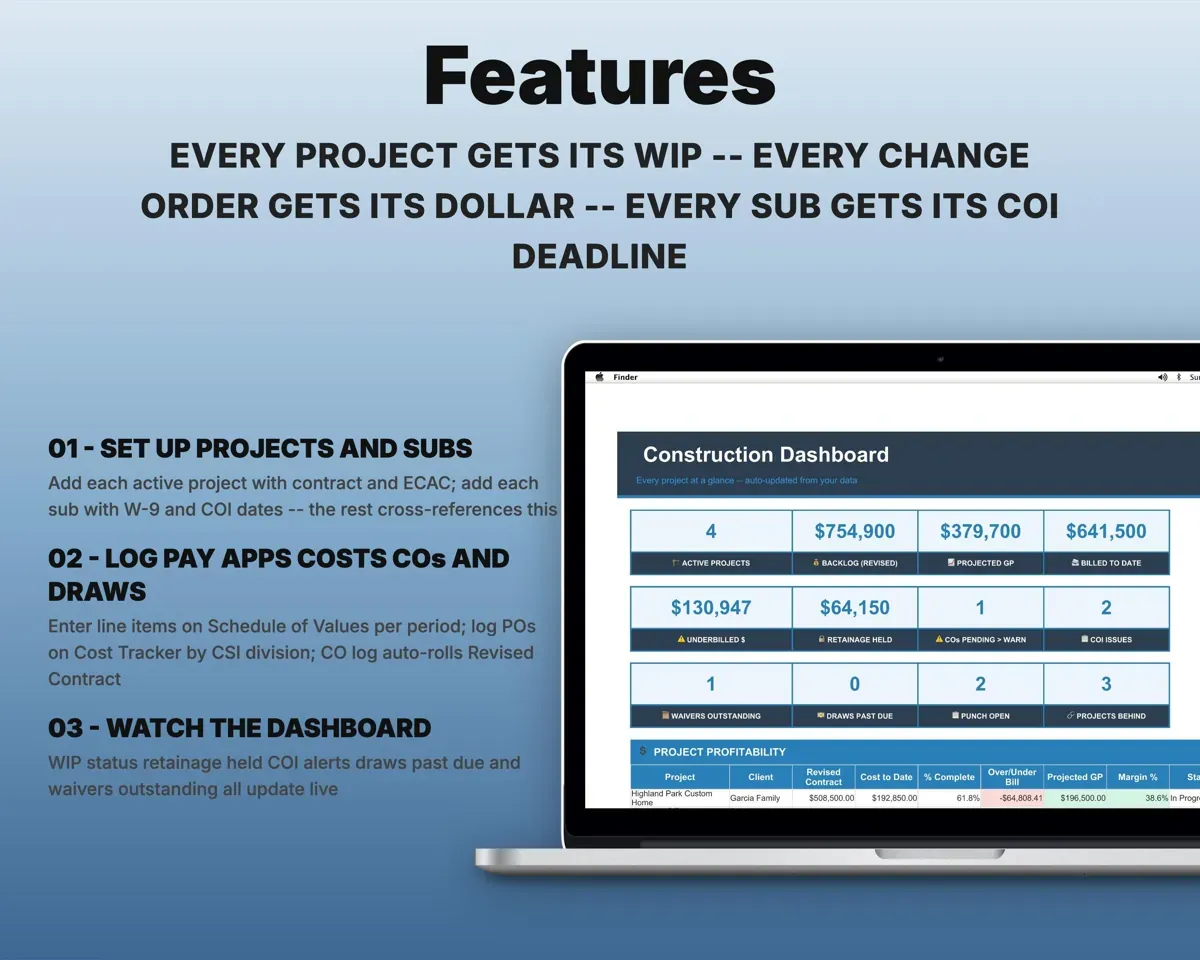
Built around the jobs general contractors actually do
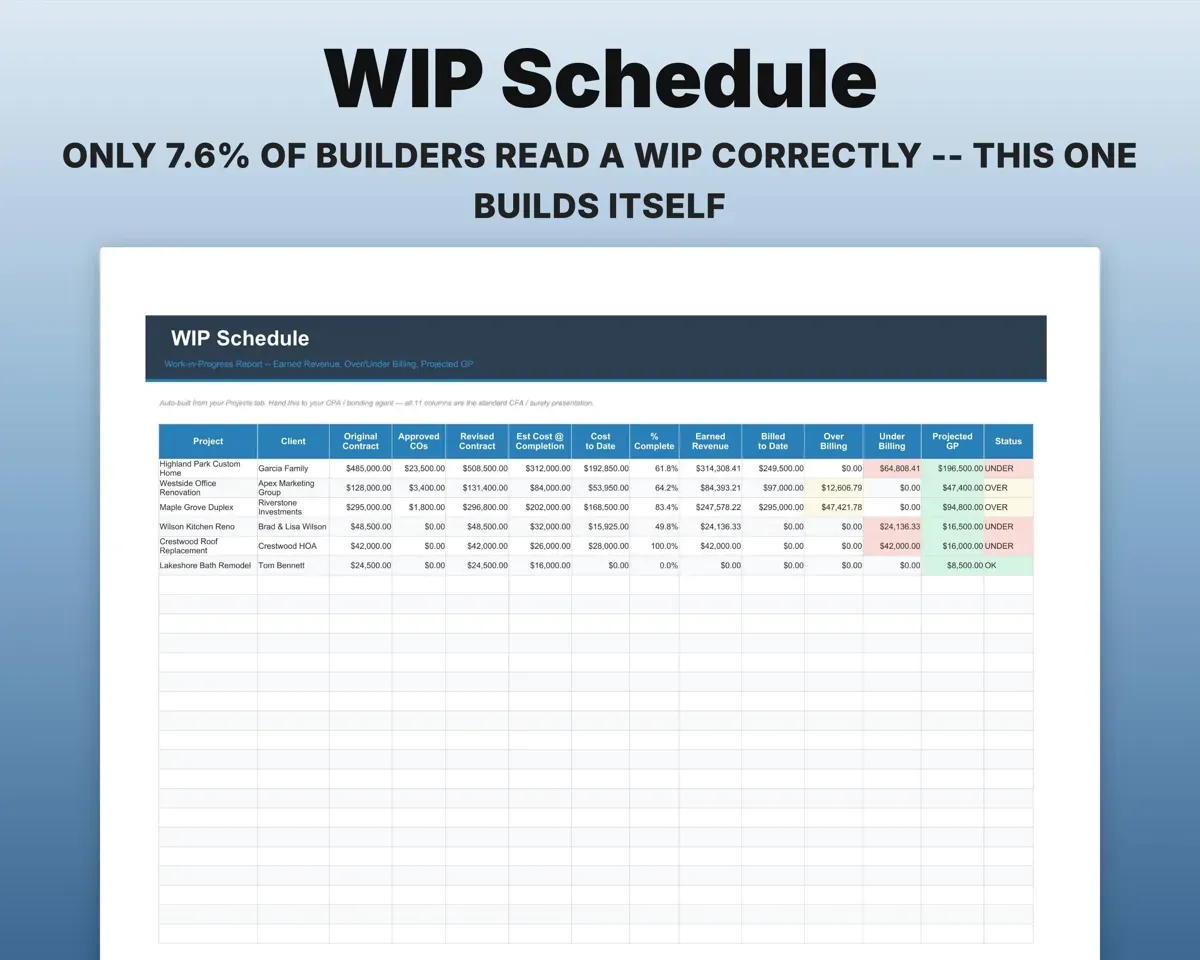
Hand your CPA a clean WIP schedule
Eleven standard columns from original contract to projected gross profit, with cost-to-cost percent complete and over or under billing flagged per project.
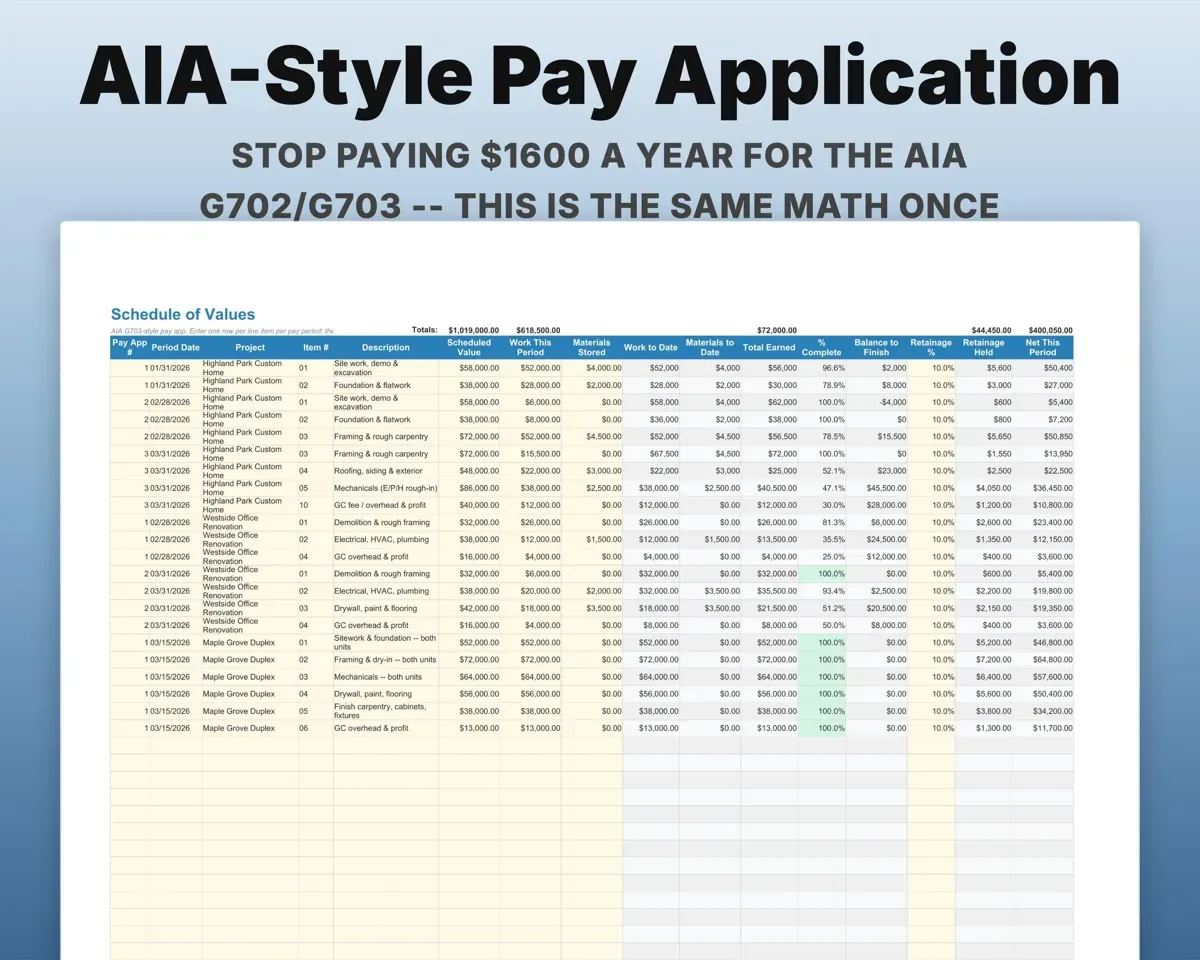
Costs, billingsOver or under billedBuild pay apps in the G703 layout
Schedule of Values follows the G703 columns, one row per line per period, with retainage defaulted from Settings and changeable per line.
Work this periodNet this periodKeep scope changes from eating margin
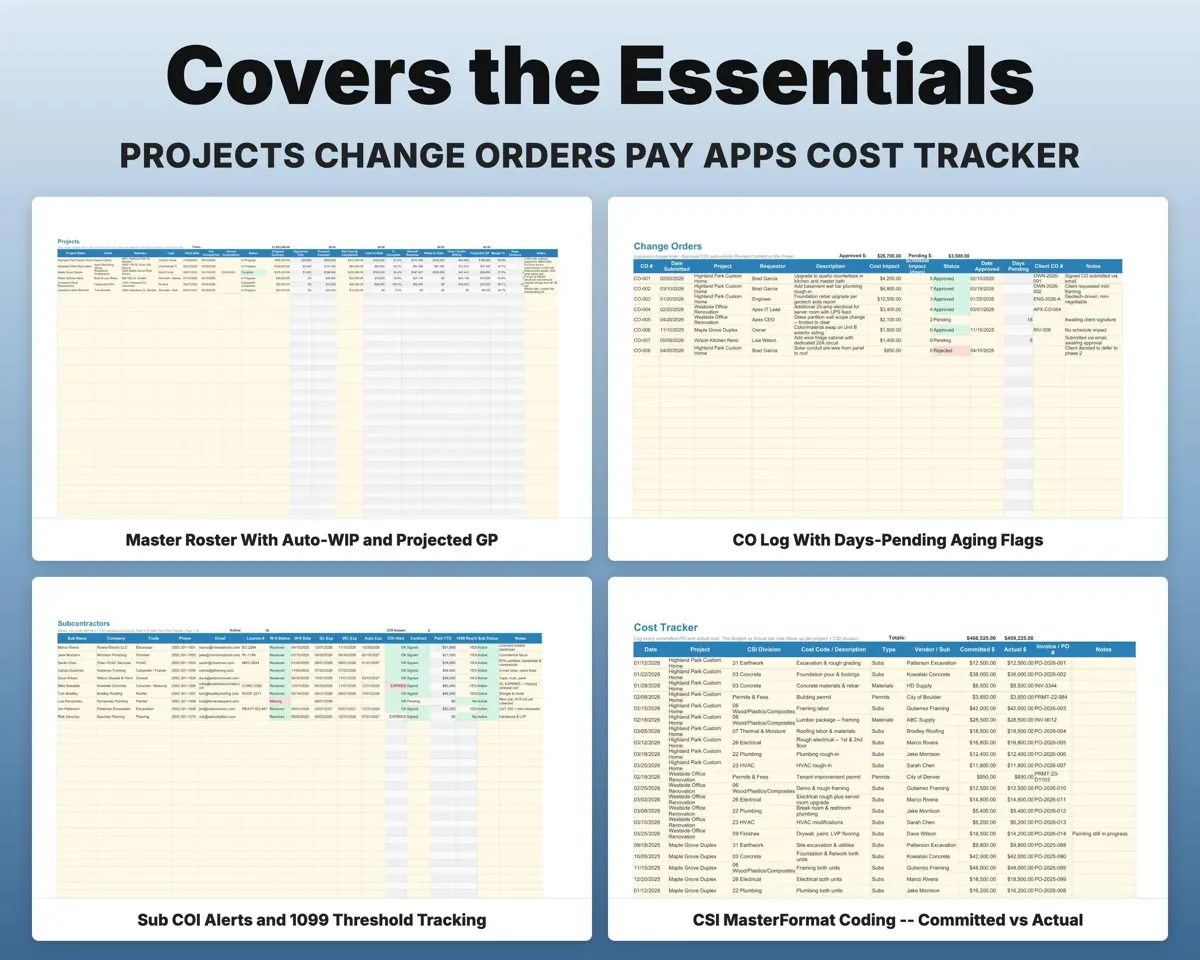
Log cost and schedule impact for each change. Pending ones count days open and turn red past your limit, and approved ones roll into the revised contract.
Cost, days impactRevised contractDraw on the construction loan on time
Ten milestones from permits to final, each with target, submitted, approved, inspected and paid dates, and the amount worked out from percent of loan.
Milestone datesDraw amountKnow whose insurance is lapsing
GL, workers comp and auto expiration dates per sub flag Expiring and Expired, next to W-9 status, license and a 1099 flag once pay crosses the IRS threshold.
COI expiration datesExpiring alertsCollect every lien waiver
Log each conditional or unconditional, progress or final waiver. Anything outstanding past 30 days is marked past due.
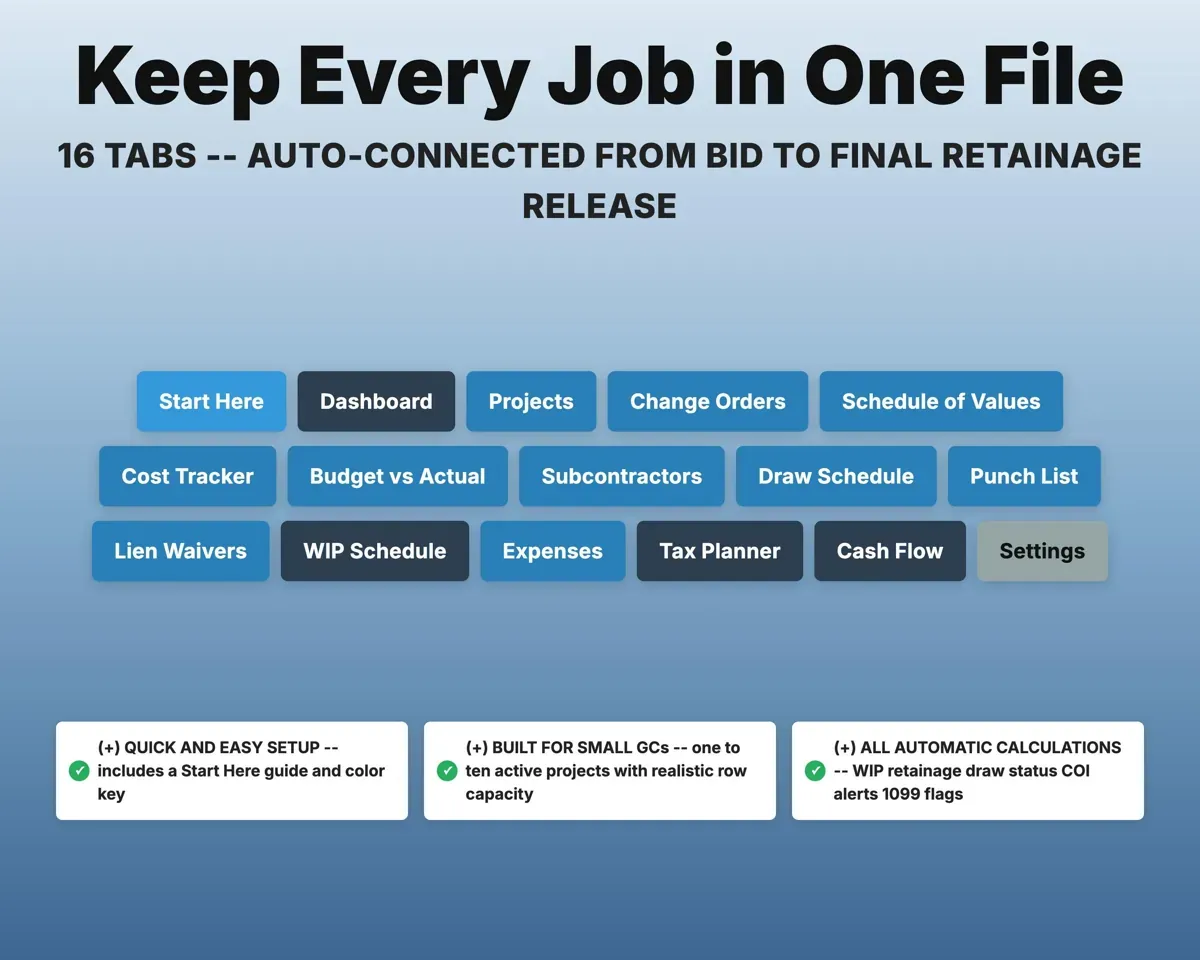
Waiver requestedPast due waivers16 tabs in one file
- Start Here
- Dashboard
- Projects
- Change Orders
- Schedule of Values
- Cost Tracker
- Budget vs Actual
- Subcontractors
- Draw Schedule
- Punch List
- Lien Waivers
- WIP Schedule
- Expenses
- Tax Planner
- Cash Flow
- Settings
- Start Here
- Guided setup and color key.
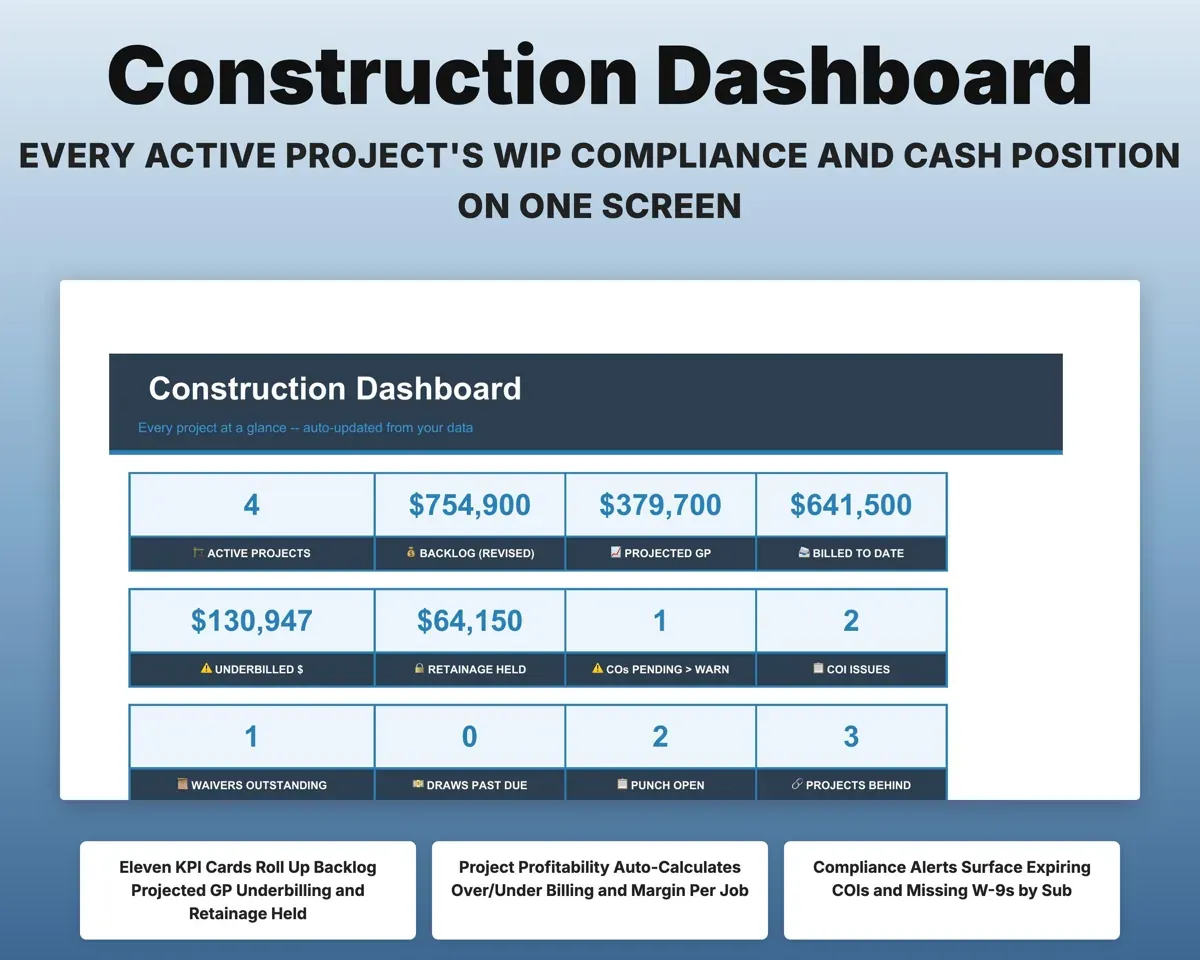
- Dashboard
- Eleven KPIs rolled up across every active job.
- Projects
- Every job with WIP, percent complete and projected profit.
- Change Orders
- Change orders with aging flags and contract rollup.
- Schedule of Values
- G703-style pay app across billing periods.
- Cost Tracker
- Committed and actual costs by CSI division.
- Budget vs Actual
- Variance by project and division with flags.
- Subcontractors
- W-9, insurance, license and paid to date per sub.
- Draw Schedule
- Ten-milestone lender draws with past-due flags.
- Punch List
- Completion items by project, trade and priority.
- Lien Waivers
- Every waiver by type with past-due flags.
- WIP Schedule
- Work-in-progress report for your CPA or surety.
- Expenses
- Costs matched to Schedule C with a deductible flag.
- Tax Planner
- Quarterly estimated tax with self-employment tax.
- Cash Flow
- Twelve months of revenue against expenses.
- Settings
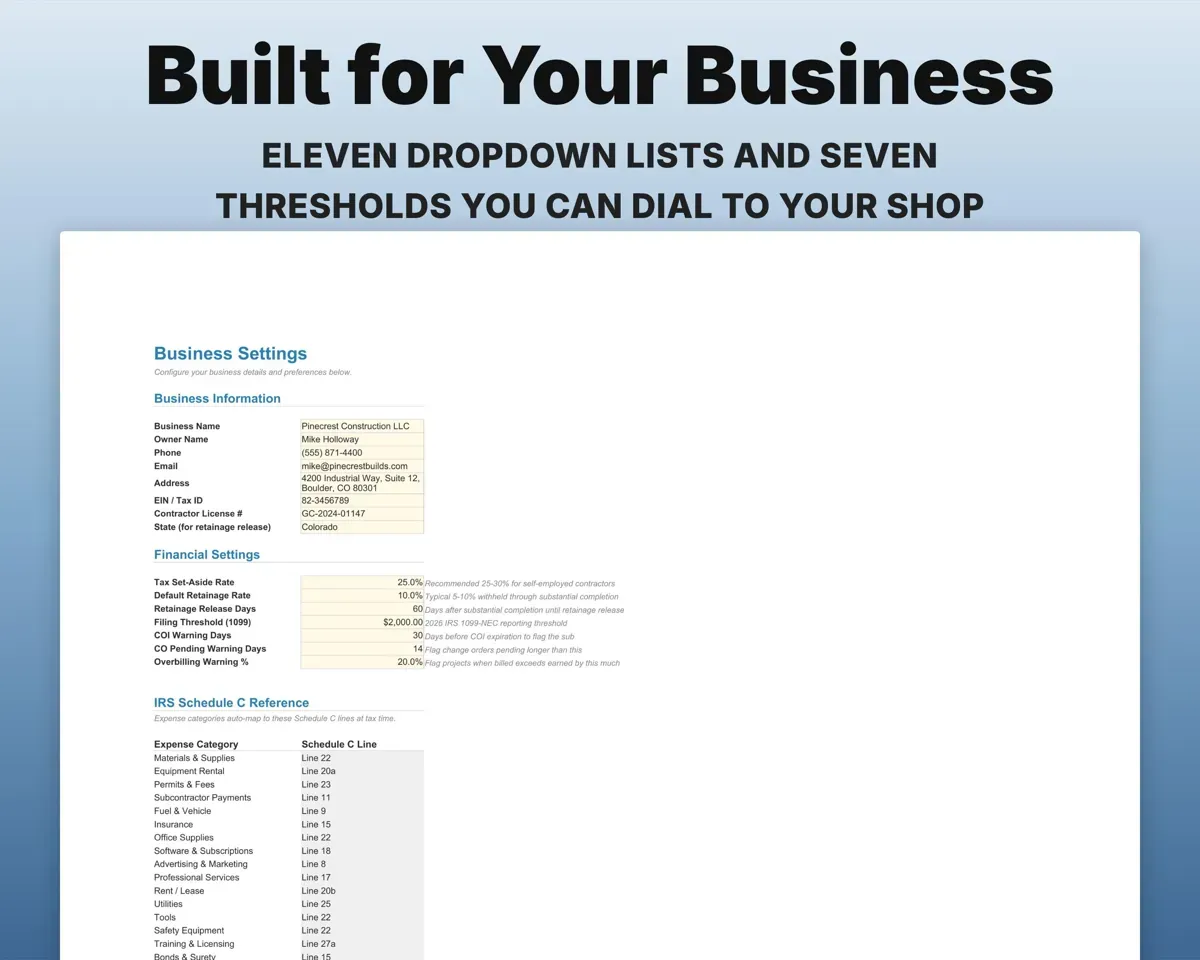
- Retainage rate, warning days, business info and lists.
Pair it with
“Excellent! Very easy to use.”
“Nice Organization for 4H projects”
Before you buy
Is the Schedule of Values the actual AIA form?
It uses the same layout, columns and math as the G702 and G703, but it is not the AIA's trademarked PDF.
Can retainage differ by project?
Yes. Settings holds your default, and each Schedule of Values row has its own retainage percent you can change per project or line.
What if my draws do not follow ten milestones?
Edit the milestone list on Settings. The Draw Schedule takes as many draws per project as you need.
Is this accounting advice?
No. It organizes your numbers. Check revenue recognition with your CPA and bonding questions with your surety.
What do I get?
An Excel file (.xlsx), a filled-in sample to look at, and a quick-start PDF guide with a link that makes your own copy in Google Sheets.
How does delivery work?
You get your download links right after checkout, and Stripe emails your receipt. There is nothing to ship and nothing to wait for.
How do I set it up in Google Sheets?
Open the quick-start PDF and click the Google Sheets link. Google makes a copy in your own Drive that only you can edit. You need a free Google account.
Will it work on a Mac?
Yes. It works in Excel on Mac and Windows, and in Google Sheets in any browser.
I'm not a spreadsheet person. Is that a problem?
No. You only type in the yellow cells. Everything in gray works itself out, and the Start Here tab shows you where to begin.
Can I get a refund?
Templates are digital downloads, so sales are final. If a file won't open, is broken or doesn't match its description, email hello@cleanpixelstudios.com within 30 days and we'll fix it, or refund you if we can't.
What if I get stuck?
Email hello@cleanpixelstudios.com and we'll help you get it working.
More in Trades & contractors
See all Trades & contractors templates
 Made by Clean Pixel Studios
We start every template by reading what people in that line of work say they struggle with, then build the spreadsheet around those problems. This one was made for general contractors and nobody else.
How we build templatesConstruction Project Tracker$22.99 · Excel + Google Sheets