Built around the jobs contractors actually do
Get every change signed first
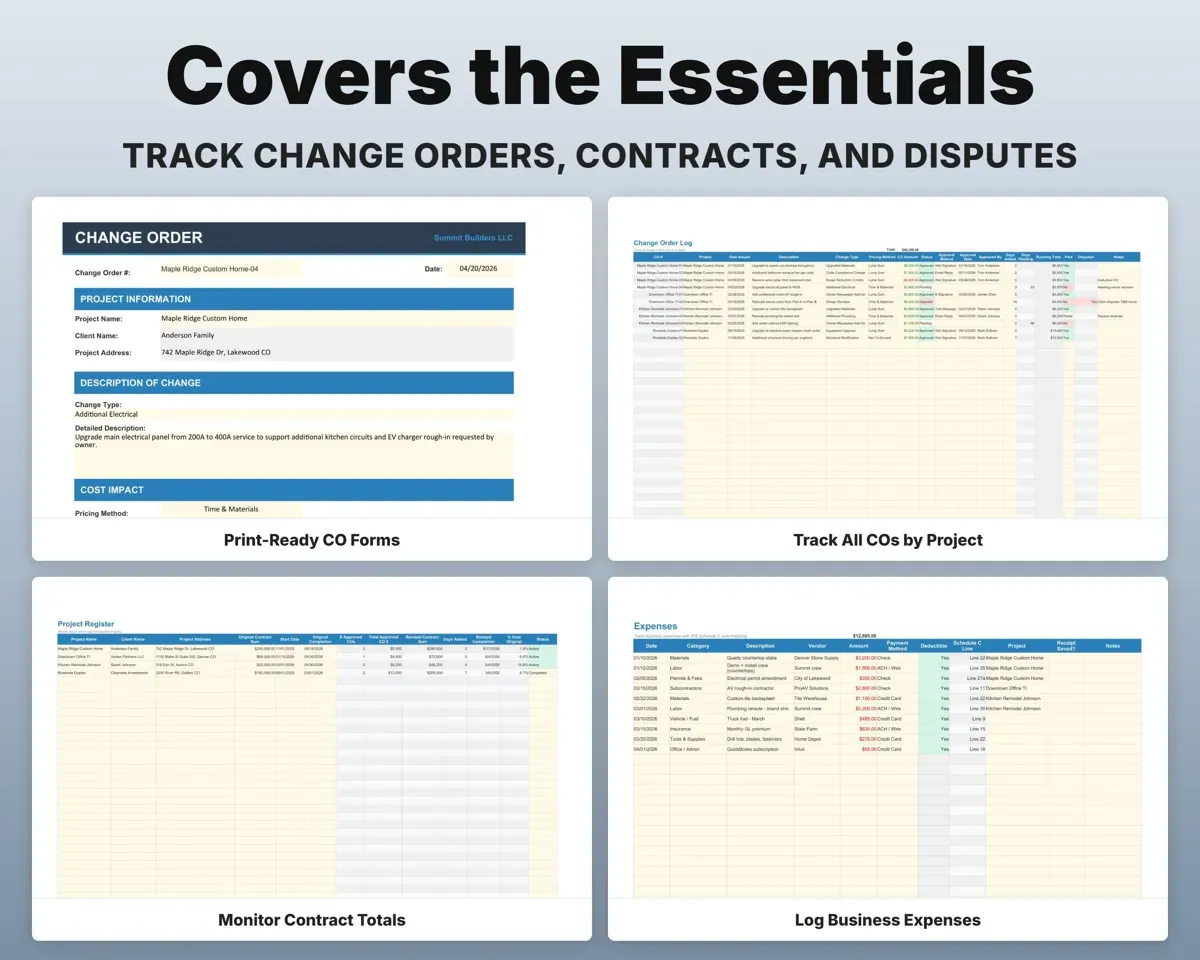
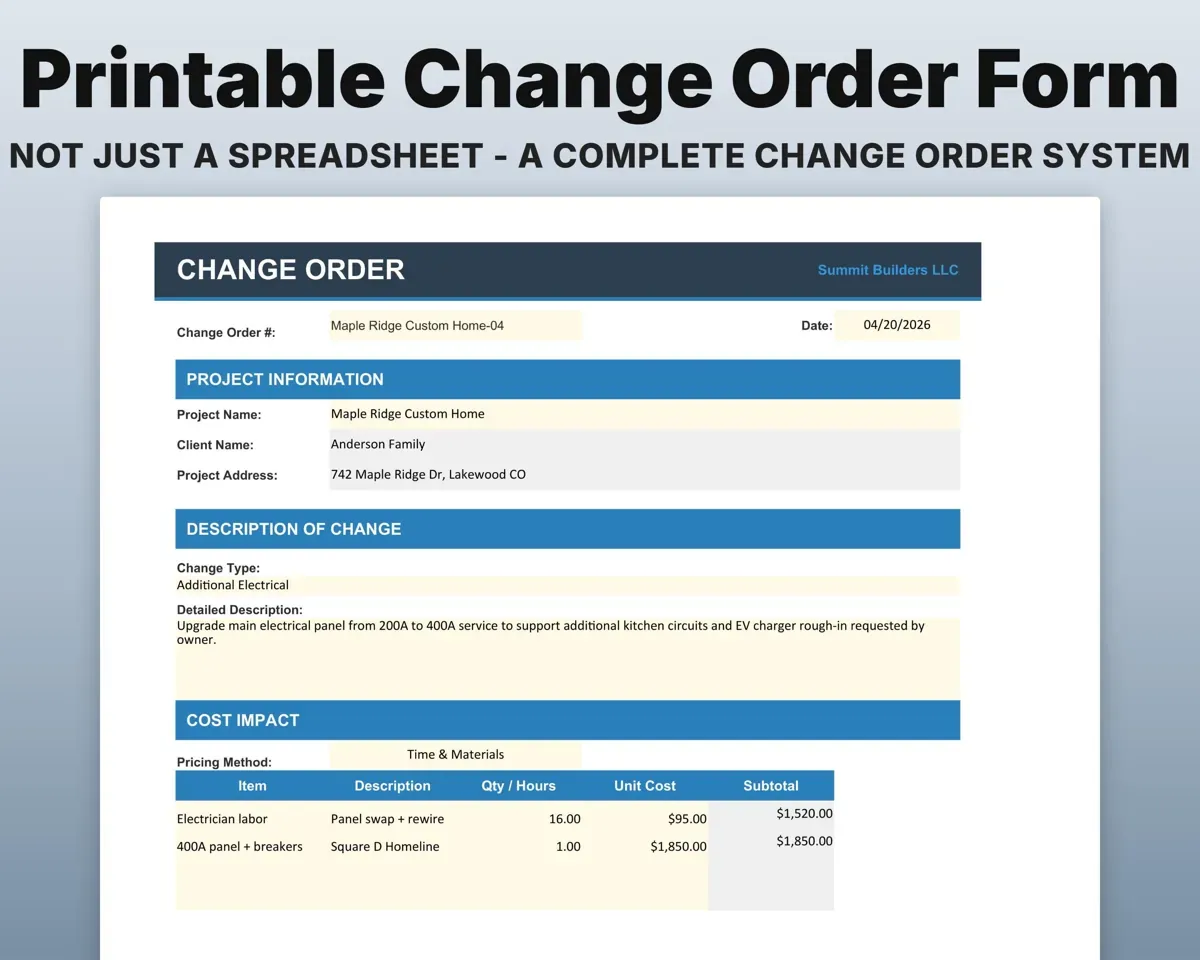
A printable one-page form in the AIA G701 style with the contract summary, a cost breakdown with your markup, and signature lines for you and the client.
Change, cost linesSigned CO formShow the revised contract sum
Each form pulls the original contract and prior approved changes, then works out the new total. Days added roll into a revised completion date.
Original contractRevised contract sumTrack change orders across jobs
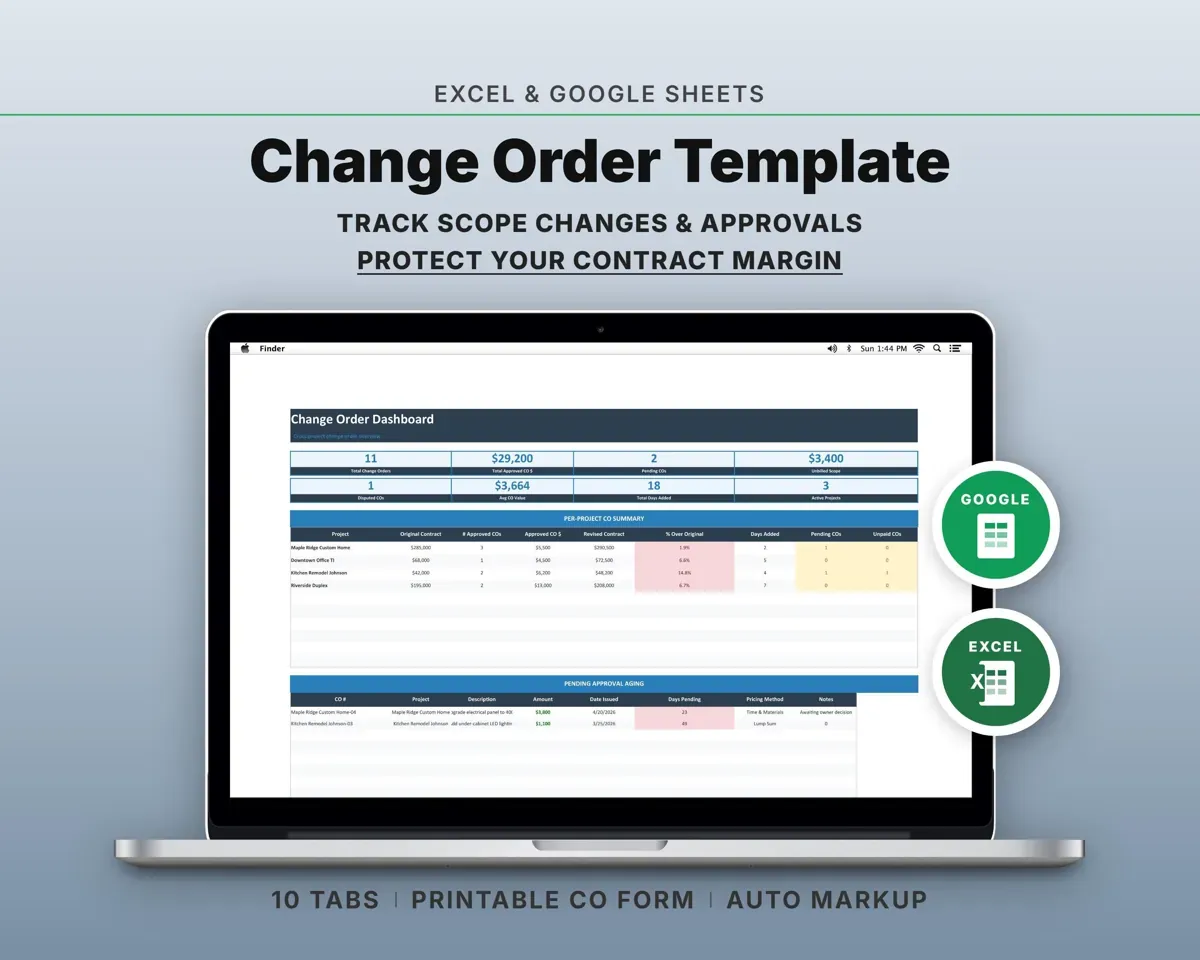
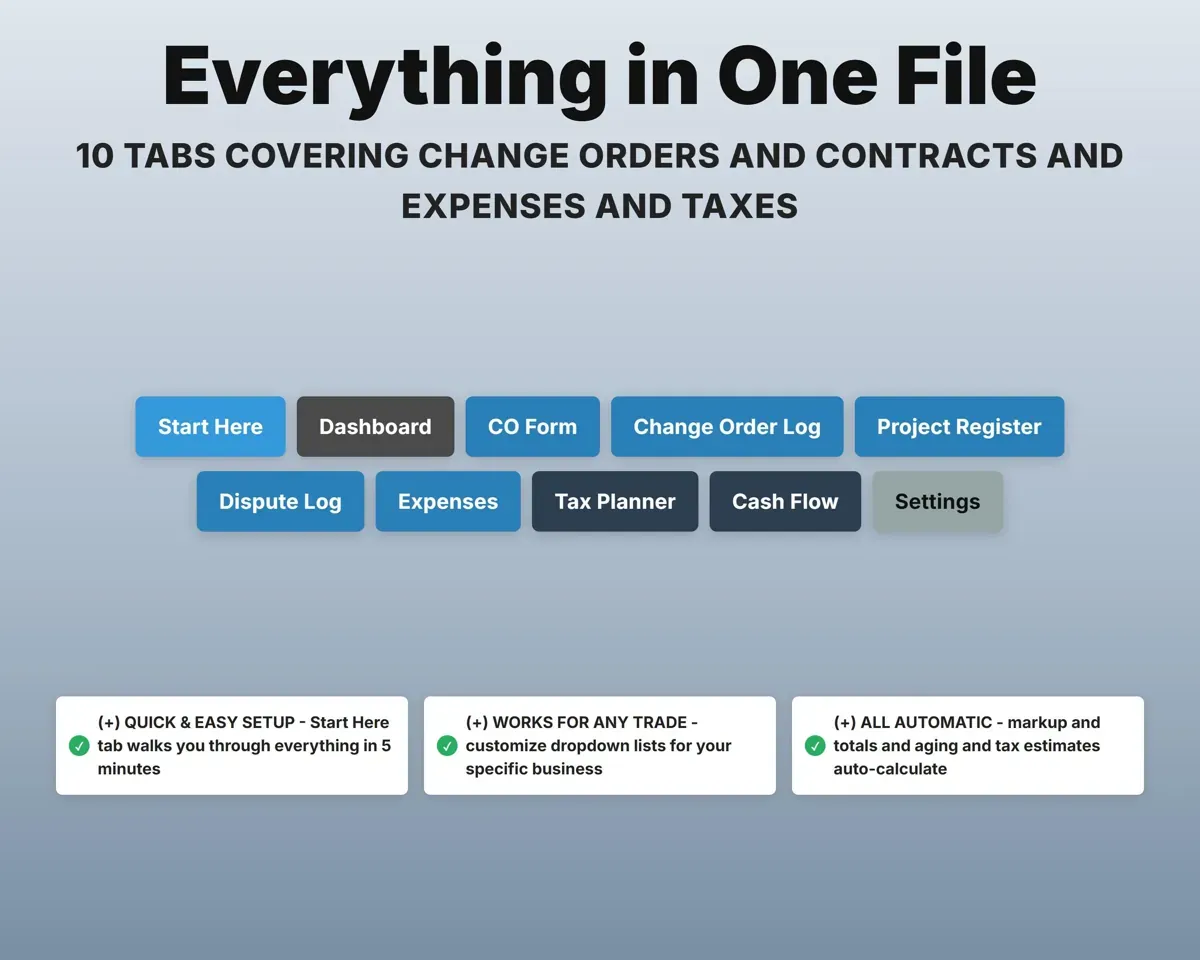
One log for all projects with automatic numbering per project, status, approval method and paid or unpaid.
Status, approvalCO numbersSee which approvals are stuck
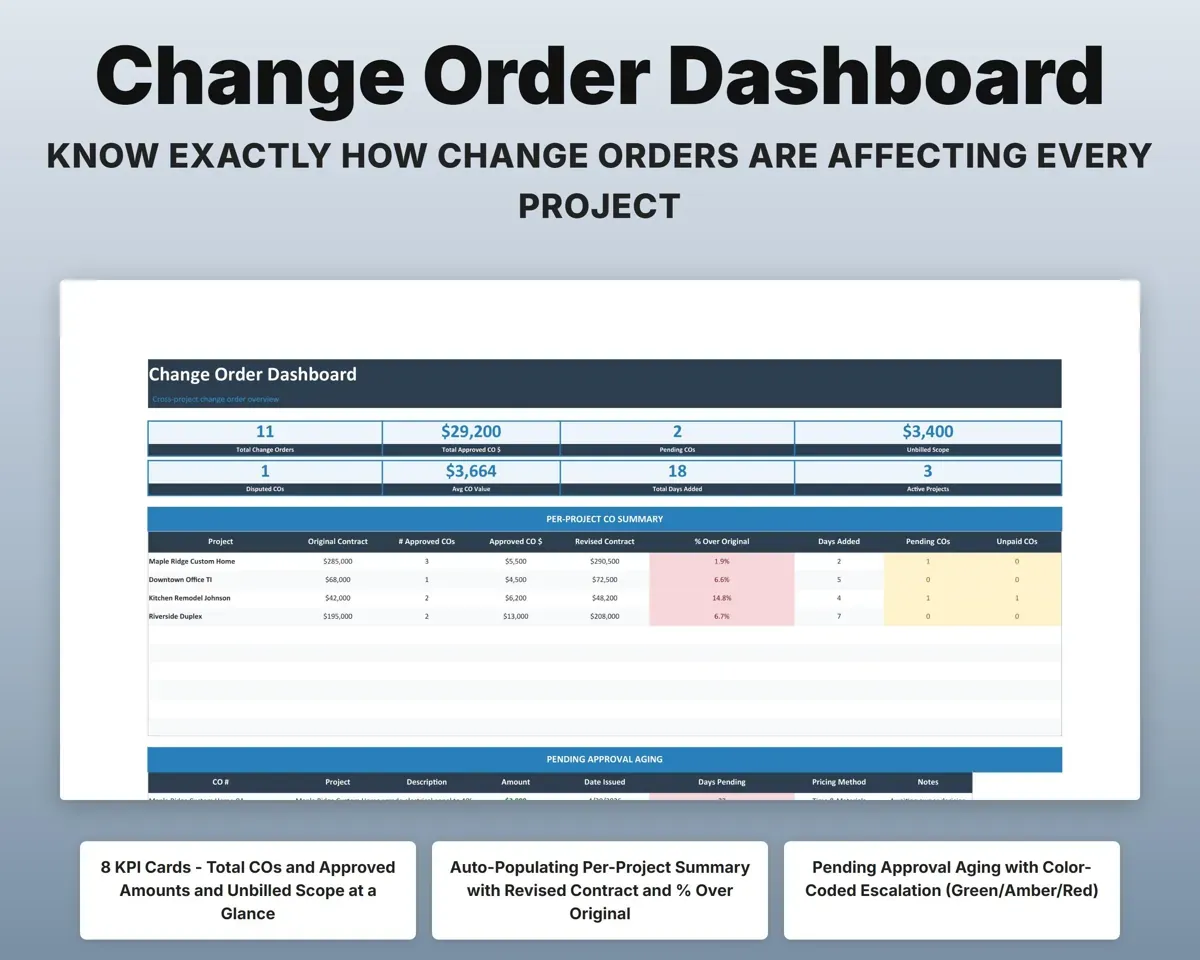
Pending changes age in color: green under a day, amber at 1 to 3 days, red past 3. The Dashboard shows unbilled scope.
Date sentDays pendingDocument a dispute
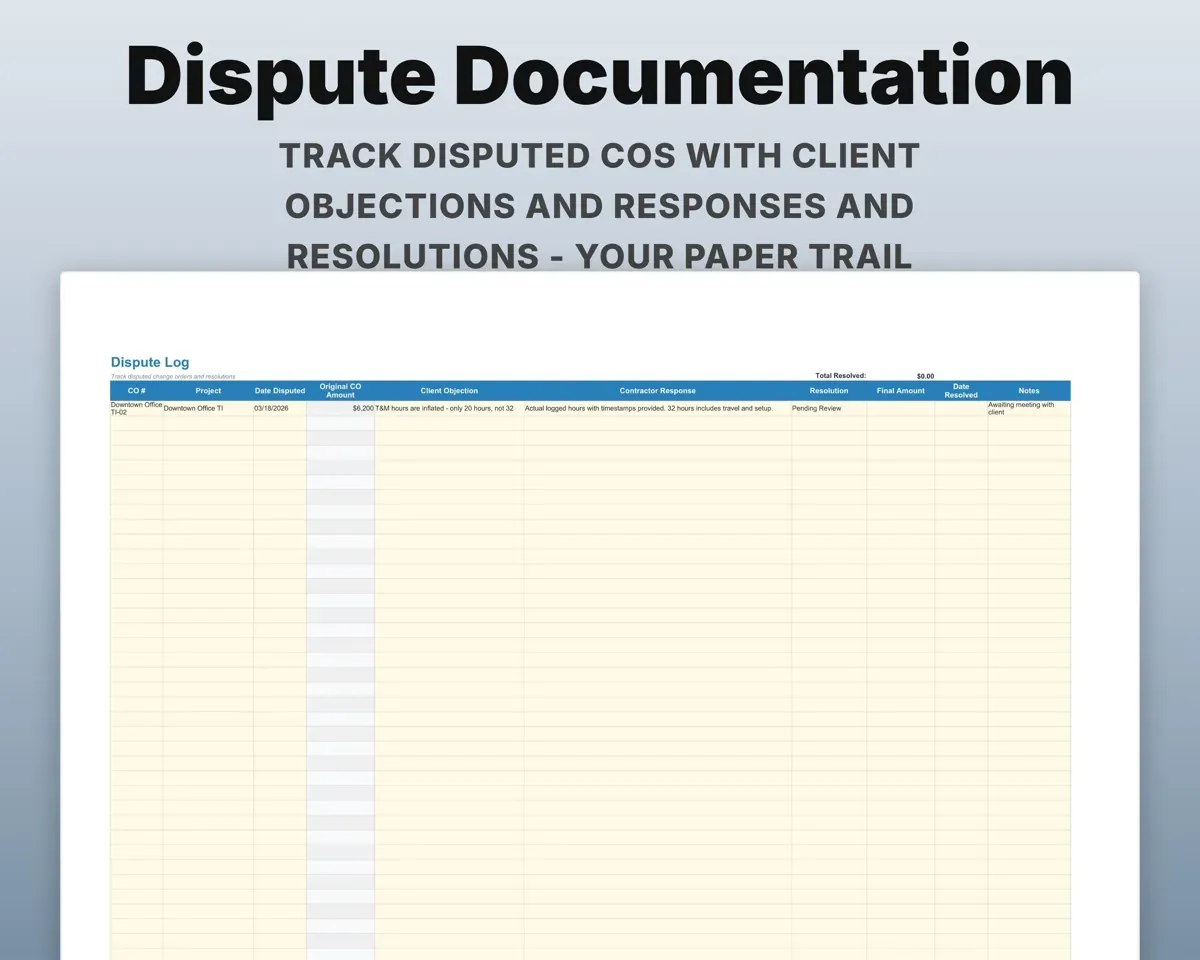
Record the client's objection, your response, how it was resolved and the final amount next to the original change.
Objection, responseFinal amountPair it with
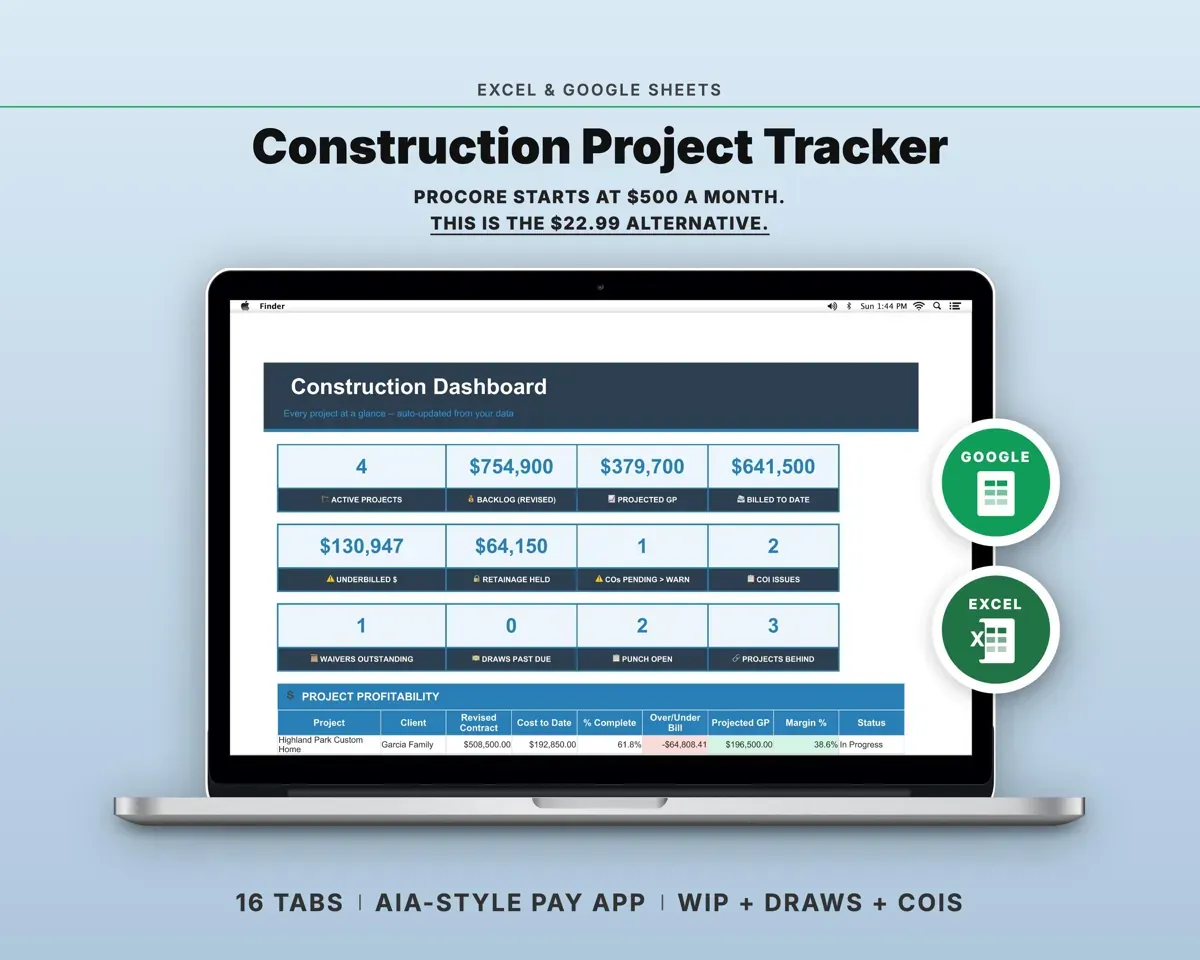
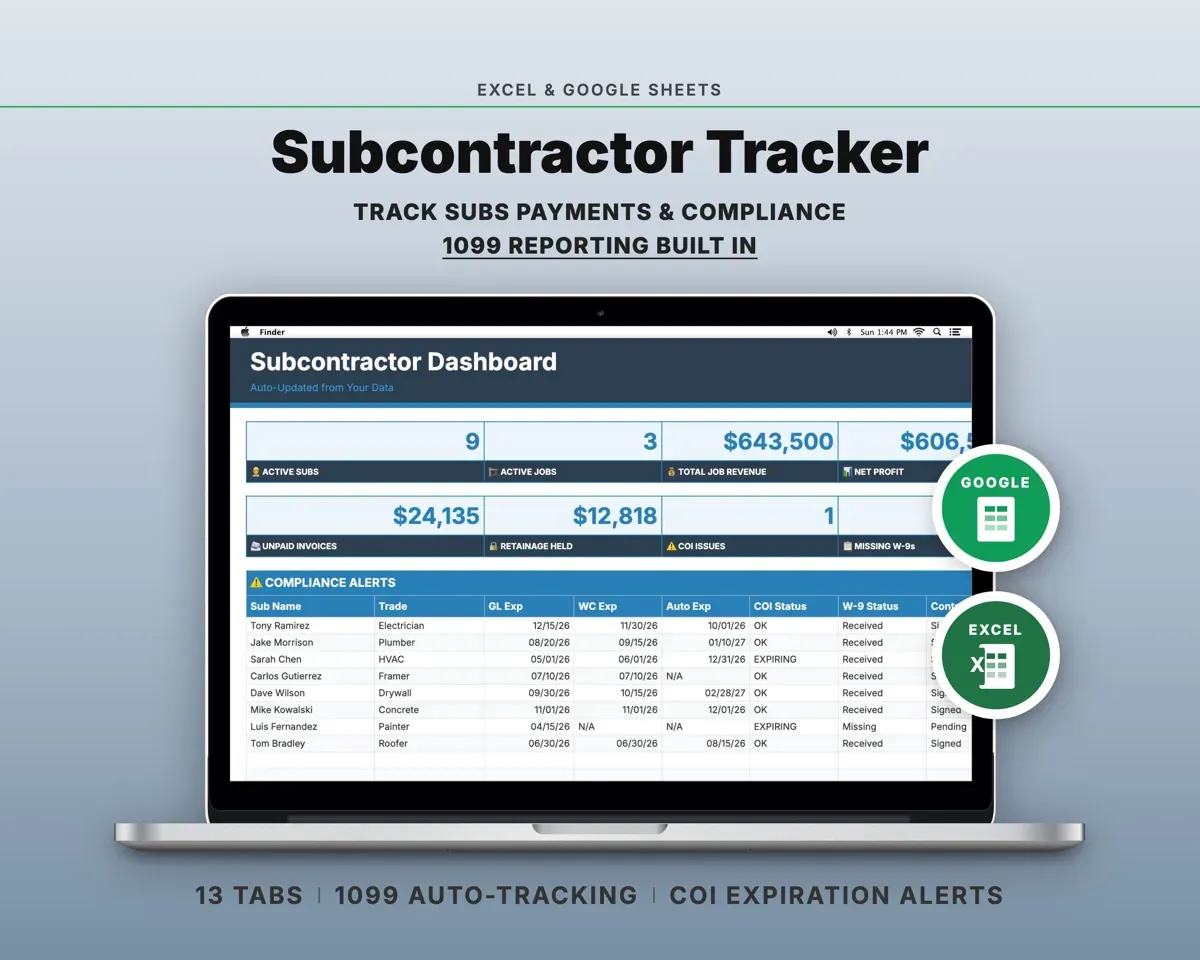
“Well thought out worksheets nicely presented”
“Excellent! Very easy to use.”
Before you buy
How is this different from the AIA G701?
It has the same core fields (contract sum, prior changes, revised sum, time added and signatures) in a form you can reuse on every job. It is not the official AIA document.
Can I run several projects at once?
Yes. Up to 50 projects fit in the Project Register, and the log numbers change orders separately for each one.
How is a change order priced?
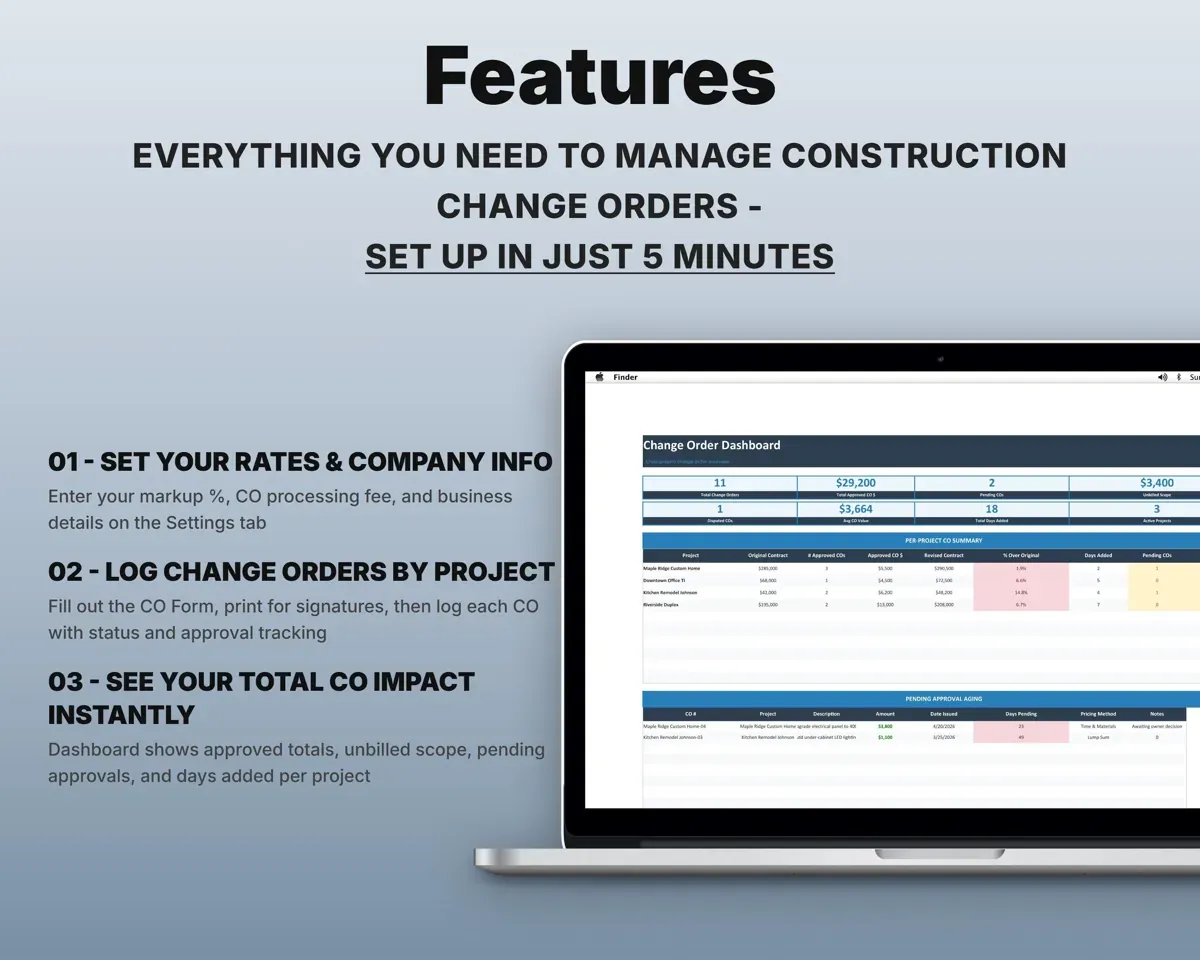
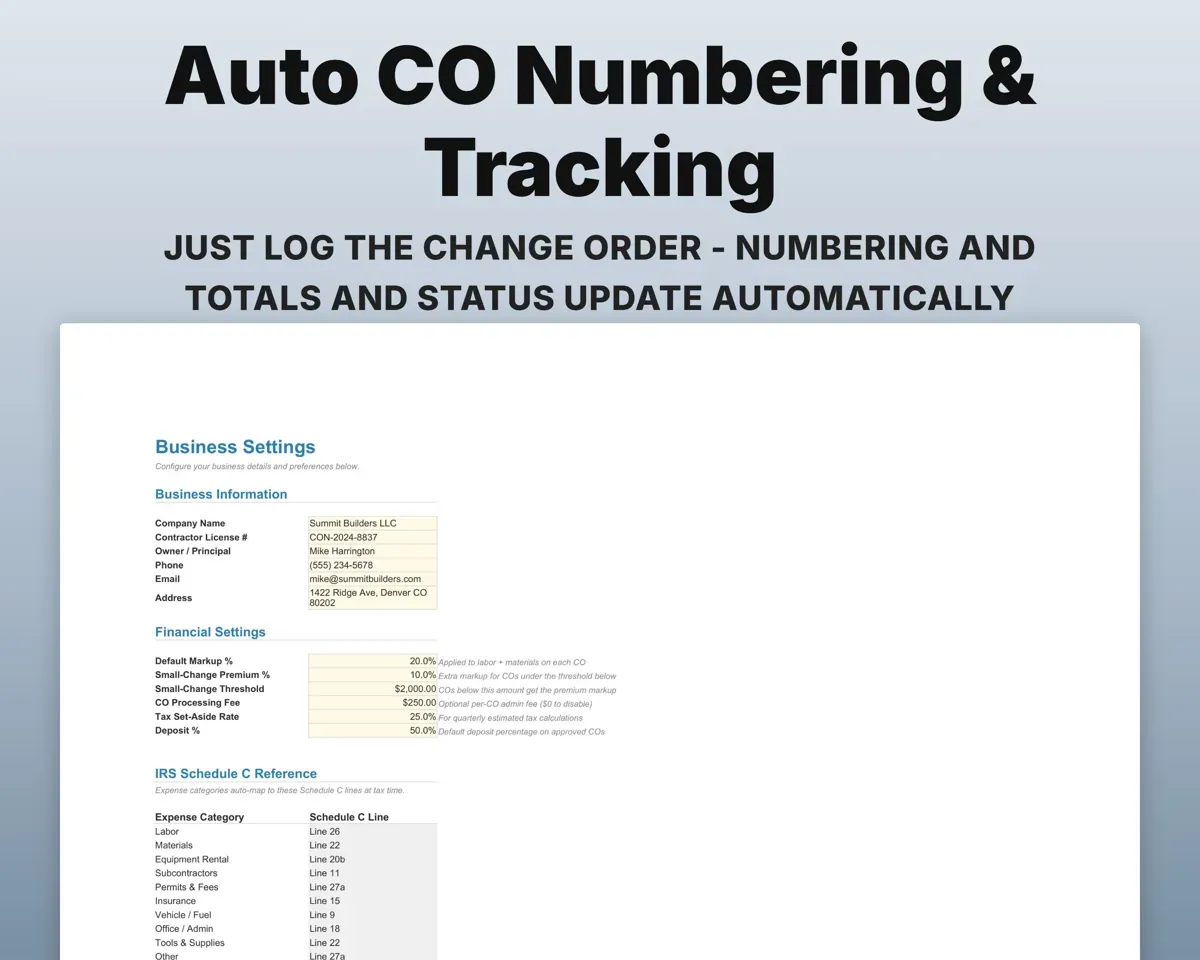
From your cost lines plus a default markup, a higher markup for small changes under your threshold, and an optional processing fee, all set on Settings.
What do I get?
An Excel file (.xlsx) and a quick-start PDF guide with a link that makes your own copy in Google Sheets.
How does delivery work?
You get your download links right after checkout, and Stripe emails your receipt. There is nothing to ship and nothing to wait for.
How do I set it up in Google Sheets?
Open the quick-start PDF and click the Google Sheets link. Google makes a copy in your own Drive that only you can edit. You need a free Google account.
Will it work on a Mac?
Yes. It works in Excel on Mac and Windows, and in Google Sheets in any browser.
I'm not a spreadsheet person. Is that a problem?
No. You only type in the yellow cells. Everything in gray works itself out.
Can I get a refund?
Templates are digital downloads, so sales are final. If a file won't open, is broken or doesn't match its description, email hello@cleanpixelstudios.com within 30 days and we'll fix it, or refund you if we can't.
What if I get stuck?
Email hello@cleanpixelstudios.com and we'll help you get it working.
More in Trades & contractors
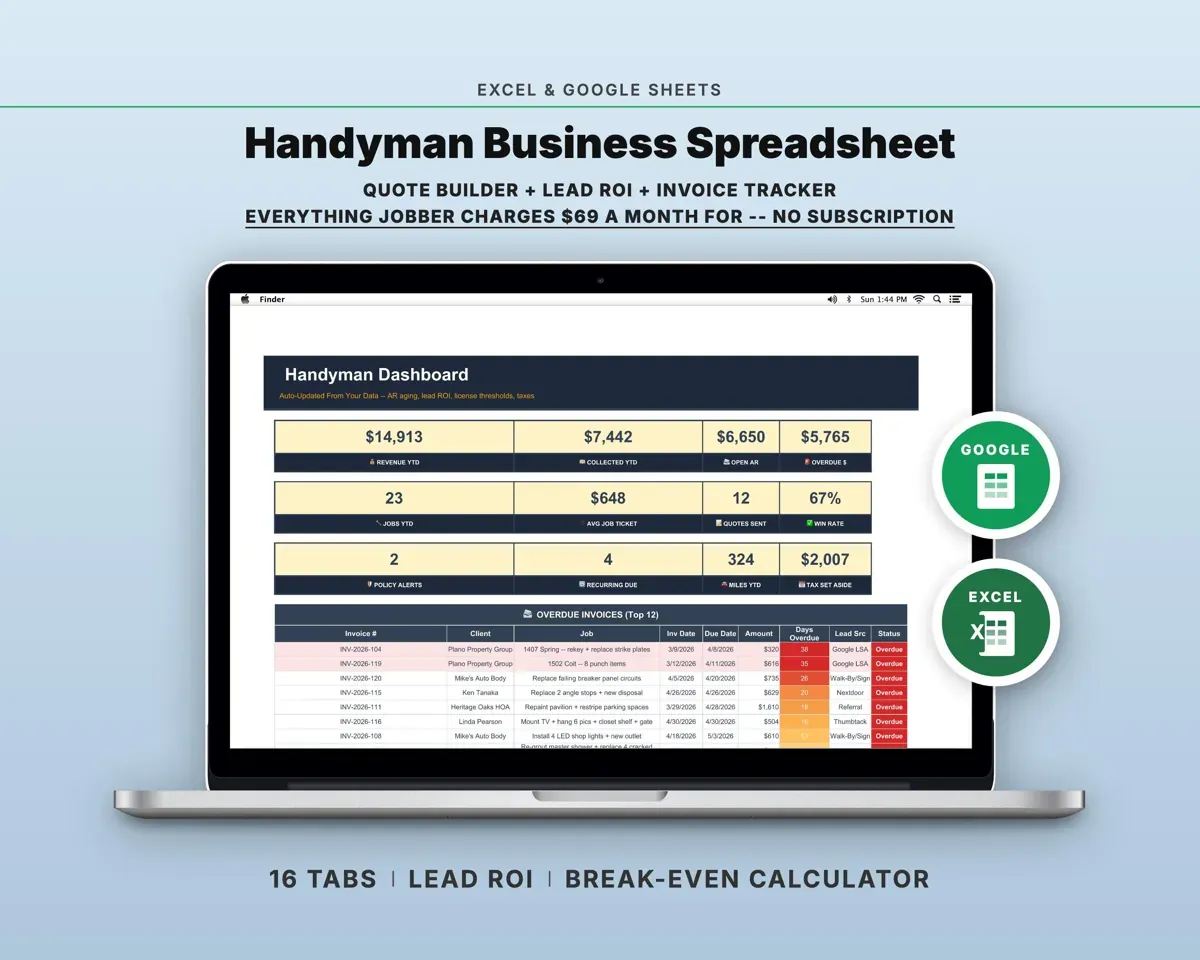
See all Trades & contractors templates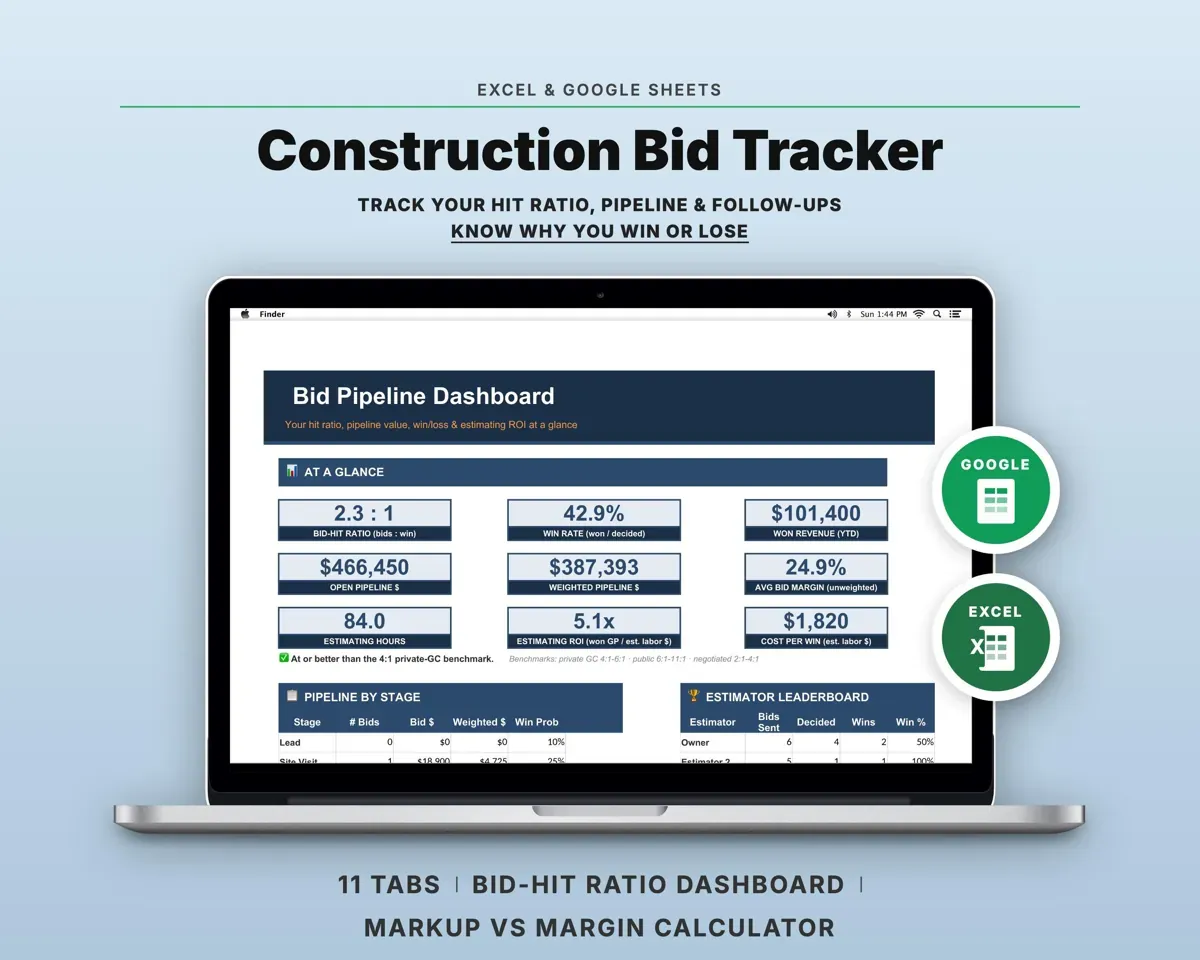
 Made by Clean Pixel Studios
We start every template by reading what people in that line of work say they struggle with, then build the spreadsheet around those problems. This one was made for contractors and nobody else.
How we build templatesConstruction Change Order Template$14.99 · Excel + Google Sheets