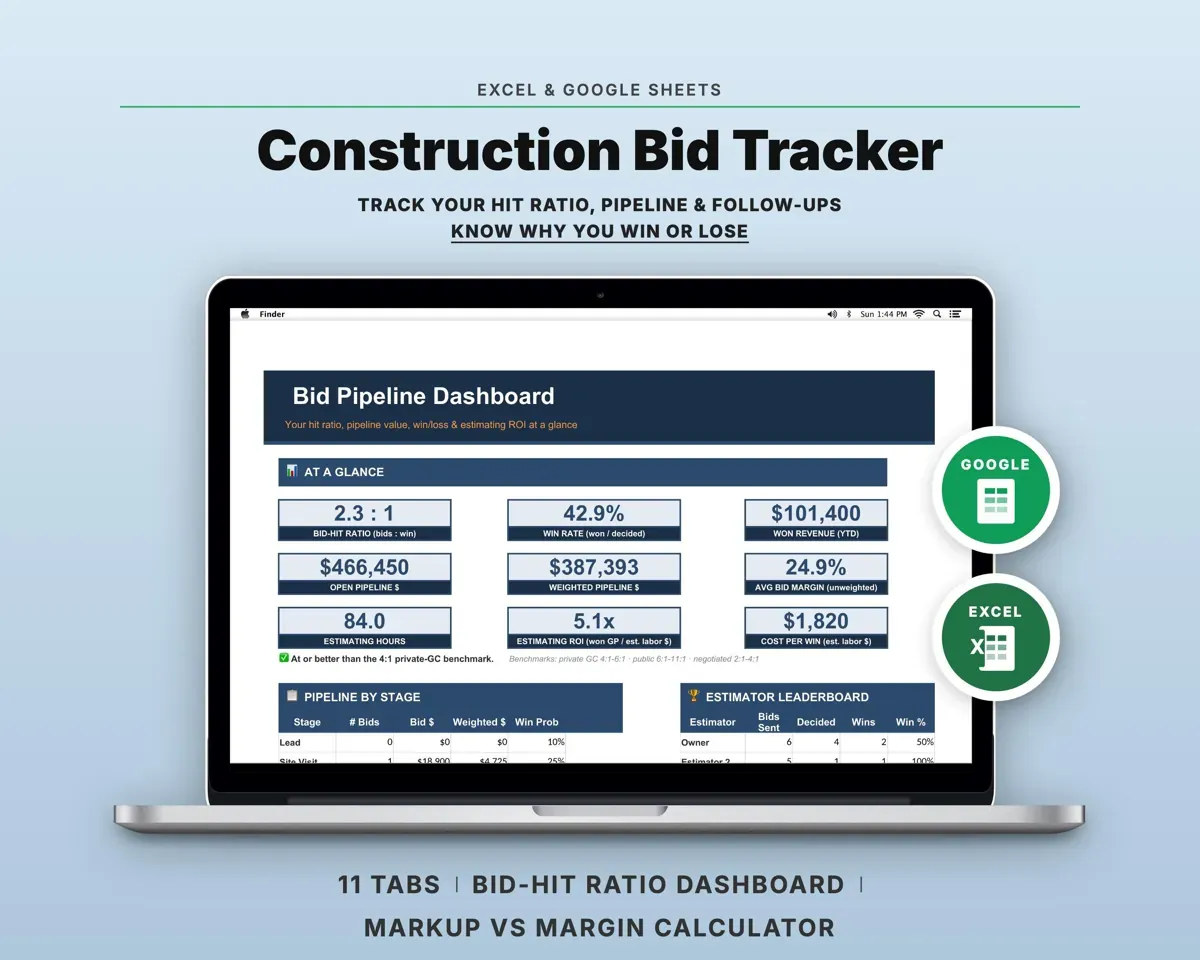
Built around the jobs contractors actually do
Follow up before a bid goes stale
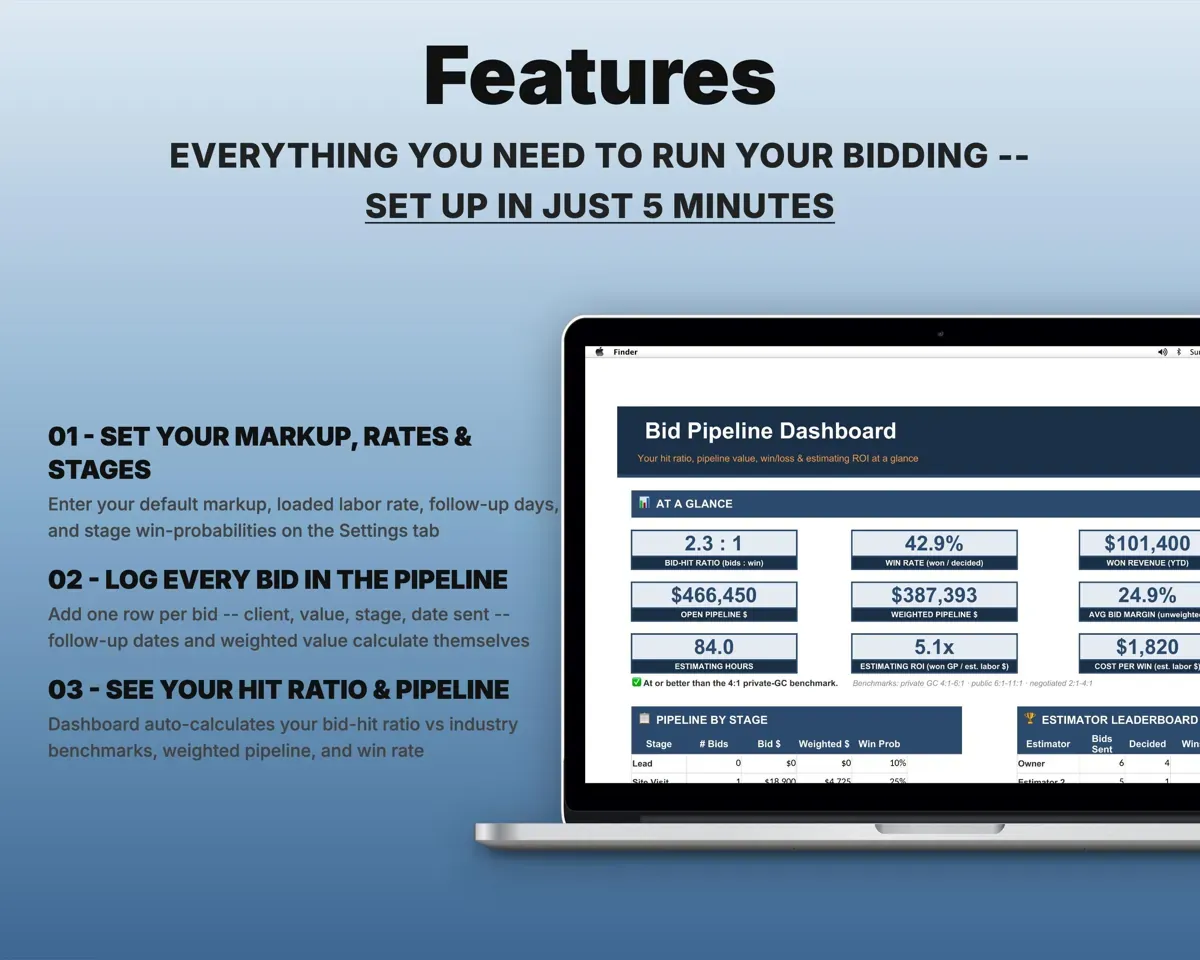
Each bid gets its client, value, stage and the date you sent it. Follow-ups come due at 3, 7 and 14 days and show On Track, Due Soon, Overdue or Stale.
Bid, date sentFollow-up statusSee the margin behind your markup
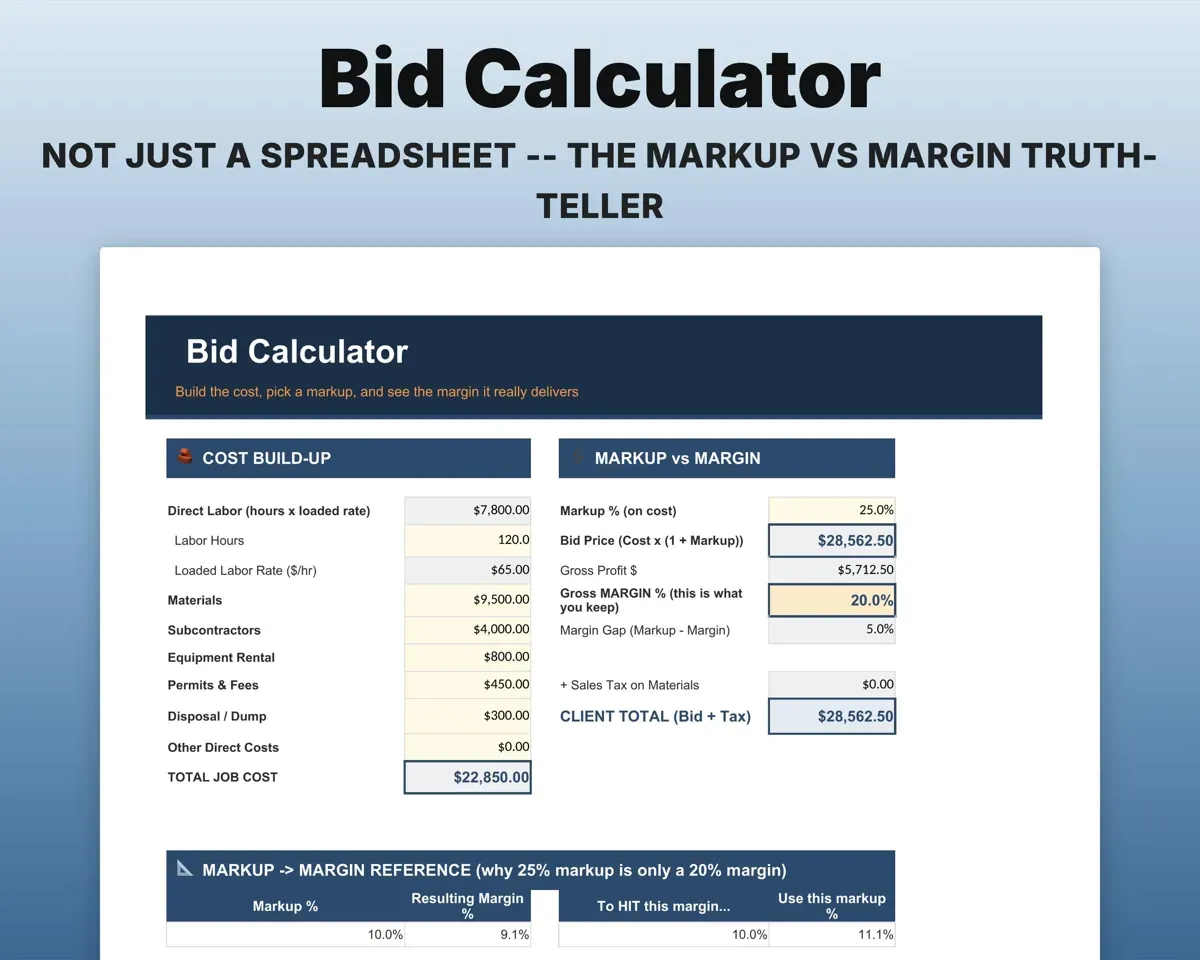
Build an estimate from labor, materials, subs, equipment and permits, and see the markup you applied next to the gross margin it delivers.
Labor, materials, subsMarkup vs marginKnow what your pipeline is worth
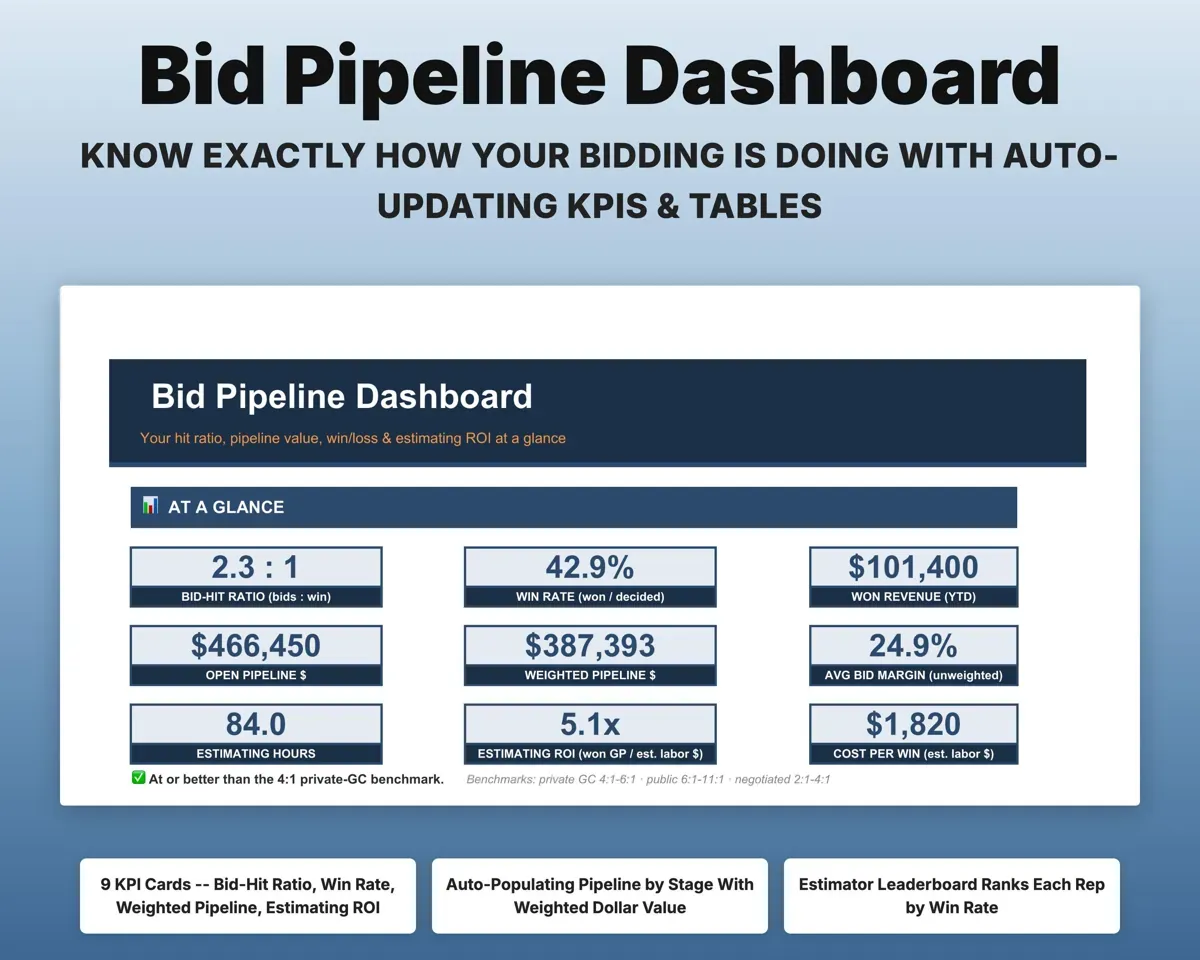
Give each stage a win probability and the sheet forecasts expected revenue. The Dashboard compares your hit ratio with 4:1, 6:1 and 10:1 benchmarks.
Stage win oddsWeighted pipelineLearn why you lose
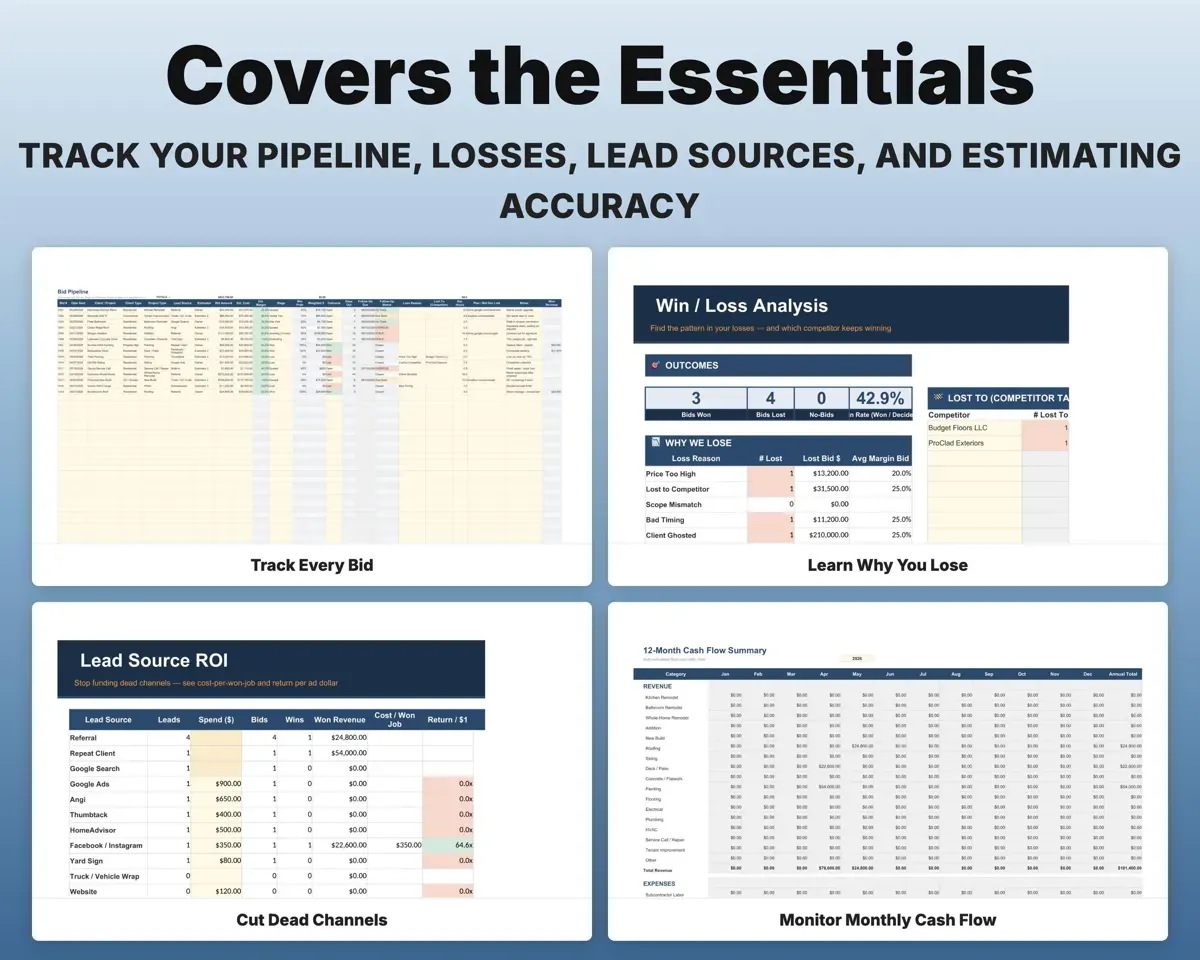
A loss reason on every bid feeds a tally of reasons, average margin by reason and the competitors who beat you.
Loss reason, competitorLoss patternsFind the lead sources that pay
Enter monthly spend per channel to see cost per won job and return per dollar, with the best and worst flagged.
Spend per channelCost per won jobCheck estimates against actual cost
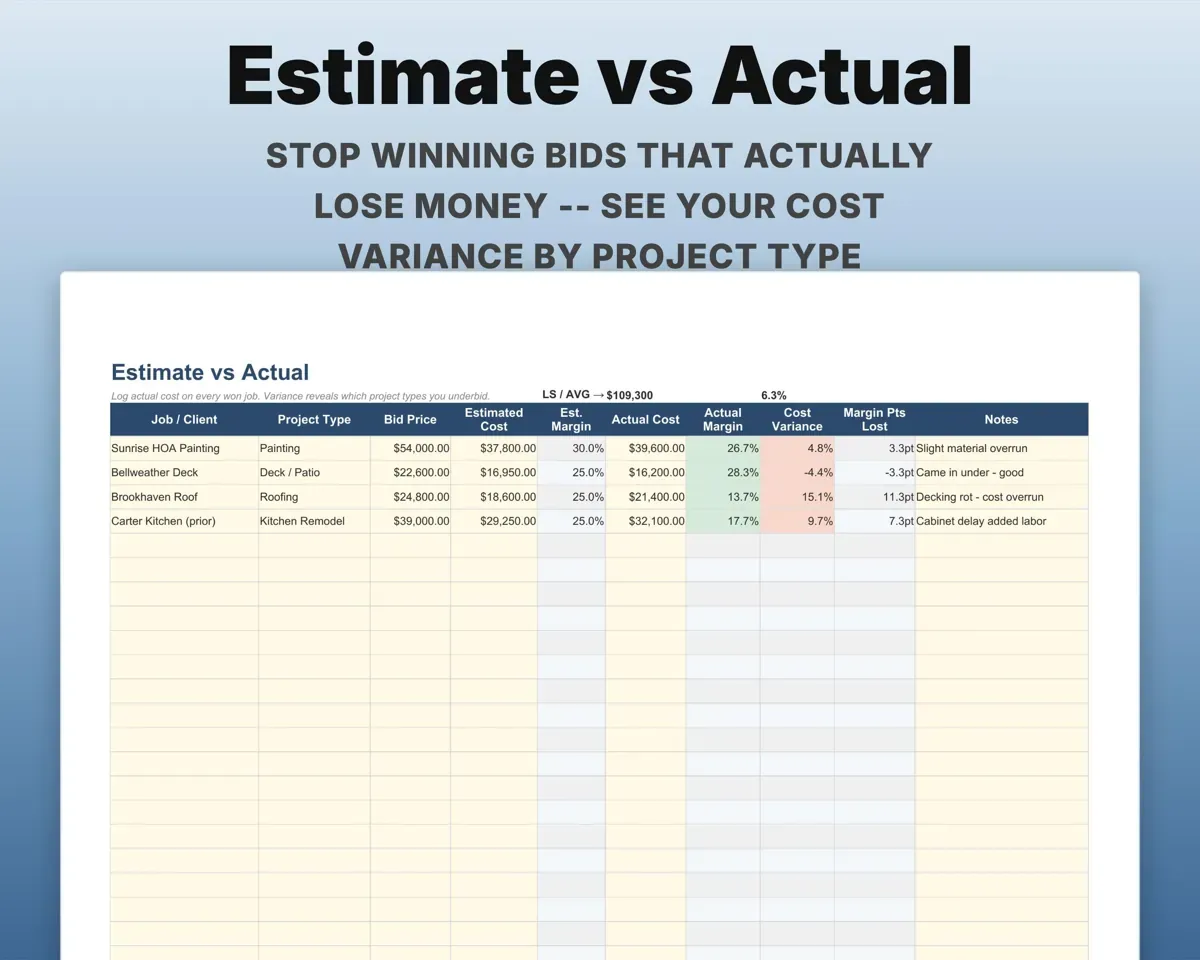
Log the real cost of each won job and see the variance by project type, so the next bid is sharper.
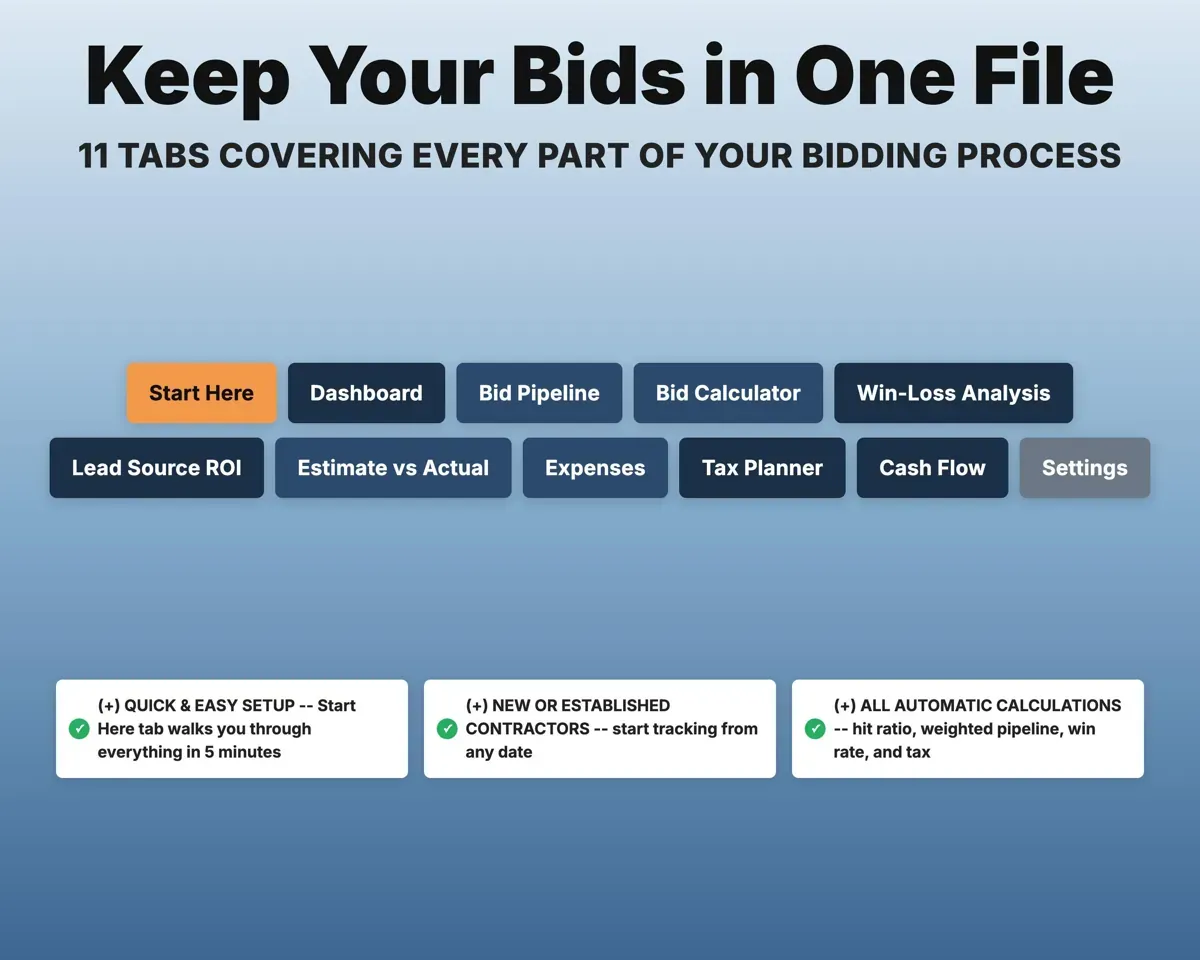
Actual job costVariance by job type11 tabs in one file
- Start Here
- Dashboard
- Bid Pipeline
- Bid Calculator
- Win-Loss Analysis
- Lead Source ROI
- Estimate vs Actual
- Expenses
- Tax Planner
- Cash Flow
- Settings
- Start Here
- Walkthrough and color key.
- Dashboard
- Hit ratio, weighted pipeline, win rate and follow-up alerts.
- Bid Pipeline
- Every bid with stage, value and follow-up status.
- Bid Calculator
- Estimate builder showing markup and real margin.
- Win-Loss Analysis
- Loss reasons, margin by reason and competitor tally.
- Lead Source ROI
- Cost per won job and return for each channel.
- Estimate vs Actual
- Cost variance on won jobs by project type.
- Expenses
- Overhead matched to Schedule C with a deductible flag.
- Tax Planner
- Quarterly estimated tax with self-employment tax.
- Cash Flow
- Twelve months of won revenue and expenses.
- Settings
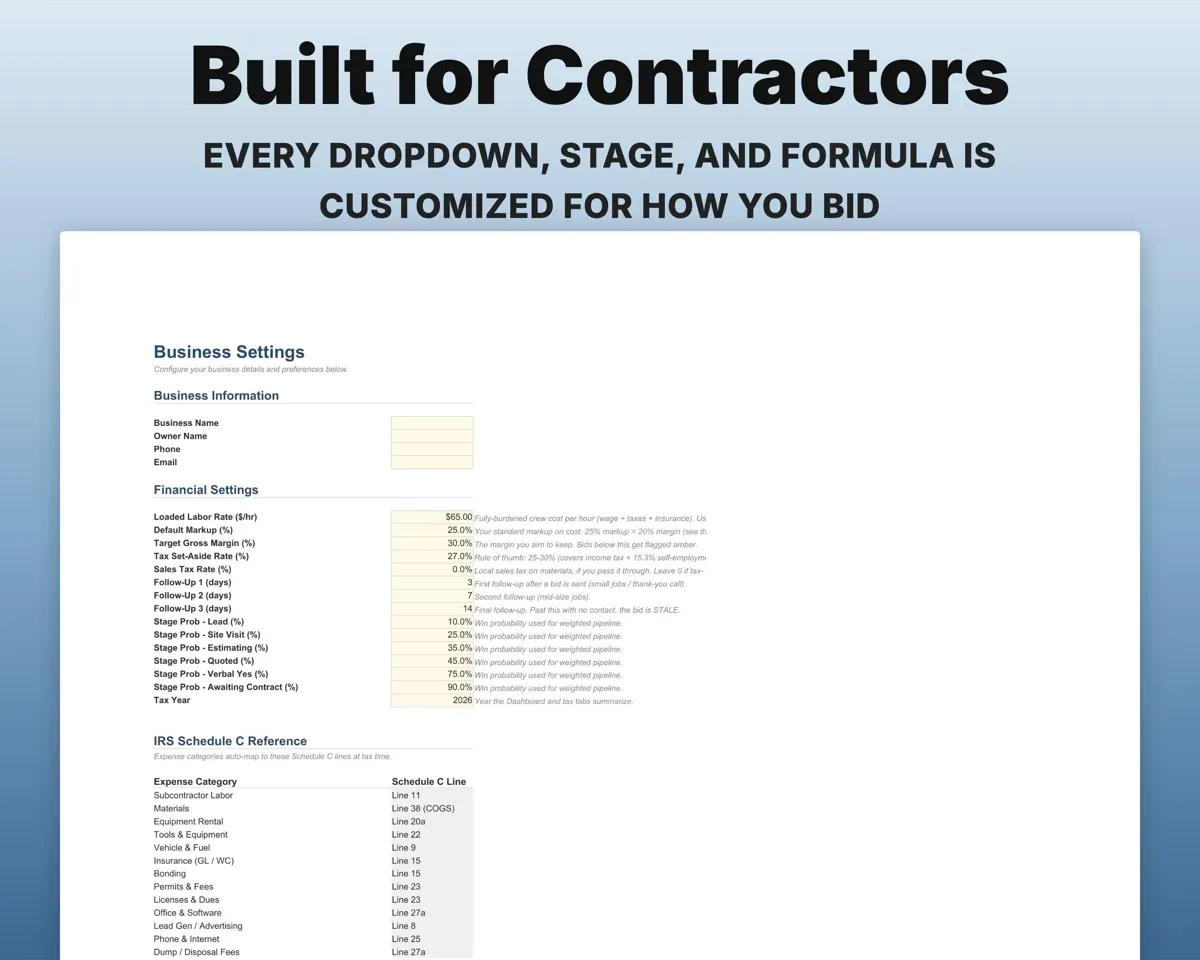
- Markup, labor rate, follow-up days, stage odds and lists.
Pair it with
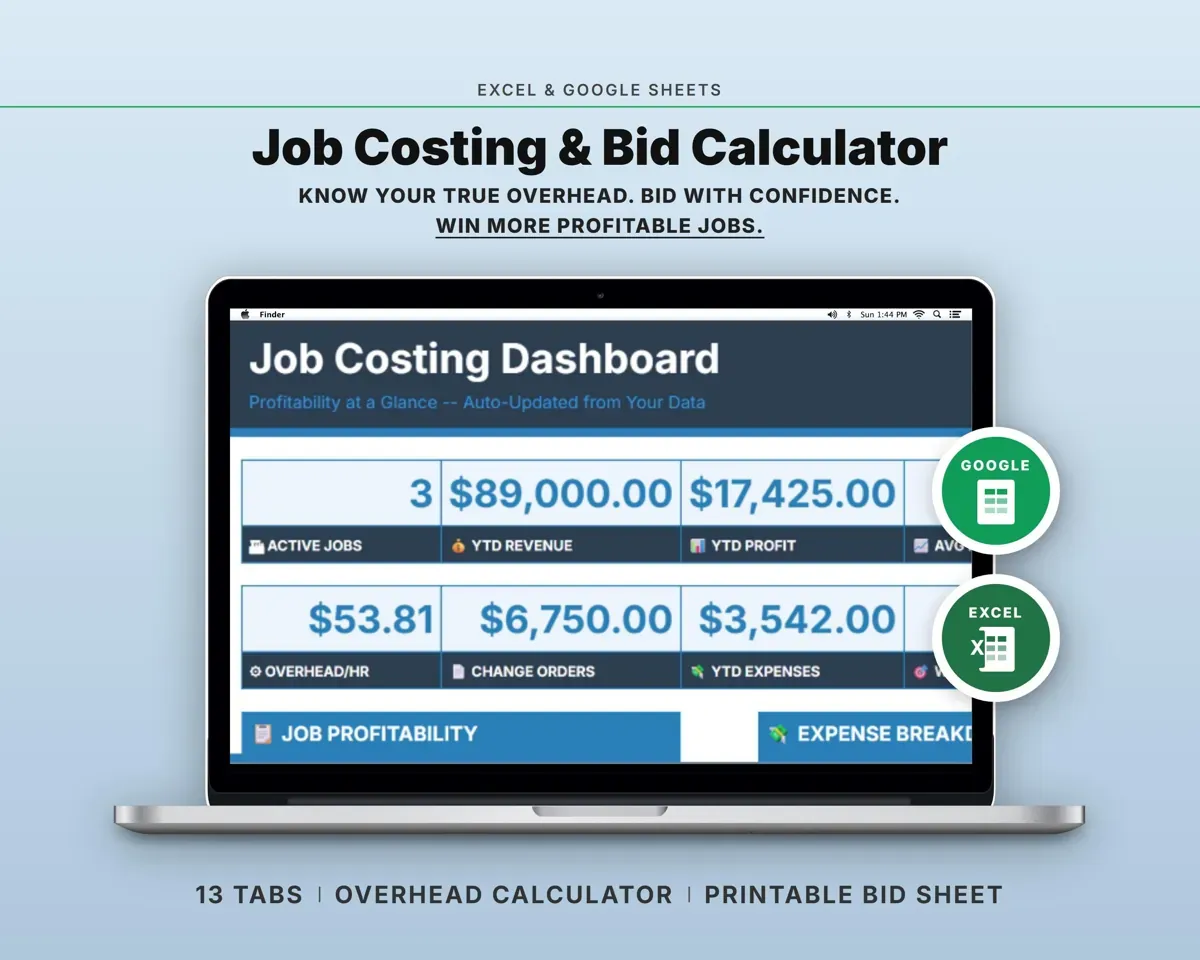
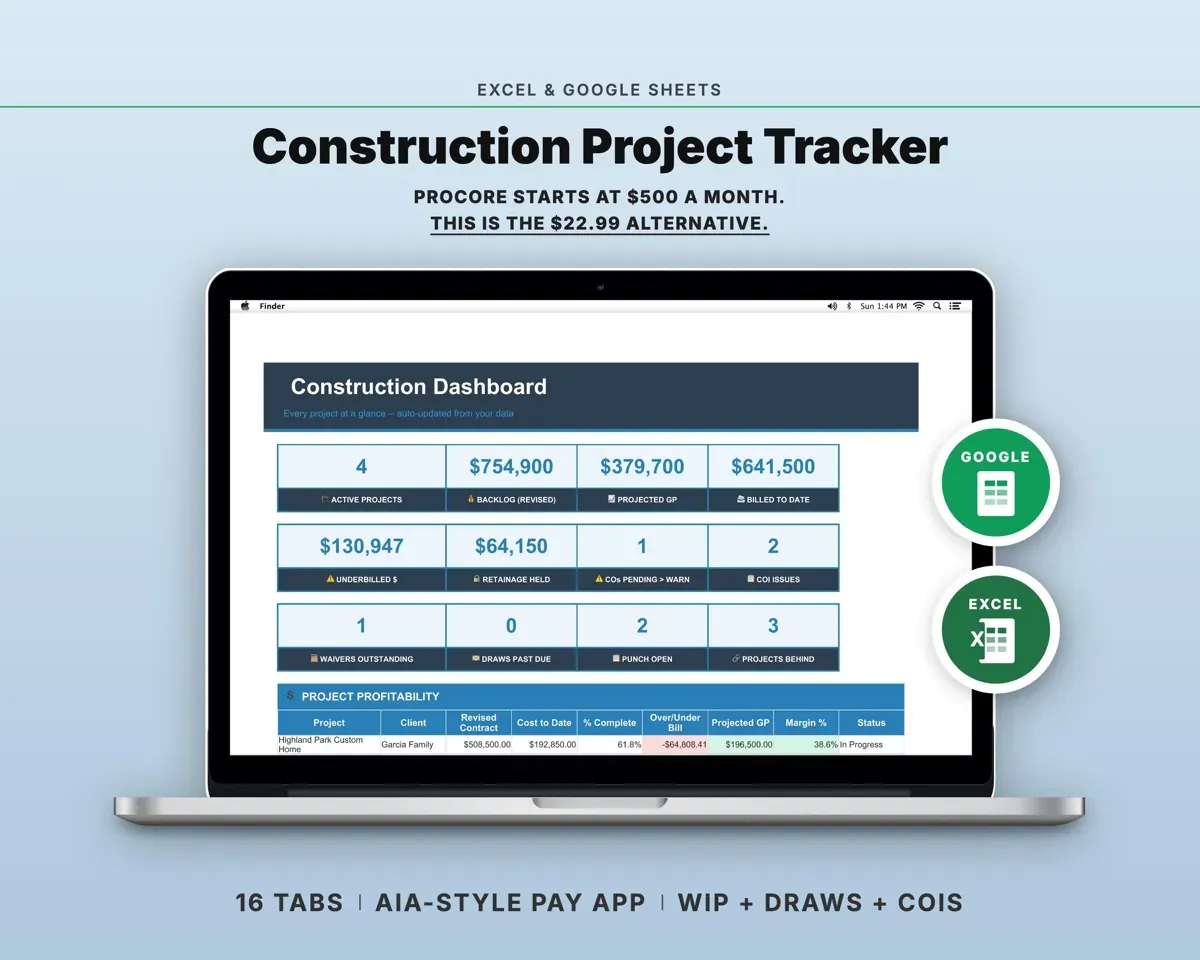
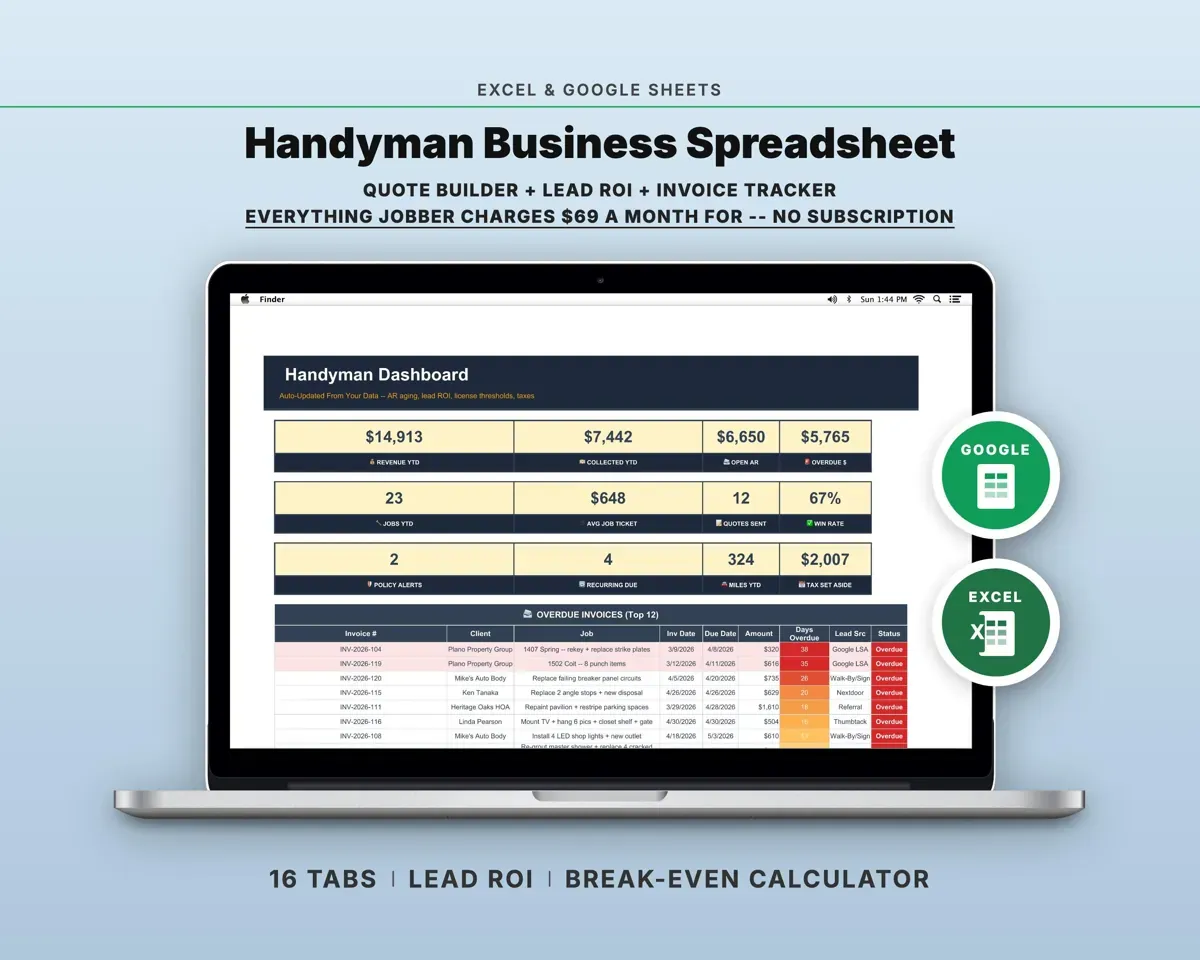
“Excellent! Very easy to use.”
“Nice Organization for 4H projects”
Before you buy
Is this for comparing subcontractor bids?
No. It tracks the bids you send to clients: your pipeline, hit ratio and margins. It is not a sub-bid comparison sheet.
Can I change the stages and win odds?
Yes. Stages, win probabilities, project types, lead sources and your default markup are all set on the Settings tab.
Can I keep using it year after year?
Yes. Your history stays in the file, and Cash Flow has a year selector.
What do I get?
An Excel file (.xlsx), a filled-in sample to look at, and a quick-start PDF guide with a link that makes your own copy in Google Sheets.
How does delivery work?
You get your download links right after checkout, and Stripe emails your receipt. There is nothing to ship and nothing to wait for.
How do I set it up in Google Sheets?
Open the quick-start PDF and click the Google Sheets link. Google makes a copy in your own Drive that only you can edit. You need a free Google account.
Will it work on a Mac?
Yes. It works in Excel on Mac and Windows, and in Google Sheets in any browser.
I'm not a spreadsheet person. Is that a problem?
No. You only type in the yellow cells. Everything in gray works itself out, and the Start Here tab shows you where to begin.
Can I get a refund?
Templates are digital downloads, so sales are final. If a file won't open, is broken or doesn't match its description, email hello@cleanpixelstudios.com within 30 days and we'll fix it, or refund you if we can't.
What if I get stuck?
Email hello@cleanpixelstudios.com and we'll help you get it working.
More in Trades & contractors
See all Trades & contractors templates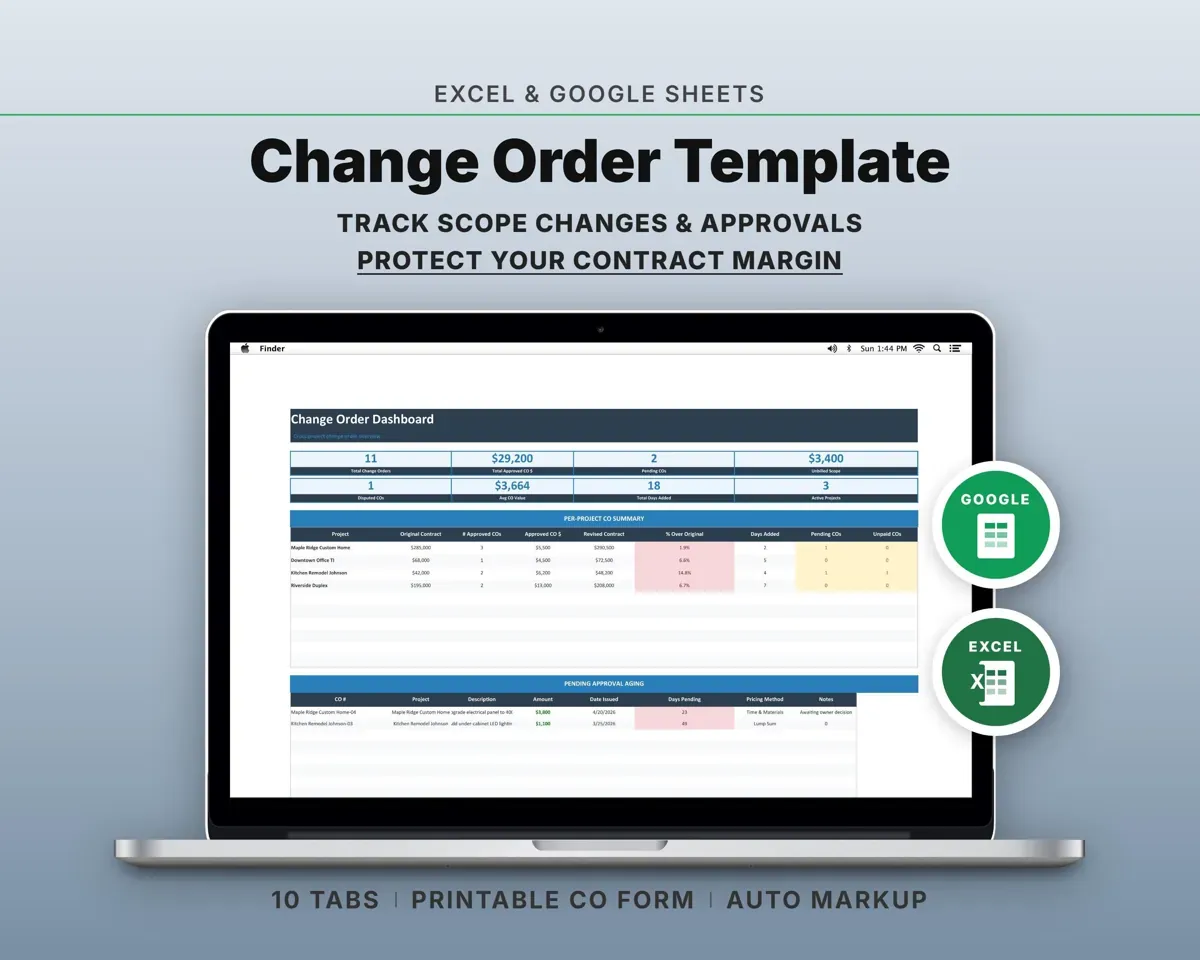
 Made by Clean Pixel Studios
We start every template by reading what people in that line of work say they struggle with, then build the spreadsheet around those problems. This one was made for contractors and nobody else.
How we build templatesConstruction Bid Tracker Spreadsheet$19.99 · Excel + Google Sheets