Built around the jobs contractors actually do
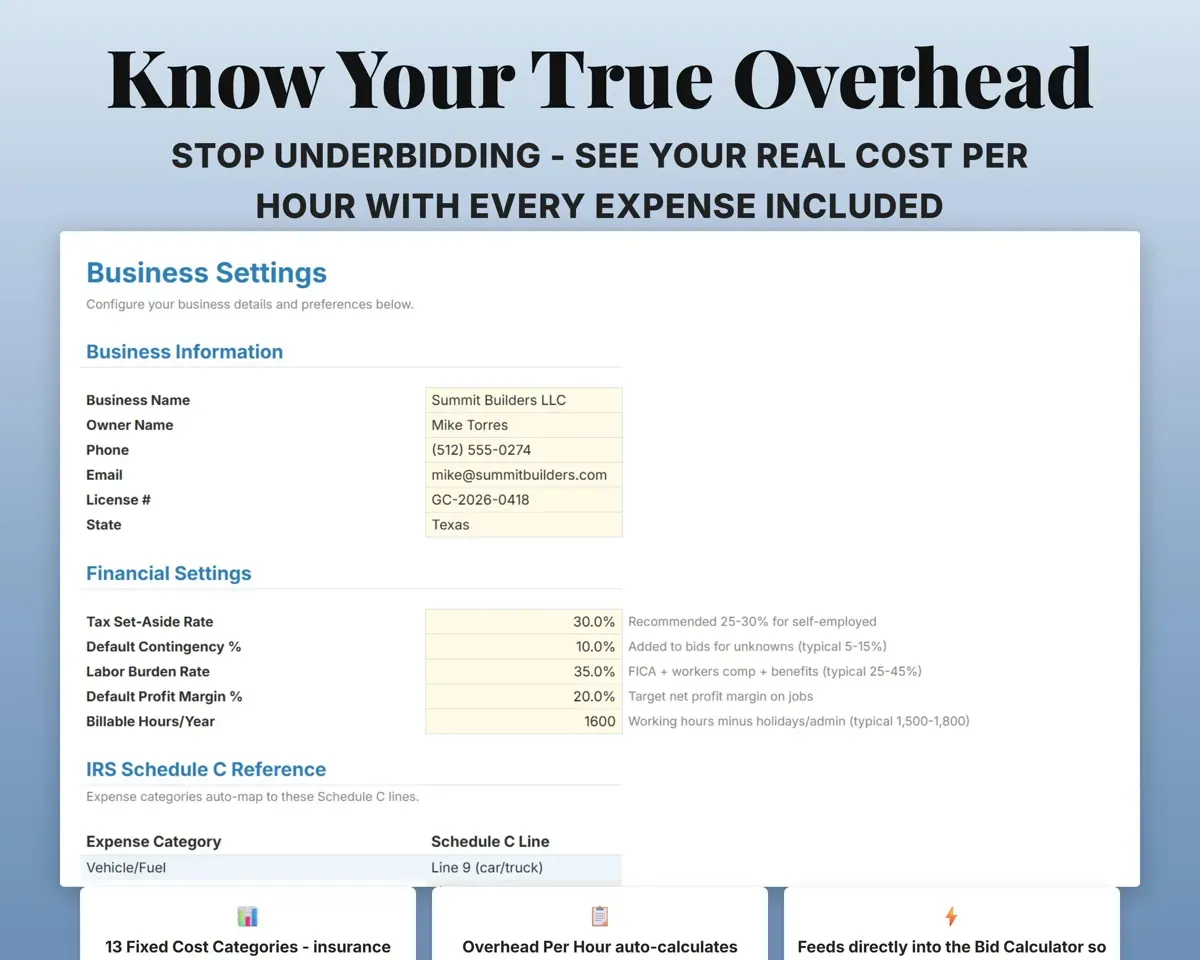
Know your true overhead per hour
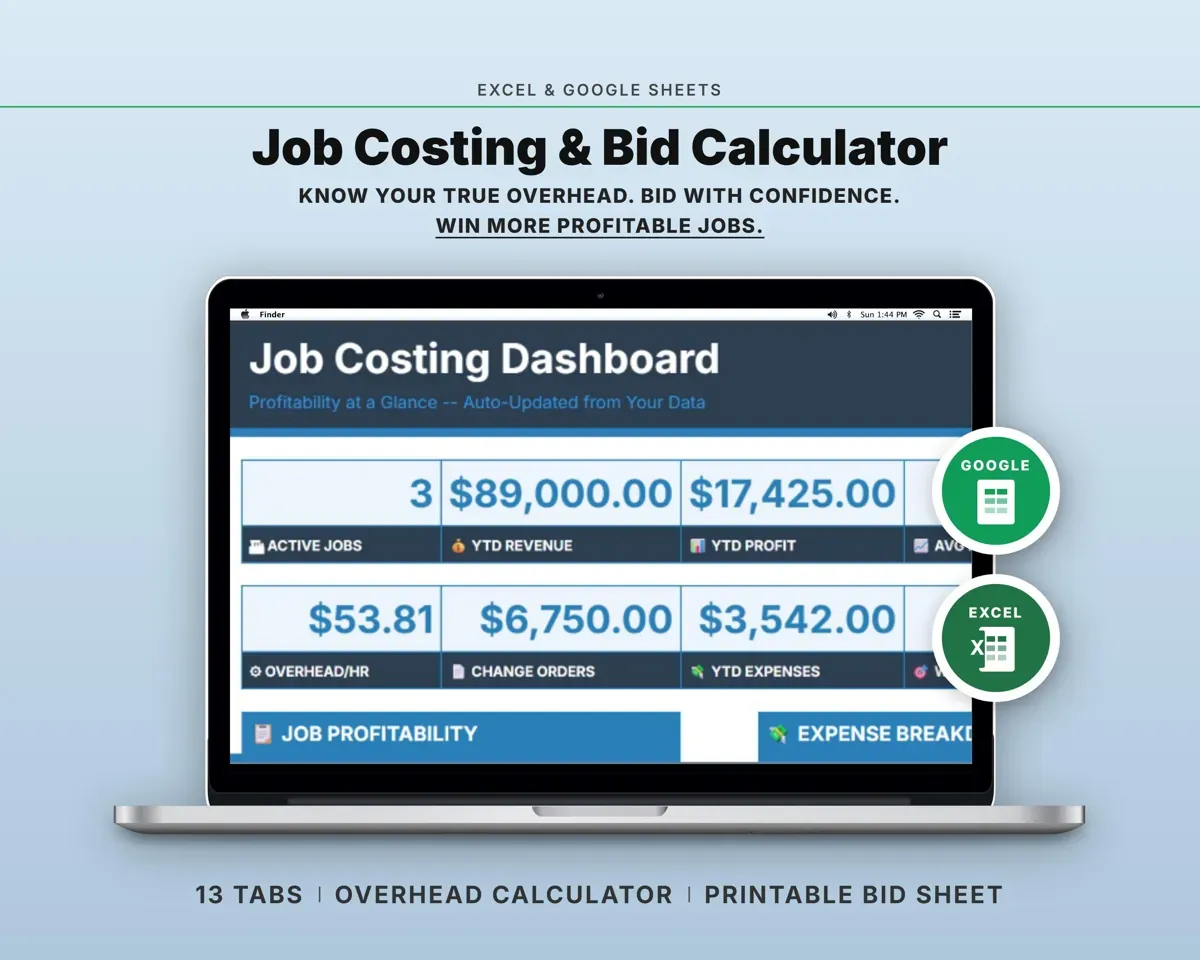
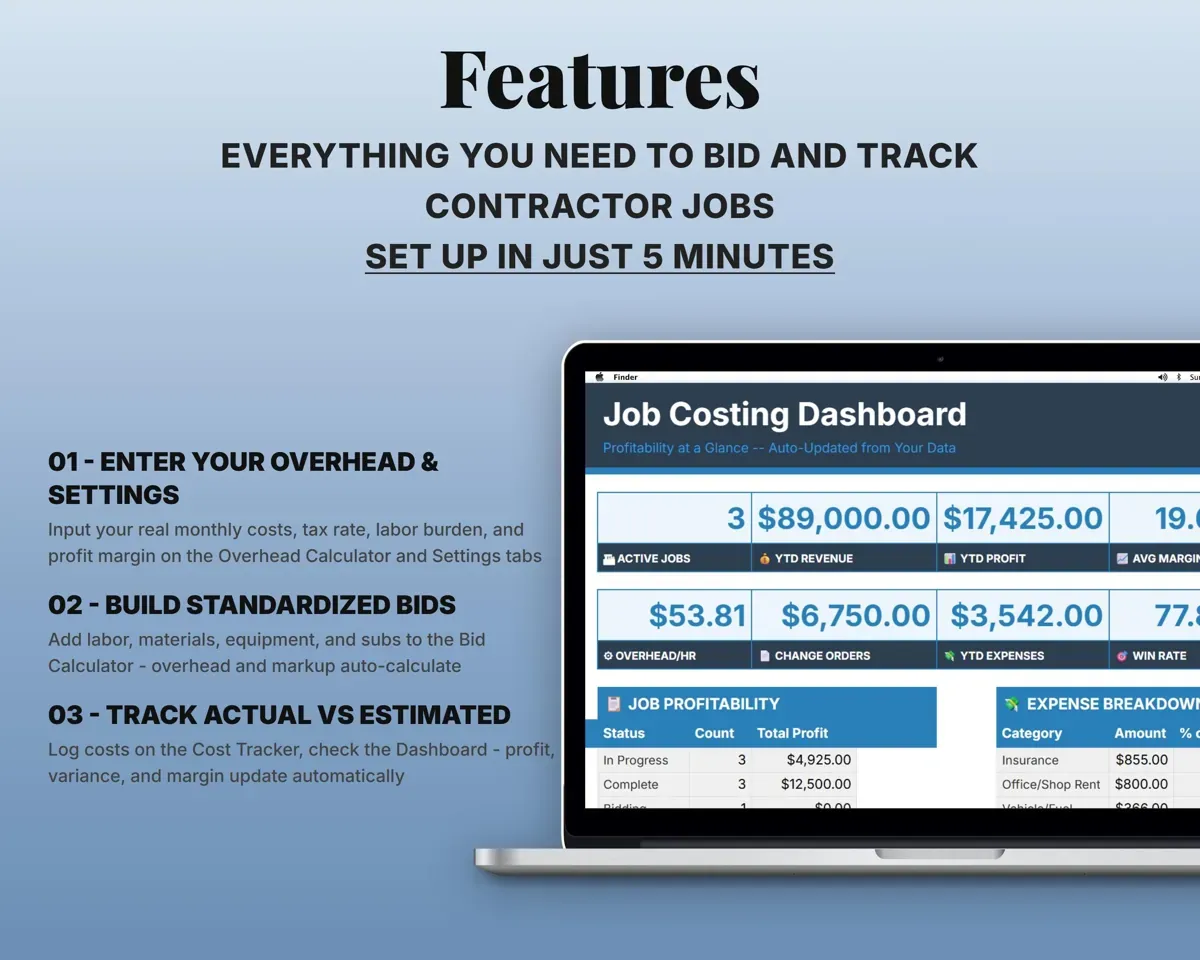
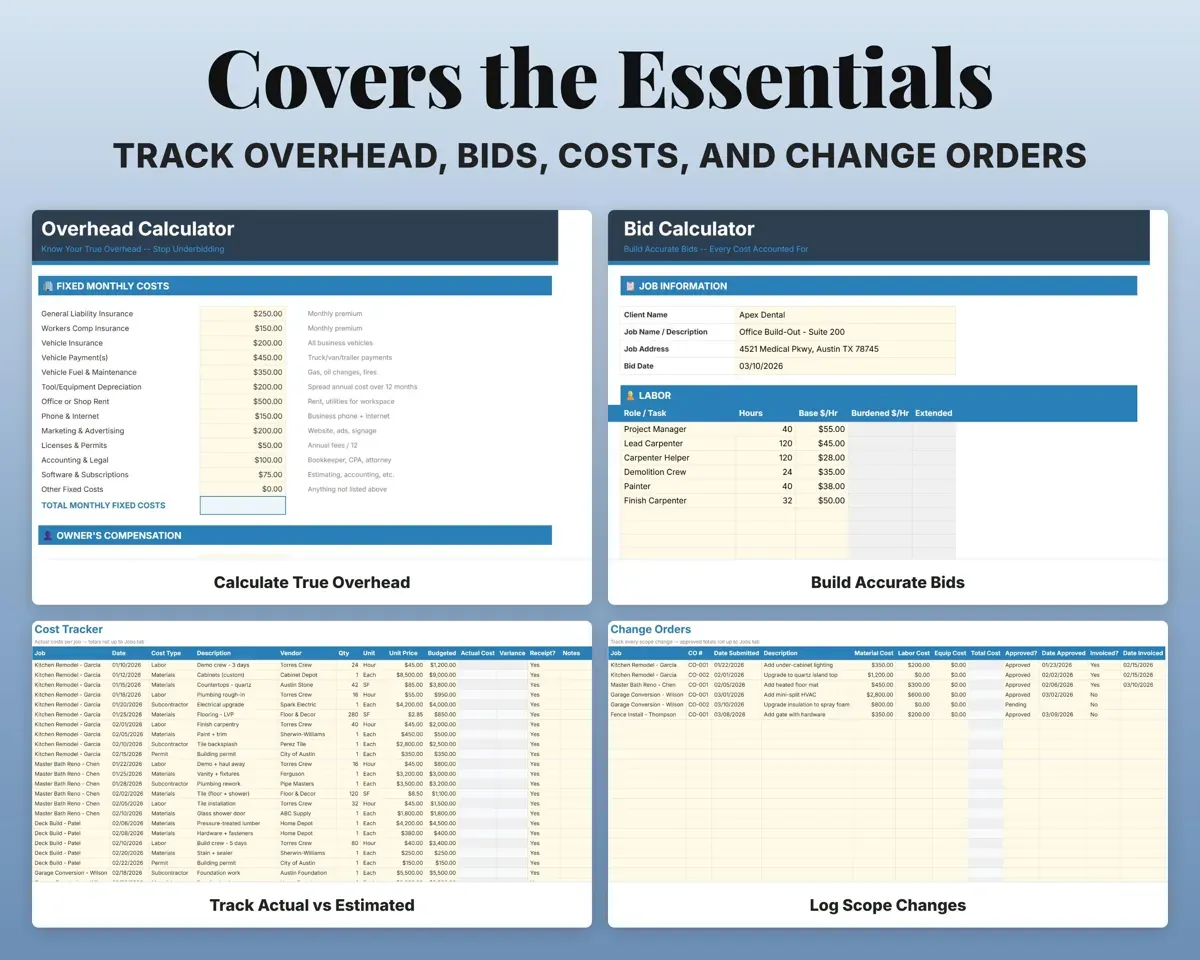
Enter monthly costs like insurance, vehicles, tools, rent and owner pay. The sheet turns them into an hourly and daily overhead rate that every bid uses.
Monthly fixed costsOverhead per hourPrice a bid with the margin you want
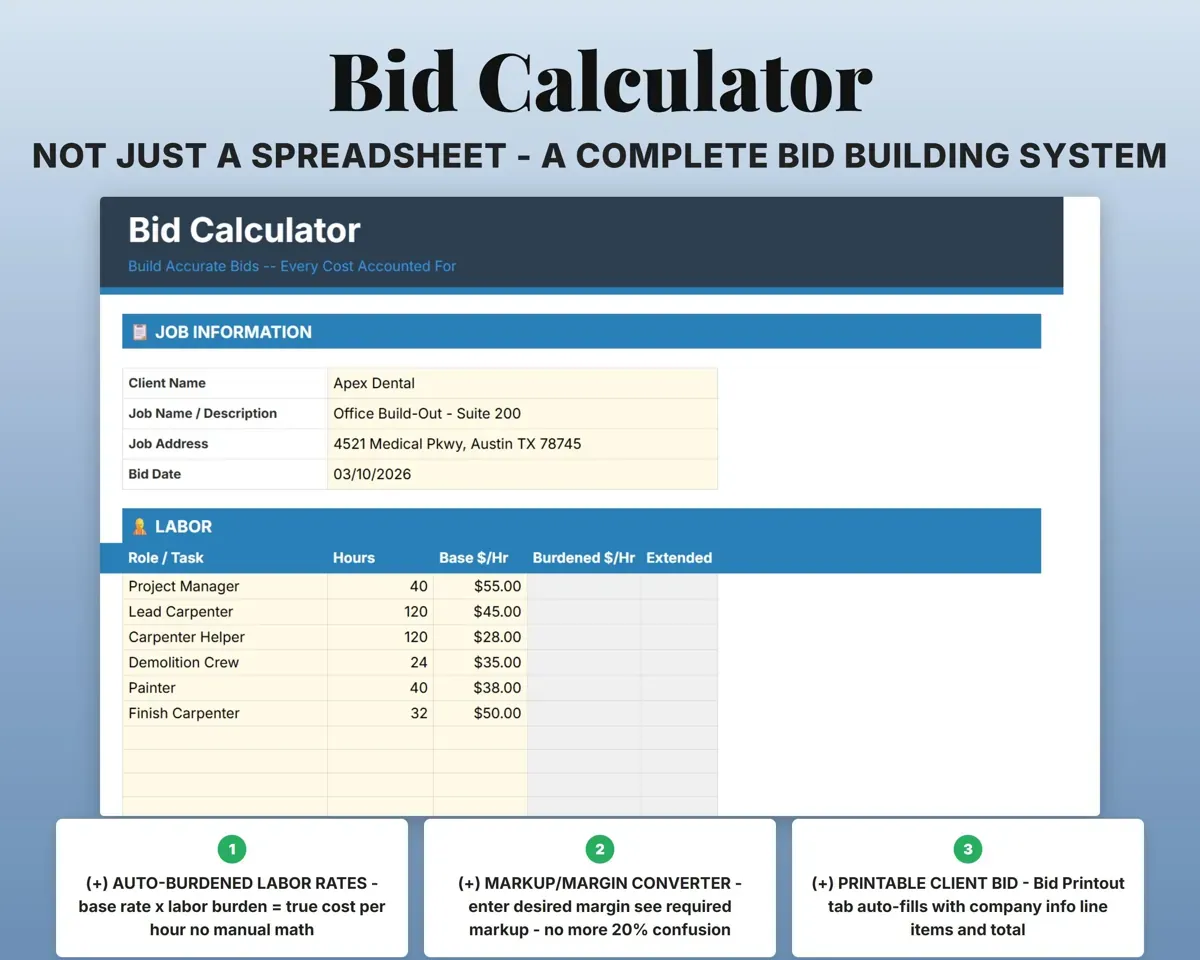
Add labor, materials, equipment and subs. Set your target margin and the sheet works out the markup, with a table showing how the two differ.
Labor, materials, subsTotal bid priceSend the client a clean estimate
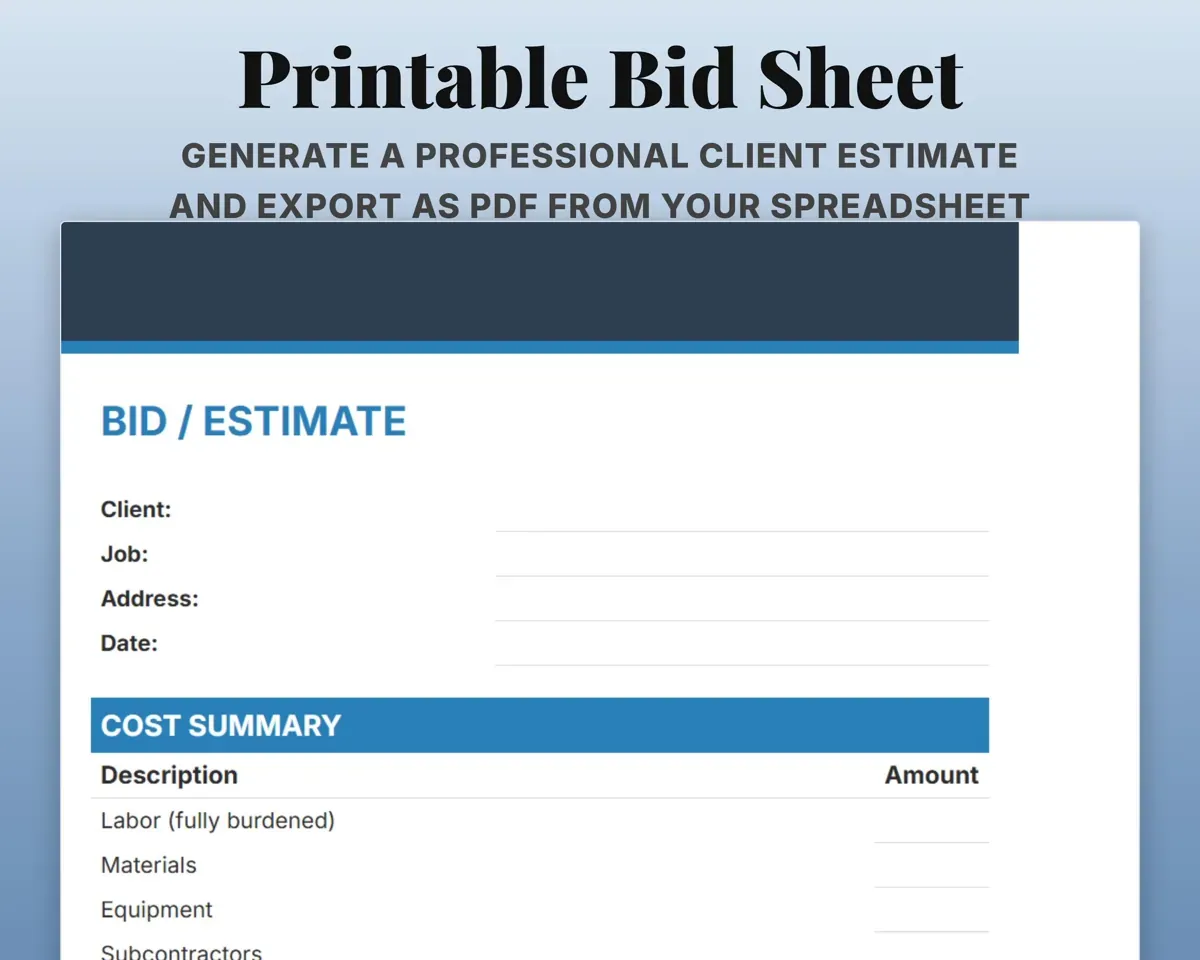
The Bid Printout pulls from the calculator with your company header, license number, line items, terms and signature line, ready to print or save as PDF.
Your bidClient estimateCompare bid to actual on every job
Track costs per line item on each job. The Jobs tab shows the revised contract, actual cost, profit or loss and actual margin.
Actual costsProfit and marginGet paid for scope changes
Log each change with material and labor cost, approval and invoice status. Totals roll into the job's revised contract.
Change order costsRevised contractKeep material prices current
A reusable price list by item and supplier. Prices older than 90 days turn red.
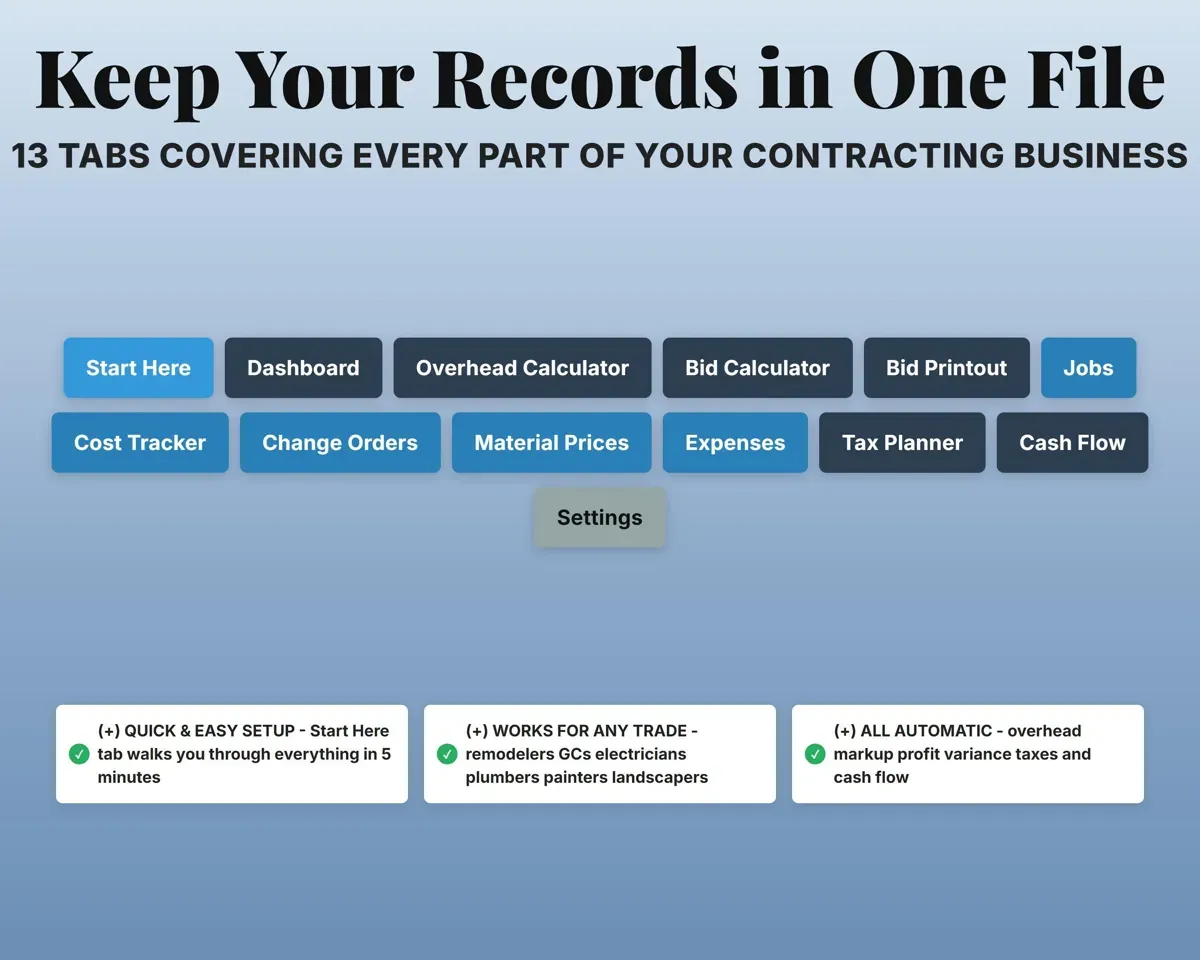
Item, price, supplierStale price flag13 tabs in one file
- Start Here
- Dashboard
- Overhead Calculator
- Bid Calculator
- Bid Printout
- Jobs
- Cost Tracker
- Change Orders
- Material Prices
- Expenses
- Tax Planner
- Cash Flow
- Settings
- Start Here
- Setup walkthrough with a color key.
- Dashboard
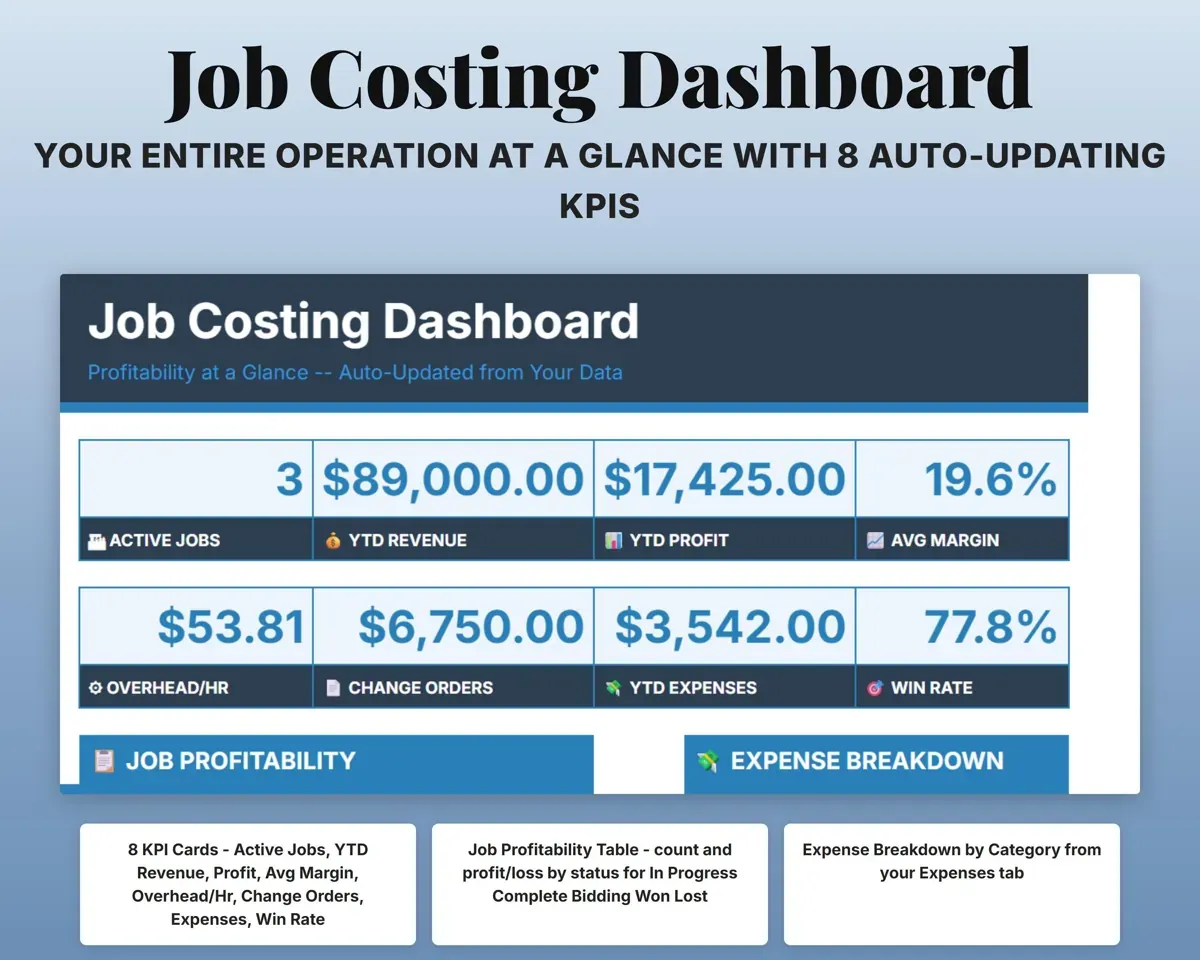
- Revenue, profit, margin, overhead rate and win rate.
- Overhead Calculator
- Fixed costs turned into an hourly overhead rate.
- Bid Calculator
- Labor, materials, equipment, subs, overhead and margin.
- Bid Printout
- A client-facing estimate to print or save as PDF.
- Jobs
- Each job's bid, change orders, actual cost and margin.
- Cost Tracker
- Line-item costs per job against budget.
- Change Orders
- Scope changes with costs, approval and invoice status.
- Material Prices
- A reusable price list with stale-price flags.
- Expenses
- Business expenses by Schedule C category.
- Tax Planner
- Quarterly estimated tax dates and payments (Form 1040-ES).
- Cash Flow
- Twelve months of revenue and expenses.
- Settings
- Business info, tax rate, labor burden, margin and dropdown lists.
Pair it with
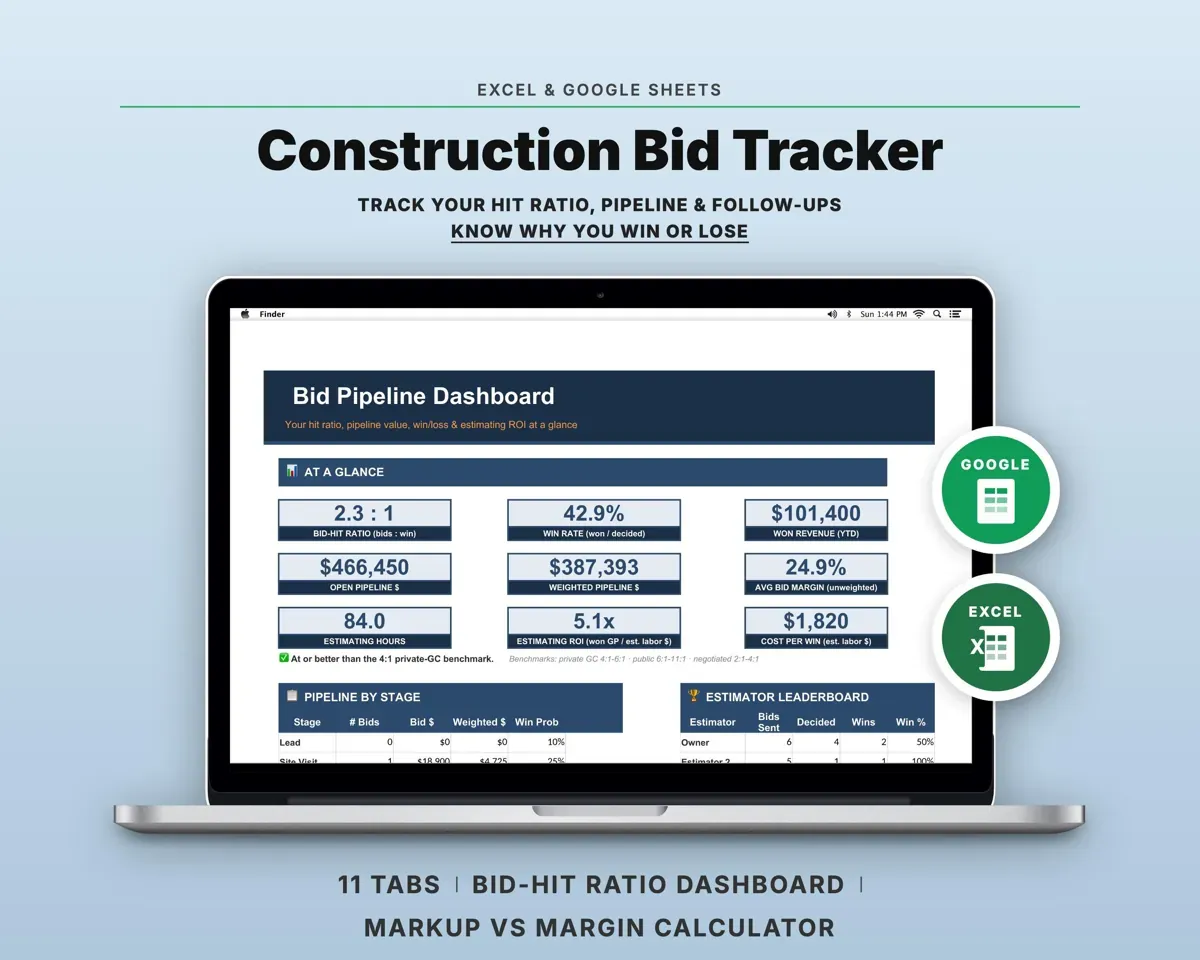
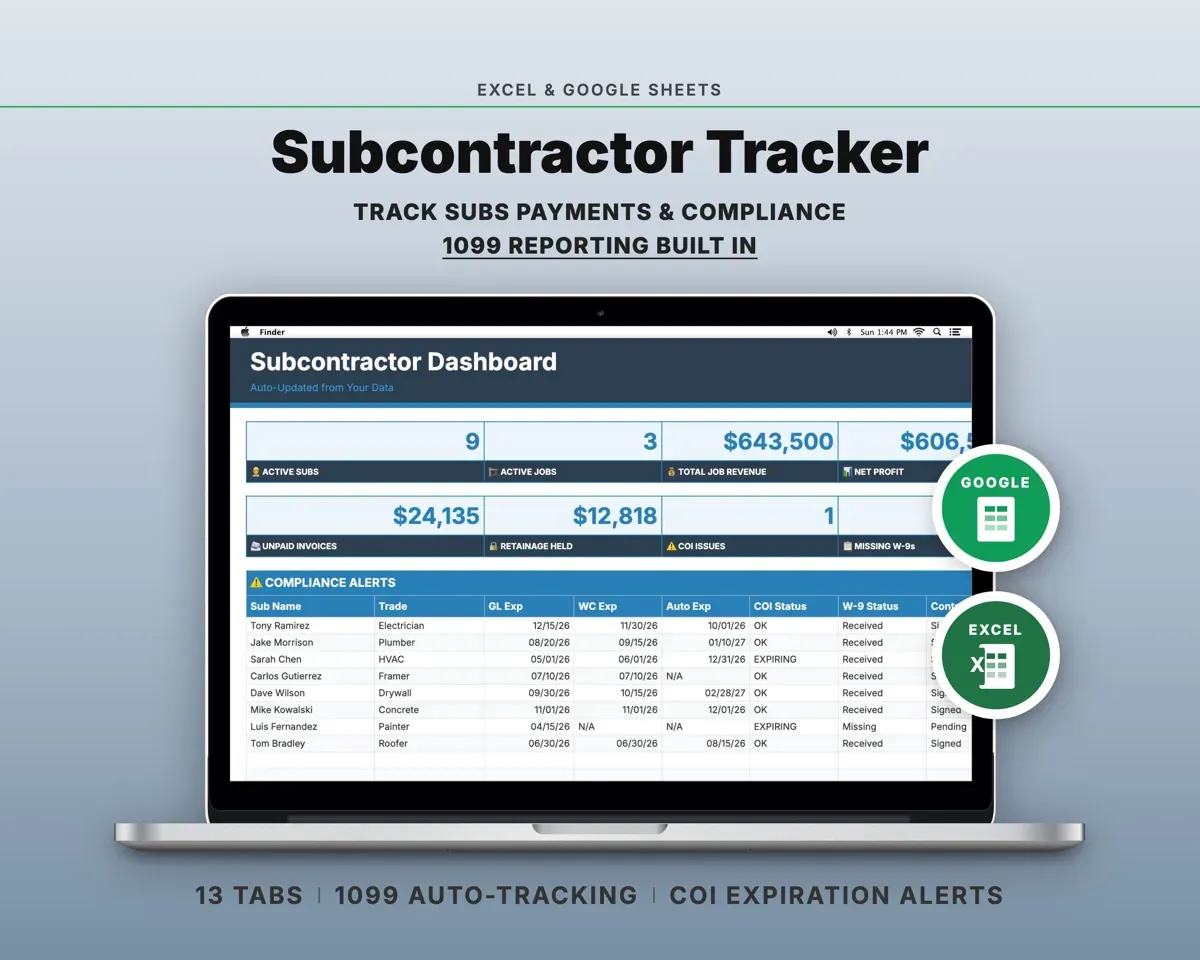
“Well thought out worksheets nicely presented”
“Excellent! Very easy to use.”
Before you buy
Does it work for my trade?
The categories are broad, so it fits remodelers, general contractors, electricians, plumbers, painters, landscapers and roofers. You can edit the lists on Settings for your trade.
How does overhead get into a bid?
Annual overhead is divided by your billable hours to get an hourly rate. The Bid Calculator multiplies it by the labor hours on the bid.
What is the difference between markup and margin?
Markup is added to cost. Margin is the share of the price you keep. A 25% markup is a 20% margin, and the Bid Calculator shows both.
What do I get?
An Excel file (.xlsx), a filled-in sample to look at, and a quick-start PDF guide with a link that makes your own copy in Google Sheets.
How does delivery work?
You get your download links right after checkout, and Stripe emails your receipt. There is nothing to ship and nothing to wait for.
How do I set it up in Google Sheets?
Open the quick-start PDF and click the Google Sheets link. Google makes a copy in your own Drive that only you can edit. You need a free Google account.
Will it work on a Mac?
Yes. It works in Excel on Mac and Windows, and in Google Sheets in any browser.
I'm not a spreadsheet person. Is that a problem?
No. You only type in the yellow cells. Everything in gray works itself out, and the Start Here tab shows you where to begin.
Can I get a refund?
Templates are digital downloads, so sales are final. If a file won't open, is broken or doesn't match its description, email hello@cleanpixelstudios.com within 30 days and we'll fix it, or refund you if we can't.
What if I get stuck?
Email hello@cleanpixelstudios.com and we'll help you get it working.
More in Trades & contractors
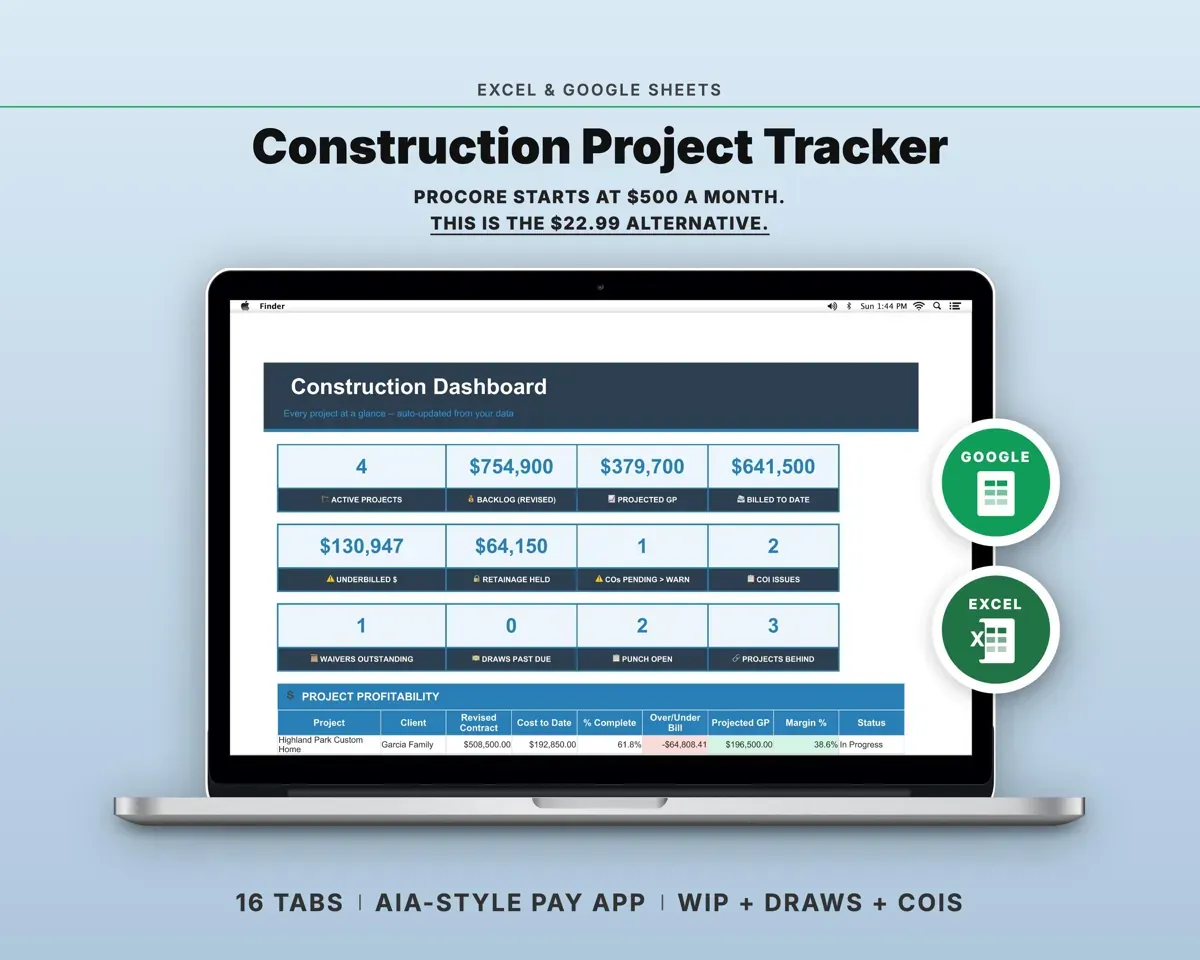
See all Trades & contractors templates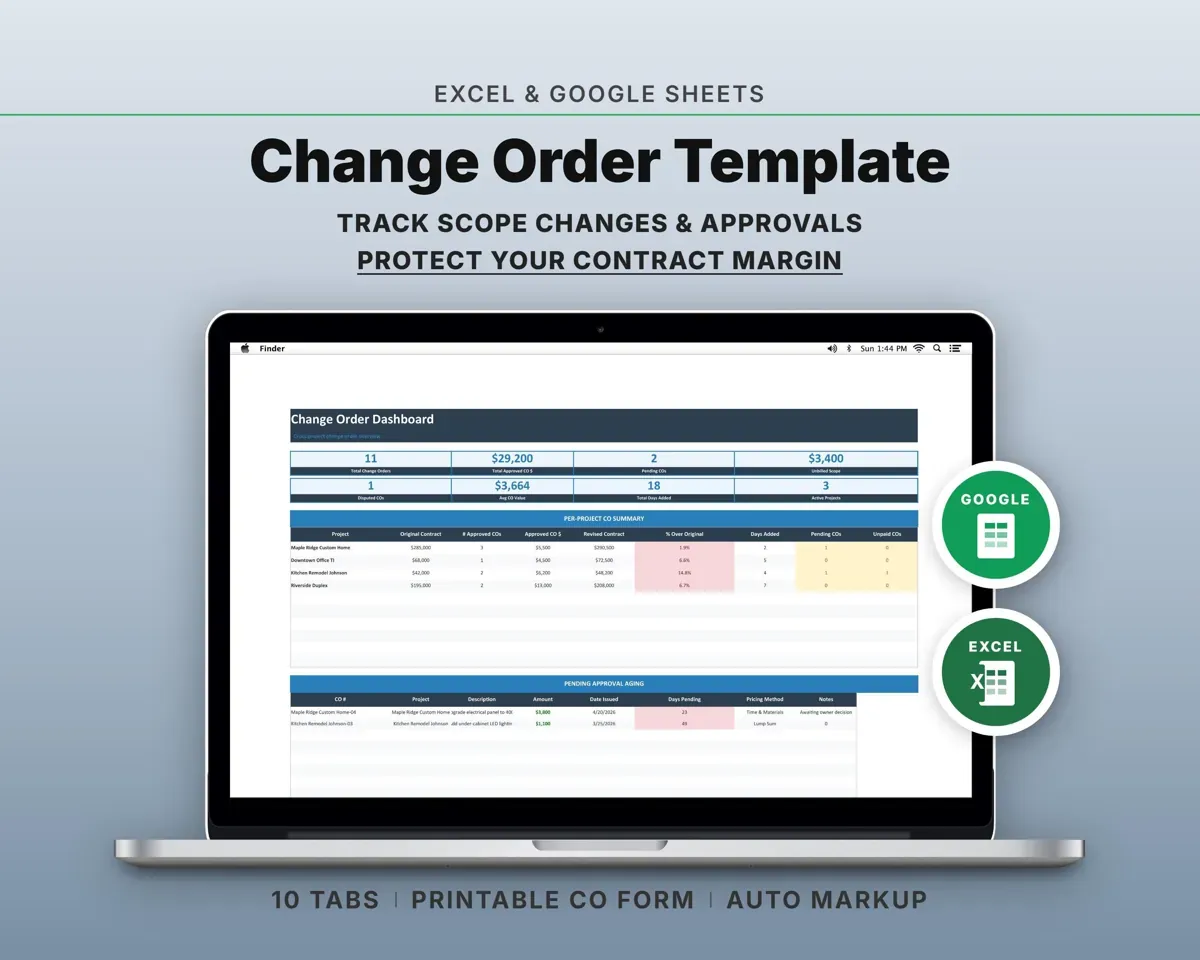
 Made by Clean Pixel Studios
We start every template by reading what people in that line of work say they struggle with, then build the spreadsheet around those problems. This one was made for contractors and nobody else.
How we build templatesJob Costing & Bid Calculator for Contractors$19.99 · Excel + Google Sheets