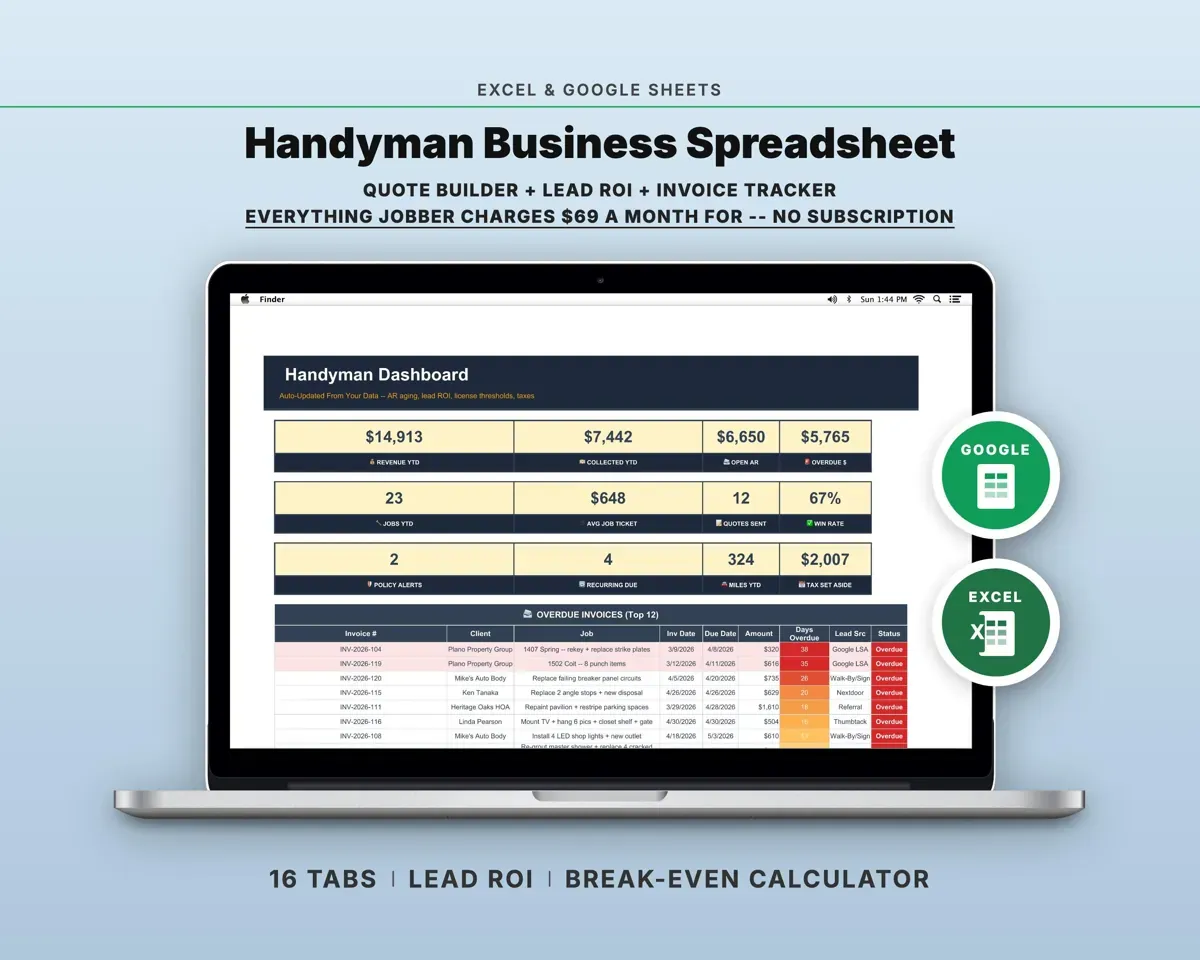
Built around the jobs handymen actually do
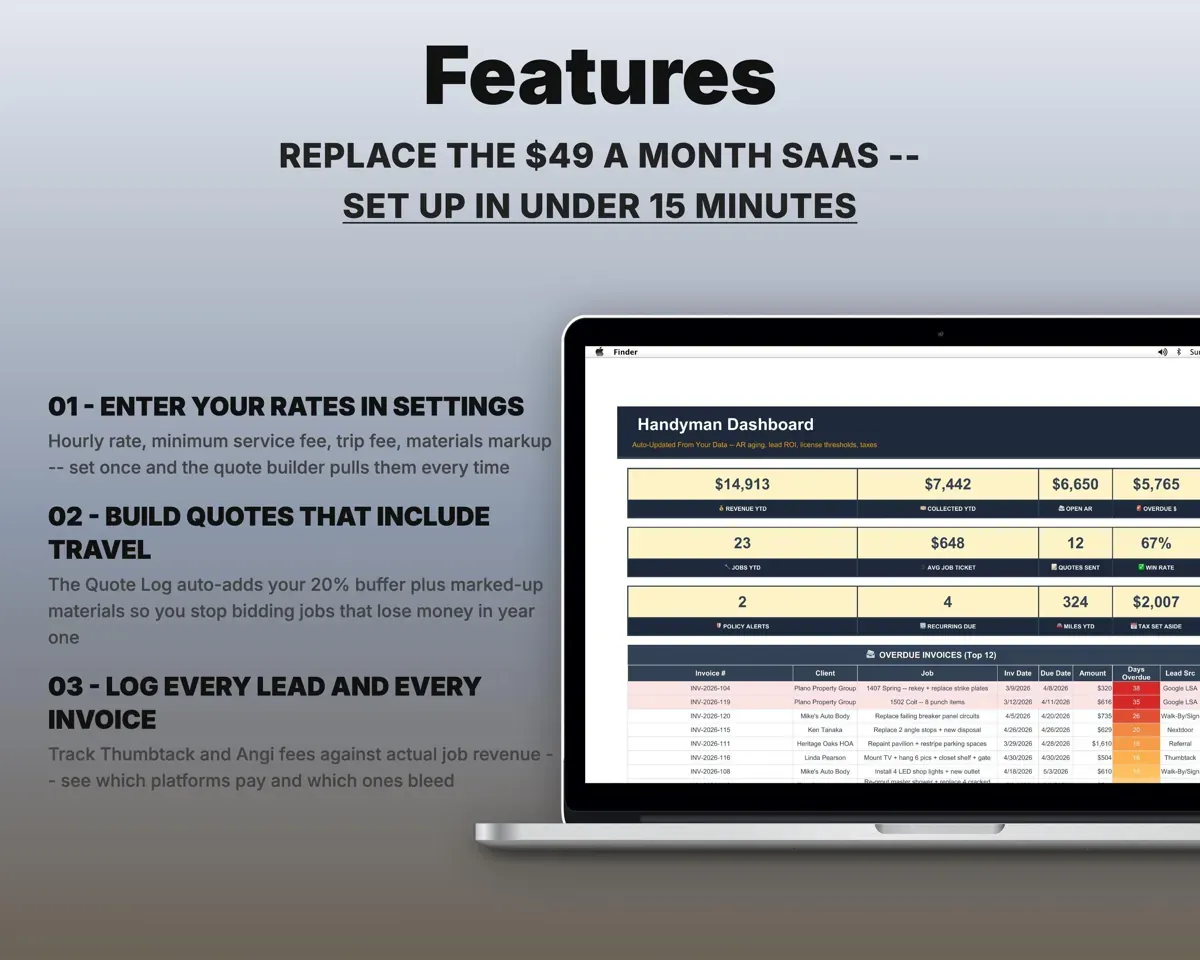
Build quotes that don't come up short
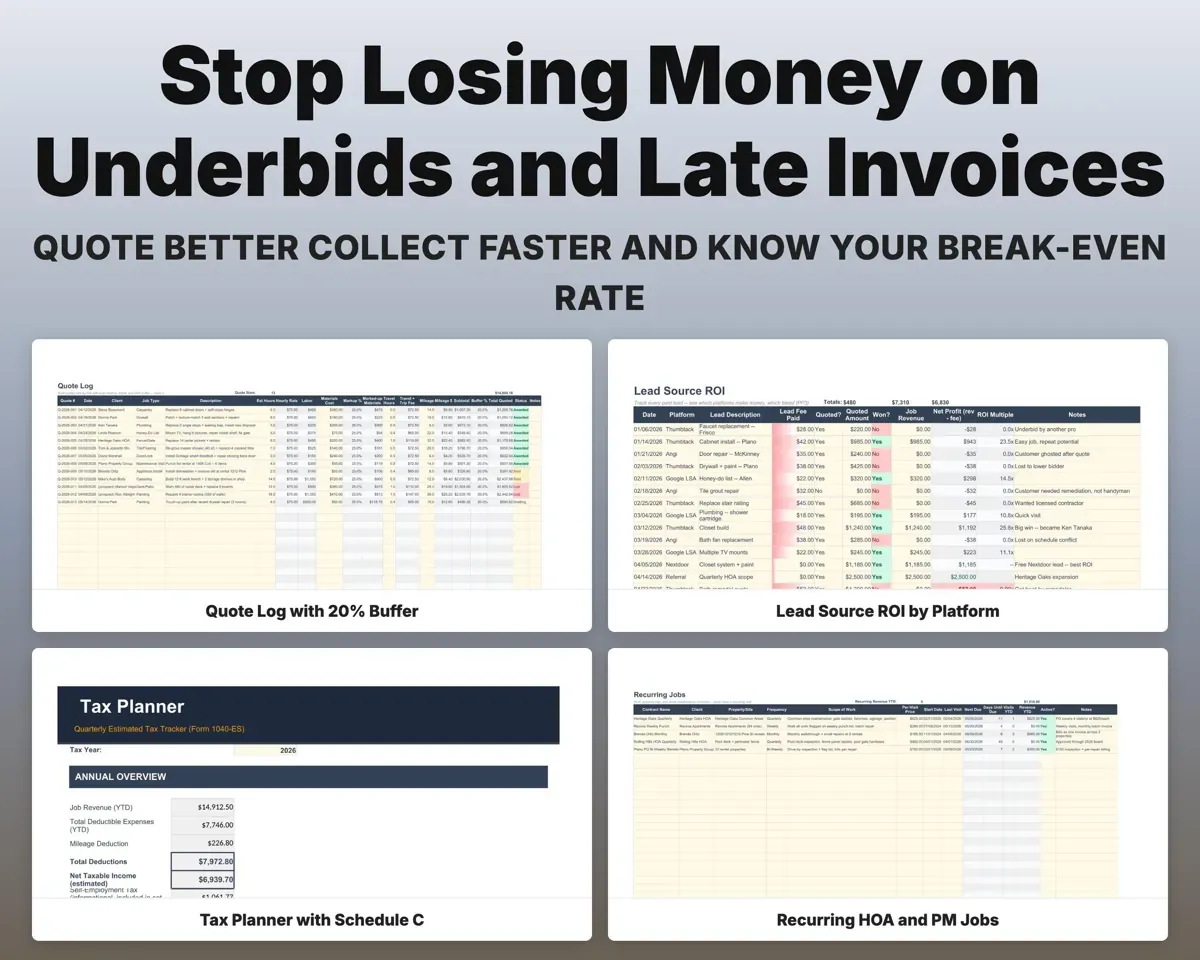
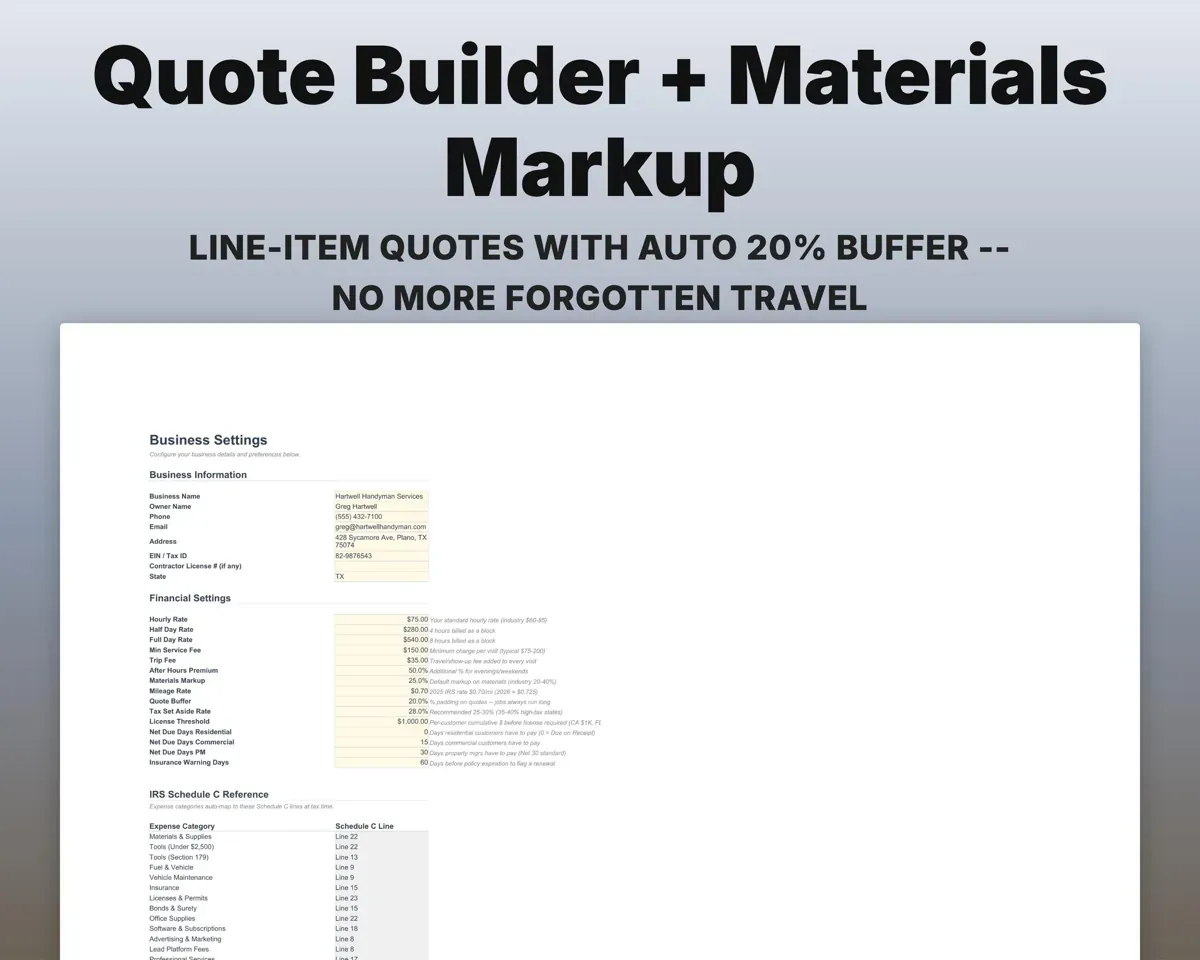
Add labor hours, materials at your markup, travel miles and your minimum fee line by line. Each quote adds a 20% time buffer, and you can compare quoted against actual.
Hours, materials, milesQuote with 20% bufferKnow the hourly rate you need to break even
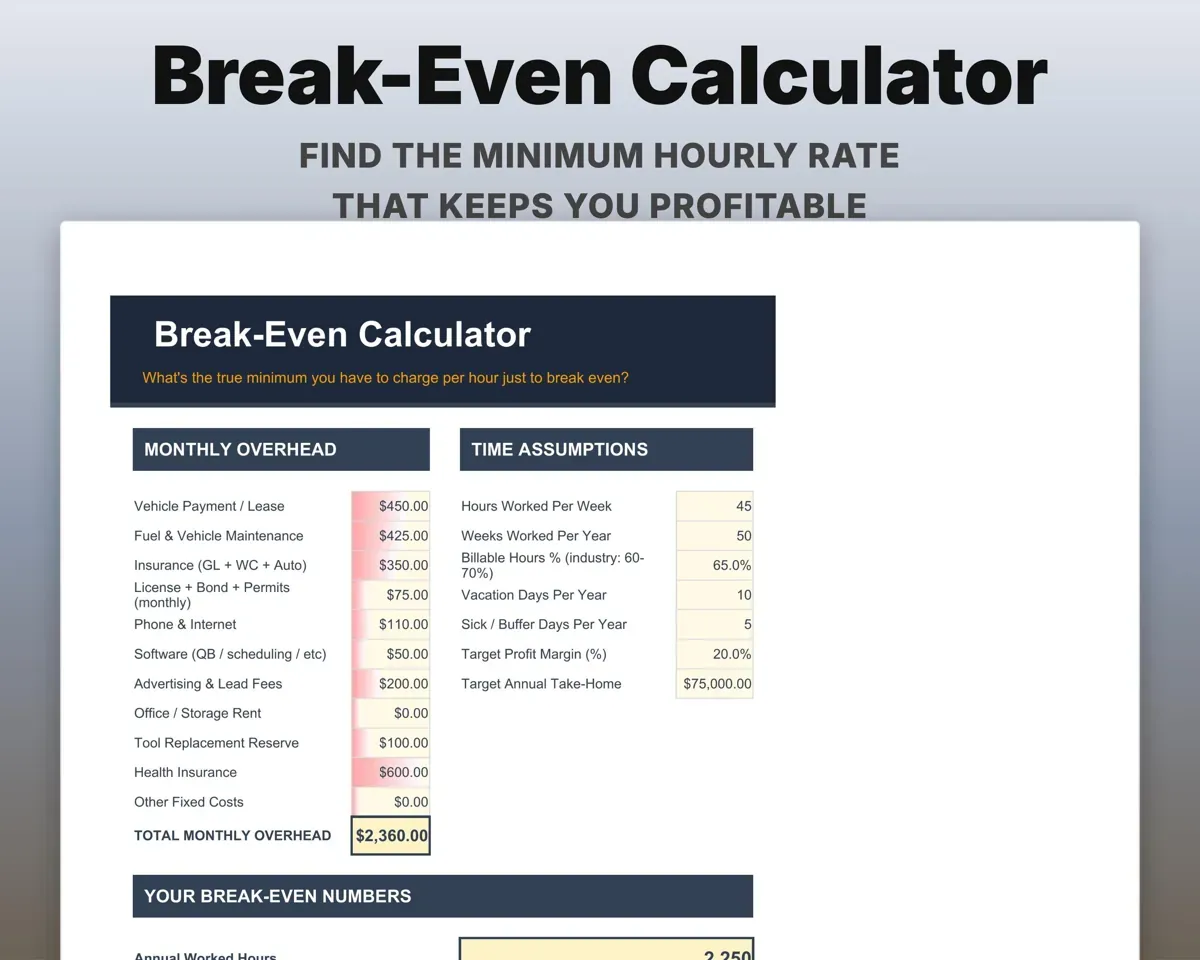
Enter monthly overhead, billable hours, time off and a target margin. The sheet shows your minimum hourly rate, day rate and monthly revenue target.
Overhead, billable hoursBreak-even hourly rateSee which lead platforms pay off
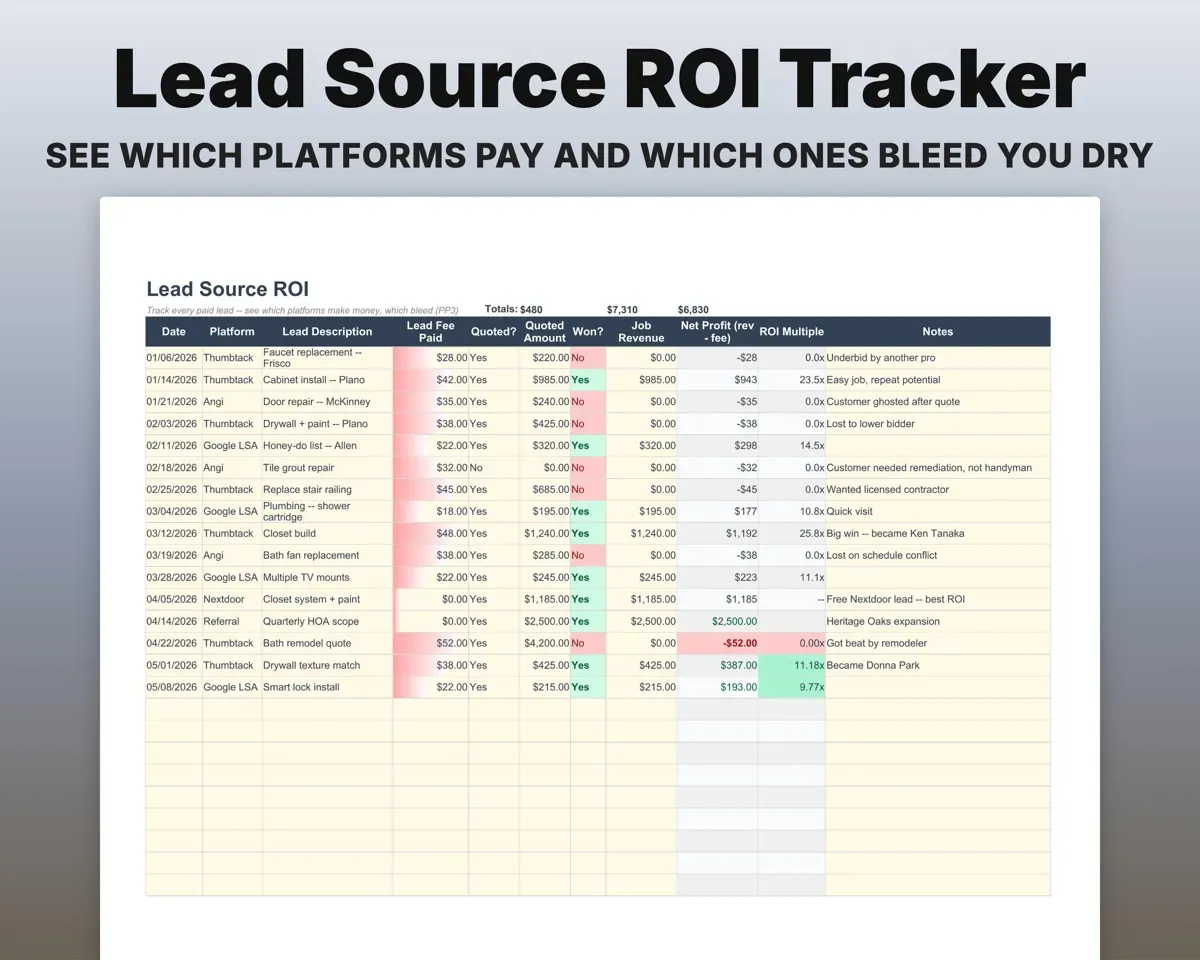
Log every paid lead with its fee, whether you won the job and the revenue. Each platform gets a net profit, an ROI multiple and a Bleeding flag when fees outrun earnings.
Lead fee, job wonROI by platformKnow which invoices are overdue
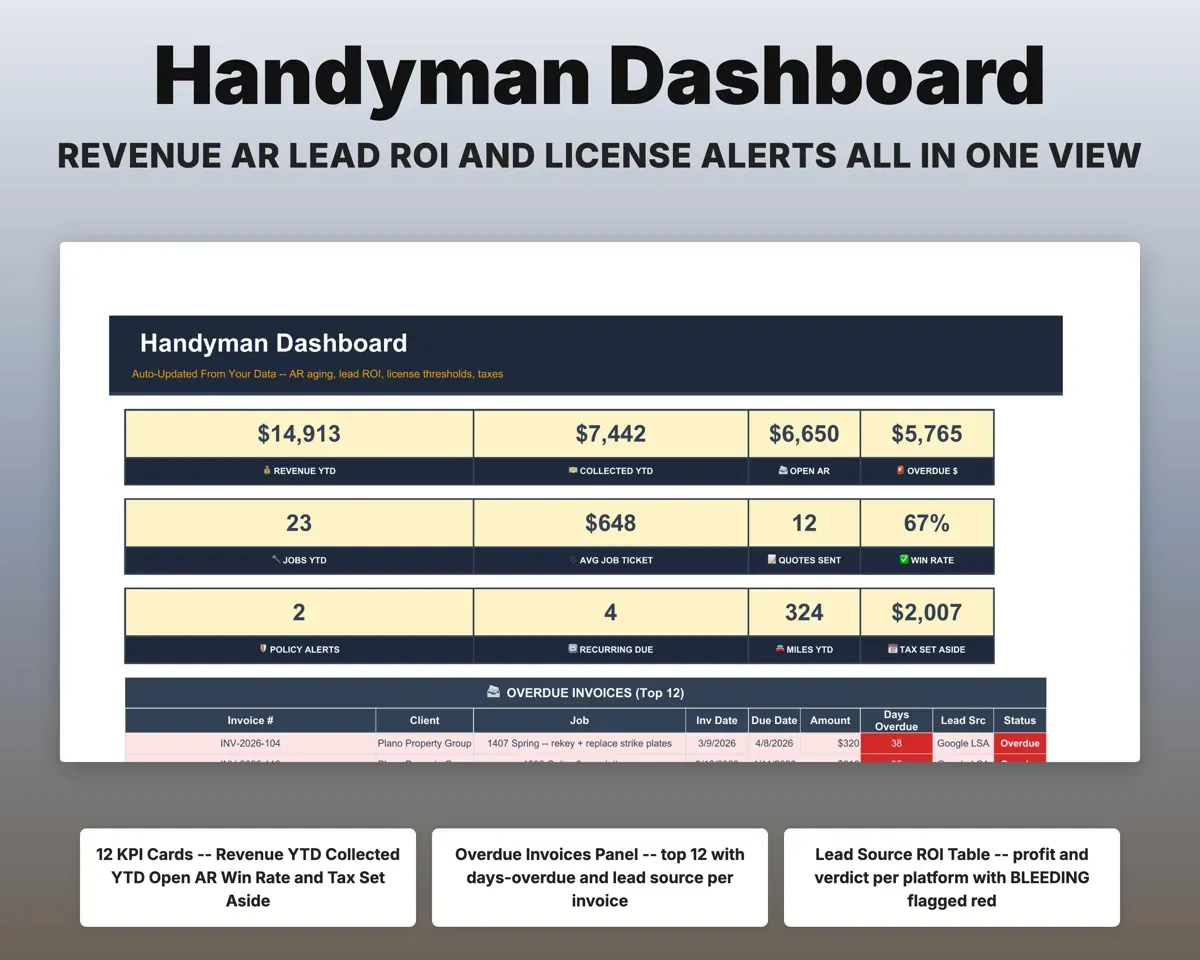
Each job tracks its invoice date and due date. Days overdue and a status from Paid to Seriously Overdue fill in, and the Dashboard lists the overdue ones.
Invoice and due dateDays overdueKeep HOA and rental contracts on schedule
Contracts with frequency, per-visit price and last visit. The next due date and days until due work themselves out.
Frequency, last visitNext visit dueStay ahead of insurance and license renewals
GL, workers comp, auto, bond and license policies with premiums and renewal dates, flagged within 60 days. Expenses and mileage map to Schedule C for quarterly taxes.
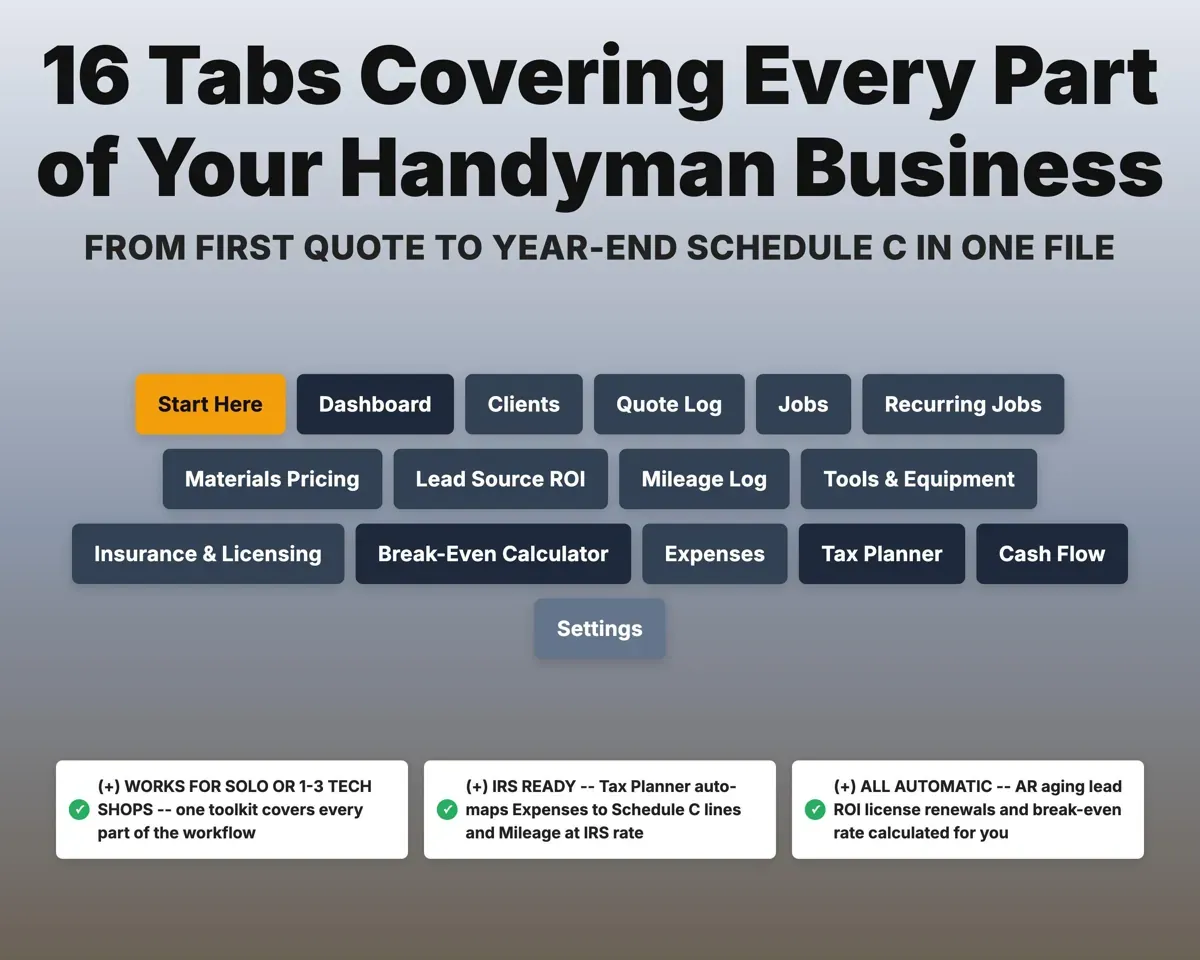
Renewal dates60-day alerts16 tabs in one file
- Start Here
- Dashboard
- Clients
- Quote Log
- Jobs
- Recurring Jobs
- Materials Pricing
- Lead Source ROI
- Mileage Log
- Tools & Equipment
- Insurance & Licensing
- Break-Even Calculator
- Expenses
- Tax Planner
- Cash Flow
- Settings
- Start Here
- Setup walkthrough, color key and a map of the tabs.
- Dashboard
- Revenue, open and overdue invoices, win rate and alerts.
- Clients
- Client list with address, customer type and payment terms.
- Quote Log
- Line-item quotes with markup, travel and a 20% buffer.
- Jobs
- Every job with invoice dates, days overdue and status.
- Recurring Jobs
- HOA, property manager and rental contracts with next due dates.
- Materials Pricing
- Common materials with vendor cost and marked-up price.
- Lead Source ROI
- Paid leads by platform with profit, ROI and a verdict.
- Mileage Log
- Trips by type with the mileage deduction worked out.
- Tools & Equipment
- Tool register with safe-harbor flag and Schedule C line.
- Insurance & Licensing
- Policies and licenses with renewal date alerts.
- Break-Even Calculator
- Overhead and billable hours turned into a minimum rate.
- Expenses
- Every expense mapped to a Schedule C line.
- Tax Planner
- Quarterly estimated tax with self-employment tax (Form 1040-ES).
- Cash Flow
- Twelve months of job income against expenses.
- Settings
- Rates, fees, markup, mileage rate, tax rate and lists.
Pair it with
“Excellent! Very easy to use.”
“Nice Organization for 4H projects”
Before you buy
Does it replace field service software?
For records, it covers clients, quotes, invoice tracking, expenses and taxes. It does not dispatch crews, plan routes or send invoices to customers.
Does the Tax Planner work in my state?
The Schedule C mapping and self-employment tax are federal. Your state income tax rate is one cell on Settings and flows into every quarterly estimate.
Does it handle commercial clients and HOAs?
Yes. Each client has a type (Residential, Commercial or Property Manager), and the Recurring Jobs tab is set up for HOA and property manager contracts.
What do I get?
An Excel file (.xlsx), a filled-in sample to look at, and a quick-start PDF guide with a link that makes your own copy in Google Sheets.
How does delivery work?
You get your download links right after checkout, and Stripe emails your receipt. There is nothing to ship and nothing to wait for.
How do I set it up in Google Sheets?
Open the quick-start PDF and click the Google Sheets link. Google makes a copy in your own Drive that only you can edit. You need a free Google account.
Will it work on a Mac?
Yes. It works in Excel on Mac and Windows, and in Google Sheets in any browser.
I'm not a spreadsheet person. Is that a problem?
No. You only type in the yellow cells. Everything in gray works itself out, and the Start Here tab shows you where to begin.
Can I get a refund?
Templates are digital downloads, so sales are final. If a file won't open, is broken or doesn't match its description, email hello@cleanpixelstudios.com within 30 days and we'll fix it, or refund you if we can't.
What if I get stuck?
Email hello@cleanpixelstudios.com and we'll help you get it working.
More in Trades & contractors
See all Trades & contractors templates
 Made by Clean Pixel Studios
We start every template by reading what people in that line of work say they struggle with, then build the spreadsheet around those problems. This one was made for handymen and nobody else.
How we build templatesHandyman Business Spreadsheet$19.99 · Excel + Google Sheets