Built around the jobs contractors who hire subs actually do
Have 1099 totals ready at year end
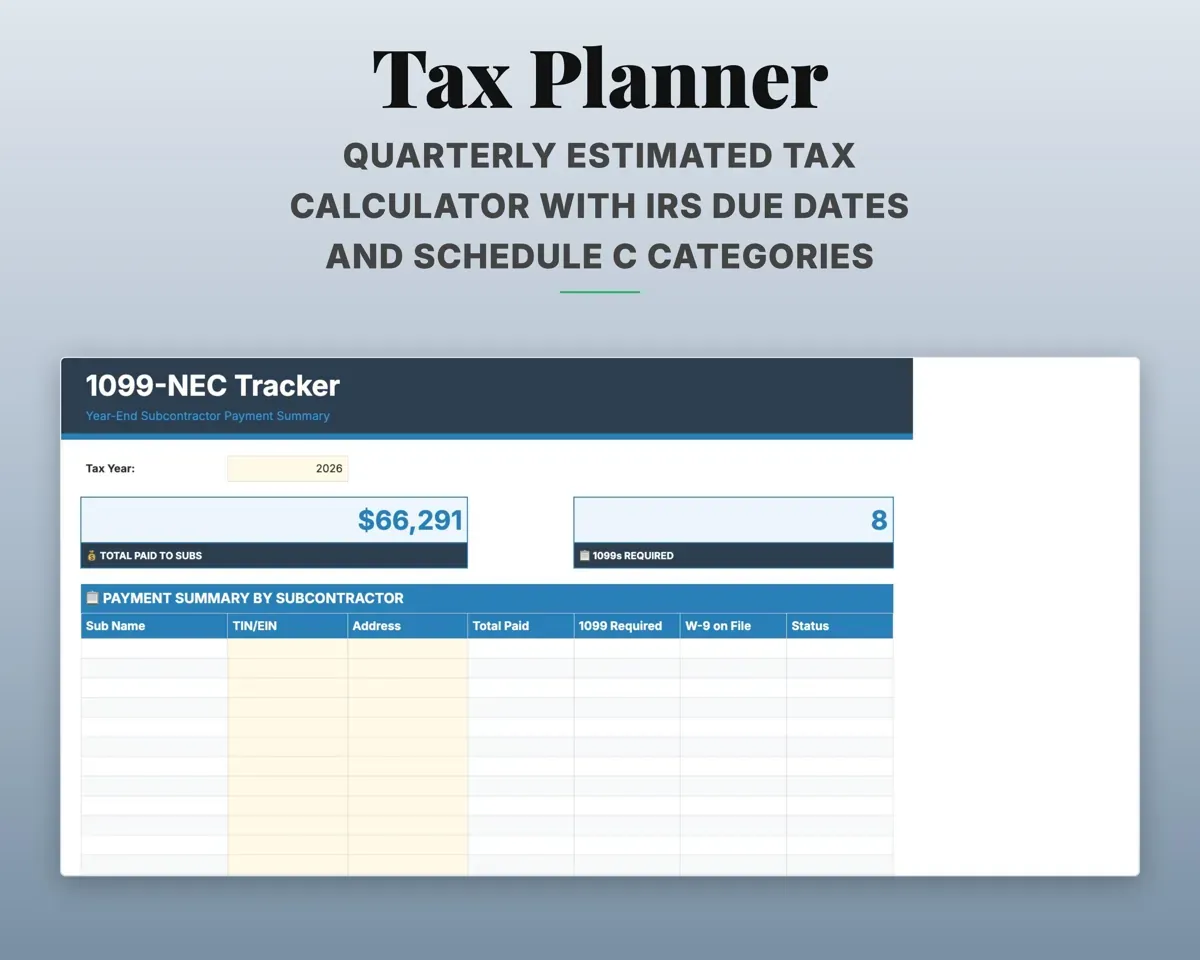
Payments roll up per sub through the year, and anyone over the $2,000 threshold is flagged. Name, TIN, address and total paid sit in one place.
Payments1099 flagKeep insurance and W-9s current
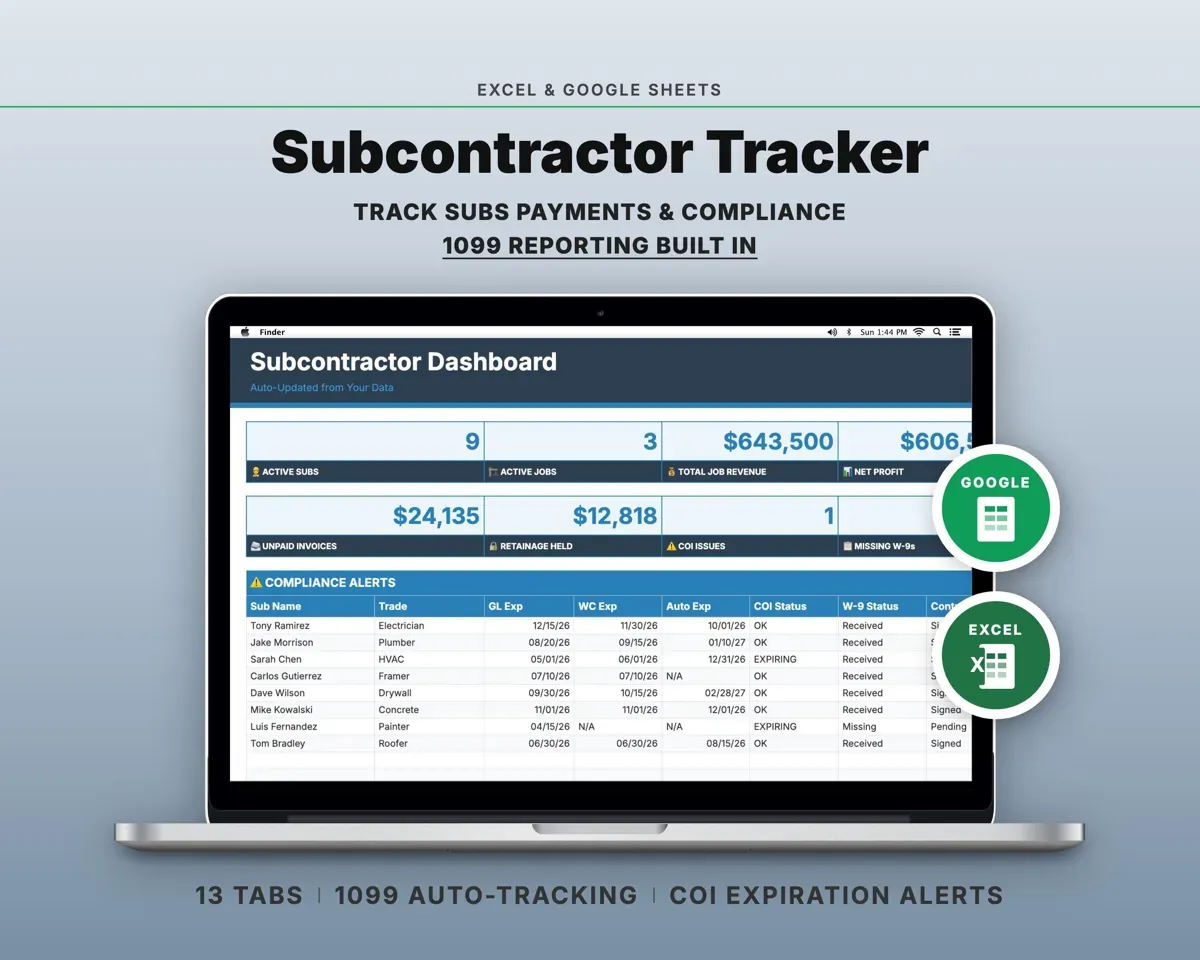
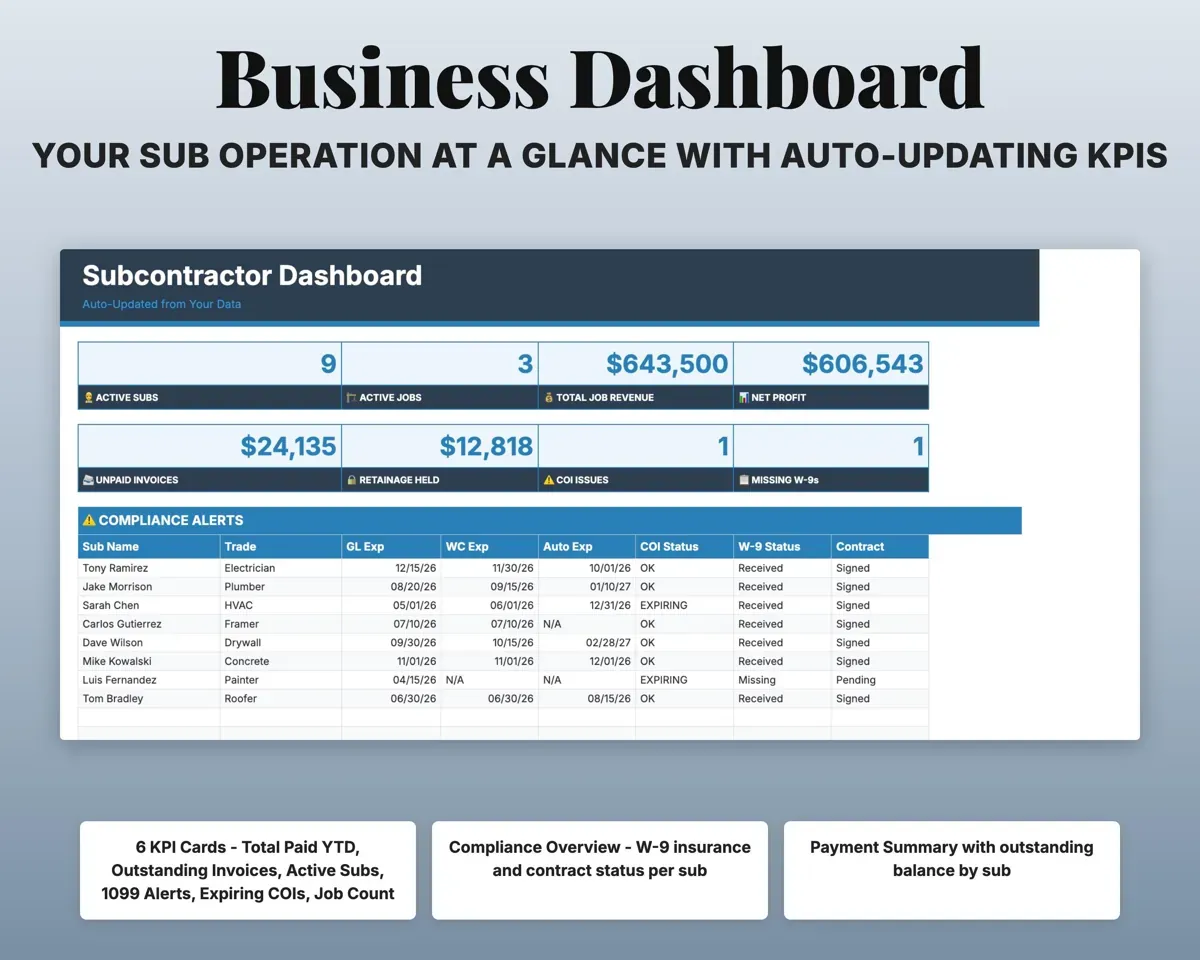
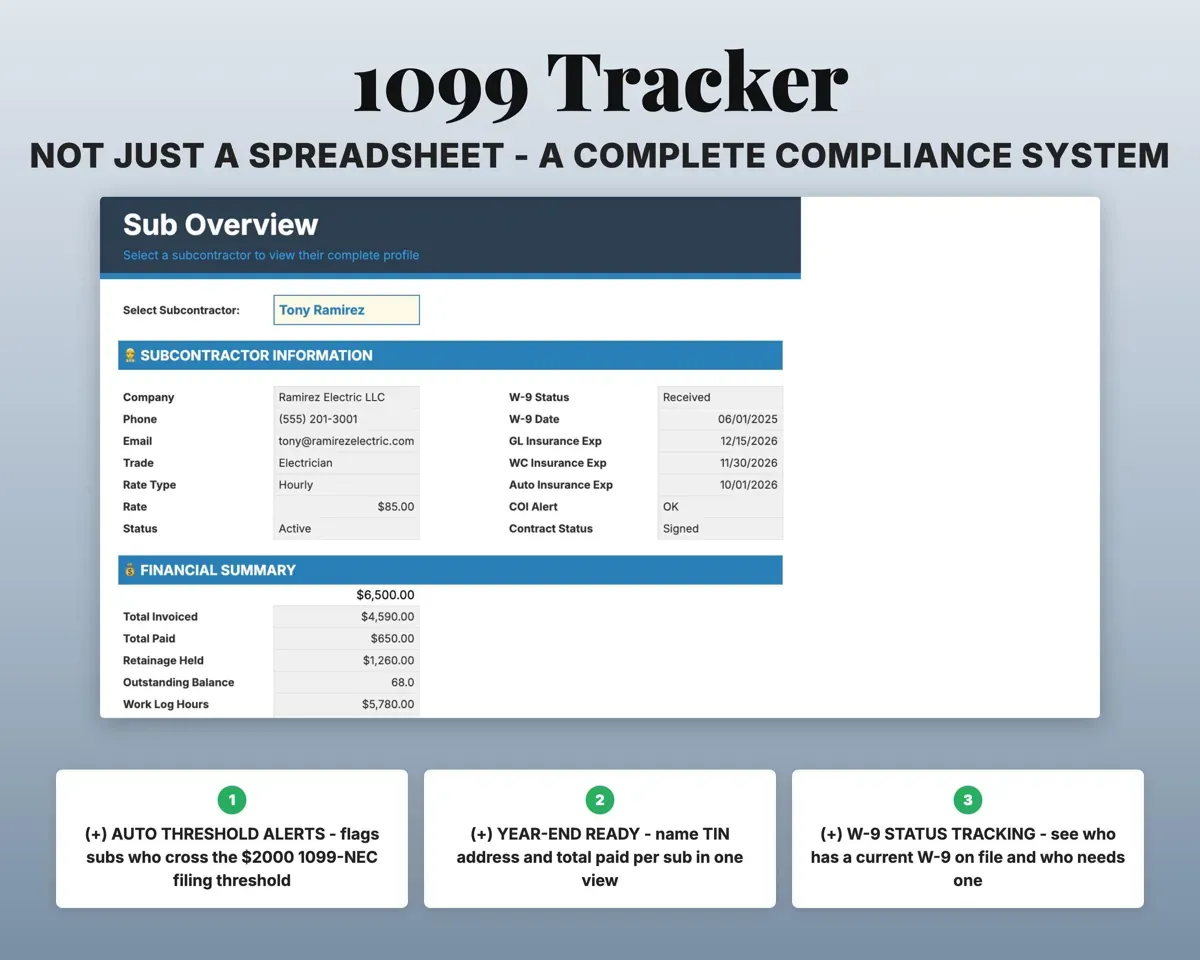
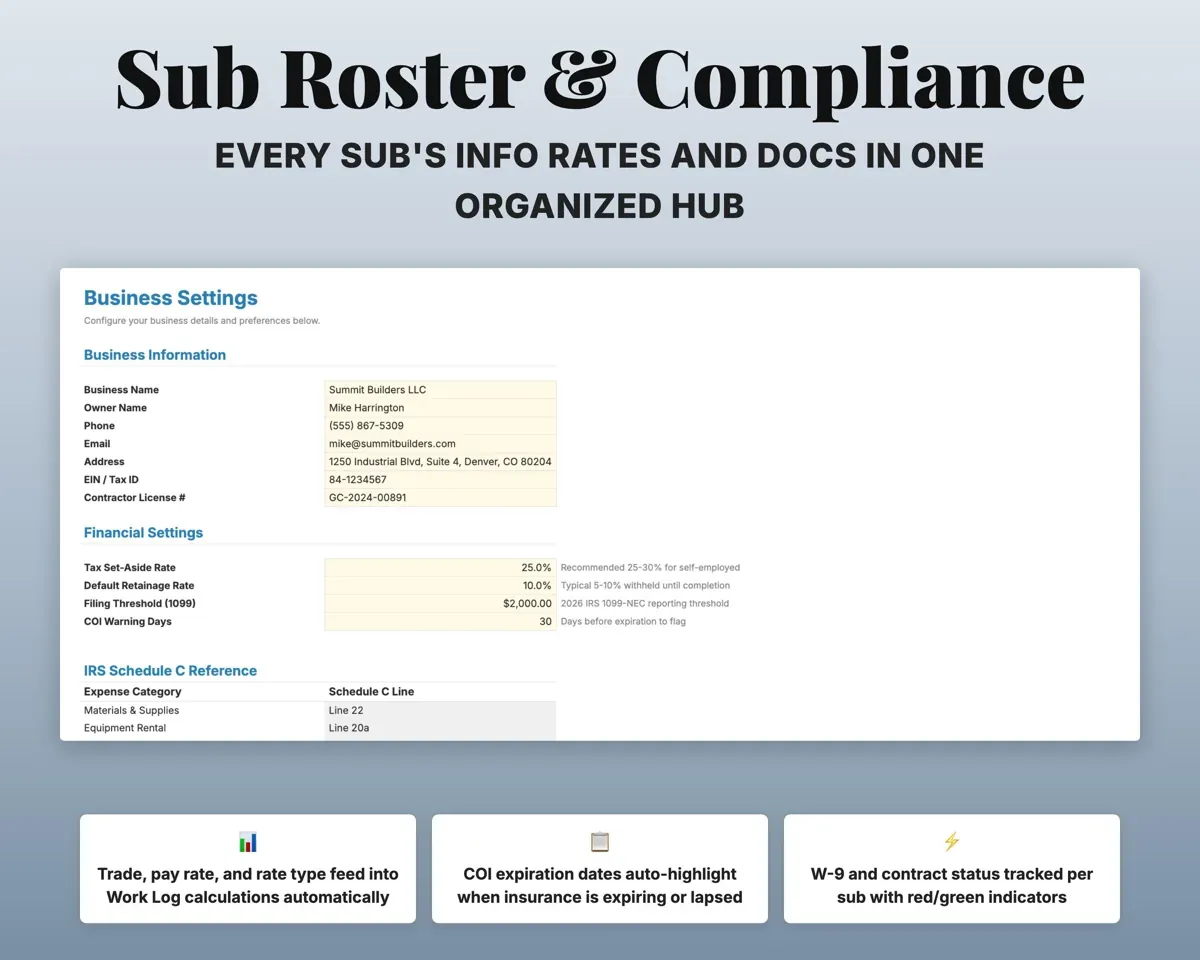
Record each sub's COI expiration, W-9 status and contract status. The Dashboard shows who needs paperwork before the next job.
COI dates, W-9 statusCompliance alertsLog every shift and the pay it earns
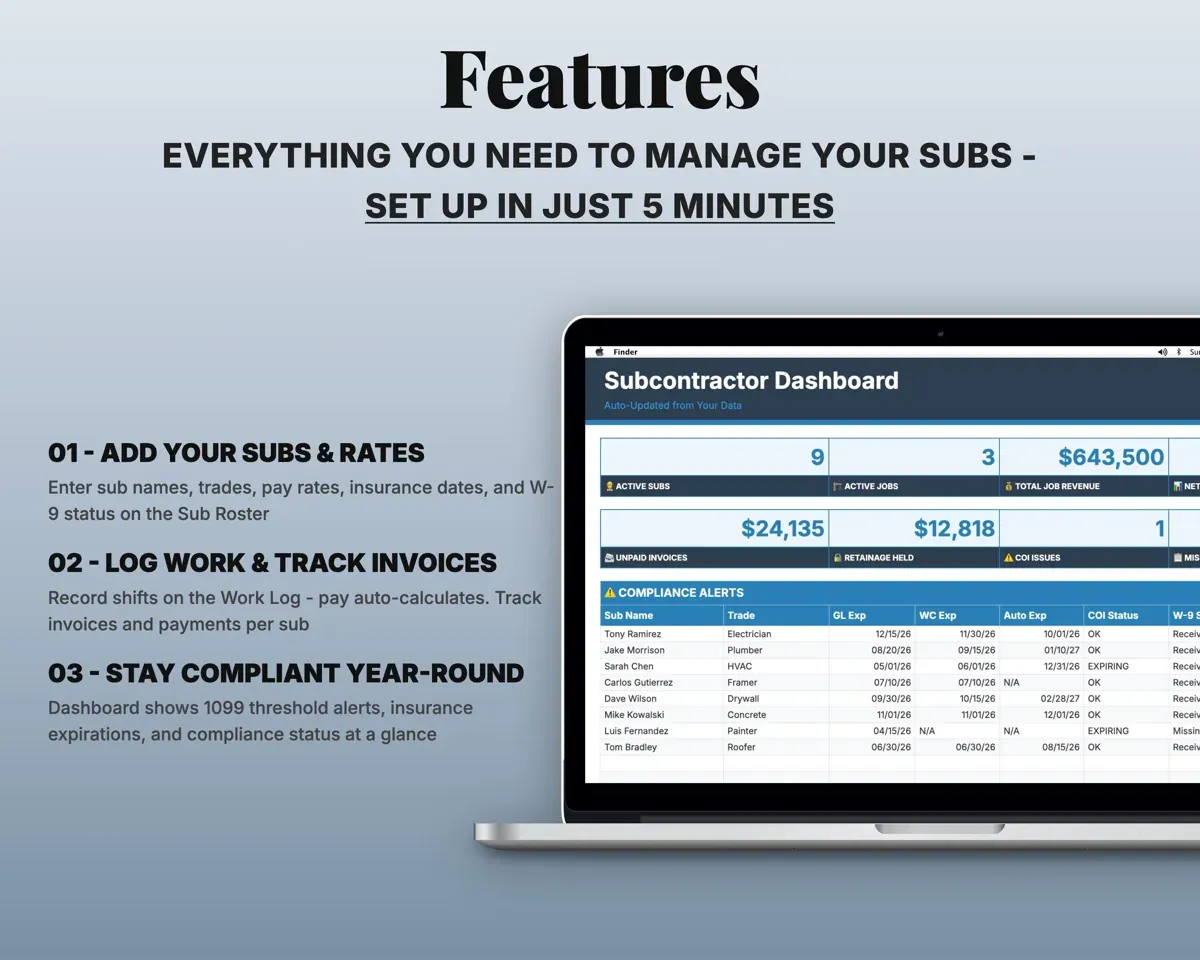
Enter sub, job, service and hours or units. Pay calculates from the sub's rate, whether hourly, per job, per unit or a percentage.
Hours or unitsPay owedSee if each job stays on budget
Assign sub costs to jobs. Job Overview shows budget versus actual sub cost and the profit margin on each project.
Budget, sub costsMargin per jobTrack sub invoices and retainage
Log invoices with due dates, retainage held and net payable. Each sub keeps a running balance, and the Dashboard shows retainage outstanding.
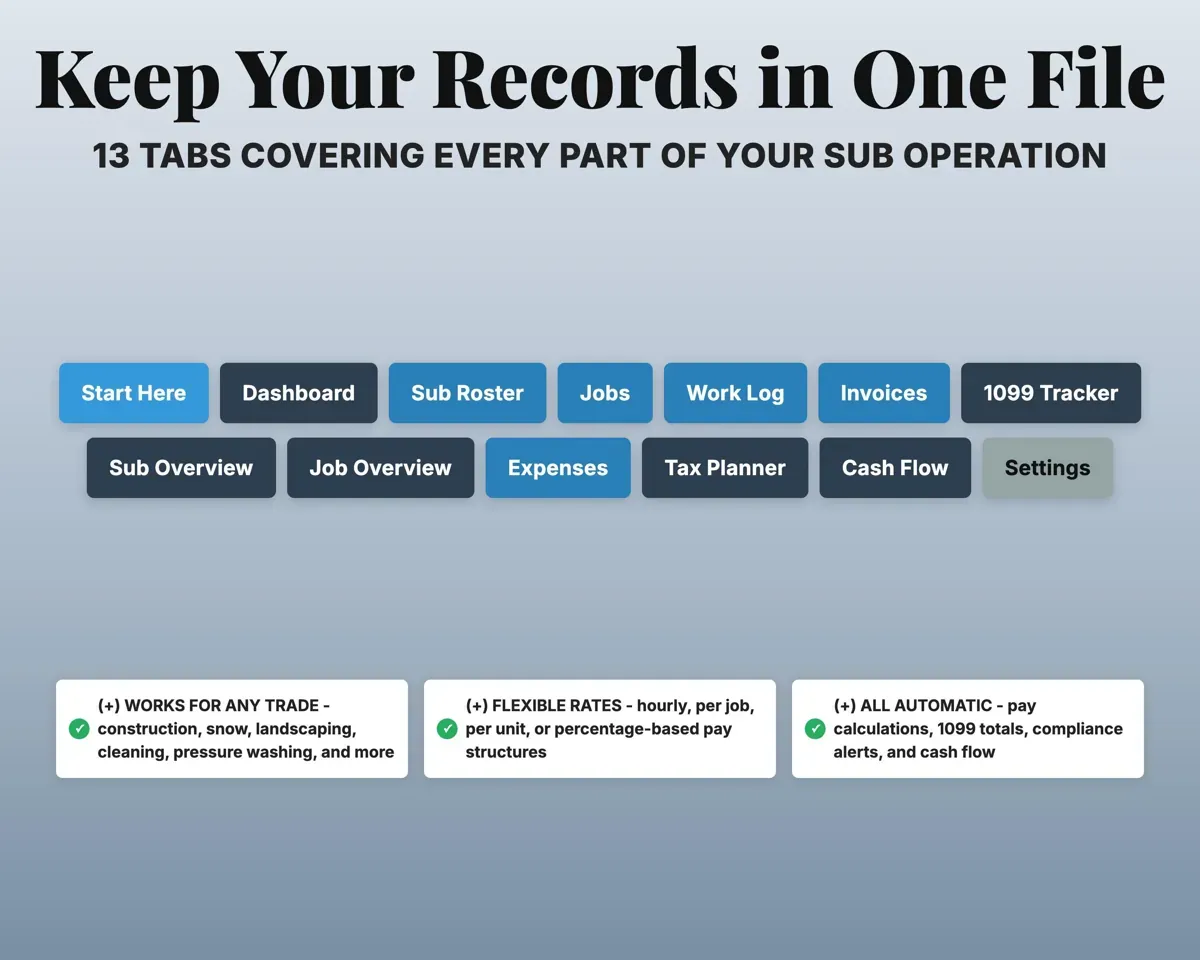
Invoice, retainage %Net payable13 tabs in one file
- Start Here
- Dashboard
- Sub Roster
- Jobs
- Work Log
- Invoices
- 1099 Tracker
- Sub Overview
- Job Overview
- Expenses
- Tax Planner
- Cash Flow
- Settings
- Start Here
- Setup steps, color key and tab descriptions.
- Dashboard
- Paid to date, open invoices, 1099 alerts and insurance expirations.
- Sub Roster
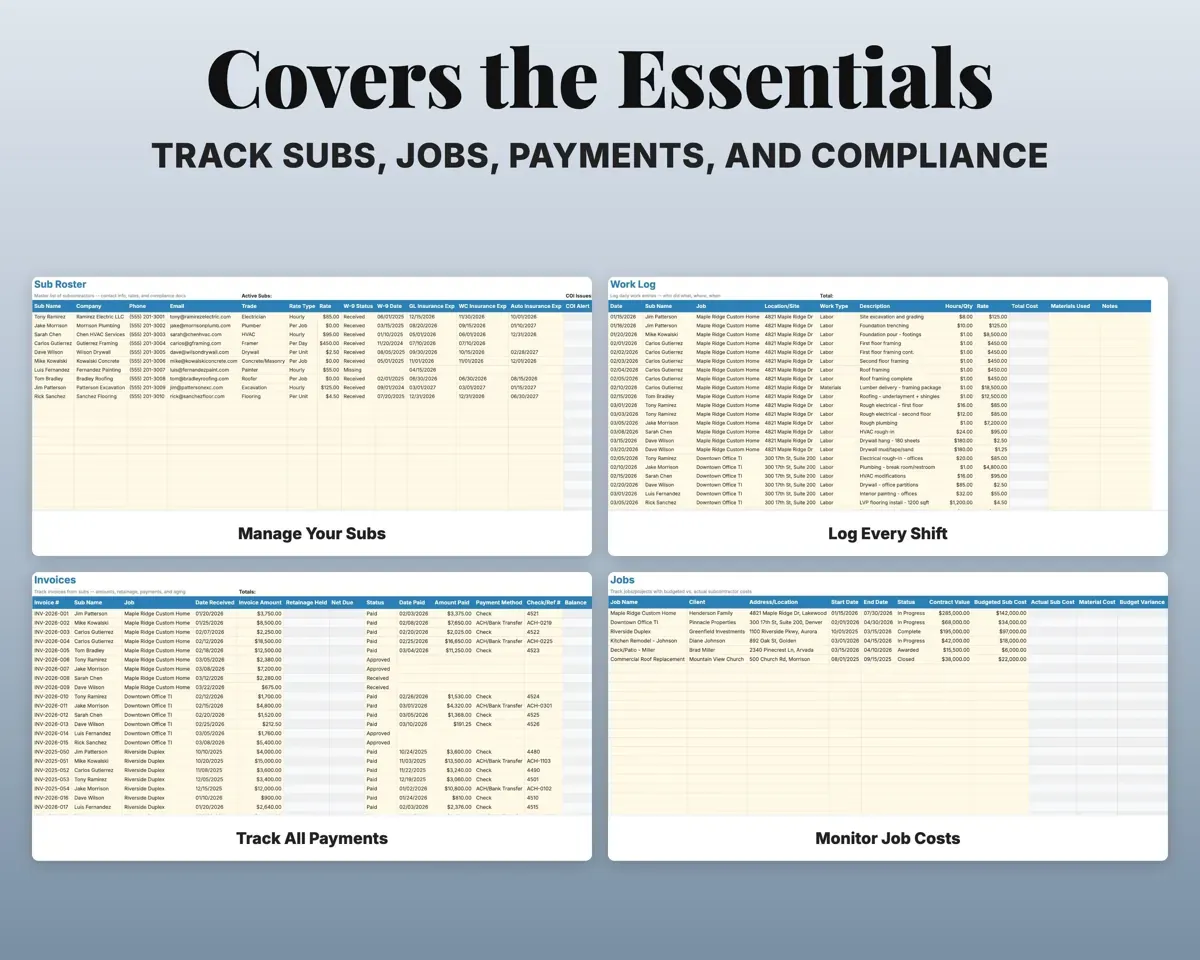
- Every sub with trade, rate, W-9, COI date and contract.
- Jobs
- Projects with budgeted and actual sub cost and margin.
- Work Log
- Shifts by sub and job with calculated pay.
- Invoices
- Sub invoices with retainage, net payable and payment dates.
- 1099 Tracker
- Year-end totals, W-9, TIN and filing status per sub.
- Sub Overview
- One sub's profile, compliance, jobs and payment history.
- Job Overview
- One job's subs, hours, costs and budget versus actual.
- Expenses
- Business costs by Schedule C category, tied to jobs.
- Tax Planner
- Quarterly estimated tax with due dates (Form 1040-ES).
- Cash Flow
- Twelve months of revenue and expenses by category.
- Settings
- Tax rate, retainage percent, payment terms and dropdowns.
Pair it with
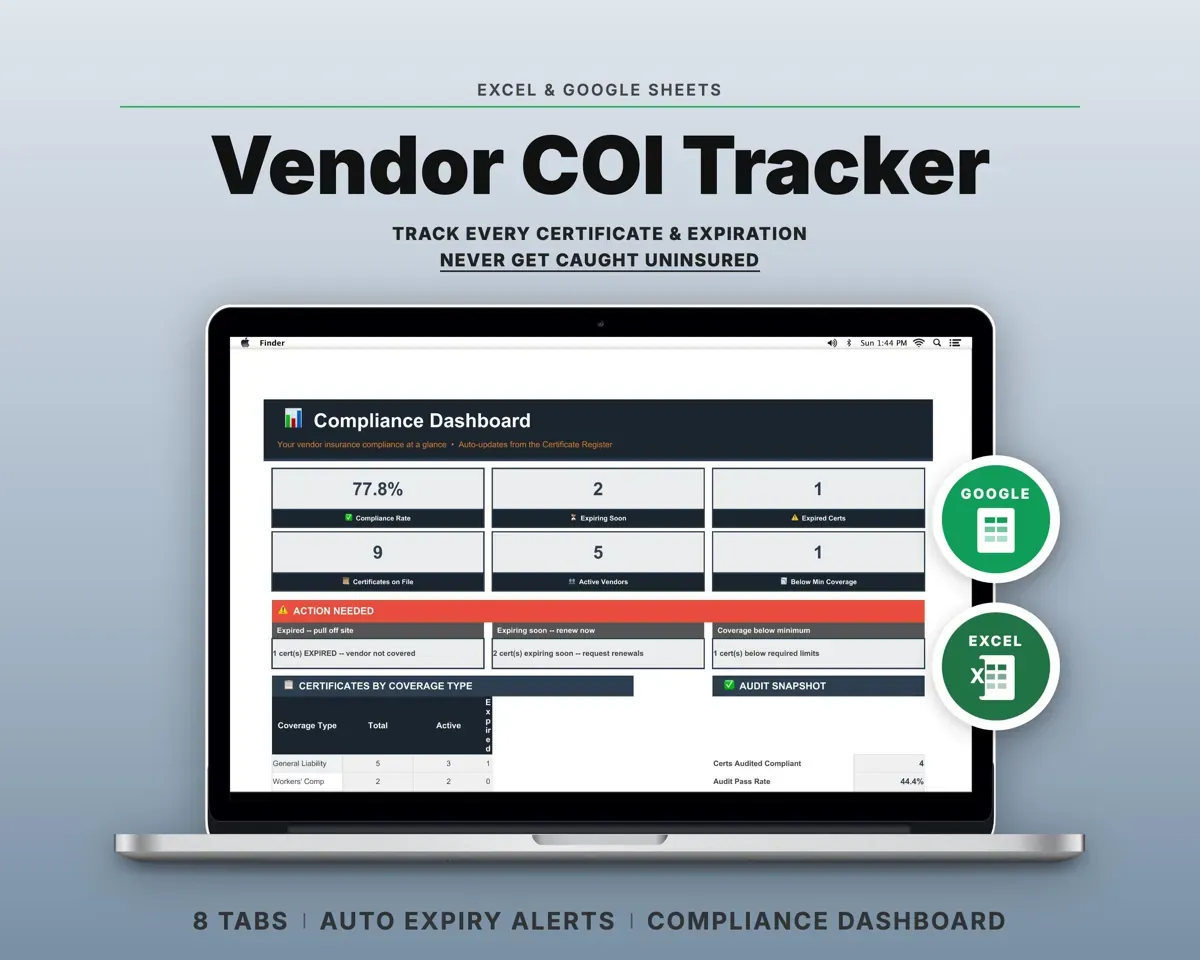
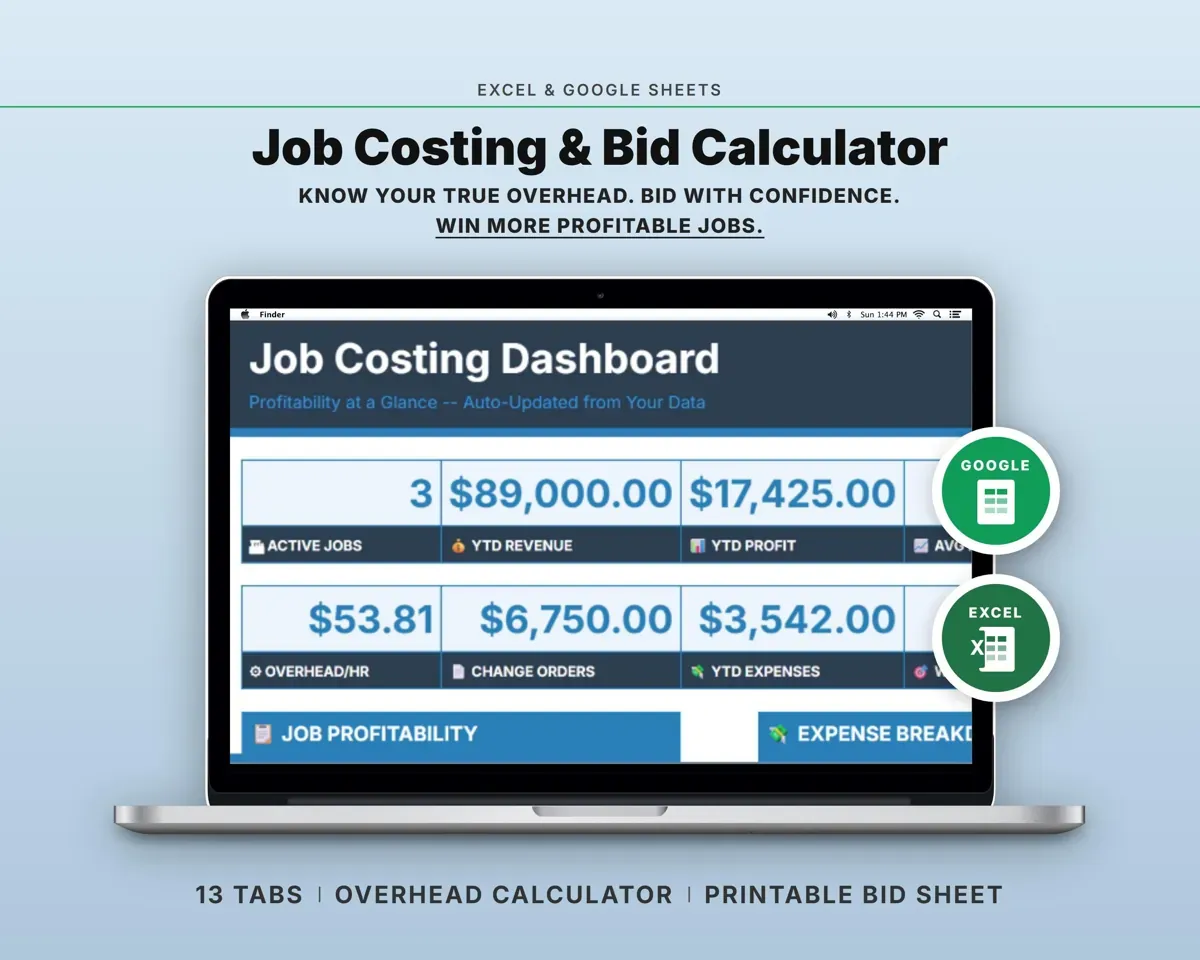
“Very helpful. As advertised. Would recommend”
“Excellent! Very easy to use.”
Before you buy
Will it work for my trade?
It suits any business that hires subs, from construction and roofing to landscaping, snow removal and cleaning. Trades and categories are editable on the Settings tab.
Can subs be paid in different ways?
Yes. Set each sub's rate type on the roster (hourly, per job, per unit or percentage) and the Work Log calculates pay to match.
How are 1099 totals worked out?
Record each payment on the Invoices tab. The 1099 Tracker totals each sub's year and flags anyone past the $2,000 threshold, with TIN and address alongside.
What do I get?
An Excel file (.xlsx), a filled-in sample to look at, and a quick-start PDF guide with a link that makes your own copy in Google Sheets.
How does delivery work?
You get your download links right after checkout, and Stripe emails your receipt. There is nothing to ship and nothing to wait for.
How do I set it up in Google Sheets?
Open the quick-start PDF and click the Google Sheets link. Google makes a copy in your own Drive that only you can edit. You need a free Google account.
Will it work on a Mac?
Yes. It works in Excel on Mac and Windows, and in Google Sheets in any browser.
I'm not a spreadsheet person. Is that a problem?
No. You only type in the yellow cells. Everything in gray works itself out, and the Start Here tab shows you where to begin.
Can I get a refund?
Templates are digital downloads, so sales are final. If a file won't open, is broken or doesn't match its description, email hello@cleanpixelstudios.com within 30 days and we'll fix it, or refund you if we can't.
What if I get stuck?
Email hello@cleanpixelstudios.com and we'll help you get it working.
More in Trades & contractors
See all Trades & contractors templates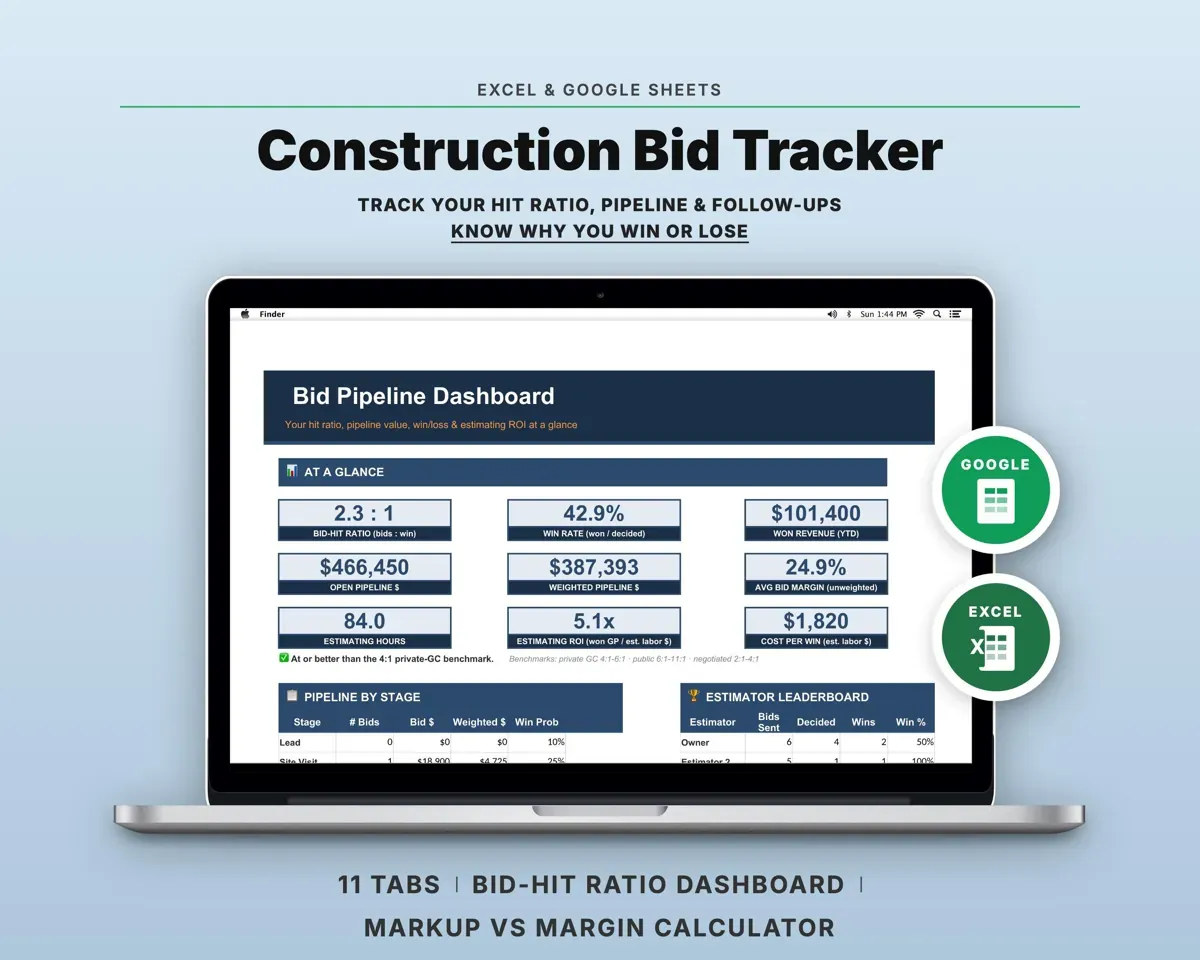
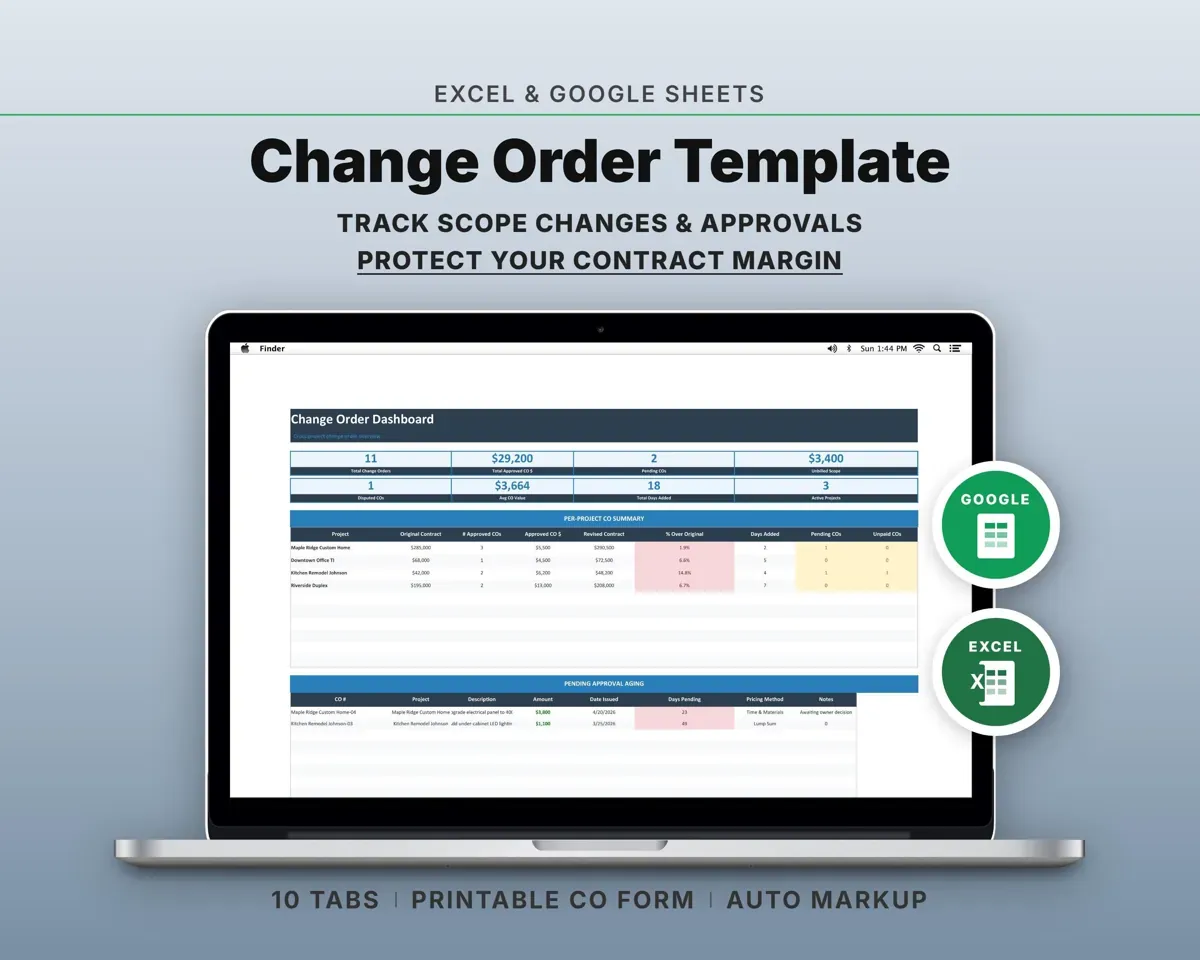
 Made by Clean Pixel Studios
We start every template by reading what people in that line of work say they struggle with, then build the spreadsheet around those problems. This one was made for contractors who hire subs and nobody else.
How we build templatesSubcontractor Management Tracker$17.99 · Excel + Google Sheets