Built around the jobs people paid on commission actually do
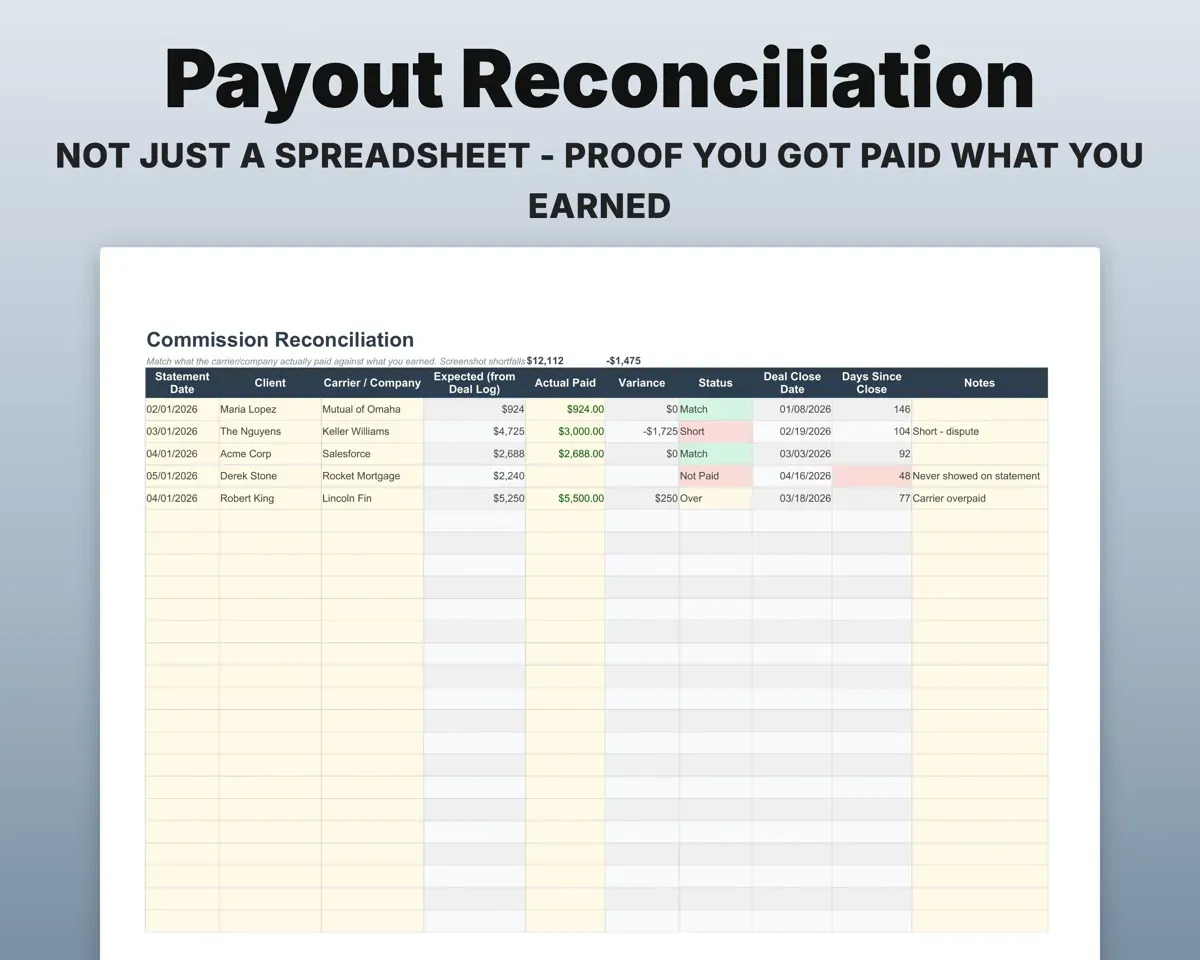
Prove you were paid what you earned
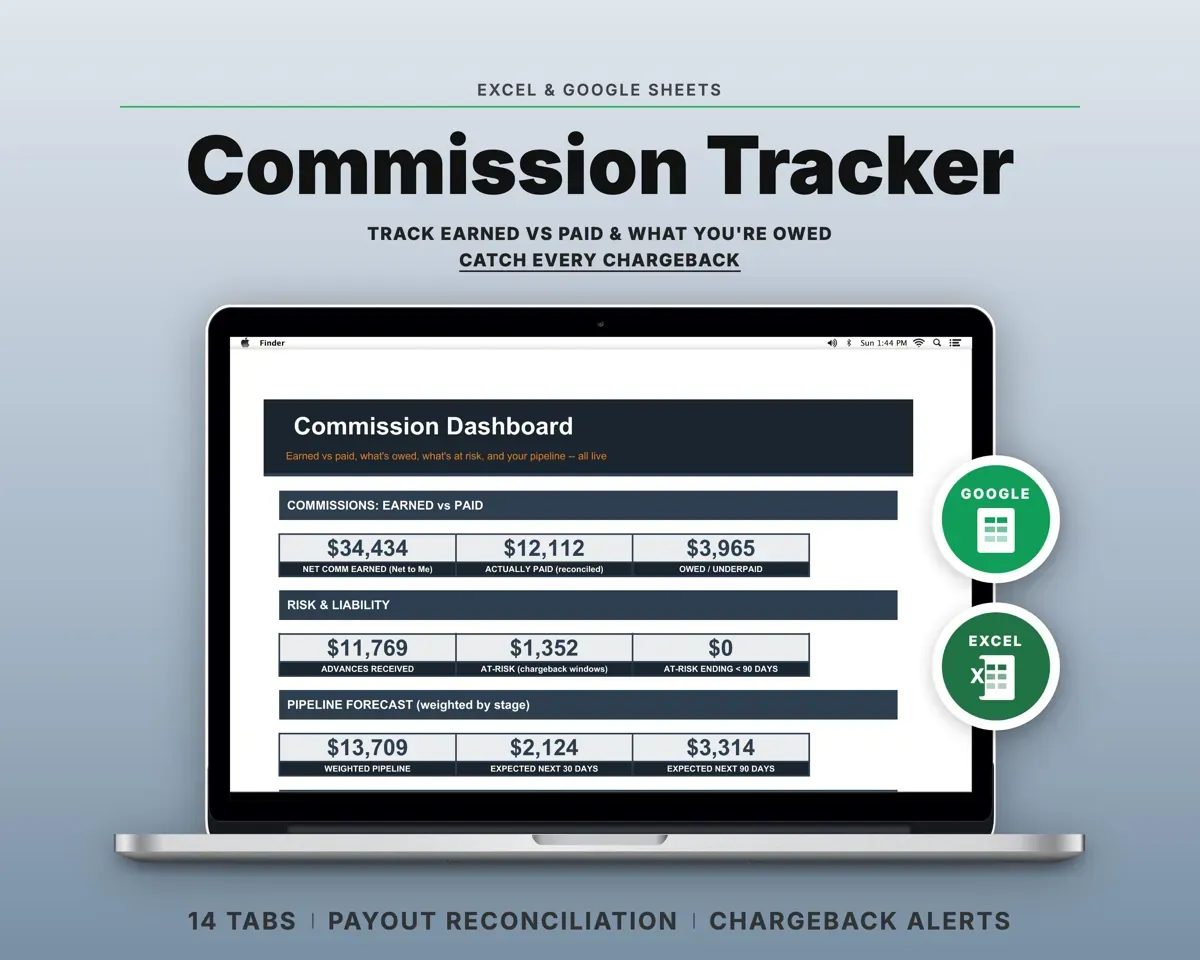
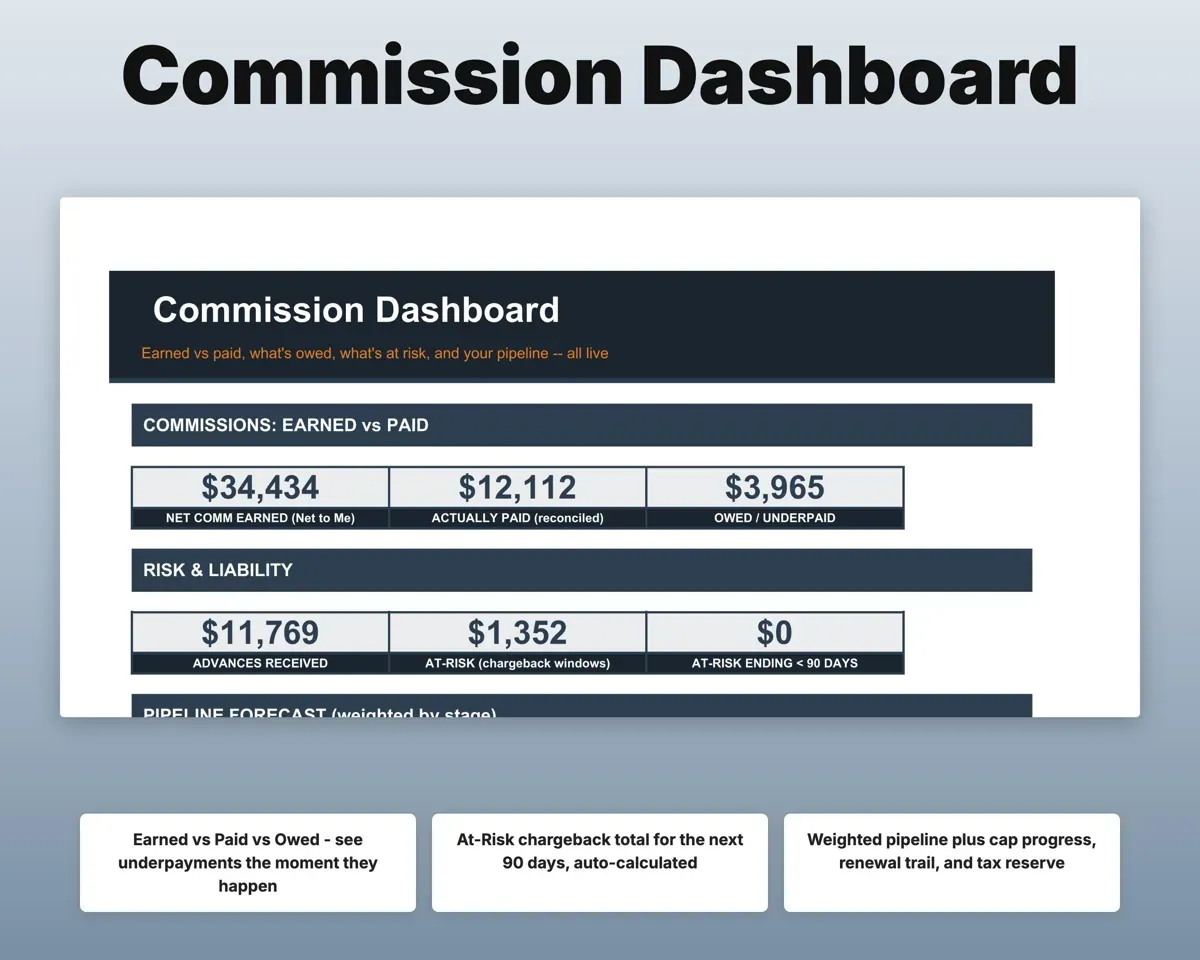
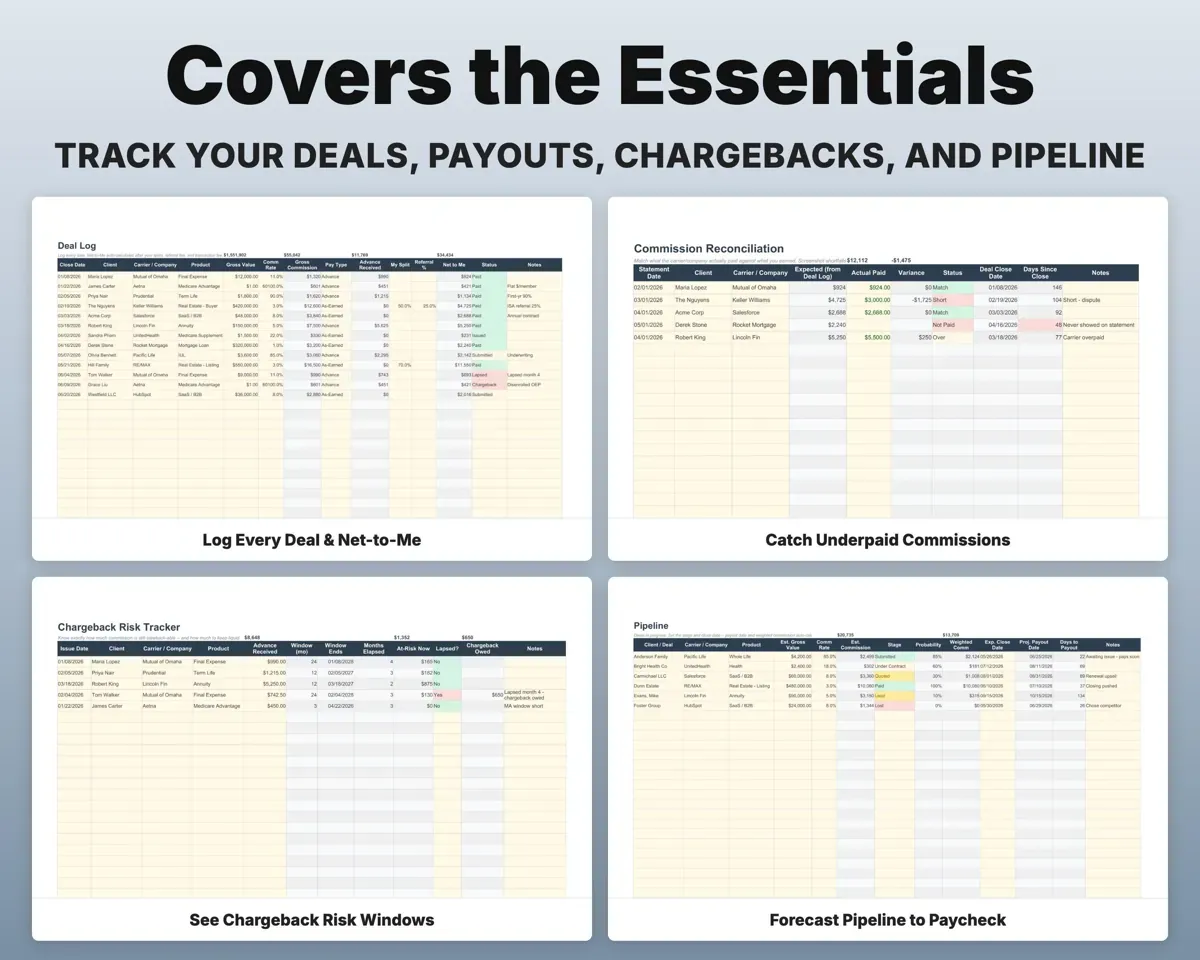
Log the commission you expected and what the carrier or company paid. Shortfalls and deals that never paid are flagged.
Expected, paidShortfall flagsSee chargebacks coming
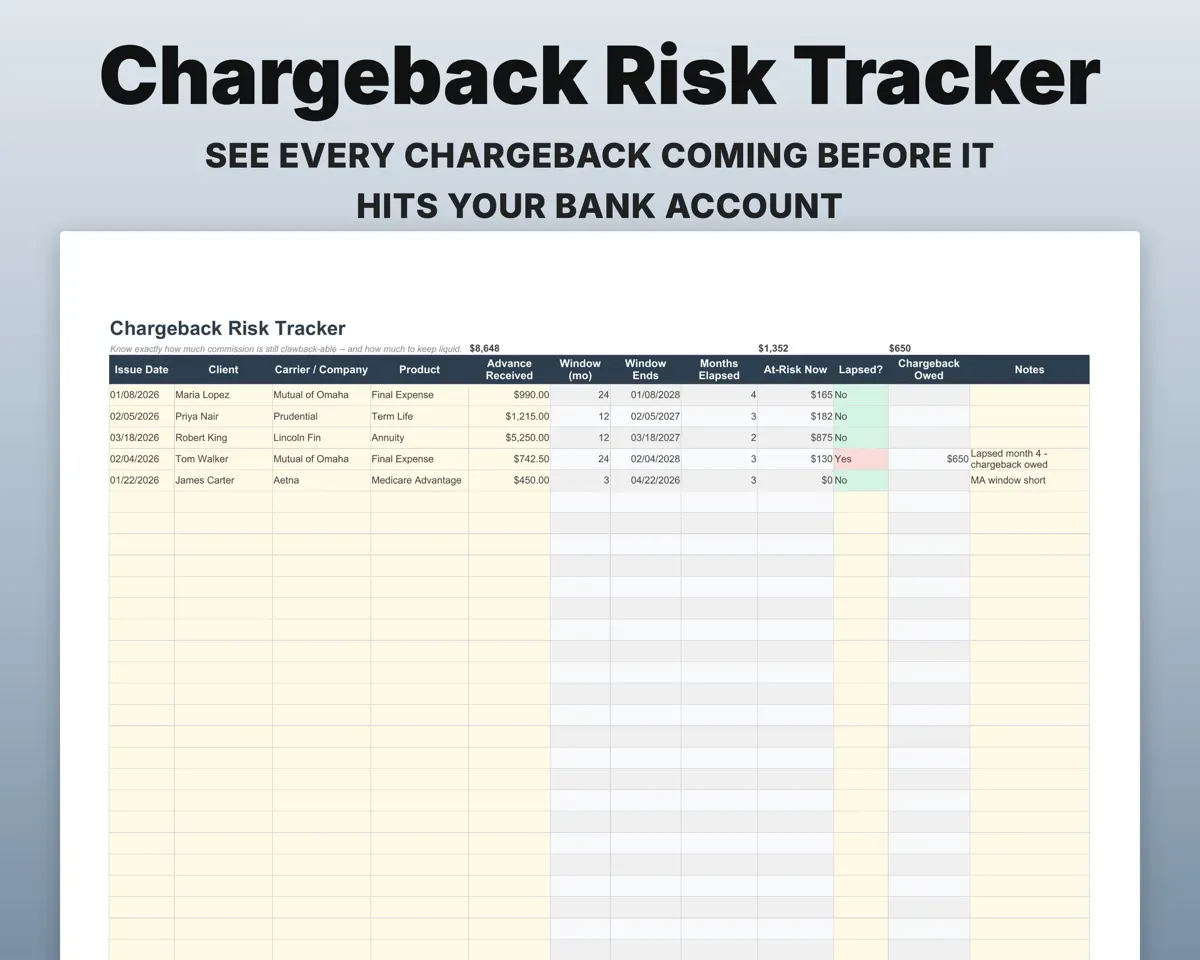
Each policy gets a chargeback window of 6, 12 or 24 months, and the Dashboard totals commission at risk in the next 90 days.
Policy date, product90-day at-risk totalForecast what lands next
Open deals get a projected payout date and a weighted commission, so you can see what is due in the next 30, 60 and 90 days.
Open deals, stageWeighted forecastMake sure every renewal shows up
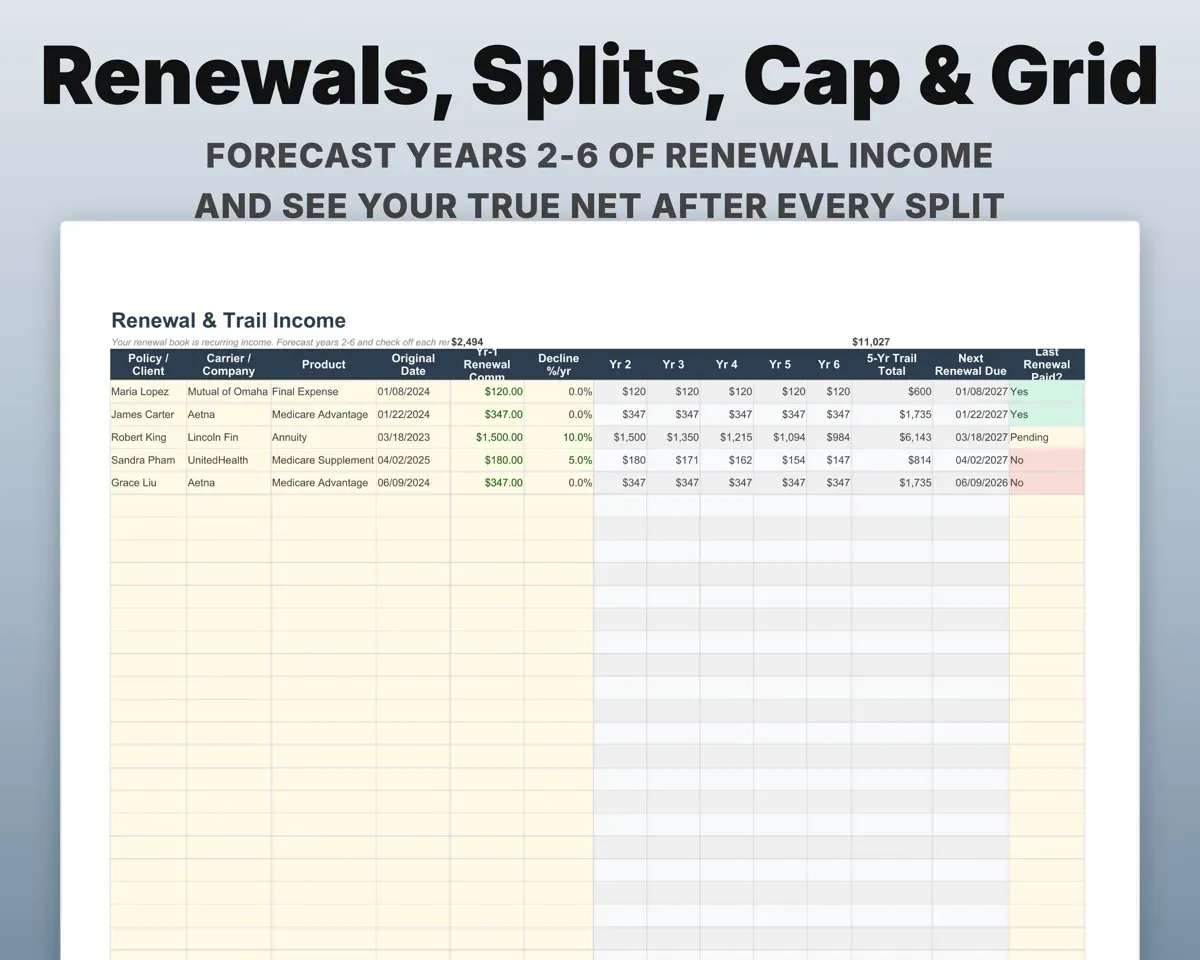
Add a renewing policy once and years 2 through 6 of trail income are forecast, with a checklist to mark each one paid.
Renewing policyYears 2-6 forecastKnow your real net
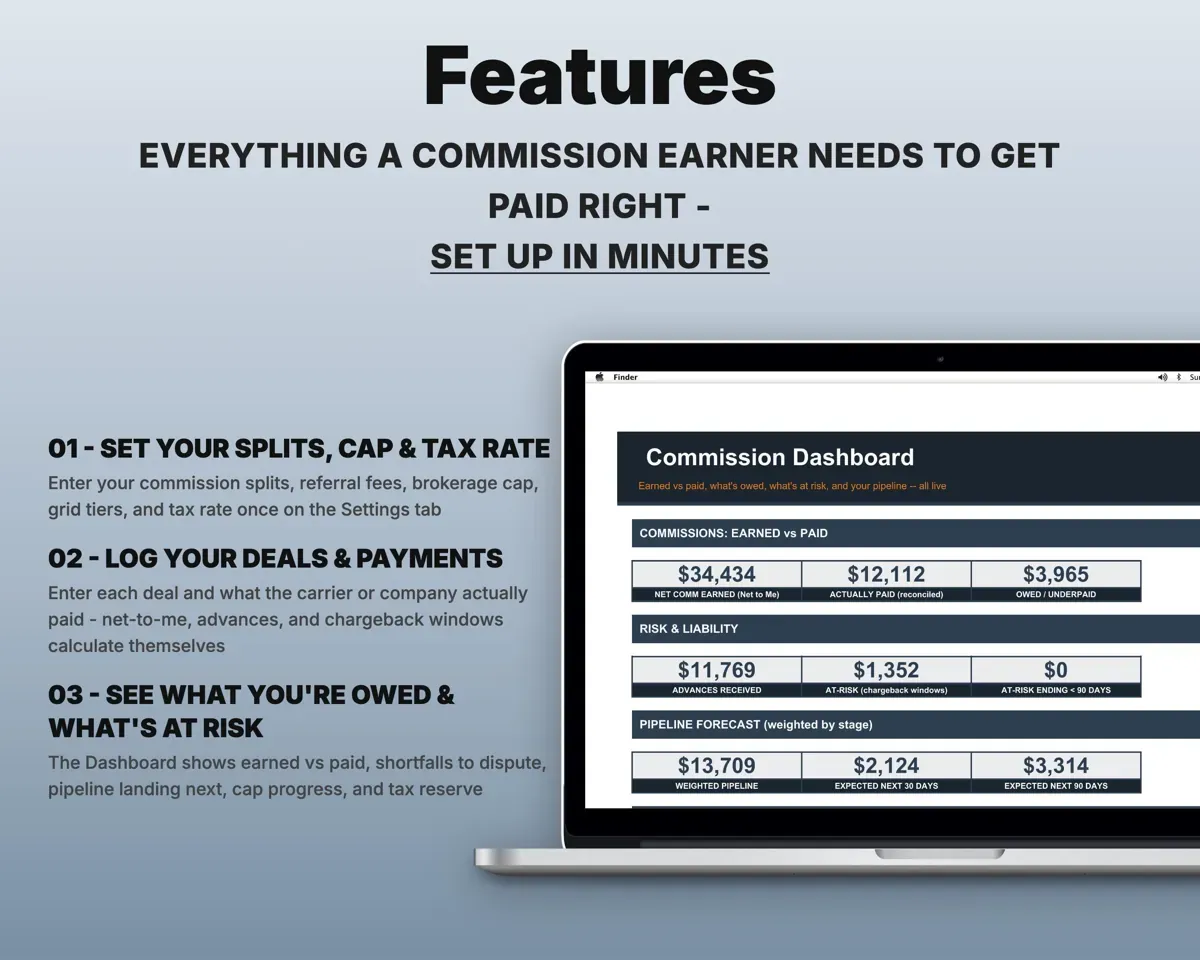
Graduated splits, brokerage cap progress and broker-dealer grid rates show what is left after splits, referrals and fees.
Splits, cap, grid tiersNet to youSet aside the right amount
Expenses matched to Schedule C lines and a quarterly planner with self-employment tax and payment tracking.
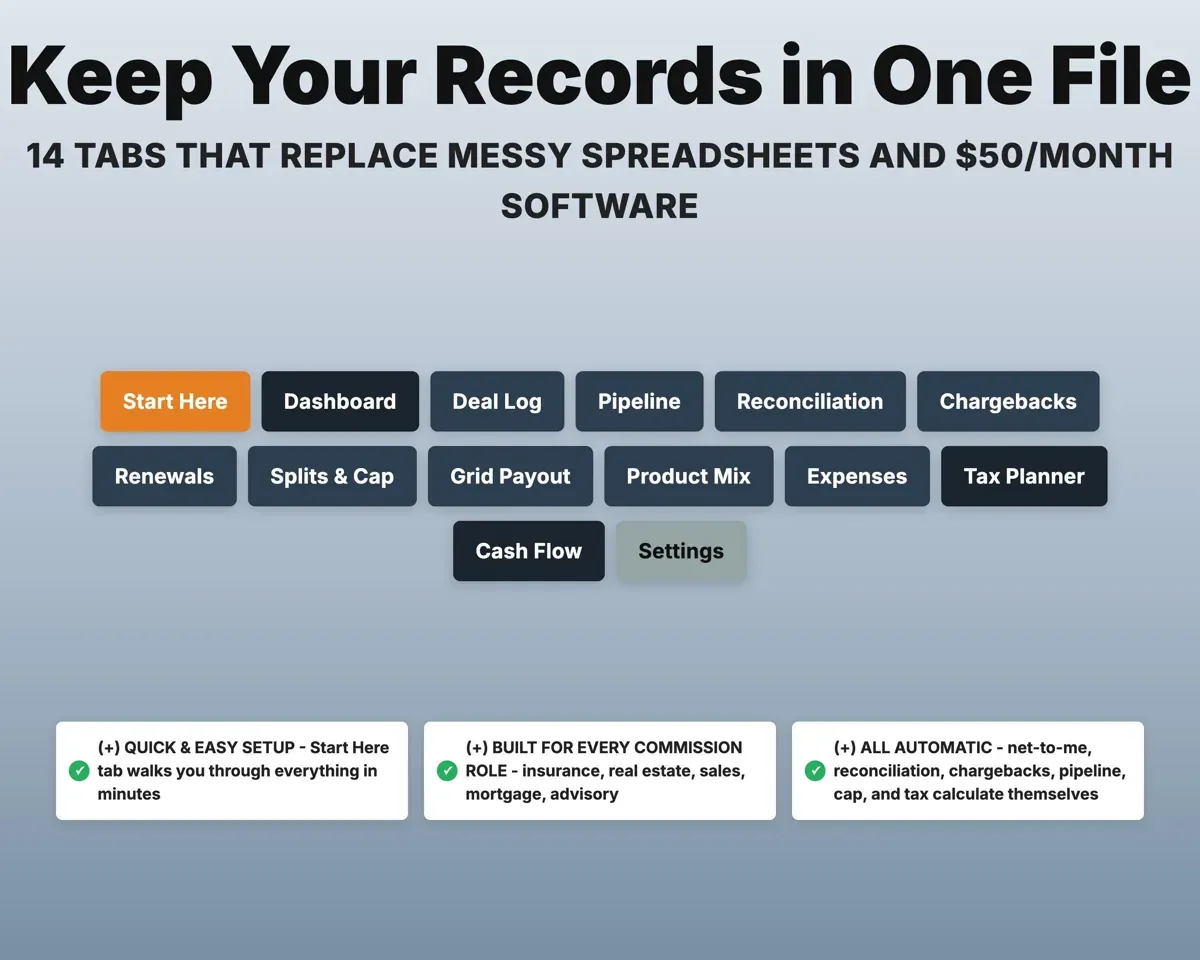
ExpensesQuarterly tax estimate14 tabs in one file
- Start Here
- Dashboard
- Deal Log
- Pipeline
- Reconciliation
- Chargebacks
- Renewals
- Splits & Cap
- Grid Payout
- Product Mix
- Expenses
- Tax Planner
- Cash Flow
- Settings
- Start Here
- Setup walkthrough and color key.
- Dashboard
- Earned, paid, owed, at risk and pipeline on one screen.
- Deal Log
- Every deal with rate, split chain and net to you.
- Pipeline
- Open deals with payout dates and weighted commission.
- Reconciliation
- Expected against paid, with shortfalls flagged.
- Chargebacks
- Chargeback windows, advance liability and 90-day risk.
- Renewals
- Renewal and trail income forecast with a paid checklist.
- Splits & Cap
- Split tiers and progress toward your brokerage cap.
- Grid Payout
- Broker-dealer grid calculator with your effective rate.
- Product Mix
- Average commission and volume by product.
- Expenses
- Deductible costs matched to Schedule C lines.
- Tax Planner
- Quarterly estimated tax with self-employment tax.
- Cash Flow
- Twelve months from your deals and expenses.
- Settings
- Splits, cap, anniversary month, grid tiers and lists.
Pair it with
“Excellent! Very easy to use.”
“Nice Organization for 4H projects”
Before you buy
Will it fit my commission structure?
Products, carriers, splits, referral fees, caps and grid tiers are all set on the Settings tab. It handles advances, as-earned pay, overrides, splits and renewals.
Do I have to start in January?
No. Start from any date. Cap and tax math follow your anniversary month and settings.
How does the brokerage cap tracking work?
Enter your split tiers and cap once. Splits & Cap tracks year-to-date production toward the next tier and projects the date you will reach your cap.
What do I get?
An Excel file (.xlsx), a filled-in sample to look at, and a quick-start PDF guide with a link that makes your own copy in Google Sheets.
How does delivery work?
You get your download links right after checkout, and Stripe emails your receipt. There is nothing to ship and nothing to wait for.
How do I set it up in Google Sheets?
Open the quick-start PDF and click the Google Sheets link. Google makes a copy in your own Drive that only you can edit. You need a free Google account.
Will it work on a Mac?
Yes. It works in Excel on Mac and Windows, and in Google Sheets in any browser.
I'm not a spreadsheet person. Is that a problem?
No. You only type in the yellow cells. Everything in gray works itself out, and the Start Here tab shows you where to begin.
Can I get a refund?
Templates are digital downloads, so sales are final. If a file won't open, is broken or doesn't match its description, email hello@cleanpixelstudios.com within 30 days and we'll fix it, or refund you if we can't.
What if I get stuck?
Email hello@cleanpixelstudios.com and we'll help you get it working.
More in Small business & money
See all Small business & money templates
 Made by Clean Pixel Studios
We start every template by reading what people in that line of work say they struggle with, then build the spreadsheet around those problems. This one was made for people paid on commission and nobody else.
How we build templatesCommission Tracker Spreadsheet$17.99 · Excel + Google Sheets