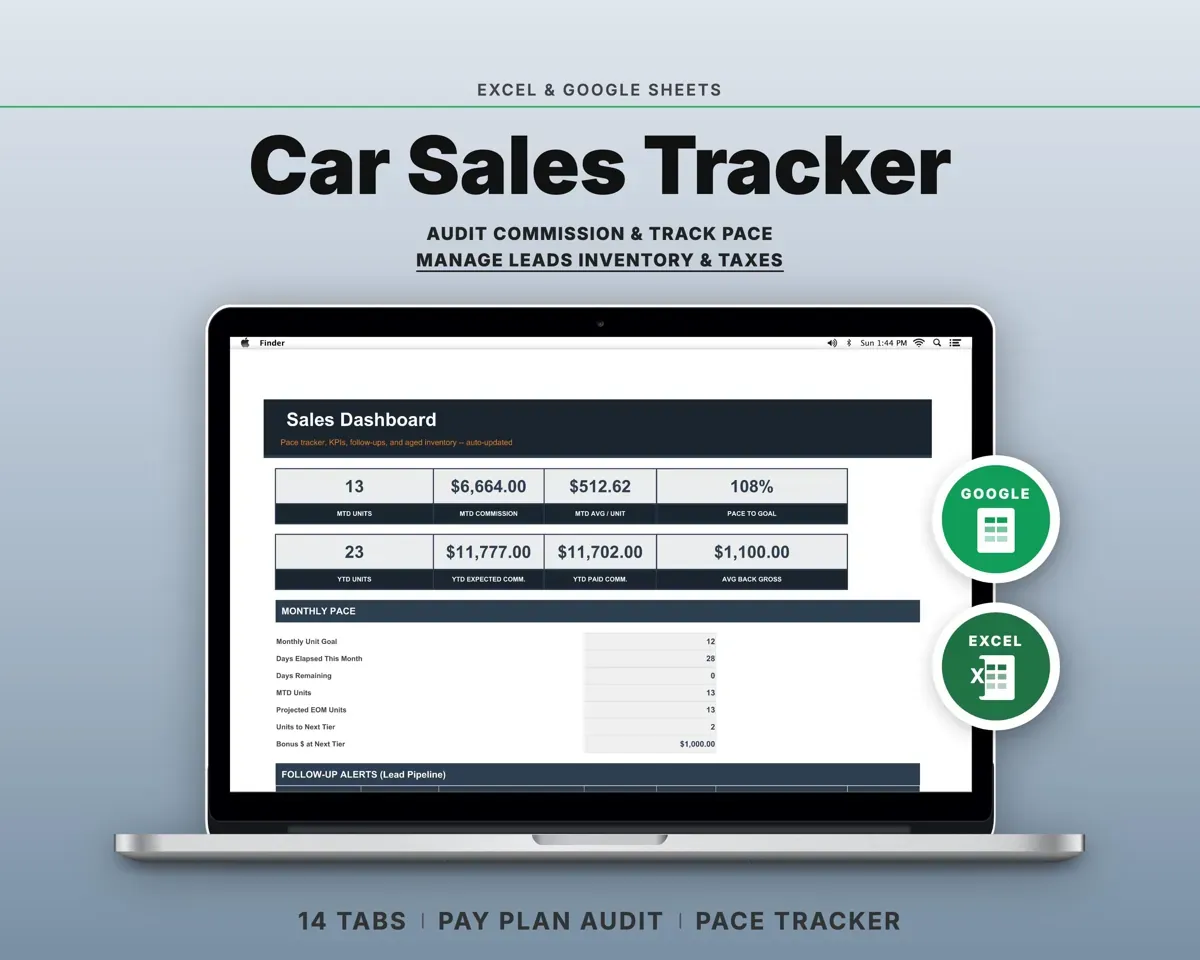
Built around the jobs car salespeople actually do
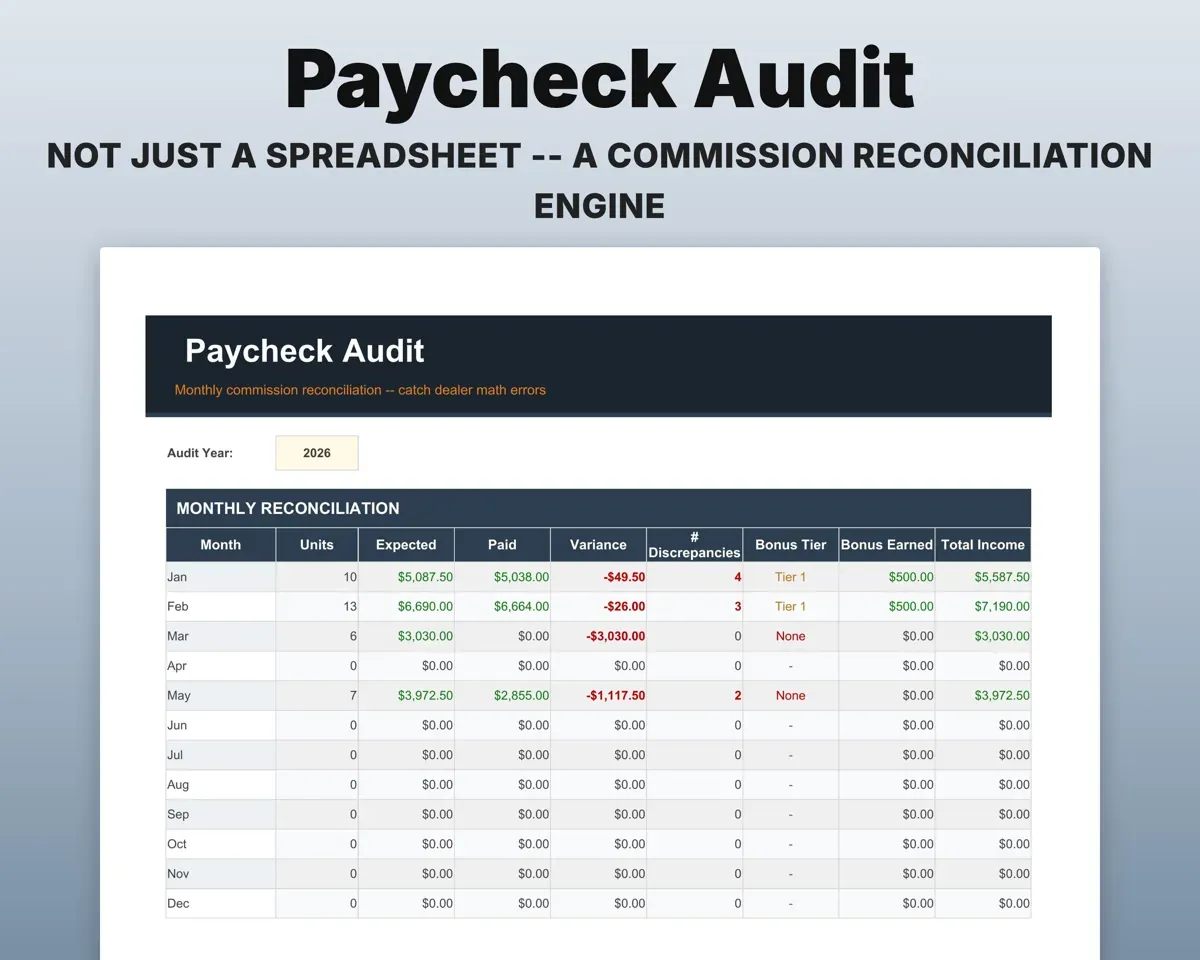
Know when a deal paid wrong
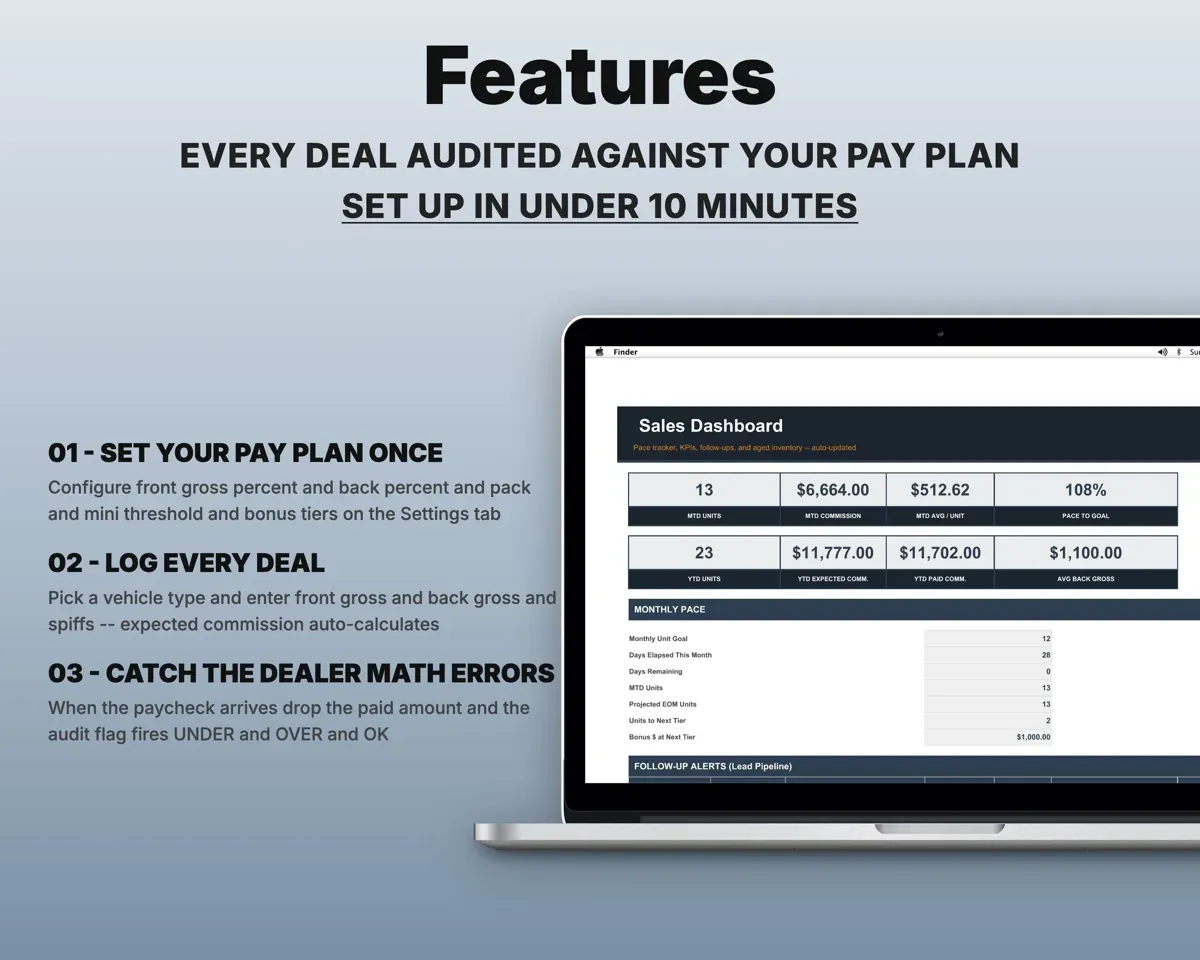
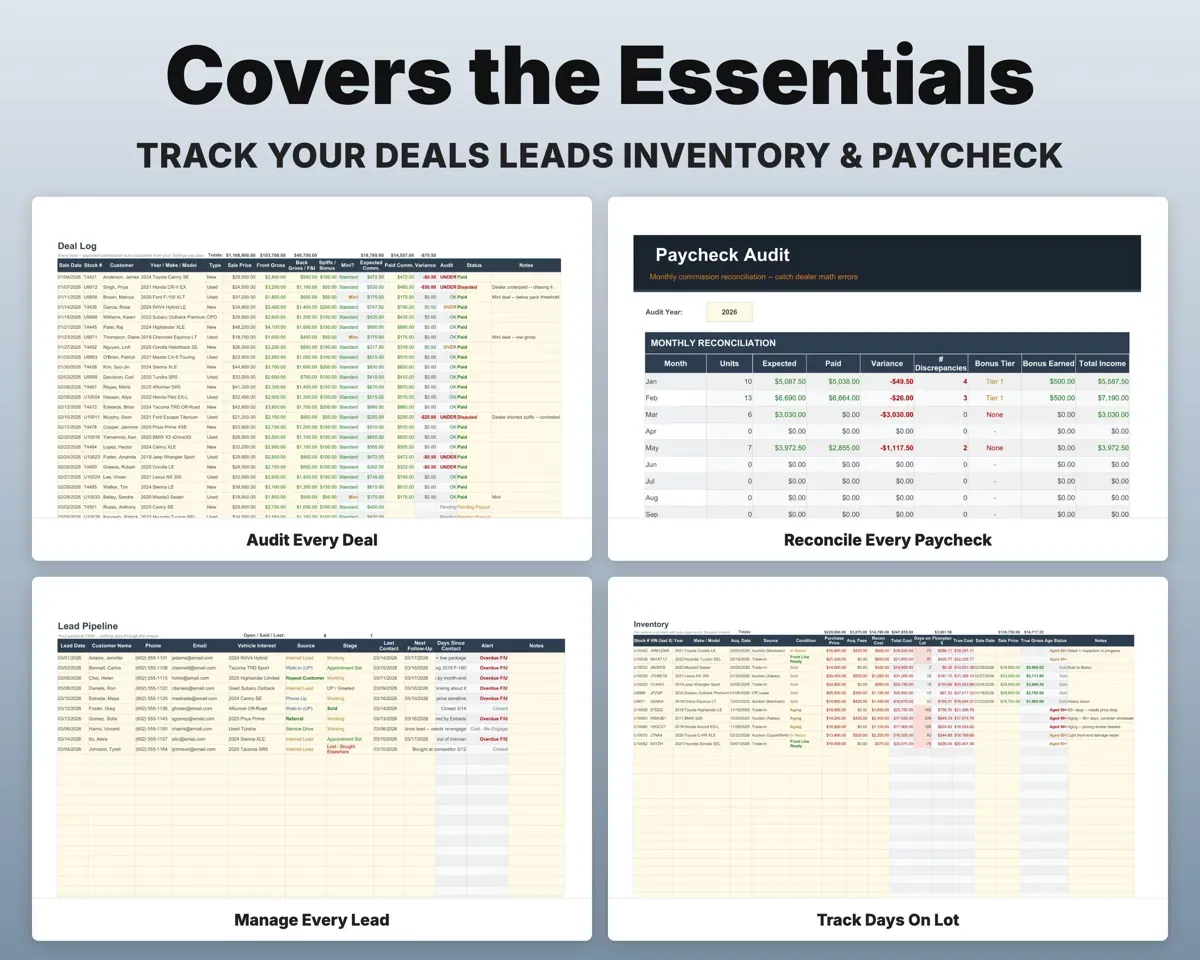
Log front gross, back gross and spiffs. The sheet works out what your pay plan says you earned, then marks the deal Under, Over, OK or Pending once you enter what was paid.
Front, back, spiffsUnder, Over or OKSee your pace to the next bonus tier
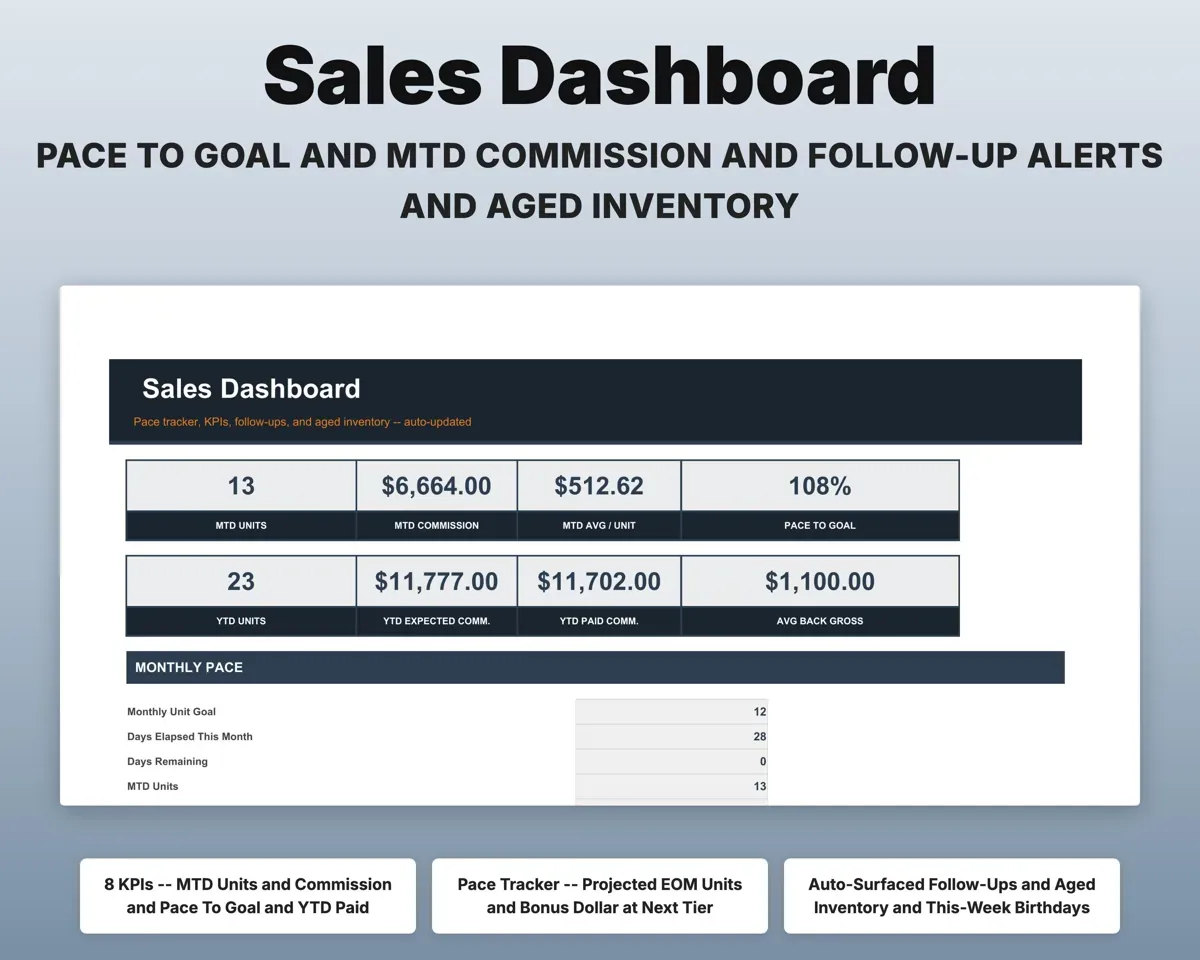
The Dashboard shows units this month, days gone, your projected month-end total and how many more units reach the next retroactive tier.
Deals as you closeUnits to next tierKeep follow-ups and customers that are yours
Lead Pipeline marks overdue follow-ups, today's calls and cold leads. Sold Customers keeps birthdays, sale anniversaries and referral thank-yous, and the file moves with you.
Leads, sold customersToday's callsKnow the true gross on every car
Enter each car's cost stack and Inventory works out days on lot, floorplan interest and true gross. Trade-In Log compares allowance with ACV and shows the spread.
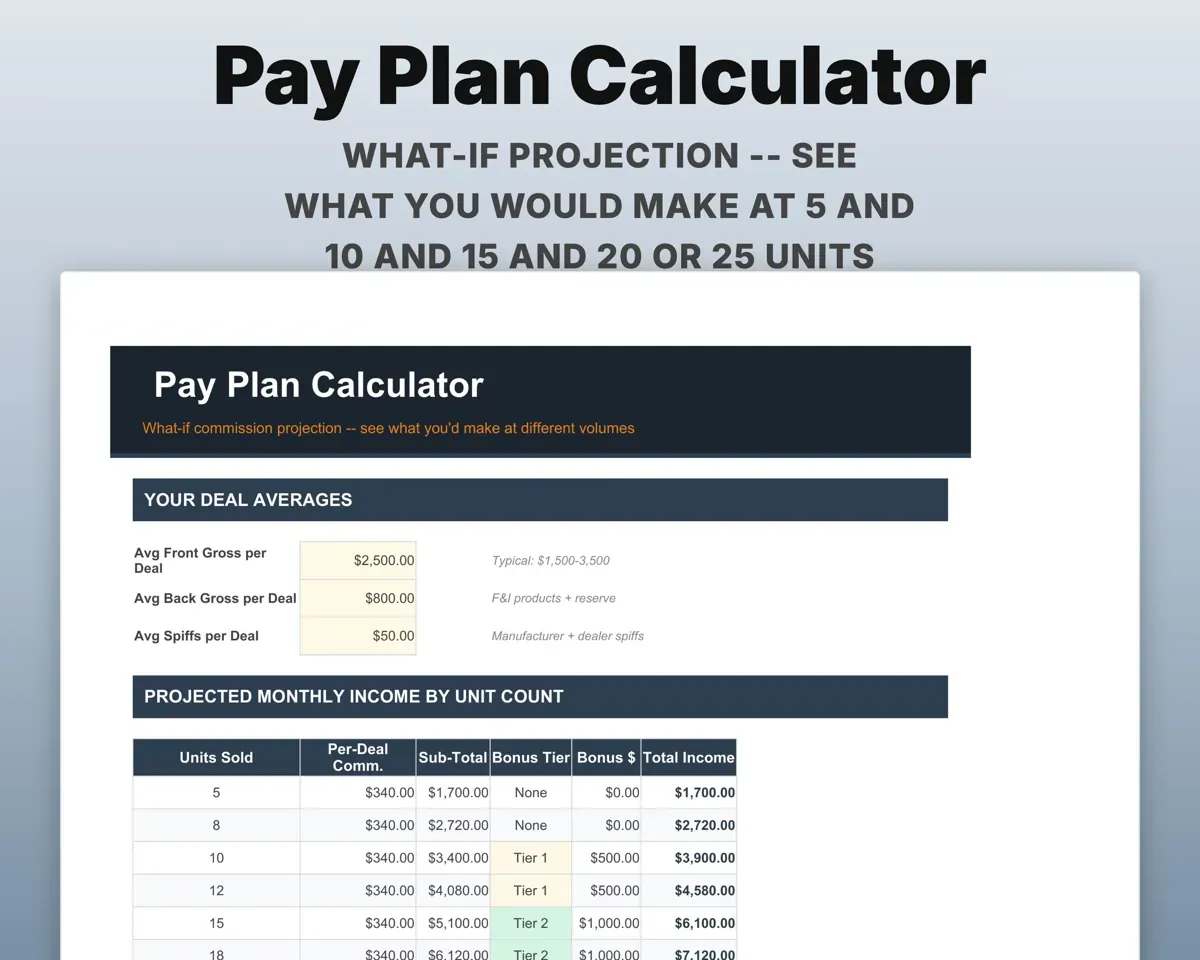
Cost stack, floorplan rateTrue gross per carSee what a month pays at 5 to 25 units
Pay Plan Calculator runs your plan across 5 to 25 units, so you can see what each level of volume is worth.
Your pay planPay at each unit countHave 1099 numbers ready
25 car-sales expense categories matched to Schedule C lines, a mileage log at the IRS standard rate, and a quarterly planner that includes self-employment tax.
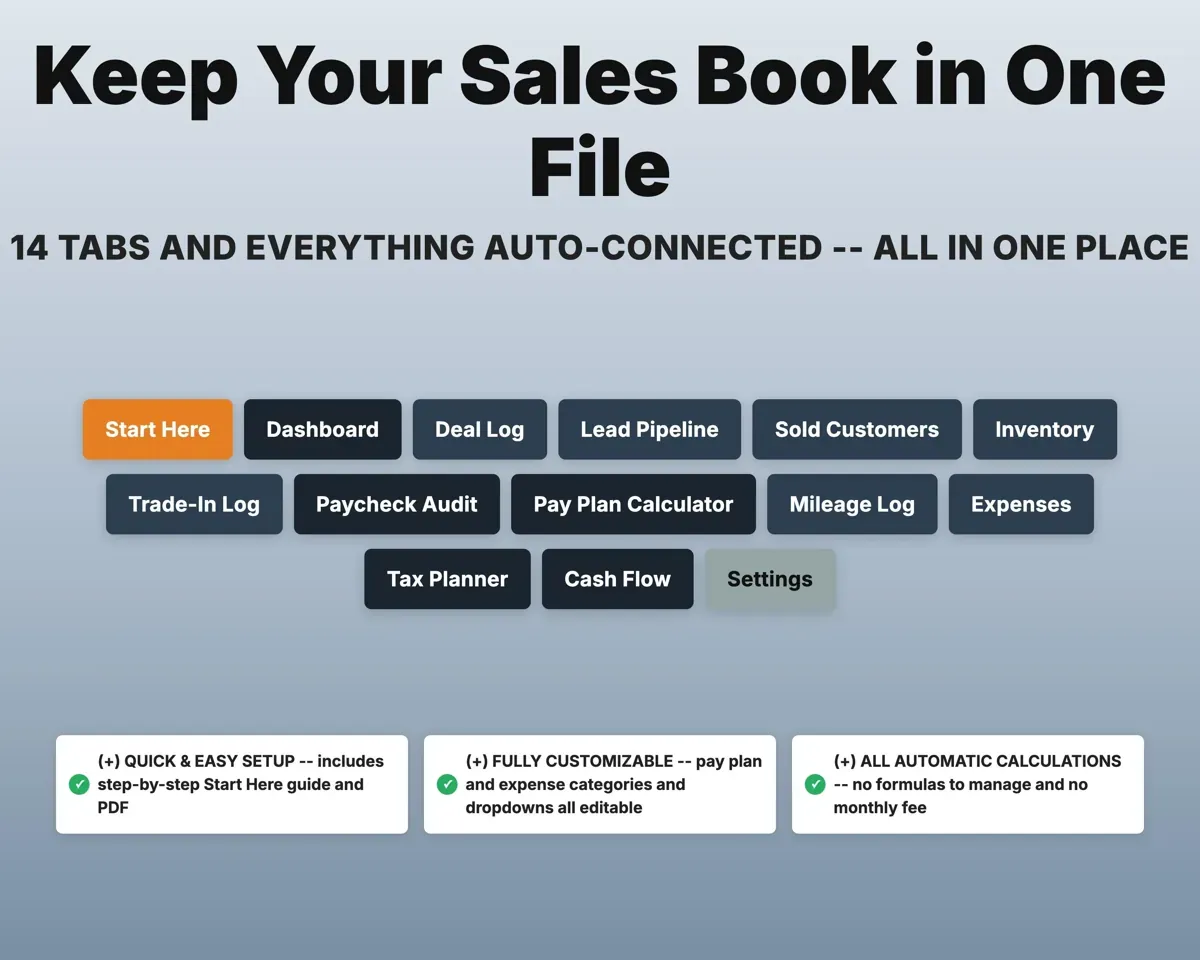
Expenses, milesQuarterly tax estimate14 tabs in one file
- Start Here
- Dashboard
- Deal Log
- Lead Pipeline
- Sold Customers
- Inventory
- Trade-In Log
- Paycheck Audit
- Pay Plan Calculator
- Mileage Log
- Expenses
- Tax Planner
- Cash Flow
- Settings
- Start Here
- Setup steps and a color key for every tab.
- Dashboard
- Month and year totals, bonus pace and today's follow-ups.
- Deal Log
- Each deal's expected commission and its audit flag.
- Lead Pipeline
- Prospects by stage with next follow-up and alerts.
- Sold Customers
- Every customer you sold, with birthday and anniversary alerts.
- Inventory
- Each car's cost, days on lot, floorplan interest and true gross.
- Trade-In Log
- Trade allowance against ACV, with the spread worked out.
- Paycheck Audit
- Expected against paid commission each month, plus bonus tier.
- Pay Plan Calculator
- What your plan pays from 5 to 25 units.
- Mileage Log
- Demo, lot-to-lot and auction miles with the IRS deduction.
- Expenses
- Car-sales expense categories matched to Schedule C lines.
- Tax Planner
- Quarterly estimated tax with self-employment tax (Form 1040-ES).
- Cash Flow
- Twelve months of income and expenses.
- Settings
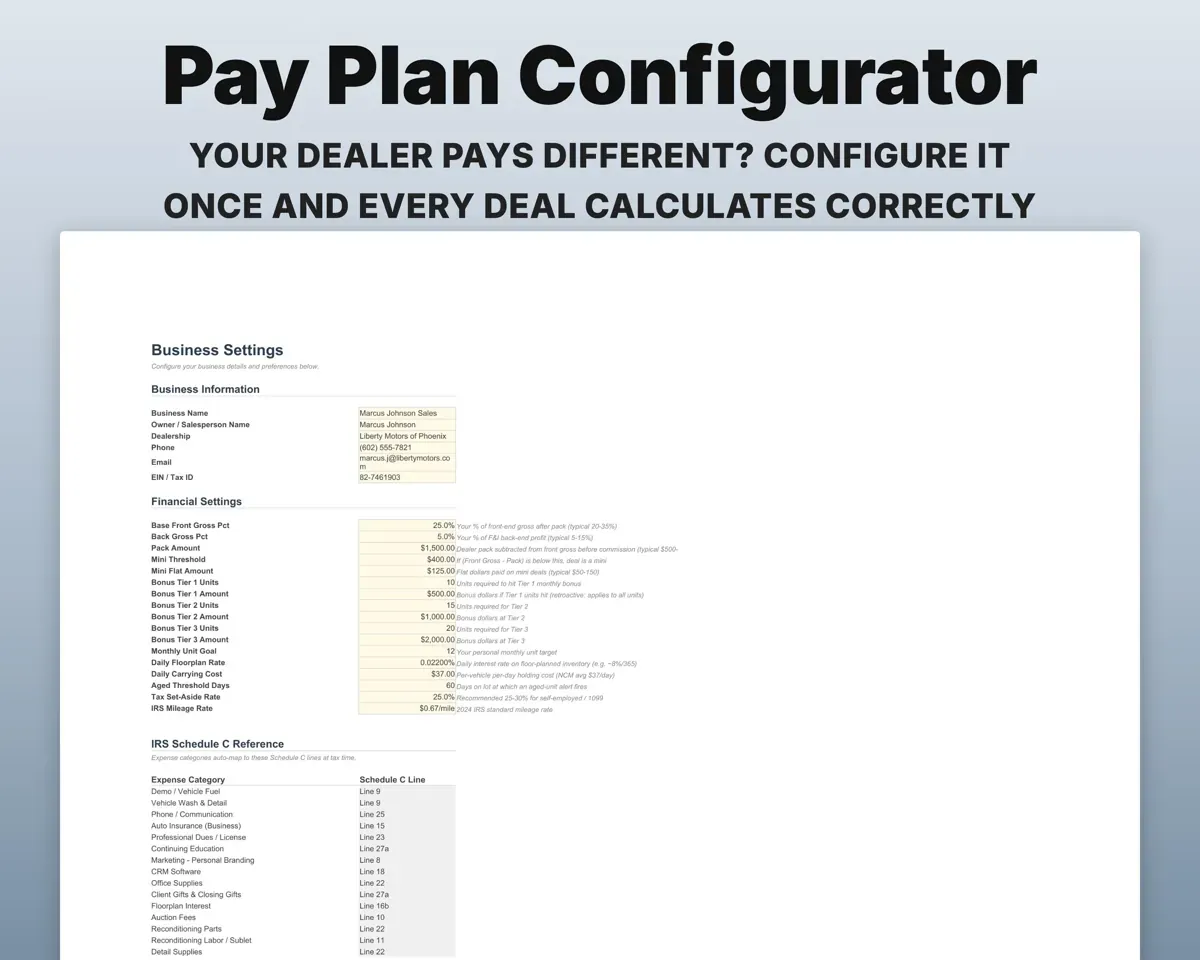
- Your pay plan, dealer details and dropdown lists.
Pair it with
“Well thought out worksheets nicely presented”
“Excellent! Very easy to use.”
Before you buy
My dealer's pay plan is different. Can I set it up?
Yes. Settings has fields for front and back percent, pack, mini threshold, mini flat and three retroactive bonus tiers. Every deal uses what you enter there.
Does it handle stair-step bonuses that are not retroactive?
Not as built. The bonus tiers are retroactive, so a forward-only plan would need a change to the formulas.
I run a small used lot. Is it still useful?
Yes. The Inventory and Trade-In Log tabs cover days on lot, floorplan cost and true gross for lots under 30 cars. You can skip the salesperson pay plan.
Can new and used deals share one log?
Yes. Each deal has a type of New, Used, CPO or Demo, and Cash Flow totals them separately.
What do I get?
An Excel file (.xlsx), a filled-in sample to look at, and a quick-start PDF guide with a link that makes your own copy in Google Sheets.
How does delivery work?
You get your download links right after checkout, and Stripe emails your receipt. There is nothing to ship and nothing to wait for.
How do I set it up in Google Sheets?
Open the quick-start PDF and click the Google Sheets link. Google makes a copy in your own Drive that only you can edit. You need a free Google account.
Will it work on a Mac?
Yes. It works in Excel on Mac and Windows, and in Google Sheets in any browser.
I'm not a spreadsheet person. Is that a problem?
No. You only type in the yellow cells. Everything in gray works itself out, and the Start Here tab shows you where to begin.
Can I get a refund?
Templates are digital downloads, so sales are final. If a file won't open, is broken or doesn't match its description, email hello@cleanpixelstudios.com within 30 days and we'll fix it, or refund you if we can't.
What if I get stuck?
Email hello@cleanpixelstudios.com and we'll help you get it working.
More in Automotive
See all Automotive templates
 Made by Clean Pixel Studios
We start every template by reading what people in that line of work say they struggle with, then build the spreadsheet around those problems. This one was made for car salespeople and nobody else.
How we build templatesCar Sales Tracker Spreadsheet$18.99 · Excel + Google Sheets