Built around the jobs project car builders actually do
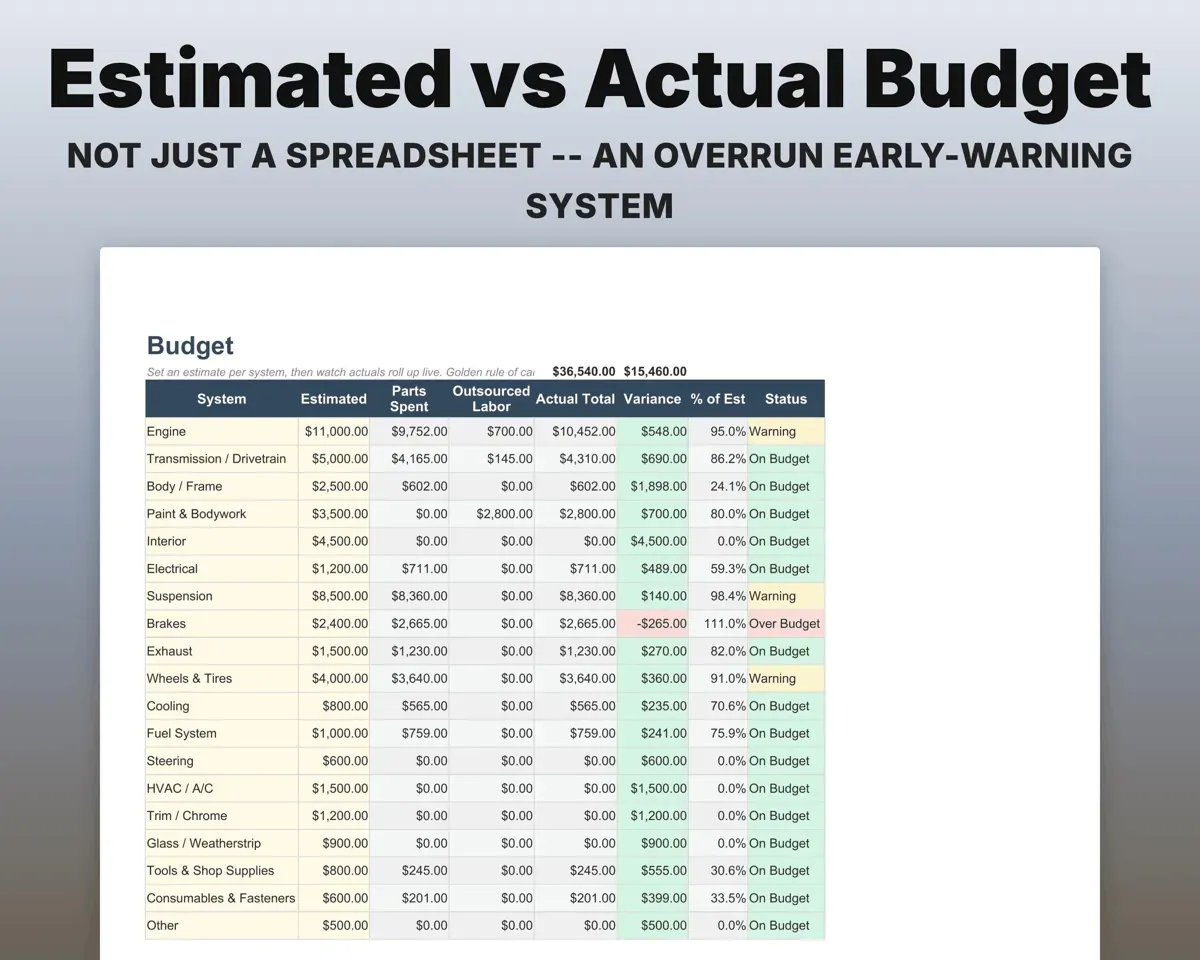
Catch budget overruns early
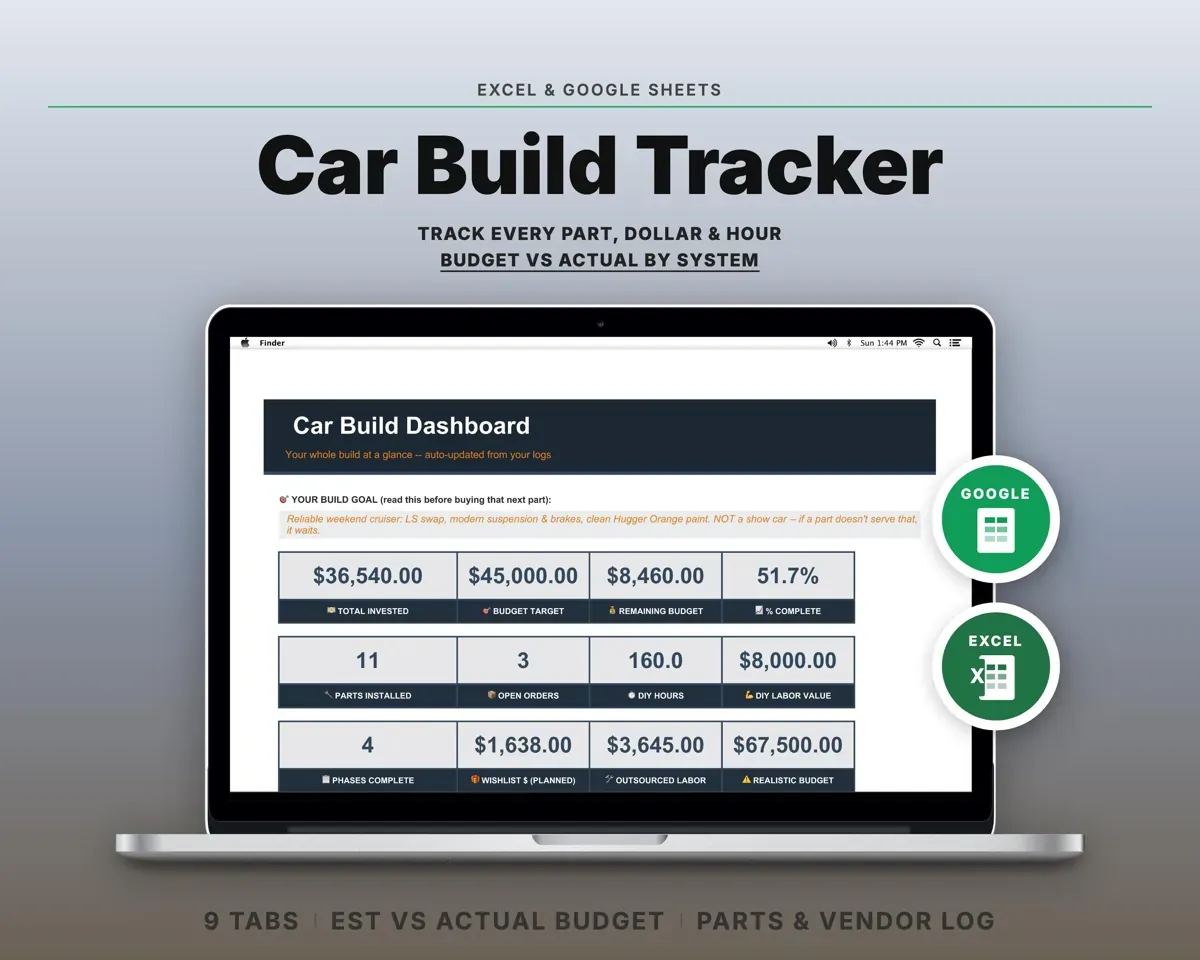
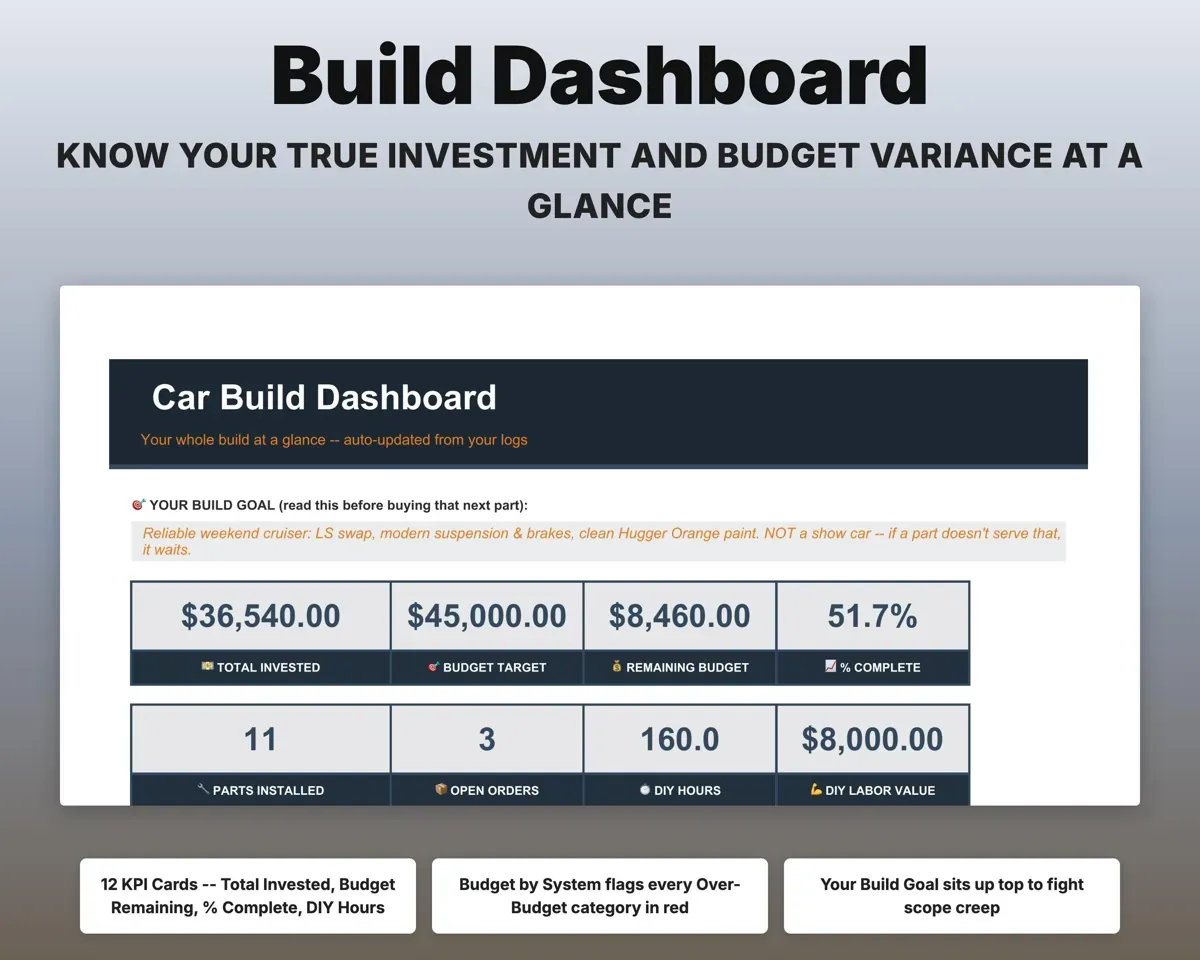
Set an estimate for engine, paint, suspension, interior and every other system. Parts and shop labor roll up, and a system turns red once it runs over.
Estimate per systemOver-budget alertsLog every part and where it came from
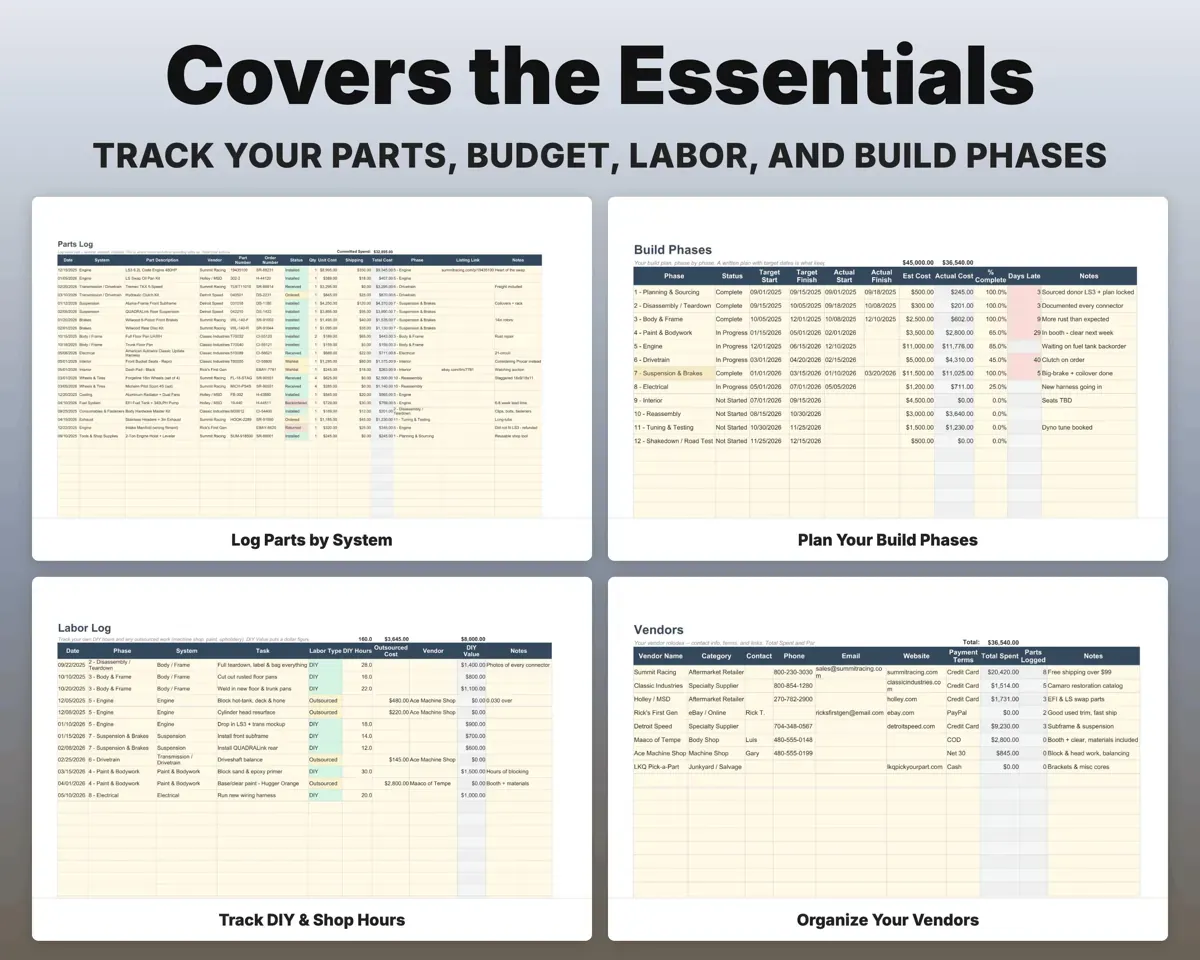
System, vendor, part number, order number and status, from Wishlist through Installed or Returned. Total cost fills in.
Parts, statusTotal parts costKeep the build on schedule
A 12-phase plan with target and actual dates flags phases running behind. Your Build Goal sits at the top of the Dashboard as a check on scope creep.
Target datesBehind-schedule flagCount your own hours
Log DIY hours and outsourced machine, paint and upholstery work. The sheet puts a dollar value on your own time.
DIY hoursSweat equity valueKnow what you have spent with each vendor
Contacts, websites and terms for every vendor, with spend totaled from the parts log.
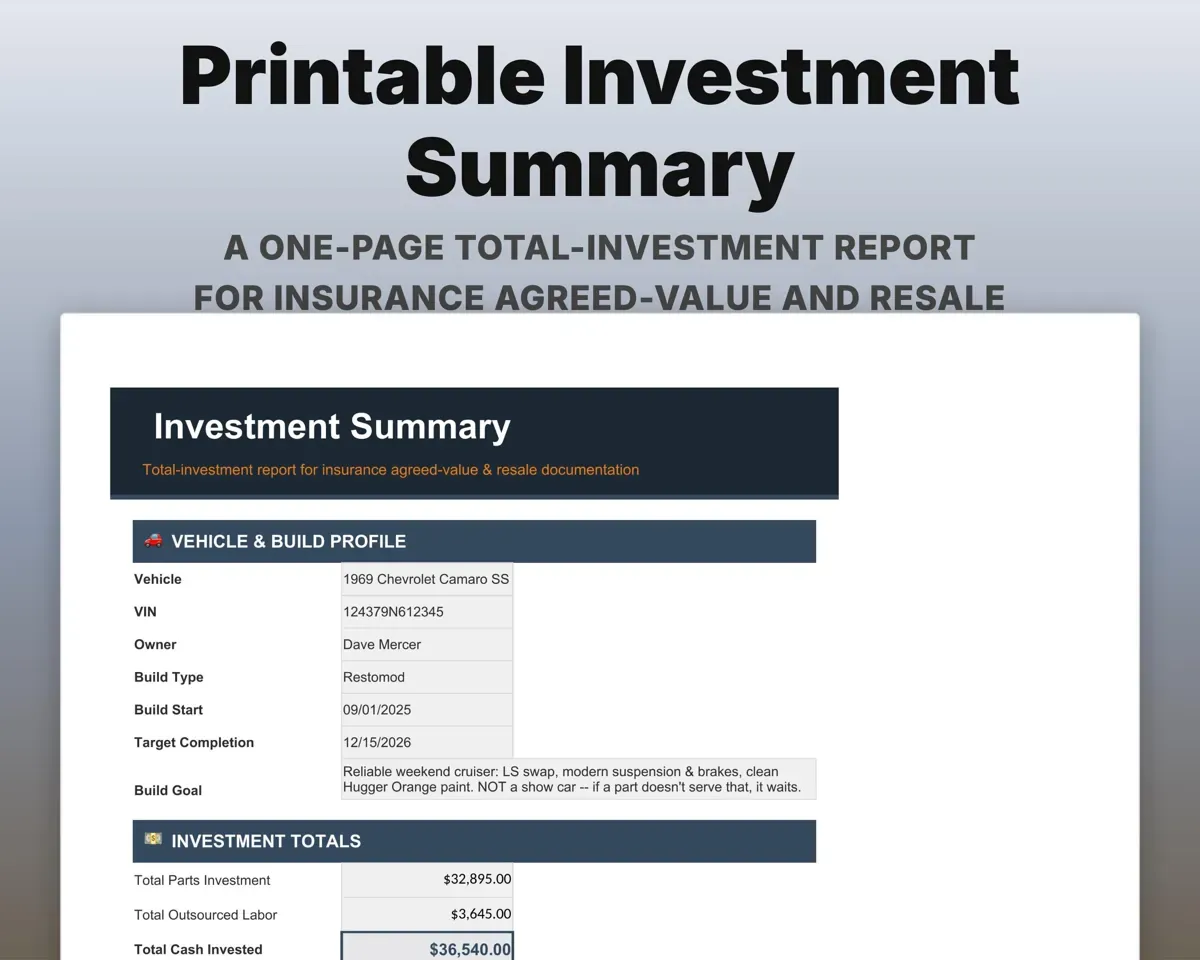
Vendor detailsSpend per vendorPrint your total investment
A printable report of everything the build has cost, for insurance or resale.
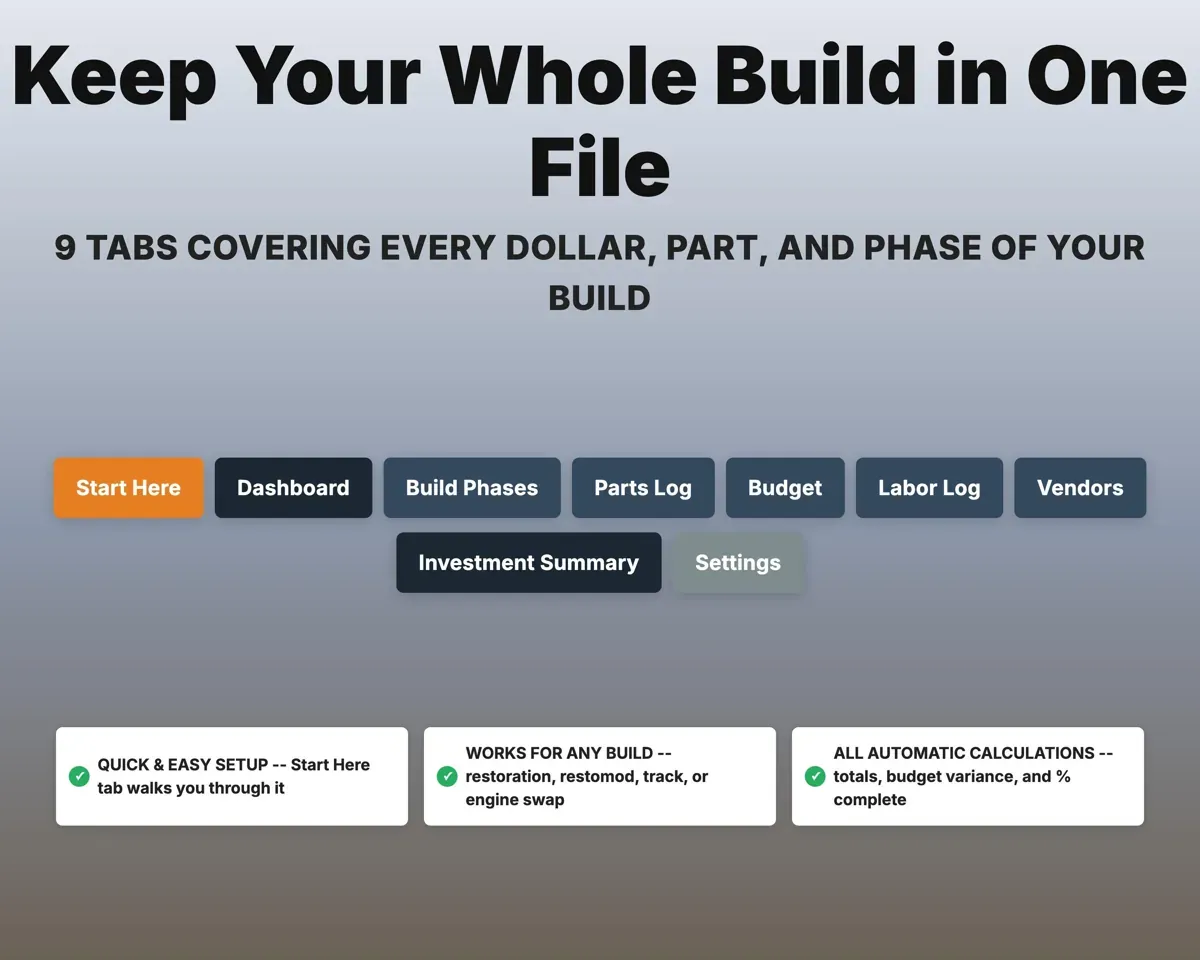
Your other tabsInvestment report9 tabs in one file
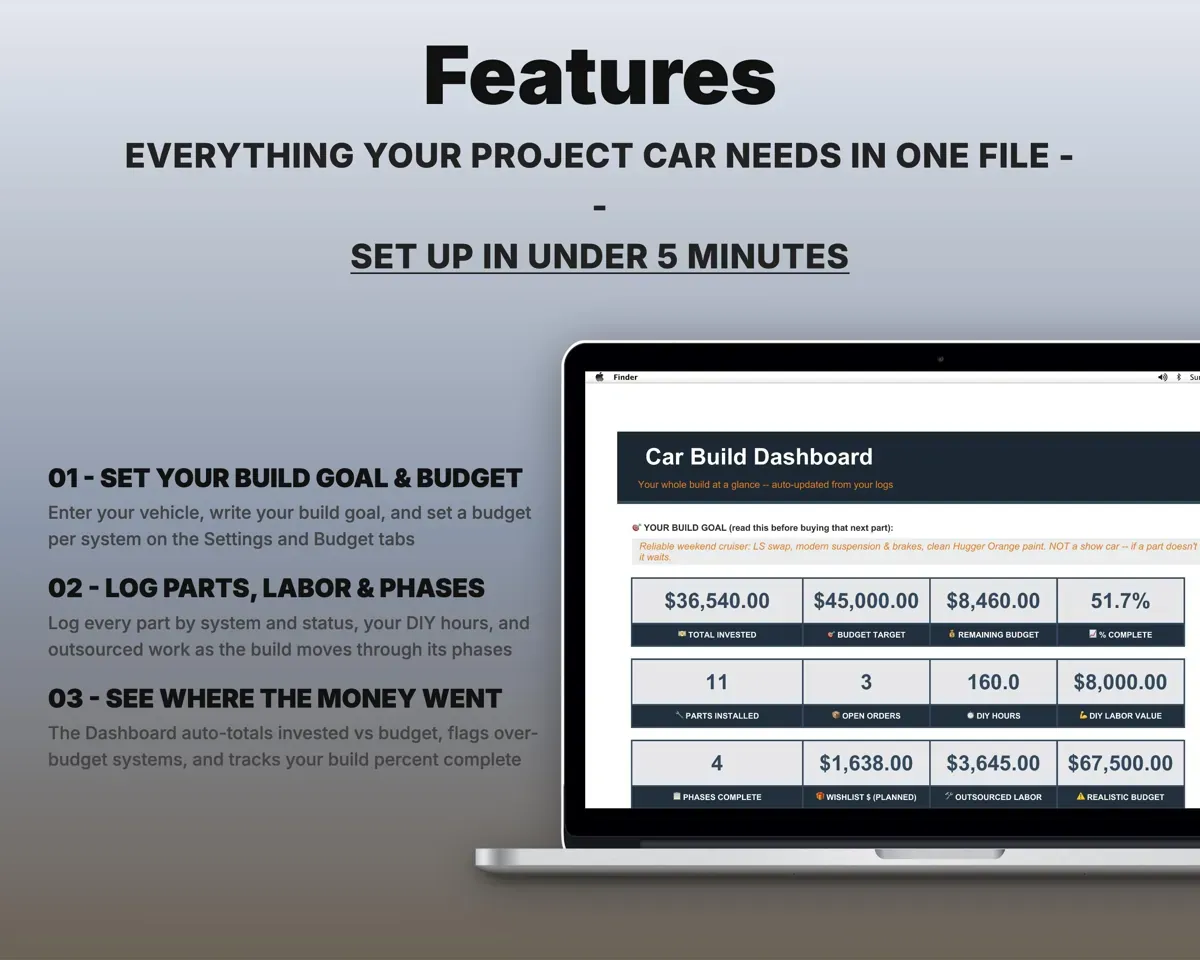
- Start Here
- Dashboard
- Build Phases
- Parts Log
- Budget
- Labor Log
- Vendors
- Investment Summary
- Settings
- Start Here
- A quick guided setup.
- Dashboard
- KPIs, budget by system, phase progress and your Build Goal.
- Build Phases
- A 12-phase plan with target vs actual dates.
- Parts Log
- Every part by system, vendor, status and cost.
- Budget
- Estimated vs actual cost for each system.
- Labor Log
- DIY and shop labor, with a value on your time.
- Vendors
- Vendor contacts, terms and total spend.
- Investment Summary
- A printable total-investment report.
- Settings
- Vehicle profile, Build Goal, budget, labor rate and lists.
Pair it with
“Excellent! Very easy to use.”
“Nice Organization for 4H projects”
Before you buy
Will it work for my kind of build?
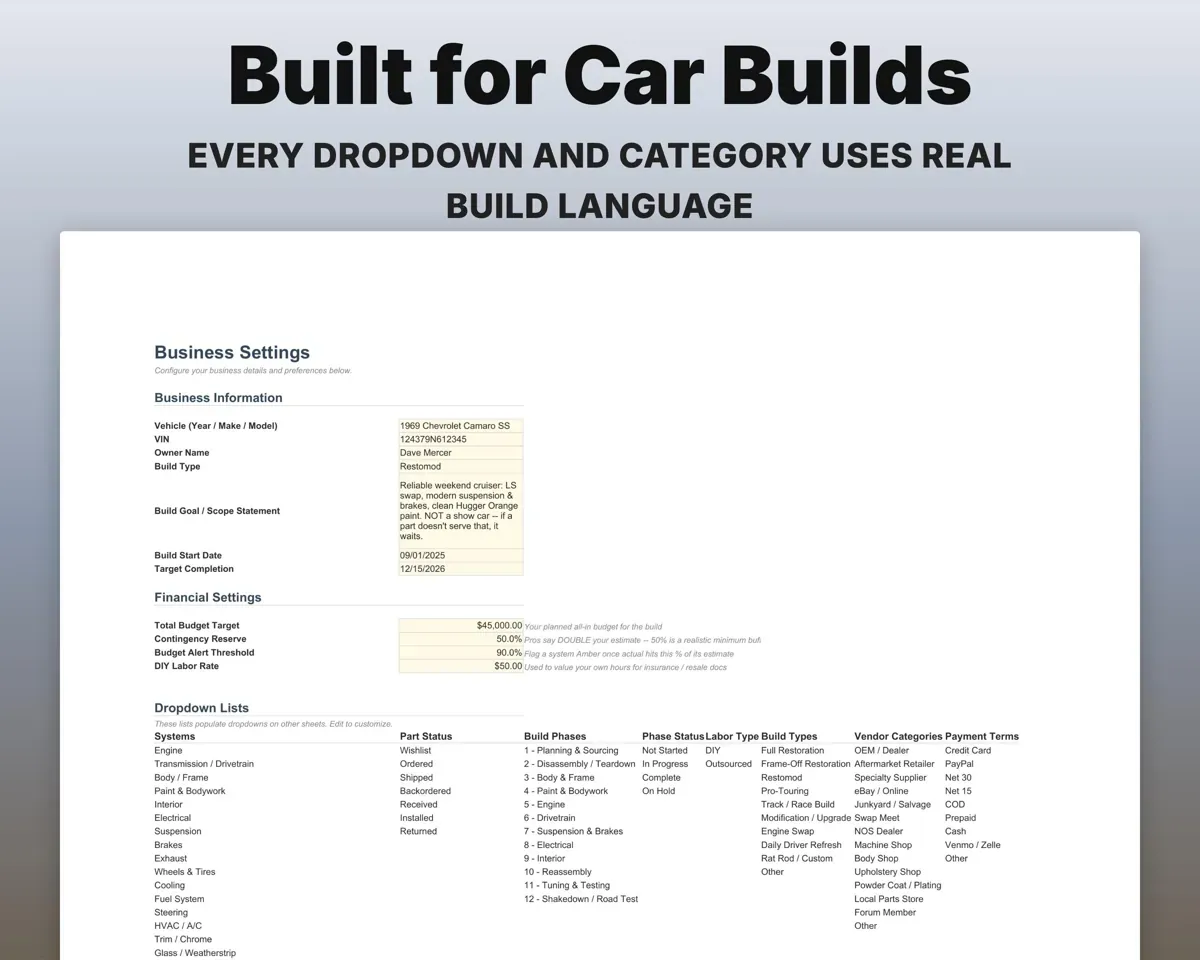
Yes. Restorations, restomods, track builds, engine swaps or a simple refresh all fit the systems and phases, and every dropdown can be edited.
Can I track more than one car?
Make a fresh copy of the file for each vehicle, so every build has its own clean tracker.
Does it store build photos?
No. It tracks the money, parts and timeline. Keep photos on your phone or your build thread.
What do I get?
An Excel file (.xlsx), a filled-in sample to look at, and a quick-start PDF guide with a link that makes your own copy in Google Sheets.
How does delivery work?
You get your download links right after checkout, and Stripe emails your receipt. There is nothing to ship and nothing to wait for.
How do I set it up in Google Sheets?
Open the quick-start PDF and click the Google Sheets link. Google makes a copy in your own Drive that only you can edit. You need a free Google account.
Will it work on a Mac?
Yes. It works in Excel on Mac and Windows, and in Google Sheets in any browser.
I'm not a spreadsheet person. Is that a problem?
No. You only type in the yellow cells. Everything in gray works itself out, and the Start Here tab shows you where to begin.
Can I get a refund?
Templates are digital downloads, so sales are final. If a file won't open, is broken or doesn't match its description, email hello@cleanpixelstudios.com within 30 days and we'll fix it, or refund you if we can't.
What if I get stuck?
Email hello@cleanpixelstudios.com and we'll help you get it working.
More in Automotive
See all Automotive templates
 Made by Clean Pixel Studios
We start every template by reading what people in that line of work say they struggle with, then build the spreadsheet around those problems. This one was made for project car builders and nobody else.
How we build templatesCar Build Tracker Spreadsheet$16.99 · Excel + Google Sheets