Built around the jobs van builders actually do
Track cost and weight on every part
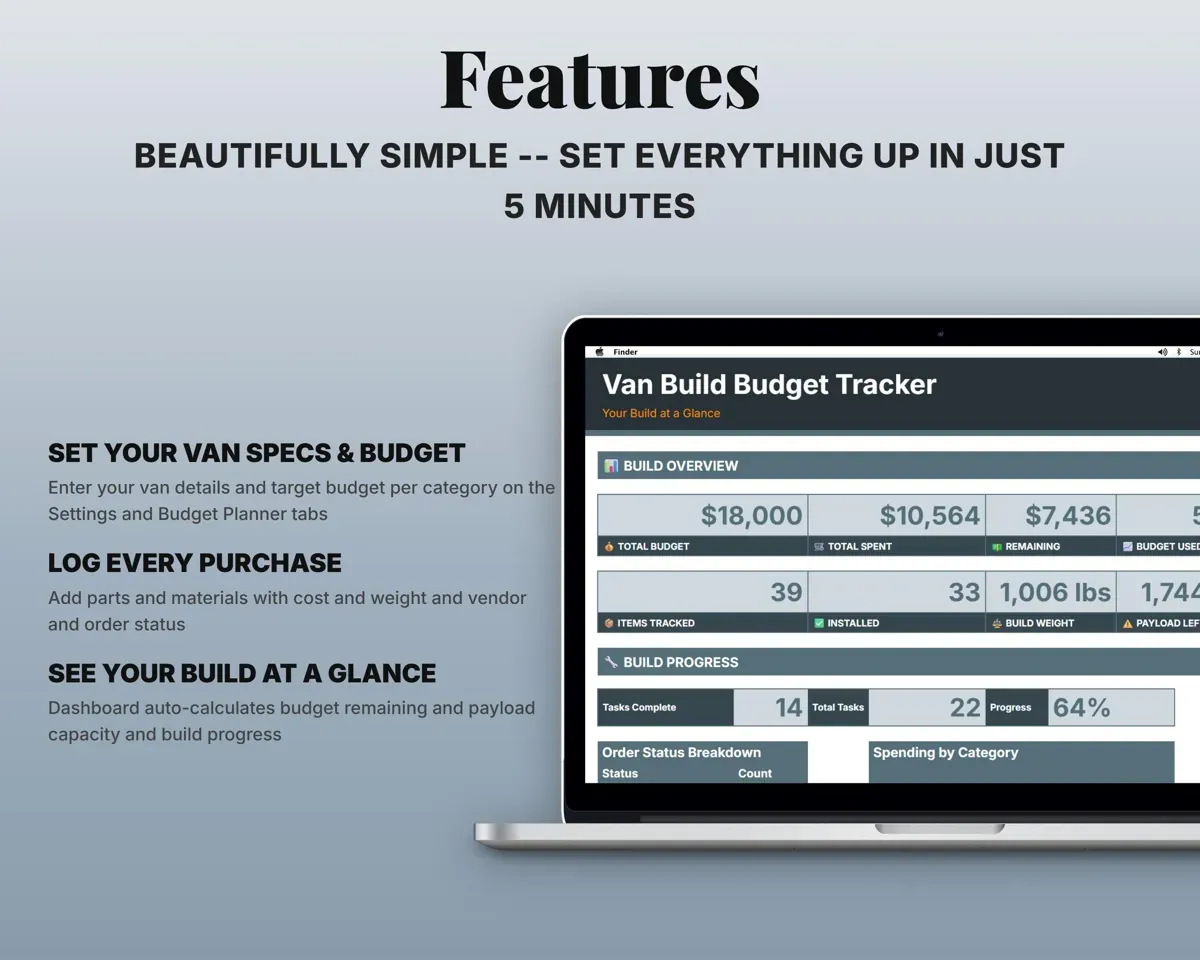
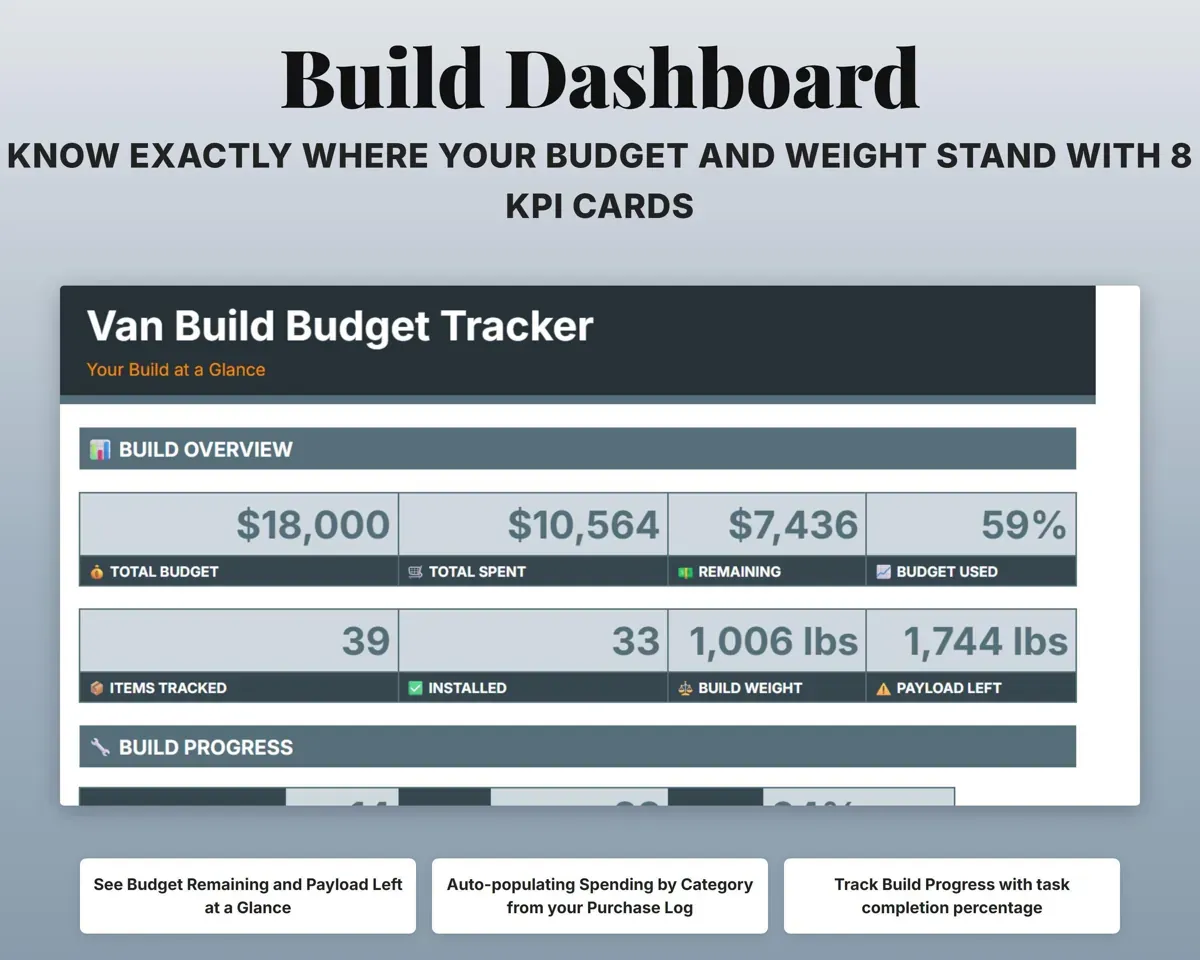
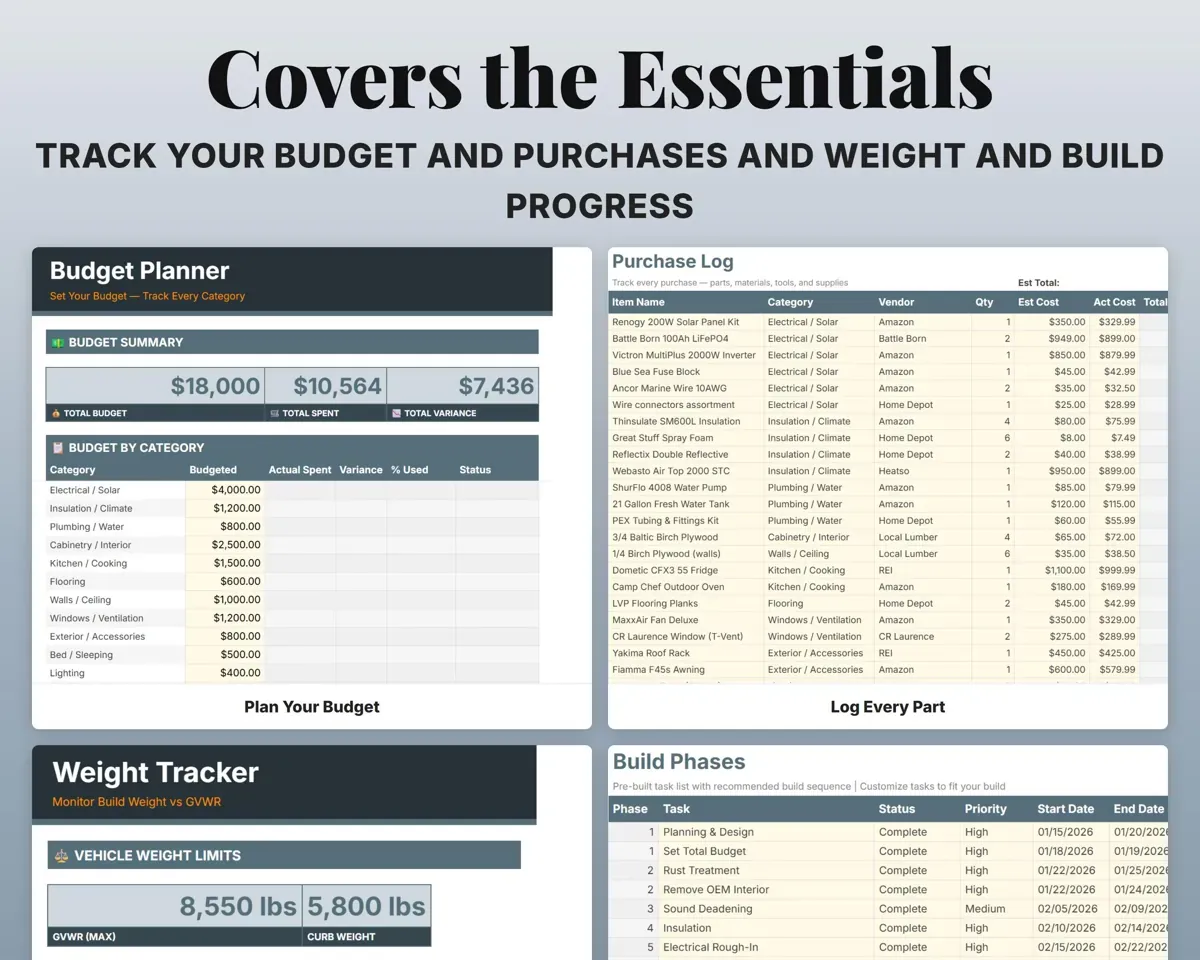
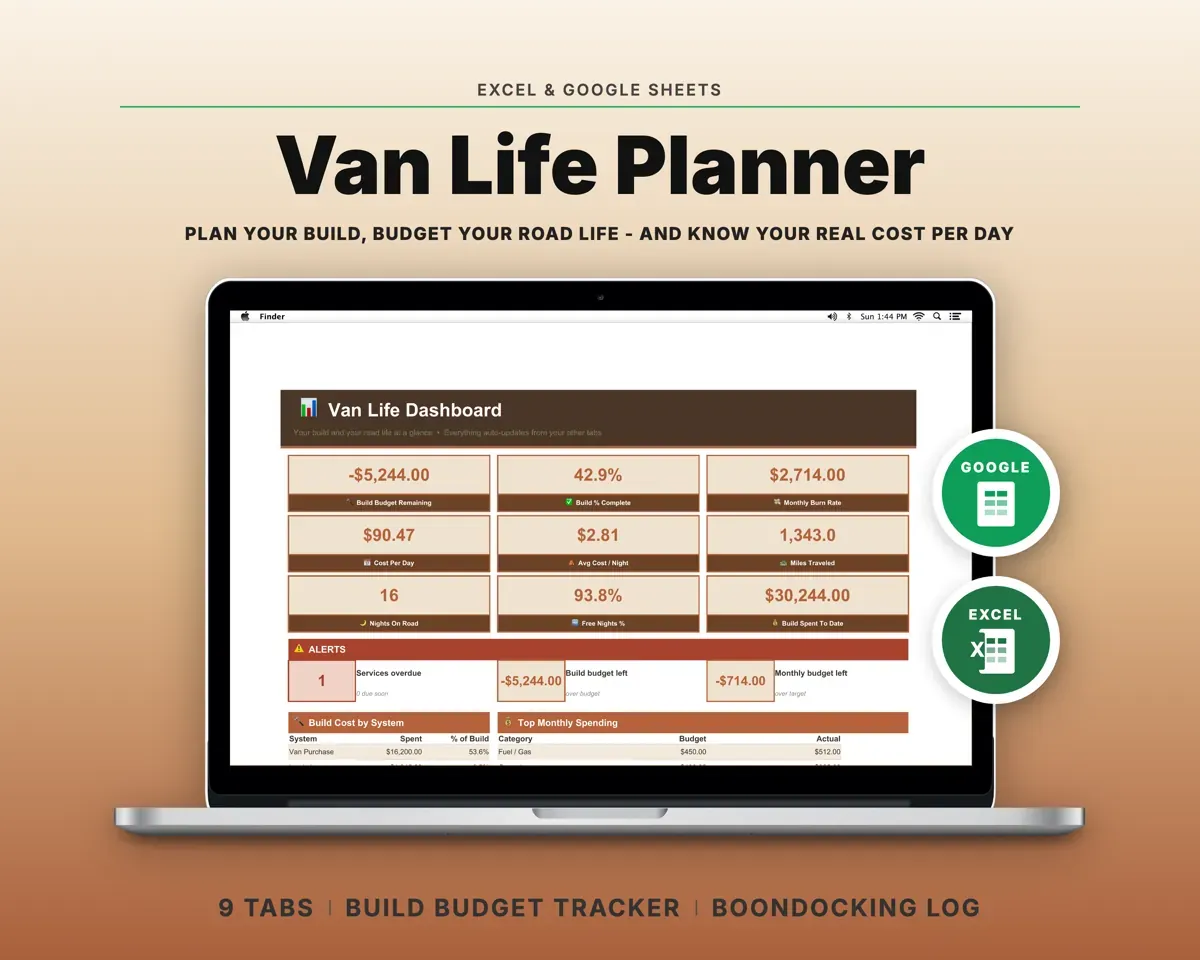
Log each item with category, vendor, quantity, estimated and actual cost, weight and order status. Your budget and payload both update from the same line.
Cost, weight, statusBudget and payload leftKnow which categories are running over
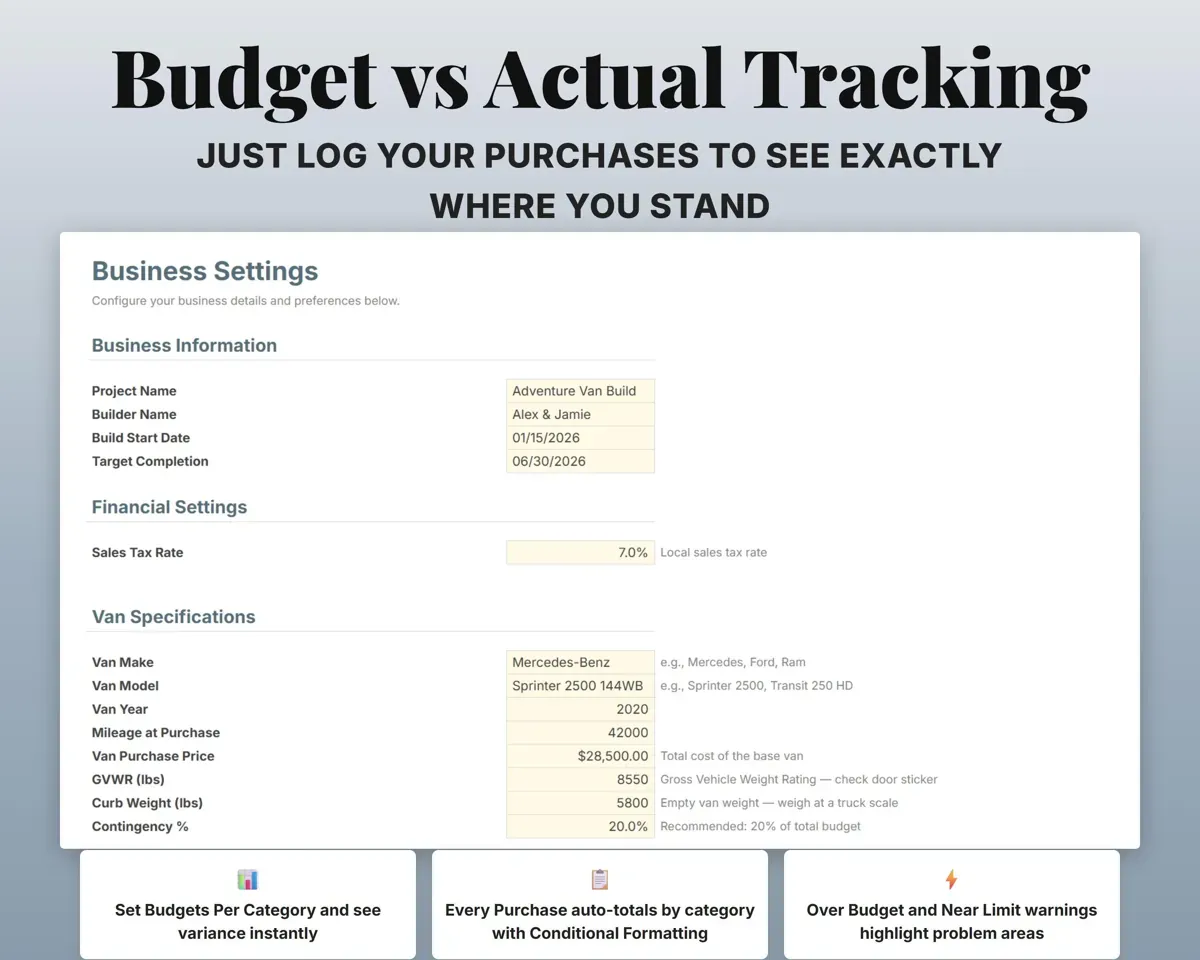
Set a target for each of 18 build categories. Actual spending fills in from the Purchase Log with the variance and percent used.
Category targetsOver or underStay under your GVWR
Enter the GVWR and curb weight from the door sticker. The Weight Tracker breaks build weight down by category and shows the payload left, with a table of common component weights.
GVWR, curb weightPayload remainingSize the battery and solar before you buy
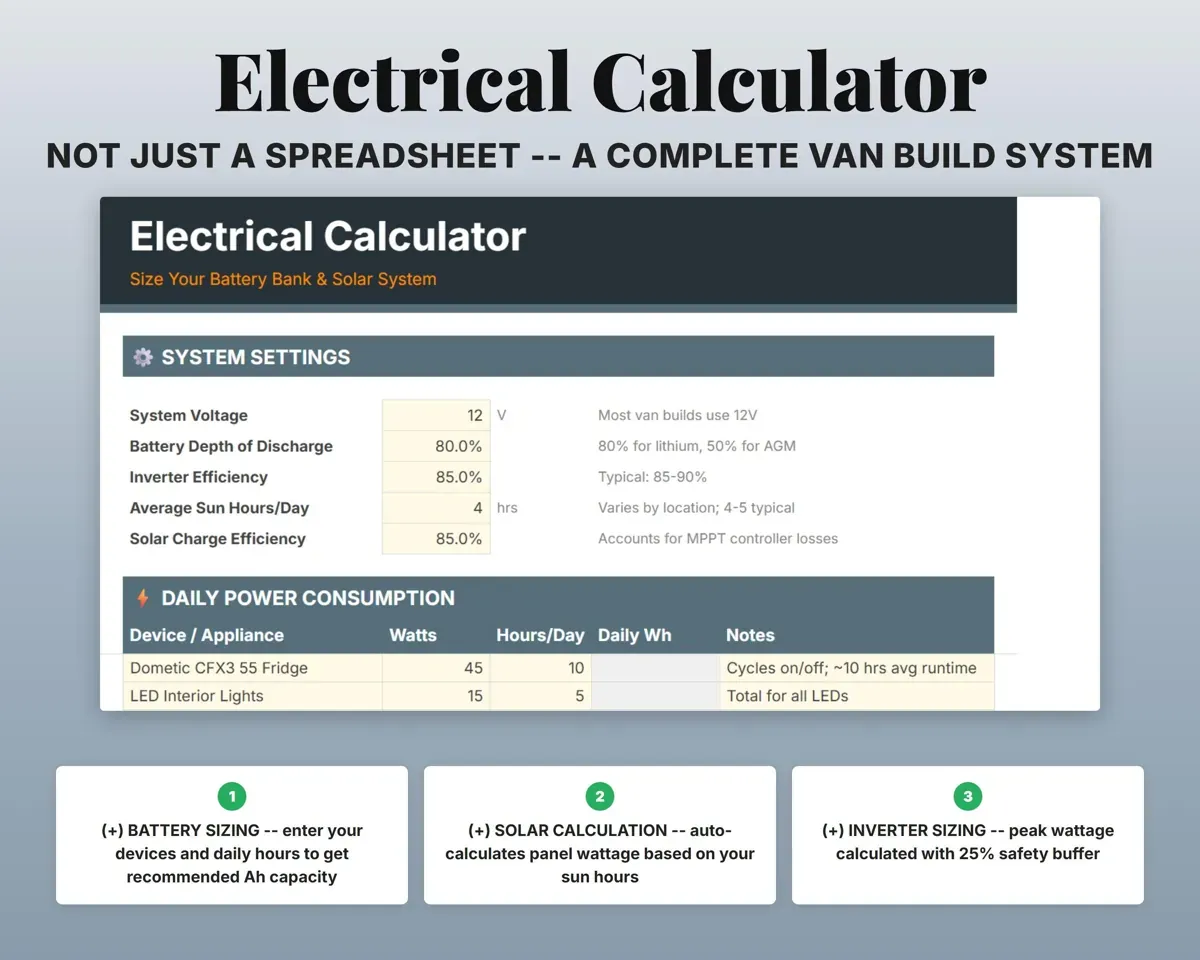
List your devices with wattage and daily hours. The calculator works out daily watt-hours, battery amp-hours, solar wattage and inverter size.
Watts, hours per dayBattery and solar sizeWork through the build in order
A 22-task checklist from planning to final testing, with status, priority, start and end dates and dependency notes.
Task statusBuild progressDocument what the van is worth
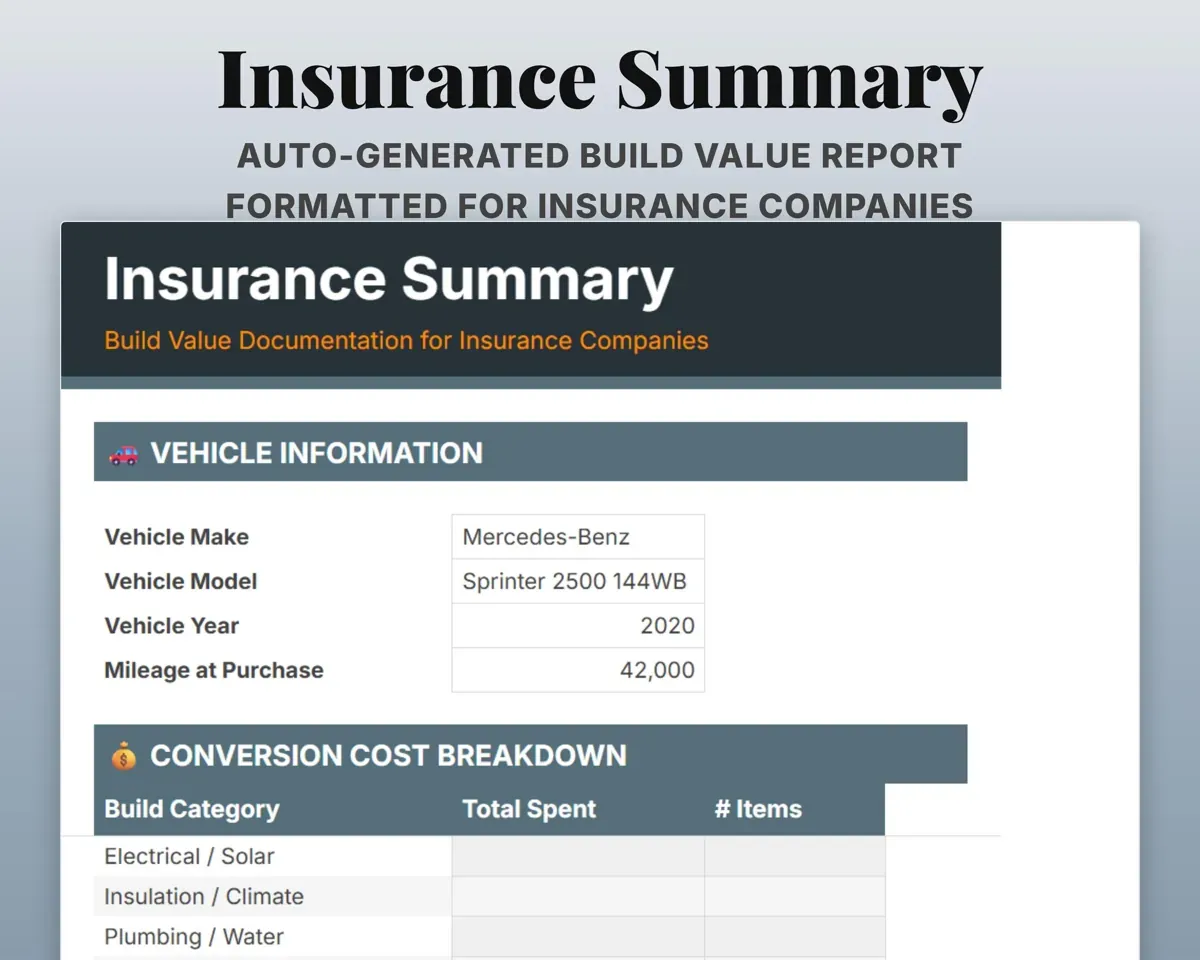
The Insurance Summary lists the vehicle, cost by category and your total investment, van plus conversion, ready to print or save as a PDF.
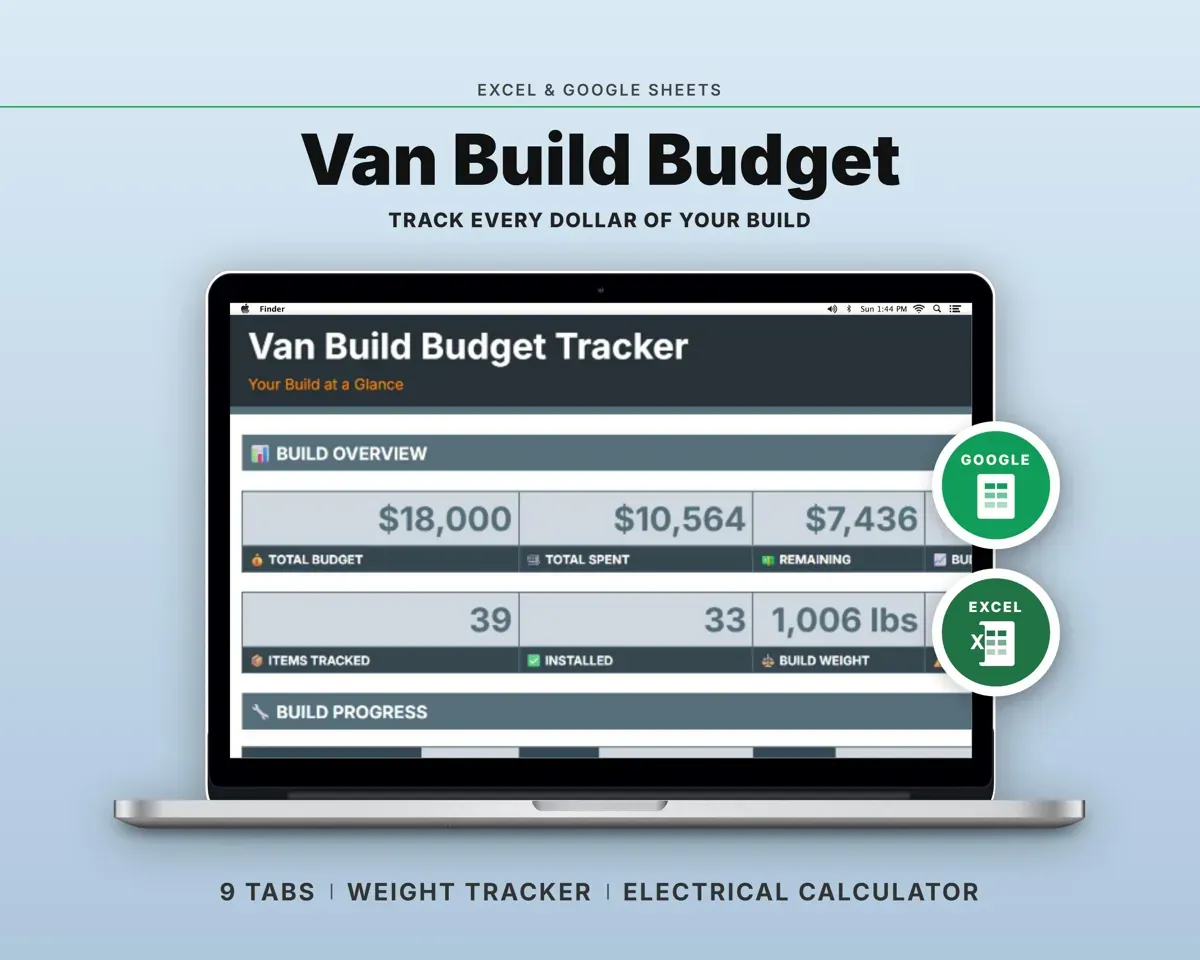
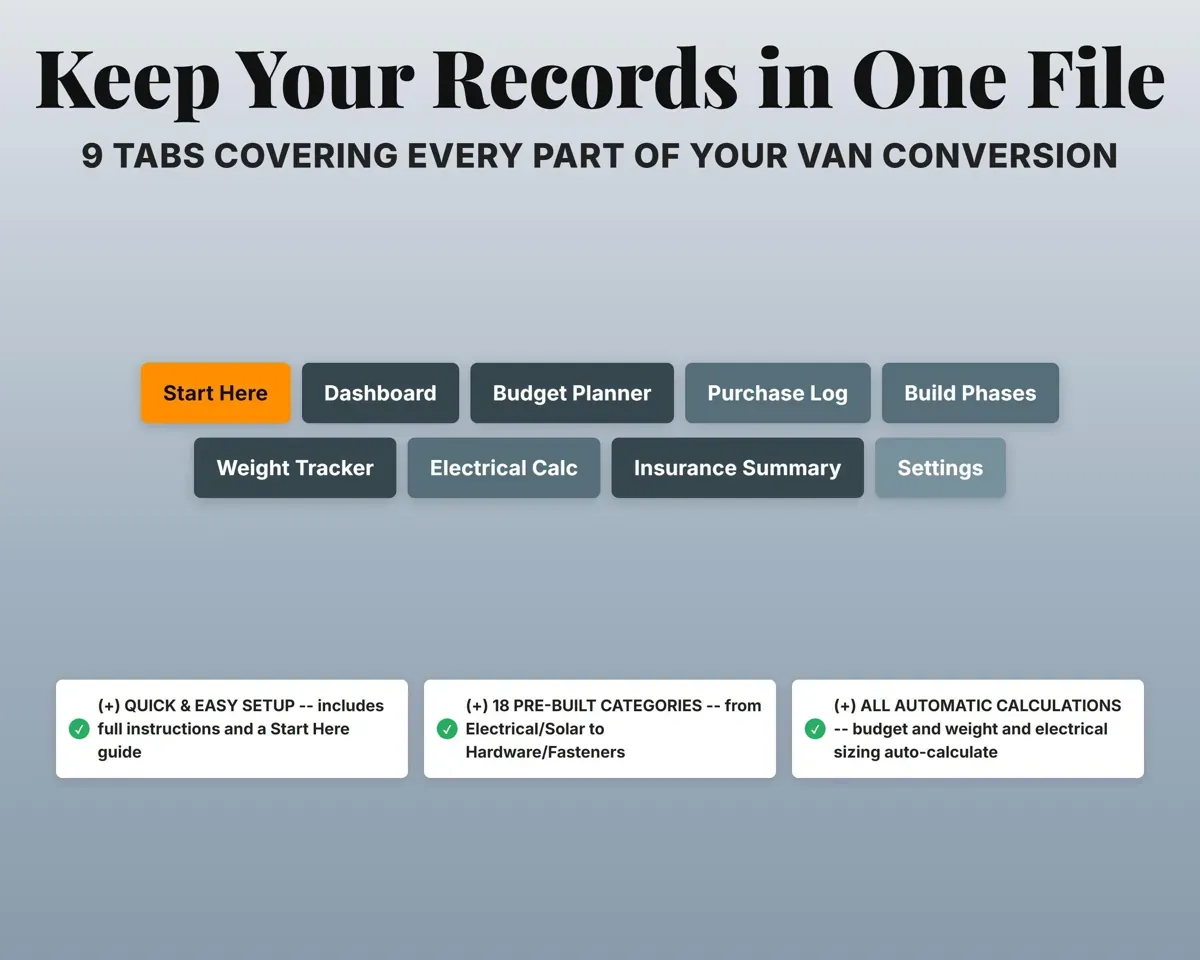
Your purchasesBuild value report9 tabs in one file
- Start Here
- Dashboard
- Budget Planner
- Purchase Log
- Build Phases
- Weight Tracker
- Electrical Calc
- Insurance Summary
- Settings
- Start Here
- Setup steps, color key and sheet overview.
- Dashboard
- Budget, spending, weight, payload and build progress.
- Budget Planner
- Targets vs actual spending for 18 build categories.
- Purchase Log
- Every part with cost, weight, vendor and order status.
- Build Phases
- A 22-task conversion checklist in build order.
- Weight Tracker
- Build weight by category against your GVWR.
- Electrical Calc
- Battery, solar and inverter sizing from your devices.
- Insurance Summary
- A printable build value report for your insurer.
- Settings
- Van specs, financial settings and dropdown lists.
Pair it with
“Well thought out worksheets nicely presented”
“Excellent! Very easy to use.”
Before you buy
Will it work for my van?
Yes. Transit, Promaster, Sprinter or any other platform. Enter your GVWR and curb weight on the Settings tab and the weight math follows.
Does the weight include water, gear and passengers?
No. It shows your build weight against the payload you have. Leave room in what is left for water, gear and people.
Can I change the build categories?
Yes. You can rename any of the 18 categories and edit every dropdown on the Settings tab.
What do I get?
An Excel file (.xlsx), a filled-in sample to look at, and a quick-start PDF guide with a link that makes your own copy in Google Sheets.
How does delivery work?
You get your download links right after checkout, and Stripe emails your receipt. There is nothing to ship and nothing to wait for.
How do I set it up in Google Sheets?
Open the quick-start PDF and click the Google Sheets link. Google makes a copy in your own Drive that only you can edit. You need a free Google account.
Will it work on a Mac?
Yes. It works in Excel on Mac and Windows, and in Google Sheets in any browser.
I'm not a spreadsheet person. Is that a problem?
No. You only type in the yellow cells. Everything in gray works itself out, and the Start Here tab shows you where to begin.
Can I get a refund?
Templates are digital downloads, so sales are final. If a file won't open, is broken or doesn't match its description, email hello@cleanpixelstudios.com within 30 days and we'll fix it, or refund you if we can't.
What if I get stuck?
Email hello@cleanpixelstudios.com and we'll help you get it working.
More in Home, hobbies & travel
See all Home, hobbies & travel templates
 Made by Clean Pixel Studios
We start every template by reading what people in that line of work say they struggle with, then build the spreadsheet around those problems. This one was made for van builders and nobody else.
How we build templatesVan Build Budget Tracker$14.99 · Excel + Google Sheets