Built around the jobs home baristas actually do
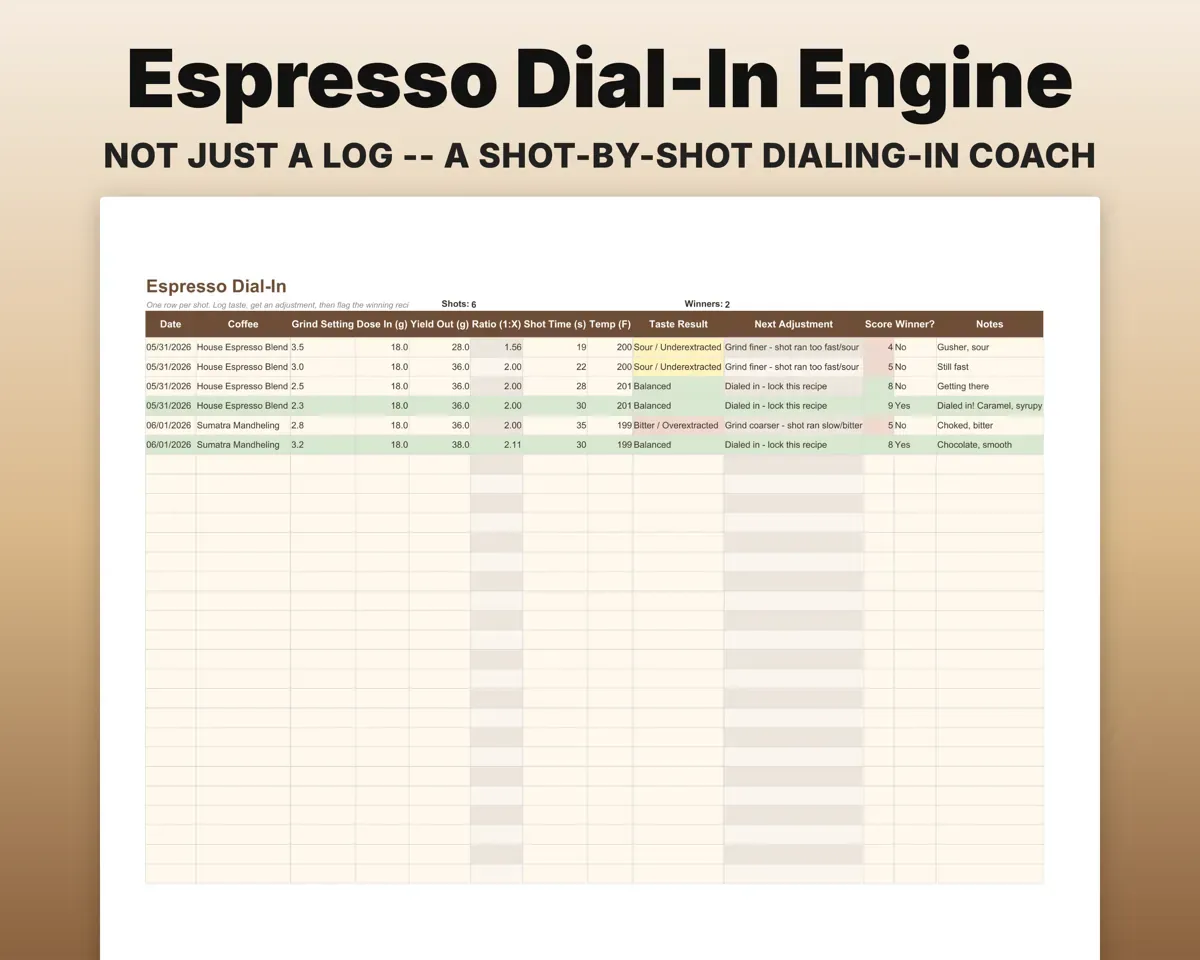
Dial in a shot and keep the recipe
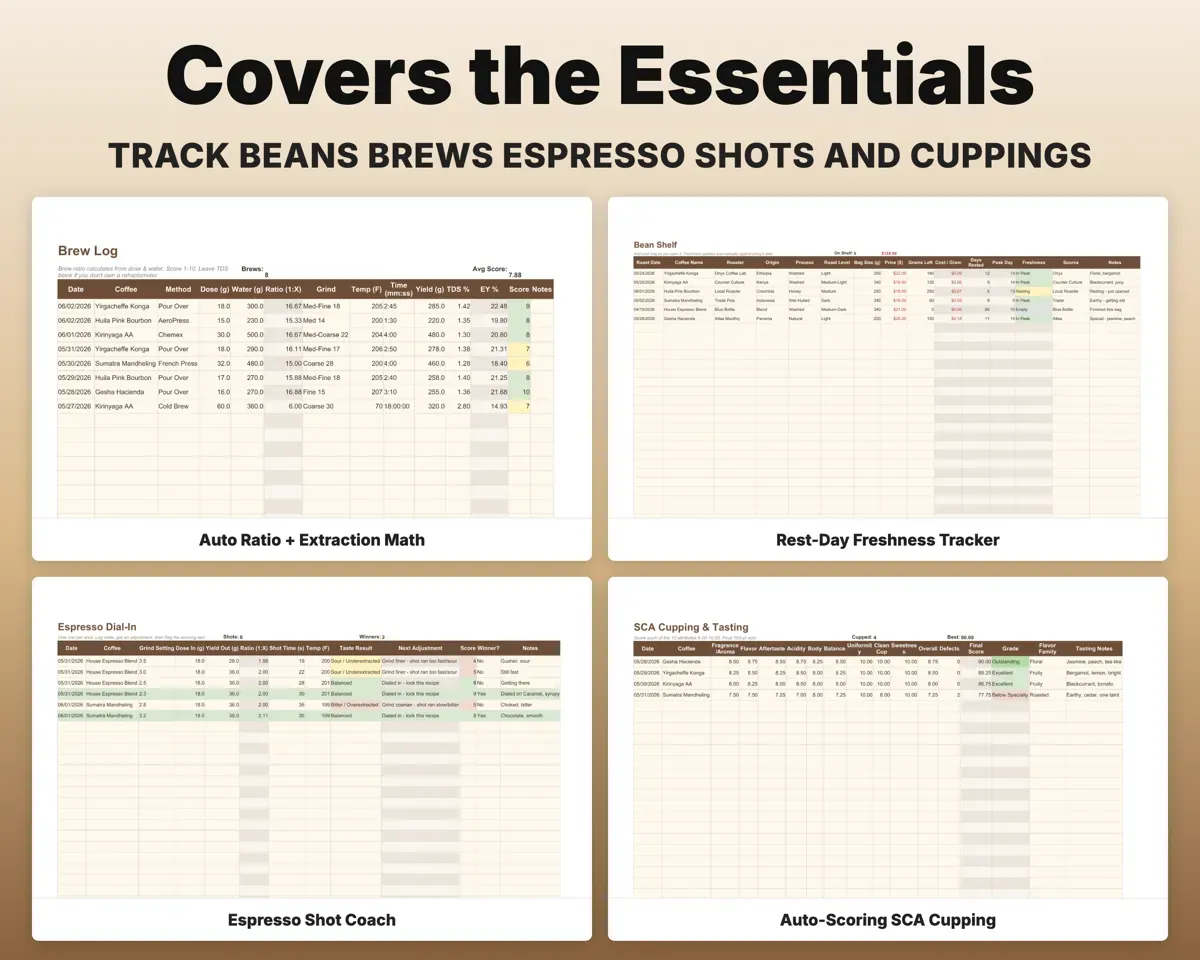
Log grind, dose, yield, time and taste. The ratio works out, a next-step column says grind finer, coarser or lock it in, and you can flag the winning shot for each bag.
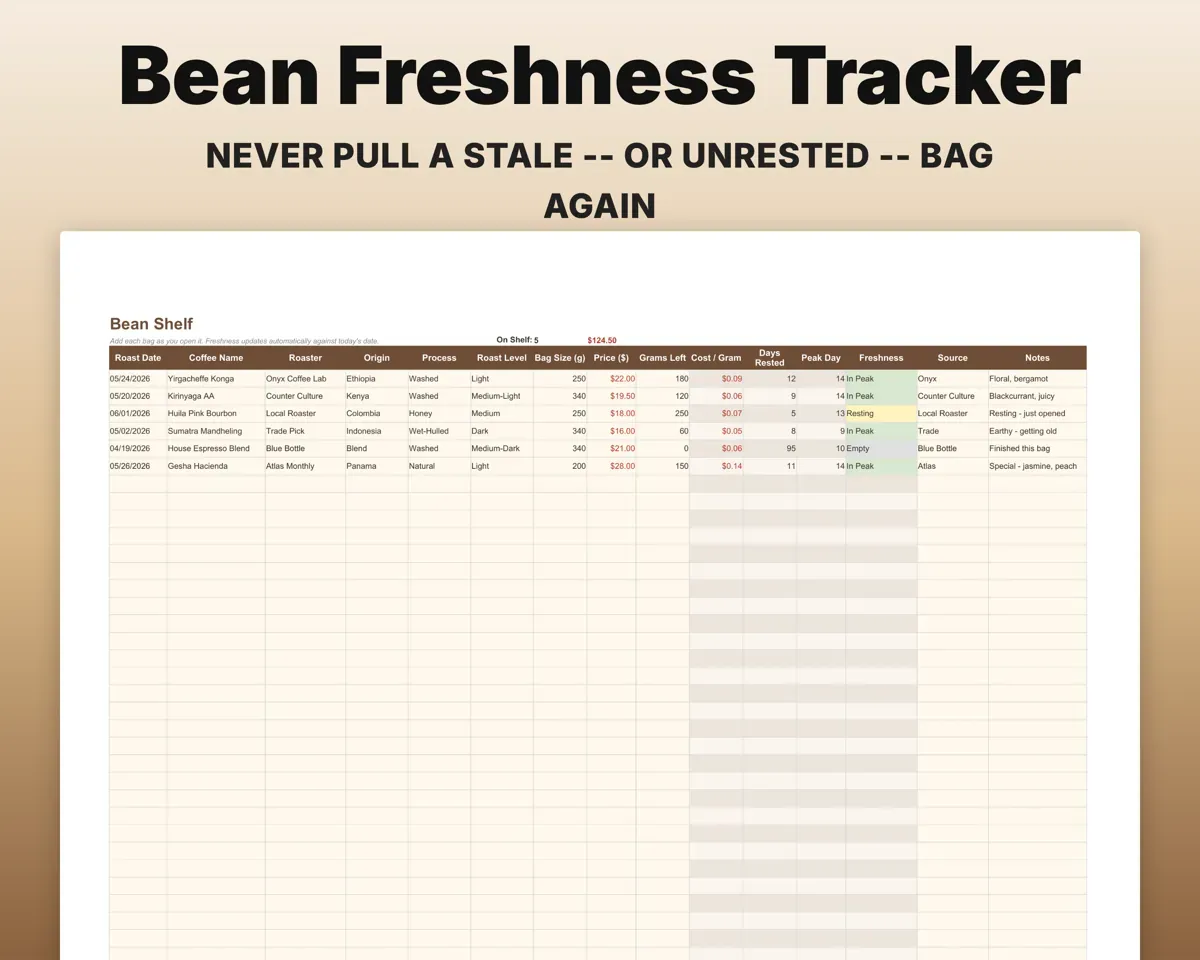
Grind, dose, yield, timeNext adjustmentKnow which bags are at their peak
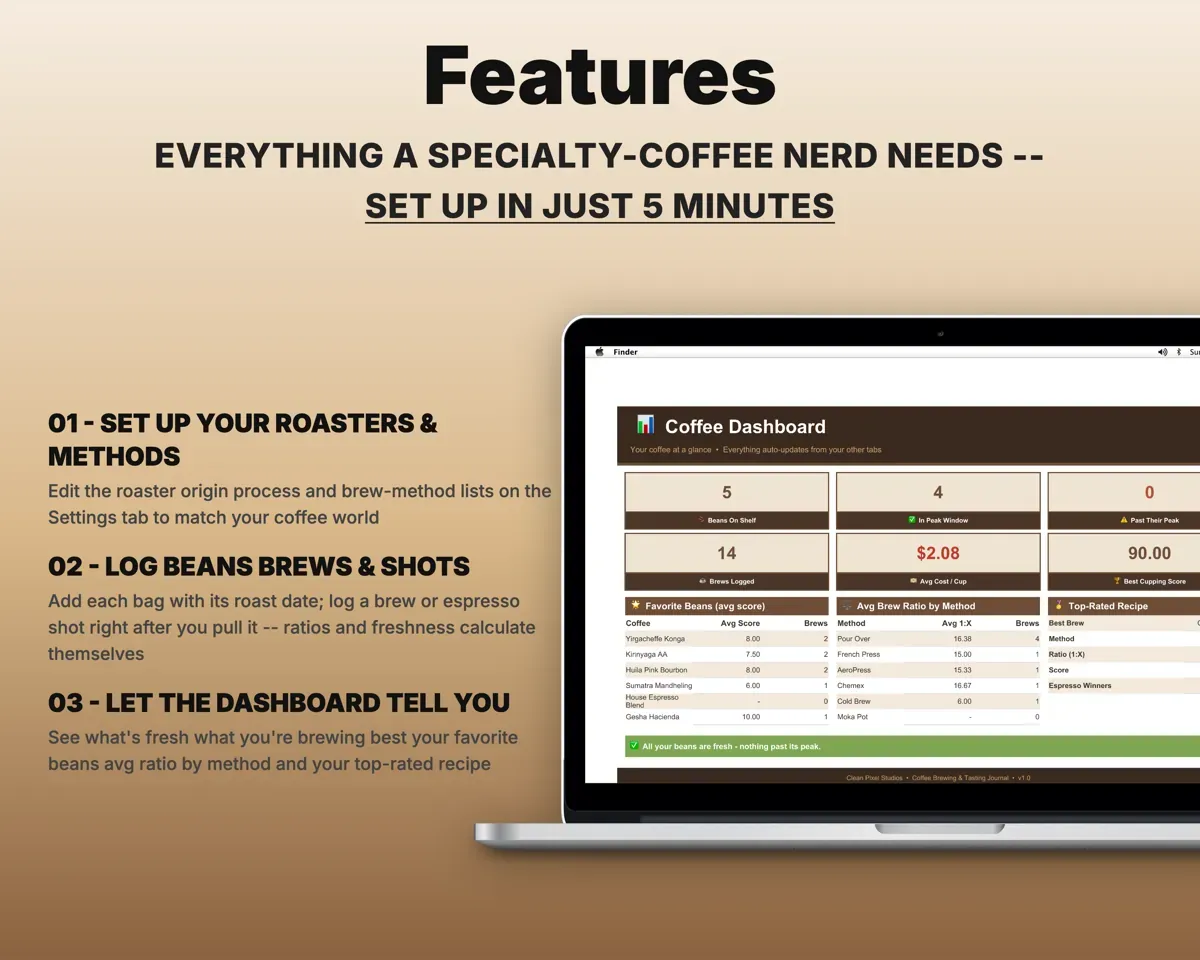
Add each bag with its roast date. Days rested and a peak day fill in by roast level, and each bag shows Resting, In Peak or Past Peak.
Roast dateIn Peak or Past PeakCompare brews across methods
Pour over, AeroPress, French press, Chemex, cold brew and moka pot. Dose and water give the ratio, and an optional TDS reading gives extraction yield.
Dose, water, TDSRatio and extractionScore coffee on the SCA form
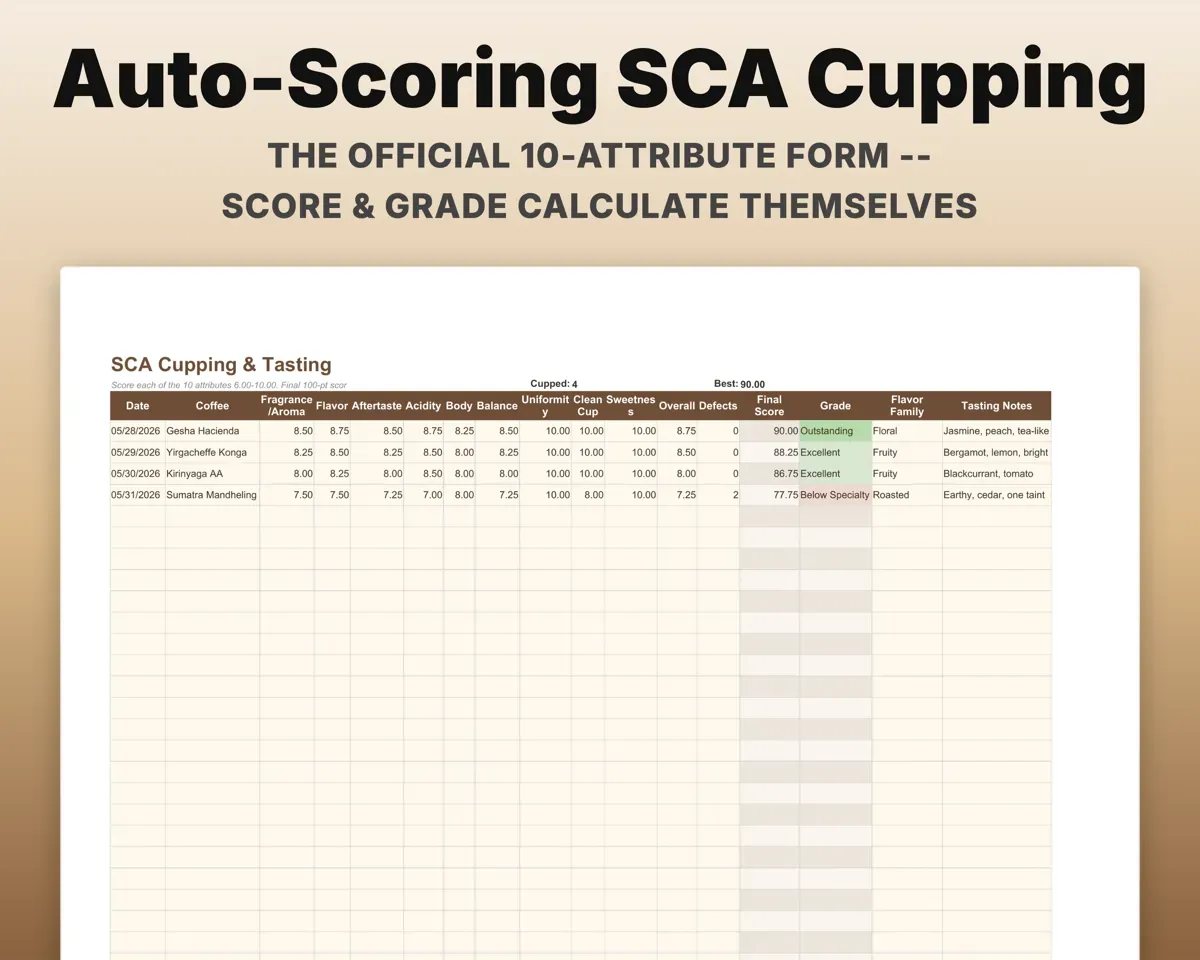
Ten attributes plus defects add up to a 100-point score and a grade, with a flavor family and notes for each cup.
Attribute scoresScore and gradeTrack gear spend and the wishlist
Each piece of kit with brand, purchase date and price, plus a wishlist with target price, priority and months to save.
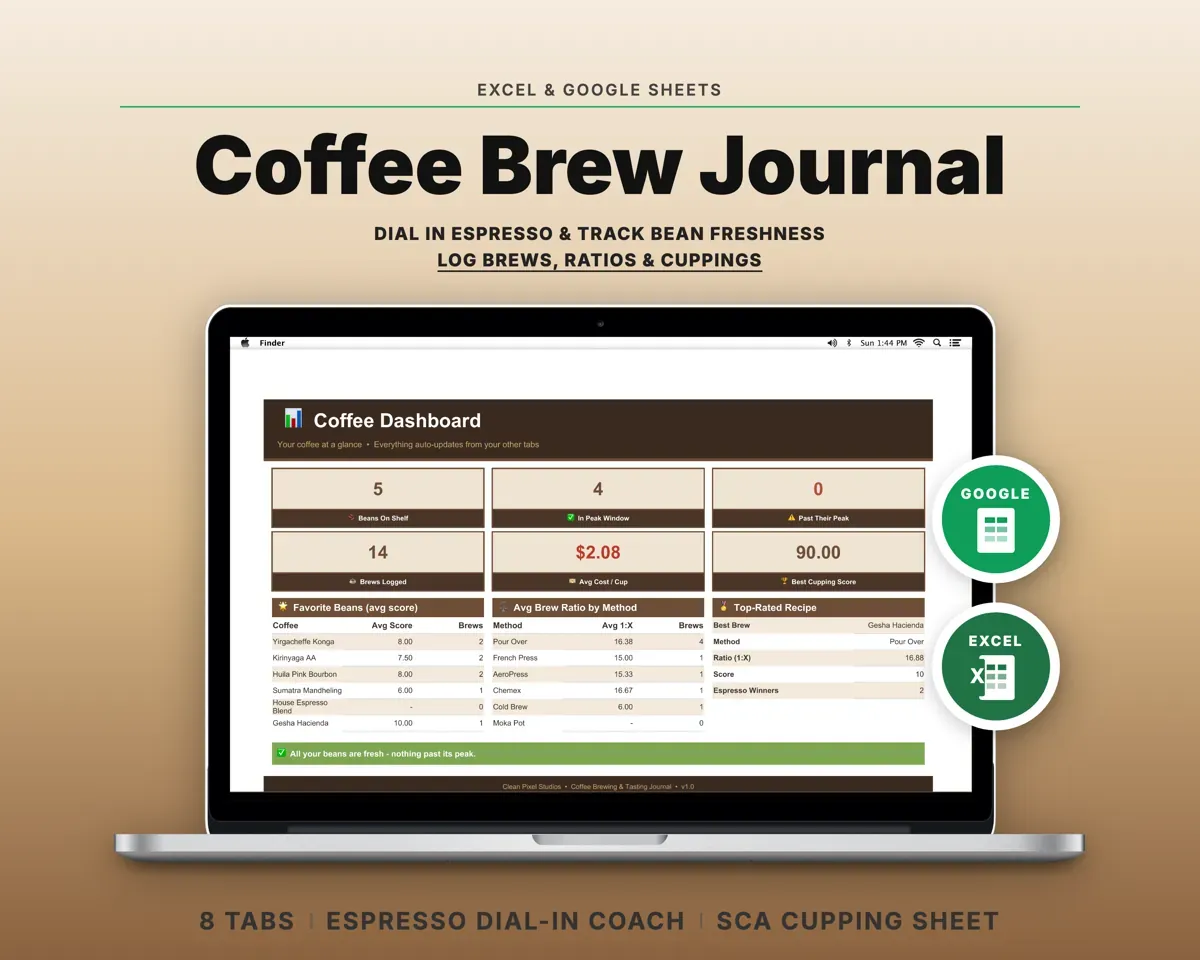
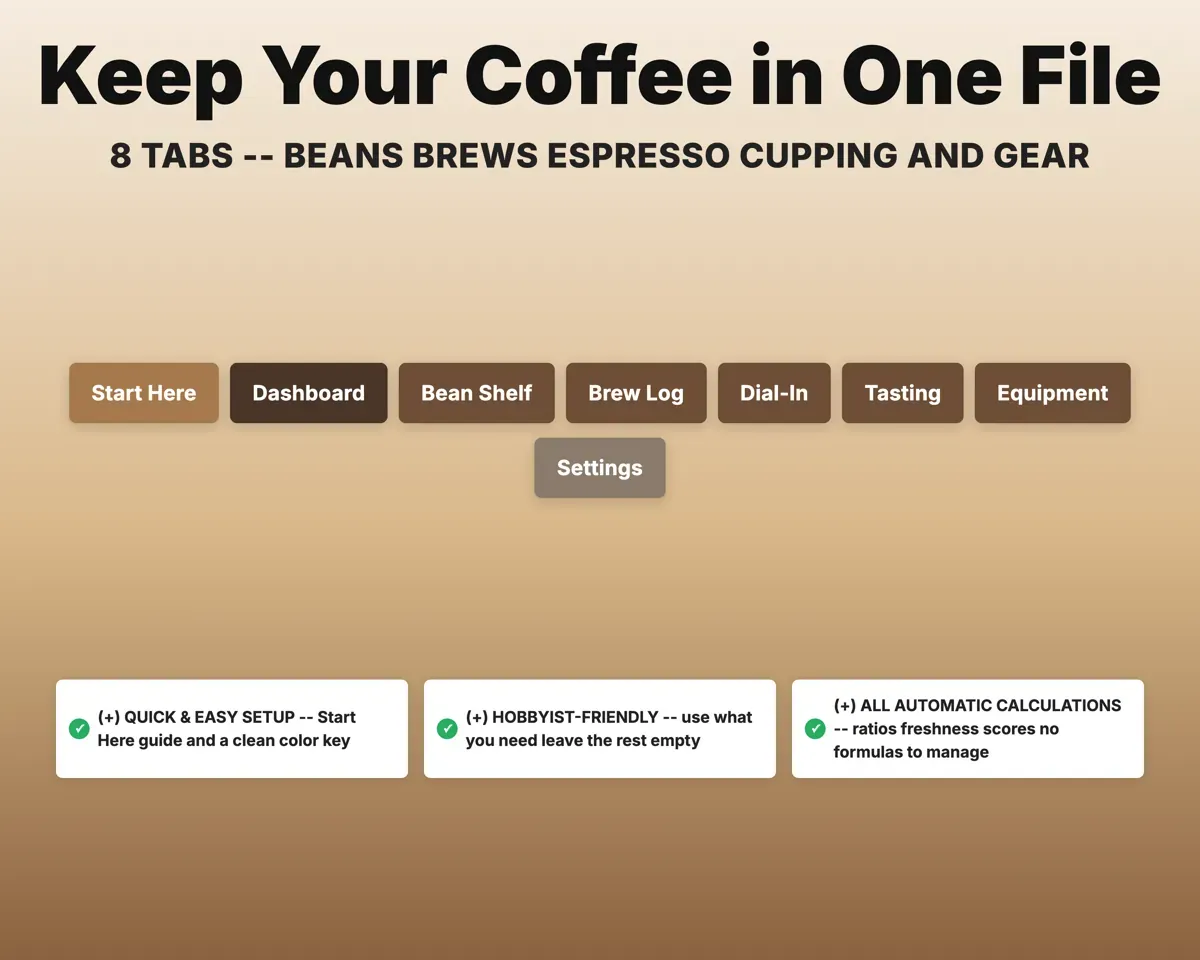
Gear and pricesMonths to save8 tabs in one file
- Start Here
- Dashboard
- Bean Shelf
- Brew Log
- Dial-In
- Tasting
- Equipment
- Settings
- Start Here
- Setup steps, color key and a tour of the tabs.
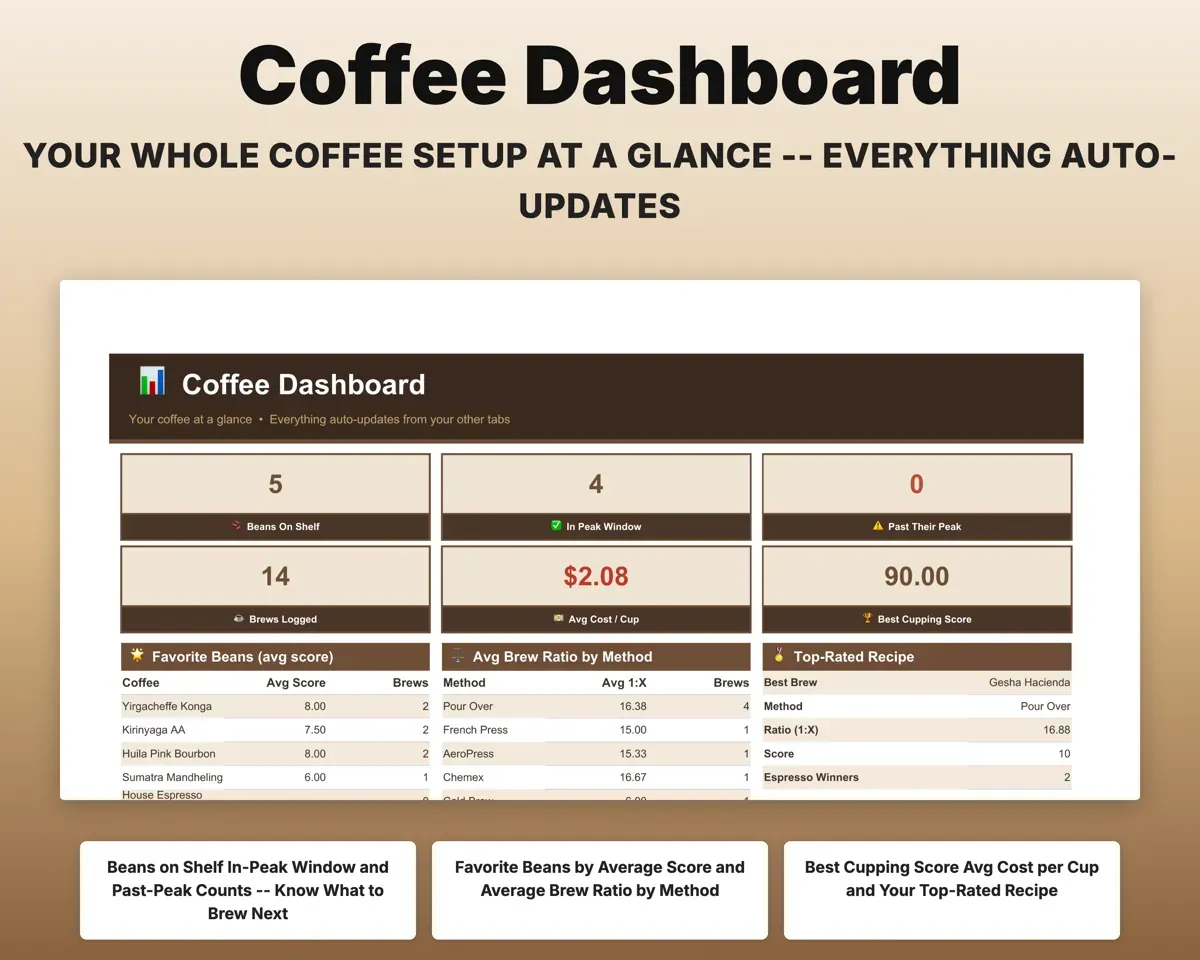
- Dashboard
- Fresh bags, brews logged, cost per cup and your top recipe.
- Bean Shelf
- Every bag with roast date, grams left and freshness status.
- Brew Log
- Brews by method with ratio and extraction yield.
- Dial-In
- Espresso shots with ratio, next adjustment and winning recipe.
- Tasting
- SCA cupping sheet that scores and grades itself.
- Equipment
- Gear you own and the upgrade wishlist.
- Settings
- Roasters, origins, processes, brew methods and lists.
Pair it with
“Excellent! Very easy to use.”
“Nice Organization for 4H projects”
Before you buy
Do I need a refractometer?
No. TDS and extraction yield are optional. The ratio, dial-in column, freshness tracker and cupping sheet all work without one.
How does it decide when a bag peaks?
From the roast date and roast level. Dark roasts get an earlier peak day and light roasts a later one, and each bag is labeled Resting, In Peak or Past Peak.
How does the next adjustment column work?
Enter the taste (sour, balanced or bitter) and the shot time. It suggests grinding finer for fast sour shots, coarser for slow bitter ones, or locking in the recipe.
What do I get?
An Excel file (.xlsx), a filled-in sample to look at, and a quick-start PDF guide with a link that makes your own copy in Google Sheets.
How does delivery work?
You get your download links right after checkout, and Stripe emails your receipt. There is nothing to ship and nothing to wait for.
How do I set it up in Google Sheets?
Open the quick-start PDF and click the Google Sheets link. Google makes a copy in your own Drive that only you can edit. You need a free Google account.
Will it work on a Mac?
Yes. It works in Excel on Mac and Windows, and in Google Sheets in any browser.
I'm not a spreadsheet person. Is that a problem?
No. You only type in the yellow cells. Everything in gray works itself out, and the Start Here tab shows you where to begin.
Can I get a refund?
Templates are digital downloads, so sales are final. If a file won't open, is broken or doesn't match its description, email hello@cleanpixelstudios.com within 30 days and we'll fix it, or refund you if we can't.
What if I get stuck?
Email hello@cleanpixelstudios.com and we'll help you get it working.
More in Home, hobbies & travel
See all Home, hobbies & travel templates
 Made by Clean Pixel Studios
We start every template by reading what people in that line of work say they struggle with, then build the spreadsheet around those problems. This one was made for home baristas and nobody else.
How we build templatesCoffee Brewing & Tasting Journal Spreadsheet$13.99 · Excel + Google Sheets