Built around the jobs people dating on apps actually do
Remember who is who
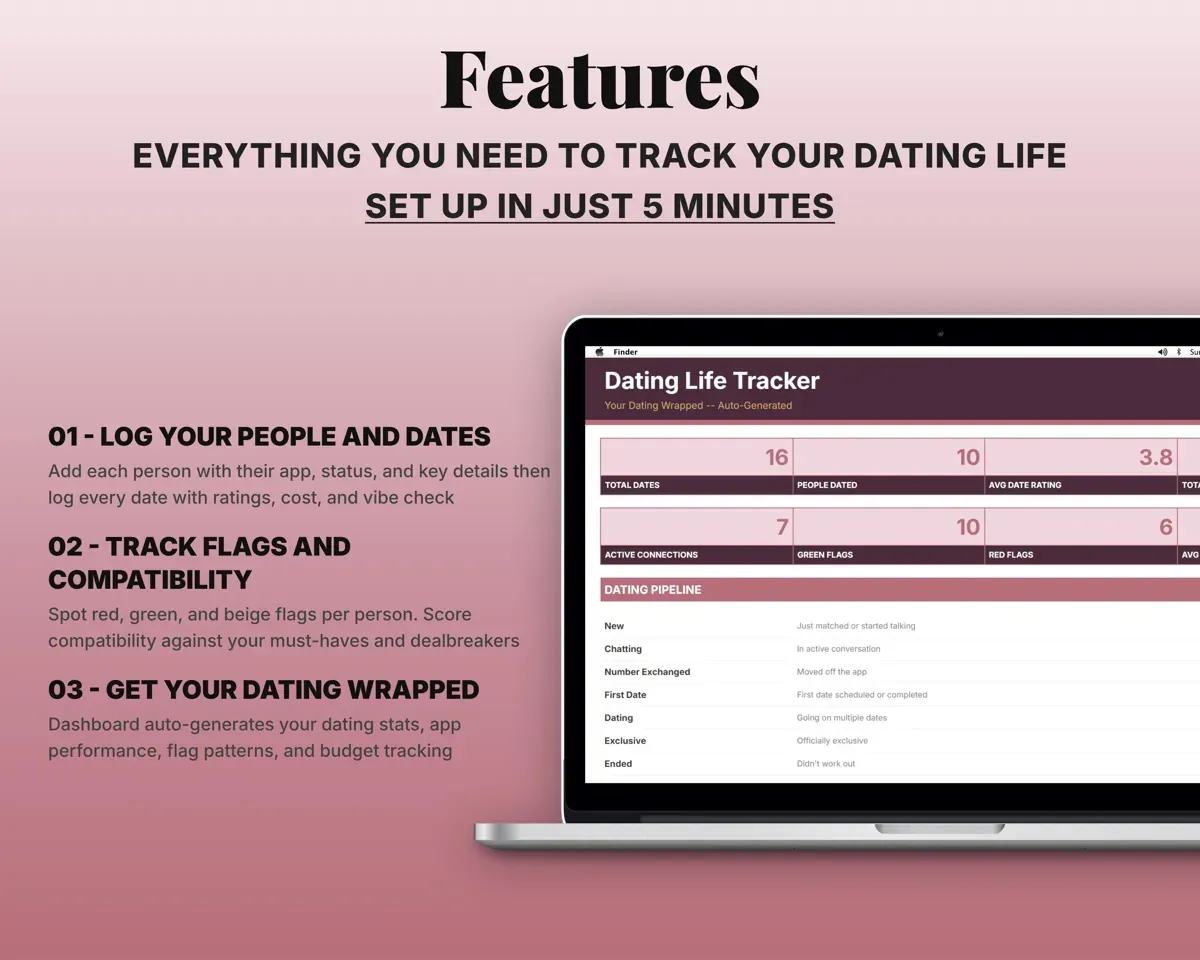
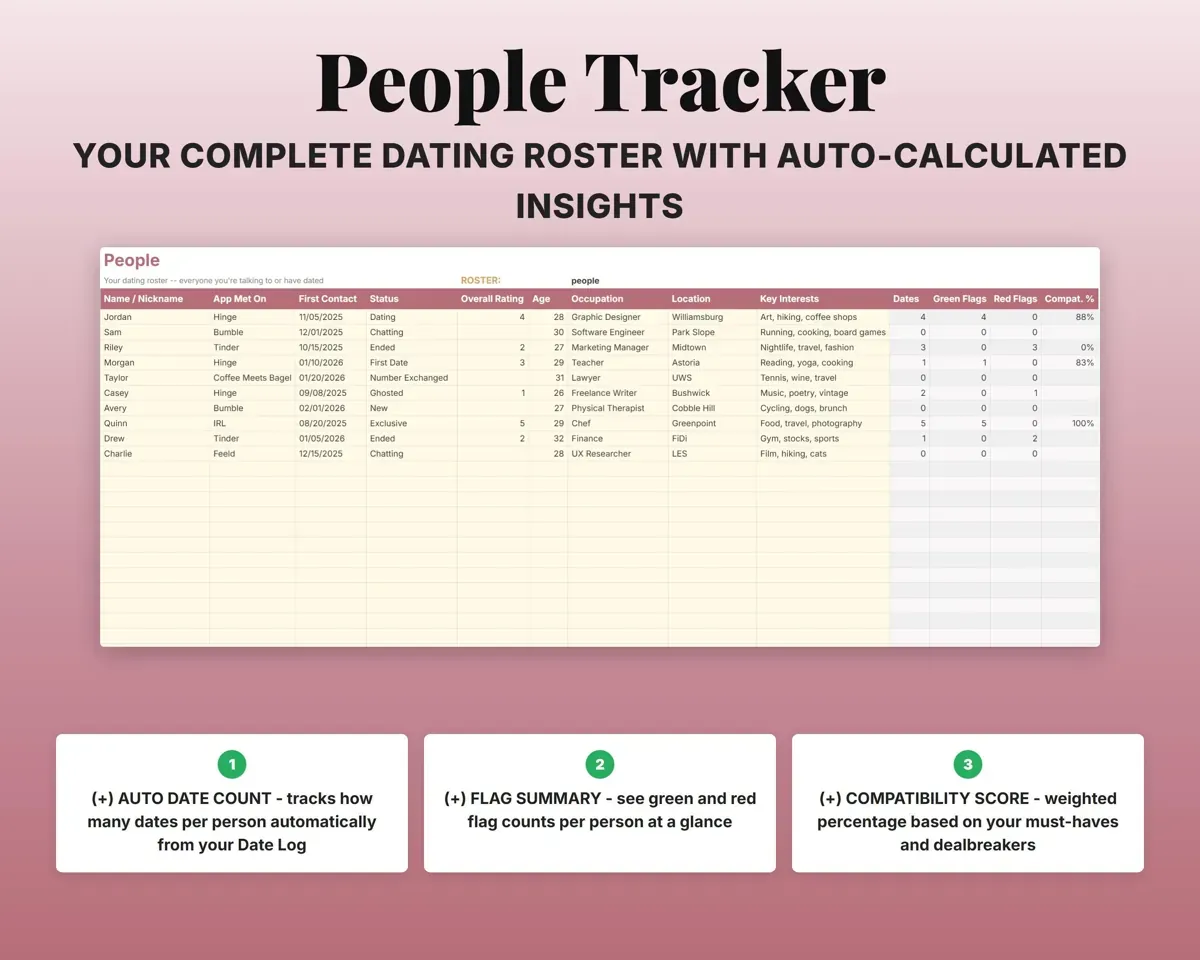
Name, app, date met, status, age, location, job and interests for each person. Their date count, flag counts and compatibility score fill in from the other tabs.
Name, app, date metDates and flags eachRate each date while it is fresh
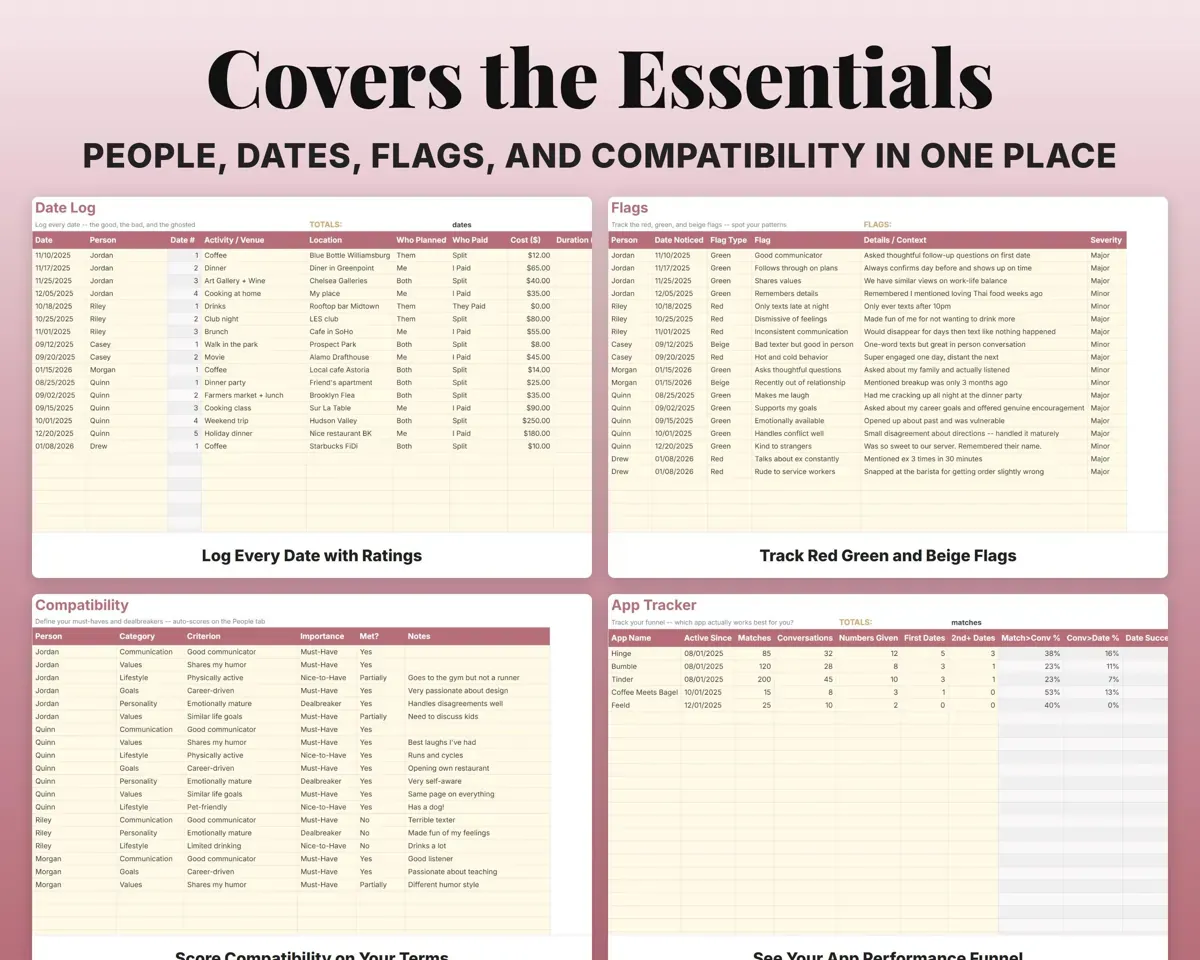
Person, date type, place, who paid, cost, your rating and vibe notes. The date number counts itself, and everything feeds the Dashboard.
Rating, cost, notesDate numberSee your red and green flag patterns
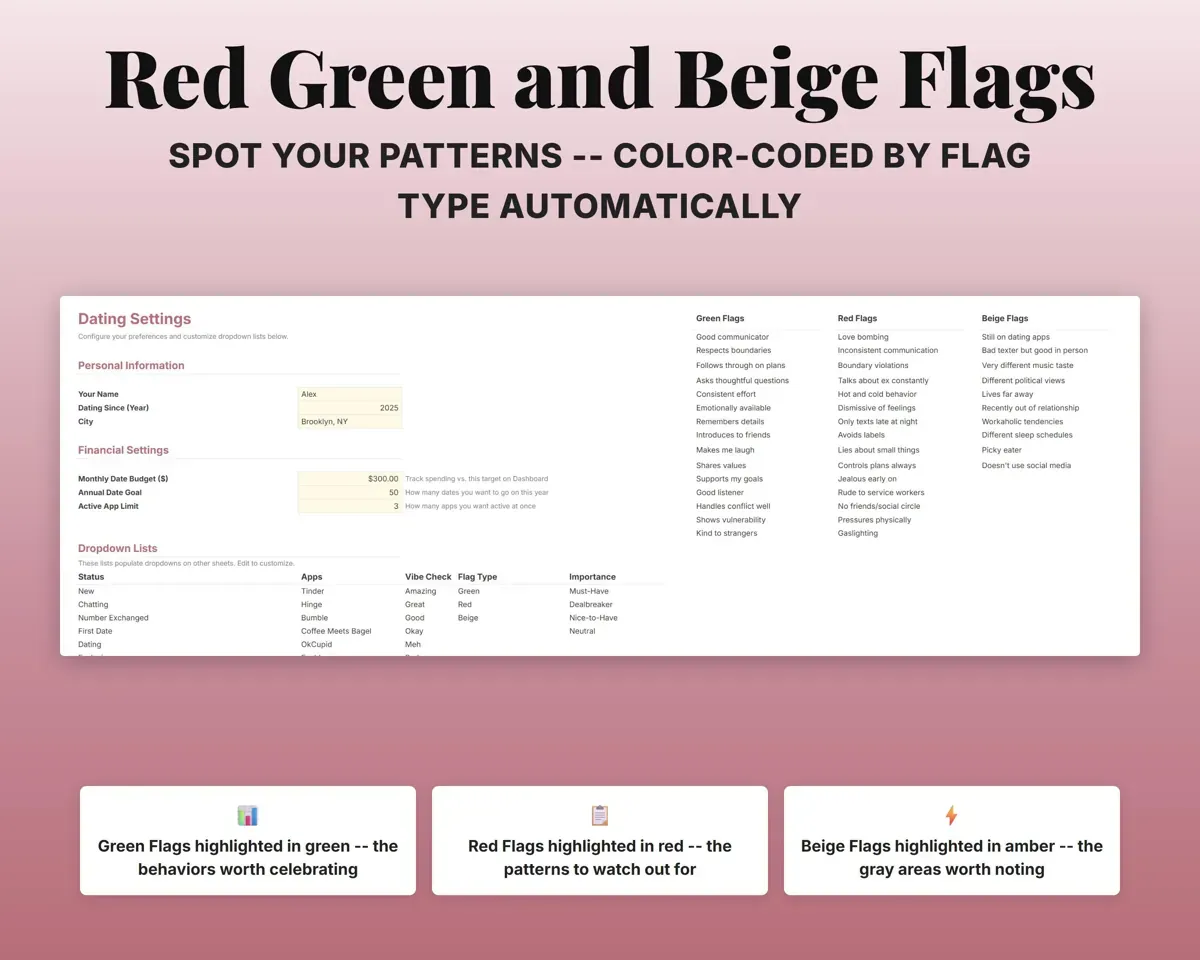
Log red, green or beige flags per person from an editable dropdown. They are color-coded, so patterns across people are easy to spot.
Flag type and noteColor-coded historyScore people against what you want
Set your must-haves and dealbreakers with weights on Settings, then check off what each person meets. The sheet works out a weighted percentage.
Criteria metCompatibility %Find out which app is worth your time
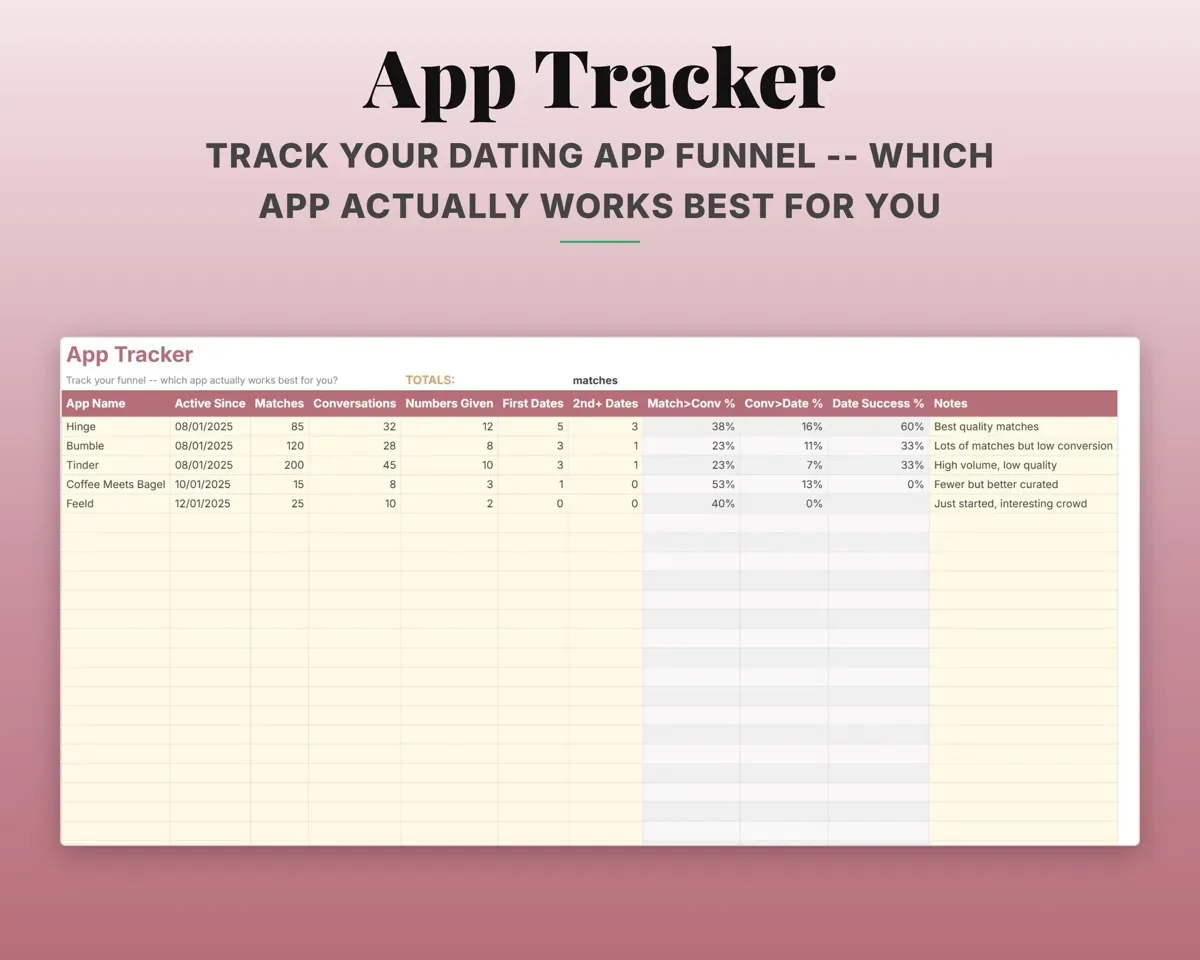
Matches, first messages, responses, first dates, second dates and ongoing connections for each app, with conversion rates and dates per match.
Matches, dates per appConversion ratesGet your year in numbers
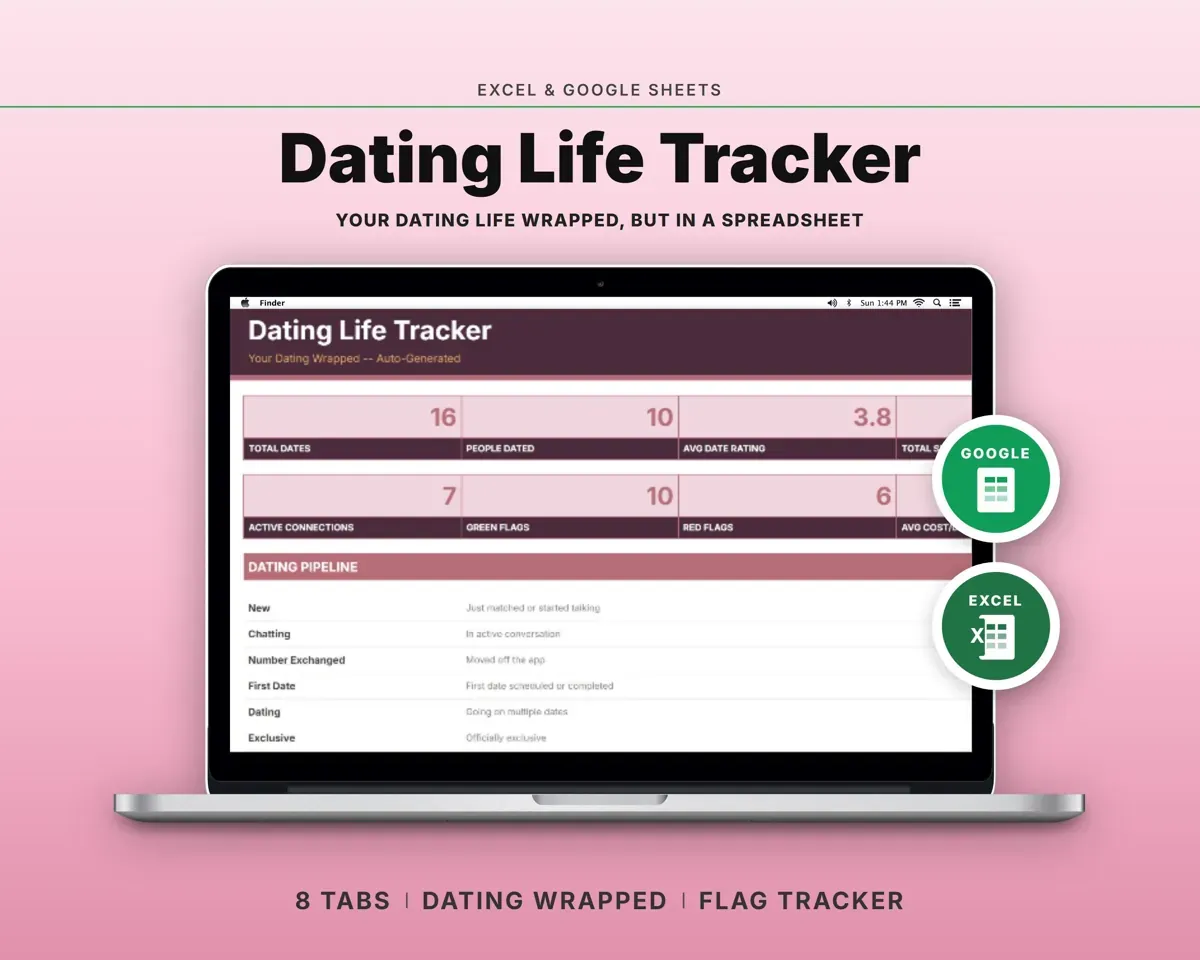
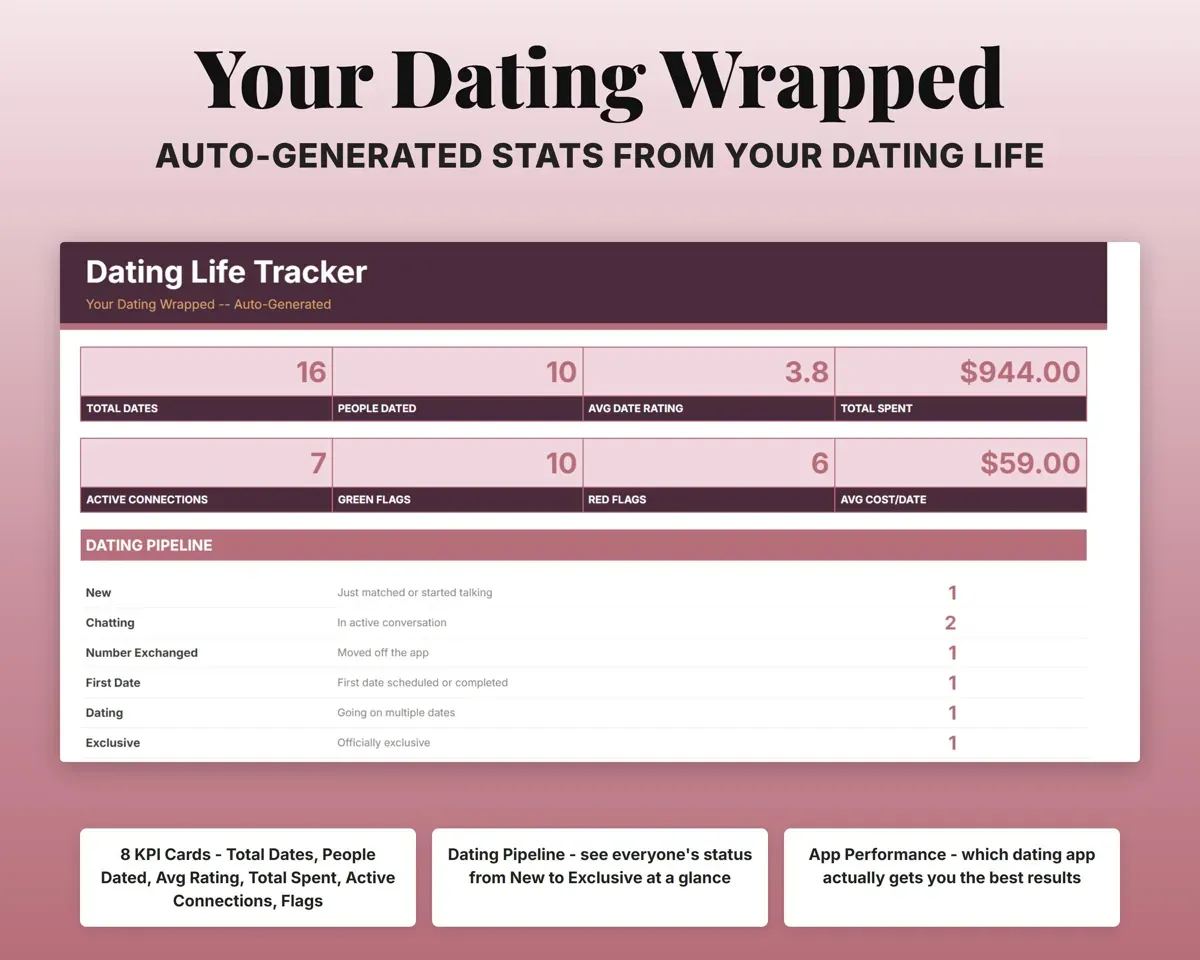
The Dashboard builds your stats as you log: total dates, people dated, average rating, money spent, app results, flag patterns and a monthly budget.
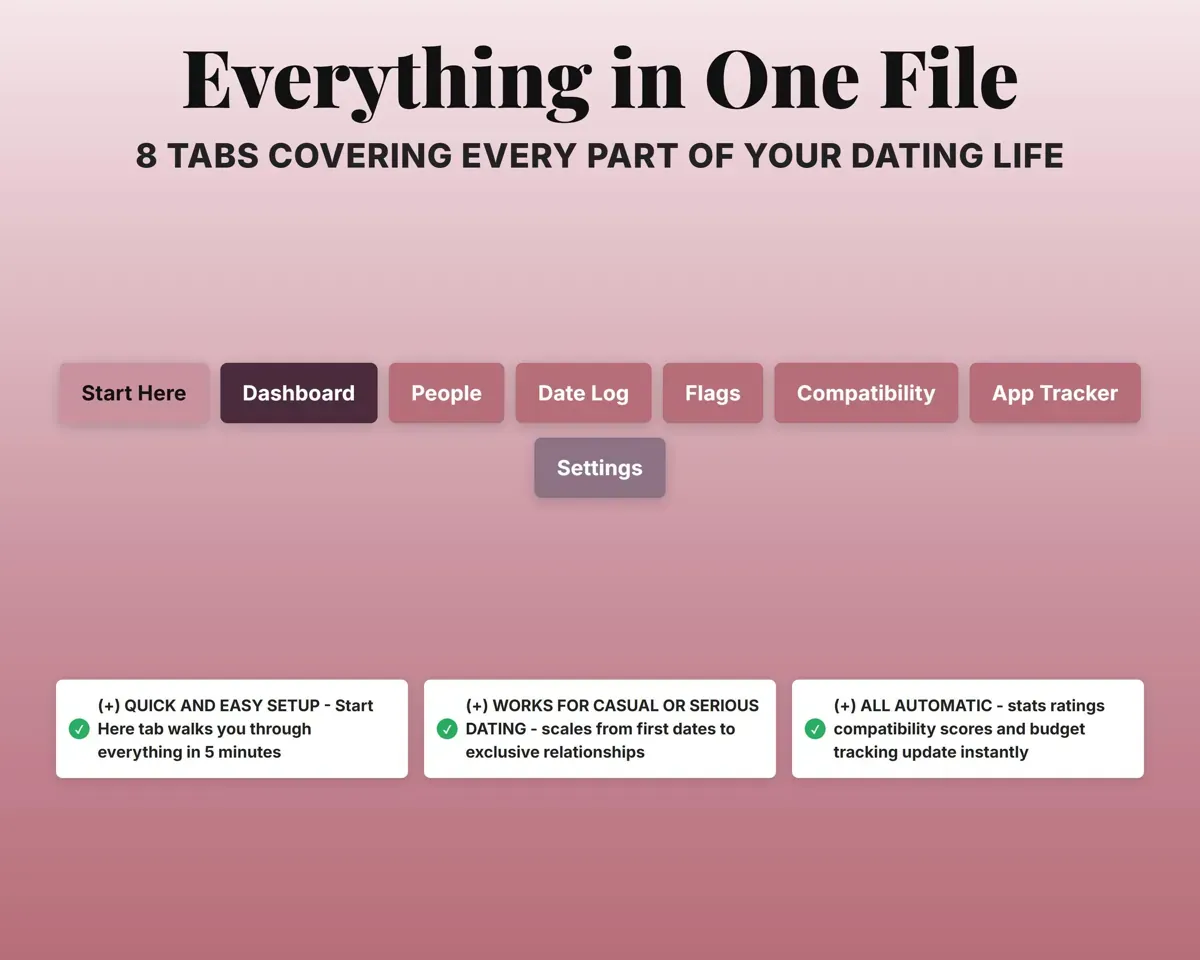
Your other tabsDating Wrapped stats8 tabs in one file
- Start Here
- Dashboard
- People
- Date Log
- Flags
- Compatibility
- App Tracker
- Settings
- Start Here
- Setup steps and a short guide to every tab.
- Dashboard
- Your Dating Wrapped stats, pipeline, app results and budget.
- People
- Everyone you are talking to, with details and scores.
- Date Log
- Every date with type, cost, rating and notes.
- Flags
- Red, green and beige flags logged for each person.
- Compatibility
- Each person rated against your must-haves and dealbreakers.
- App Tracker
- Matches, dates and conversion rates for each dating app.
- Settings
- Dropdown lists and your compatibility criteria with weights.
“Excellent! Very easy to use.”
“Nice Organization for 4H projects”
Before you buy
Can I change the flags and the compatibility criteria?
Yes. Common red, green and beige flags come pre-loaded on Settings, and you can edit those lists along with your criteria and their weights.
Is it only for serious relationships?
No. It works for first dates, for keeping several connections straight at once, and for following one person all the way to exclusive.
Does it work across more than one app?
Yes. App names are an editable dropdown, and App Tracker keeps a separate funnel for each app you use.
What do I get?
An Excel file (.xlsx), a filled-in sample to look at, and a quick-start PDF guide with a link that makes your own copy in Google Sheets.
How does delivery work?
You get your download links right after checkout, and Stripe emails your receipt. There is nothing to ship and nothing to wait for.
How do I set it up in Google Sheets?
Open the quick-start PDF and click the Google Sheets link. Google makes a copy in your own Drive that only you can edit. You need a free Google account.
Will it work on a Mac?
Yes. It works in Excel on Mac and Windows, and in Google Sheets in any browser.
I'm not a spreadsheet person. Is that a problem?
No. You only type in the yellow cells. Everything in gray works itself out, and the Start Here tab shows you where to begin.
Can I get a refund?
Templates are digital downloads, so sales are final. If a file won't open, is broken or doesn't match its description, email hello@cleanpixelstudios.com within 30 days and we'll fix it, or refund you if we can't.
What if I get stuck?
Email hello@cleanpixelstudios.com and we'll help you get it working.
More in Home, hobbies & travel
See all Home, hobbies & travel templates
 Made by Clean Pixel Studios
We start every template by reading what people in that line of work say they struggle with, then build the spreadsheet around those problems. This one was made for people dating on apps and nobody else.
How we build templates