Built around the jobs home fermenters actually do
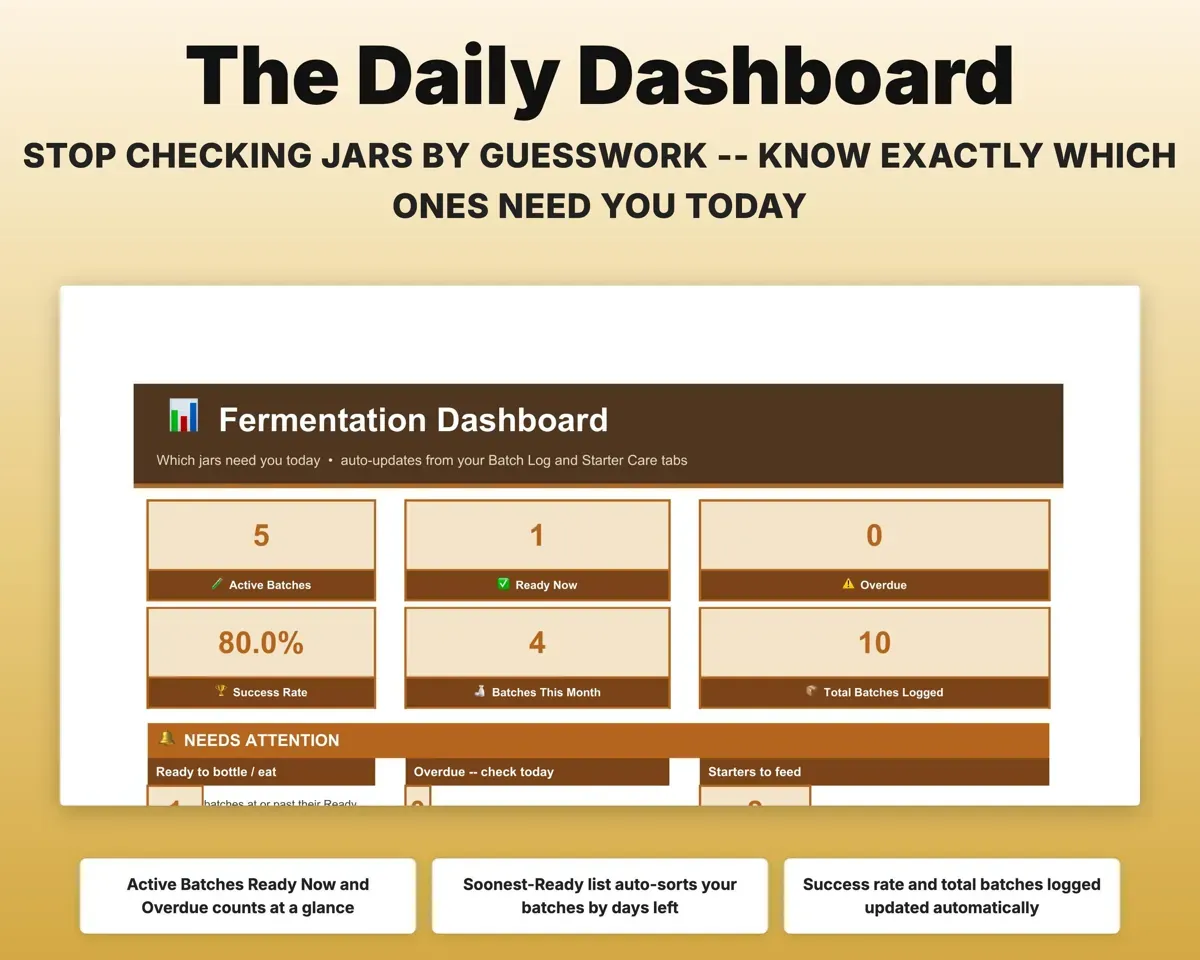
See which jars need you today
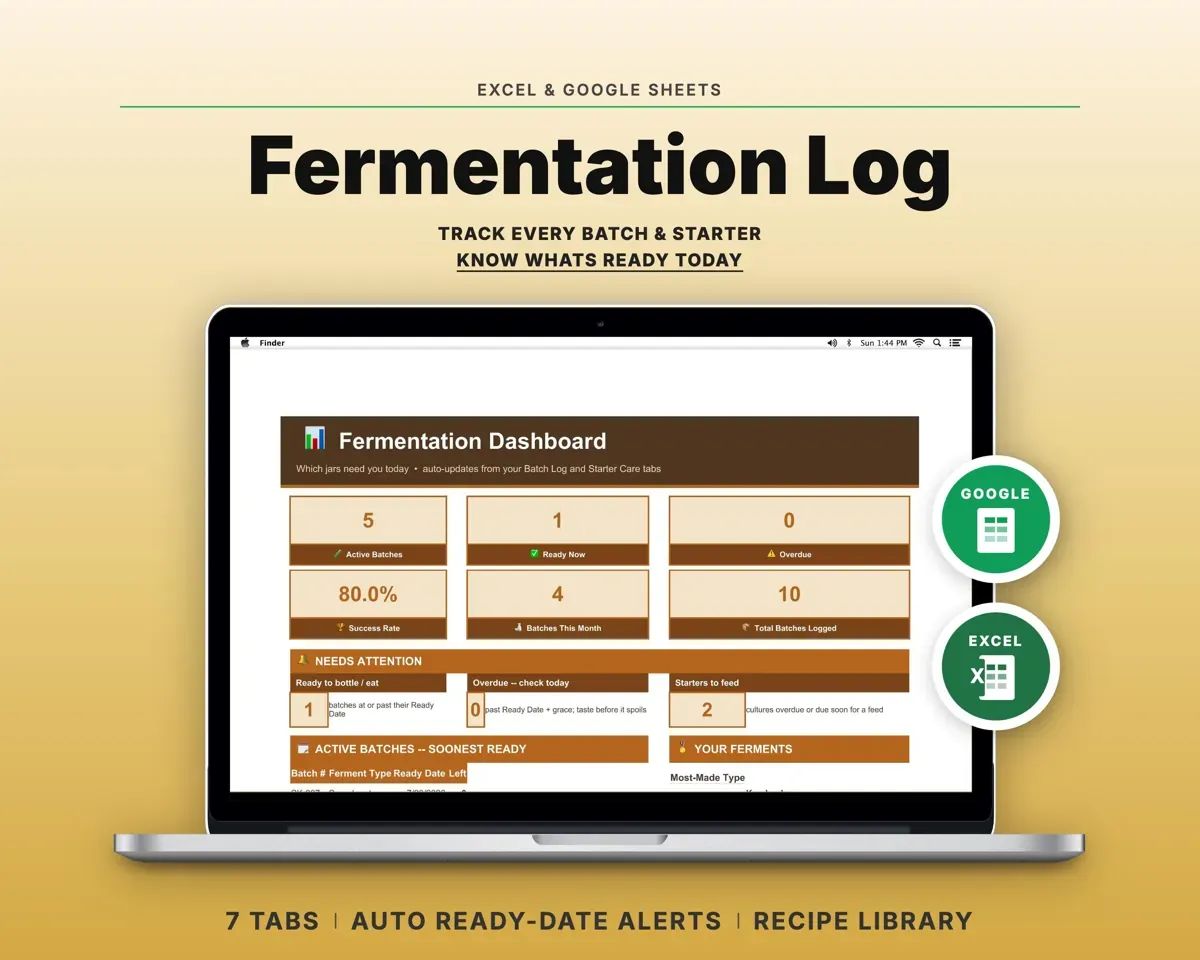
The Dashboard reads your batches and starters and shows what is active, ready now, overdue or due for a feed.
Your other tabsReady and overdueGet ready dates without the math
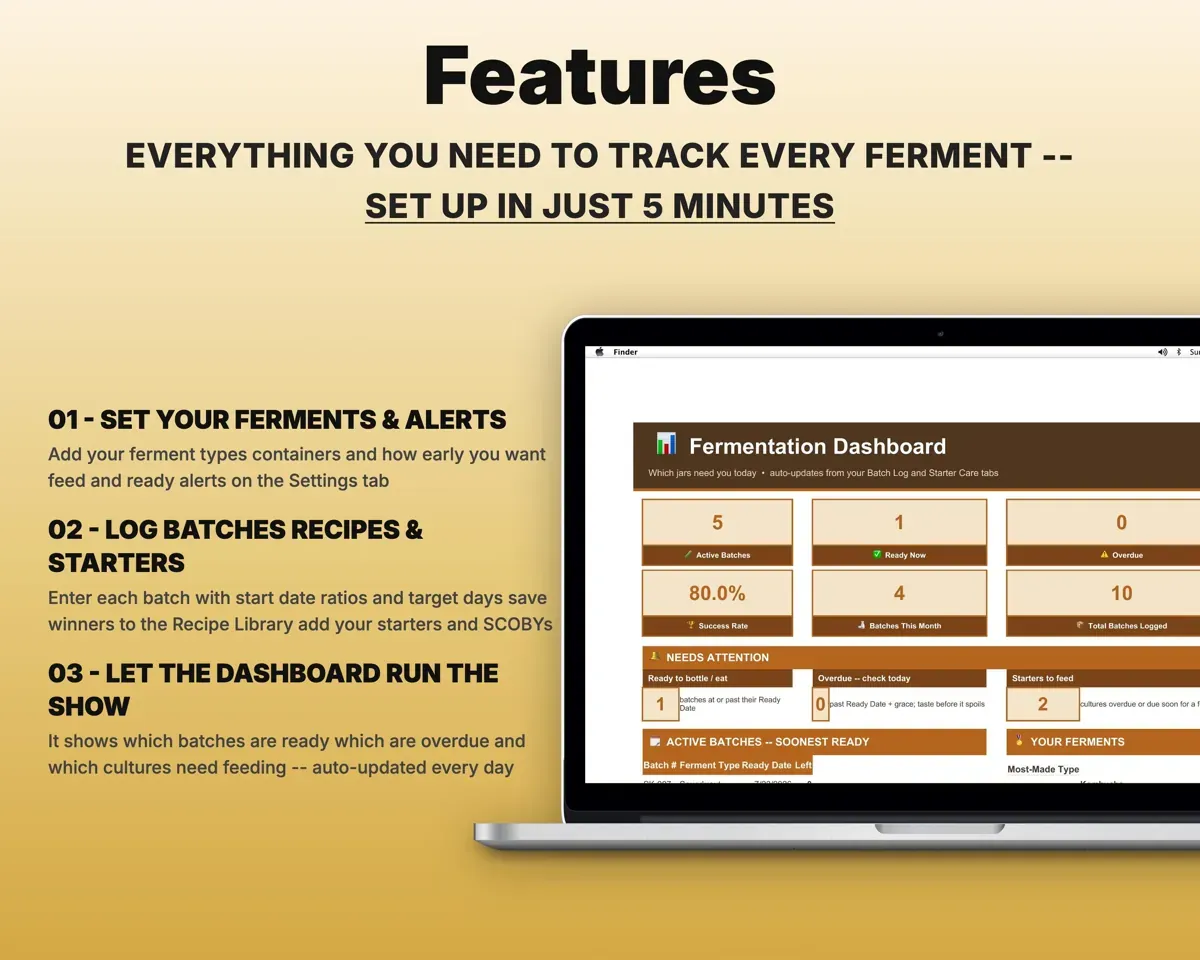
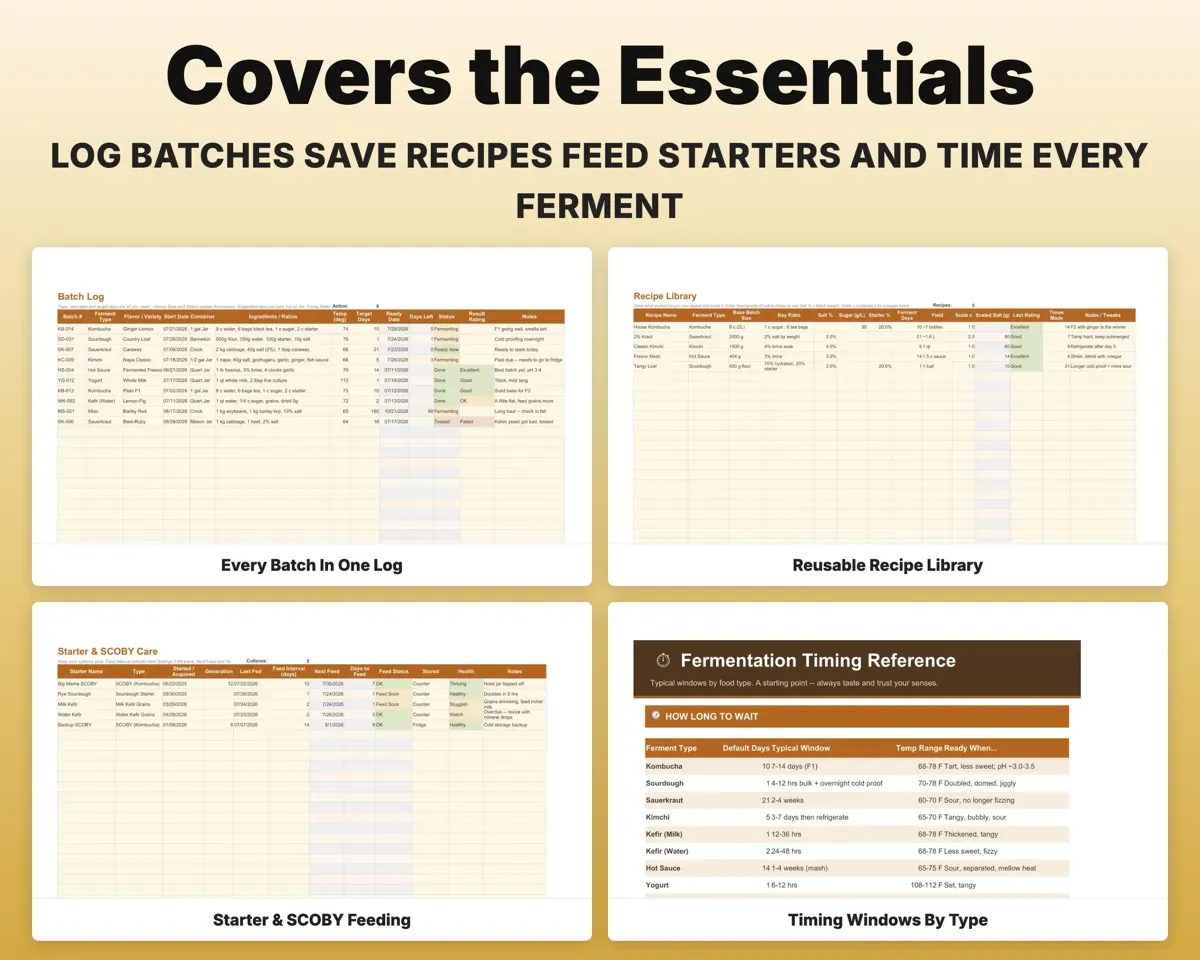
Enter type, start date, container, ratios, temperature and target days. The sheet works out the ready date, days left and a Fermenting, Ready Now or Overdue status.
Start date, target daysReady dateSave the recipes that worked
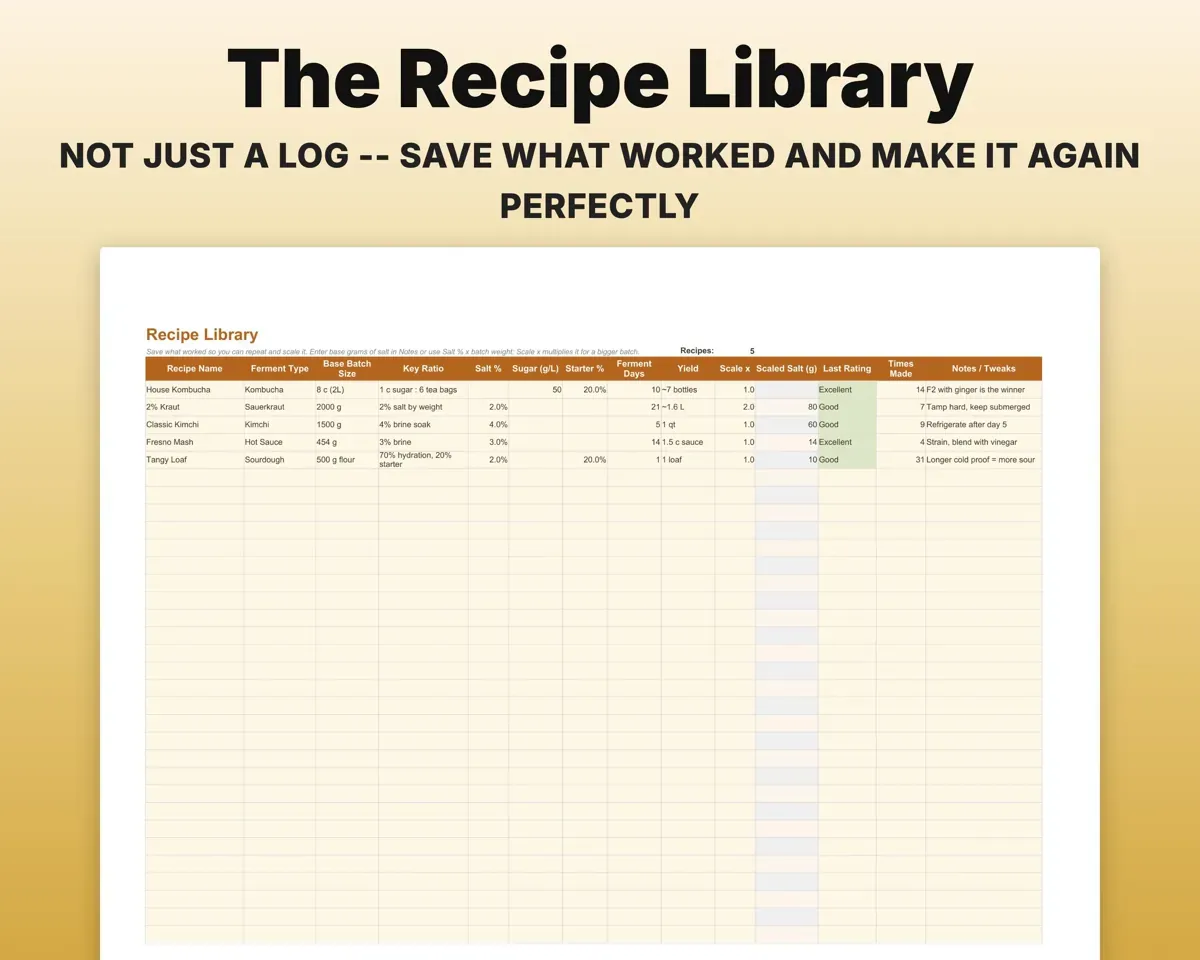
Keep ratios, salt %, ferment days and yield for your winners. Scale a recipe and the salt recalculates for the new batch size.
Ratios, batch sizeScaled salt amountKeep starters and SCOBYs fed
Set a feed interval for each SCOBY, sourdough starter and kefir grain. The next feed date is worked out and flagged when it is due soon or overdue.
Feed intervalNext feed dateKnow when a ferment is done
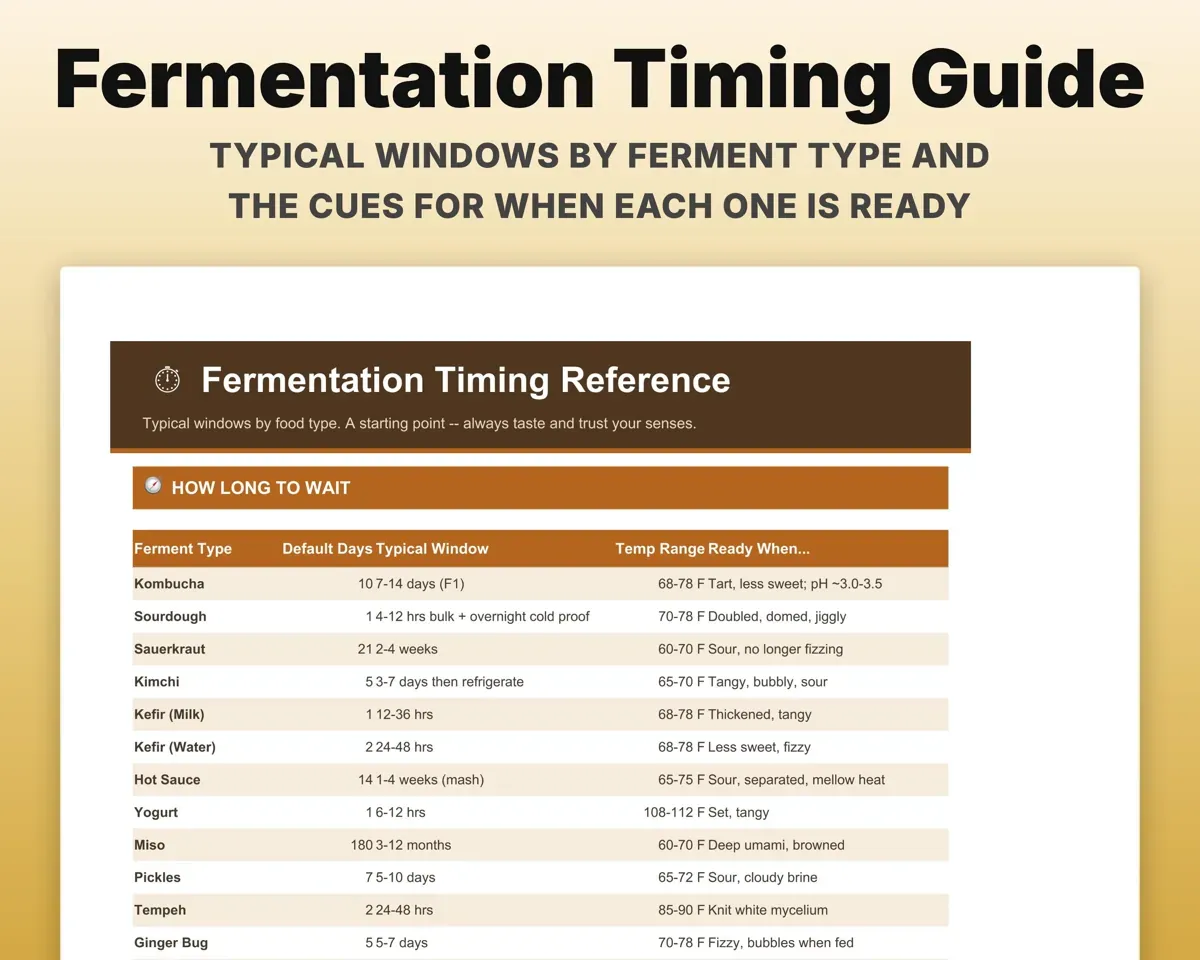
Typical fermentation windows by type, with the signs that each one is ready.
Ferment typeTypical window7 tabs in one file
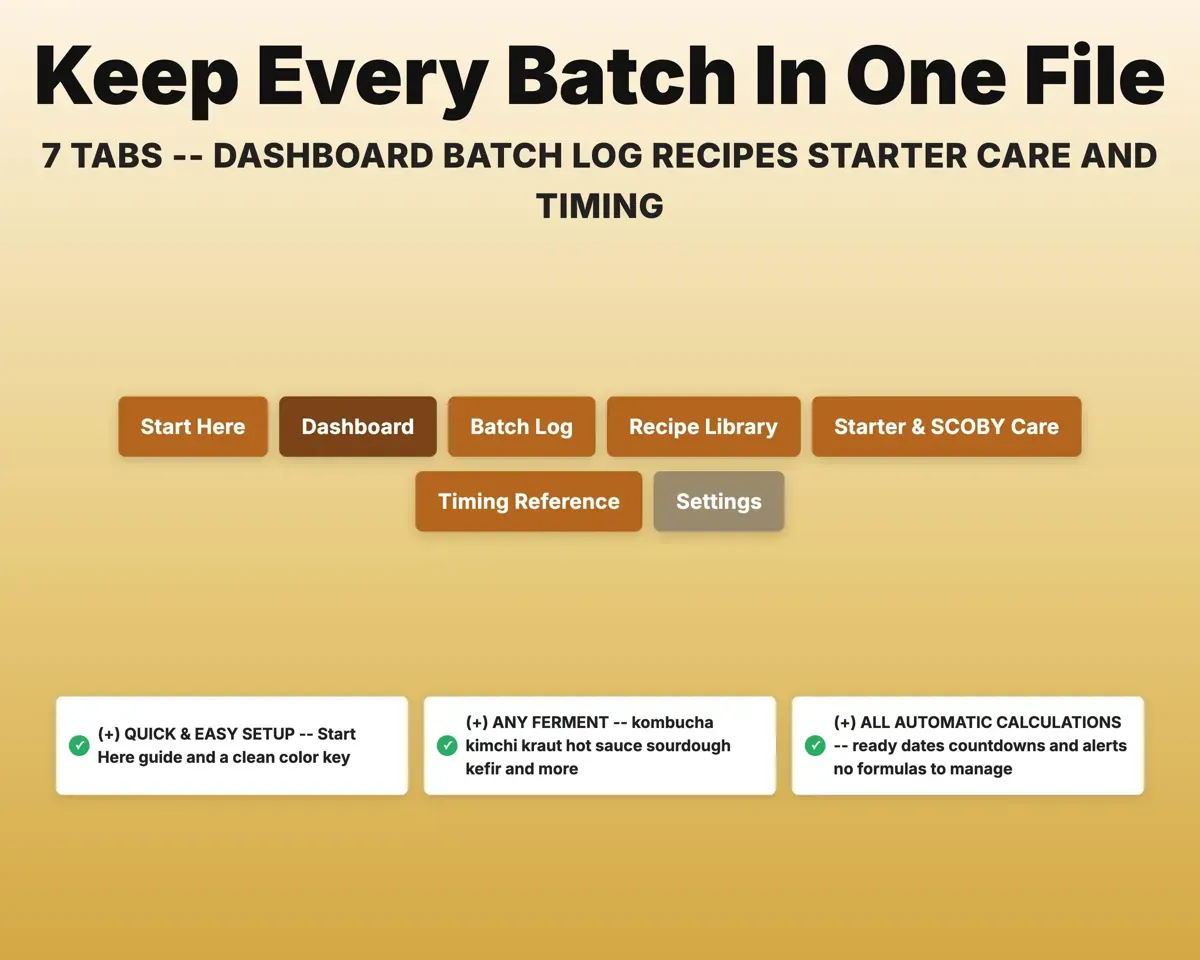
- Start Here
- Dashboard
- Batch Log
- Recipe Library
- Starter & SCOBY Care
- Timing Reference
- Settings
- Start Here
- Quick setup and how the tabs connect.
- Dashboard
- Active, ready and overdue batches, plus starters to feed.
- Batch Log
- Every batch with ready date, days left and status.
- Recipe Library
- Saved recipes with ratios and salt that scales.
- Starter & SCOBY Care
- Feed schedules and alerts for every culture.
- Timing Reference
- Typical windows and readiness cues by ferment type.
- Settings
- Ferment types, containers and alert windows.
Pair it with
“Excellent! Very easy to use.”
“Nice Organization for 4H projects”
Before you buy
Is it only for kombucha?
No. You can edit the list of ferment types and containers, so it works for kimchi, kraut, hot sauce, kefir, yogurt, miso and more.
Can I use it for a small cottage food business?
Yes. Log batches for traceability, save your recipes and see at a glance what is ready to sell.
Can I set my own alert windows?
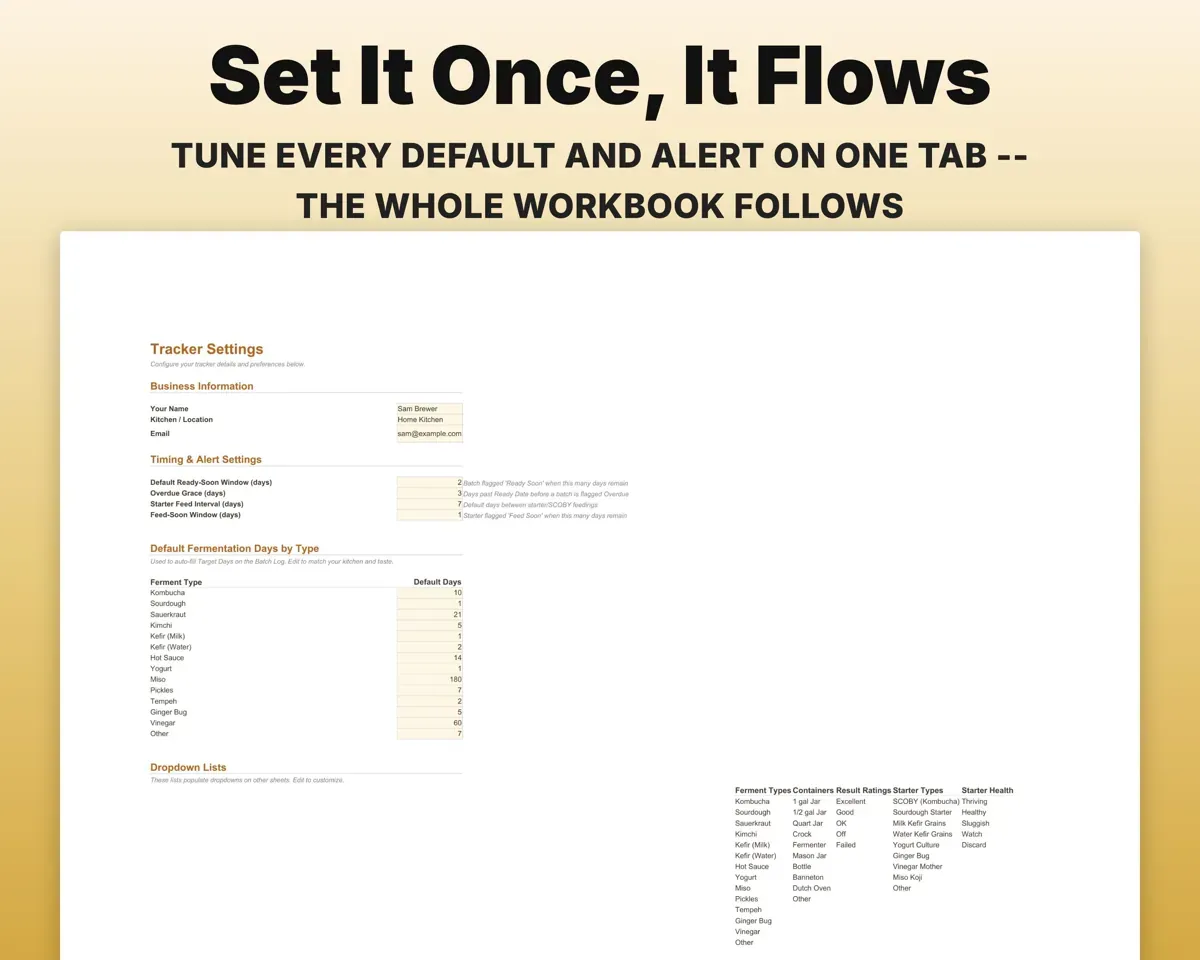
Yes. Set them once on Settings and they apply across the whole workbook.
What do I get?
An Excel file (.xlsx), a filled-in sample to look at, and a quick-start PDF guide with a link that makes your own copy in Google Sheets.
How does delivery work?
You get your download links right after checkout, and Stripe emails your receipt. There is nothing to ship and nothing to wait for.
How do I set it up in Google Sheets?
Open the quick-start PDF and click the Google Sheets link. Google makes a copy in your own Drive that only you can edit. You need a free Google account.
Will it work on a Mac?
Yes. It works in Excel on Mac and Windows, and in Google Sheets in any browser.
I'm not a spreadsheet person. Is that a problem?
No. You only type in the yellow cells. Everything in gray works itself out, and the Start Here tab shows you where to begin.
Can I get a refund?
Templates are digital downloads, so sales are final. If a file won't open, is broken or doesn't match its description, email hello@cleanpixelstudios.com within 30 days and we'll fix it, or refund you if we can't.
What if I get stuck?
Email hello@cleanpixelstudios.com and we'll help you get it working.
More in Home, hobbies & travel
See all Home, hobbies & travel templates
 Made by Clean Pixel Studios
We start every template by reading what people in that line of work say they struggle with, then build the spreadsheet around those problems. This one was made for home fermenters and nobody else.
How we build templatesFermentation Tracker Spreadsheet$15.00 · Excel + Google Sheets