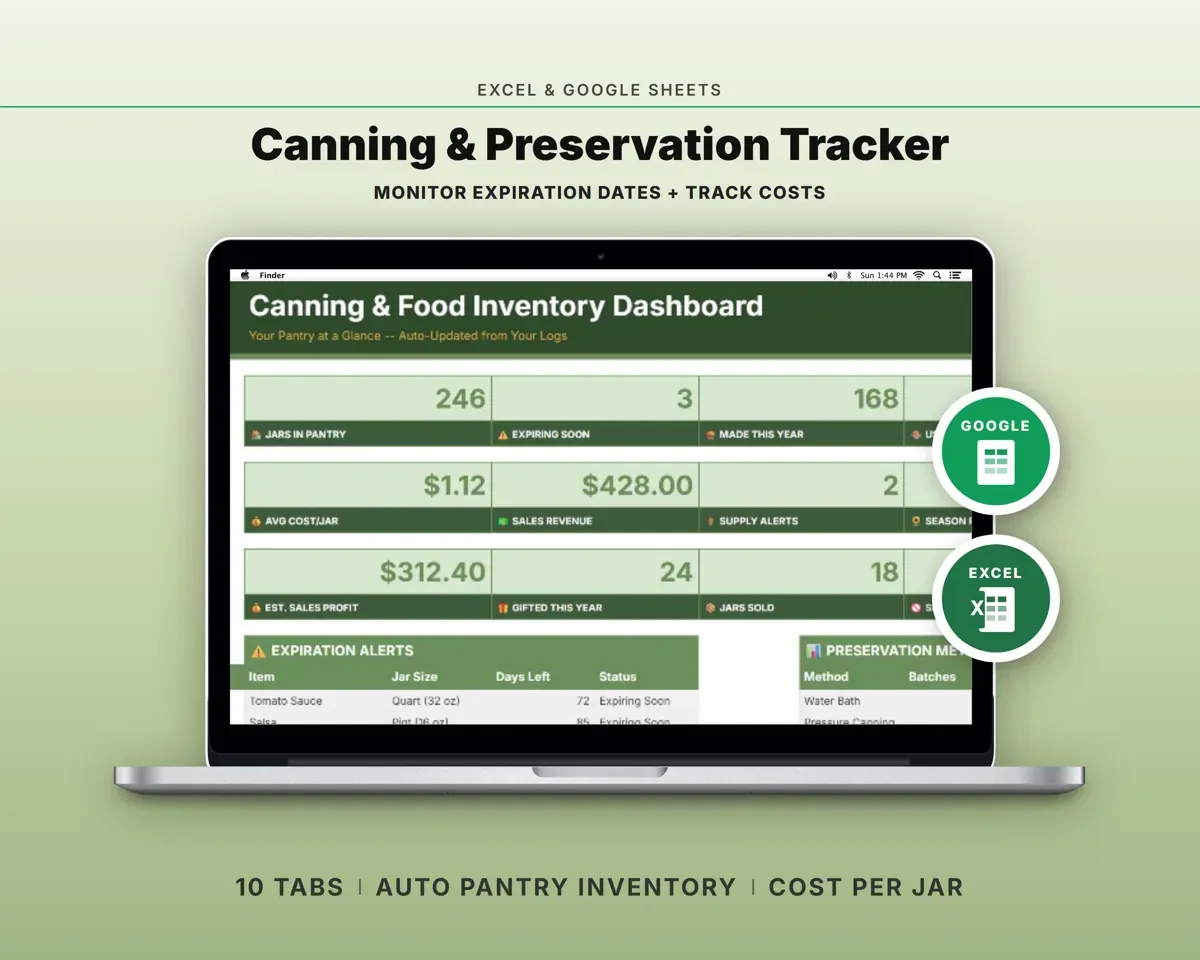
Built around the jobs home canners actually do
Log every batch you put up
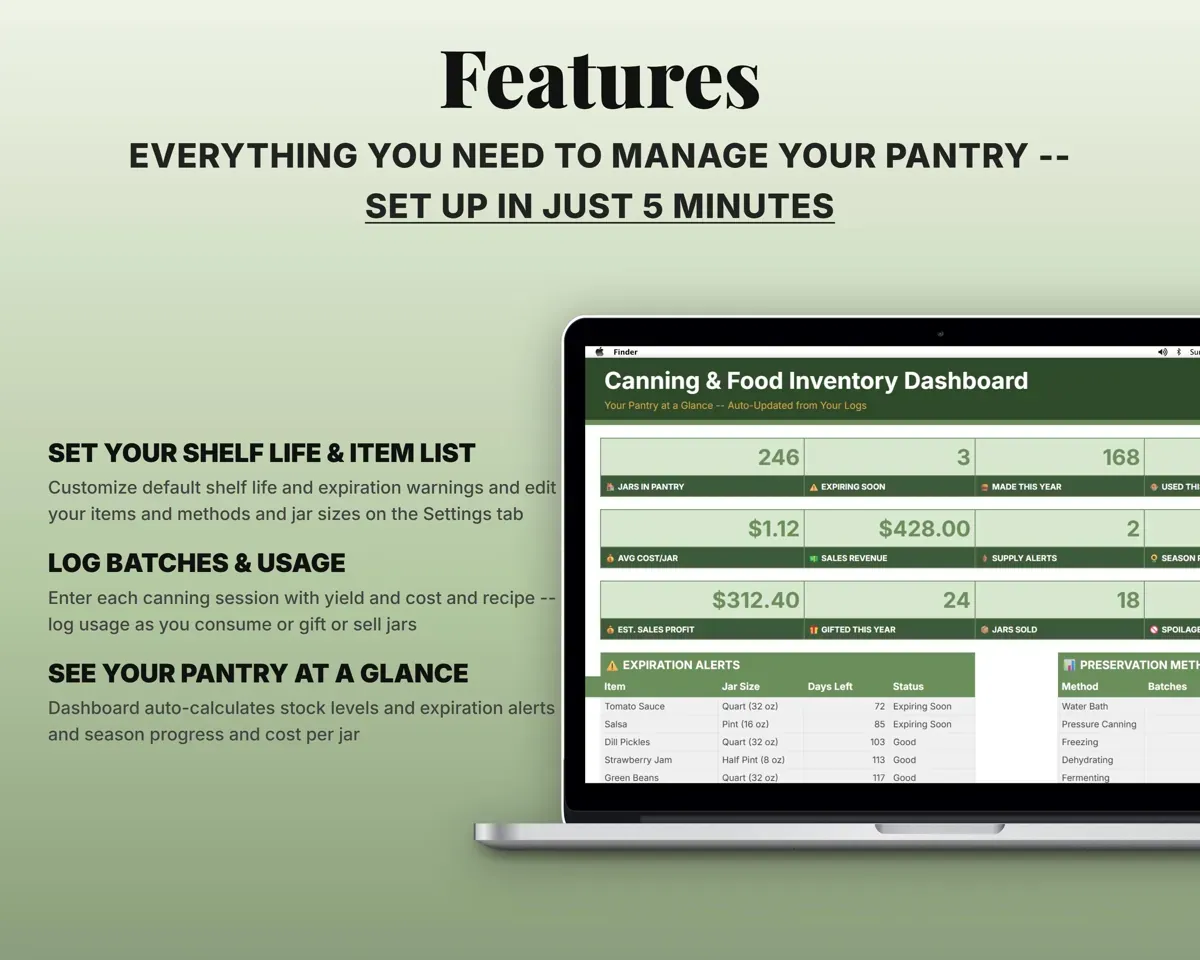
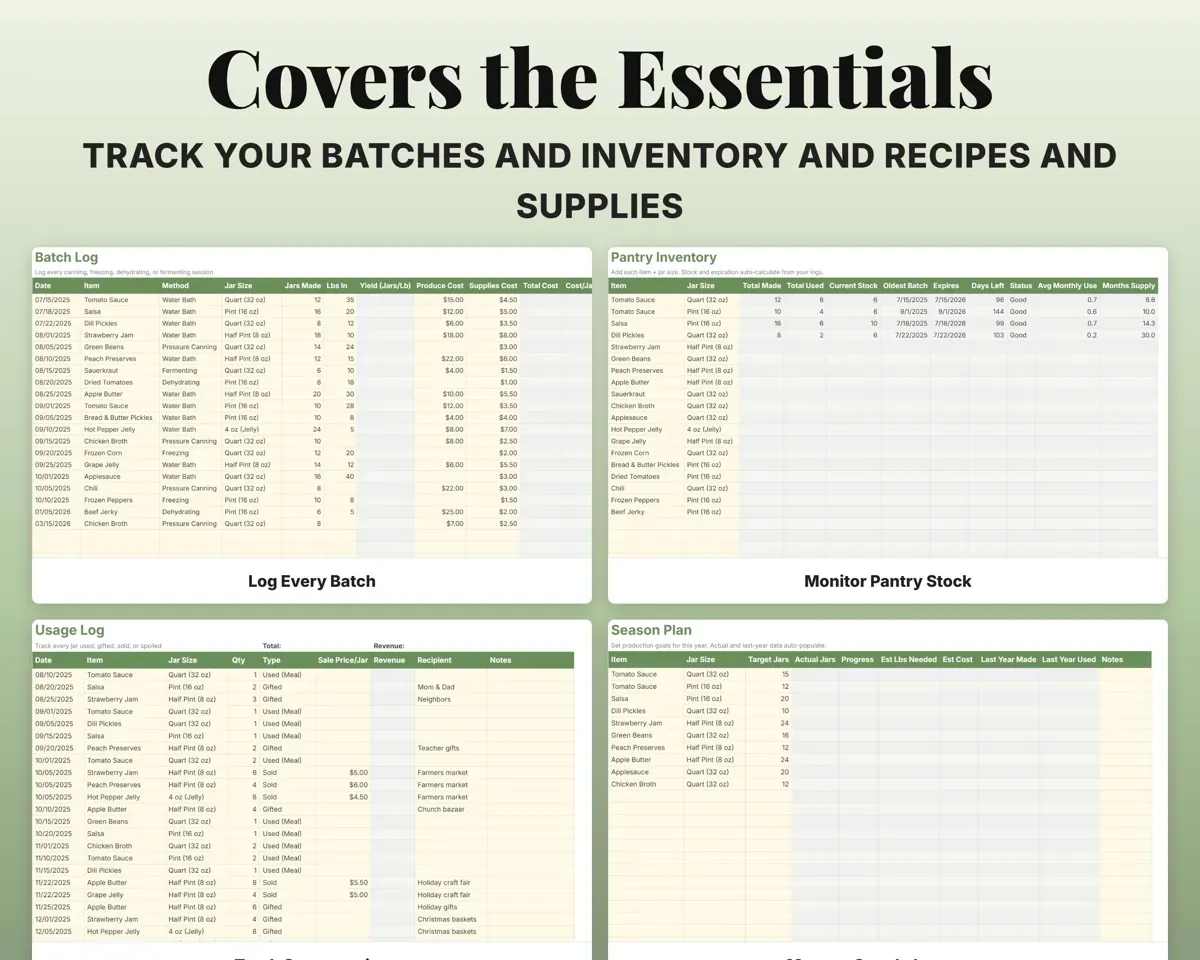
Date, item, method, jar size, jars made, pounds of produce, costs and recipe. Yield and cost per jar work themselves out.
Jars, produce, costsCost per jarKnow what is on the shelf
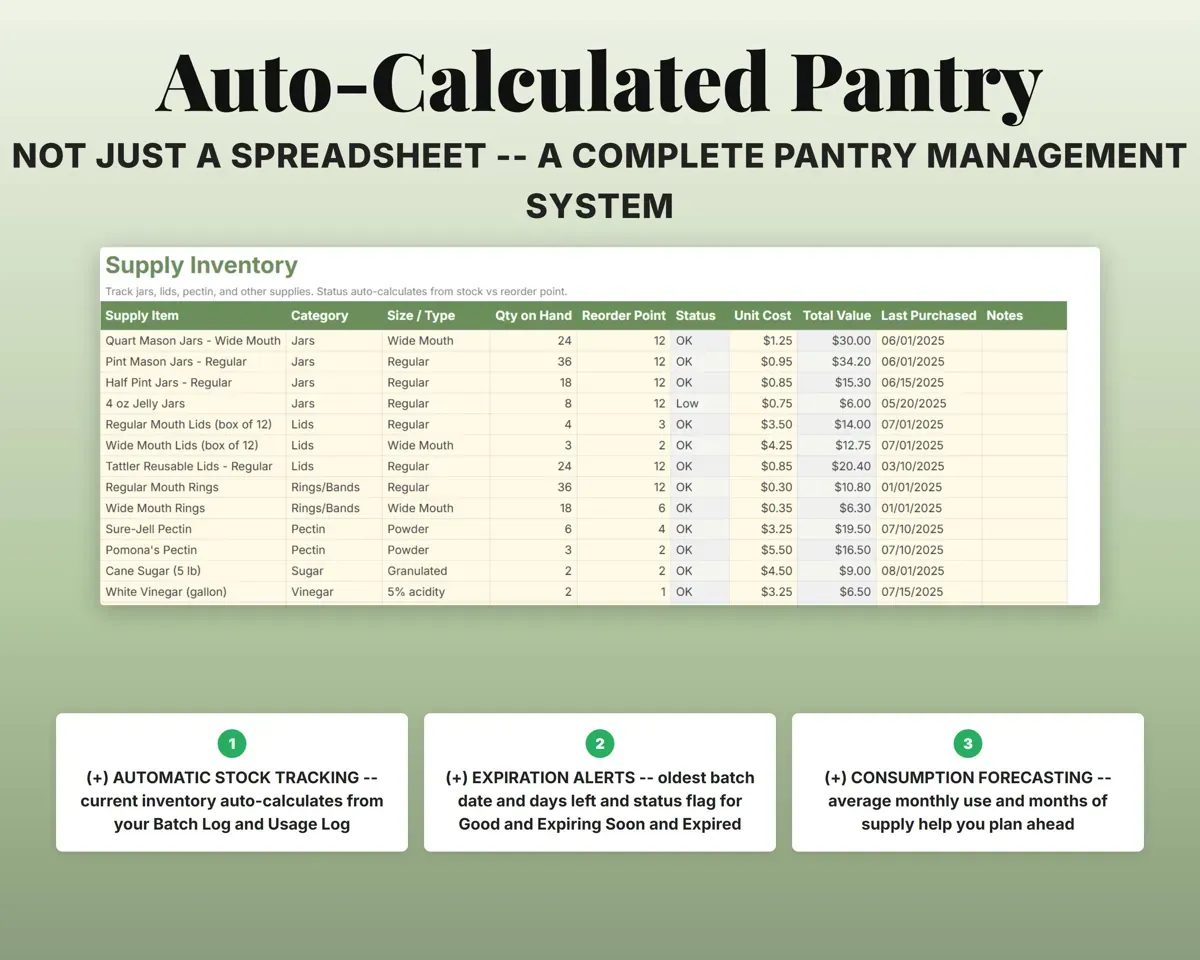
Batches in and jars used out give current stock by item and jar size, with the oldest batch, how fast you use it and months of supply left.
Batches and usageMonths of supplyUse jars before they expire
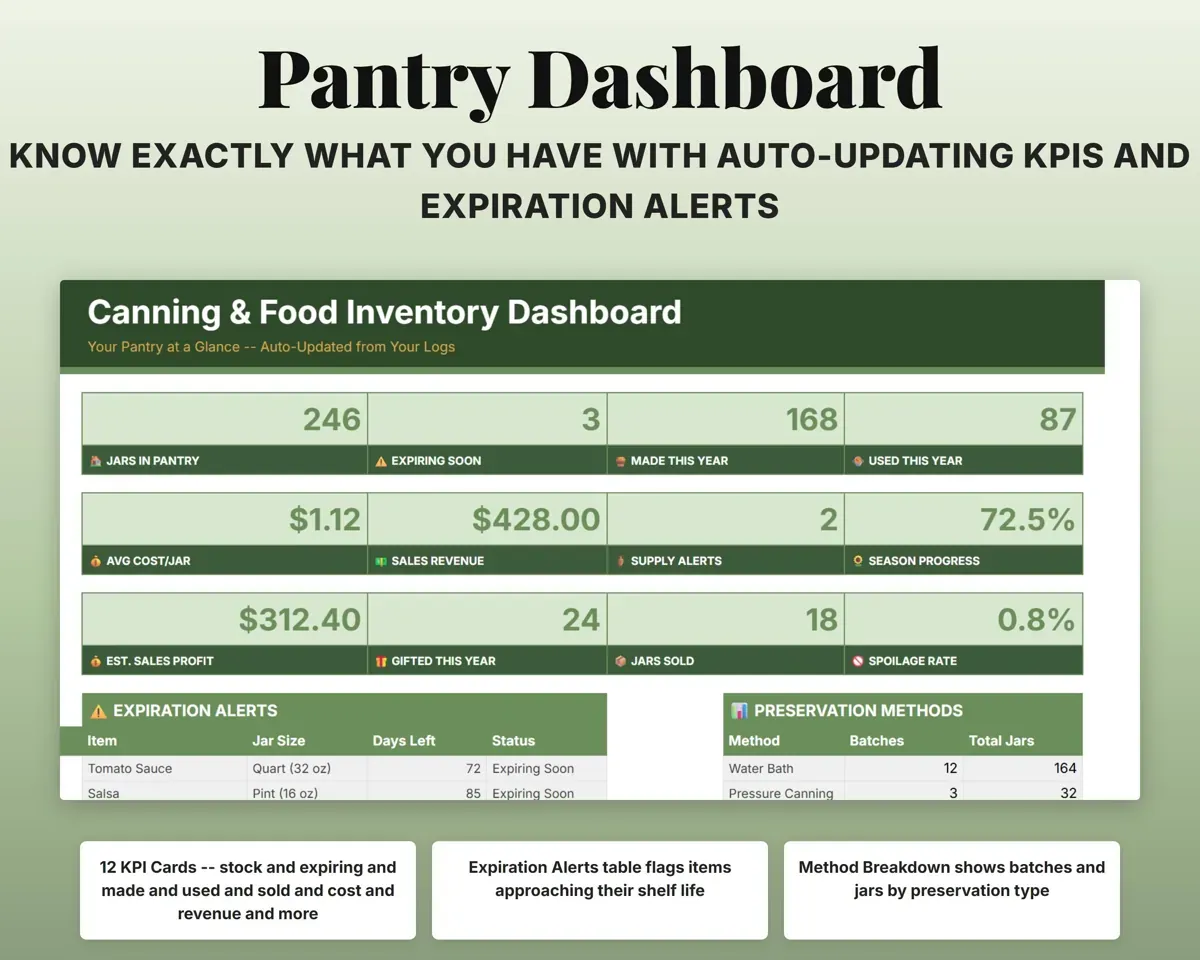
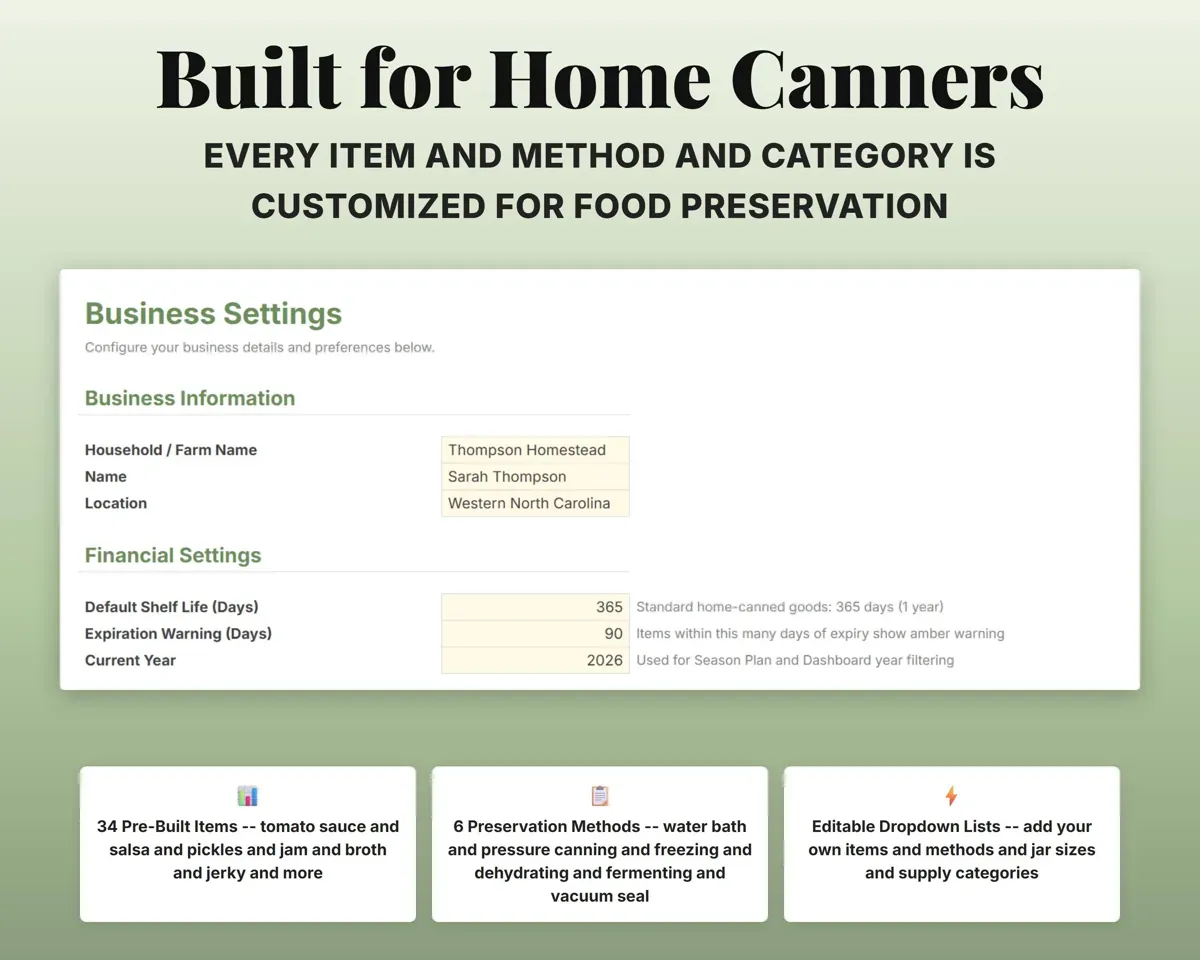
Expiration dates come from the default shelf life you set. Items are marked Expiring Soon or Expired, and the Dashboard lists them.
Shelf life settingExpiring soonSee what you save and sell
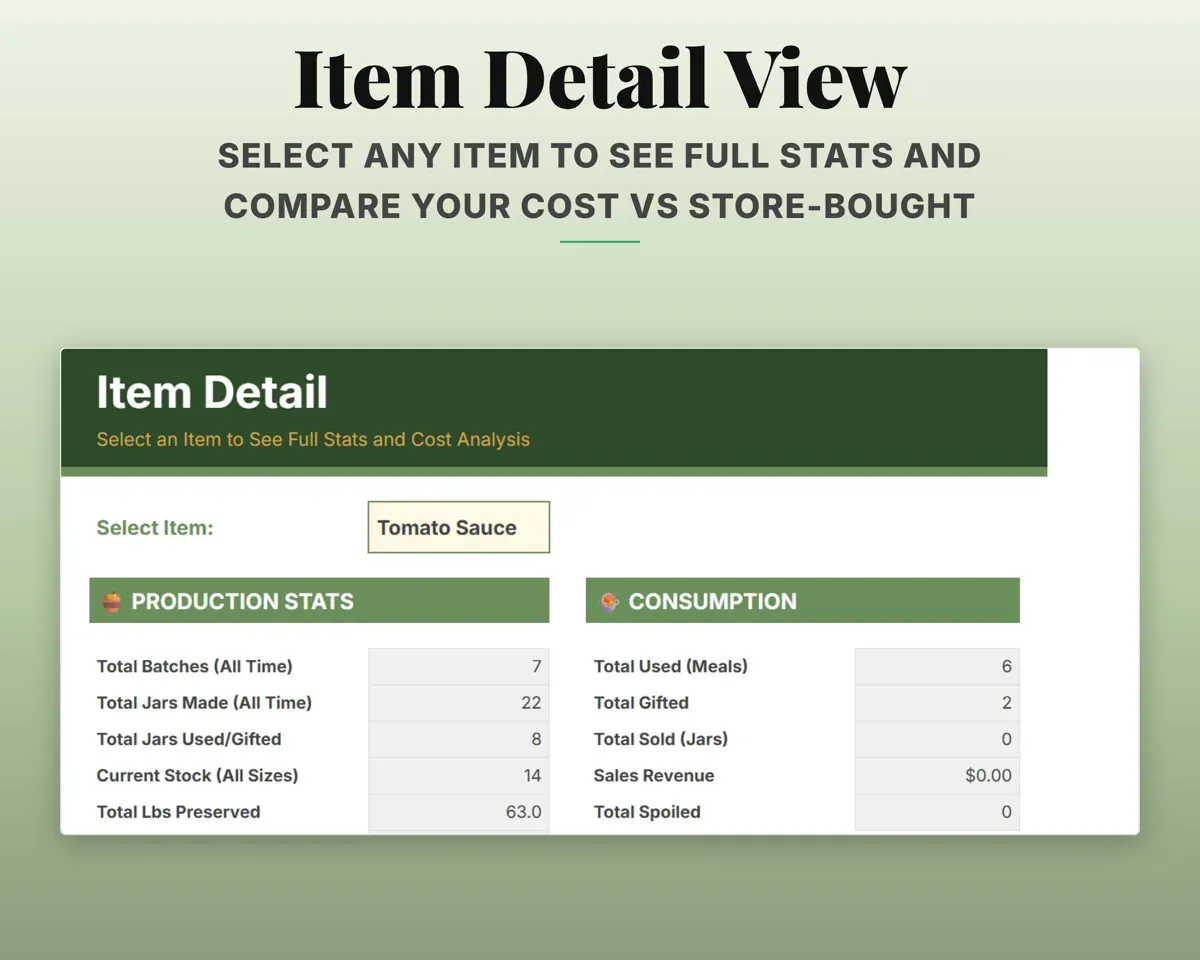
Item Detail compares your cost per jar with store prices. The Usage Log records jars sold, gifted or spoiled, along with sales revenue.
Store price, salesSavings vs storePlan the season ahead
Set jar goals for each item and see progress, pounds of produce needed and estimated cost, with last year beside it. Supplies flag jars, lids and pectin running low.
Jar goalsProgress %10 tabs in one file
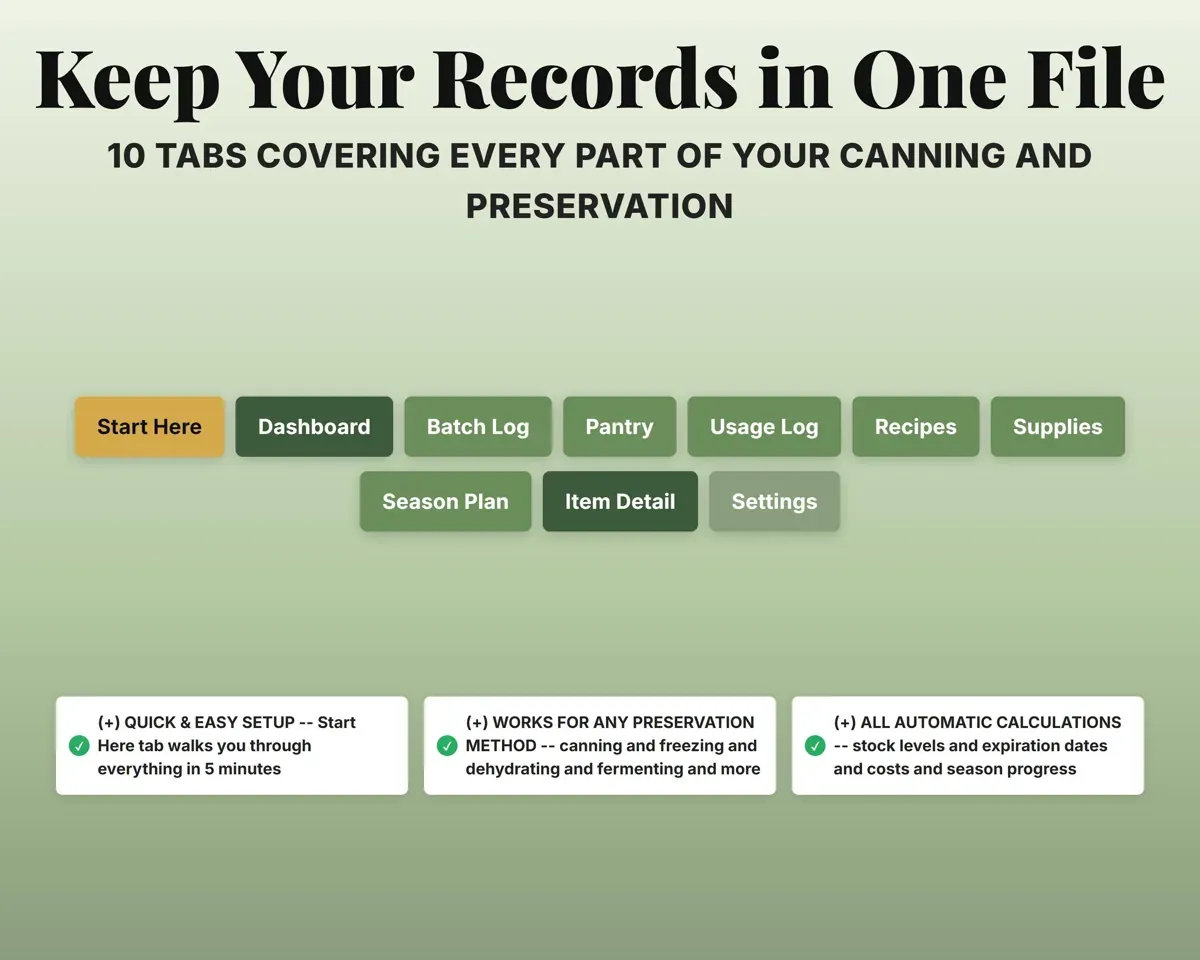
- Start Here
- Dashboard
- Batch Log
- Pantry
- Usage Log
- Recipes
- Supplies
- Season Plan
- Item Detail
- Settings
- Start Here
- Color key, setup steps and a tab overview.
- Dashboard
- Stock, expiring jars, costs, sales and season progress.
- Batch Log
- Every session with jars made, produce used and costs.
- Pantry
- Current stock, expiration and months of supply by item.
- Usage Log
- Jars eaten, gifted, sold or spoiled.
- Recipes
- Your recipes with times made, rating and average yield.
- Supplies
- Jars, lids and ingredients with reorder alerts.
- Season Plan
- Yearly jar goals with progress and estimated cost.
- Item Detail
- One item's production, costs and savings vs store-bought.
- Settings
- Shelf life, warning window and dropdown lists.
Pair it with
“Excellent! Very easy to use.”
“Nice Organization for 4H projects”
Before you buy
Is it only for water bath canning?
No. It covers water bath, pressure canning, freezing, dehydrating, fermenting and vacuum sealing in the same file.
How many batches will it hold?
Up to 500 batches and 500 usage entries, plus 100 pantry items, 200 recipes, 100 supplies and 50 season goals.
How does it know when jars expire?
It uses the default shelf life you set on Settings to date each batch, then marks items Expiring Soon or Expired and lists them on the Dashboard.
What do I get?
An Excel file (.xlsx), a filled-in sample to look at, and a quick-start PDF guide with a link that makes your own copy in Google Sheets.
How does delivery work?
You get your download links right after checkout, and Stripe emails your receipt. There is nothing to ship and nothing to wait for.
How do I set it up in Google Sheets?
Open the quick-start PDF and click the Google Sheets link. Google makes a copy in your own Drive that only you can edit. You need a free Google account.
Will it work on a Mac?
Yes. It works in Excel on Mac and Windows, and in Google Sheets in any browser.
I'm not a spreadsheet person. Is that a problem?
No. You only type in the yellow cells. Everything in gray works itself out, and the Start Here tab shows you where to begin.
Can I get a refund?
Templates are digital downloads, so sales are final. If a file won't open, is broken or doesn't match its description, email hello@cleanpixelstudios.com within 30 days and we'll fix it, or refund you if we can't.
What if I get stuck?
Email hello@cleanpixelstudios.com and we'll help you get it working.
More in Farm & homestead
See all Farm & homestead templates
 Made by Clean Pixel Studios
We start every template by reading what people in that line of work say they struggle with, then build the spreadsheet around those problems. This one was made for home canners and nobody else.
How we build templates