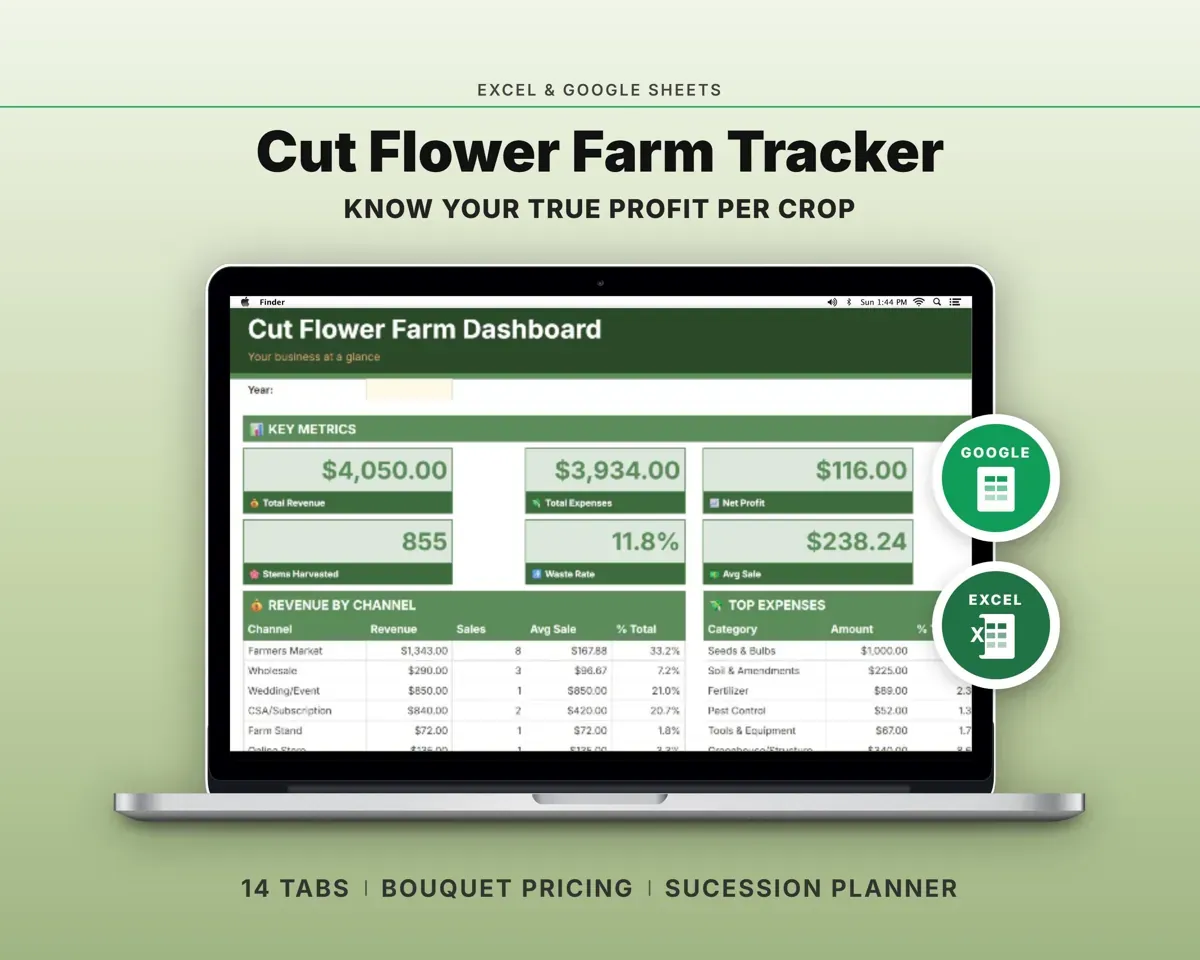
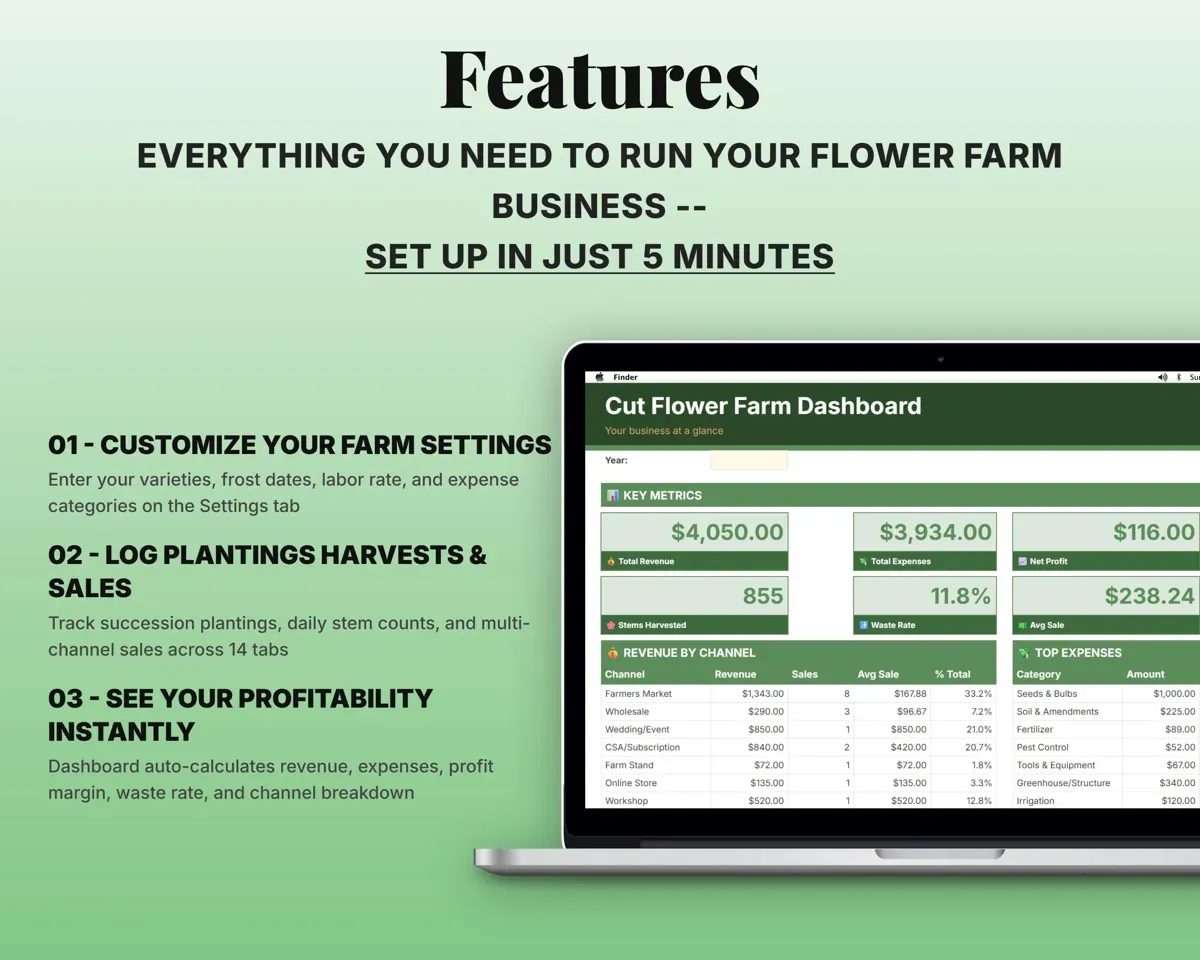
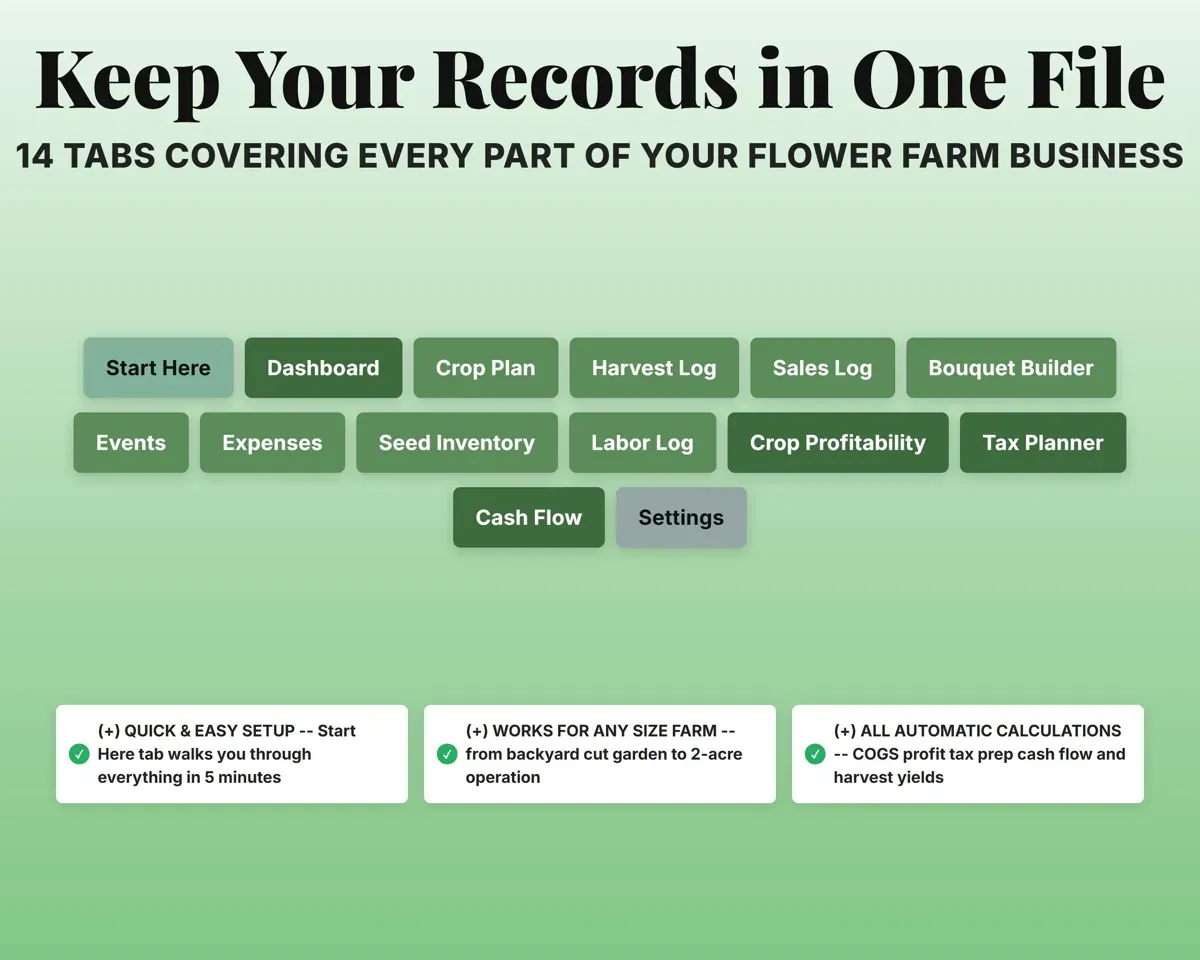
Built around the jobs cut flower farmers actually do
Plan every succession and know when it blooms
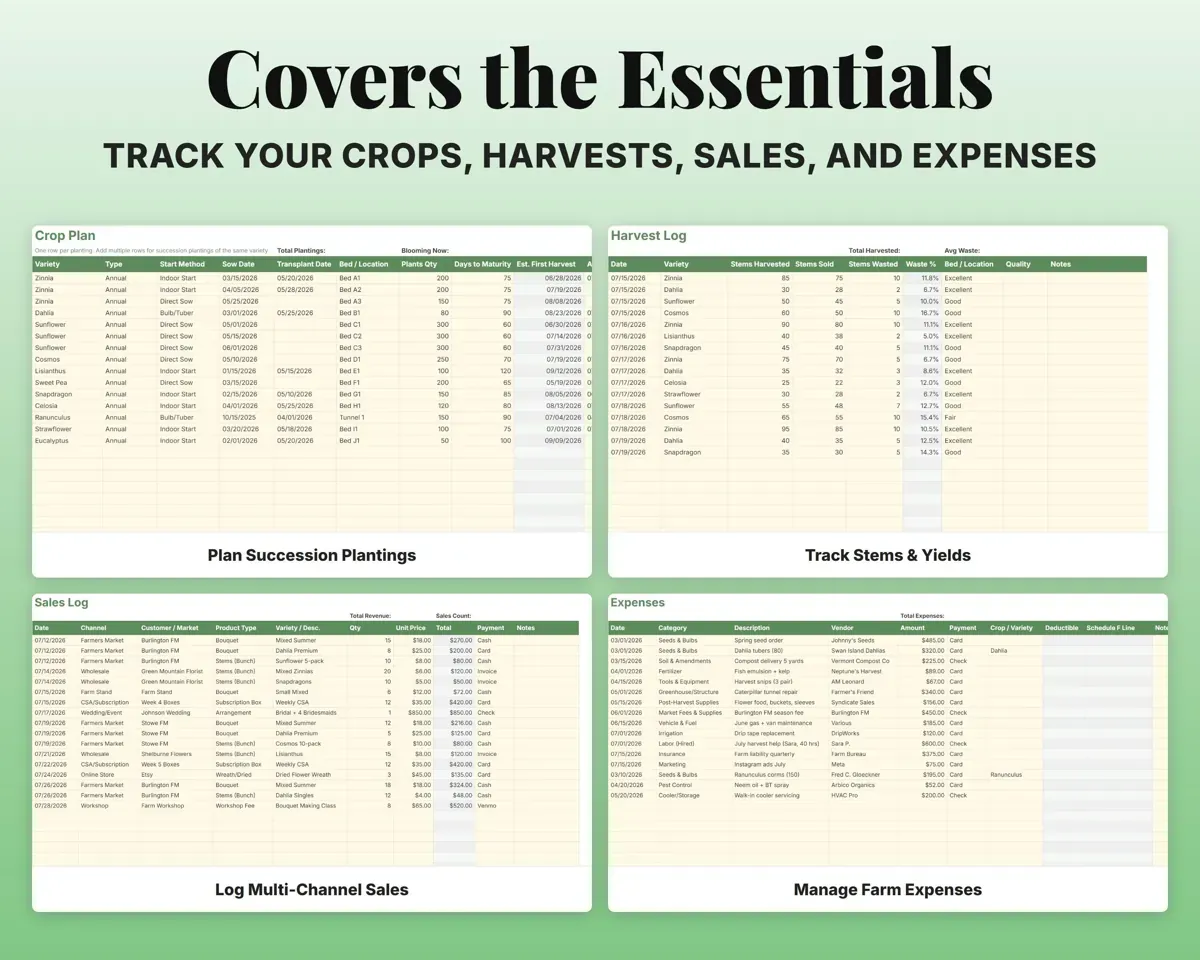
One row per planting with variety, bed, sow date and days to maturity. The sheet works out the harvest date and bloom window, and warns when a direct sow lands before your last frost.
Sow date, days to bloomHarvest dateFind out which flowers earn their bed space
Revenue, direct costs, labor, stems harvested and waste come together for each variety, with revenue and cost per stem and a profit margin.
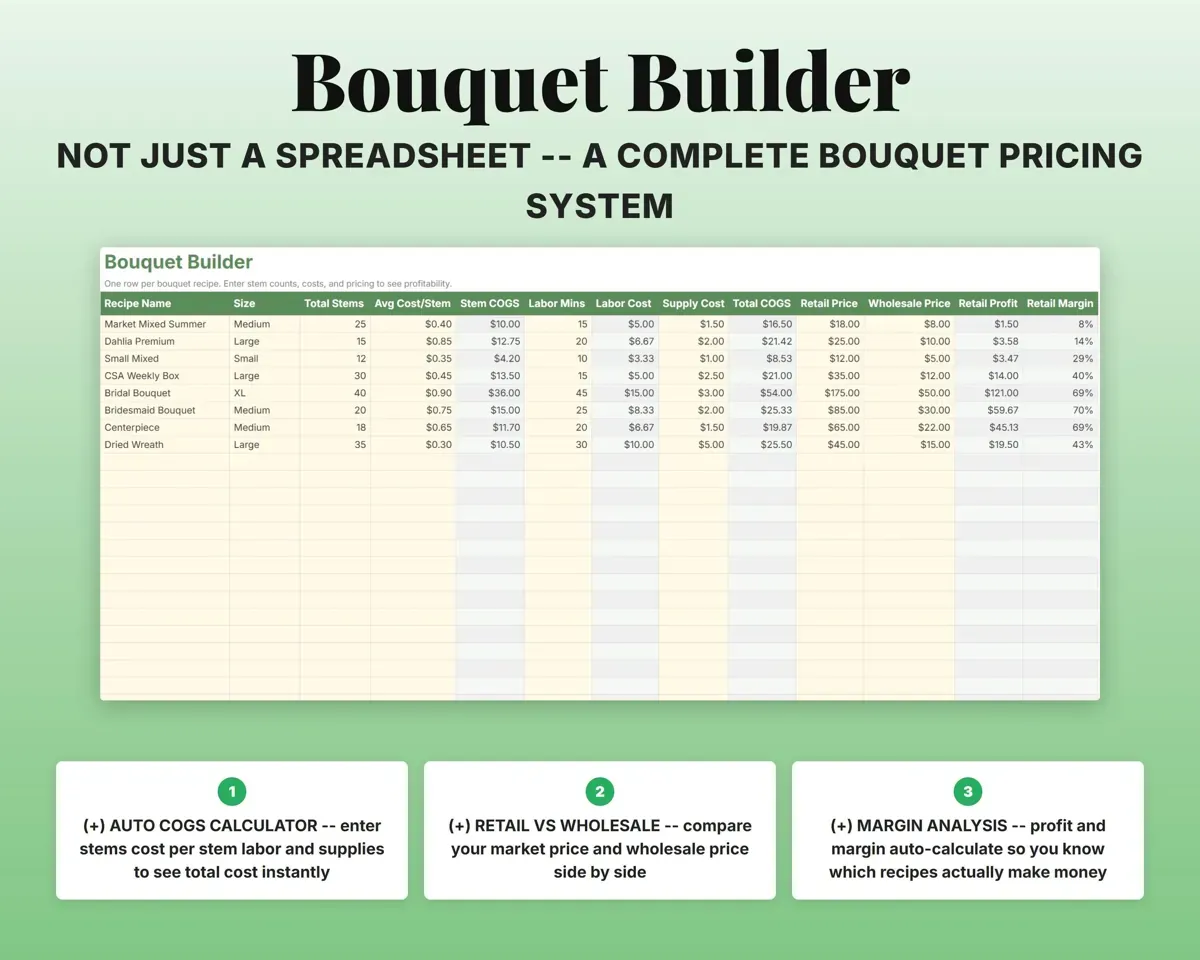
Stems, sales, costsProfit per varietyPrice bouquets from what goes into them
Enter stem count, cost per stem, labor minutes and supplies for each recipe. The sheet shows total cost, profit and margin, with retail and wholesale side by side.
Stems, labor, suppliesMargin per recipeSee where your sales really come from
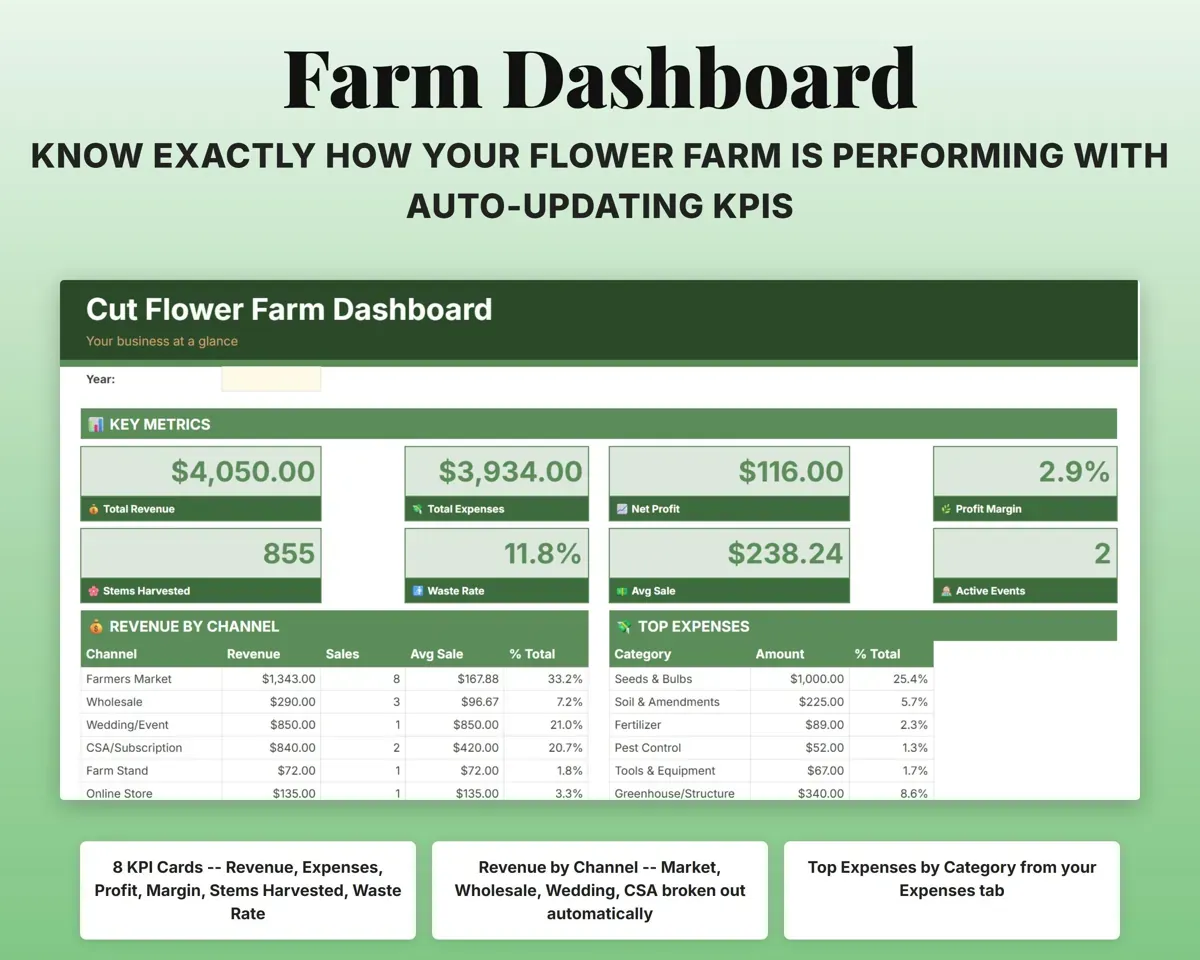
Log each sale by channel: market, wholesale, weddings, CSA, farm stand, online or workshops. The Dashboard totals revenue, sales count and average for each.
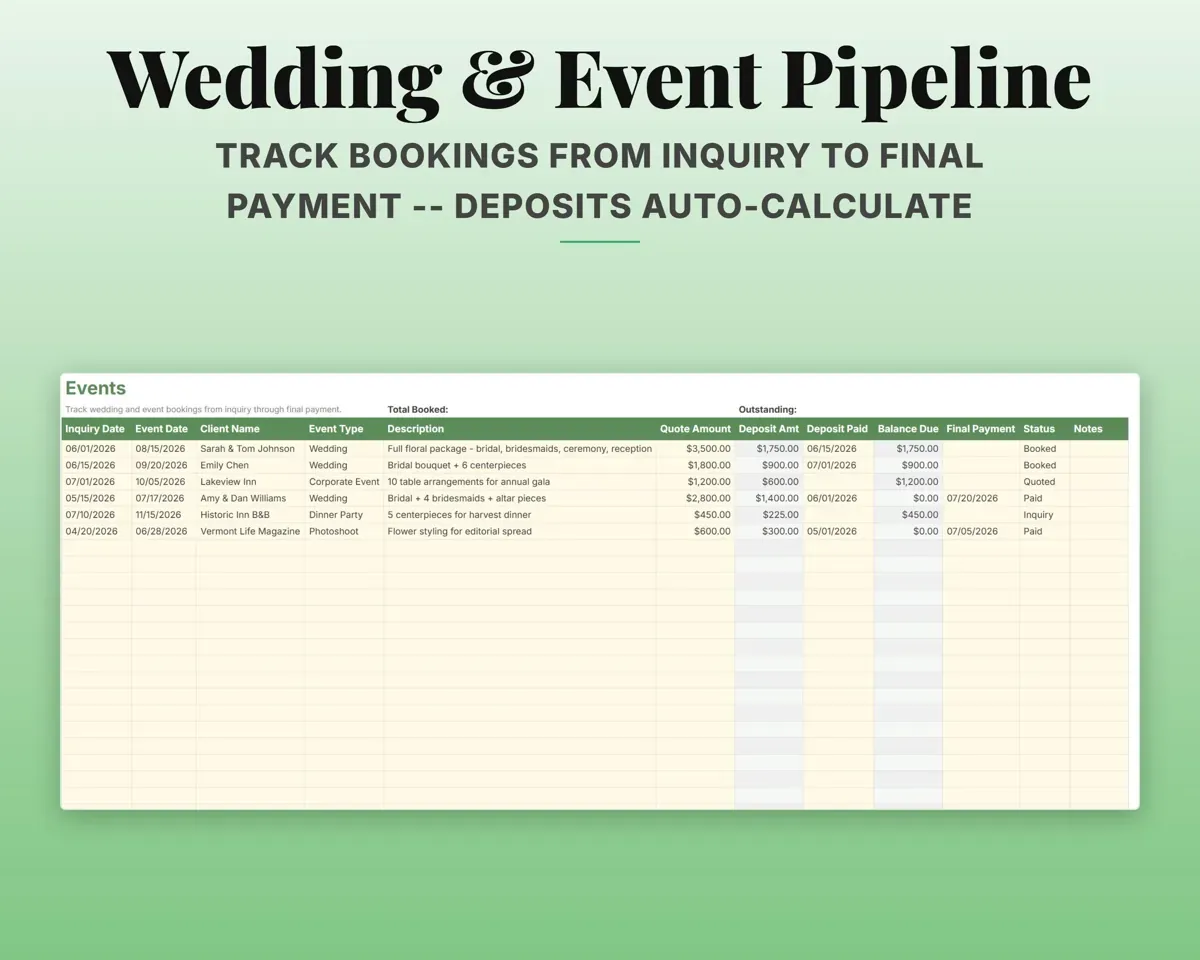
Sale, channel, priceRevenue by channelFollow each wedding from inquiry to paid
Inquiry date, event date, client and quote for each event. The deposit comes from your default percentage, and the balance due stays visible until it is paid.
Quote, event dateDeposit and balanceKeep farm costs ready for Schedule F
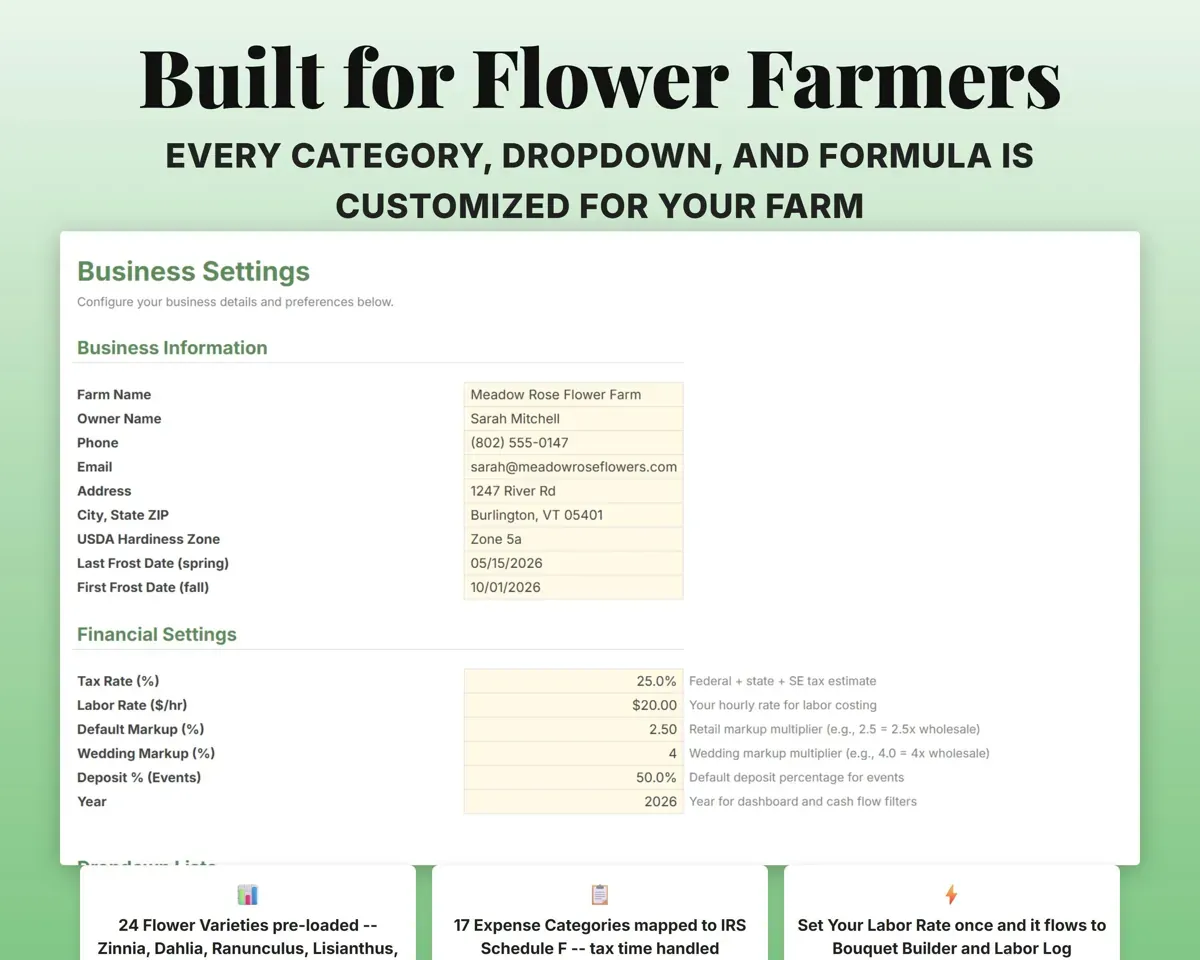
17 flower farm expense categories map to Schedule F lines, and the Tax Planner tracks quarterly estimates against IRS due dates.
ExpensesSchedule F linePair it with
“Excellent! Very easy to use.”
“Nice Organization for 4H projects”
Before you buy
I grow 60 or more varieties. Is there room?
Yes. Each tab has 500 rows, and the variety dropdown on Settings is editable, so you can add every variety you grow.
Can I log CSA or subscription sales?
Yes. CSA and subscription is its own sales channel. Log each week's boxes as a sale and the Dashboard shows that revenue apart from markets, wholesale and events.
How does the frost warning work?
Enter your last frost date once on Settings. Any direct-sow planting on the Crop Plan scheduled before that date gets flagged.
Does it keep track of seed?
Yes. Seed Inventory works out cost per seed, seeds on hand, packages to order and the order cost for each variety.
What do I get?
An Excel file (.xlsx), a filled-in sample to look at, and a quick-start PDF guide with a link that makes your own copy in Google Sheets.
How does delivery work?
You get your download links right after checkout, and Stripe emails your receipt. There is nothing to ship and nothing to wait for.
How do I set it up in Google Sheets?
Open the quick-start PDF and click the Google Sheets link. Google makes a copy in your own Drive that only you can edit. You need a free Google account.
Will it work on a Mac?
Yes. It works in Excel on Mac and Windows, and in Google Sheets in any browser.
I'm not a spreadsheet person. Is that a problem?
No. You only type in the yellow cells. Everything in gray works itself out.
Can I get a refund?
Templates are digital downloads, so sales are final. If a file won't open, is broken or doesn't match its description, email hello@cleanpixelstudios.com within 30 days and we'll fix it, or refund you if we can't.
What if I get stuck?
Email hello@cleanpixelstudios.com and we'll help you get it working.
More in Farm & homestead
See all Farm & homestead templates
 Made by Clean Pixel Studios
We start every template by reading what people in that line of work say they struggle with, then build the spreadsheet around those problems. This one was made for cut flower farmers and nobody else.
How we build templates