Built around the jobs farmers market vendors actually do
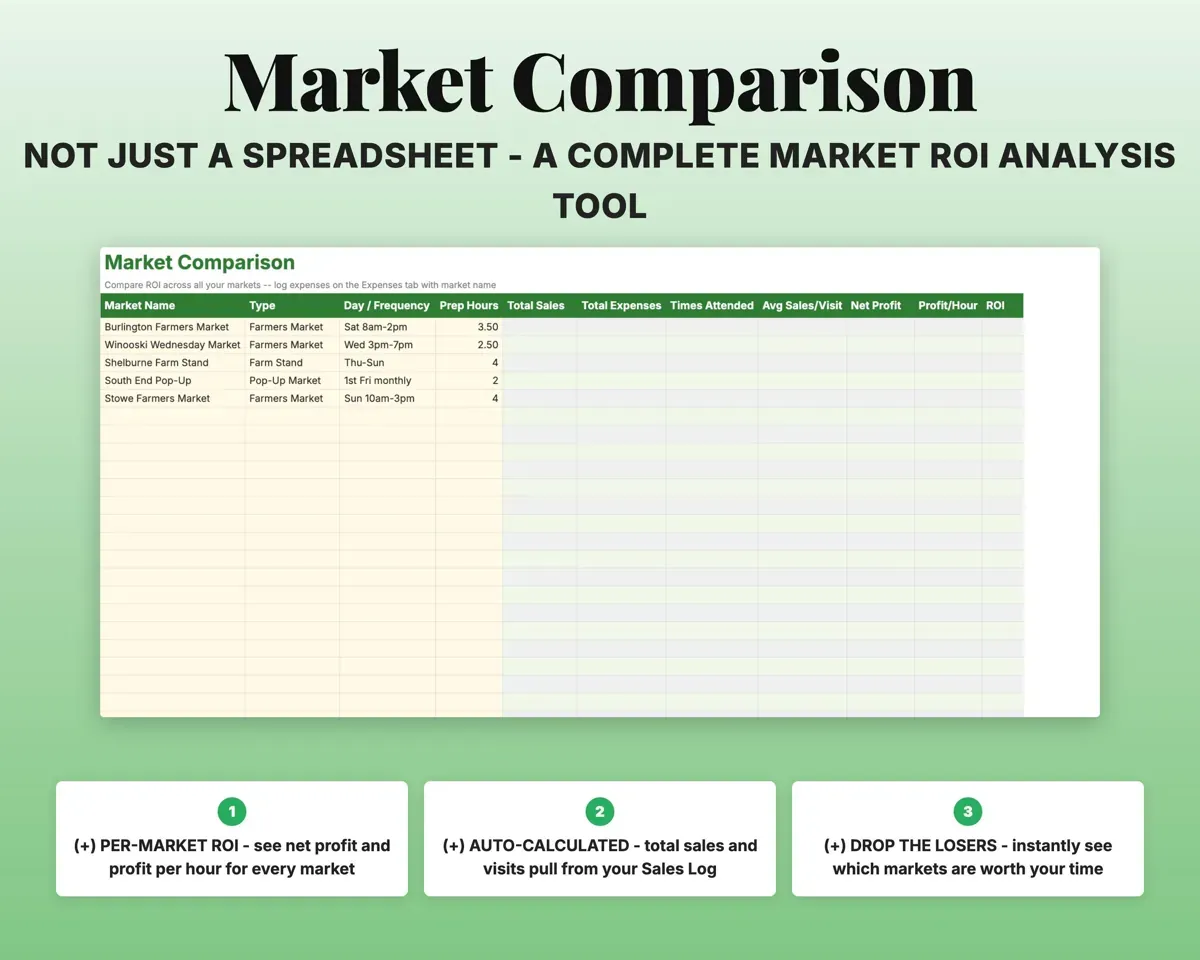
Find out which markets pay off
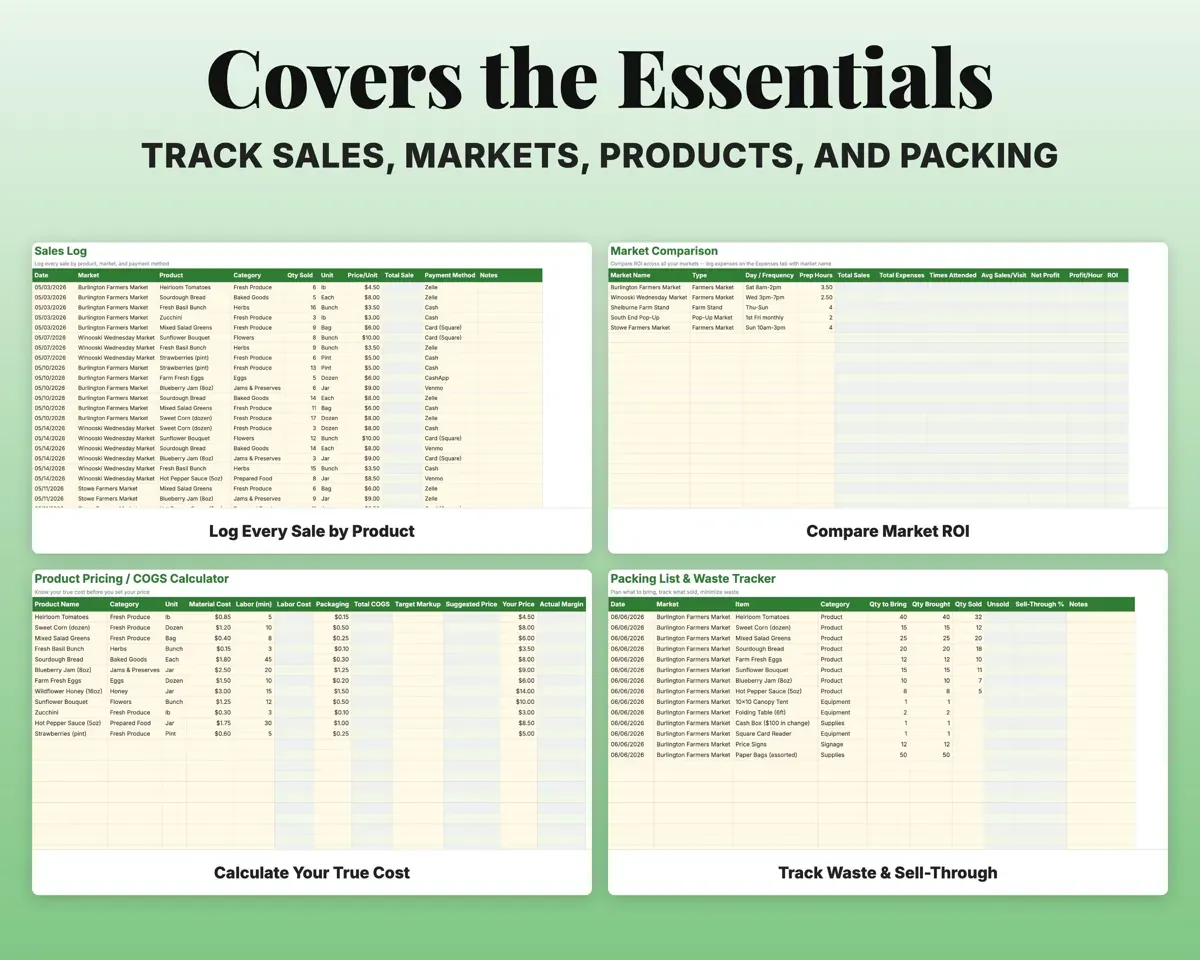
Enter each market's booth fee, travel cost and prep time. Sales come from your log, and the sheet shows net profit, profit per hour and ROI for each market.
Booth fee, travel, prepROI per marketPrice products from real costs
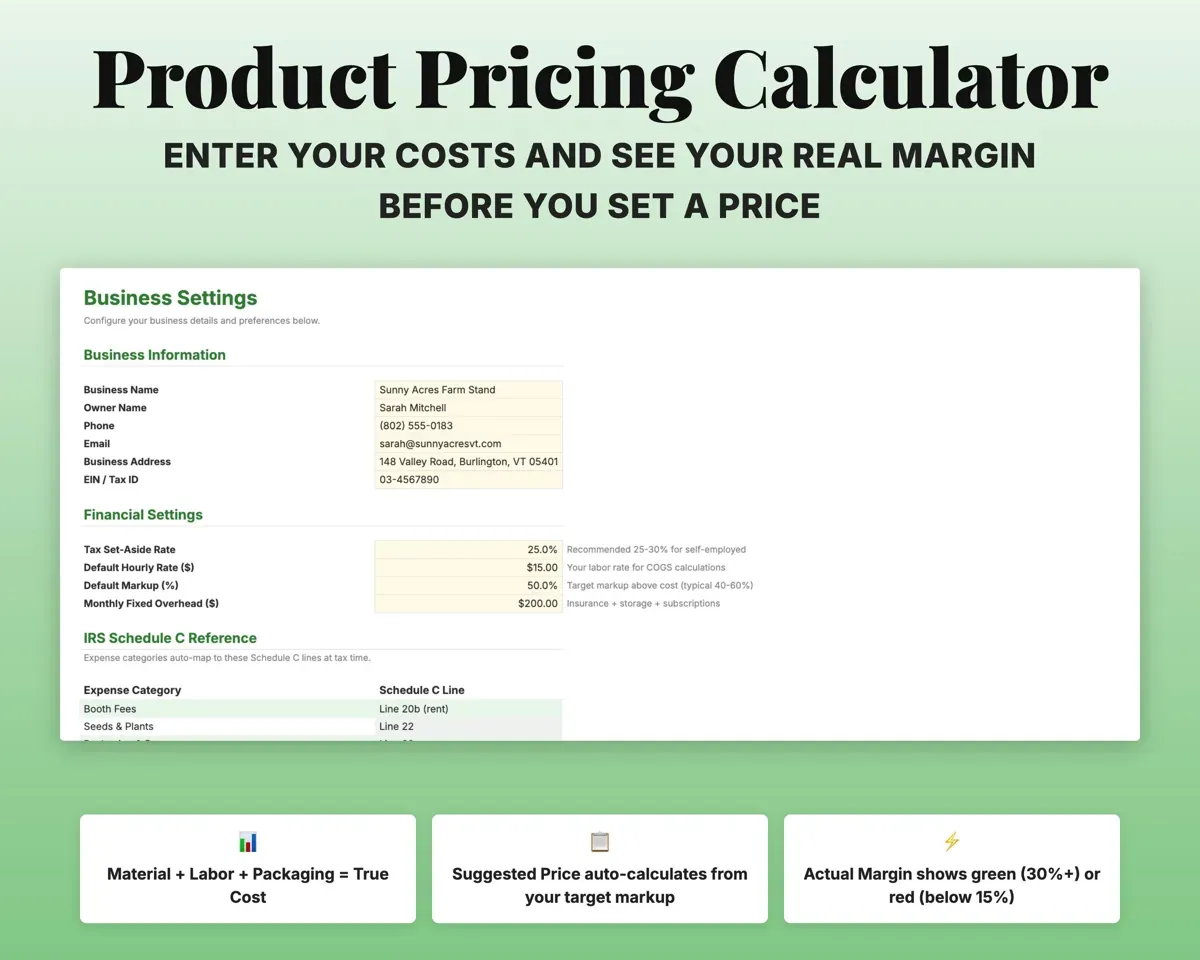
Material cost, labor time and packaging for each product. The sheet totals the cost, suggests a price from your target markup and shows the actual margin.
Materials, labor, packingSuggested pricePack the right amount for each market
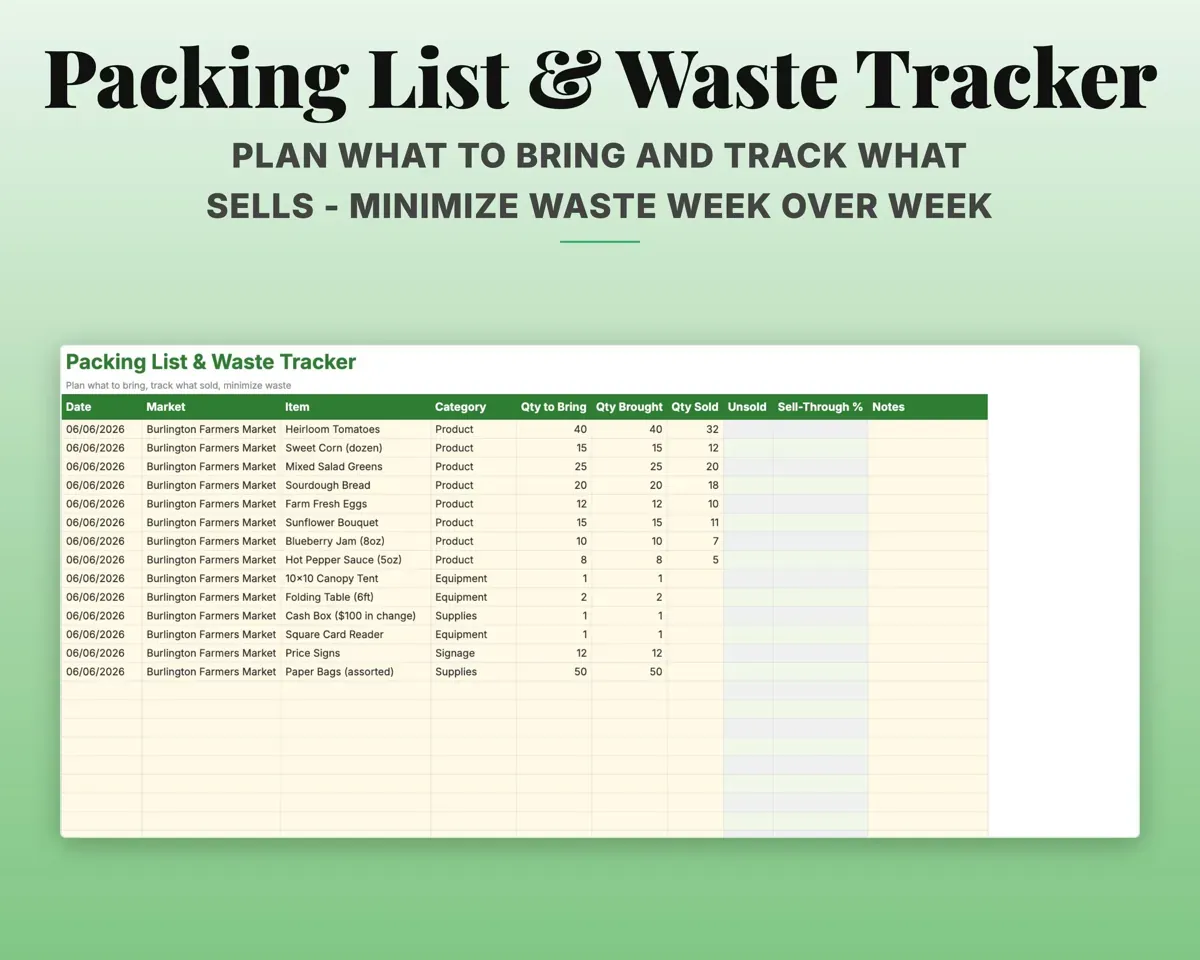
Plan what to bring, then log what you brought and what sold. The sheet shows the unsold quantity and sell-through.
Brought, soldSell-through %Keep every payment method in one place
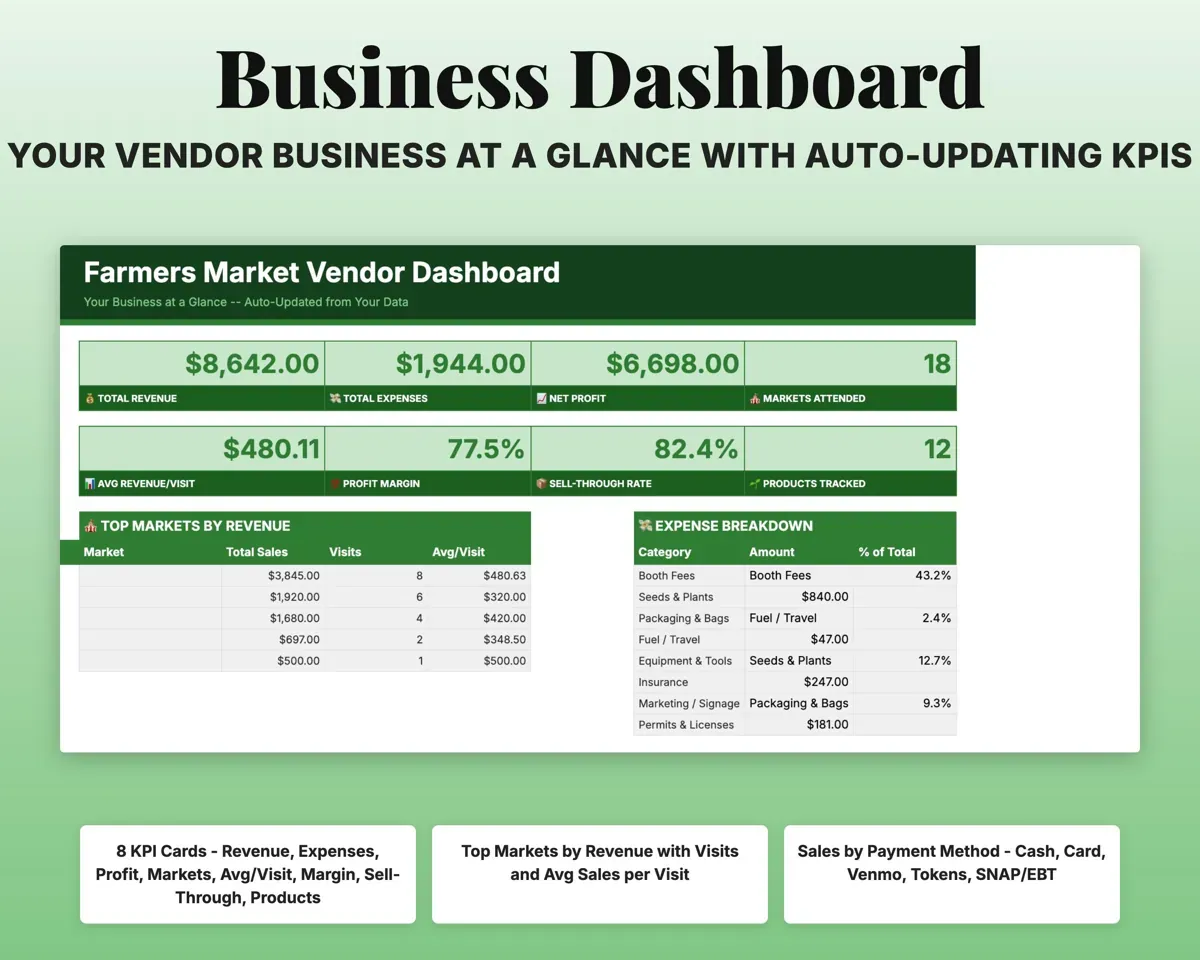
Cash, card, Venmo, CashApp, Zelle, market tokens and SNAP/EBT in one log, with a Dashboard breakdown by method.
Sale, payment methodSales by methodPlan what you sell each month
A monthly grid of which products are available, plus revenue targets for each season.
Availability by monthSeasonal planHave vendor numbers ready for taxes
13 vendor expense categories map to Schedule C lines, and the Tax Planner tracks quarterly estimates against IRS due dates.
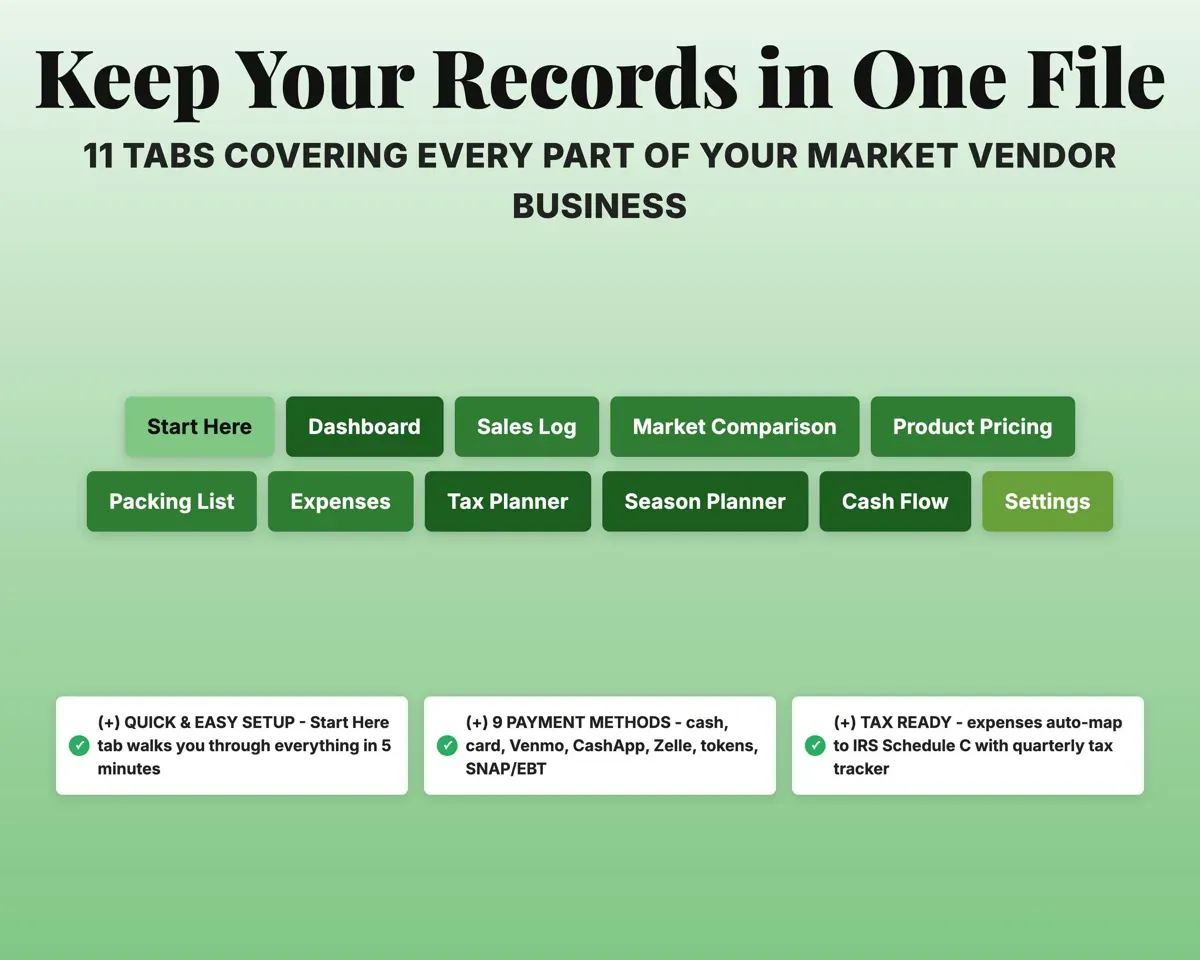
ExpensesSchedule C line11 tabs in one file
- Start Here
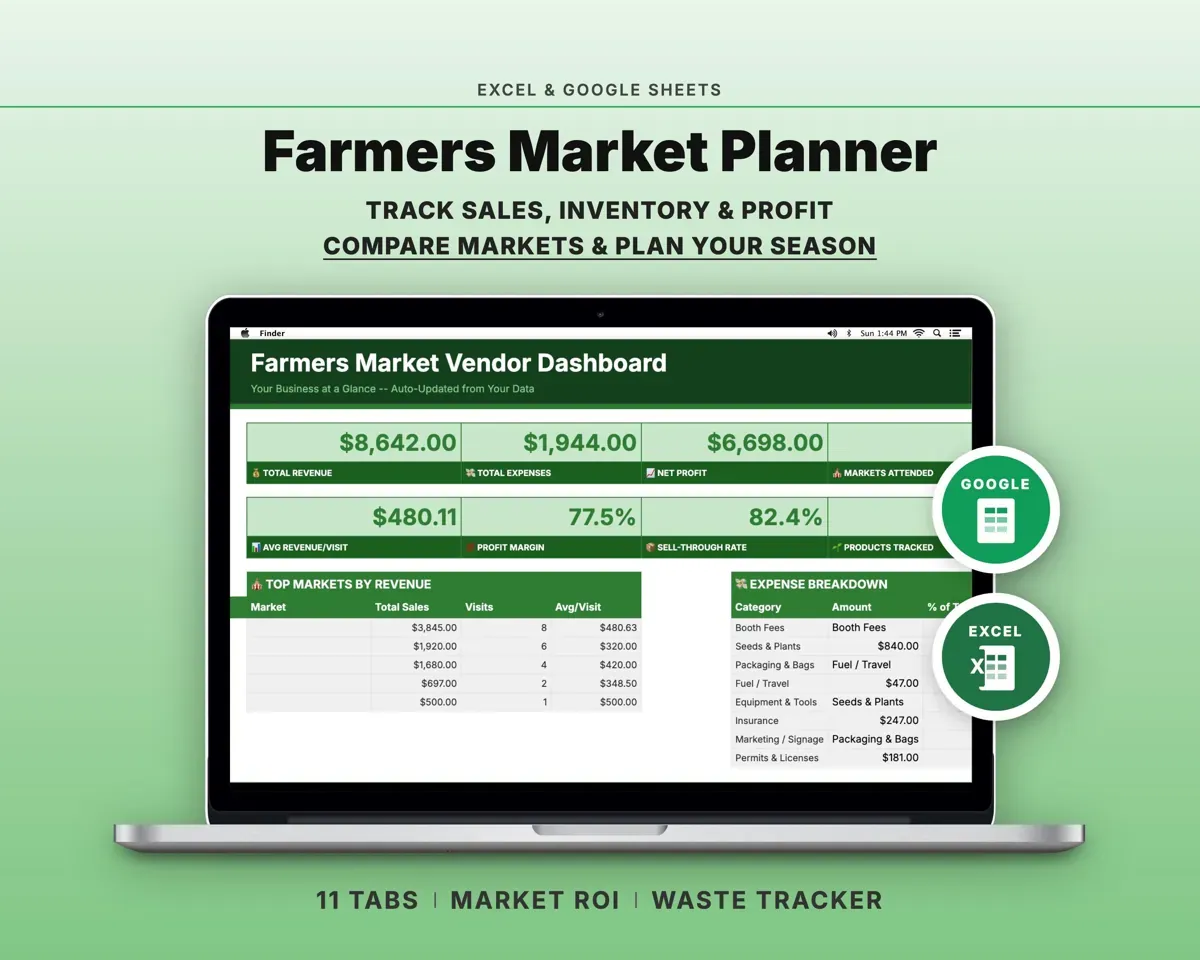
- Dashboard
- Sales Log
- Market Comparison
- Product Pricing
- Packing List
- Expenses
- Tax Planner
- Season Planner
- Cash Flow
- Settings
- Start Here
- Setup steps and a short guide to every tab.
- Dashboard
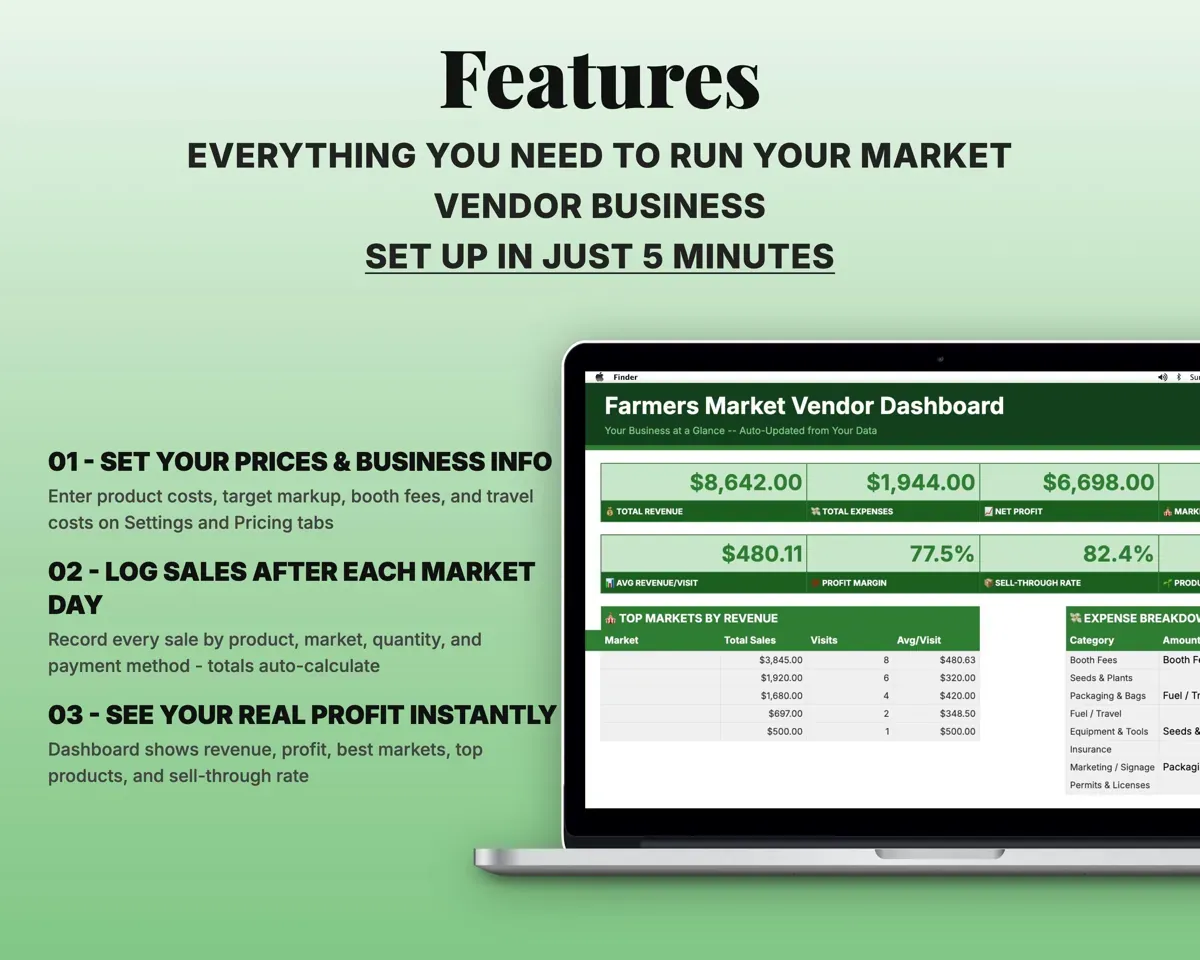
- Revenue, profit, sell-through and top markets on one screen.
- Sales Log
- Every sale with market, product, quantity, price and payment.
- Market Comparison
- Fees, travel, prep, profit per hour and ROI per market.
- Product Pricing
- Cost, target markup, suggested price and margin per product.
- Packing List
- What you brought, what sold and sell-through.
- Expenses
- Vendor costs by category, mapped to Schedule C lines.
- Tax Planner
- Quarterly estimated tax dates and payments (Form 1040-ES).
- Season Planner
- Monthly product availability and seasonal revenue targets.
- Cash Flow
- Twelve months of revenue and expenses by category.
- Settings
- Business info, tax rate, hourly rate, markup and lists.
Pair it with
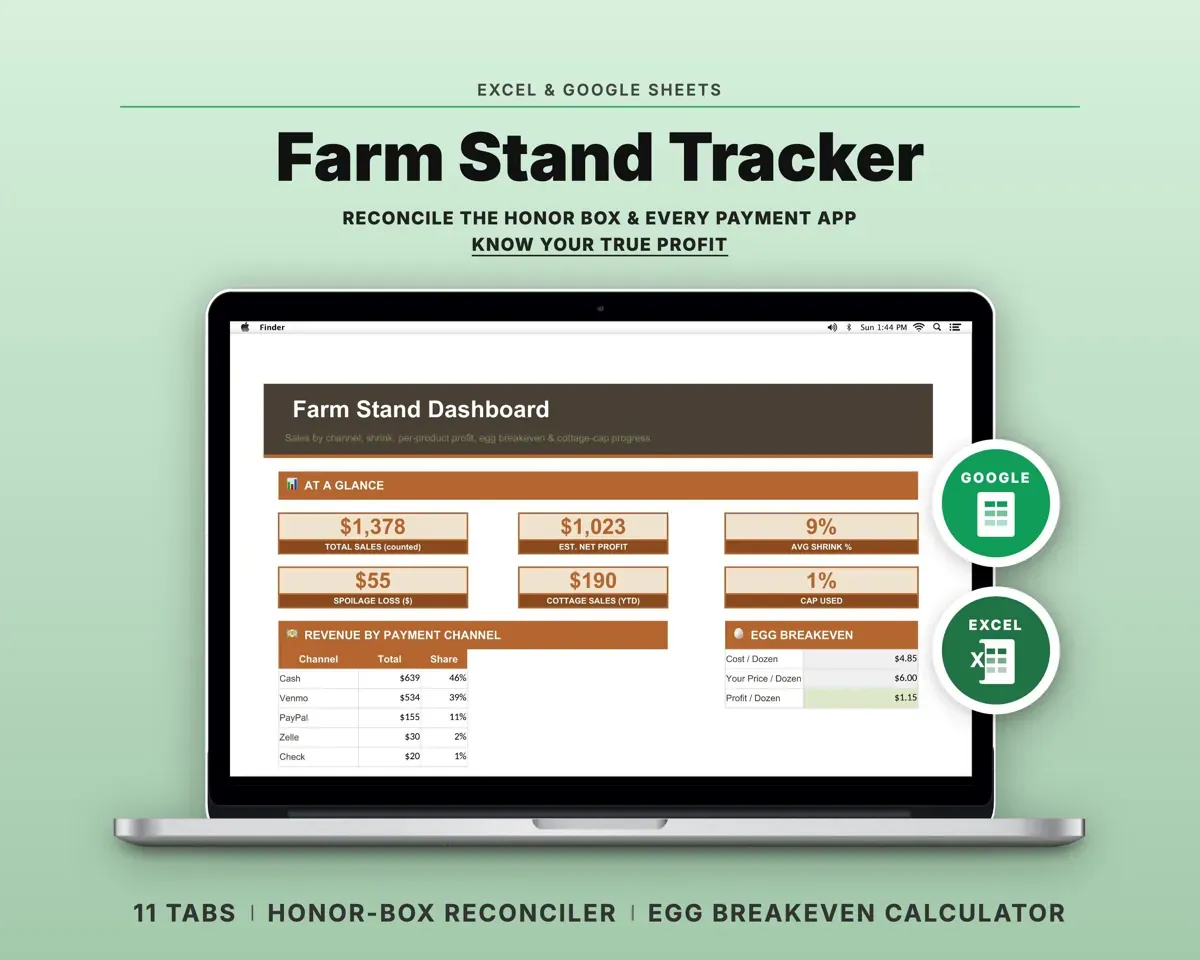
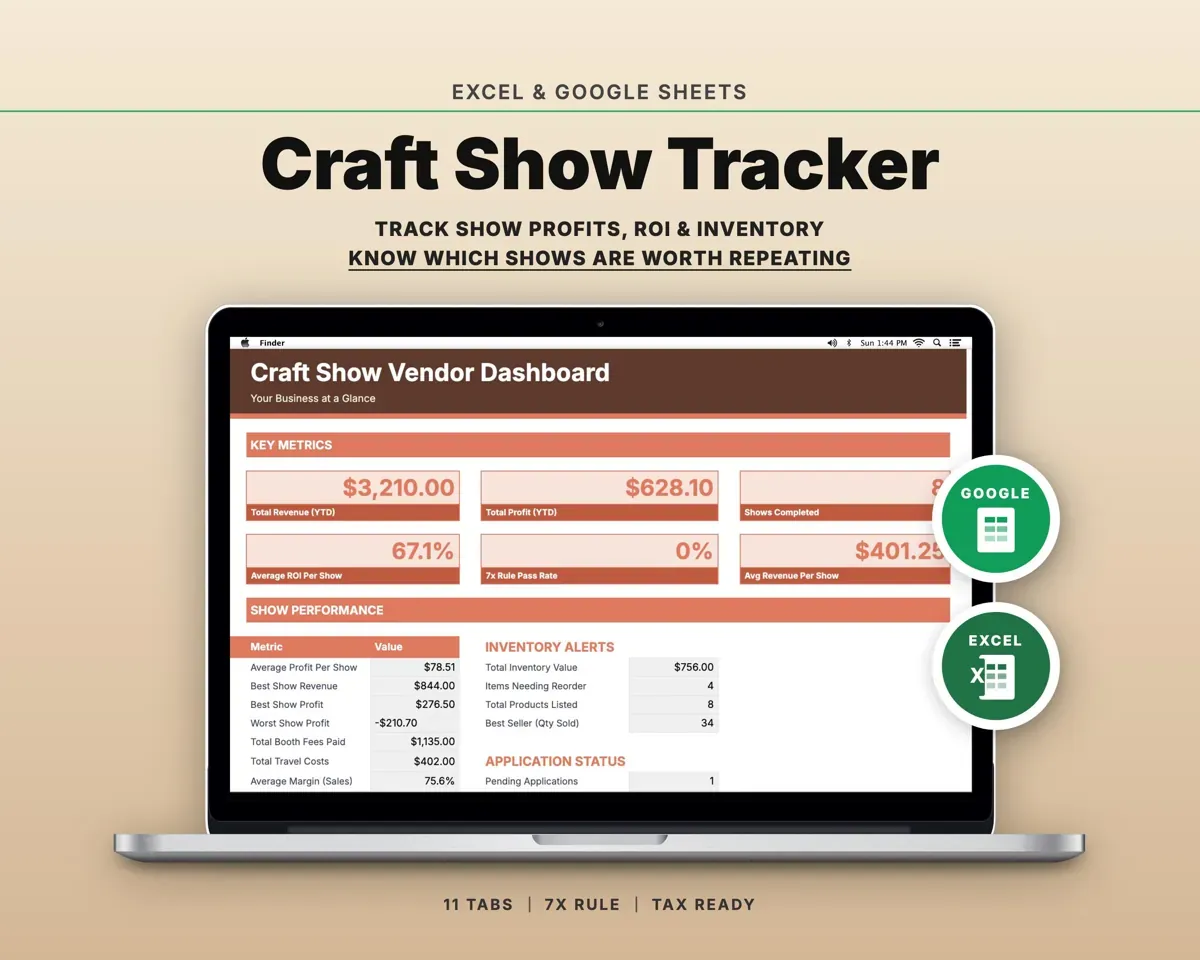
“Excellent! Very easy to use.”
“Nice Organization for 4H projects”
Before you buy
I sell at several markets a week. Will it work?
Yes. Each sale is tagged to its market, and Market Comparison totals sales, visits and profit per hour for every market.
Can I track market tokens and SNAP/EBT?
Yes. The payment method column has nine options, including market tokens and SNAP/EBT, and the Dashboard breaks sales down by method.
Does it count my time?
Yes. Prep hours go into Market Comparison and labor time into Product Pricing, using the hourly rate you set on Settings.
What do I get?
An Excel file (.xlsx), a filled-in sample to look at, and a quick-start PDF guide with a link that makes your own copy in Google Sheets.
How does delivery work?
You get your download links right after checkout, and Stripe emails your receipt. There is nothing to ship and nothing to wait for.
How do I set it up in Google Sheets?
Open the quick-start PDF and click the Google Sheets link. Google makes a copy in your own Drive that only you can edit. You need a free Google account.
Will it work on a Mac?
Yes. It works in Excel on Mac and Windows, and in Google Sheets in any browser.
I'm not a spreadsheet person. Is that a problem?
No. You only type in the yellow cells. Everything in gray works itself out, and the Start Here tab shows you where to begin.
Can I get a refund?
Templates are digital downloads, so sales are final. If a file won't open, is broken or doesn't match its description, email hello@cleanpixelstudios.com within 30 days and we'll fix it, or refund you if we can't.
What if I get stuck?
Email hello@cleanpixelstudios.com and we'll help you get it working.
More in Farm & homestead
See all Farm & homestead templates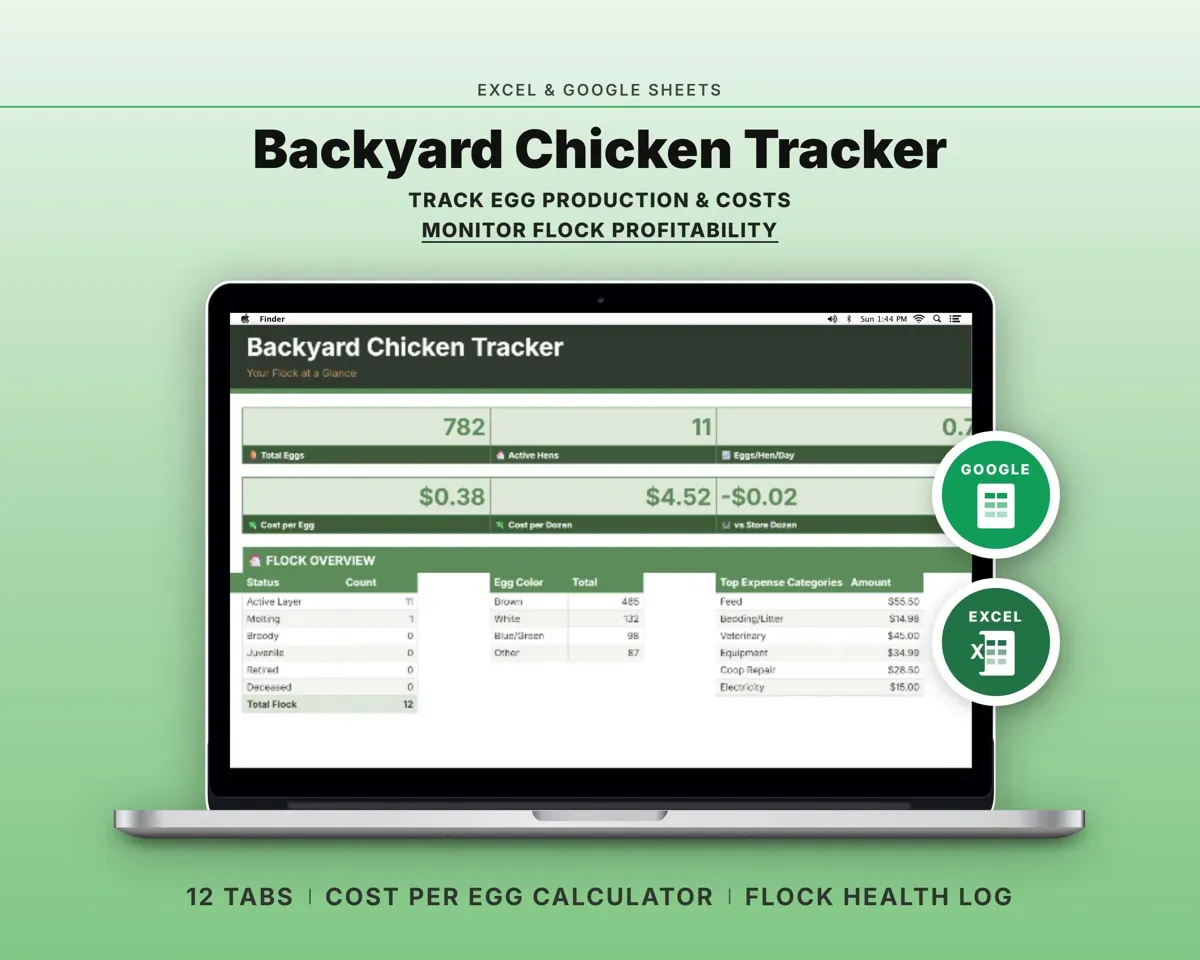
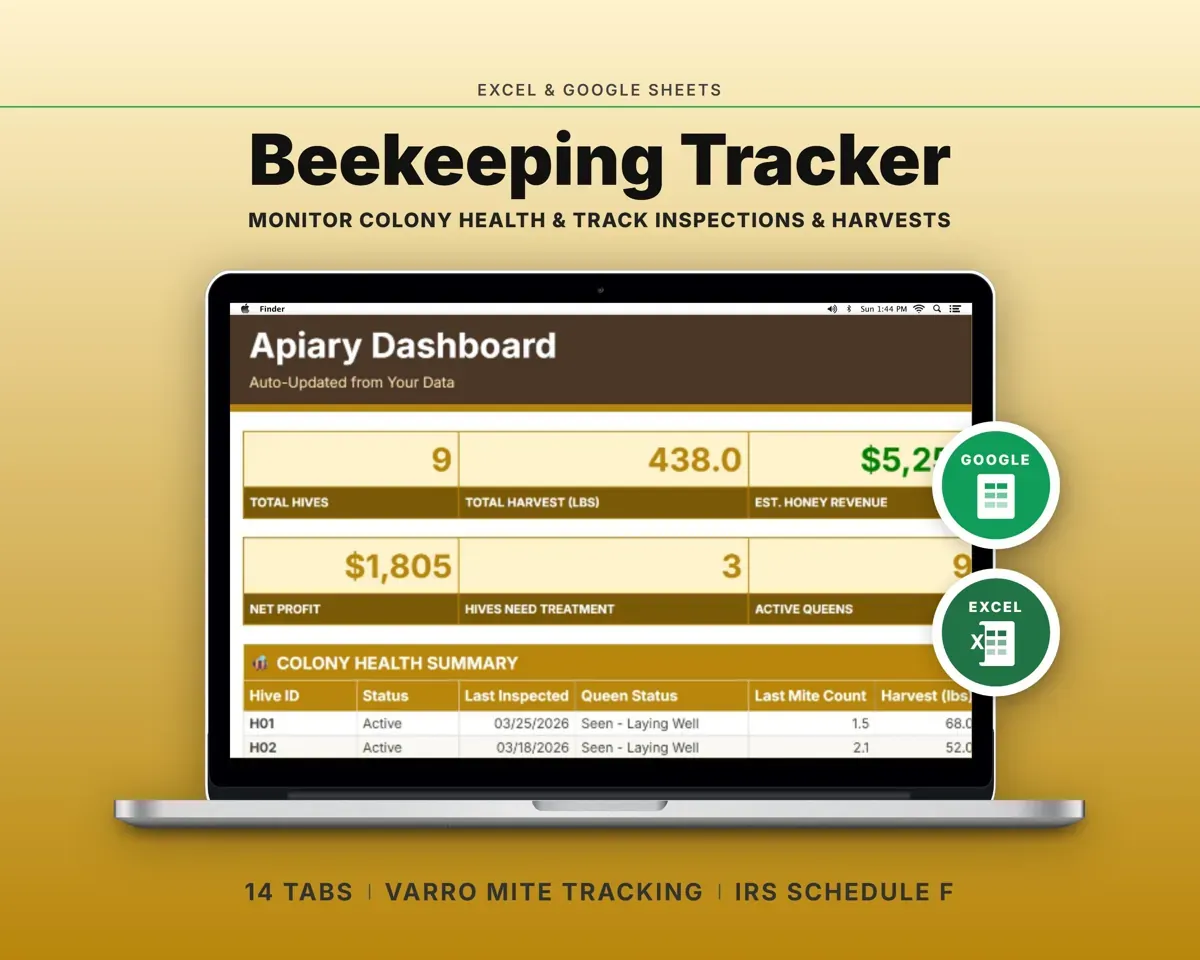
 Made by Clean Pixel Studios
We start every template by reading what people in that line of work say they struggle with, then build the spreadsheet around those problems. This one was made for farmers market vendors and nobody else.
How we build templates