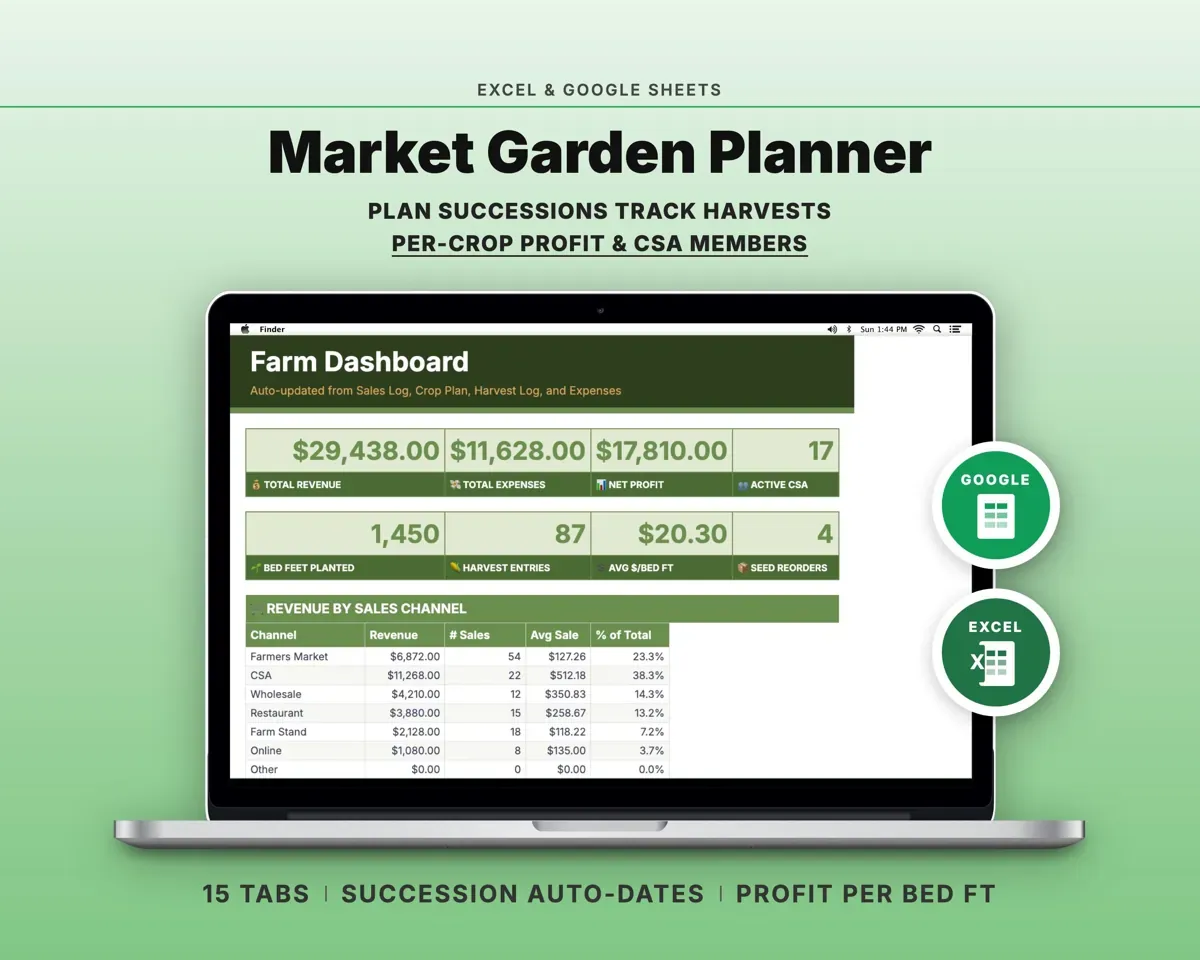
Built around the jobs market gardeners actually do
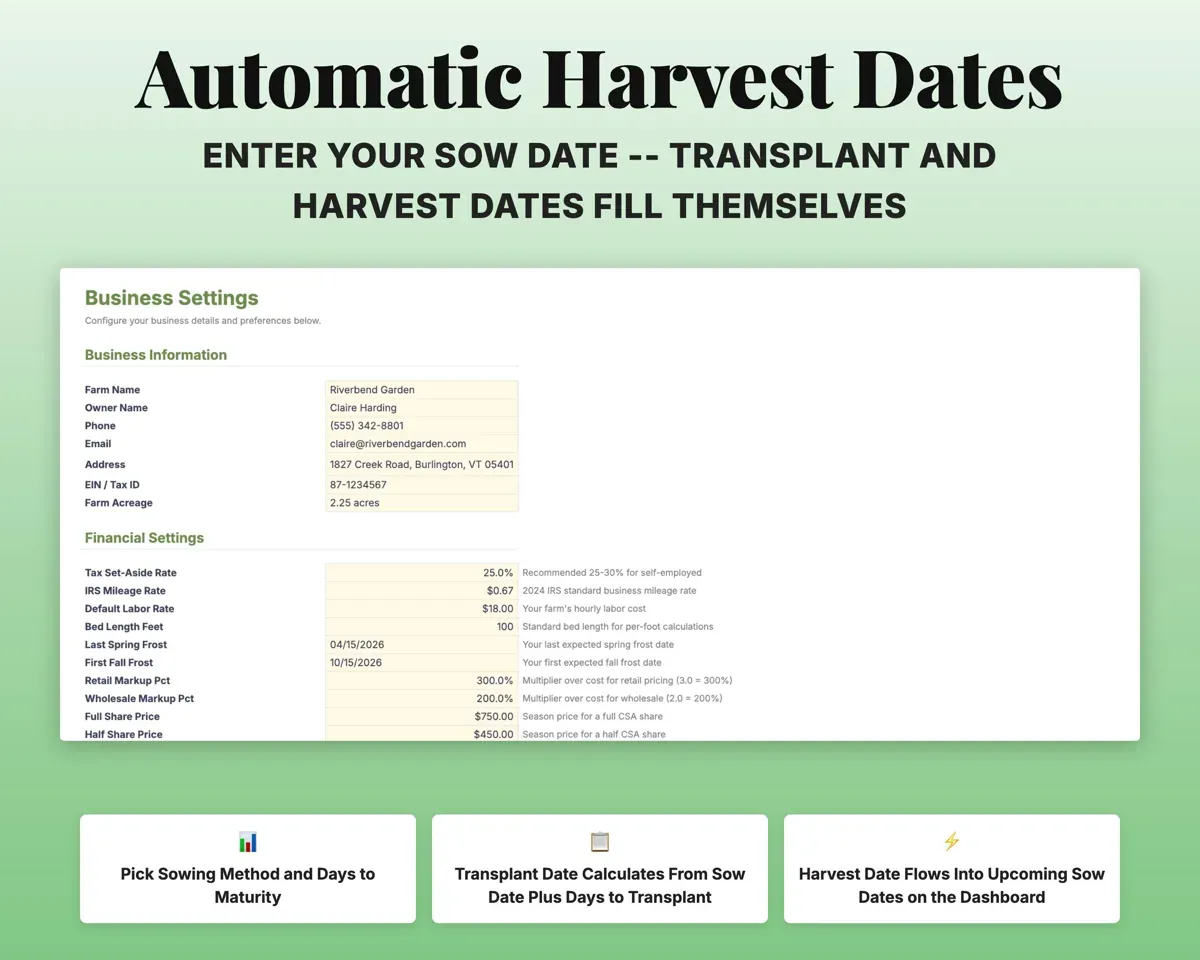
Keep every planting on schedule
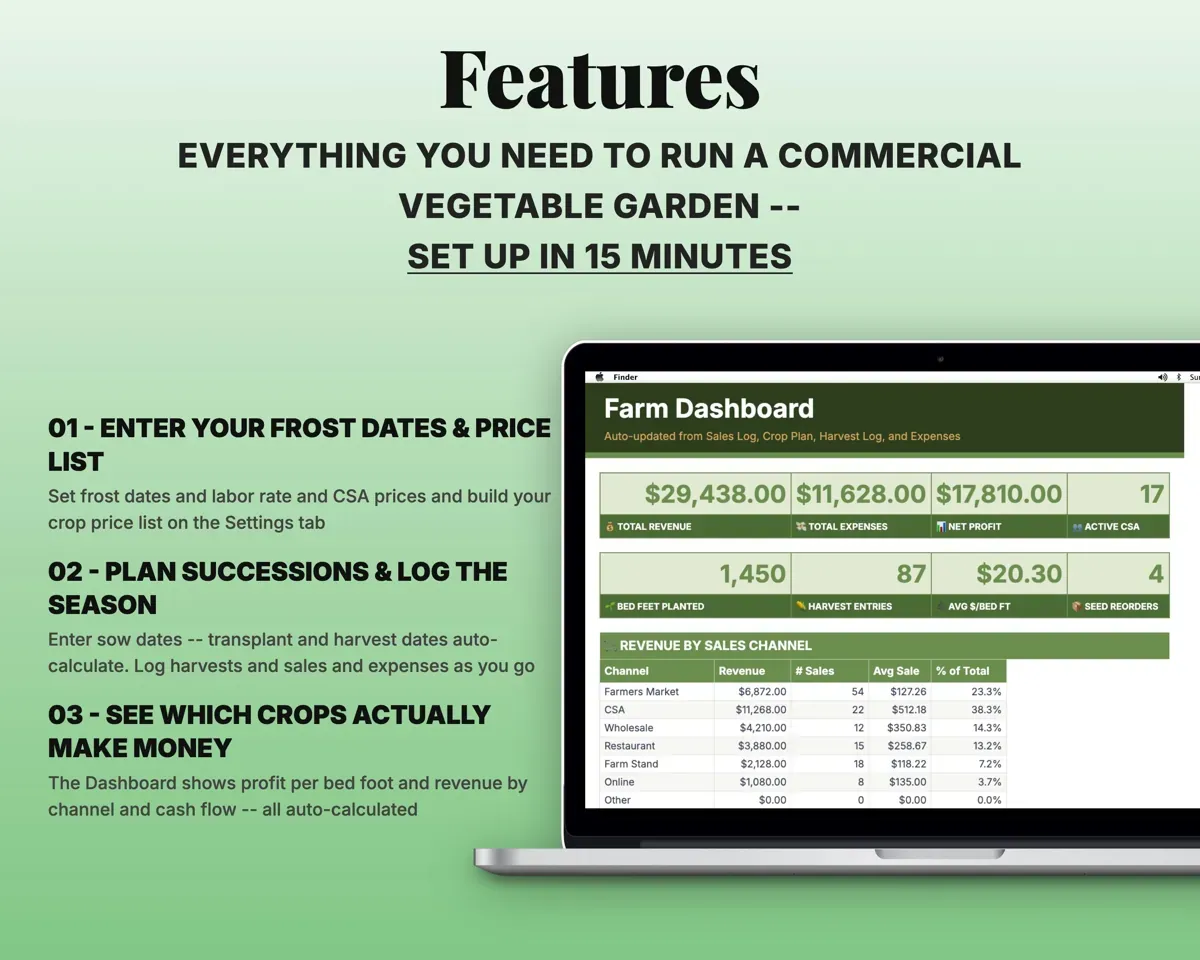
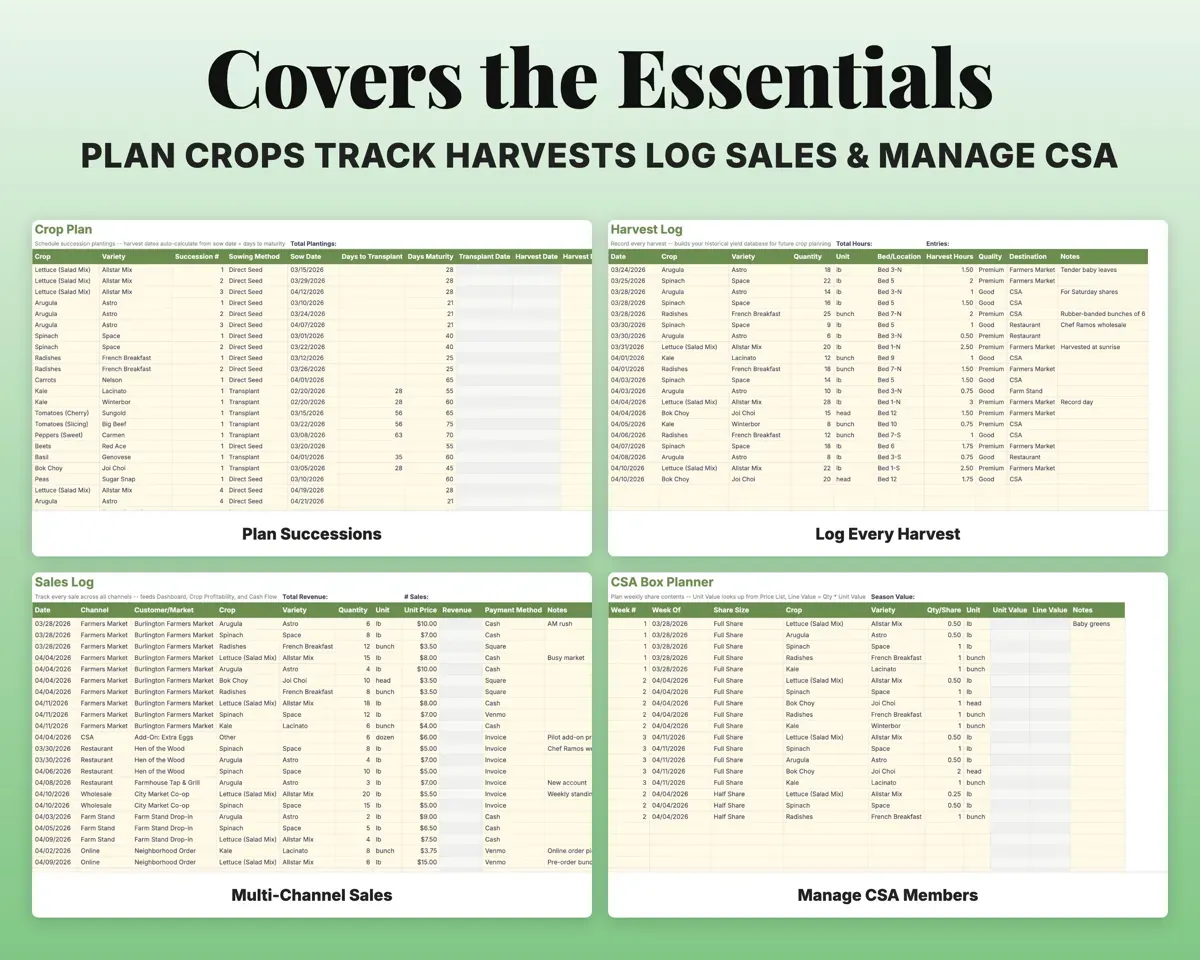
Enter a sow date, days to maturity and sowing method. Transplant and harvest dates fill in, and the Dashboard lists what needs sowing next.
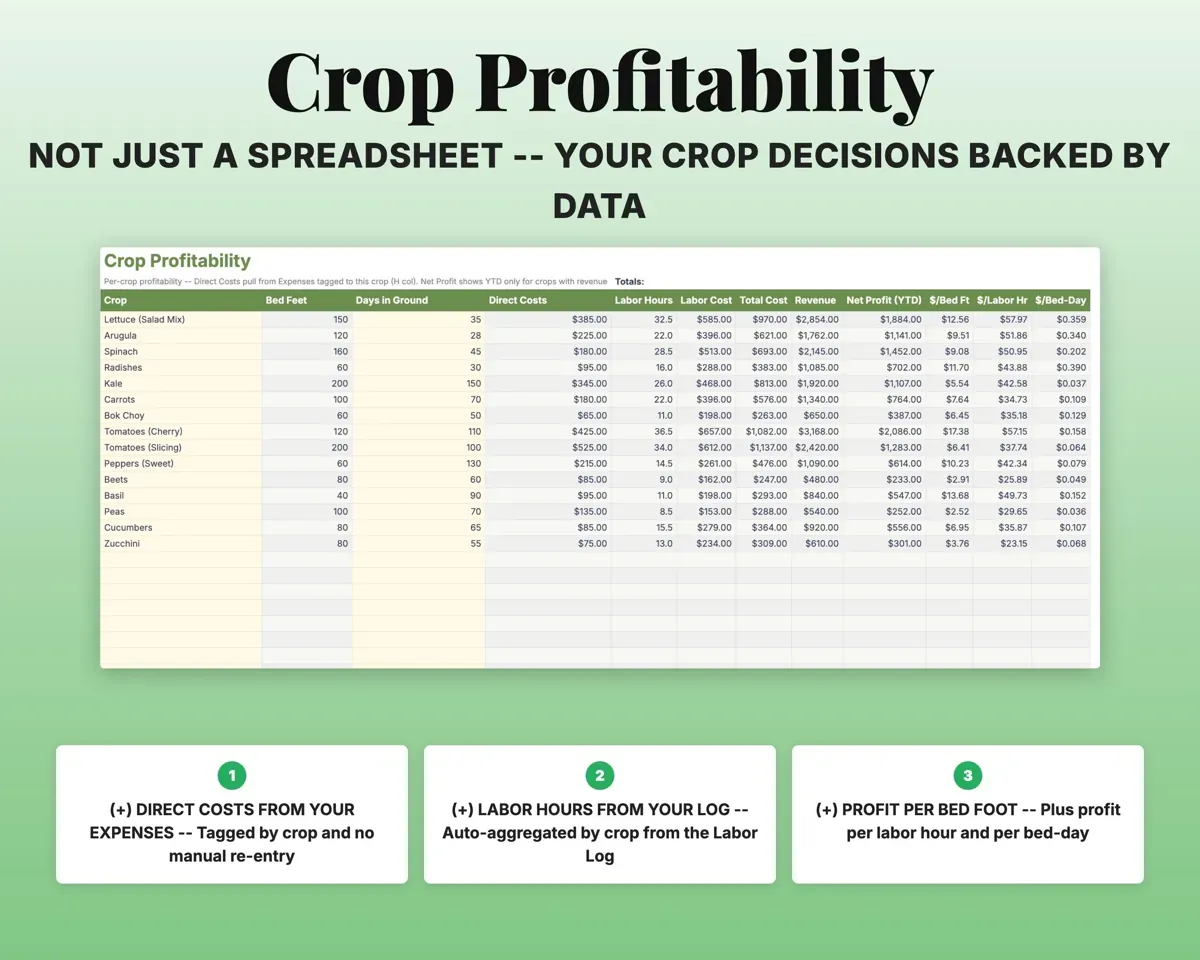
Sow date, maturity daysTransplant, harvest datesKnow which crops make money
Crop Profitability pulls costs tagged to each crop, labor hours and sales, then shows profit per bed foot, per labor hour and per bed-day.
Costs, labor, salesProfit per bed footRun CSA shares in the same file
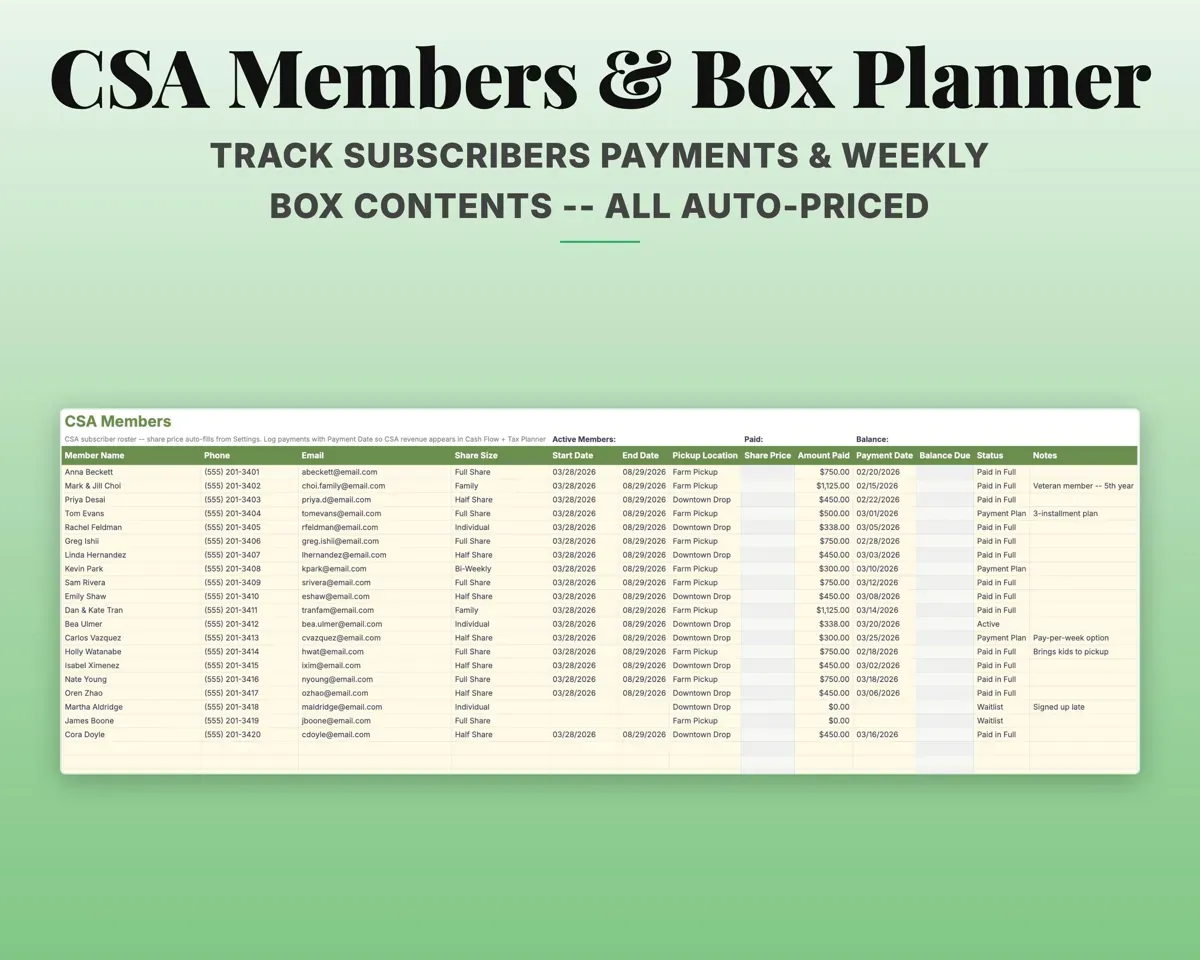
Track each member's share size, payments and balance. The Box Planner maps weekly share contents and values each box from your Price List.
Members, share contentsBox valueLog every sales channel in one place
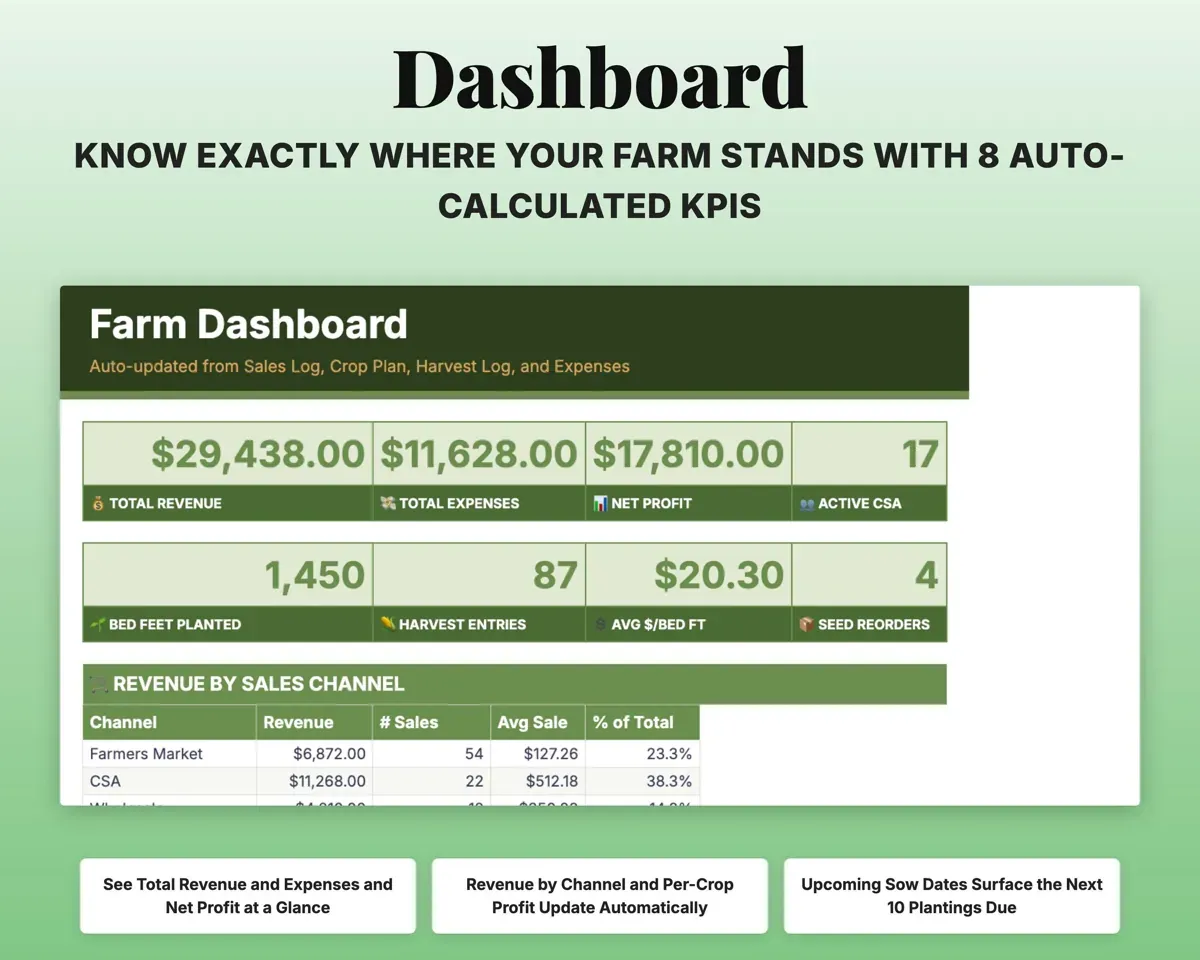
Farmers market, CSA add-ons, wholesale, restaurants, farm stand and online orders go on one Sales Log, and the Dashboard splits revenue by channel and crop.
Each sale and channelRevenue by channelTrack seed stock and hours
Seed Inventory keeps supplier, cost, germination and reorder flags. The Labor Log records time by activity and crop and works out the cost.
Seed packets, hoursReorder flagsPlan for Schedule F and quarterly tax
Expenses map to Schedule F lines. The Tax Planner estimates self-employment tax and lists the quarterly 1040-ES due dates.
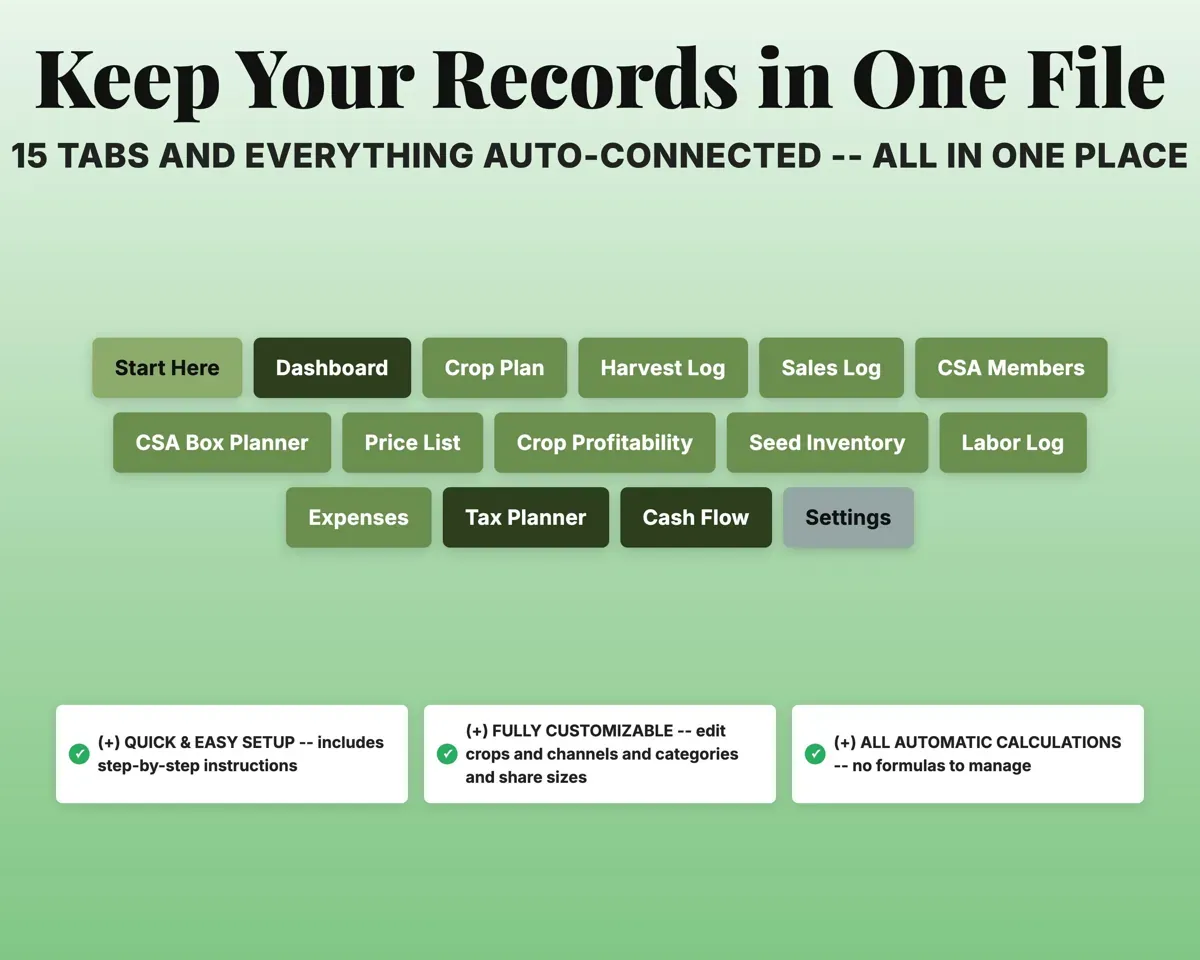
Expenses and salesQuarterly estimate15 tabs in one file
- Start Here
- Dashboard
- Crop Plan
- Harvest Log
- Sales Log
- CSA Members
- CSA Box Planner
- Price List
- Crop Profitability
- Seed Inventory
- Labor Log
- Expenses
- Tax Planner
- Cash Flow
- Settings
- Start Here
- Step-by-step setup guide with a color key.
- Dashboard
- Revenue by channel, crop results, expenses and upcoming sowings.
- Crop Plan
- Successions with sow, transplant and harvest dates.
- Harvest Log
- Daily harvests with yield per bed foot.
- Sales Log
- Sales across every channel in one list.
- CSA Members
- Members, share sizes, payments, balances and status.
- CSA Box Planner
- Weekly share contents with the box value worked out.
- Price List
- Retail, wholesale, market and CSA prices per crop.
- Crop Profitability
- Profit per crop, bed foot, labor hour and bed-day.
- Seed Inventory
- Seed packets with supplier, cost, germination and reorder flags.
- Labor Log
- Hours by activity and crop with labor cost.
- Expenses
- Farm costs tagged by crop and mapped to Schedule F.
- Tax Planner
- Quarterly estimated tax with due dates and SE tax.
- Cash Flow
- Twelve months of revenue and expenses.
- Settings
- Frost dates, labor rate, share prices, tax rates and dropdowns.
Pair it with
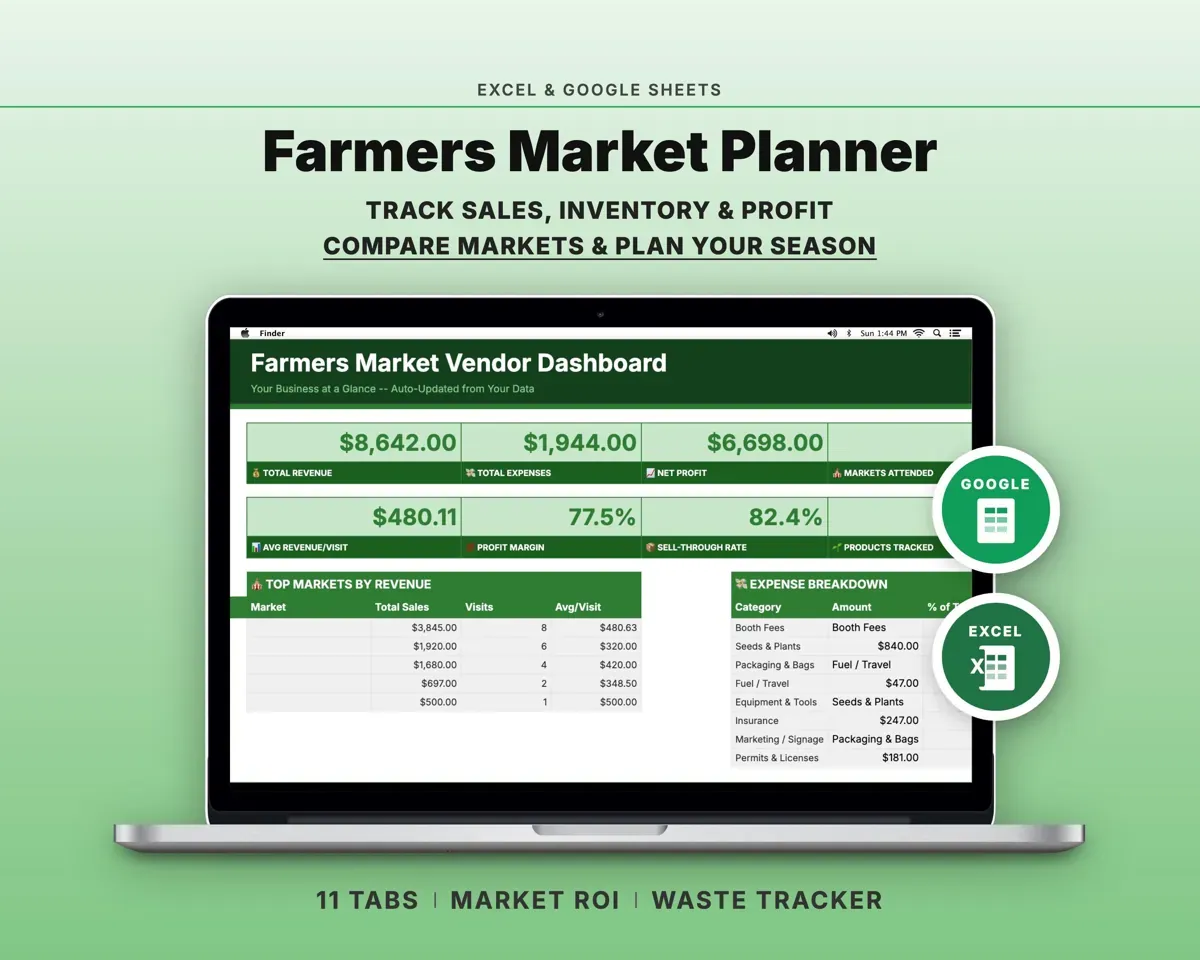
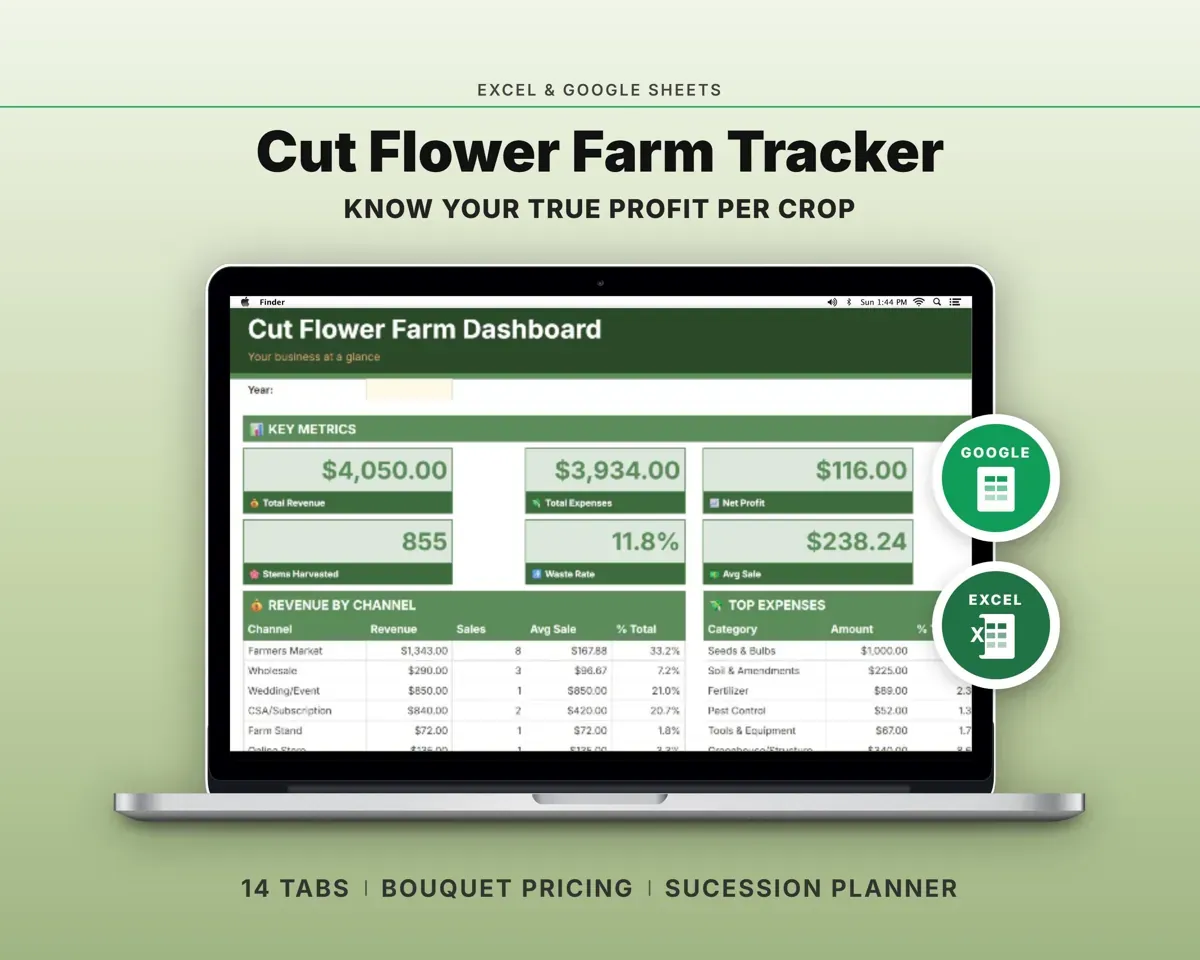
“Excellent! Very easy to use.”
“Nice Organization for 4H projects”
Before you buy
Will it fit my size of garden?
Each tab holds 500 rows, enough for 500 plantings, harvests or CSA members. Most market gardens up to 3 to 5 acres fit comfortably.
Do harvest dates really calculate on their own?
Yes. Enter a sow date and days to maturity, plus days to transplant if you transplant. Change the sow date and the other dates shift with it.
How does CSA money show up in my taxes?
Log each member payment with its date on CSA Members. The Tax Planner adds those payments to farm sales for the year, next to your Sales Log totals.
Will crops I haven't harvested yet look unprofitable?
No. Net profit only appears once a crop has actual sales recorded.
What do I get?
An Excel file (.xlsx), a filled-in sample to look at, and a quick-start PDF guide with a link that makes your own copy in Google Sheets.
How does delivery work?
You get your download links right after checkout, and Stripe emails your receipt. There is nothing to ship and nothing to wait for.
How do I set it up in Google Sheets?
Open the quick-start PDF and click the Google Sheets link. Google makes a copy in your own Drive that only you can edit. You need a free Google account.
Will it work on a Mac?
Yes. It works in Excel on Mac and Windows, and in Google Sheets in any browser.
I'm not a spreadsheet person. Is that a problem?
No. You only type in the yellow cells. Everything in gray works itself out, and the Start Here tab shows you where to begin.
Can I get a refund?
Templates are digital downloads, so sales are final. If a file won't open, is broken or doesn't match its description, email hello@cleanpixelstudios.com within 30 days and we'll fix it, or refund you if we can't.
What if I get stuck?
Email hello@cleanpixelstudios.com and we'll help you get it working.
More in Farm & homestead
See all Farm & homestead templates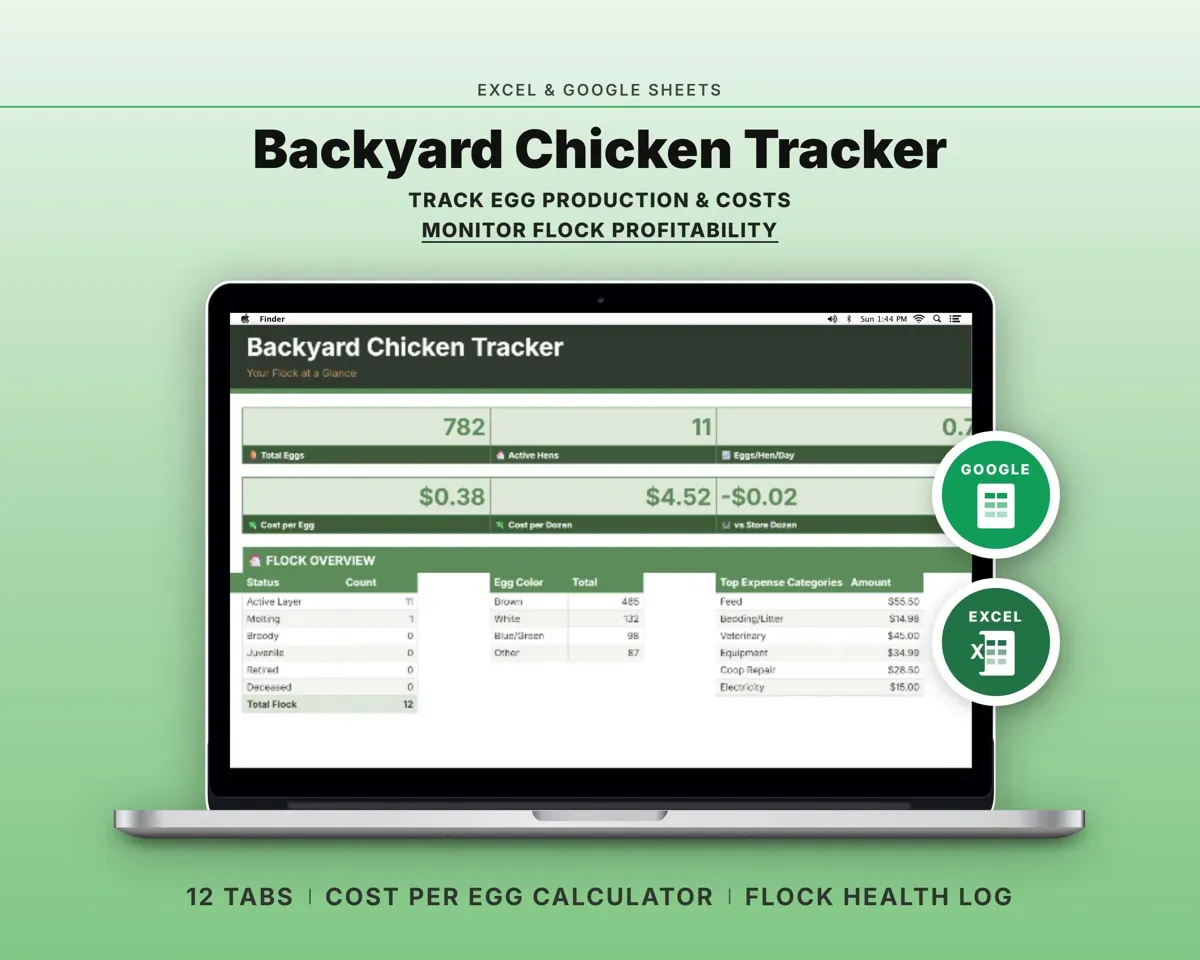
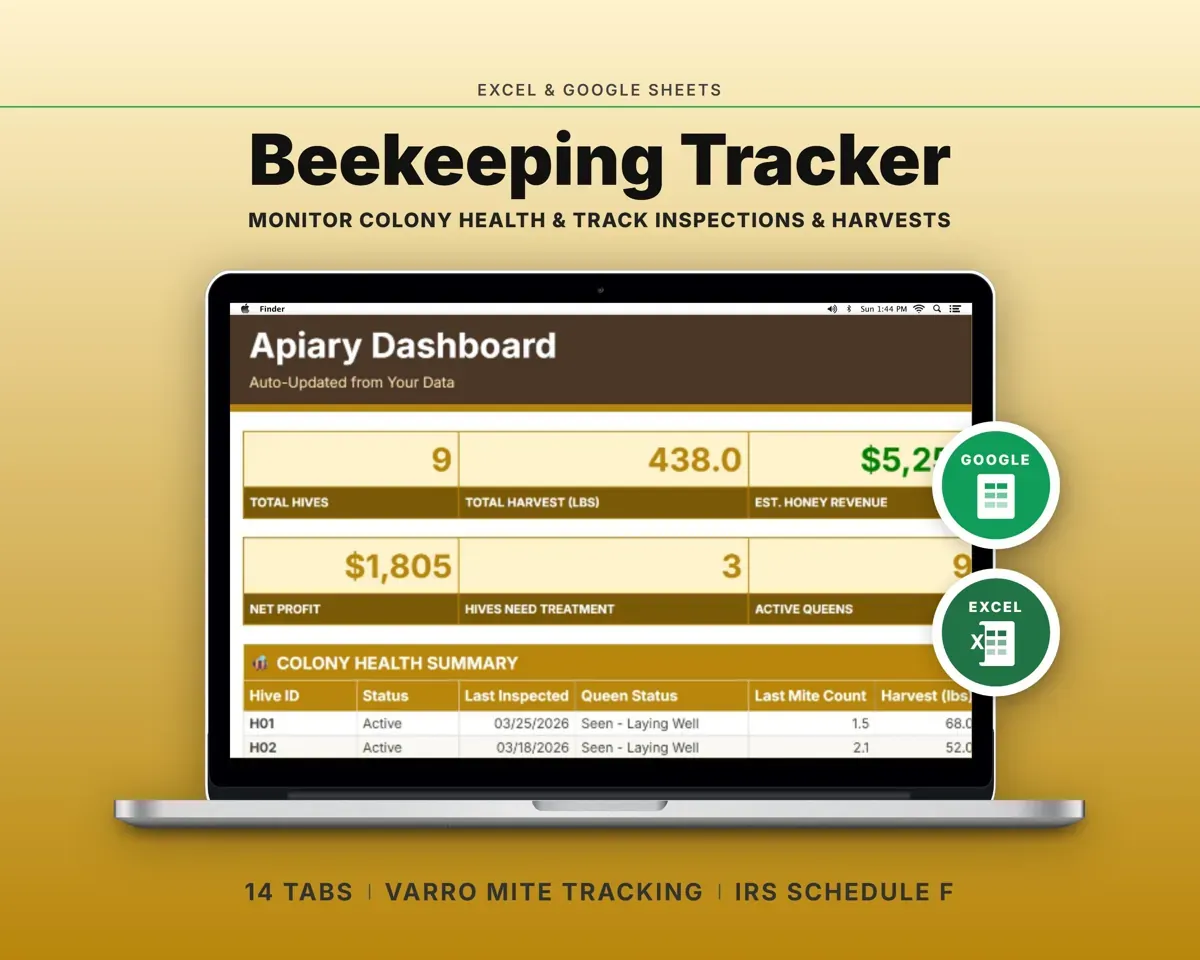
 Made by Clean Pixel Studios
We start every template by reading what people in that line of work say they struggle with, then build the spreadsheet around those problems. This one was made for market gardeners and nobody else.
How we build templatesMarket Garden Crop Planner$19.99 · Excel + Google Sheets