Built around the jobs home gardeners actually do
Put a dollar value on what you pick
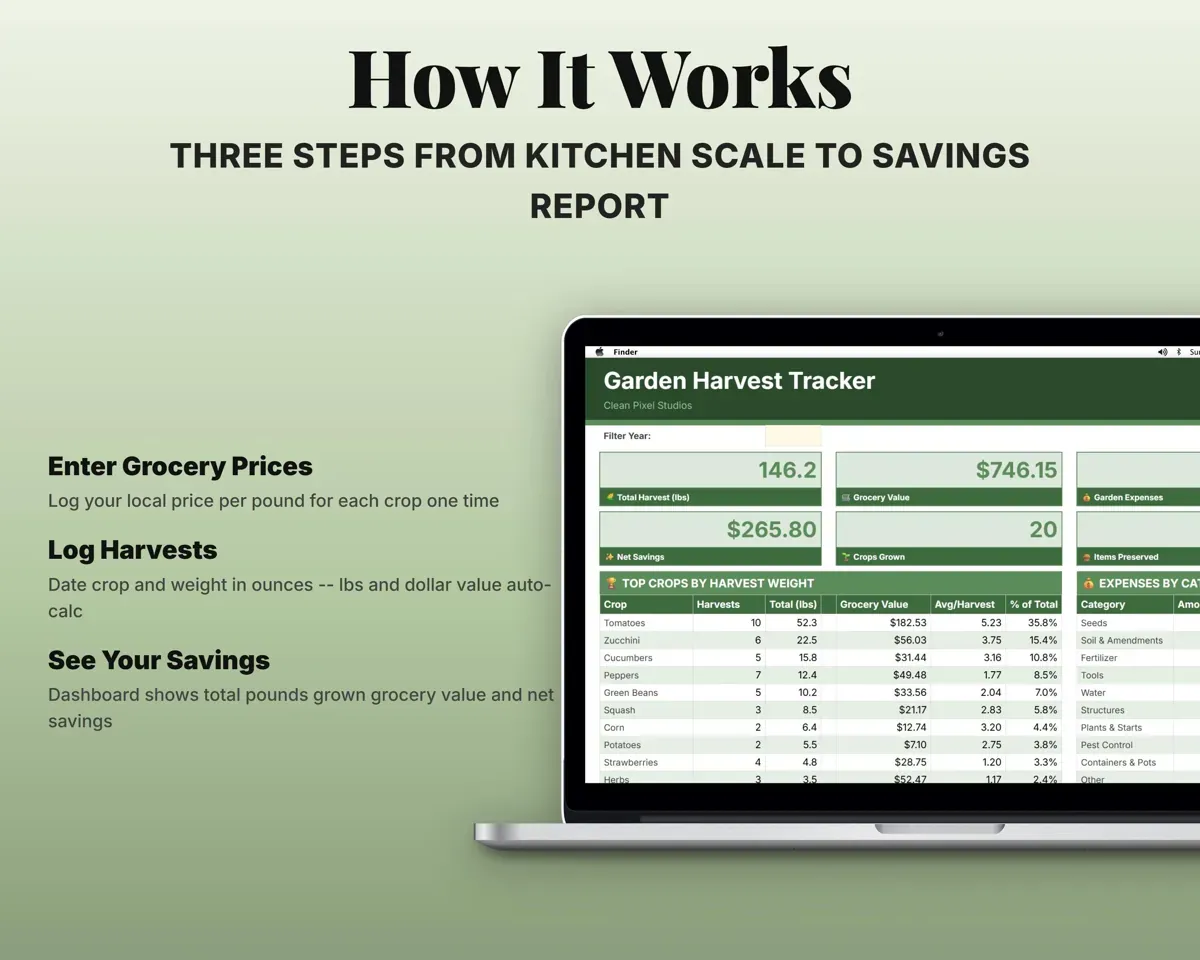
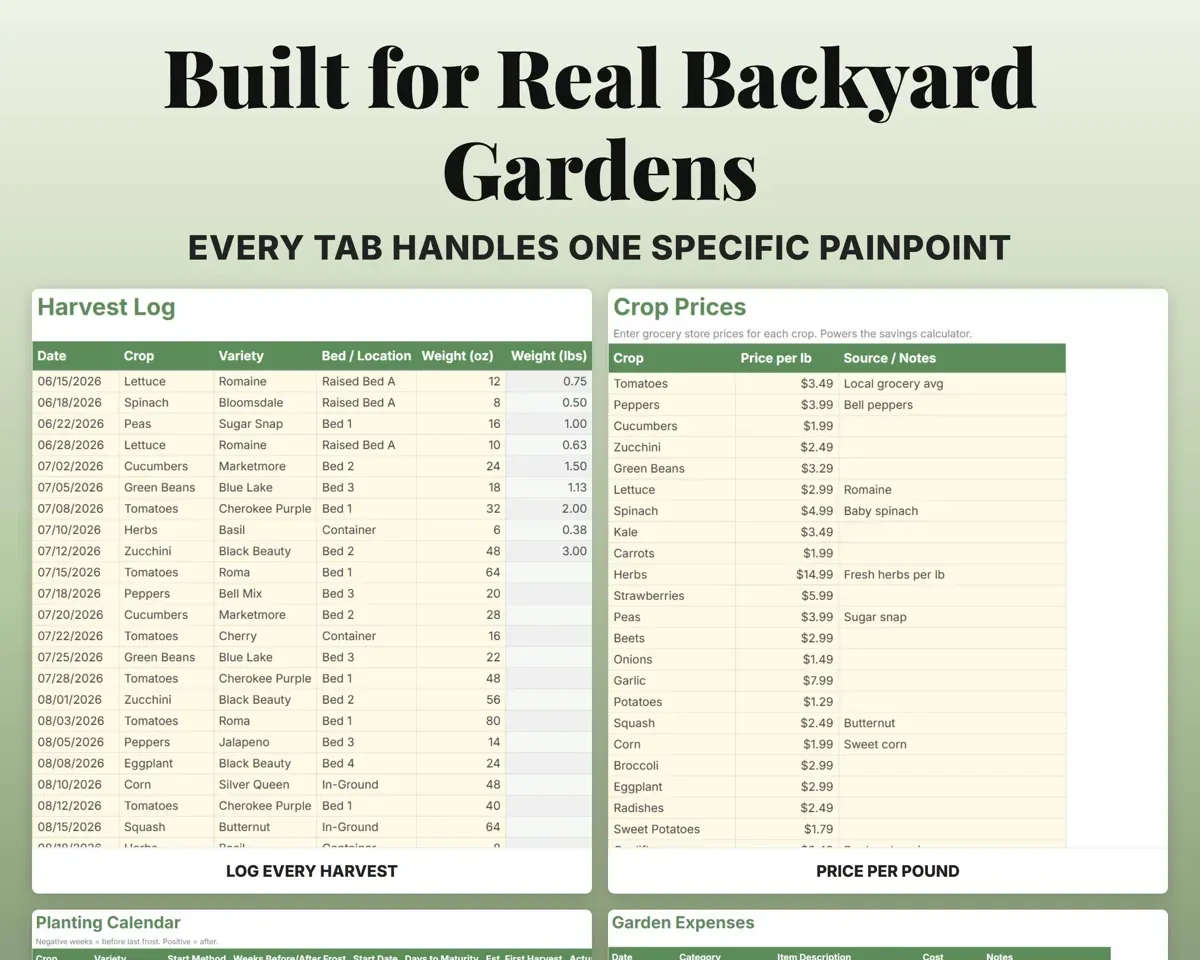
Log the crop and its weight in ounces. The sheet converts to pounds and uses your local store prices to show what the harvest is worth.
Crop, weight in ozGrocery valueFind out if the garden pays for itself
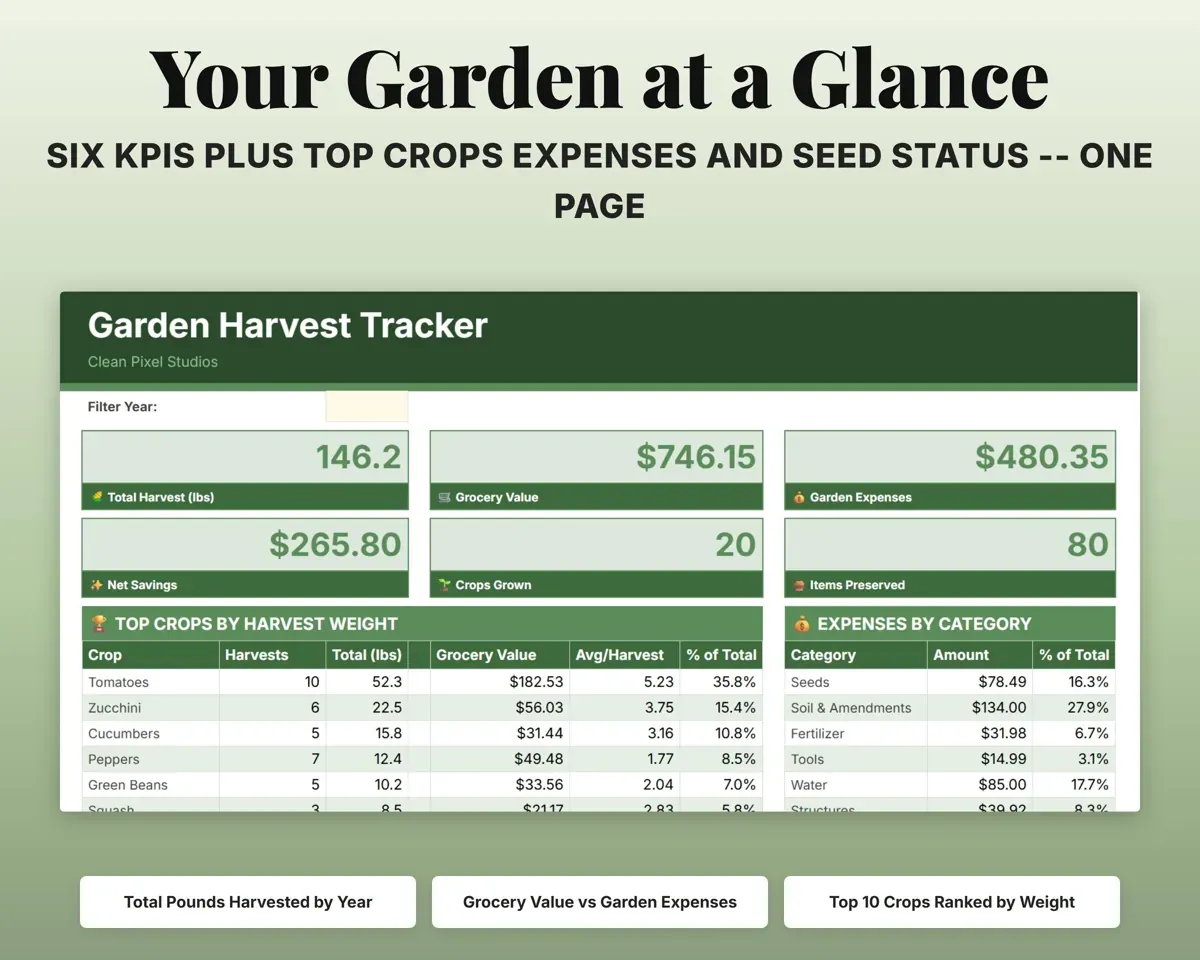
Garden expenses by category are set against harvest value, so the Dashboard shows your net savings for the year.
Seeds, soil, toolsNet savingsStop buying seeds you already have
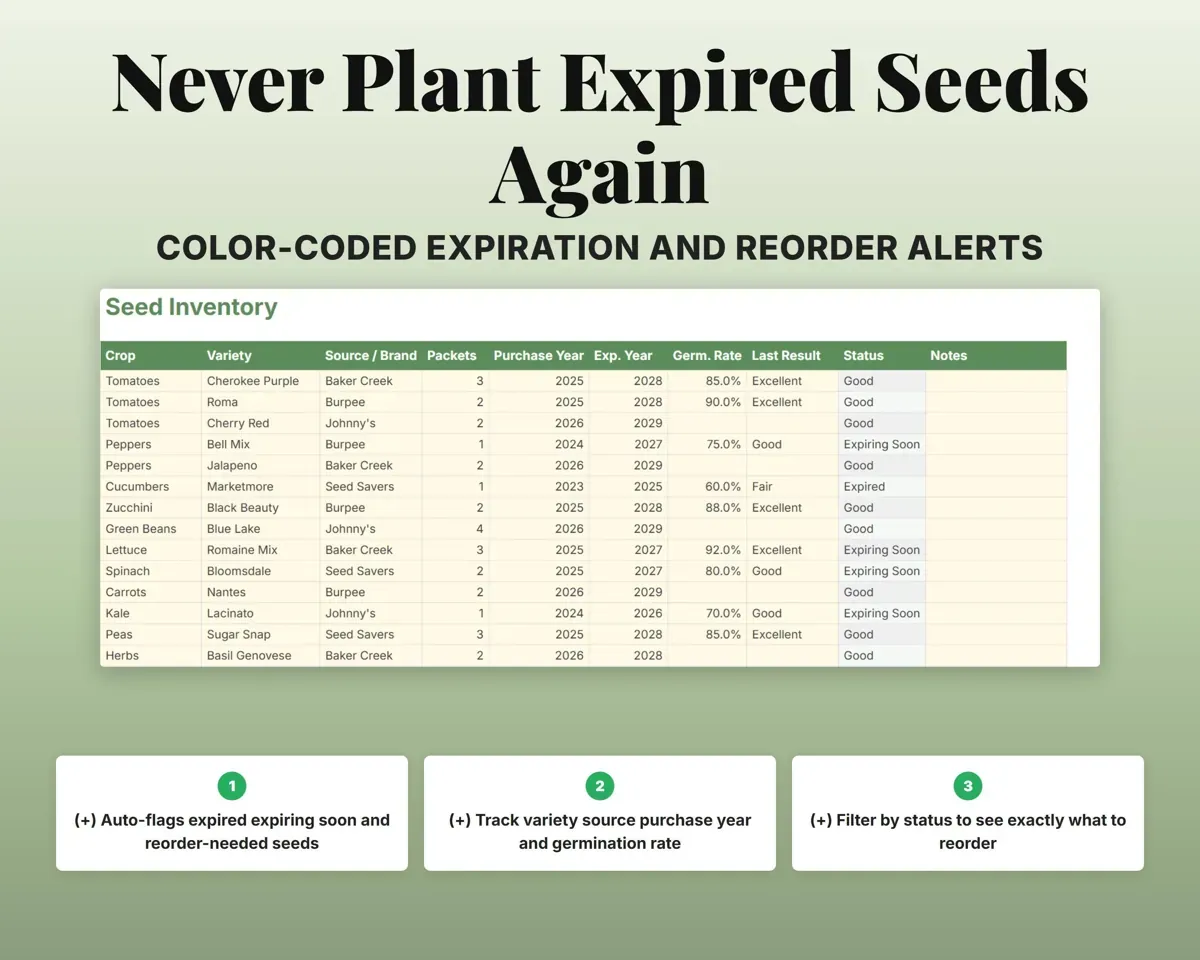
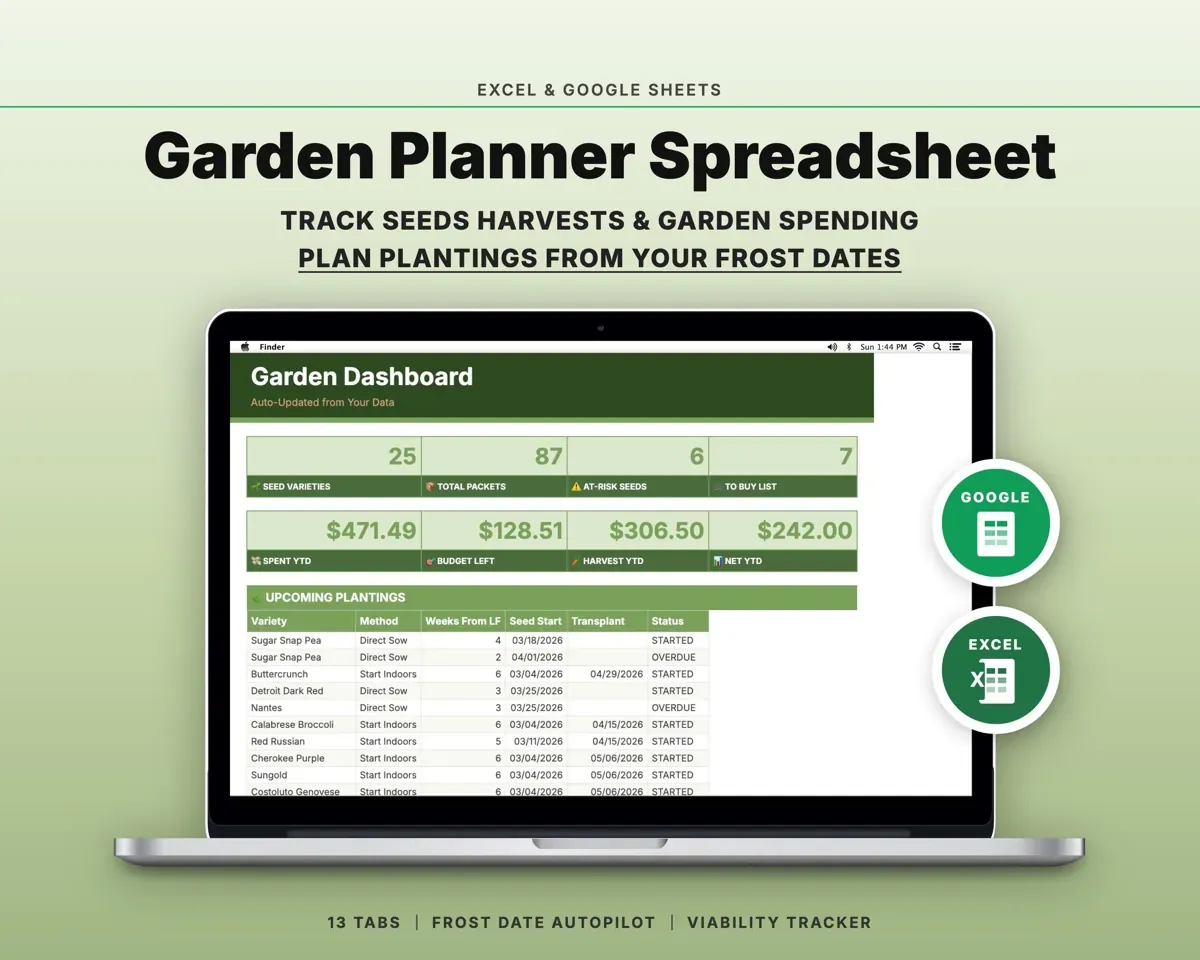
Log every packet with its source, year and germination rate. Expired seeds turn red, ones close to expiring turn amber, and low packets flag for reorder.
Packet, purchase yearSeed statusGet planting dates from your frost date
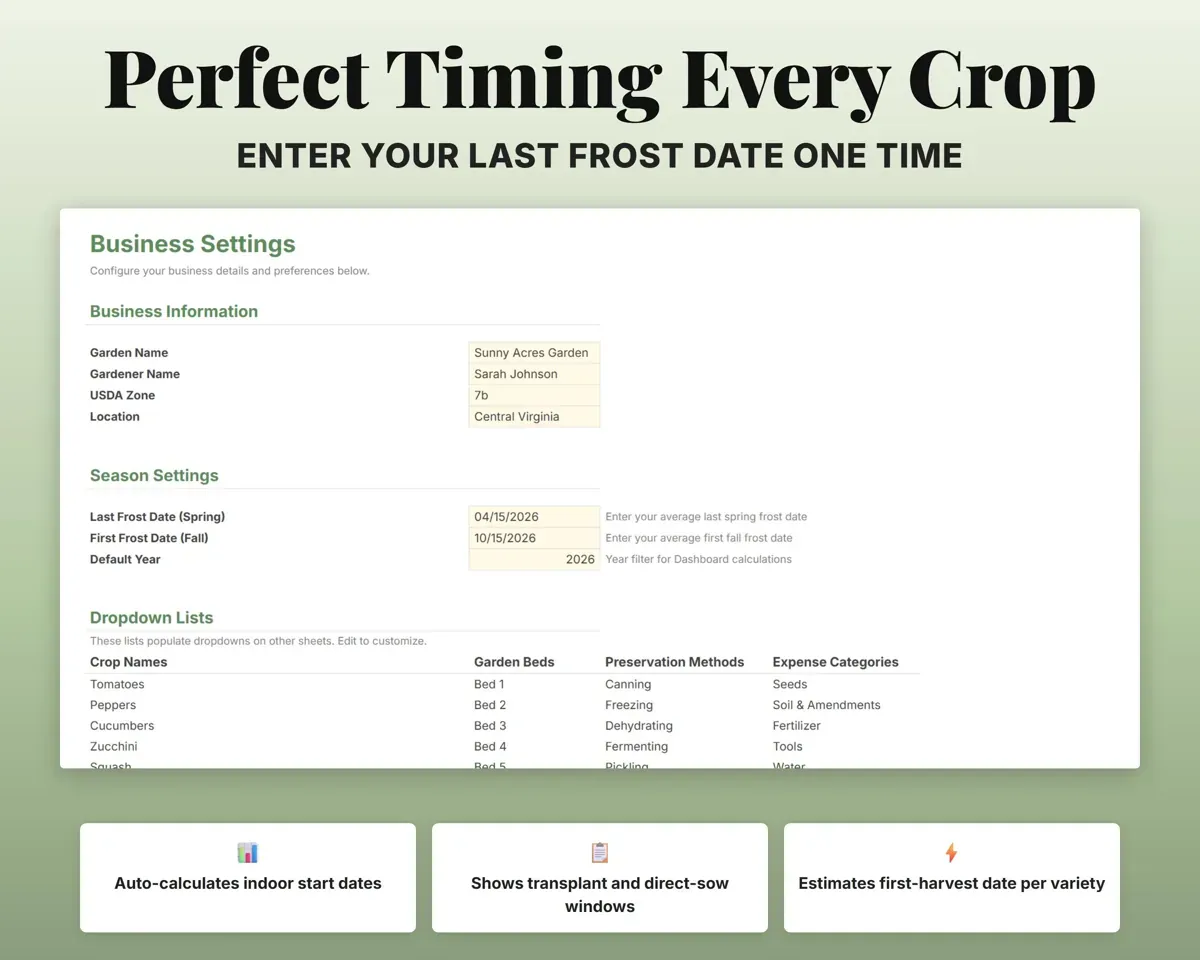
Enter your last frost once, and start, transplant and estimated harvest dates fill in for every crop.
Last frost dateTransplant datesKeep track of what you put up
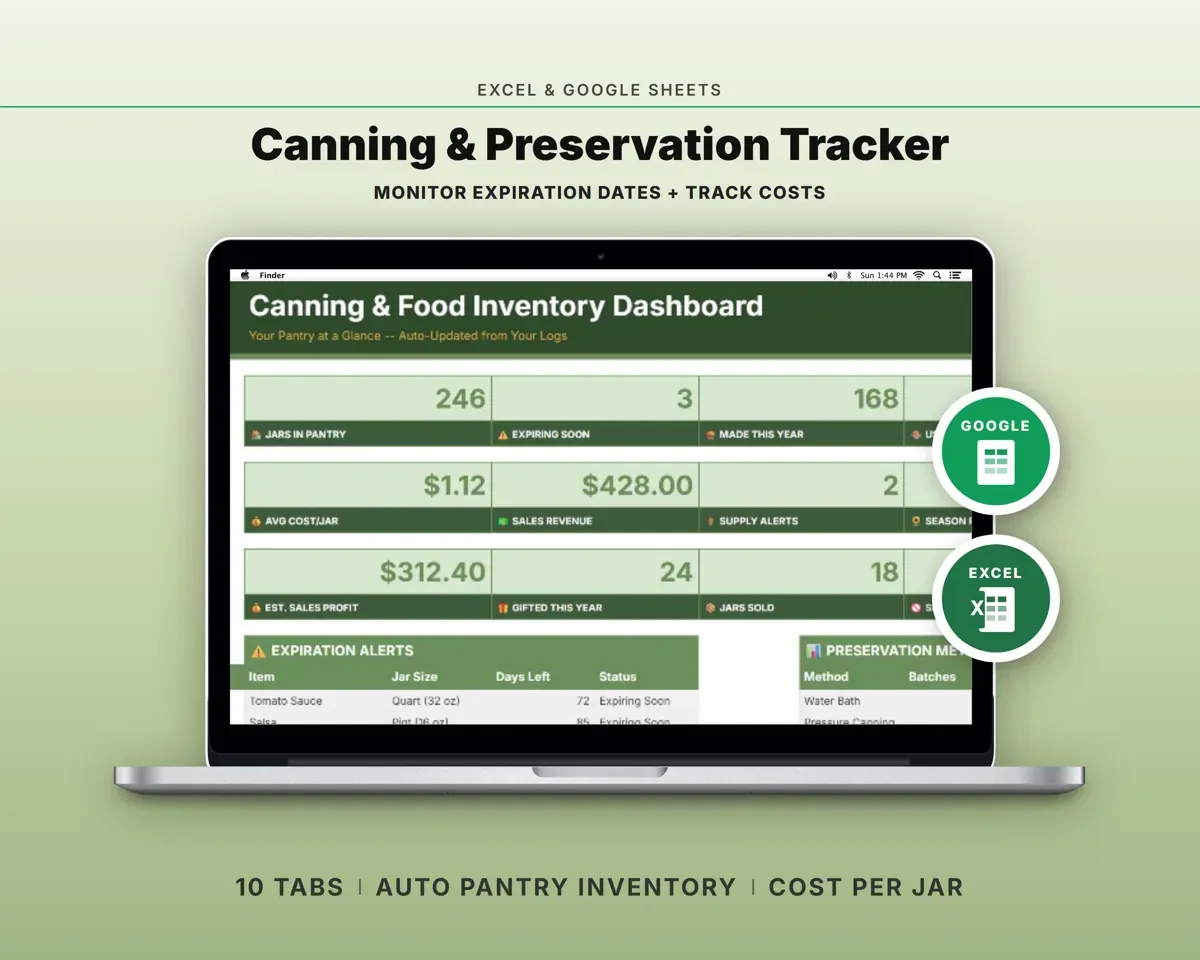
Log what you canned, froze, dehydrated or fermented, with quantities totaled by method.
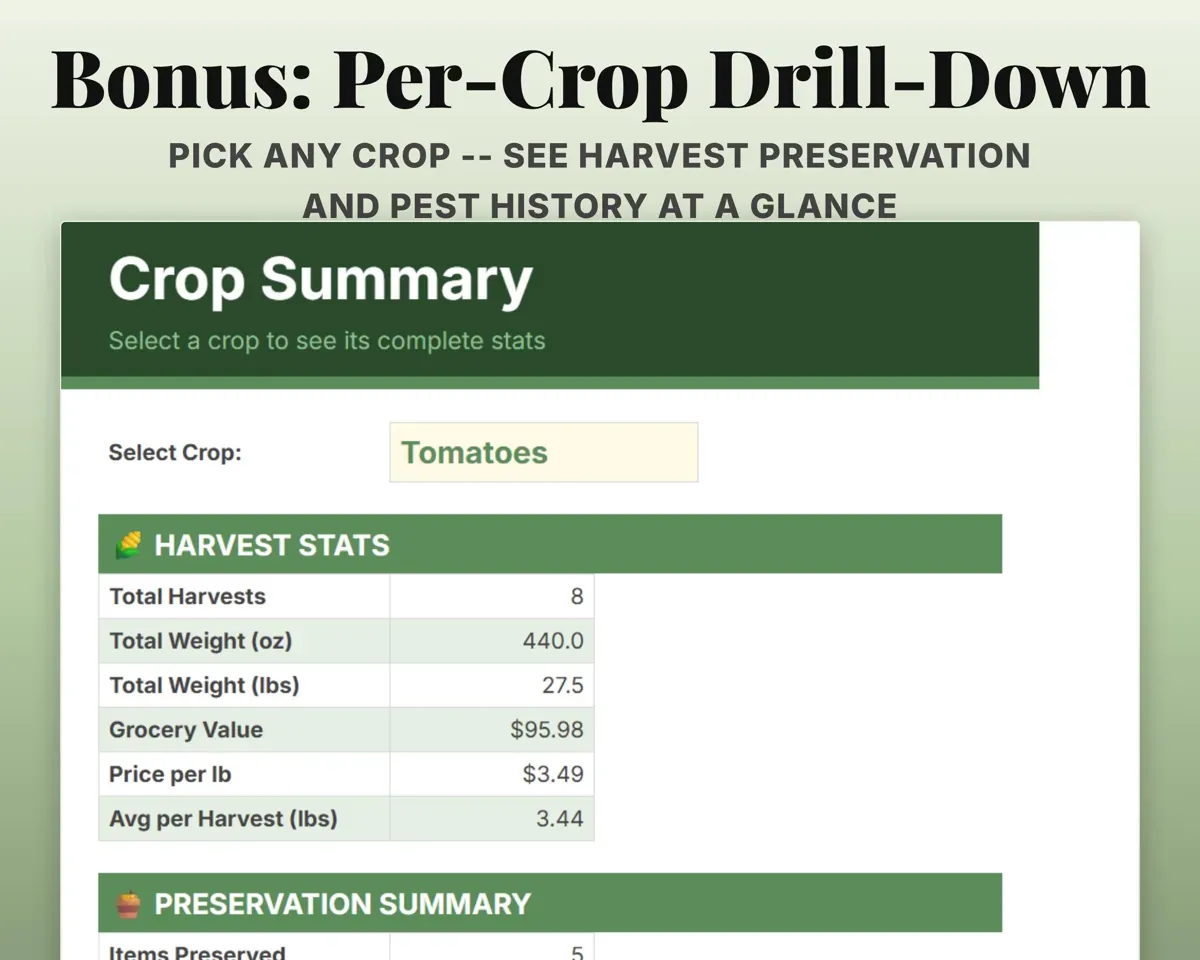
Method, quantityTotals by methodSee one crop's whole season
Pick a crop and see its harvests, pounds, grocery value, preservation and pest history together.
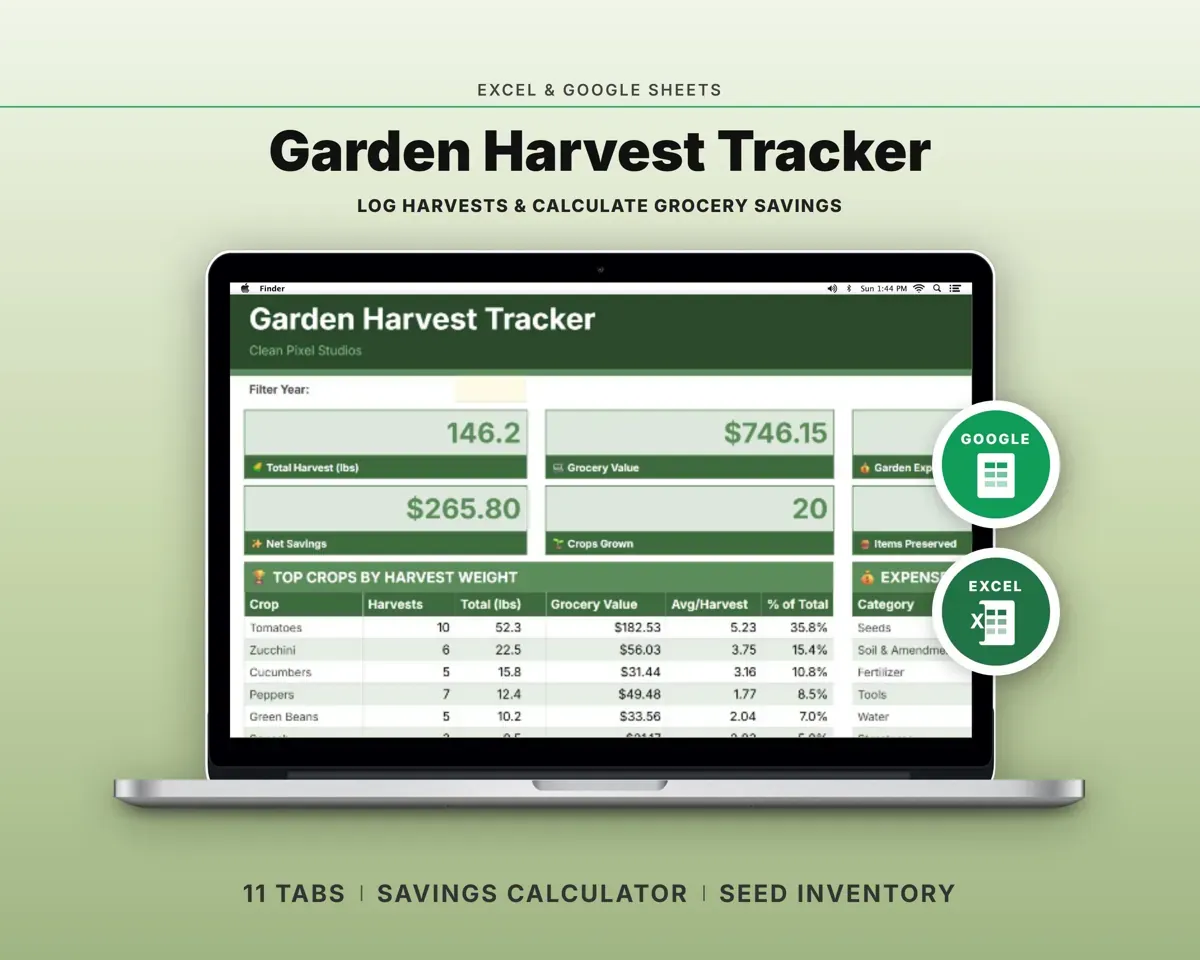
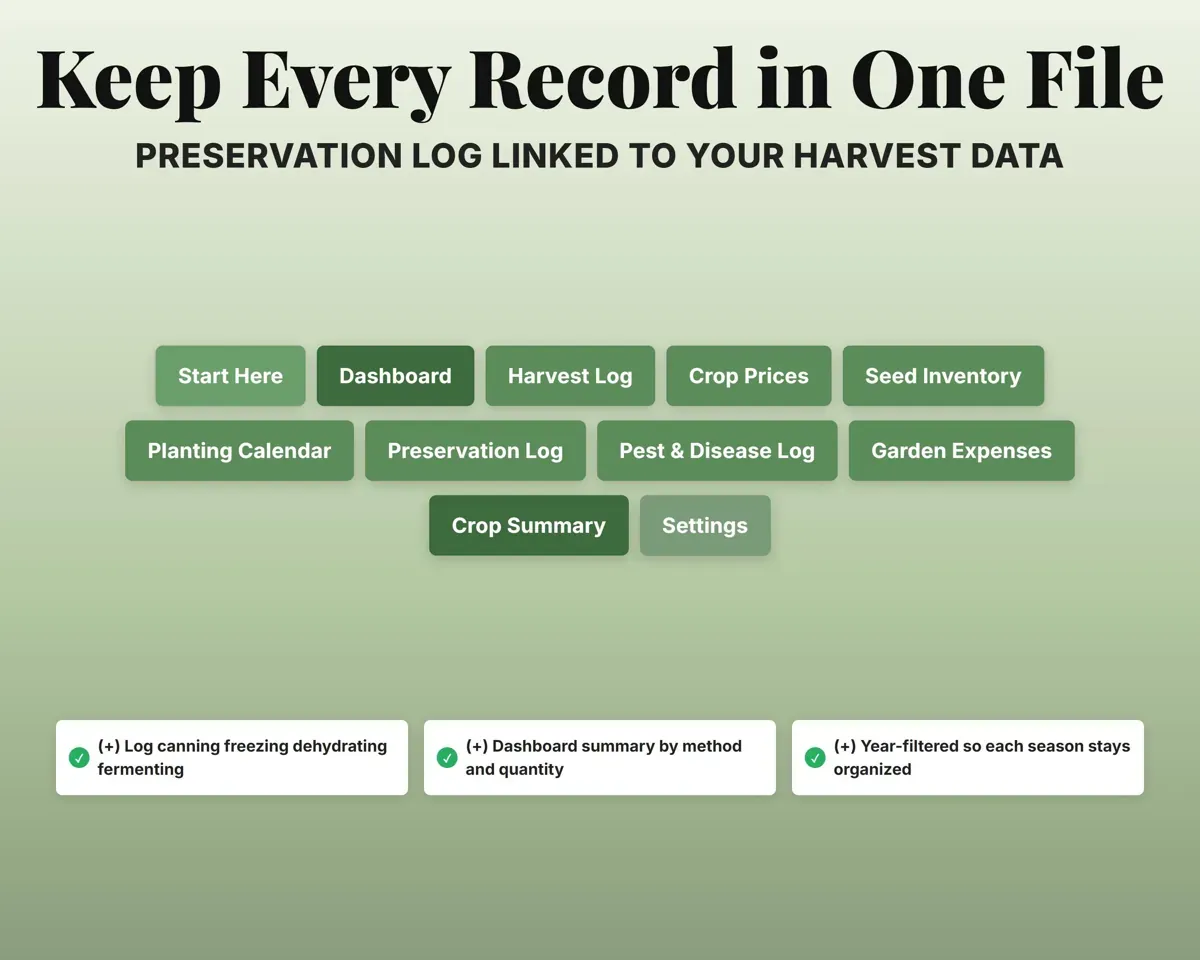
Crop nameCrop summary11 tabs in one file
- Start Here
- Dashboard
- Harvest Log
- Crop Prices
- Seed Inventory
- Planting Calendar
- Preservation Log
- Pest & Disease Log
- Garden Expenses
- Crop Summary
- Settings
- Start Here
- Setup steps and the color key.
- Dashboard
- Harvest weight, grocery value, net savings and top crops.
- Harvest Log
- Every pick with crop, bed, weight and value.
- Crop Prices
- Your local store prices per pound.
- Seed Inventory
- Seed packets with expiration, germination and status.
- Planting Calendar
- Planting and harvest dates worked out from your frost date.
- Preservation Log
- Canning, freezing, dehydrating and fermenting by quantity.
- Pest & Disease Log
- Pests, treatments and outcomes by crop and bed.
- Garden Expenses
- Seeds, soil, fertilizer, tools and water by category.
- Crop Summary
- Full stats for any one crop you pick.
- Settings
- Garden info, frost dates and your dropdown lists.
Pair it with
“Excellent! Very easy to use.”
“Nice Organization for 4H projects”
Before you buy
Will my data carry over to next year?
Yes. The Dashboard has a year filter, and past harvests, expenses and seeds stay in the file.
How many harvests can I log?
The Harvest Log, Seed Inventory, Planting Calendar and Preservation Log each hold 500 rows.
Can I add my own crops and beds?
Yes. Crops, beds, preservation methods and expense categories are all editable lists on the Settings tab.
What do I get?
An Excel file (.xlsx), a filled-in sample to look at, and a quick-start PDF guide with a link that makes your own copy in Google Sheets.
How does delivery work?
You get your download links right after checkout, and Stripe emails your receipt. There is nothing to ship and nothing to wait for.
How do I set it up in Google Sheets?
Open the quick-start PDF and click the Google Sheets link. Google makes a copy in your own Drive that only you can edit. You need a free Google account.
Will it work on a Mac?
Yes. It works in Excel on Mac and Windows, and in Google Sheets in any browser.
I'm not a spreadsheet person. Is that a problem?
No. You only type in the yellow cells. Everything in gray works itself out, and the Start Here tab shows you where to begin.
Can I get a refund?
Templates are digital downloads, so sales are final. If a file won't open, is broken or doesn't match its description, email hello@cleanpixelstudios.com within 30 days and we'll fix it, or refund you if we can't.
What if I get stuck?
Email hello@cleanpixelstudios.com and we'll help you get it working.
More in Farm & homestead
See all Farm & homestead templates
 Made by Clean Pixel Studios
We start every template by reading what people in that line of work say they struggle with, then build the spreadsheet around those problems. This one was made for home gardeners and nobody else.
How we build templates