Built around the jobs preppers actually do
Know how many days of food you have
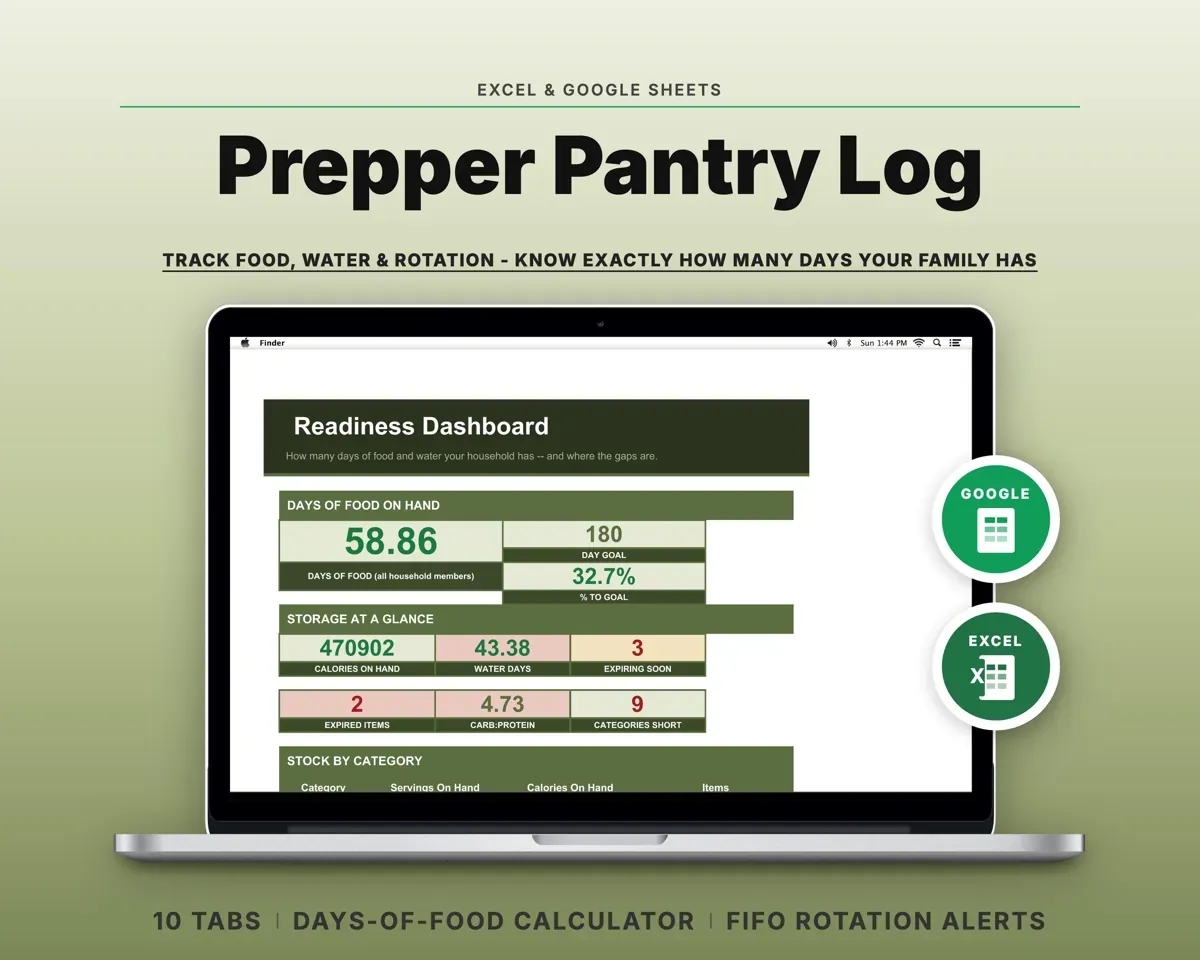
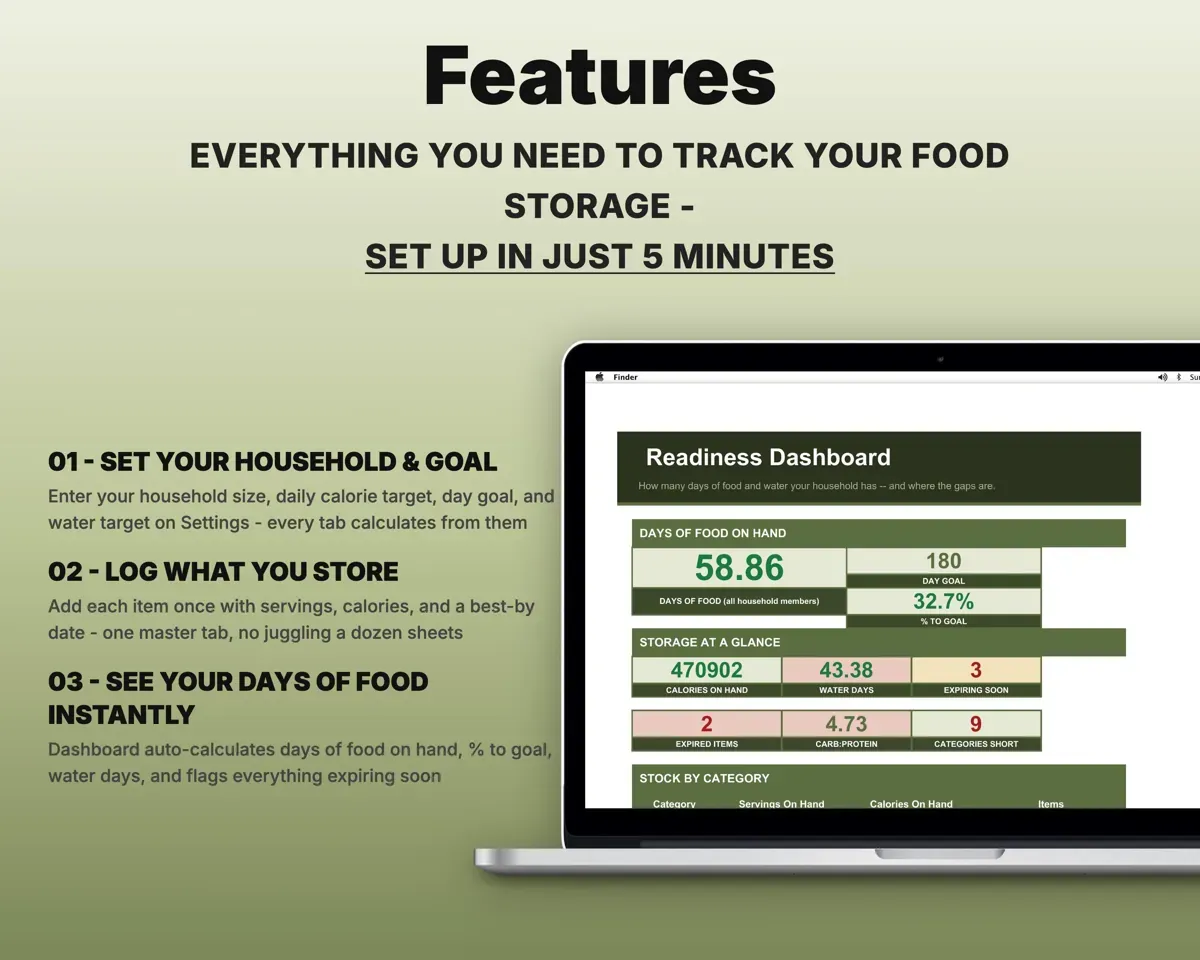
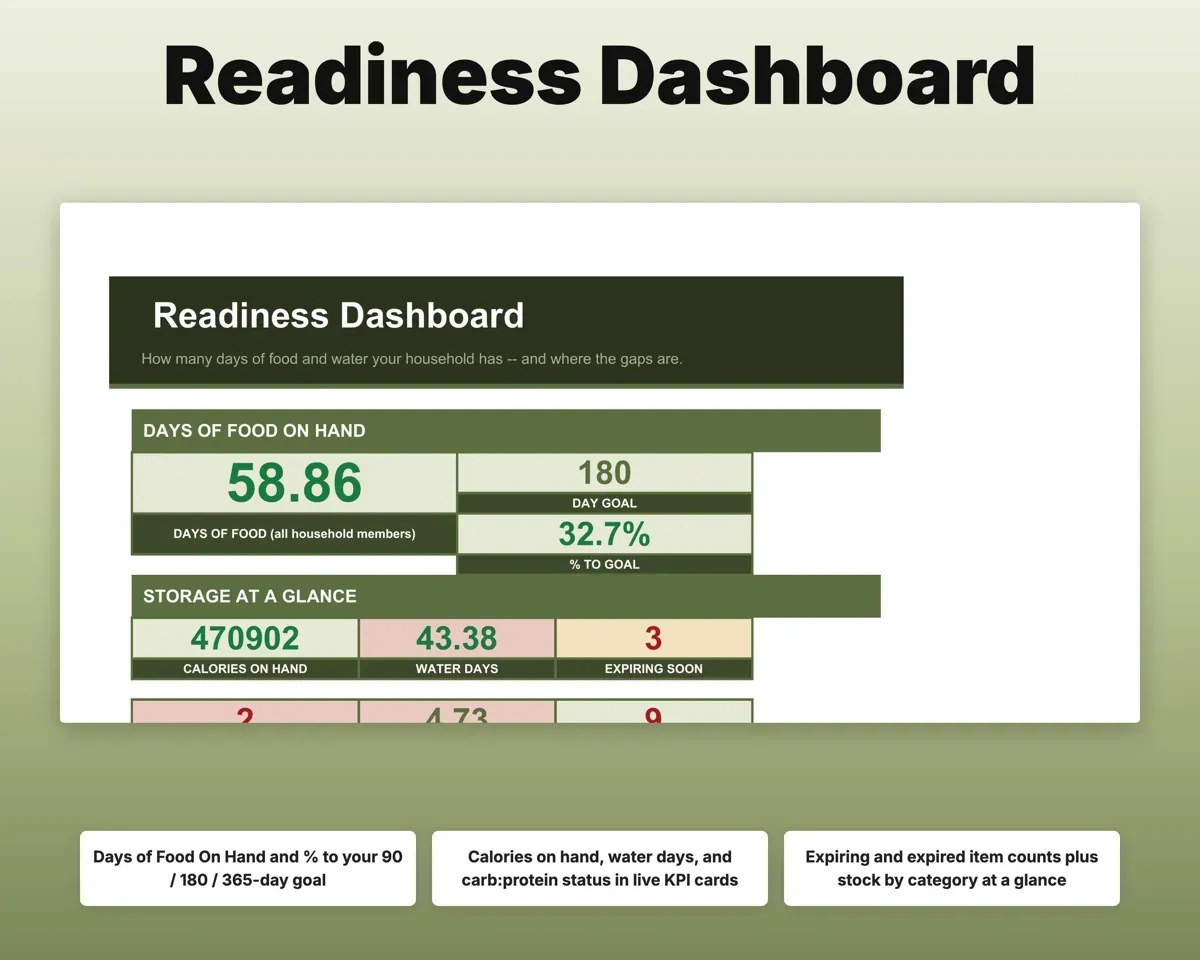
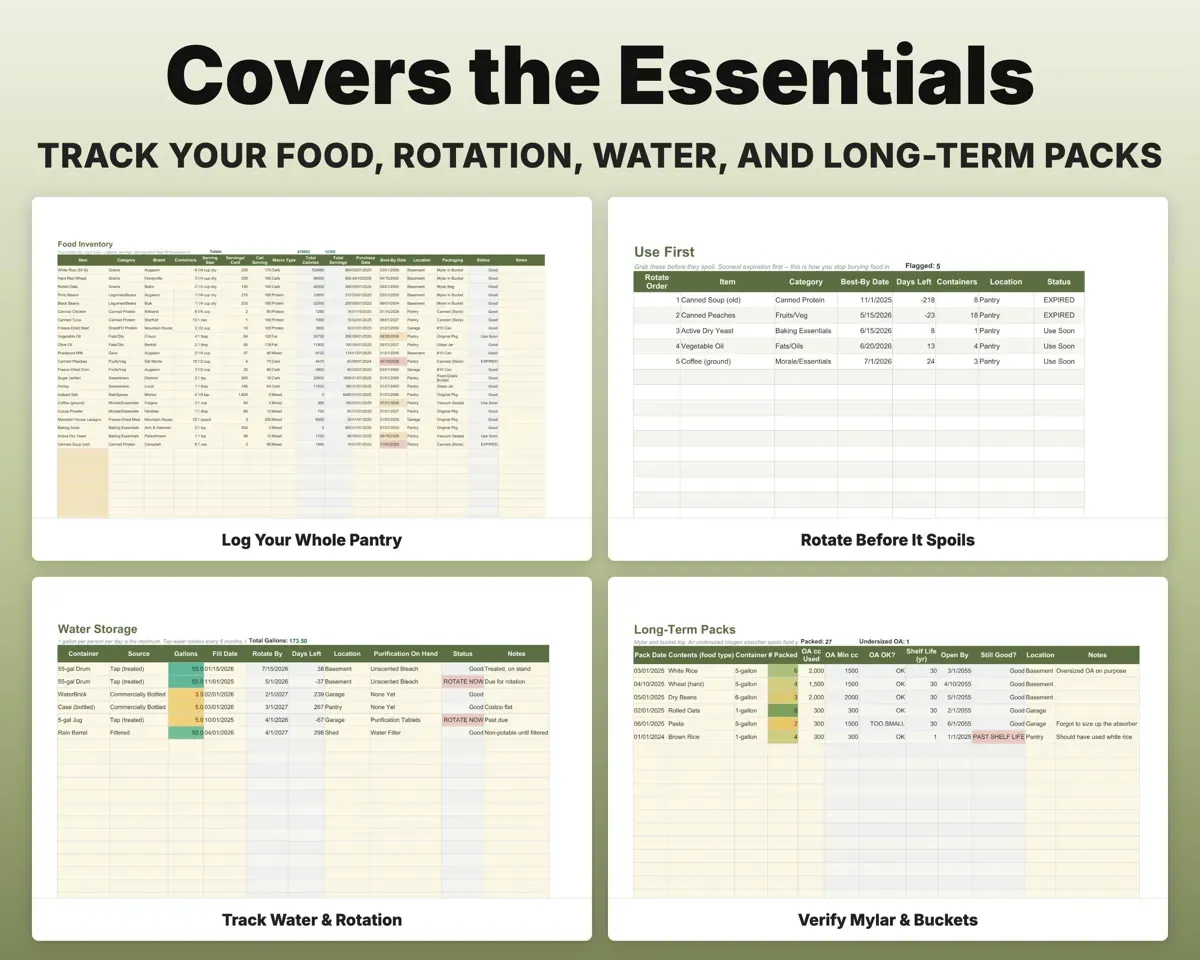
Set household size and a daily calorie target. Log what you store on one inventory tab, and the Dashboard divides stored calories by daily need and shows progress to your day goal.
Items, servings, caloriesDays of food on handUse food before it expires
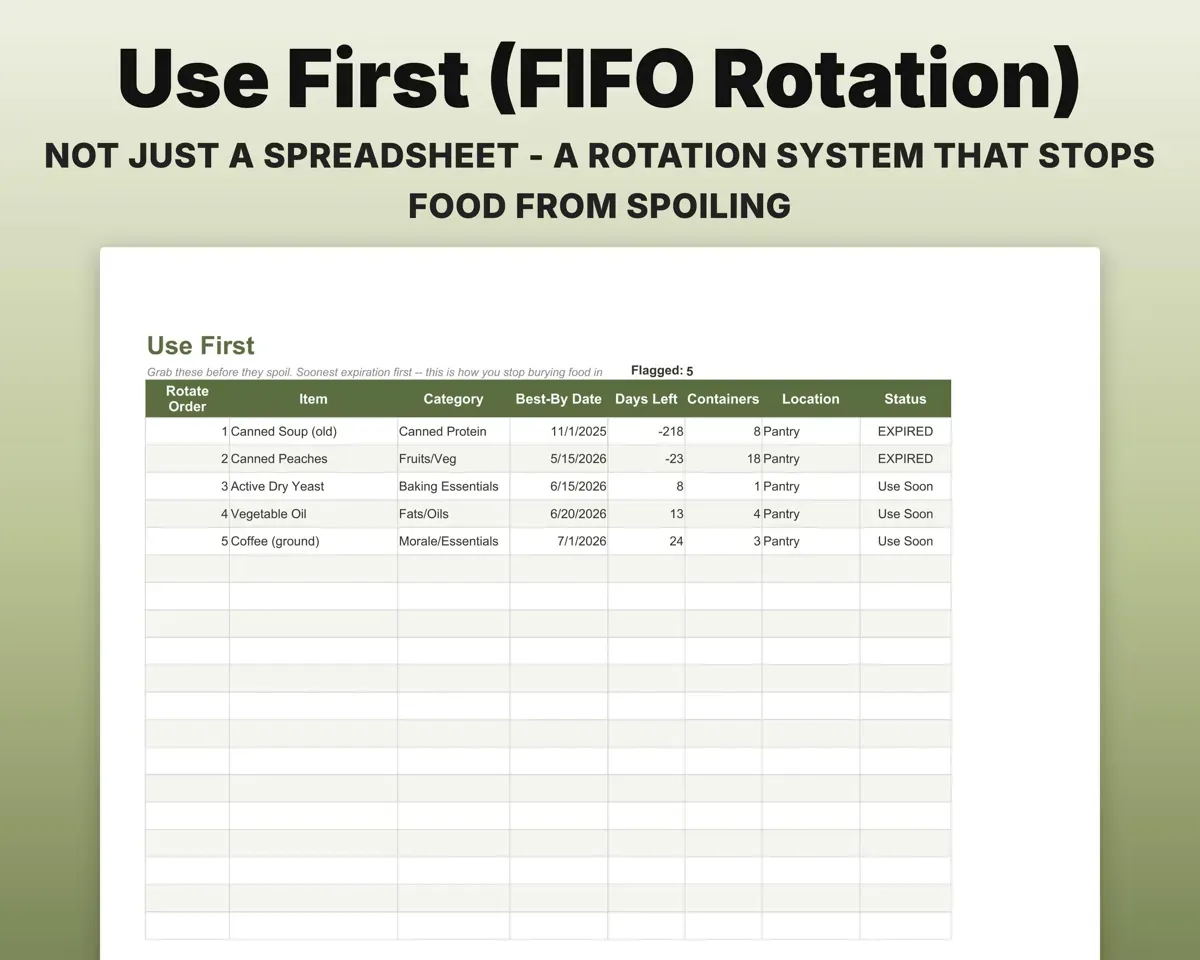
Use First sorts everything by date, soonest first, with expired items in red and those expiring soon in amber.
Best-by datesWhat to use firstCatch a stockpile that's all carbs
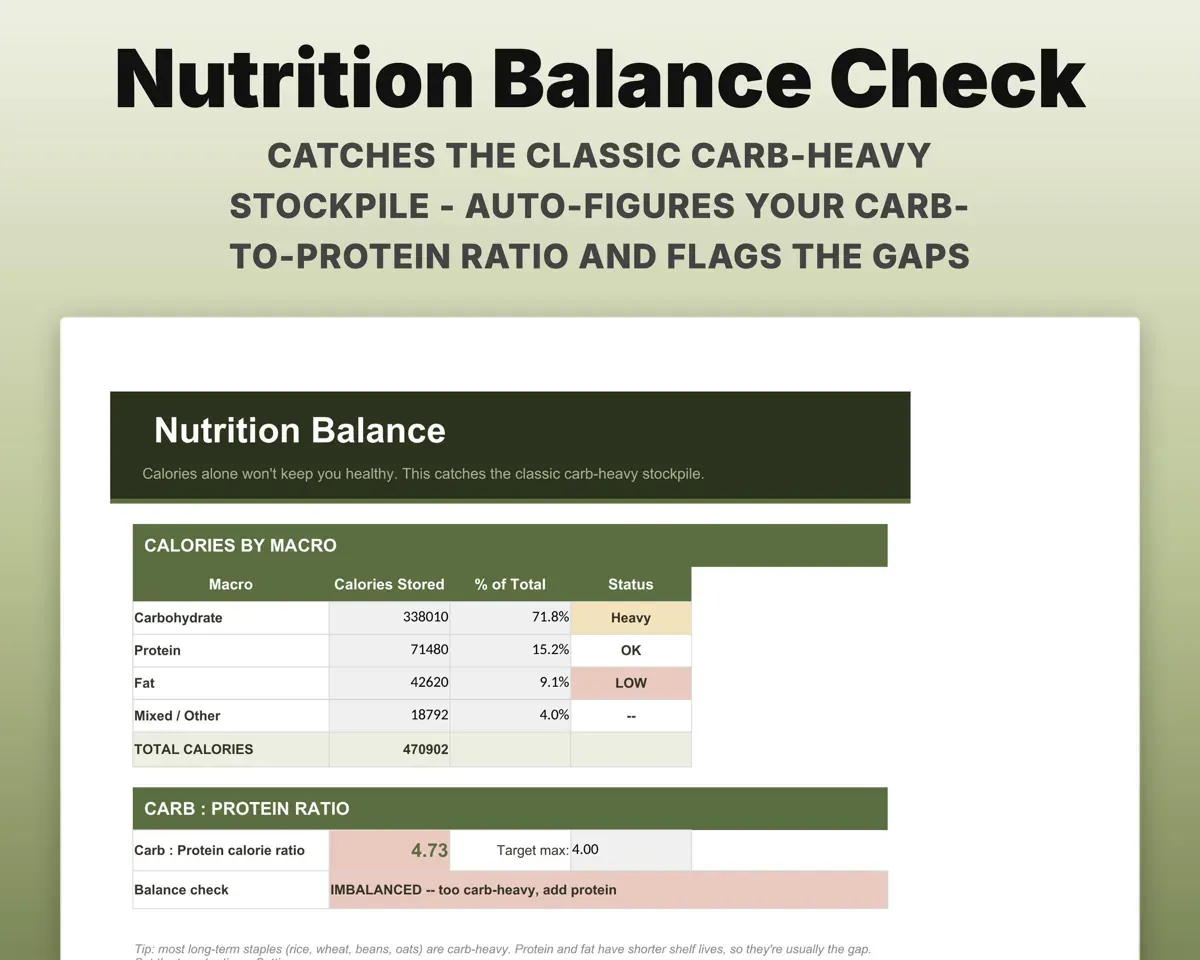
Calories split by macro, with your carb-to-protein ratio against a target and flags for protein and fat gaps.
Food inventoryCarb:protein ratioBuy what fills a gap, not what you already own
The Shopping List sets your target for each category next to what is already in storage.
Category targetsWhat to buyKeep water stored and rotated
Gallons against your goal, with rotation dates set by type and purification supplies on hand.
Gallons storedNext rotation dateCheck Mylar and bucket packs
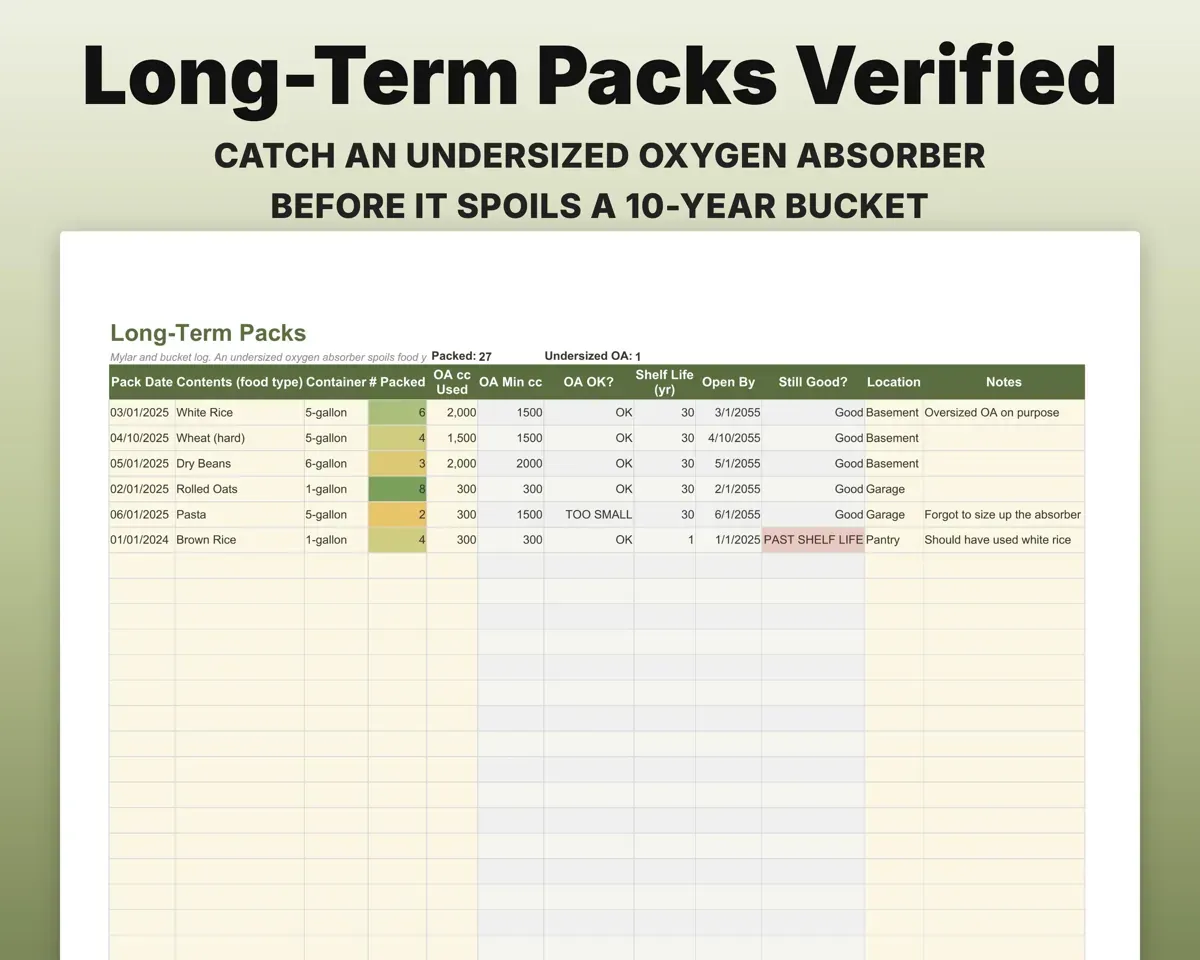
Log pack date, container size and oxygen absorber size. The sheet flags an undersized absorber and estimates shelf life by food type.
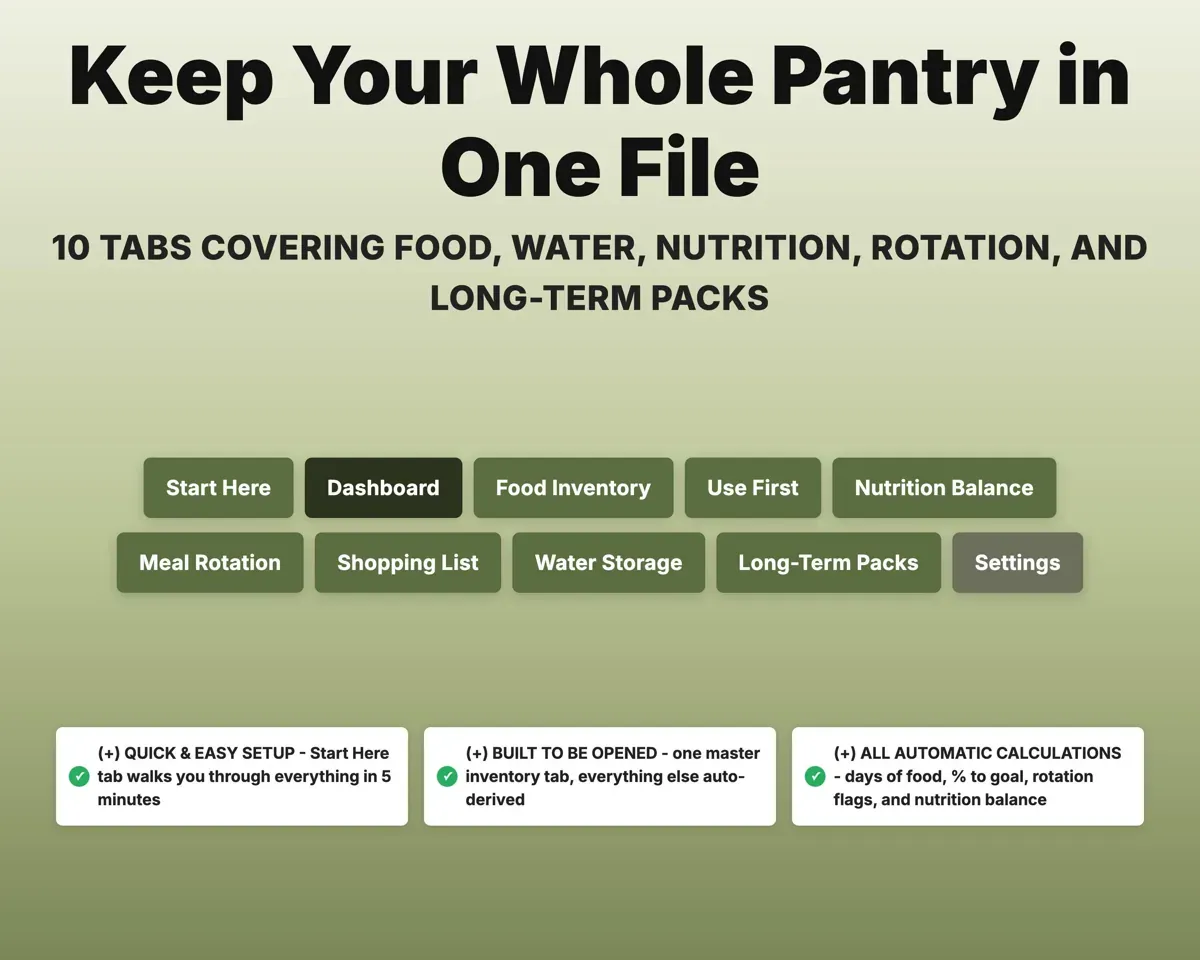
Container, absorberShelf life, still good10 tabs in one file
- Start Here
- Dashboard
- Food Inventory
- Use First
- Nutrition Balance
- Meal Rotation
- Shopping List
- Water Storage
- Long-Term Packs
- Settings
- Start Here
- Setup steps and a monthly review routine.
- Dashboard
- Days of food, percent to goal, water and expiring items.
- Food Inventory
- Your one master list of everything stored.
- Use First
- Soonest-to-expire items first, color-coded.
- Nutrition Balance
- Calories by macro and carb-to-protein ratio.
- Meal Rotation
- Meals from what you store, rated by the family.
- Shopping List
- Target vs on hand per category.
- Water Storage
- Gallons vs goal, rotation dates and purification supplies.
- Long-Term Packs
- Mylar and bucket log with absorber check and shelf life.
- Settings
- Household size, targets and editable lists.
Pair it with
“Excellent! Very easy to use.”
“Nice Organization for 4H projects”
Before you buy
How is days of food worked out?
Set your household size and daily calorie target on Settings and log each item's servings and calories. The Dashboard divides total stored calories by your household's daily need.
Do I have to enter things on every tab?
No. You enter items on the Food Inventory tab, and the other tabs fill in from it.
Is this survival or medical advice?
No. It is a tool for organizing your own food, water and supplies. The calorie and water figures are planning baselines you can change to suit your family.
What do I get?
An Excel file (.xlsx), a filled-in sample to look at, and a quick-start PDF guide with a link that makes your own copy in Google Sheets.
How does delivery work?
You get your download links right after checkout, and Stripe emails your receipt. There is nothing to ship and nothing to wait for.
How do I set it up in Google Sheets?
Open the quick-start PDF and click the Google Sheets link. Google makes a copy in your own Drive that only you can edit. You need a free Google account.
Will it work on a Mac?
Yes. It works in Excel on Mac and Windows, and in Google Sheets in any browser.
I'm not a spreadsheet person. Is that a problem?
No. You only type in the yellow cells. Everything in gray works itself out, and the Start Here tab shows you where to begin.
Can I get a refund?
Templates are digital downloads, so sales are final. If a file won't open, is broken or doesn't match its description, email hello@cleanpixelstudios.com within 30 days and we'll fix it, or refund you if we can't.
What if I get stuck?
Email hello@cleanpixelstudios.com and we'll help you get it working.
More in Farm & homestead
See all Farm & homestead templates
 Made by Clean Pixel Studios
We start every template by reading what people in that line of work say they struggle with, then build the spreadsheet around those problems. This one was made for preppers and nobody else.
How we build templatesPrepper Food Storage Tracker$16.99 · Excel + Google Sheets