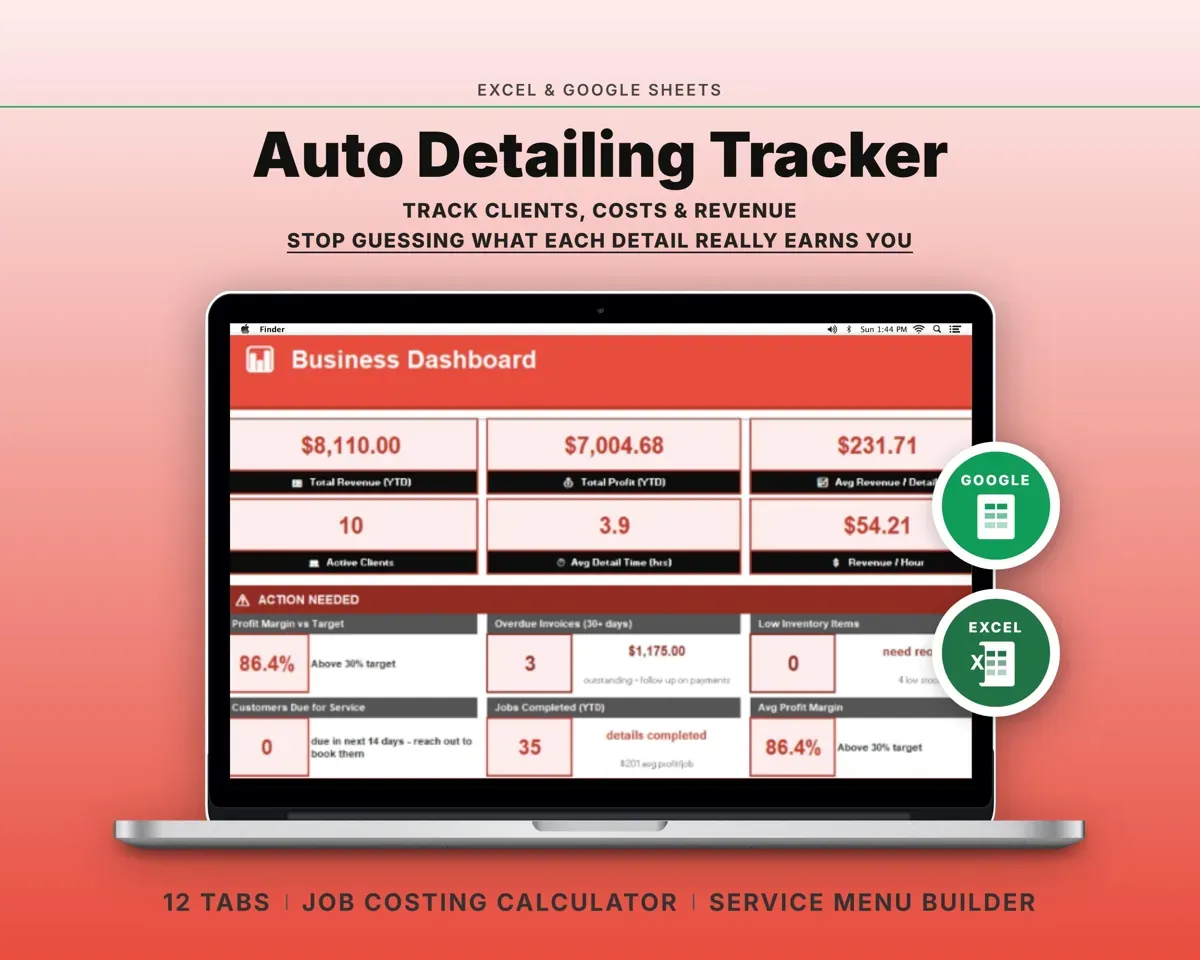
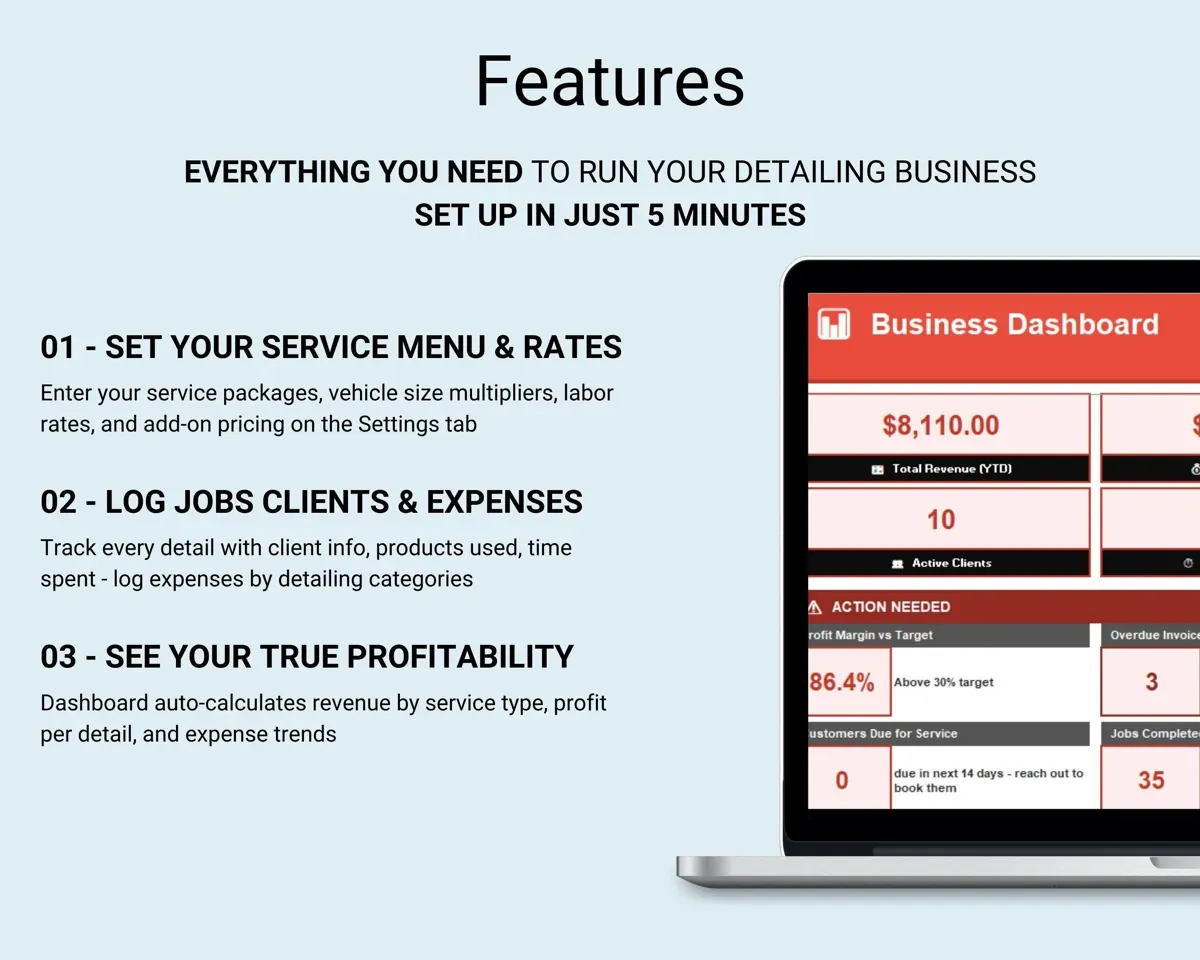
Built around the jobs auto detailers actually do
Find the true cost of a detail
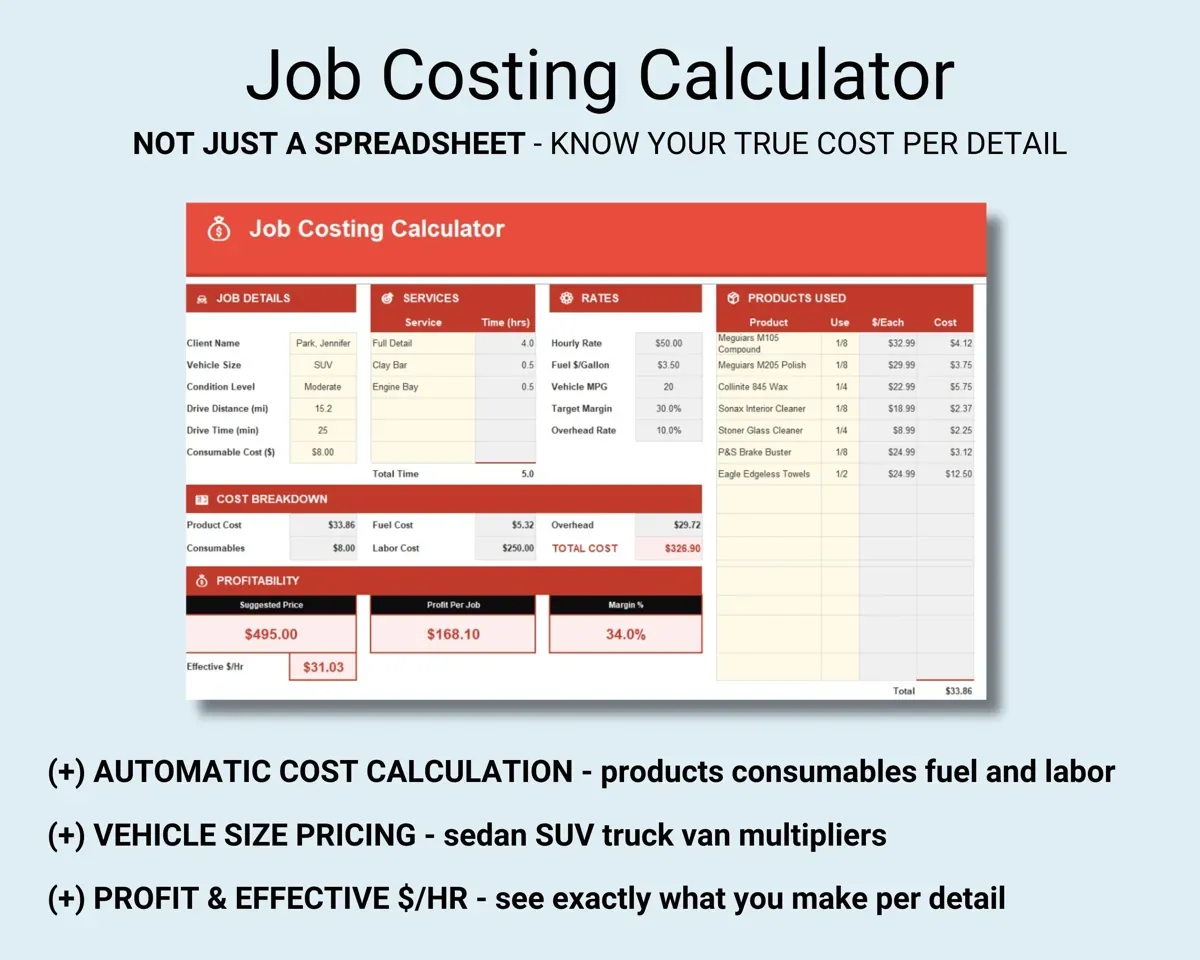
Enter the vehicle, services, products used and drive distance. The sheet adds consumables, fuel, labor and overhead to give your cost and the lowest price that still makes money.
Products, miles, timeMinimum priceBuild a service menu that prices itself
Set a base price for each package, size multipliers for sedan, SUV, truck and van, and up-charges for heavier condition. Starting prices and the effective hourly rate fill in.
Packages, multipliersStarting priceSee which services pay best per hour
Log every detail with revenue, products, drive time and detail time. Profit per job feeds a Dashboard that compares dollars per hour by service.
Revenue, hours$ per hour by serviceKeep each client's vehicle history
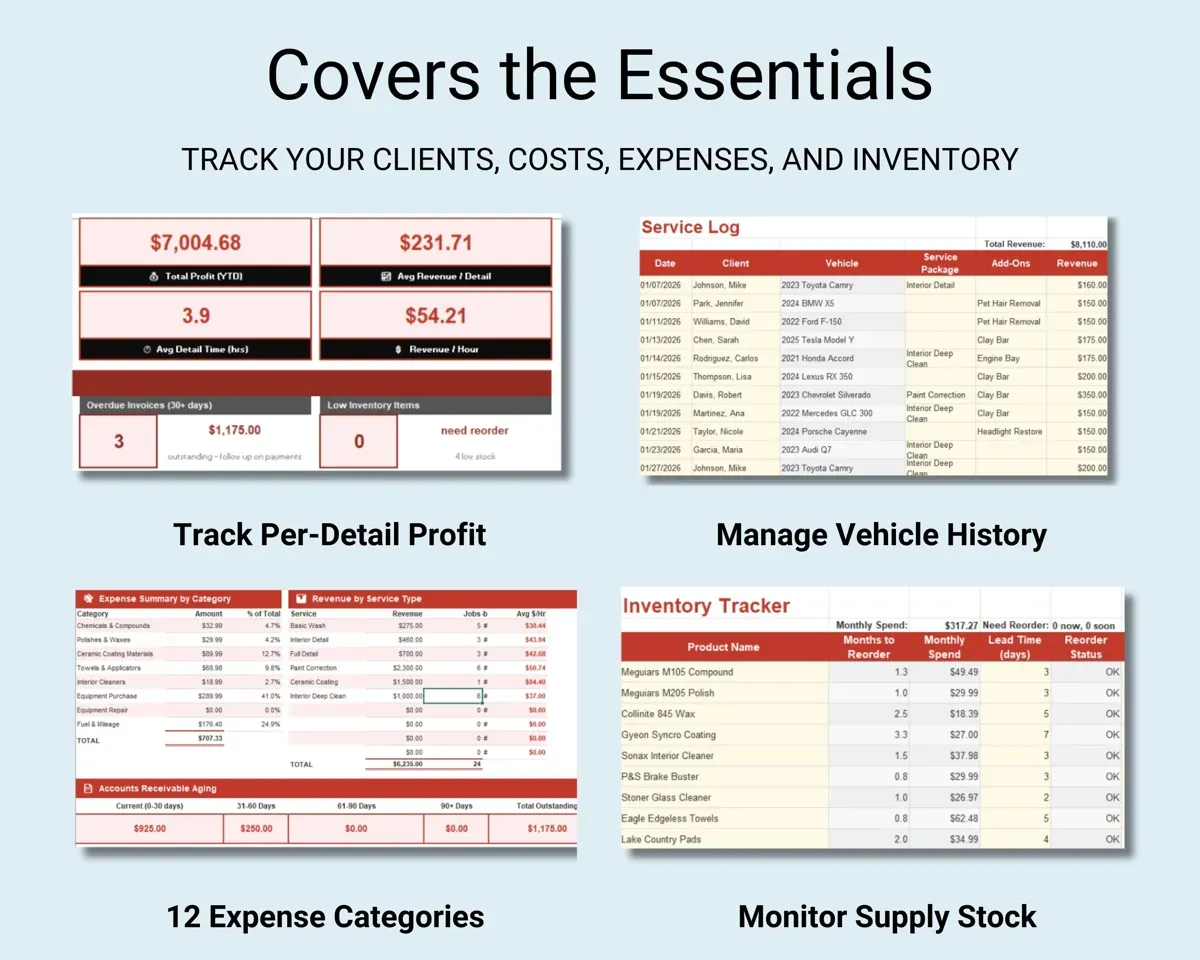
Year, make, model and color, past services, preferred products, and notes like gate codes. No-shows are counted and the next service date is worked out.
Client, vehicleNext service dueKeep deposits and balances straight
Track deposits, balance due and payment method. Unpaid invoices age at 30, 60 and 90 days, and overdue ones are highlighted.
Deposit, balanceInvoice agingStay stocked and log your miles
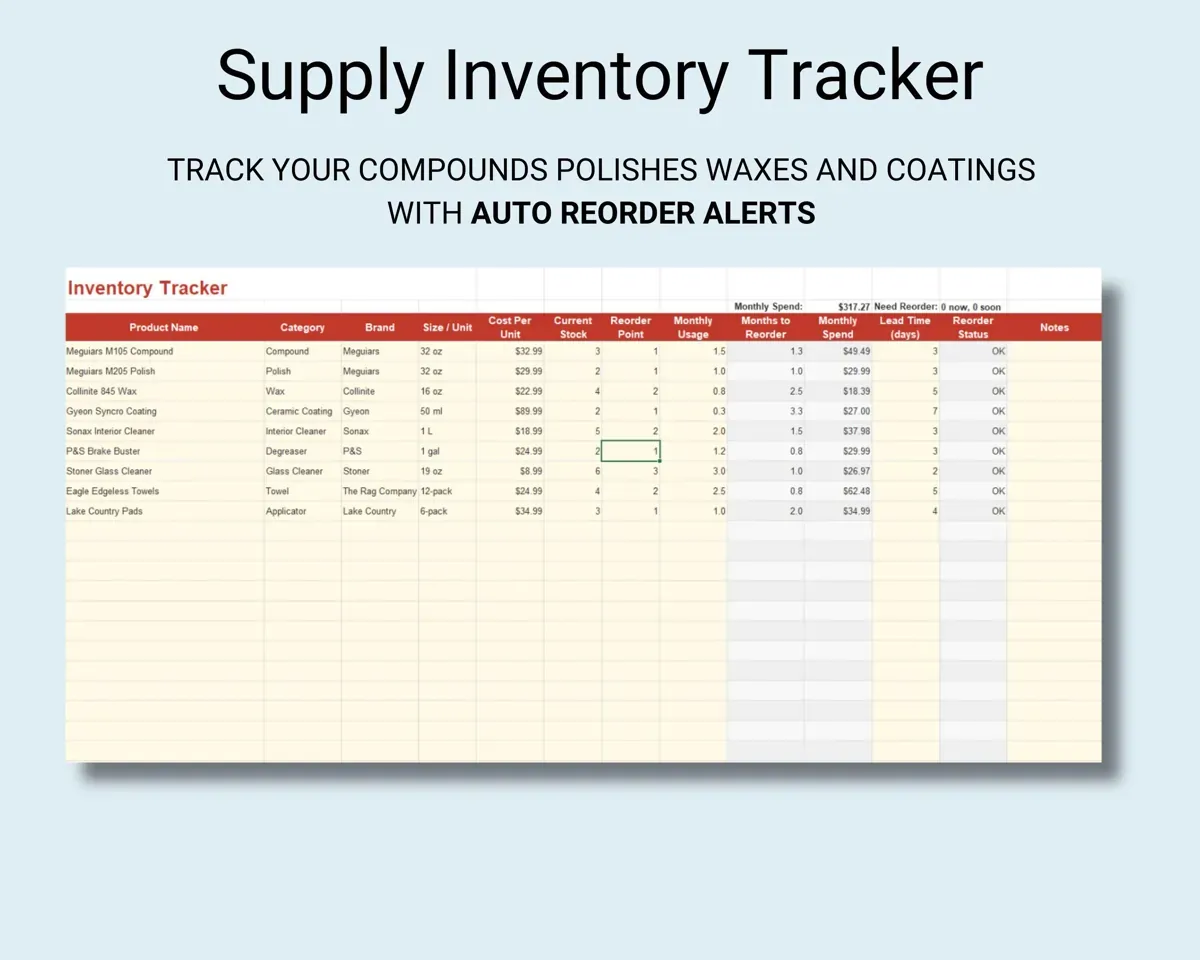
Product stock with cost per unit and usage rate gives reorder alerts. The mileage log compares the standard rate with actual vehicle expenses.
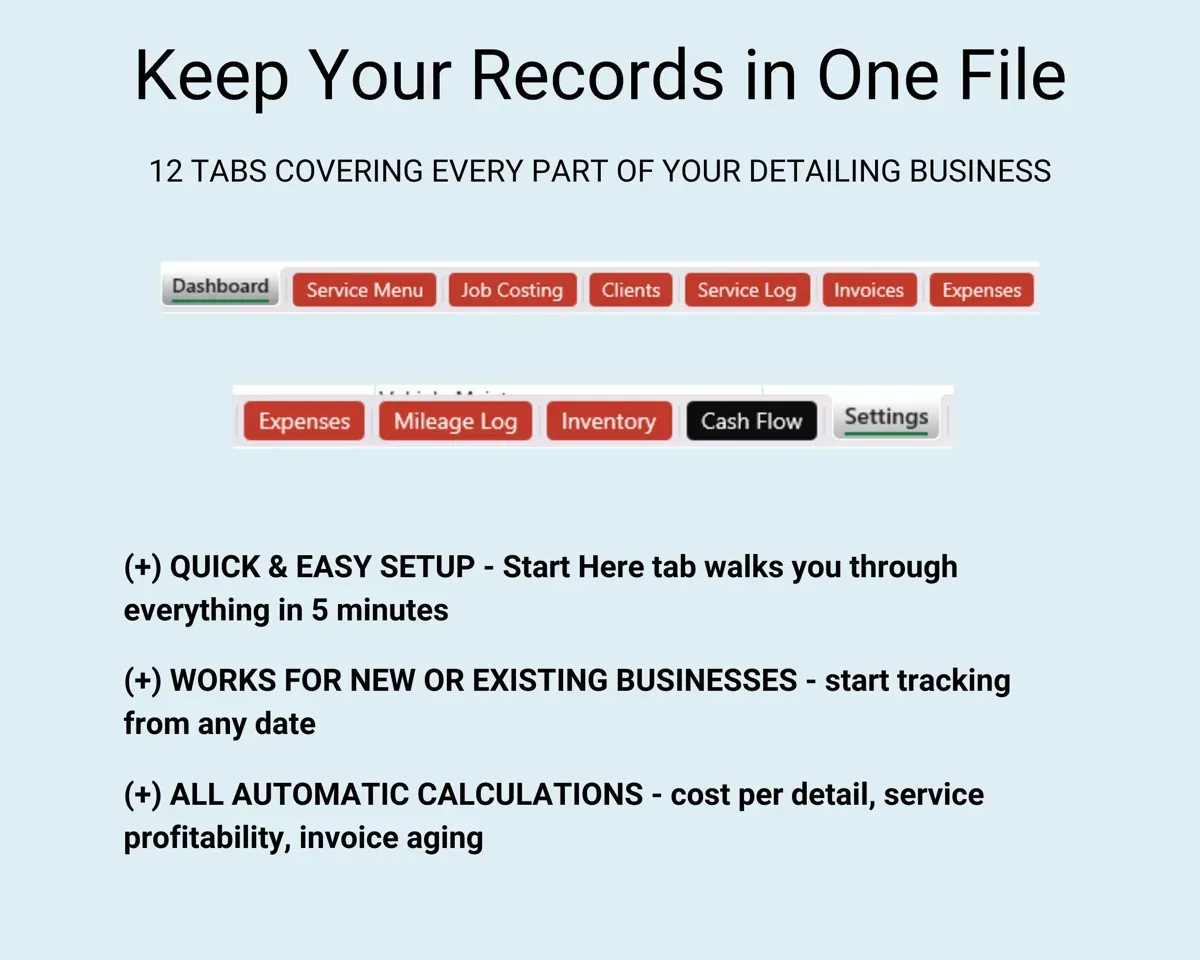
Stock, tripsReorder alerts12 tabs in one file
- Start Here
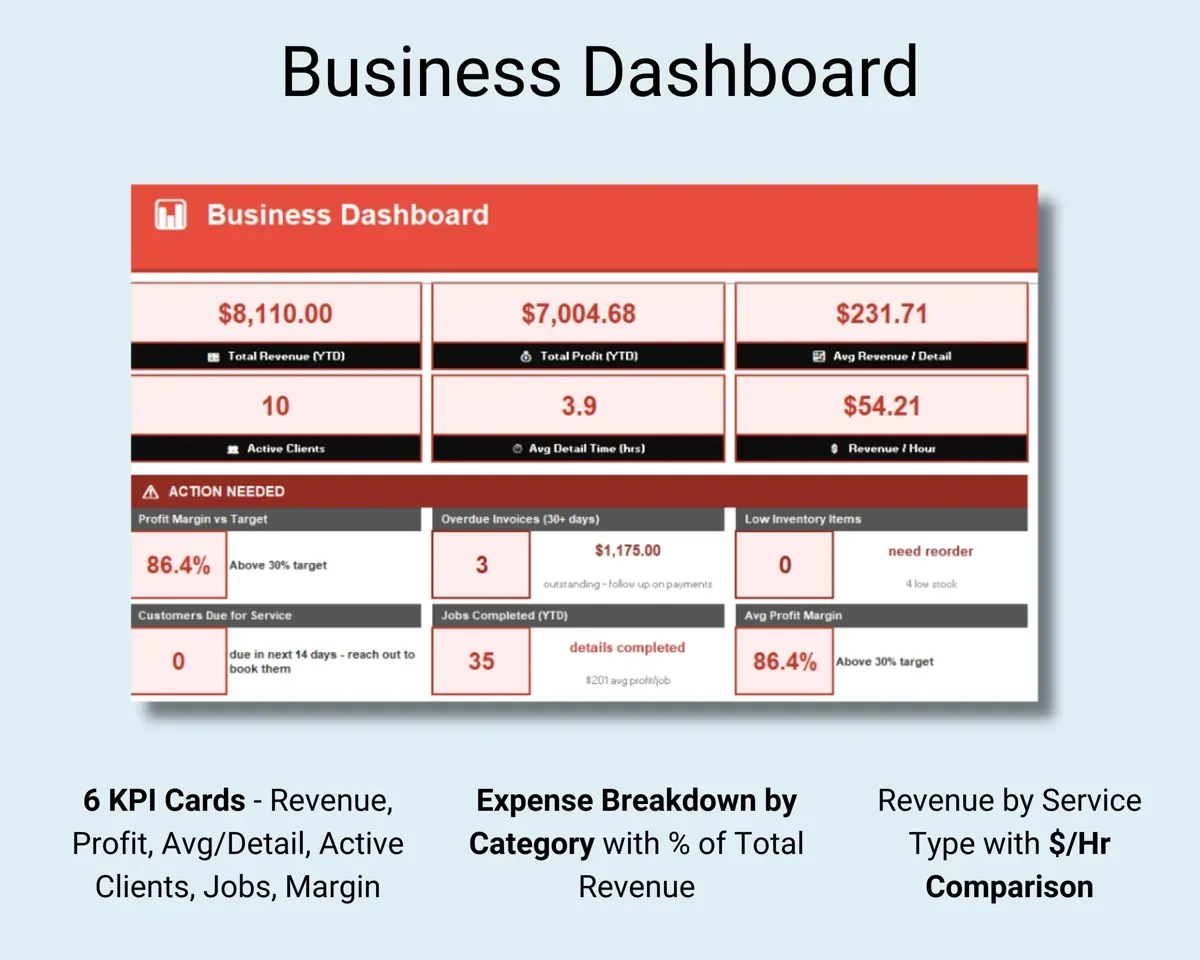
- Dashboard
- Service Menu
- Job Costing
- Clients
- Service Log
- Invoices
- Expenses
- Mileage Log
- Inventory
- Cash Flow
- Settings
- Start Here
- Setup steps and a short guide to every tab.
- Dashboard
- KPIs, $ per hour by service, expenses and monthly trend.
- Service Menu
- Packages with size multipliers, up-charges and starting prices.
- Job Costing
- True cost and minimum profitable price for a detail.
- Clients
- Clients, vehicles, service history and no-show counts.
- Service Log
- Every detail with revenue, time and profit.
- Invoices
- Deposits, balances, aging and overdue flags.
- Expenses
- Costs sorted into 12 detailing categories.
- Mileage Log
- Trips, with the standard rate compared to actual costs.
- Inventory
- Product stock, usage rate and reorder alerts.
- Cash Flow
- Twelve months of money in and money out.
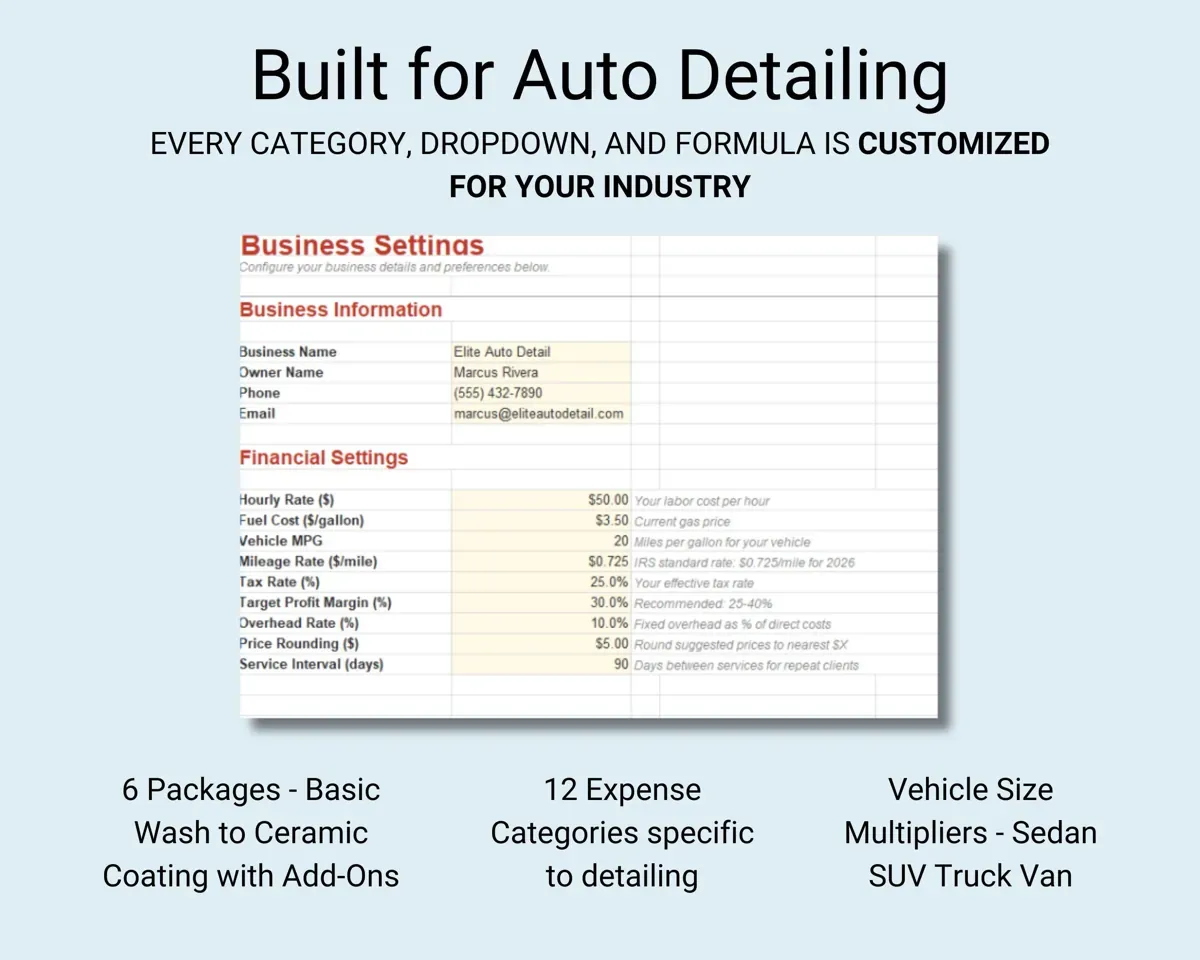
- Settings
- Business info, rates, fuel cost, targets and dropdown lists.
Pair it with
“Excellent! Very easy to use.”
“Nice Organization for 4H projects”
Before you buy
Can I change the service packages?
Yes. Service types, add-ons, expense categories and every dropdown list can be edited on the Settings tab.
Does it work for a mobile detailer?
Yes. Job costing includes drive distance and fuel, and the mileage log keeps a record of the trips between jobs.
Can I keep using it next year?
Yes. Cash Flow has a year selector, so you keep logging in the same file and your earlier data stays put.
What do I get?
An Excel file (.xlsx), a filled-in sample to look at, and a quick-start PDF guide with a link that makes your own copy in Google Sheets.
How does delivery work?
You get your download links right after checkout, and Stripe emails your receipt. There is nothing to ship and nothing to wait for.
How do I set it up in Google Sheets?
Open the quick-start PDF and click the Google Sheets link. Google makes a copy in your own Drive that only you can edit. You need a free Google account.
Will it work on a Mac?
Yes. It works in Excel on Mac and Windows, and in Google Sheets in any browser.
I'm not a spreadsheet person. Is that a problem?
No. You only type in the yellow cells. Everything in gray works itself out, and the Start Here tab shows you where to begin.
Can I get a refund?
Templates are digital downloads, so sales are final. If a file won't open, is broken or doesn't match its description, email hello@cleanpixelstudios.com within 30 days and we'll fix it, or refund you if we can't.
What if I get stuck?
Email hello@cleanpixelstudios.com and we'll help you get it working.
More in Automotive
See all Automotive templates
 Made by Clean Pixel Studios
We start every template by reading what people in that line of work say they struggle with, then build the spreadsheet around those problems. This one was made for auto detailers and nobody else.
How we build templatesAuto Detailing Business Tracker$19.99 · Excel + Google Sheets