Built around the jobs PPF and wrap installers actually do
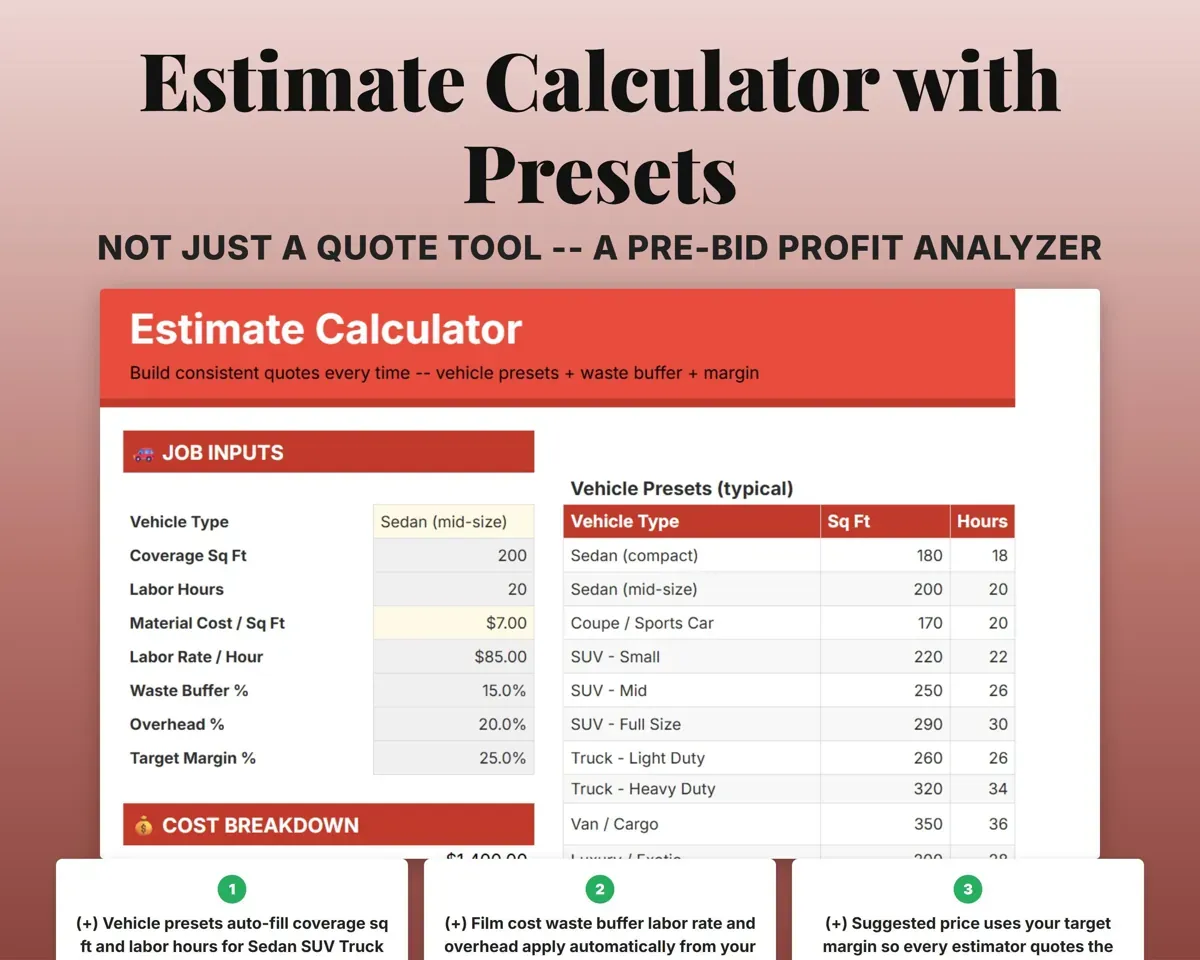
Quote the same price every time
Pick the vehicle type and coverage. Preset square footage and labor hours fill in, then waste, overhead and your target margin build the suggested price.
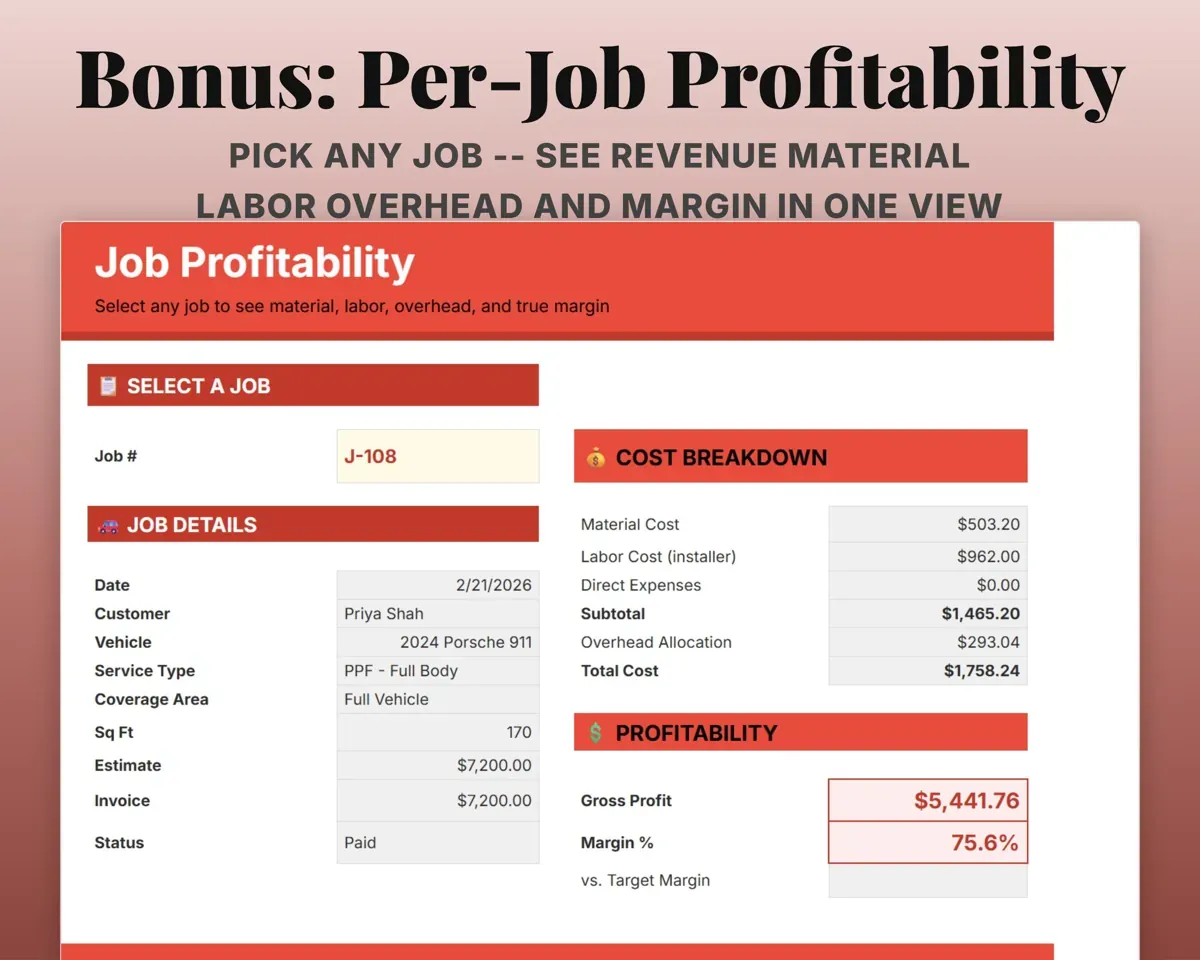
Vehicle, coverageSuggested priceSee what one job really made
Pick a job to see revenue, film cost, labor cost, overhead, gross profit, margin and how it compared with the estimate.
Job numberMargin vs estimateTrack film used against what you quoted
Log the roll, estimated feet and actual feet for each job. Waste and material cost work out and feed job profit.
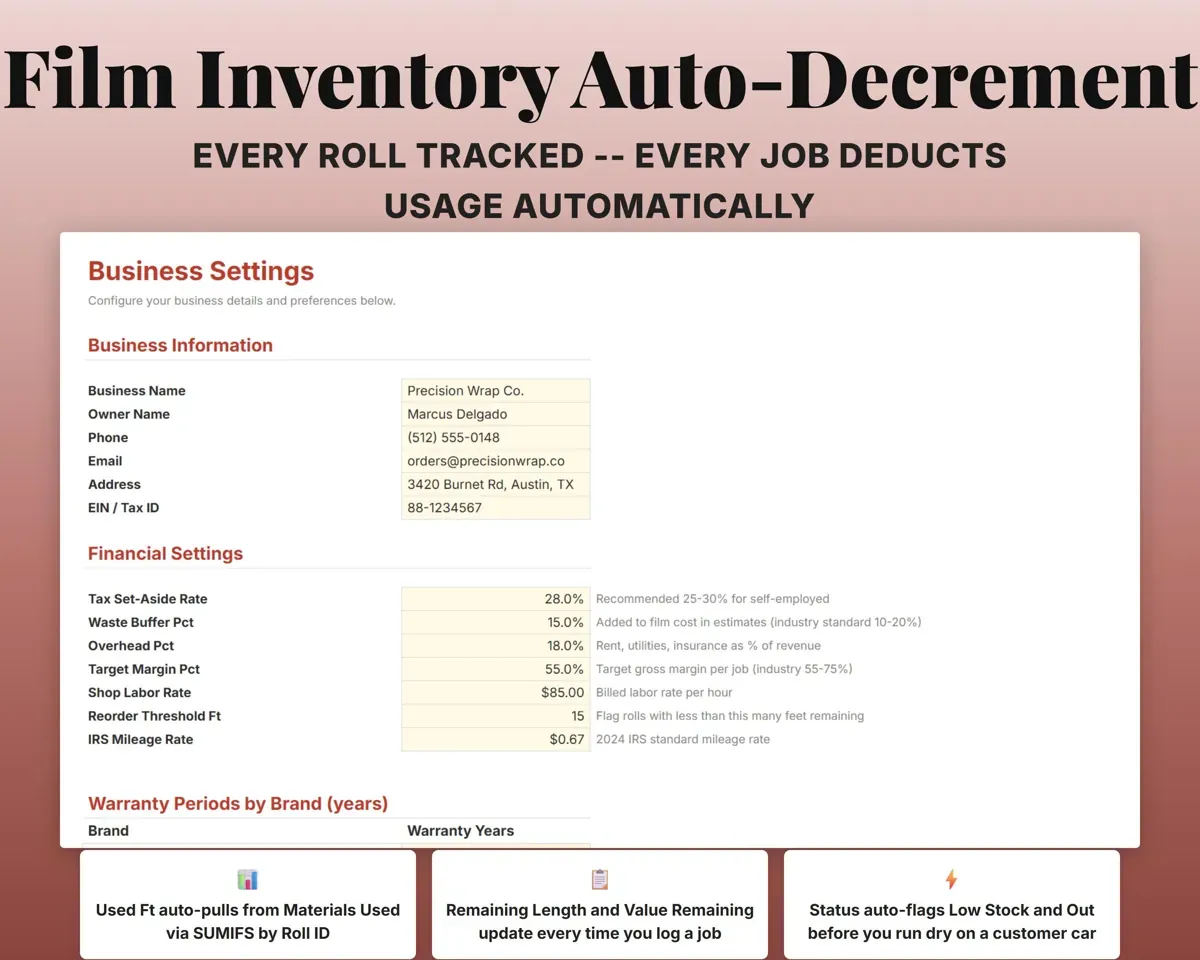
Estimated and actual ftWaste %Know what film you have left
Log each roll's brand, width, cost and length. Film used on jobs comes off the roll, and low and out-of-stock rolls are flagged.
Rolls boughtLength leftPay installers on any structure
Hourly, per job, per square foot or commission. Each entry works out the pay and adds it to the job's labor cost.
Hours or sq ftInstaller payKeep every warranty on record
Log the install, film brand and coverage. Expiration and status work out from your warranty years per brand, so you can follow up before they expire.
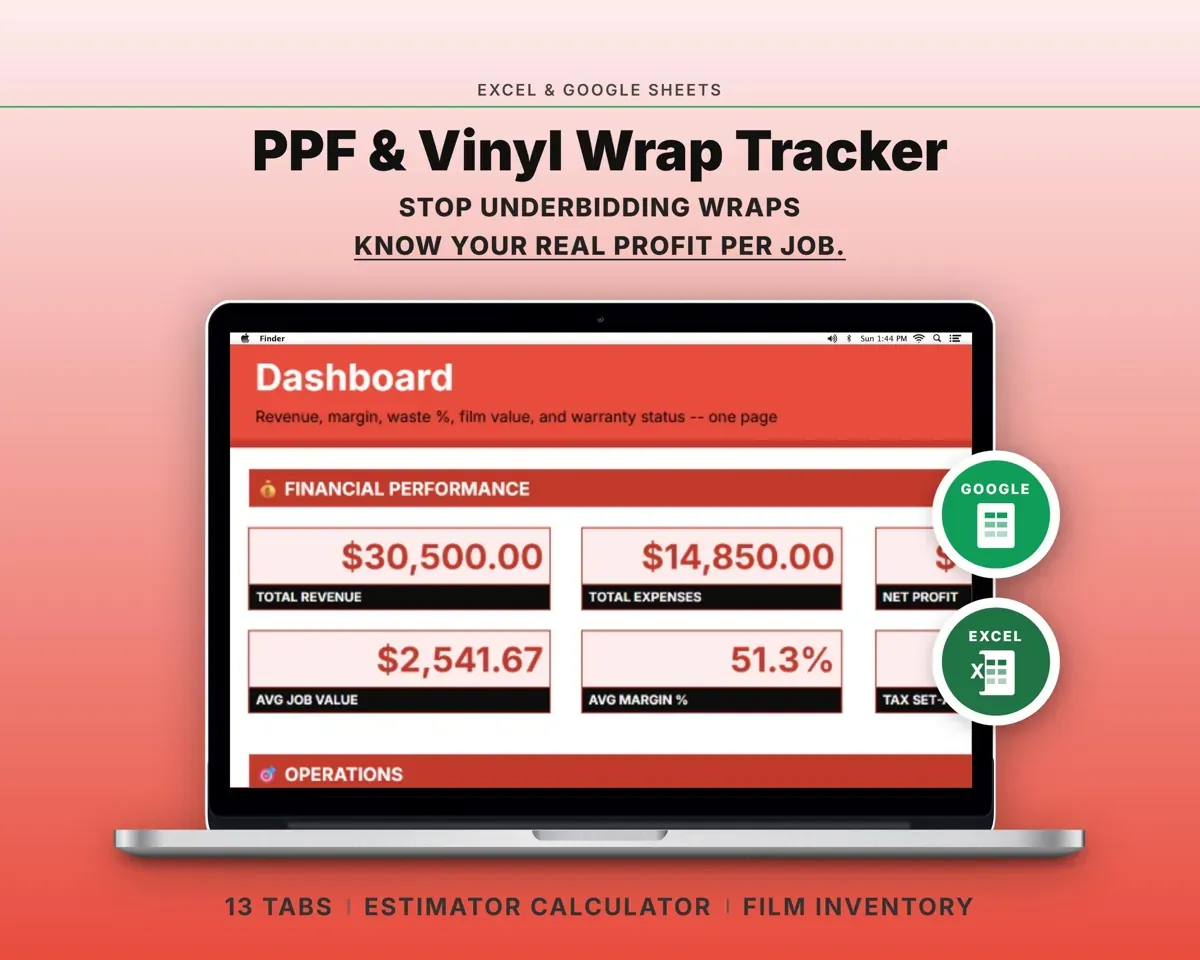
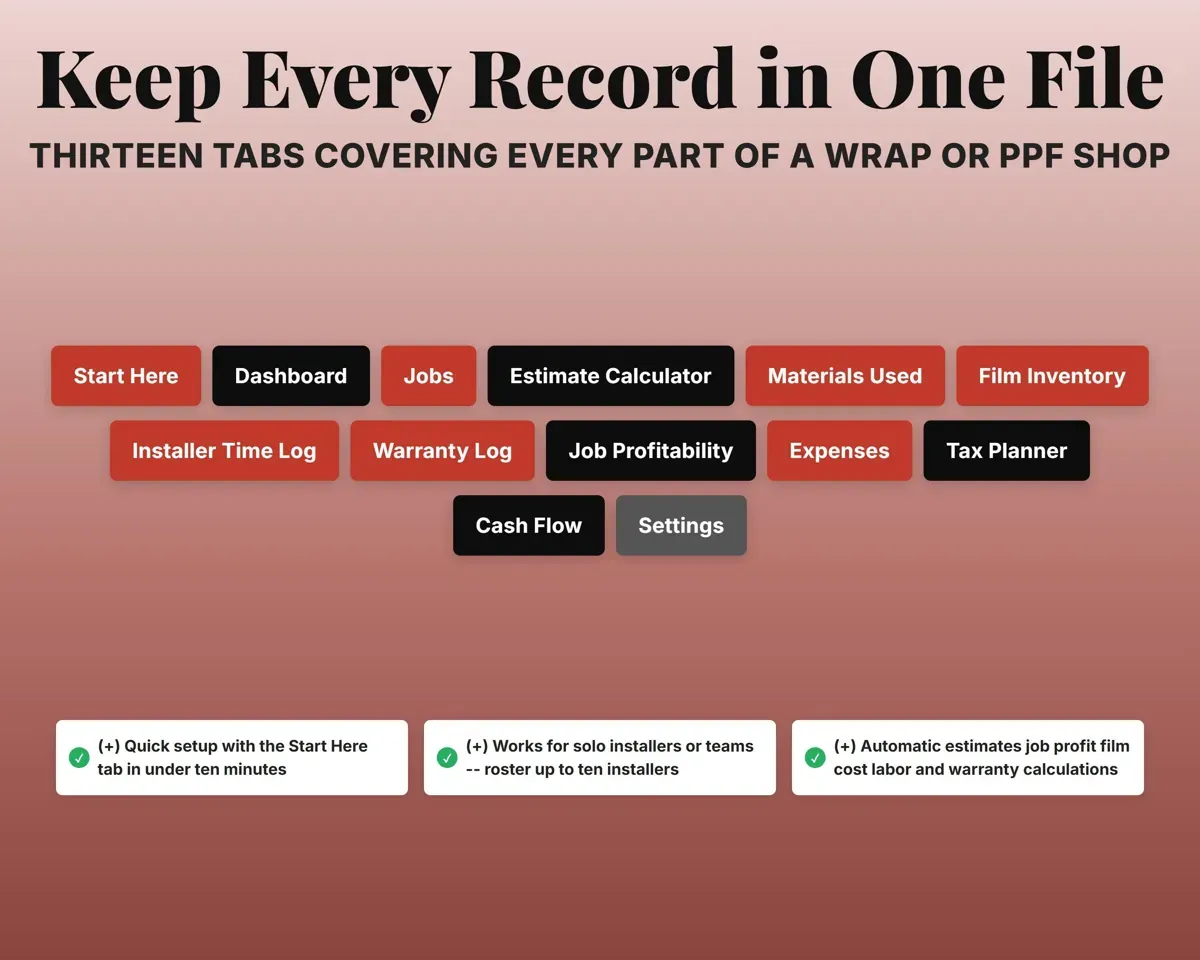
Install date, brandActive or expiring13 tabs in one file
- Start Here
- Dashboard
- Jobs
- Estimate Calculator
- Materials Used
- Film Inventory
- Installer Time Log
- Warranty Log
- Job Profitability
- Expenses
- Tax Planner
- Cash Flow
- Settings
- Start Here
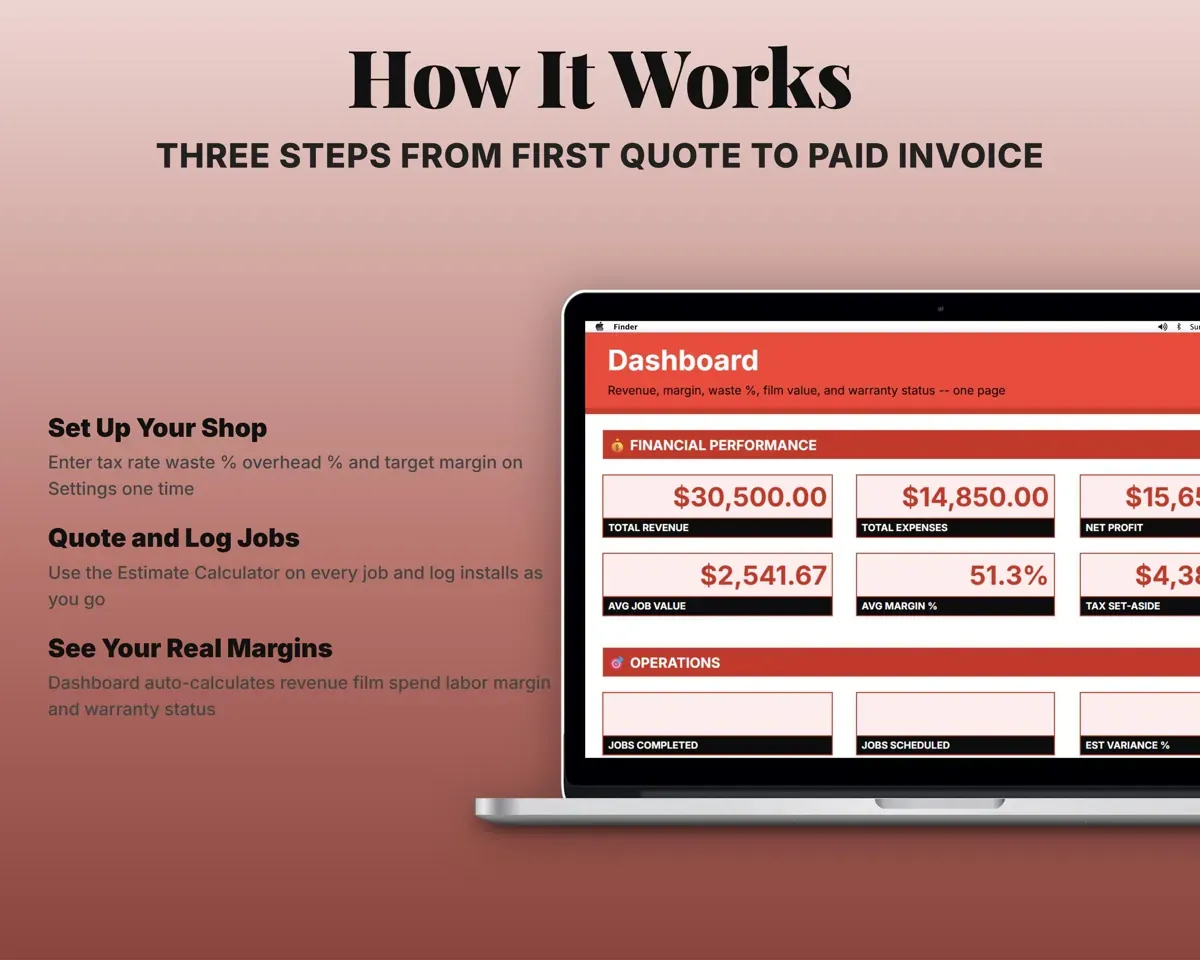
- Setup steps, color key and an overview of every tab.
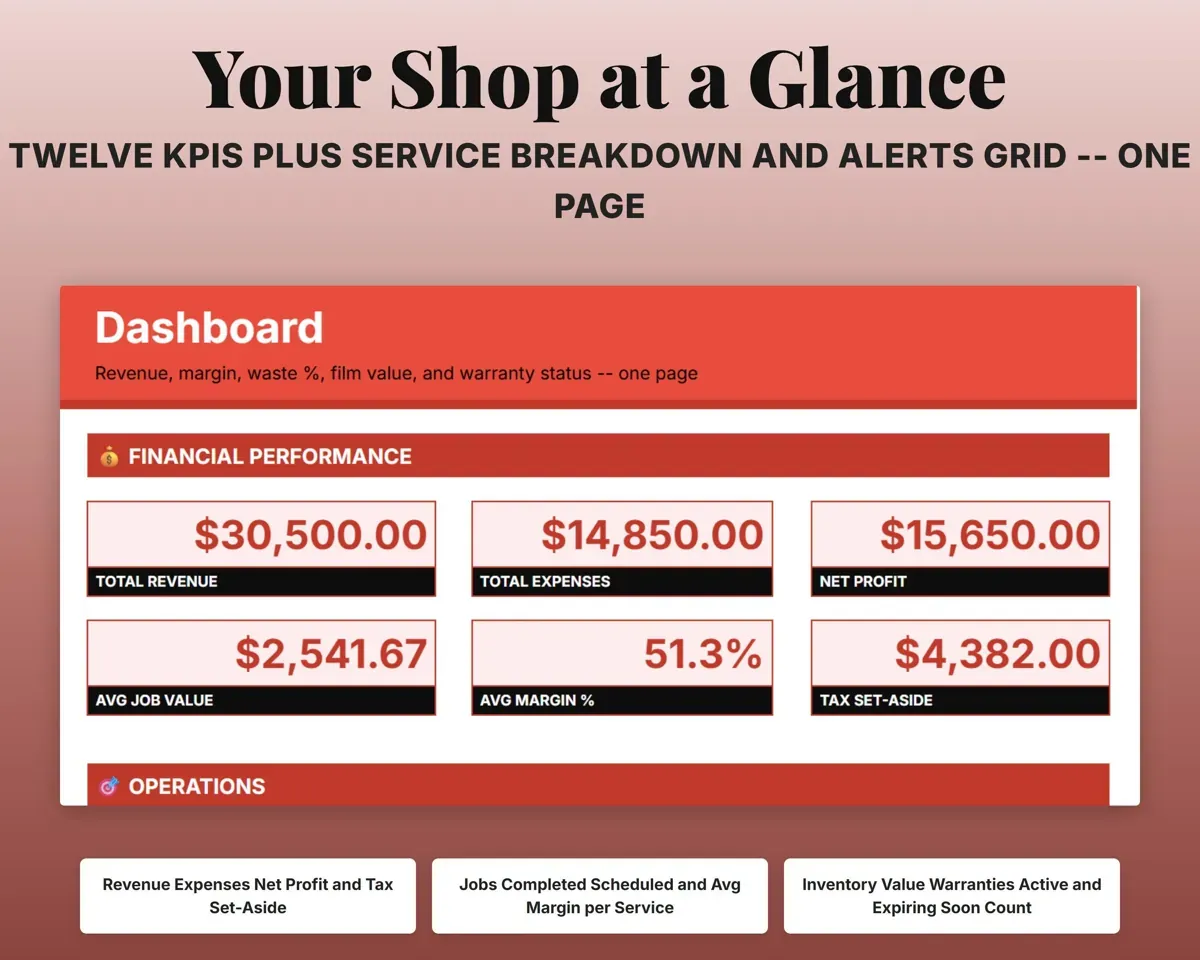
- Dashboard
- Financial, operations and inventory totals with alerts.
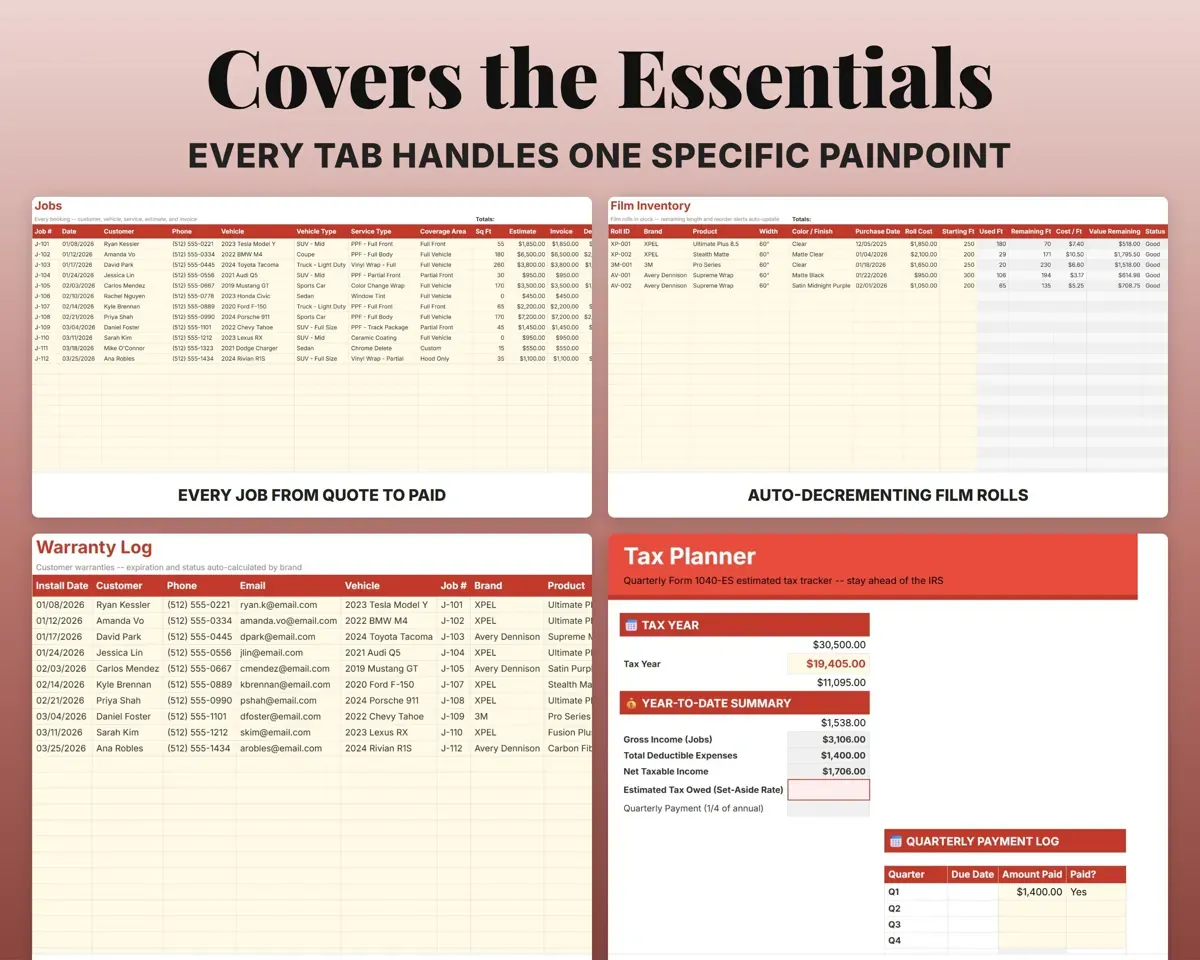
- Jobs
- Every job with vehicle, service, estimate, invoice and status.
- Estimate Calculator
- Quote tool with vehicle presets, waste, overhead and margin.
- Materials Used
- Film used per job, with waste and material cost.
- Film Inventory
- Every roll with length left, value and reorder status.
- Installer Time Log
- Installer hours or square feet and pay per entry.
- Warranty Log
- Warranties with expiration dates and status.
- Job Profitability
- One job's revenue, costs, margin and variance vs estimate.
- Expenses
- Shop costs mapped to Schedule C, with an optional job tag.
- Tax Planner
- Quarterly estimated taxes (Form 1040-ES) with SE tax.
- Cash Flow
- Twelve months of revenue by service and costs by category.
- Settings
- Rates, margins, warranty years, installers and dropdown lists.
Pair it with
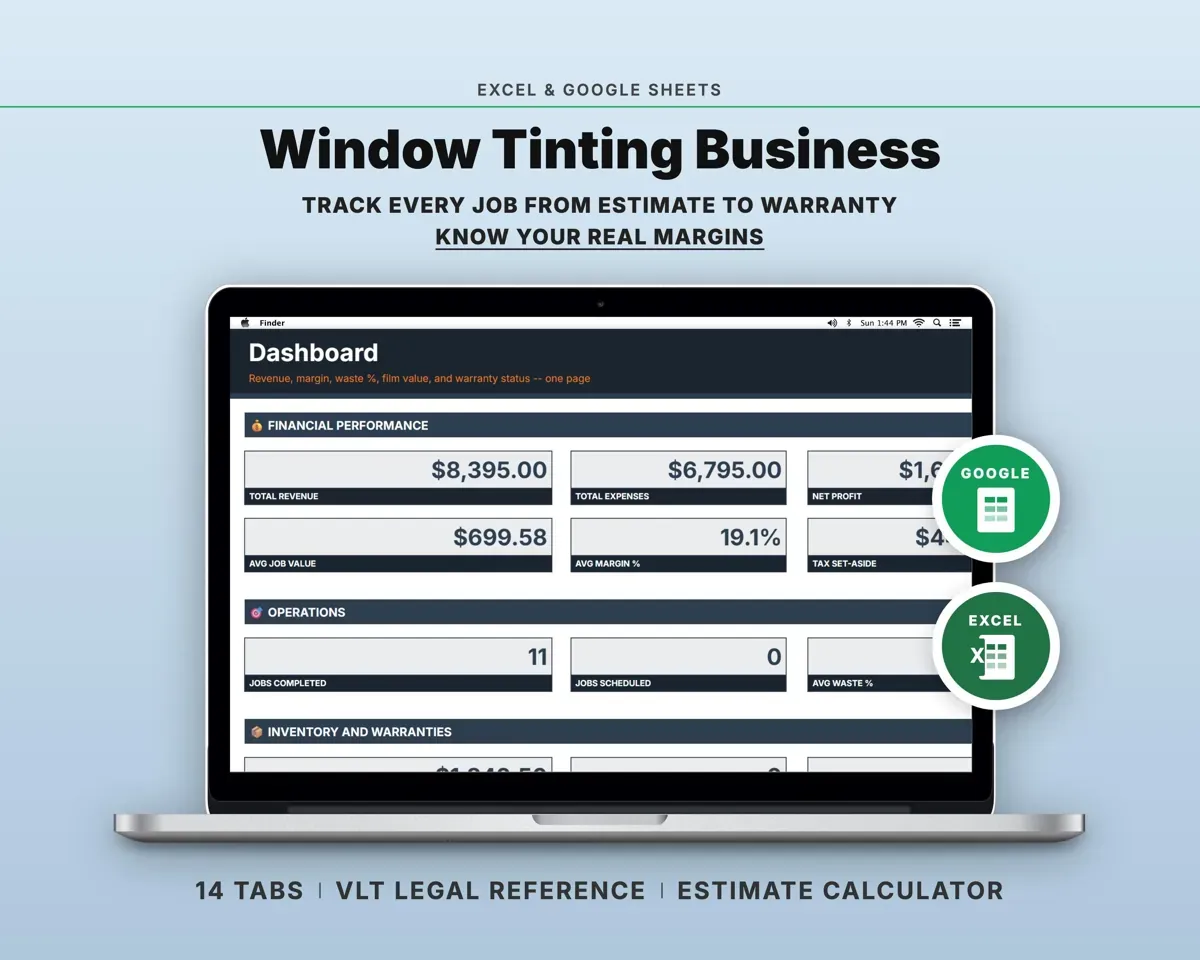
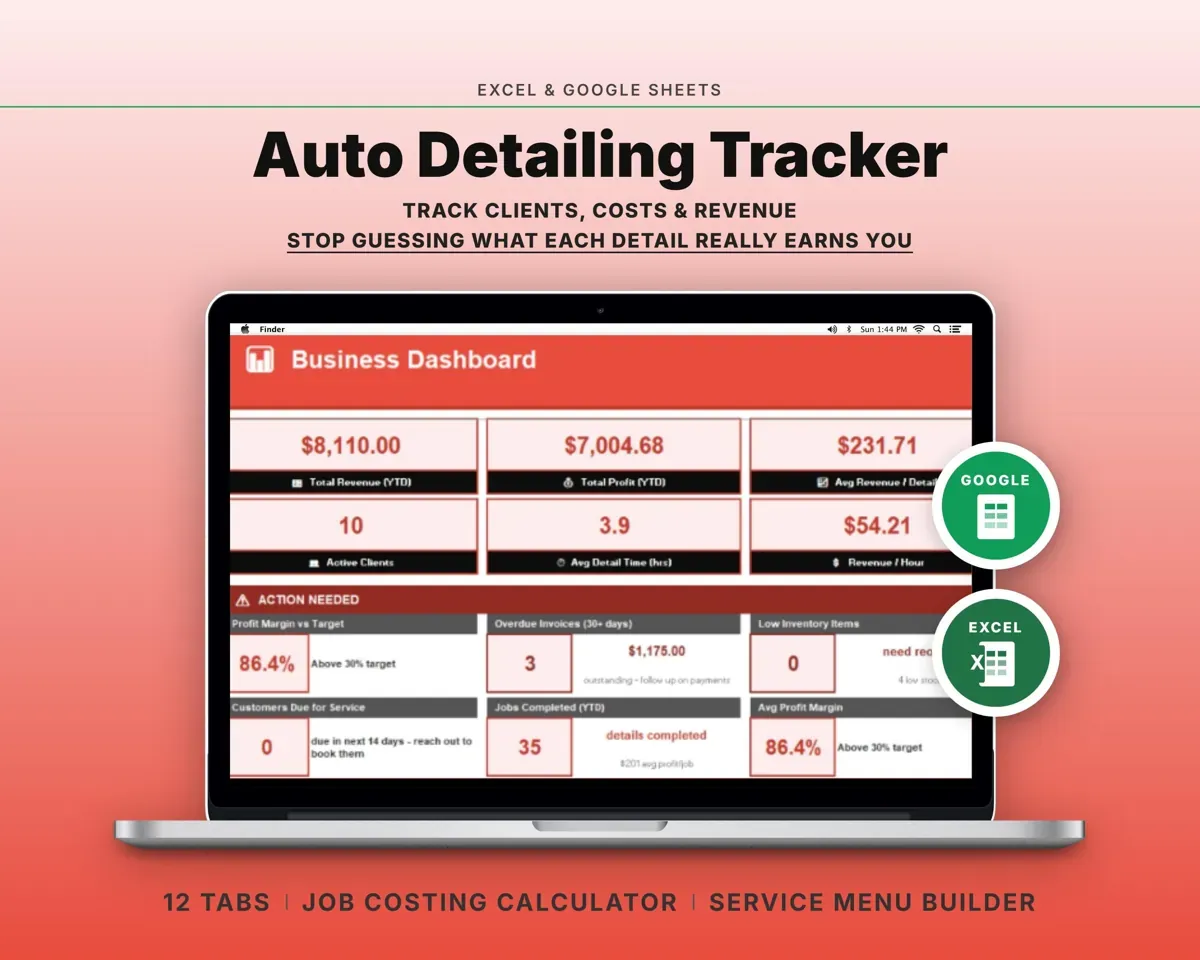
“Well thought out worksheets nicely presented”
“Excellent! Very easy to use.”
Before you buy
Can it handle installers on different pay structures?
Yes. Each installer on the roster in Settings has their own pay structure and rate, and the time log works out pay for each entry.
How does film come off inventory?
When you log film on Materials Used with a roll ID, that length is subtracted from the roll on Film Inventory, and the remaining length and reorder status update.
Can the estimate match my own pricing?
Yes. Film cost per square foot, labor rate, waste, overhead and target margin are all set in Settings, and the vehicle presets can be edited.
How many jobs will it hold?
The data tabs have room for 500+ jobs, 100 film rolls, 500 warranties and 500+ expenses.
What do I get?
An Excel file (.xlsx), a filled-in sample to look at, and a quick-start PDF guide with a link that makes your own copy in Google Sheets.
How does delivery work?
You get your download links right after checkout, and Stripe emails your receipt. There is nothing to ship and nothing to wait for.
How do I set it up in Google Sheets?
Open the quick-start PDF and click the Google Sheets link. Google makes a copy in your own Drive that only you can edit. You need a free Google account.
Will it work on a Mac?
Yes. It works in Excel on Mac and Windows, and in Google Sheets in any browser.
I'm not a spreadsheet person. Is that a problem?
No. You only type in the yellow cells. Everything in gray works itself out, and the Start Here tab shows you where to begin.
Can I get a refund?
Templates are digital downloads, so sales are final. If a file won't open, is broken or doesn't match its description, email hello@cleanpixelstudios.com within 30 days and we'll fix it, or refund you if we can't.
What if I get stuck?
Email hello@cleanpixelstudios.com and we'll help you get it working.
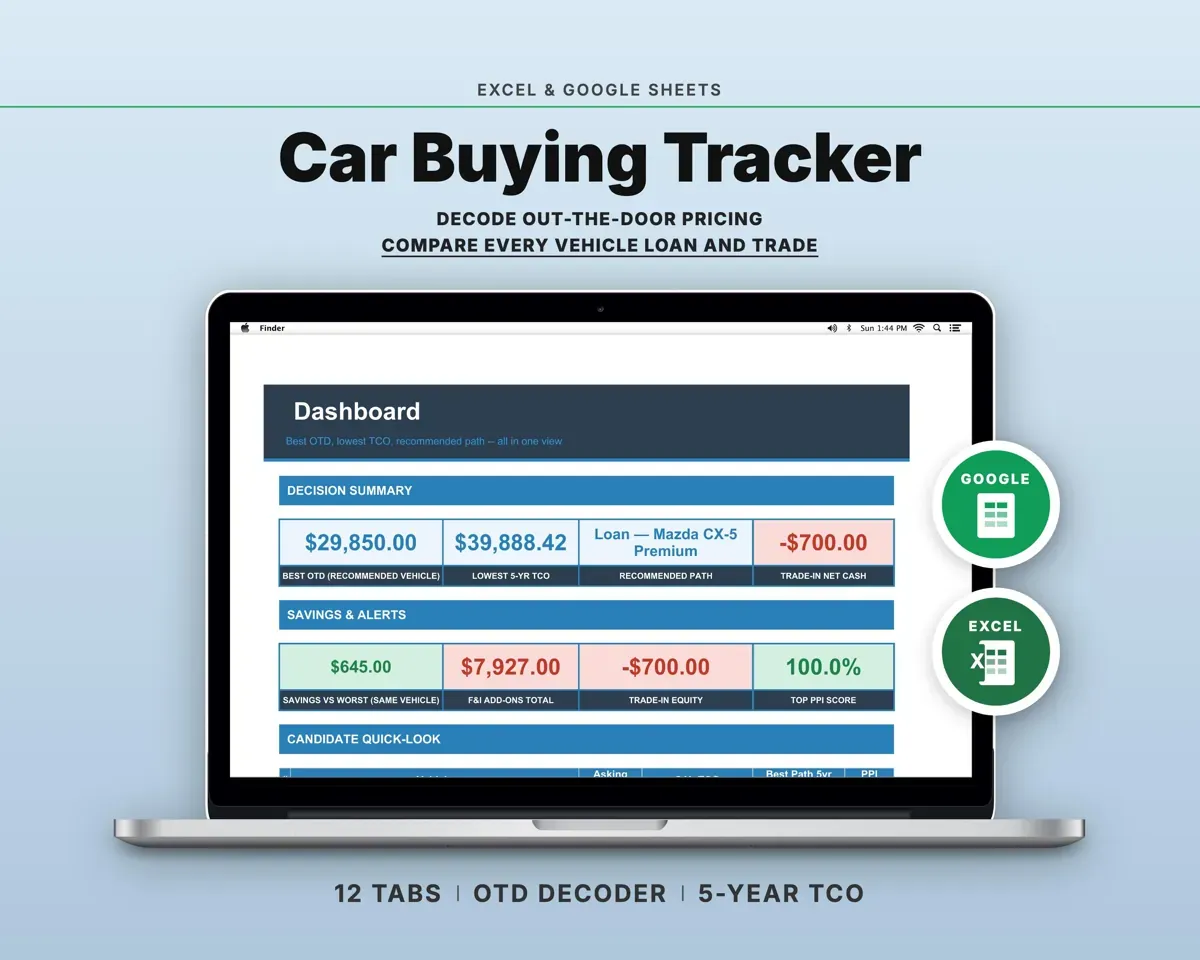
More in Automotive
See all Automotive templates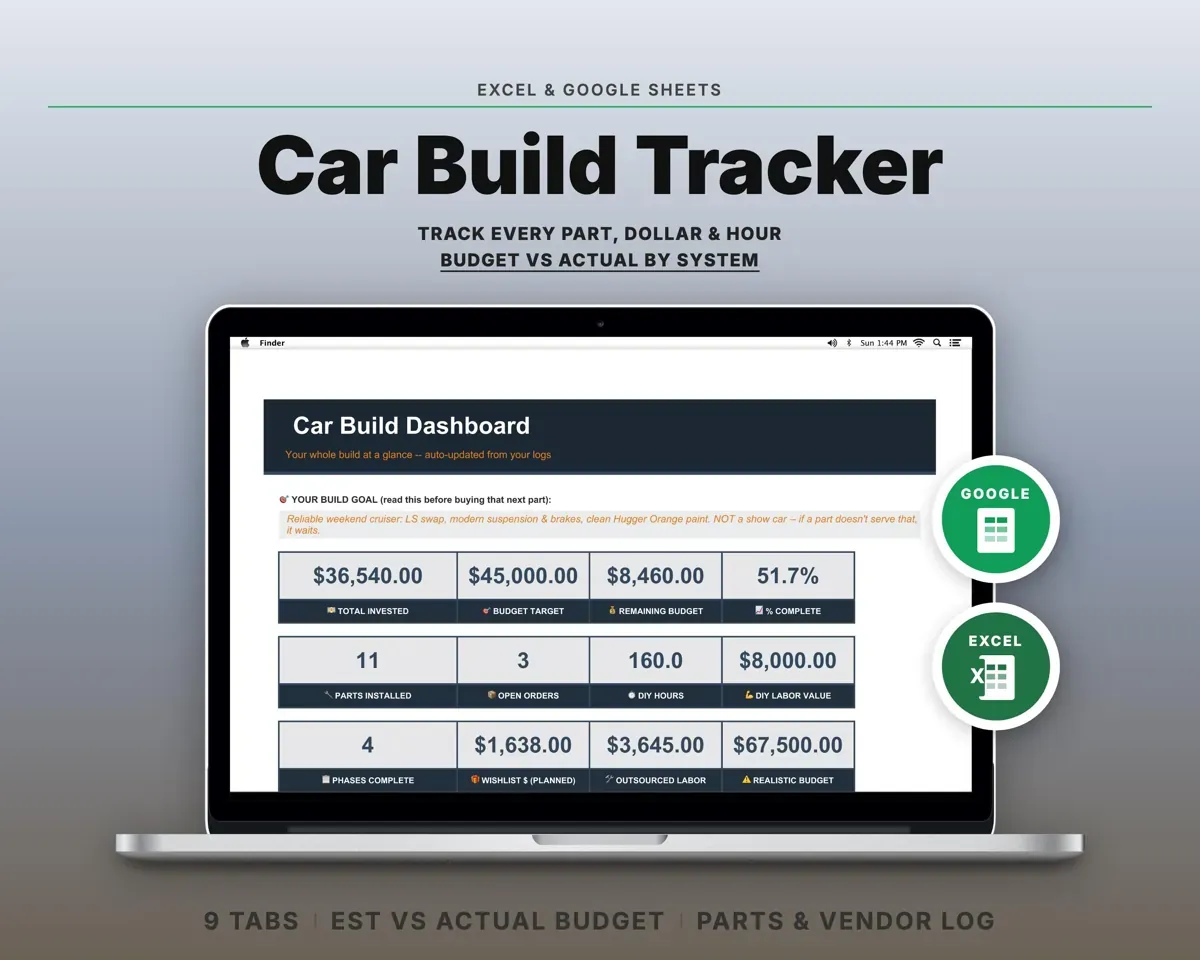
 Made by Clean Pixel Studios
We start every template by reading what people in that line of work say they struggle with, then build the spreadsheet around those problems. This one was made for PPF and wrap installers and nobody else.
How we build templatesPPF Vinyl Wrap Business Tracker$19.99 · Excel + Google Sheets