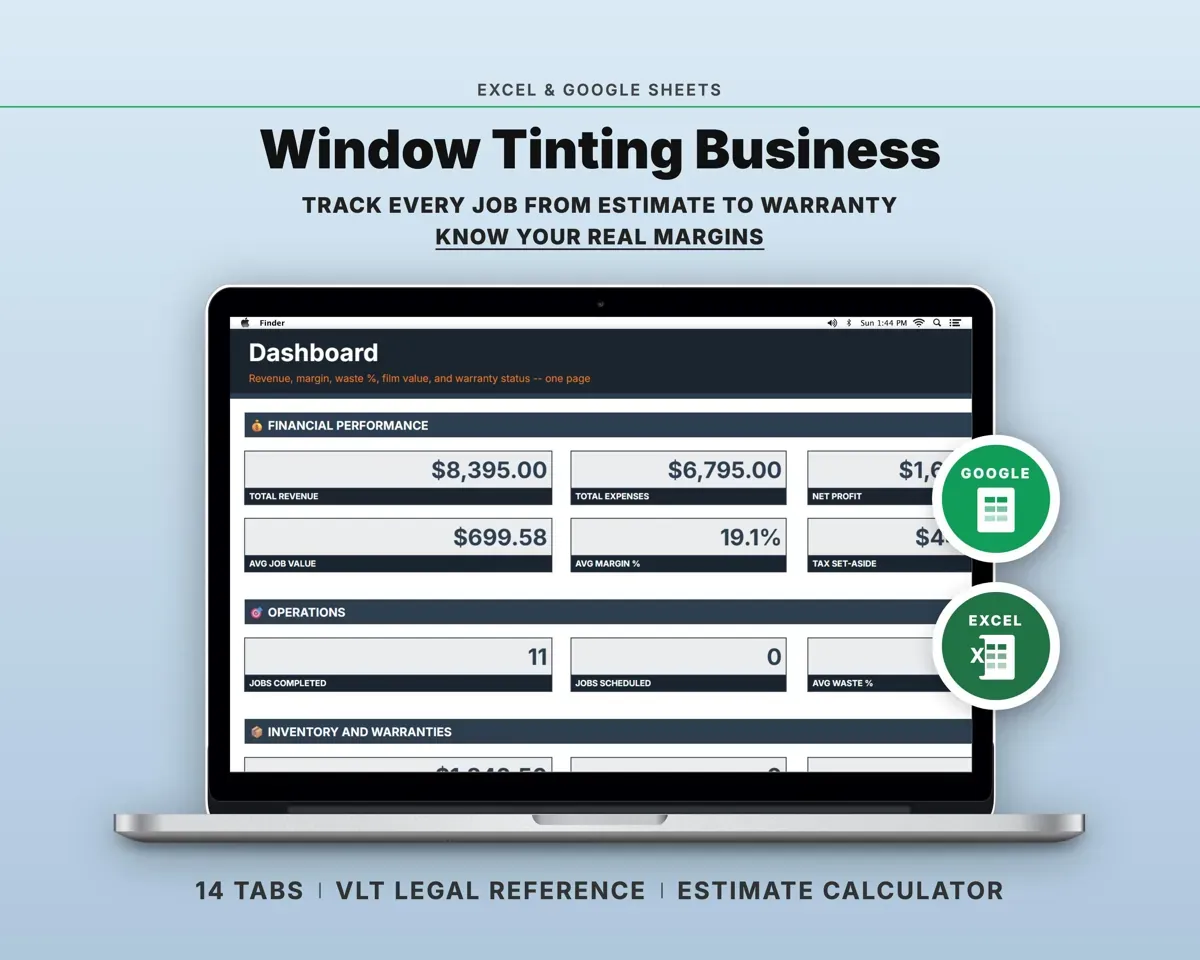
Built around the jobs window tint shop owners actually do
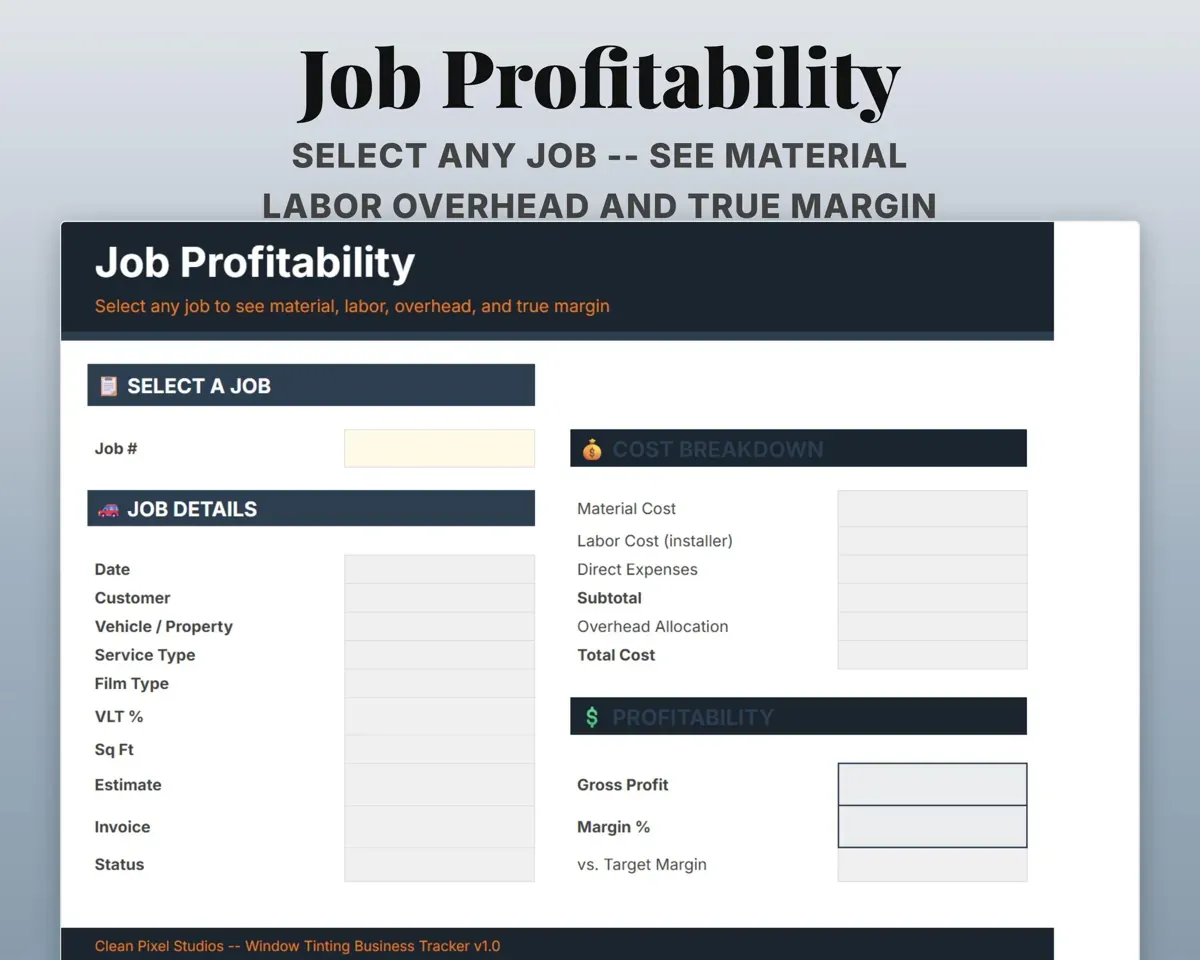
See the real margin on each job
Pick a job to see material, labor, direct expenses and overhead against the price, with gross profit, margin and whether you hit your target.
Job from a dropdownMargin vs targetPrice auto and flat glass the same way
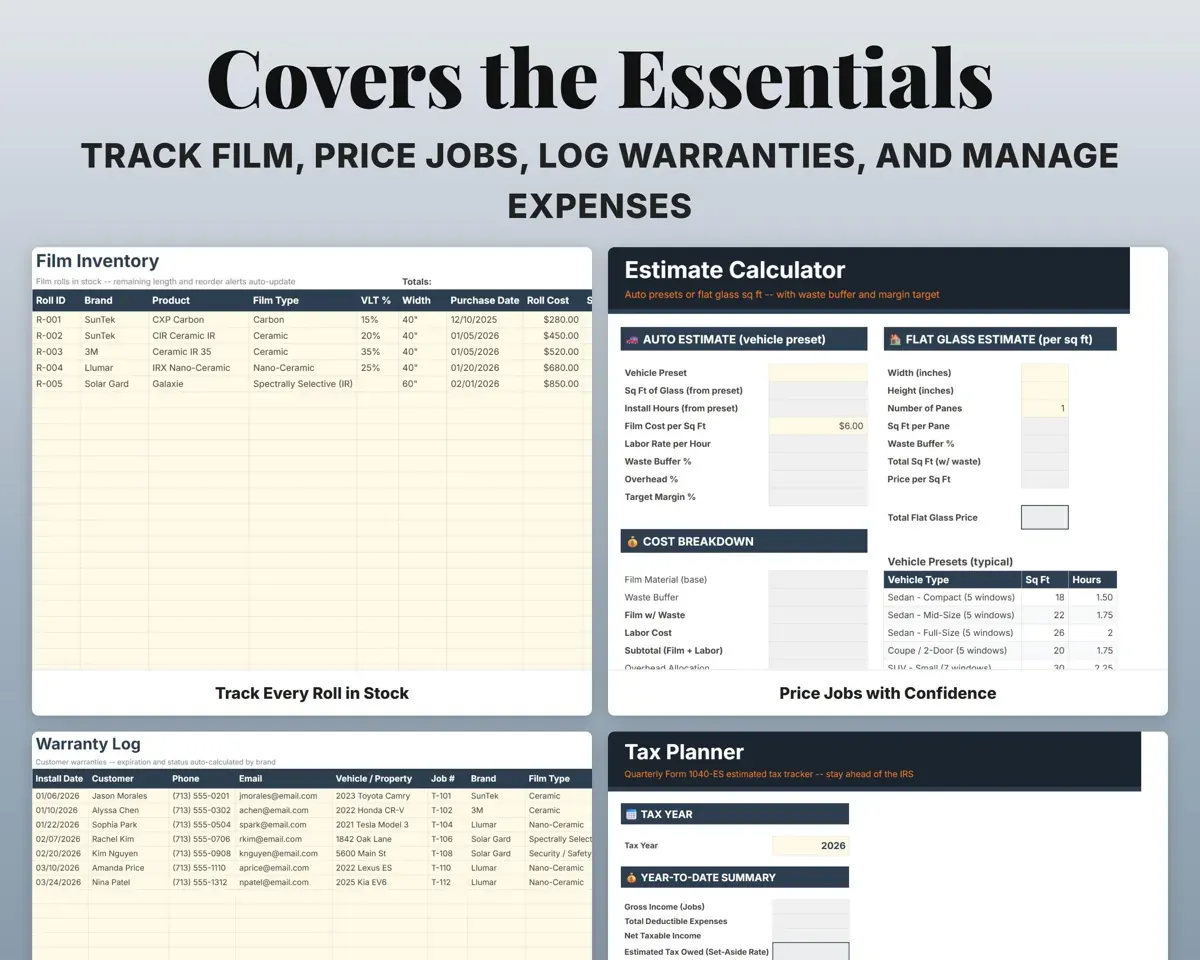
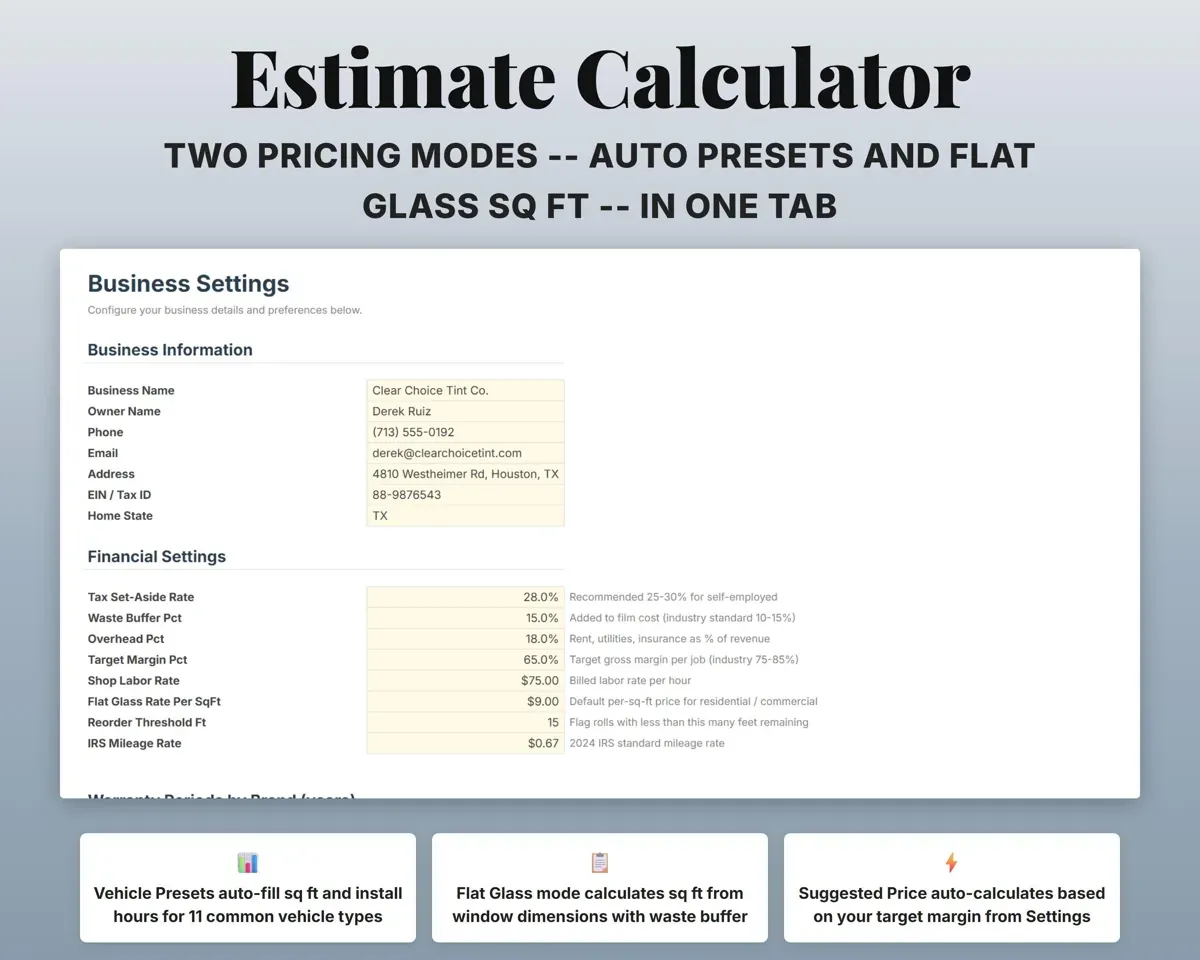
Choose a vehicle preset and the square feet and hours fill in, or enter width and height for flat glass. Both add your waste buffer, labor, overhead and target margin.
Vehicle or window sizeMinimum priceKnow what is left on every roll
Track each roll by brand, film type, VLT and footage. Film used on jobs comes off the roll, and low rolls are flagged.
Footage used per jobFootage leftLook up any warranty years later
Log each install with customer, film brand and coverage. Warranty length comes from Settings by brand, and each one shows Active, Expires Soon, Expired or Lifetime.
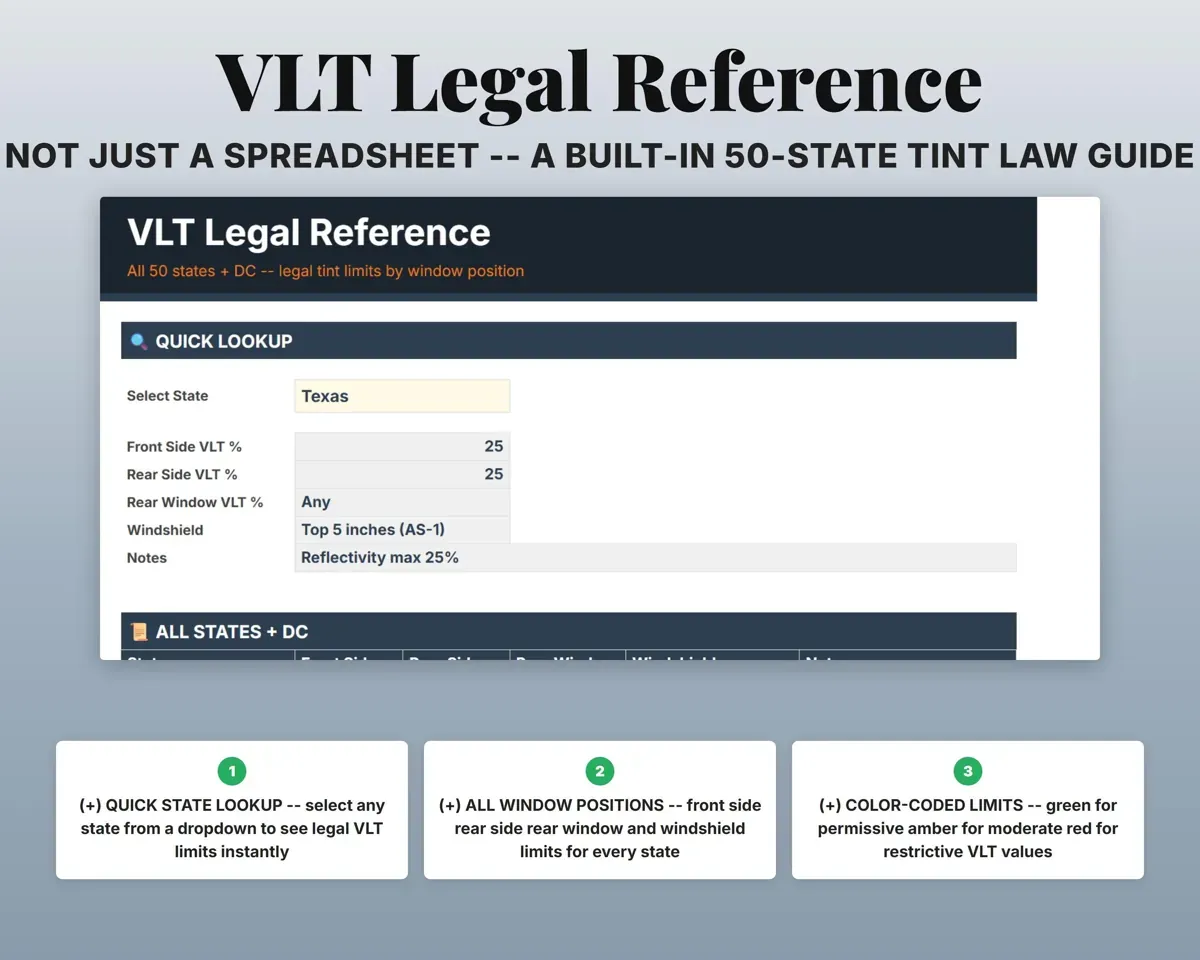
Install, film brandWarranty statusCheck a state's legal tint limits
Pick a state to see front side, rear side, rear window and windshield VLT limits, for all 50 states and DC.
StateLegal VLT limitsPay installers the way you agreed
Log hours or jobs for each installer. Pay can be hourly, per job, per square foot or commission, set once on Settings.
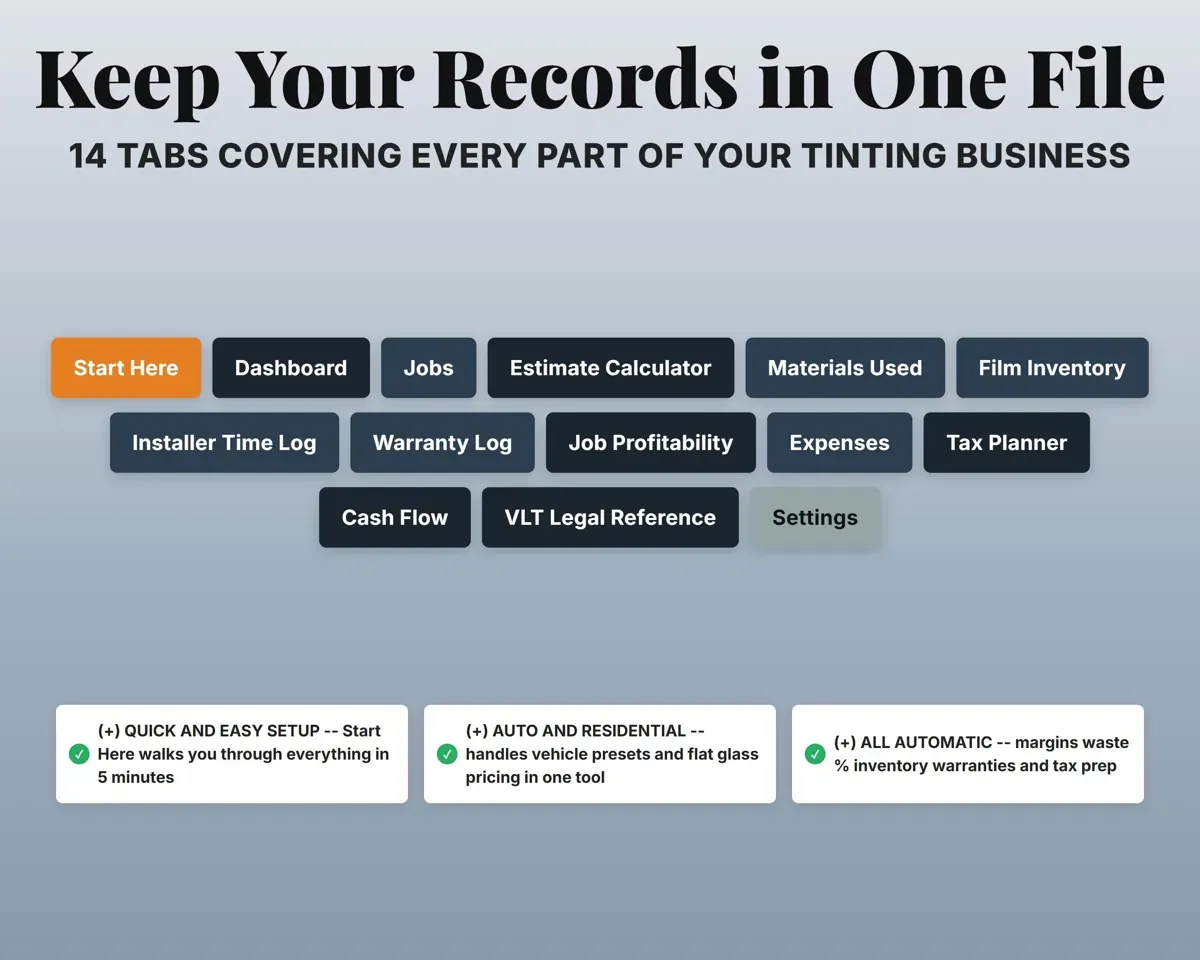
Hours or jobsInstaller pay14 tabs in one file
- Start Here
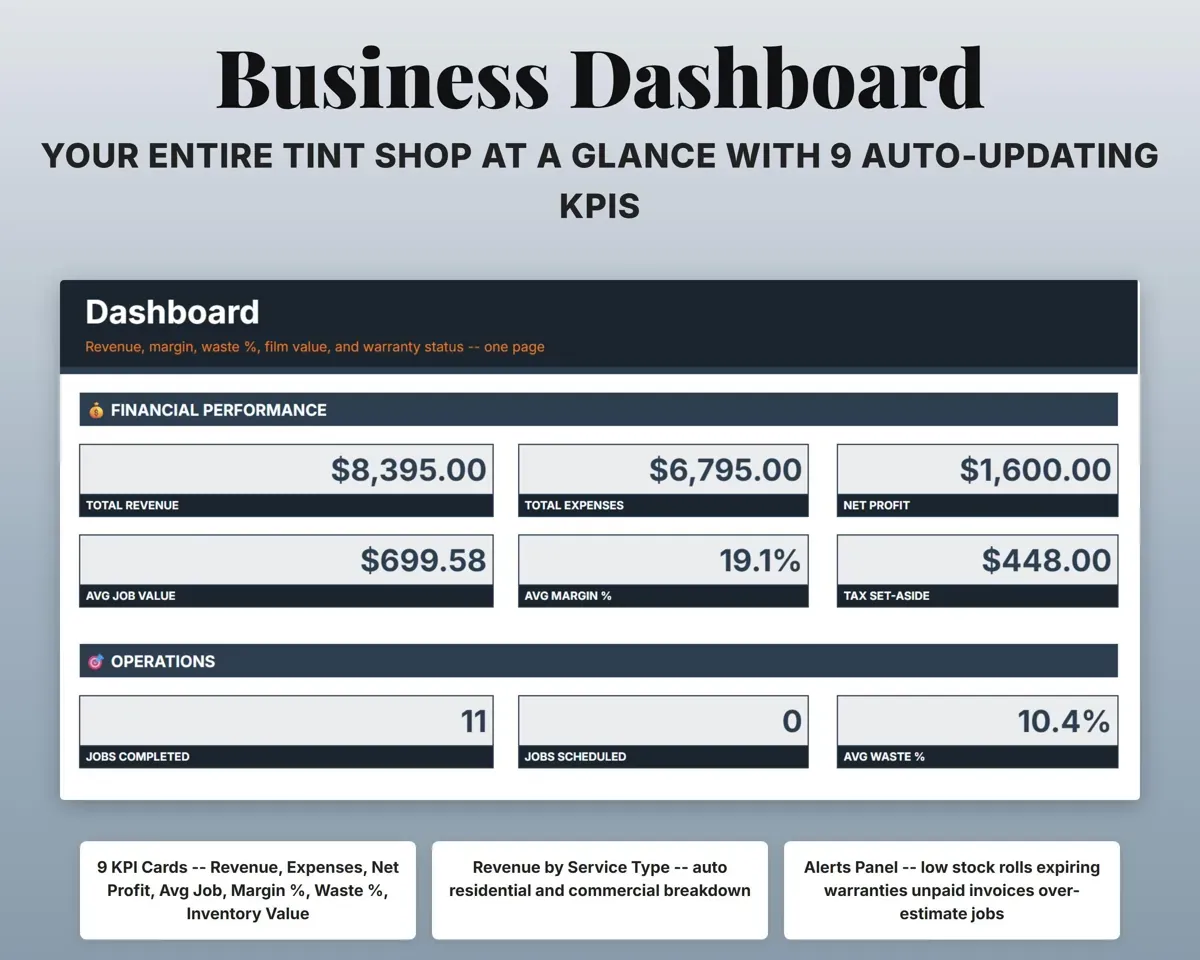
- Dashboard
- Jobs
- Estimate Calculator
- Materials Used
- Film Inventory
- Installer Time Log
- Warranty Log
- Job Profitability
- Expenses
- Tax Planner
- Cash Flow
- VLT Legal Reference
- Settings
- Start Here
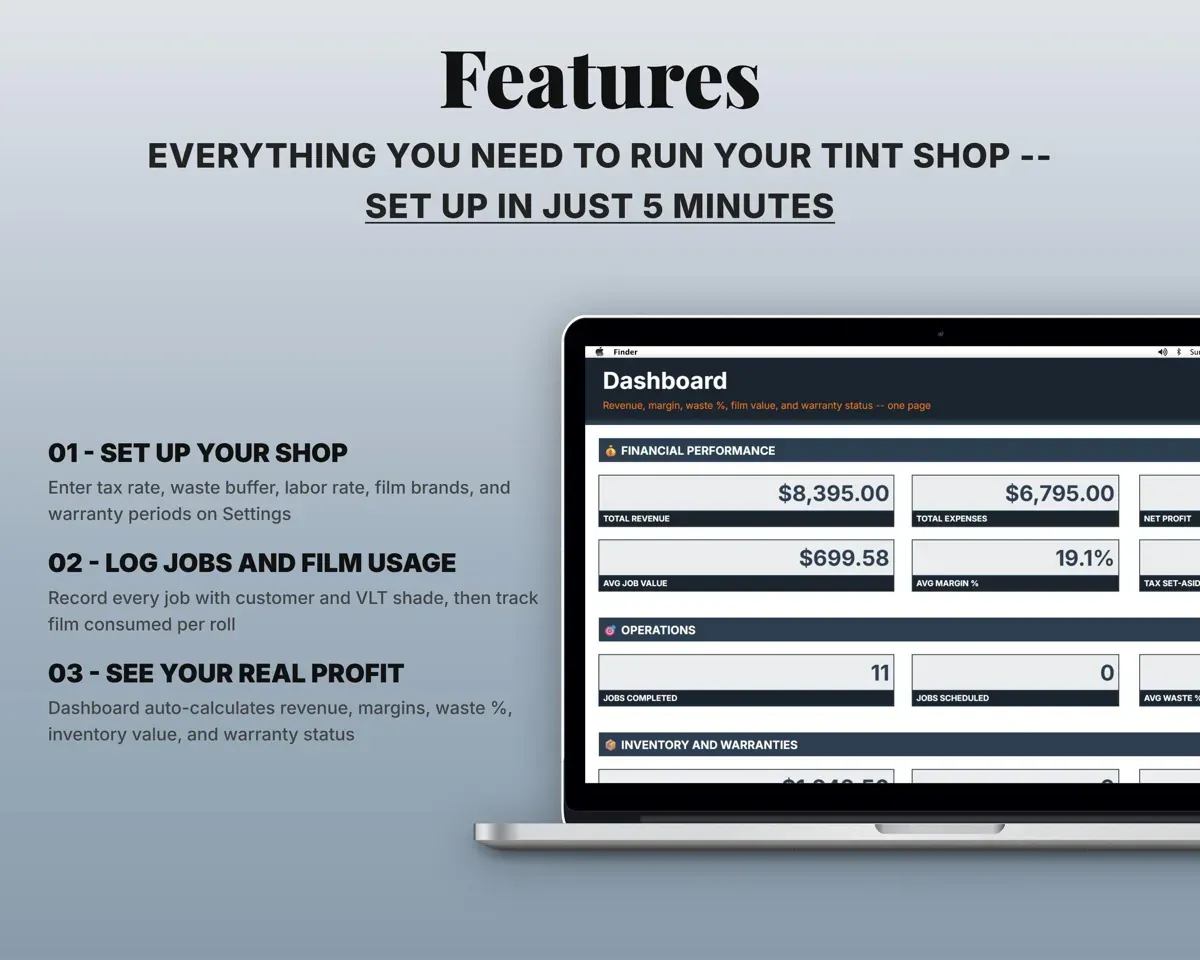
- Seven setup steps, a color key and a tab overview.
- Dashboard
- Revenue, profit, waste, inventory value, warranties and unpaid invoices.
- Jobs
- Every job with vehicle or property, film, price and balance.
- Estimate Calculator
- Auto presets and flat glass pricing from your rates.
- Materials Used
- Estimated vs actual film per job, with waste percent.
- Film Inventory
- Every roll with remaining footage and stock status.
- Installer Time Log
- Hours or jobs and pay for each installer.
- Warranty Log
- Customer warranties with expiration dates and status.
- Job Profitability
- Cost, profit and margin for any job you pick.
- Expenses
- Shop costs in 16 categories mapped to Schedule C.
- Tax Planner
- Quarterly 1040-ES estimates, payments and due dates.
- Cash Flow
- Twelve months of revenue and expenses.
- VLT Legal Reference
- Legal tint limits by window for every state and DC.
- Settings
- Rates, margins, warranty periods, installer roster and lists.
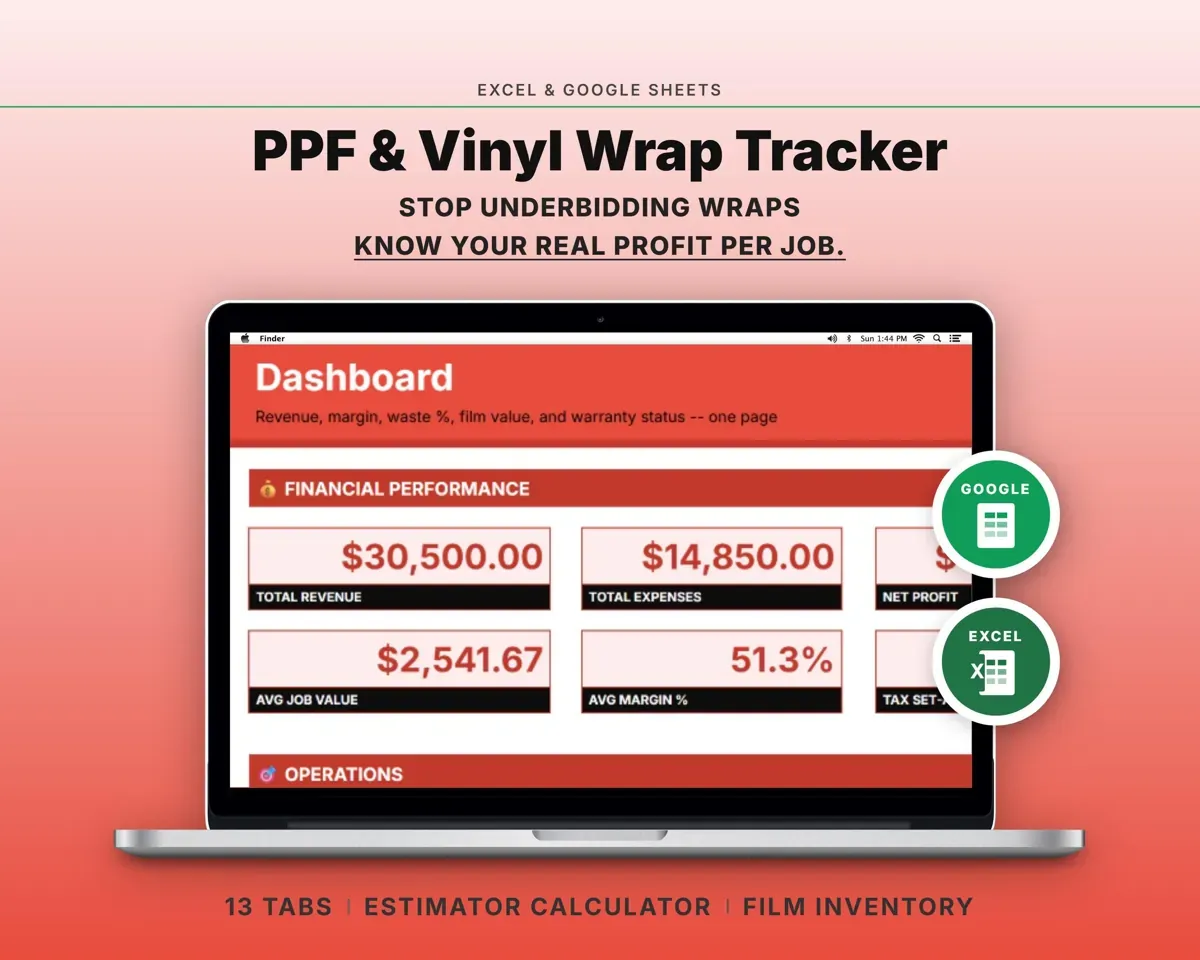
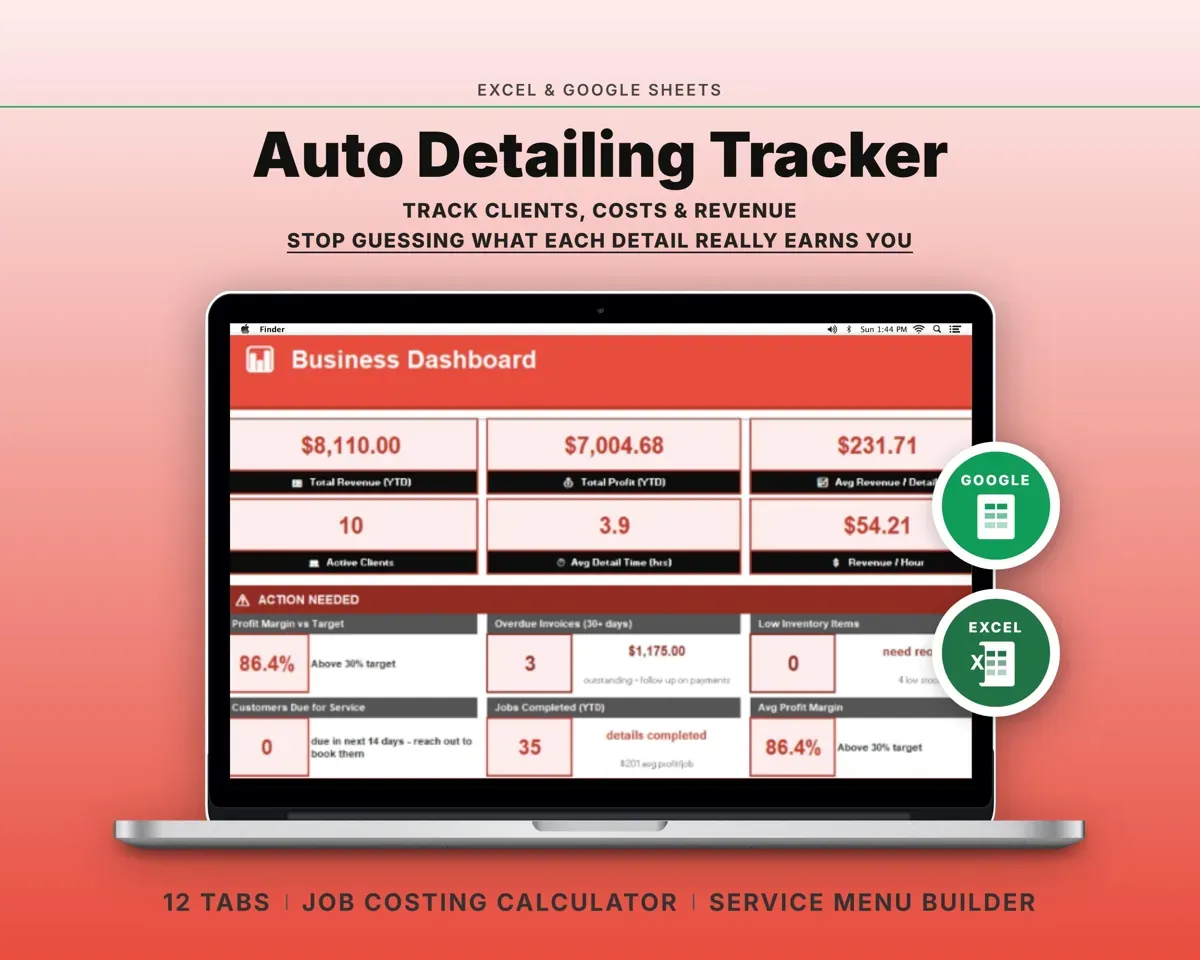
Pair it with
“Excellent! Very easy to use.”
“Nice Organization for 4H projects”
Before you buy
Does it handle residential and commercial glass?
Yes. The Estimate Calculator has a flat glass mode where you enter width and height, next to the vehicle presets for auto work.
How current are the VLT limits?
The table covers all 50 states and DC by window position. Laws change, so check your state's current rules before you rely on it.
Can I track different films and shades?
Yes. Film Inventory records brand, type such as carbon or ceramic, VLT shade, width, cost and footage, and the lists are editable on Settings.
What do I get?
An Excel file (.xlsx), a filled-in sample to look at, and a quick-start PDF guide with a link that makes your own copy in Google Sheets.
How does delivery work?
You get your download links right after checkout, and Stripe emails your receipt. There is nothing to ship and nothing to wait for.
How do I set it up in Google Sheets?
Open the quick-start PDF and click the Google Sheets link. Google makes a copy in your own Drive that only you can edit. You need a free Google account.
Will it work on a Mac?
Yes. It works in Excel on Mac and Windows, and in Google Sheets in any browser.
I'm not a spreadsheet person. Is that a problem?
No. You only type in the yellow cells. Everything in gray works itself out, and the Start Here tab shows you where to begin.
Can I get a refund?
Templates are digital downloads, so sales are final. If a file won't open, is broken or doesn't match its description, email hello@cleanpixelstudios.com within 30 days and we'll fix it, or refund you if we can't.
What if I get stuck?
Email hello@cleanpixelstudios.com and we'll help you get it working.
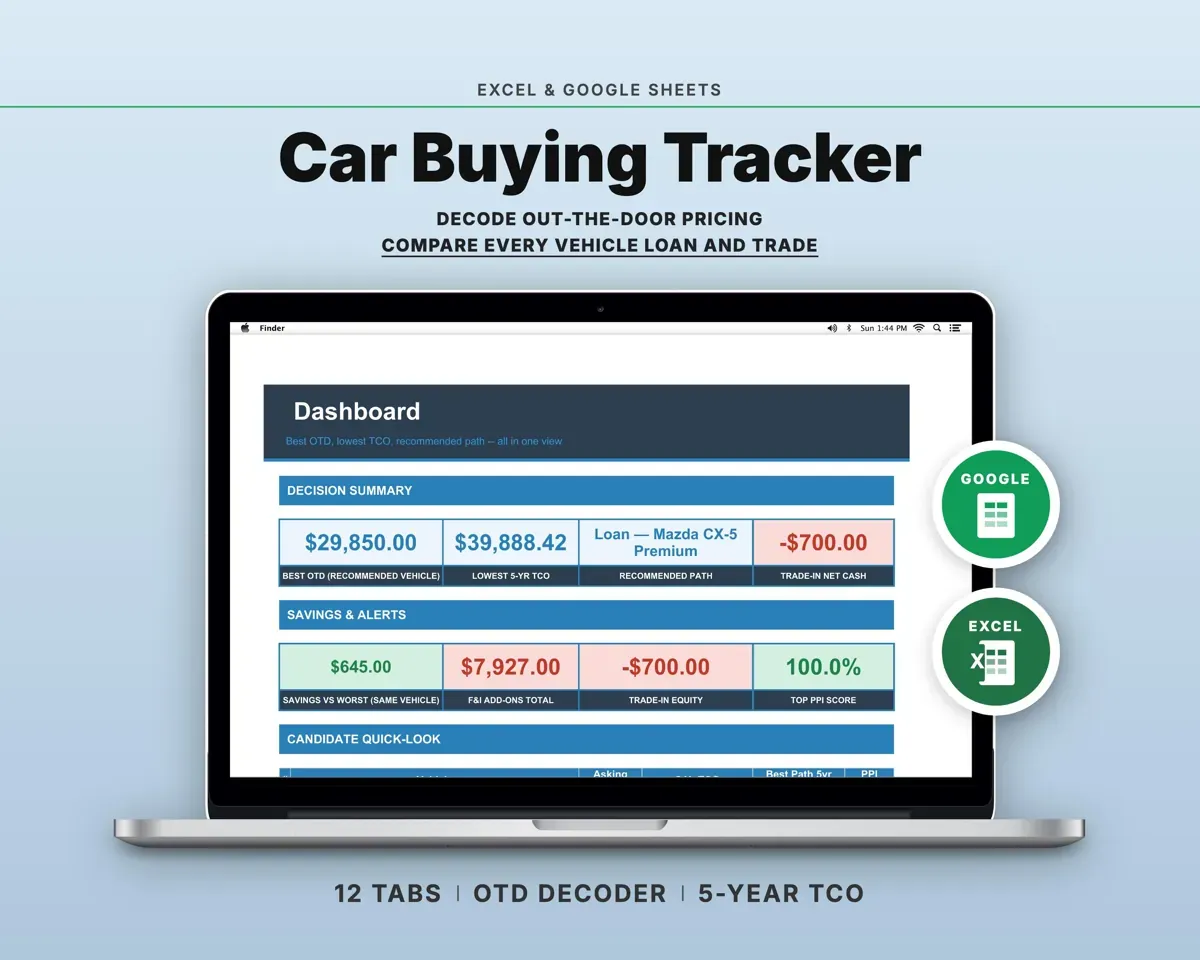
More in Automotive
See all Automotive templates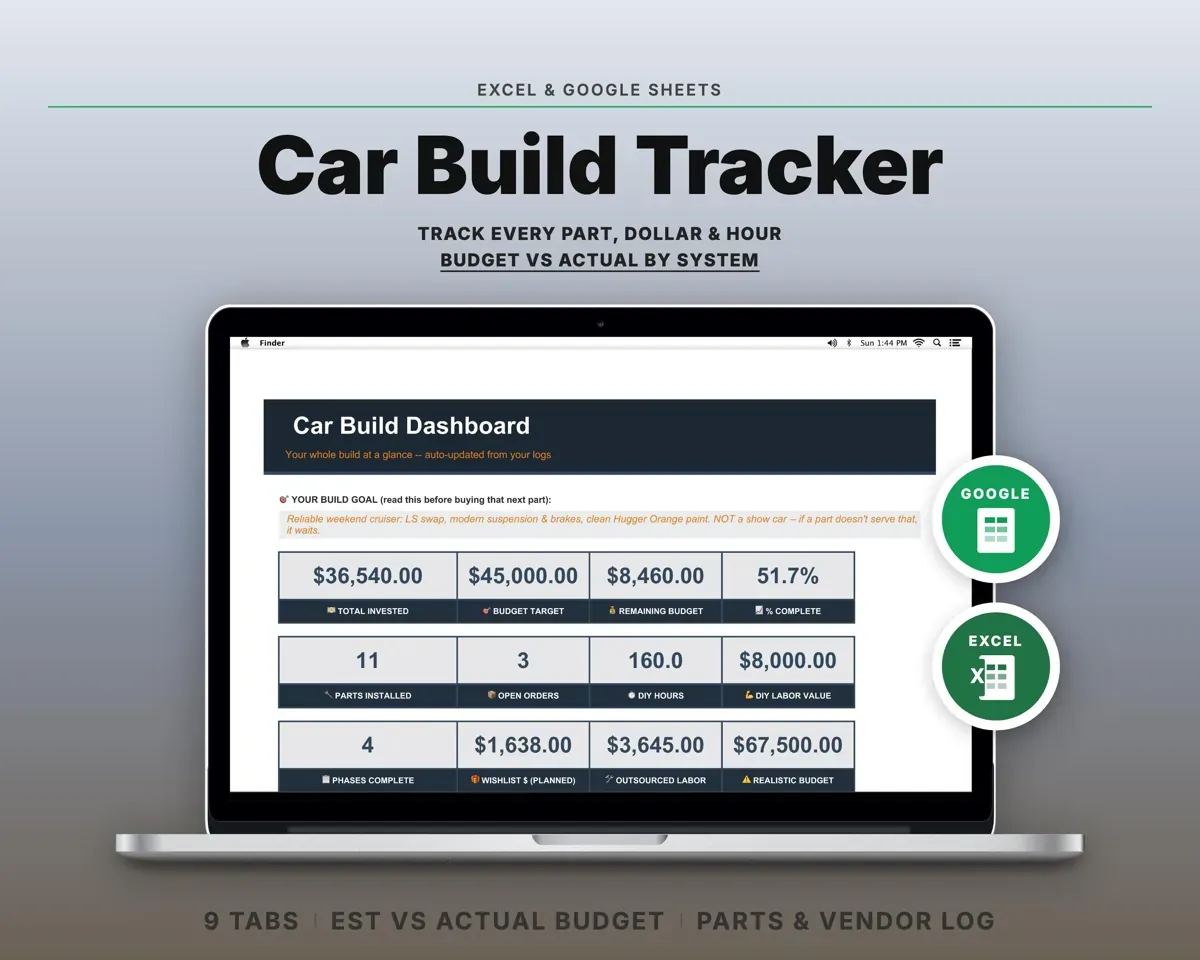
 Made by Clean Pixel Studios
We start every template by reading what people in that line of work say they struggle with, then build the spreadsheet around those problems. This one was made for window tint shop owners and nobody else.
How we build templatesWindow Tinting Business Tracker Spreadsheet$14.99 · Excel + Google Sheets