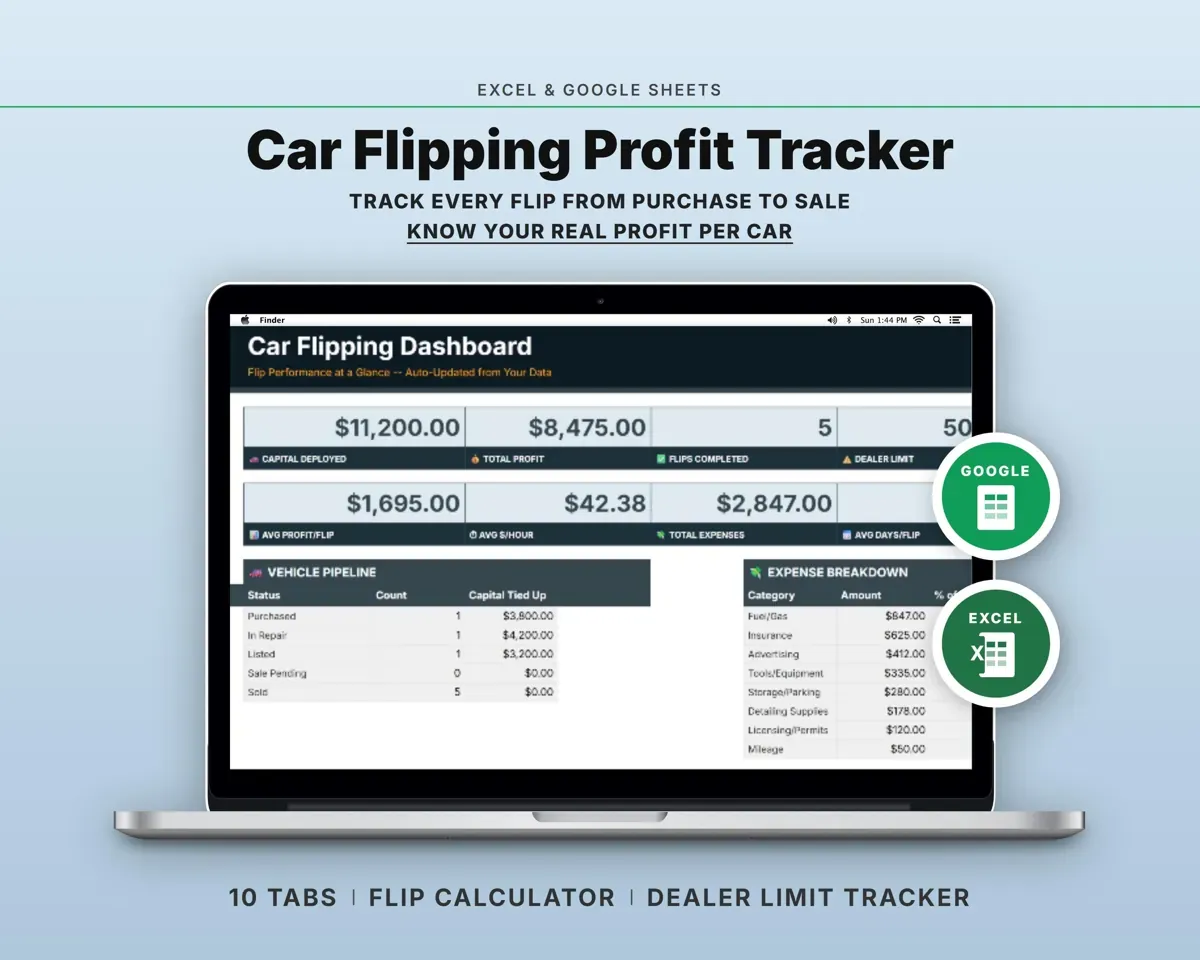
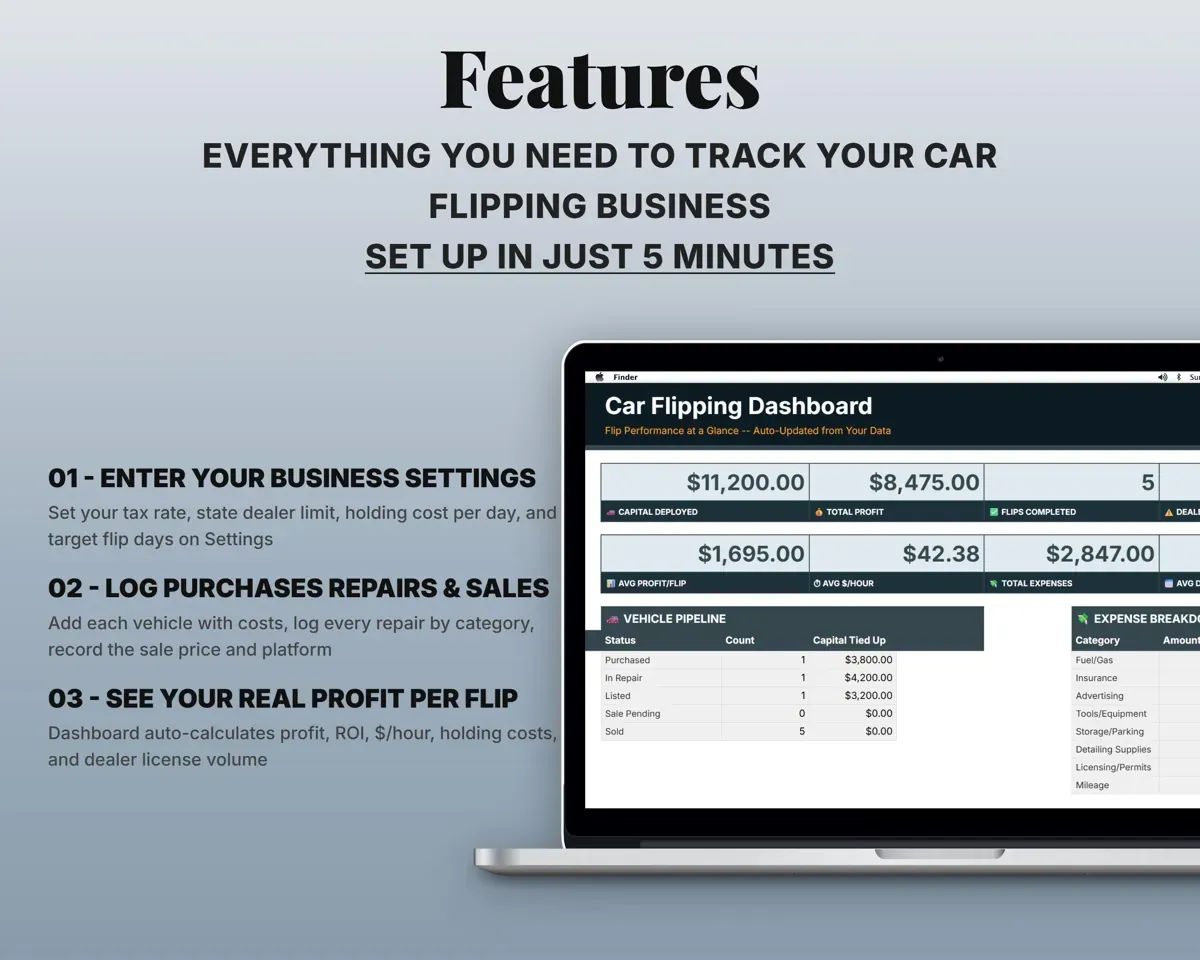
Built around the jobs car flippers actually do
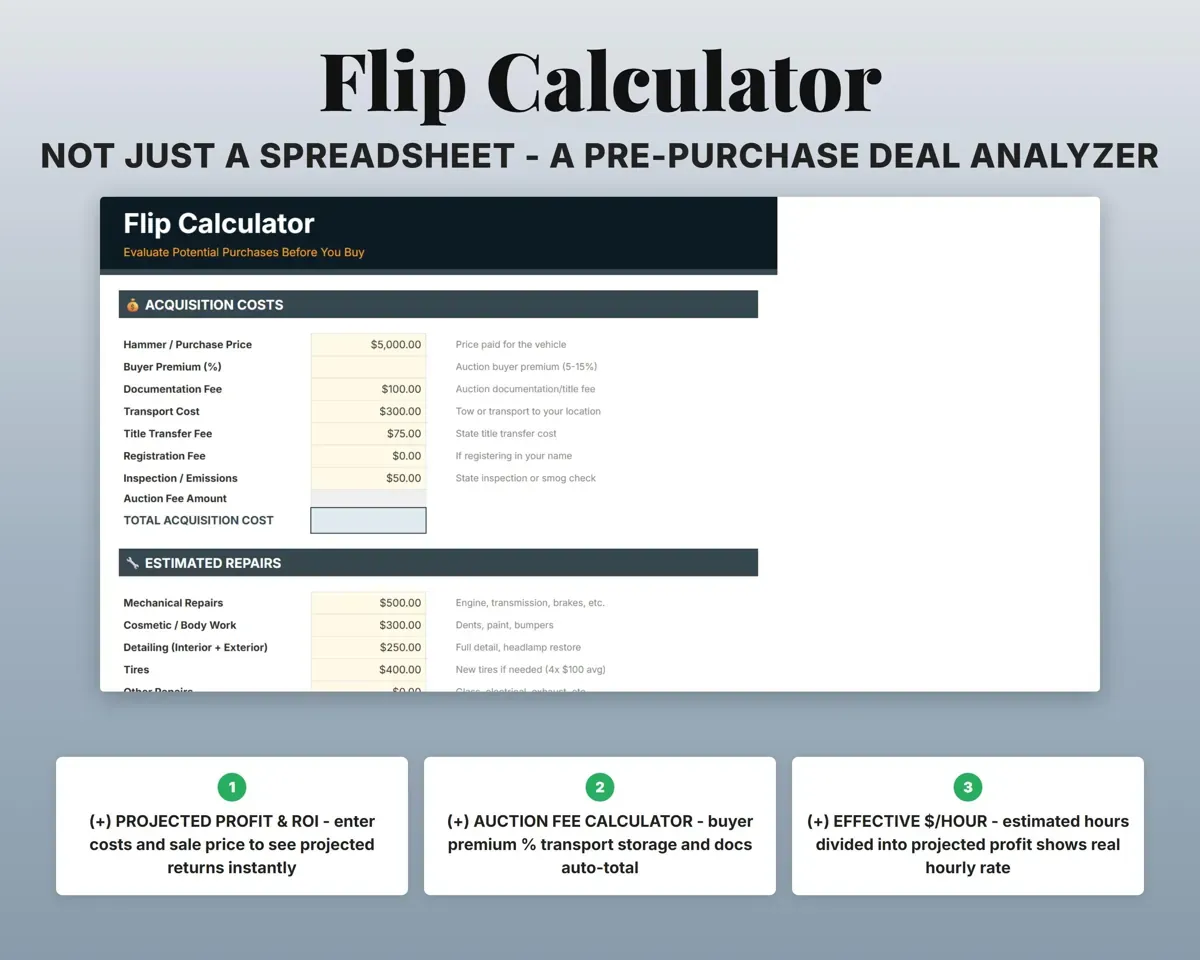
Run the numbers before you bid
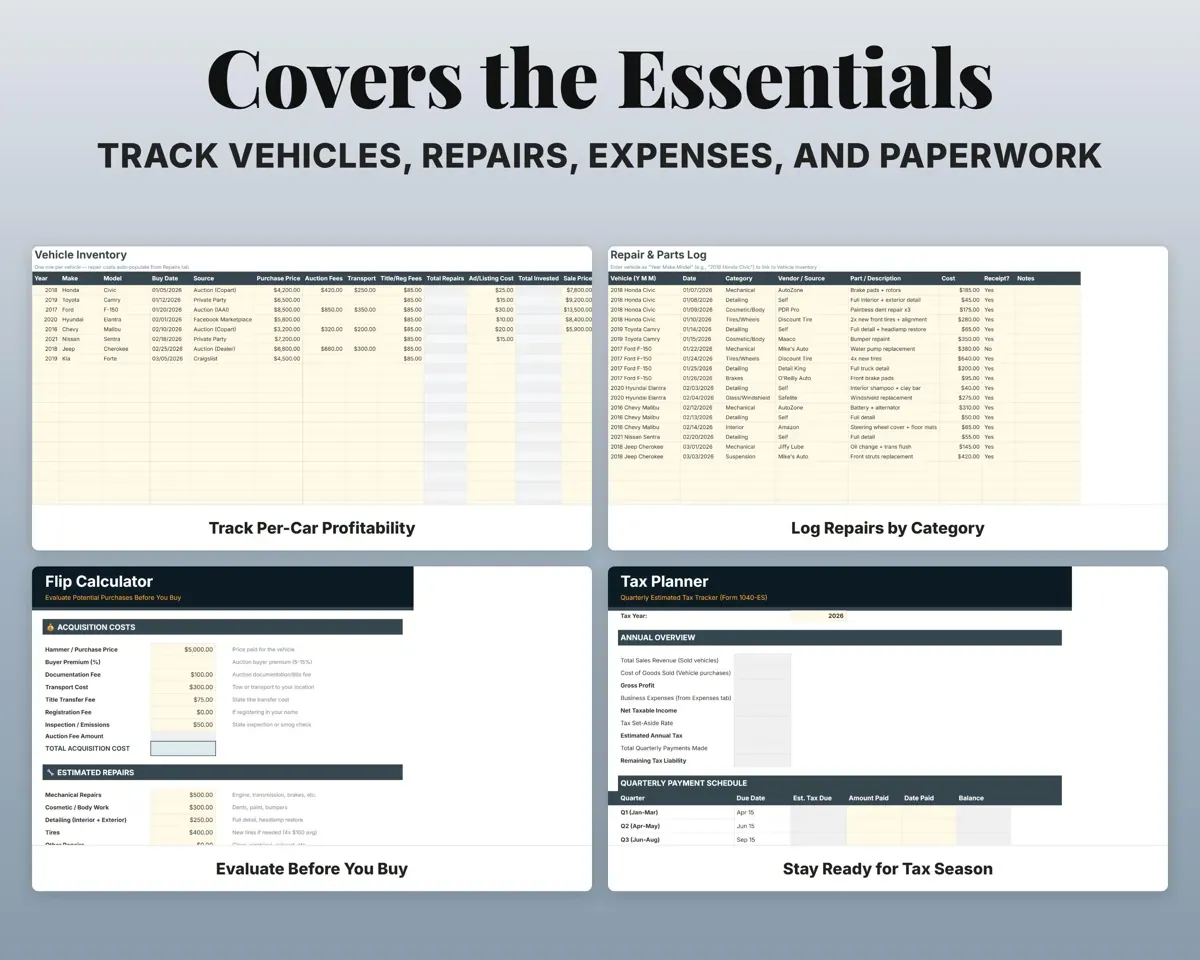
Enter the asking price, buyer premium, repair estimate and the price you hope to sell at. The calculator shows profit, ROI, break-even and dollars per hour.
Price, repairs, targetProjected profitSee the real profit on each car
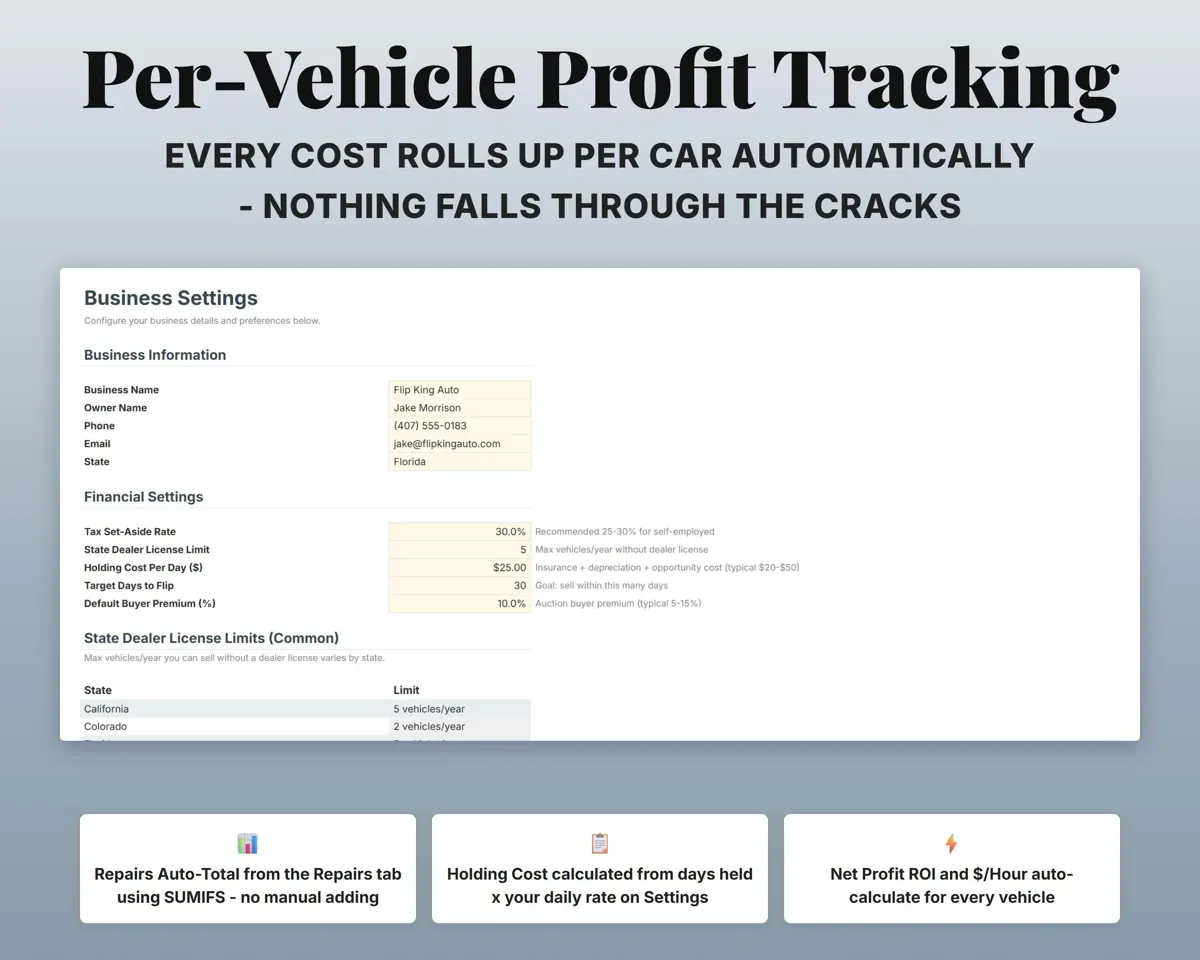
Purchase price, auction fees, repairs, title, registration, transport and more roll up per car. Net profit, ROI, days held, holding cost and $ per hour fill in.
Costs, sale priceNet profit and ROIKnow when a car is going upside down
Log each repair by car and category, with the split between parts and labor. The running total feeds that car's profit line.
Repairs by carRepair total per carStay under your state's sales limit
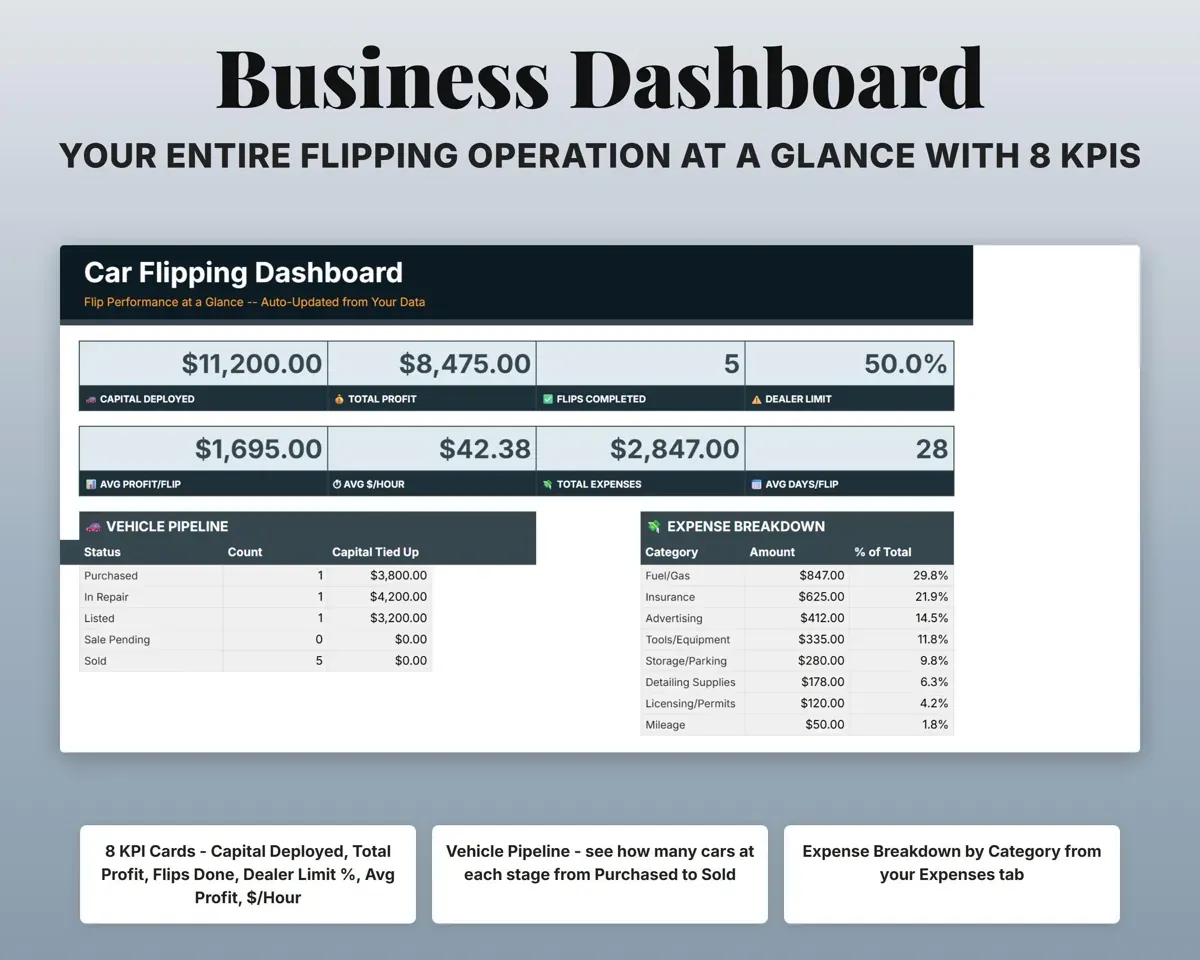
Set your state's yearly limit and the Dashboard shows how many cars you have sold and how much of the limit you have used.
State limit% of limit usedKeep titles and registration on track
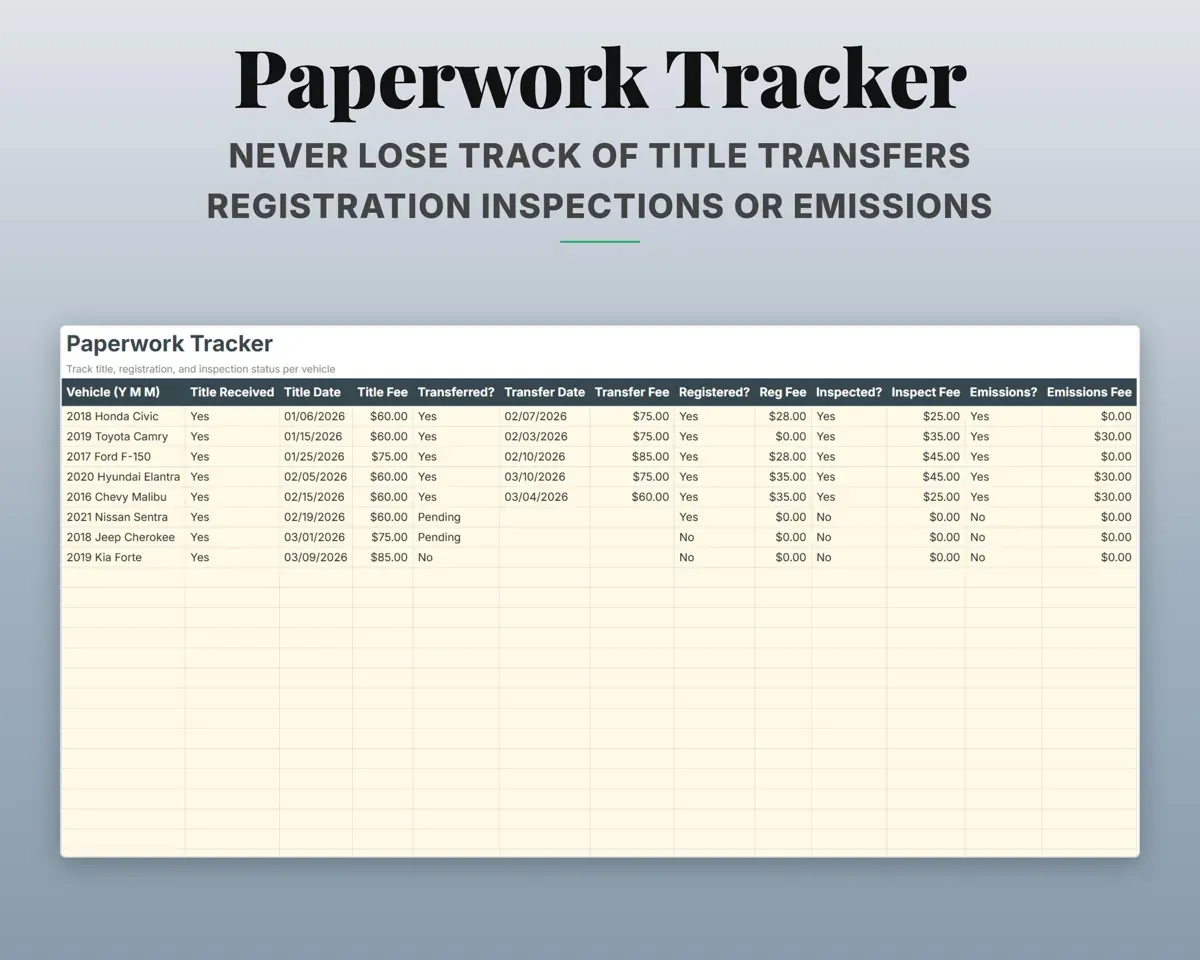
A checklist for each car covering title received, title transferred, registration, inspection and emissions, with dates and costs.
Paperwork stepsNeeds attentionHave your numbers ready for taxes
14 flipping expense categories matched to Schedule C lines, plus quarterly estimated tax dates, payments and a 12-month cash flow.
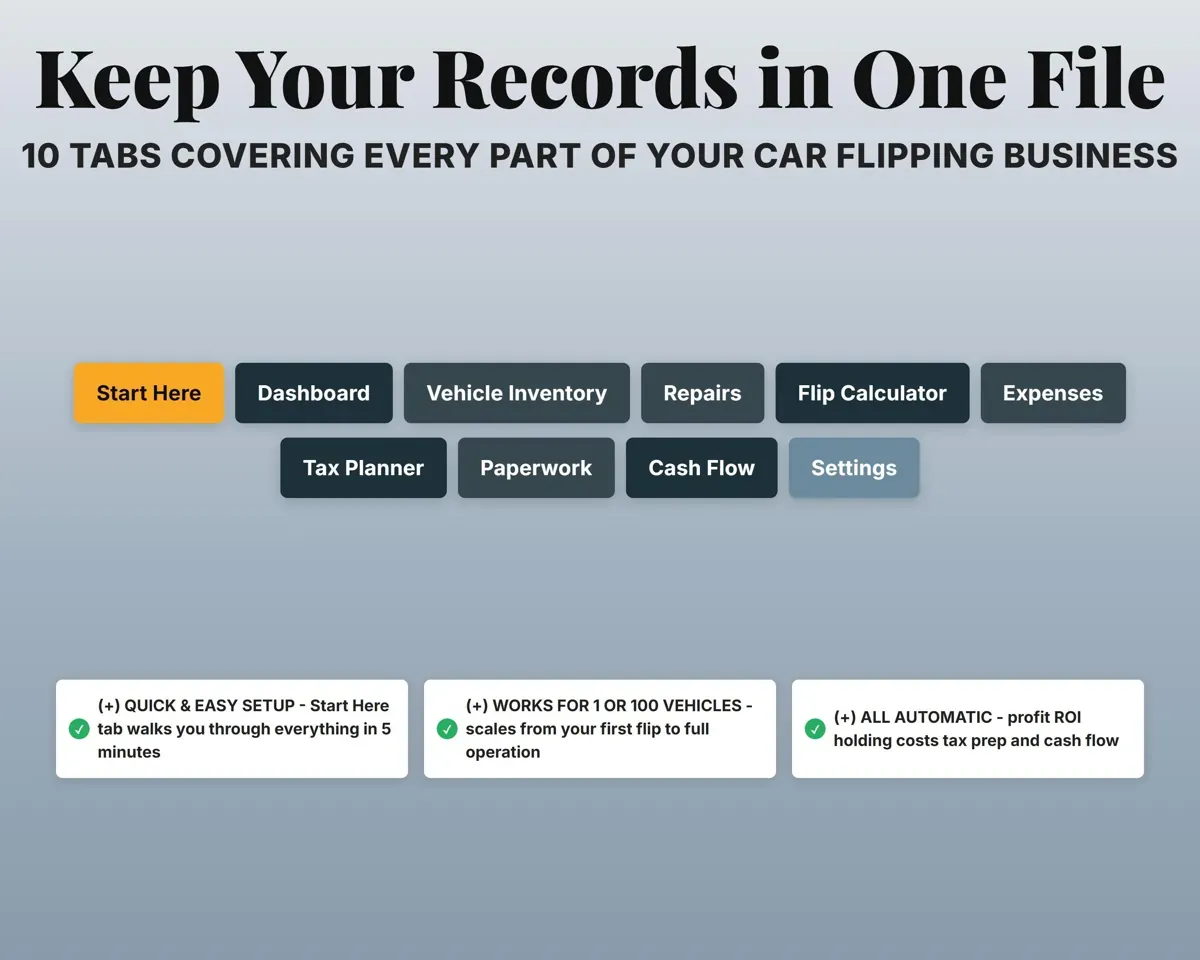
ExpensesSchedule C line10 tabs in one file
- Start Here
- Dashboard
- Vehicle Inventory
- Repairs
- Flip Calculator
- Expenses
- Tax Planner
- Paperwork
- Cash Flow
- Settings
- Start Here
- Setup steps and a short guide to every tab.
- Dashboard
- Capital out, profit, flips, dealer limit and your pipeline.
- Vehicle Inventory
- Every car with costs, sale price, profit and days held.
- Repairs
- Repairs per car by category, vendor, parts and labor.
- Flip Calculator
- Projected profit and break-even before you buy.
- Expenses
- General business costs mapped to Schedule C lines.
- Tax Planner
- Quarterly estimated taxes with due dates and payments.
- Paperwork
- Title, registration and inspection steps for each car.
- Cash Flow
- Twelve months of revenue and expenses.
- Settings
- Tax rate, dealer limit, holding cost and dropdown lists.
Pair it with
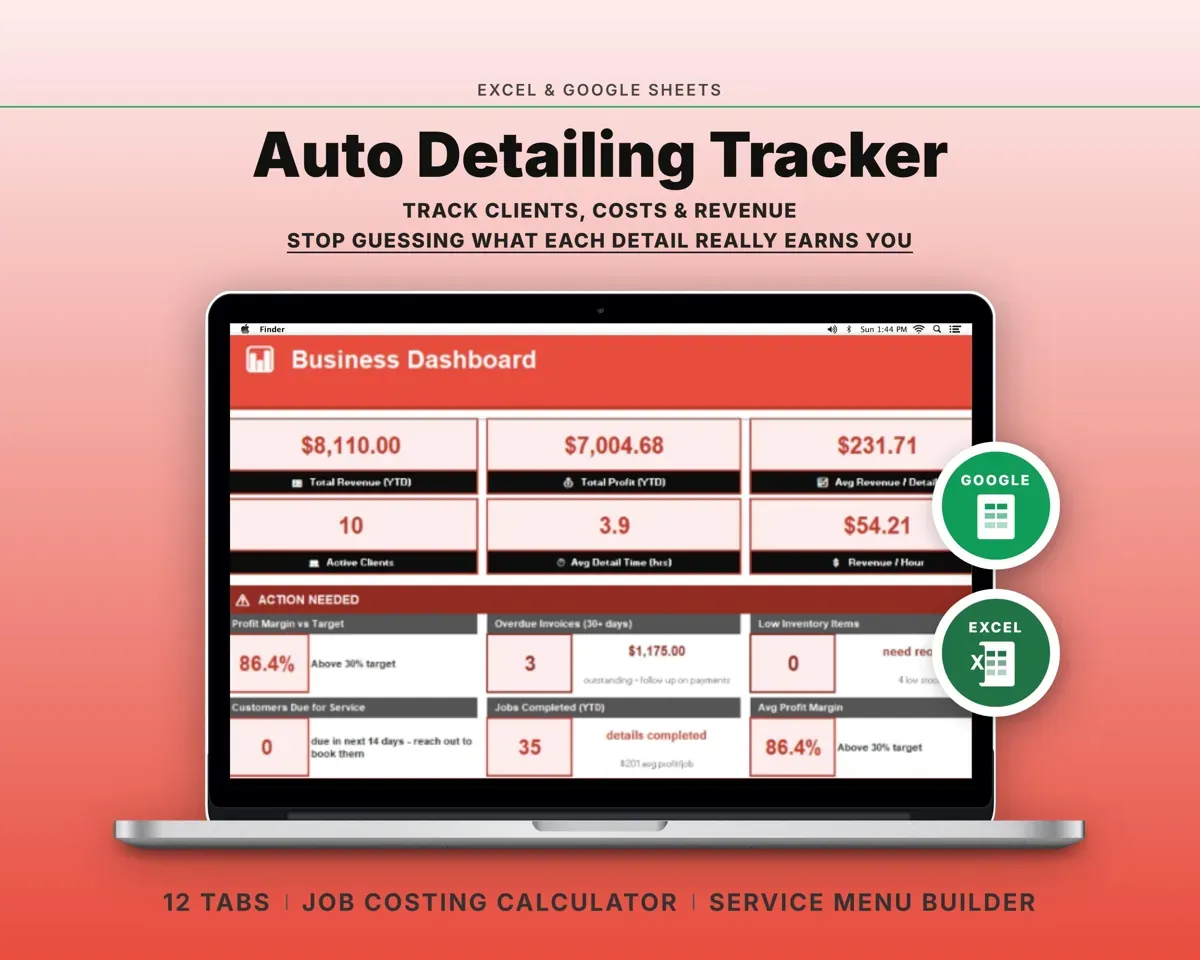
“Excellent! Very easy to use.”
“Nice Organization for 4H projects”
Before you buy
How many cars will it hold?
Up to 100 vehicles, whether you flip three cars a year or thirty.
How do repair costs reach each car?
Log each repair on the Repairs tab with the car's name. Vehicle Inventory totals that car's repairs for you.
Will it warn me before I hit my state's dealer limit?
Enter your state's yearly limit on Settings. The Dashboard then shows cars sold this year and the percent of the limit used.
What do I get?
An Excel file (.xlsx), a filled-in sample to look at, and a quick-start PDF guide with a link that makes your own copy in Google Sheets.
How does delivery work?
You get your download links right after checkout, and Stripe emails your receipt. There is nothing to ship and nothing to wait for.
How do I set it up in Google Sheets?
Open the quick-start PDF and click the Google Sheets link. Google makes a copy in your own Drive that only you can edit. You need a free Google account.
Will it work on a Mac?
Yes. It works in Excel on Mac and Windows, and in Google Sheets in any browser.
I'm not a spreadsheet person. Is that a problem?
No. You only type in the yellow cells. Everything in gray works itself out, and the Start Here tab shows you where to begin.
Can I get a refund?
Templates are digital downloads, so sales are final. If a file won't open, is broken or doesn't match its description, email hello@cleanpixelstudios.com within 30 days and we'll fix it, or refund you if we can't.
What if I get stuck?
Email hello@cleanpixelstudios.com and we'll help you get it working.
More in Automotive
See all Automotive templates
 Made by Clean Pixel Studios
We start every template by reading what people in that line of work say they struggle with, then build the spreadsheet around those problems. This one was made for car flippers and nobody else.
How we build templates