Built around the jobs freelancers actually do
Never miss a follow-up
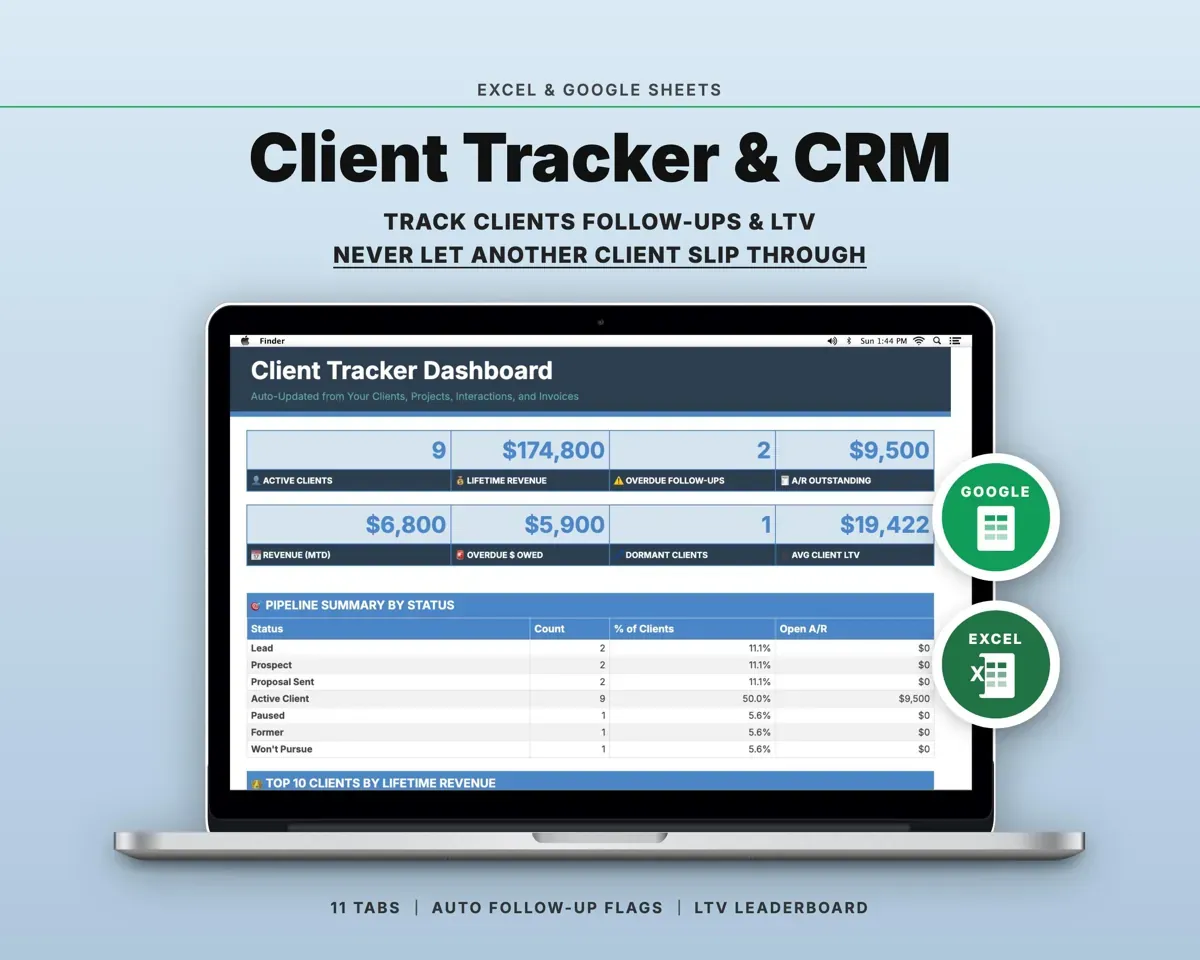
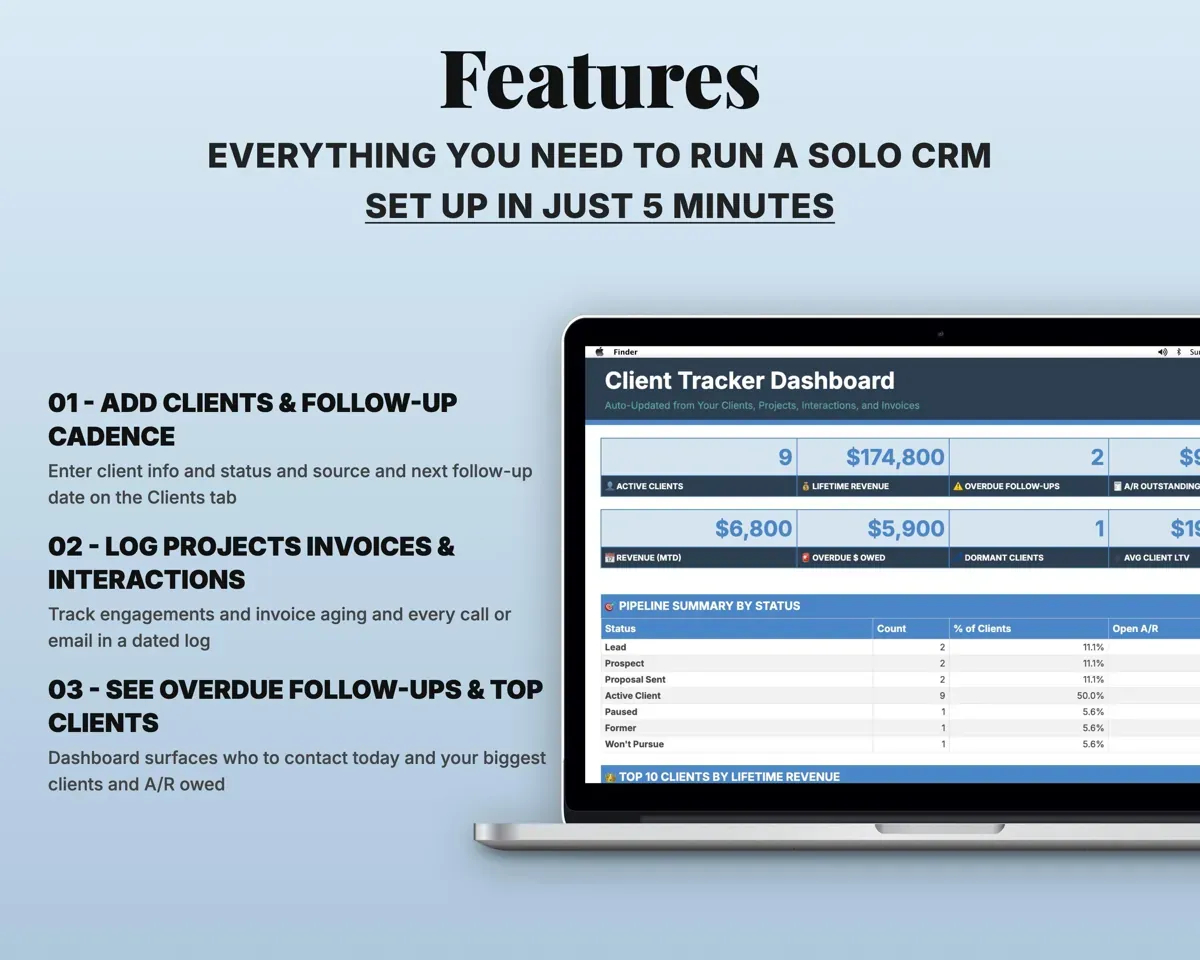
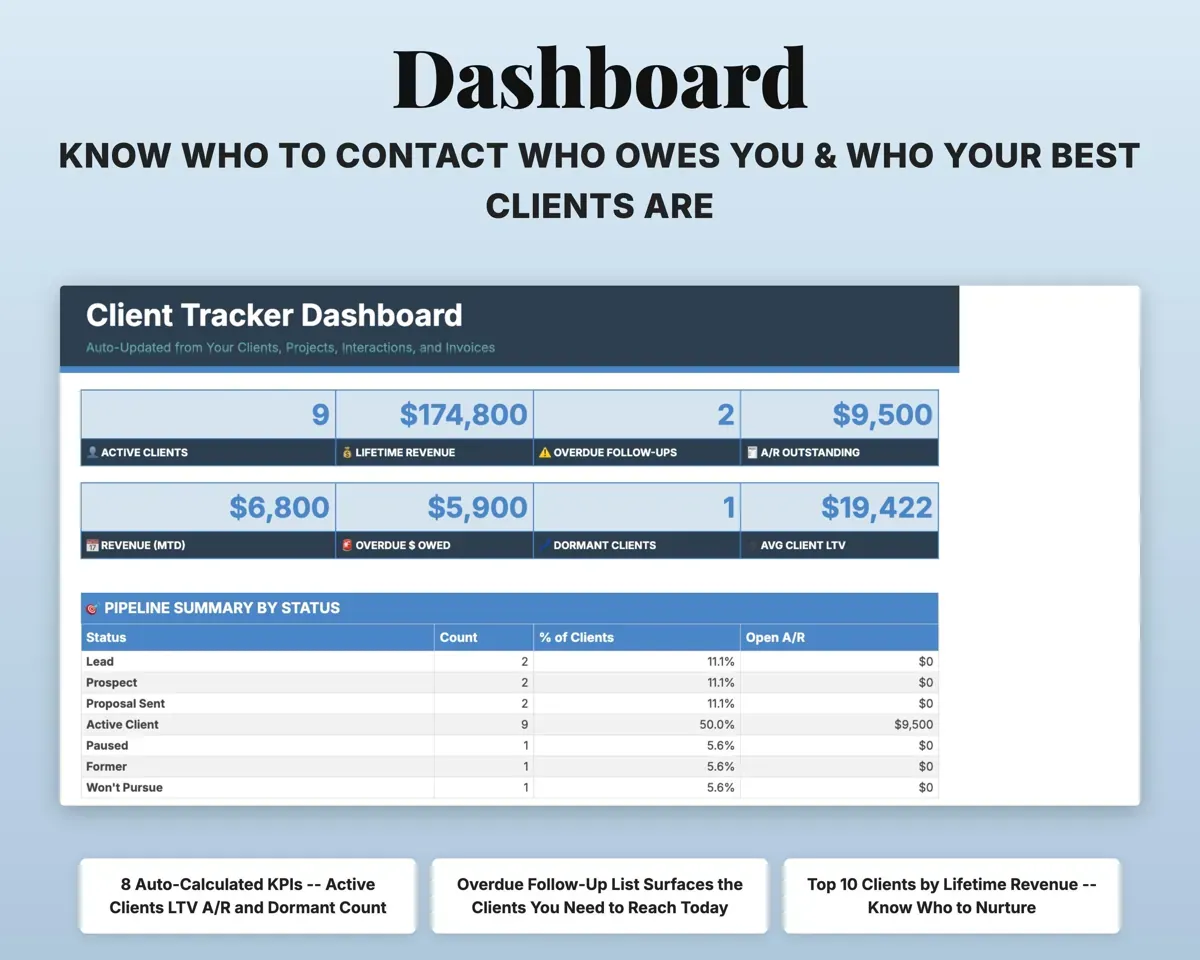
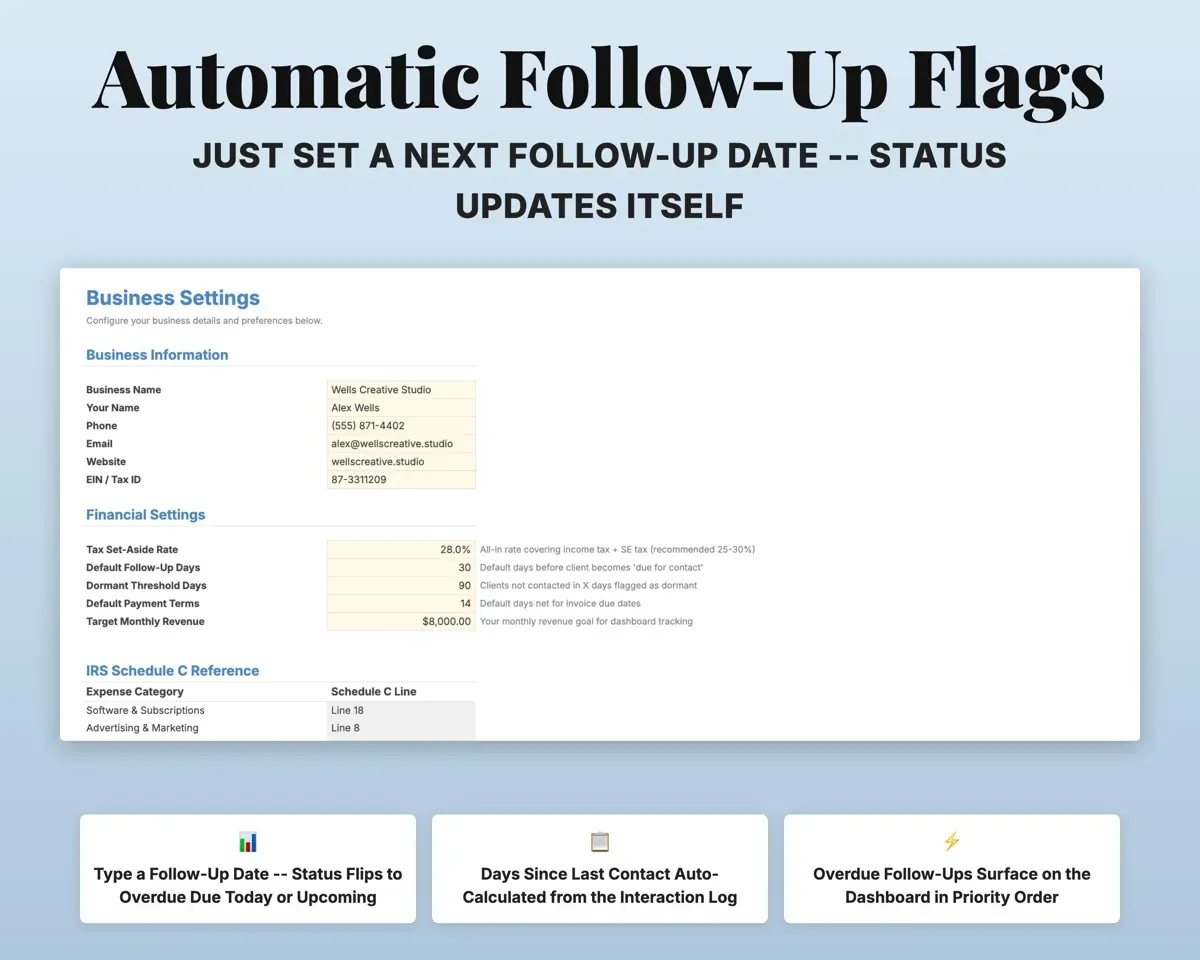
Each client shows days since last contact. Set a next follow-up date and it reads Overdue, Due Today or Upcoming, and the Dashboard lists who to contact.
Next follow-up dateOverdue listSee who your most valuable clients are
Paid projects add up to lifetime revenue for each client. A top 10 ranks them, and revenue by source shows which channels bring the best-paying work.
Projects, sourceLifetime revenueKnow who owes you
Due dates and days overdue fill in with red and amber flags, and the Dashboard totals what is still outstanding.
Invoice date, amountAmount outstandingReach back out to quiet clients
Anyone you have not contacted in 90 days or more shows on a dormant list, and a table pulls this month's birthdays.
Contact datesDormant clientsPrep for a call on one page
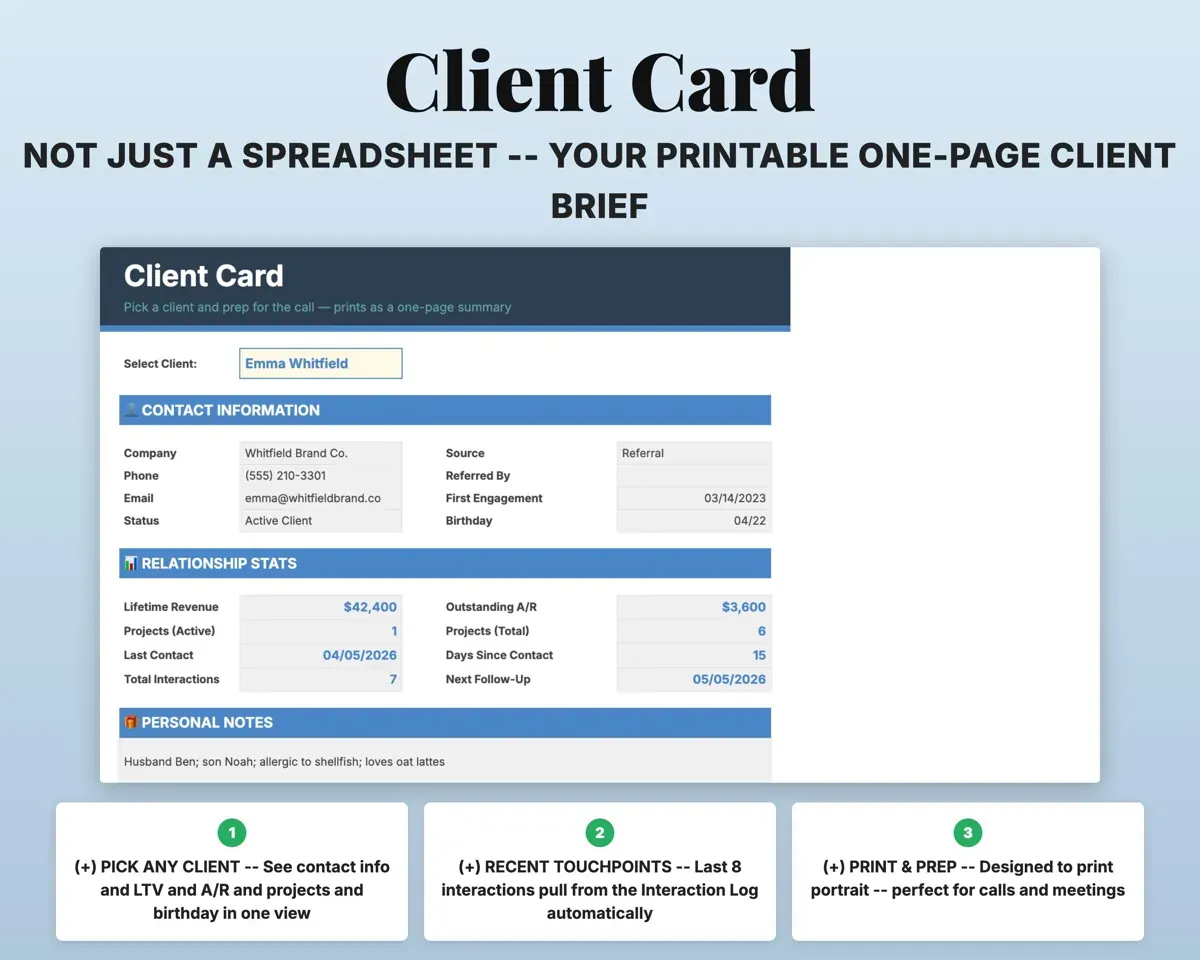
Pick a client on the Client Card and print a one-page summary of who they are and what you have done together.
Pick a clientOne-page summaryHave your numbers ready
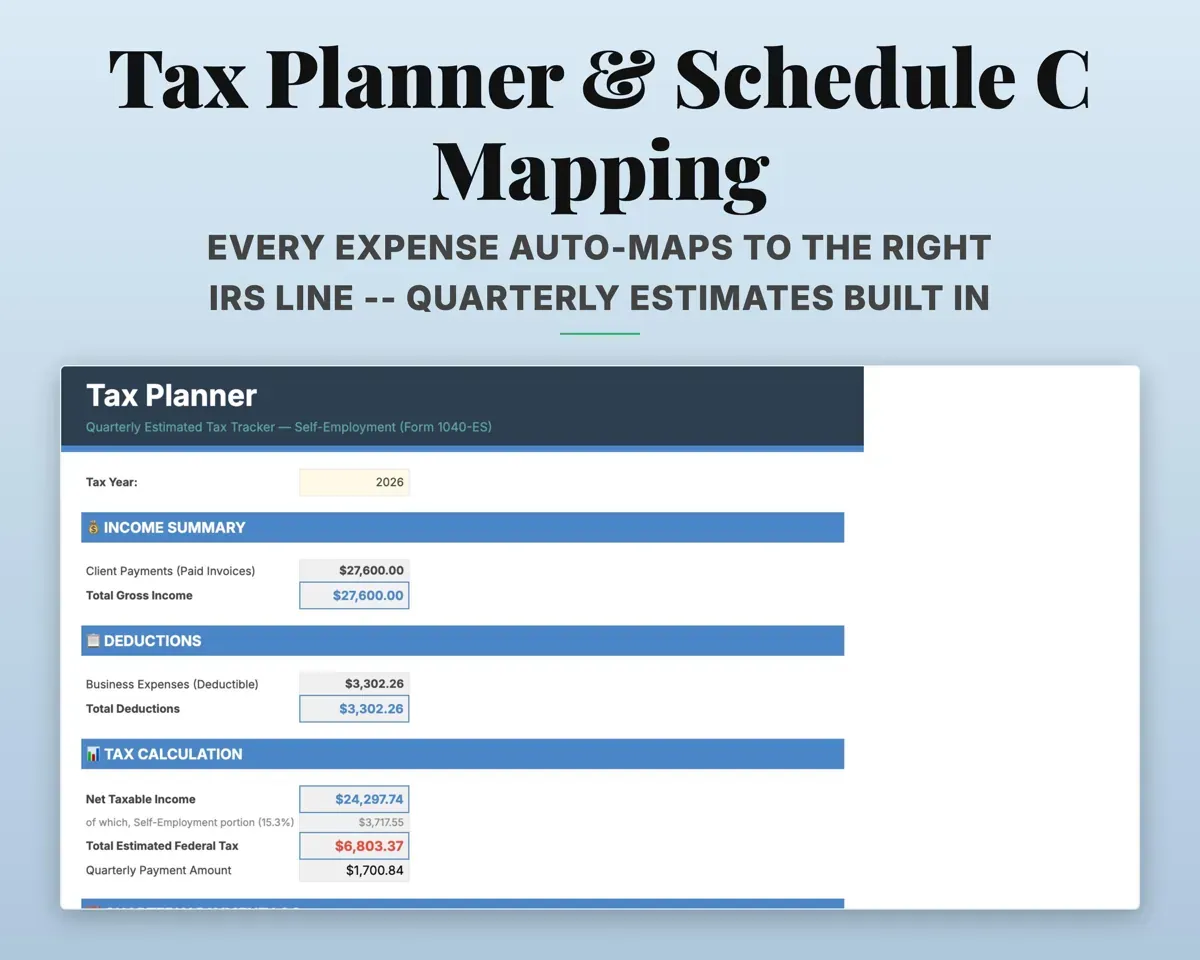
Expenses matched to Schedule C lines, quarterly estimated tax for the self-employed and a 12-month cash flow.
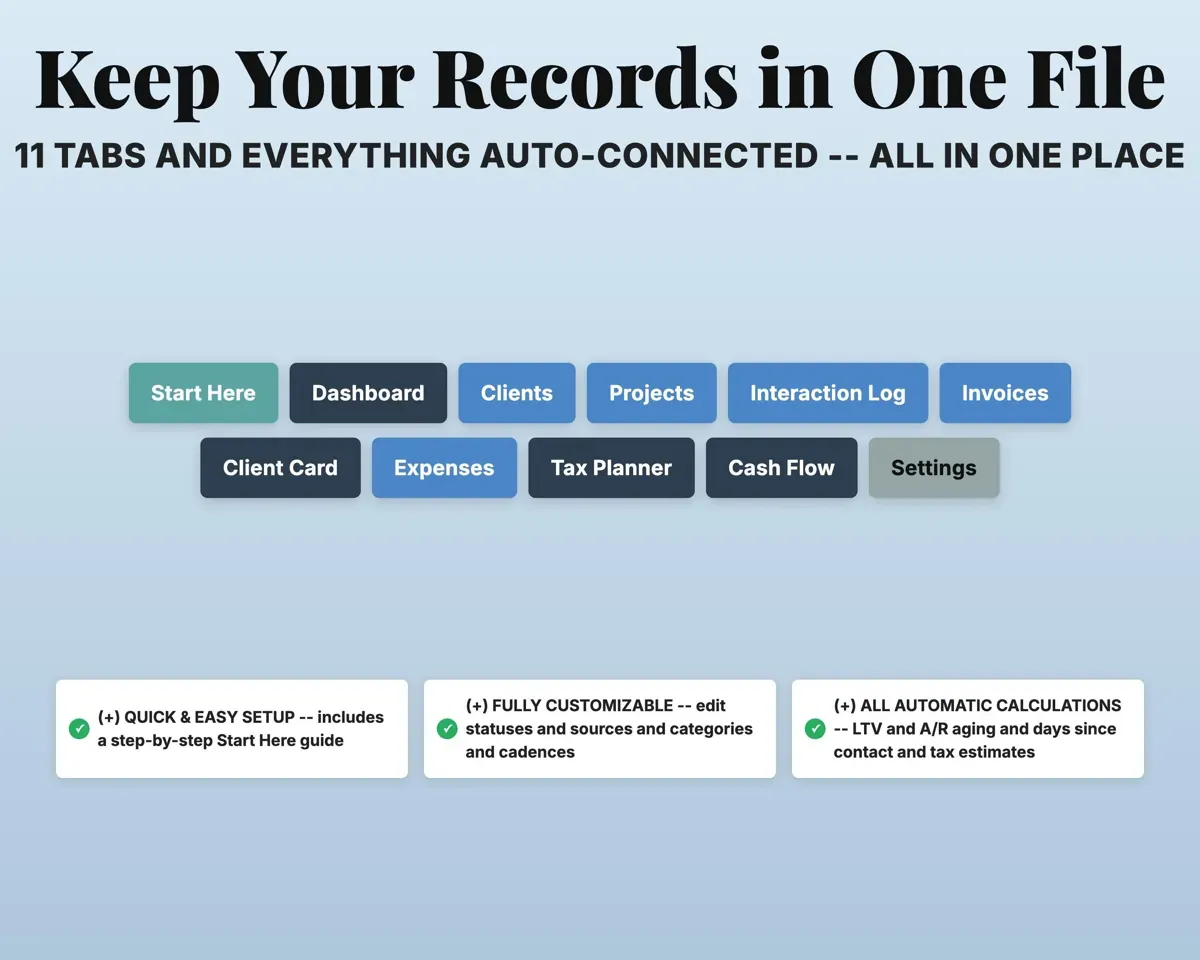
ExpensesSchedule C line11 tabs in one file
- Start Here
- Dashboard
- Clients
- Projects
- Interaction Log
- Invoices
- Client Card
- Expenses
- Tax Planner
- Cash Flow
- Settings
- Start Here
- Setup steps and a color key.
- Dashboard
- Top clients, overdue follow-ups, dormant clients and revenue by source.
- Clients
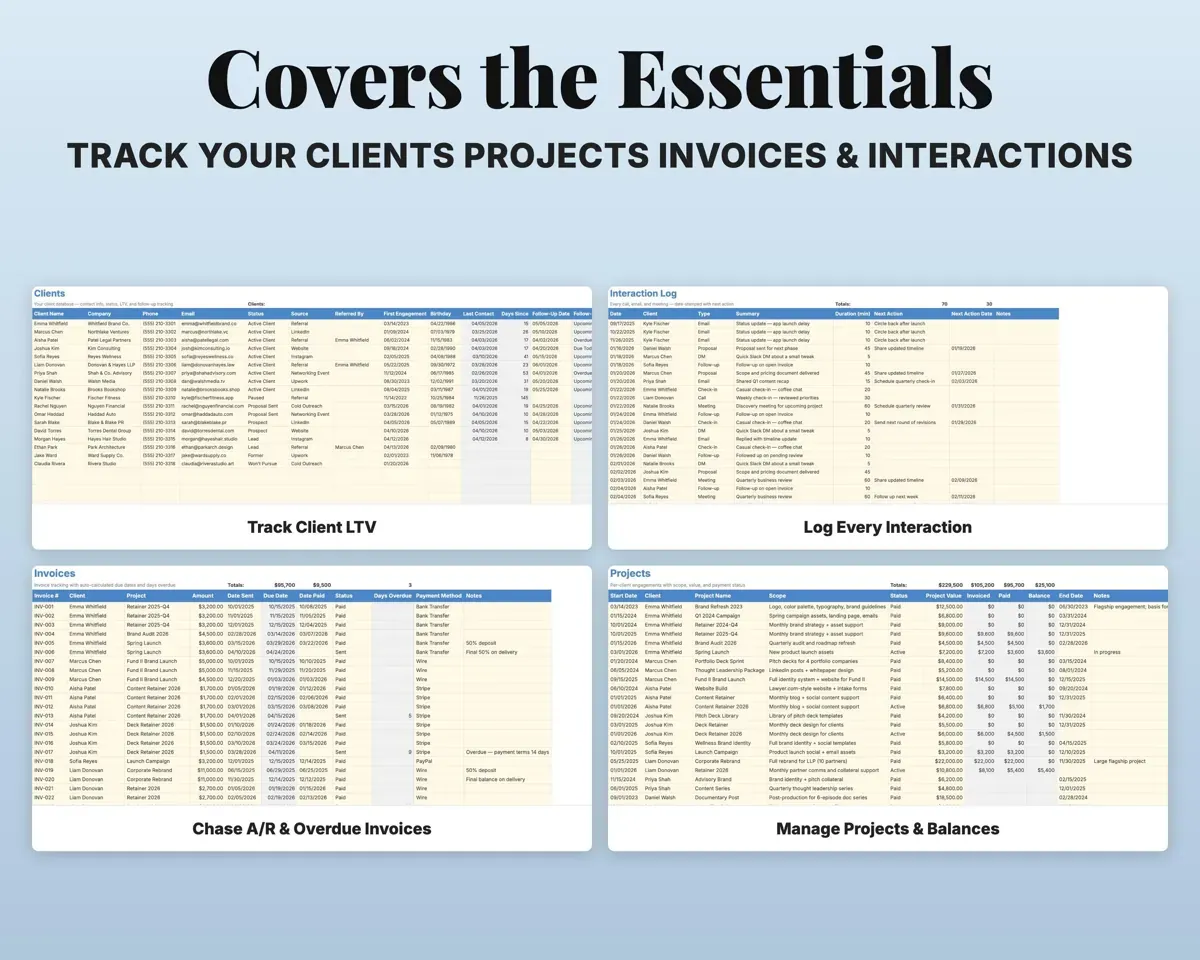
- Every client with status, source, last contact and lifetime revenue.
- Projects
- Each engagement with value, invoiced, paid and balance.
- Interaction Log
- Calls, emails, meetings and messages with the next action.
- Invoices
- Due dates, days overdue and payment method.
- Client Card
- A printable one-page summary of any client.
- Expenses
- Business costs matched to Schedule C lines.
- Tax Planner
- Quarterly estimated tax for the self-employed (Form 1040-ES).
- Cash Flow
- Twelve months of revenue and expenses.
- Settings
- Business details, tax rate, follow-up cadence and lists.
Pair it with
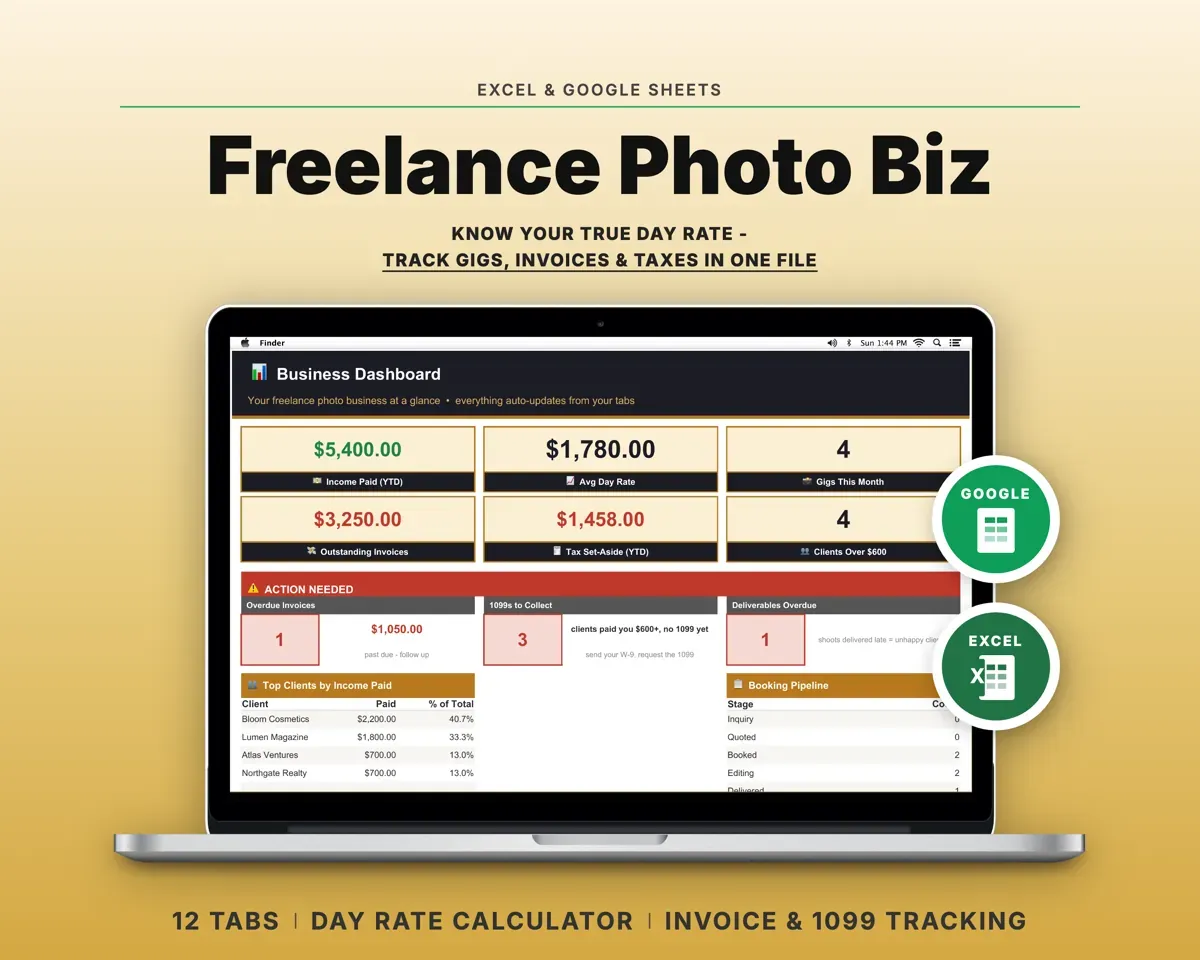
“Excellent! Very easy to use.”
“Nice Organization for 4H projects”
Before you buy
Will it replace Dubsado or HoneyBook?
For a solo business it covers the client list, follow-ups, invoices, lifetime revenue and tax prep. It does not have client portals or automated email workflows.
Do the follow-up reminders update by themselves?
Yes. Enter a next follow-up date and the status changes to Overdue, Due Today or Upcoming as the date comes and goes.
Can I change the statuses and sources?
Yes. Client statuses, sources, interaction types, project and invoice statuses, payment methods and expense categories are all lists on the Settings tab.
What do I get?
An Excel file (.xlsx), a filled-in sample to look at, and a quick-start PDF guide with a link that makes your own copy in Google Sheets.
How does delivery work?
You get your download links right after checkout, and Stripe emails your receipt. There is nothing to ship and nothing to wait for.
How do I set it up in Google Sheets?
Open the quick-start PDF and click the Google Sheets link. Google makes a copy in your own Drive that only you can edit. You need a free Google account.
Will it work on a Mac?
Yes. It works in Excel on Mac and Windows, and in Google Sheets in any browser.
I'm not a spreadsheet person. Is that a problem?
No. You only type in the yellow cells. Everything in gray works itself out, and the Start Here tab shows you where to begin.
Can I get a refund?
Templates are digital downloads, so sales are final. If a file won't open, is broken or doesn't match its description, email hello@cleanpixelstudios.com within 30 days and we'll fix it, or refund you if we can't.
What if I get stuck?
Email hello@cleanpixelstudios.com and we'll help you get it working.
More in Small business & money
See all Small business & money templates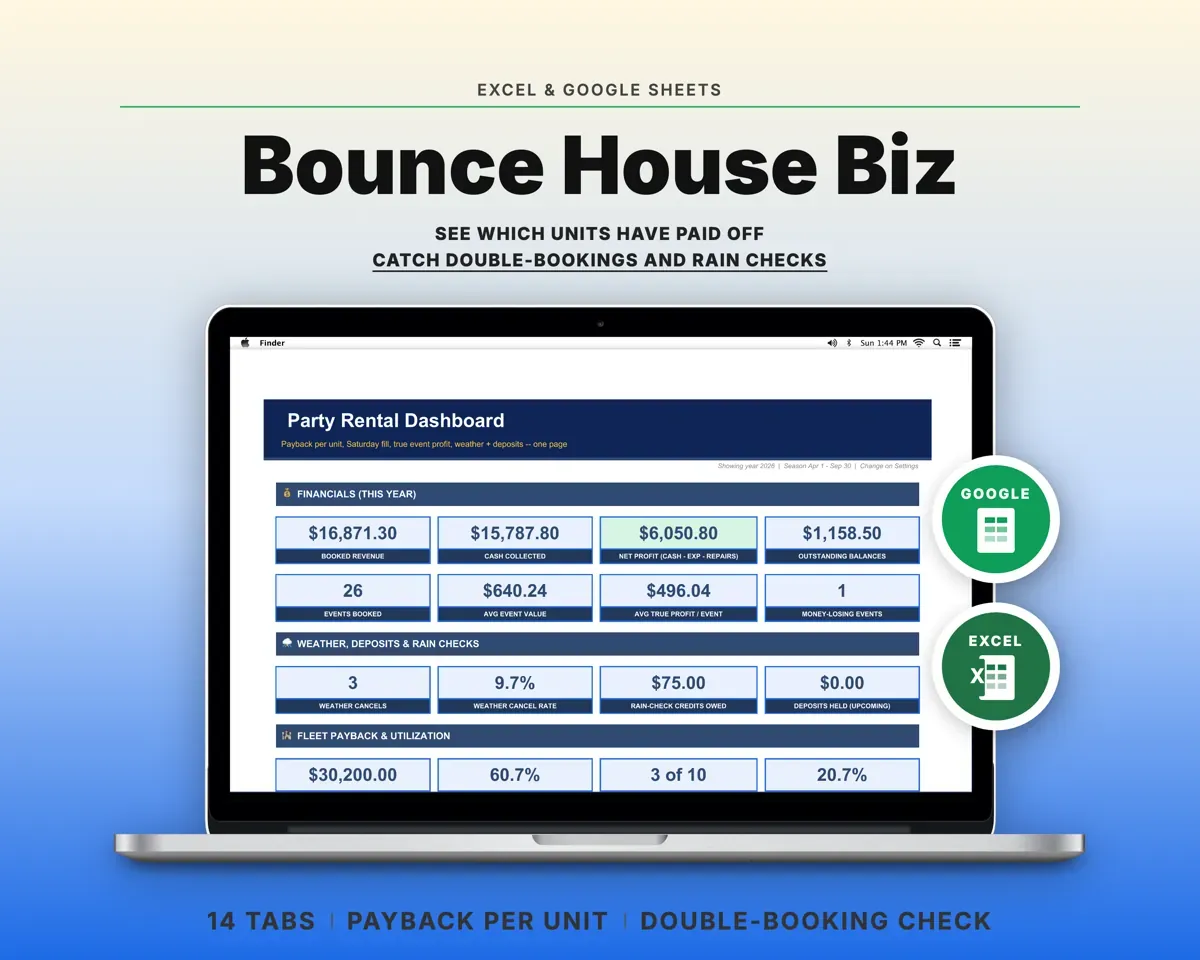
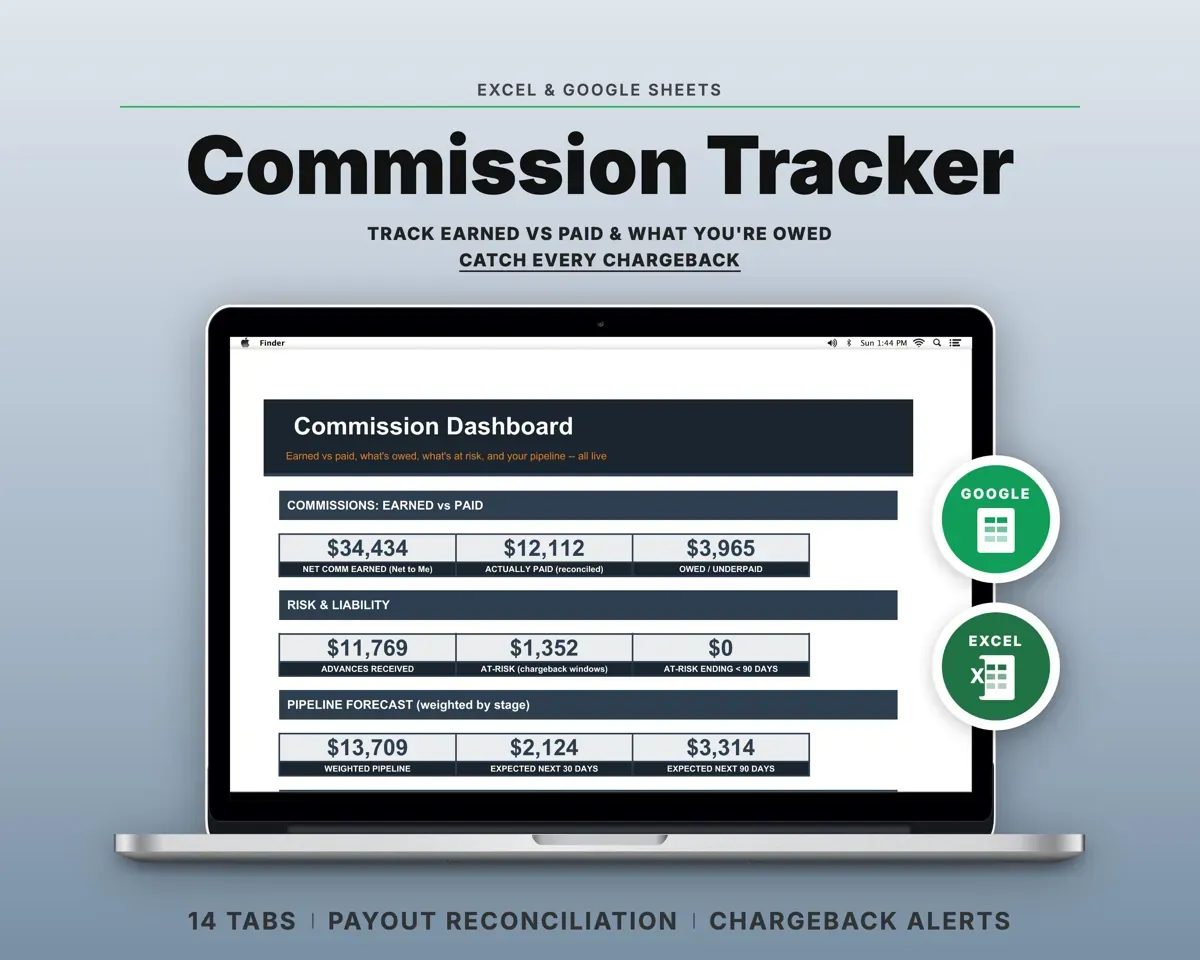
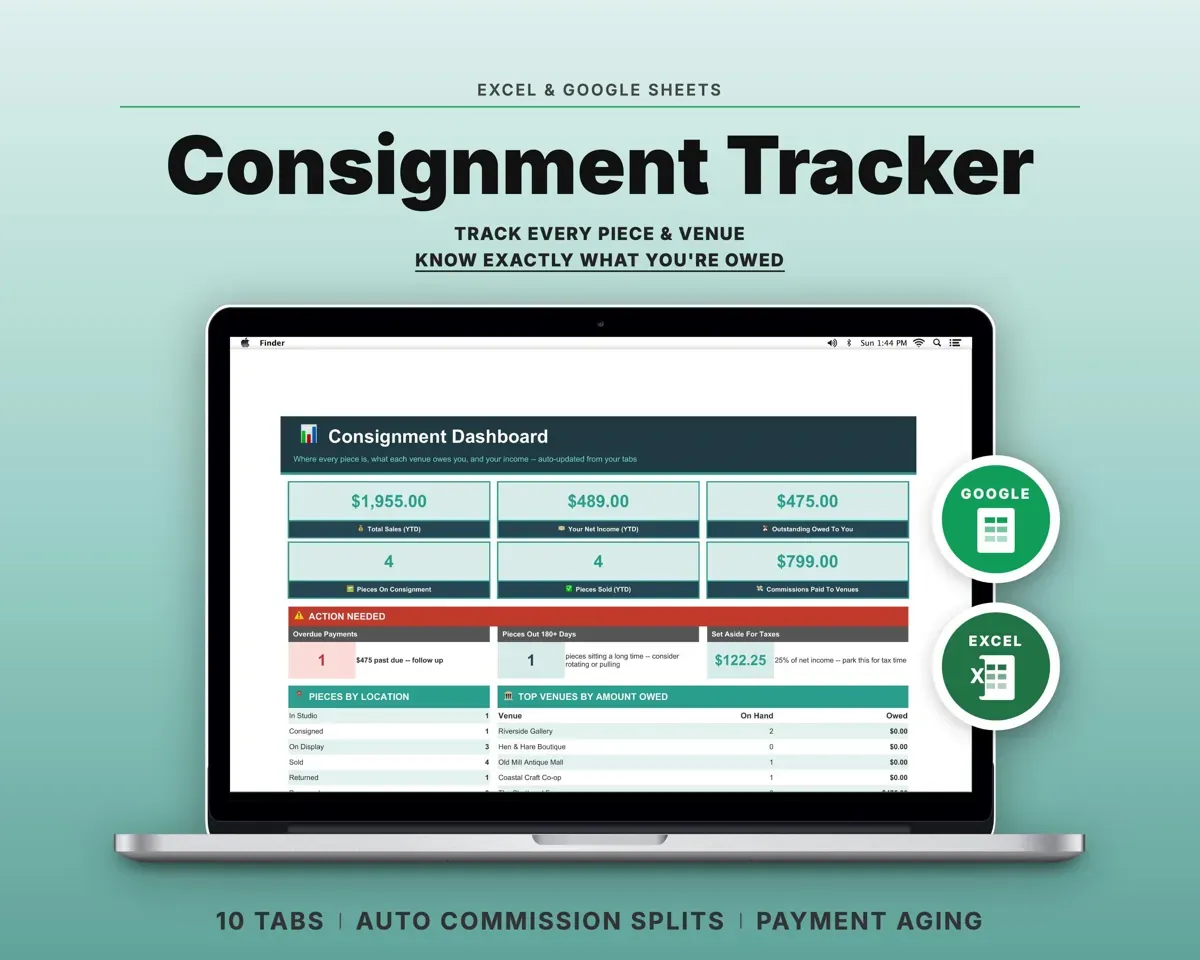
 Made by Clean Pixel Studios
We start every template by reading what people in that line of work say they struggle with, then build the spreadsheet around those problems. This one was made for freelancers and nobody else.
How we build templatesClient Tracker CRM Spreadsheet$16.99 · Excel + Google Sheets