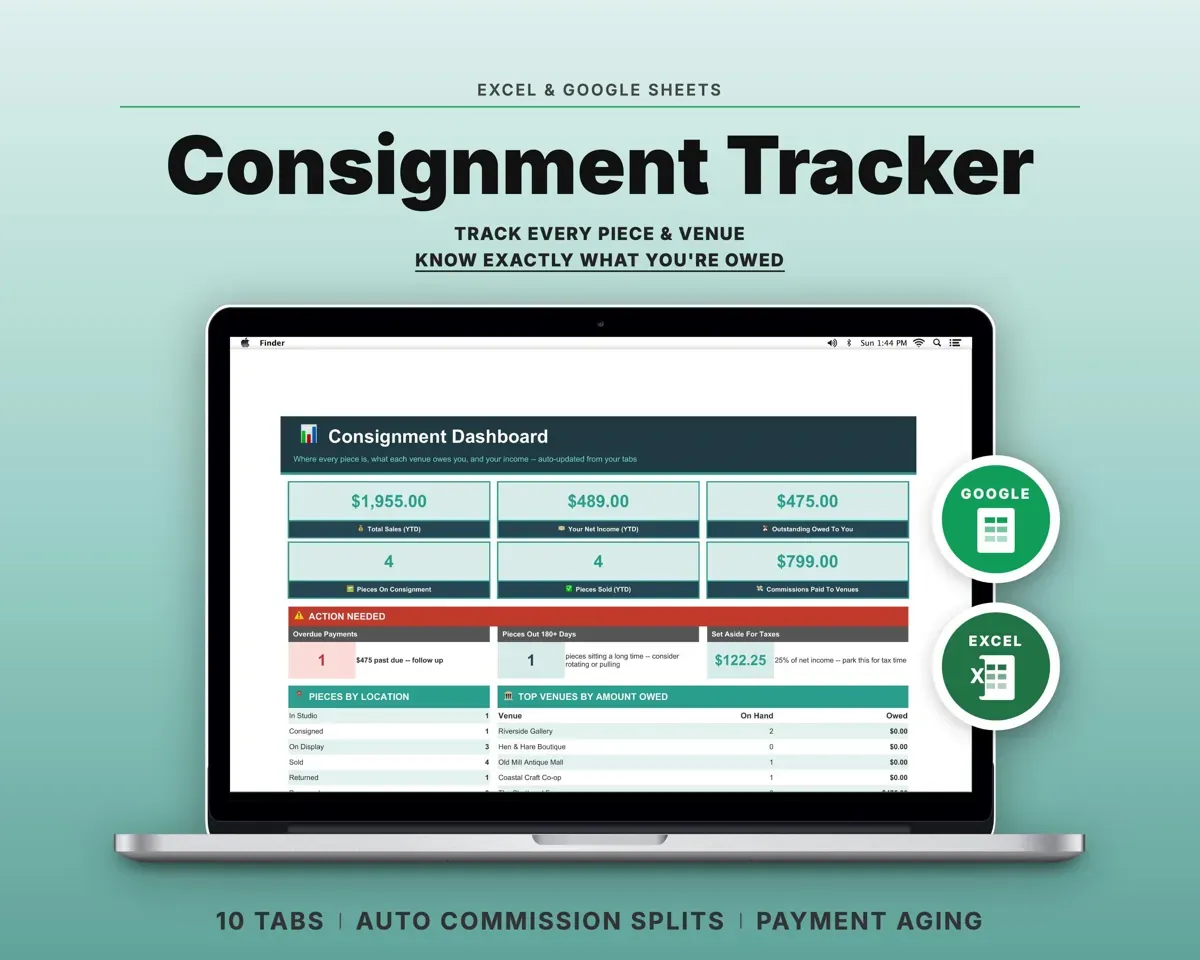
Built around the jobs artists and makers who consign actually do
Know where each piece is
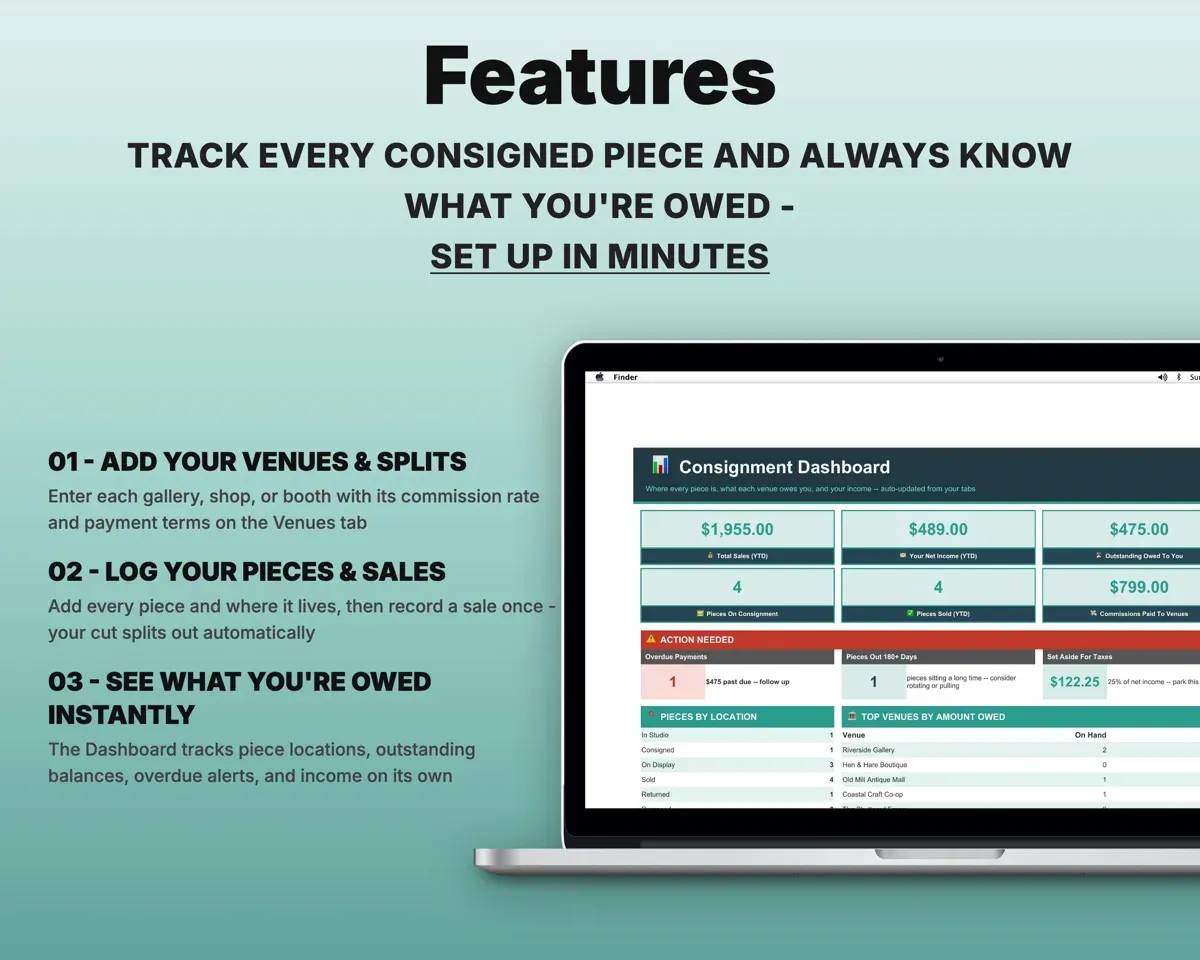
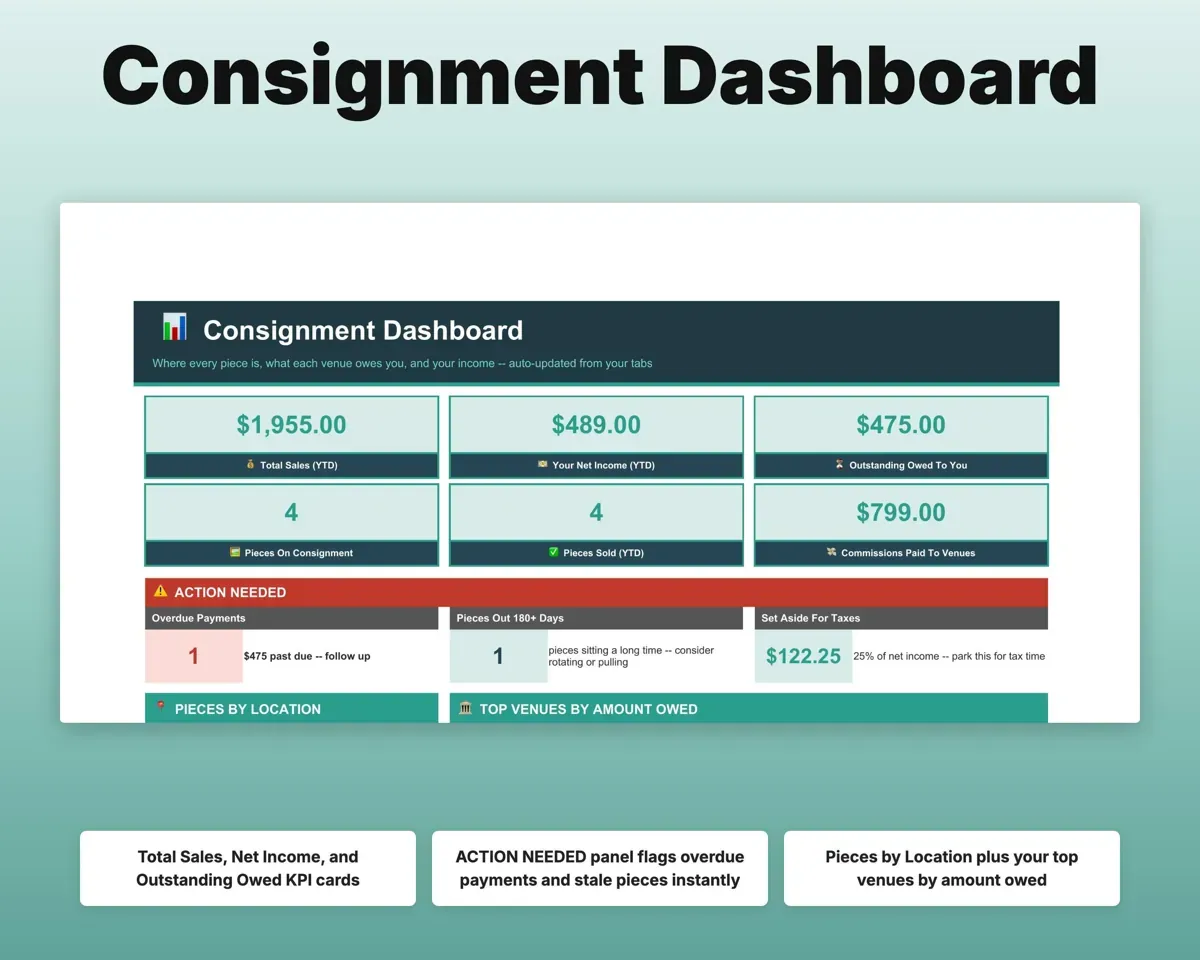
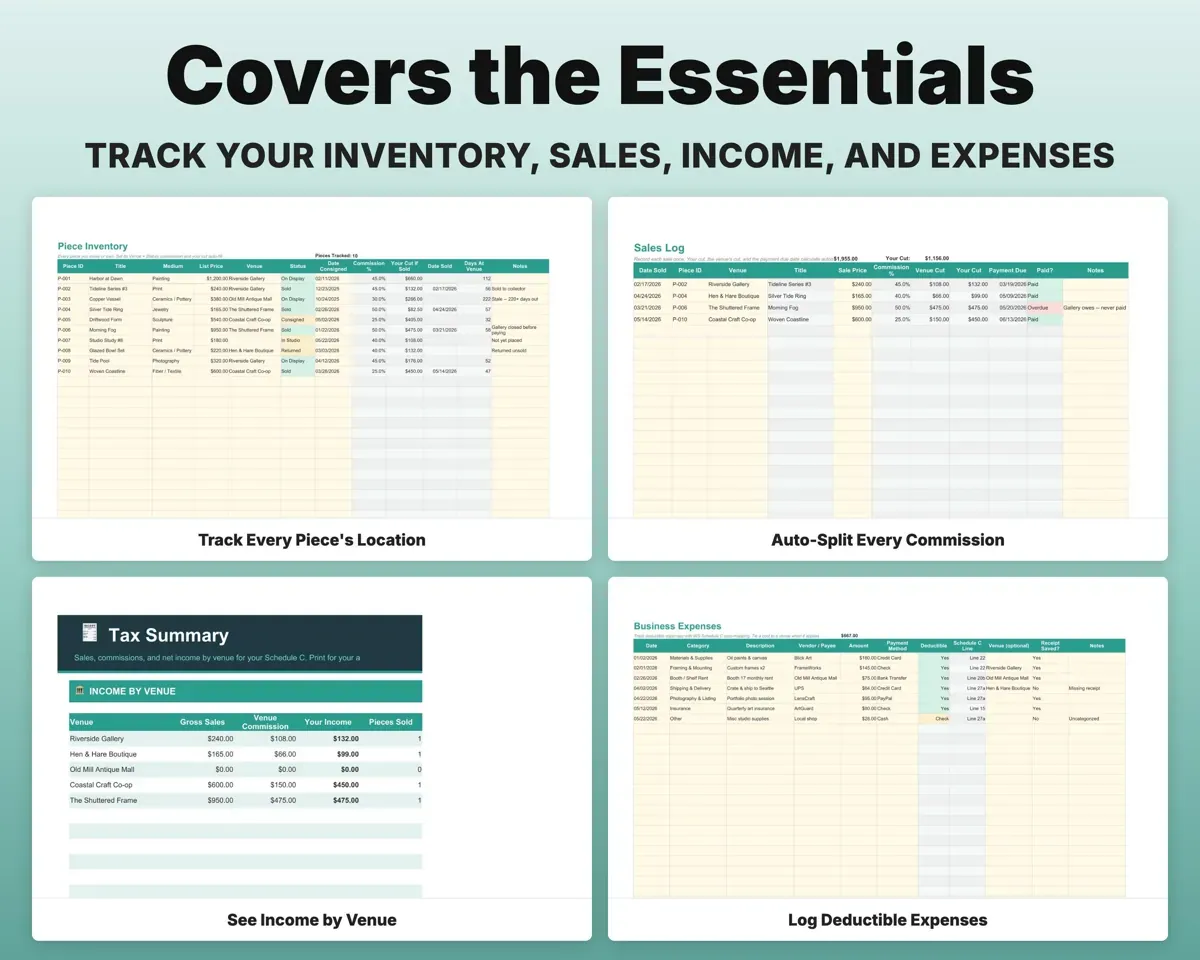
Each piece is marked in the studio, consigned, on display, sold, returned or damaged, along with the venue holding it. The Dashboard counts pieces by location and flags ones that have sat too long.
Piece, venueCount by locationSplit each sale the right way
Enter the sale price and the venue's rate splits it into your cut and theirs, along with the date payment is due.
Sale priceYour cutSee which venues owe you
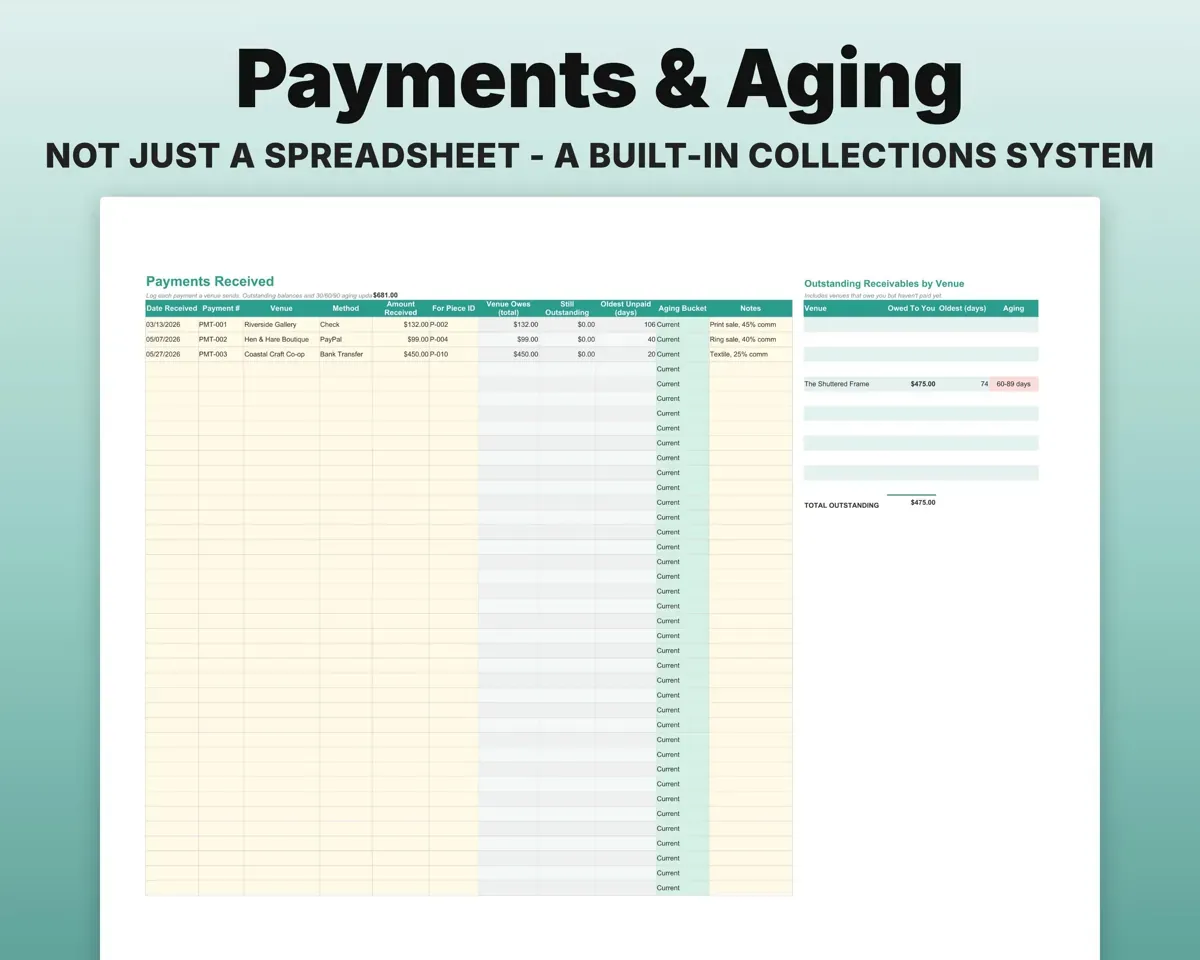
Log payments as they arrive. Balances fall into current, 30, 60 and 90-plus days, and every venue that still owes you is listed.
Payments receivedOwed by venueKeep a signed delivery record
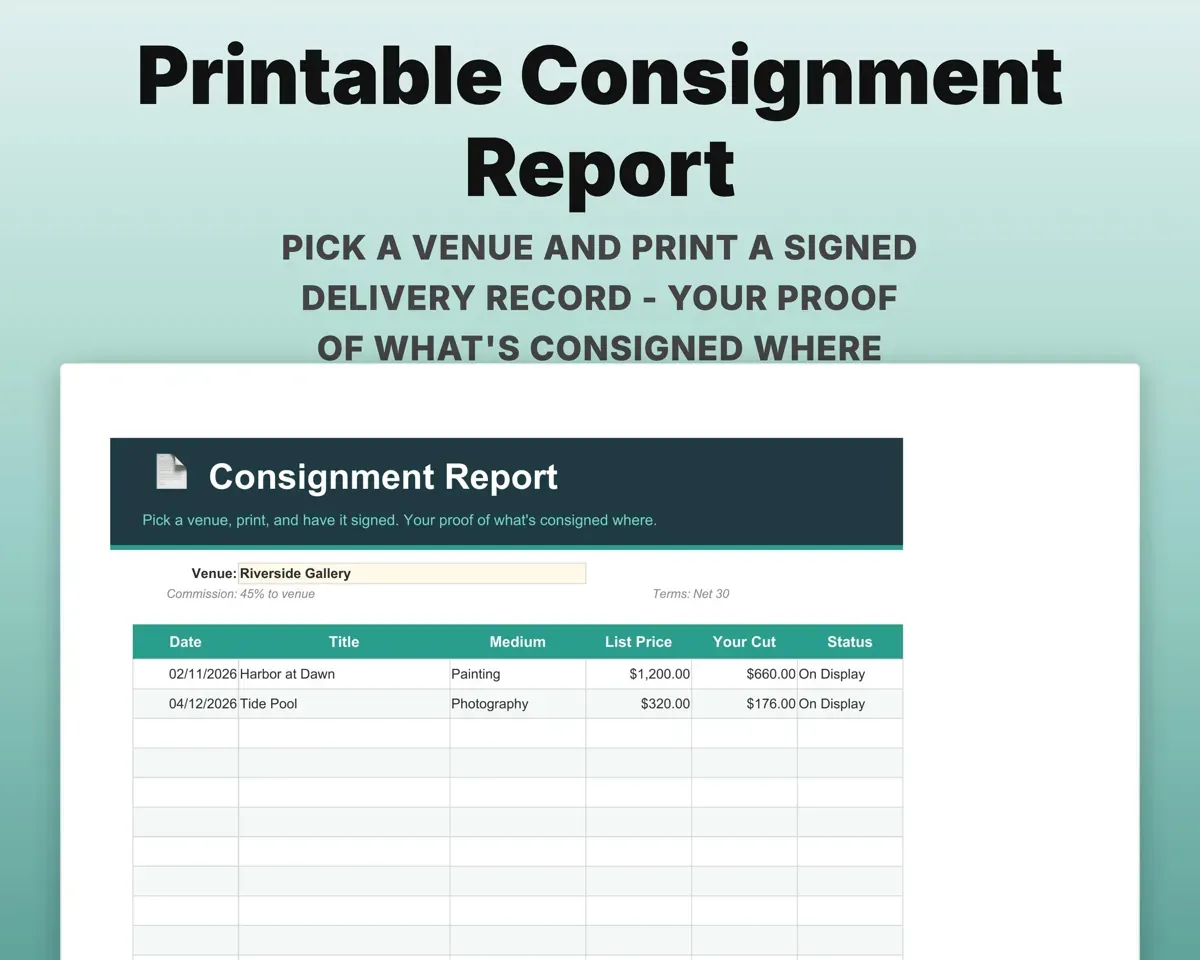
Pick a venue and print a record of what you left there, ready for signatures.
Pick a venuePrintable reportHave income by venue ready
Sales, commissions paid and net income by venue for Schedule C, with 13 expense categories and a tax set-aside amount.
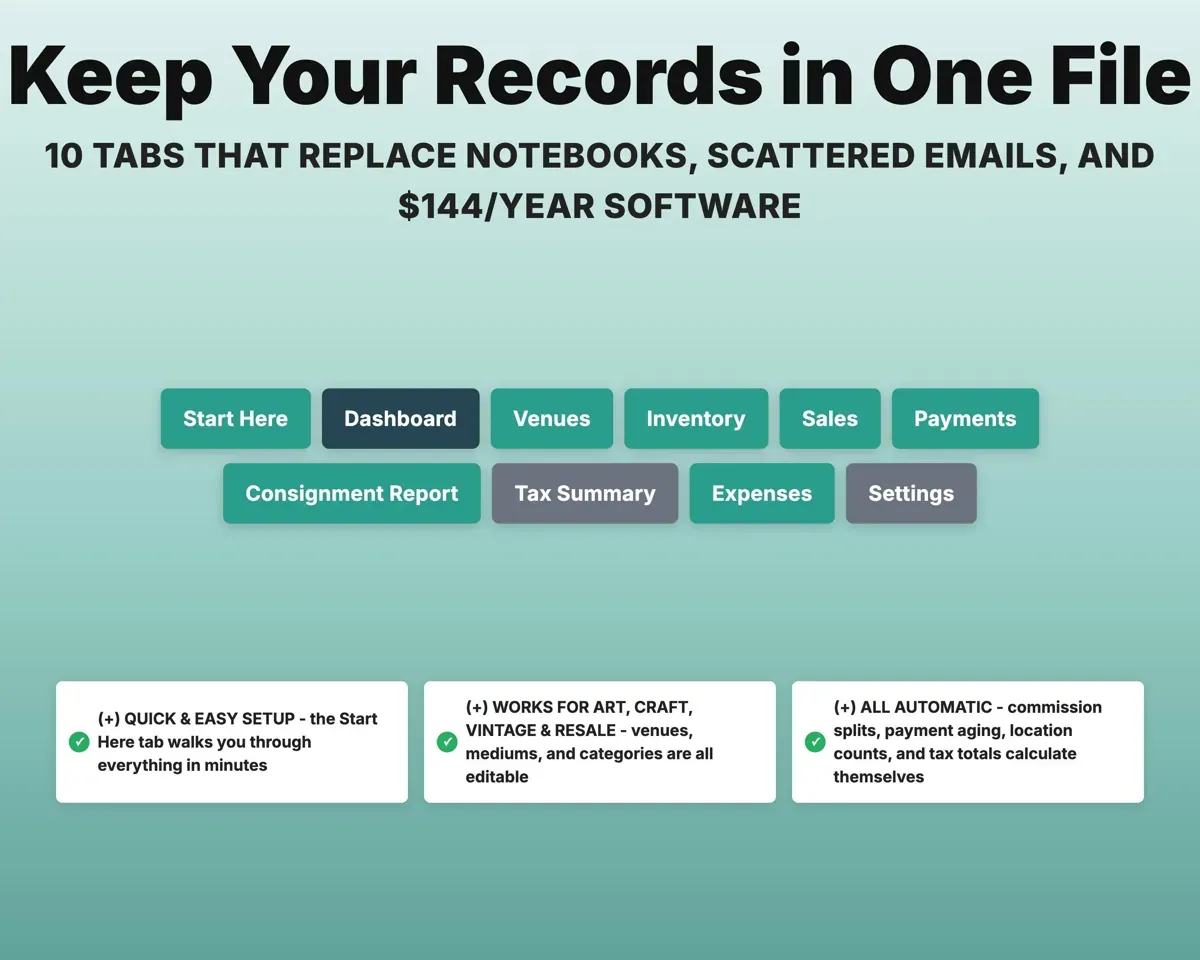
ExpensesNet income by venue10 tabs in one file
- Start Here
- Dashboard
- Venues
- Inventory
- Sales
- Payments
- Consignment Report
- Tax Summary
- Expenses
- Settings
- Start Here
- A quick guided setup.
- Dashboard
- Pieces by location, amounts owed, overdue alerts and income.
- Venues
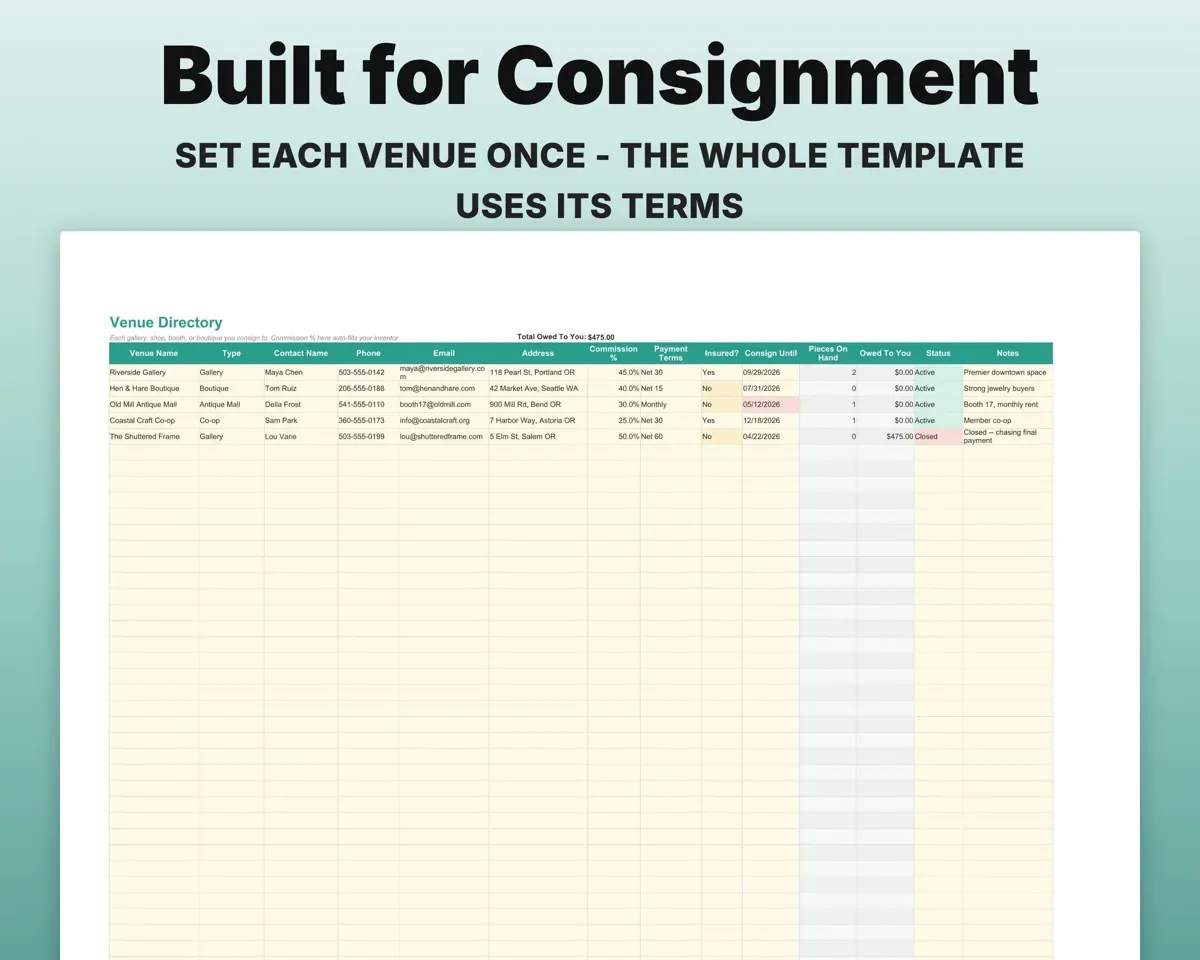
- Each venue's commission rate, terms, contact and status.
- Inventory
- Every piece with price, location and holding venue.
- Sales
- Each sale split into your cut and the venue's.
- Payments
- Payments in, balances owed and aging.
- Consignment Report
- A printable, signed delivery record per venue.
- Tax Summary
- Sales, commissions and net income by venue.
- Expenses
- Business costs in 13 categories matched to Schedule C.
- Settings
- Business details, default split, tax set-aside and lists.
Pair it with
“Excellent! Very easy to use.”
“Nice Organization for 4H projects”
Before you buy
Can each gallery have its own commission rate?
Yes. Set the rate on the Venues tab and every sale at that venue uses it.
I sell vintage, not art. Will it fit?
Yes. Venue types, mediums and categories are editable, so it works for booths, antique malls and resale shops.
What is the consignment report for?
It is a per-venue list of what you delivered, with signature lines, so you have a record if a venue closes or loses work.
What do I get?
An Excel file (.xlsx), a filled-in sample to look at, and a quick-start PDF guide with a link that makes your own copy in Google Sheets.
How does delivery work?
You get your download links right after checkout, and Stripe emails your receipt. There is nothing to ship and nothing to wait for.
How do I set it up in Google Sheets?
Open the quick-start PDF and click the Google Sheets link. Google makes a copy in your own Drive that only you can edit. You need a free Google account.
Will it work on a Mac?
Yes. It works in Excel on Mac and Windows, and in Google Sheets in any browser.
I'm not a spreadsheet person. Is that a problem?
No. You only type in the yellow cells. Everything in gray works itself out, and the Start Here tab shows you where to begin.
Can I get a refund?
Templates are digital downloads, so sales are final. If a file won't open, is broken or doesn't match its description, email hello@cleanpixelstudios.com within 30 days and we'll fix it, or refund you if we can't.
What if I get stuck?
Email hello@cleanpixelstudios.com and we'll help you get it working.
More in Small business & money
See all Small business & money templates
 Made by Clean Pixel Studios
We start every template by reading what people in that line of work say they struggle with, then build the spreadsheet around those problems. This one was made for artists and makers who consign and nobody else.
How we build templatesConsignment Tracker Spreadsheet$16.99 · Excel + Google Sheets