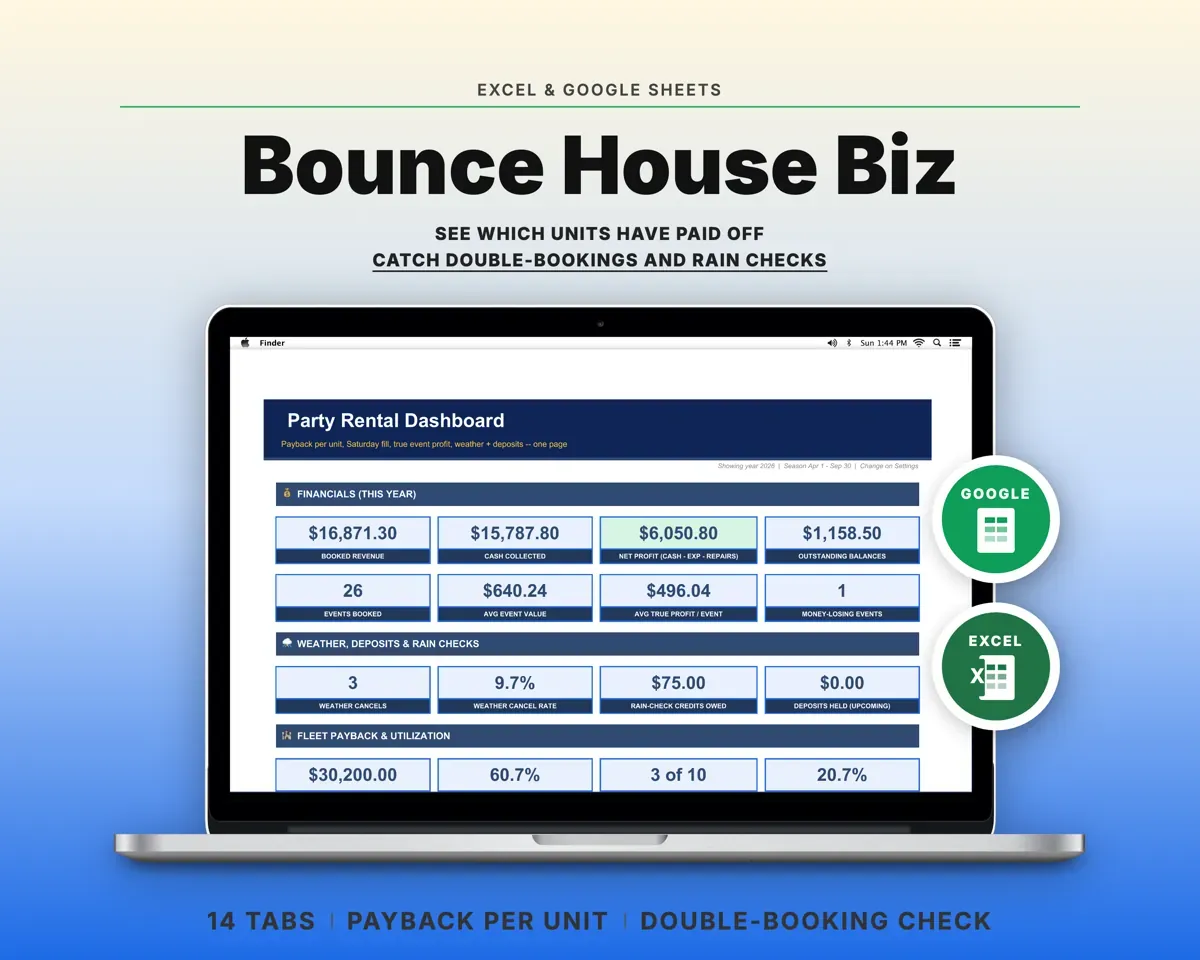
Built around the jobs party rental owners actually do
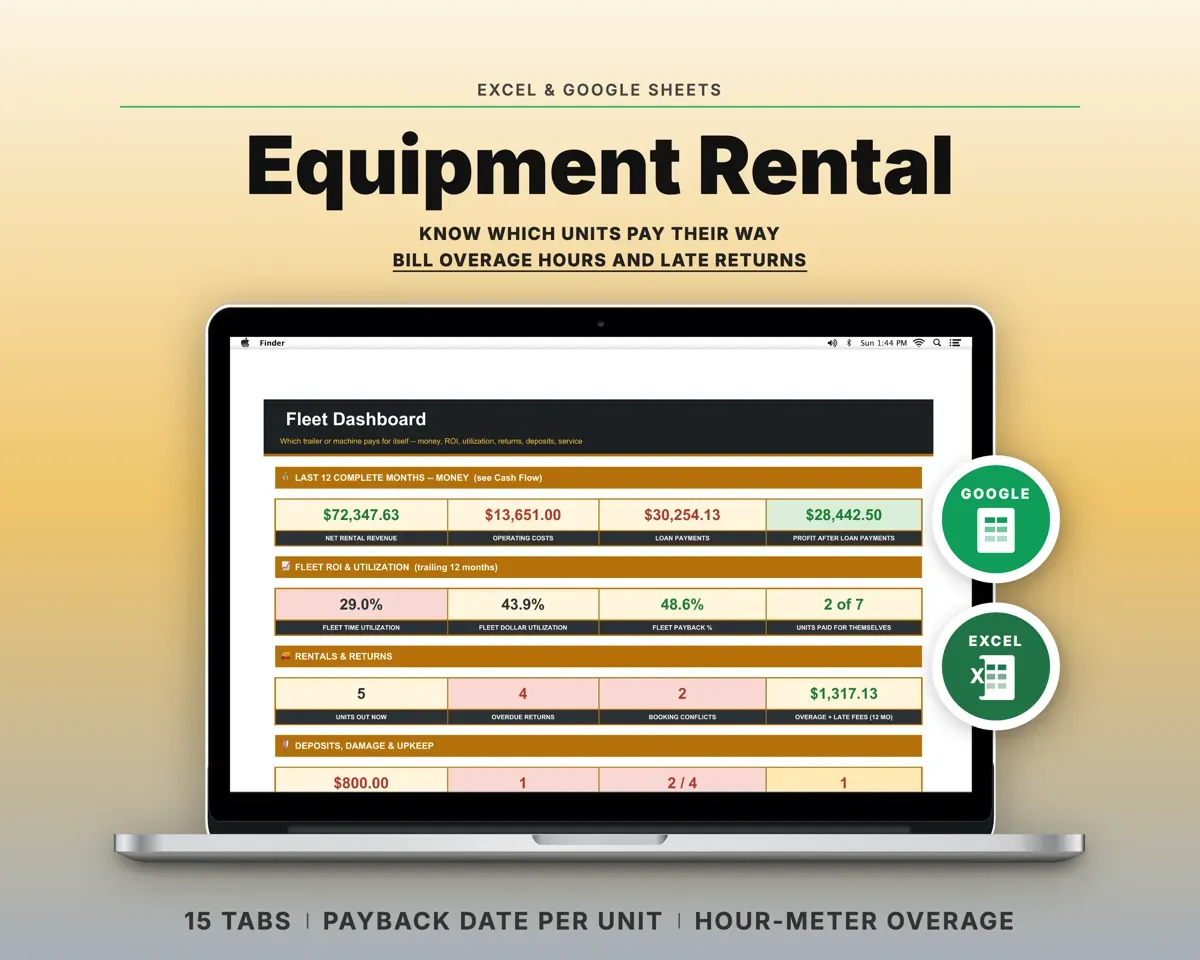
See which units have paid for themselves
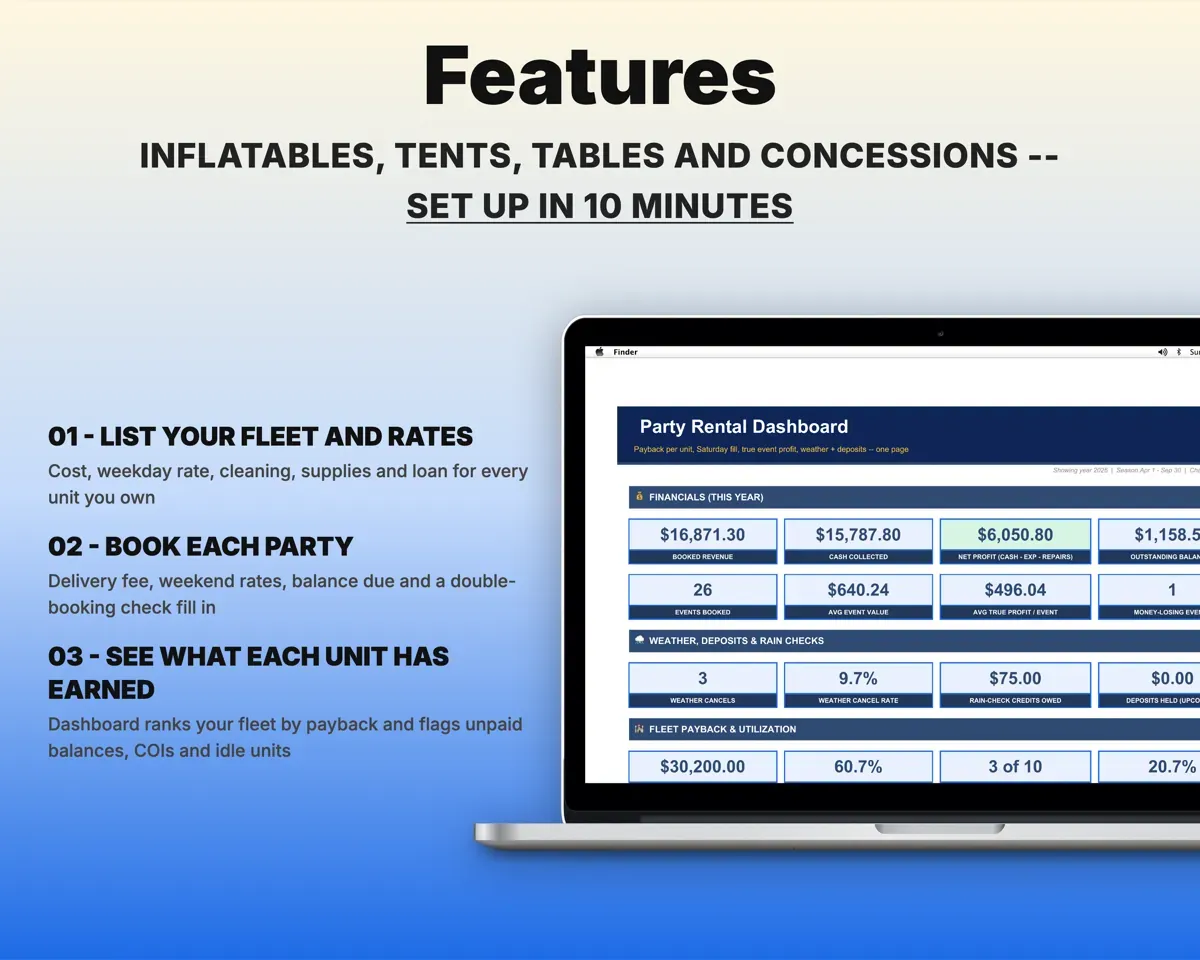
Each inflatable, tent or machine shows its rentals, net earnings, percent paid off and rentals still needed. The Dashboard ranks the fleet Paid Off, On Track or Behind.
Unit cost, rentalsRentals to pay offStop double-booking units
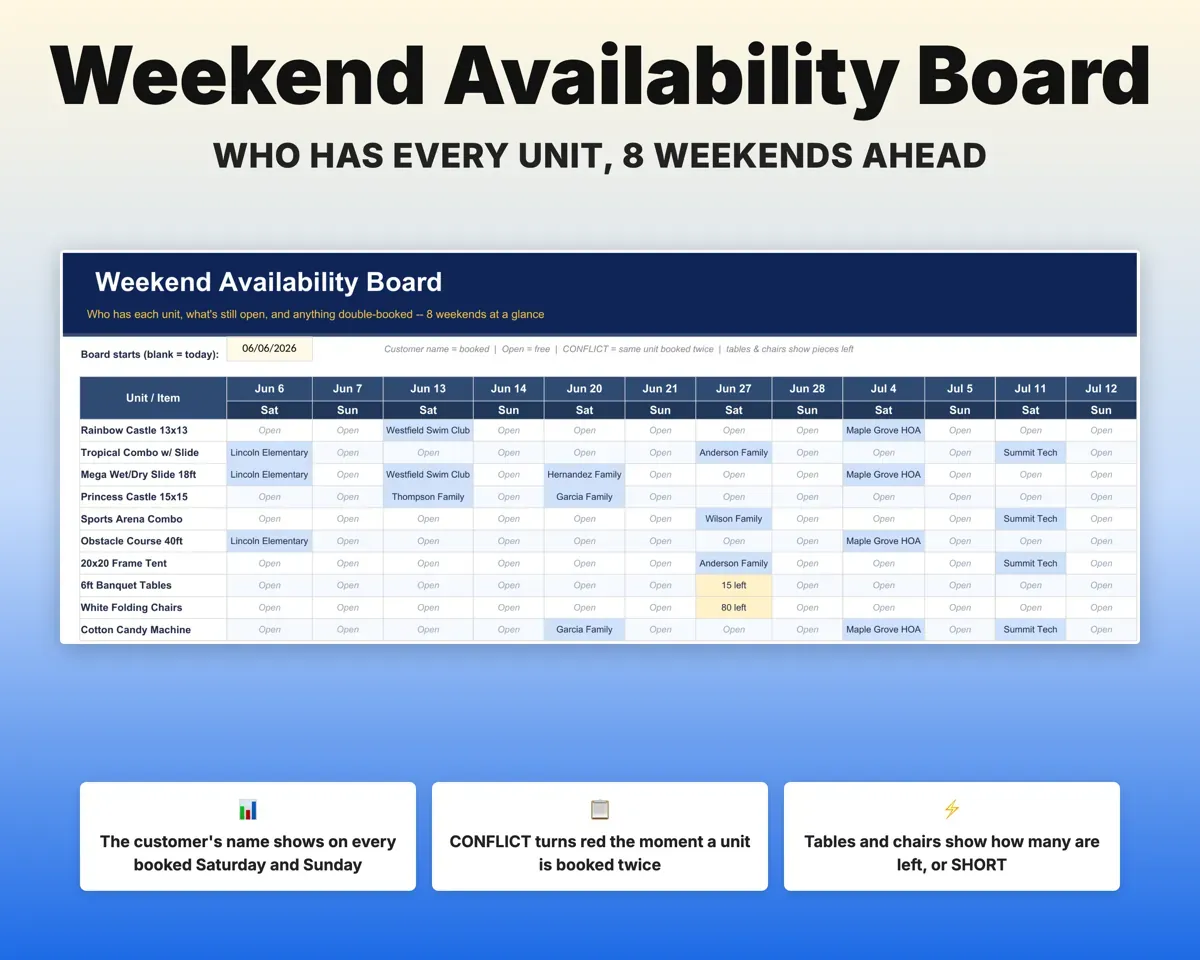
Every item on every party is checked against what is already out that day, and tables and chairs are checked by count. An 8-weekend board shows who has what.
Party itemsConflict flagKnow what each party really made
Delivery fee, fuel, crew hours, cleaning, supplies and linked repairs come off the total. Parties that lost money are flagged.
Miles, crew, cleaningTrue event profitPrice a party before you say yes
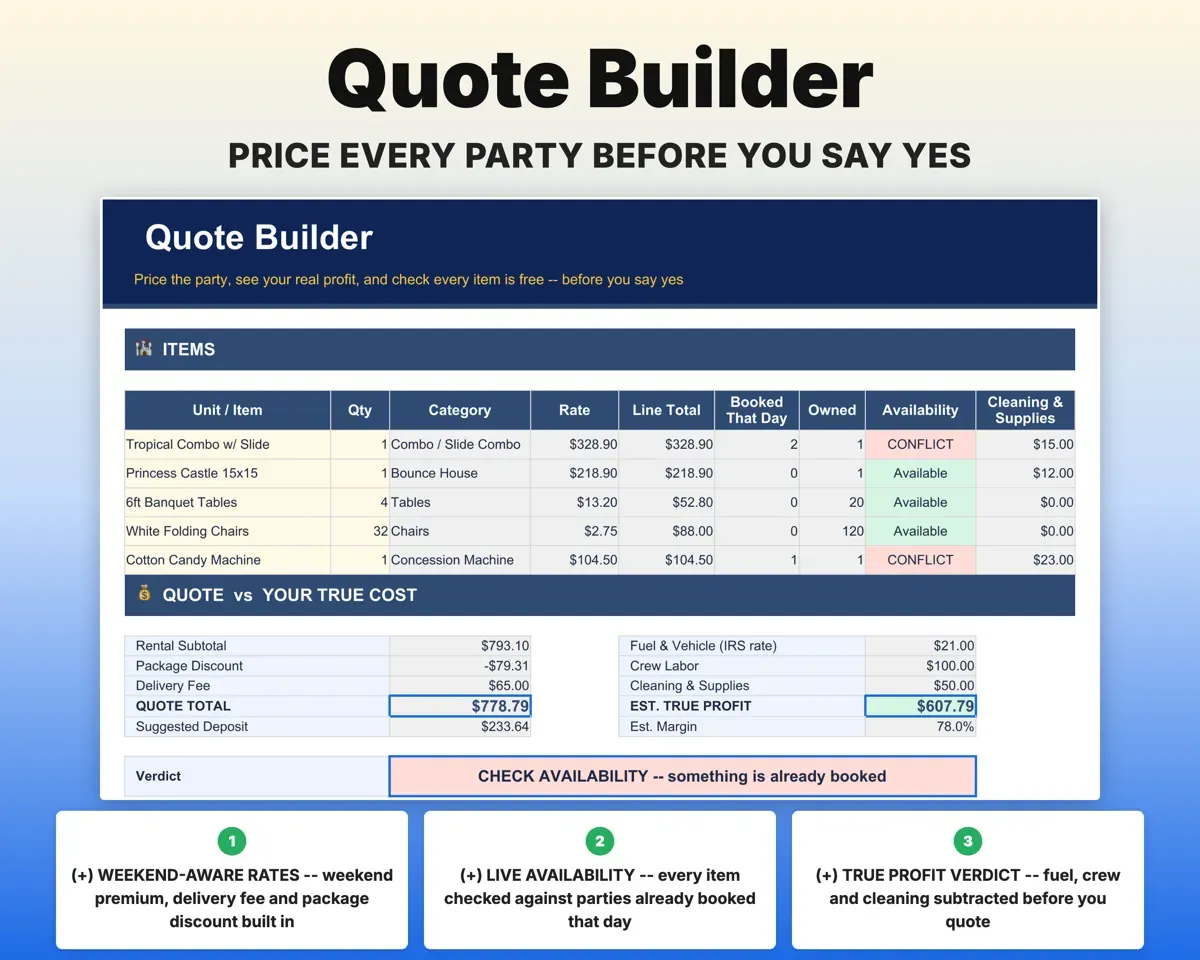
Pick a date and items. The Quote Builder adds your weekend premium, delivery fee and package discount, checks availability and rates the margin.
Date, itemsProfitable or notKeep cancels and rain checks straight
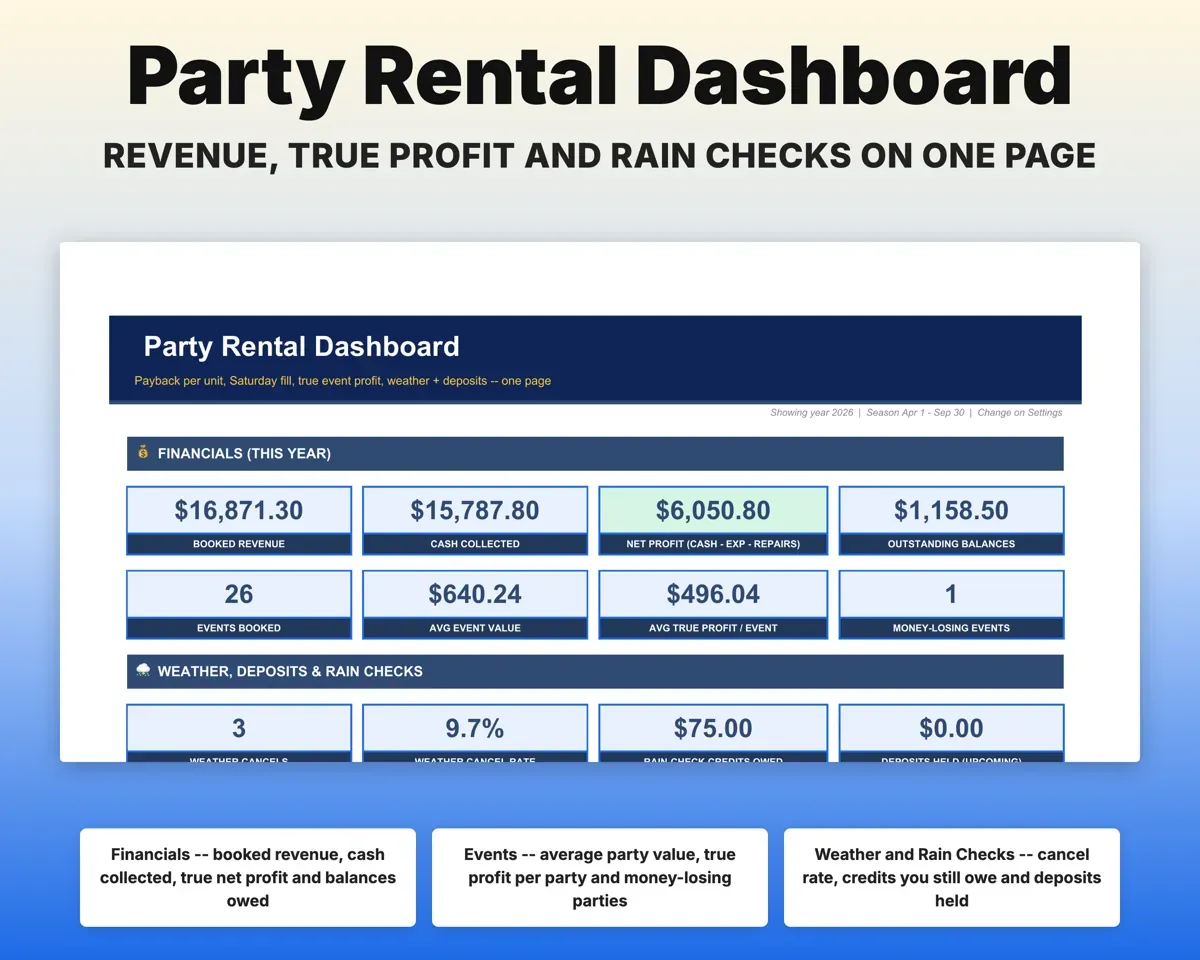
Weather cancels, refunds, rain checks and no-shows each have a status. Deposits held and rain-check credits still owed show on the Dashboard.
Status, depositCredits owedHandle repairs, insurance and taxes
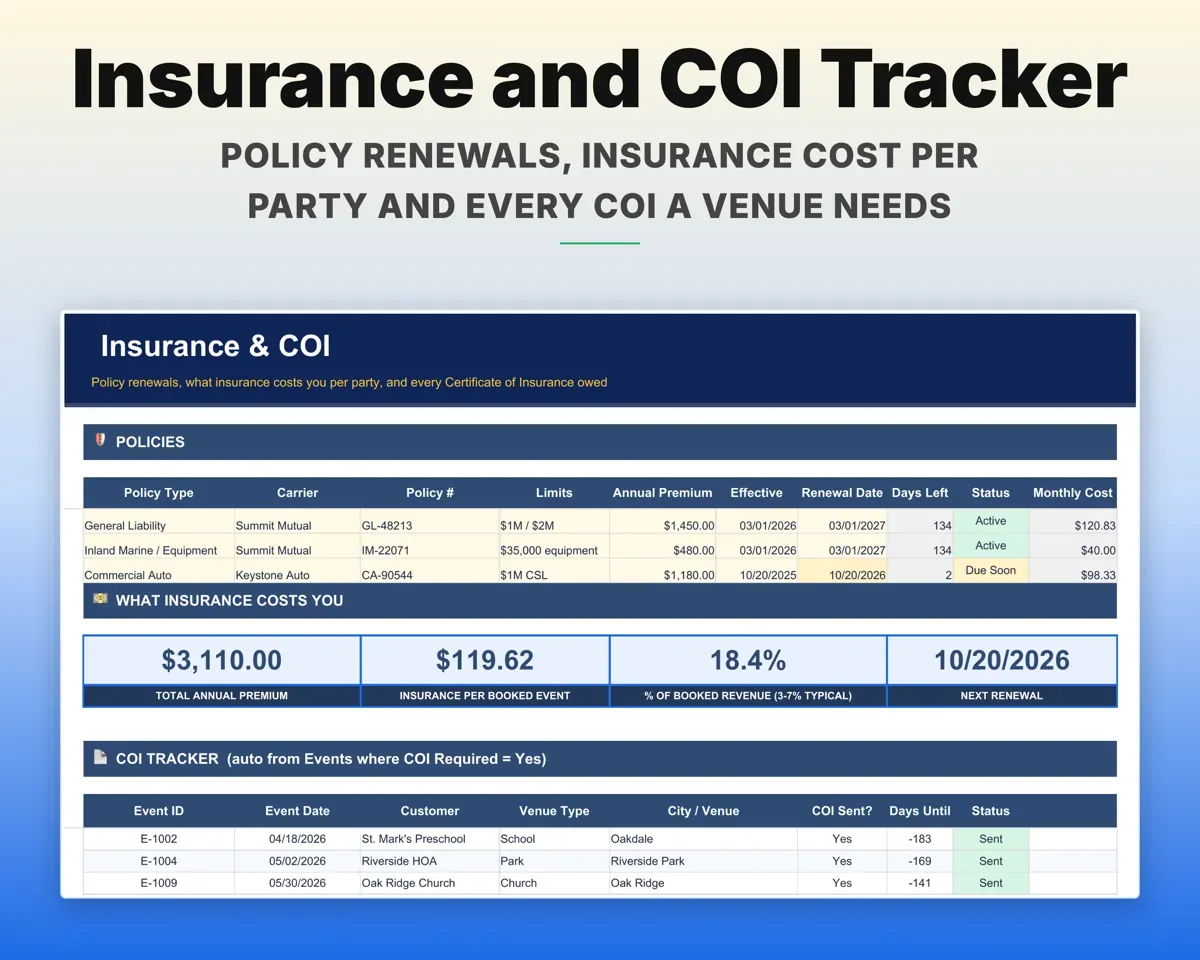
Log repairs and damage billed back, track policy renewals and venue COIs, depreciate each unit, and plan quarterly taxes from Schedule C expenses.
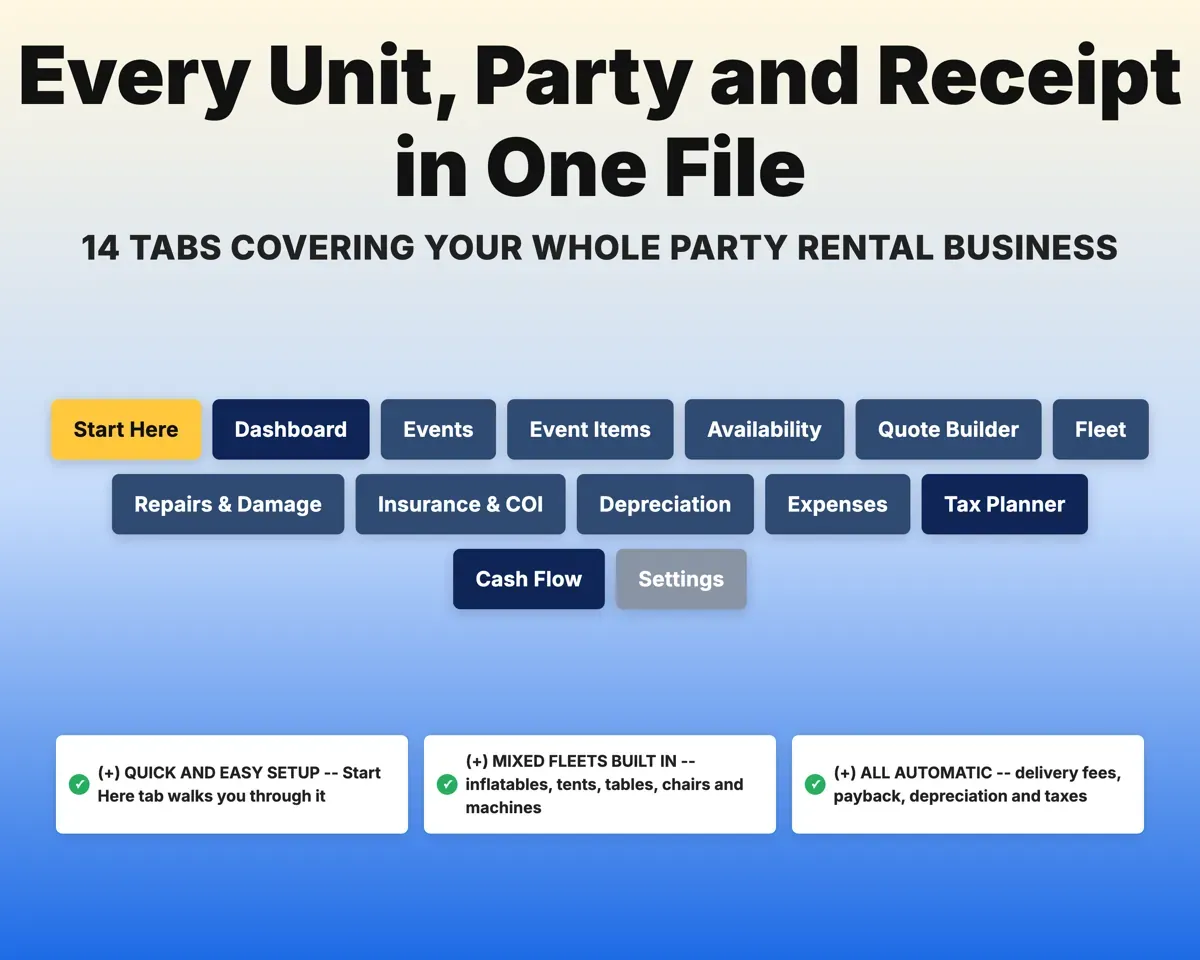
Repairs, policiesCOIs still needed14 tabs in one file
- Start Here
- Dashboard
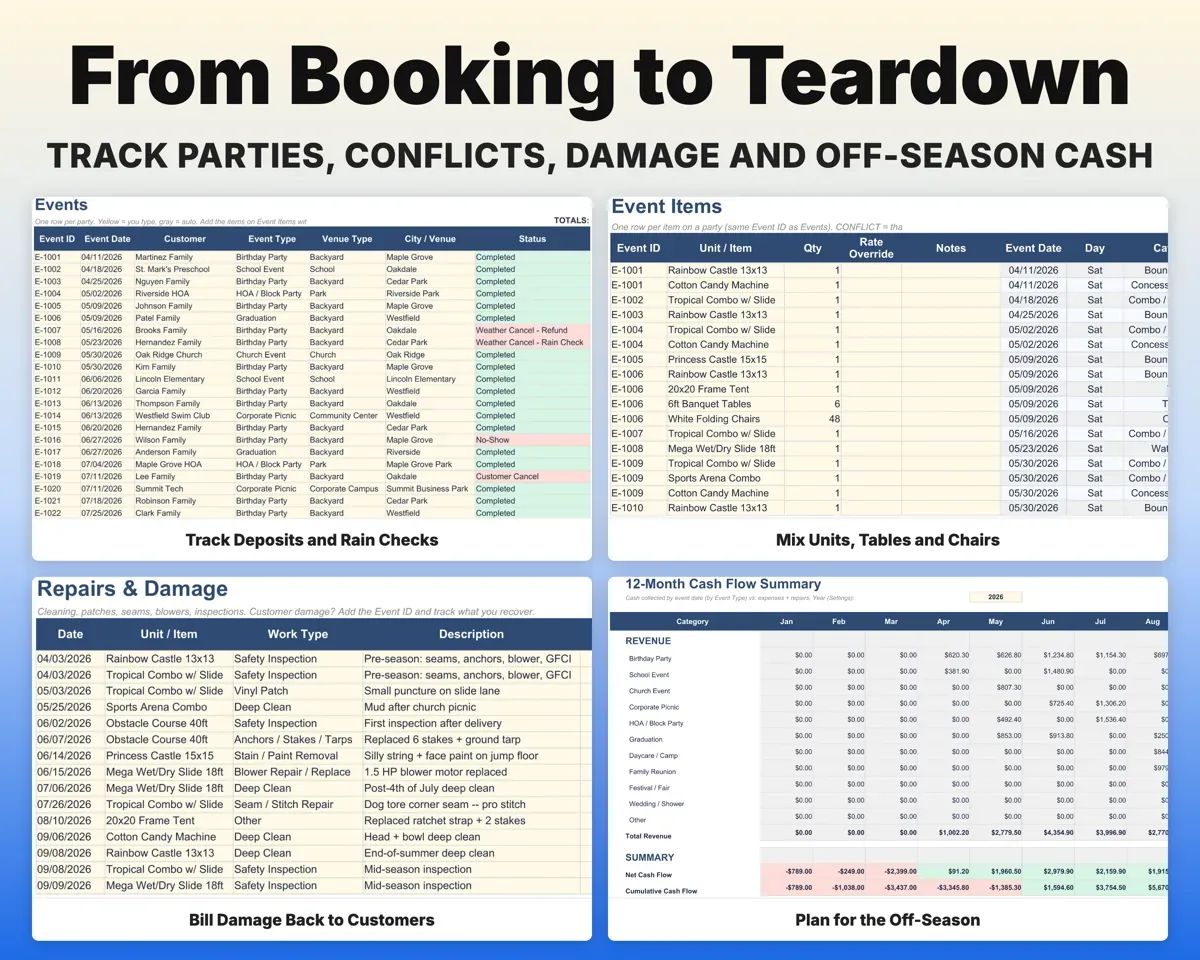
- Events
- Event Items
- Availability
- Quote Builder
- Fleet
- Repairs & Damage
- Insurance & COI
- Depreciation
- Expenses
- Tax Planner
- Cash Flow
- Settings
- Start Here
- Setup steps, how Events and Event Items connect, and a color key.
- Dashboard
- KPIs, fleet payback ranking, alerts and an off-season cash plan.
- Events
- One row per party with deposit, balance, delivery and profit.
- Event Items
- Each item on a party, with its rate and double-booking check.
- Availability
- Eight weekends showing what is open or booked.
- Quote Builder
- Price a new party and check it is worth booking.
- Fleet
- Every unit with cost, rates, loan and payback.
- Repairs & Damage
- Cleaning, repairs and damage billed vs recovered.
- Insurance & COI
- Policy renewals, cost per party and COI tracking.
- Depreciation
- Section 179, MACRS or straight-line for each unit.
- Expenses
- Rental business costs mapped to Schedule C lines.
- Tax Planner
- Quarterly estimated taxes with your deductions.
- Cash Flow
- Twelve months of cash in and cash out.
- Settings
- Season dates, rates, deposit, delivery zone and lists.
Pair it with
“Excellent! Very easy to use.”
“Nice Organization for 4H projects”
Before you buy
I only have two bounce houses. Is it too much?
No. Use only the tabs you need. Even with two units, you can see what each one has paid back, avoid double-bookings and keep tax records together.
Does it work for tables, chairs and tents?
Yes. Tables and chairs are counted, not just marked booked, so a party that needs more than you own on that day gets flagged.
What about multi-day rentals?
Each party has one event date. For a longer rental, book it on that date and enter a higher price in the Rate Override field to cover the added days.
Is this tax advice?
No. It organizes Schedule C expenses, mileage, depreciation and quarterly estimates for you or your tax preparer.
What do I get?
An Excel file (.xlsx), a filled-in sample to look at, and a quick-start PDF guide with a link that makes your own copy in Google Sheets.
How does delivery work?
You get your download links right after checkout, and Stripe emails your receipt. There is nothing to ship and nothing to wait for.
How do I set it up in Google Sheets?
Open the quick-start PDF and click the Google Sheets link. Google makes a copy in your own Drive that only you can edit. You need a free Google account.
Will it work on a Mac?
Yes. It works in Excel on Mac and Windows, and in Google Sheets in any browser.
I'm not a spreadsheet person. Is that a problem?
No. You only type in the yellow cells. Everything in gray works itself out, and the Start Here tab shows you where to begin.
Can I get a refund?
Templates are digital downloads, so sales are final. If a file won't open, is broken or doesn't match its description, email hello@cleanpixelstudios.com within 30 days and we'll fix it, or refund you if we can't.
What if I get stuck?
Email hello@cleanpixelstudios.com and we'll help you get it working.
More in Small business & money
See all Small business & money templates
 Made by Clean Pixel Studios
We start every template by reading what people in that line of work say they struggle with, then build the spreadsheet around those problems. This one was made for party rental owners and nobody else.
How we build templatesBounce House Business Tracker$21.99 · Excel + Google Sheets