Built around the jobs real estate agents actually do
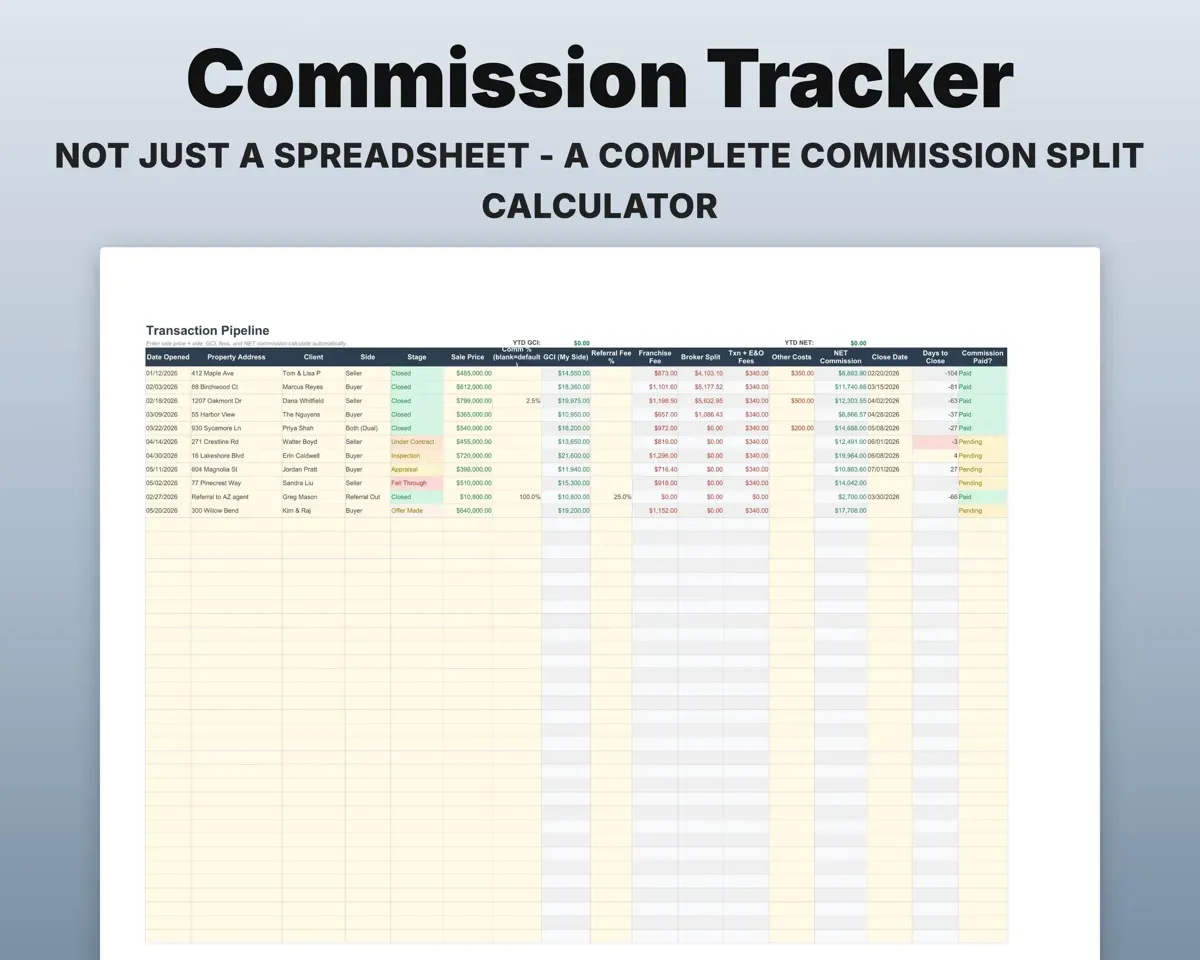
Know your real take-home on each closing
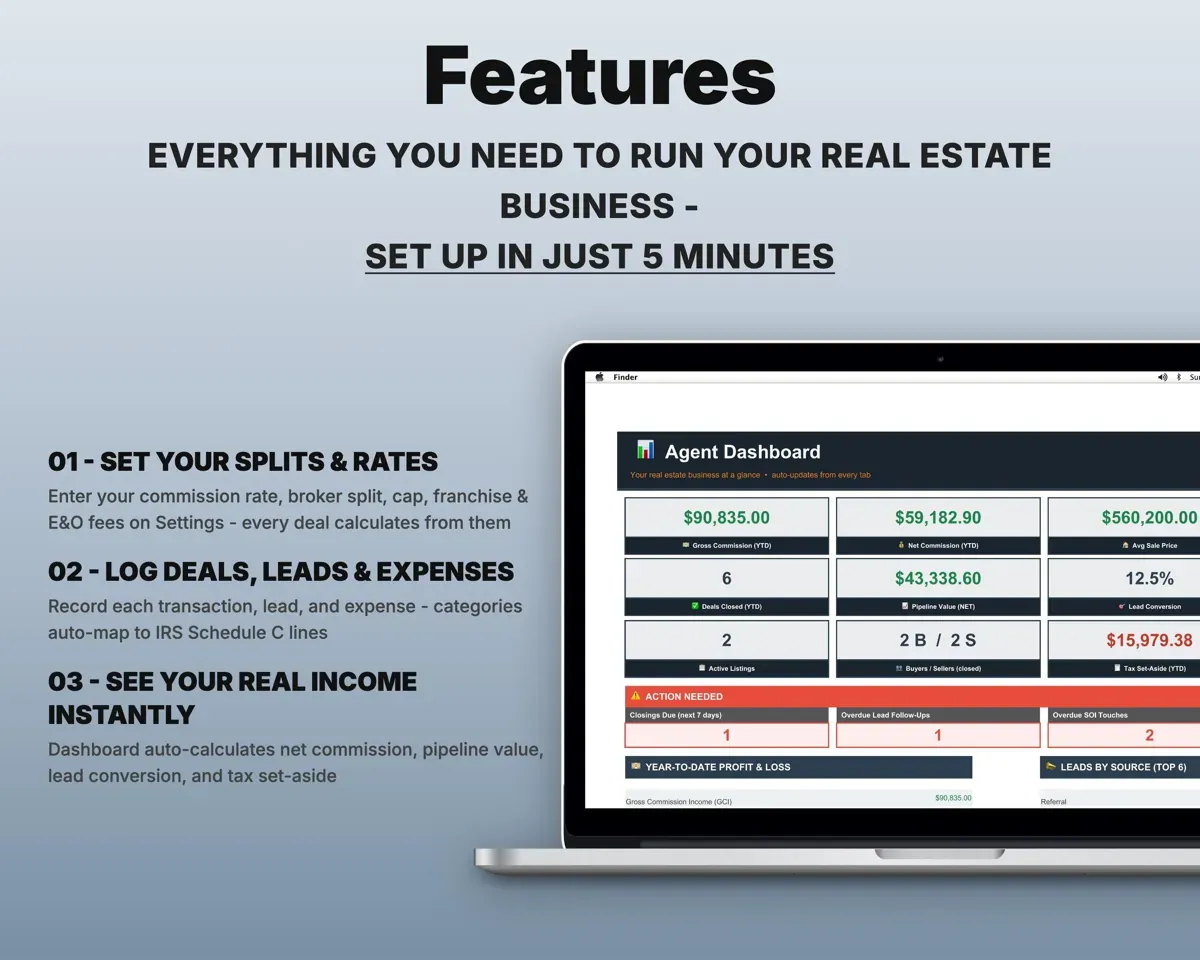
Enter the sale price and your side. The sheet takes out the broker split, franchise fee, E&O and transaction fees, and stops the split once you reach your annual cap.
Sale price, sideNet commissionKeep every lead moving
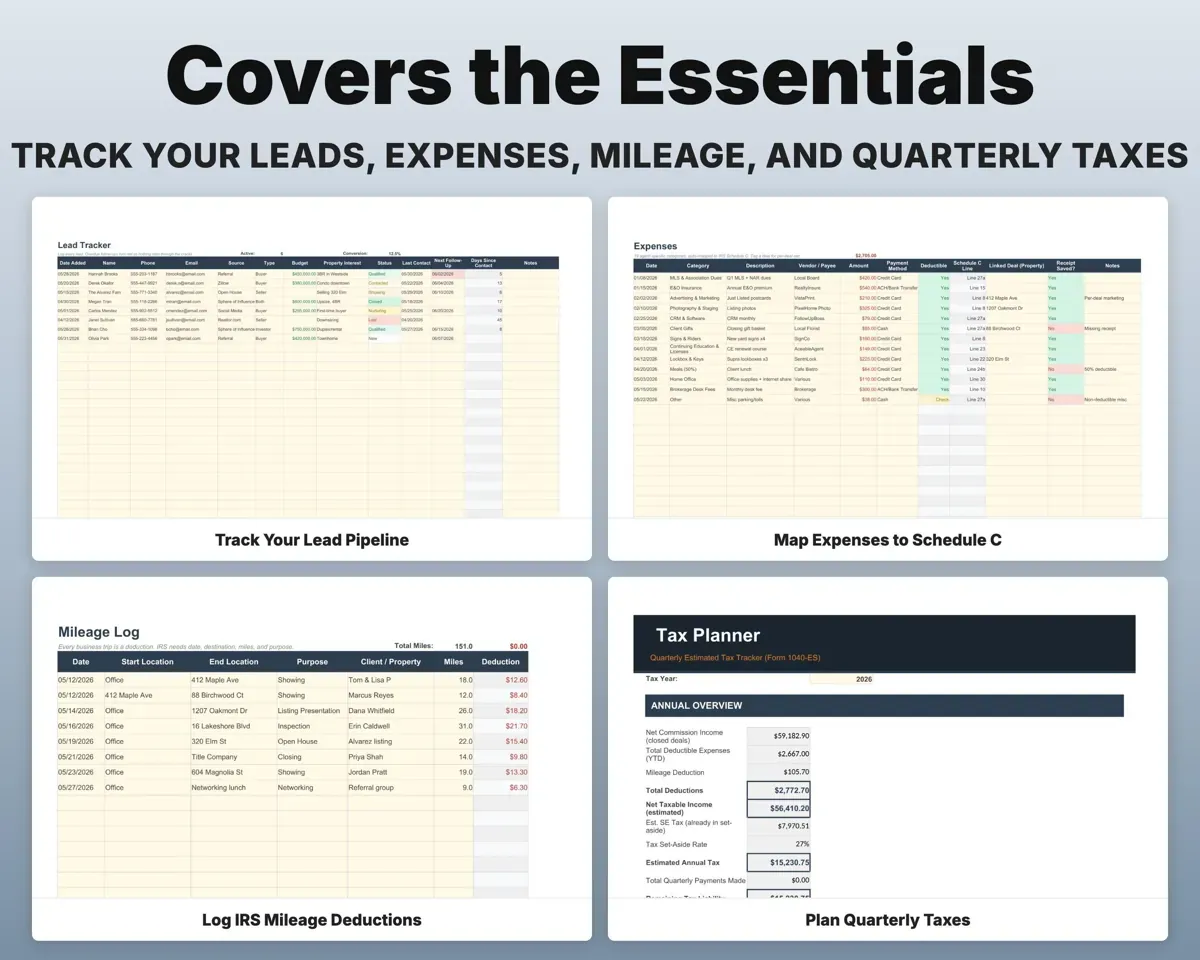
Log each lead's source, status, last contact and next follow-up date. Overdue follow-ups turn red so nobody goes cold.
Source, follow-up dateOverdue follow-upsStay in touch with past clients
The Contacts tab holds your sphere of influence with a touch cadence for each person, so relationships do not fade.
Past clients, cadenceTouch scheduleWatch how each listing performs
Track every listing. Days on market and the list-to-sale ratio calculate on their own.
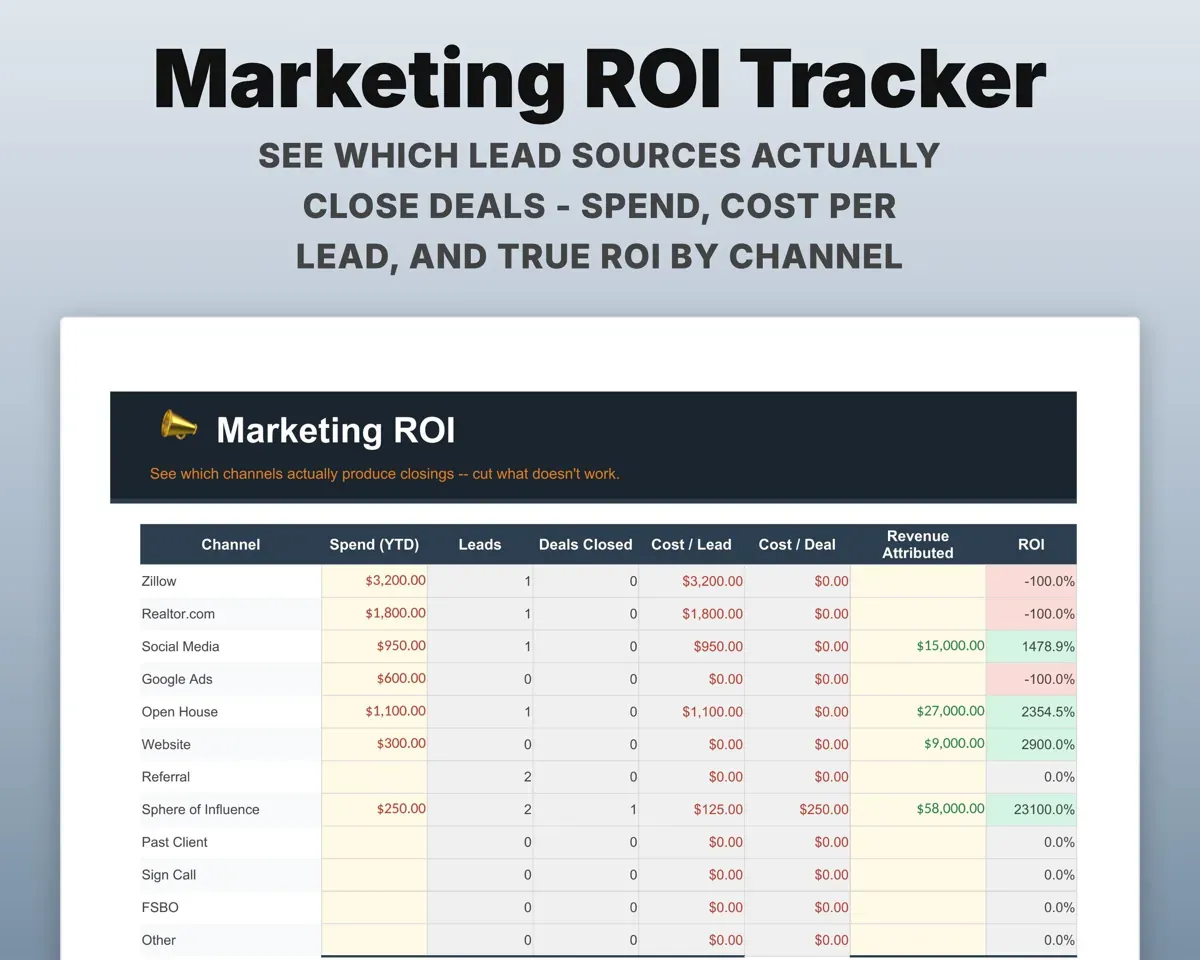
List price, datesDays on marketSee which channels lead to closings
Enter spend, leads and deals closed for each channel. The sheet works out cost per lead and return on what you spent.
Spend by channelCost per lead, ROIHave your numbers ready for taxes
Expenses map to Schedule C lines, mileage is valued at the standard rate, and the Tax Planner estimates quarterly payments with self-employment tax and a suggested set-aside.
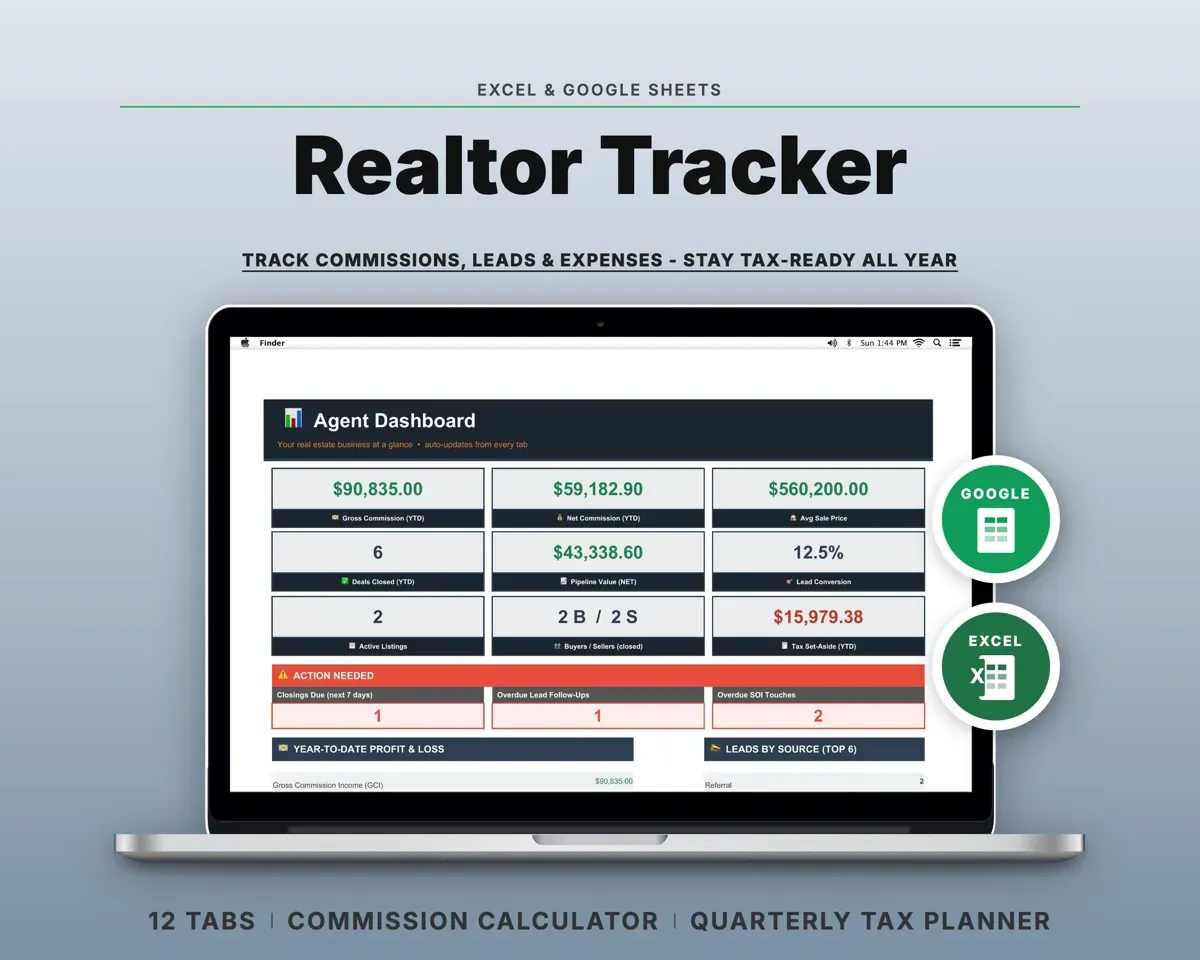
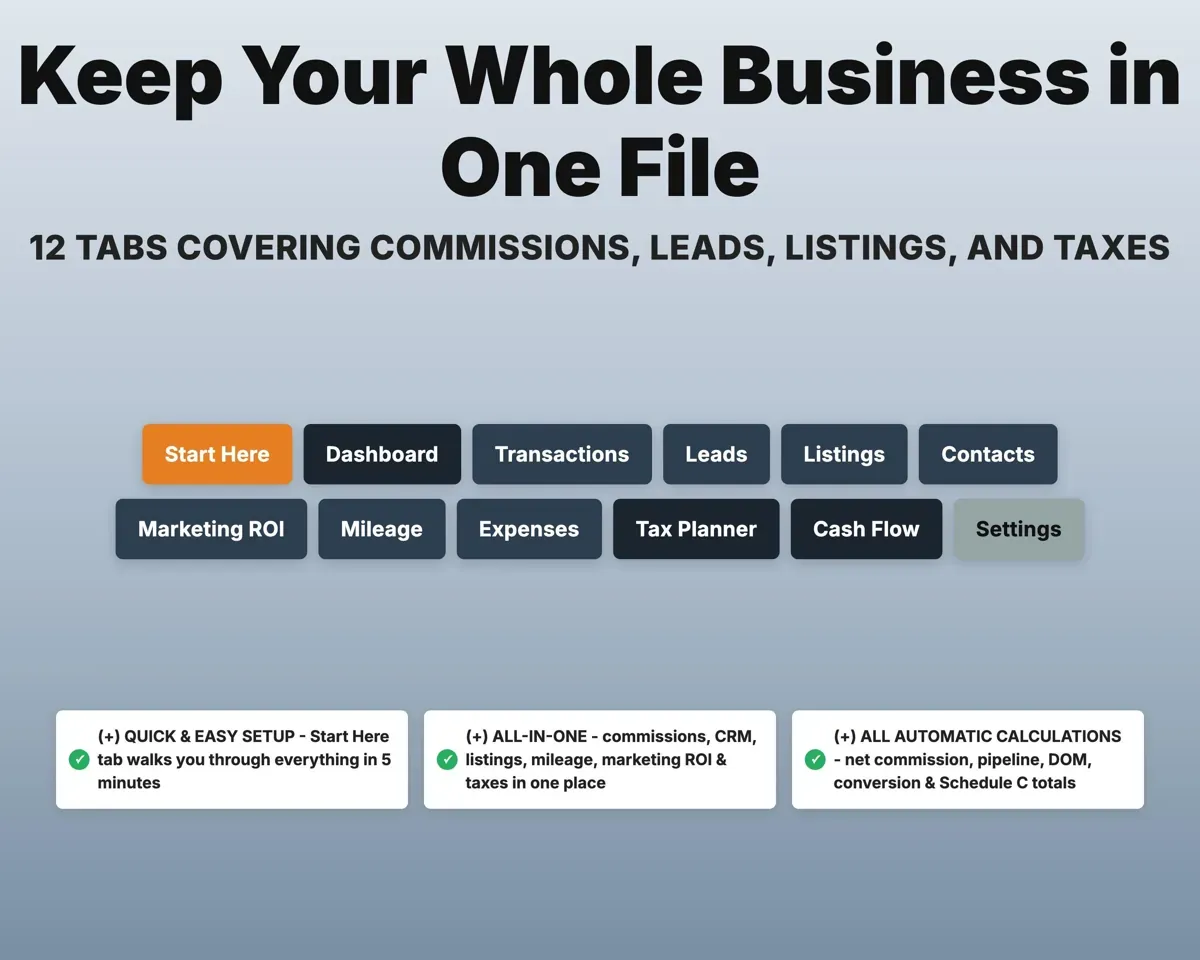
Expenses, milesQuarterly estimate12 tabs in one file
- Start Here
- Dashboard
- Transactions
- Leads
- Listings
- Contacts
- Marketing ROI
- Mileage
- Expenses
- Tax Planner
- Cash Flow
- Settings
- Start Here
- Setup steps and a short guide to every tab.
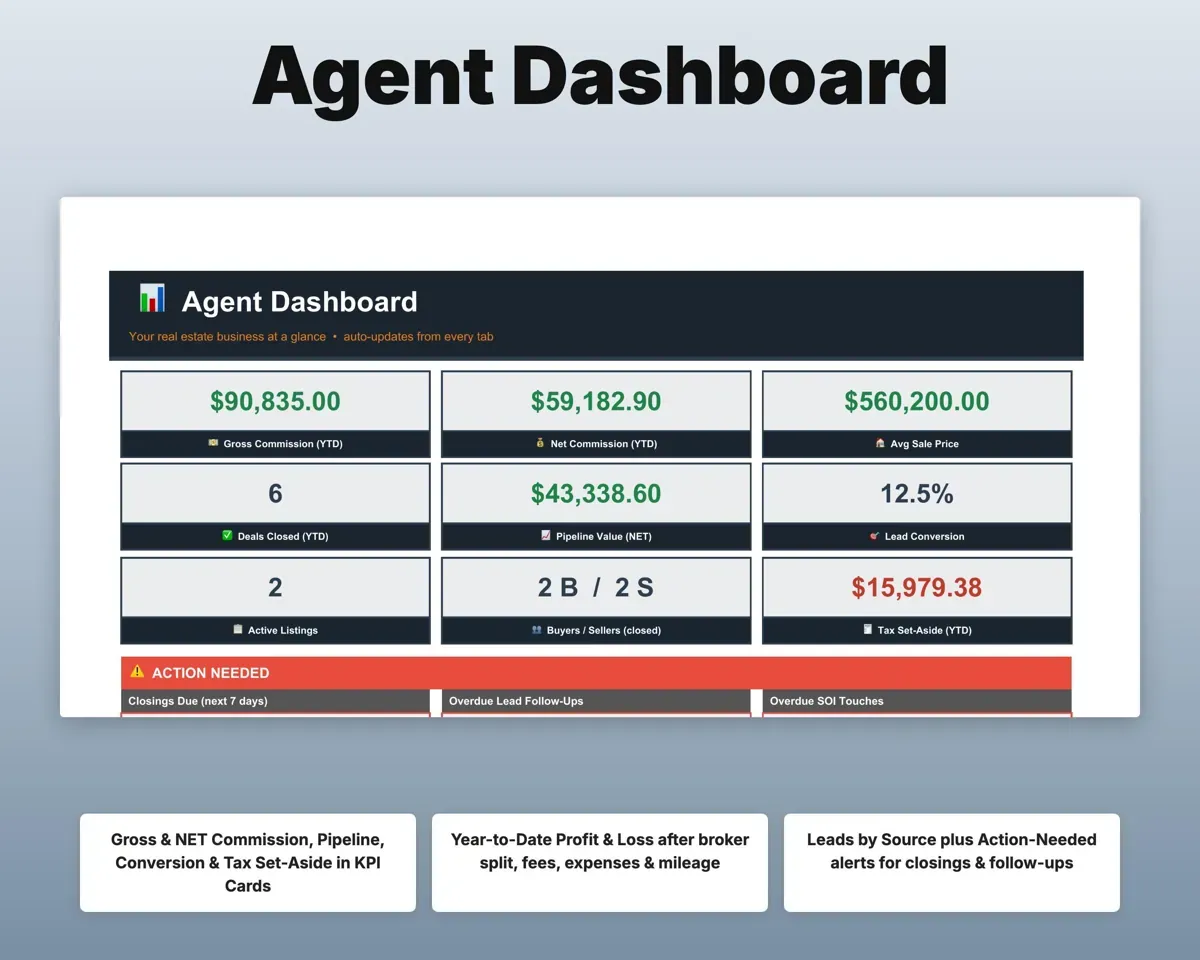
- Dashboard
- Commissions, pipeline, lead conversion and tax set-aside at a glance.
- Transactions
- Every deal with GCI, splits, fees and your net.
- Leads
- Your pipeline by source and status, with follow-up dates.
- Listings
- Each listing with days on market and list-to-sale ratio.
- Contacts
- Your sphere of influence and how often to reach out.
- Marketing ROI
- Spend, leads, closings and return by channel.
- Mileage
- A trip log with the deduction worked out for you.
- Expenses
- Business costs by category, matched to Schedule C lines.
- Tax Planner
- Quarterly estimated payments with self-employment tax (Form 1040-ES).
- Cash Flow
- Twelve months of commission income and expenses.
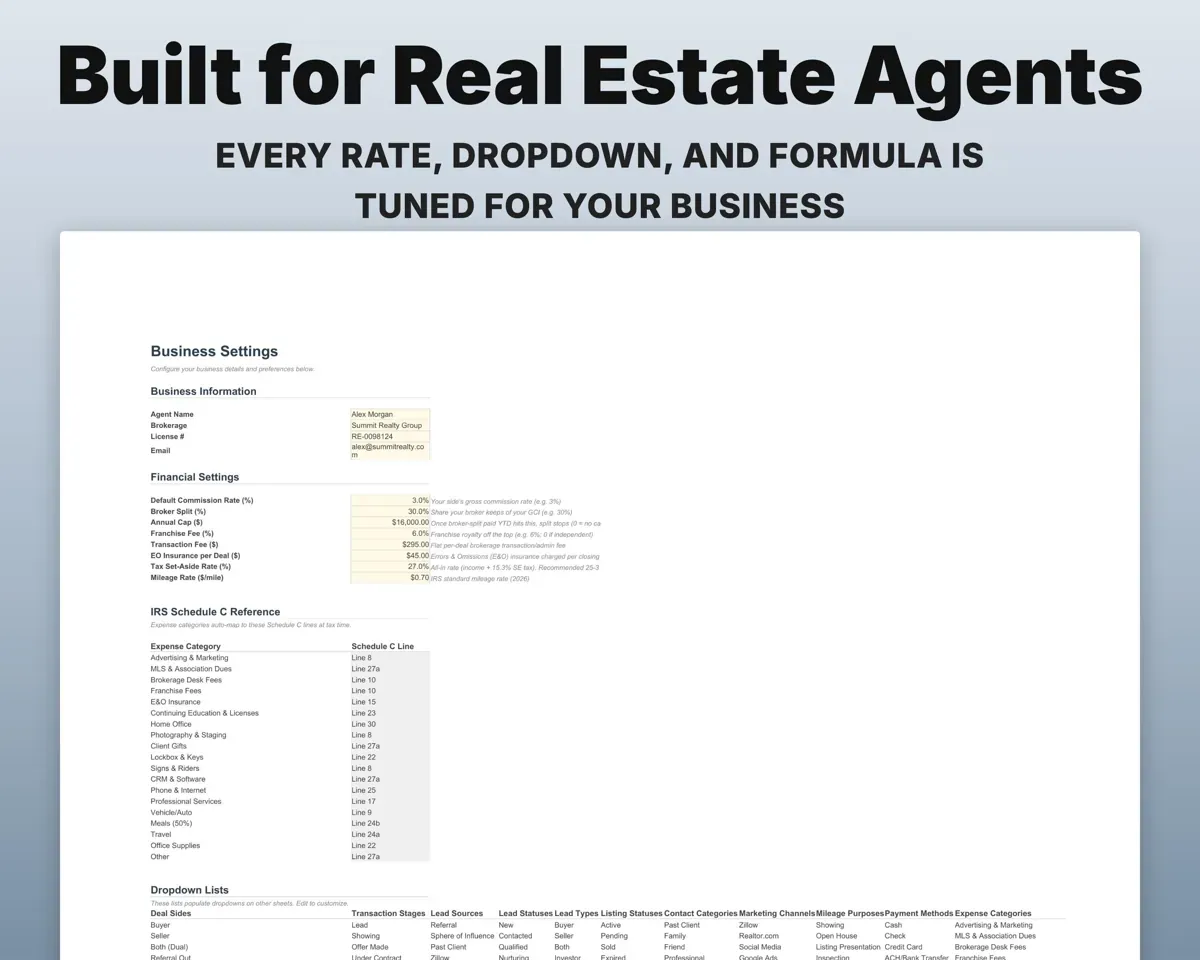
- Settings
- Your rate, split, cap, fees, tax rate and dropdown lists.
Pair it with
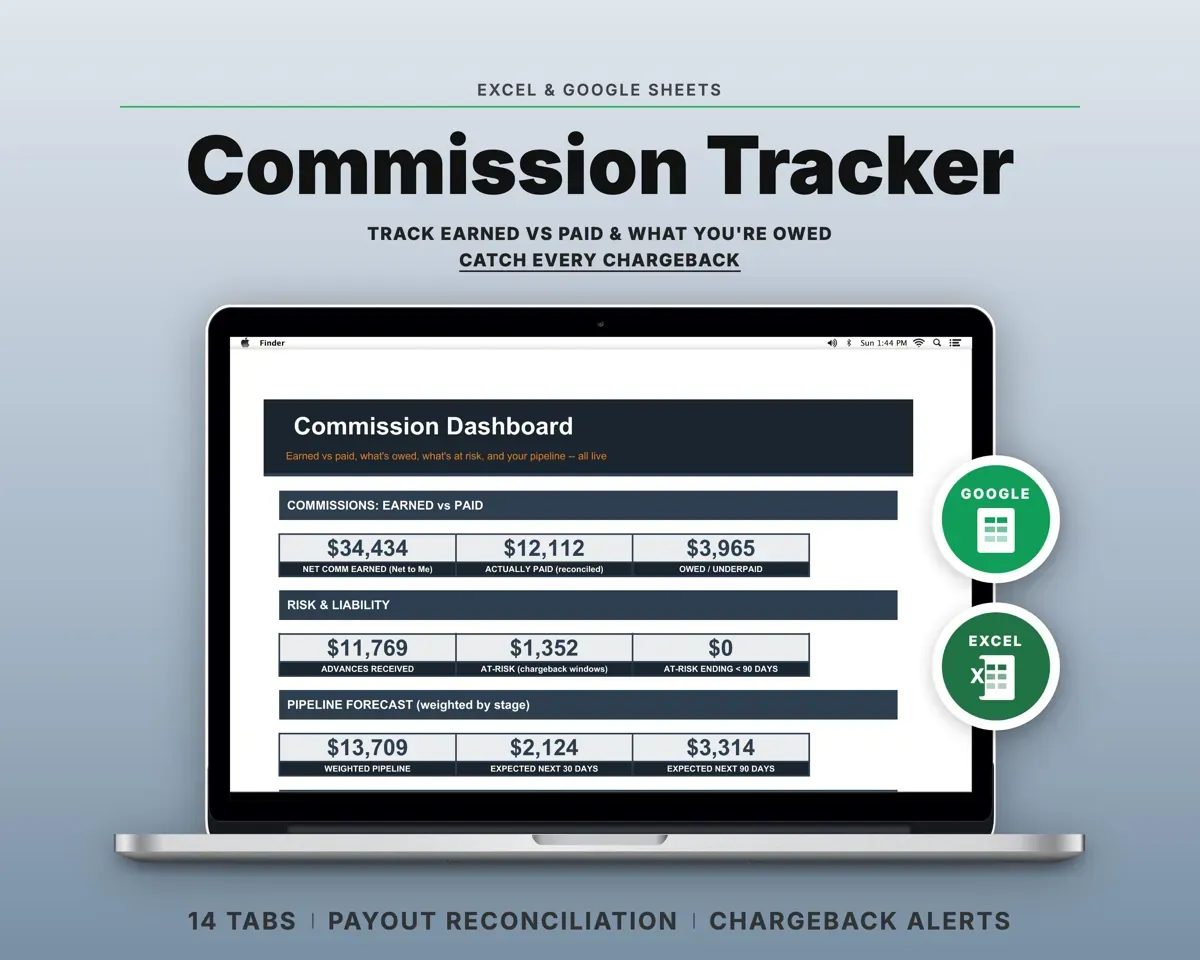
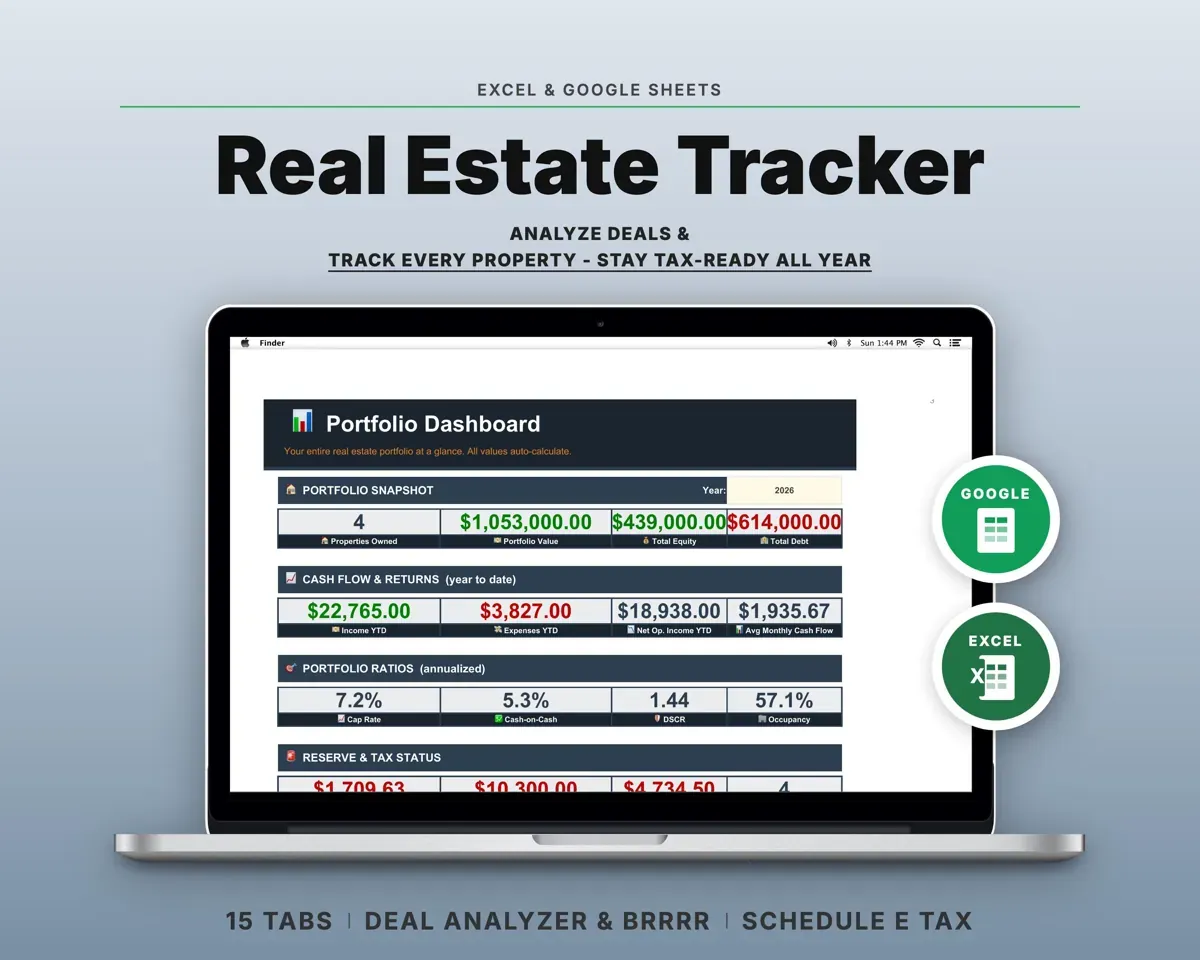
“Excellent! Very easy to use.”
“Nice Organization for 4H projects”
Before you buy
Does it handle my broker split and cap?
Yes. Your rate, split, annual cap and fees go on the Settings tab once. Every deal then shows your net, and the split stops once you hit the cap.
Can it stand in for a CRM?
For tracking, mostly: leads by source and status, follow-up dates with overdue flags, and a sphere-of-influence list with a touch cadence. It does not send emails or texts for you.
Can I change the lead sources and categories?
Yes. Every dropdown lives on the Settings tab, including lead sources, deal stages, expense categories and marketing channels.
What do I get?
An Excel file (.xlsx), a filled-in sample to look at, and a quick-start PDF guide with a link that makes your own copy in Google Sheets.
How does delivery work?
You get your download links right after checkout, and Stripe emails your receipt. There is nothing to ship and nothing to wait for.
How do I set it up in Google Sheets?
Open the quick-start PDF and click the Google Sheets link. Google makes a copy in your own Drive that only you can edit. You need a free Google account.
Will it work on a Mac?
Yes. It works in Excel on Mac and Windows, and in Google Sheets in any browser.
I'm not a spreadsheet person. Is that a problem?
No. You only type in the yellow cells. Everything in gray works itself out, and the Start Here tab shows you where to begin.
Can I get a refund?
Templates are digital downloads, so sales are final. If a file won't open, is broken or doesn't match its description, email hello@cleanpixelstudios.com within 30 days and we'll fix it, or refund you if we can't.
What if I get stuck?
Email hello@cleanpixelstudios.com and we'll help you get it working.
More in Real estate & rentals
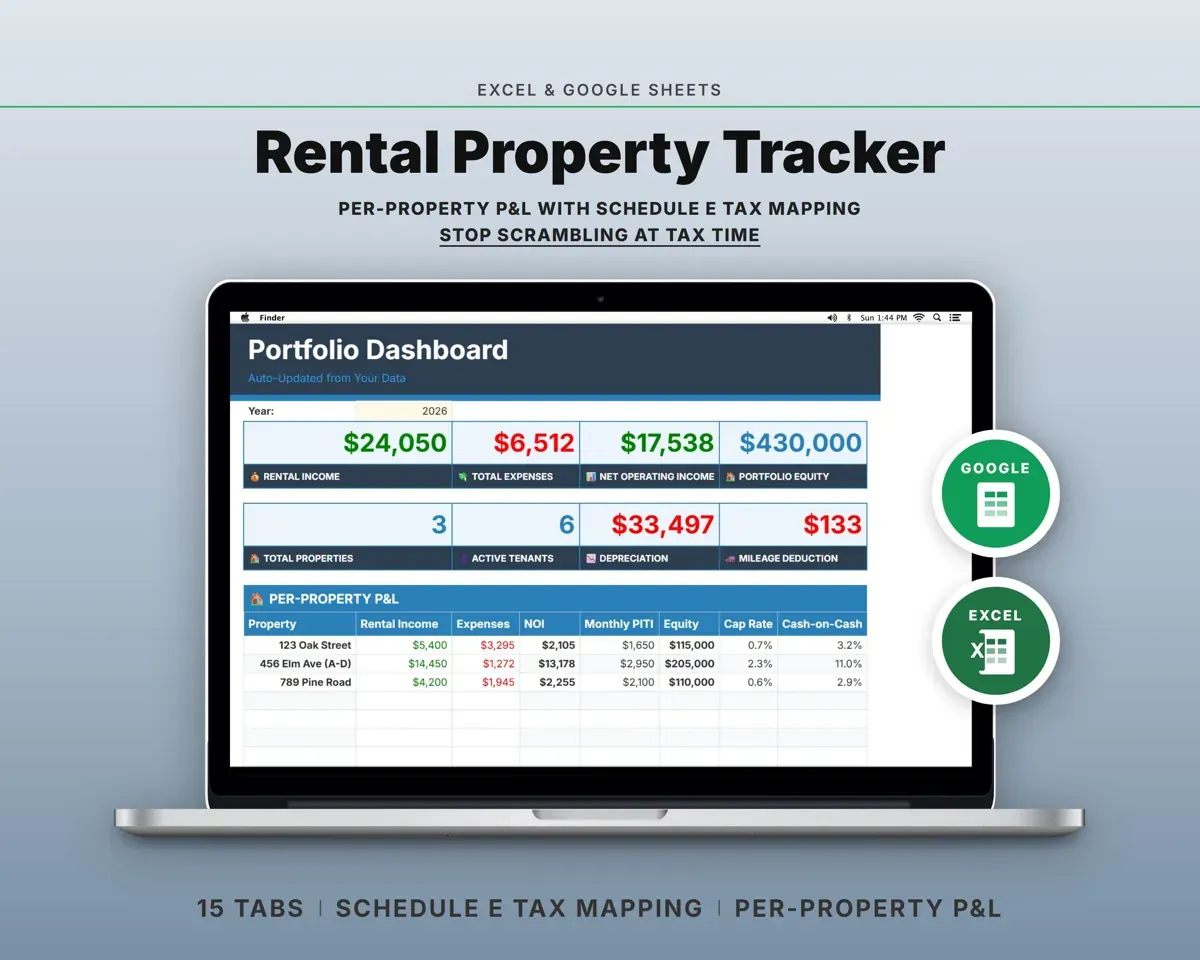
See all Real estate & rentals templates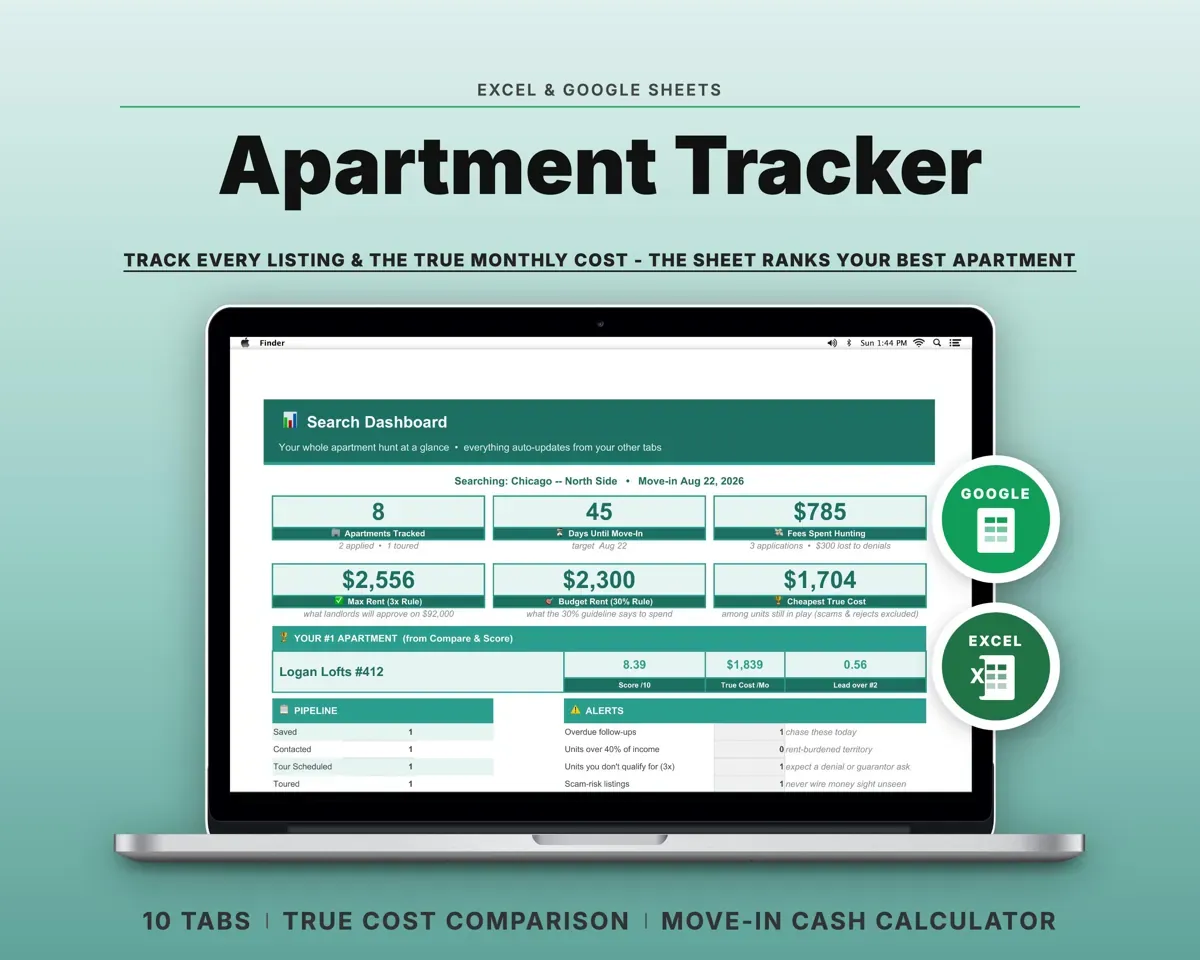
 Made by Clean Pixel Studios
We start every template by reading what people in that line of work say they struggle with, then build the spreadsheet around those problems. This one was made for real estate agents and nobody else.
How we build templatesReal Estate Agent Tracker$19.99 · Excel + Google Sheets