Built around the jobs landlords actually do
See how each rental really performs
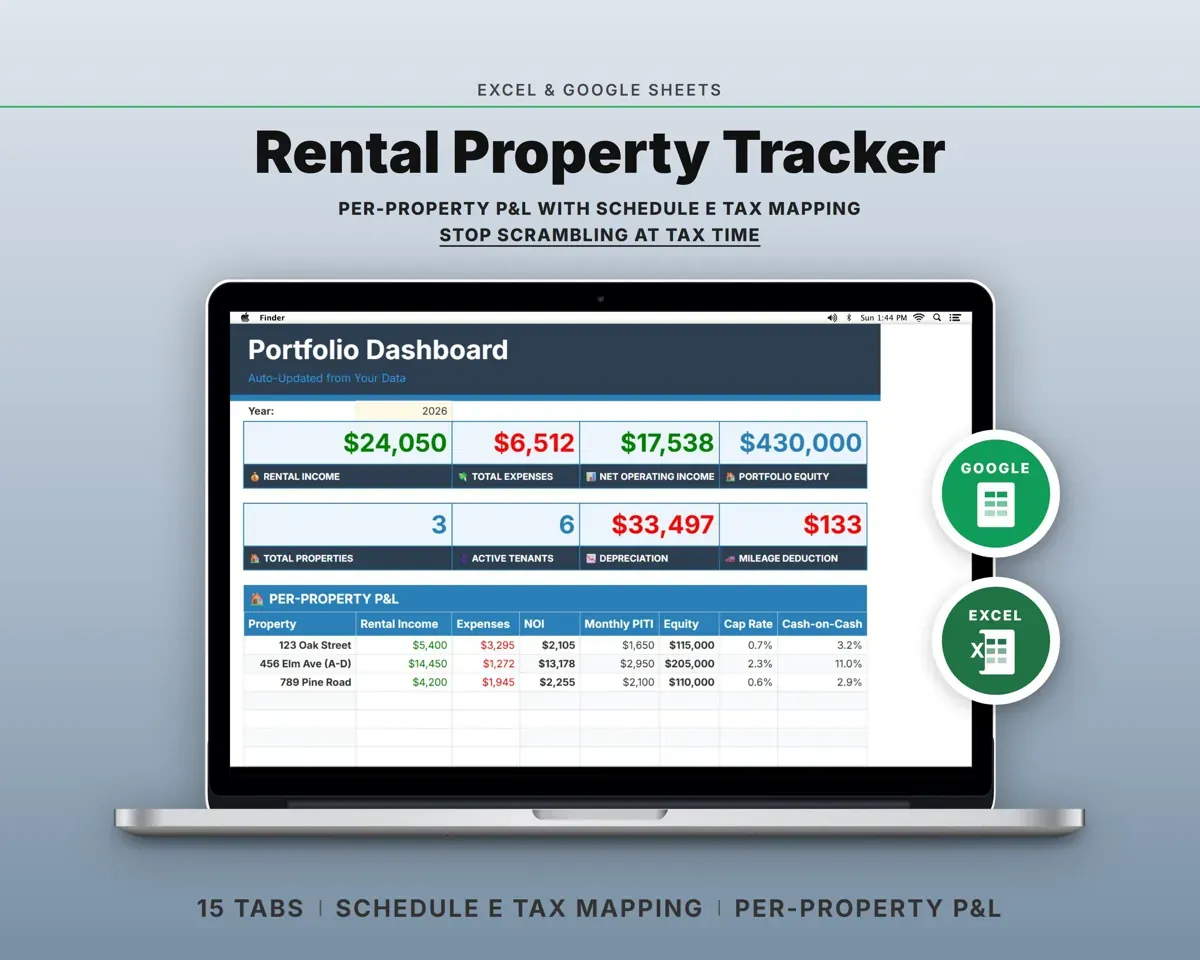
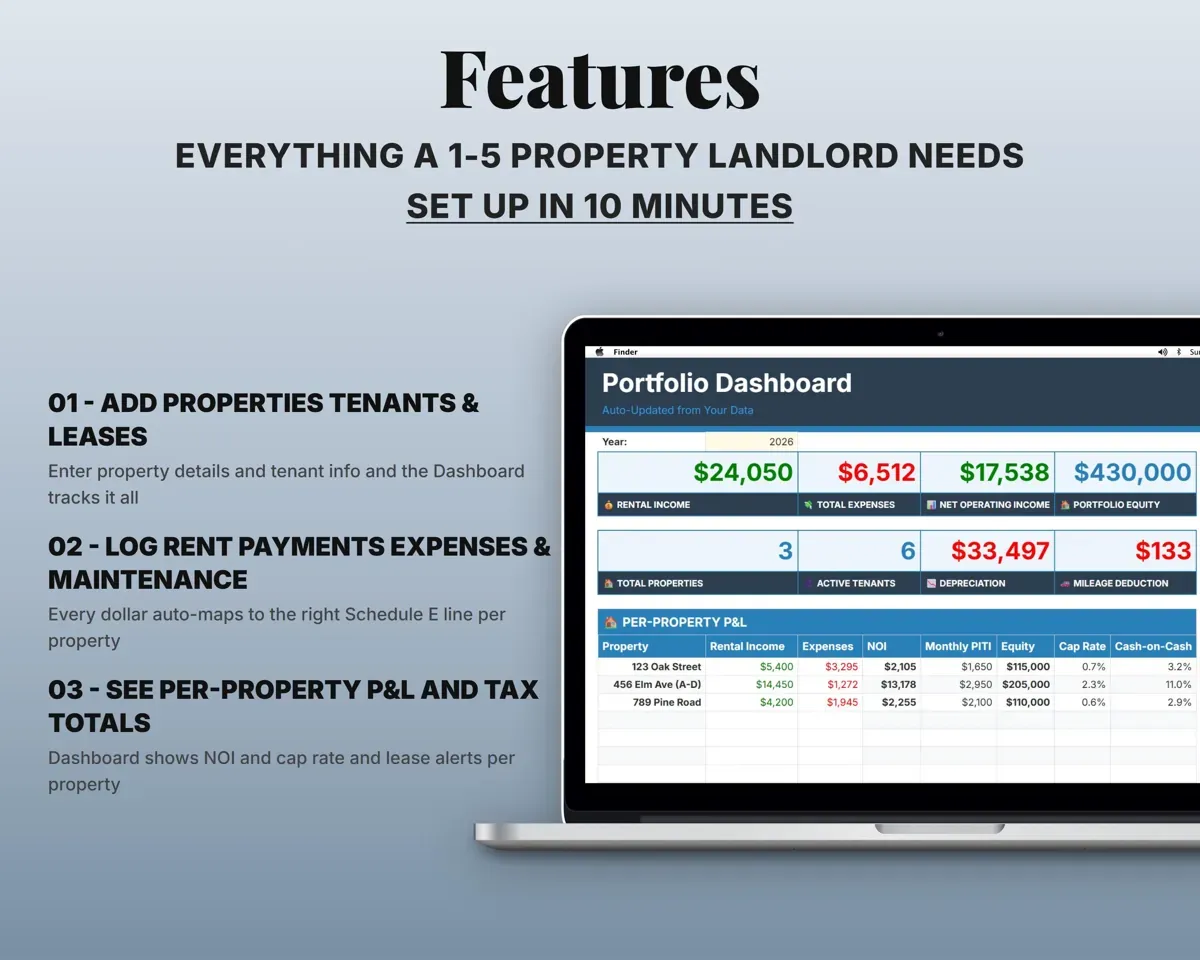
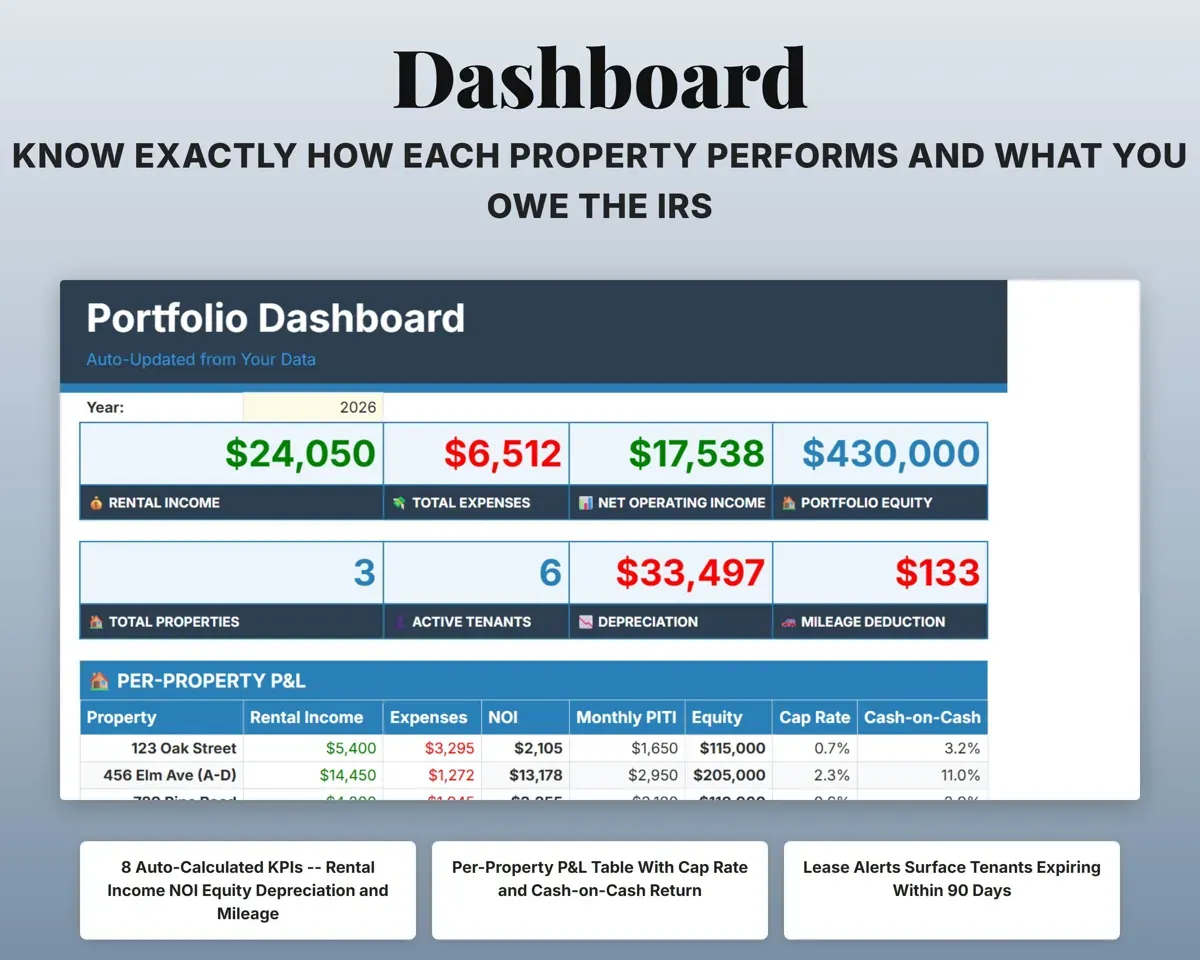
Tag each income and expense row with a property. The Dashboard builds a P&L for each one with income, expenses, NOI, cap rate and cash-on-cash.
Income and expensesNOI per propertyKnow who has paid and who owes
Log monthly rent and how it was paid. Late fees apply per tenant, and a running balance shows what is still owed.
Rent paymentsBalance dueRenew leases before they lapse
Lease dates feed a countdown. The Dashboard lists leases ending in the next 90 days, marked Urgent, Soon or OK.
Lease datesDays until expirationKeep security deposits straight
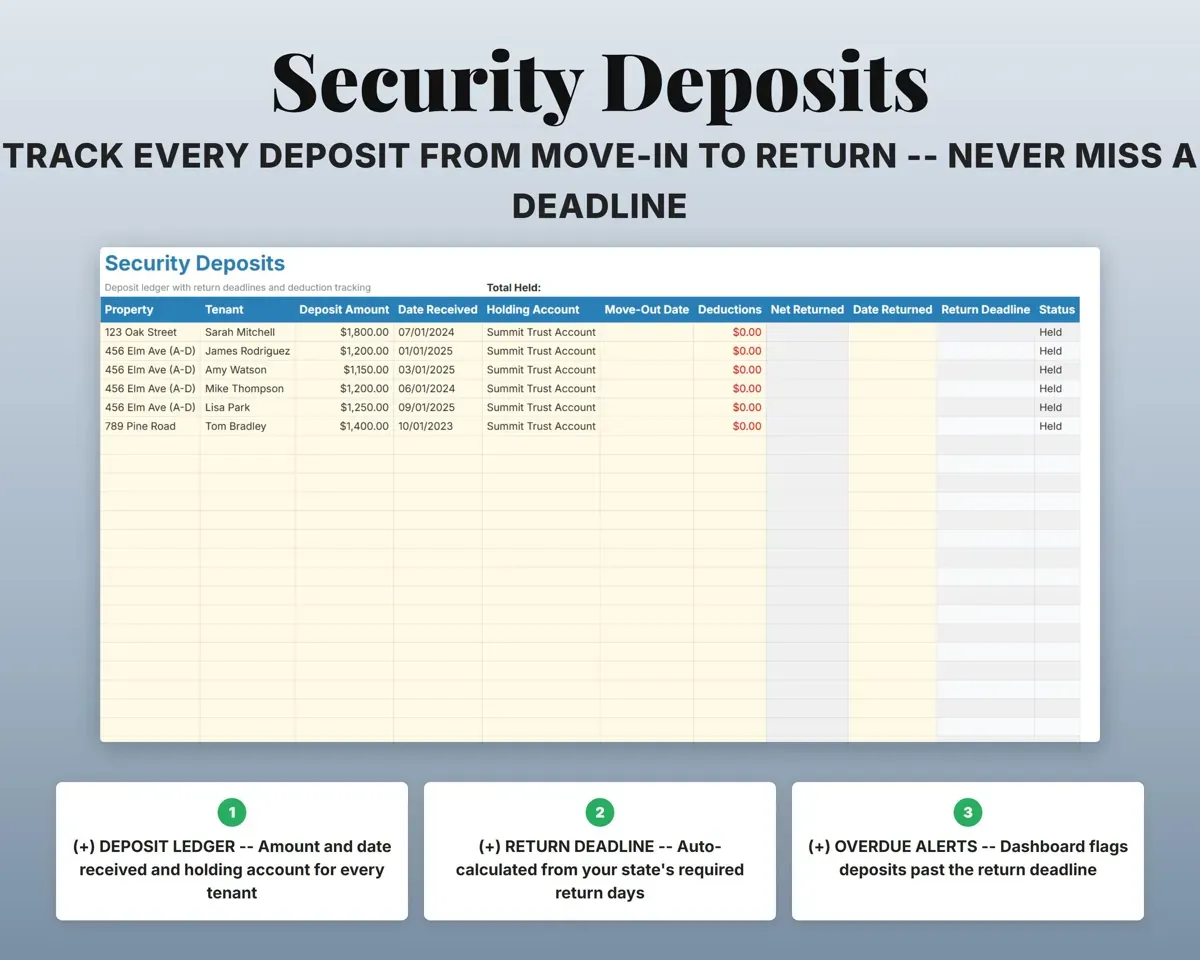
Record where each deposit is held, any deductions and the return deadline. Returns that run late are flagged.
Deposit, deductionsReturn deadlineHave Schedule E ready for your preparer
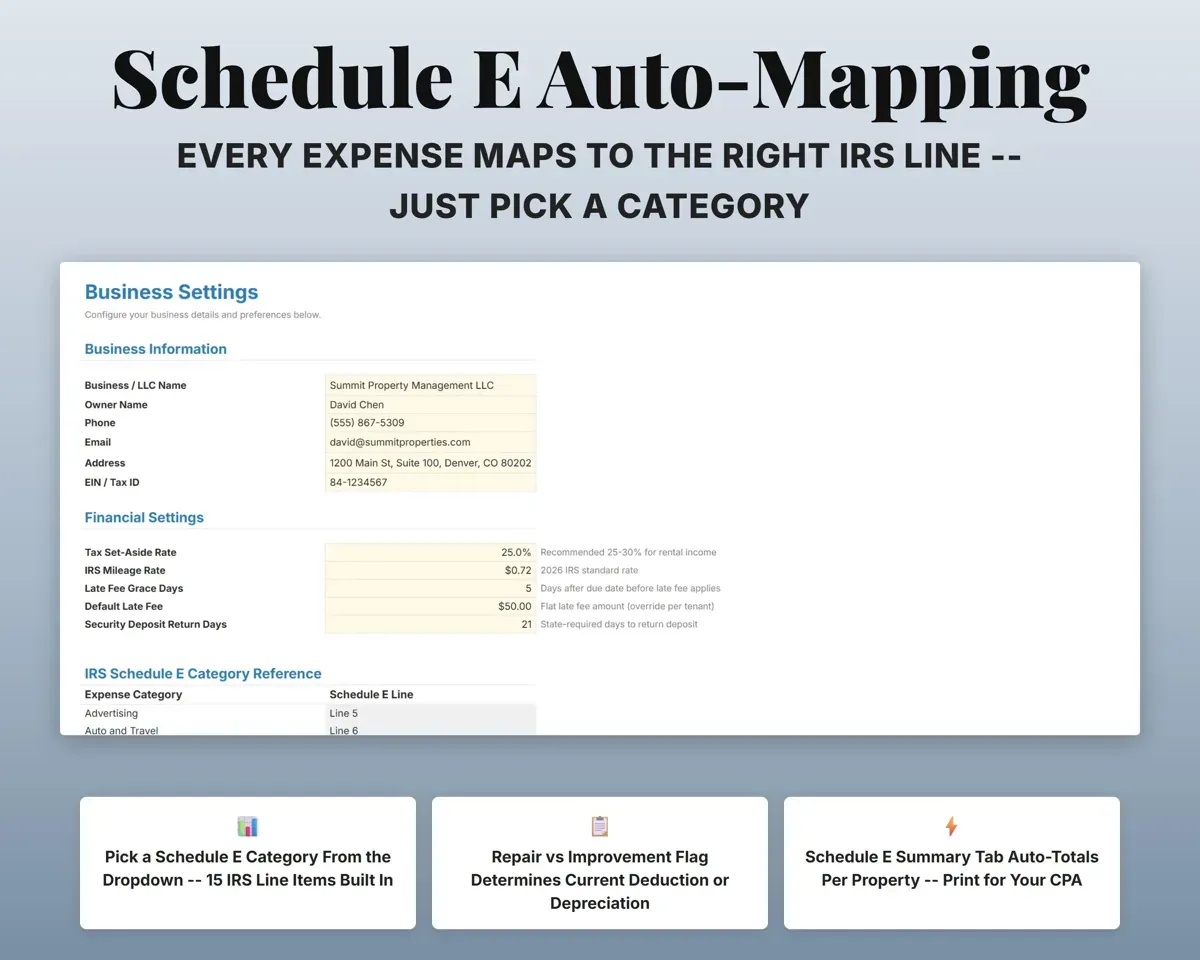
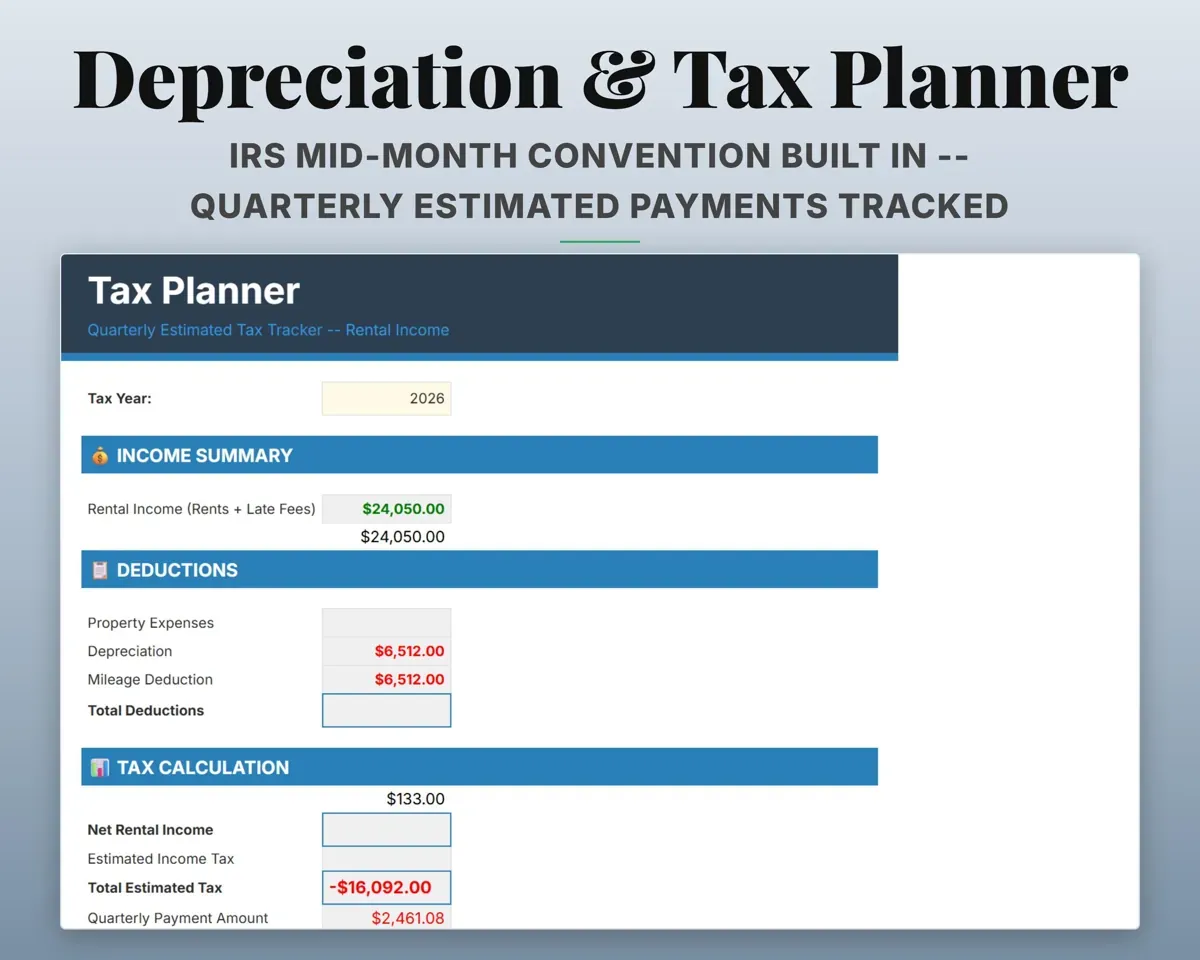
Each expense maps to a Schedule E category, and the Schedule E tab totals every line per property. Depreciation uses mid-month convention for 27.5-year property and 5, 7 and 15-year improvements.
Expenses, purchase priceSchedule E by propertyTrack repairs and who did them
Work orders with vendor, cost, warranty and status. The Vendors tab tracks W-9 status and flags anyone who reaches the 1099 threshold.
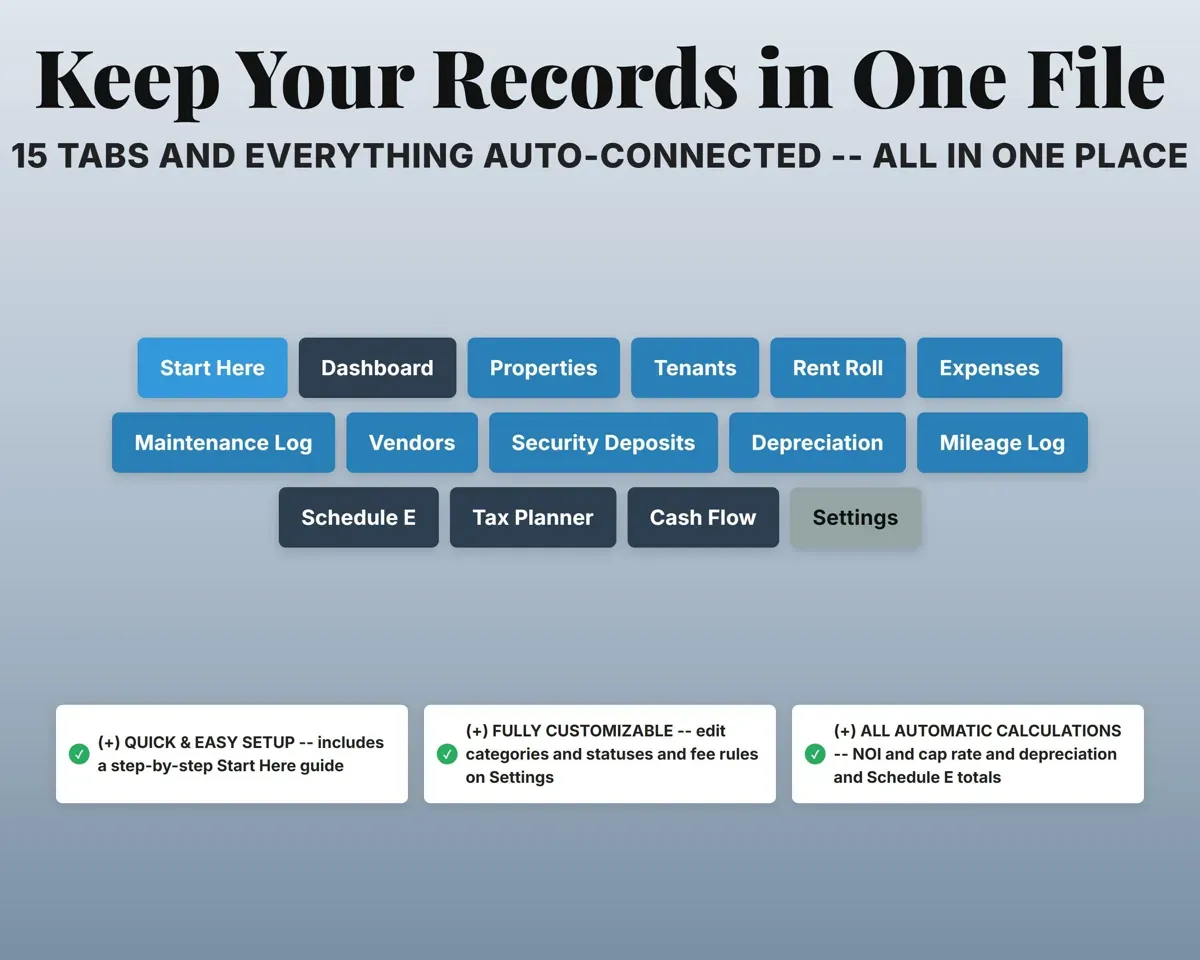
Work orders, vendors1099 threshold flag15 tabs in one file
- Start Here
- Dashboard
- Properties
- Tenants
- Rent Roll
- Expenses
- Maintenance Log
- Vendors
- Security Deposits
- Depreciation
- Mileage Log
- Schedule E
- Tax Planner
- Cash Flow
- Settings
- Start Here
- Setup steps and a color key.
- Dashboard
- Key numbers, a P&L per property and lease and deposit alerts.
- Properties
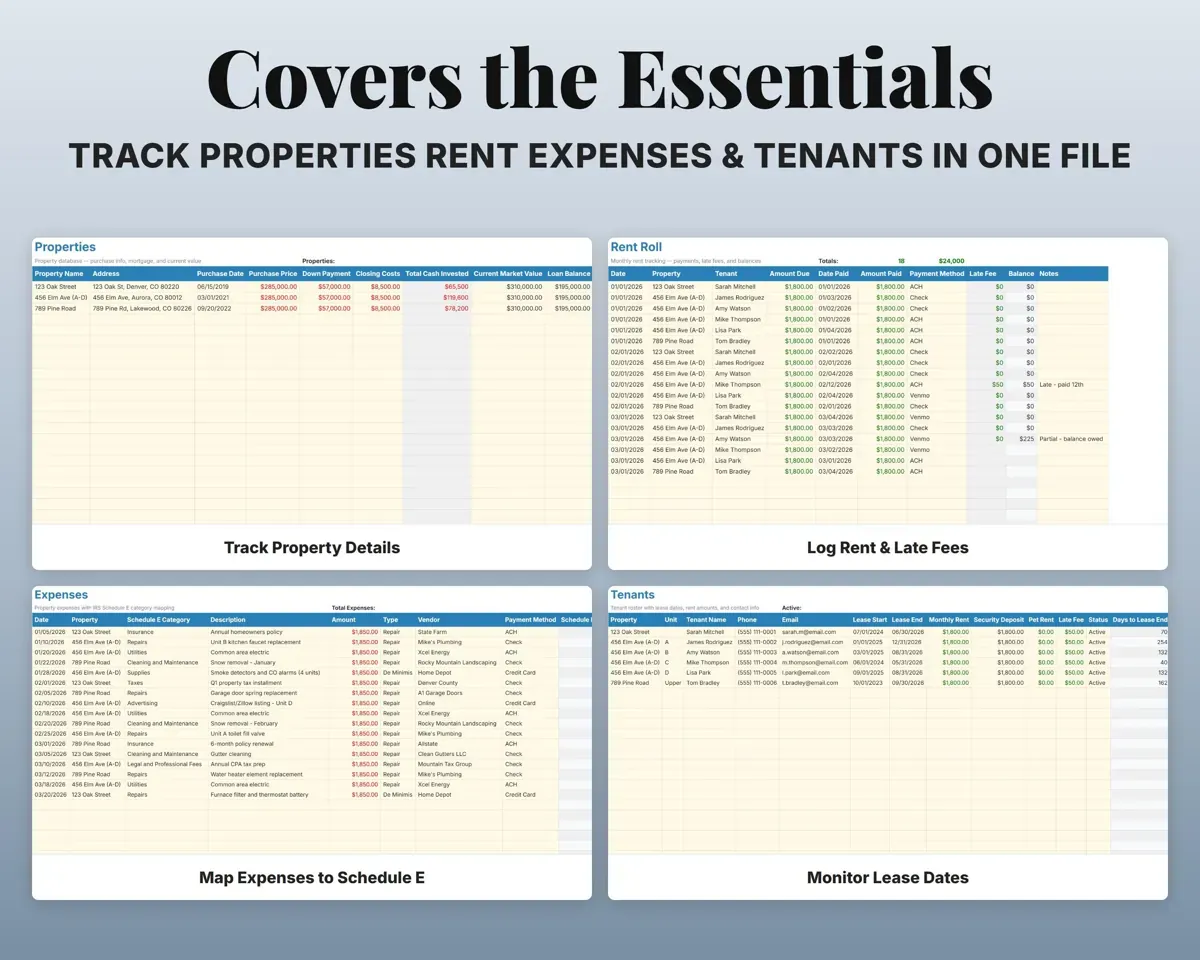
- Address, purchase, loan, PITI, market value and equity.
- Tenants
- Lease dates, rent, deposit, pet rent and late fee terms.
- Rent Roll
- Monthly rent, late fees, payment method and balance.
- Expenses
- Costs by Schedule E category, as repair or improvement.
- Maintenance Log
- Work orders with vendor, cost, warranty and status.
- Vendors
- Contractors with trade, rate, W-9 status and 1099 flag.
- Security Deposits
- Where each deposit is held, deductions and return dates.
- Depreciation
- Residential and improvement schedules by reporting year.
- Mileage Log
- Property trips by odometer, with the deduction worked out.
- Schedule E
- Per-property totals laid out like the IRS form lines.
- Tax Planner
- Quarterly estimated payments from income, expenses and depreciation.
- Cash Flow
- Twelve months of rent and expenses.
- Settings
- Tax rate, mileage rate, grace days, deposit rules and dropdowns.
Try the free Rental Property Analysis
Monthly cash flow, cap rate and cash-on-cash return for one property.
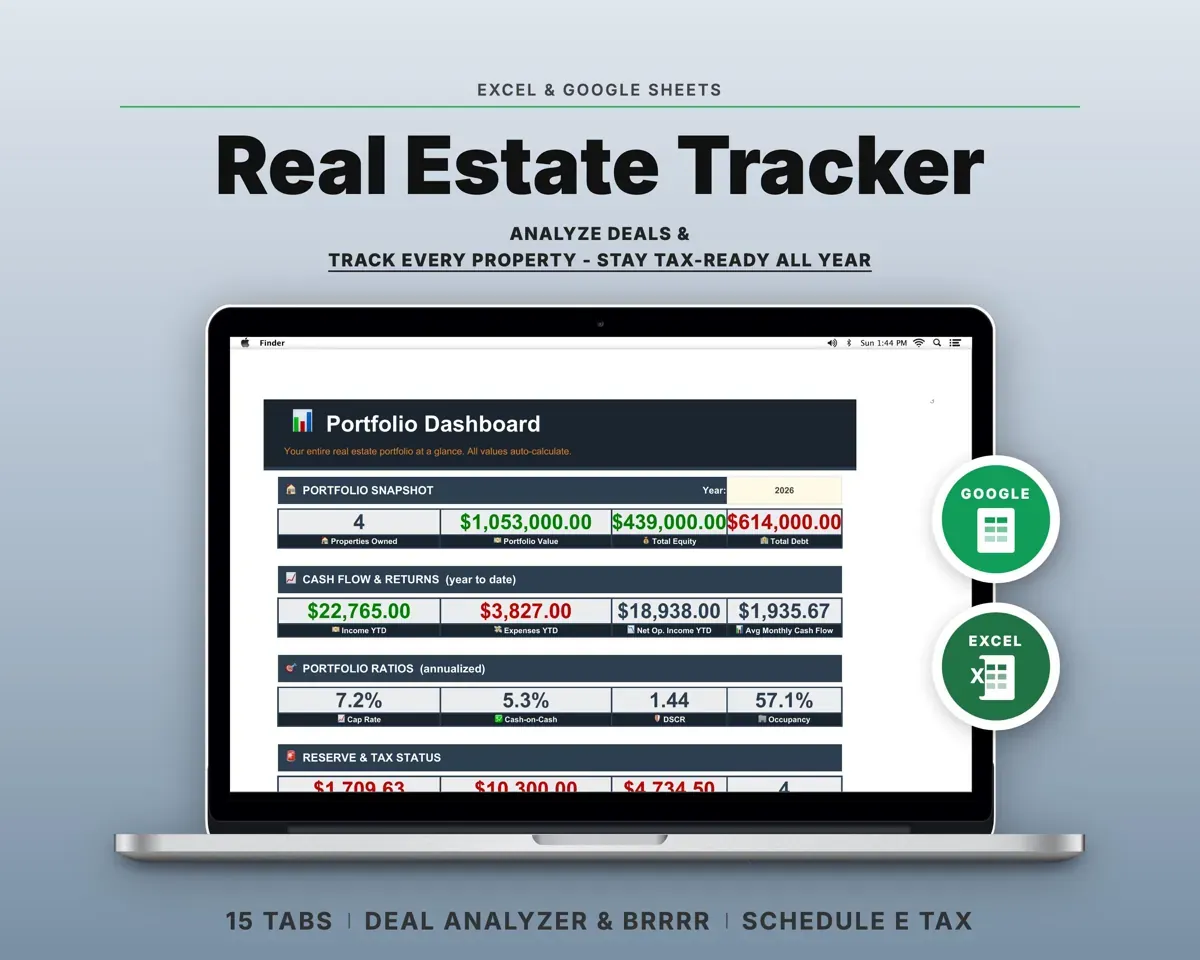
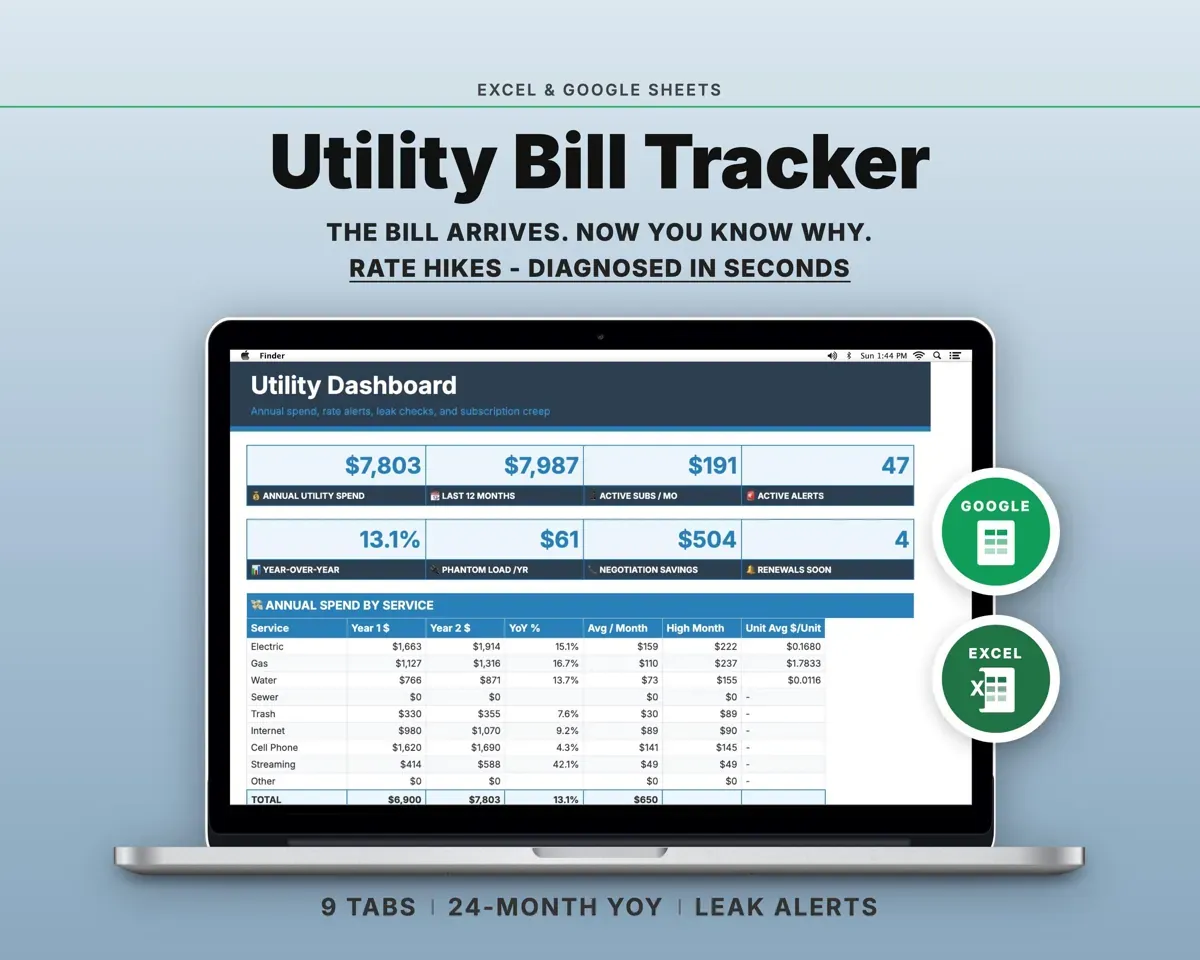
Pair it with
“Excellent! Very easy to use.”
“Nice Organization for 4H projects”
Before you buy
How many rental properties can it track?
Up to 20. The Dashboard P&L shows 10 at a time, and every other tab takes all 20.
Can I use it as a rental property analysis spreadsheet?
For properties you own, yes: it shows NOI, cap rate, cash-on-cash and equity for each one. For comparing deals before you buy, the Real Estate Investment Tracker has a deal analyzer.
How does the Schedule E part work?
Pick a Schedule E category from the dropdown when you log an expense. The Schedule E tab adds up each line for each property, following lines 1 to 21 of the form.
Will it replace property management software?
For the bookkeeping side, often: rent, expenses, deposits, depreciation and Schedule E. It does not collect rent online or give tenants a portal.
What do I get?
An Excel file (.xlsx), a filled-in sample to look at, and a quick-start PDF guide with a link that makes your own copy in Google Sheets.
How does delivery work?
You get your download links right after checkout, and Stripe emails your receipt. There is nothing to ship and nothing to wait for.
How do I set it up in Google Sheets?
Open the quick-start PDF and click the Google Sheets link. Google makes a copy in your own Drive that only you can edit. You need a free Google account.
Will it work on a Mac?
Yes. It works in Excel on Mac and Windows, and in Google Sheets in any browser.
I'm not a spreadsheet person. Is that a problem?
No. You only type in the yellow cells. Everything in gray works itself out, and the Start Here tab shows you where to begin.
Can I get a refund?
Templates are digital downloads, so sales are final. If a file won't open, is broken or doesn't match its description, email hello@cleanpixelstudios.com within 30 days and we'll fix it, or refund you if we can't.
What if I get stuck?
Email hello@cleanpixelstudios.com and we'll help you get it working.
More in Real estate & rentals
See all Real estate & rentals templates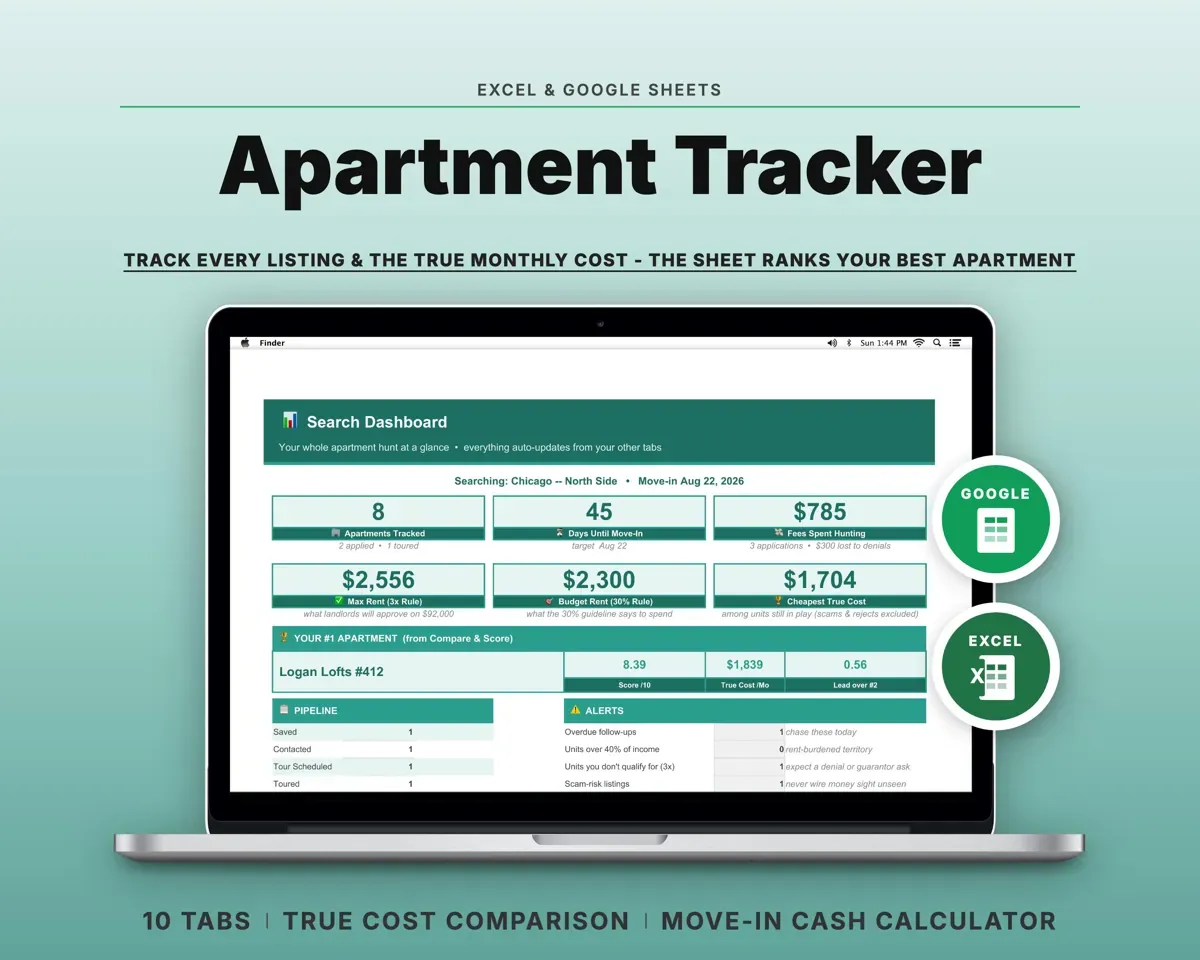
 Made by Clean Pixel Studios
We start every template by reading what people in that line of work say they struggle with, then build the spreadsheet around those problems. This one was made for landlords and nobody else.
How we build templates