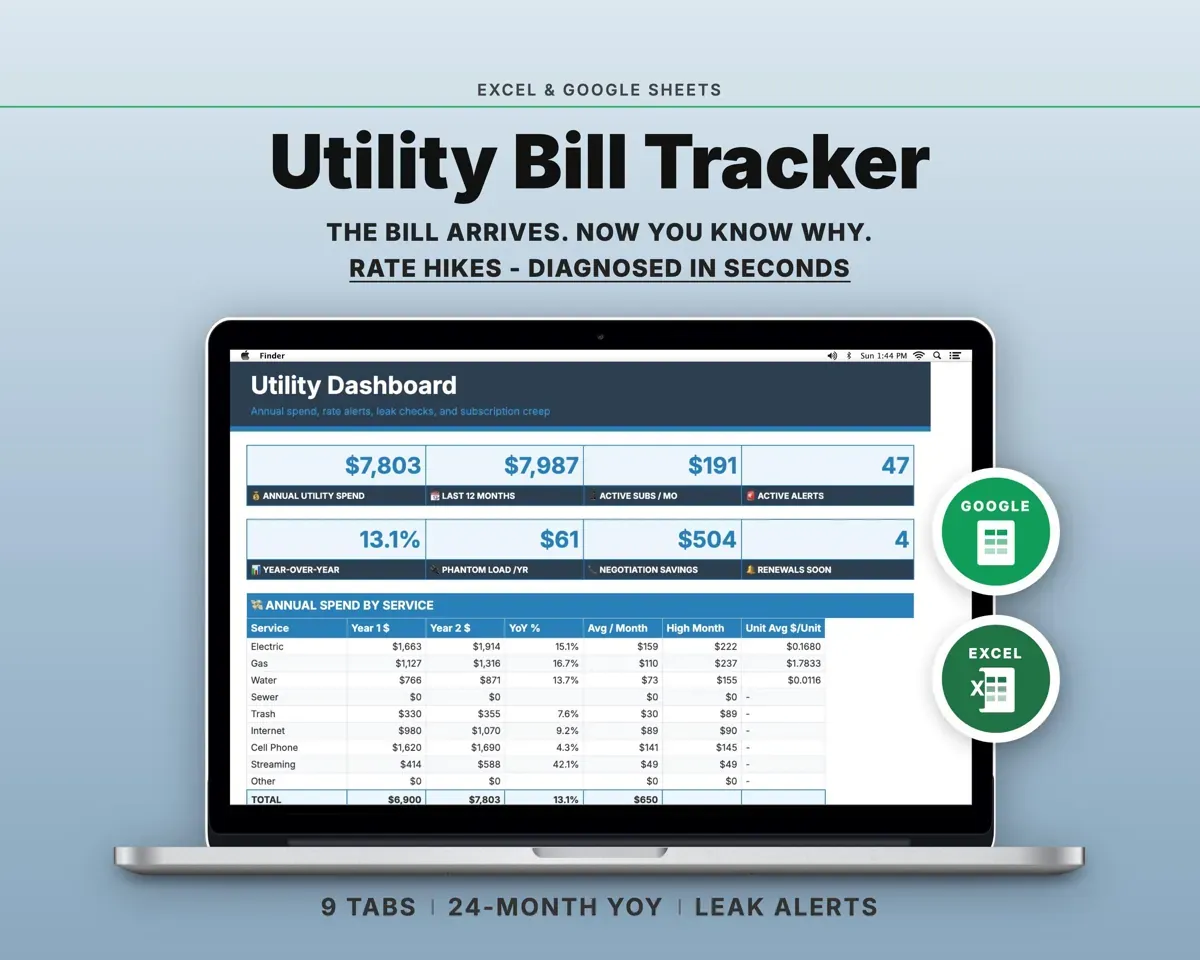
Built around the jobs homeowners and renters actually do
Tell a rate increase from higher usage
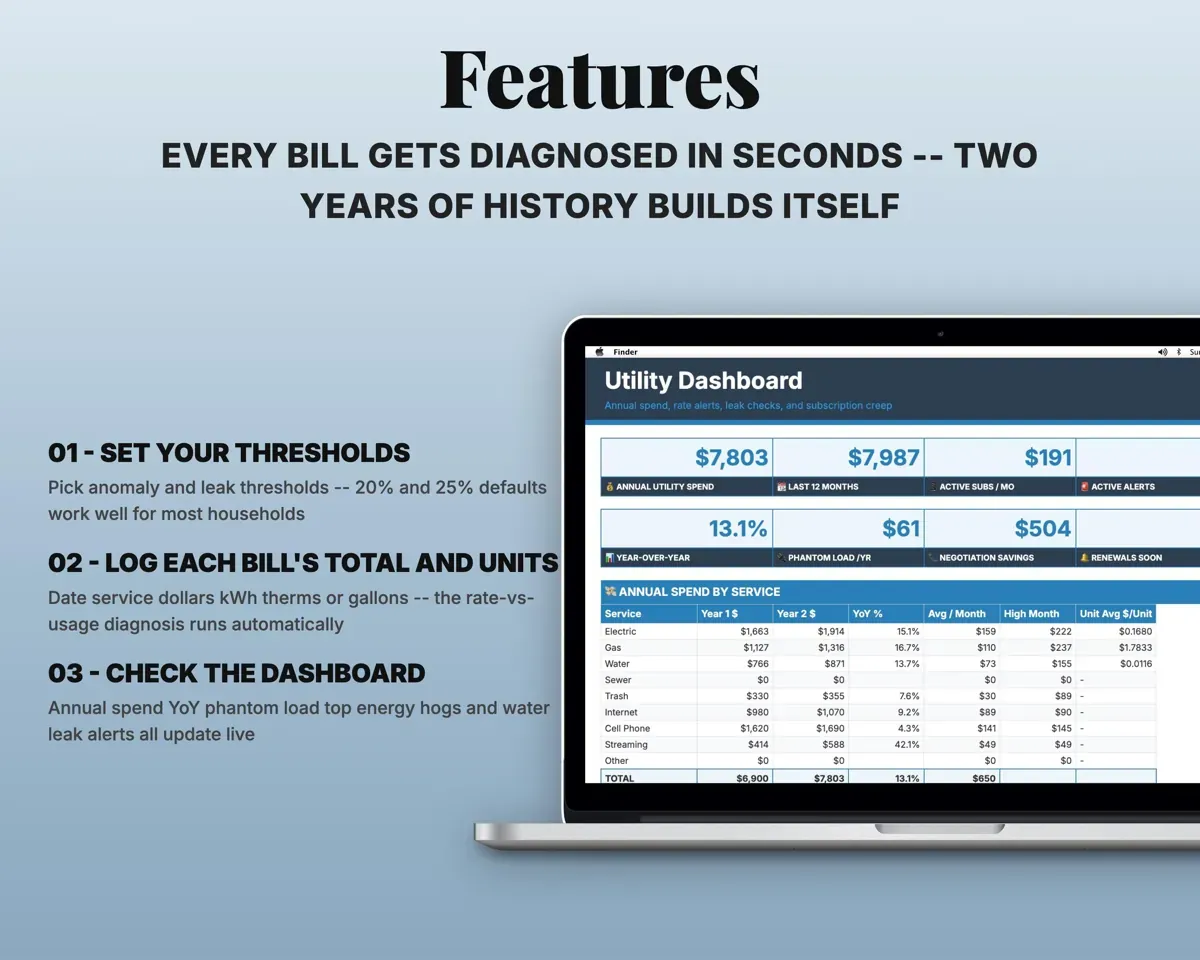
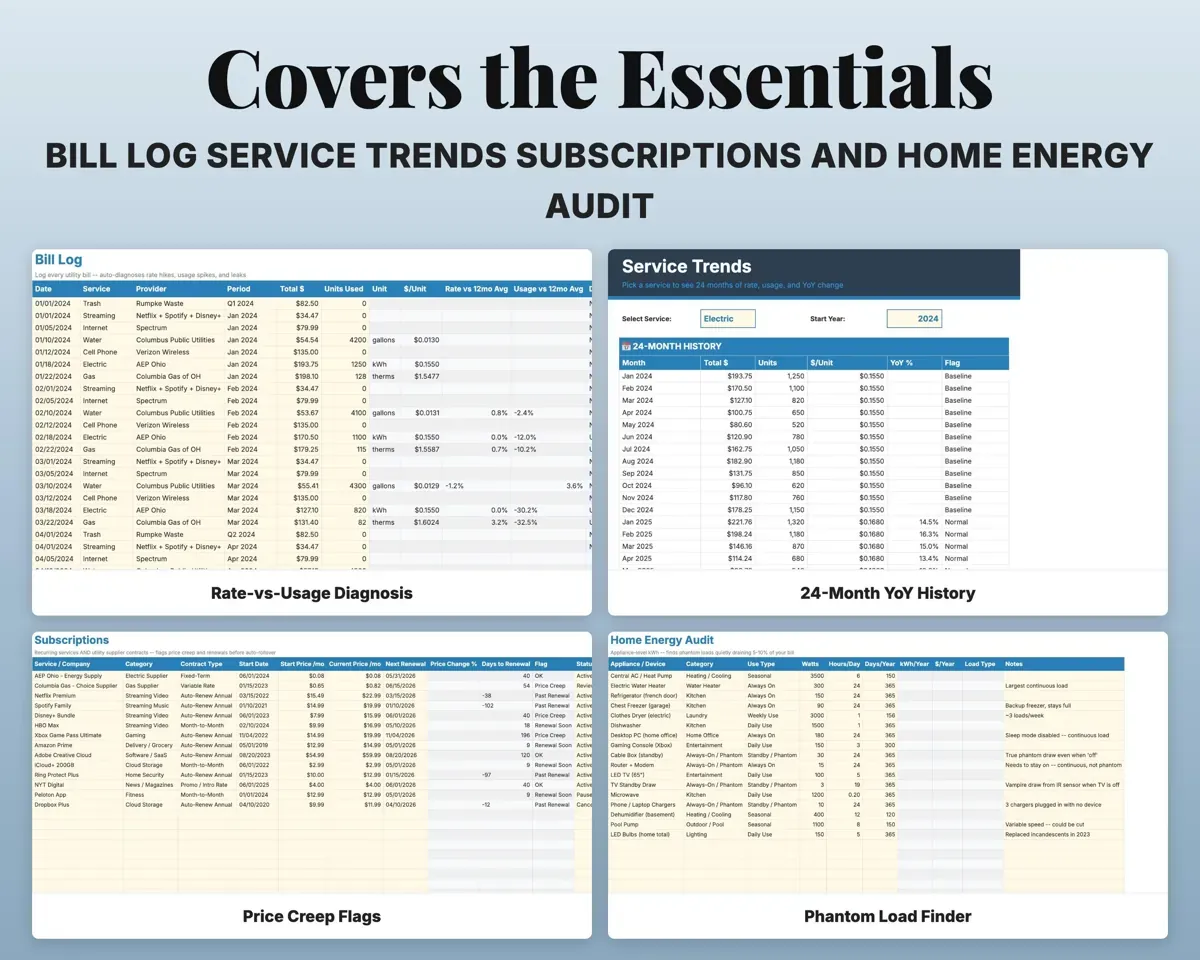
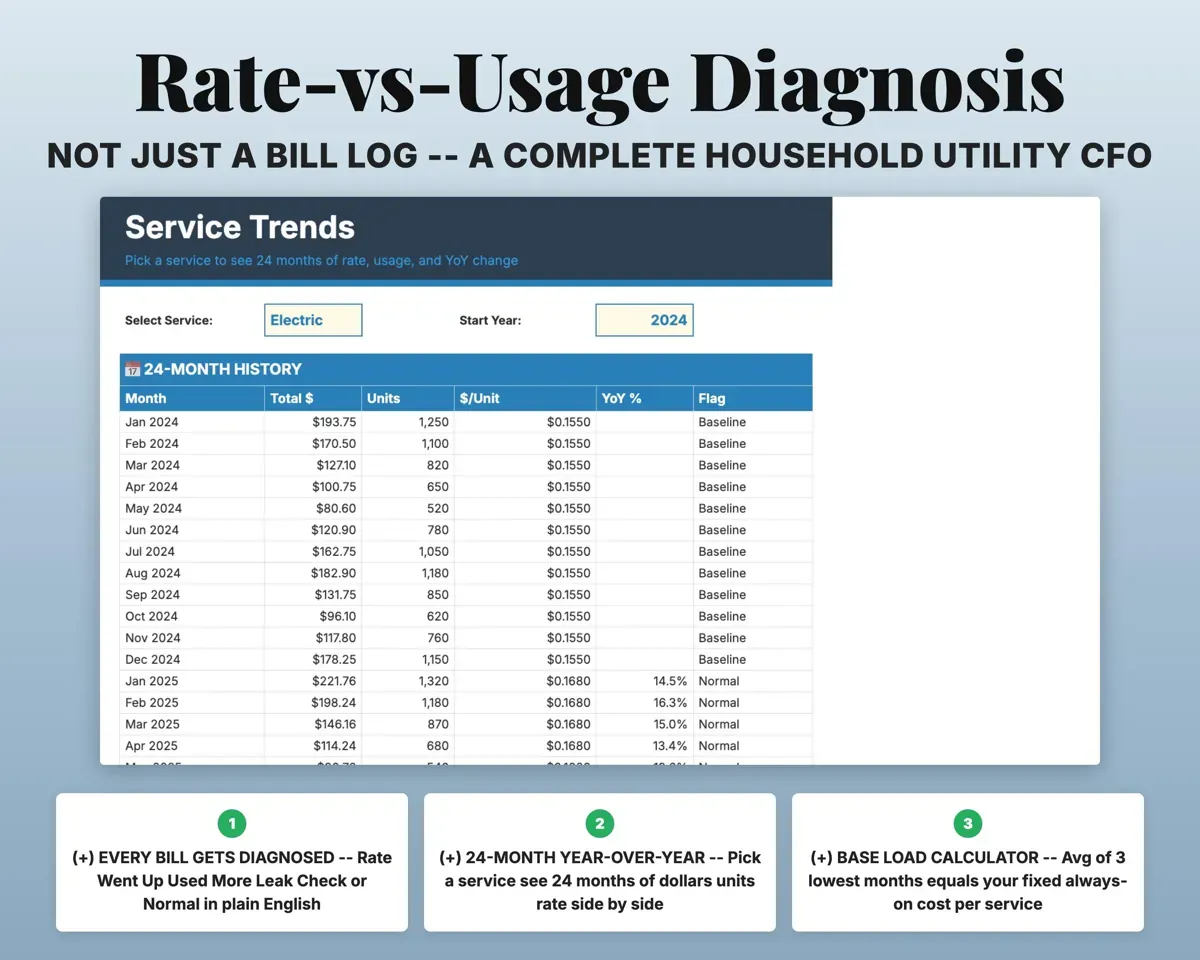
Enter the date, service, total and units used. The sheet works out the price per unit, compares it with the past 12 months, and labels the bill Rate Went Up, Used More, Leak Check or Normal.
Total and units usedBill diagnosisGet a ranked list of what to fix
Action Items gathers flags from every tab, like leaks, price creep and renewals, and ranks them by dollar impact. Items drop off once you fix them.
Your other tabsRanked action itemsCatch price creep and renewals
Record the price you signed up at and today's price. The sheet flags price creep and warns you 30 days before a promo or supplier contract renews.
Sign-up and current pricePrice creep flagSpot a possible leak early
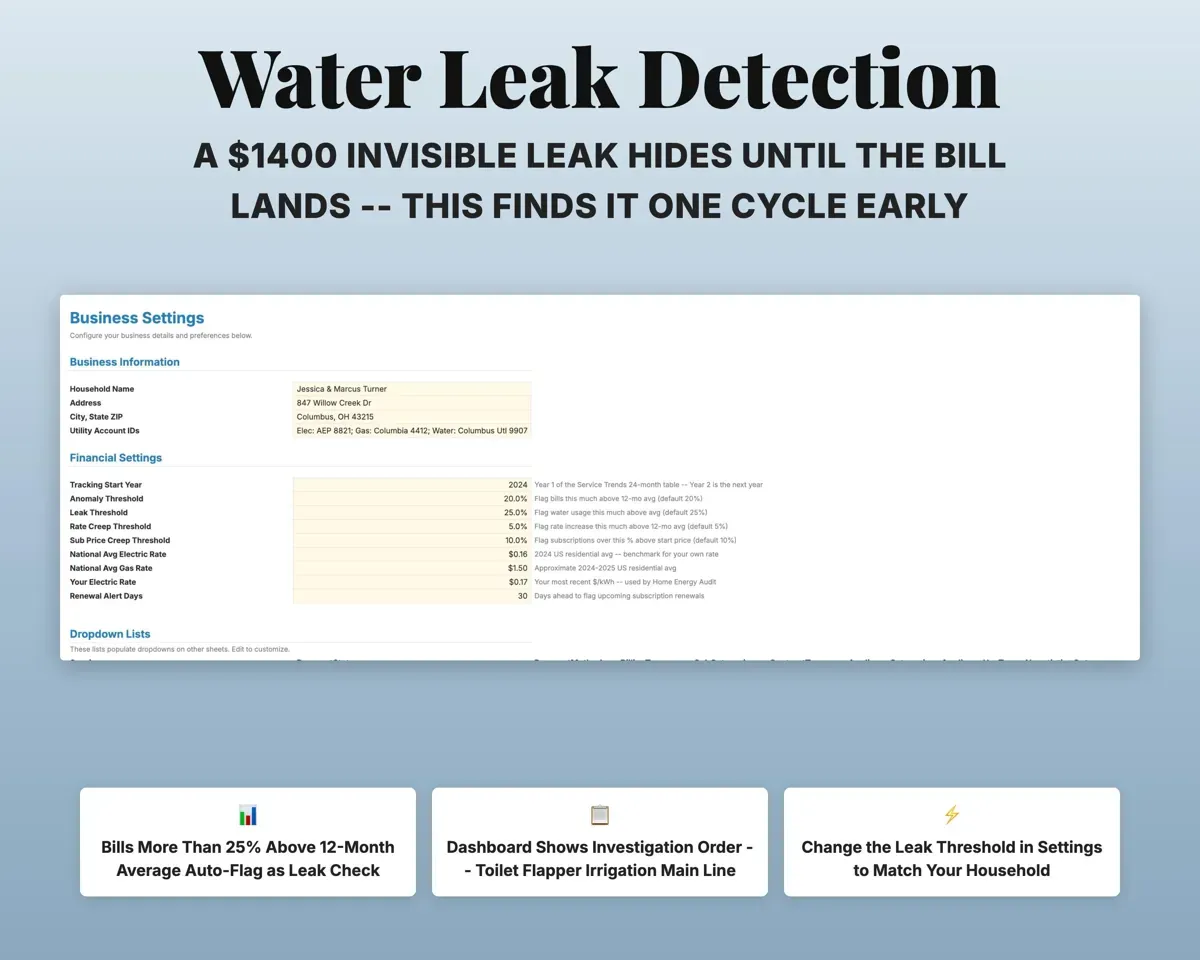
Water bills more than 25% over your 12-month average get flagged, and the Dashboard has a printable checklist of where to look first.
Gallons usedLeak Check flagCompare this year with last year
Pick a service to see 24 months of rate and usage side by side, a line chart, and how much of the change came from rates.
Service24-month trendFind the devices costing you most
List devices with watts and hours of use to see the yearly cost at your rate, how fast a smart plug pays for itself, and your top five energy users.
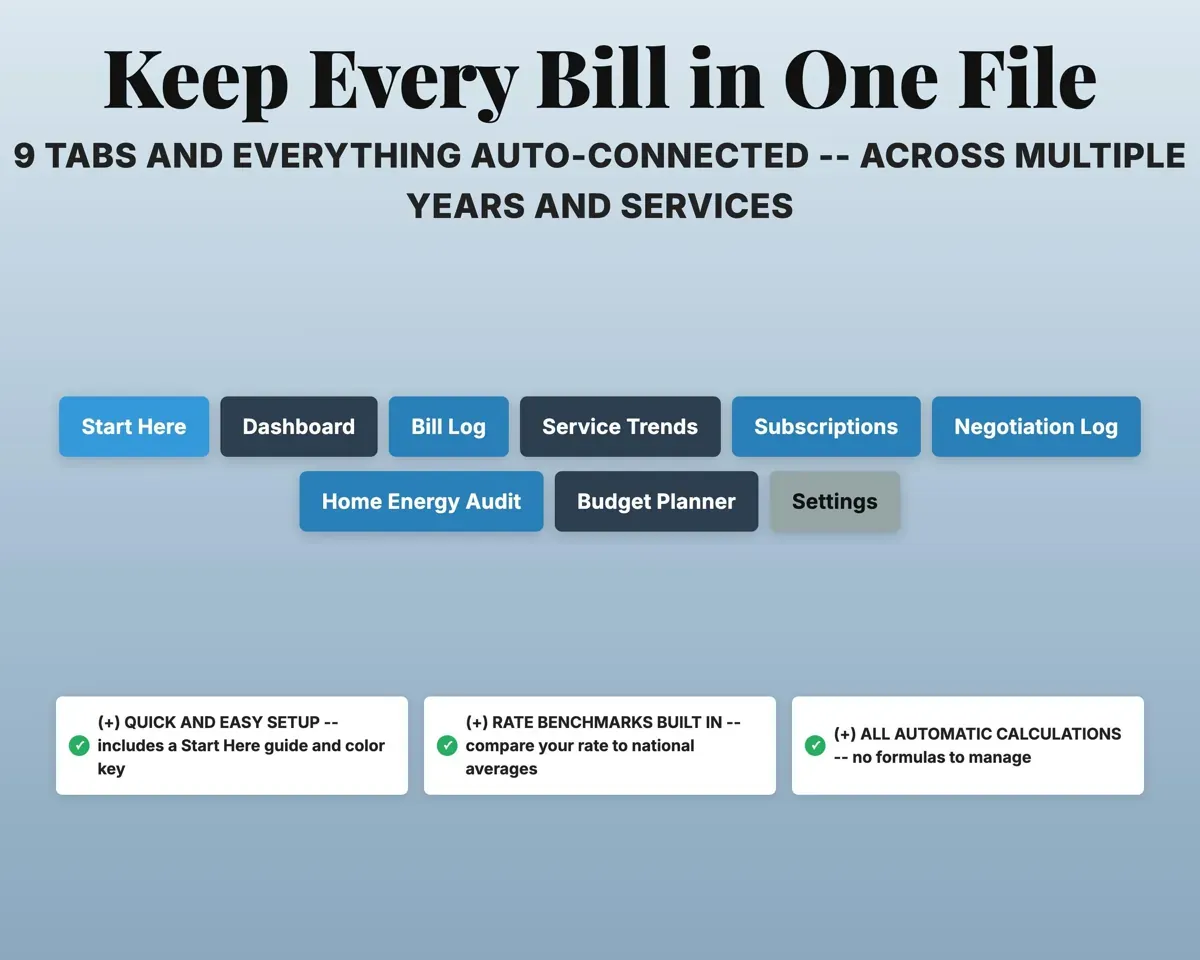
Watts, hours per dayCost per device per year10 tabs in one file
- Start Here
- Dashboard
- Action Items
- Bill Log
- Service Trends
- Subscriptions
- Negotiation Log
- Home Energy Audit
- Budget Planner
- Settings
- Start Here
- Setup guide and color key.
- Dashboard
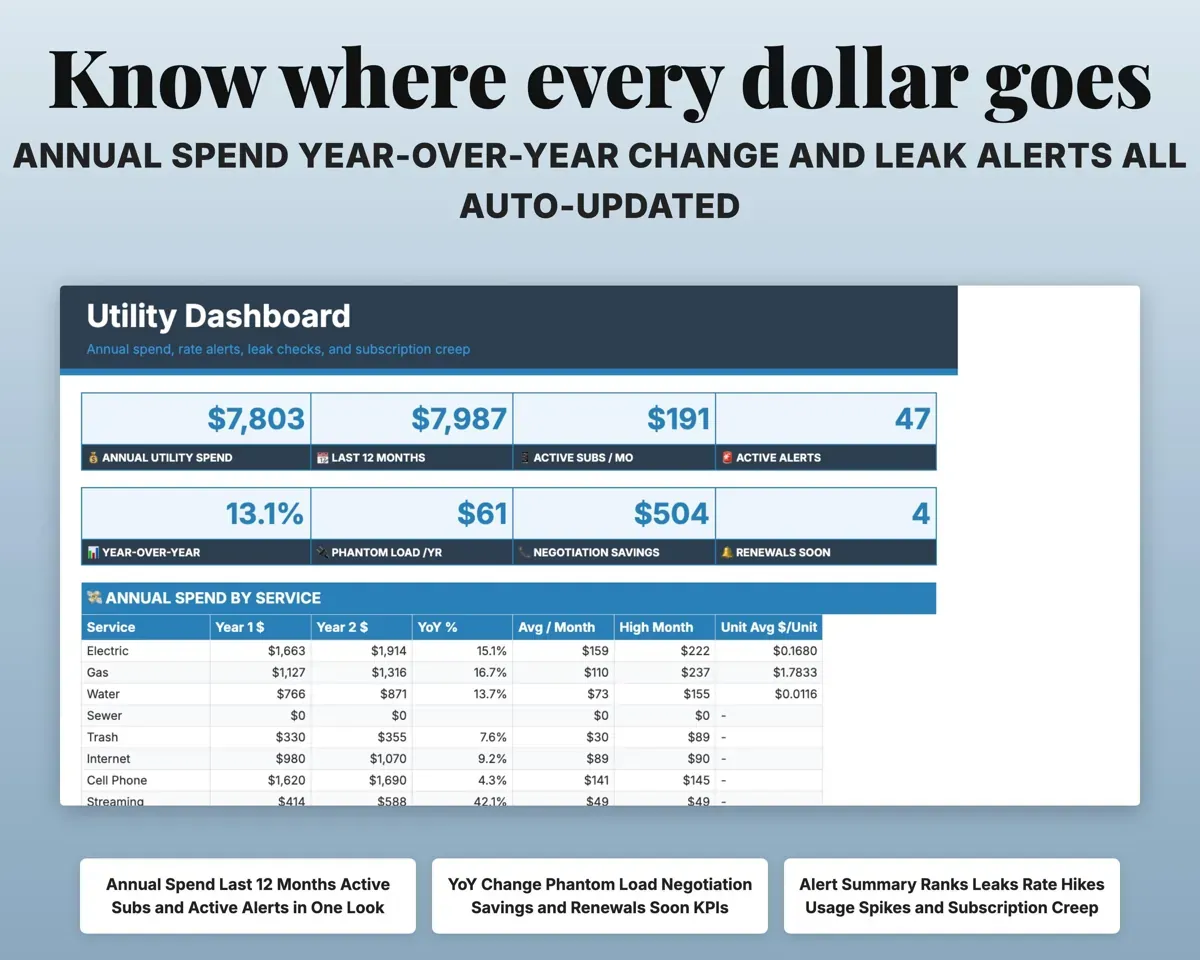
- Annual spend, alerts, savings scorecard and national rate comparison.
- Action Items
- A ranked to-do list with the dollar impact of each item.
- Bill Log
- Every bill with its rate-vs-usage diagnosis and cost per day.
- Service Trends
- 24 months of rate and usage for one service, with a chart.
- Subscriptions
- Sign-up vs current price and renewal countdowns.
- Negotiation Log
- Retention calls, follow-up dates and yearly savings.
- Home Energy Audit
- Device-level energy cost and smart-plug payback.
- Budget Planner
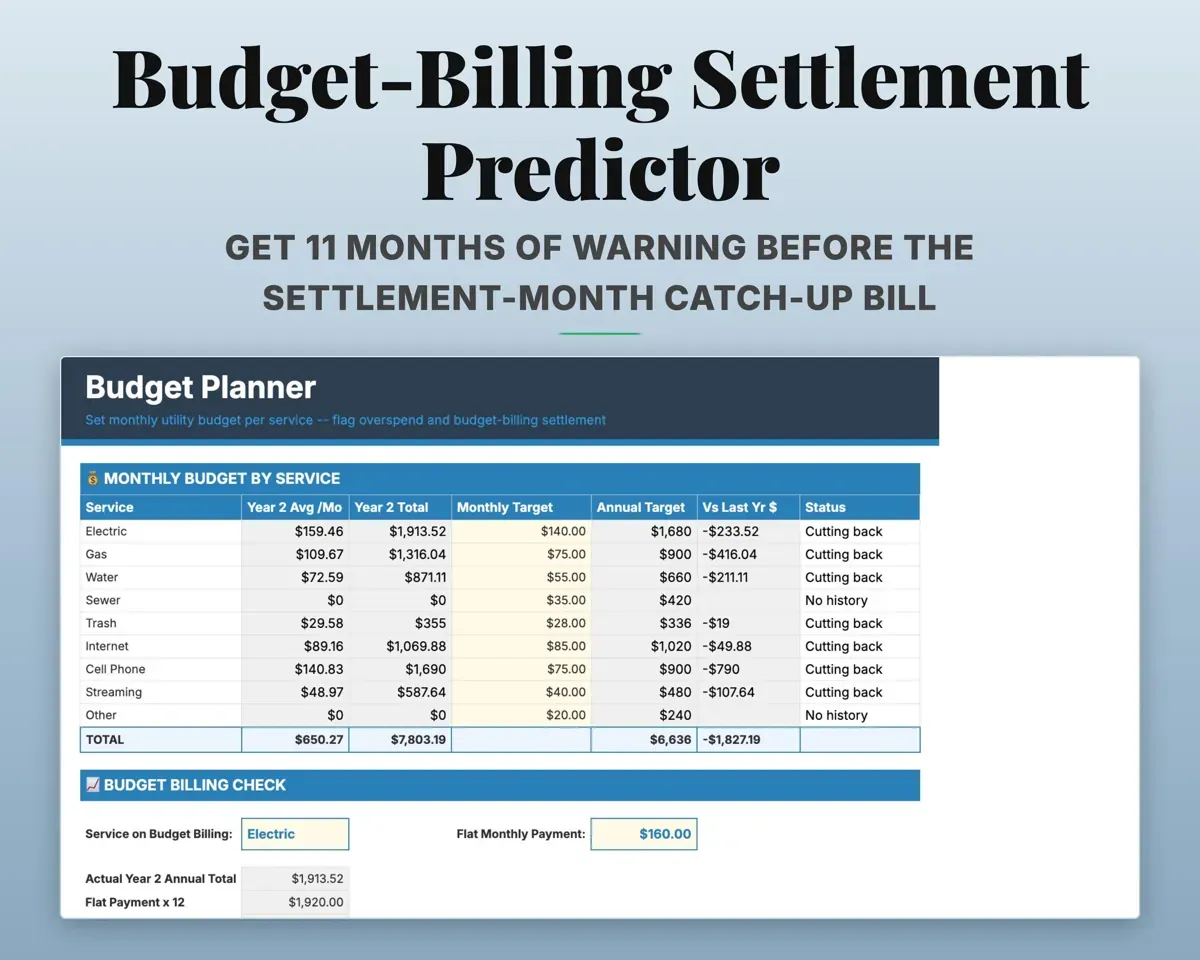
- Monthly targets and a budget-billing settlement projection.
- Settings
- Household info, alert thresholds, electric rate and dropdown lists.
Pair it with
“Excellent! Very easy to use.”
“Nice Organization for 4H projects”
Before you buy
Which bills can I track?
Electric, gas and water with the units used, plus subscriptions like streaming, internet, cable and cell. Supplier contracts with a fixed end date go on the Subscriptions tab too.
I'm on budget billing. Can it warn me about the settlement month?
Yes. Enter your flat monthly payment and pick the service. The Budget Planner projects the settlement balance all year, so you see it coming.
How much history do I need?
It works from the first bill, but the comparisons need a baseline. Logging your last 12 months of bills gives each service a full year to compare against.
How do I know if my rate is high?
The Dashboard compares your average price per unit with the US national average for each service and marks it green or red.
What do I get?
An Excel file (.xlsx), a filled-in sample to look at, and a quick-start PDF guide with a link that makes your own copy in Google Sheets.
How does delivery work?
You get your download links right after checkout, and Stripe emails your receipt. There is nothing to ship and nothing to wait for.
How do I set it up in Google Sheets?
Open the quick-start PDF and click the Google Sheets link. Google makes a copy in your own Drive that only you can edit. You need a free Google account.
Will it work on a Mac?
Yes. It works in Excel on Mac and Windows, and in Google Sheets in any browser.
I'm not a spreadsheet person. Is that a problem?
No. You only type in the yellow cells. Everything in gray works itself out, and the Start Here tab shows you where to begin.
Can I get a refund?
Templates are digital downloads, so sales are final. If a file won't open, is broken or doesn't match its description, email hello@cleanpixelstudios.com within 30 days and we'll fix it, or refund you if we can't.
What if I get stuck?
Email hello@cleanpixelstudios.com and we'll help you get it working.
More in Small business & money
See all Small business & money templates
 Made by Clean Pixel Studios
We start every template by reading what people in that line of work say they struggle with, then build the spreadsheet around those problems. This one was made for homeowners and renters and nobody else.
How we build templatesUtility Bill Tracker Spreadsheet$9.99 · Excel + Google Sheets