Built around the jobs homeowners actually do
Get a schedule built for your home
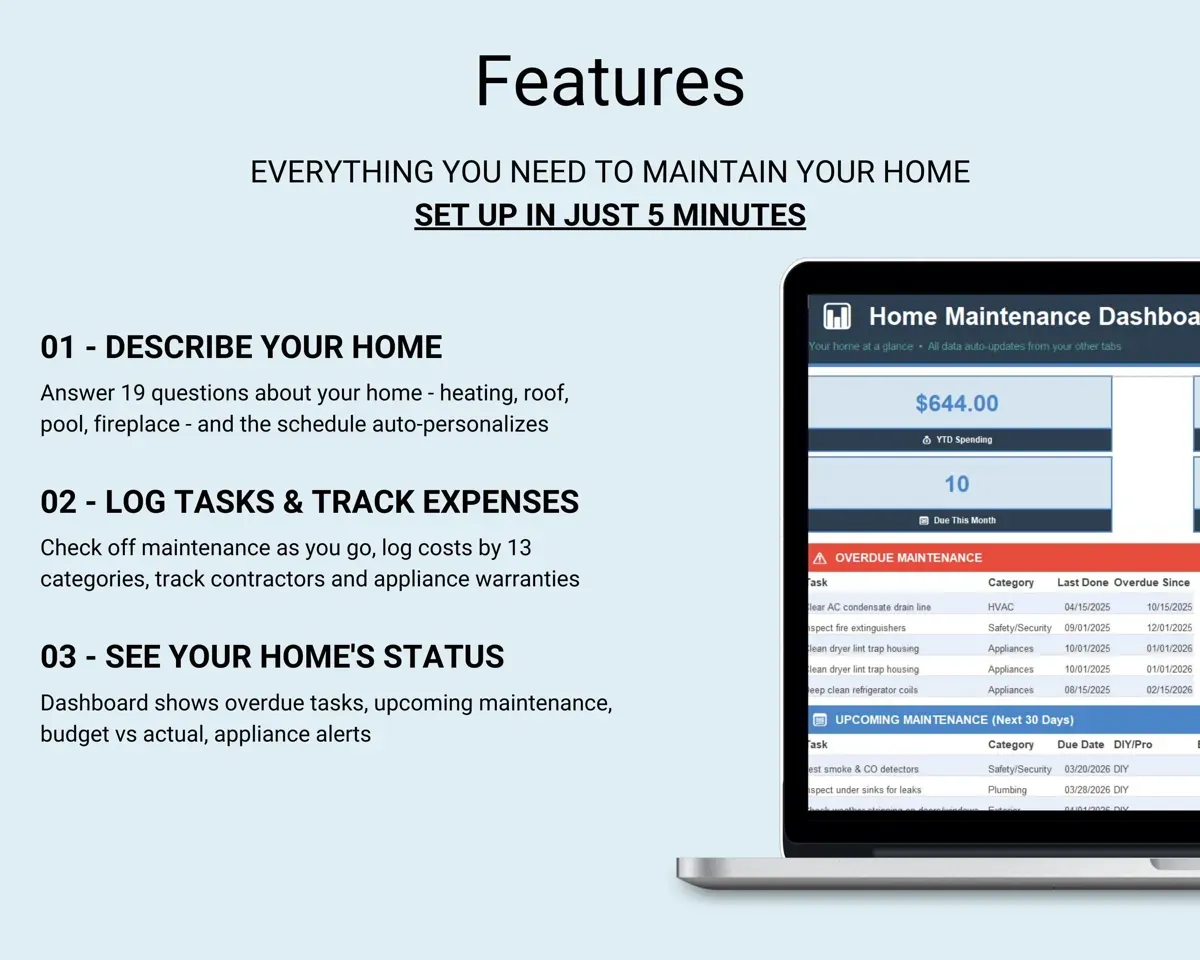
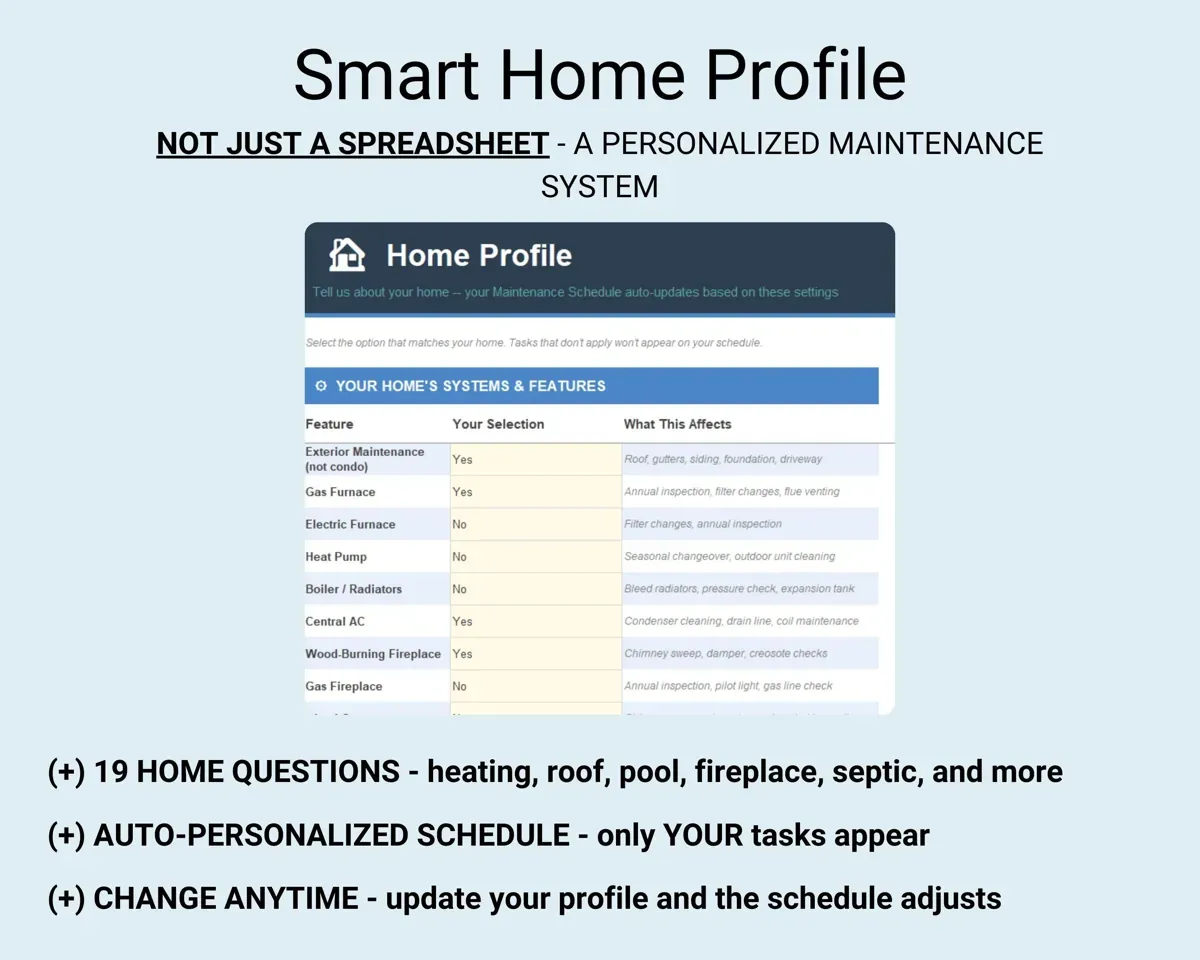
Answer 19 questions about heating, roof, pool, septic, fireplace and more. About 95 preloaded tasks are narrowed to the ones that apply to your house.
19 home questionsYour task scheduleSee what is overdue before something breaks
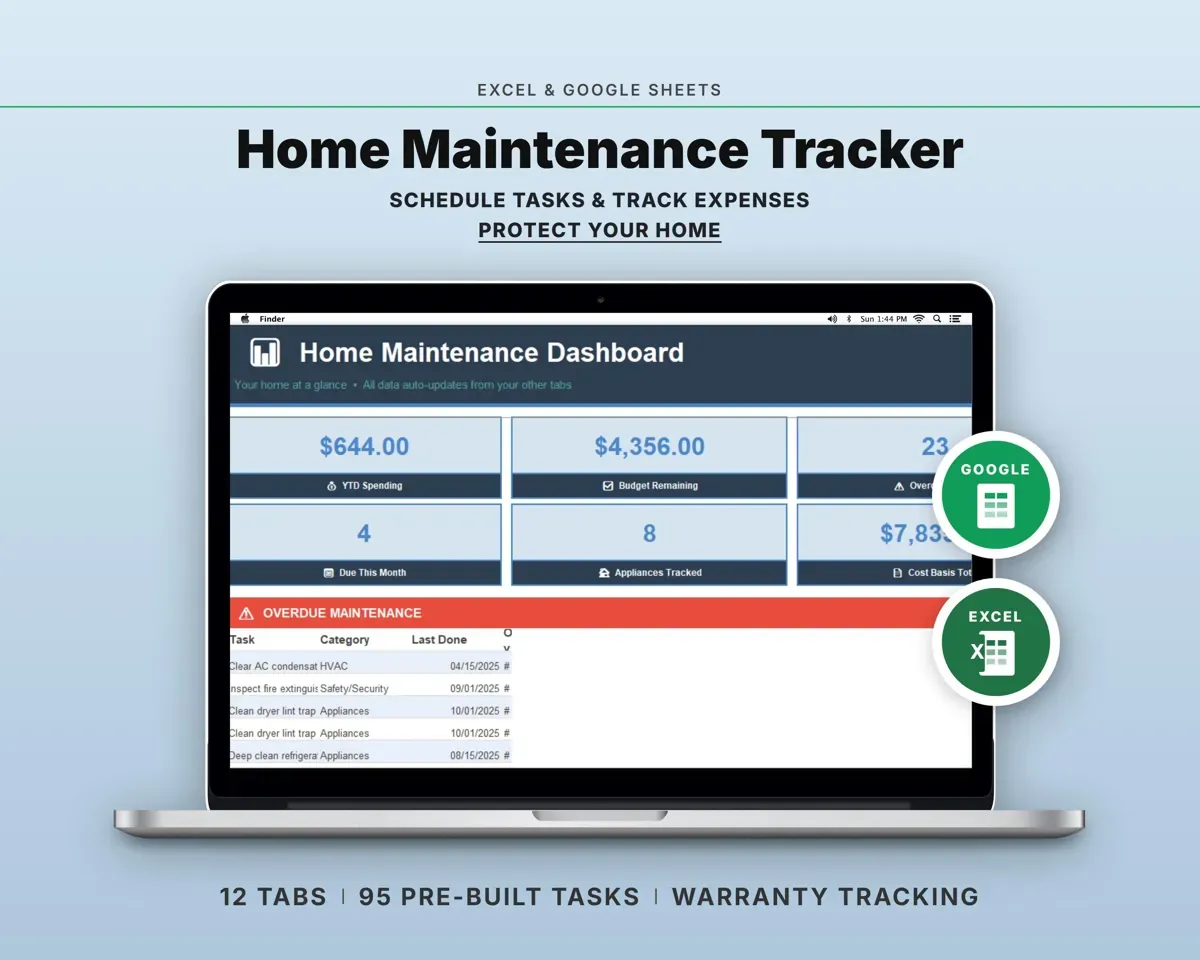
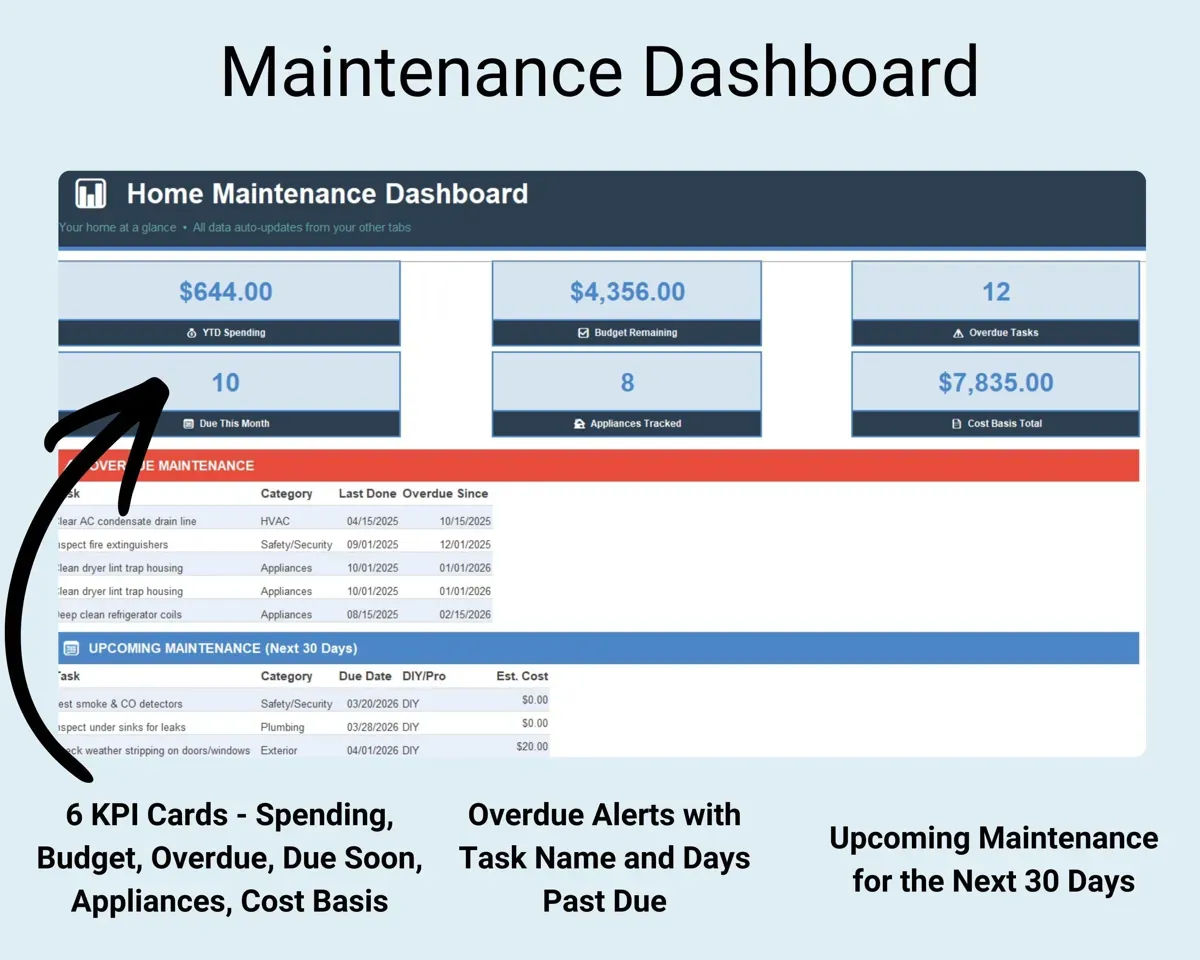
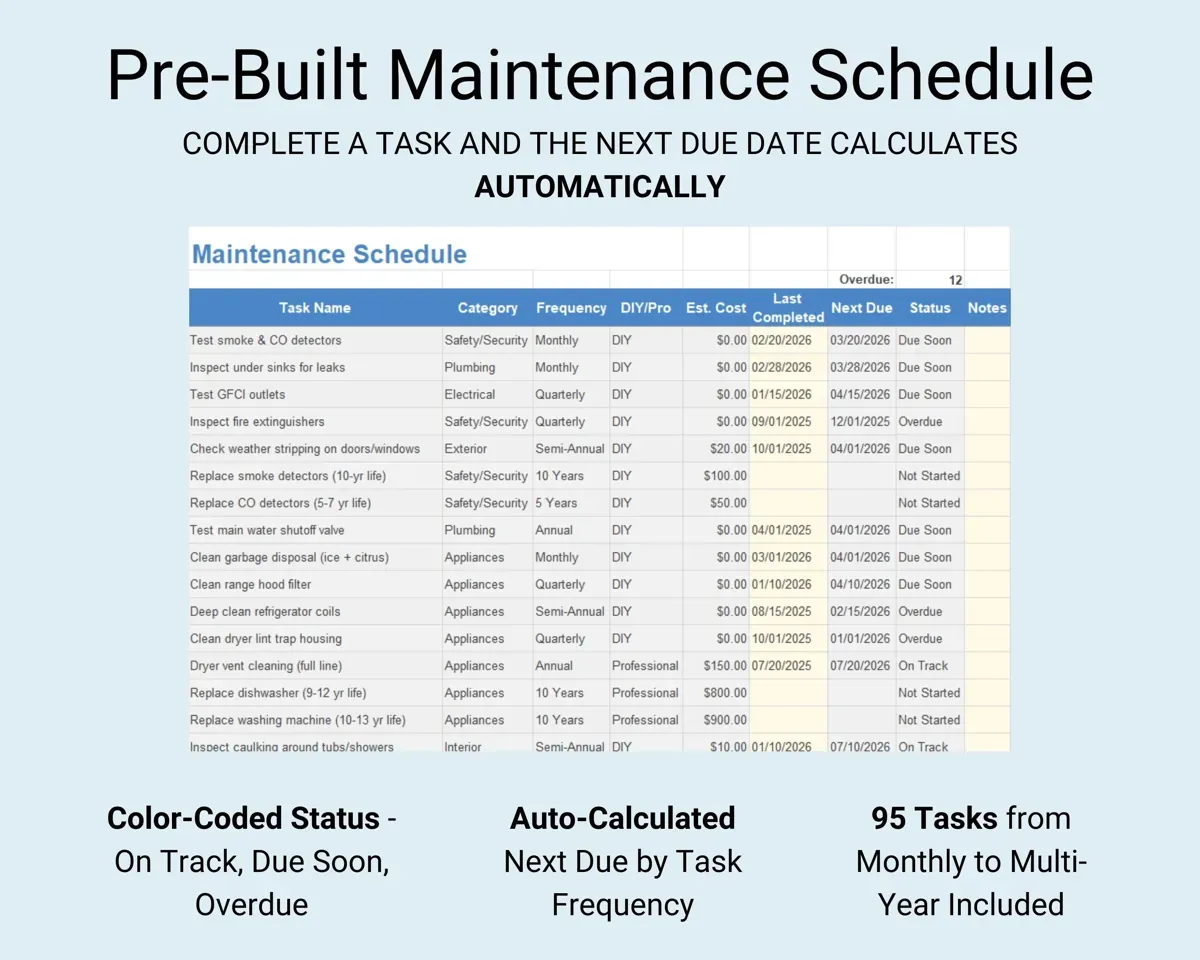
Mark a task done and its next due date is set for you. The Dashboard shows overdue tasks in red, due soon in yellow and on track in green.
Date completedNext due datePlan replacements instead of reacting
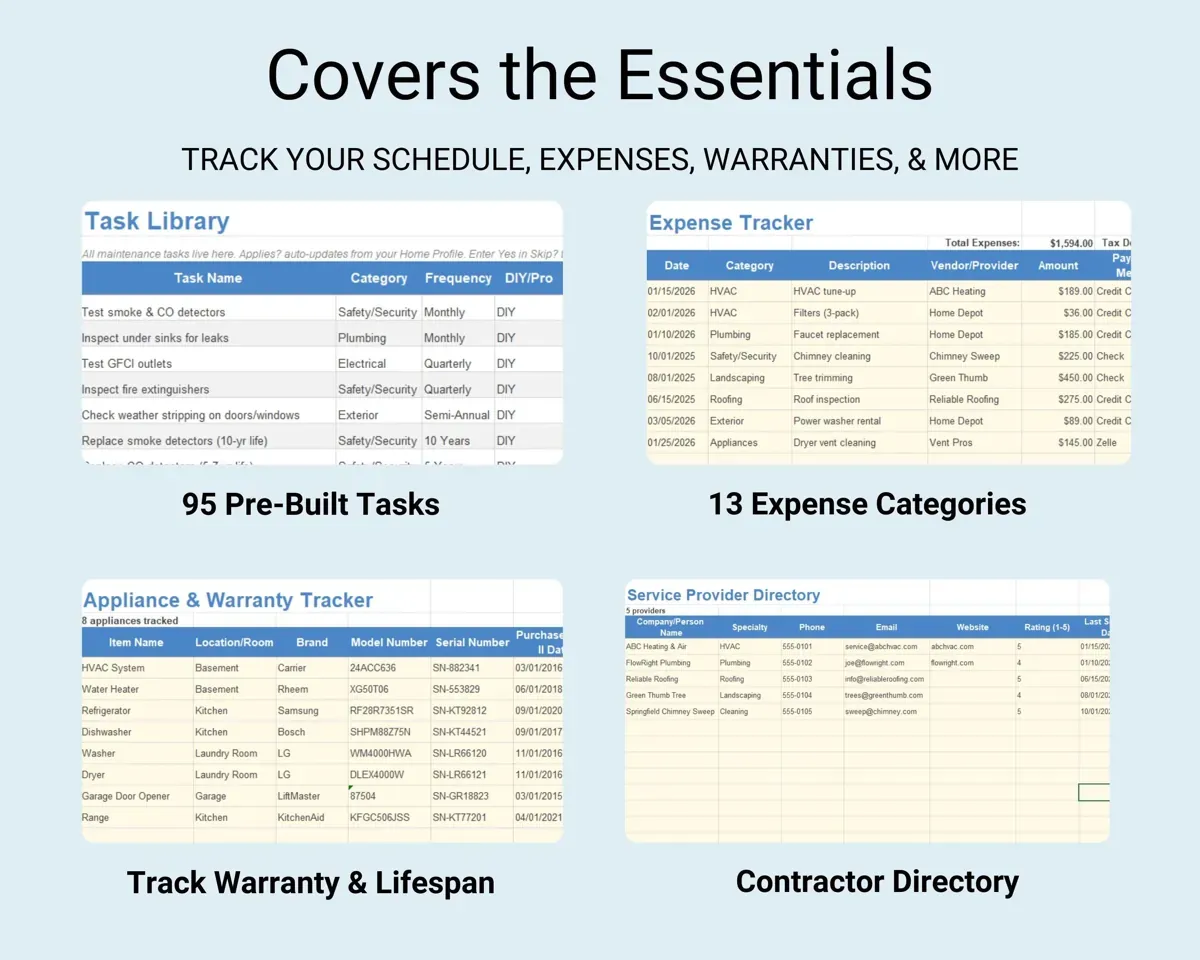
Record brand, model, serial number, purchase date, warranty and expected lifespan. The sheet works out each appliance's age, flags expiring warranties and warns at 80% of expected life.
Model, warranty, lifespanAge and warranty statusAdd the jobs only your house needs
Anything missing from the library goes on Custom Tasks, which schedules it the same way as the built-in tasks.
Task and frequencyNext due dateKeep costs, contractors and improvements together
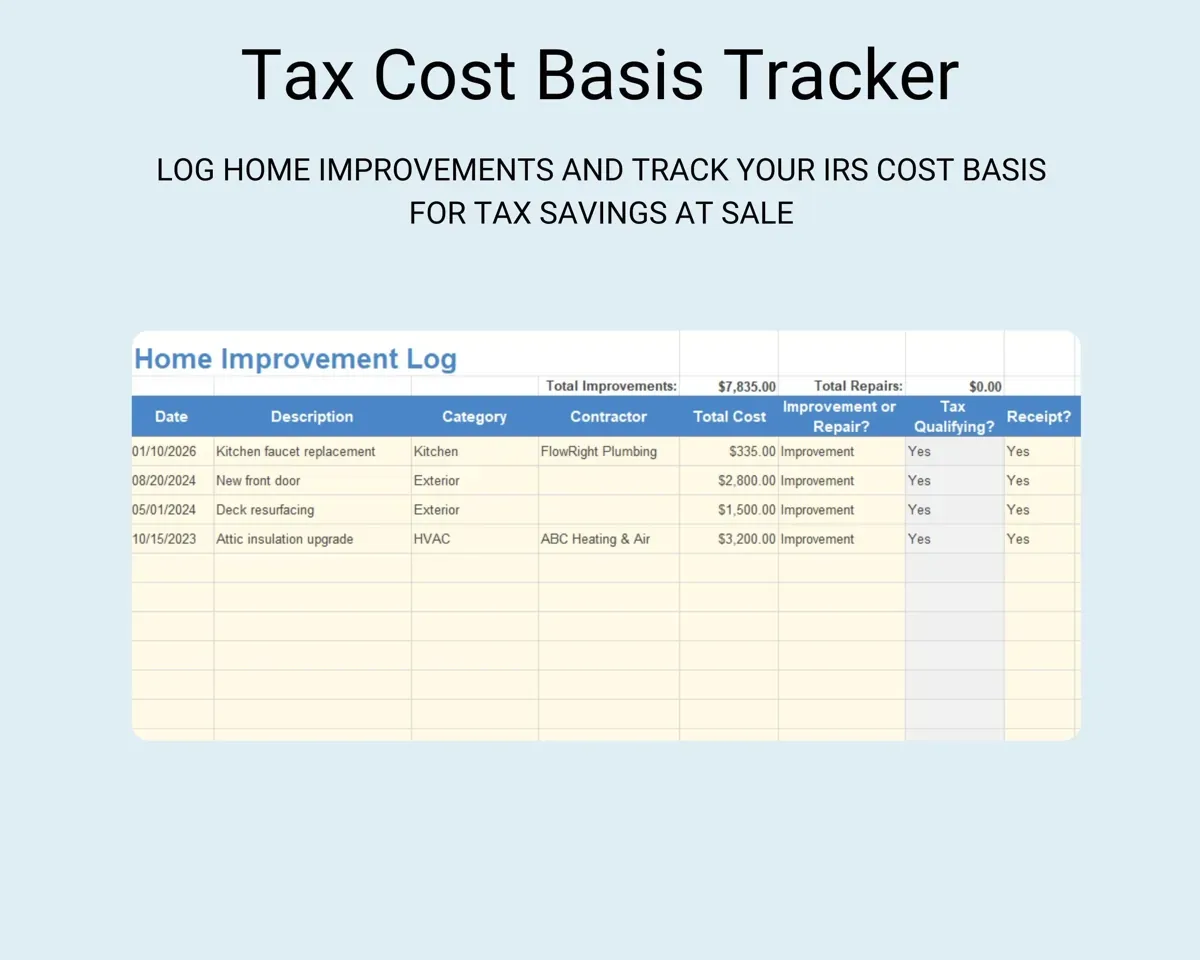
Log upkeep spending, keep each service provider's details, and add capital improvements to a running total for your cost basis records.
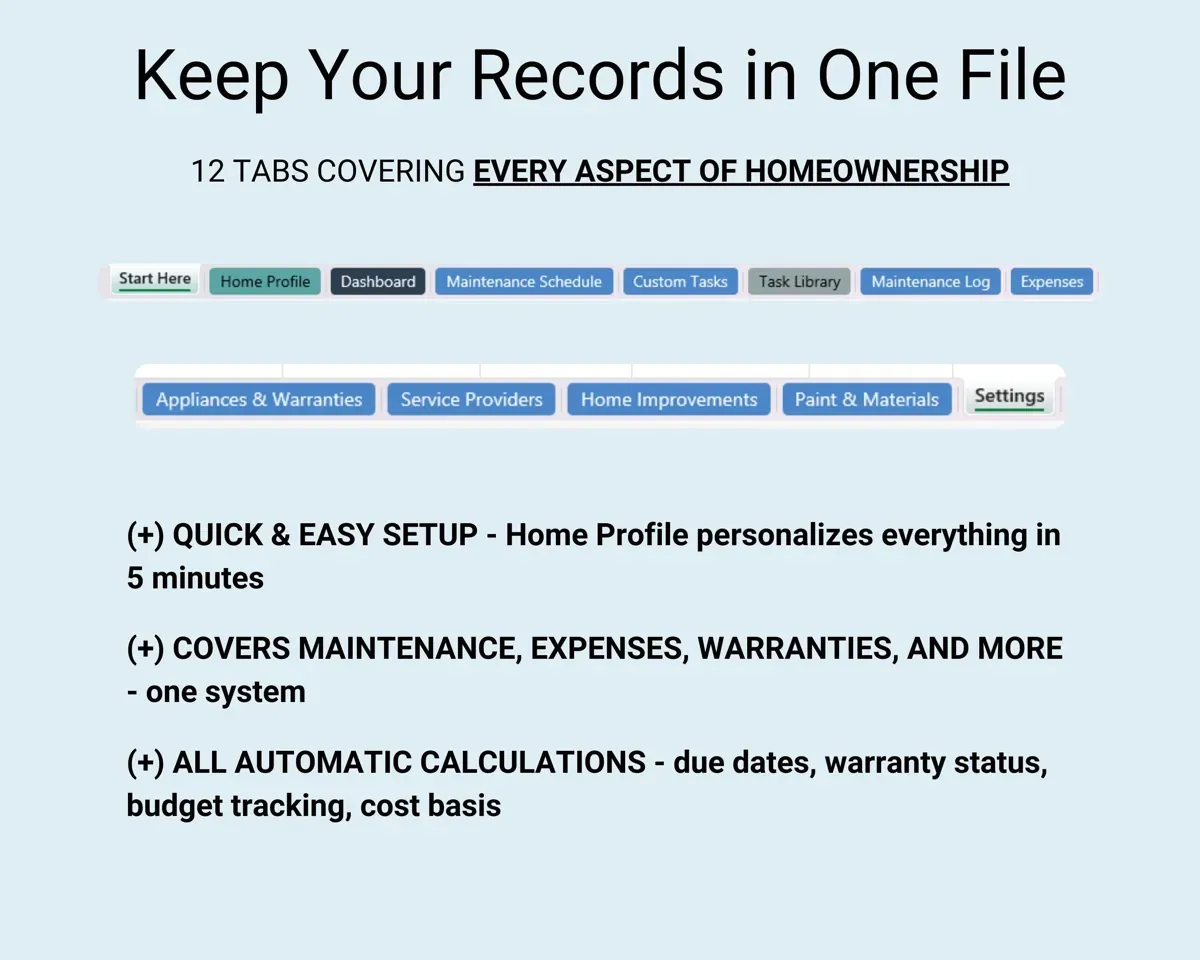
Costs, improvementsImprovements total13 tabs in one file
- Start Here
- Home Profile
- Dashboard
- Maintenance Schedule
- Custom Tasks
- Task Library
- Maintenance Log
- Expenses
- Appliances & Warranties
- Service Providers
- Home Improvements
- Paint & Materials
- Settings
- Start Here
- Setup steps and a guide to every tab.
- Home Profile
- Questions about your home that build the schedule.
- Dashboard
- Overdue, due soon and on-track tasks at a glance.
- Maintenance Schedule
- Your personalized tasks with next due dates.
- Custom Tasks
- Tasks you add yourself, scheduled the same way.
- Task Library
- The full list of about 95 preloaded maintenance tasks.
- Maintenance Log
- A record of every task you have completed.
- Expenses
- What you spend on upkeep and repairs.
- Appliances & Warranties
- Each appliance with its warranty, age and expected lifespan.
- Service Providers
- Contact details for the people who work on your home.
- Home Improvements
- Capital improvements with a running total for cost basis.
- Paint & Materials
- Paint colors and materials used around the house.
- Settings
- Dropdown lists and other options for the workbook.
Pair it with
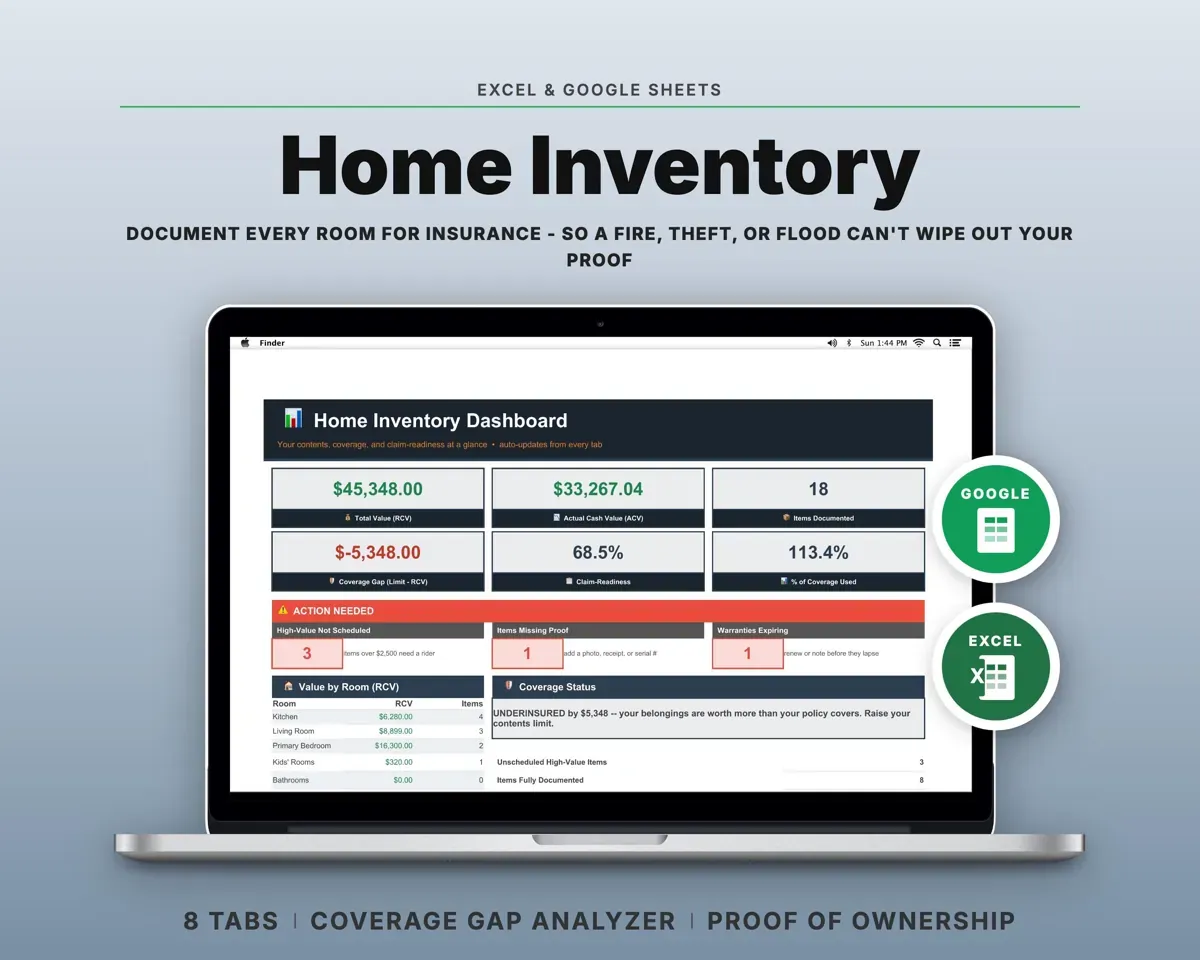
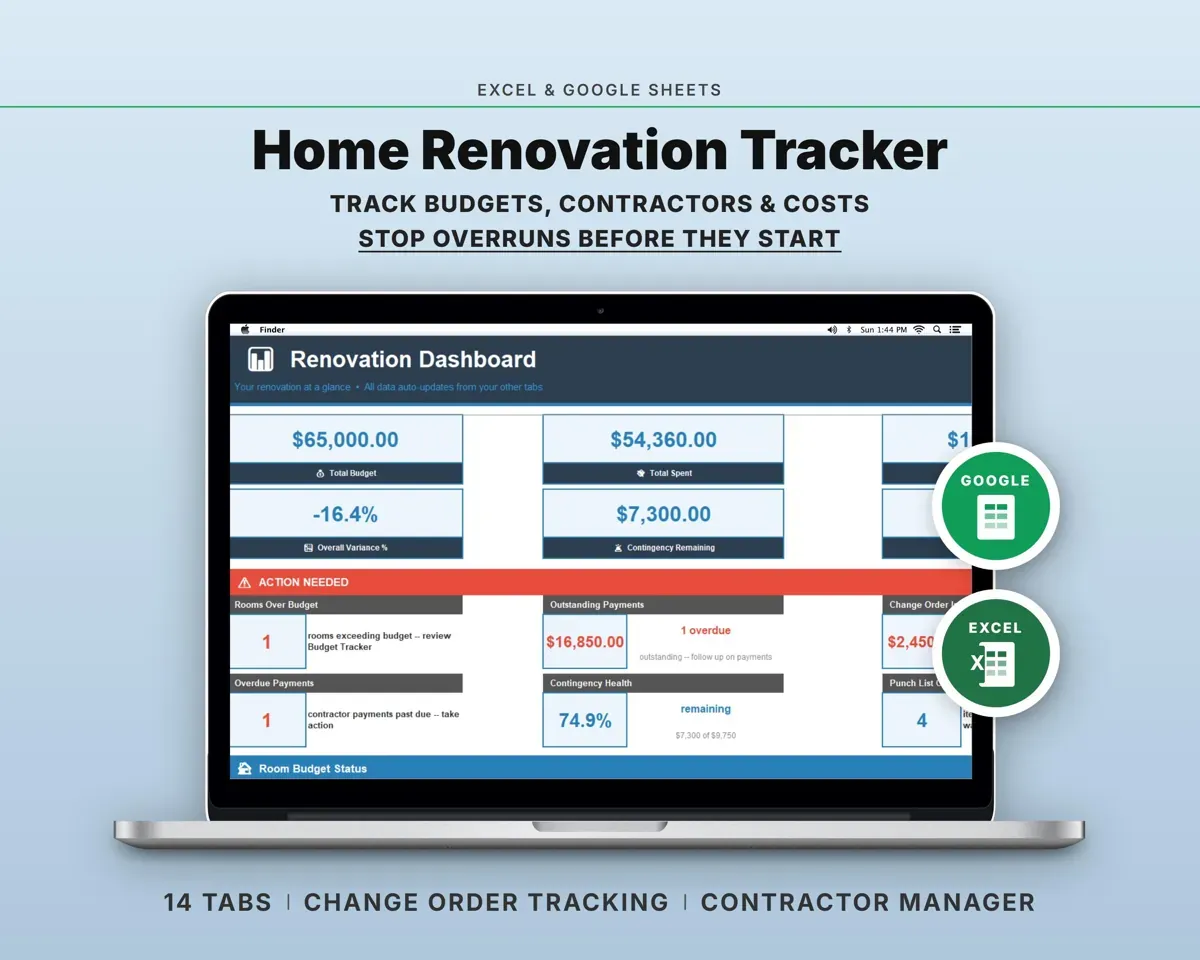
“Excellent! Very easy to use.”
“Nice Organization for 4H projects”
Before you buy
I don't have a pool or a septic system. Will I see those tasks?
No. Your answers on the Home Profile tab decide which tasks appear, so a house without a pool gets no pool tasks.
Can I add tasks that are not in the library?
Yes. Add them on the Custom Tasks tab and they get due dates the same way the built-in tasks do.
Does it help when I sell the house?
The Home Improvements tab keeps a running total of capital improvements, which is useful for cost basis records. Ask a tax professional what counts for your situation.
What do I get?
An Excel file (.xlsx), a filled-in sample to look at, and a quick-start PDF guide with a link that makes your own copy in Google Sheets.
How does delivery work?
You get your download links right after checkout, and Stripe emails your receipt. There is nothing to ship and nothing to wait for.
How do I set it up in Google Sheets?
Open the quick-start PDF and click the Google Sheets link. Google makes a copy in your own Drive that only you can edit. You need a free Google account.
Will it work on a Mac?
Yes. It works in Excel on Mac and Windows, and in Google Sheets in any browser.
I'm not a spreadsheet person. Is that a problem?
No. You only type in the yellow cells. Everything in gray works itself out, and the Start Here tab shows you where to begin.
Can I get a refund?
Templates are digital downloads, so sales are final. If a file won't open, is broken or doesn't match its description, email hello@cleanpixelstudios.com within 30 days and we'll fix it, or refund you if we can't.
What if I get stuck?
Email hello@cleanpixelstudios.com and we'll help you get it working.
More in Home, hobbies & travel
See all Home, hobbies & travel templates
 Made by Clean Pixel Studios
We start every template by reading what people in that line of work say they struggle with, then build the spreadsheet around those problems. This one was made for homeowners and nobody else.
How we build templatesHome Maintenance Tracker Spreadsheet$4.99 · Excel + Google Sheets