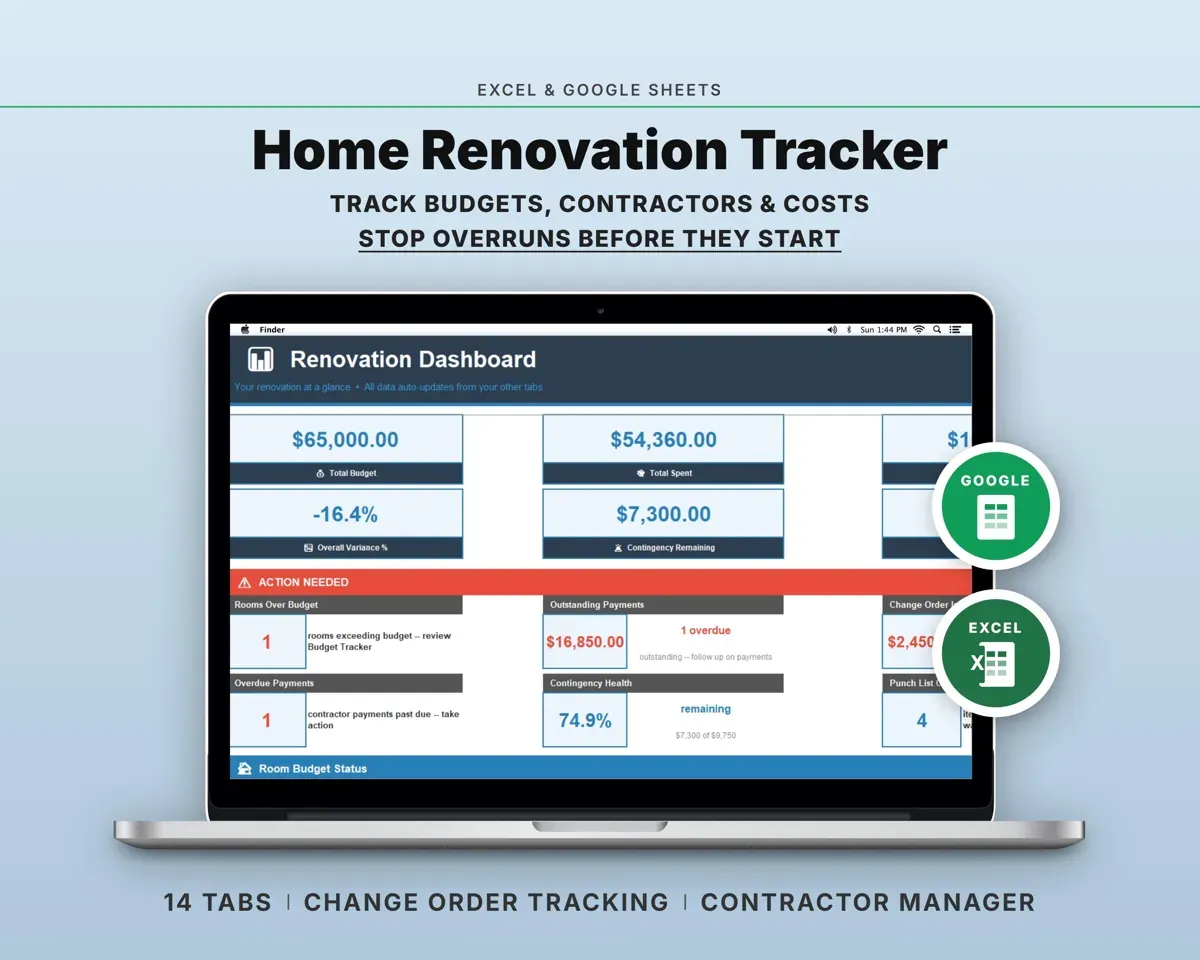
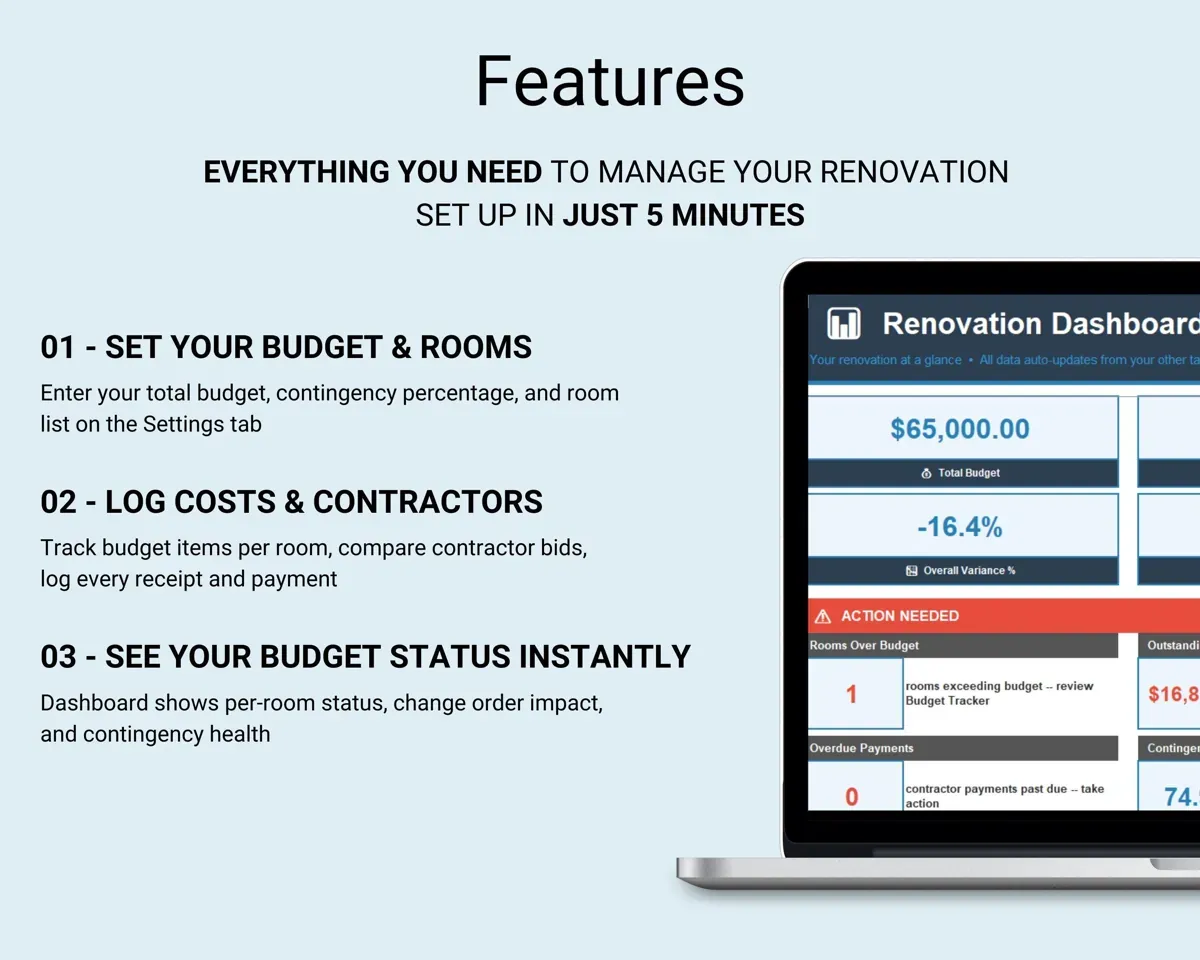
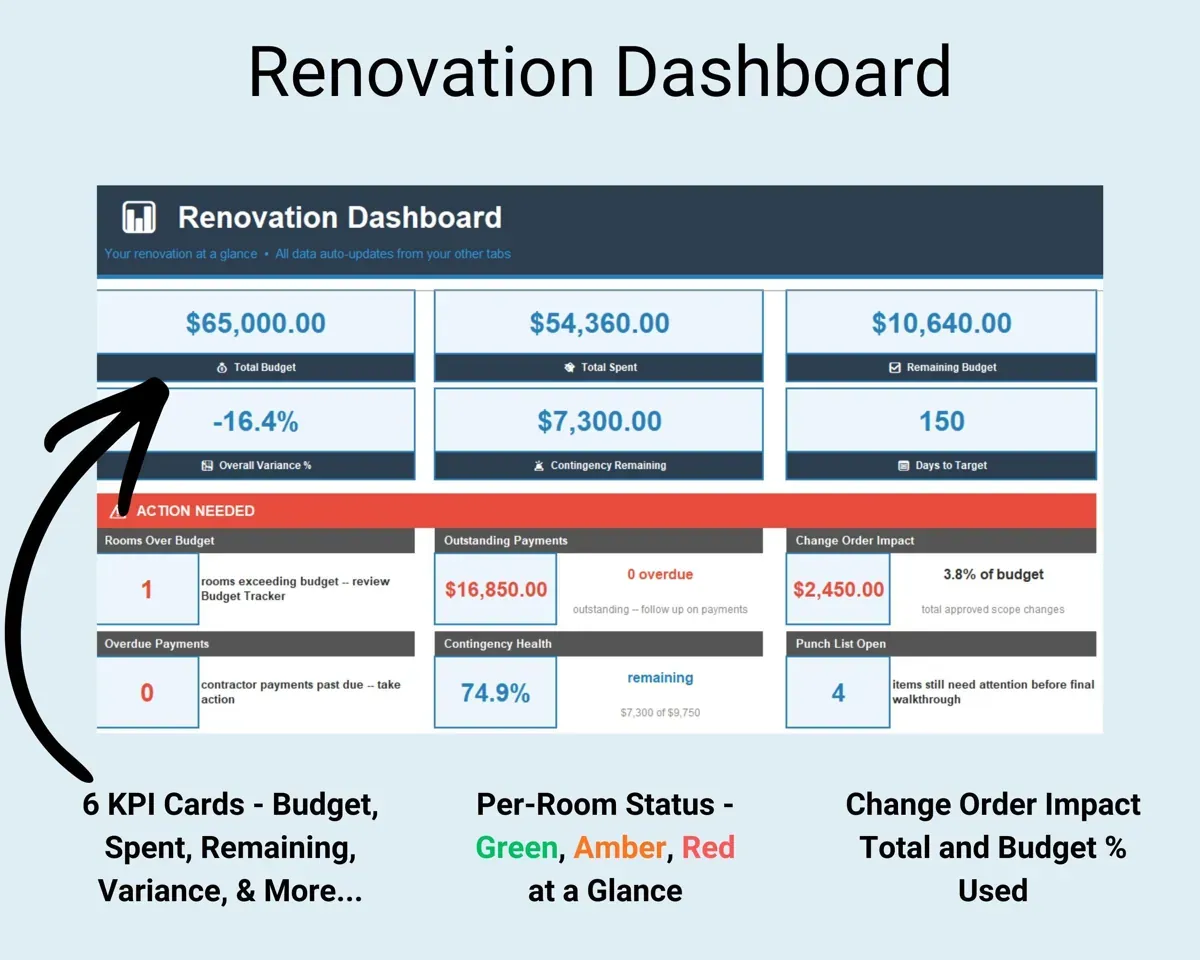
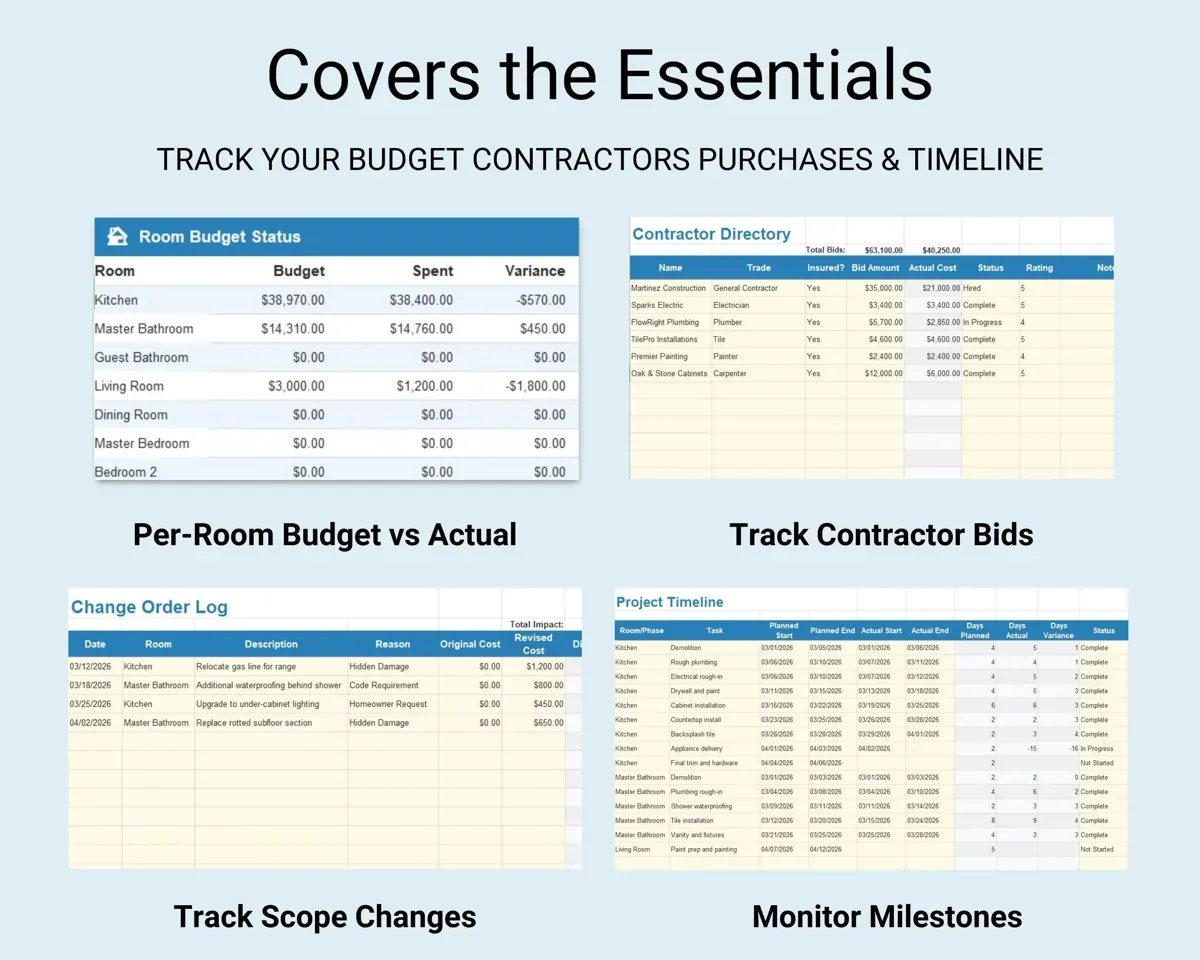
Built around the jobs homeowners planning a renovation actually do
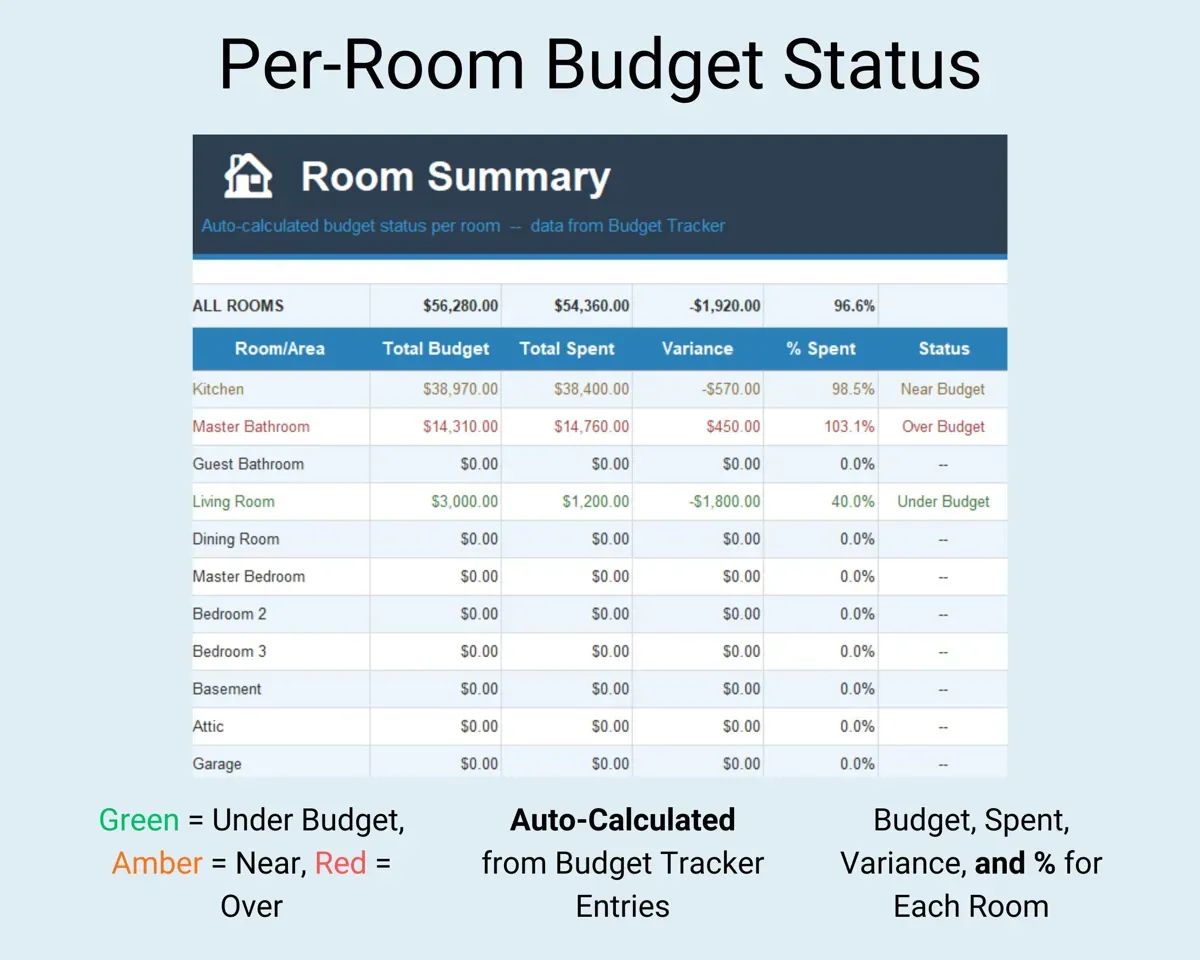
Know which rooms are on budget
Enter budgeted and actual costs for each line item across 22 renovation categories. Each line shows its variance with a green, amber or red status, and Room Summary rolls it up by room.
Budgeted and actual costVariance by roomSee what the changes are really adding
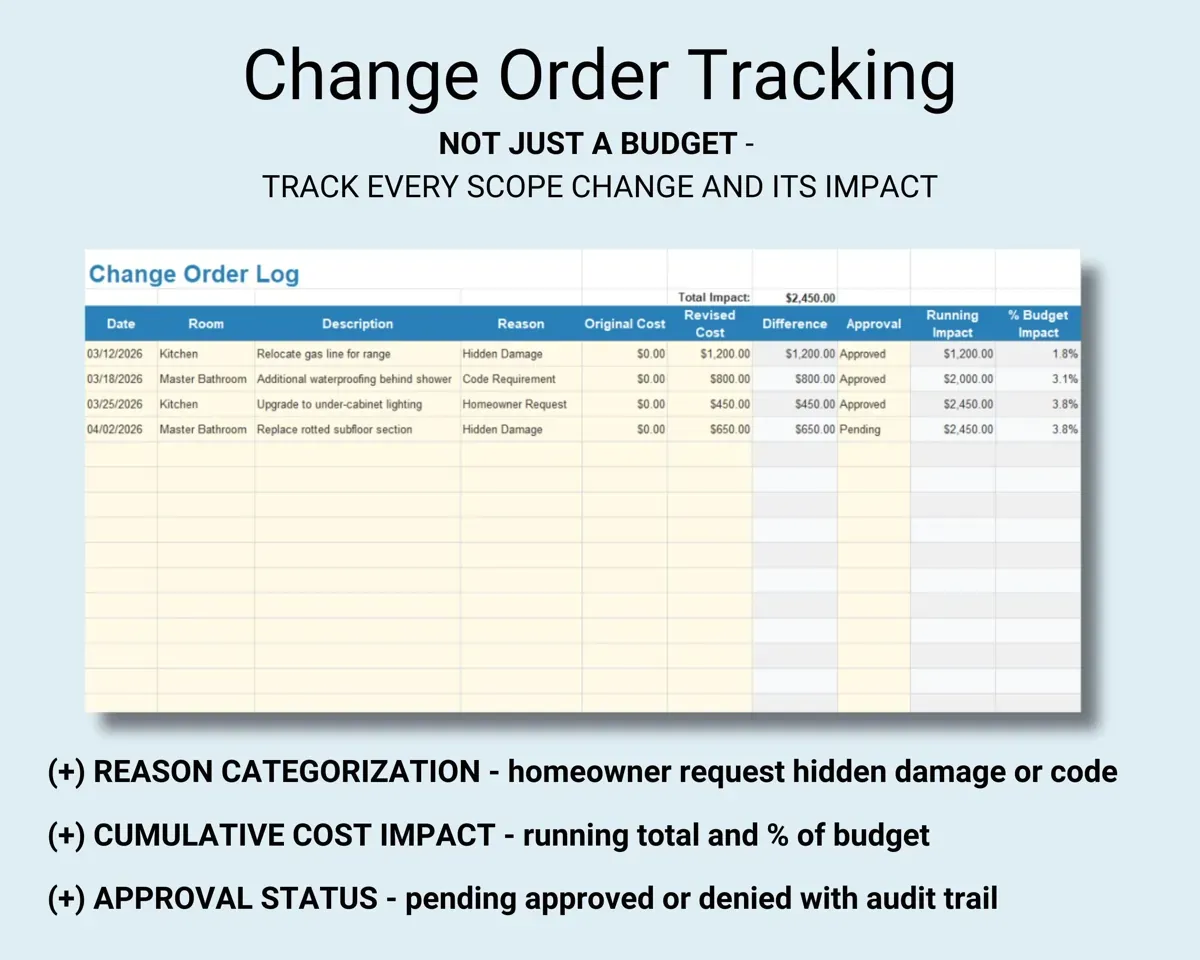
Log each change with its reason, cost and approval status. A running total shows the combined impact as a percent of your original budget.
Change cost and reasonPercent of budgetKeep bids and payments straight
Store each contractor's trade, license, insurance, bid and rating. The Payments tab tracks deposits, progress and final payments and flags anything overdue.
Bids, payment datesOverdue paymentsWatch the cushion before it is gone
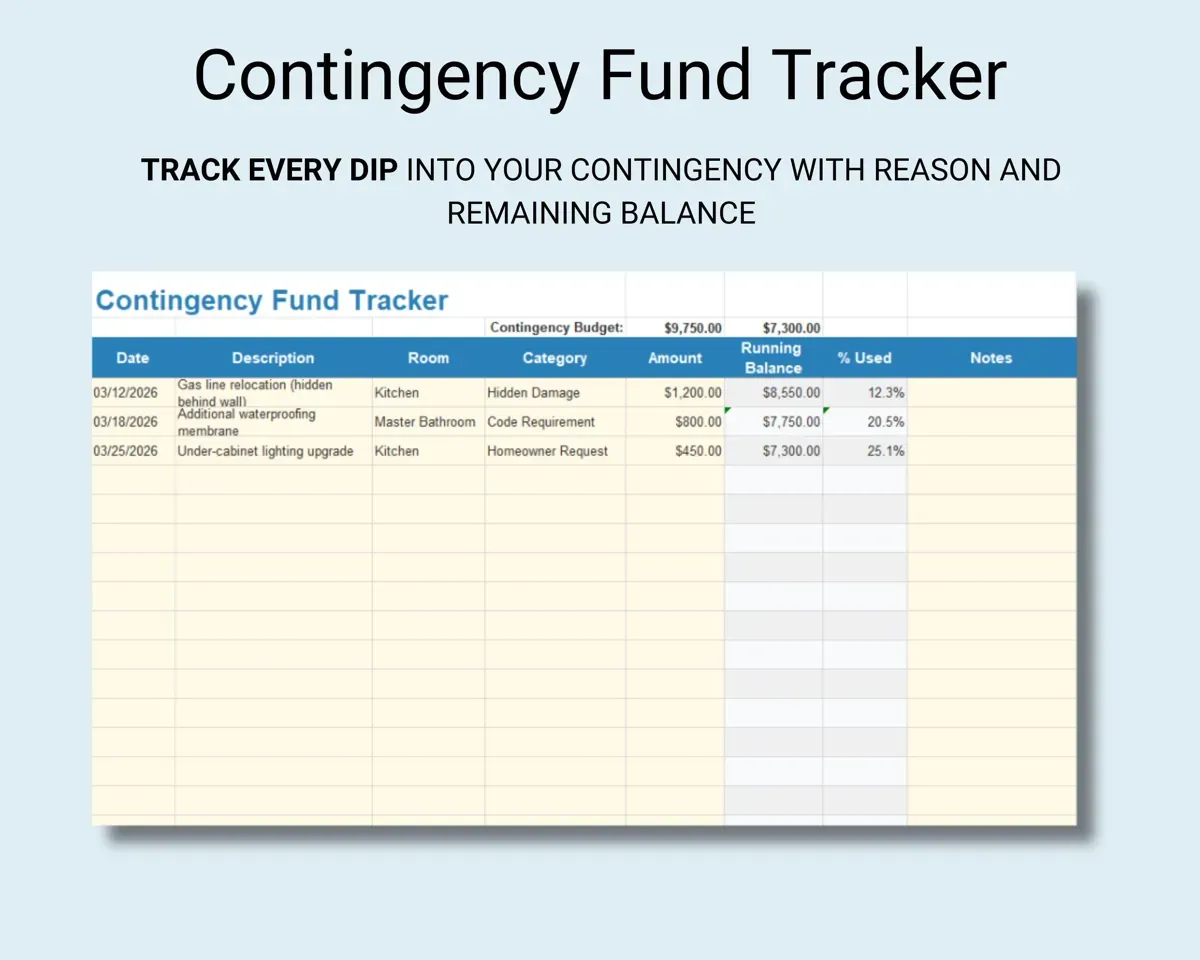
Log every draw on the contingency fund with a reason. The sheet shows what is left and warns when it falls below 25%.
Withdrawal and reasonBalance leftKeep improvement records for when you sell
The Cost Basis tab marks each item as a capital improvement or a repair, so the records are already sorted when you need them.
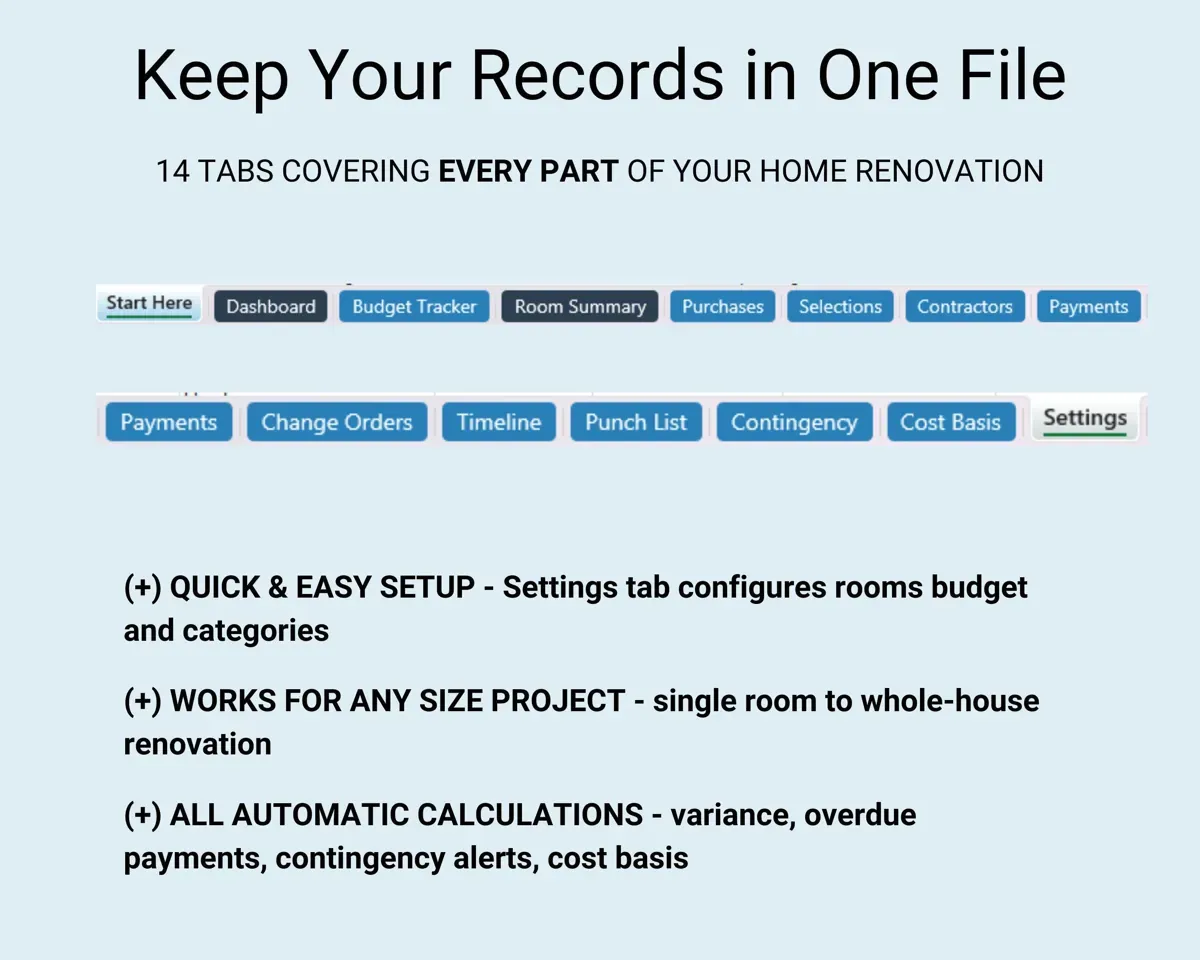
Project costsImprovement or repair14 tabs in one file
- Start Here
- Dashboard
- Budget Tracker
- Room Summary
- Purchases
- Selections
- Contractors
- Payments
- Change Orders
- Timeline
- Punch List
- Contingency
- Cost Basis
- Settings
- Start Here
- Setup steps and a guide to every tab.
- Dashboard
- Budget, spending and room status on one screen.
- Budget Tracker
- Budgeted vs actual for every line item, with status colors.
- Room Summary
- Each room's budget, spending and status.
- Purchases
- Everything you buy for the project.
- Selections
- The finishes and fixtures you choose for each room.
- Contractors
- Trade, license, insurance, bid and rating for each contractor.
- Payments
- Deposits, progress and final payments, with overdue flags.
- Change Orders
- Each change with its reason, cost and approval status.
- Timeline
- The project schedule from start to finish.
- Punch List
- Items still to fix or finish before the job is done.
- Contingency
- Withdrawals from the contingency fund and the balance left.
- Cost Basis
- Capital improvements sorted from repairs.
- Settings
- Project name, total budget, contingency percent and rooms.
Pair it with
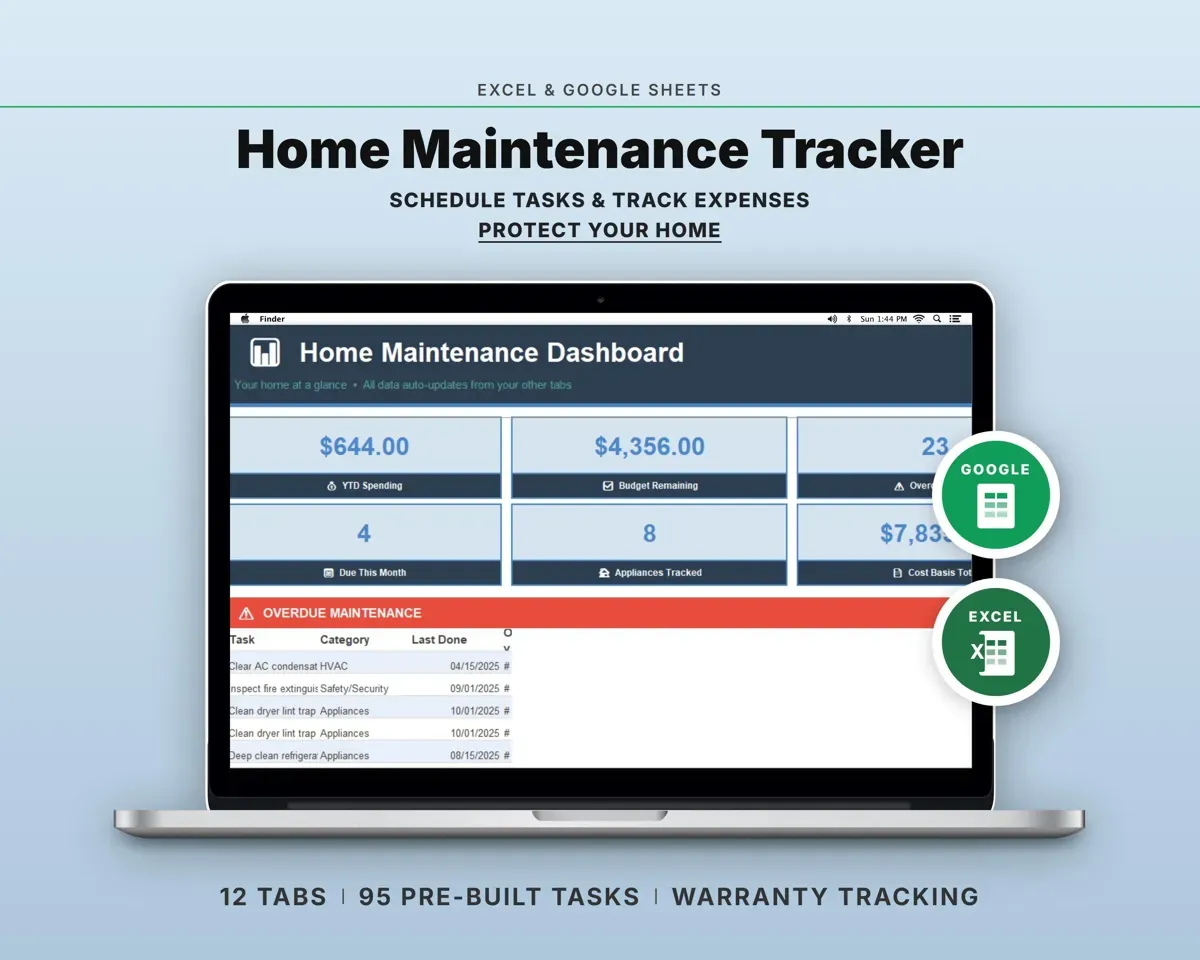
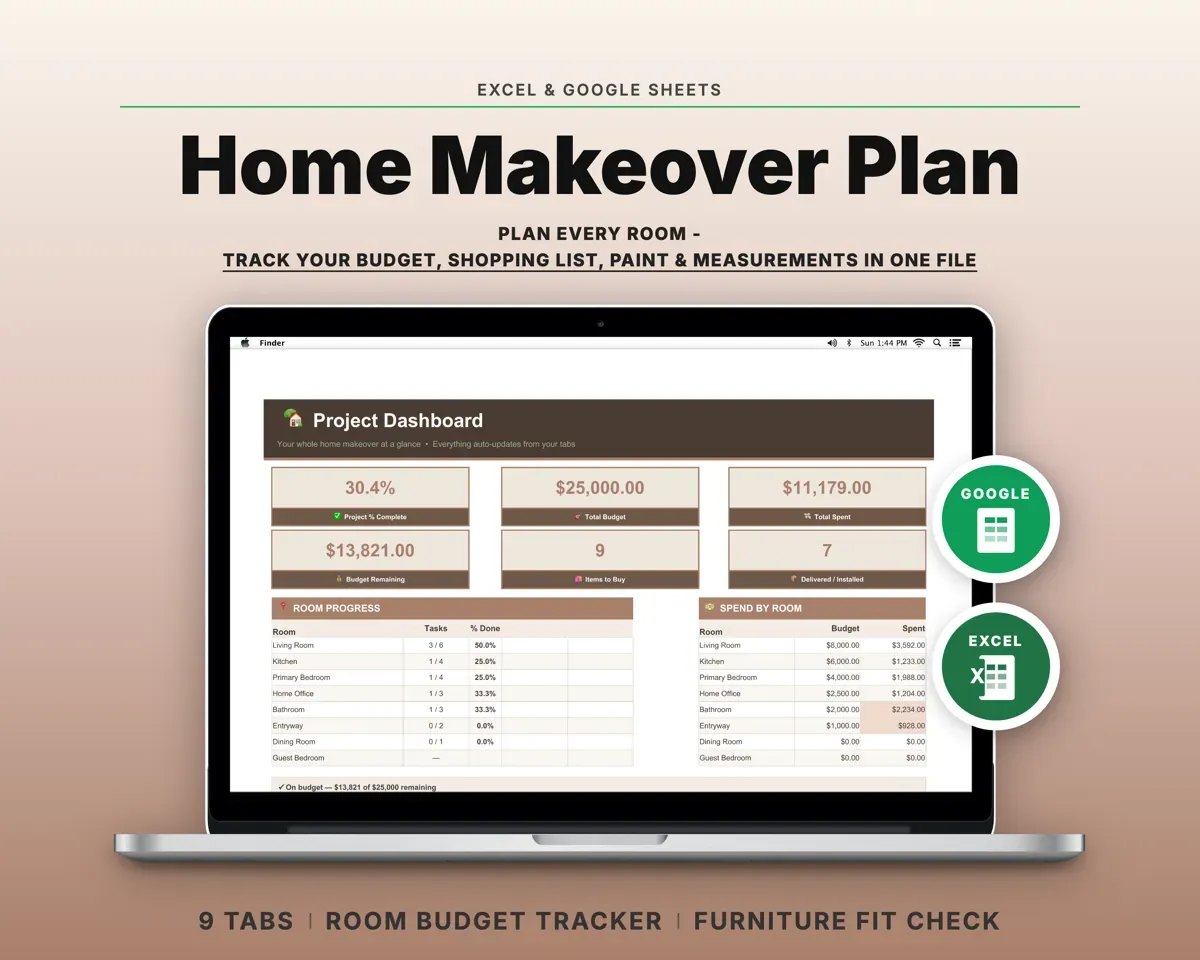
“Well thought out worksheets nicely presented”
“Excellent! Very easy to use.”
Before you buy
Will it work for one bathroom, or only a whole house?
Either. It handles a single-room remodel or a renovation of the whole house.
How many rooms can I track?
15 rooms are set up already, and you can add more on the Settings tab. Room Summary shows each one separately.
How does the contingency warning work?
Set your contingency percent on Settings and log each withdrawal on the Contingency tab. The sheet shows the balance and warns when less than 25% is left.
What do I get?
An Excel file (.xlsx), a filled-in sample to look at, and a quick-start PDF guide with a link that makes your own copy in Google Sheets.
How does delivery work?
You get your download links right after checkout, and Stripe emails your receipt. There is nothing to ship and nothing to wait for.
How do I set it up in Google Sheets?
Open the quick-start PDF and click the Google Sheets link. Google makes a copy in your own Drive that only you can edit. You need a free Google account.
Will it work on a Mac?
Yes. It works in Excel on Mac and Windows, and in Google Sheets in any browser.
I'm not a spreadsheet person. Is that a problem?
No. You only type in the yellow cells. Everything in gray works itself out, and the Start Here tab shows you where to begin.
Can I get a refund?
Templates are digital downloads, so sales are final. If a file won't open, is broken or doesn't match its description, email hello@cleanpixelstudios.com within 30 days and we'll fix it, or refund you if we can't.
What if I get stuck?
Email hello@cleanpixelstudios.com and we'll help you get it working.
More in Home, hobbies & travel
See all Home, hobbies & travel templates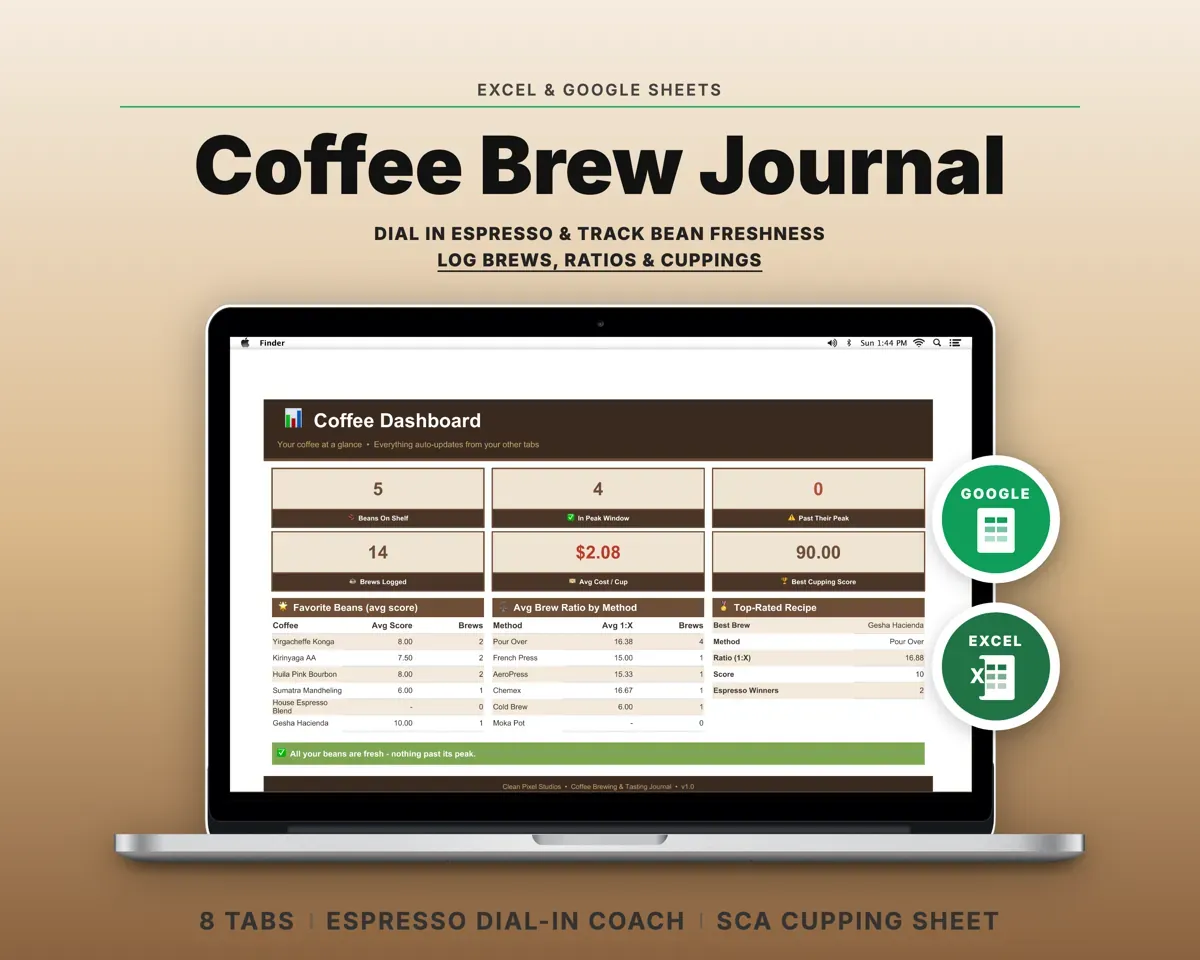
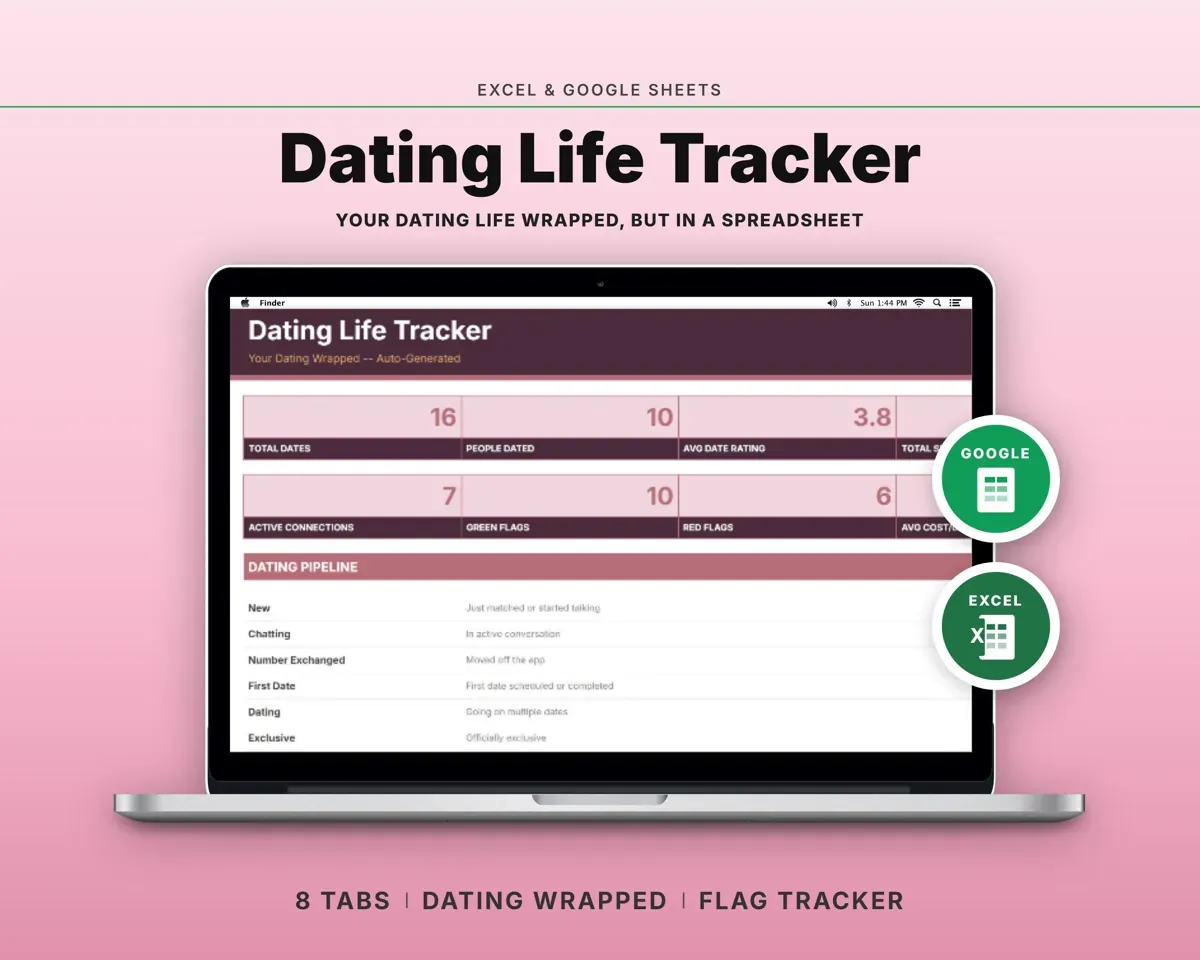
 Made by Clean Pixel Studios
We start every template by reading what people in that line of work say they struggle with, then build the spreadsheet around those problems. This one was made for homeowners planning a renovation and nobody else.
How we build templatesHome Renovation Planner Spreadsheet$14.99 · Excel + Google Sheets