Built around the jobs real estate investors actually do
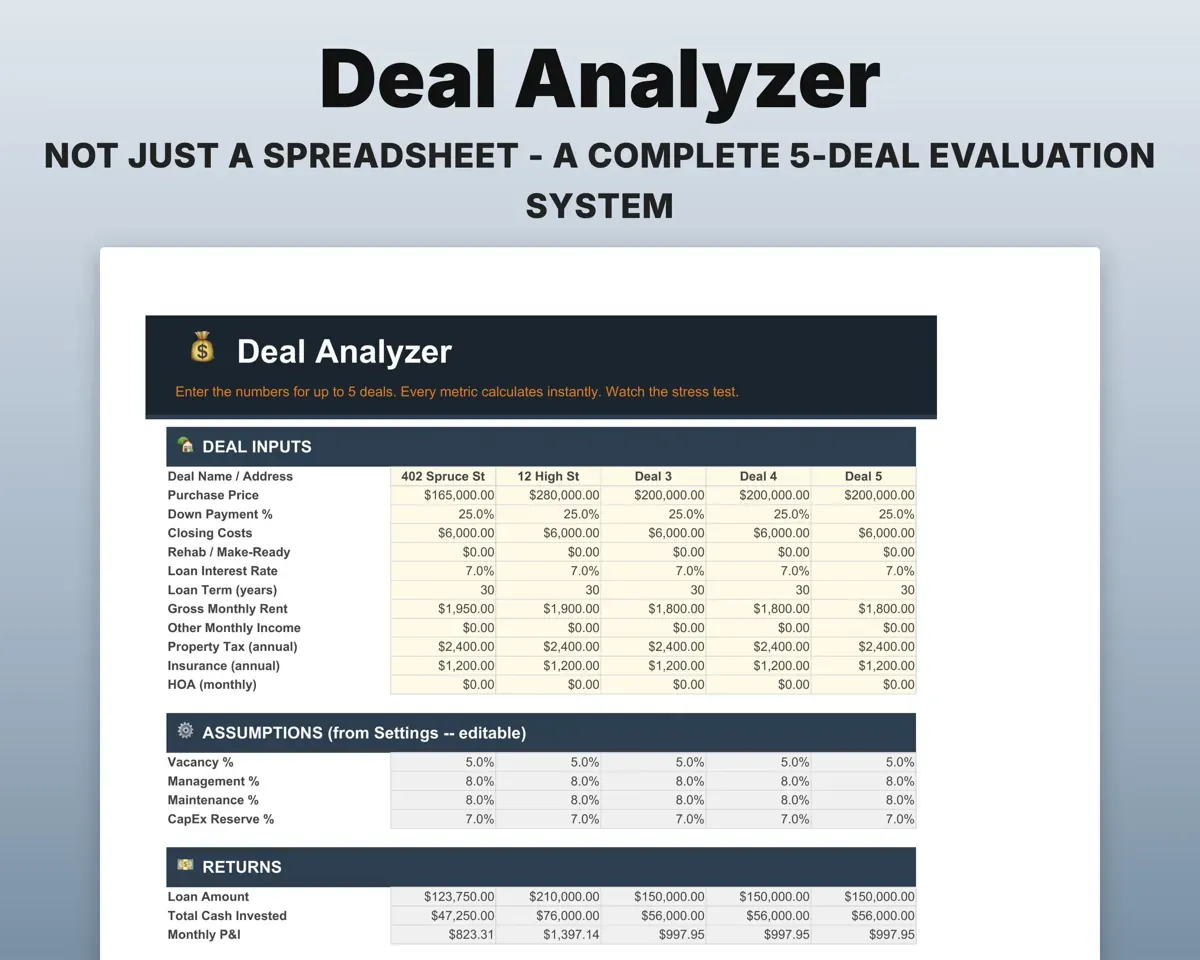
Compare up to five deals side by side
Enter the numbers for each property to see cap rate, cash-on-cash, DSCR, the 1% rule and GRM. A stress test reruns the deal with higher rates, more vacancy and lower rent.
Price, rent, loan termsCap rate, cash-on-cashModel a BRRRR from purchase to refinance
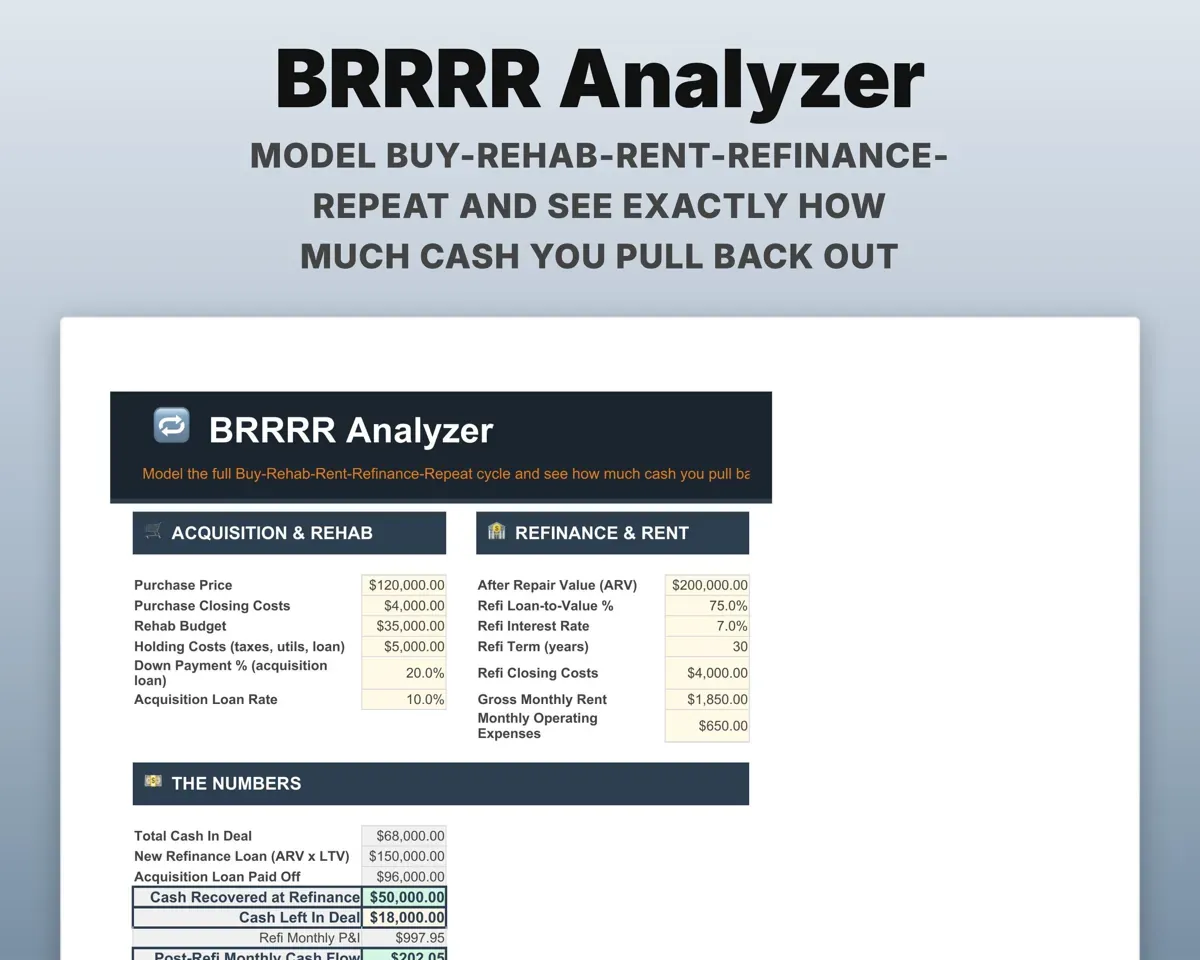
Plan the buy, rehab, rent and refinance. The sheet shows the cash you pull out, the cash left in the deal and cash-on-cash on what remains.
Purchase, rehab, refiCash left in dealSee every property on one screen
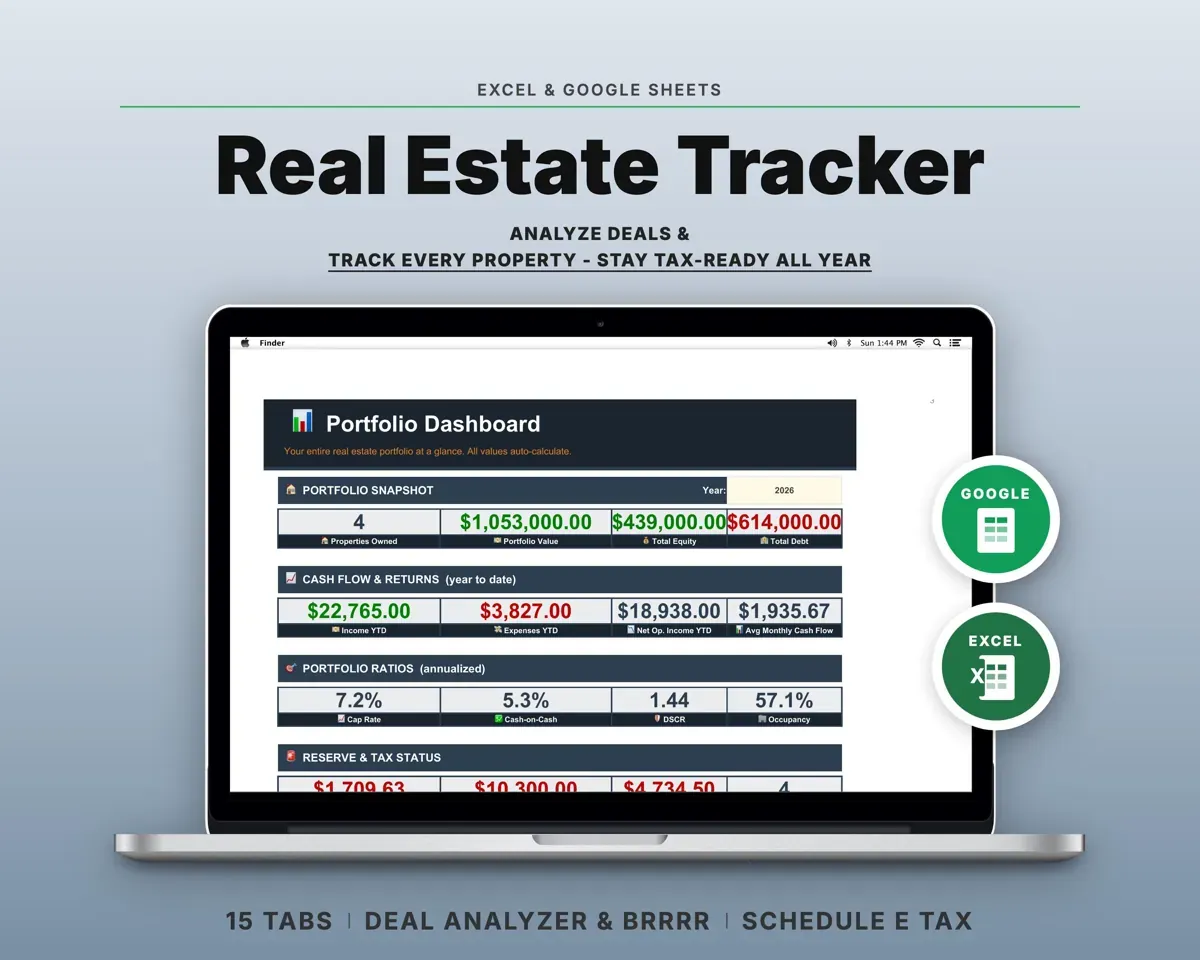
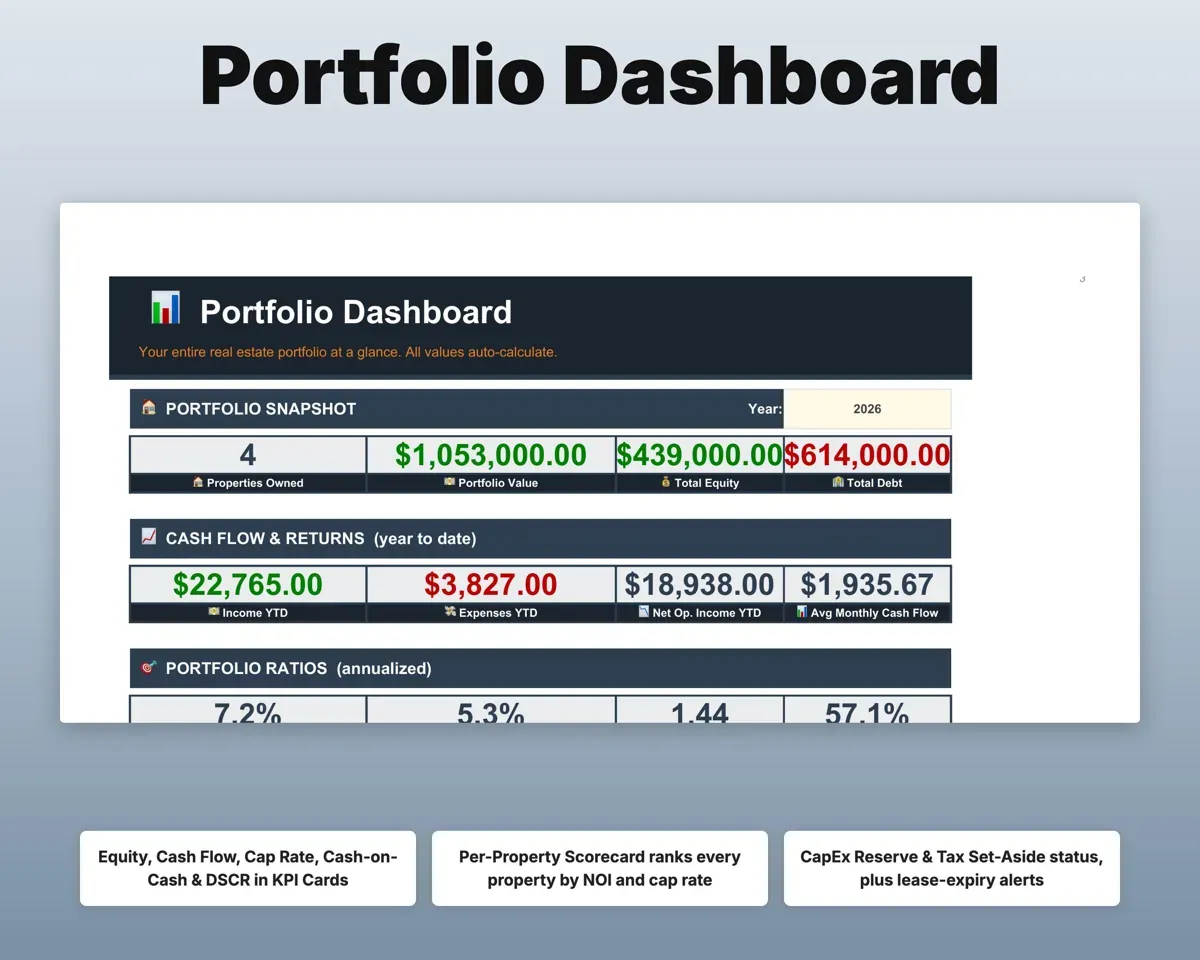
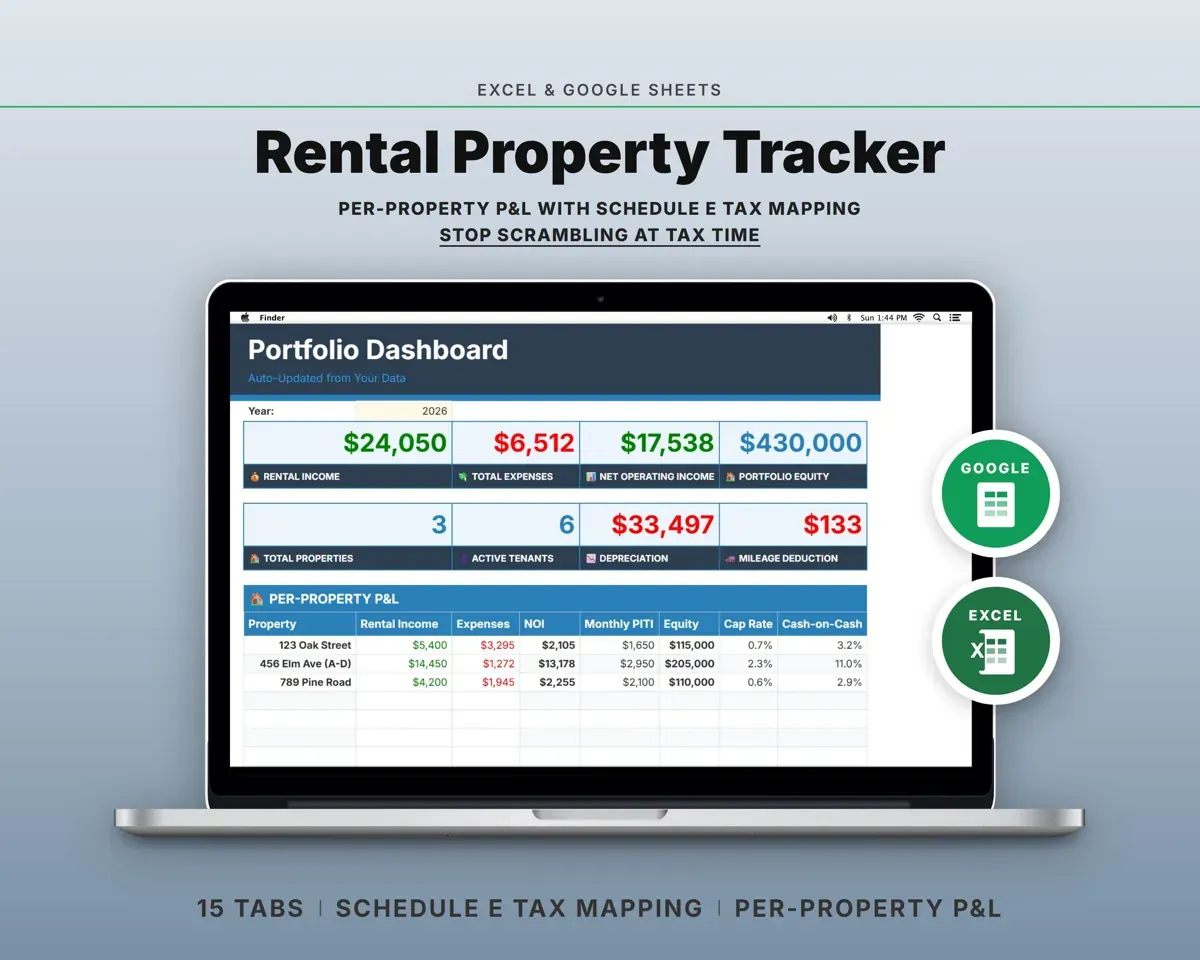
The Dashboard rolls up equity, cash flow, cap rate, DSCR, occupancy and CapEx reserve health, with a scorecard for each property.
Your other tabsProperty scorecardGet warned before leases run out
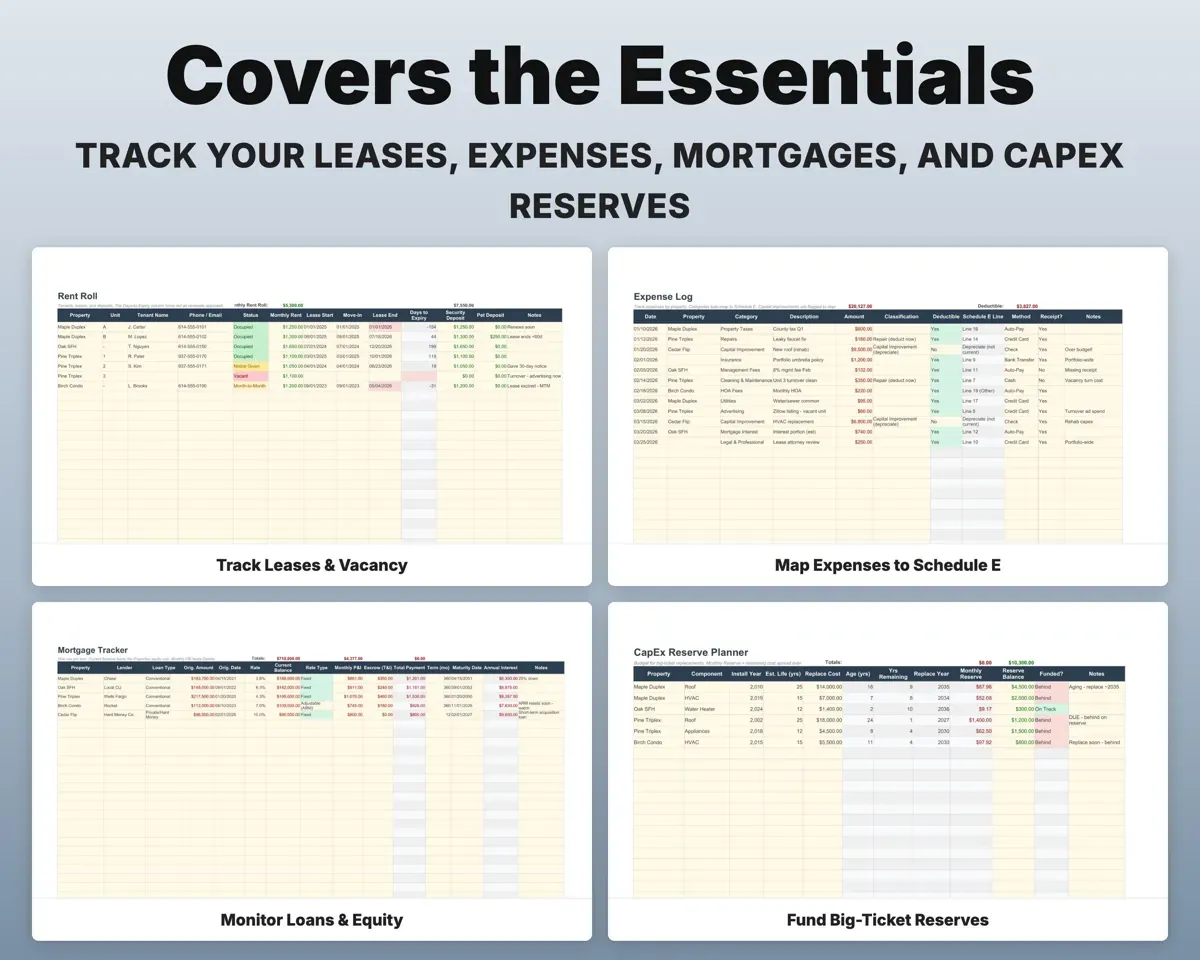
Keep tenants, leases and deposits on the Rent Roll. Leases turn red as renewal gets close, and deposits stay out of income.
Lease end datesExpiring leasesPlan for the roof before it fails
List the roof, HVAC, water heater and appliances with age and replacement cost. The sheet shows the monthly reserve to set aside.
Component age, costMonthly reserveKeep Schedule E records organized
Expenses map to Schedule E lines, with repairs and capital improvements flagged apart. A 27.5-year depreciation schedule, 1031 basis tracking and a quarterly tax tracker sit alongside.
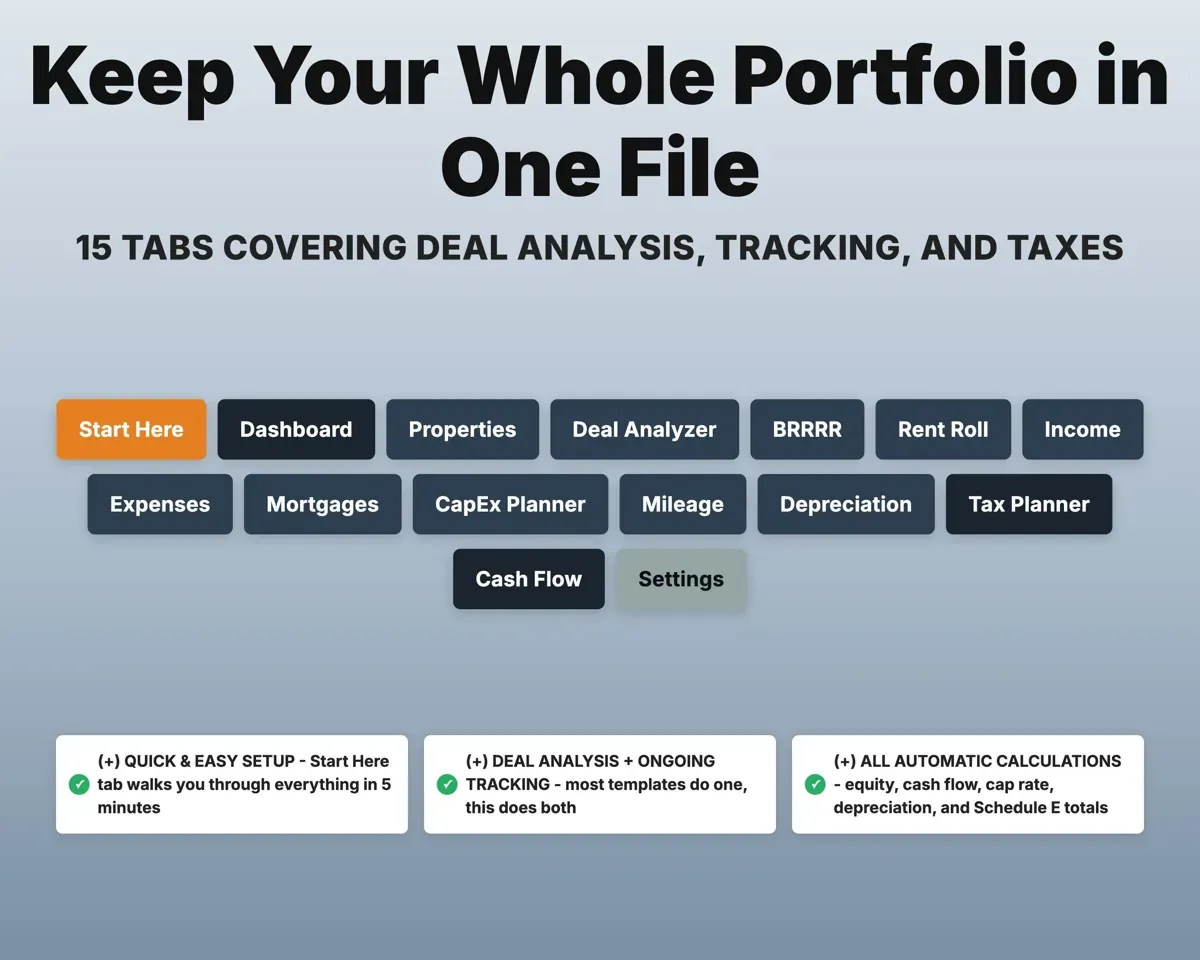
Expenses by propertySchedule E totals15 tabs in one file
- Start Here
- Dashboard
- Properties
- Deal Analyzer
- BRRRR
- Rent Roll
- Income
- Expenses
- Mortgages
- CapEx Planner
- Mileage
- Depreciation
- Tax Planner
- Cash Flow
- Settings
- Start Here
- Setup steps and a short guide to every tab.
- Dashboard
- Equity, cash flow, returns and occupancy across the portfolio.
- Properties
- The master property list every other tab pulls from.
- Deal Analyzer
- Up to five deals compared, with a stress test.
- BRRRR
- The full buy, rehab, rent and refinance cycle.
- Rent Roll
- Tenants, leases and deposits, with lease-end alerts.
- Income
- Rent and fees by property and category.
- Expenses
- Every cost by property, matched to Schedule E lines.
- Mortgages
- Loan balance, rate, payment, equity and refinance numbers.
- CapEx Planner
- Big-ticket components and the monthly reserve for each.
- Mileage
- Property visits with the mileage deduction calculated.
- Depreciation
- 27.5-year schedules and 1031 carryover basis.
- Tax Planner
- Schedule E summary and quarterly estimated tax payments.
- Cash Flow
- Twelve months of portfolio income and expenses.
- Settings
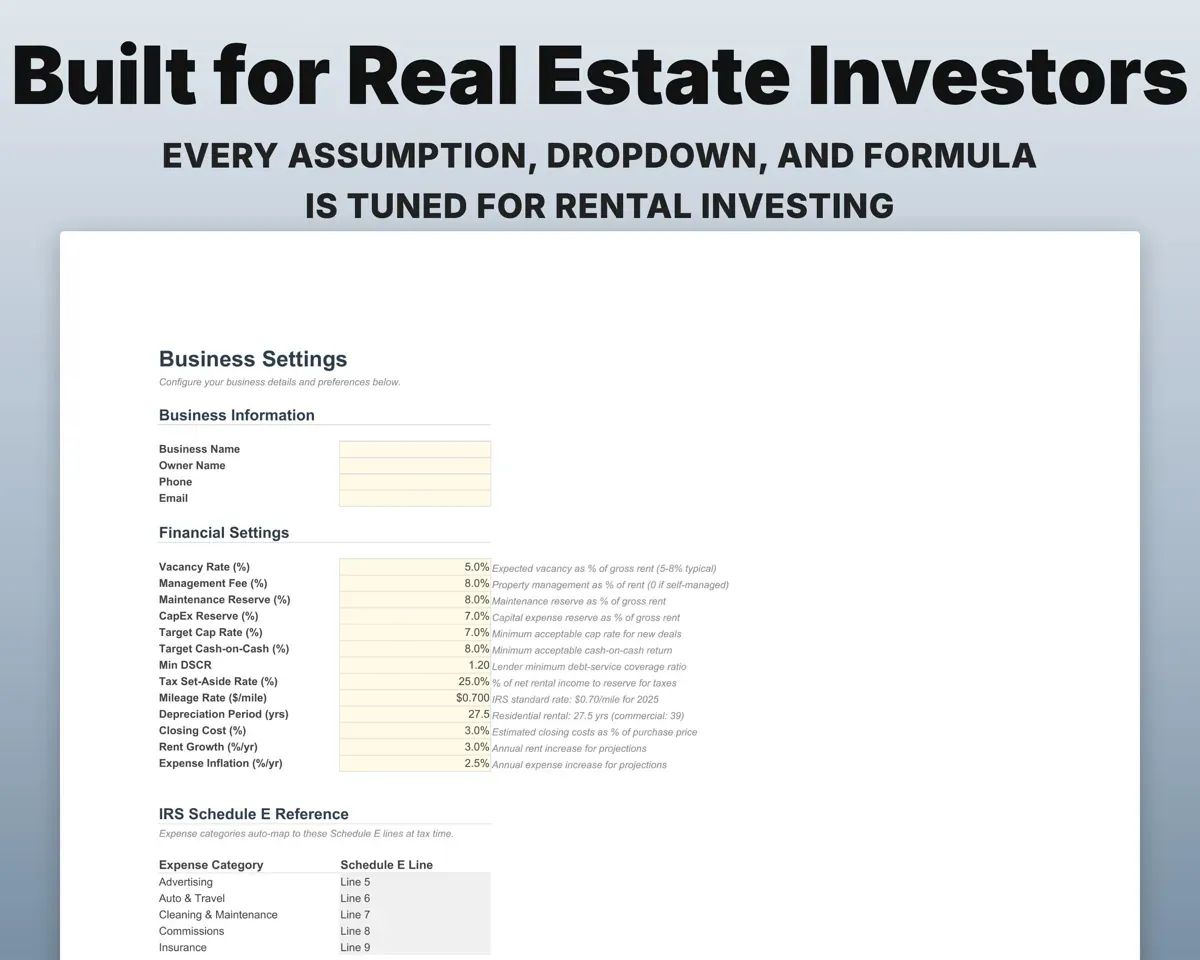
- Vacancy, management, CapEx and tax assumptions, plus dropdown lists.
Try the free BRRRR Calculator
Cash-out at refinance, cash left in the deal and cash flow after.
Pair it with
“Excellent! Very easy to use.”
“Nice Organization for 4H projects”
Before you buy
Can I use it as a BRRRR spreadsheet?
Yes. The BRRRR tab models the purchase, rehab, rent and refinance, and shows cash recovered, cash left in the deal and cash-on-cash on the money still in it.
How many properties does it handle?
It is built for about 1 to 10 properties, and more will fit. Add a property once on the Properties tab and every other tab can use it.
Is it tax advice?
No. It organizes your numbers by Schedule E line and keeps depreciation schedules so tax time is easier. Confirm the figures with your tax preparer.
What do I get?
An Excel file (.xlsx), a filled-in sample to look at, and a quick-start PDF guide with a link that makes your own copy in Google Sheets.
How does delivery work?
You get your download links right after checkout, and Stripe emails your receipt. There is nothing to ship and nothing to wait for.
How do I set it up in Google Sheets?
Open the quick-start PDF and click the Google Sheets link. Google makes a copy in your own Drive that only you can edit. You need a free Google account.
Will it work on a Mac?
Yes. It works in Excel on Mac and Windows, and in Google Sheets in any browser.
I'm not a spreadsheet person. Is that a problem?
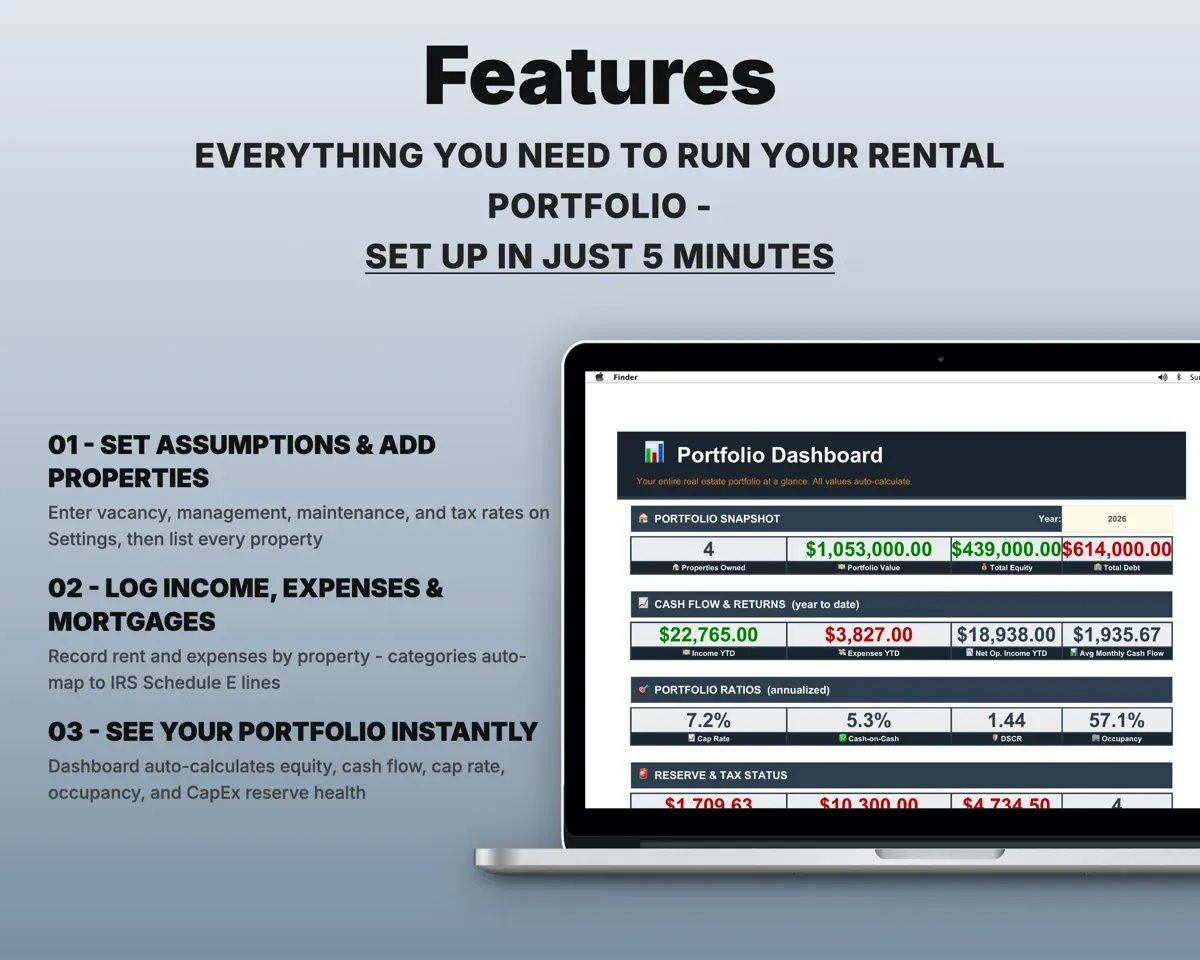
No. You only type in the yellow cells. Everything in gray works itself out, and the Start Here tab shows you where to begin.
Can I get a refund?
Templates are digital downloads, so sales are final. If a file won't open, is broken or doesn't match its description, email hello@cleanpixelstudios.com within 30 days and we'll fix it, or refund you if we can't.
What if I get stuck?
Email hello@cleanpixelstudios.com and we'll help you get it working.
More in Real estate & rentals
See all Real estate & rentals templates
 Made by Clean Pixel Studios
We start every template by reading what people in that line of work say they struggle with, then build the spreadsheet around those problems. This one was made for real estate investors and nobody else.
How we build templatesReal Estate Investment Tracker Spreadsheet$24.99 · Excel + Google Sheets