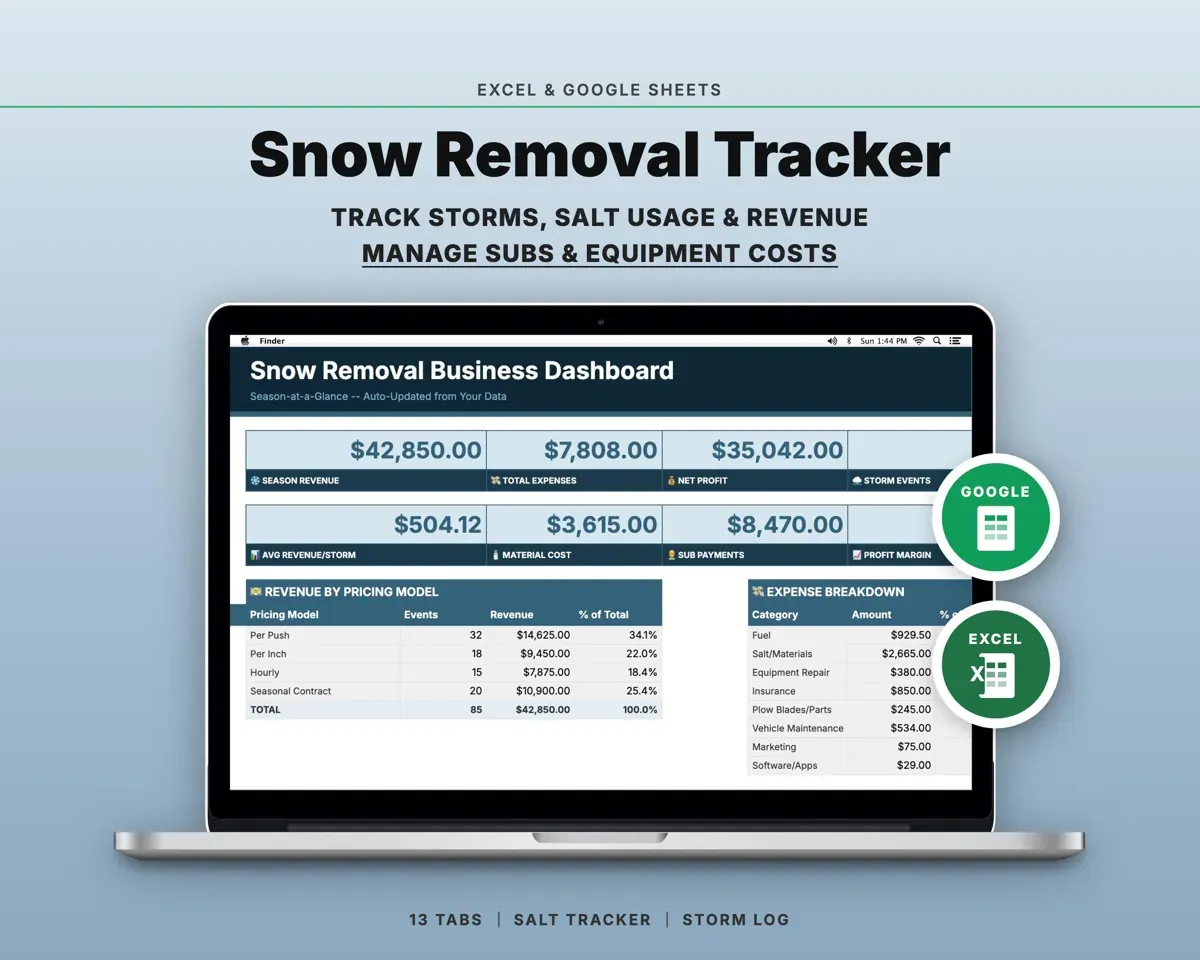
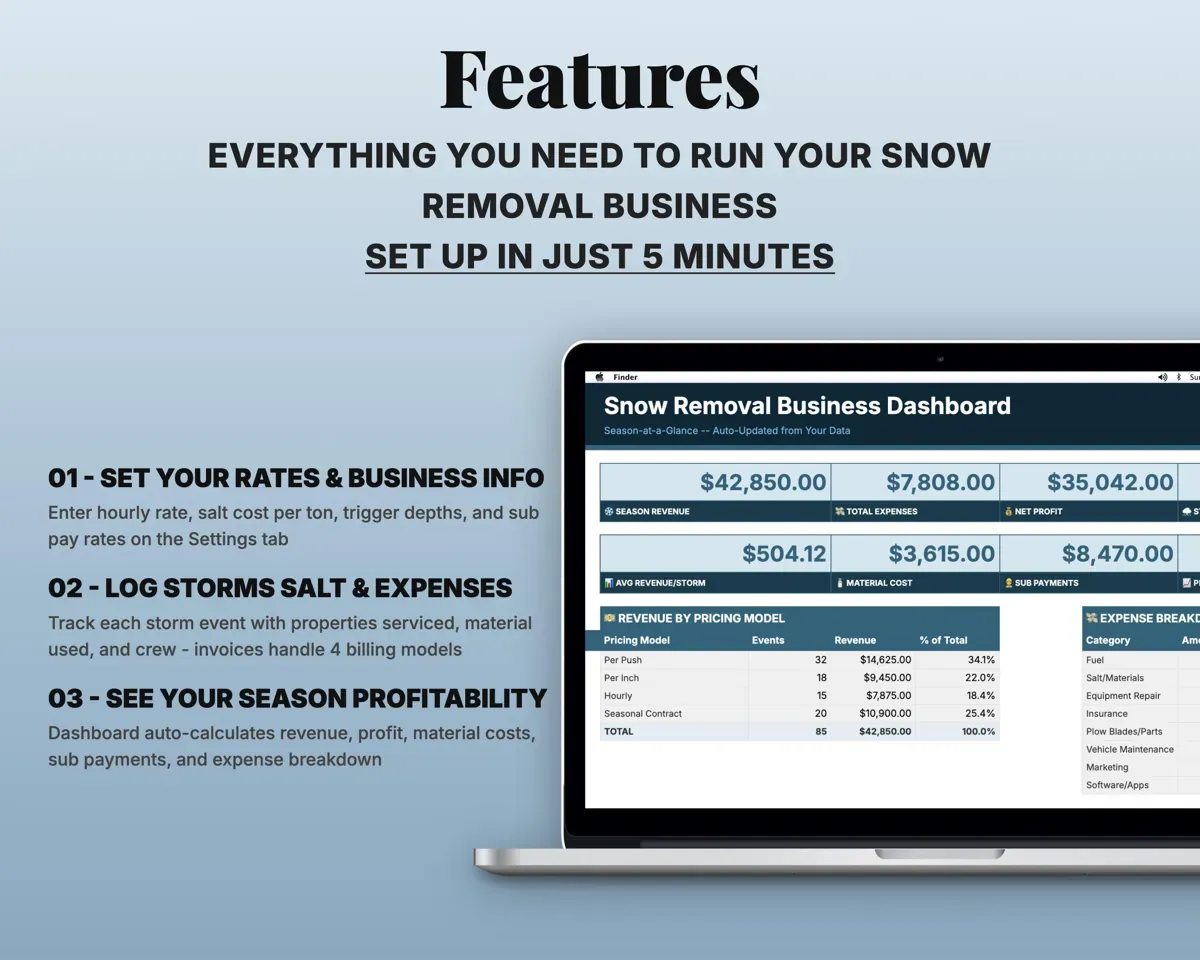
Built around the jobs snow removal operators actually do
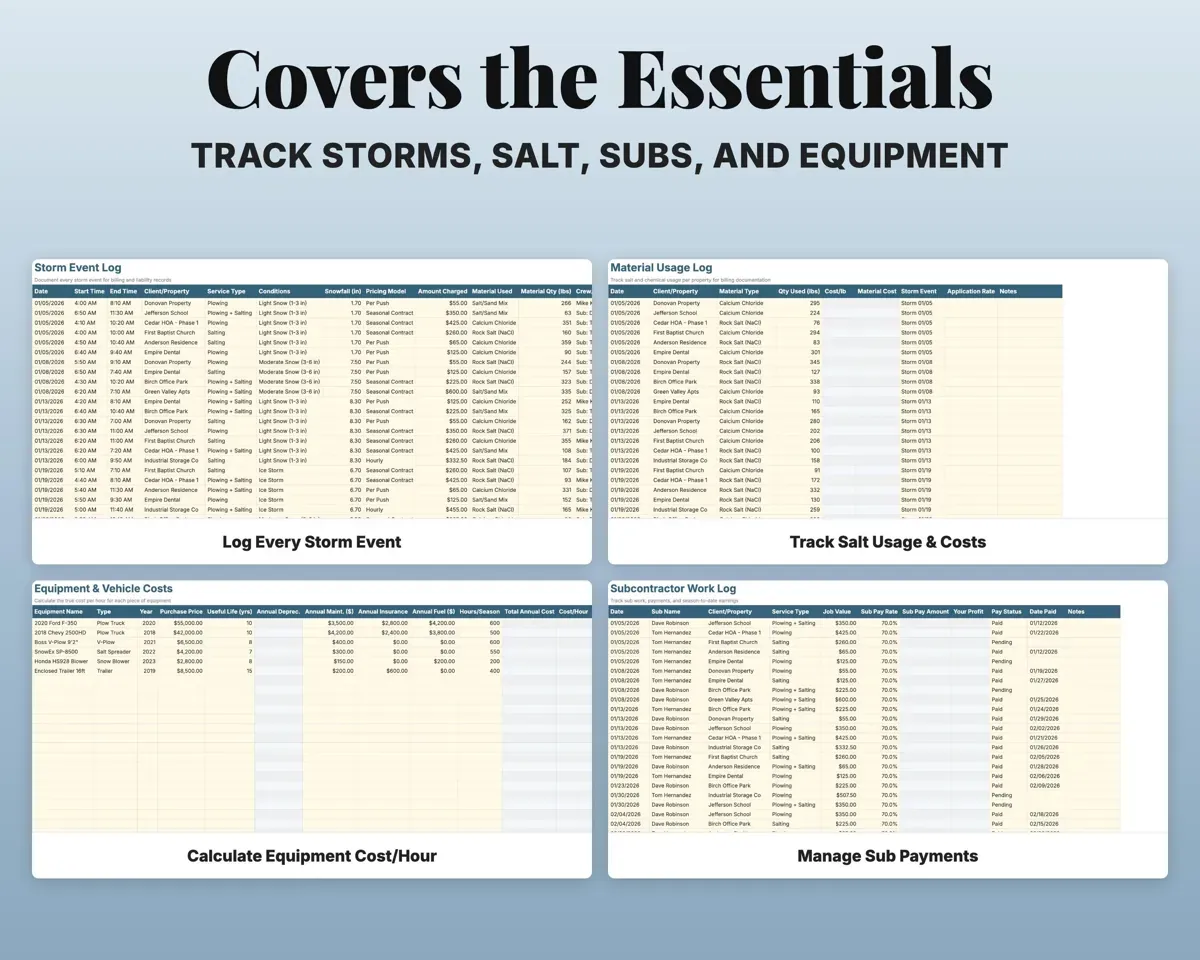
Document every storm event
Log date, times, property, conditions, snowfall, service and crew, so you have a dated record when a client or a claim asks what was done.
Snowfall, service, crewStorm historyBill per push, per inch, hourly or seasonal
Each client gets its own pricing model. Invoices handle all four, with payment status and days outstanding.
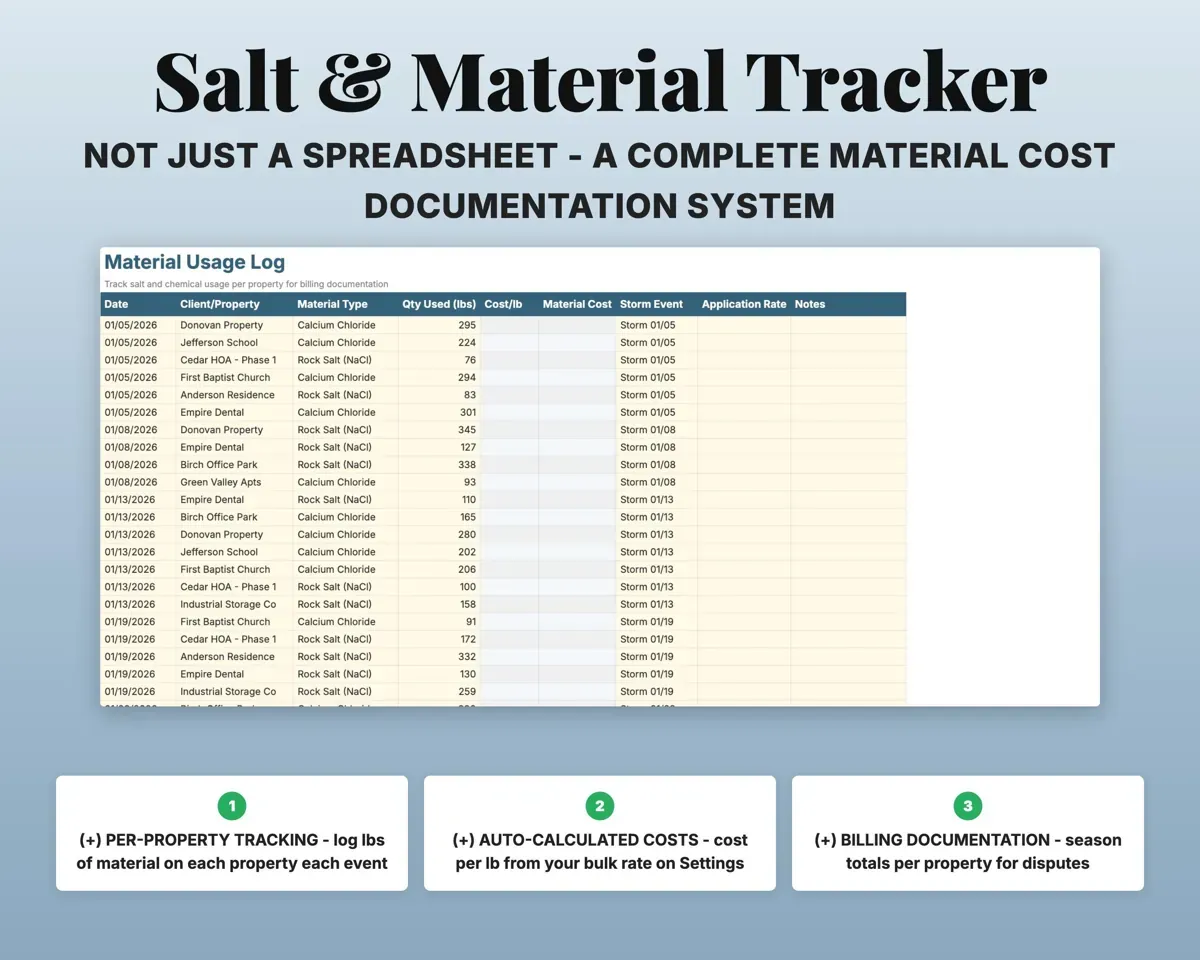
Pricing model, rateInvoice agingTrack salt by property
Log material used on each property each event. Cost comes from your bulk rate, with season totals per property.
Pounds appliedSalt cost per propertyKnow what each truck costs per hour
Enter trucks, plows, spreaders and blowers with purchase price, maintenance, insurance, fuel and hours. Depreciation and cost per hour calculate.
Equipment costs, hoursCost per hourPay subs and see your cut
Log each sub's work by property with job value and pay rate. Sub pay, your profit and payment status follow.
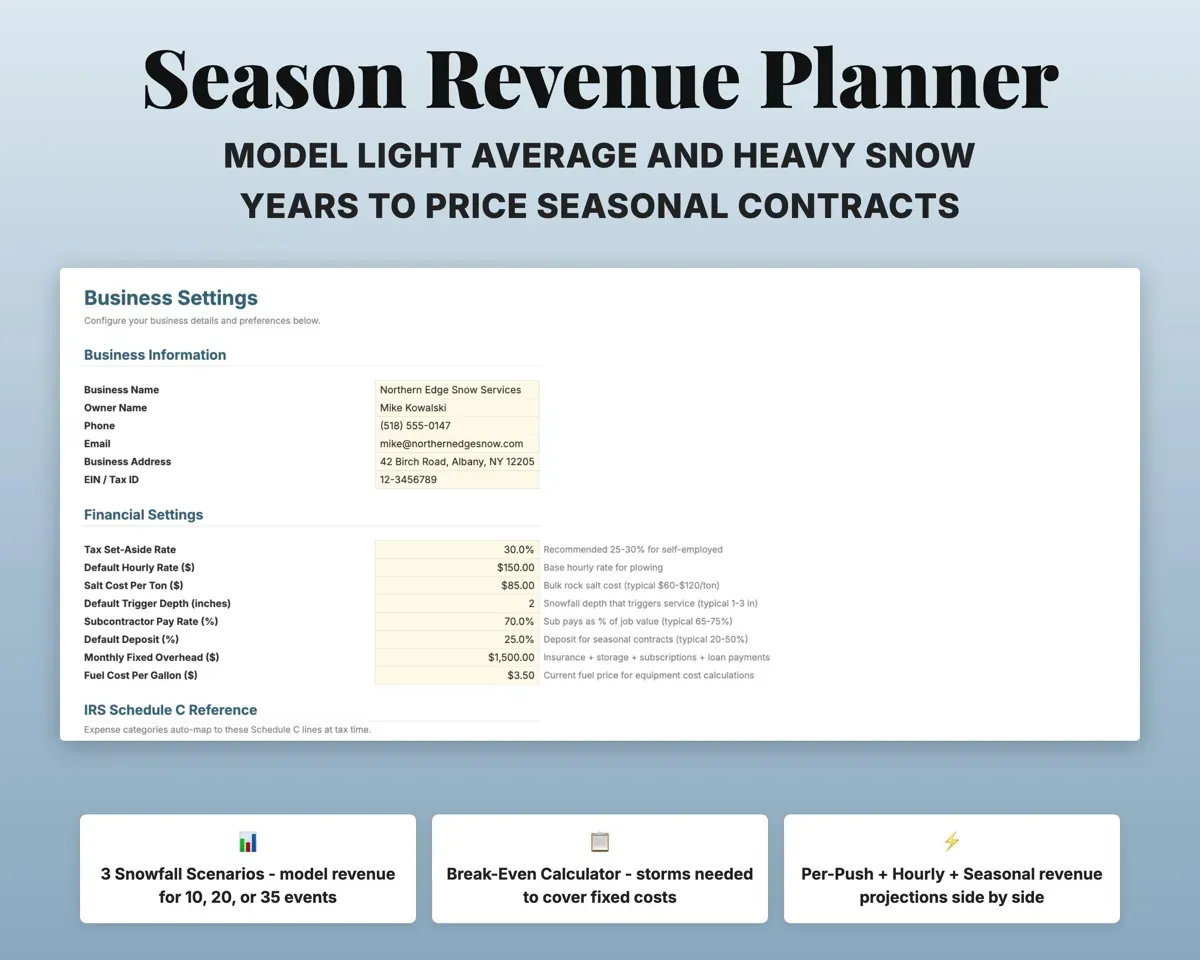
Job value, pay rateYour profitPrice seasonal contracts for a heavy year
Model light, average and heavy snowfall seasons and find the break-even number of storm events.
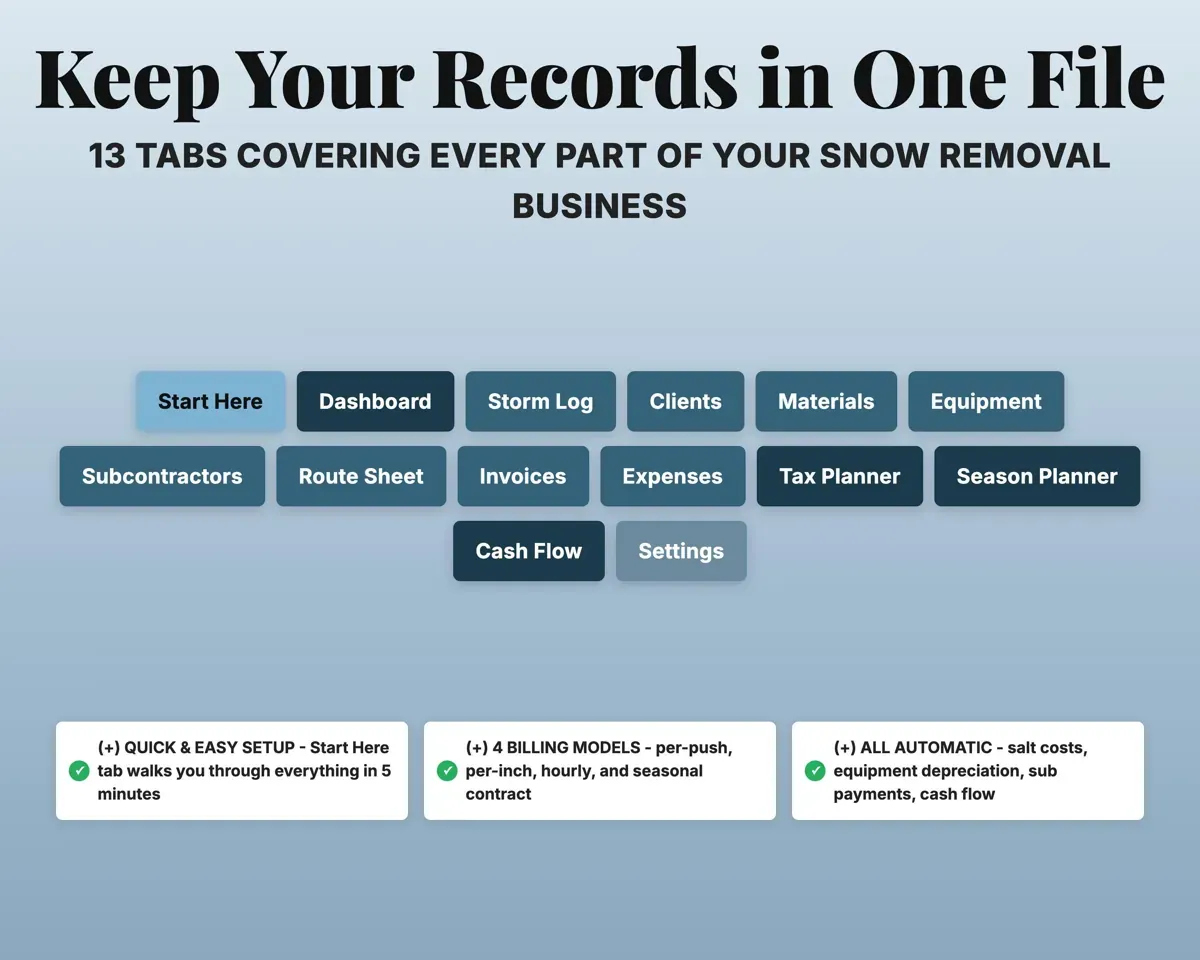
Snowfall scenariosBreak-even storms14 tabs in one file
- Start Here
- Dashboard
- Storm Log
- Clients
- Materials
- Equipment
- Subcontractors
- Route Sheet
- Invoices
- Expenses
- Tax Planner
- Season Planner
- Cash Flow
- Settings
- Start Here
- Setup steps and a short guide to every tab.
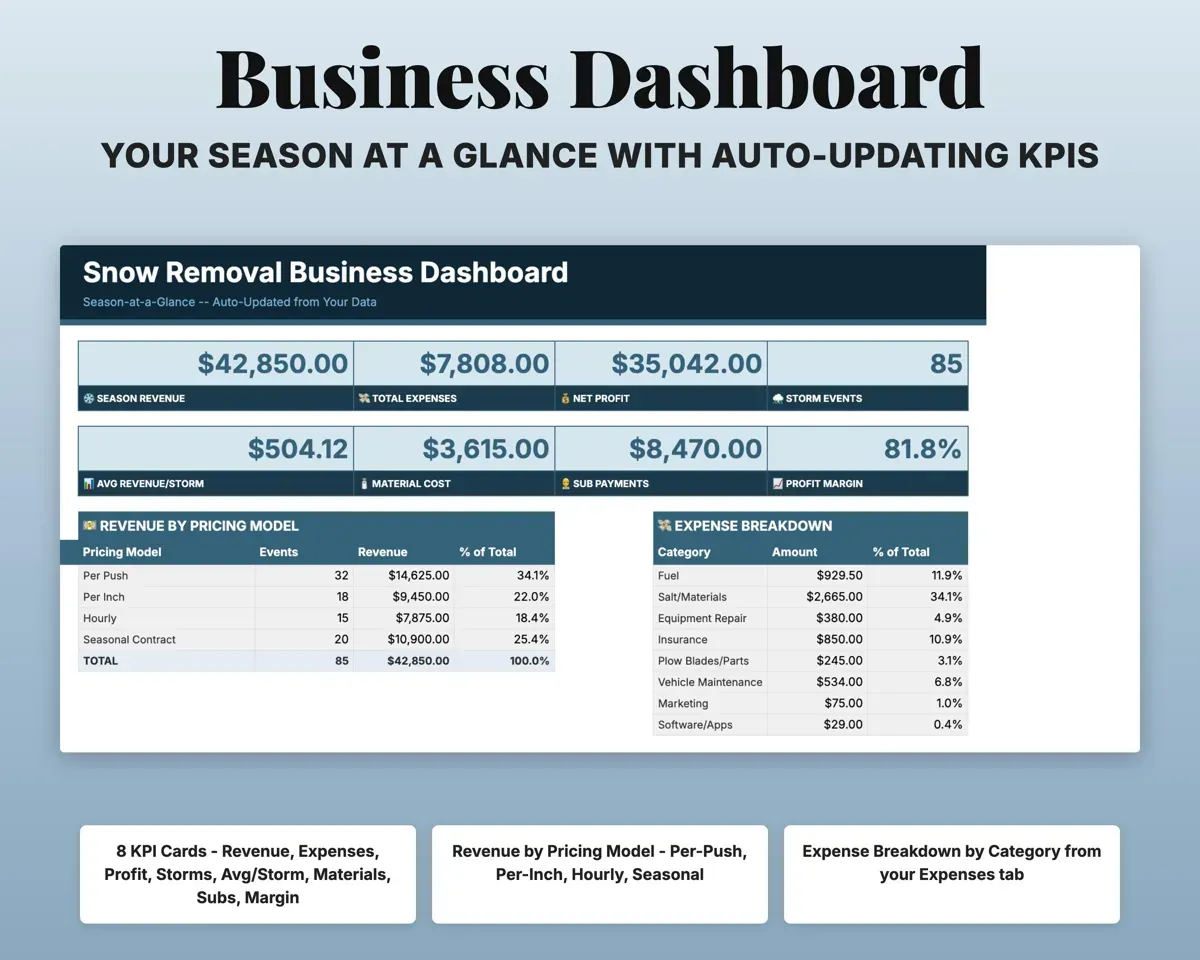
- Dashboard
- Season revenue, costs, profit and storm totals.
- Storm Log
- Every storm event by client, service and amount charged.
- Clients
- Properties with trigger depth, pricing model and season revenue.
- Materials
- Salt and chemical use per property, with cost.
- Equipment
- Trucks and gear with depreciation and cost per hour.
- Subcontractors
- Sub work, pay, your profit and payment status.
- Route Sheet
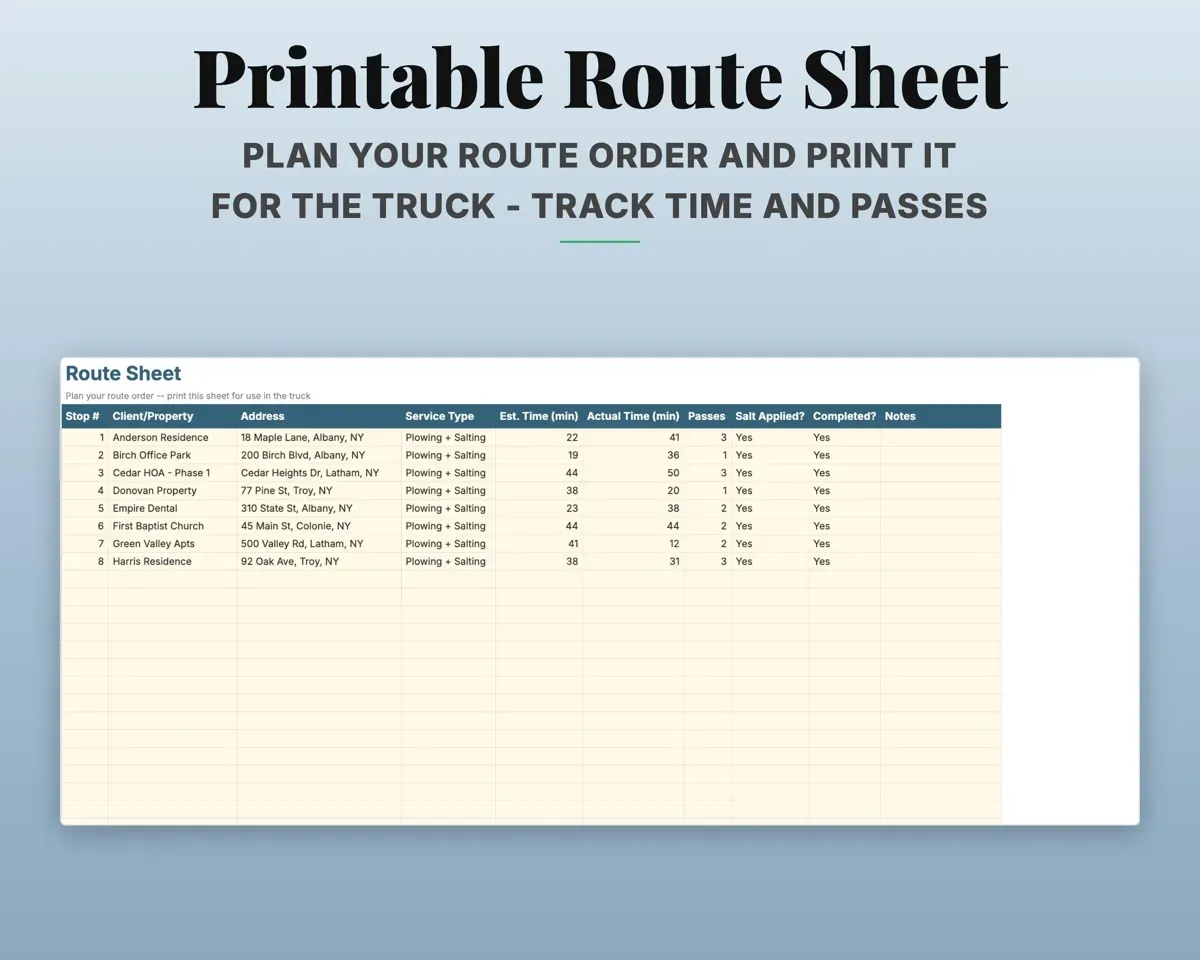
- A printable stop-by-stop route for each storm.
- Invoices
- Invoices across all four billing models, with aging.
- Expenses
- Costs in snow-specific categories, matched to Schedule C lines.
- Tax Planner
- Quarterly estimated tax dates and payments (Form 1040-ES).
- Season Planner
- Light, average and heavy season revenue scenarios.
- Cash Flow
- Twelve months of revenue and expenses.
- Settings
- Hourly rate, salt cost per ton, sub pay rate and dropdowns.
Pair it with
“Well thought out worksheets nicely presented”
“Excellent! Very easy to use.”
Before you buy
My clients pay in different ways. Will that work?
Yes. Set each client to per push, per inch, hourly or seasonal on the Clients tab. The Storm Log and Invoices handle all four.
How does salt tracking work?
Log each application on the Materials tab with the client, material and quantity. Cost uses your bulk rate from the Settings tab.
Does it help with routes?
The Route Sheet is a printable plan with stop order, address, service, estimated and actual time, passes and salt applied.
What do I get?
An Excel file (.xlsx), a filled-in sample to look at, and a quick-start PDF guide with a link that makes your own copy in Google Sheets.
How does delivery work?
You get your download links right after checkout, and Stripe emails your receipt. There is nothing to ship and nothing to wait for.
How do I set it up in Google Sheets?
Open the quick-start PDF and click the Google Sheets link. Google makes a copy in your own Drive that only you can edit. You need a free Google account.
Will it work on a Mac?
Yes. It works in Excel on Mac and Windows, and in Google Sheets in any browser.
I'm not a spreadsheet person. Is that a problem?
No. You only type in the yellow cells. Everything in gray works itself out, and the Start Here tab shows you where to begin.
Can I get a refund?
Templates are digital downloads, so sales are final. If a file won't open, is broken or doesn't match its description, email hello@cleanpixelstudios.com within 30 days and we'll fix it, or refund you if we can't.
What if I get stuck?
Email hello@cleanpixelstudios.com and we'll help you get it working.
More in Trades & contractors
See all Trades & contractors templates
 Made by Clean Pixel Studios
We start every template by reading what people in that line of work say they struggle with, then build the spreadsheet around those problems. This one was made for snow removal operators and nobody else.
How we build templatesSnow Removal Business Tracker$17.99 · Excel + Google Sheets