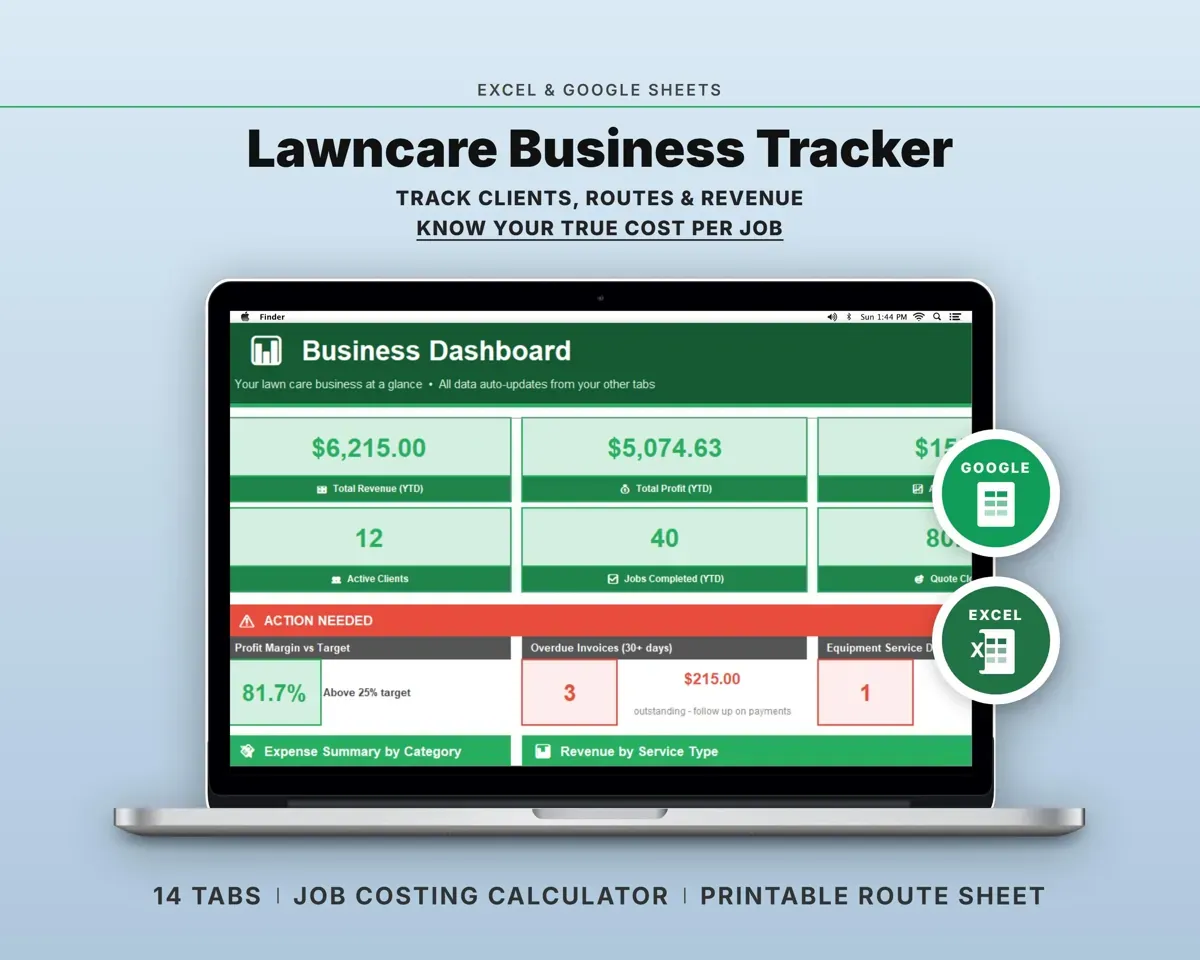
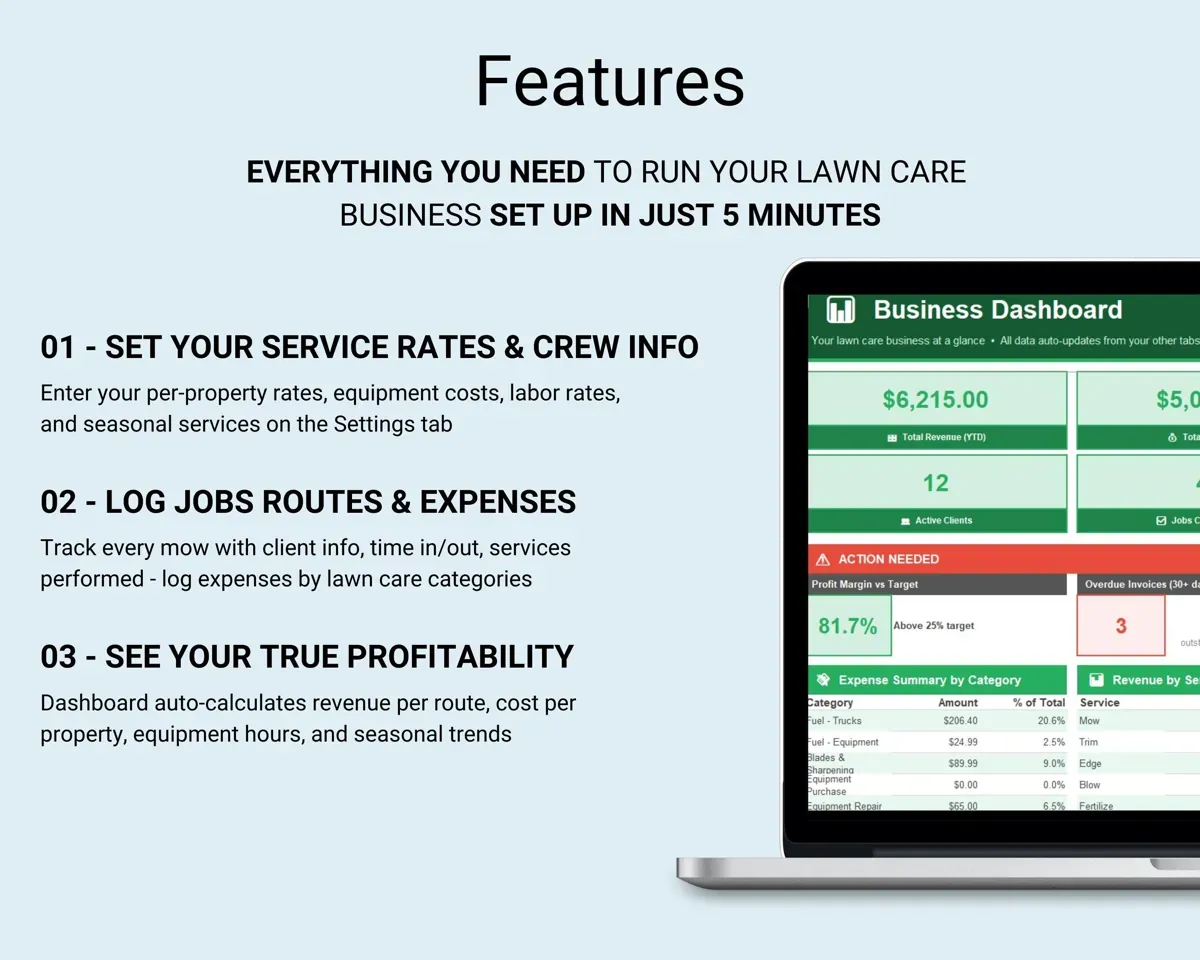
Built around the jobs lawn care operators actually do
Find the lowest price worth taking
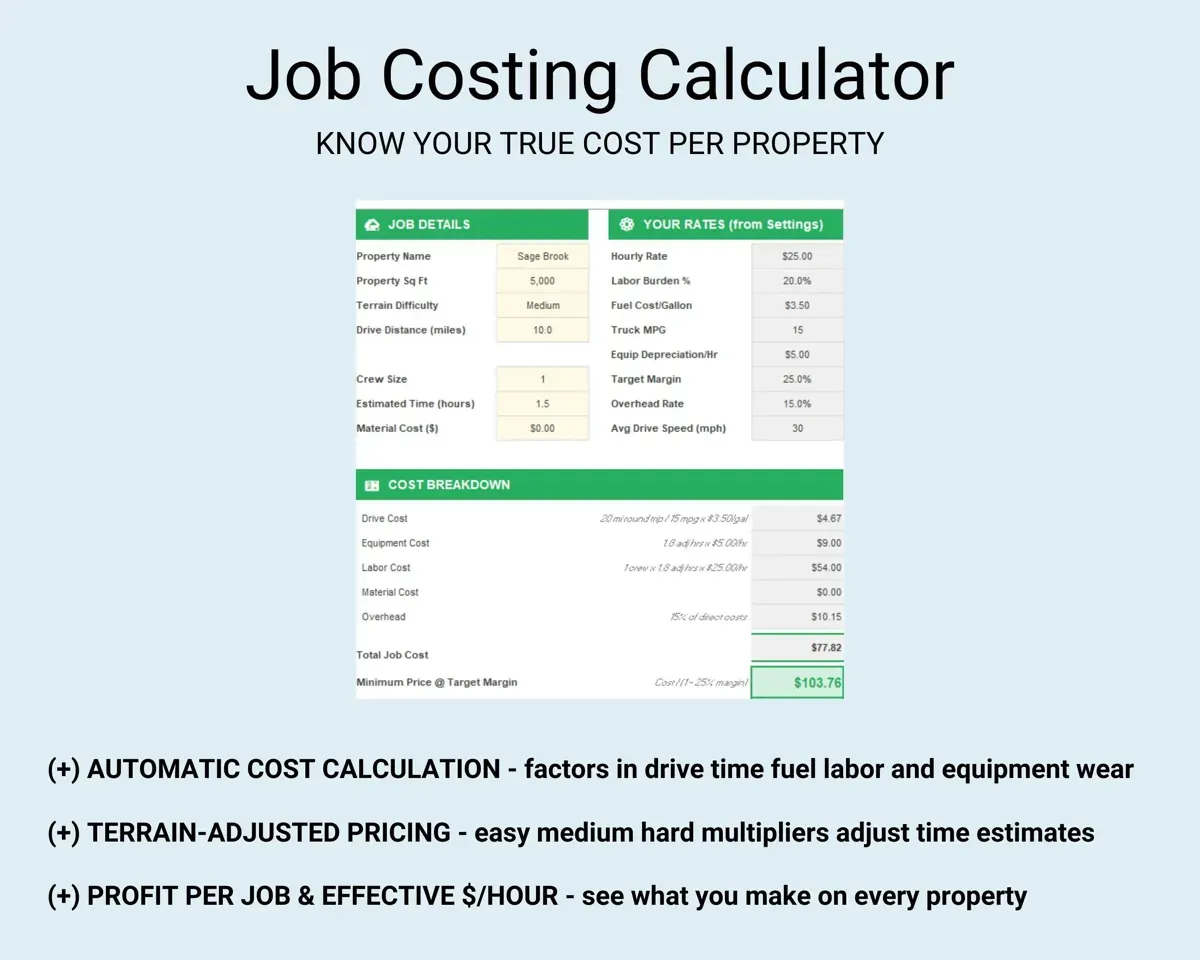
Enter property size, terrain, crew size and drive distance. Job Costing adds fuel, drive time, equipment wear, labor burden and overhead, then gives a true cost and a minimum profitable price.
Lot size, terrain, milesMinimum pricePrint each day's route
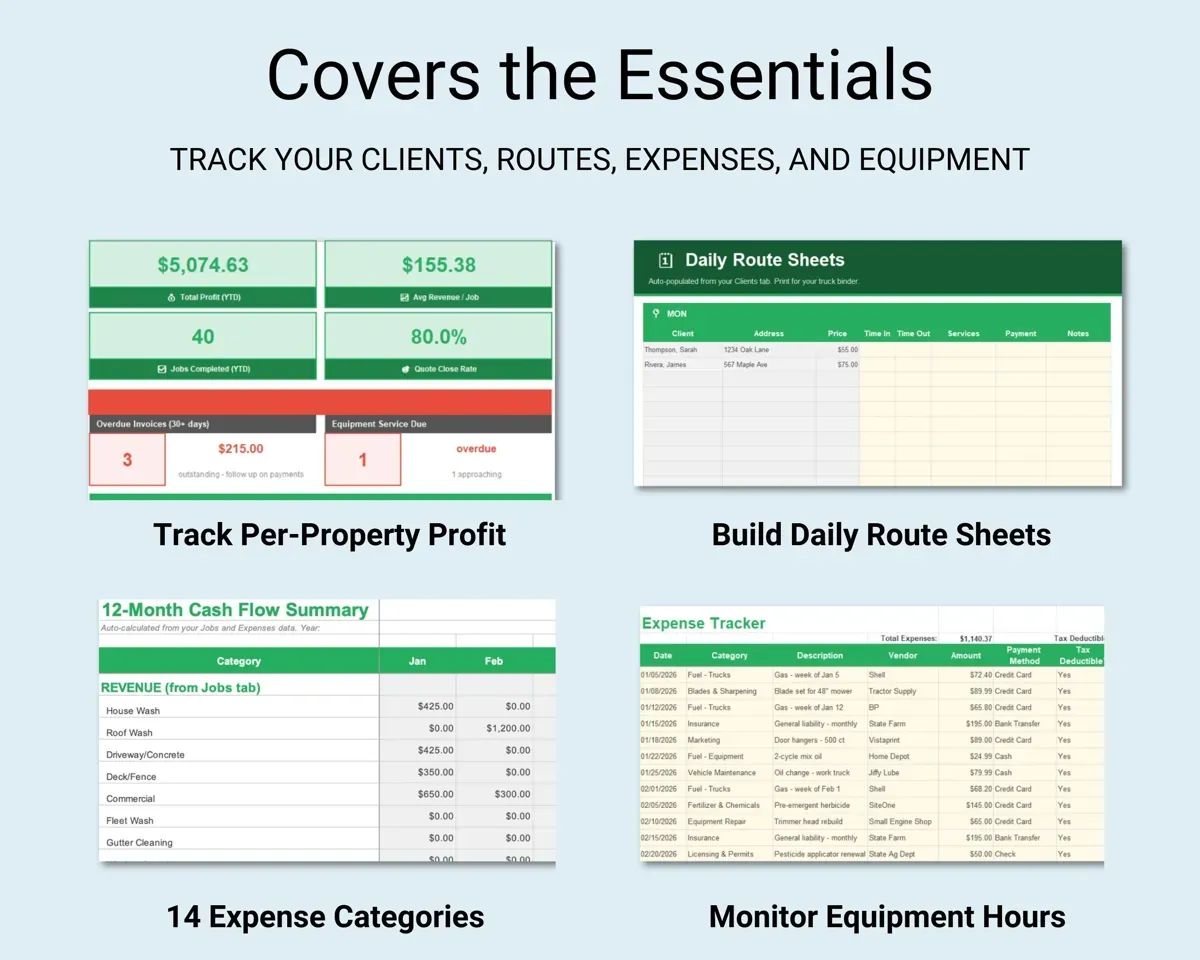
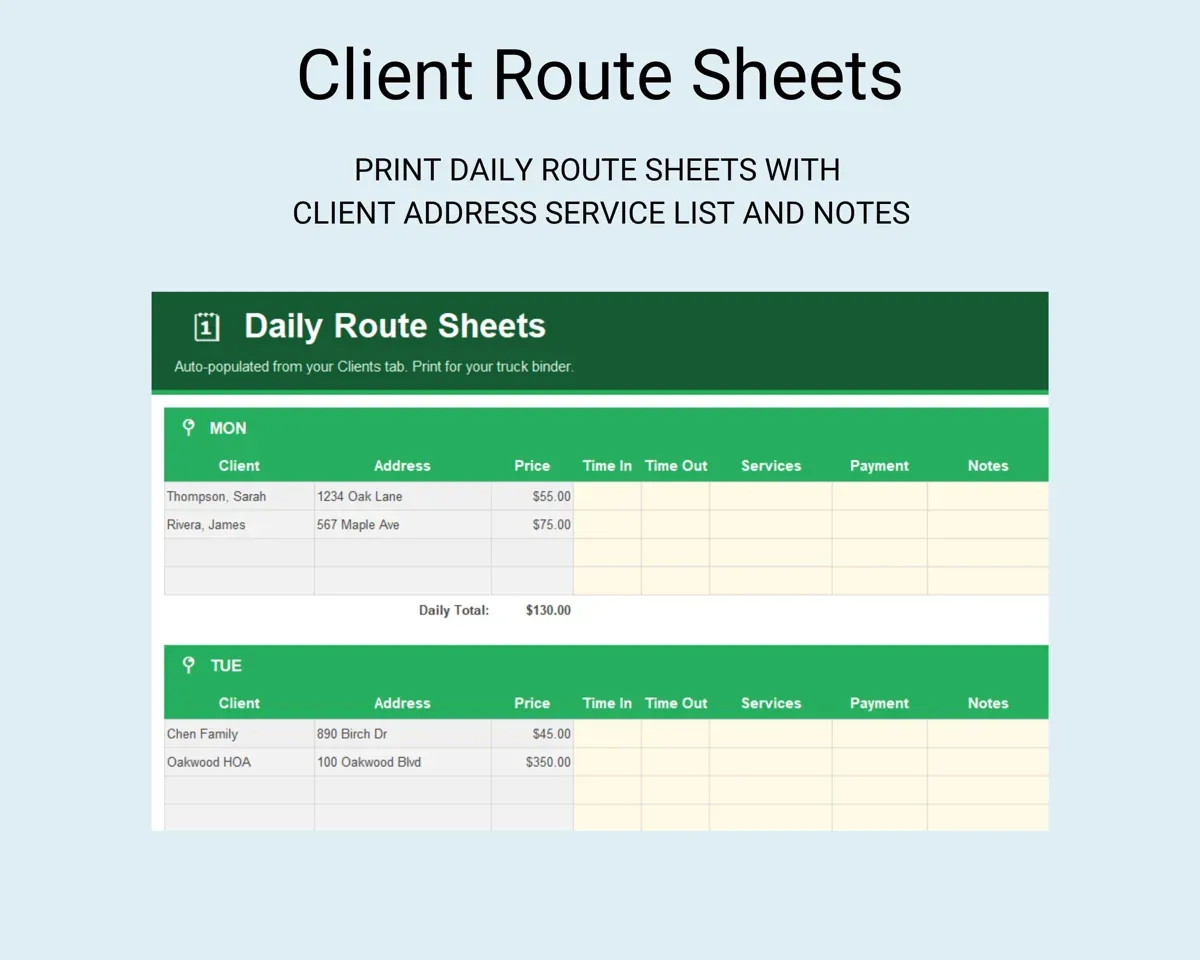
Assign clients to a service day and the Route Sheet fills in names, addresses and prices for the truck binder.
Client service dayPrintable route sheetSee who is late paying
Invoices count days outstanding on their own, and rows turn red once a payment is past due.
Invoice date, amountDays outstandingService mowers on schedule
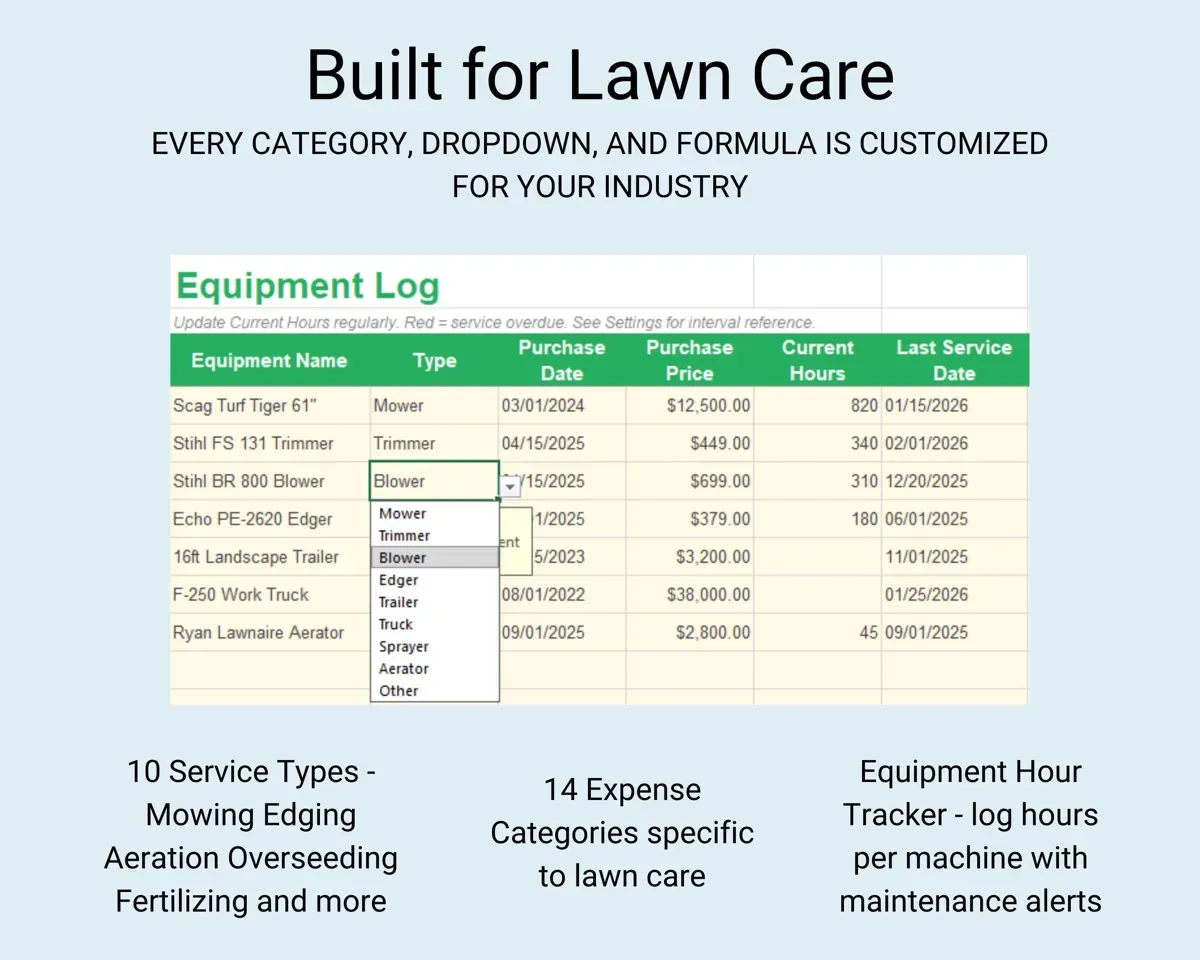
Log hours per machine against service intervals such as oil every 50 hours and blades every 25, with repair history and total cost of ownership.
Machine hoursService dueQuote new properties from your numbers
The Estimates tab takes property details and recommends a price based on your own cost data, not a rule of thumb.
Property detailsRecommended priceHave year-end numbers ready
14 lawn care expense categories, a mileage log with the IRS deduction worked out, and a Schedule C tab that totals expenses by IRS line.
Expenses, tripsSchedule C totals14 tabs in one file
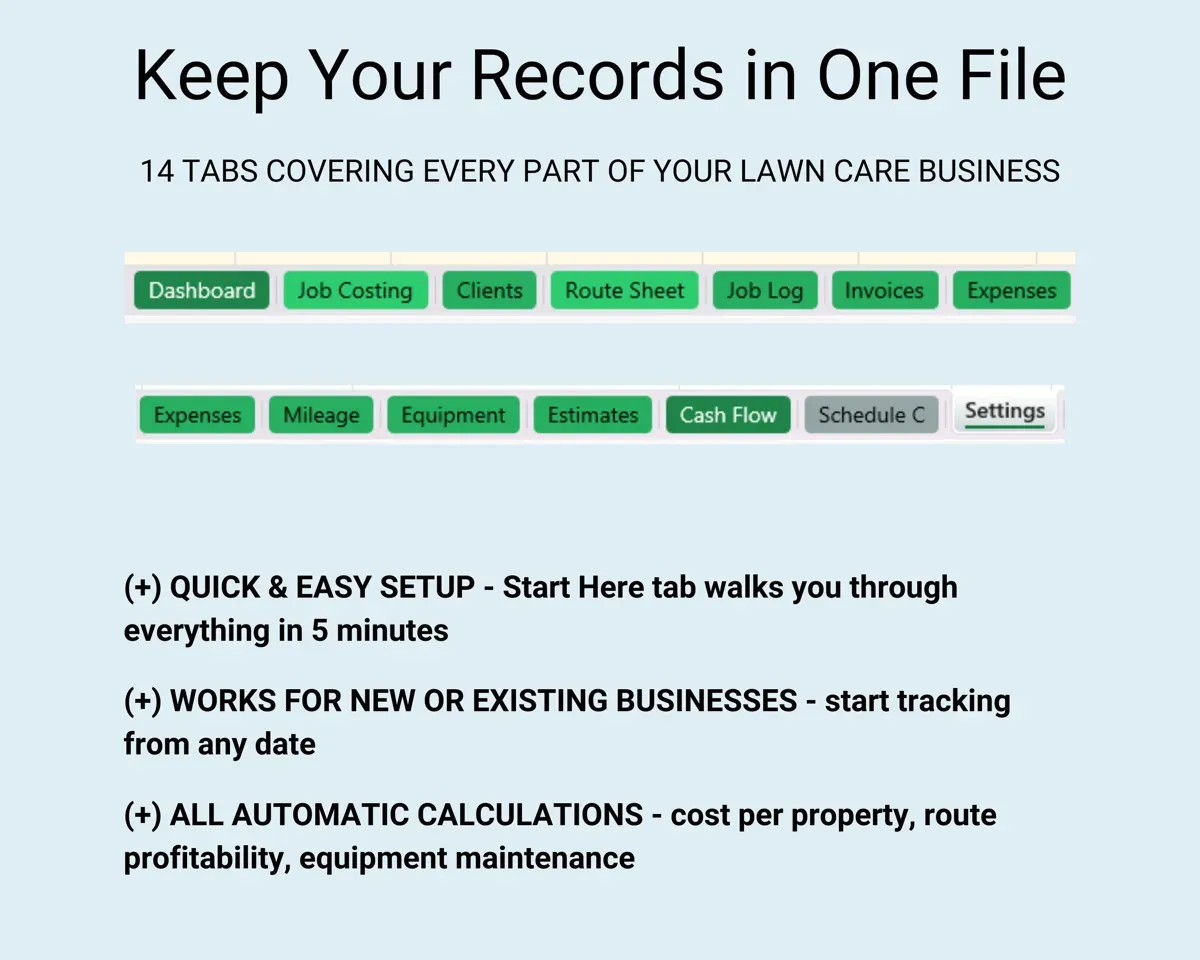
- Start Here
- Dashboard
- Job Costing
- Clients
- Route Sheet
- Job Log
- Invoices
- Expenses
- Mileage
- Equipment
- Estimates
- Cash Flow
- Schedule C
- Settings
- Start Here
- Setup steps to get you started.
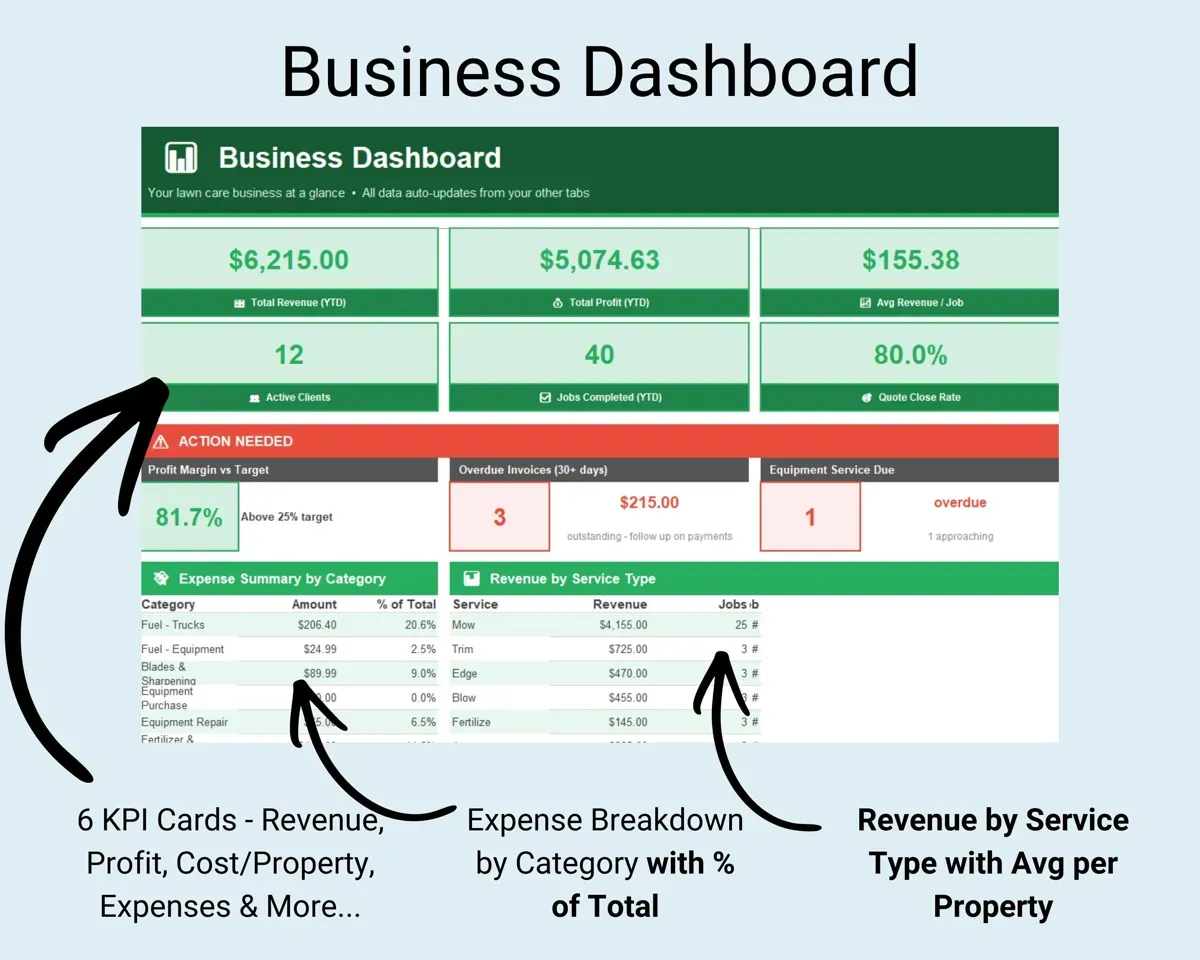
- Dashboard
- Revenue, profit, expenses and margin by service type.
- Job Costing
- True cost per job and the minimum price to charge.
- Clients
- Properties, service day, frequency and status.
- Route Sheet
- Printable daily routes pulled from your client list.
- Job Log
- Every job with revenue, labor hours, materials and drive time.
- Invoices
- Payments with aging and overdue highlighting.
- Expenses
- 14 lawn care categories, from fuel to fertilizer.
- Mileage
- Trip log with the IRS mileage deduction worked out.
- Equipment
- Hour-based maintenance and cost of ownership per machine.
- Estimates
- Recommended prices for new properties from your costs.
- Cash Flow
- Twelve months of revenue and expenses.
- Schedule C
- Year-end expenses organized by IRS line.
- Settings
- Hourly rate, tax rate, terrain multipliers and dropdown lists.
Pair it with
“Excellent! Very easy to use.”
“Nice Organization for 4H projects”
Before you buy
Is this for mowing or landscape projects?
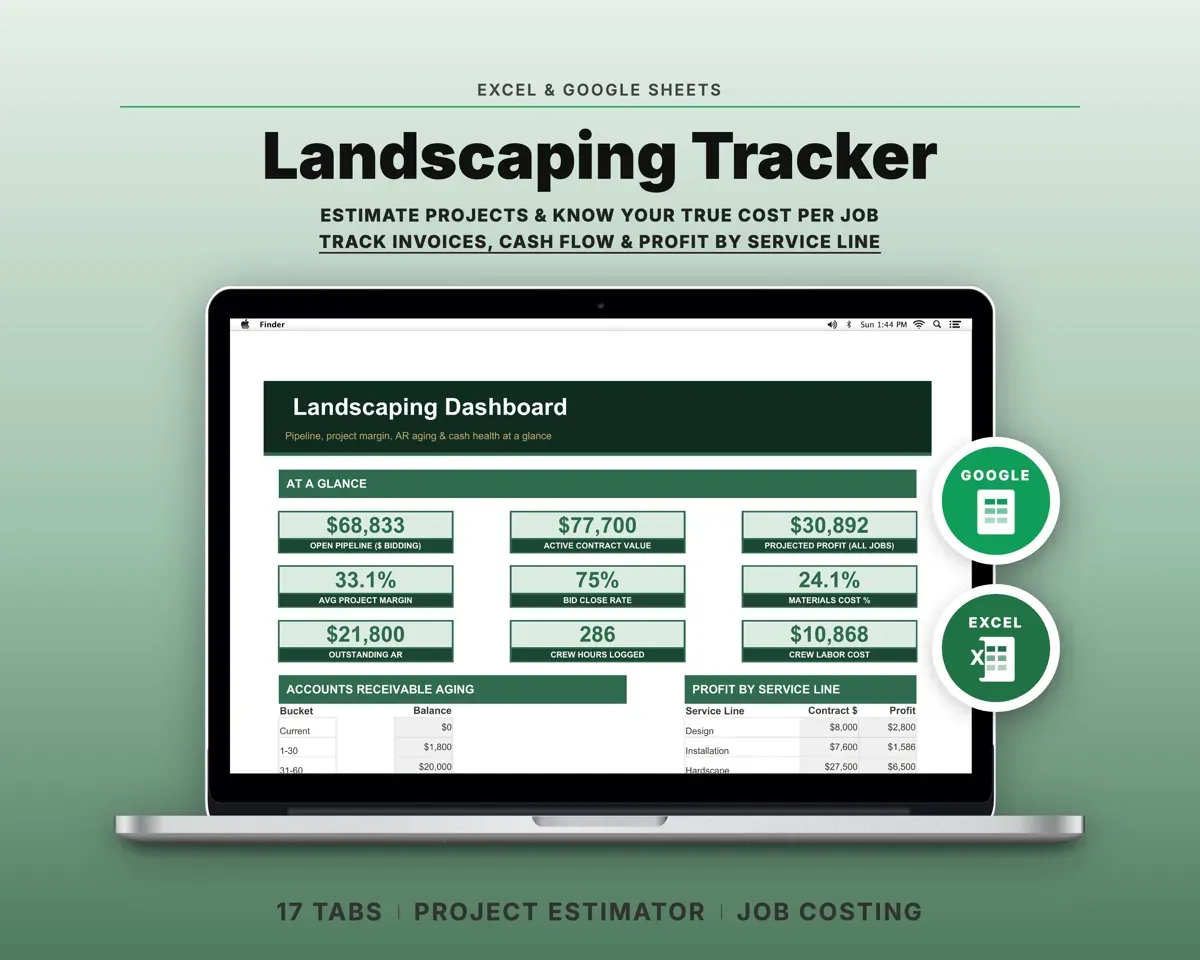
It is built around recurring mowing and maintenance with route sheets and service days. For design/build and hardscape projects, the Landscaping Business Tracker fits better.
Can I use it for more than one year?
Yes. The Cash Flow tab has a year selector, so you keep logging and your past seasons stay in the file.
Can I change the service types and categories?
Yes. Service types, expense categories and every dropdown list are editable on the Settings tab.
What do I get?
An Excel file (.xlsx), a filled-in sample to look at, and a quick-start PDF guide with a link that makes your own copy in Google Sheets.
How does delivery work?
You get your download links right after checkout, and Stripe emails your receipt. There is nothing to ship and nothing to wait for.
How do I set it up in Google Sheets?
Open the quick-start PDF and click the Google Sheets link. Google makes a copy in your own Drive that only you can edit. You need a free Google account.
Will it work on a Mac?
Yes. It works in Excel on Mac and Windows, and in Google Sheets in any browser.
I'm not a spreadsheet person. Is that a problem?
No. You only type in the yellow cells. Everything in gray works itself out, and the Start Here tab shows you where to begin.
Can I get a refund?
Templates are digital downloads, so sales are final. If a file won't open, is broken or doesn't match its description, email hello@cleanpixelstudios.com within 30 days and we'll fix it, or refund you if we can't.
What if I get stuck?
Email hello@cleanpixelstudios.com and we'll help you get it working.
More in Trades & contractors
See all Trades & contractors templates
 Made by Clean Pixel Studios
We start every template by reading what people in that line of work say they struggle with, then build the spreadsheet around those problems. This one was made for lawn care operators and nobody else.
How we build templatesLawn Care Business Tracker$19.99 · Excel + Google Sheets