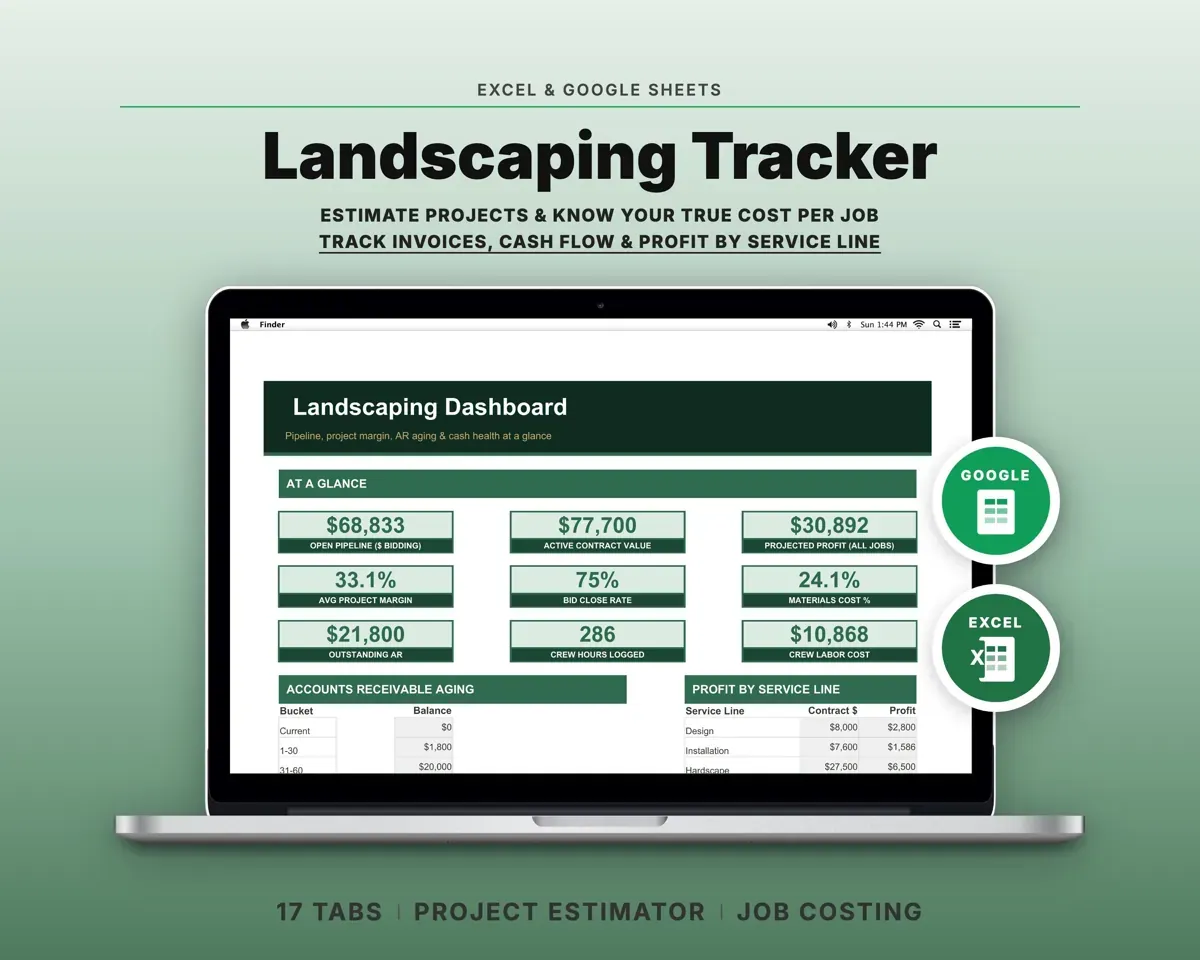
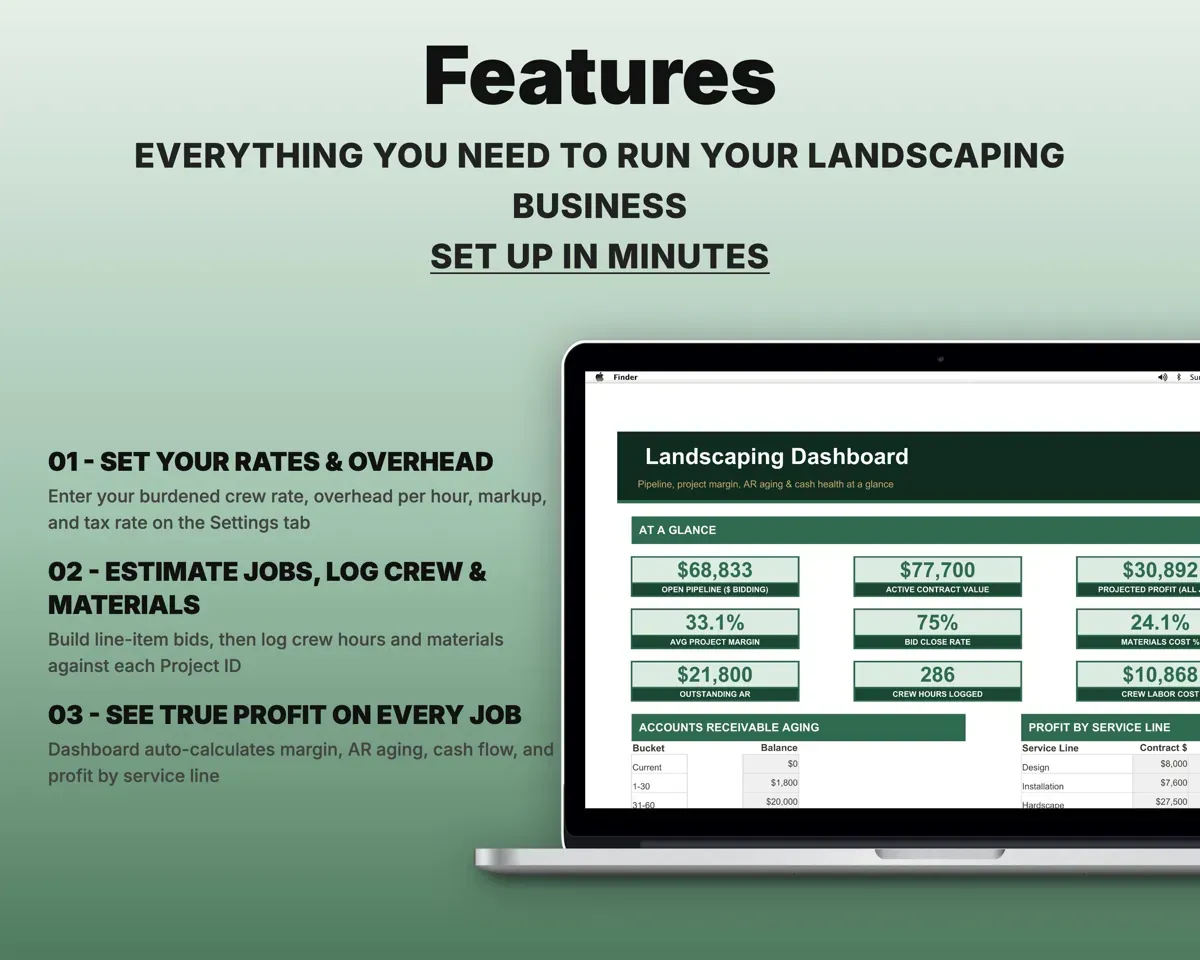

Built around the jobs landscaping contractors actually do
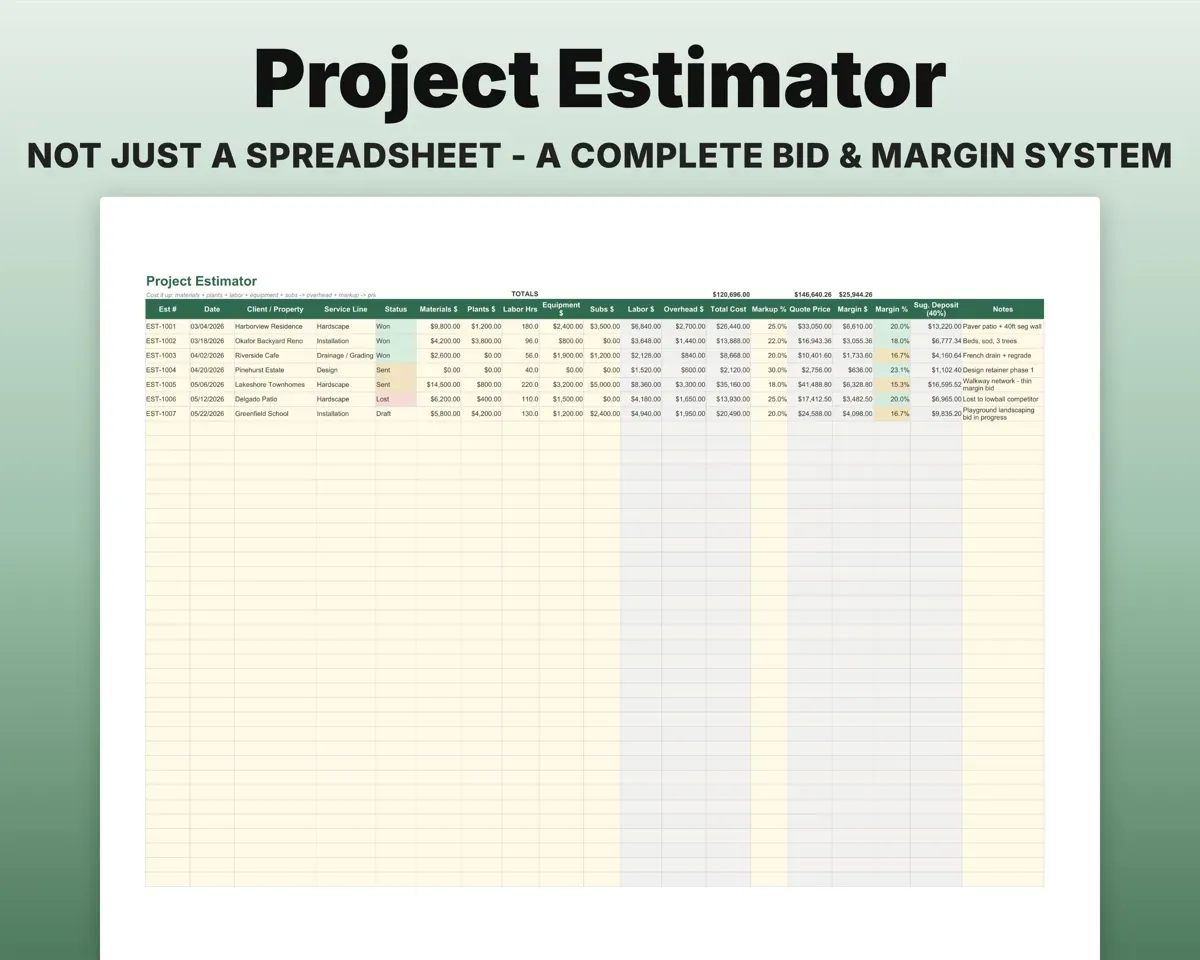
Price bids with your true margin
Each bid is built line by line from materials, plants, crew labor at your burdened rate, equipment and subs. The Estimator adds overhead and markup, then shows the real margin and a suggested deposit.
Takeoffs, hours, subsTrue marginKnow which projects made money
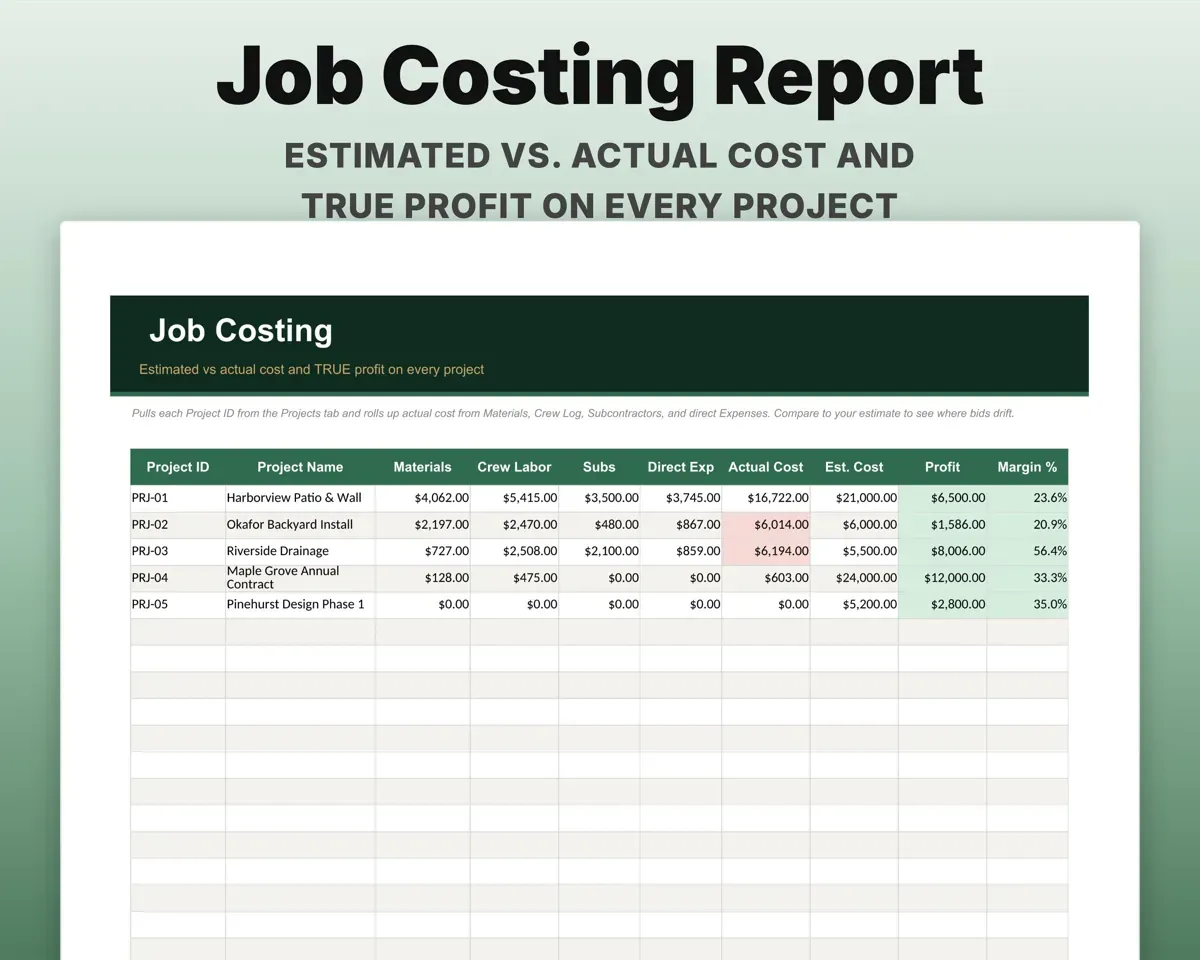
Log crew hours and materials against a Project ID. Job Costing compares estimated to actual cost on every project and rolls profit up by service line.
Crew hours, materialsEst. vs actual profitKeep progress invoices from aging
Bill deposit, midpoint and final payments. Each invoice sorts into Current, 1-30, 31-60, 61-90 or 90+ days, with overdue flags.
Progress invoicesAR aging bucketsSchedule crews and cost your equipment
A weekly board shows who is on which job each day. The Equipment tab works out depreciation and a true cost per hour for each machine and truck.
Crew, equipment costCost per machine hourPlan for the winter drop
The 12-month Cash Flow shows the seasonal dip in revenue and flags when reserves fall below your winter target.
Monthly income, costsWinter reserve checkHave your tax numbers in order
20 expense categories map to Schedule C lines, sub payments count toward the $600 1099-NEC threshold, and the Tax Planner estimates quarterly and self-employment tax.
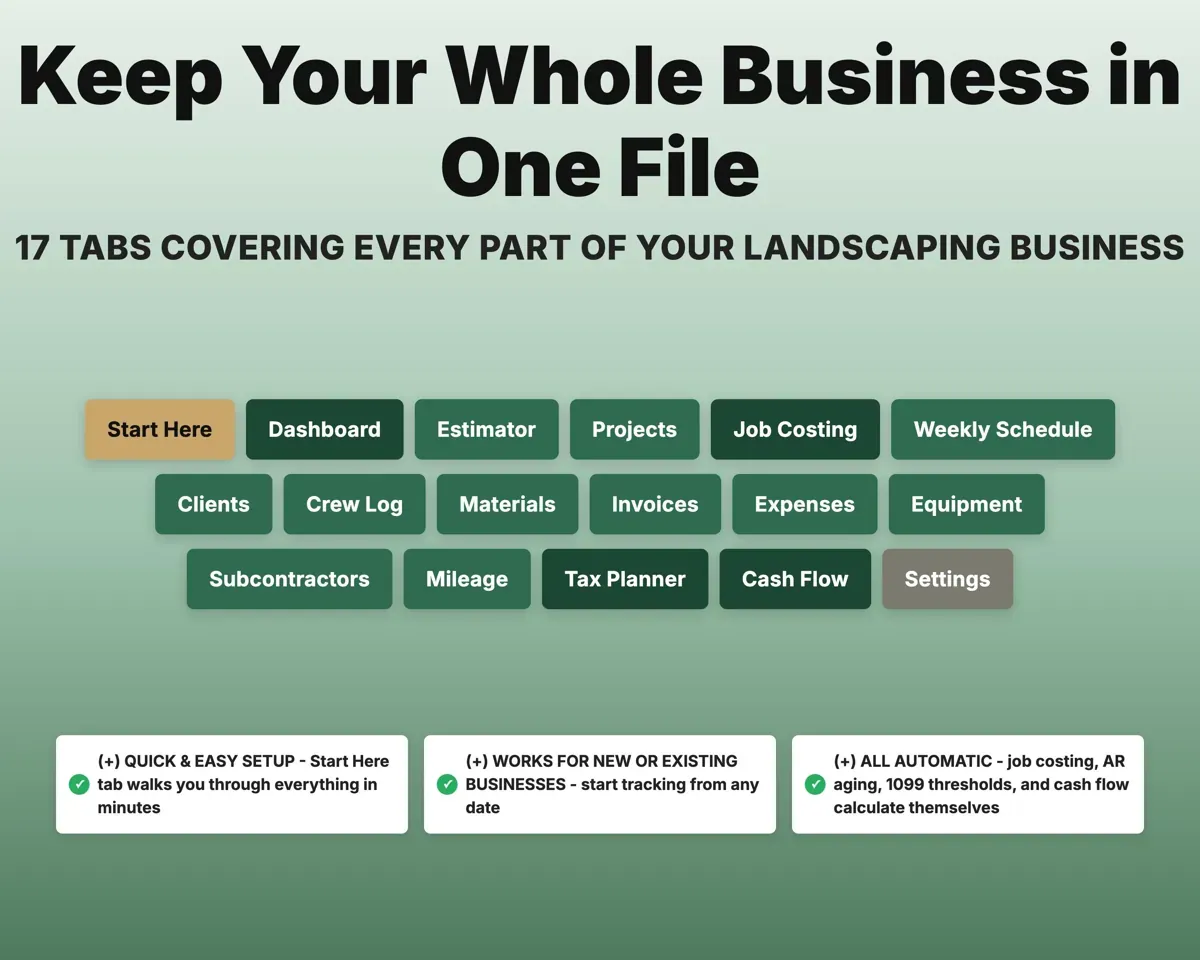
Expenses, sub paymentsQuarterly estimate17 tabs in one file
- Start Here
- Dashboard
- Estimator
- Projects
- Job Costing
- Weekly Schedule
- Clients
- Crew Log
- Materials
- Invoices
- Expenses
- Equipment
- Subcontractors
- Mileage
- Tax Planner
- Cash Flow
- Settings
- Start Here
- Setup steps to get you running.
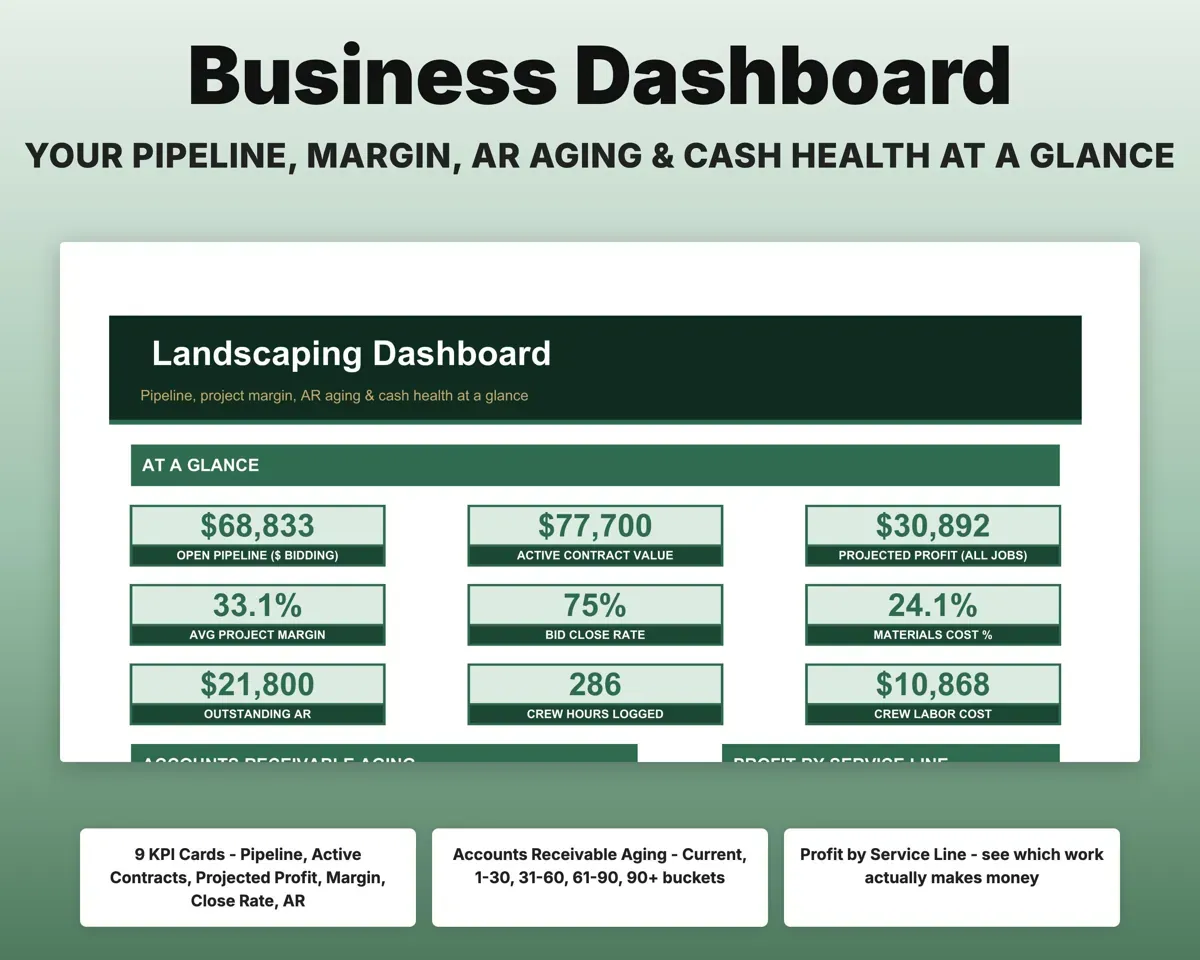
- Dashboard
- Pipeline, margin, AR aging, crew use and profit by service.
- Estimator
- Line-item bids with takeoffs, markup, deposit and close rate.
- Projects
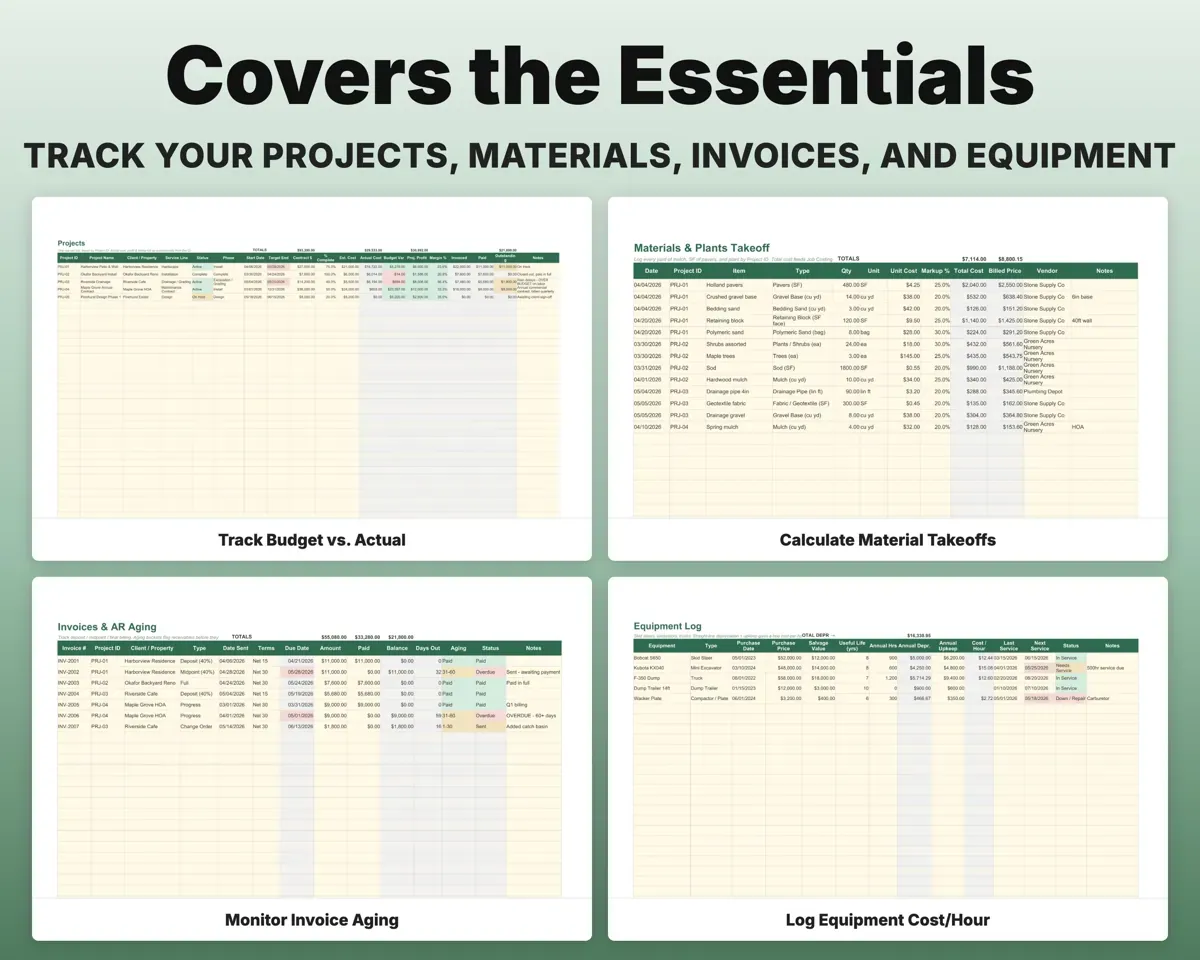
- Active jobs with phase, percent done and budget vs actual.
- Job Costing
- Estimated vs actual cost and profit for each project.
- Weekly Schedule
- Which crew is on which job, day by day.
- Clients
- Properties with access notes, terrain and contract value.
- Crew Log
- Crew hours per project at your burdened rate, drive time included.
- Materials
- Material and plant takeoffs per project with billed price.
- Invoices
- Progress billing with aging buckets and overdue flags.
- Expenses
- 20 landscaping categories mapped to Schedule C lines.
- Equipment
- Depreciation and true cost per hour for each machine.
- Subcontractors
- Sub payments, the 1099-NEC threshold and a W-9 check.
- Mileage
- Business miles by project at the IRS standard rate.
- Tax Planner
- Quarterly estimated tax with self-employment tax.
- Cash Flow
- Twelve months of cash flow with a winter reserve target.
- Settings
- Crew rate, overhead, markup, tax rate and dropdown lists.
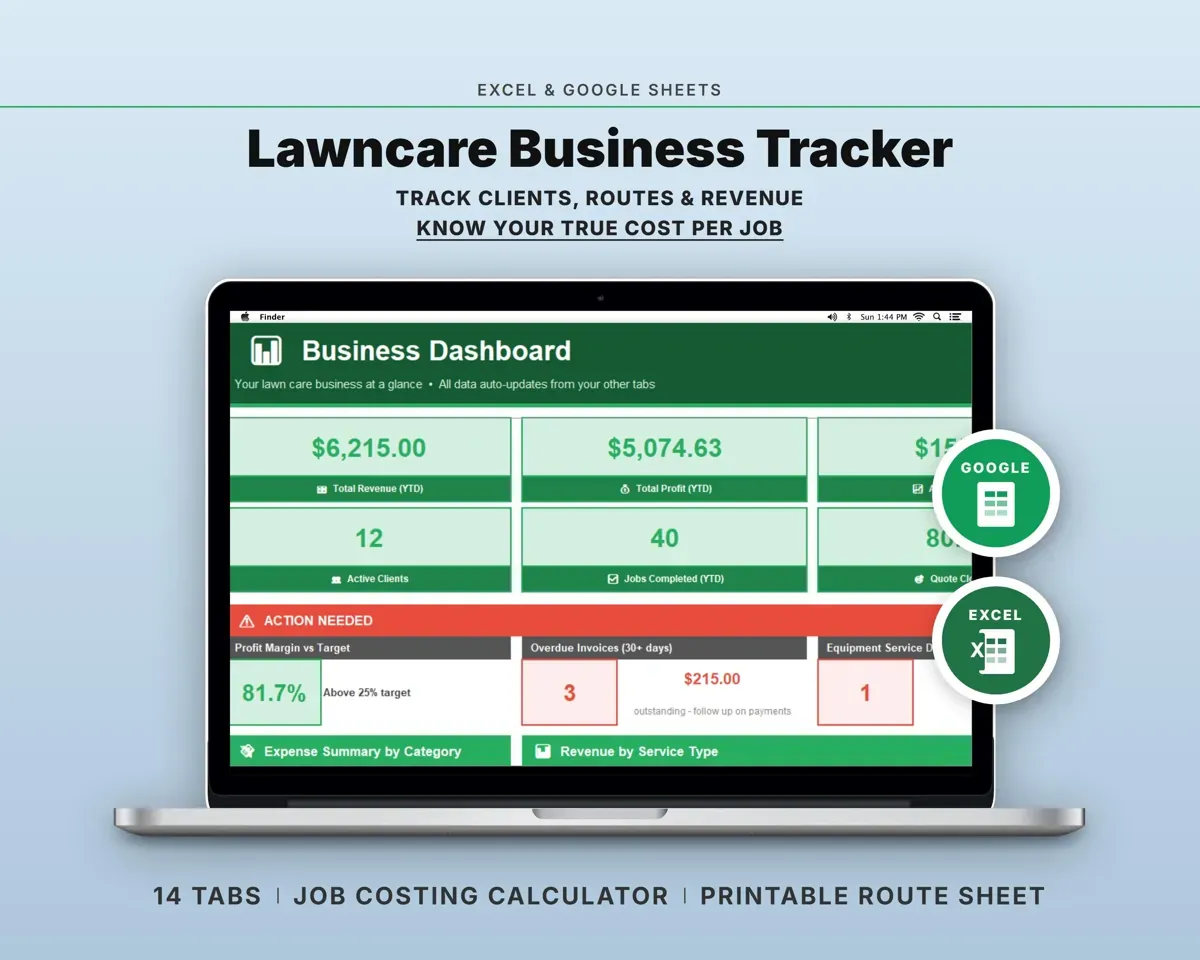
Pair it with
“Well thought out worksheets nicely presented”
“Excellent! Very easy to use.”
Before you buy
Is this for mowing and maintenance routes?
It is built for project work: design/build, hardscape and installation. If most of your work is recurring mowing, the Lawn Care Business Tracker is the better fit.
How do the tabs connect?
Every estimate, crew hour, material line and invoice ties to a Project ID, so Job Costing and the Dashboard pull from the same records.
Can I change the service lines and categories?
Yes. Service lines, expense categories, material types and every dropdown list are editable on the Settings tab.
What do I get?
An Excel file (.xlsx), a filled-in sample to look at, and a quick-start PDF guide with a link that makes your own copy in Google Sheets.
How does delivery work?
You get your download links right after checkout, and Stripe emails your receipt. There is nothing to ship and nothing to wait for.
How do I set it up in Google Sheets?
Open the quick-start PDF and click the Google Sheets link. Google makes a copy in your own Drive that only you can edit. You need a free Google account.
Will it work on a Mac?
Yes. It works in Excel on Mac and Windows, and in Google Sheets in any browser.
I'm not a spreadsheet person. Is that a problem?
No. You only type in the yellow cells. Everything in gray works itself out, and the Start Here tab shows you where to begin.
Can I get a refund?
Templates are digital downloads, so sales are final. If a file won't open, is broken or doesn't match its description, email hello@cleanpixelstudios.com within 30 days and we'll fix it, or refund you if we can't.
What if I get stuck?
Email hello@cleanpixelstudios.com and we'll help you get it working.
More in Trades & contractors
See all Trades & contractors templates
 Made by Clean Pixel Studios
We start every template by reading what people in that line of work say they struggle with, then build the spreadsheet around those problems. This one was made for landscaping contractors and nobody else.
How we build templatesLandscaping Business Tracker$24.99 · Excel + Google Sheets