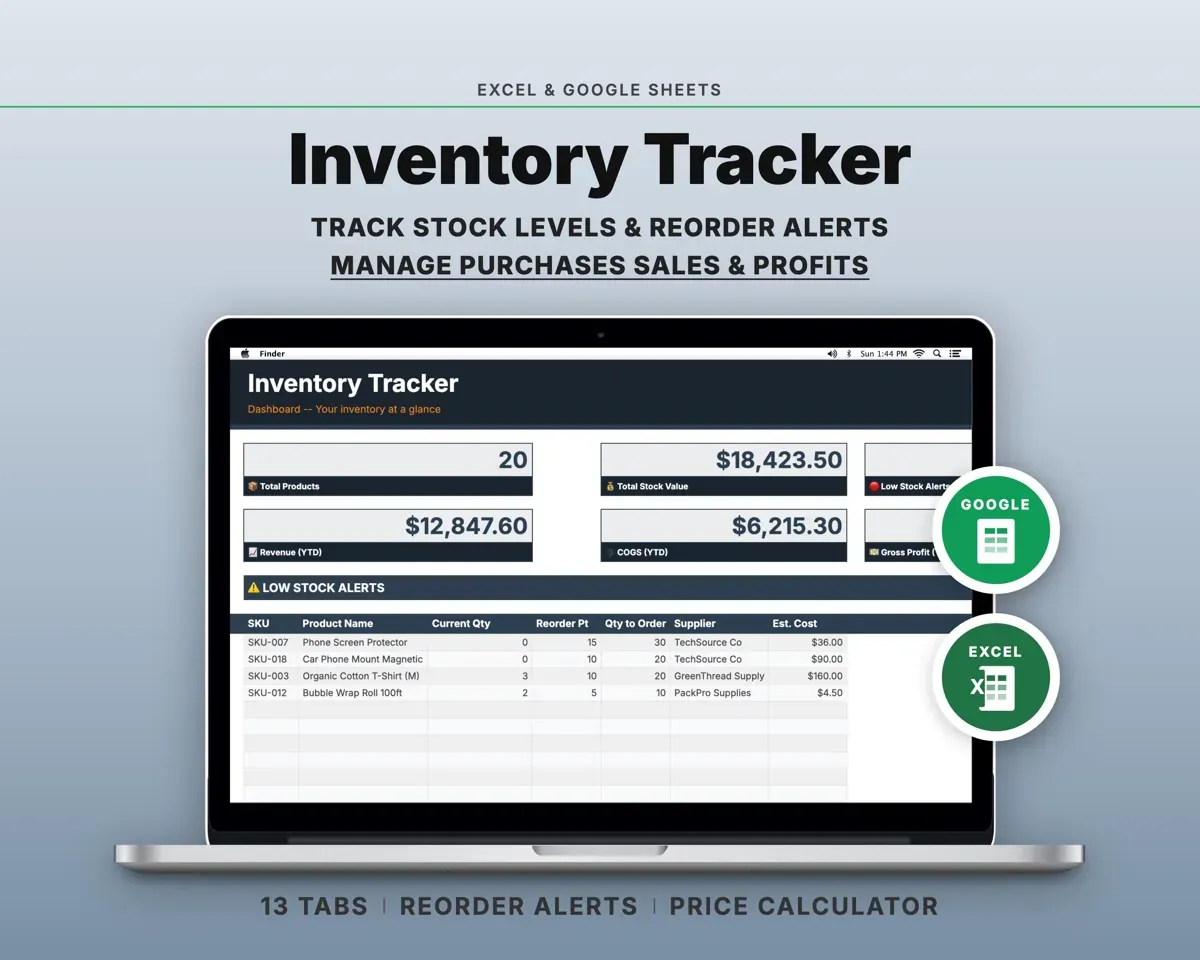
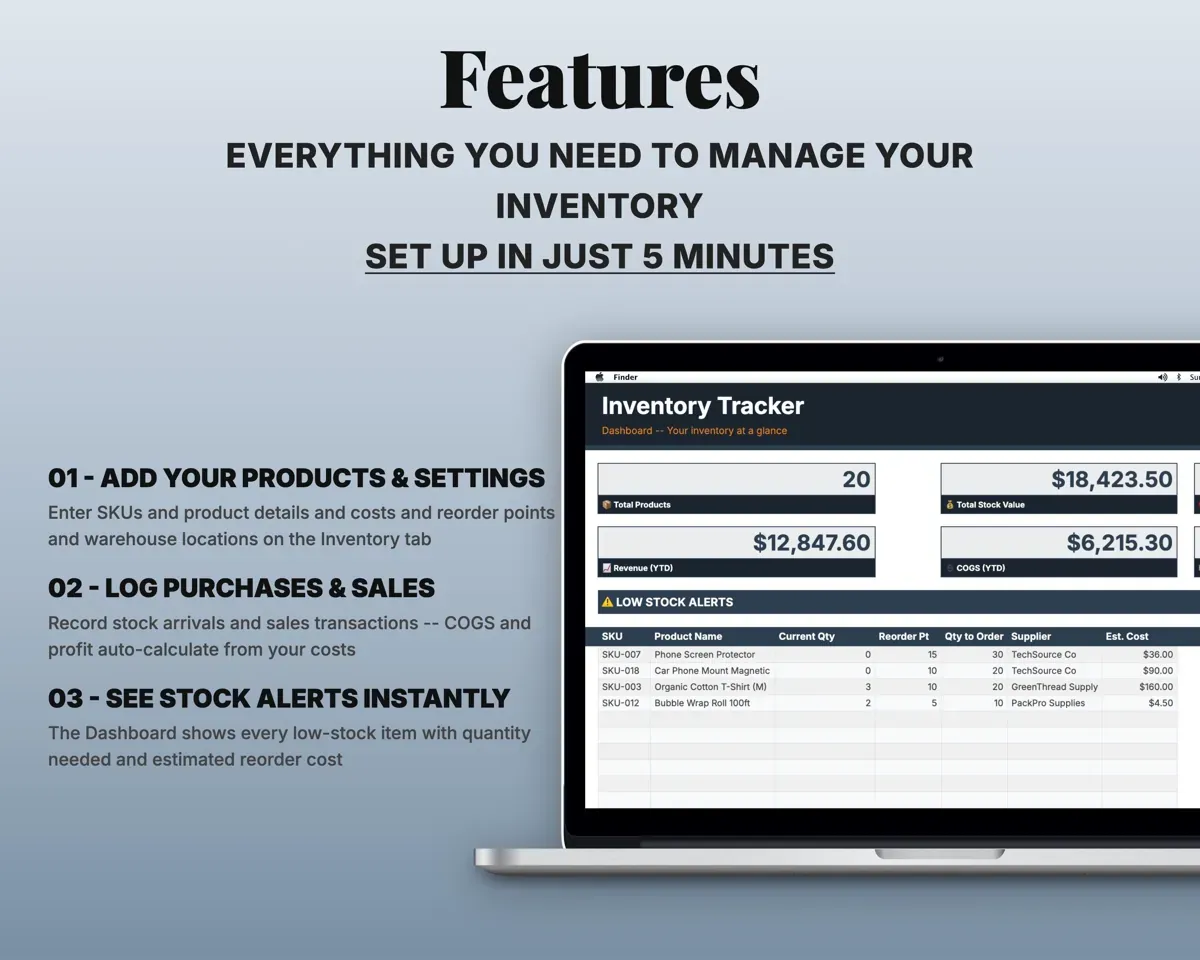
Built around the jobs small business owners actually do
Reorder before you run out
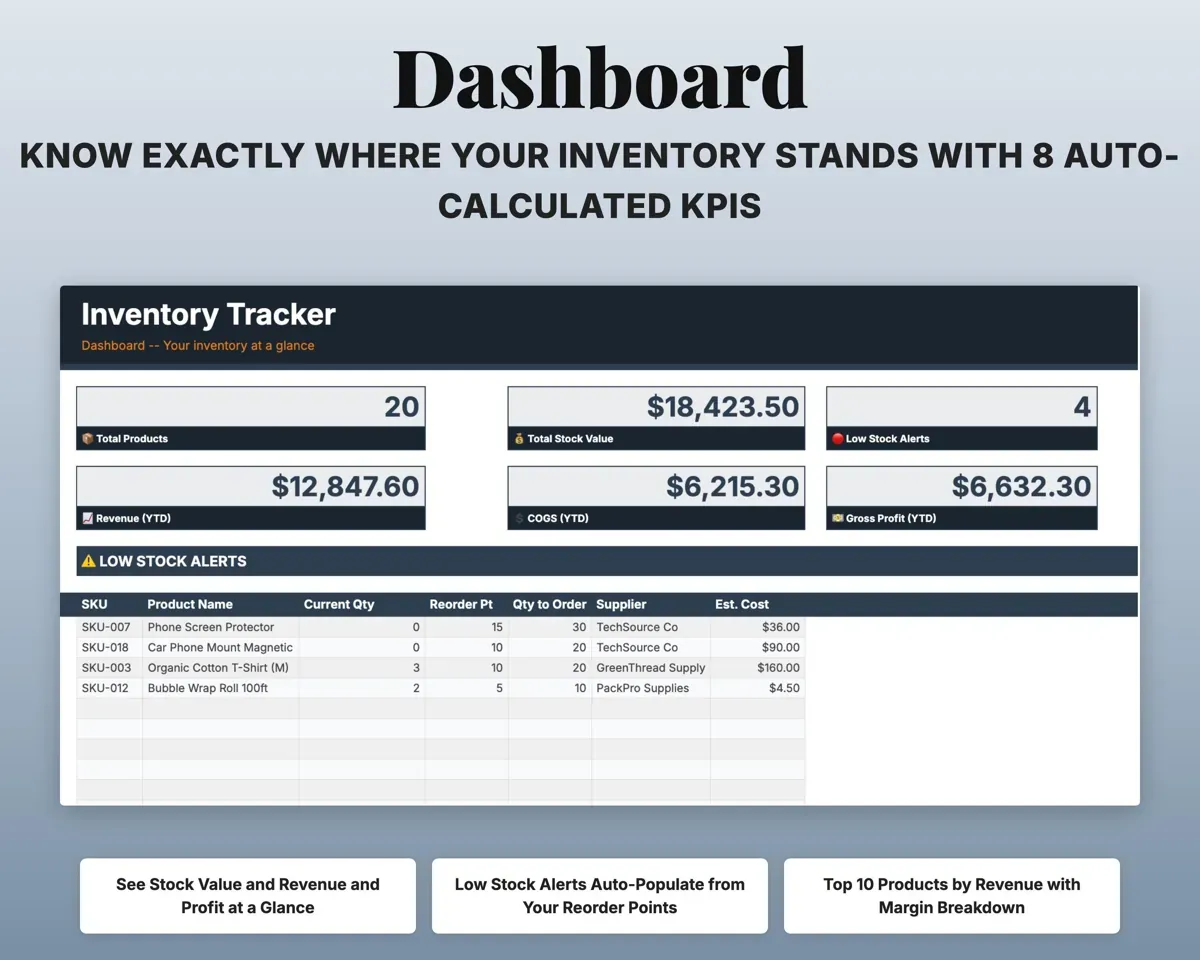
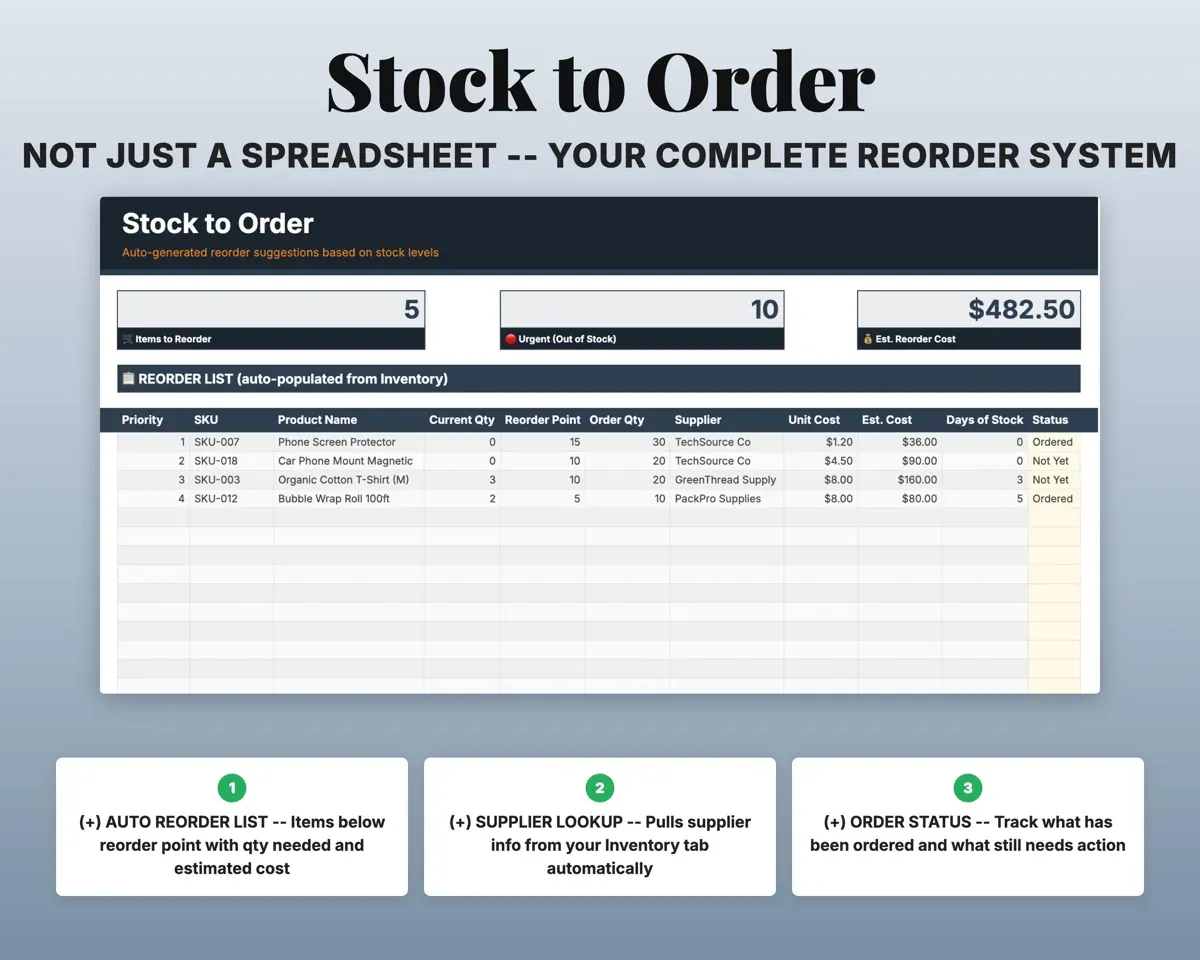
Set a reorder point for each item. The Dashboard lists everything below it with quantity and estimated cost, and Stock to Order builds the purchase list.
Reorder pointsStock to orderSee the real profit on every product
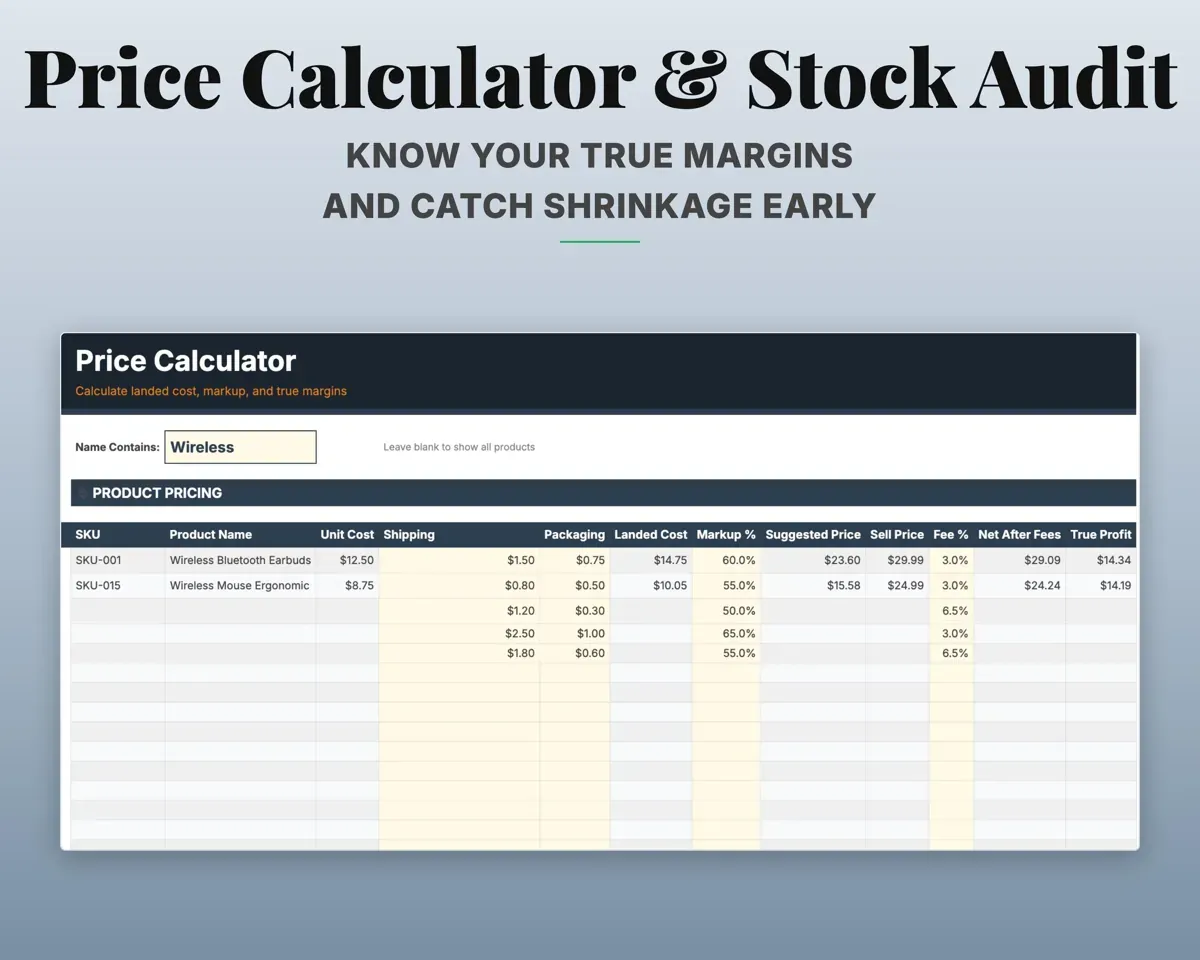
The Price Calculator adds purchase, shipping and fees into a landed cost and shows markup, margin and profit per unit. Each sale works out COGS and gross profit.
Cost, shipping, feesProfit per unitFind any item in seconds
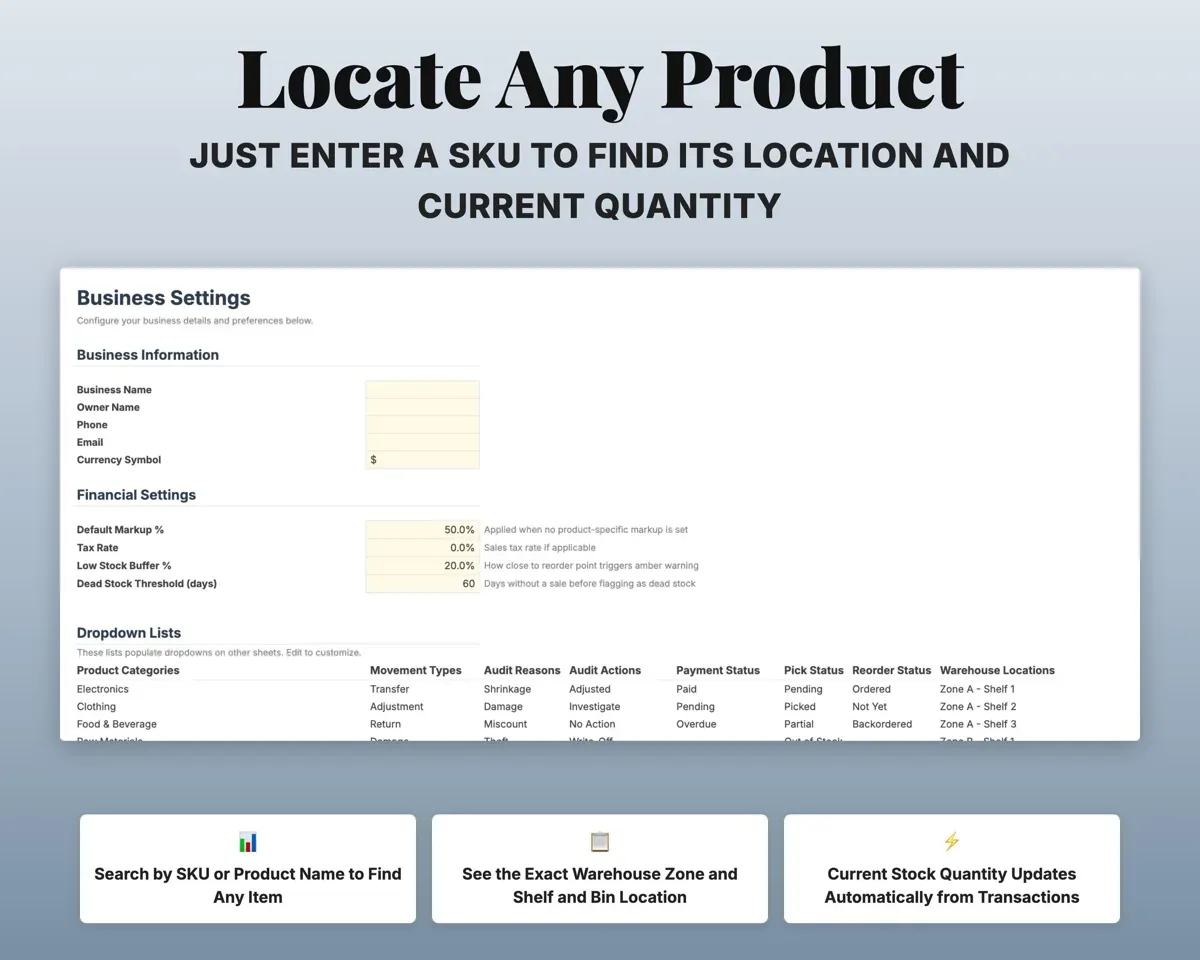
Search by SKU or name to see the zone, shelf and bin, plus the quantity on hand.
SKU or nameZone, shelf, binCatch shrinkage with regular counts
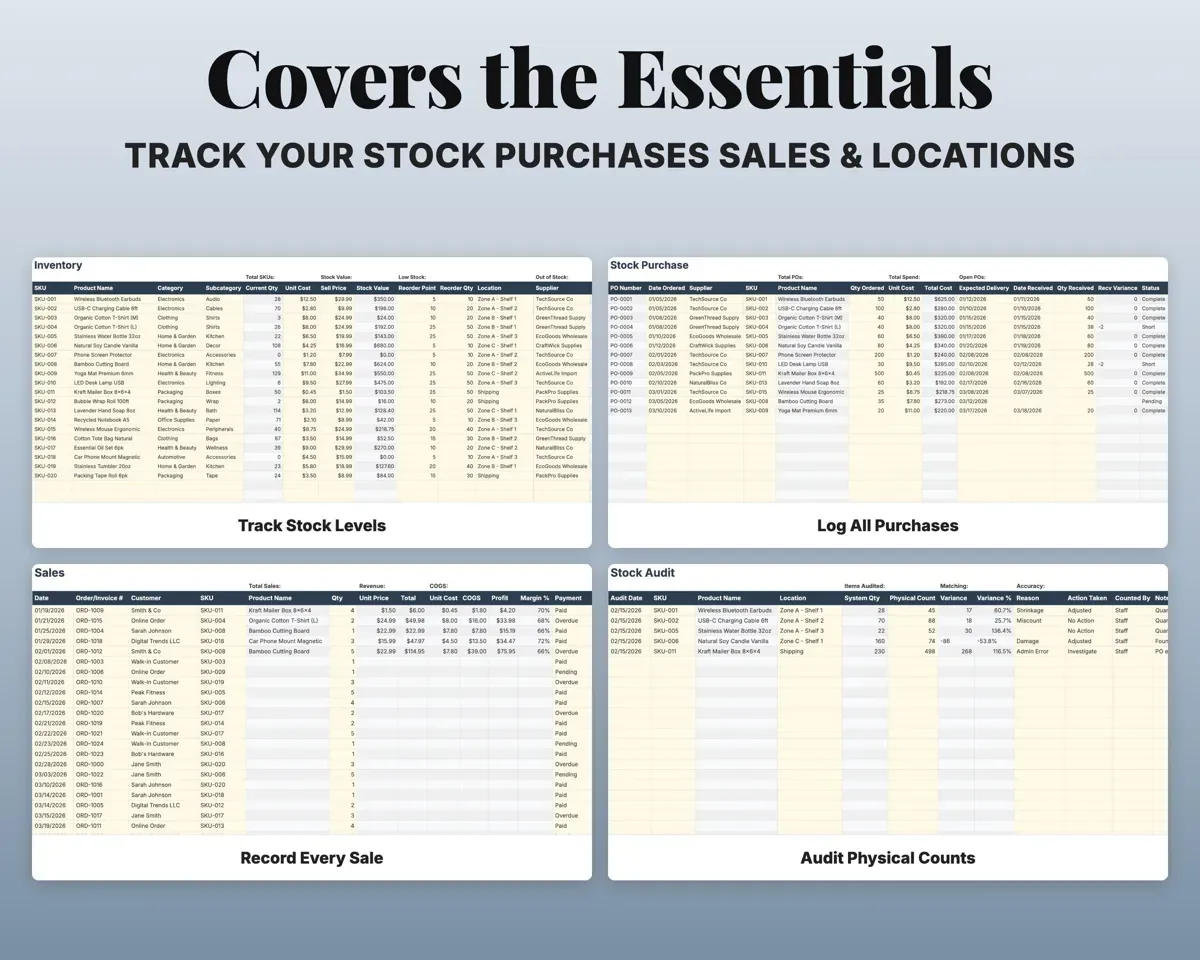
Enter physical counts against system quantities. The sheet calculates the variance, records the reason and shows your accuracy rate.
Physical countsInventory accuracyCheck each delivery against the order
Track purchase orders by supplier with quantity ordered versus received, so short shipments stand out.
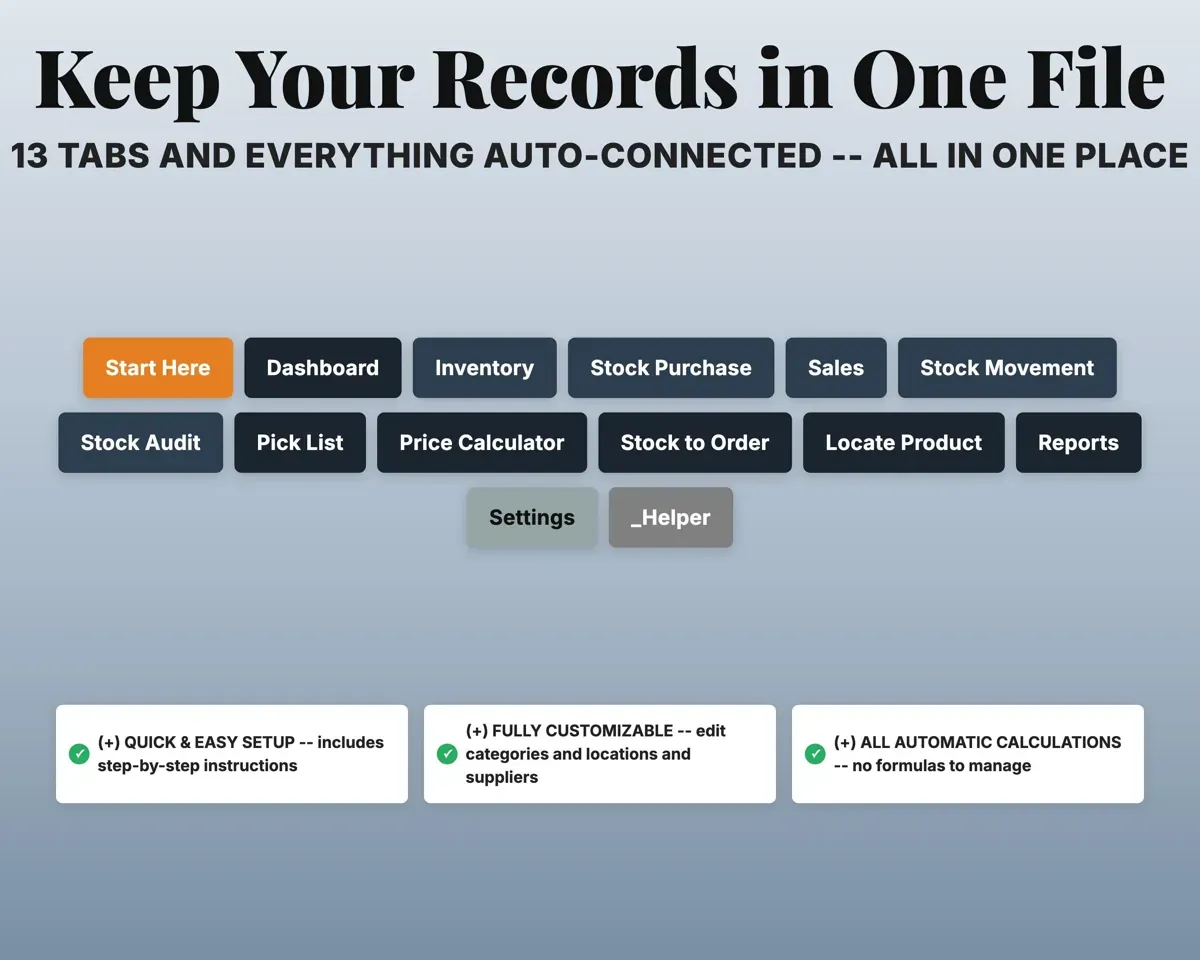
Ordered vs receivedReceiving gaps13 tabs in one file
- Start Here
- Dashboard
- Inventory
- Stock Purchase
- Sales
- Stock Movement
- Stock Audit
- Pick List
- Price Calculator
- Stock to Order
- Locate Product
- Reports
- Settings
- Start Here
- Setup steps and a color key.
- Dashboard
- Key numbers, low stock alerts, top products and recent moves.
- Inventory
- The product catalog with stock levels, value and reorder status.
- Stock Purchase
- Purchase orders with ordered, received and discrepancies.
- Sales
- Each sale with COGS, gross profit and margin.
- Stock Movement
- Transfers, returns, damage and write-offs between locations.
- Stock Audit
- Physical counts versus system, with variance and reasons.
- Pick List
- Order picking with locations and pick status.
- Price Calculator
- Landed cost, markup, margin and profit per unit.
- Stock to Order
- A reorder list built from stock and reorder points.
- Locate Product
- Search a SKU to see where it is stored.
- Reports
- Valuation, sales and purchase summaries, and turnover.
- Settings
- Business details, markup, overhead and dropdown lists.
Pair it with
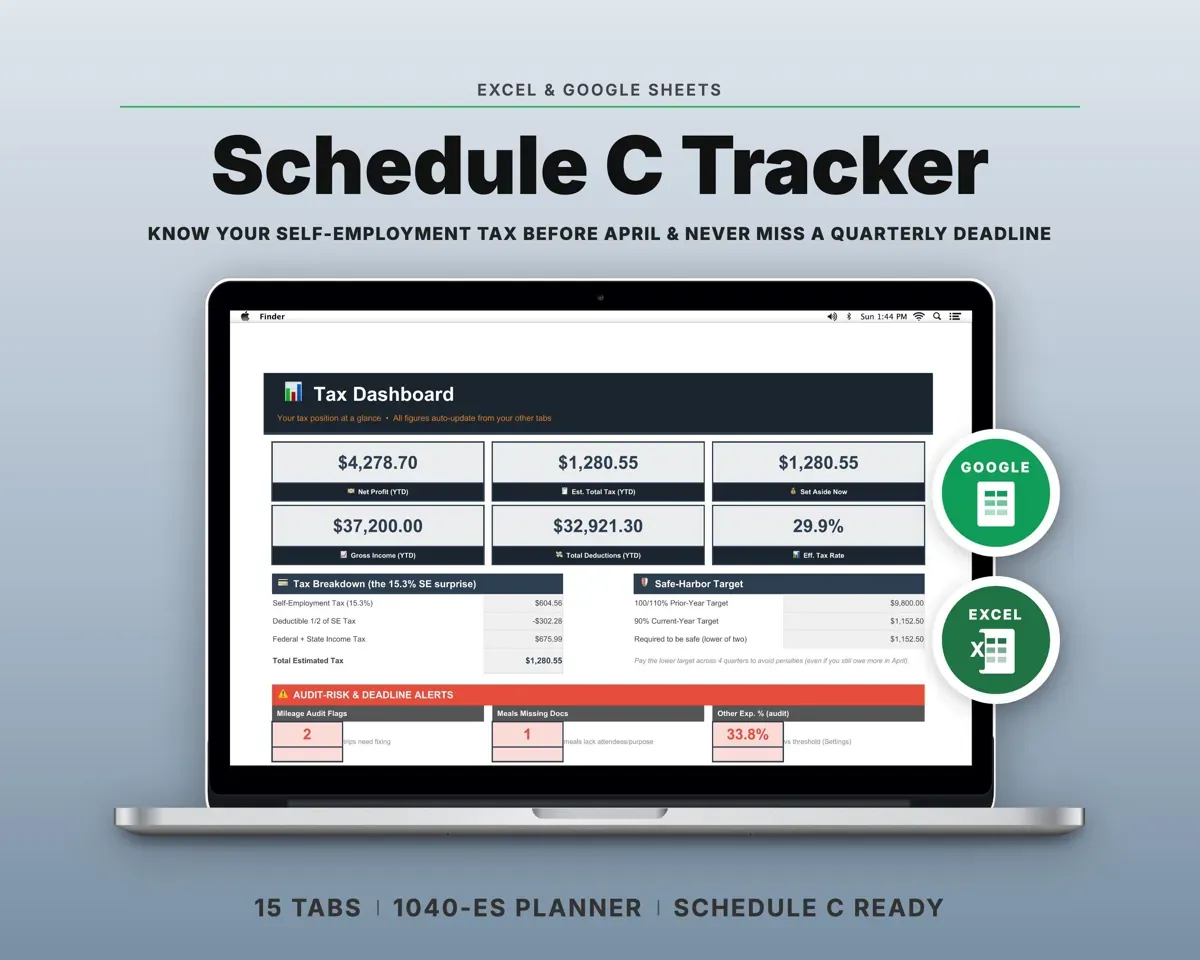
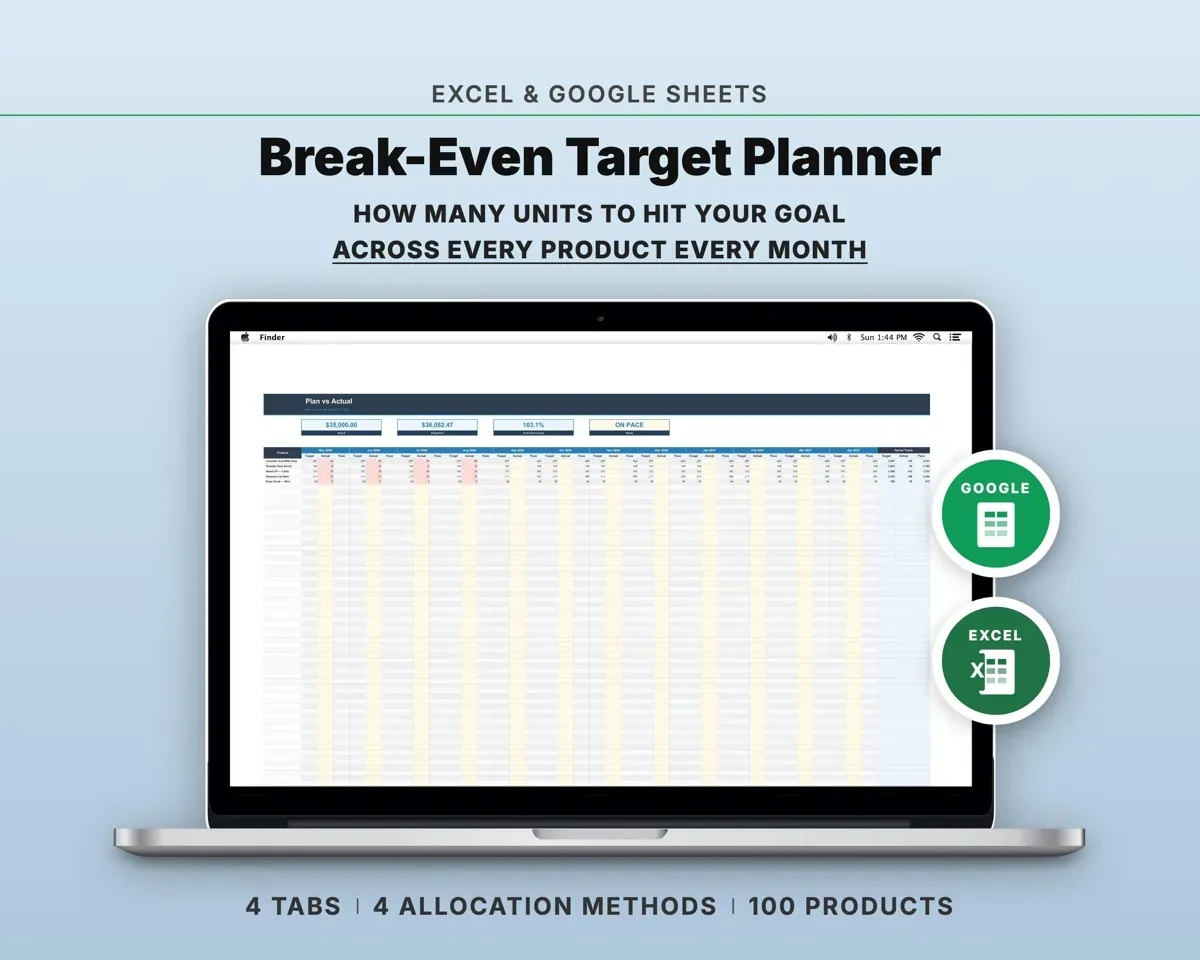
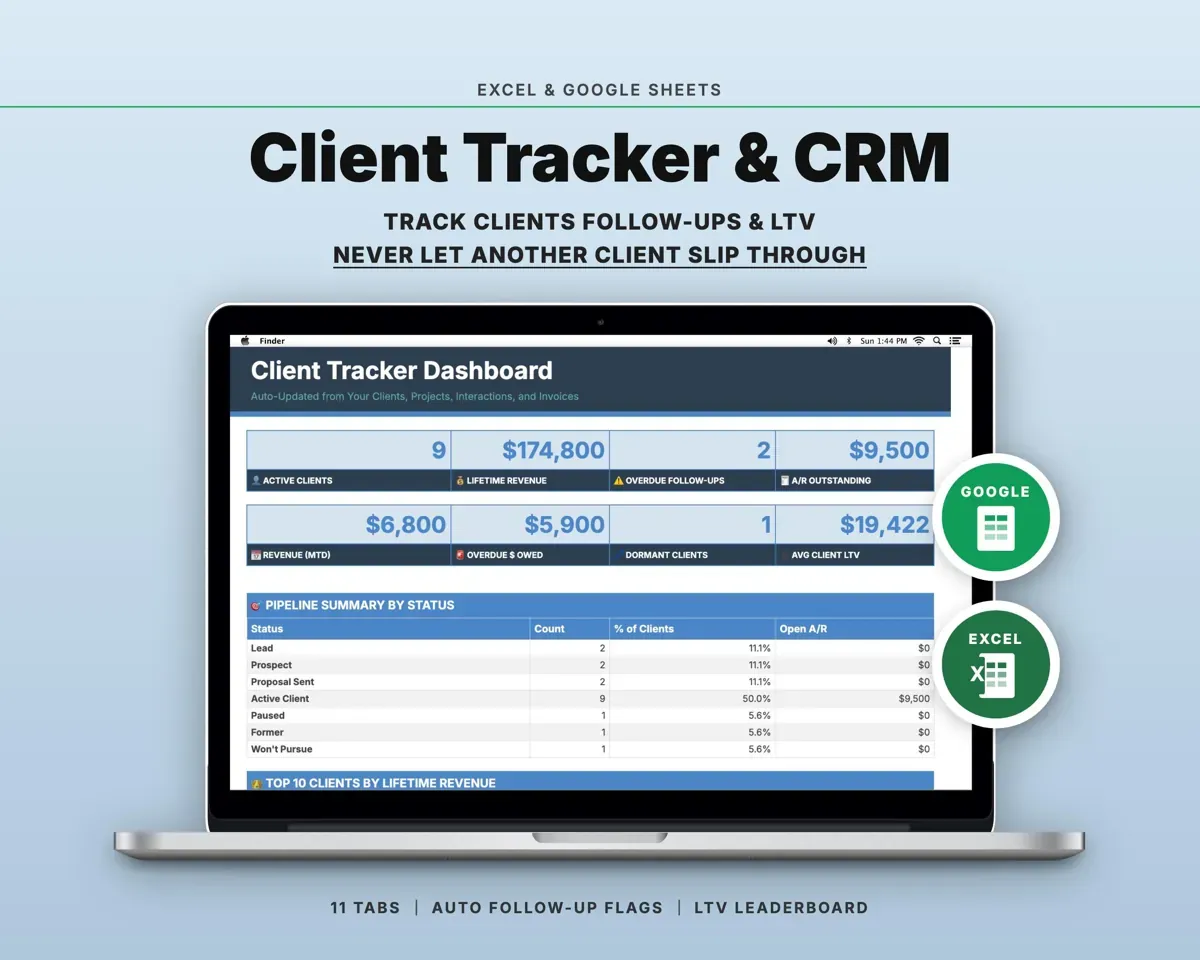
“Well thought out worksheets nicely presented”
“Excellent! Very easy to use.”
Before you buy
How many products can it track?
500 out of the box. You can add more rows and the formulas keep working.
Does it handle more than one storage location?
Yes. Each product has a main location, the Stock Movement tab logs transfers between locations, and Locate Product shows where everything is.
Can I use it for an online shop?
Yes. The Sales tab works for any channel, and the Price Calculator can include marketplace fees in landed cost.
What do I get?
An Excel file (.xlsx), a filled-in sample to look at, and a quick-start PDF guide with a link that makes your own copy in Google Sheets.
How does delivery work?
You get your download links right after checkout, and Stripe emails your receipt. There is nothing to ship and nothing to wait for.
How do I set it up in Google Sheets?
Open the quick-start PDF and click the Google Sheets link. Google makes a copy in your own Drive that only you can edit. You need a free Google account.
Will it work on a Mac?
Yes. It works in Excel on Mac and Windows, and in Google Sheets in any browser.
I'm not a spreadsheet person. Is that a problem?
No. You only type in the yellow cells. Everything in gray works itself out, and the Start Here tab shows you where to begin.
Can I get a refund?
Templates are digital downloads, so sales are final. If a file won't open, is broken or doesn't match its description, email hello@cleanpixelstudios.com within 30 days and we'll fix it, or refund you if we can't.
What if I get stuck?
Email hello@cleanpixelstudios.com and we'll help you get it working.
More in Small business & money
See all Small business & money templates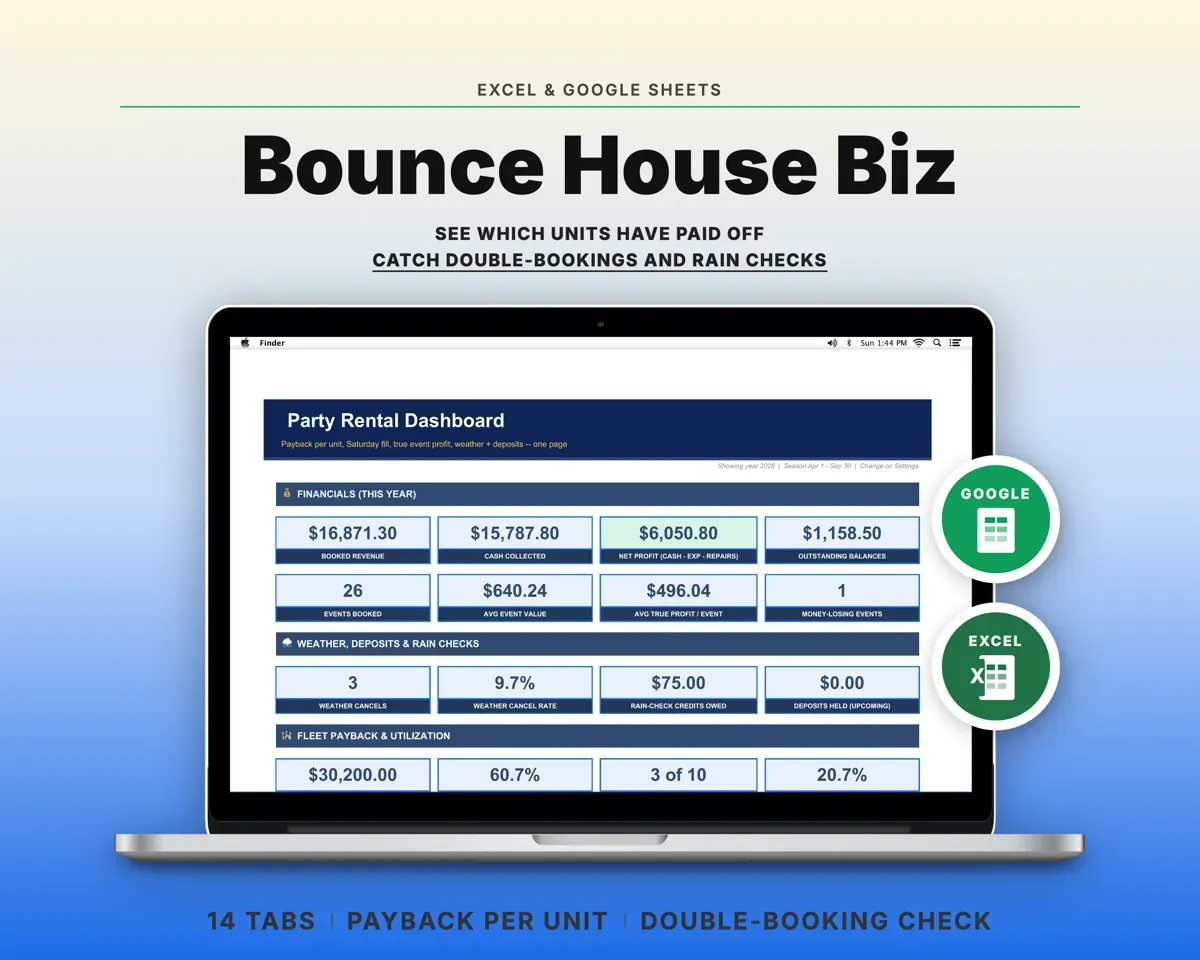
 Made by Clean Pixel Studios
We start every template by reading what people in that line of work say they struggle with, then build the spreadsheet around those problems. This one was made for small business owners and nobody else.
How we build templatesSmall Business Inventory Tracker$19.99 · Excel + Google Sheets