Built around the jobs sellers with more than one product actually do
Find out how many of each product to sell
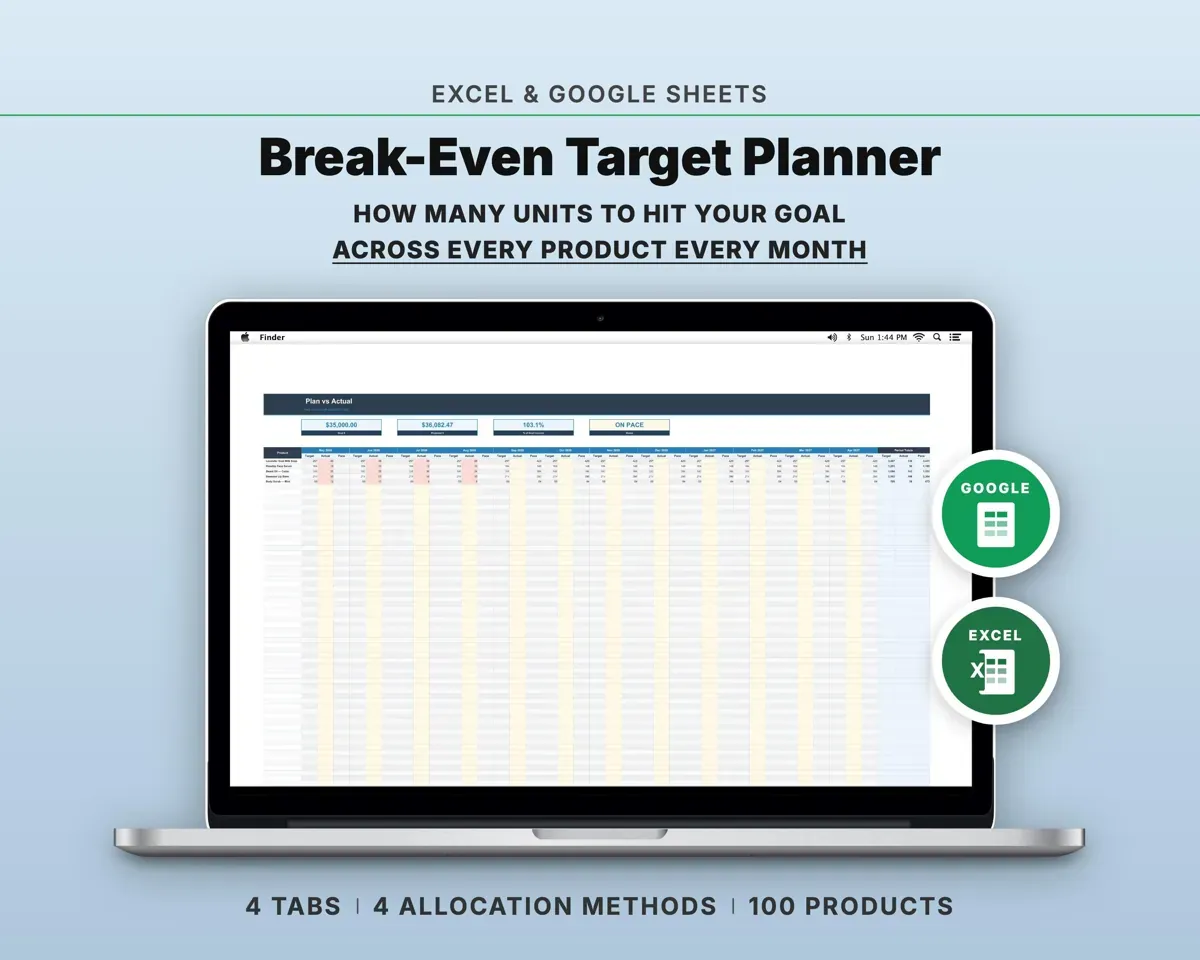
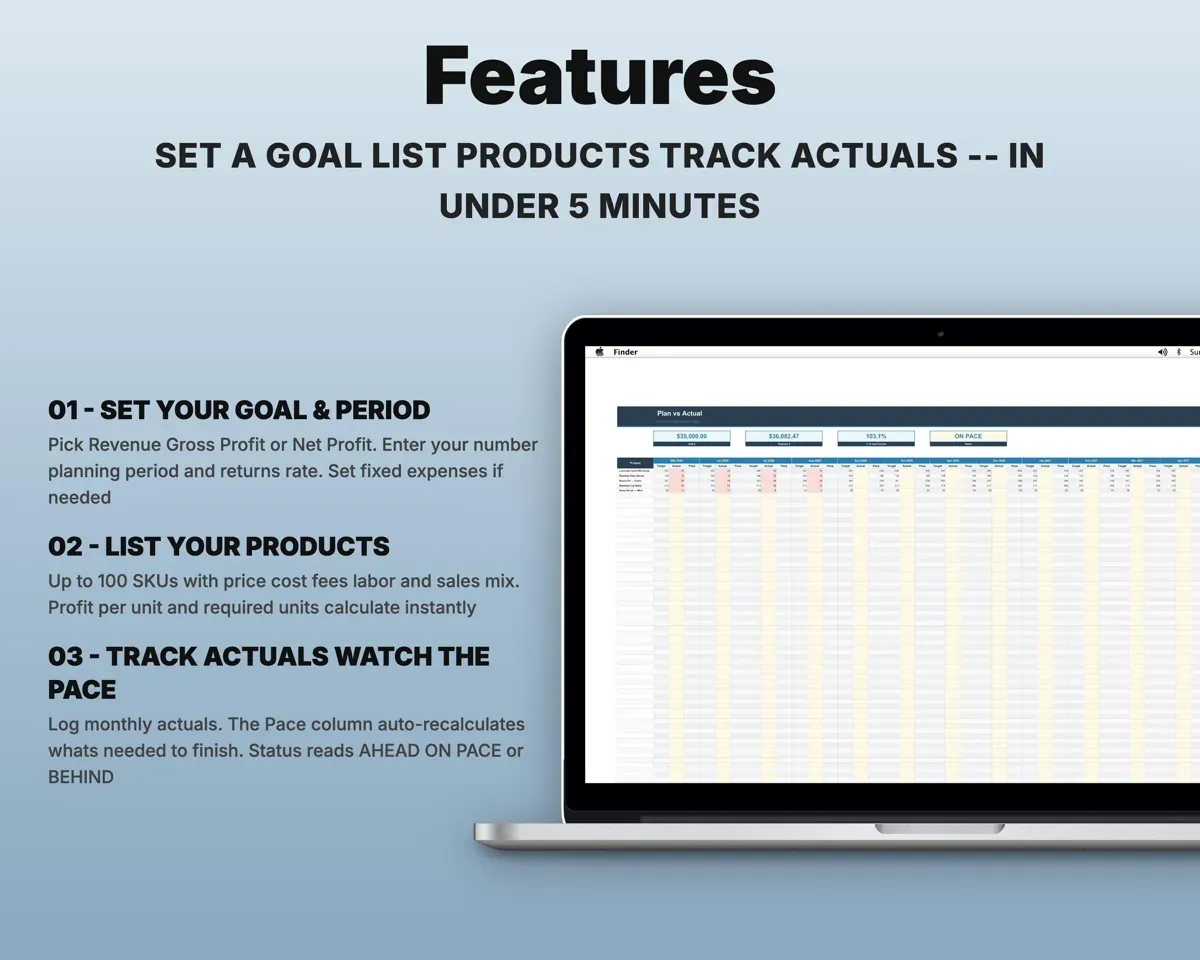
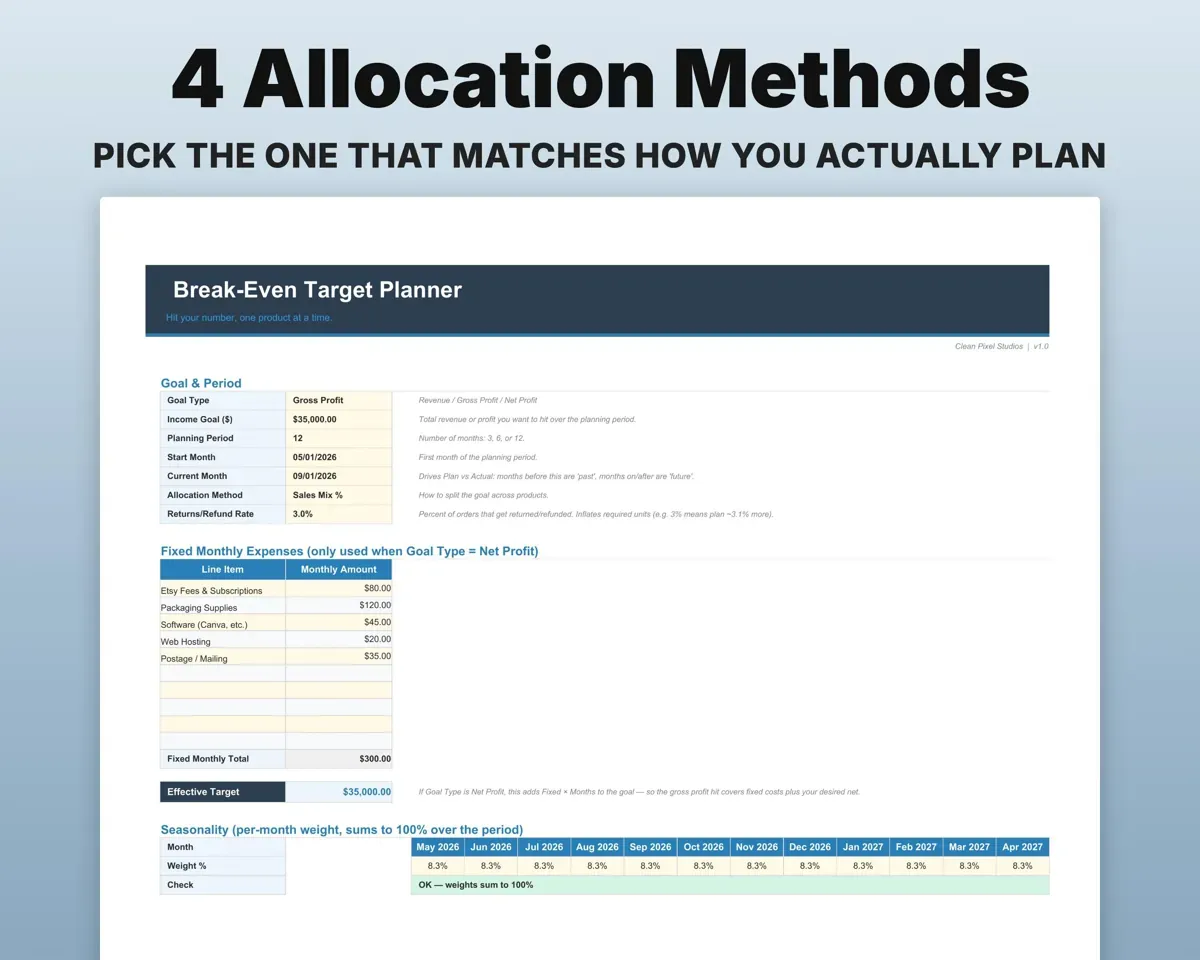
Set a revenue, gross profit or net profit goal and a 3, 6 or 12 month period. The sheet splits the goal across your products and gives each one a required-units number.
Goal, periodUnits per productCount every cost in profit per unit
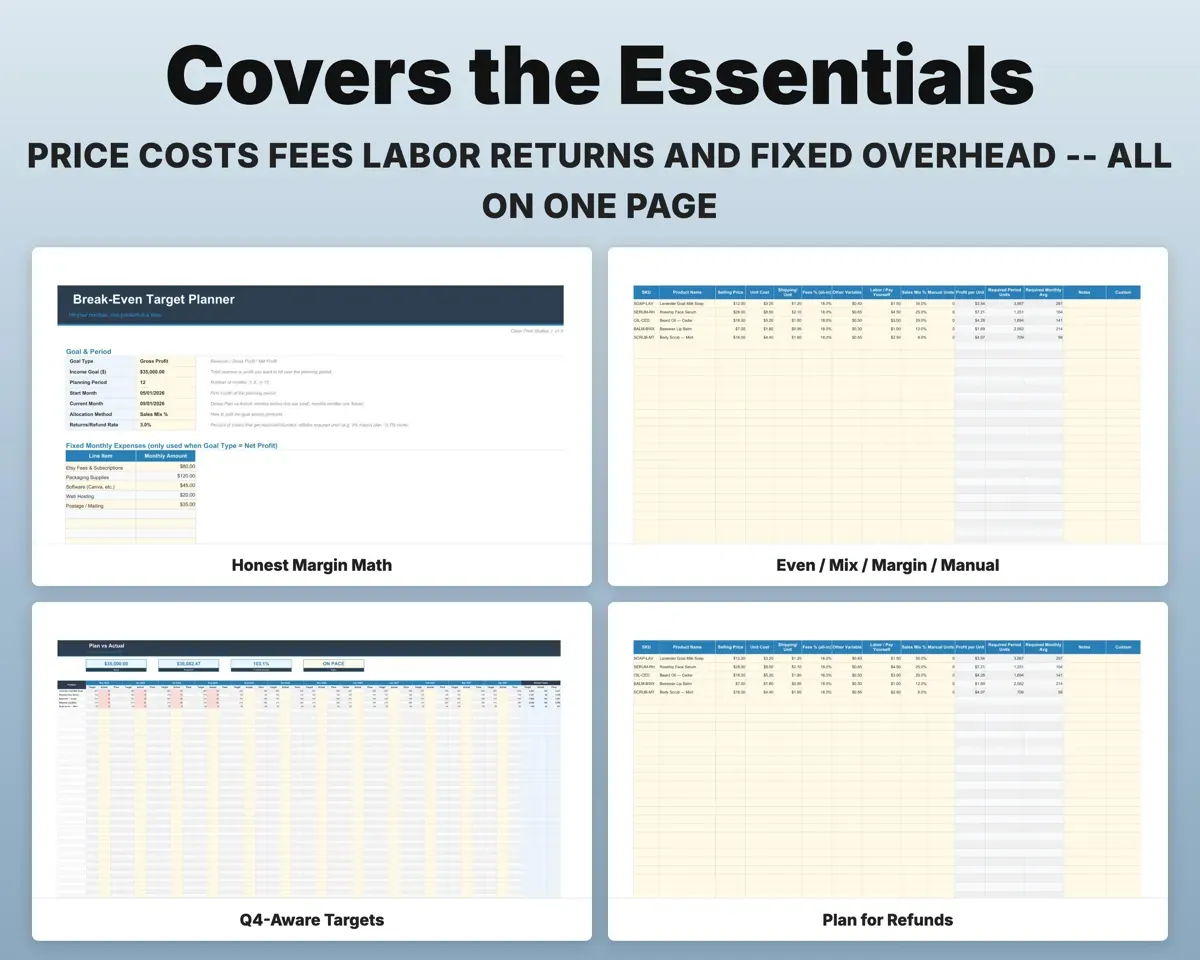
Enter price, unit cost, shipping, fees, other variable costs and labor per unit for up to 100 products. Profit per unit takes all of them out.
Price, costs, laborProfit per unitChoose how the goal is divided
Pick even split, your sales mix, margin-weighted or manual units. Change the method and the targets recalculate. Your logged actuals stay as they are.
Allocation methodTargets per productPlan for returns, overhead and busy months
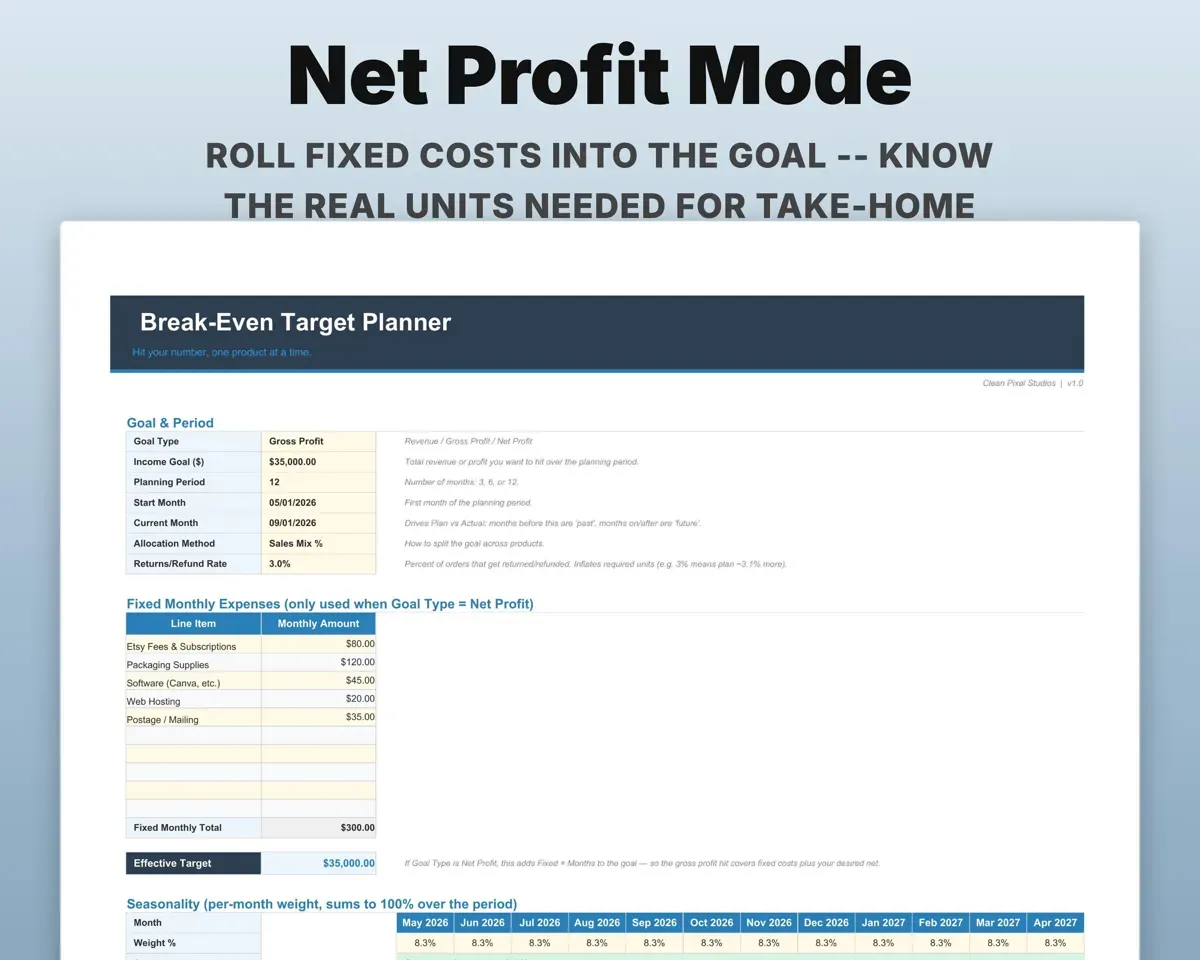
A returns rate raises the units you need. For a net profit goal, fixed monthly costs are added in. Seasonality weights spread targets across the months and flag red if they don't add to 100%.
Returns, overhead, weightsAdjusted monthly targetsSee if you are ahead or behind
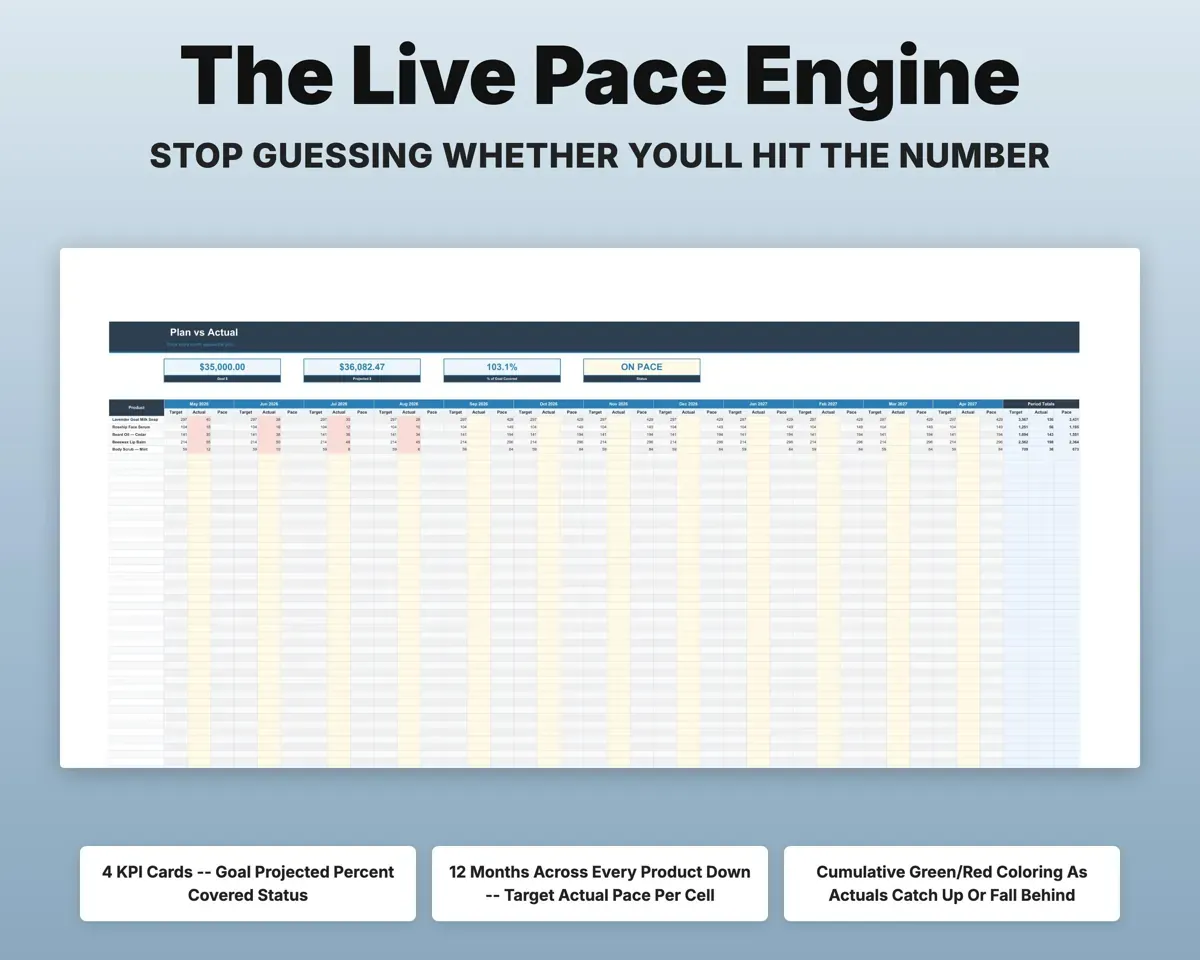
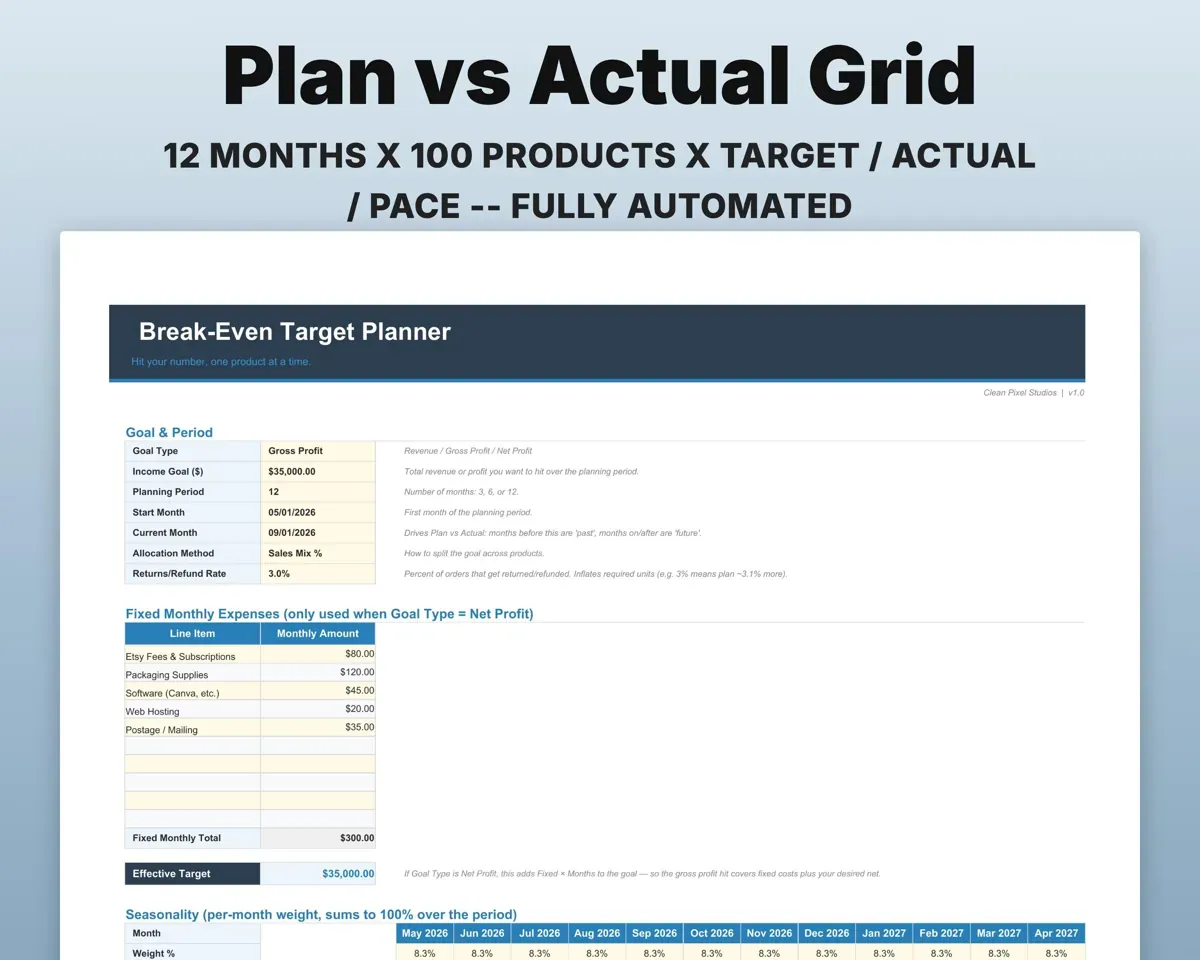
Log actual sales each month. The sheet works out the pace you need for the rest of the period and shows Ahead, On Pace or Behind.
Monthly actualsAhead, on pace, behindSort business expenses for tax time
Log each expense by category. The deductible flag and Schedule C line fill in, with a reference table on Setup.
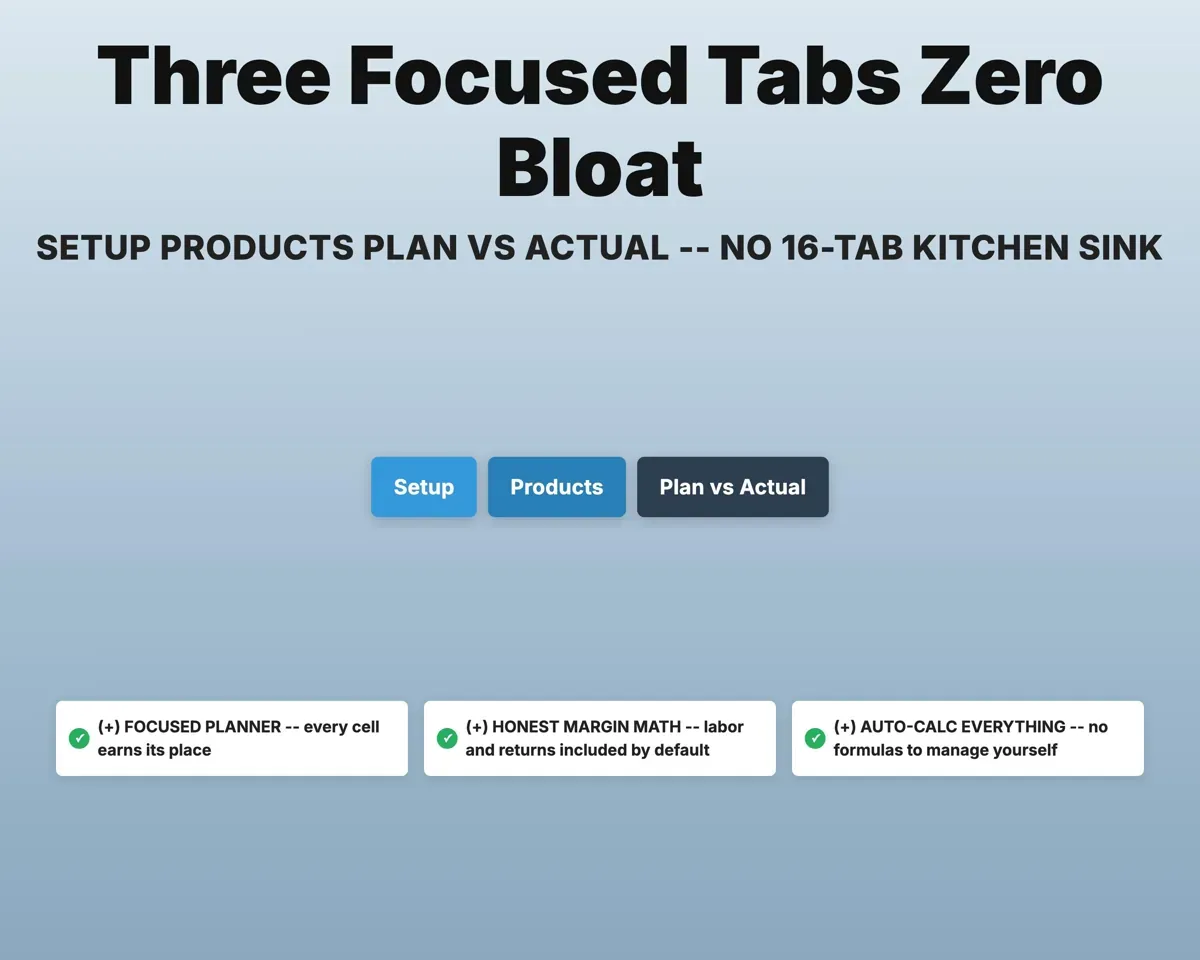
Expense, categorySchedule C line4 tabs in one file
- Setup
- Expenses
- Products
- Plan vs Actual
- Setup
- Goal, period, allocation method, returns, overhead and seasonality.
- Expenses
- Business expenses with deductible flag and Schedule C line.
- Products
- Up to 100 products with costs, profit and required units.
- Plan vs Actual
- Monthly target, actual and pace for each product.
Pair it with
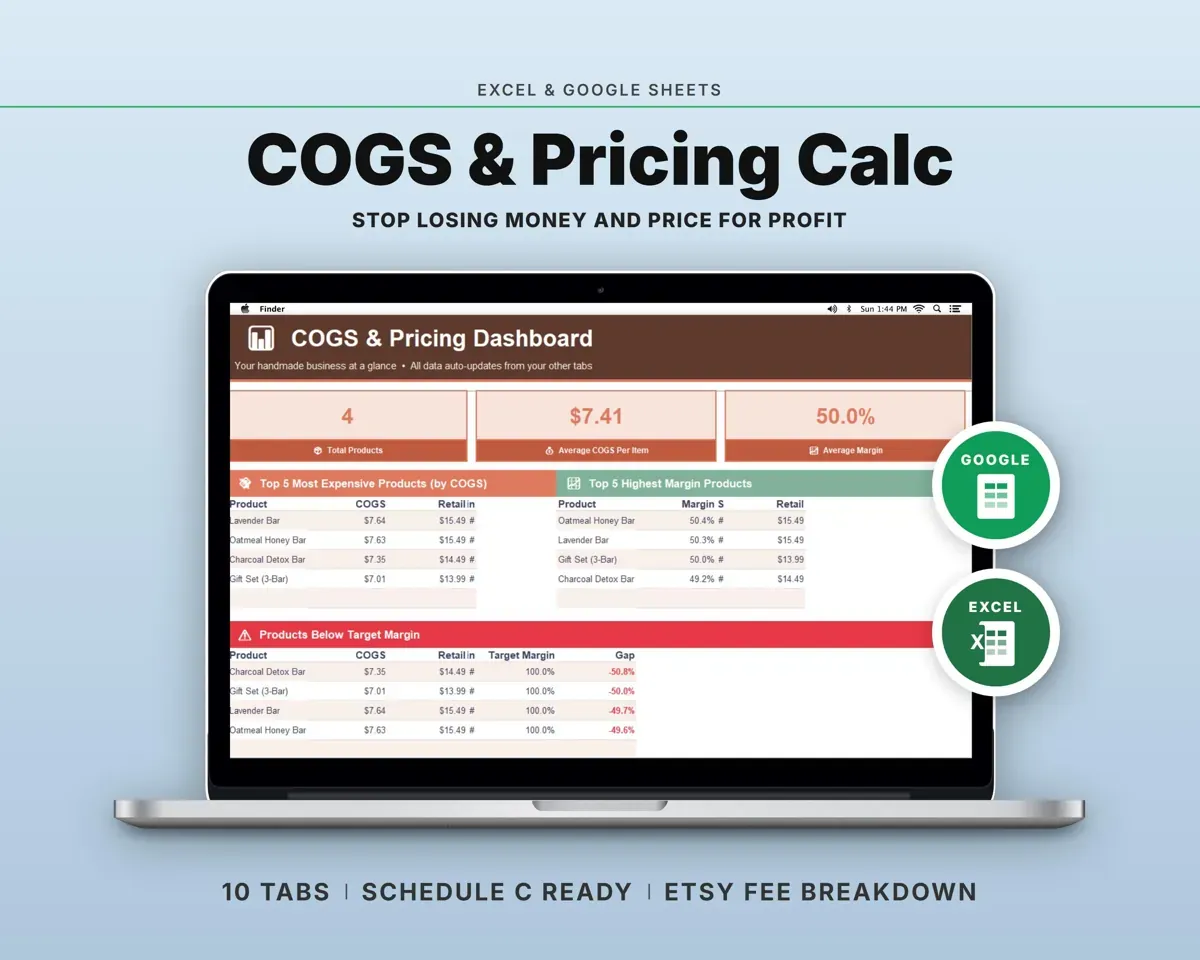
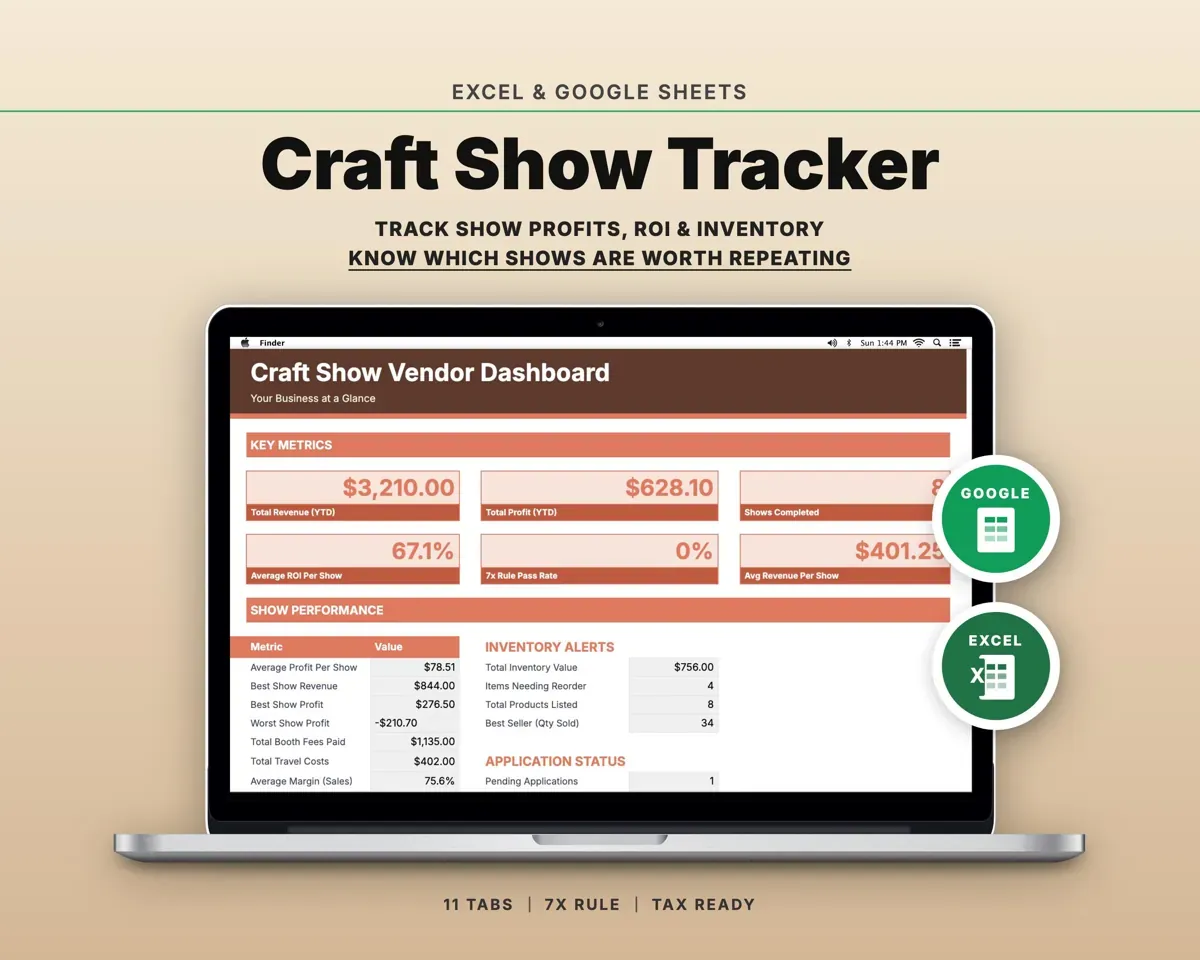
“Excellent! Very easy to use.”
“Nice Organization for 4H projects”
Before you buy
I sell on two channels with different fees. Can it handle that?
Fees are set per product, so list a product once per channel (for example "Soap - Etsy" and "Soap - Shopify") with its own fee percentage. Each row gets its own target.
I'm a new seller and don't know my sales mix yet.
Start with even split or margin-weighted. Once you have a few months of sales, switch to sales mix and enter the real percentages.
What happens if I have more than 100 products?
The formulas cover 100 product rows. Products beyond that won't be included in the math.
Can I see profit if my goal is revenue?
Yes. Profit per unit is always calculated, whatever goal type you pick.
What do I get?
An Excel file (.xlsx), a filled-in sample to look at, and a quick-start PDF guide with a link that makes your own copy in Google Sheets.
How does delivery work?
You get your download links right after checkout, and Stripe emails your receipt. There is nothing to ship and nothing to wait for.
How do I set it up in Google Sheets?
Open the quick-start PDF and click the Google Sheets link. Google makes a copy in your own Drive that only you can edit. You need a free Google account.
Will it work on a Mac?
Yes. It works in Excel on Mac and Windows, and in Google Sheets in any browser.
I'm not a spreadsheet person. Is that a problem?
No. You only type in the yellow cells. Everything in gray works itself out.
Can I get a refund?
Templates are digital downloads, so sales are final. If a file won't open, is broken or doesn't match its description, email hello@cleanpixelstudios.com within 30 days and we'll fix it, or refund you if we can't.
What if I get stuck?
Email hello@cleanpixelstudios.com and we'll help you get it working.
More in Small business & money
See all Small business & money templates
 Made by Clean Pixel Studios
We start every template by reading what people in that line of work say they struggle with, then build the spreadsheet around those problems. This one was made for sellers with more than one product and nobody else.
How we build templatesMulti-Product Break-Even Calculator$19.99 · Excel + Google Sheets