Built around the jobs tutors actually do
See every student's balance
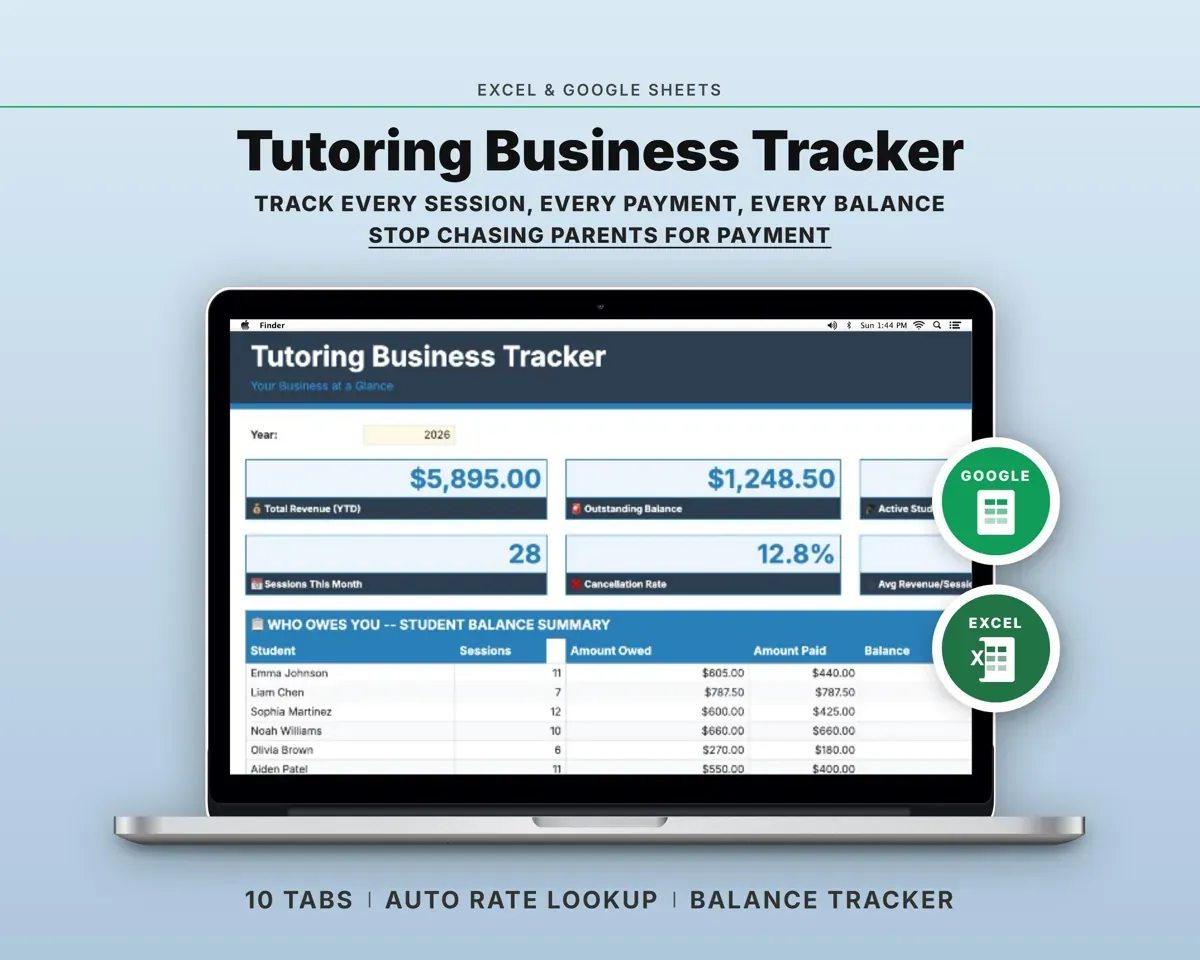
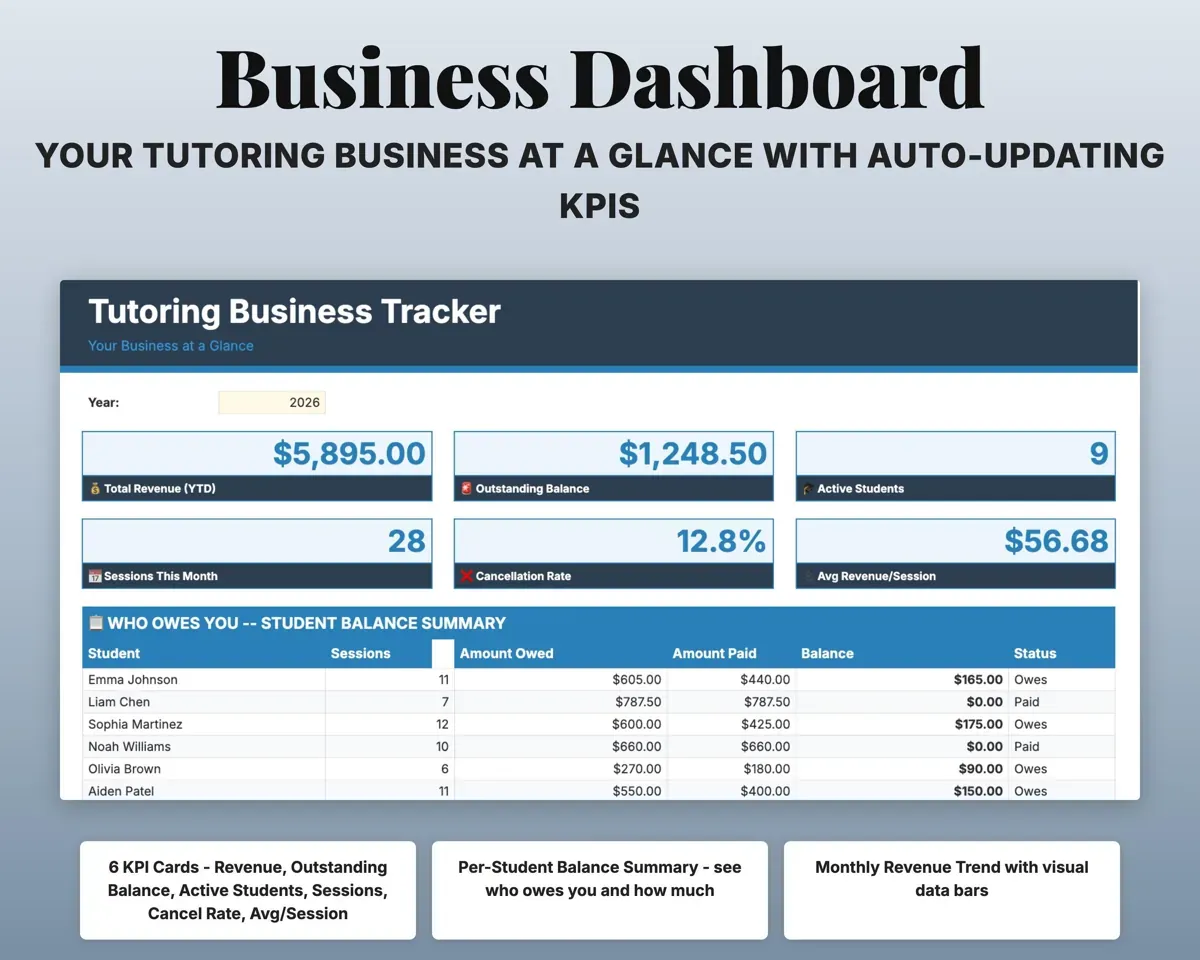
The Dashboard compares what you billed each student with what they paid and shows the balance left.
Sessions and paymentsBalance per studentLog a session and the amount fills in
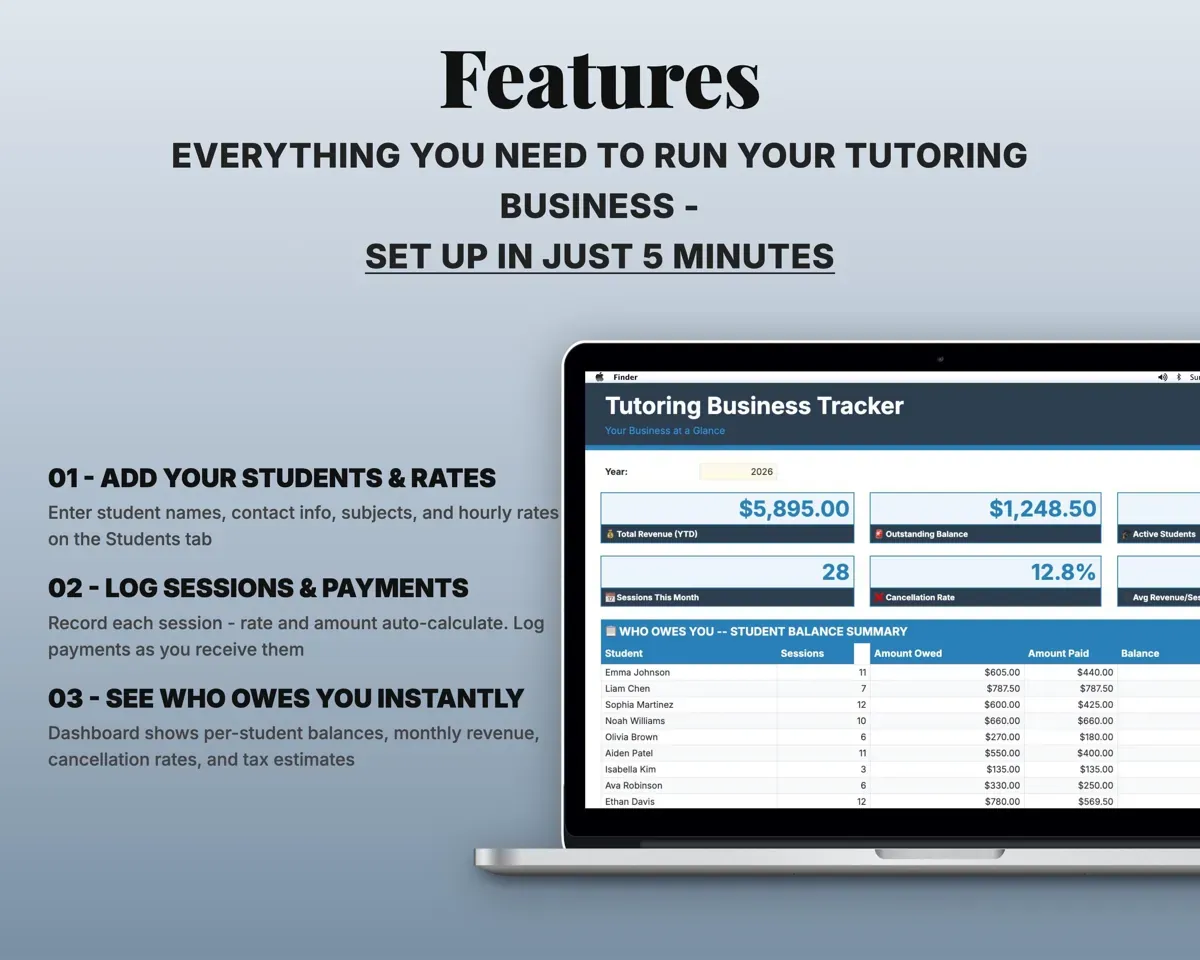
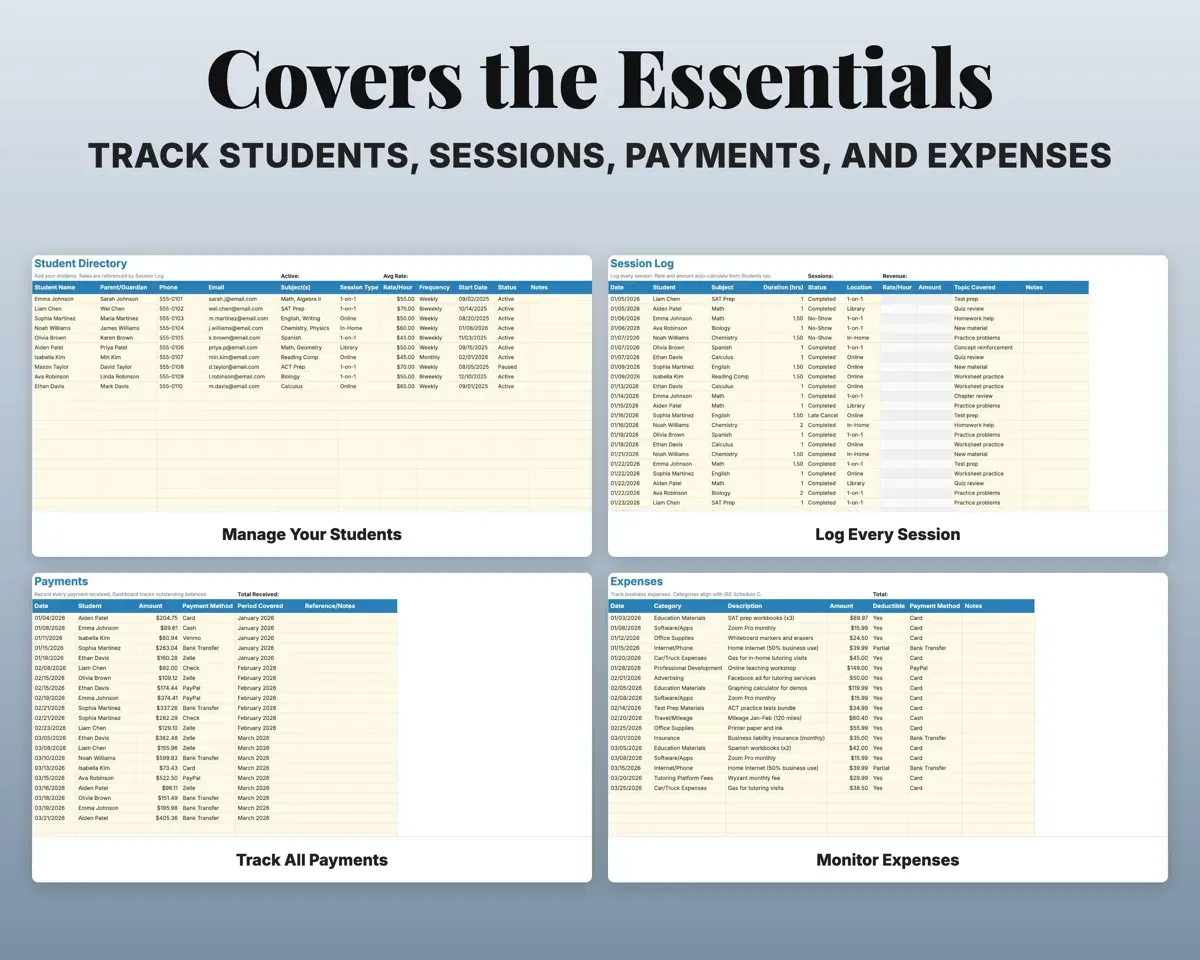
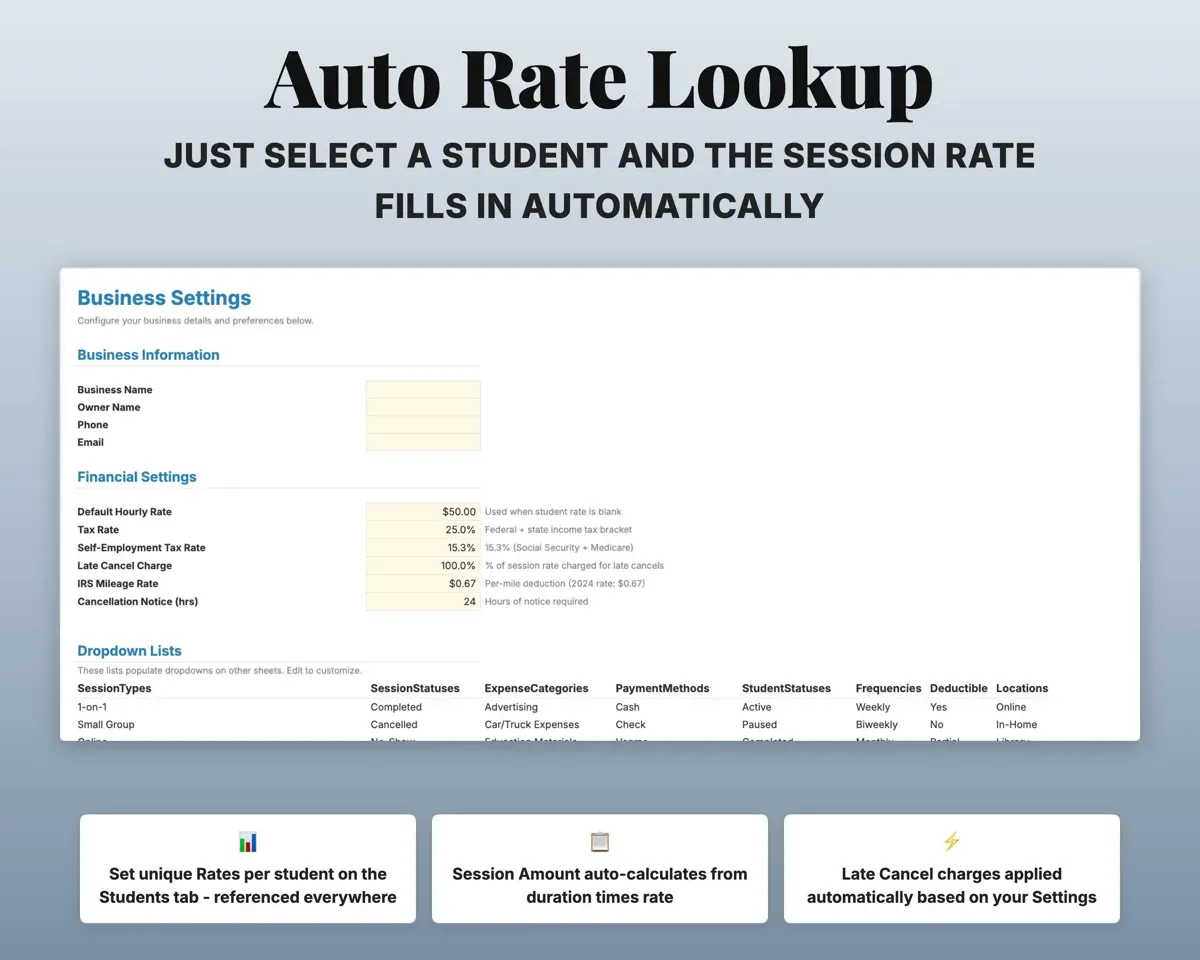
Pick the student and enter the length. Their rate comes from the Students tab and the amount is worked out for you.
Student, durationSession amountKeep track of cancels and no-shows
Mark each session completed, cancelled, no-show, late cancel or rescheduled. Late cancels charge the session rate, and the Dashboard shows your cancellation rate.
Session statusCancellation ratePull up any student on one screen
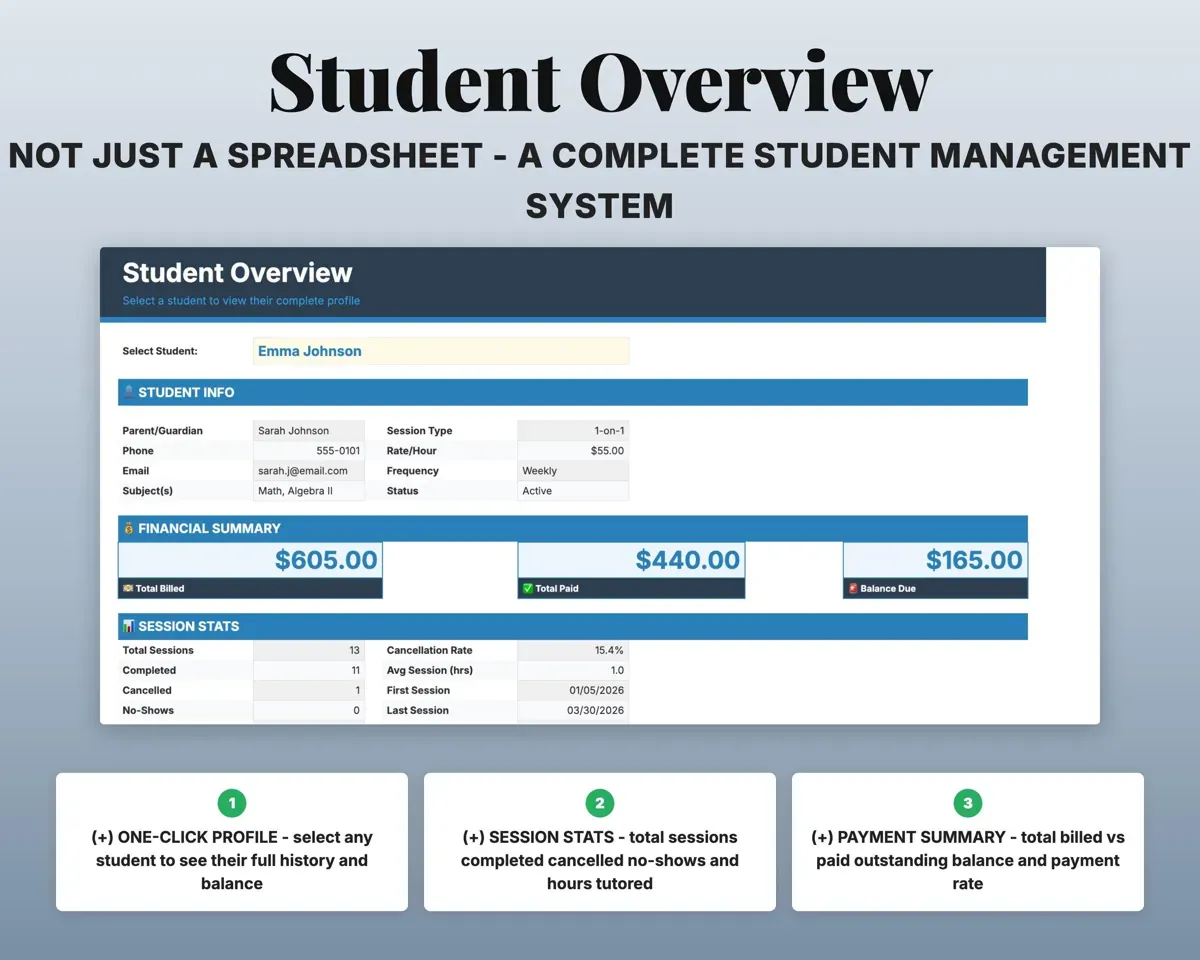
Pick a name to see contact details, rate, session counts, hours, total billed and paid, balance, and first and last session dates.
Student nameFull student profilePlan quarterly estimated taxes
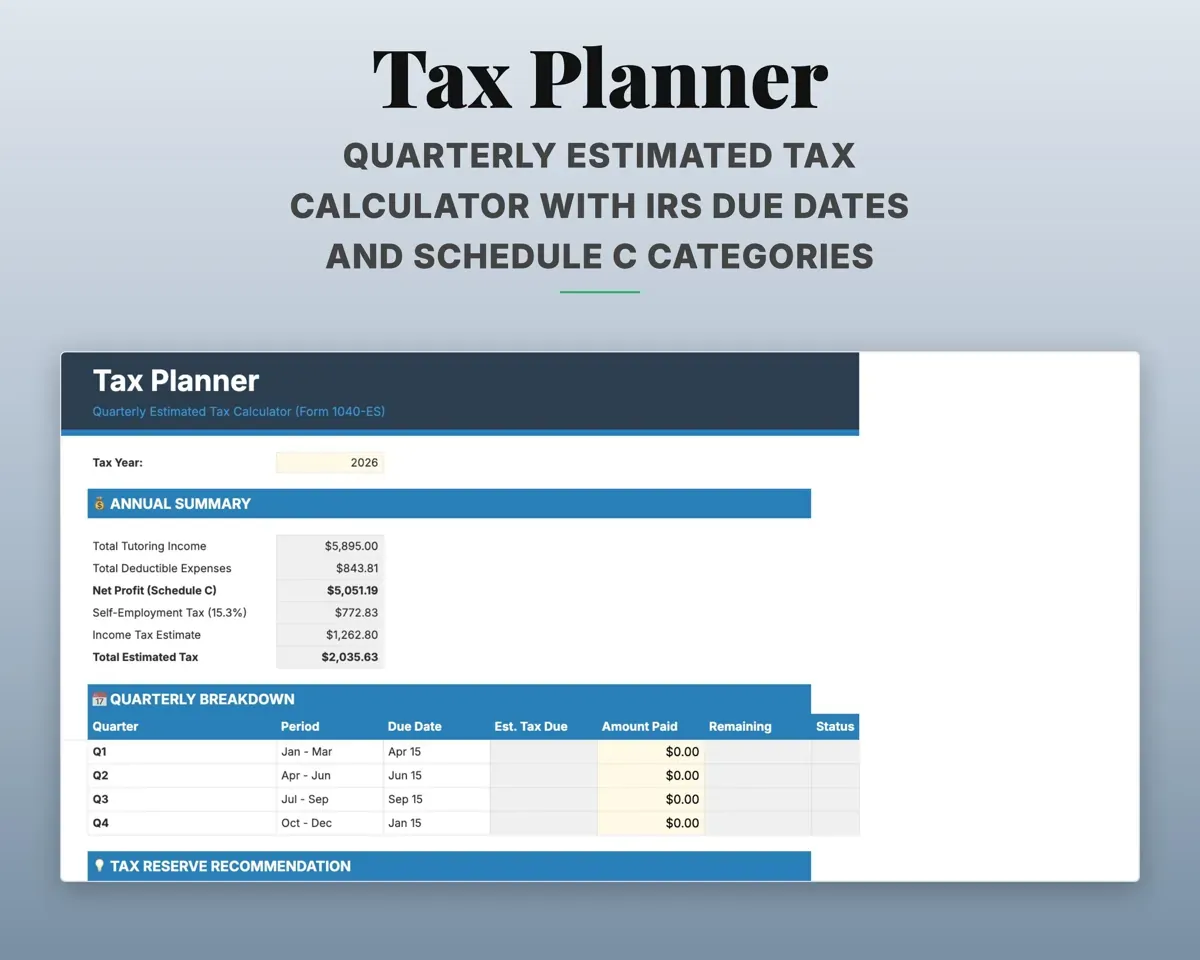
13 expense categories matched to Schedule C with a deductible flag. The Tax Planner estimates quarterly tax, including self-employment tax, and suggests an amount to set aside per session.
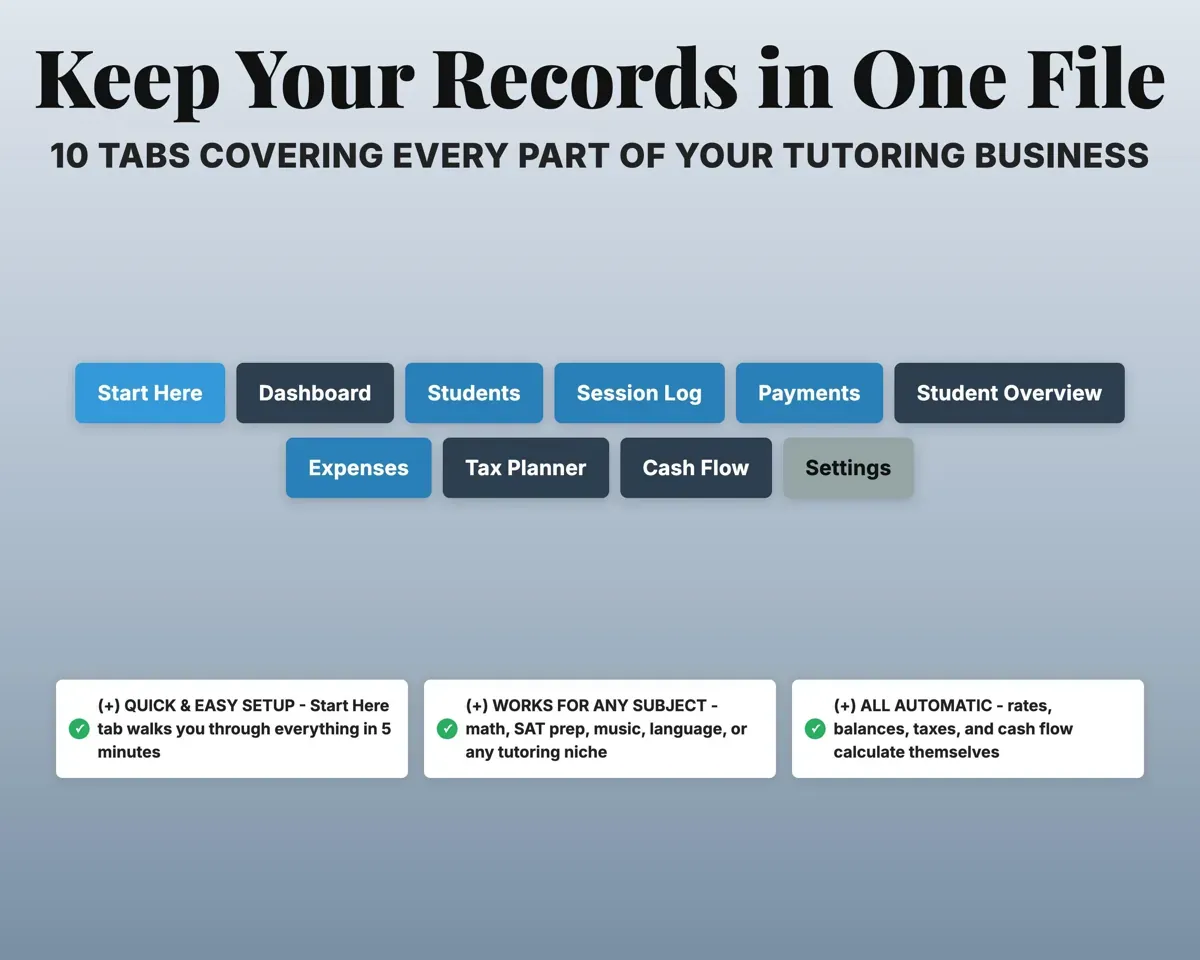
Expenses, tax paymentsSet aside per session10 tabs in one file
- Start Here
- Dashboard
- Students
- Session Log
- Payments
- Student Overview
- Expenses
- Tax Planner
- Cash Flow
- Settings
- Start Here
- Setup steps, color key and a guide to each tab.
- Dashboard
- Revenue, balances owed, cancellation rate and monthly trend.
- Students
- Contacts, parents, subjects and hourly rate for each student.
- Session Log
- Every session with status, length and amount.
- Payments
- Each payment with date, amount and method.
- Student Overview
- One student's profile, sessions and payment history.
- Expenses
- Business costs in 13 Schedule C categories.
- Tax Planner
- Quarterly 1040-ES estimates, due dates and payments.
- Cash Flow
- Twelve months of income and expenses.
- Settings
- Default rate, tax rates, mileage rate, cancellation policy and lists.
Pair it with
“Excellent! Very easy to use.”
“Nice Organization for 4H projects”
Before you buy
Can each student have a different rate?
Yes. Set a rate for each student on the Students tab and it fills in on every session. New students can start on your default rate.
Does it work for any subject?
Yes. Math, reading, test prep, music, languages or anything else. Subjects and every dropdown list are editable on the Settings tab.
How does it know who still owes me?
Sessions you log are billed at the student's rate, and the payments you record are taken off. The Dashboard shows what is left for each student.
What do I get?
An Excel file (.xlsx), a filled-in sample to look at, and a quick-start PDF guide with a link that makes your own copy in Google Sheets.
How does delivery work?
You get your download links right after checkout, and Stripe emails your receipt. There is nothing to ship and nothing to wait for.
How do I set it up in Google Sheets?
Open the quick-start PDF and click the Google Sheets link. Google makes a copy in your own Drive that only you can edit. You need a free Google account.
Will it work on a Mac?
Yes. It works in Excel on Mac and Windows, and in Google Sheets in any browser.
I'm not a spreadsheet person. Is that a problem?
No. You only type in the yellow cells. Everything in gray works itself out, and the Start Here tab shows you where to begin.
Can I get a refund?
Templates are digital downloads, so sales are final. If a file won't open, is broken or doesn't match its description, email hello@cleanpixelstudios.com within 30 days and we'll fix it, or refund you if we can't.
What if I get stuck?
Email hello@cleanpixelstudios.com and we'll help you get it working.
More in Small business & money
See all Small business & money templates
 Made by Clean Pixel Studios
We start every template by reading what people in that line of work say they struggle with, then build the spreadsheet around those problems. This one was made for tutors and nobody else.
How we build templatesTutoring Business Tracker$17.99 · Excel + Google Sheets