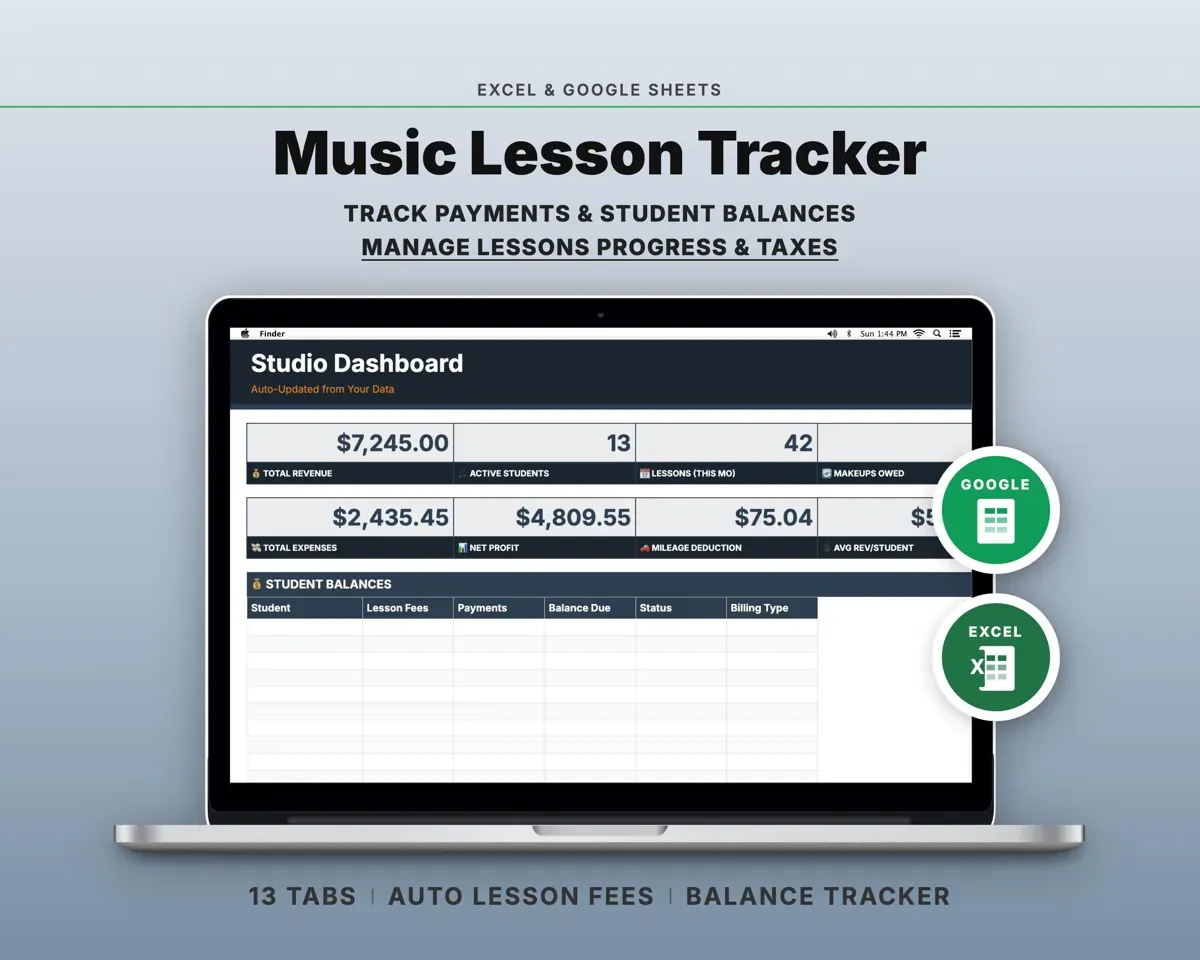
Built around the jobs music teachers actually do
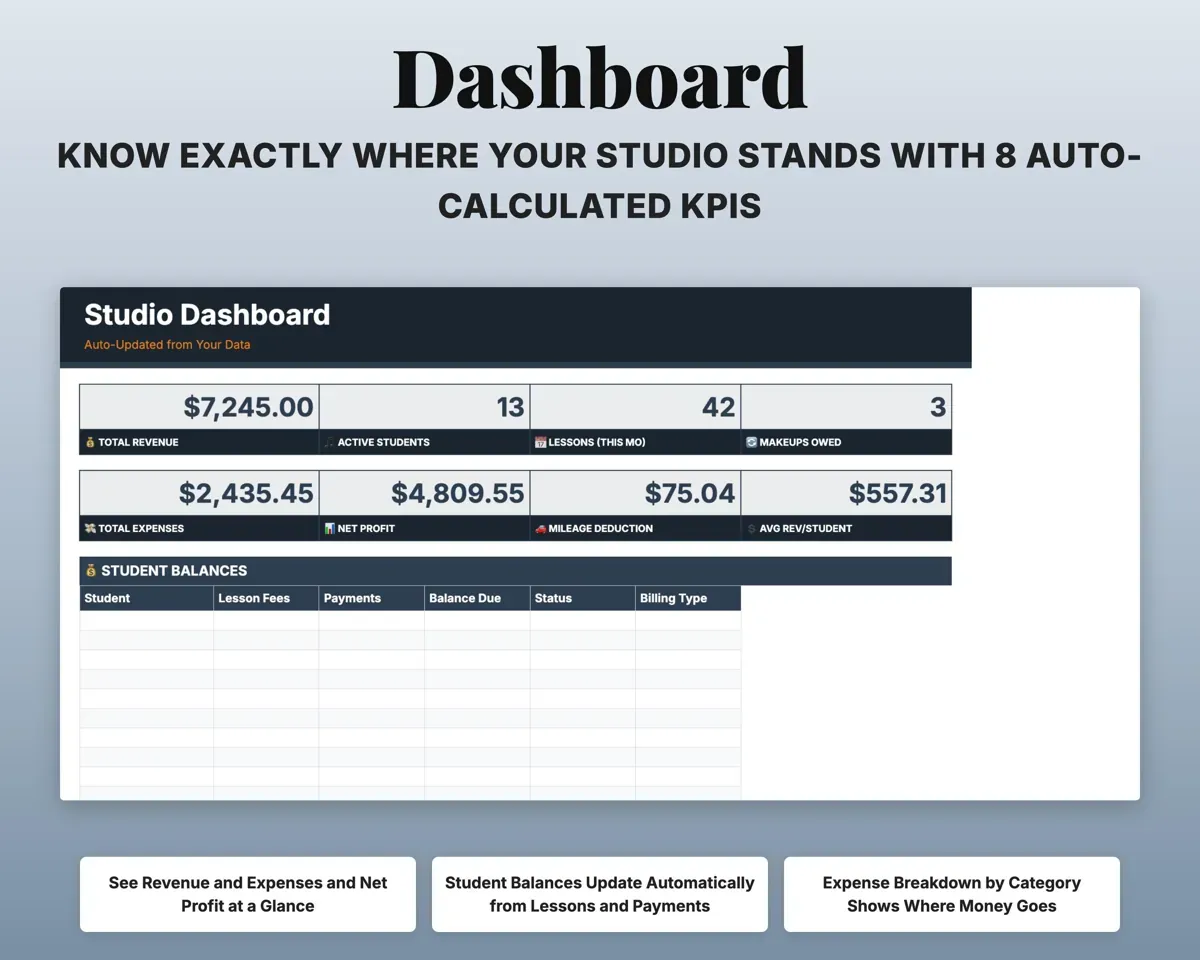
Know who has paid and who owes
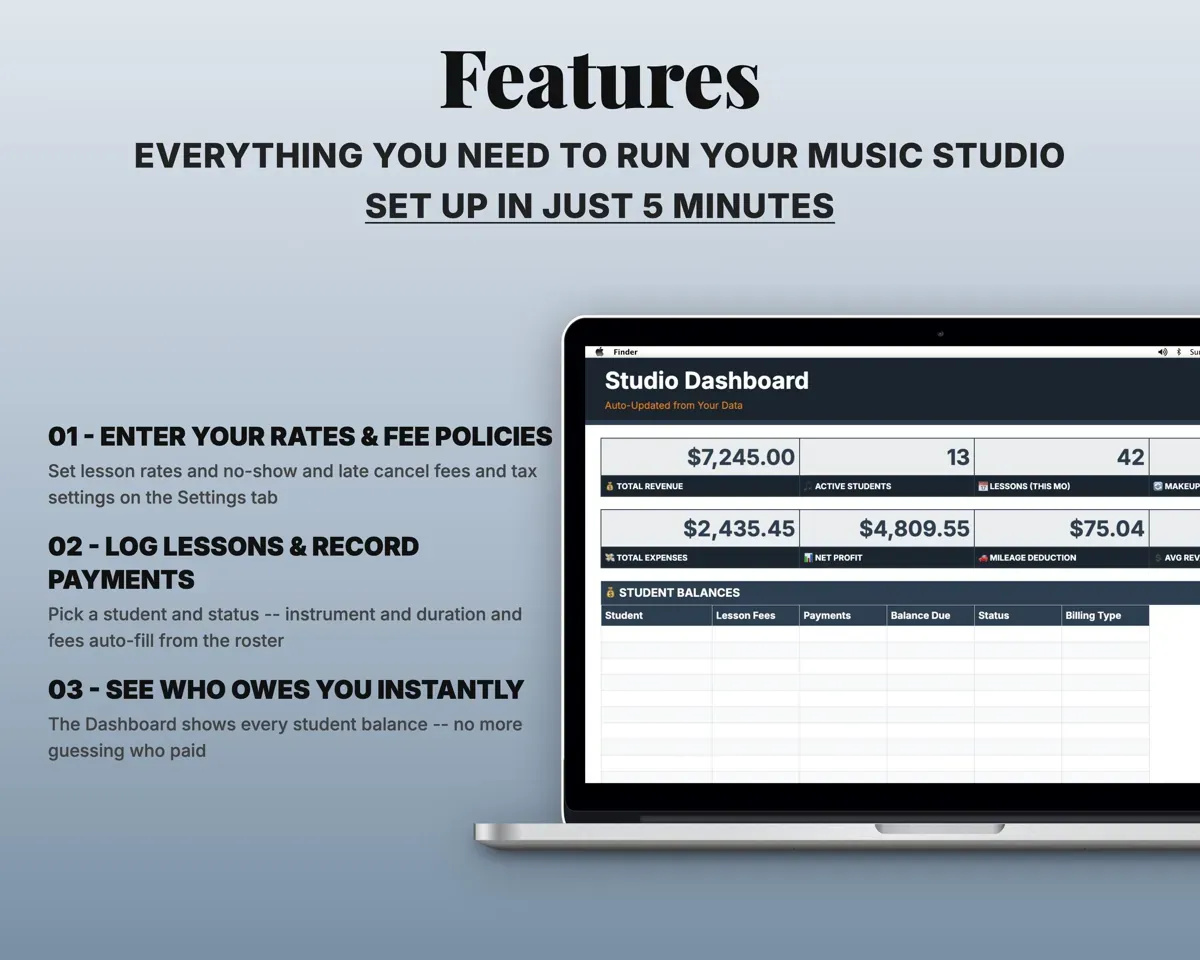
Each lesson you log creates a fee from that student's rate. Payments come off it, and the Dashboard shows every student's balance.
Lessons, paymentsBalance per studentLog attendance in a couple of clicks
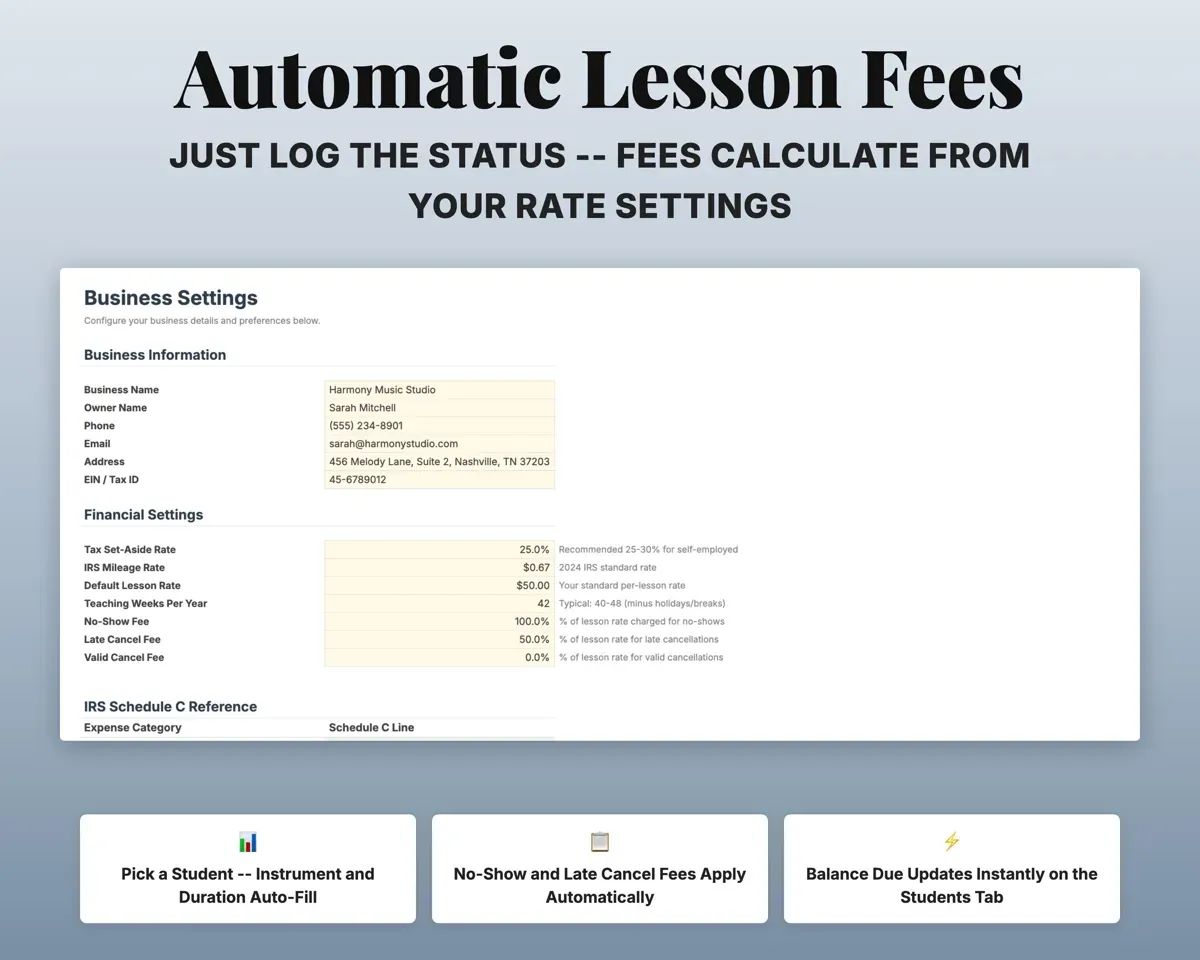
Pick the student and the status. Instrument, length and fee fill in, and makeup lessons are tracked.
Student, statusLesson feeCharge no-shows and late cancels your way
Set the percentage for no-shows, late cancellations and valid cancellations in Settings. The lesson fee follows the rule you set.
Fee policyFee per lessonKeep notes on what each student is working on
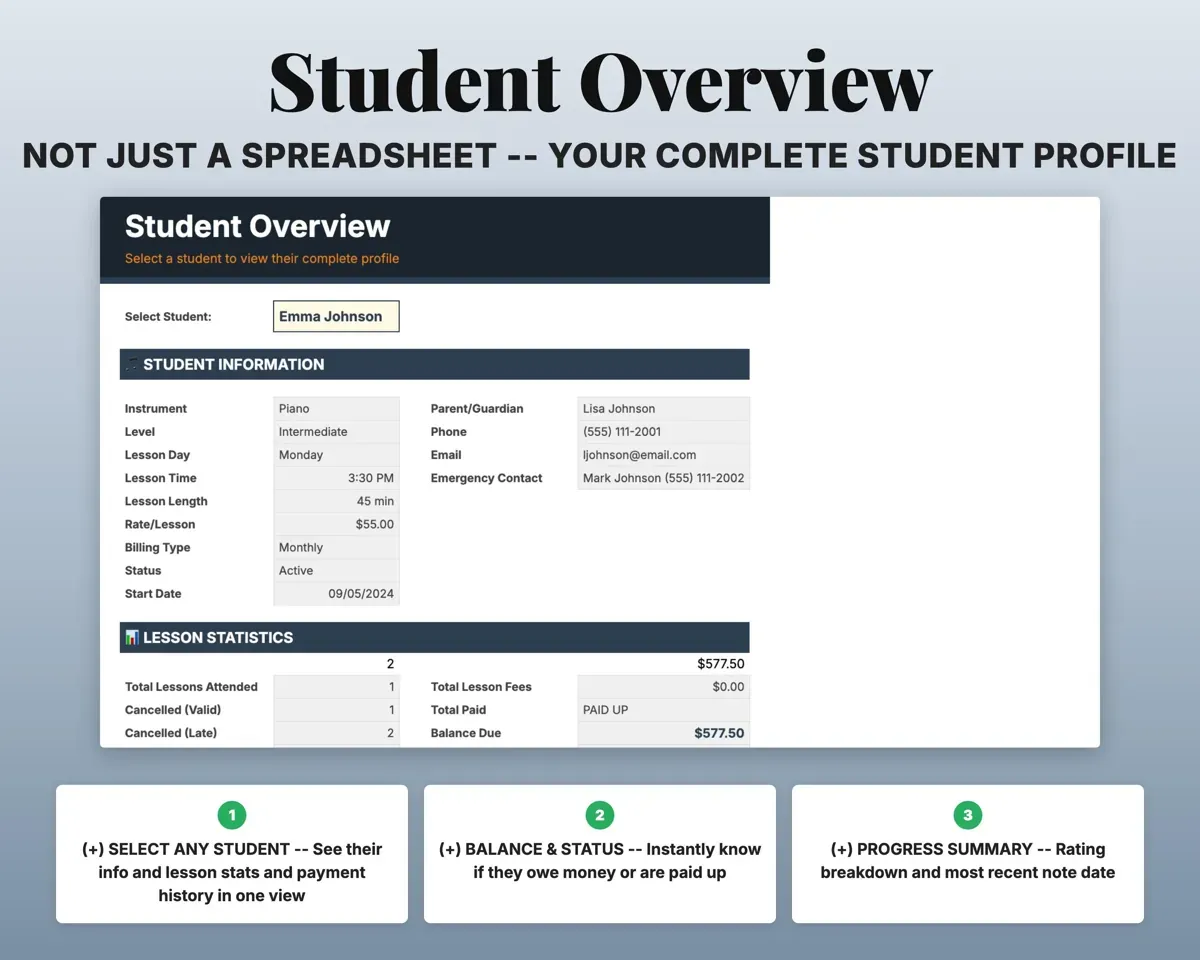
Record repertoire, technique, theory, assignments and a rating. Student Overview shows one student's notes, stats and payment history together.
Notes, ratingsStudent profileWork out a flat monthly rate
The Tuition Calculator turns lesson pricing into a flat monthly rate and compares rates side by side.
Rate, lessonsMonthly tuitionHave expenses, mileage and quarterly tax ready
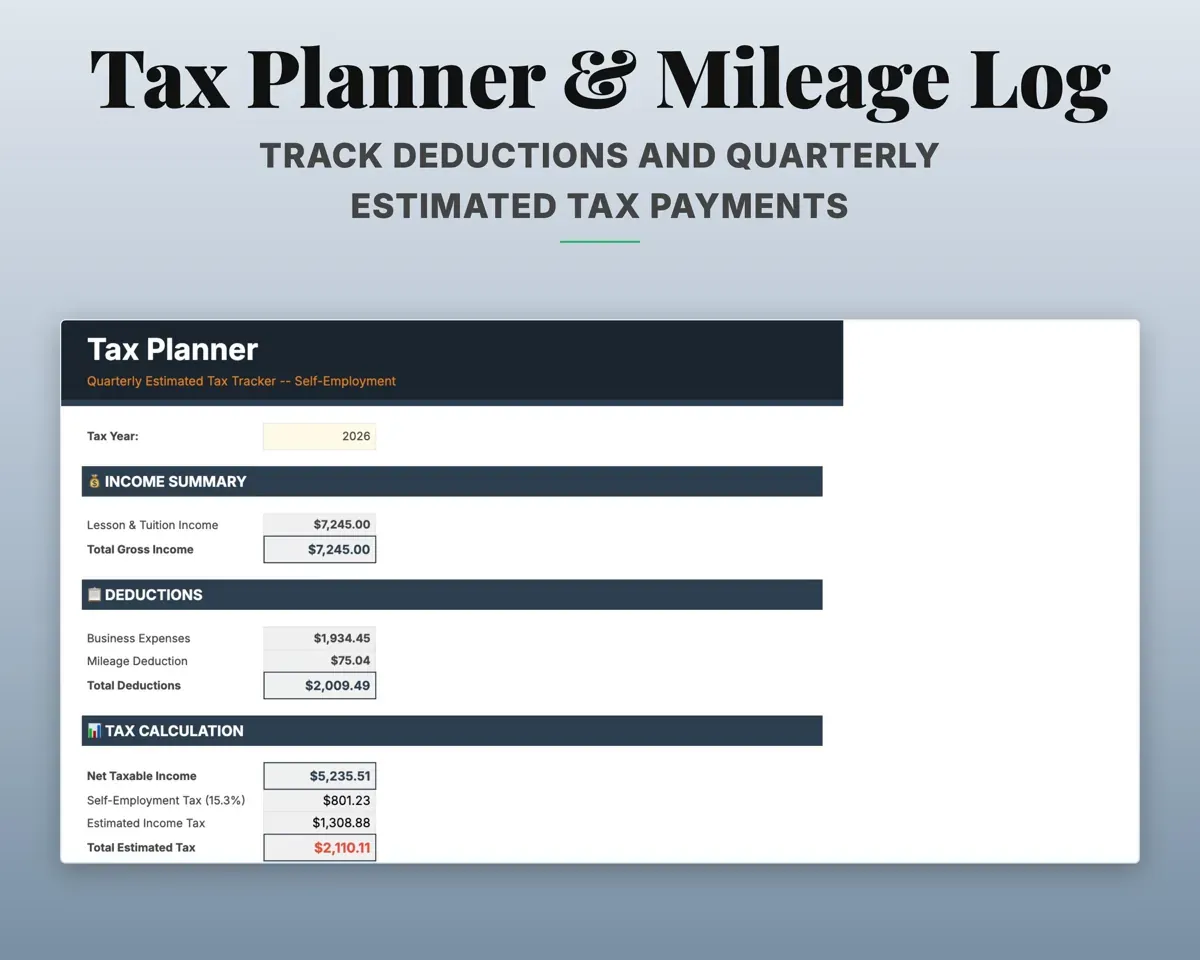
16 music-teaching expense categories map to Schedule C lines. Mileage works out the deduction, and the Tax Planner estimates quarterly payments with SE tax.
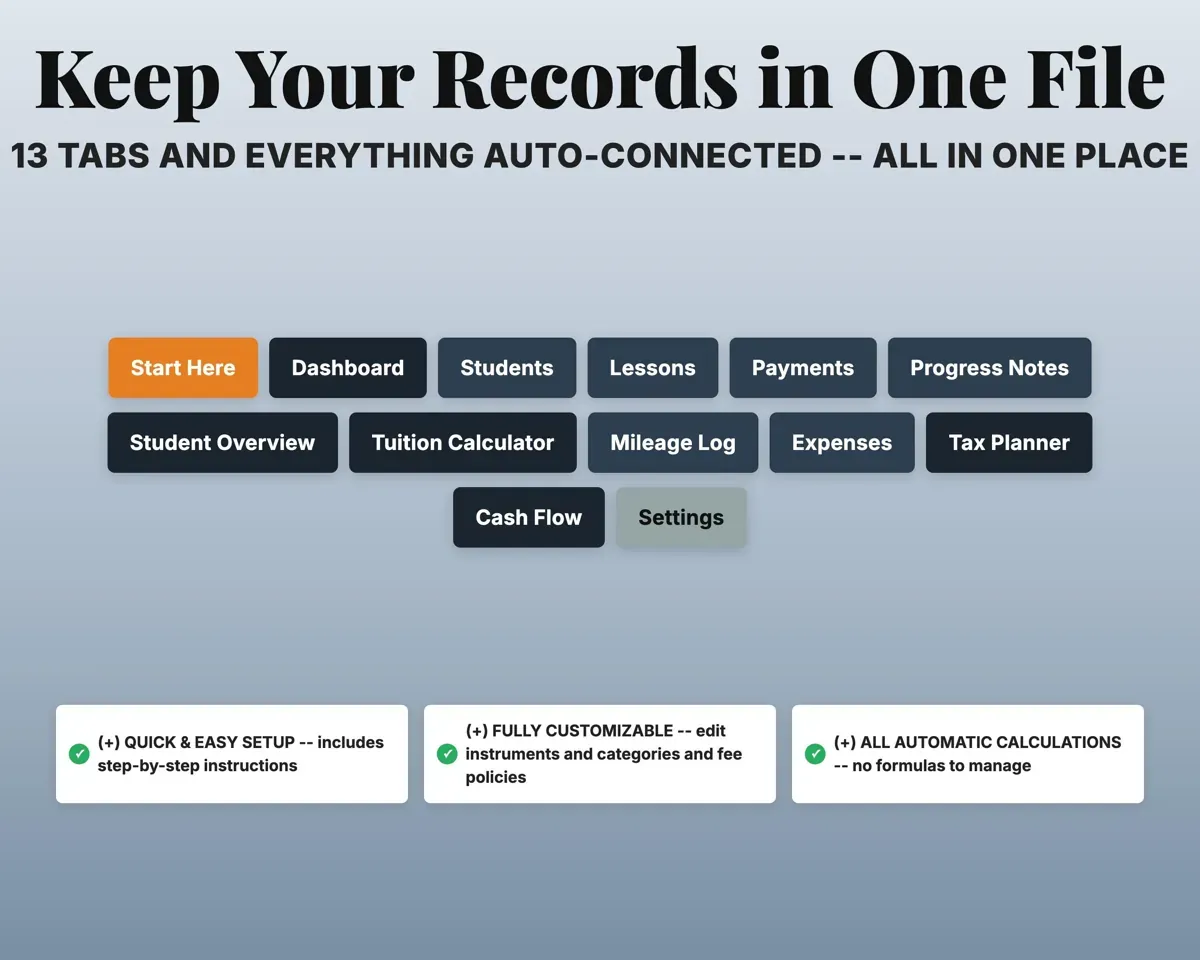
Expenses, milesQuarterly estimate13 tabs in one file
- Start Here
- Dashboard
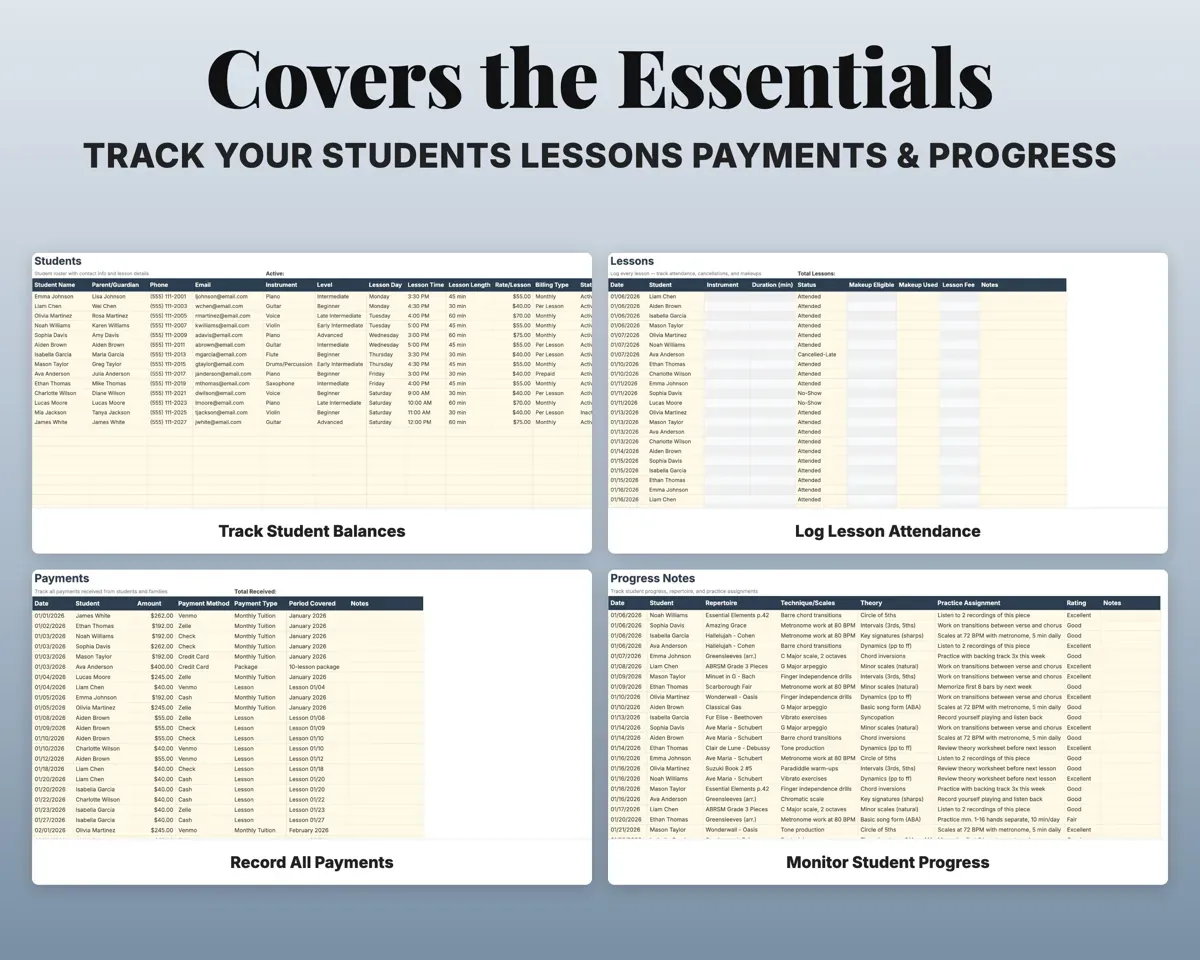
- Students
- Lessons
- Payments
- Progress Notes
- Student Overview
- Tuition Calculator
- Mileage Log
- Expenses
- Tax Planner
- Cash Flow
- Settings
- Start Here
- Setup steps and a color key.
- Dashboard
- Studio totals, student balances and expense breakdown.
- Students
- Roster with contacts, instruments, rates and balances.
- Lessons
- Each lesson with attendance, makeups and the fee.
- Payments
- Payments with method, type and period covered.
- Progress Notes
- Repertoire, technique, theory and assignments per student.
- Student Overview
- One student's profile, stats and payment status.
- Tuition Calculator
- Flat monthly rates with a rate comparison table.
- Mileage Log
- Travel to lessons with the mileage deduction.
- Expenses
- Costs in 16 categories mapped to Schedule C.
- Tax Planner
- Quarterly estimated taxes with self-employment tax.
- Cash Flow
- Twelve months of income and expenses.
- Settings
- Business info, rates, fee policies and dropdown lists.
Pair it with
“Well thought out worksheets nicely presented”
“Excellent! Very easy to use.”
Before you buy
I teach more than one instrument. Will it work?
Yes. Each student has an instrument on the Students tab, and it fills in on the Lessons tab when you pick that student.
Can students pay different rates?
Yes. Each student has their own rate per lesson, and the lesson fee pulls from it.
Does it replace studio software?
For records it covers students, lessons, payments, progress notes, expenses and taxes for a one-time price. It does not take online payments, send reminders or run a booking page.
What do I get?
An Excel file (.xlsx), a filled-in sample to look at, and a quick-start PDF guide with a link that makes your own copy in Google Sheets.
How does delivery work?
You get your download links right after checkout, and Stripe emails your receipt. There is nothing to ship and nothing to wait for.
How do I set it up in Google Sheets?
Open the quick-start PDF and click the Google Sheets link. Google makes a copy in your own Drive that only you can edit. You need a free Google account.
Will it work on a Mac?
Yes. It works in Excel on Mac and Windows, and in Google Sheets in any browser.
I'm not a spreadsheet person. Is that a problem?
No. You only type in the yellow cells. Everything in gray works itself out, and the Start Here tab shows you where to begin.
Can I get a refund?
Templates are digital downloads, so sales are final. If a file won't open, is broken or doesn't match its description, email hello@cleanpixelstudios.com within 30 days and we'll fix it, or refund you if we can't.
What if I get stuck?
Email hello@cleanpixelstudios.com and we'll help you get it working.
More in Small business & money
See all Small business & money templates
 Made by Clean Pixel Studios
We start every template by reading what people in that line of work say they struggle with, then build the spreadsheet around those problems. This one was made for music teachers and nobody else.
How we build templatesMusic Teacher Studio Tracker$17.99 · Excel + Google Sheets