Built around the jobs national park travelers actually do
Check off every park you visit
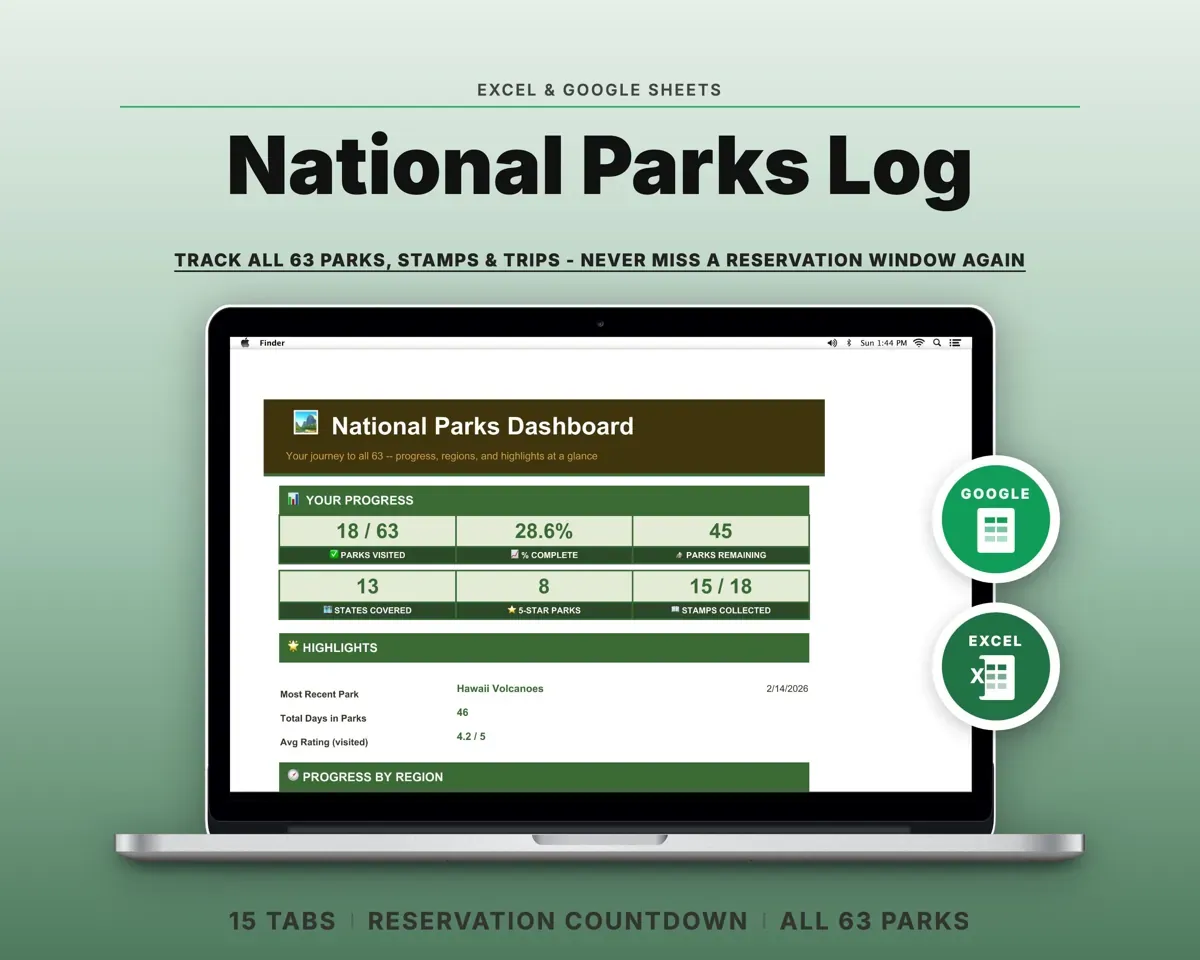
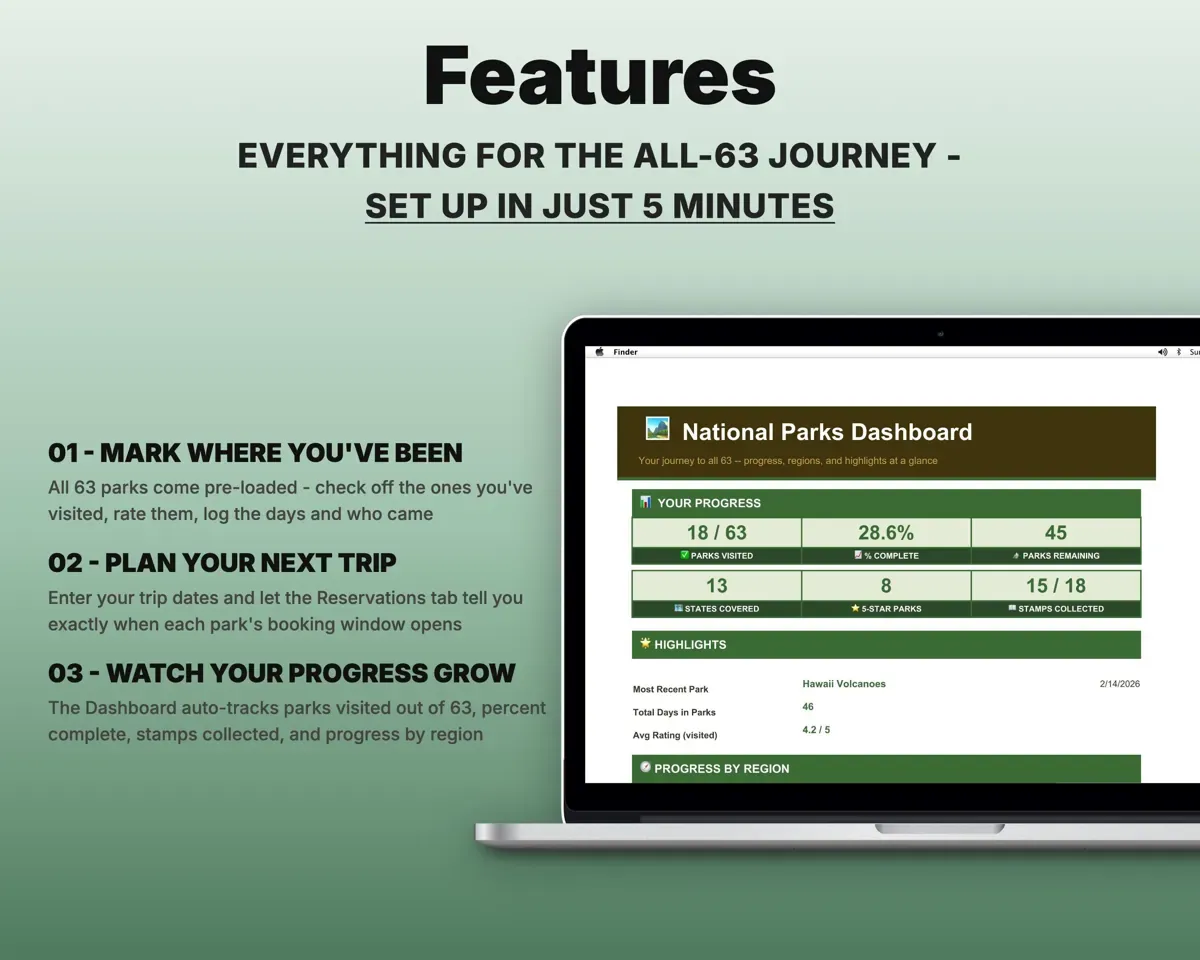
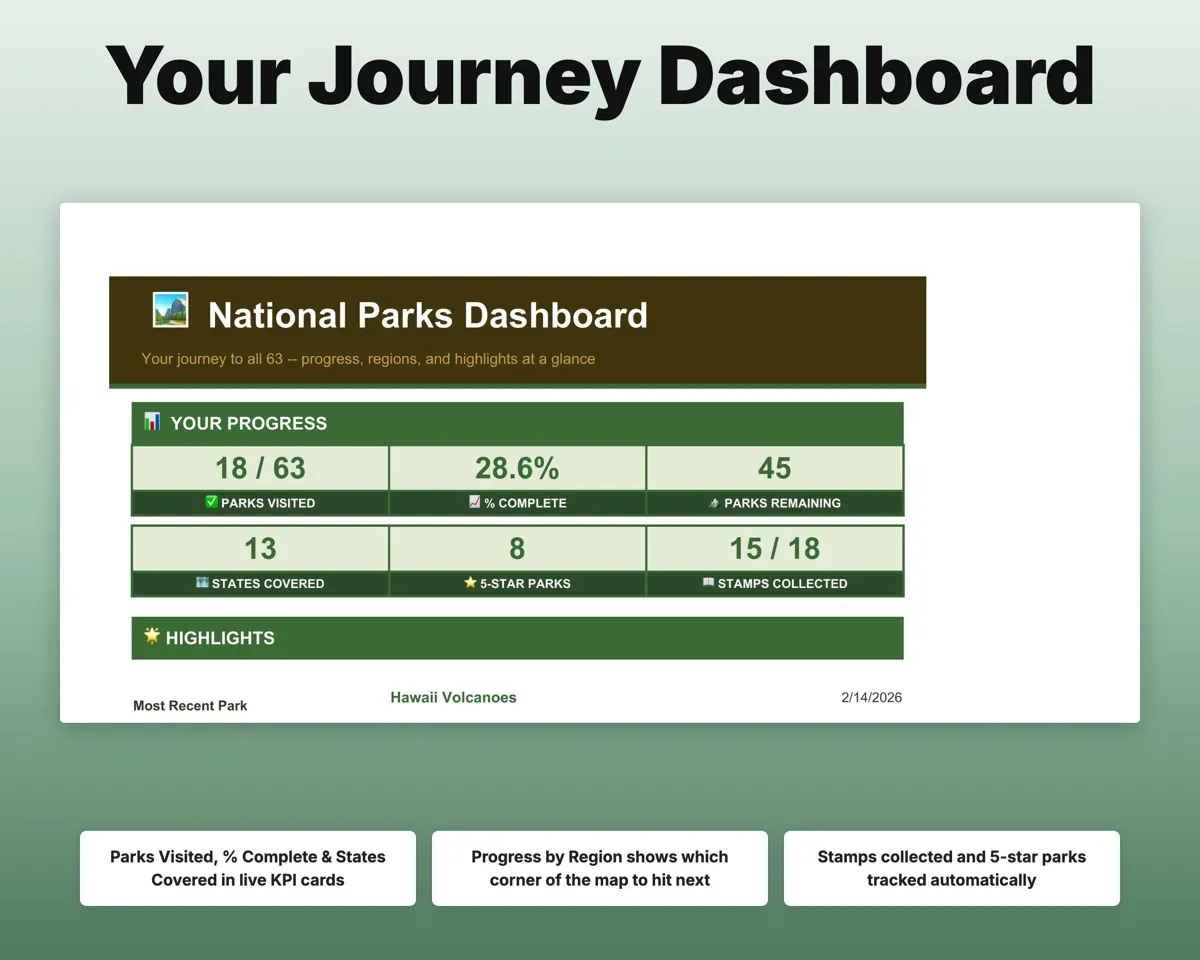
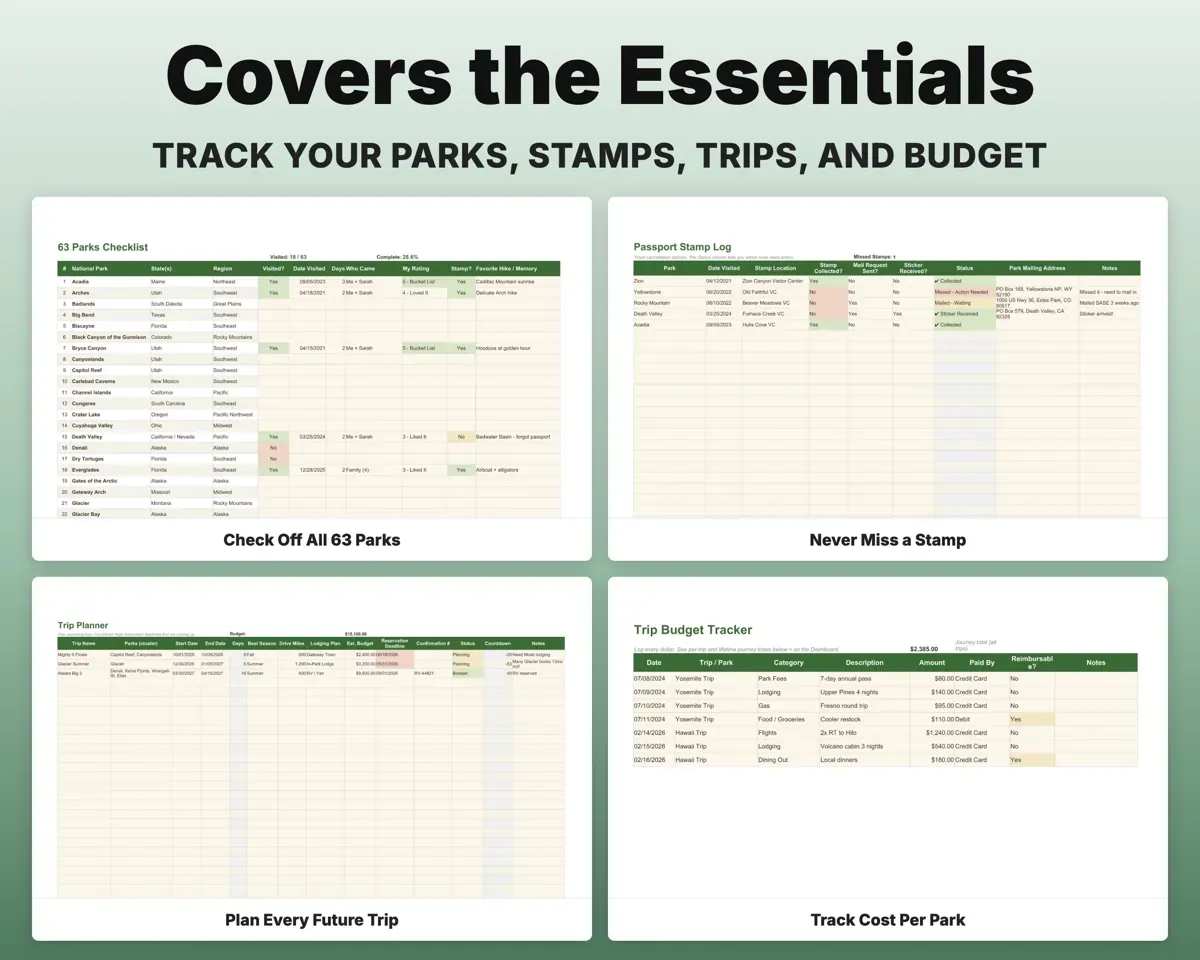
All 63 parks come preloaded. Mark each one visited with the days spent, who came and a rating, and the Dashboard shows your count, percent complete, states and progress by region.
Parks visitedParks out of 63Know the day booking opens
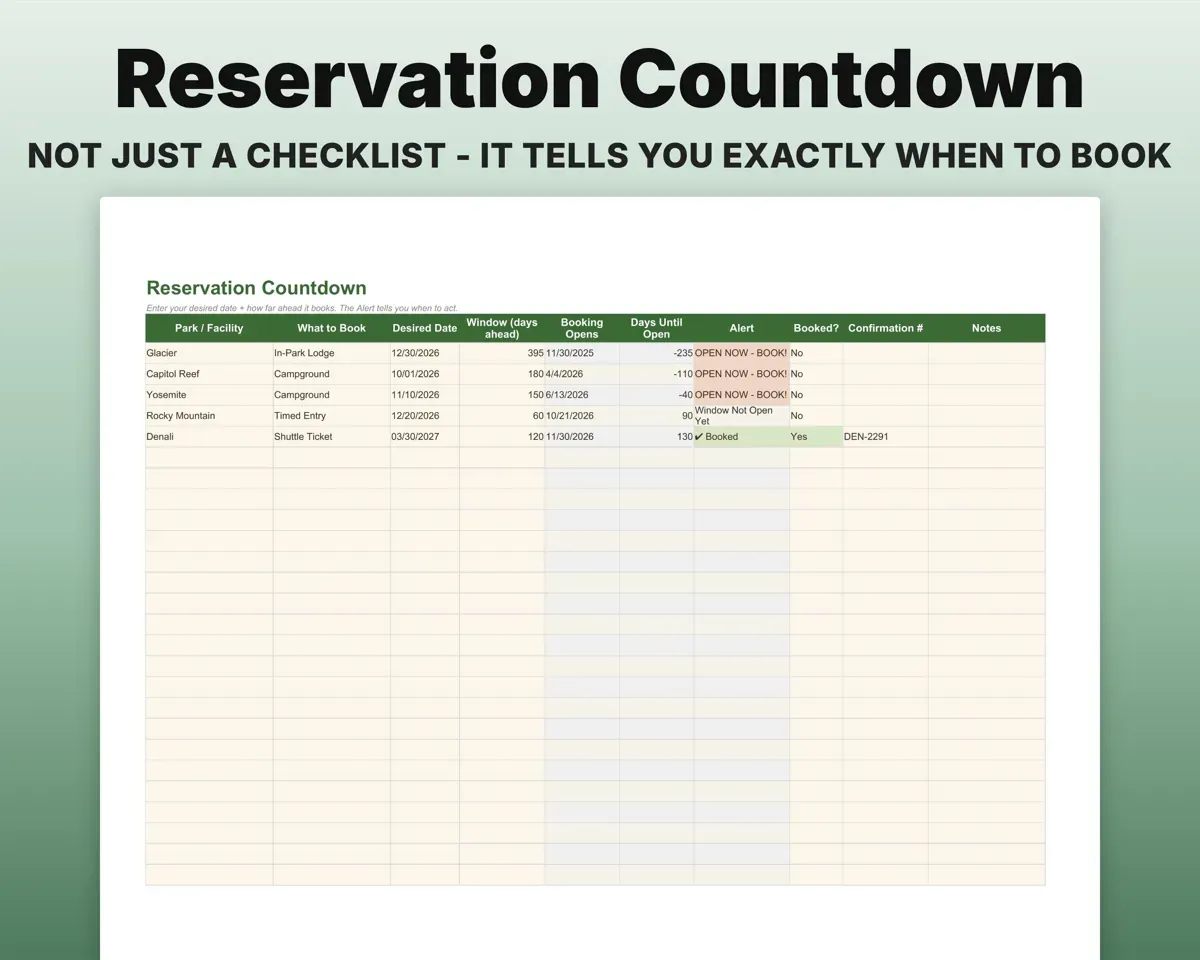
Enter your trip date and how far ahead the park's window opens. The sheet works out the booking-open date and flags what you can book now.
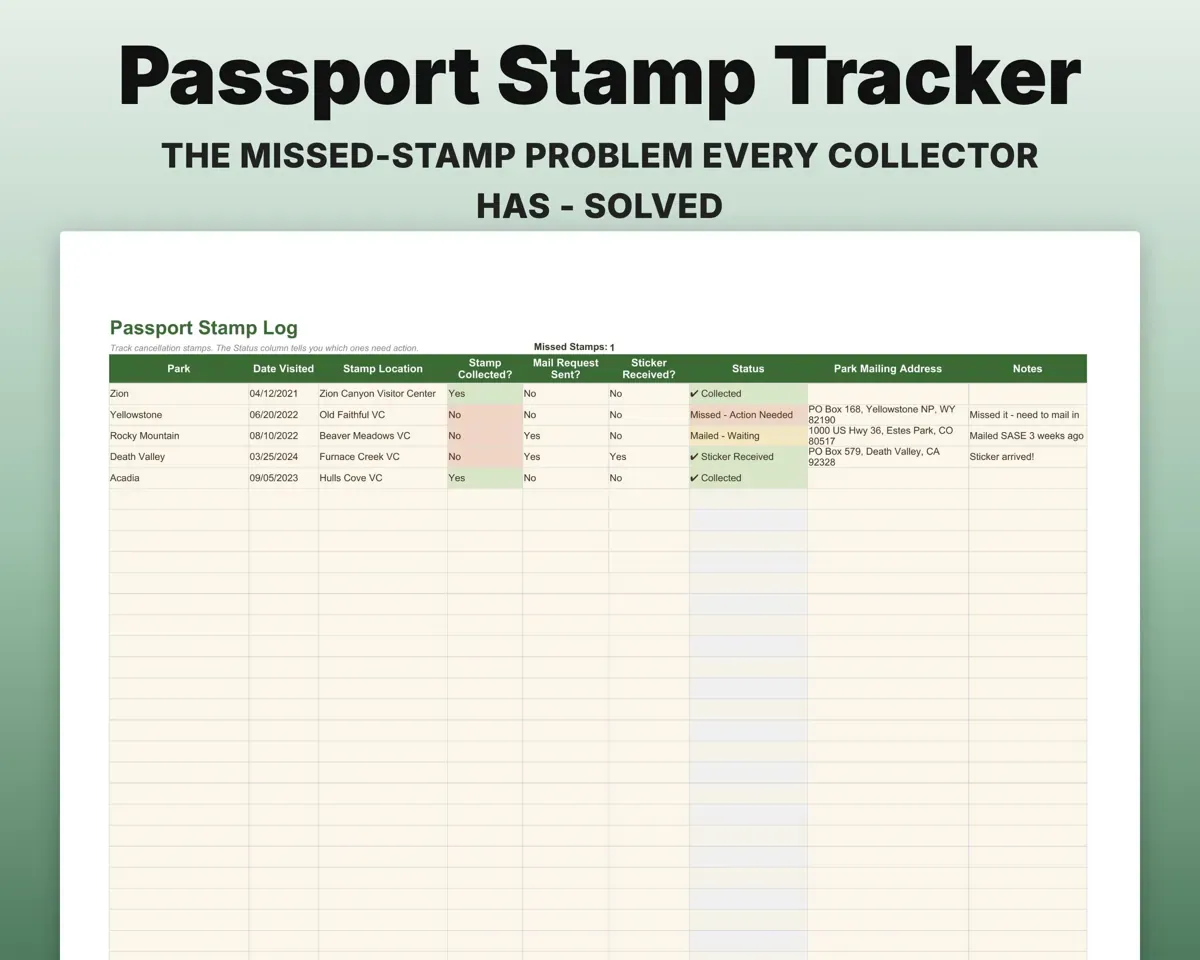
Trip date, windowBook-by dateKeep track of the stamps you missed
Log each stamp. Missed ones are flagged Action Needed, with room for the park's mailing address so you can request it by mail.
Stamps collectedMissing stampsPlan trips and see what each park cost
Plan future trips with dates, miles, lodging and a countdown. Log spending by category to see cost per park and whether your annual pass has paid for itself.
Trip costs, passCost per parkRemember each park years later
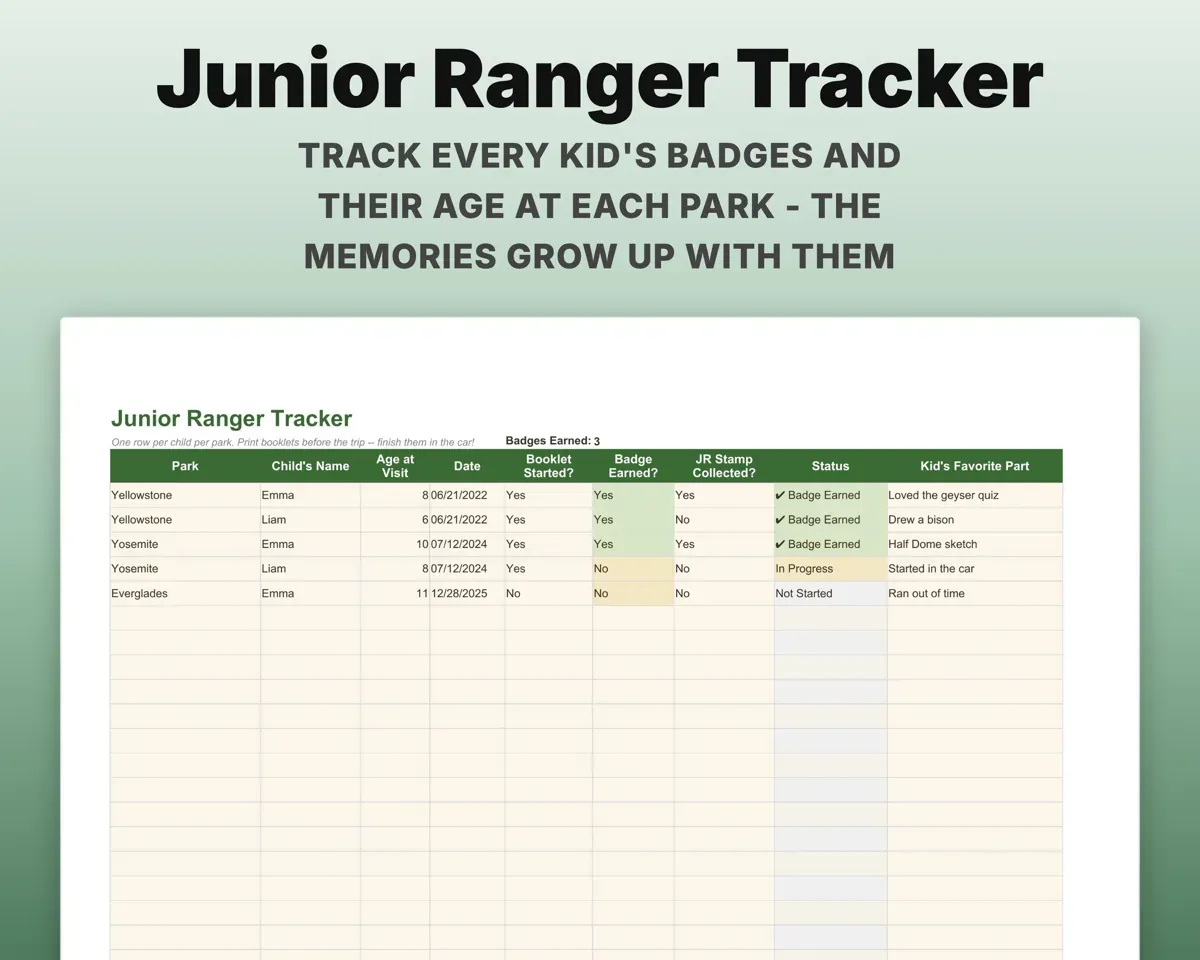
Note the favorite hike, best view, wildlife and who came along, with a photo link, for each park. Kids' Junior Ranger badges get their own tab.
Hikes, wildlife, photosA record per parkPlan the remote and regional trips
Ready-made regional routes, plus gateway city, how to get there, cost and lead time for the hard-to-reach parks like Alaska, American Samoa and Isle Royale.
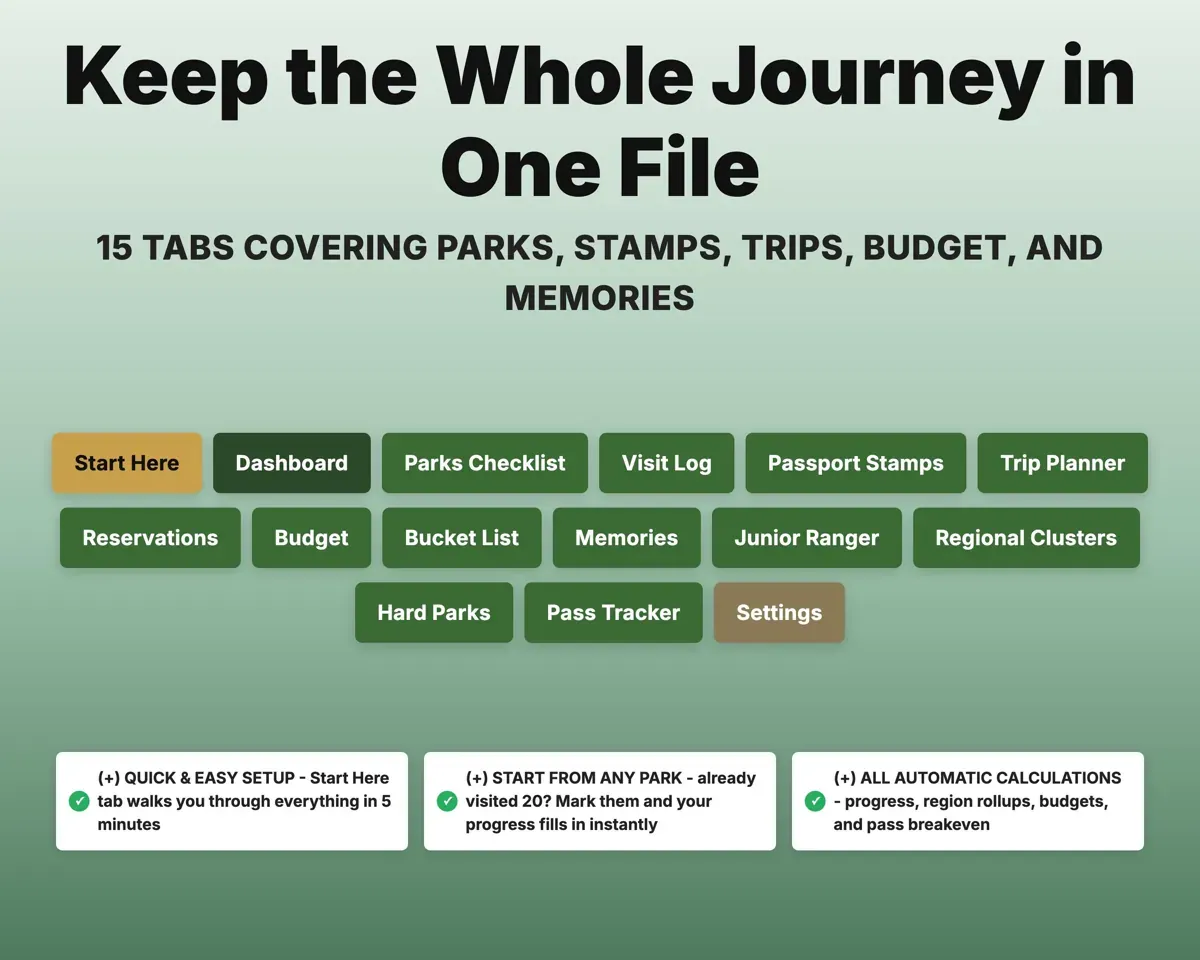
Region, routeDays, miles, lead time15 tabs in one file
- Start Here
- Dashboard
- Parks Checklist
- Visit Log
- Passport Stamps
- Trip Planner
- Reservations
- Budget
- Bucket List
- Memories
- Junior Ranger
- Regional Clusters
- Hard Parks
- Pass Tracker
- Settings
- Start Here
- A short setup walkthrough so you know where to begin.
- Dashboard
- Parks visited, percent complete, states and stamps.
- Parks Checklist
- All 63 parks with visit, days, rating and stamp.
- Visit Log
- One row per visit with dates, miles, lodging and cost.
- Passport Stamps
- Each stamp, with missed ones flagged and mailing addresses.
- Trip Planner
- Future trips with dates, budget and a countdown.
- Reservations
- Works out when each park's booking window opens.
- Budget
- Spending per trip and per park by category.
- Bucket List
- Parks you want to see, with priority and best season.
- Memories
- Favorite hike, view, wildlife and photos for each park.
- Junior Ranger
- Junior Ranger badges for each child.
- Regional Clusters
- Ready-made multi-park routes with days, season and miles.
- Hard Parks
- Logistics and costs for the hardest parks to reach.
- Pass Tracker
- Park passes with breakeven and renewal countdown.
- Settings
- Your info and the lists behind every dropdown.
Pair it with
“Excellent! Very easy to use.”
“Nice Organization for 4H projects”
Before you buy
I've already been to a lot of parks. Can I start from there?
Yes. Mark the parks you've visited on the Parks Checklist and the Dashboard shows your progress right away. Add old memories whenever you like.
How does the reservation countdown work?
Enter your trip date and how far ahead that park's window opens, such as 6 months or 120 days. The sheet works out the opening date and shows whether it is open now, opening soon or already booked.
Can it track more than one child's Junior Ranger badges?
Yes. The Junior Ranger tab tracks badges per child, with their age at the visit and their favorite part.
What do I get?
An Excel file (.xlsx), a filled-in sample to look at, and a quick-start PDF guide with a link that makes your own copy in Google Sheets.
How does delivery work?
You get your download links right after checkout, and Stripe emails your receipt. There is nothing to ship and nothing to wait for.
How do I set it up in Google Sheets?
Open the quick-start PDF and click the Google Sheets link. Google makes a copy in your own Drive that only you can edit. You need a free Google account.
Will it work on a Mac?
Yes. It works in Excel on Mac and Windows, and in Google Sheets in any browser.
I'm not a spreadsheet person. Is that a problem?
No. You only type in the yellow cells. Everything in gray works itself out, and the Start Here tab shows you where to begin.
Can I get a refund?
Templates are digital downloads, so sales are final. If a file won't open, is broken or doesn't match its description, email hello@cleanpixelstudios.com within 30 days and we'll fix it, or refund you if we can't.
What if I get stuck?
Email hello@cleanpixelstudios.com and we'll help you get it working.
More in Home, hobbies & travel
See all Home, hobbies & travel templates
 Made by Clean Pixel Studios
We start every template by reading what people in that line of work say they struggle with, then build the spreadsheet around those problems. This one was made for national park travelers and nobody else.
How we build templatesNational Parks Checklist Tracker$9.99 · Excel + Google Sheets