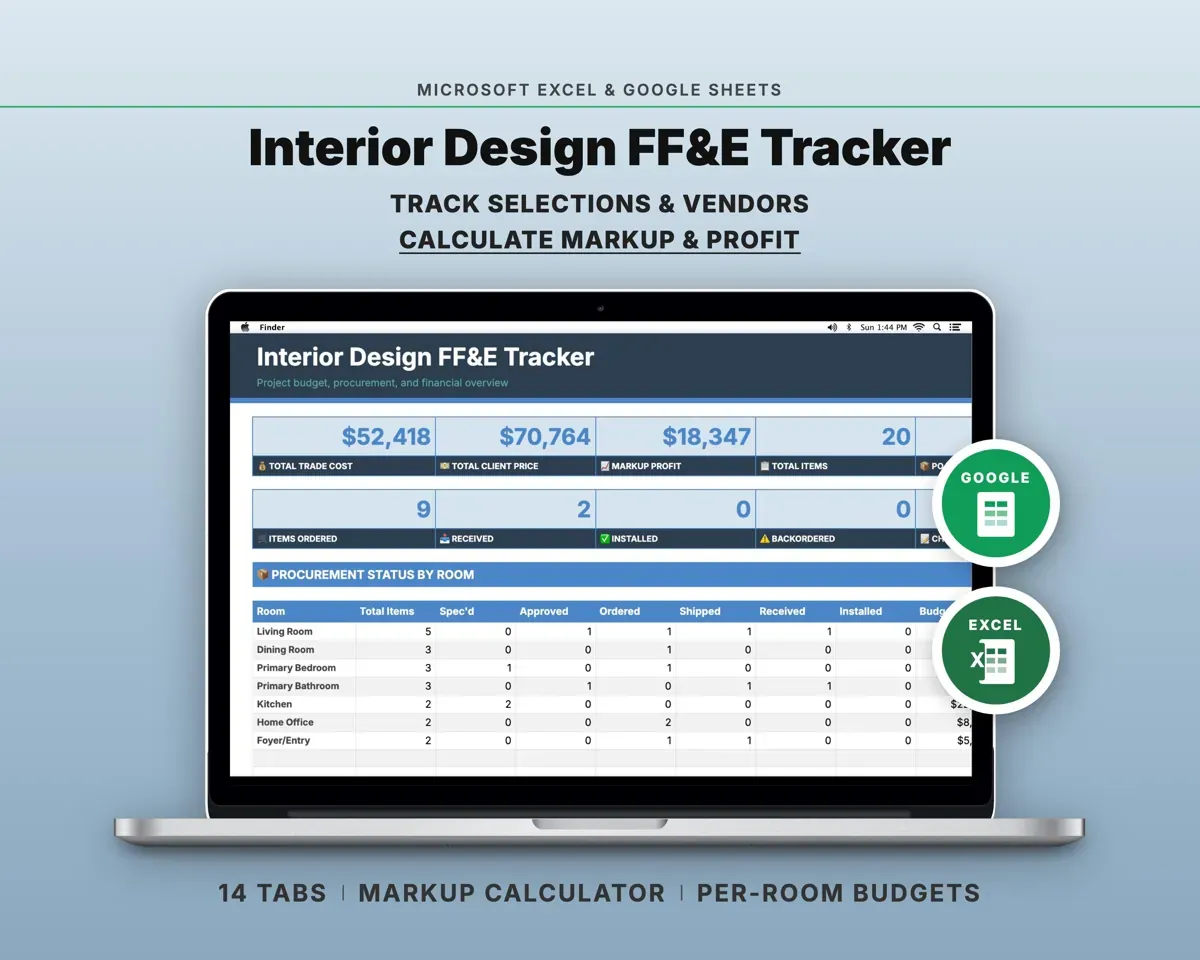
Built around the jobs interior designers actually do
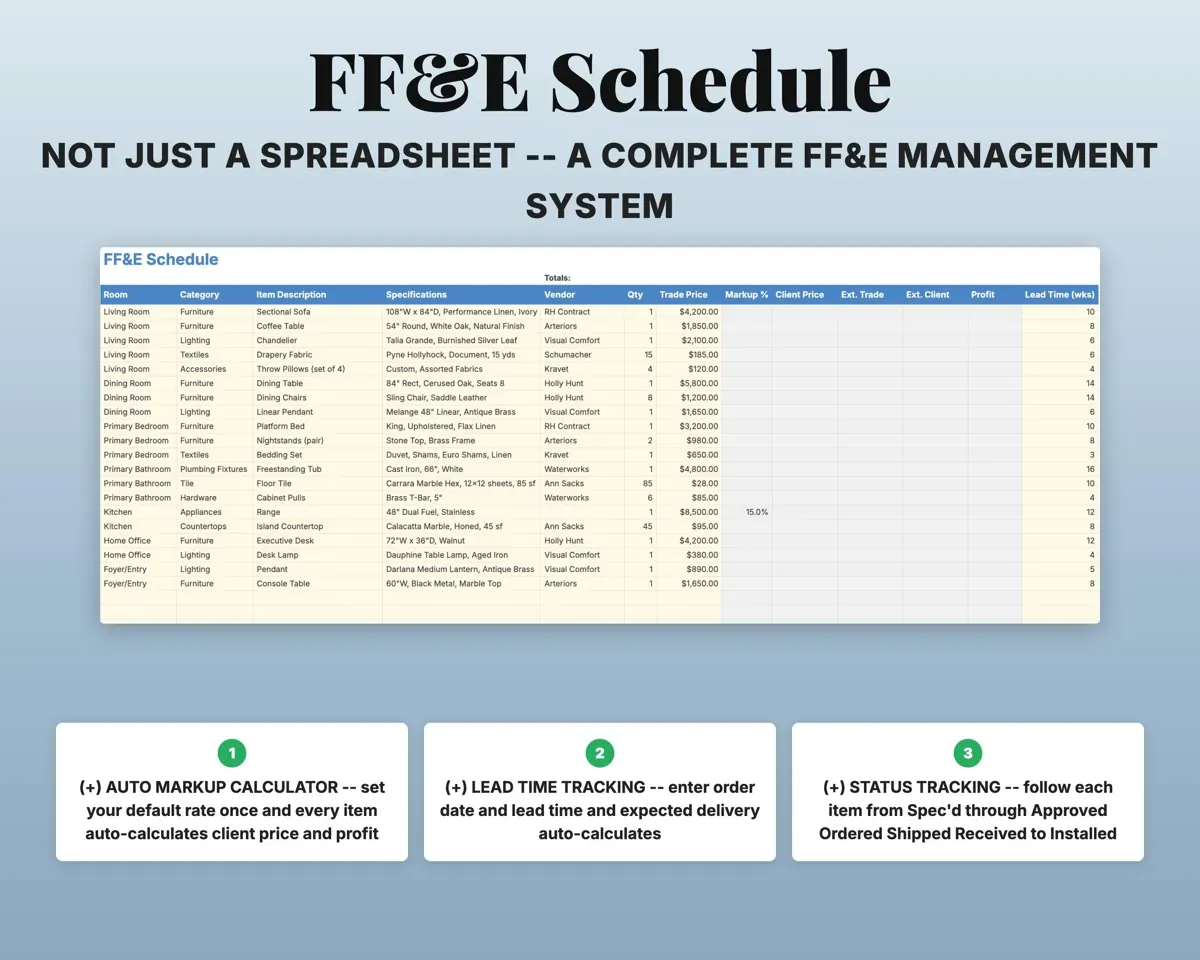
Keep every selection on one schedule
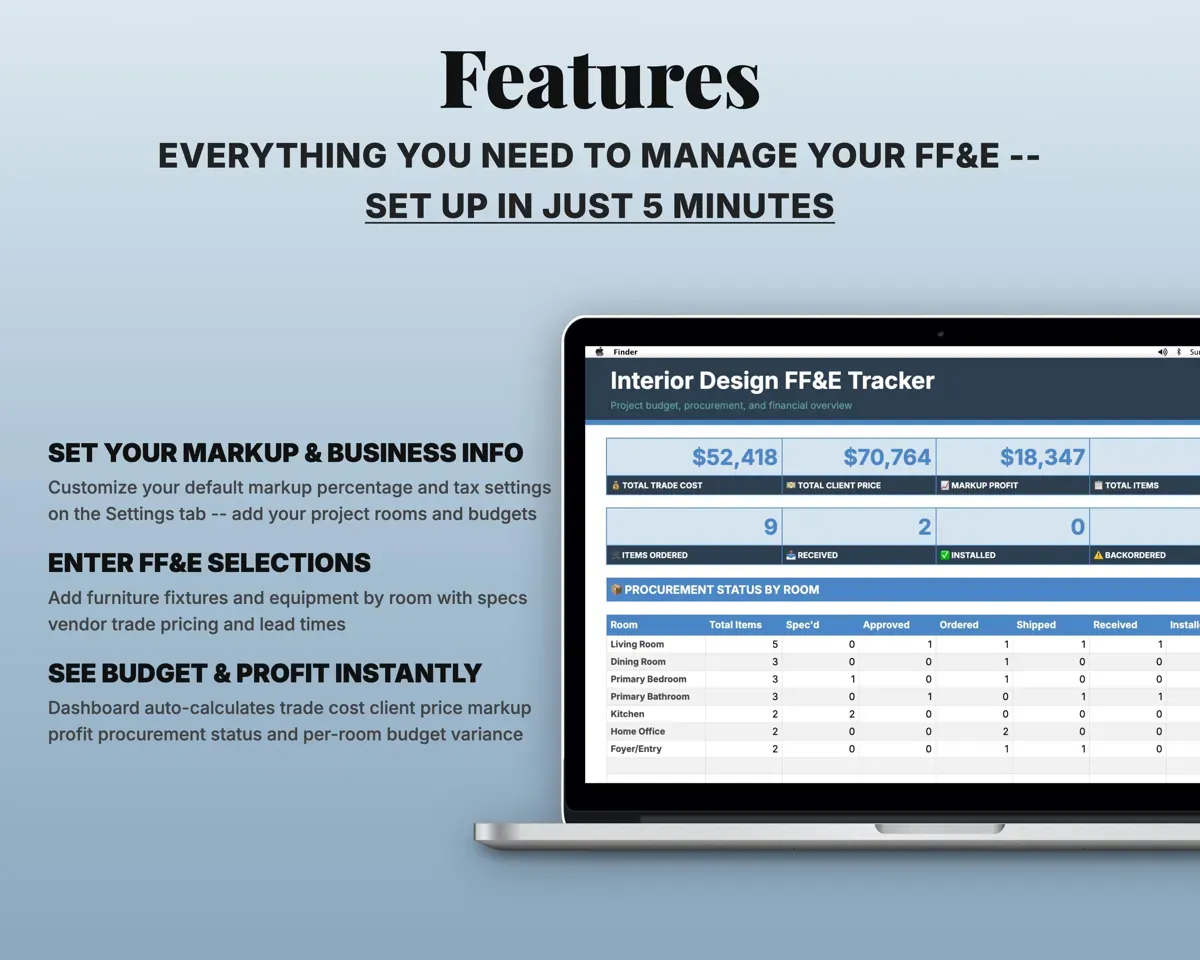
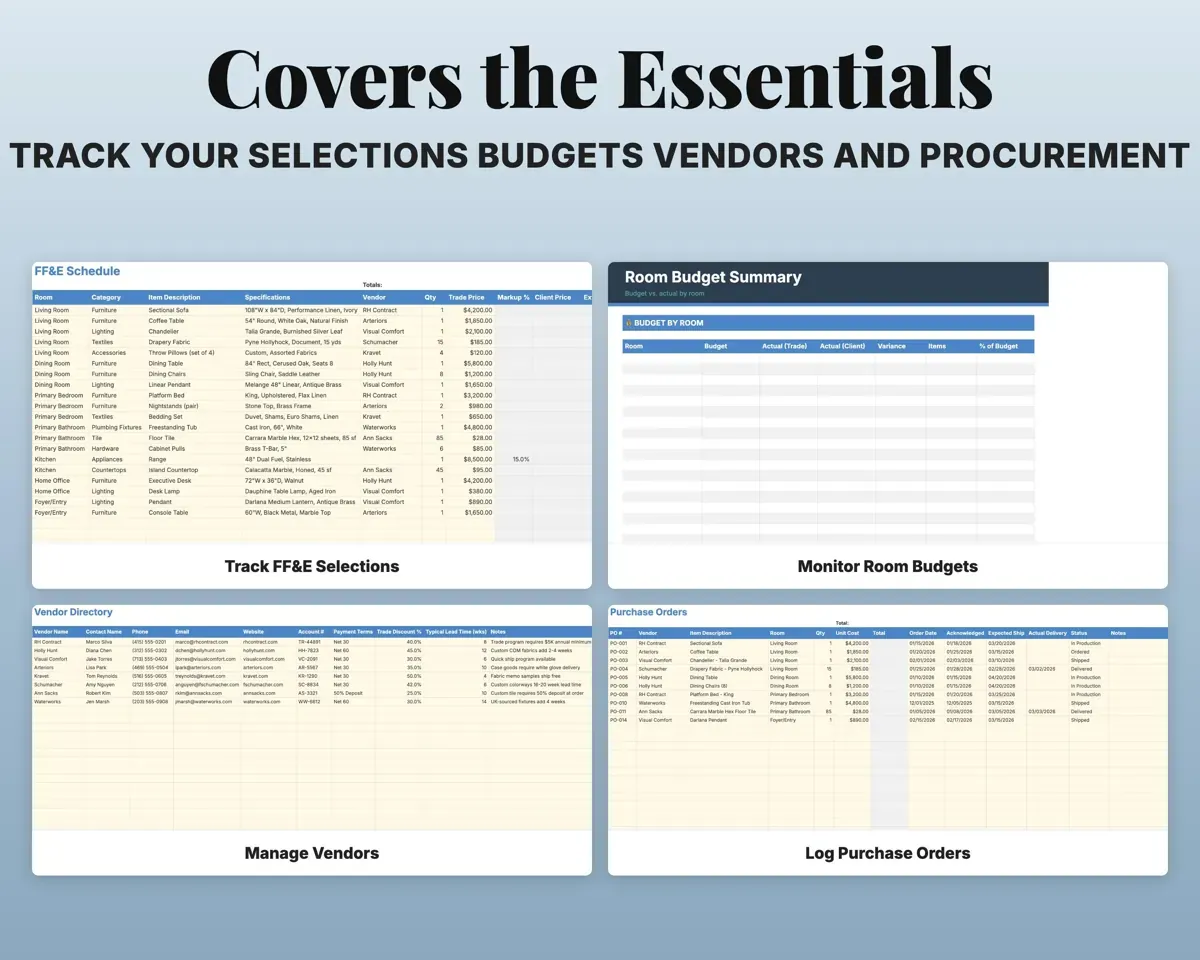
Log each item with specs, vendor, trade price and procurement status, organized by room.
Specs, vendor, statusMaster item listPrice items without the math
Set a default markup on Settings or override it per item. Each item shows trade price, client price, profit and extended totals.
Trade price, markup %Client price, profitSee which rooms are over budget
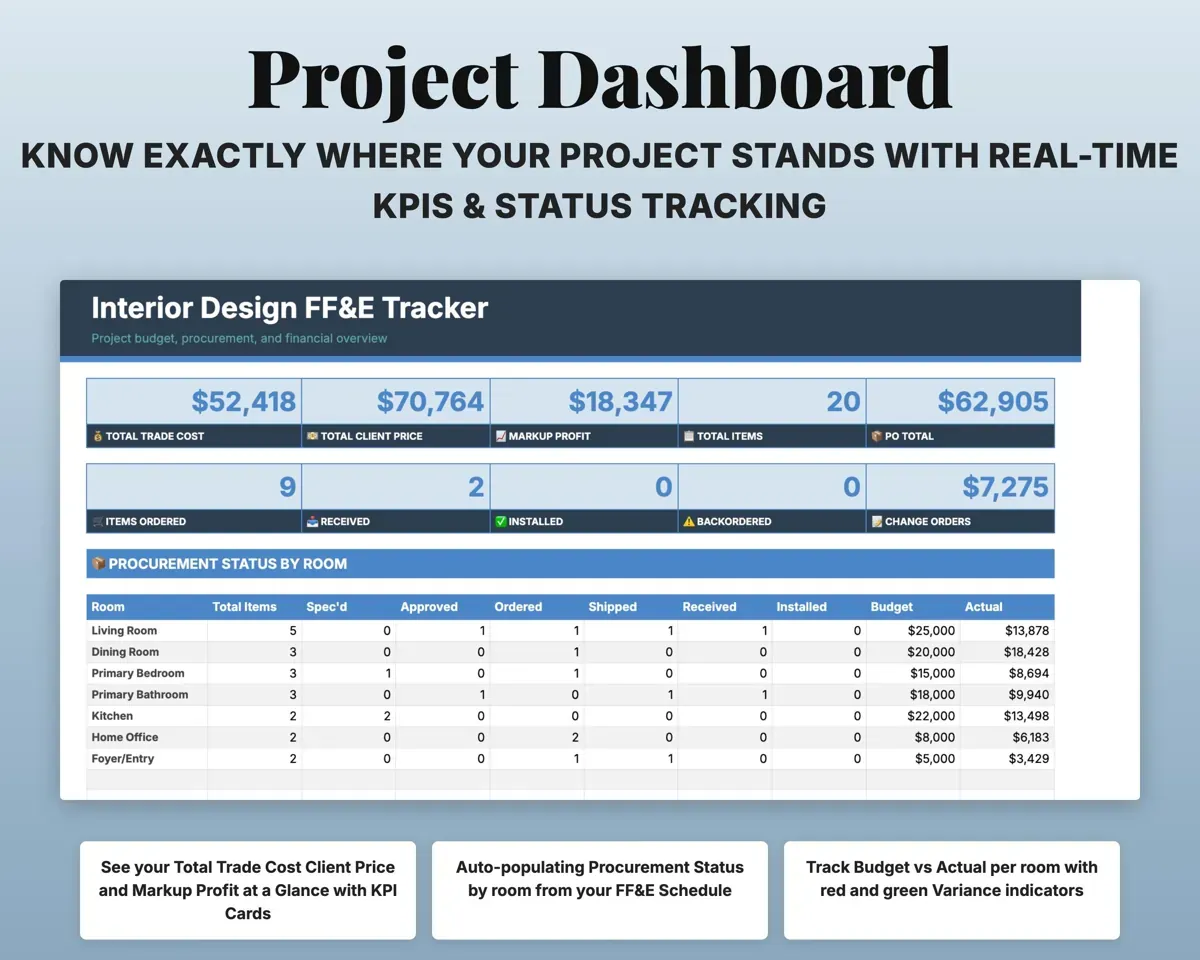
Set a budget per room. Room Budget works out actual spend, variance and percent used, with red and green flags.
Room budgetsVariance by roomFollow orders from PO to install
Track each purchase order through delivery and installation, inspect deliveries in the Receiving Log, and record damage claims.
PO and delivery dateOrder statusHave vendor details at hand
Contacts, trade accounts, payment terms and typical lead times for each vendor.
Vendor and accountLead timesRun the money side of the studio
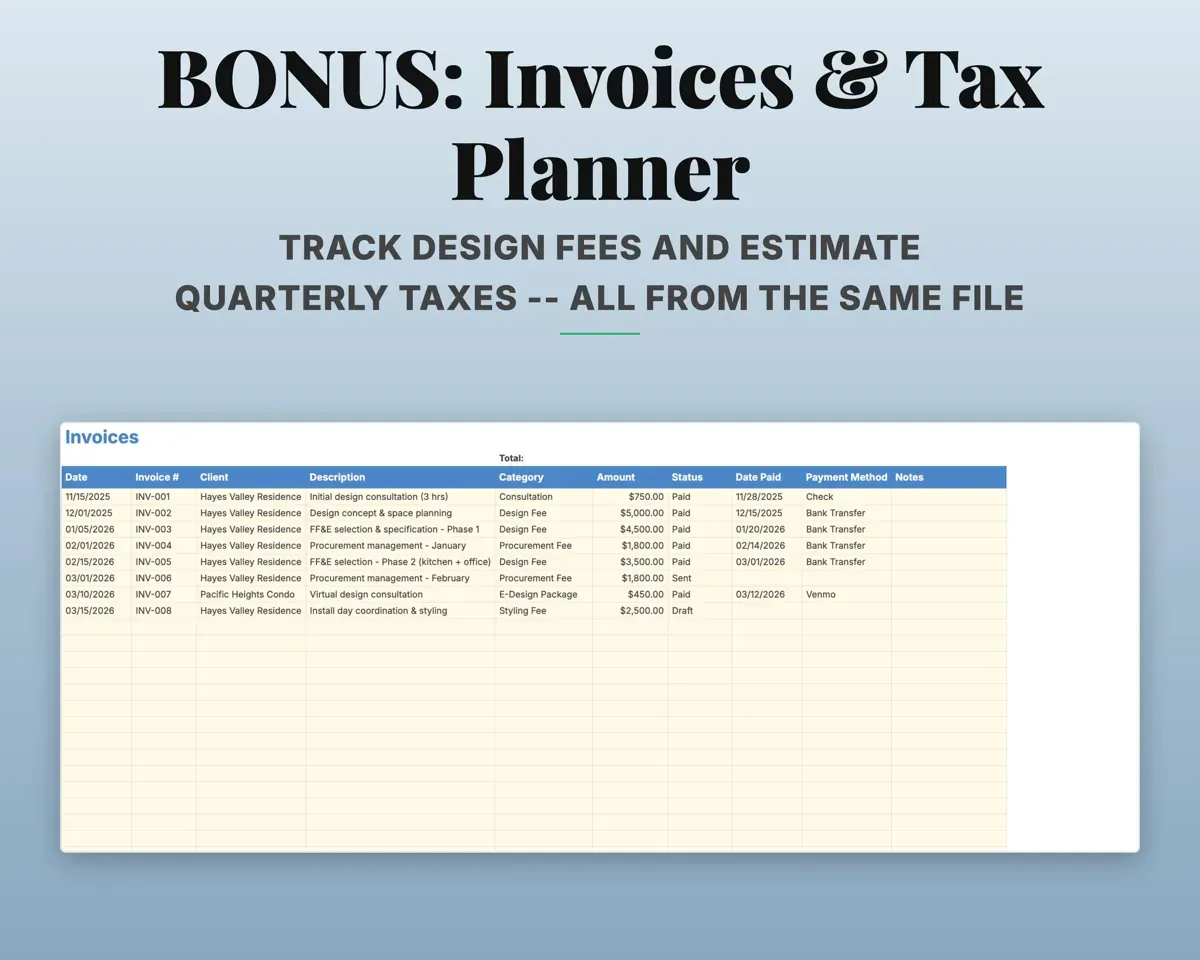
Track design fee invoices, change orders with client approval, expenses in 19 categories mapped to Schedule C, quarterly tax and a 12-month cash flow.
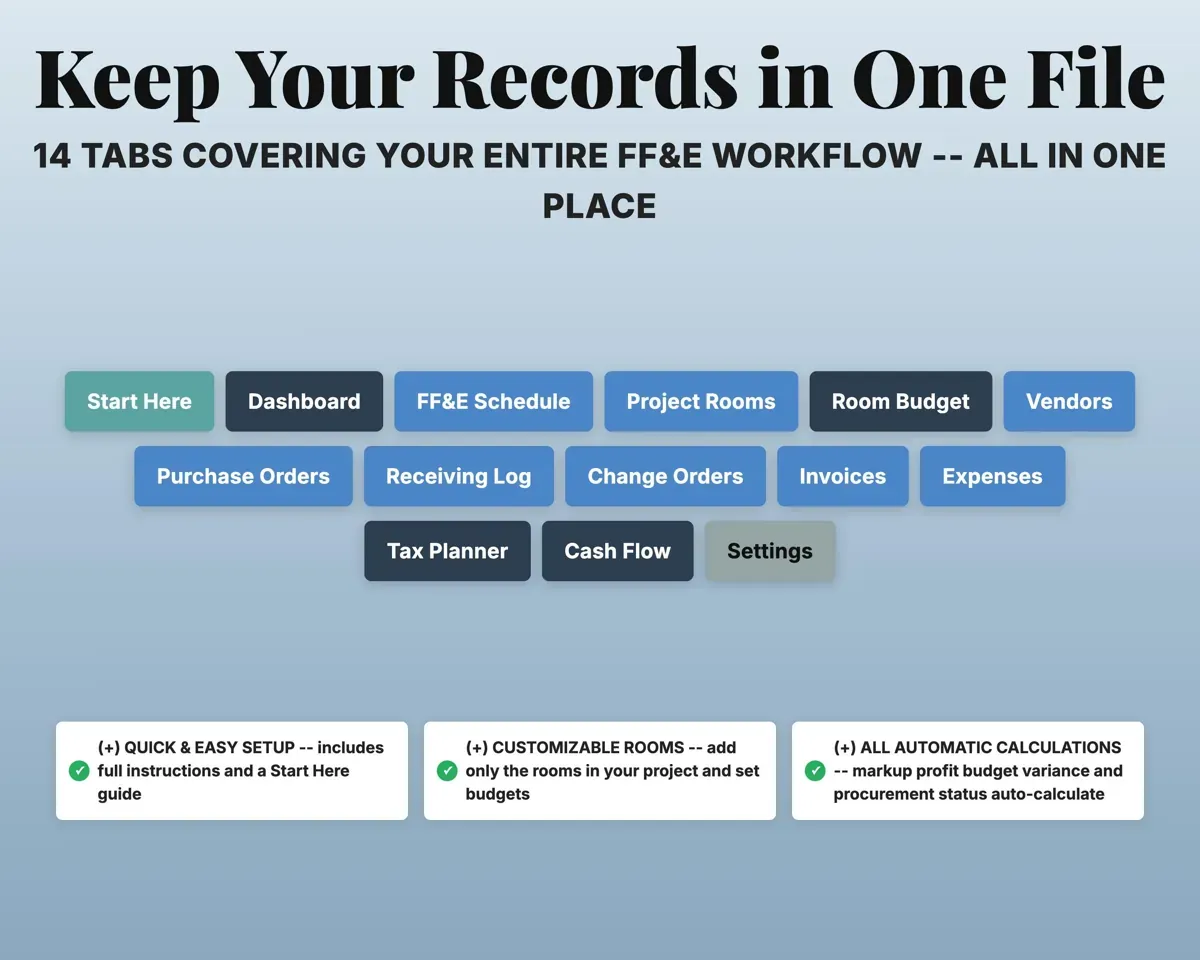
Invoices, expensesSchedule C line14 tabs in one file
- Start Here
- Dashboard
- FF&E Schedule
- Project Rooms
- Room Budget
- Vendors
- Purchase Orders
- Receiving Log
- Change Orders
- Invoices
- Expenses
- Tax Planner
- Cash Flow
- Settings
- Start Here
- Setup instructions and a color key.
- Dashboard
- KPI cards, procurement status by room and expenses.
- FF&E Schedule
- Every item with specs, pricing, markup and status.
- Project Rooms
- Your project rooms and their budgets.
- Room Budget
- Budget vs actual and percent used by room.
- Vendors
- Contacts, trade accounts and lead times.
- Purchase Orders
- Each purchase order from order through install.
- Receiving Log
- Delivery inspections and damage claims.
- Change Orders
- Scope changes with cost and client approval.
- Invoices
- Design fees and project income.
- Expenses
- Business costs by category, mapped to Schedule C.
- Tax Planner
- Quarterly estimated tax with IRS due dates.
- Cash Flow
- Twelve months of revenue and expenses.
- Settings
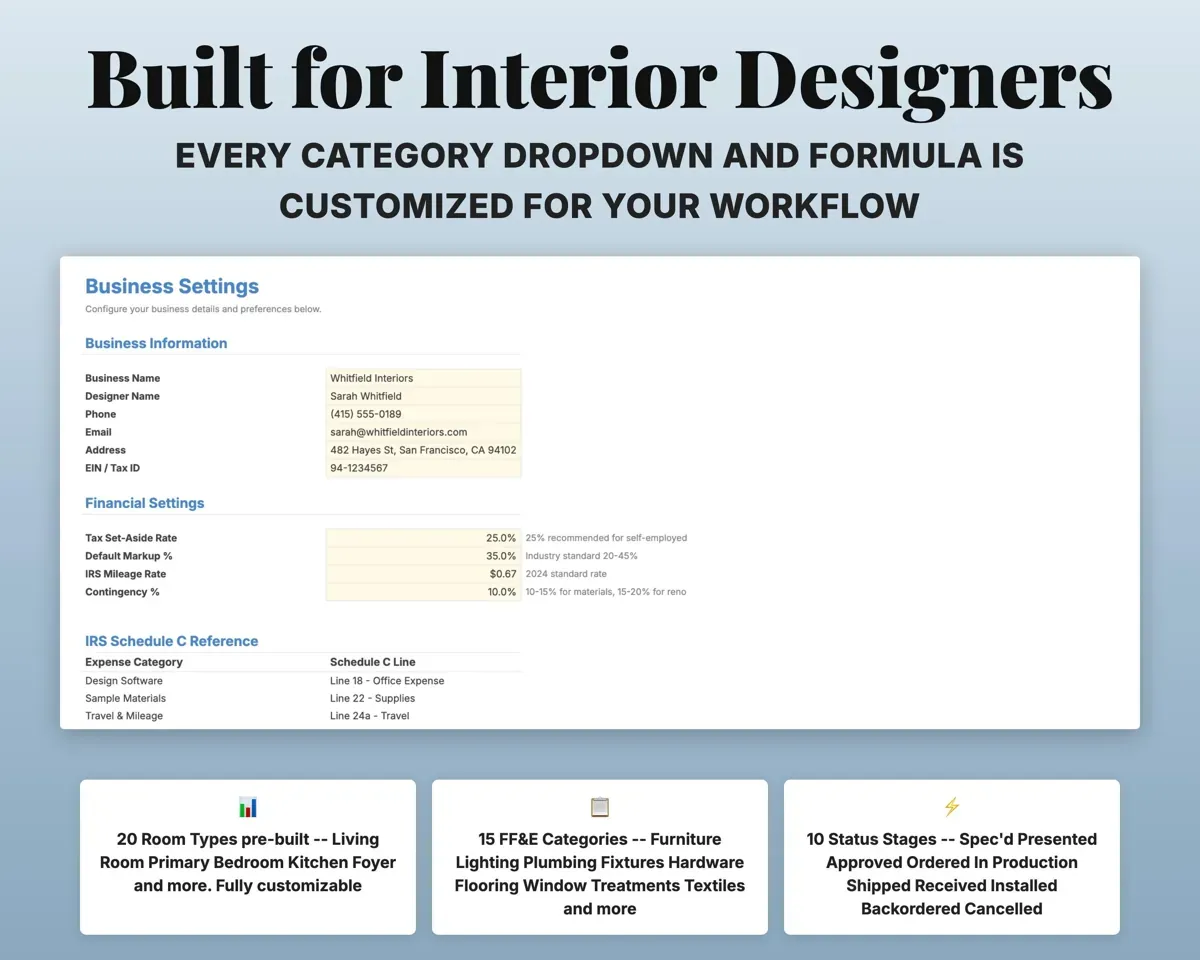
- Business info, default markup, tax rate and dropdown lists.
Pair it with
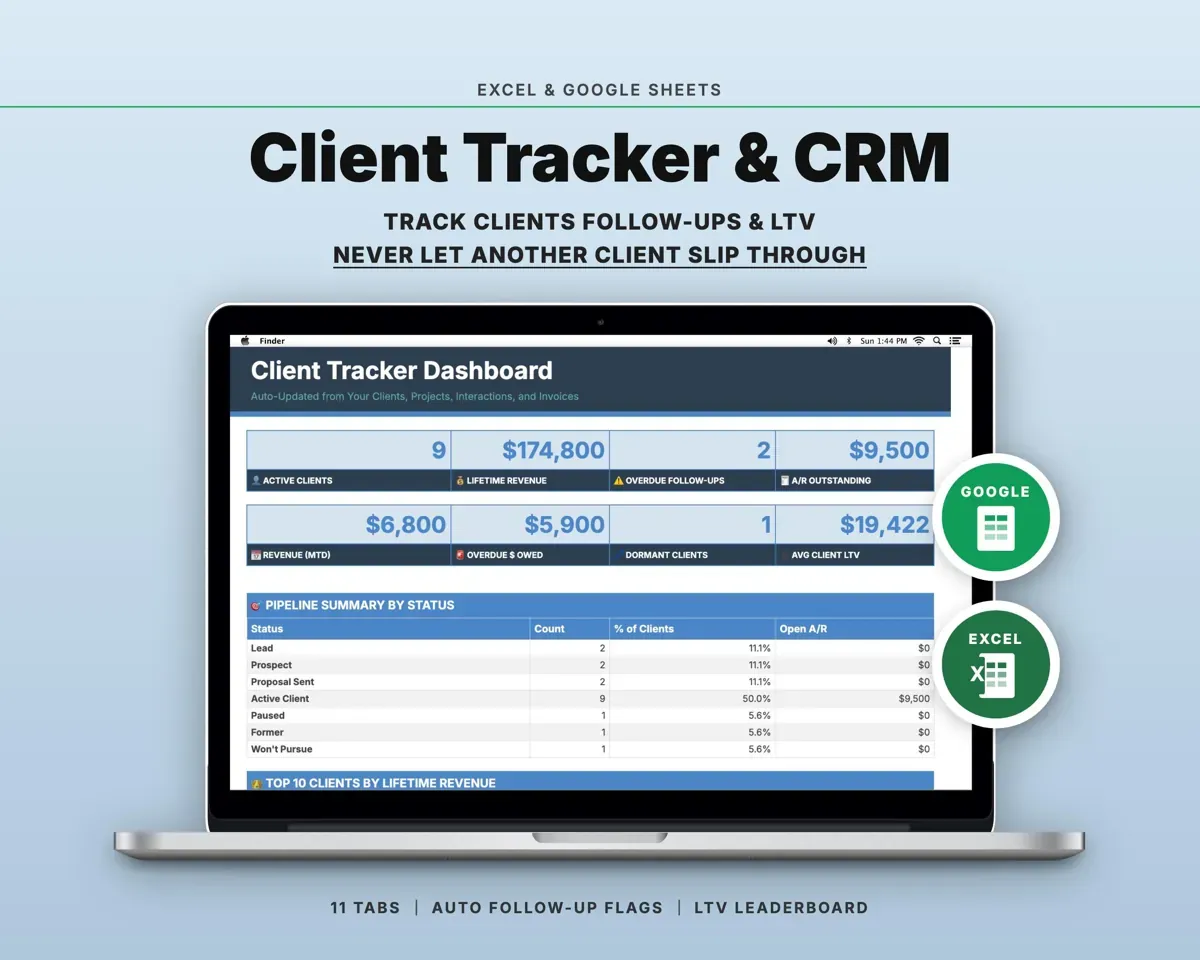
“Well thought out worksheets nicely presented”
“Excellent! Very easy to use.”
Before you buy
Can I set a different markup on one item?
Yes. The default comes from Settings, and you can override it on any item in the FF&E Schedule.
How many rooms can a project have?
Up to 30. Edit the list on Project Rooms and it feeds the dropdowns.
I work solo. Is this too much?
The tabs work on their own, so use what you need. Many solo designers stick to the FF&E Schedule, Vendors, Invoices and Dashboard.
What do I get?
An Excel file (.xlsx), a filled-in sample to look at, and a quick-start PDF guide with a link that makes your own copy in Google Sheets.
How does delivery work?
You get your download links right after checkout, and Stripe emails your receipt. There is nothing to ship and nothing to wait for.
How do I set it up in Google Sheets?
Open the quick-start PDF and click the Google Sheets link. Google makes a copy in your own Drive that only you can edit. You need a free Google account.
Will it work on a Mac?
Yes. It works in Excel on Mac and Windows, and in Google Sheets in any browser.
I'm not a spreadsheet person. Is that a problem?
No. You only type in the yellow cells. Everything in gray works itself out, and the Start Here tab shows you where to begin.
Can I get a refund?
Templates are digital downloads, so sales are final. If a file won't open, is broken or doesn't match its description, email hello@cleanpixelstudios.com within 30 days and we'll fix it, or refund you if we can't.
What if I get stuck?
Email hello@cleanpixelstudios.com and we'll help you get it working.
More in Makers & creatives
See all Makers & creatives templates
 Made by Clean Pixel Studios
We start every template by reading what people in that line of work say they struggle with, then build the spreadsheet around those problems. This one was made for interior designers and nobody else.
How we build templatesInterior Design FF&E Tracker$19.99 · Excel + Google Sheets