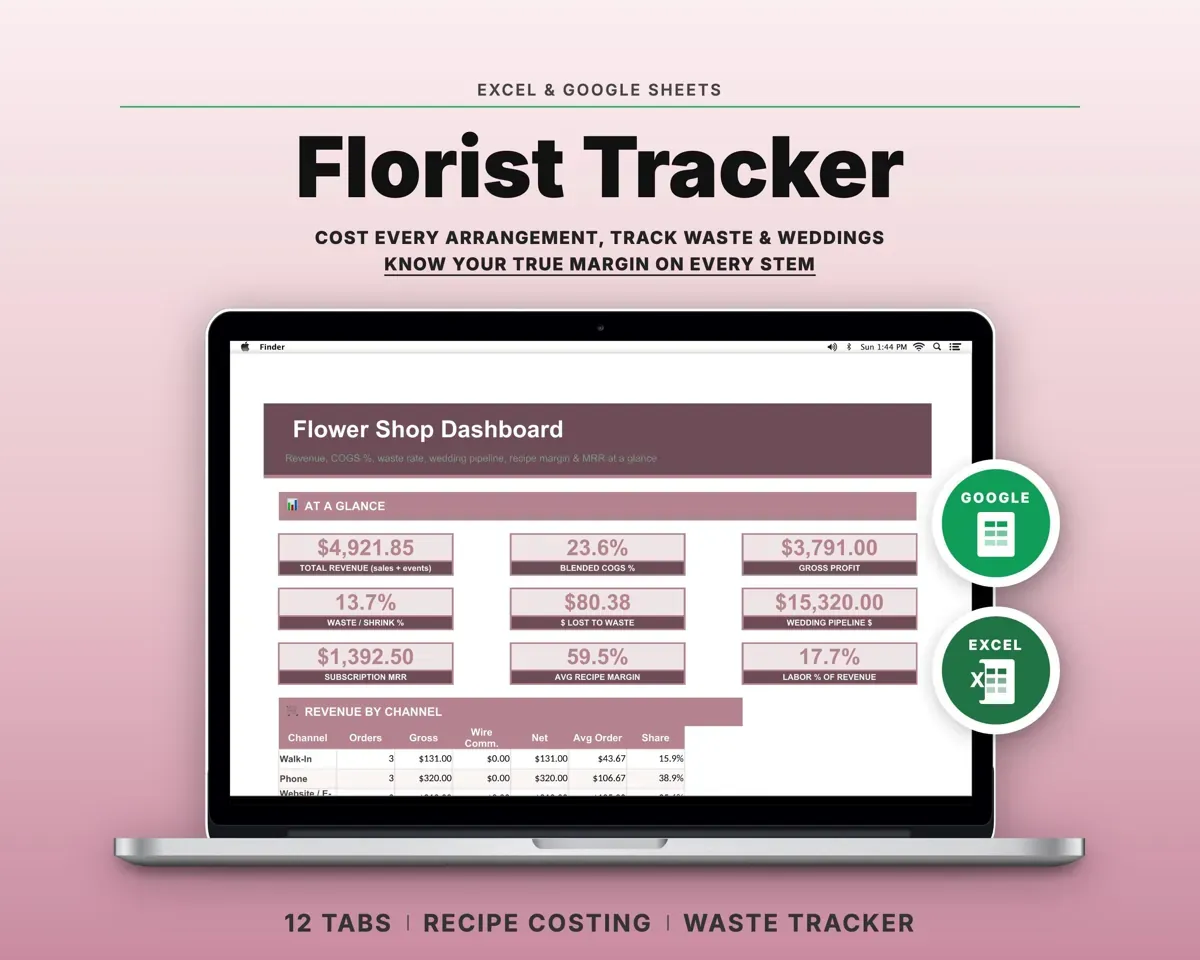
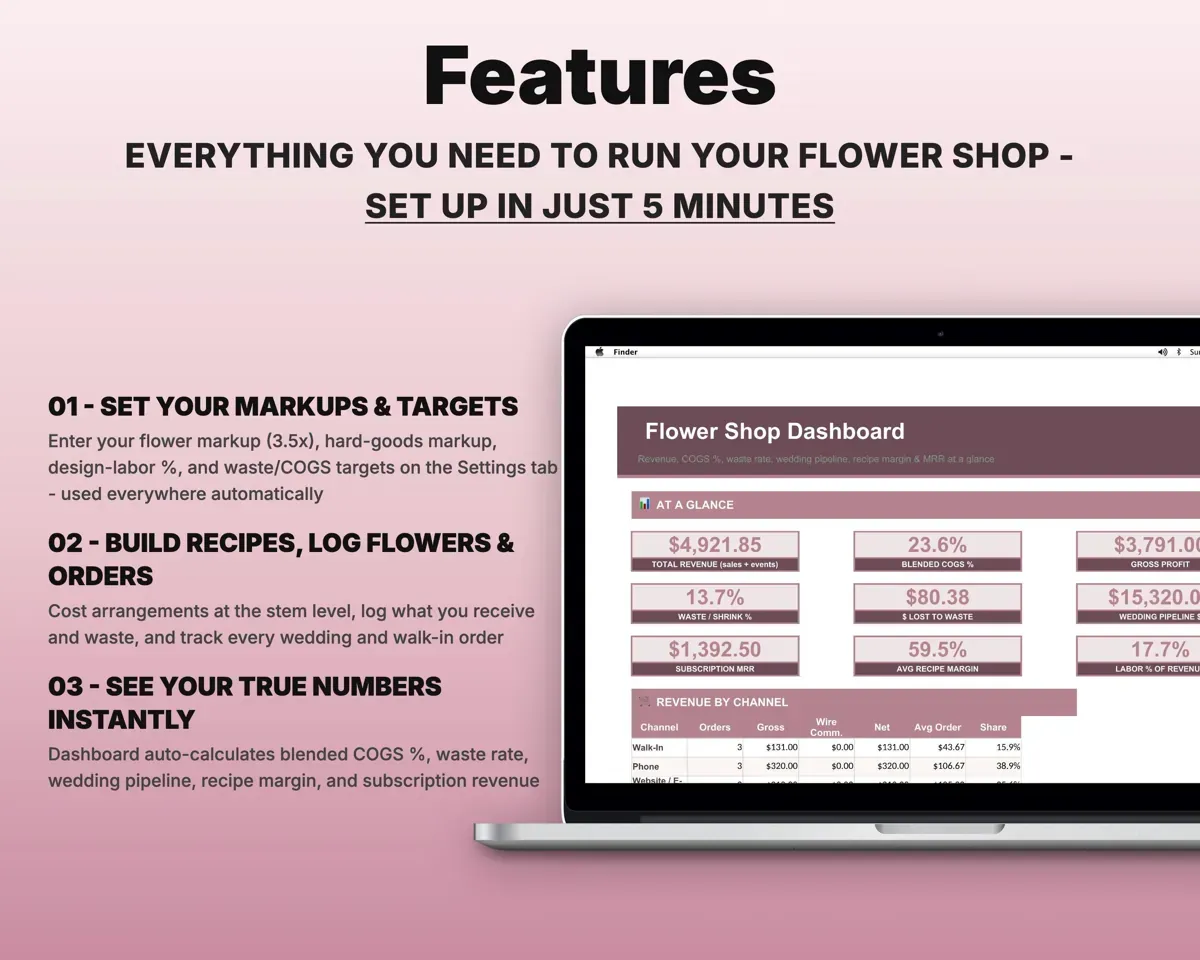
Built around the jobs florists actually do
Price arrangements from the stem up
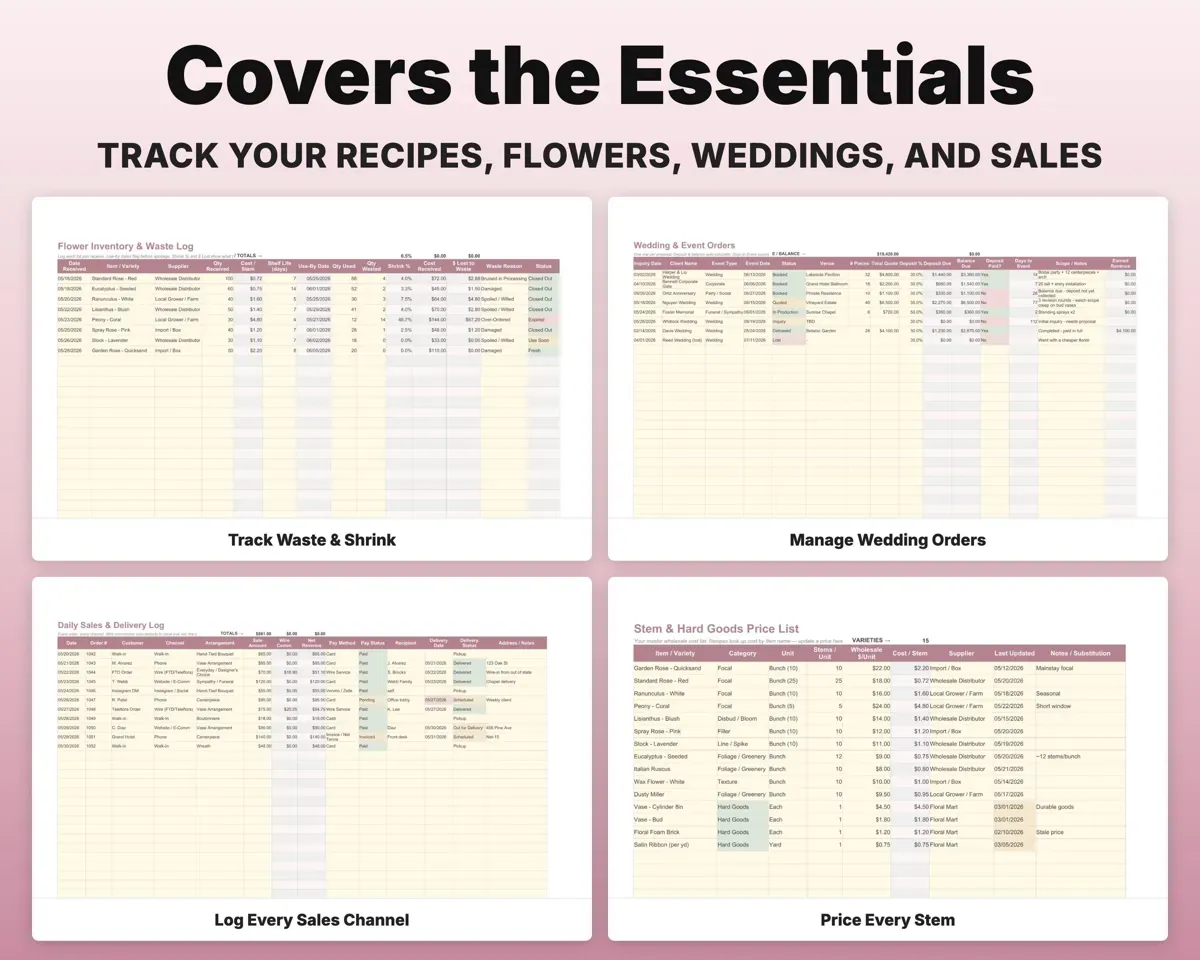
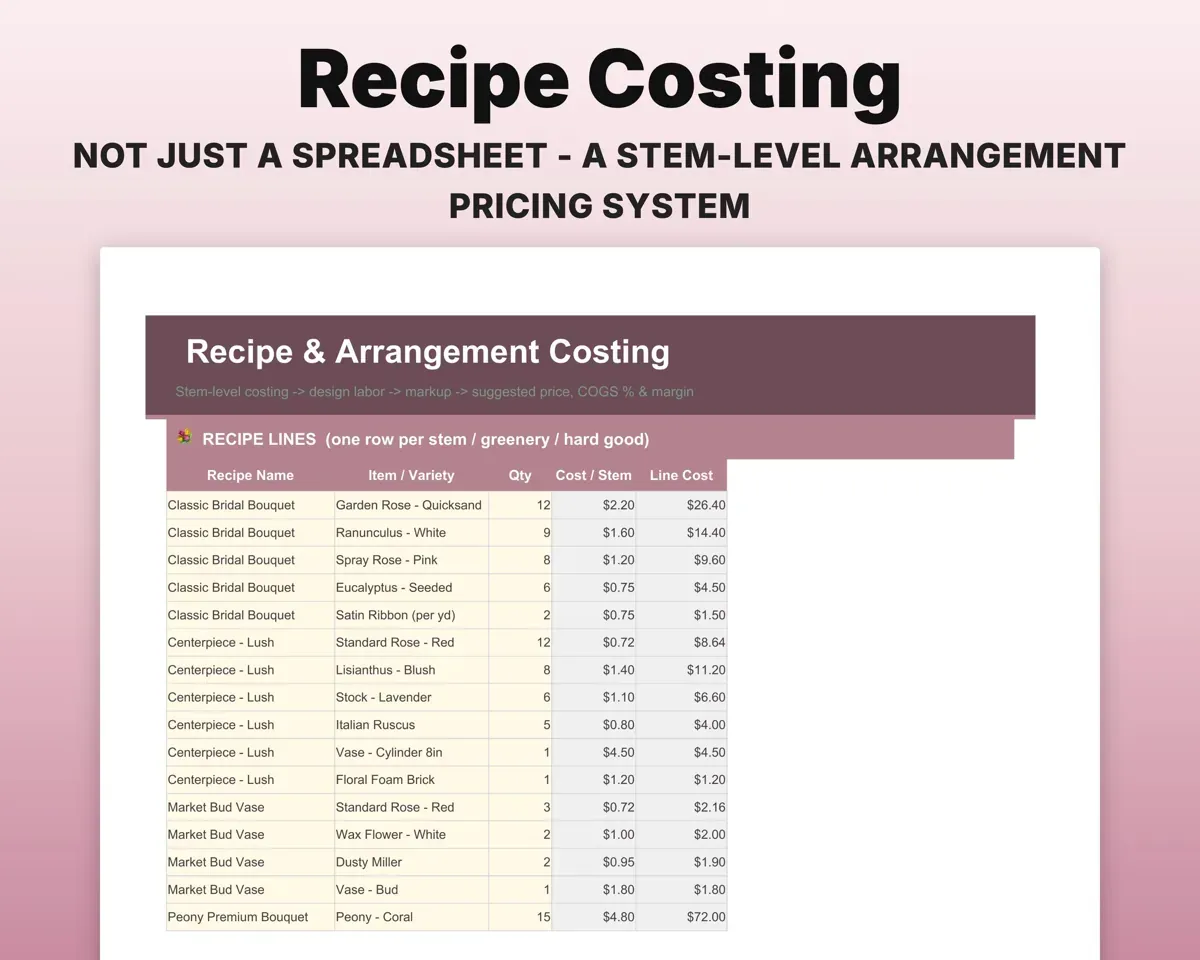
Pick stems and hard goods from your price list. The sheet adds design labor and your markups, then shows a suggested price, COGS % and margin before you quote.
Stems per recipeSuggested priceSee what you throw away
Log flowers received, used and wasted. Stock close to its use-by date is flagged, and shrink % and dollars lost show by variety.
Received, used, wastedShrink % by varietyFollow every event from inquiry to delivery
Each wedding or event gets its deposit, balance due and days to go. The Dashboard shows your pipeline value and conversion rate.
Event, quote, depositBalance dueLog orders from every channel
Record each sale with its channel. Wire-service commission comes off automatically, and a delivery schedule is built in.
Sale, channelNet after commissionKeep standing orders and recurring revenue
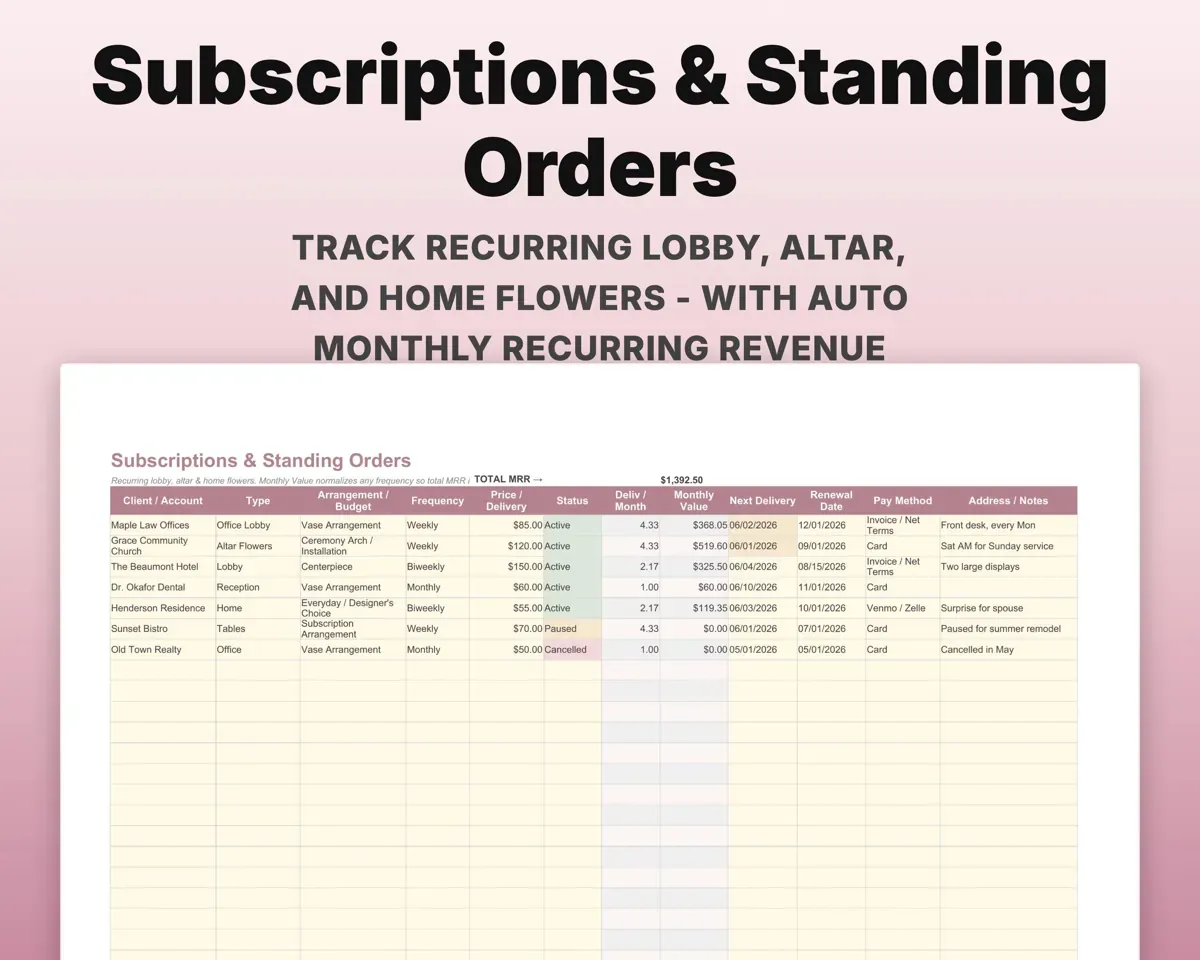
List standing orders for offices, churches and homes. The sheet totals your monthly recurring revenue and adds it to cash flow.
Standing ordersMonthly recurring revenueHave the shop's numbers ready for taxes
Expenses split between COGS and operating costs and map to Schedule C lines. Quarterly estimated tax includes self-employment tax.
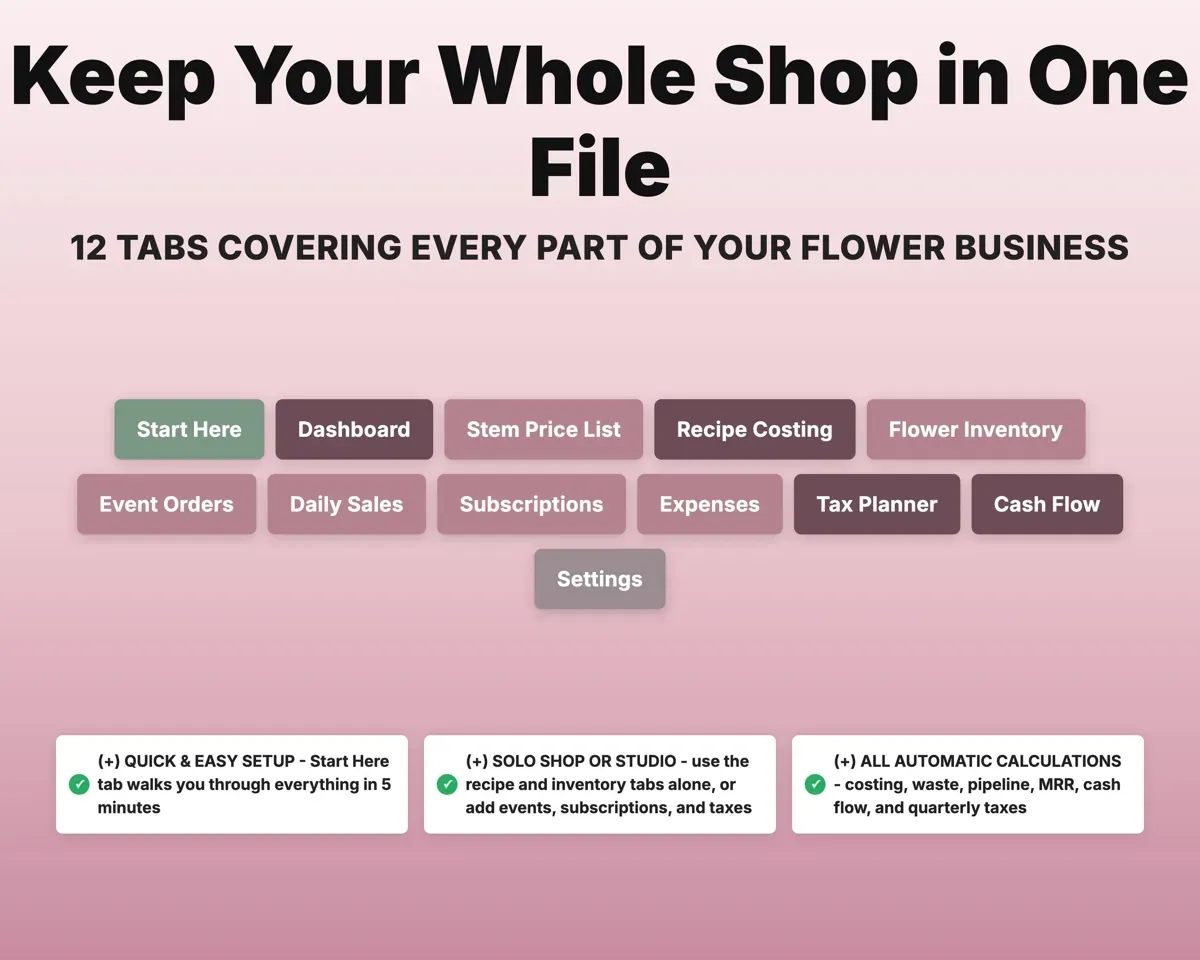
ExpensesQuarterly tax estimate12 tabs in one file
- Start Here
- Dashboard
- Stem Price List
- Recipe Costing
- Flower Inventory
- Event Orders
- Daily Sales
- Subscriptions
- Expenses
- Tax Planner
- Cash Flow
- Settings
- Start Here
- A short walkthrough of every tab and the color key.
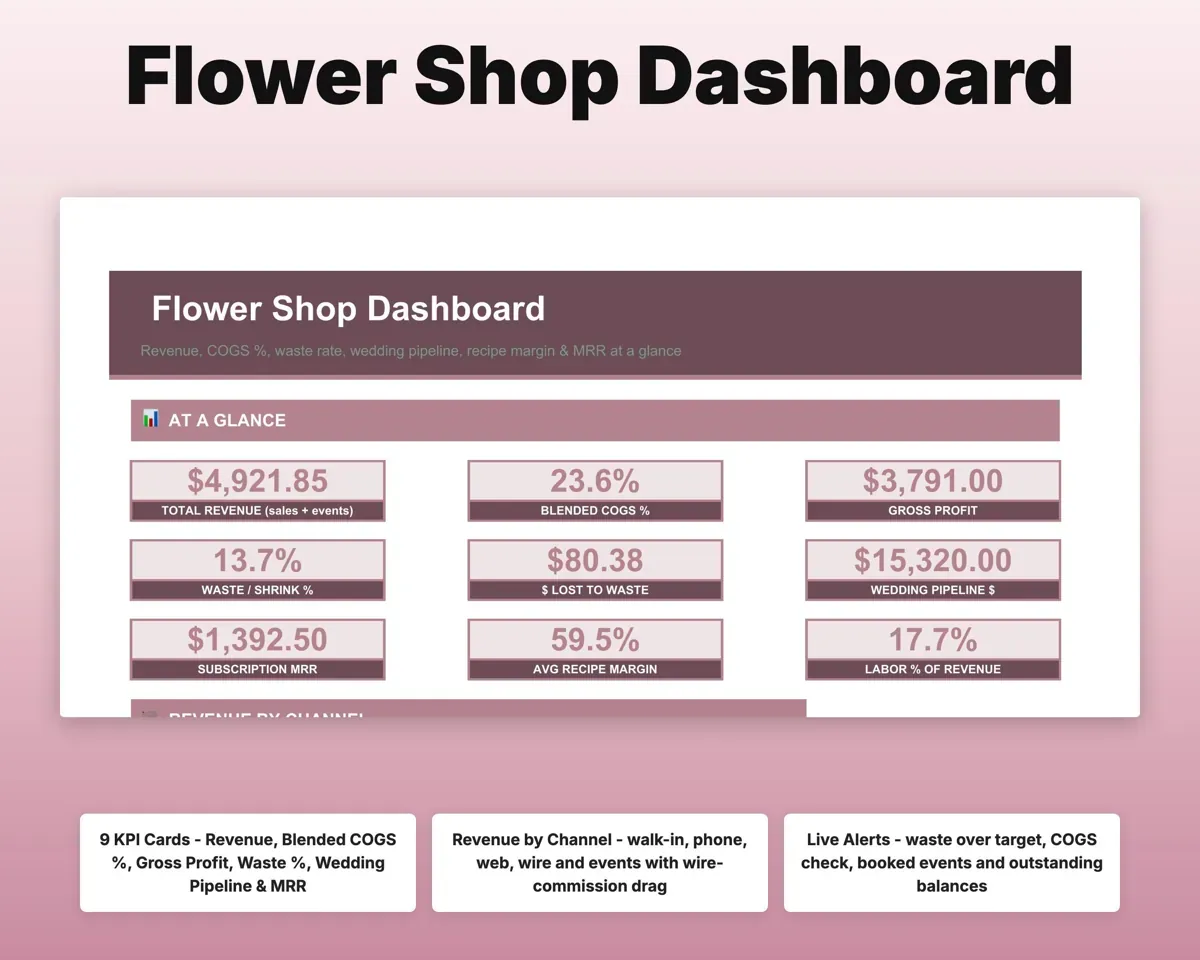
- Dashboard
- Revenue by channel, COGS %, waste rate and wedding pipeline.
- Stem Price List
- Your master wholesale costs that every recipe looks up.
- Recipe Costing
- Stem-level cost, design labor, markup and suggested price.
- Flower Inventory
- Flowers received, used and wasted, with use-by flags.
- Event Orders
- Weddings and events from inquiry to delivered.
- Daily Sales
- Orders by channel, with wire commission and deliveries.
- Subscriptions
- Standing orders and monthly recurring revenue.
- Expenses
- Costs split into COGS and operating, mapped to Schedule C.
- Tax Planner
- Quarterly estimated tax with self-employment tax (Form 1040-ES).
- Cash Flow
- Twelve months of sales, events and subscriptions against costs.
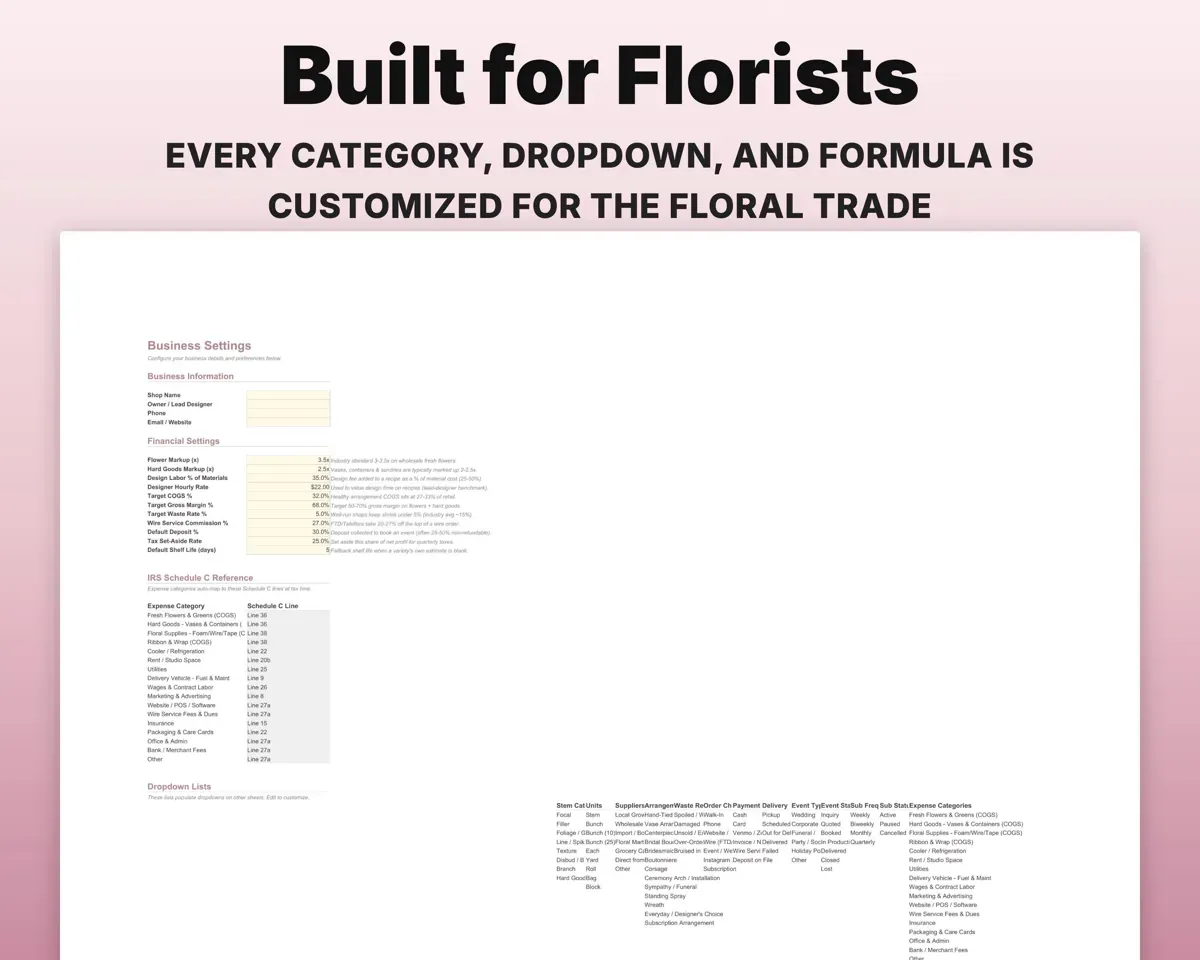
- Settings
- Markups, design labor %, targets and your dropdown lists.
Pair it with
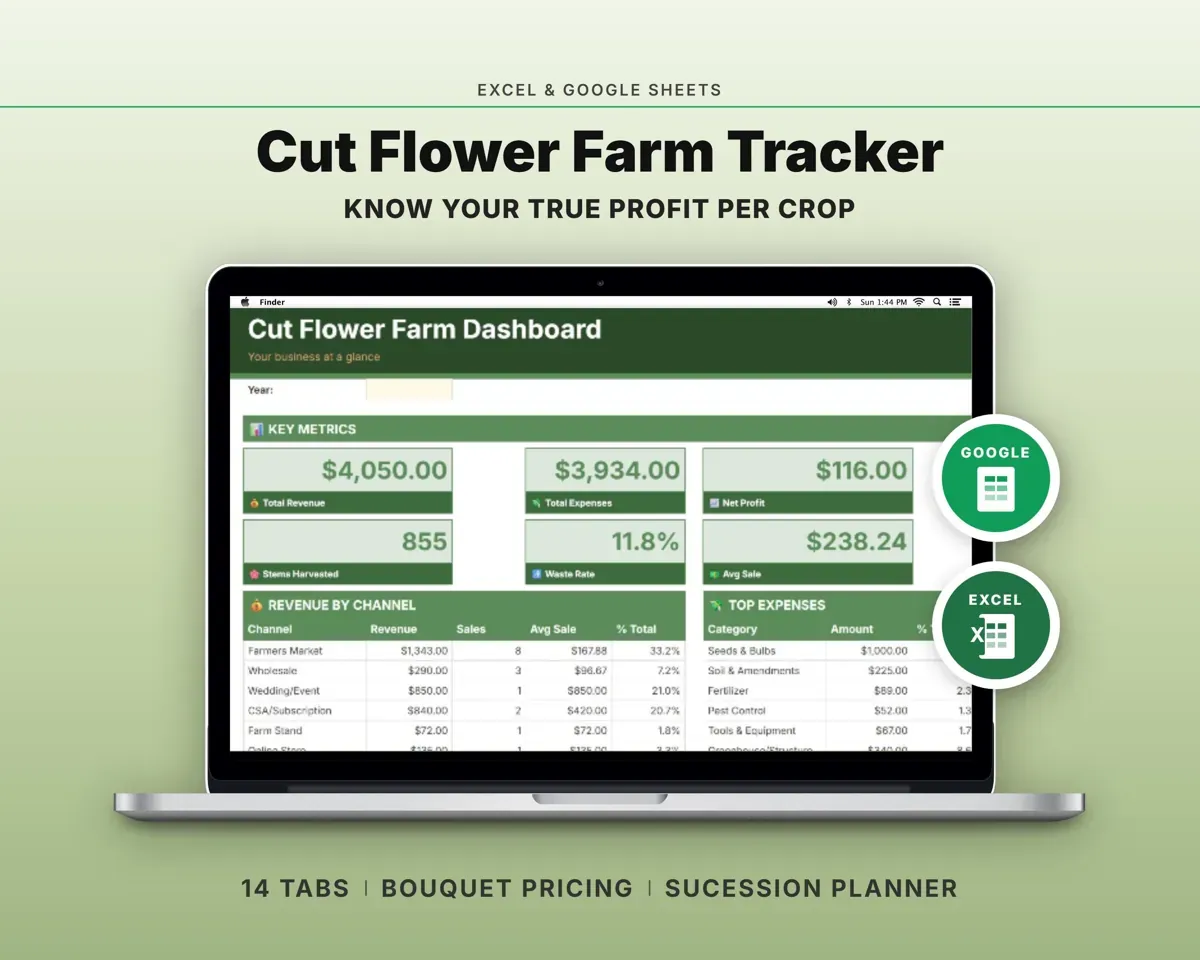
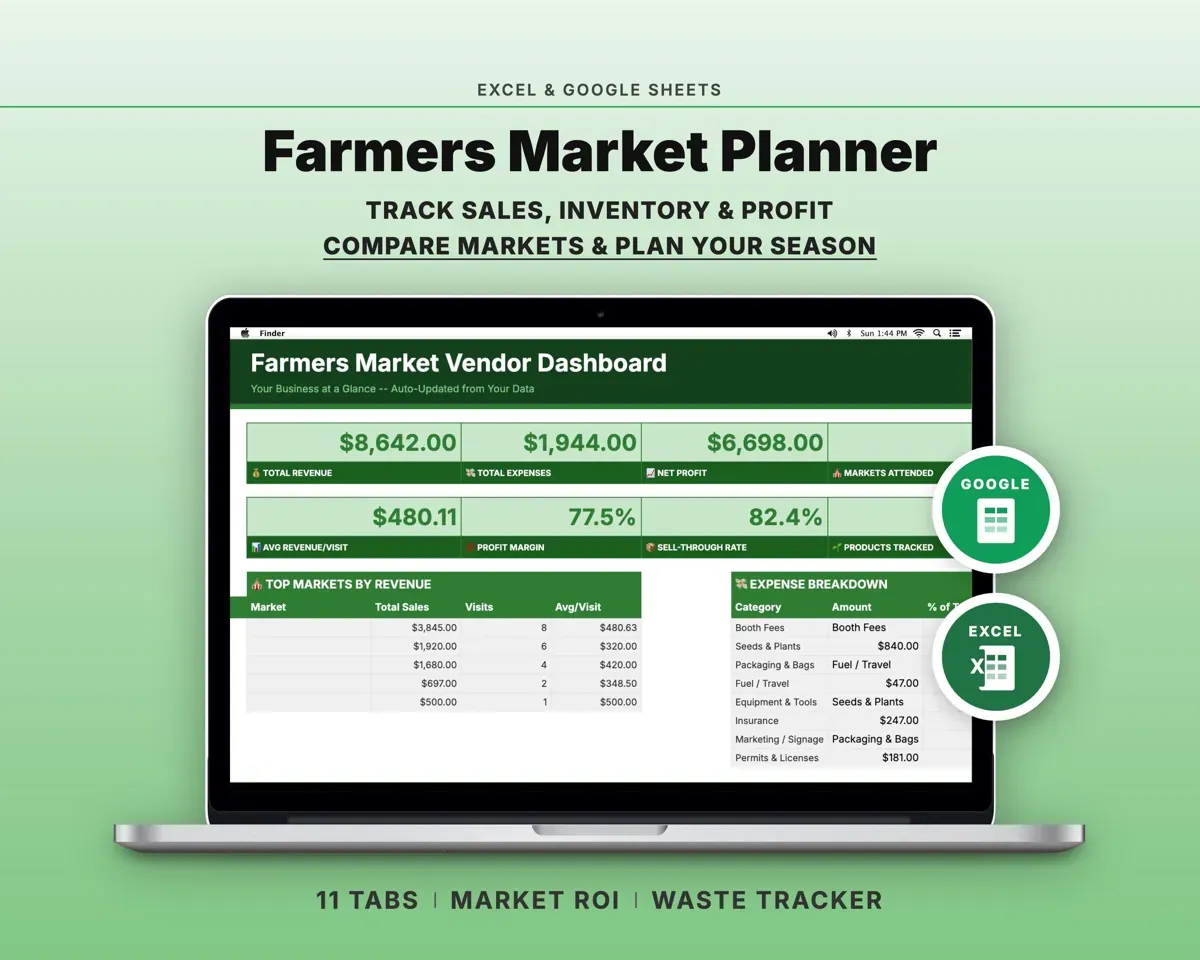
“Excellent! Very easy to use.”
“Nice Organization for 4H projects”
Before you buy
Is it for weddings or a retail shop?
Both. The recipe and inventory tabs work on their own, and the event, daily sales and subscription tabs cover the rest of a shop.
What happens when a stem price changes?
Update it once on the Stem Price List. Recipes look up cost by item name, so every recipe that uses that stem re-prices.
Can I set my own markups?
Yes. Flower and hard-goods markups, design labor % and your waste and COGS targets are all on the Settings tab.
What do I get?
An Excel file (.xlsx), a filled-in sample to look at, and a quick-start PDF guide with a link that makes your own copy in Google Sheets.
How does delivery work?
You get your download links right after checkout, and Stripe emails your receipt. There is nothing to ship and nothing to wait for.
How do I set it up in Google Sheets?
Open the quick-start PDF and click the Google Sheets link. Google makes a copy in your own Drive that only you can edit. You need a free Google account.
Will it work on a Mac?
Yes. It works in Excel on Mac and Windows, and in Google Sheets in any browser.
I'm not a spreadsheet person. Is that a problem?
No. You only type in the yellow cells. Everything in gray works itself out, and the Start Here tab shows you where to begin.
Can I get a refund?
Templates are digital downloads, so sales are final. If a file won't open, is broken or doesn't match its description, email hello@cleanpixelstudios.com within 30 days and we'll fix it, or refund you if we can't.
What if I get stuck?
Email hello@cleanpixelstudios.com and we'll help you get it working.
More in Makers & creatives
See all Makers & creatives templates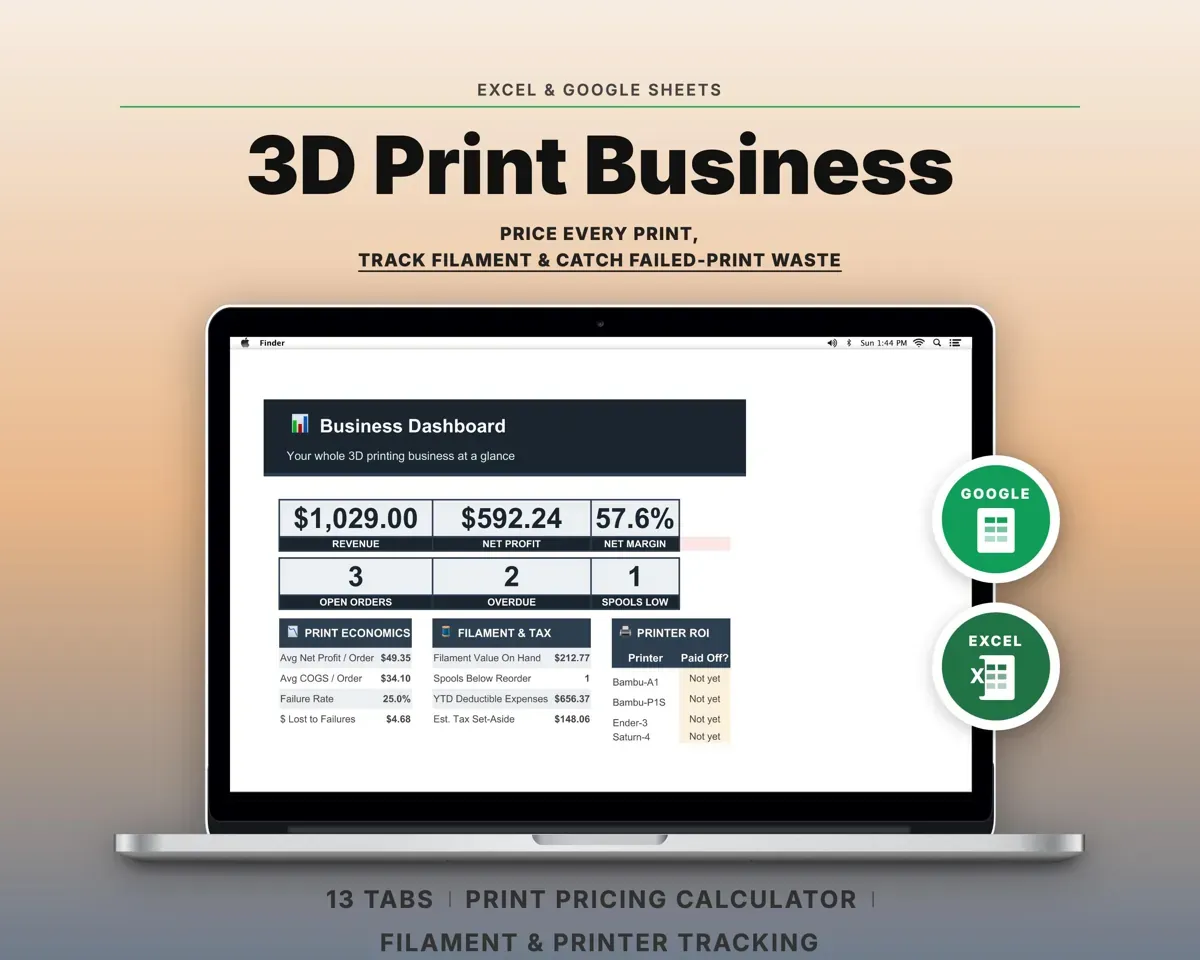
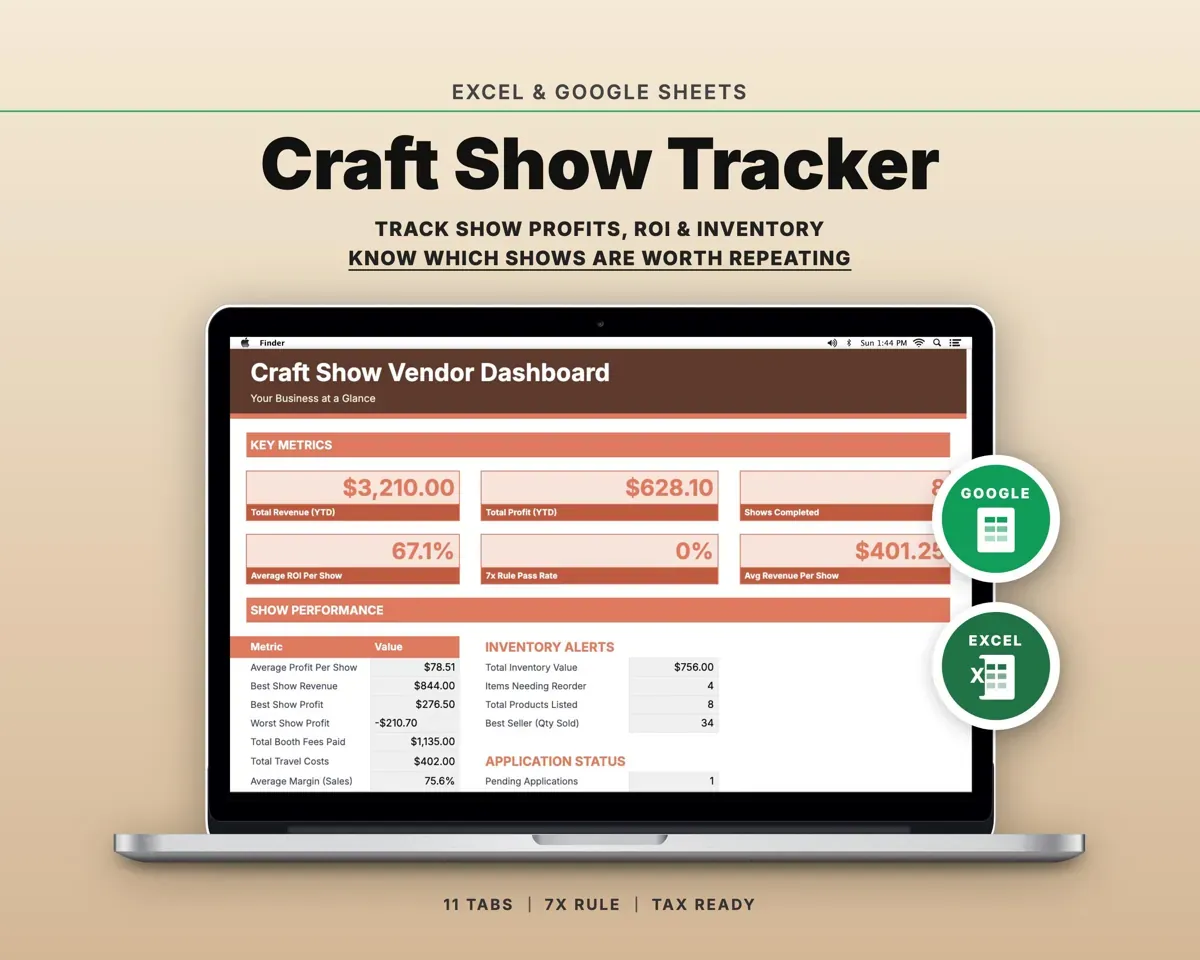
 Made by Clean Pixel Studios
We start every template by reading what people in that line of work say they struggle with, then build the spreadsheet around those problems. This one was made for florists and nobody else.
How we build templatesFlorist Business Spreadsheet$19.99 · Excel + Google Sheets