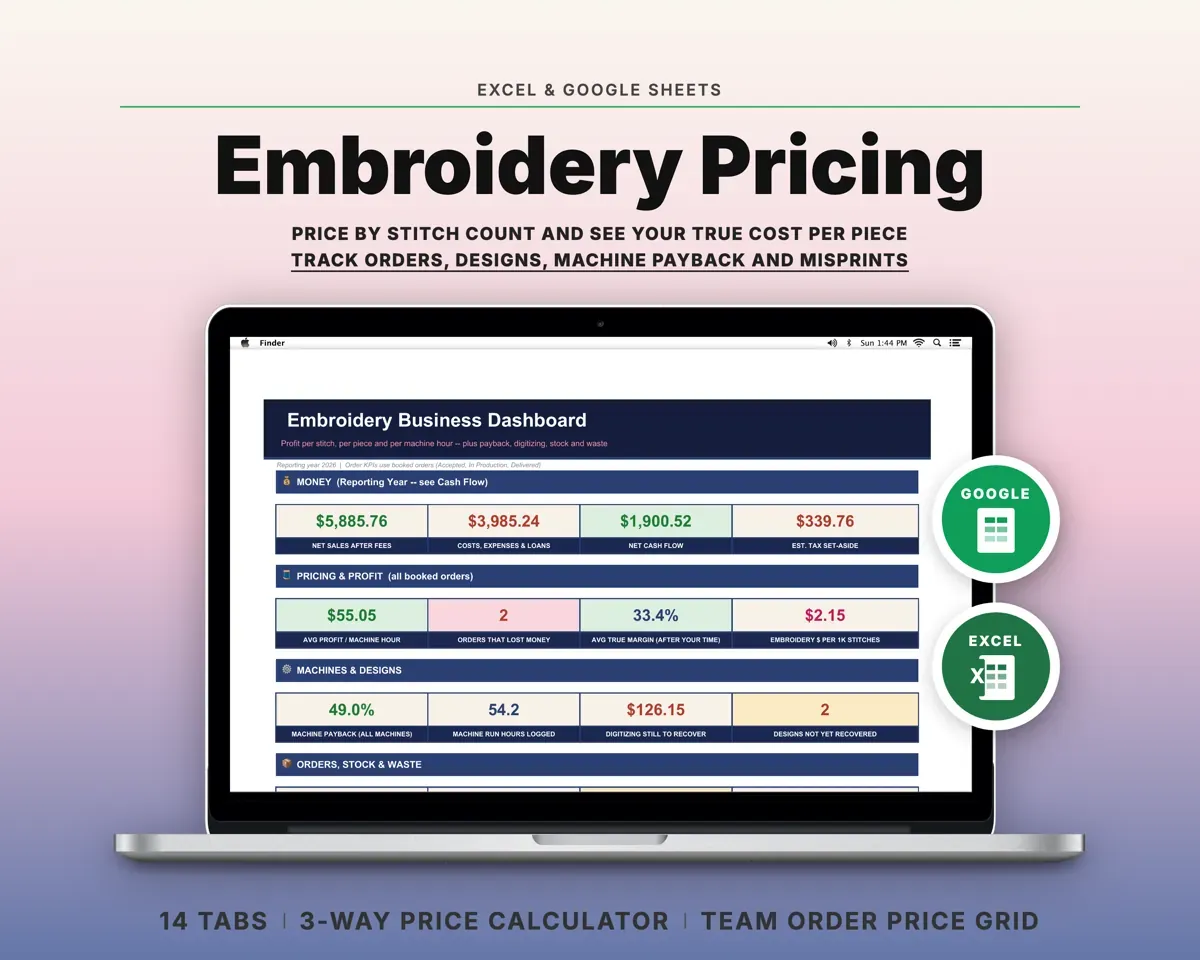
Built around the jobs machine embroiderers actually do
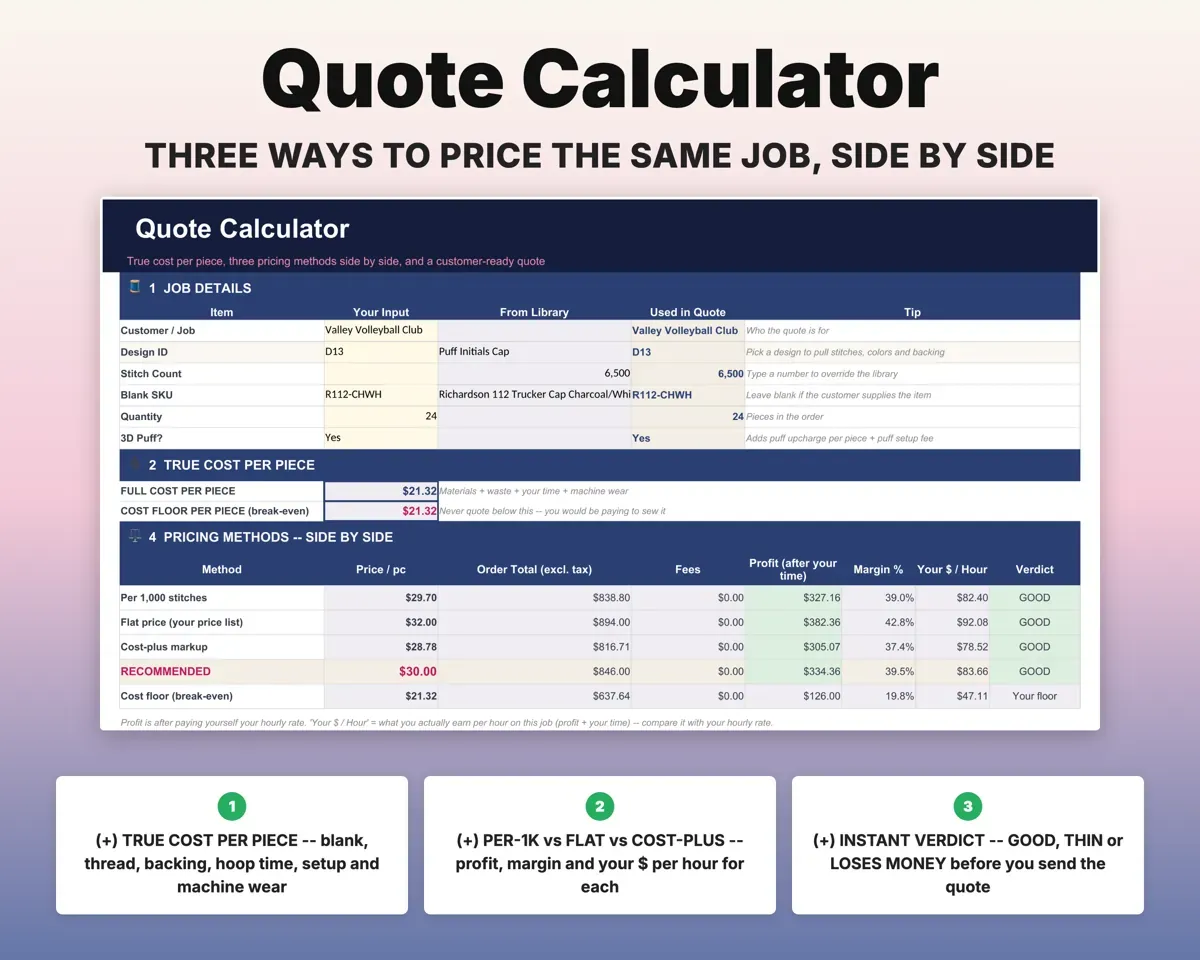
Quote from your true cost per piece
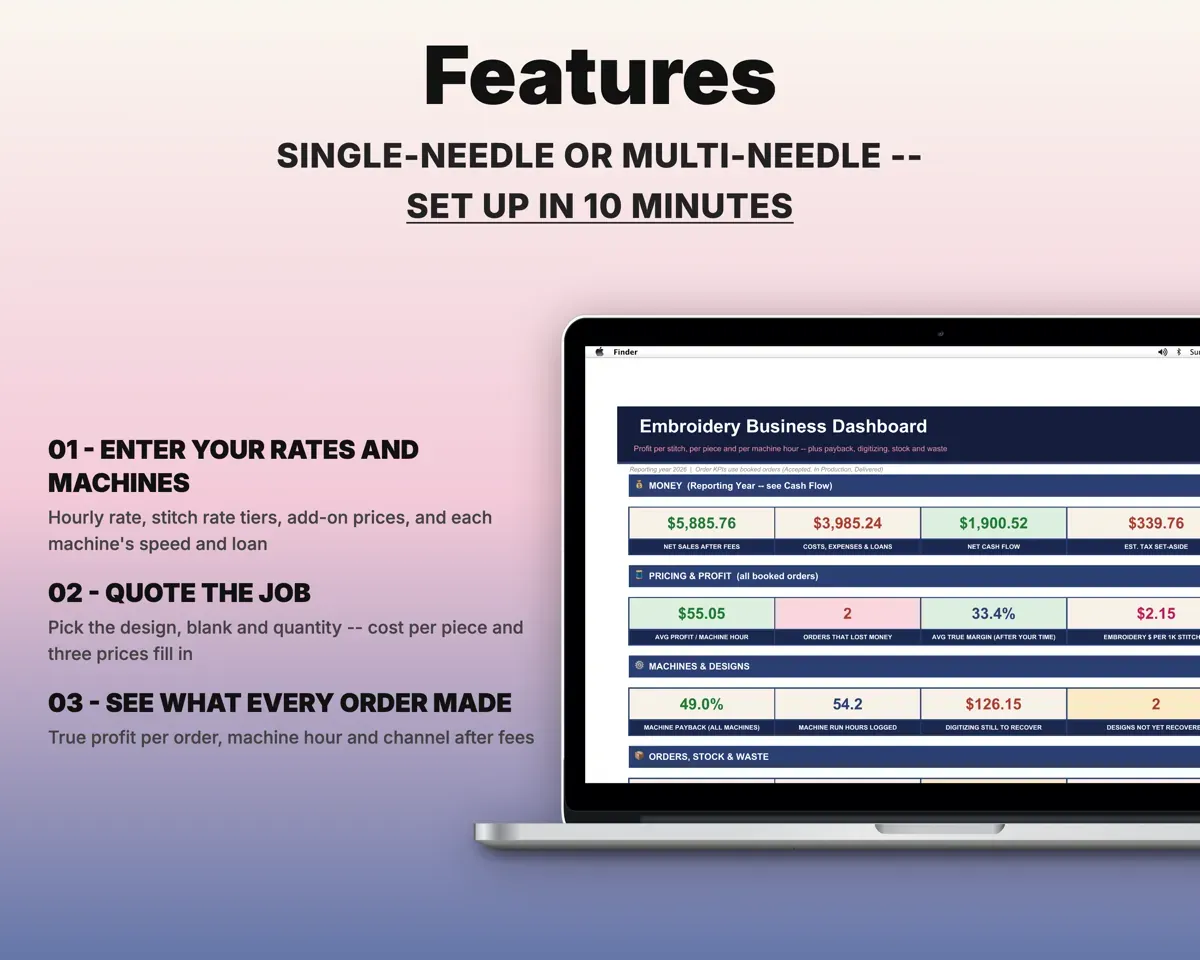
Pick the design, blank, machine and quantity. The Quote Calculator adds blank, thread, backing, needle wear, misprints, hoop time and setup, and shows your cost floor.
Design, blank, quantityCost per pieceCompare three ways to price a job
Per 1,000 stitches, your flat price list and cost-plus markup side by side, each with profit, margin, dollars per hour and a Good, Thin or Loses Money verdict.
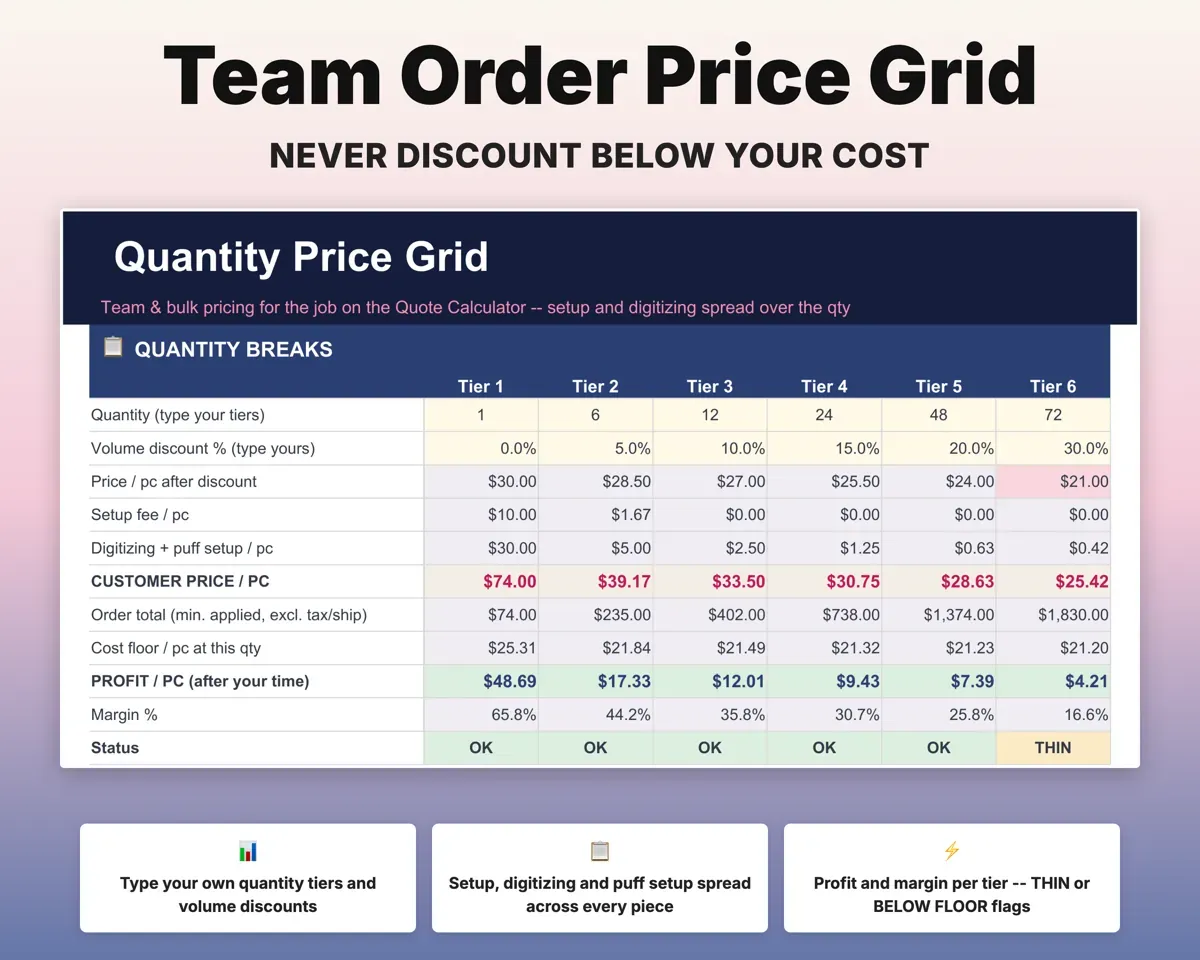
Stitch count, ratesRecommended pricePrice bulk orders without guessing
The Price Grid prices six quantity tiers you choose. Setup and digitizing fees are divided over the pieces, and every tier is tested against your cost floor.
Quantity tiersPrice per tierMake digitizing pay for itself
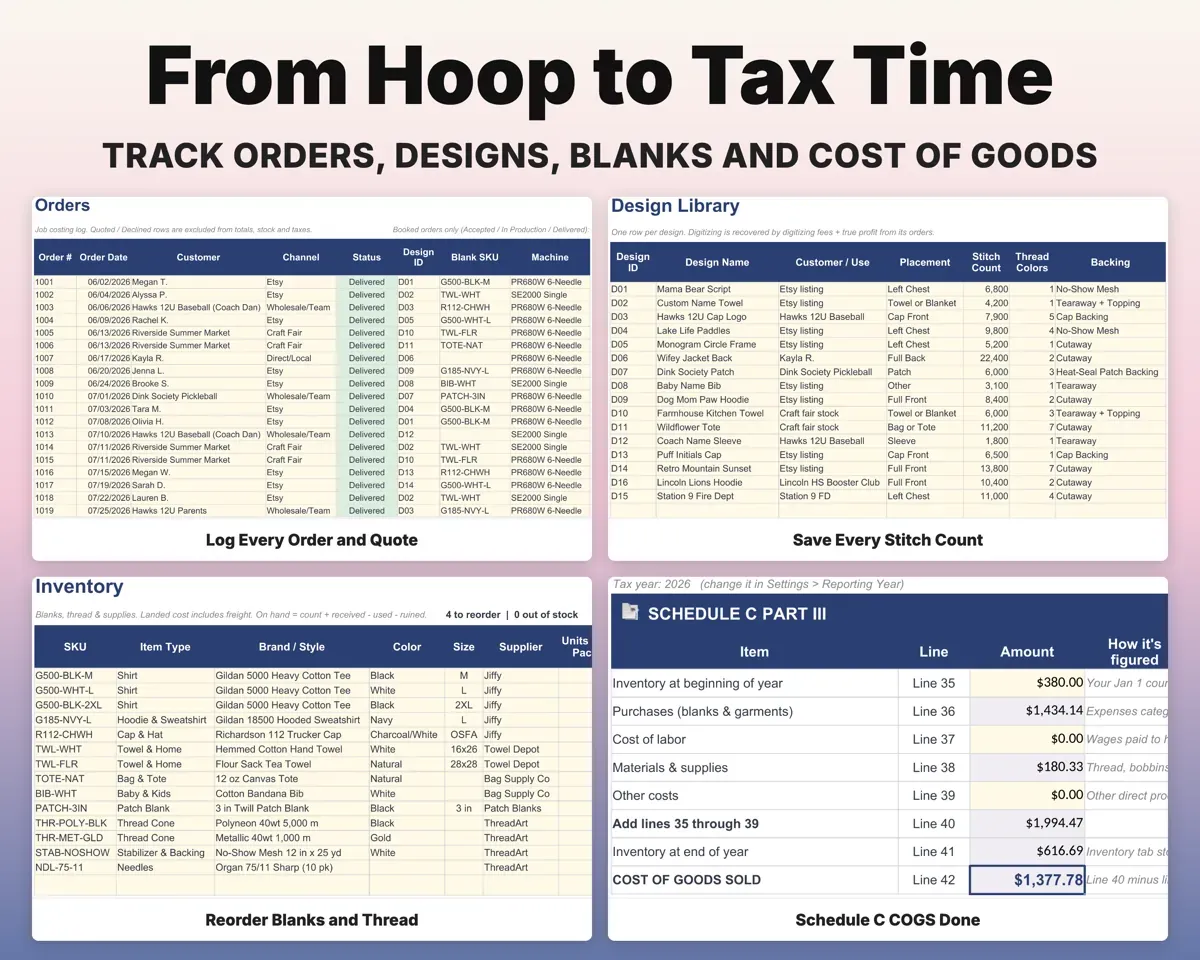
Save each design's stitch count, colors, backing and hoop time. The Design Library tracks digitizing cost against fees and reorder profit, and marks Recovered or Not Yet.
Digitizing cost, feesRecovered or not yetKnow if each machine is paying off
Loan payment and balance, payback percentage, average monthly profit and a projected payback date for every machine you own.
Loan, machine ordersPayback dateSee true profit on each order
Fees, materials and misprints come off each order for true profit and profit per machine hour, with a Lost Money flag.
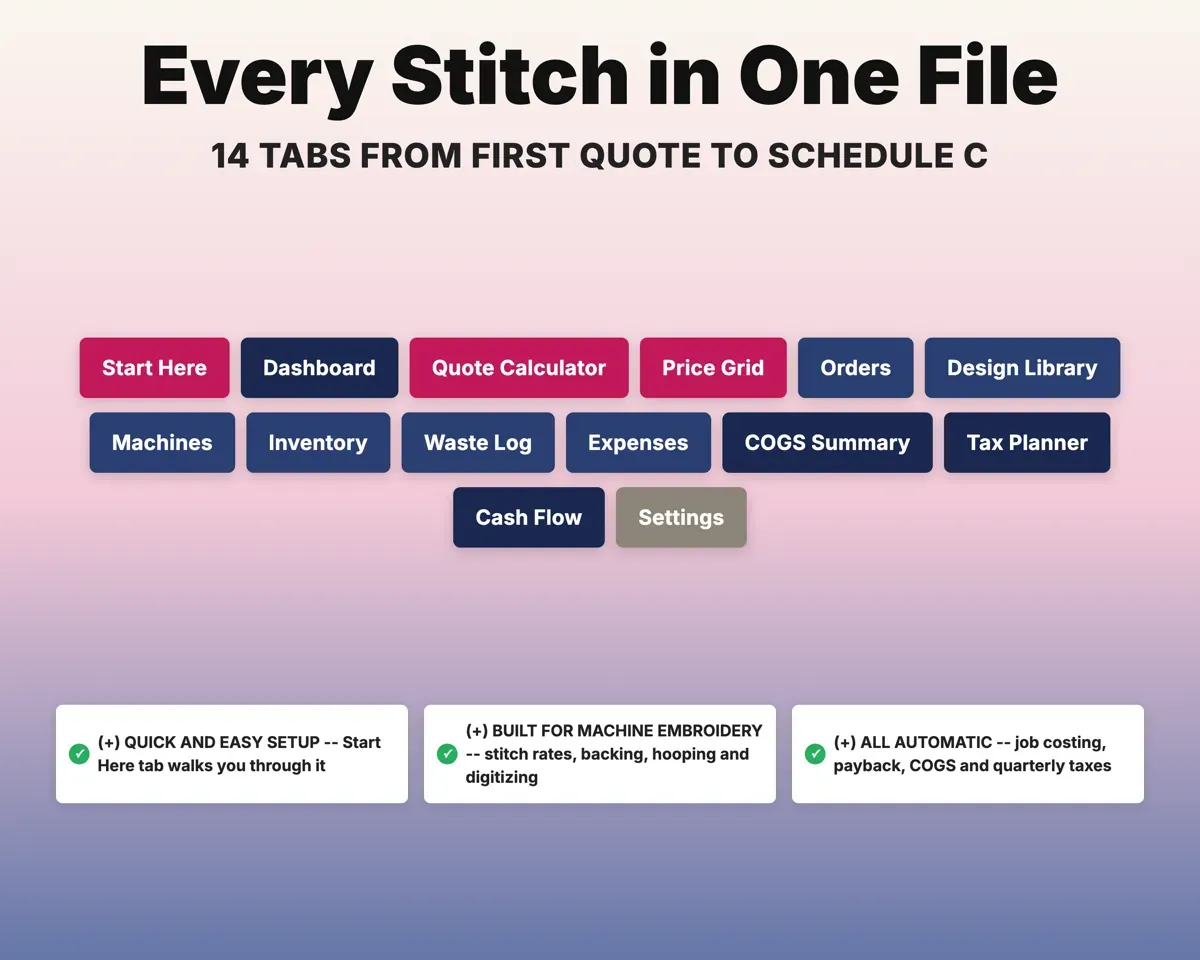
Order detailsTrue profit14 tabs in one file
- Start Here
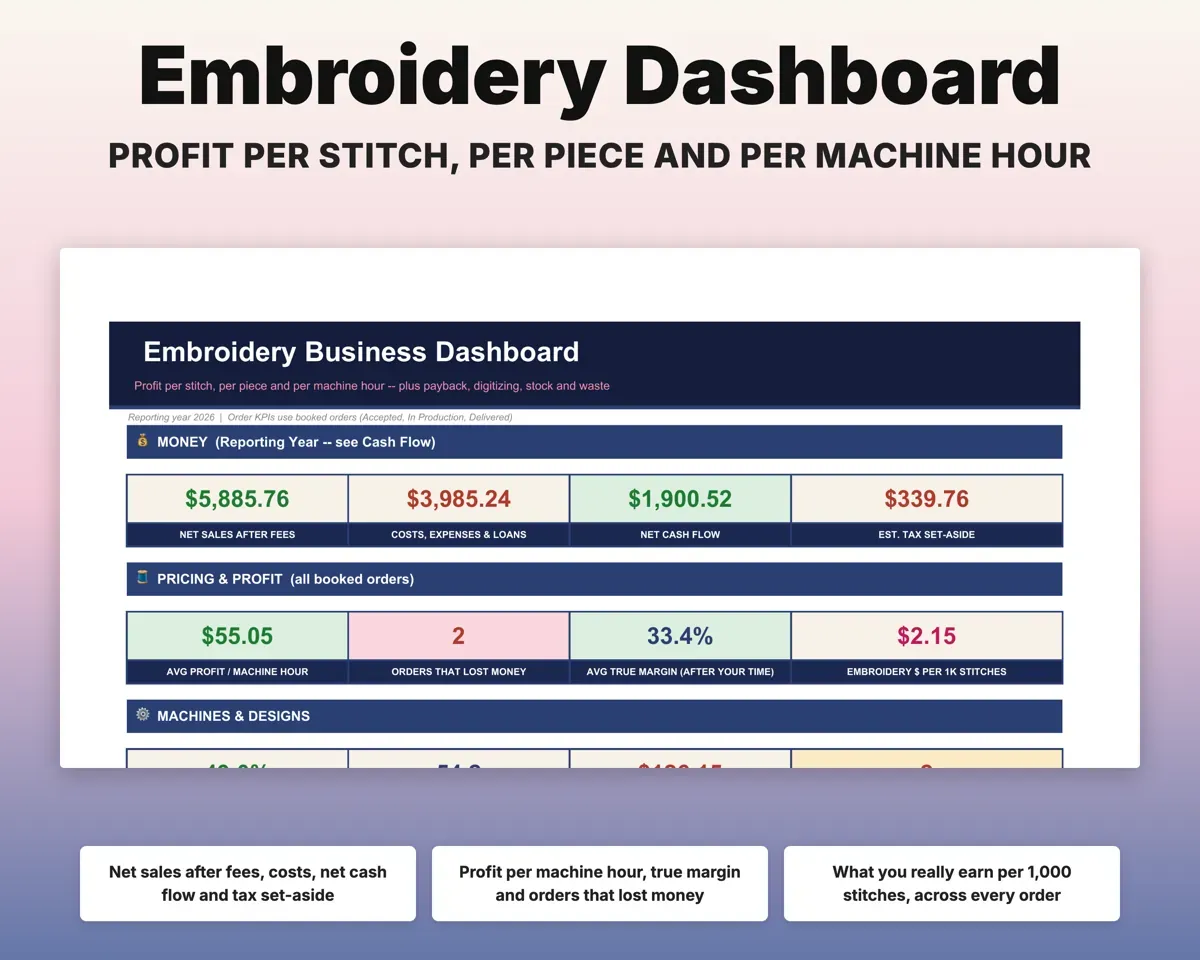
- Dashboard
- Quote Calculator
- Price Grid
- Orders
- Design Library
- Machines
- Inventory
- Waste Log
- Expenses
- COGS Summary
- Tax Planner
- Cash Flow
- Settings
- Start Here
- Setup steps, a color key and a tour of the tabs.
- Dashboard
- KPIs, profit by channel, waste and machine payback.
- Quote Calculator
- True cost per piece, three prices and a ready quote.
- Price Grid
- Quantity break pricing checked against your cost floor.
- Orders
- Job costing and true profit for every order.
- Design Library
- Stitch counts, colors and digitizing cost recovery per design.
- Machines
- Speed, loan, run-hour cost, payback and depreciation per machine.
- Inventory
- Blanks, thread and supplies with reorder alerts.
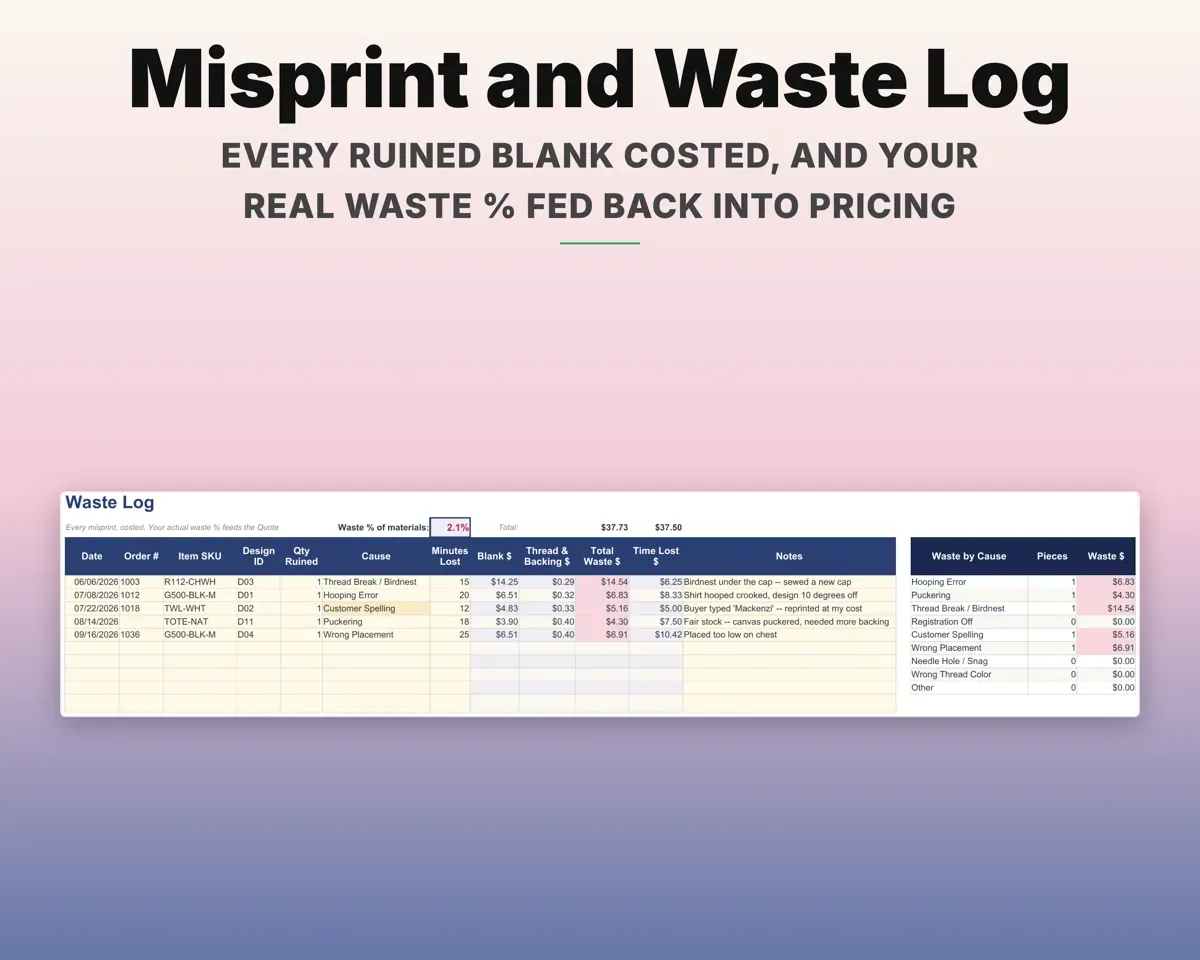
- Waste Log
- Every misprint costed, with waste % fed into pricing.
- Expenses
- Embroidery costs mapped to Schedule C lines.
- COGS Summary
- Schedule C Part III filled in from your records.
- Tax Planner
- Quarterly estimates with loan interest and depreciation.
- Cash Flow
- Twelve months of revenue, expenses and machine payments.
- Settings
- Hourly rate, stitch tiers, add-ons, channel fees and lists.
Pair it with
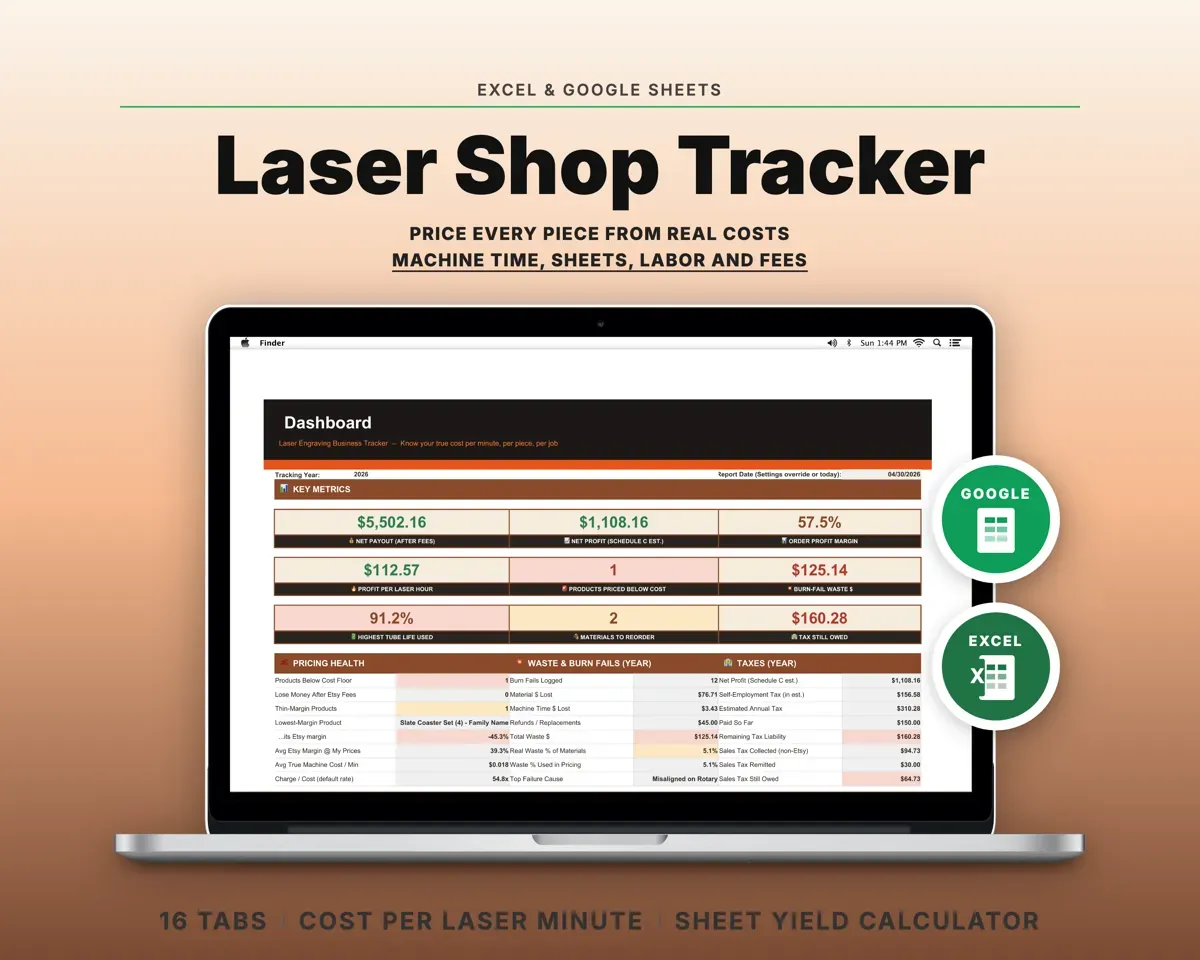
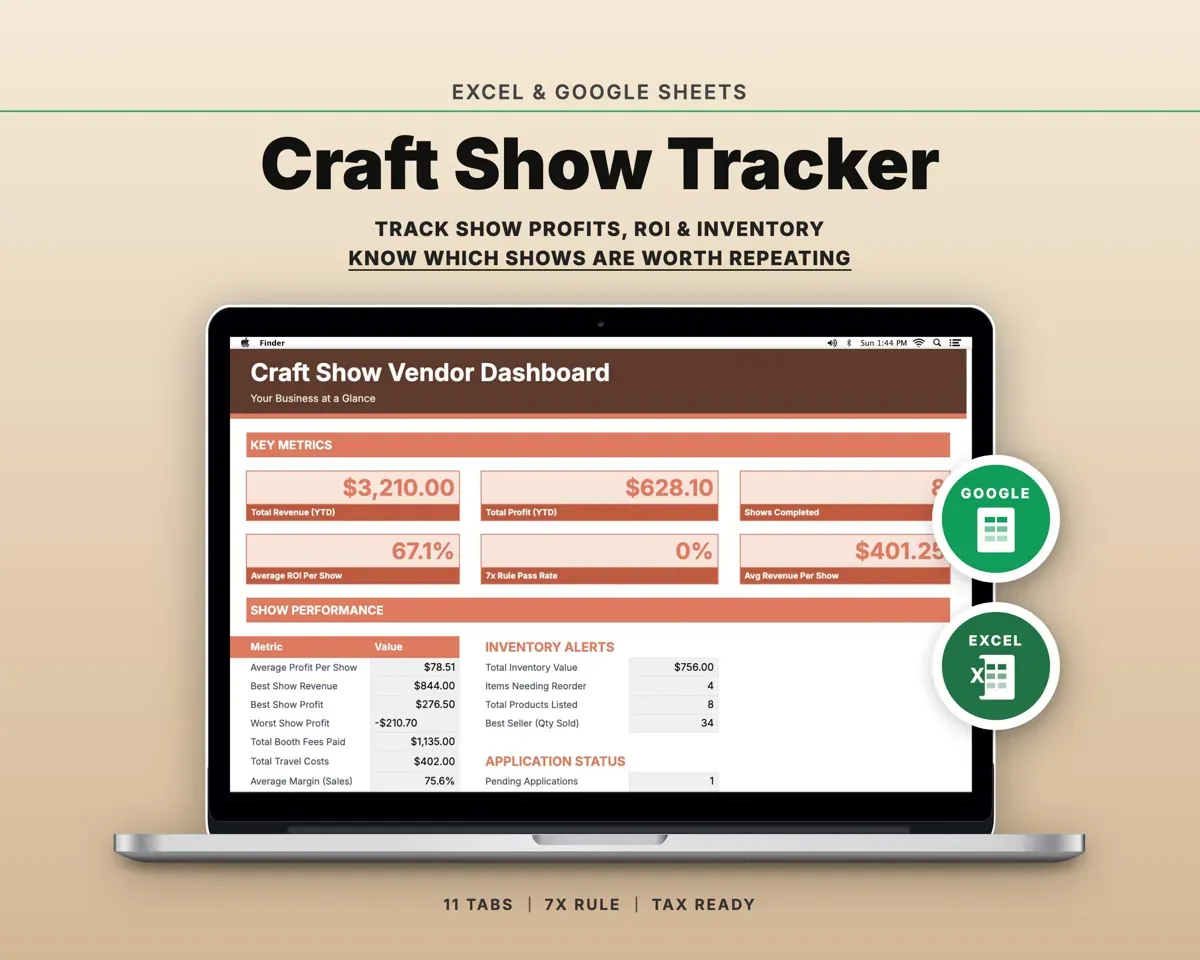
“Well thought out worksheets nicely presented”
“Excellent! Very easy to use.”
Before you buy
I have a single-needle home machine. Will it work?
Yes. You set speed, efficiency and color change time per machine, so a slower machine's extra color change time ends up in the price.
Can I quote a garment the customer supplies?
Yes. With no blank selected, the blank cost is zero and you are quoting the embroidery alone.
Does it account for sales channel fees?
Yes. You set fees for each channel, including craft fairs, local, team and website orders, and they are taken off every order on that channel.
What if I don't know my thread cost?
That is fine. A thread cost helper on Settings works it out from your cone price and length, and a default is already filled in.
What do I get?
An Excel file (.xlsx), a filled-in sample to look at, and a quick-start PDF guide with a link that makes your own copy in Google Sheets.
How does delivery work?
You get your download links right after checkout, and Stripe emails your receipt. There is nothing to ship and nothing to wait for.
How do I set it up in Google Sheets?
Open the quick-start PDF and click the Google Sheets link. Google makes a copy in your own Drive that only you can edit. You need a free Google account.
Will it work on a Mac?
Yes. It works in Excel on Mac and Windows, and in Google Sheets in any browser.
I'm not a spreadsheet person. Is that a problem?
No. You only type in the yellow cells. Everything in gray works itself out, and the Start Here tab shows you where to begin.
Can I get a refund?
Templates are digital downloads, so sales are final. If a file won't open, is broken or doesn't match its description, email hello@cleanpixelstudios.com within 30 days and we'll fix it, or refund you if we can't.
What if I get stuck?
Email hello@cleanpixelstudios.com and we'll help you get it working.
More in Makers & creatives
See all Makers & creatives templates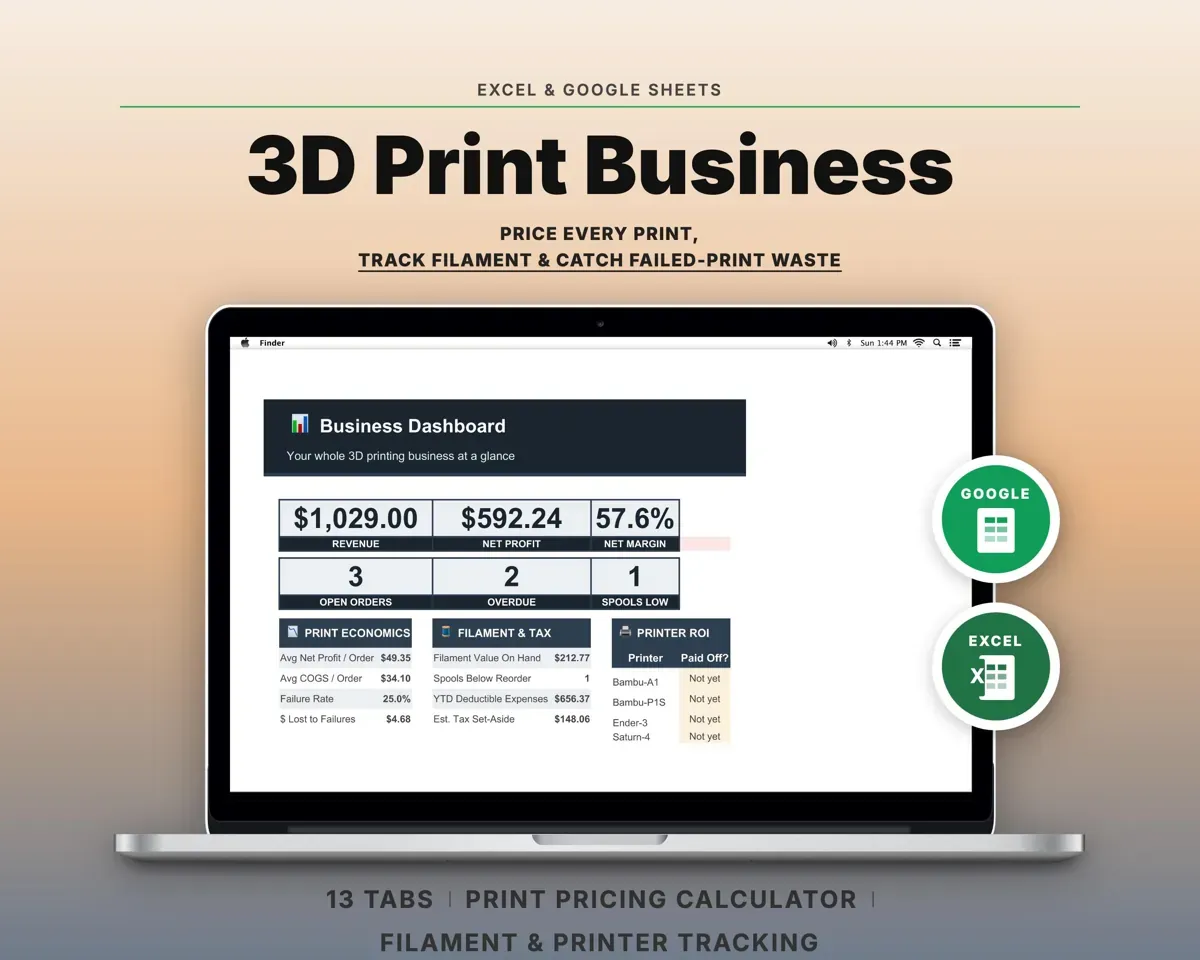
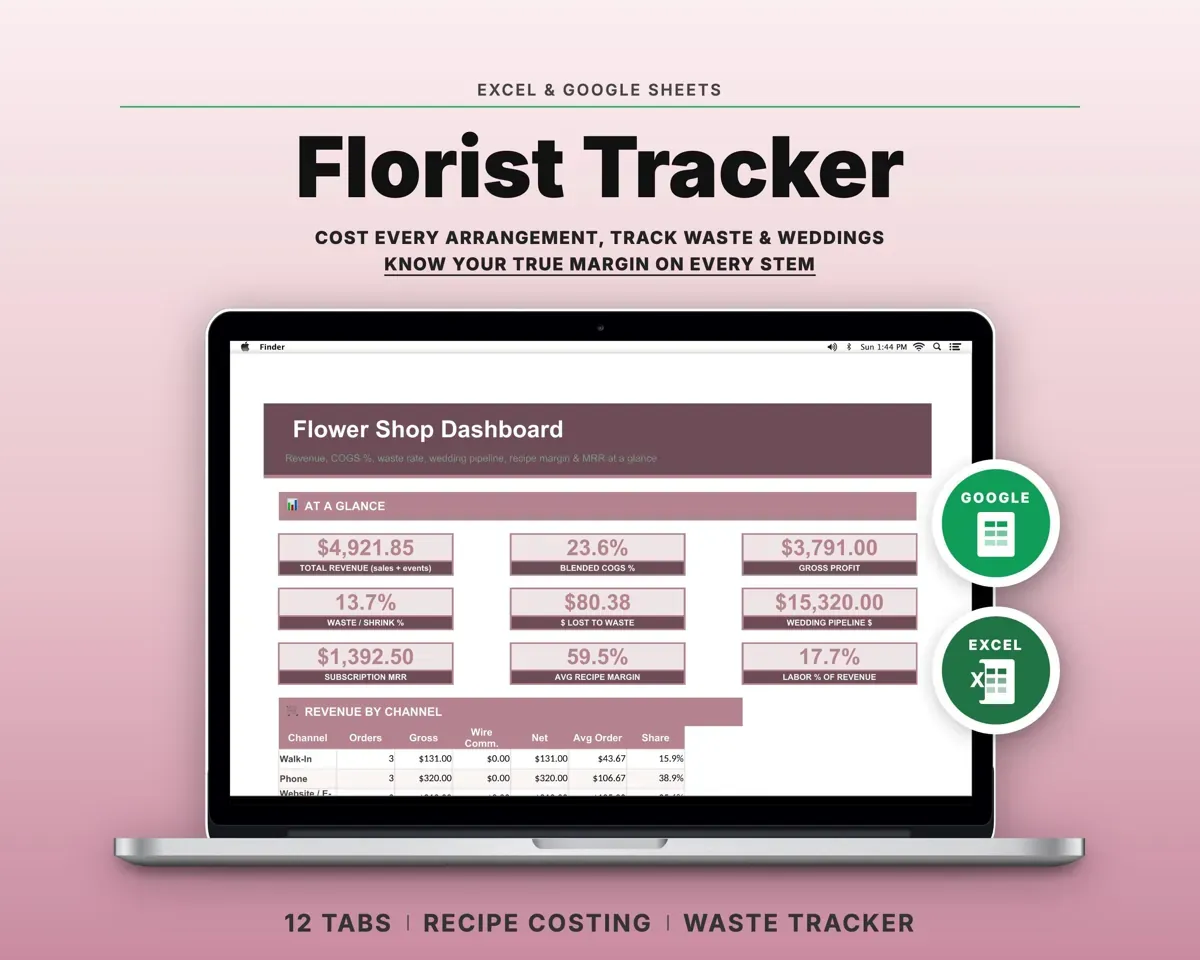
 Made by Clean Pixel Studios
We start every template by reading what people in that line of work say they struggle with, then build the spreadsheet around those problems. This one was made for machine embroiderers and nobody else.
How we build templatesEmbroidery Business Spreadsheet$18.99 · Excel + Google Sheets