Built around the jobs laser engravers actually do
Find your true cost per laser minute
Enter each machine's price, life, tube or module cost and rated hours, watts and yearly maintenance. The Machines tab works out cost per minute and puts your charge rate beside it.
Machine price, tube lifeCost per minutePrice products off a real cost floor
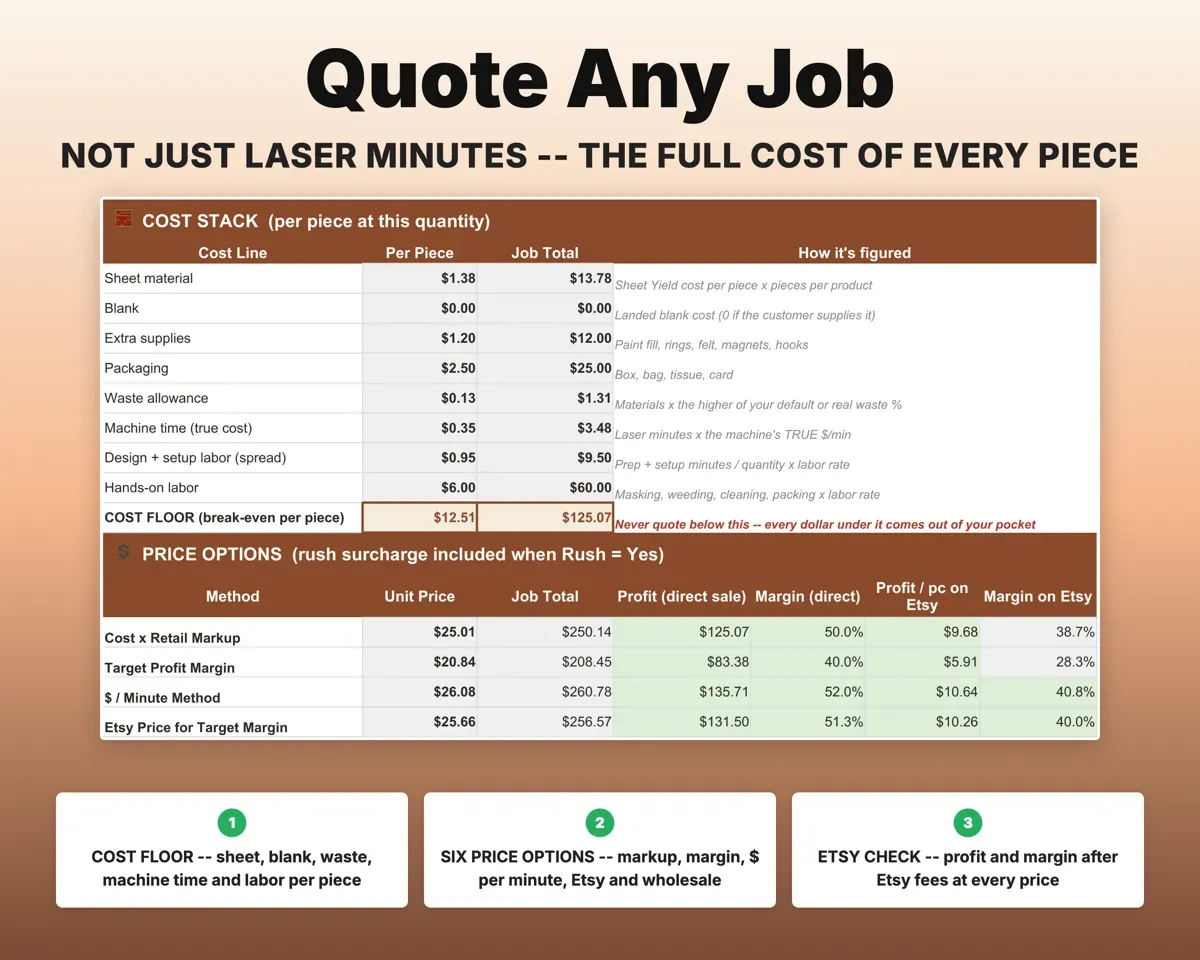
Each product carries laser minutes, design prep, setup and hands-on time. Product Costing shows four suggested prices and turns anything below your cost floor red.
Minutes, prep, materialsFour price optionsKnow what material costs per piece
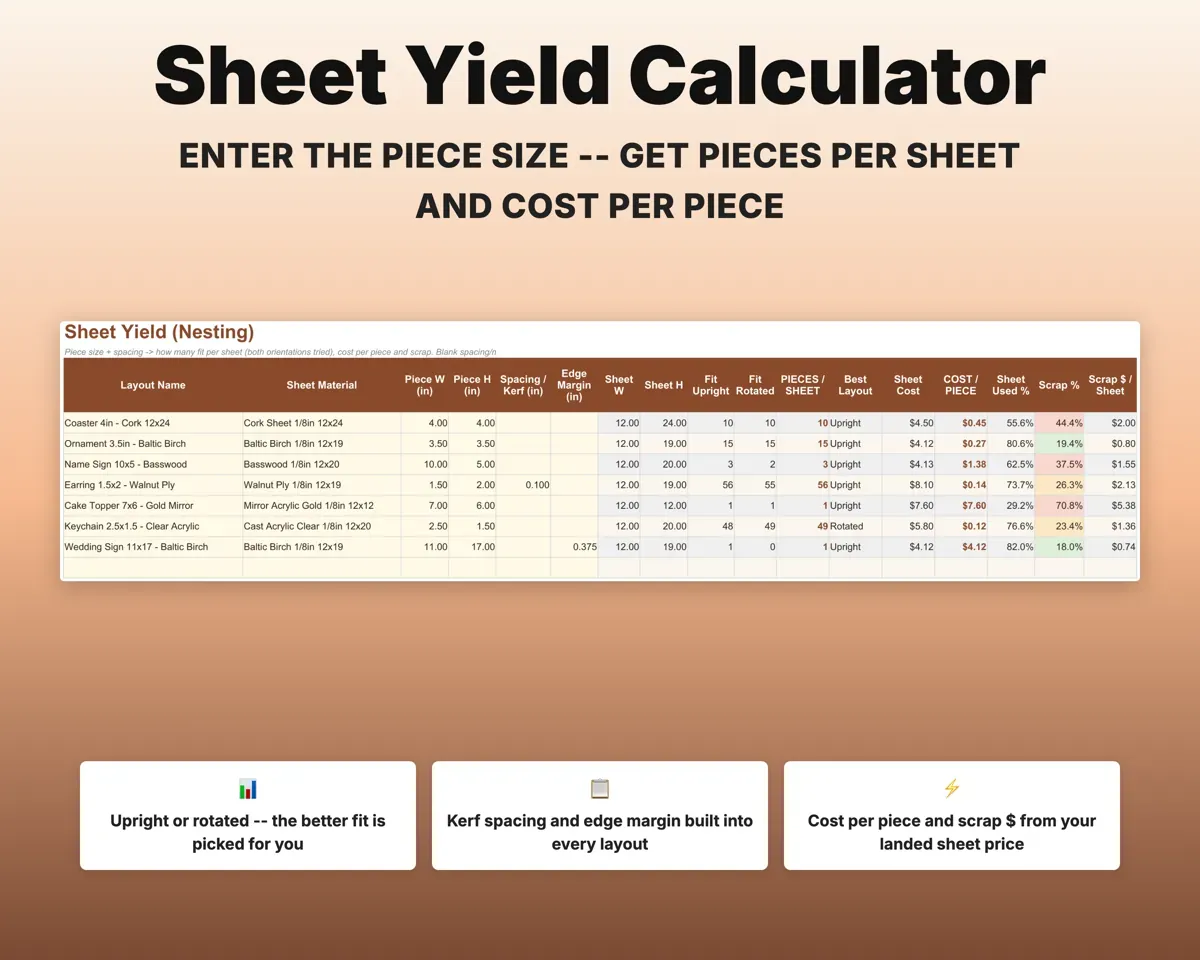
Enter the piece size, kerf spacing and edge margin. Sheet Yield checks both orientations and returns pieces per sheet, cost per piece and scrap dollars.
Sheet and piece sizeCost per pieceCount what failed burns cost you
Log misburns, typos, mirrored engravings and damaged customer items. Your waste percent feeds back into product prices, and the Dashboard shows the top cause.
Failed jobsWaste % and top causeSave for the next tube before it dies
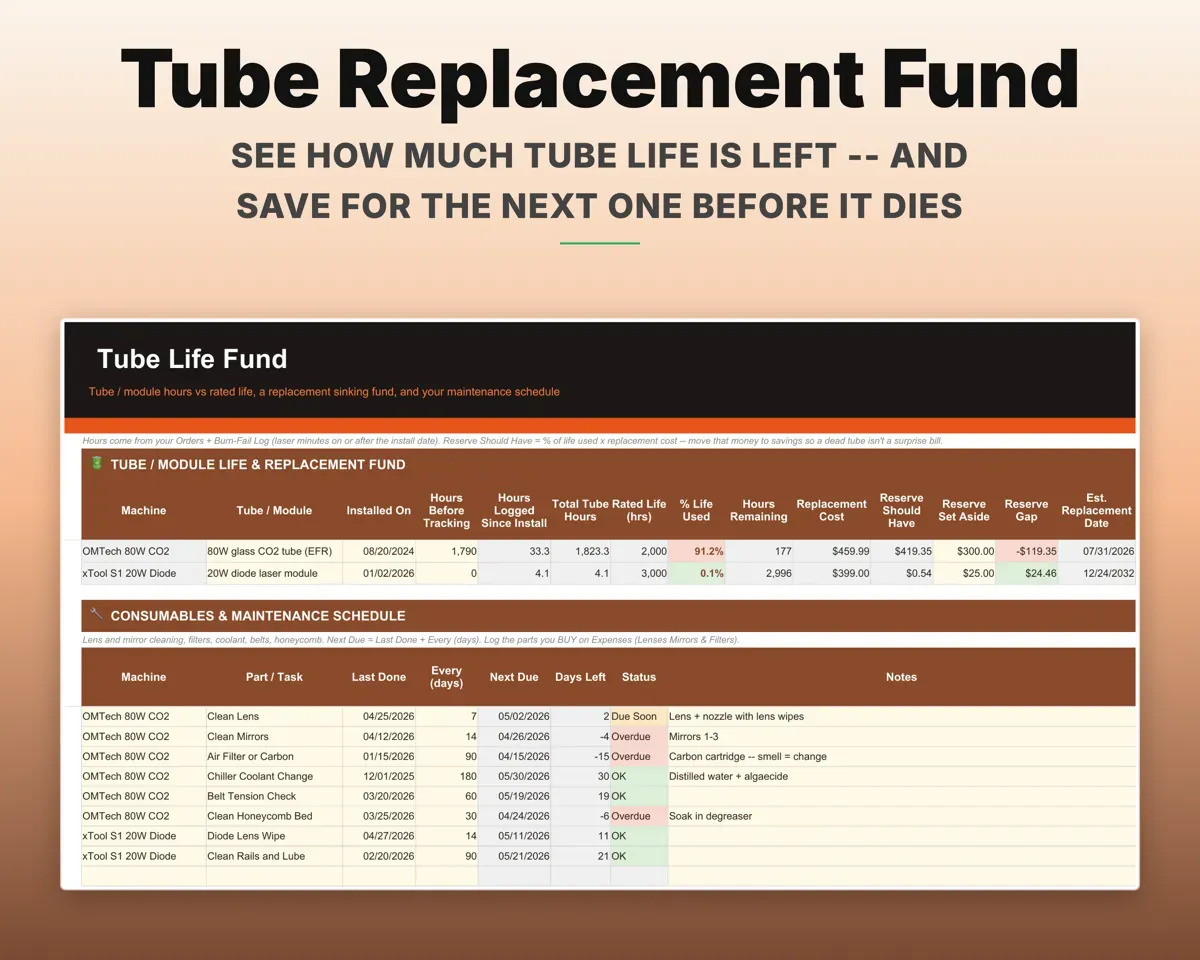
Tube Life Fund adds up laser hours from your orders and shows life used, hours left and what you should have saved. Lens, mirror, filter and chiller upkeep get due-date flags.
Laser hours from ordersReplacement fundQuote corporate orders with a deadline check
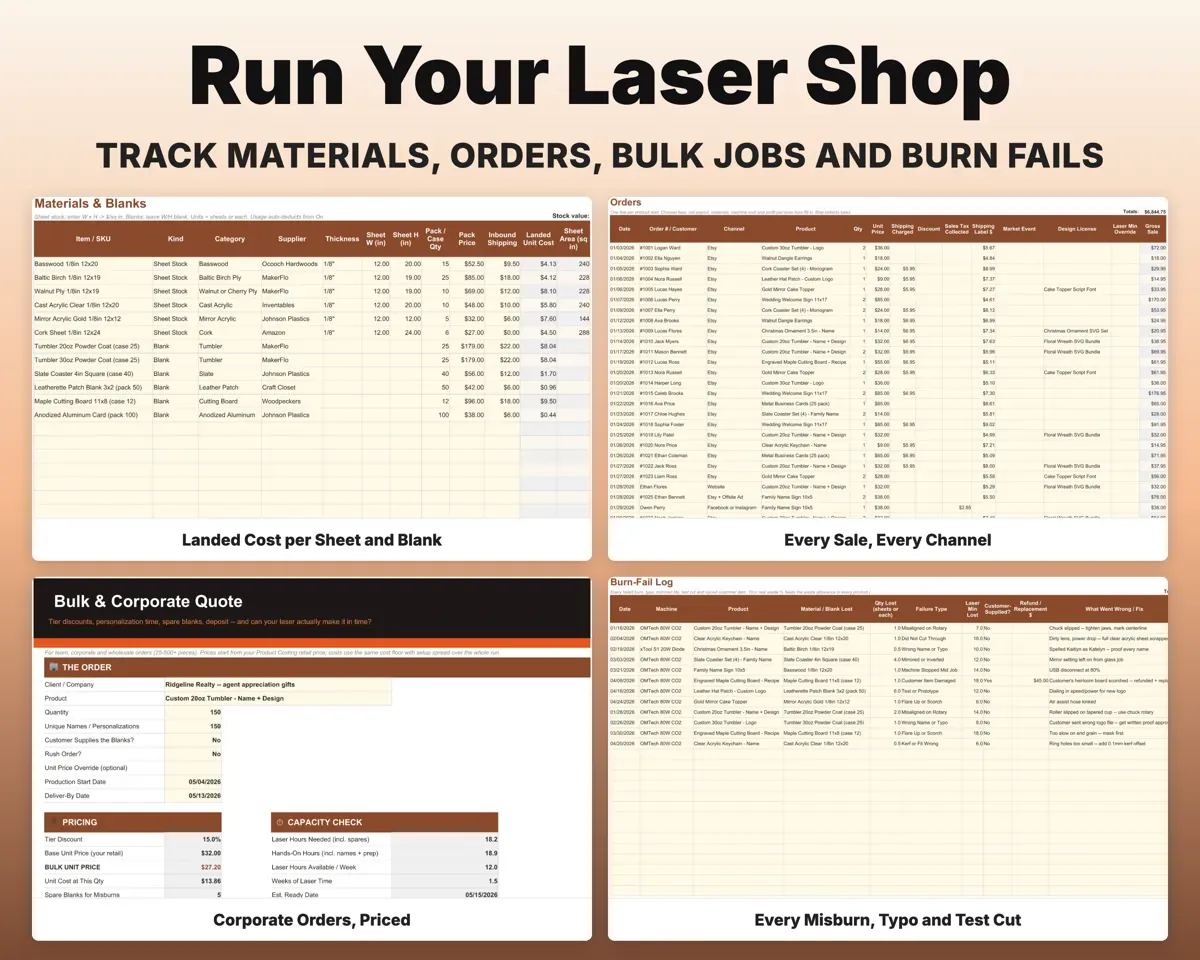
Bulk Quote prices 25 to 500+ pieces with tier discounts, time per name, spare blanks and a deposit, then checks whether the laser hours fit your deadline.
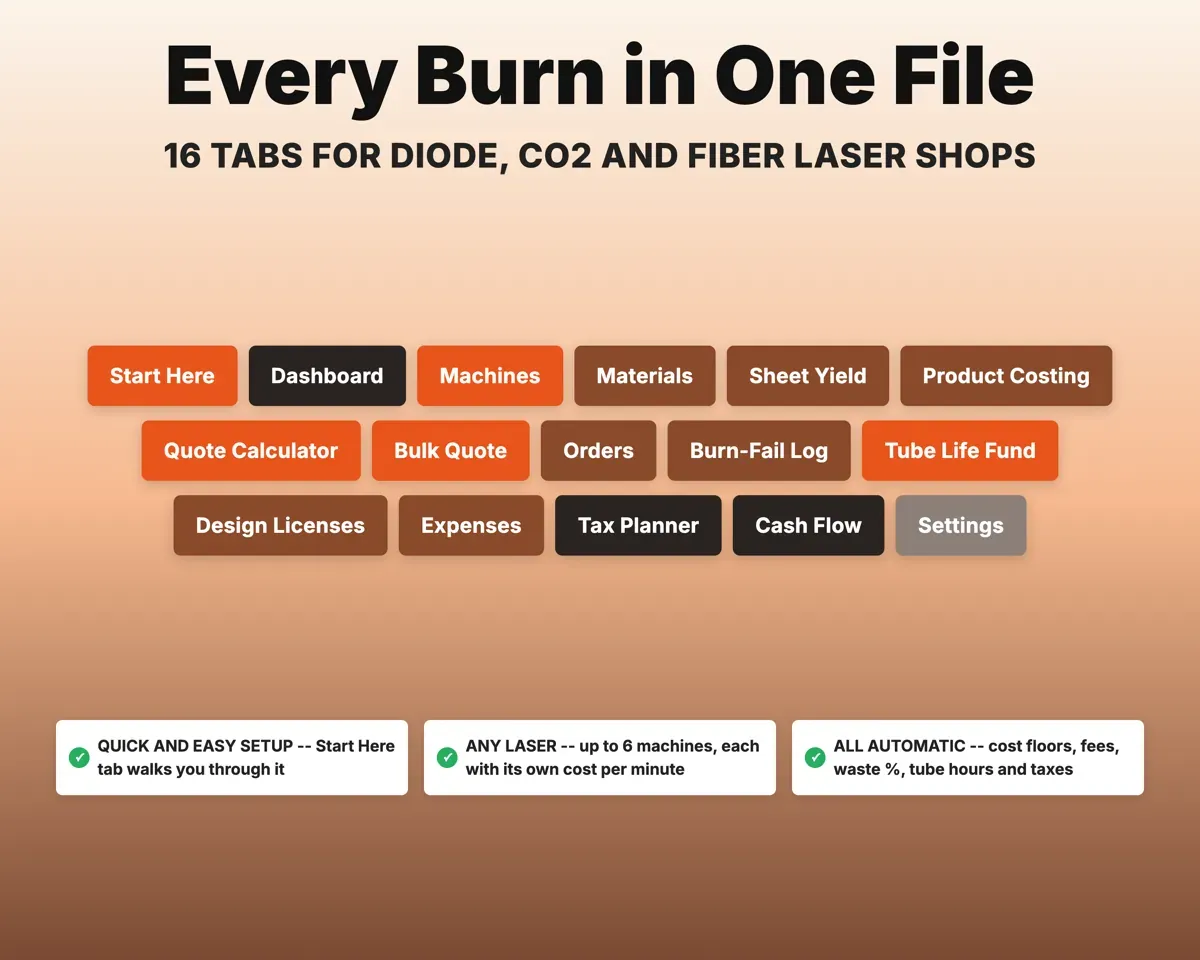
Quantity, names, due dateDeadline check16 tabs in one file
- Start Here
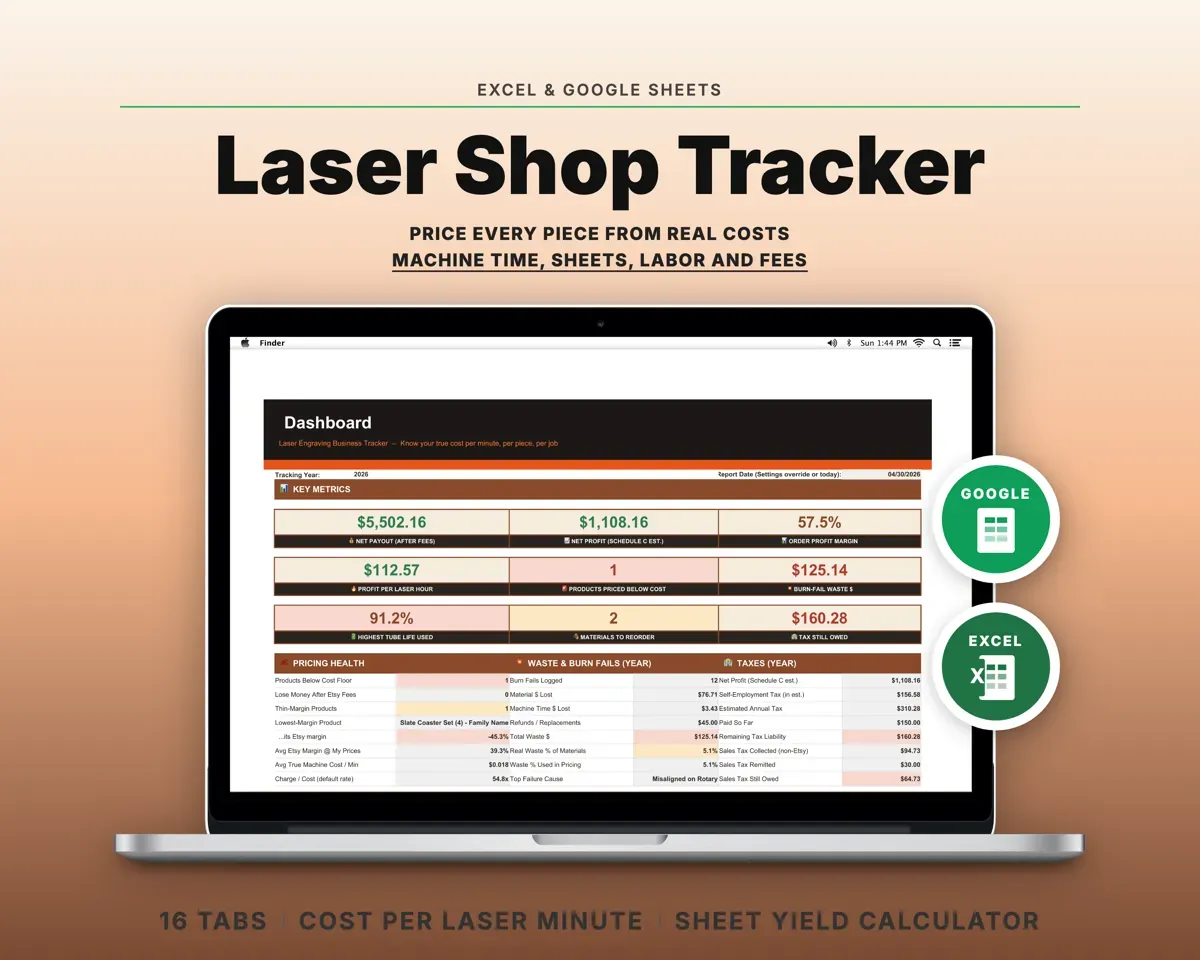
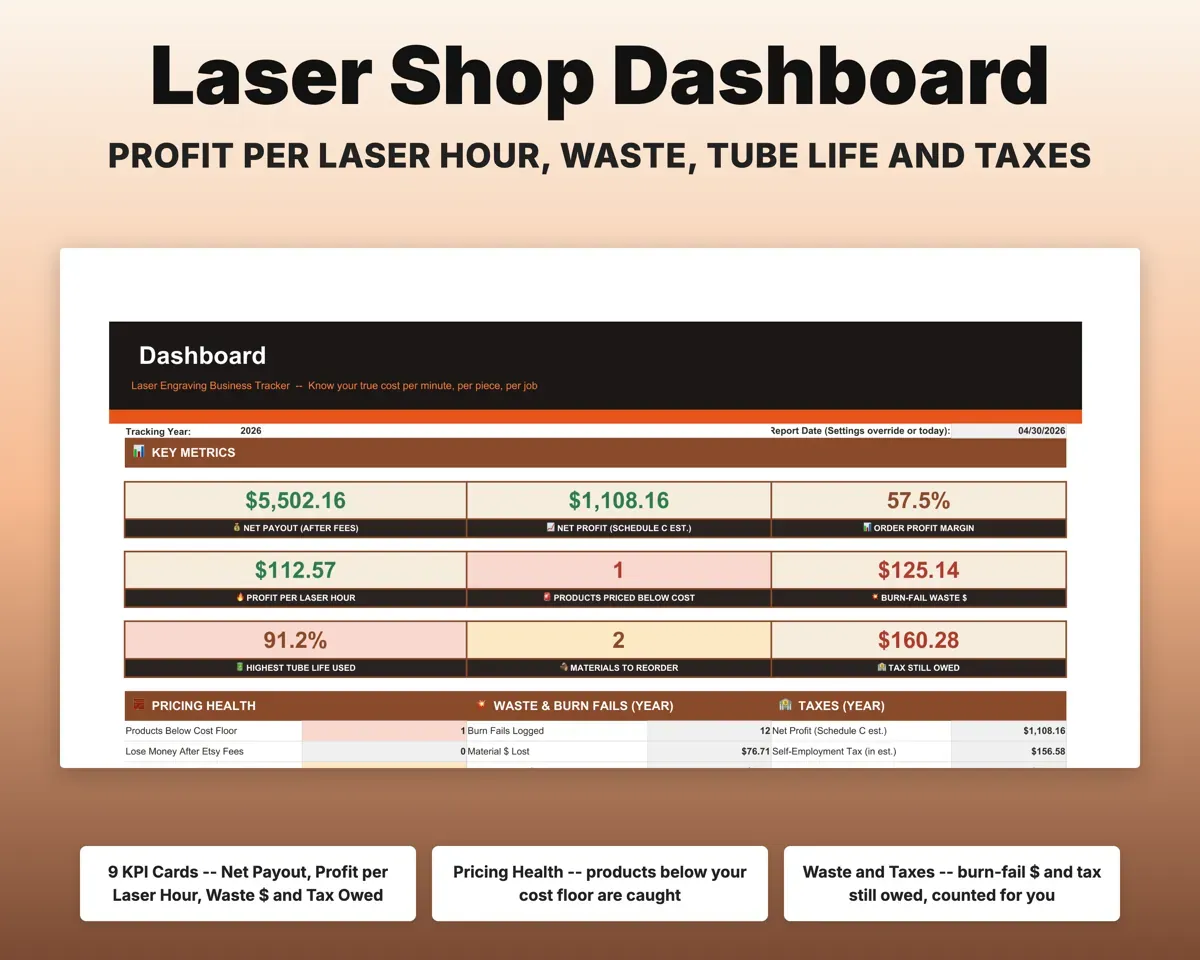
- Dashboard
- Machines
- Materials
- Sheet Yield
- Product Costing
- Quote Calculator
- Bulk Quote
- Orders
- Burn-Fail Log
- Tube Life Fund
- Design Licenses
- Expenses
- Tax Planner
- Cash Flow
- Settings
- Start Here
- Setup steps, a color key and a map of every tab.
- Dashboard
- Profit, margin, waste, tube life and tax owed at a glance.
- Machines
- True cost per minute for up to six lasers vs your rate.
- Materials
- Sheet stock and blanks with landed cost and reorder alerts.
- Sheet Yield
- Pieces per sheet, cost per piece and scrap dollars.
- Product Costing
- Cost floor, suggested prices and profit for each product.
- Quote Calculator
- Full cost and price options for a single job.
- Bulk Quote
- Team and corporate orders with tiers, spares and a deadline check.
- Orders
- Every sale by channel with fees, profit and profit per hour.
- Burn-Fail Log
- Failed burns and ruined blanks, each one costed.
- Tube Life Fund
- Tube hours, life used, replacement savings and maintenance.
- Design Licenses
- Commercial-use limits, personal-use flags and subscription renewals.
- Expenses
- 18 laser shop categories mapped to Schedule C lines.
- Tax Planner
- Quarterly 1040-ES schedule with self-employment tax.
- Cash Flow
- Twelve months of payouts by channel vs expenses.
- Settings
- Labor rate, electricity, fees, bulk tiers and dropdown lists.
Pair it with
“Excellent! Very easy to use.”
“Nice Organization for 4H projects”
Before you buy
Which lasers does it support?
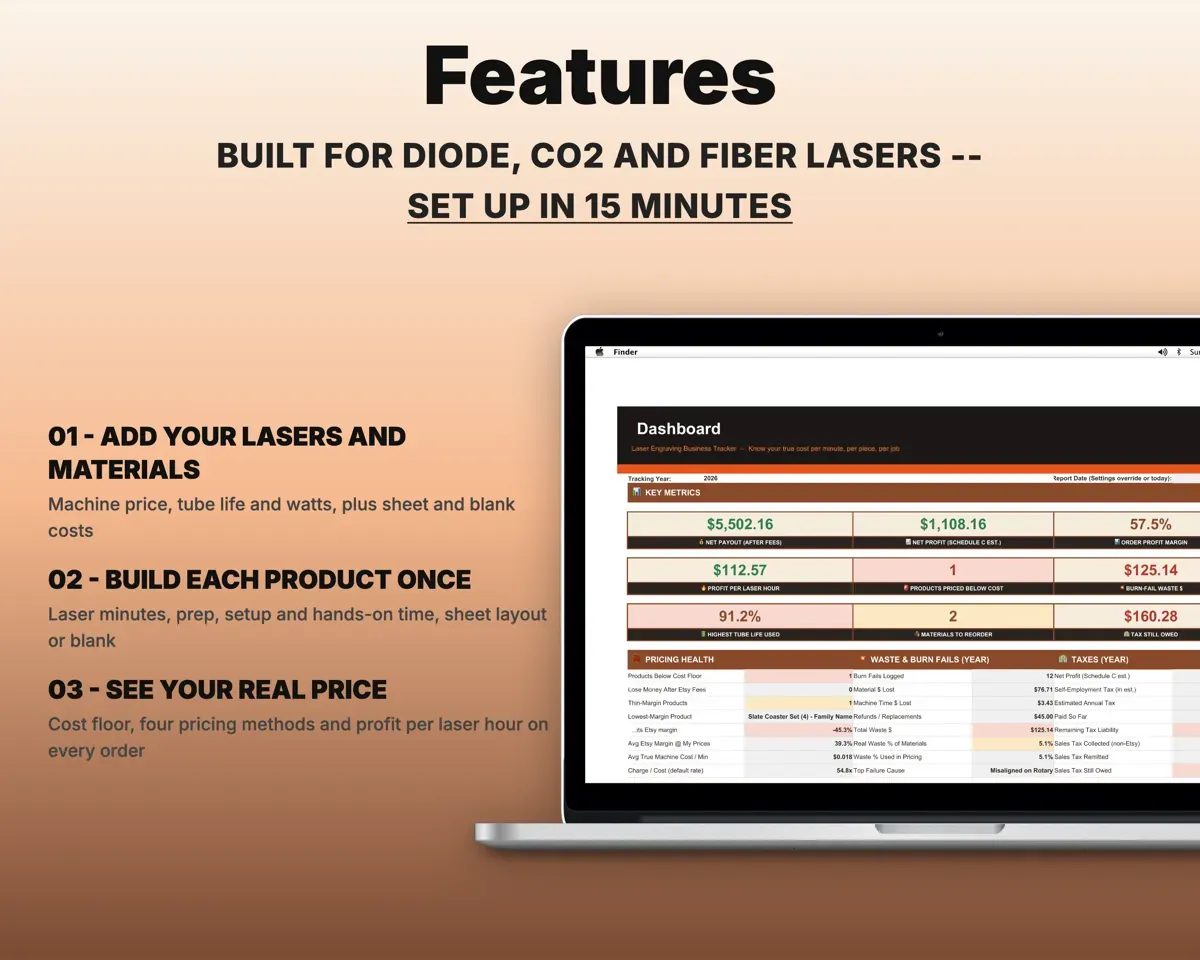
Diode, CO2 and fiber machines, including Glowforge, xTool and OMTech. You enter your own machine's numbers, so the cost per minute is yours.
I already use LightBurn or the Glowforge app. Do I need this?
Keep them for designing and running jobs, and copy the job time into Product Costing. This file covers material cost, pricing, orders, waste and taxes.
What if I sell tumblers instead of sheet goods?
That works. A product can use a sheet layout, a blank such as a tumbler, slate or cutting board, or both. Blanks get a landed cost from the case price and shipping.
Can I see it filled in first?
Yes. A filled-in sample file comes with it, so you can see every tab working before you add your own numbers.
What do I get?
An Excel file (.xlsx), a filled-in sample to look at, and a quick-start PDF guide with a link that makes your own copy in Google Sheets.
How does delivery work?
You get your download links right after checkout, and Stripe emails your receipt. There is nothing to ship and nothing to wait for.
How do I set it up in Google Sheets?
Open the quick-start PDF and click the Google Sheets link. Google makes a copy in your own Drive that only you can edit. You need a free Google account.
Will it work on a Mac?
Yes. It works in Excel on Mac and Windows, and in Google Sheets in any browser.
I'm not a spreadsheet person. Is that a problem?
No. You only type in the yellow cells. Everything in gray works itself out, and the Start Here tab shows you where to begin.
Can I get a refund?
Templates are digital downloads, so sales are final. If a file won't open, is broken or doesn't match its description, email hello@cleanpixelstudios.com within 30 days and we'll fix it, or refund you if we can't.
What if I get stuck?
Email hello@cleanpixelstudios.com and we'll help you get it working.
More in Makers & creatives
See all Makers & creatives templates
 Made by Clean Pixel Studios
We start every template by reading what people in that line of work say they struggle with, then build the spreadsheet around those problems. This one was made for laser engravers and nobody else.
How we build templatesLaser Engraving Business Tracker$18.99 · Excel + Google Sheets