Built around the jobs families managing insurance claims actually do
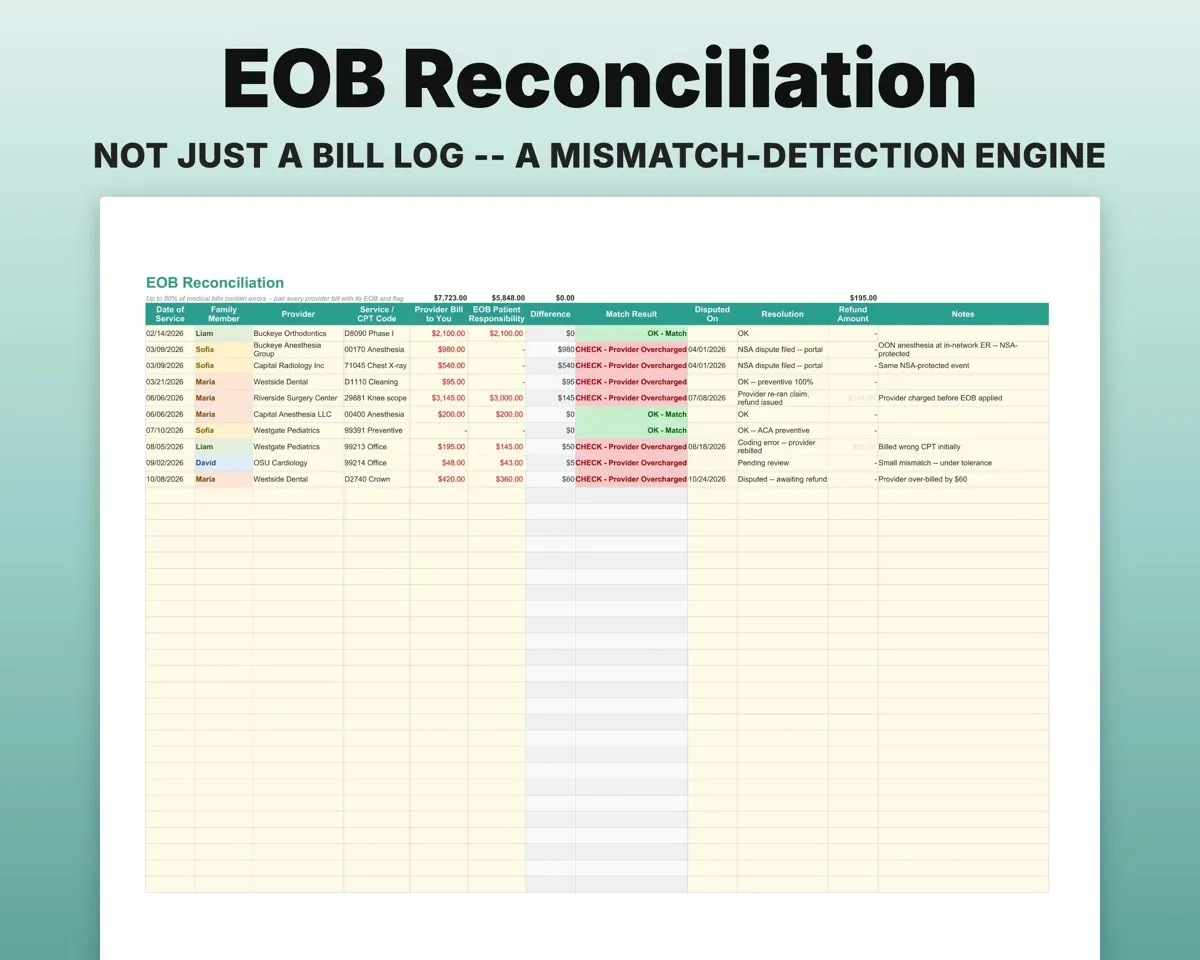
Catch a bill that does not match the EOB
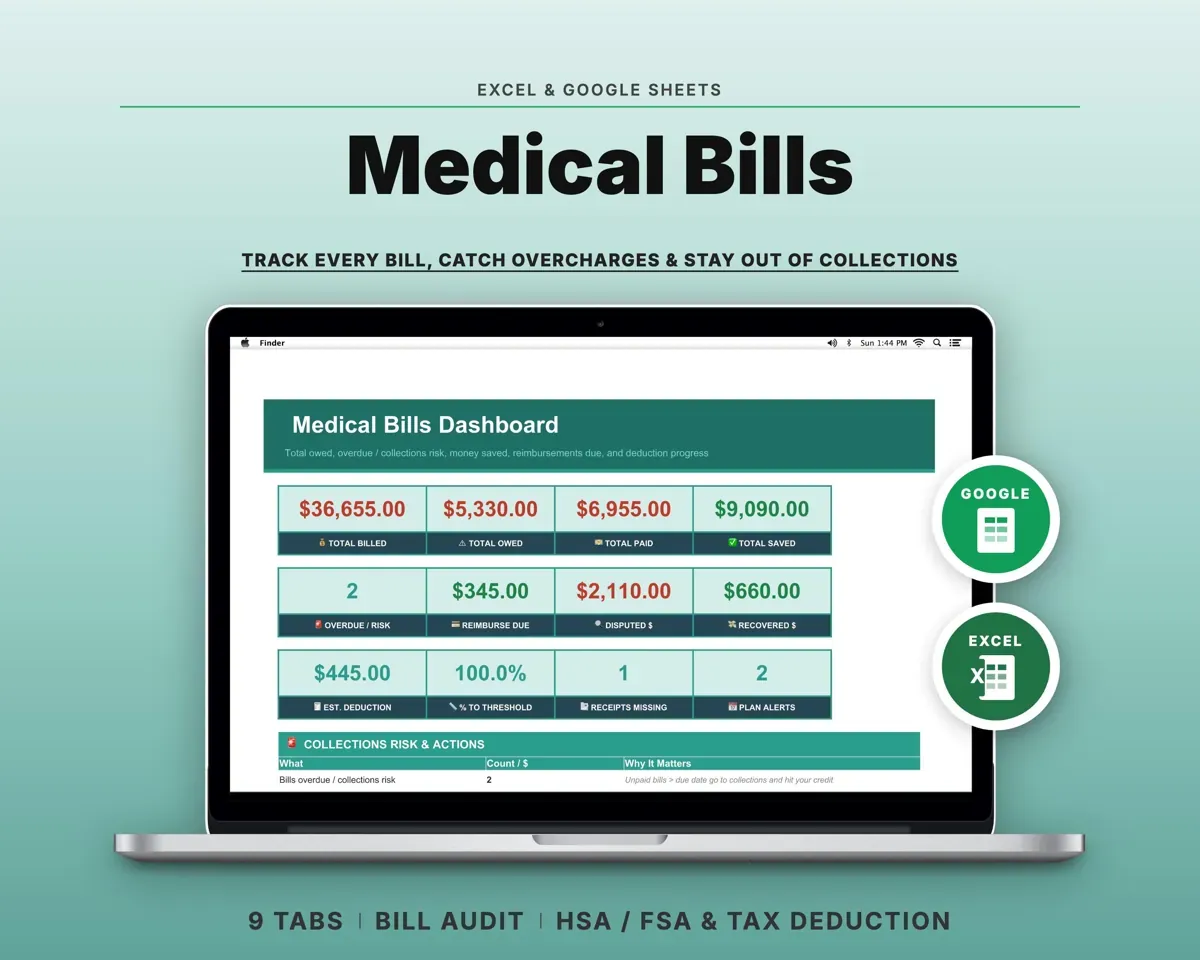
Put the provider bill next to the EOB amount. Any difference over your tolerance is flagged, with columns for the dispute date, resolution and refund.
Bill and EOB amountsMismatch flagKnow where each person stands
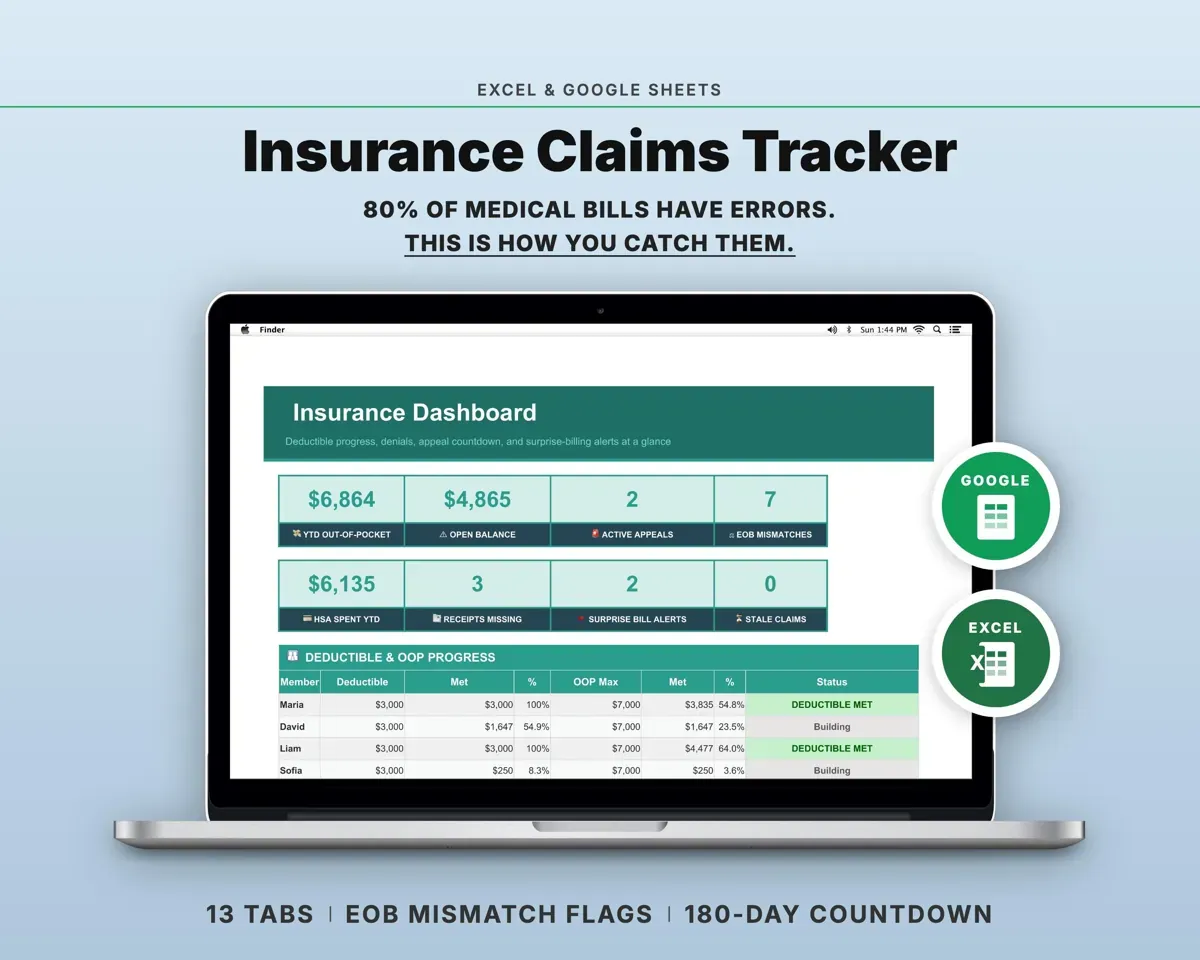
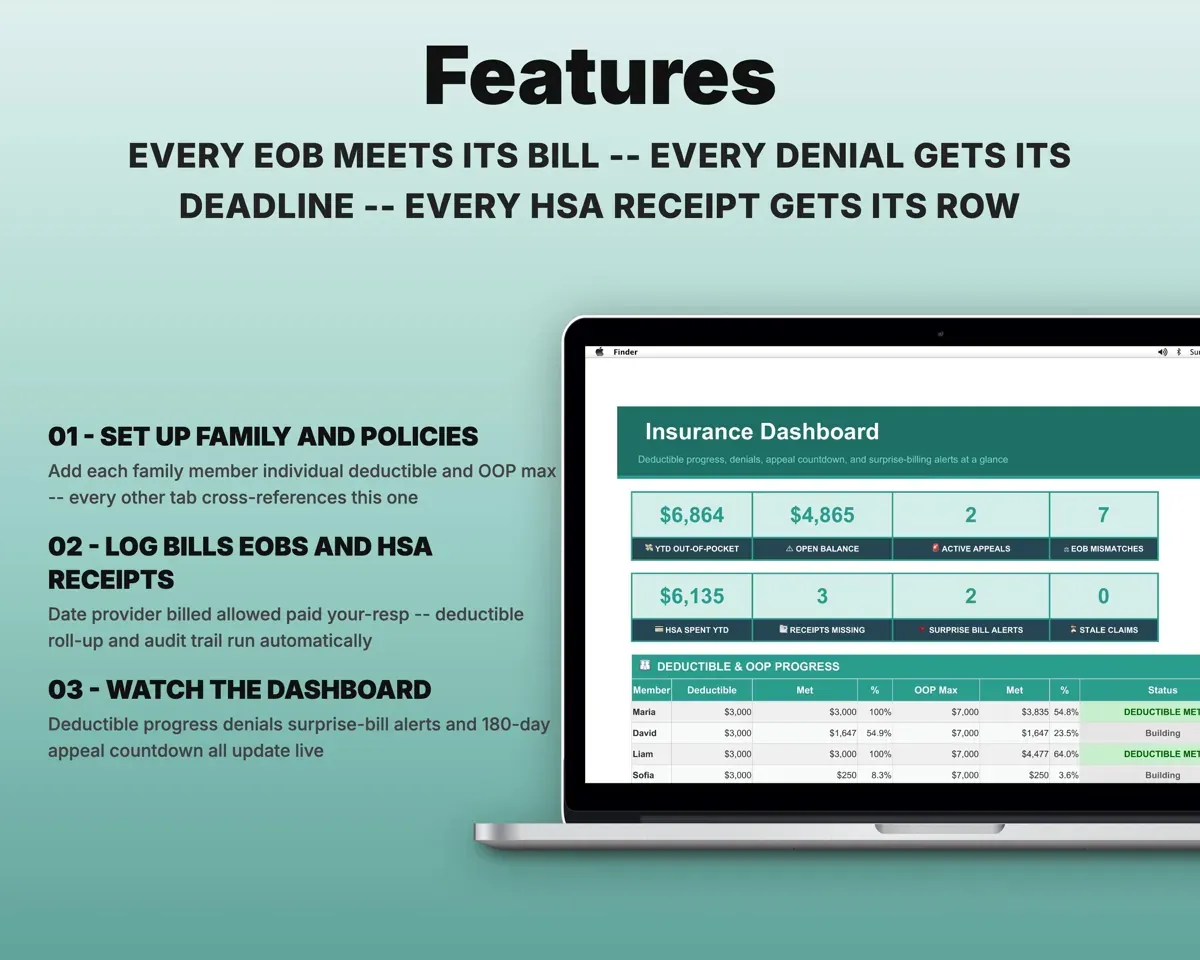
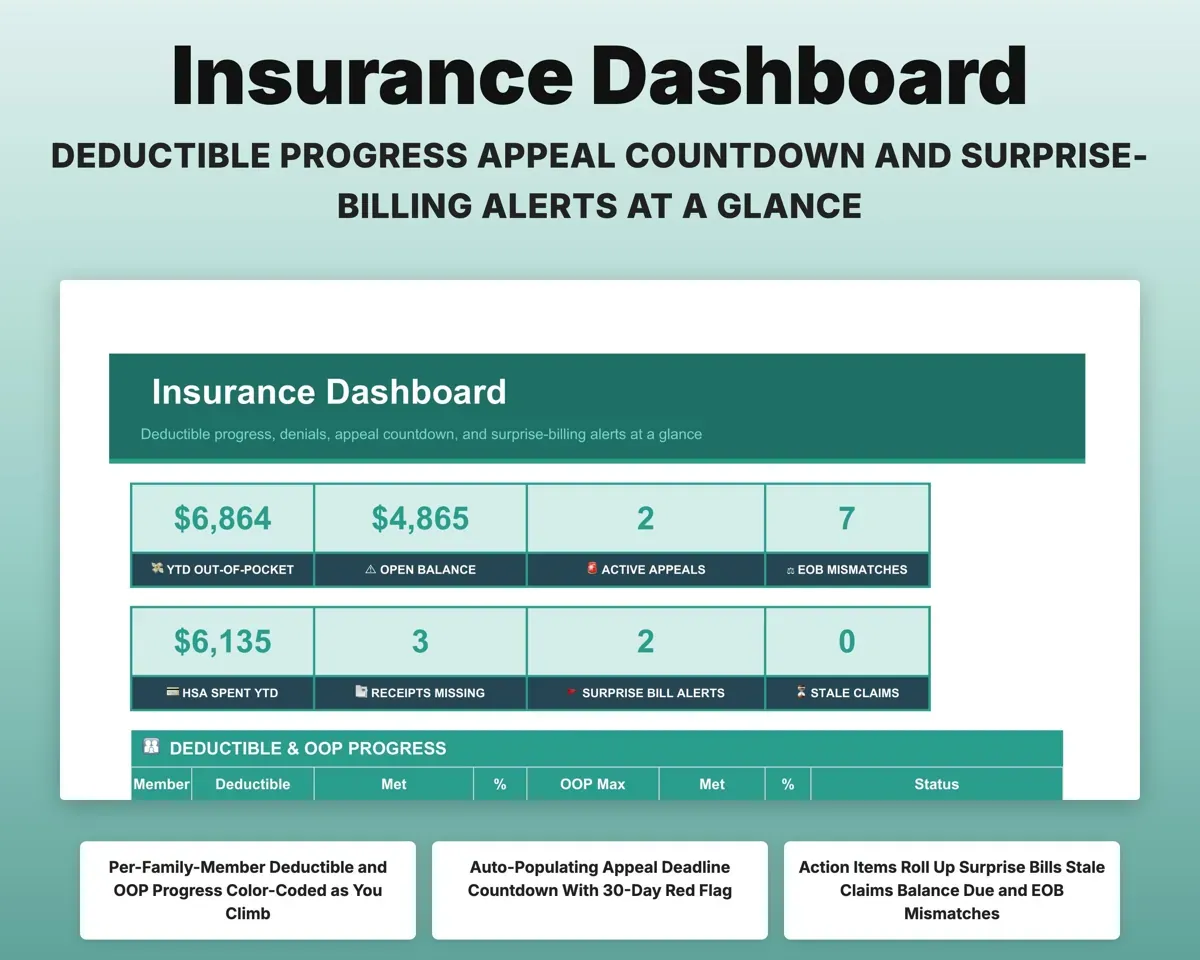
Enter each member's deductible and out-of-pocket max. The Dashboard shows year-to-date met, percent to the limit and a status for up to six members plus the family.
Deductibles, OOP maxPercent to limitKeep the appeal clock in view
Enter the denial date and the sheet sets the deadline from your appeal window, counts the days left and turns red 30 days out.
Denial dateDays left to appealKeep HSA receipts accounted for
Tag each expense as qualified or personal. Any qualified expense without a receipt is flagged Receipt Missing.
Expense and receiptReceipt Missing flagTrack prior authorizations and calls
Log prior authorizations with expiration countdowns, and record every call, portal message and letter in the Communication Log.
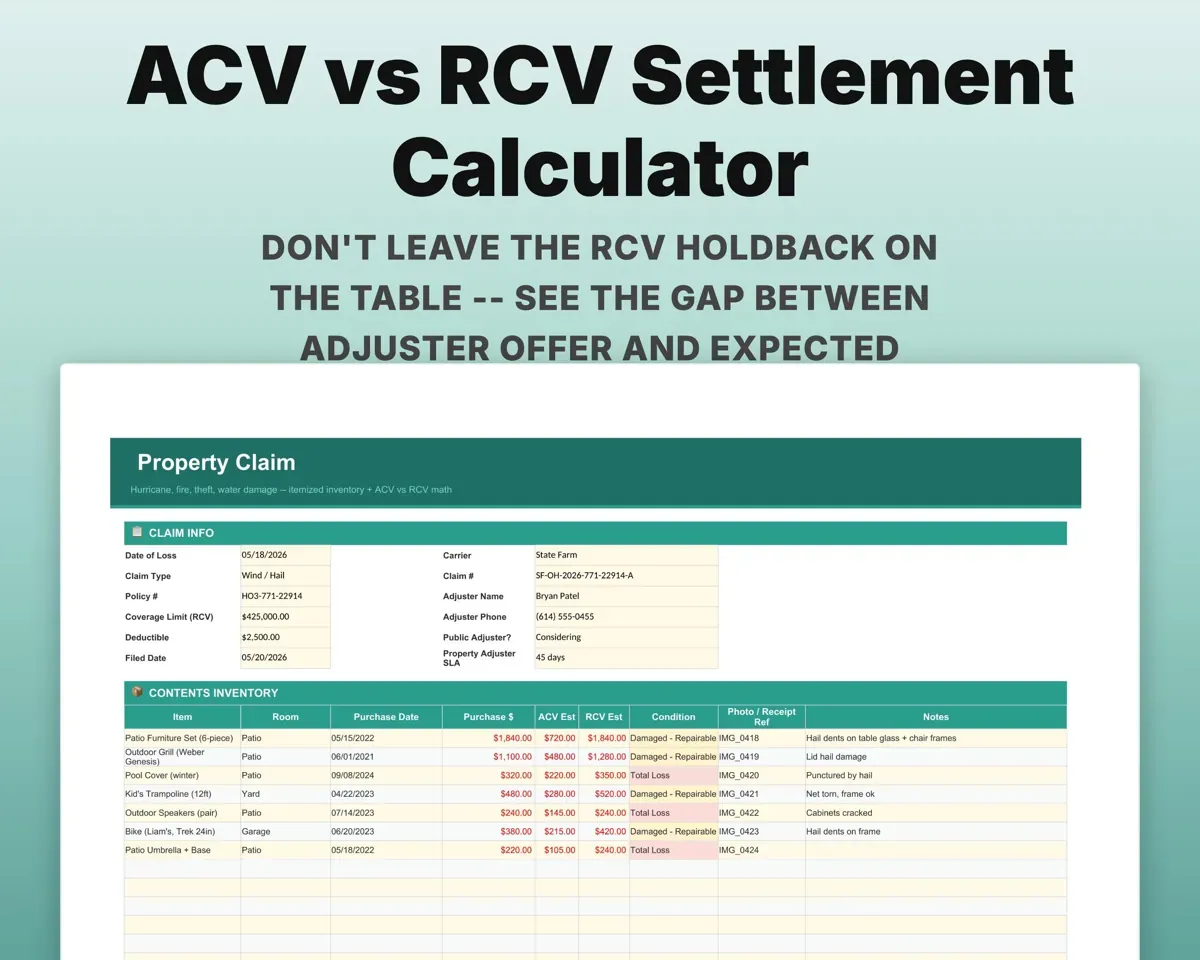
Auth dates, callsDays to expirationHandle a property or auto claim
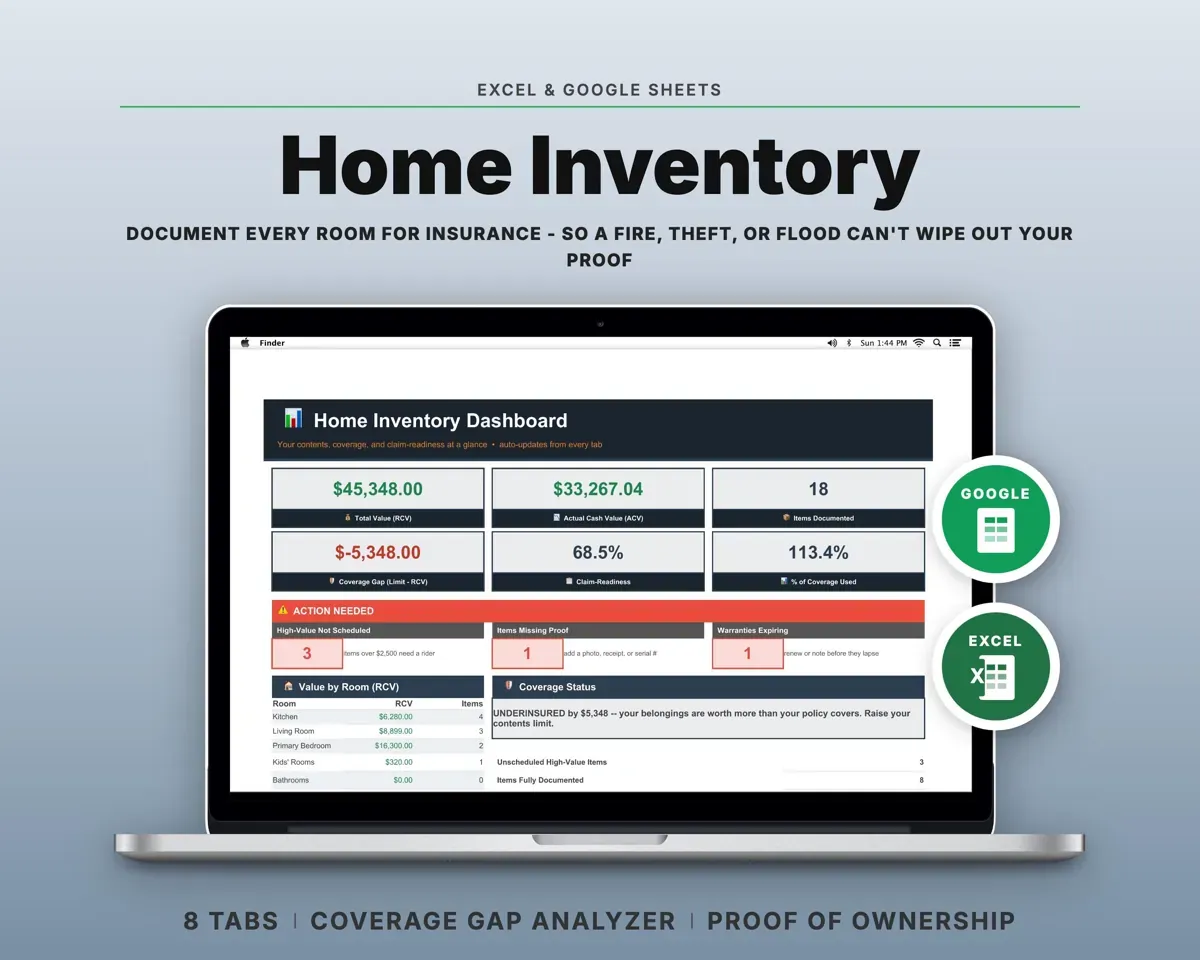
Itemize contents and mitigation costs with an ACV vs RCV calculator, or follow an auto claim's adjuster timeline and estimate gap.
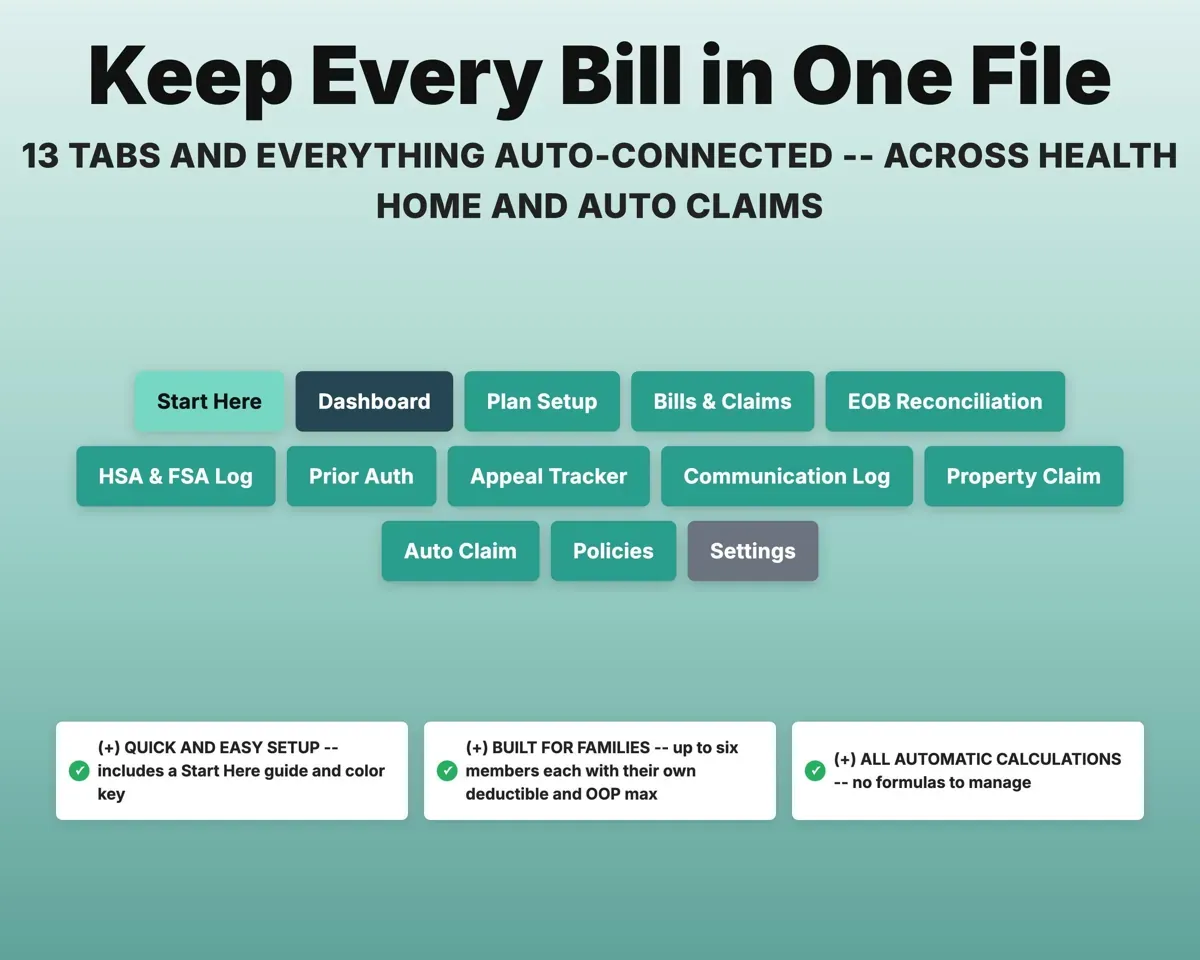
Items, estimatesACV vs RCV13 tabs in one file
- Start Here
- Dashboard
- Plan Setup
- Bills & Claims
- EOB Reconciliation
- HSA & FSA Log
- Prior Auth
- Appeal Tracker
- Communication Log
- Property Claim
- Auto Claim
- Policies
- Settings
- Start Here
- Setup guide with a color key.
- Dashboard
- Deductible progress, appeal countdowns and action items.
- Plan Setup
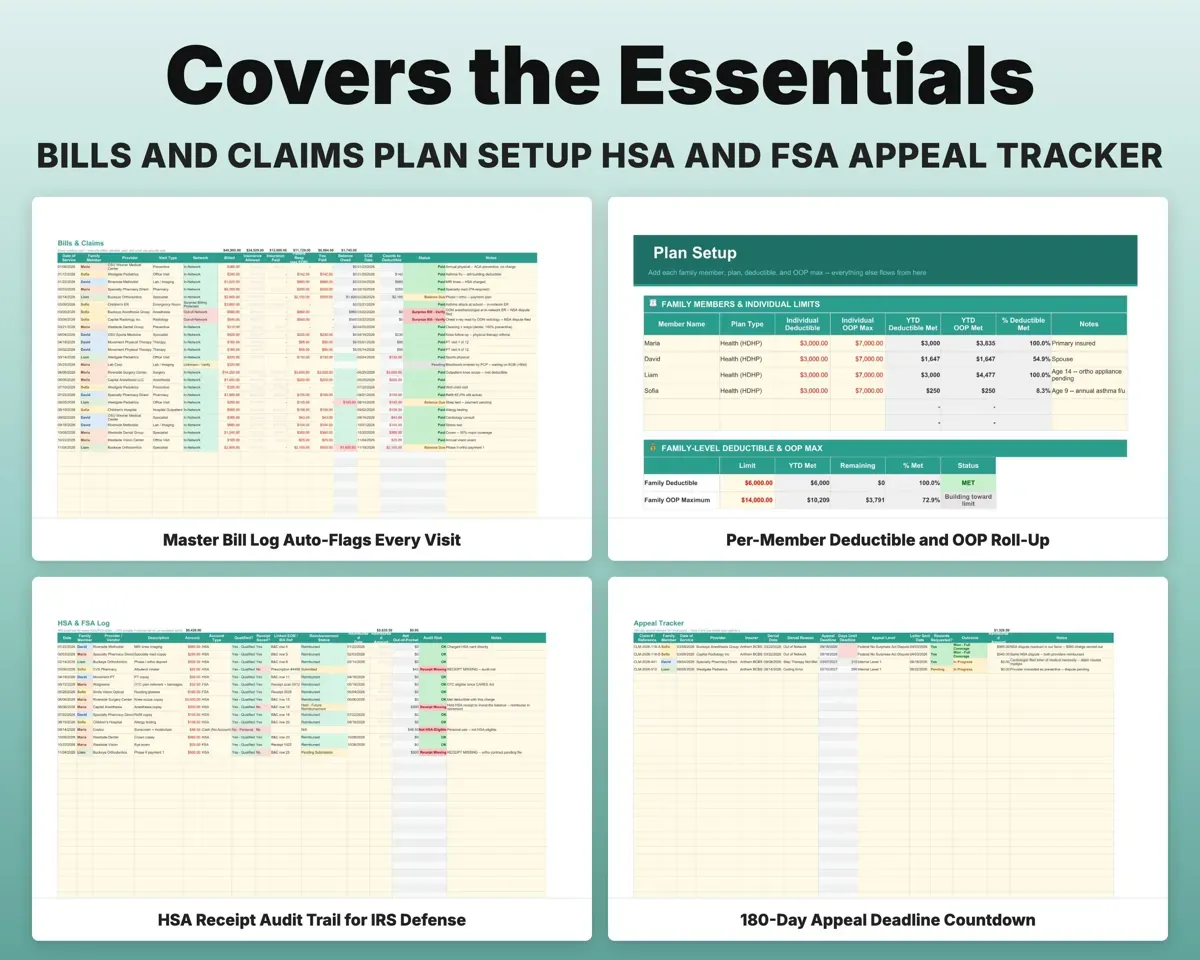
- Family members with their deductibles and OOP maxes.
- Bills & Claims
- Every visit, with flags for surprise bills and balances due.
- EOB Reconciliation
- Each EOB paired with its bill, mismatches flagged.
- HSA & FSA Log
- Expenses tagged qualified or personal, with receipt flags.
- Prior Auth
- Authorizations with expiration countdowns.
- Appeal Tracker
- Denials with deadlines and days remaining.
- Communication Log
- Every call, portal message and letter.
- Property Claim
- Contents inventory, mitigation costs and ACV vs RCV.
- Auto Claim
- Adjuster timeline and repair estimate gap.
- Policies
- Every active policy with carrier, premium, deductible and renewal.
- Settings
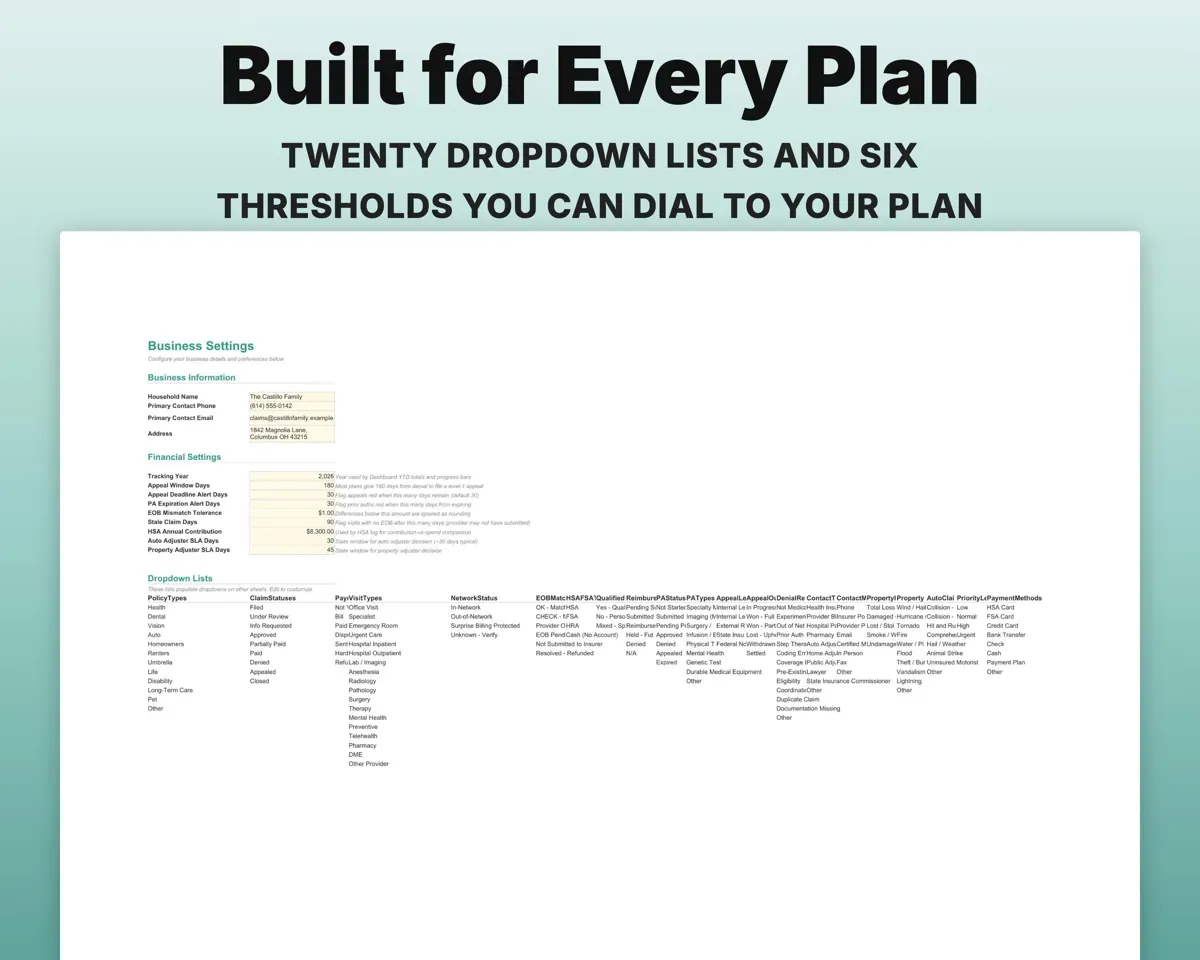
- Tolerance, appeal window, alert days and household info.
Pair it with
“Excellent! Very easy to use.”
“Nice Organization for 4H projects”
Before you buy
Does it cover my whole family?
Yes. Up to six members, each with their own deductible, out-of-pocket max and progress, plus a family total.
My plan's appeal window is not 180 days. Can I change it?
Yes. Set it on Settings and the deadlines on Appeal Tracker recalculate.
Is it only for health insurance?
Health is the main focus, but the Property Claim and Auto Claim tabs cover a home or car claim, and Policies lists every policy you carry.
Is this medical or legal advice?
No. It helps you organize bills, claims and deadlines. For complex denials or large claims, talk to a patient advocate, public adjuster or attorney.
What do I get?
An Excel file (.xlsx), a filled-in sample to look at, and a quick-start PDF guide with a link that makes your own copy in Google Sheets.
How does delivery work?
You get your download links right after checkout, and Stripe emails your receipt. There is nothing to ship and nothing to wait for.
How do I set it up in Google Sheets?
Open the quick-start PDF and click the Google Sheets link. Google makes a copy in your own Drive that only you can edit. You need a free Google account.
Will it work on a Mac?
Yes. It works in Excel on Mac and Windows, and in Google Sheets in any browser.
I'm not a spreadsheet person. Is that a problem?
No. You only type in the yellow cells. Everything in gray works itself out, and the Start Here tab shows you where to begin.
Can I get a refund?
Templates are digital downloads, so sales are final. If a file won't open, is broken or doesn't match its description, email hello@cleanpixelstudios.com within 30 days and we'll fix it, or refund you if we can't.
What if I get stuck?
Email hello@cleanpixelstudios.com and we'll help you get it working.
More in Small business & money
See all Small business & money templates
 Made by Clean Pixel Studios
We start every template by reading what people in that line of work say they struggle with, then build the spreadsheet around those problems. This one was made for families managing insurance claims and nobody else.
How we build templatesInsurance Claims Tracker$15.99 · Excel + Google Sheets