Built around the jobs hikers actually do
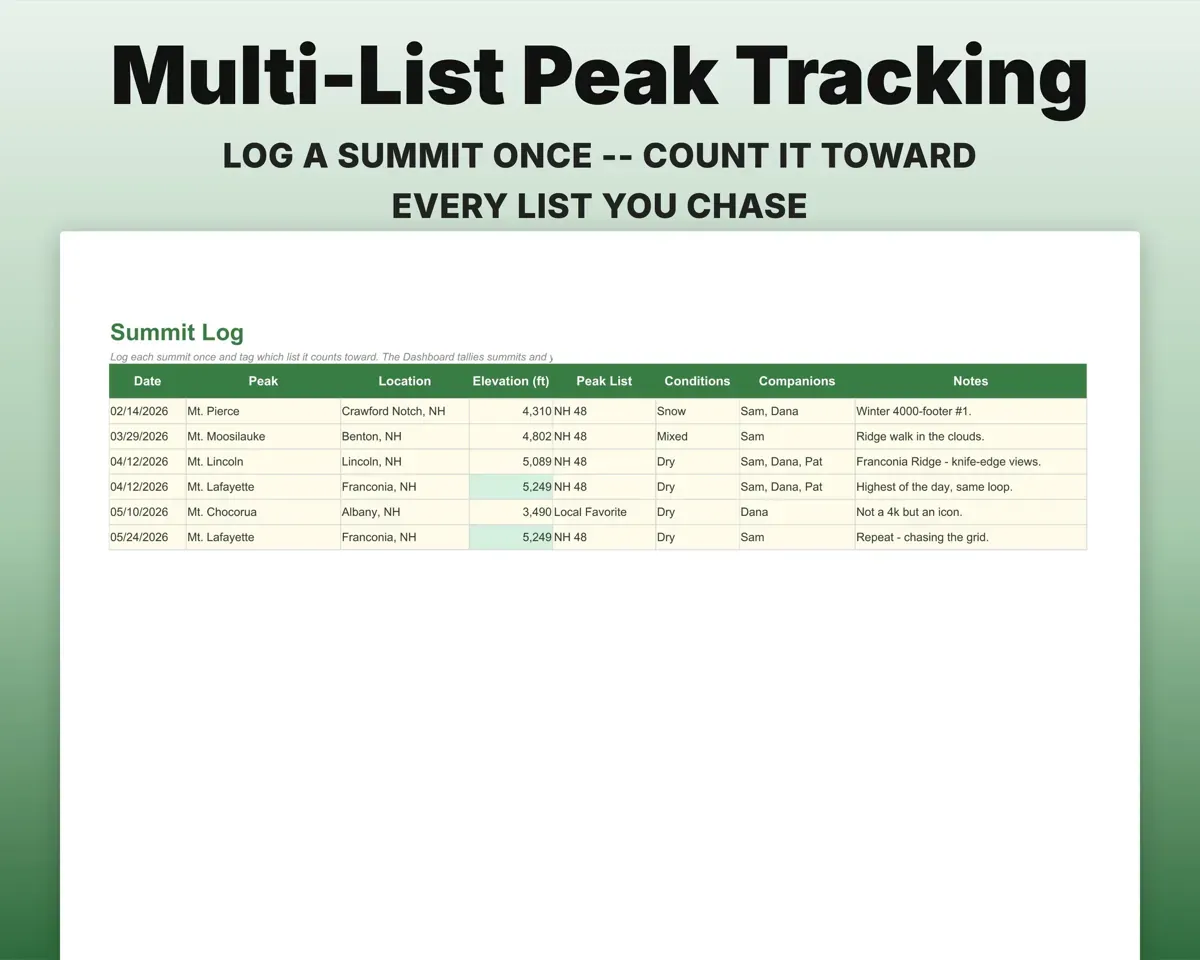
Count one summit toward several lists
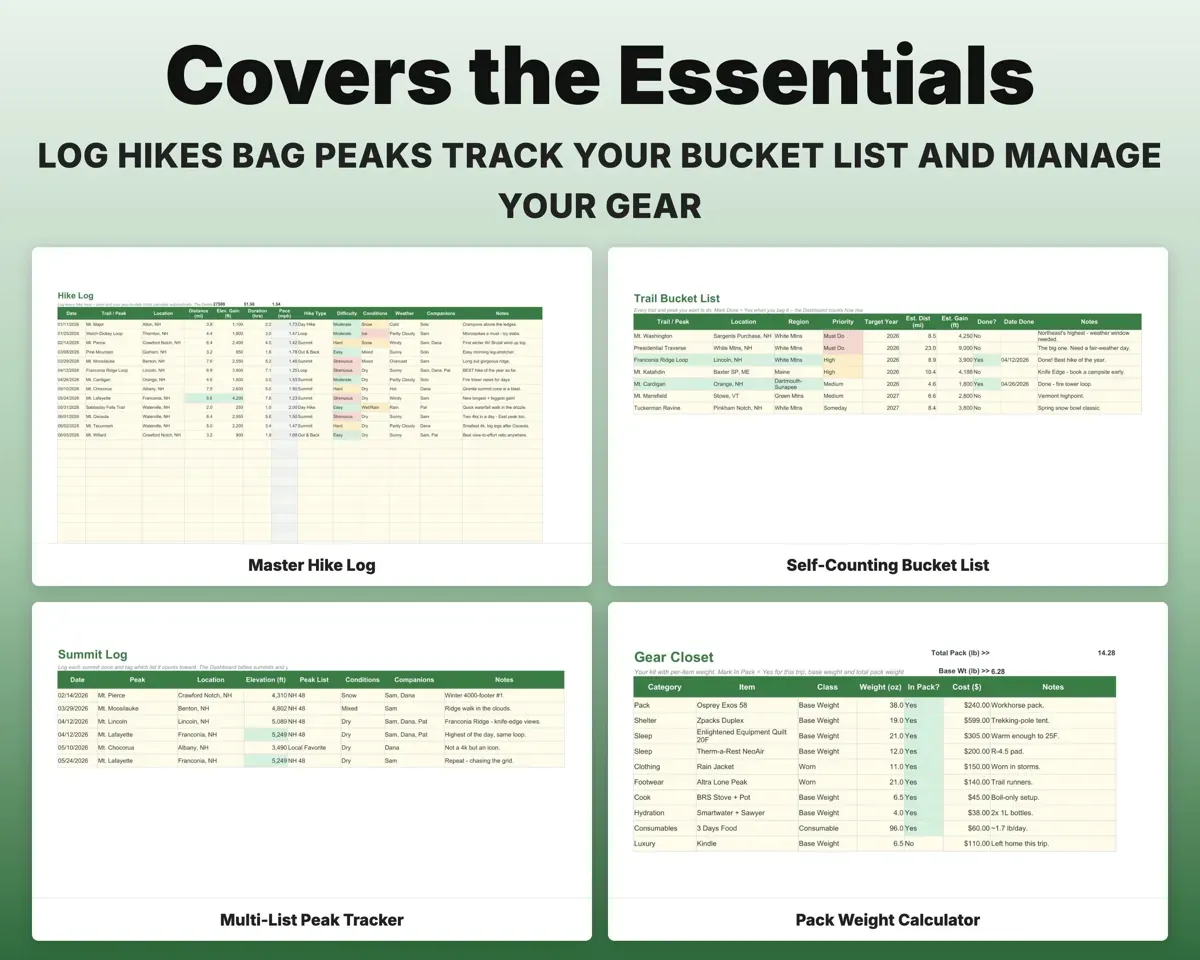
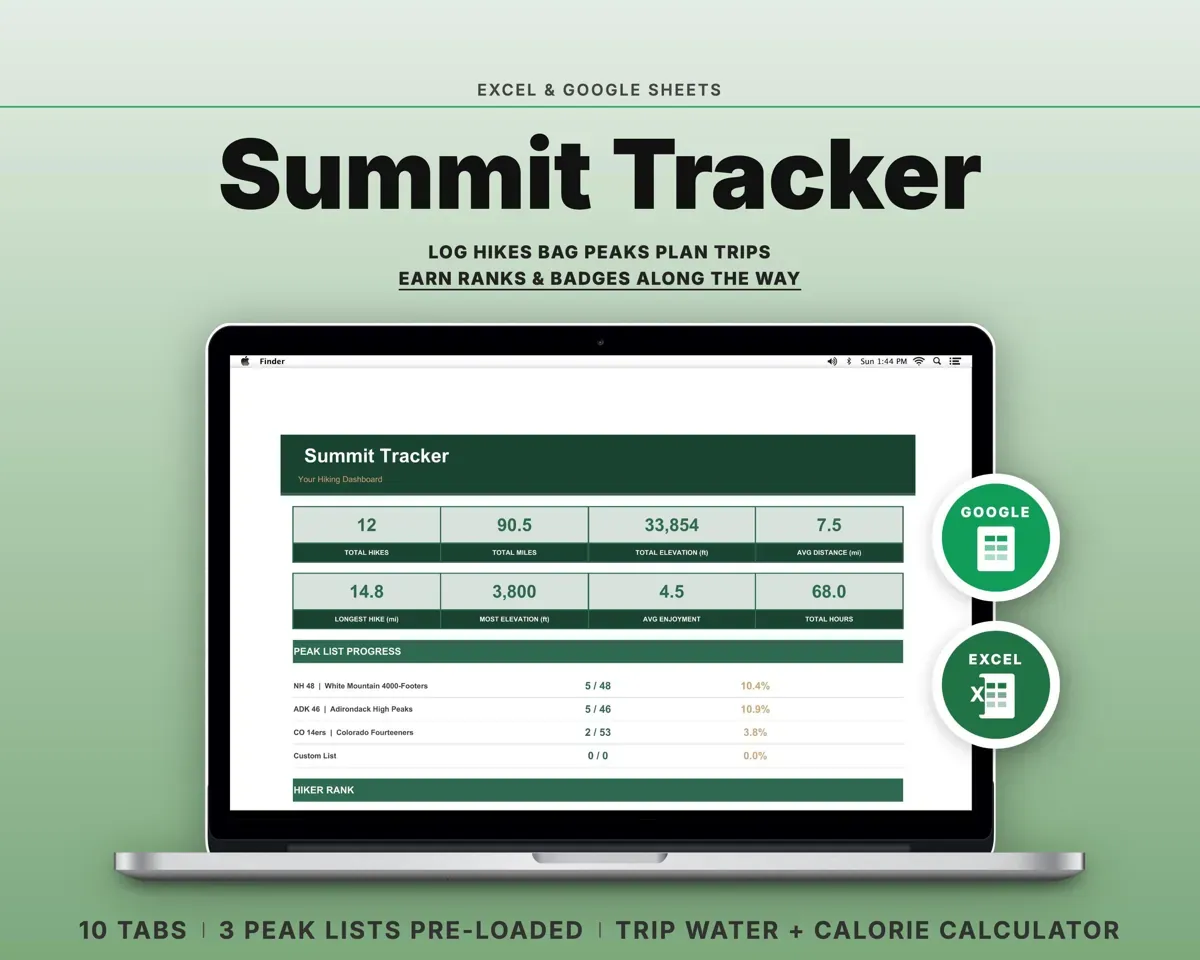
Log a summit once and tag the list it belongs to, whether that's the NH 48, ADK 46, 14ers or your own. The Dashboard tallies summits and your highest peak.
Peak, listSummit countSee your year on the trail
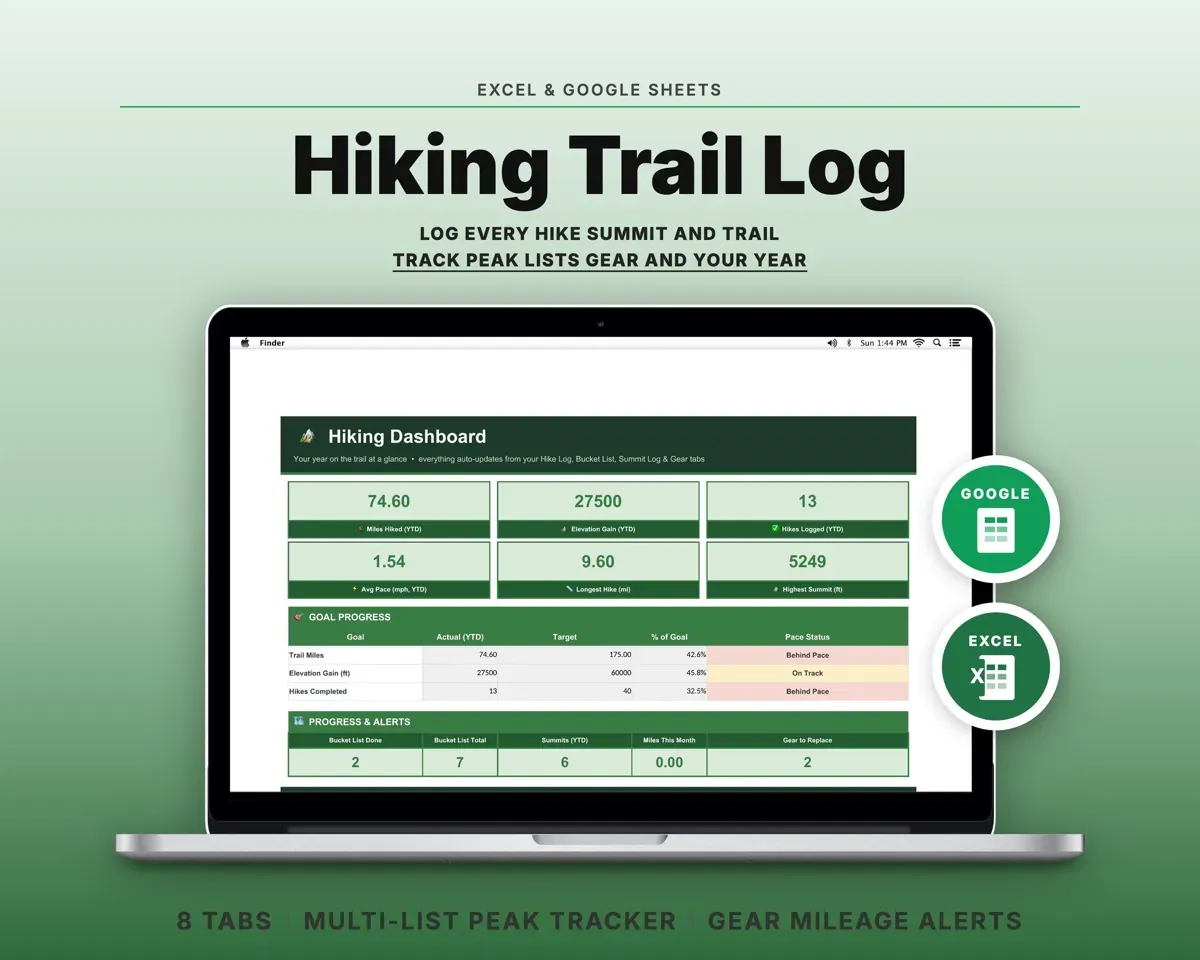
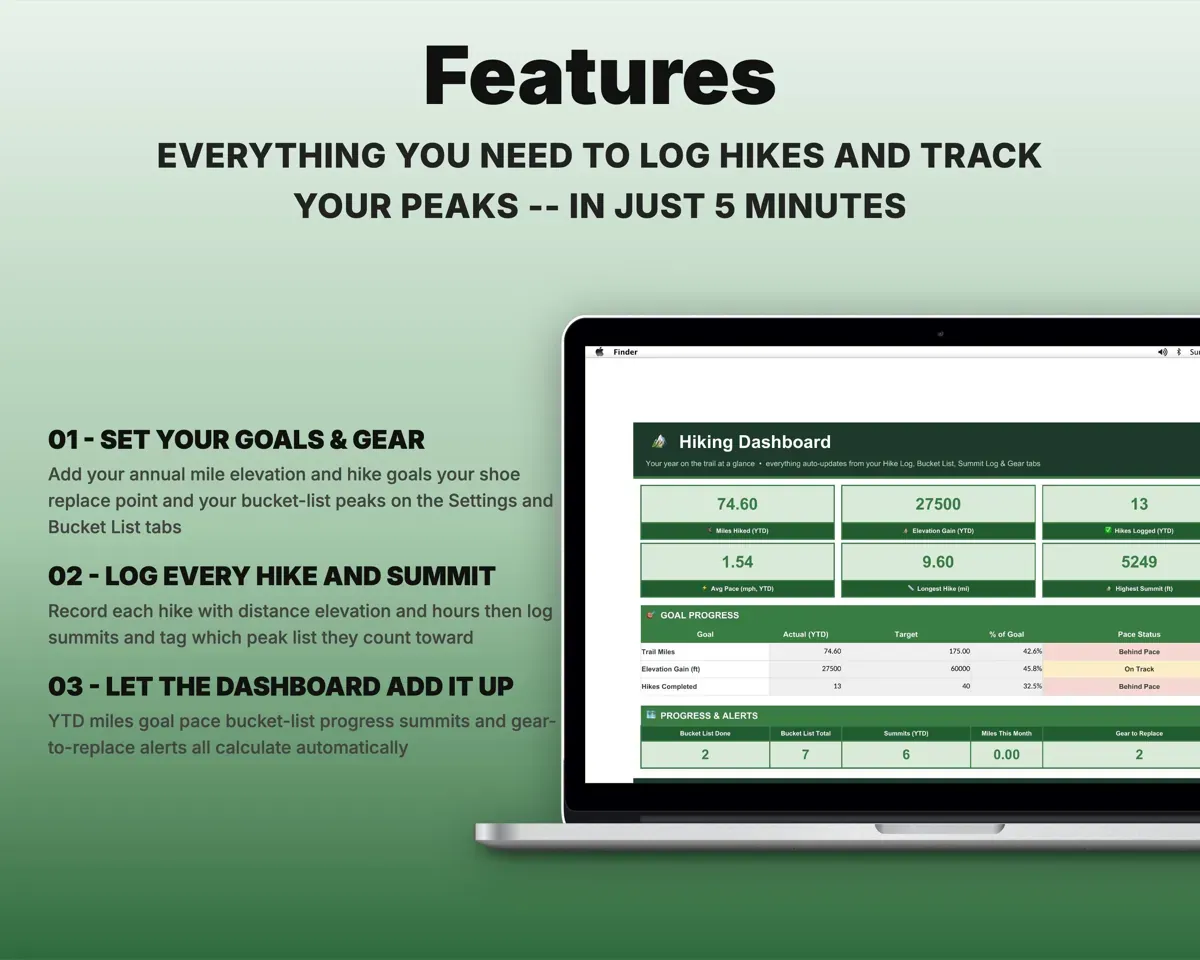
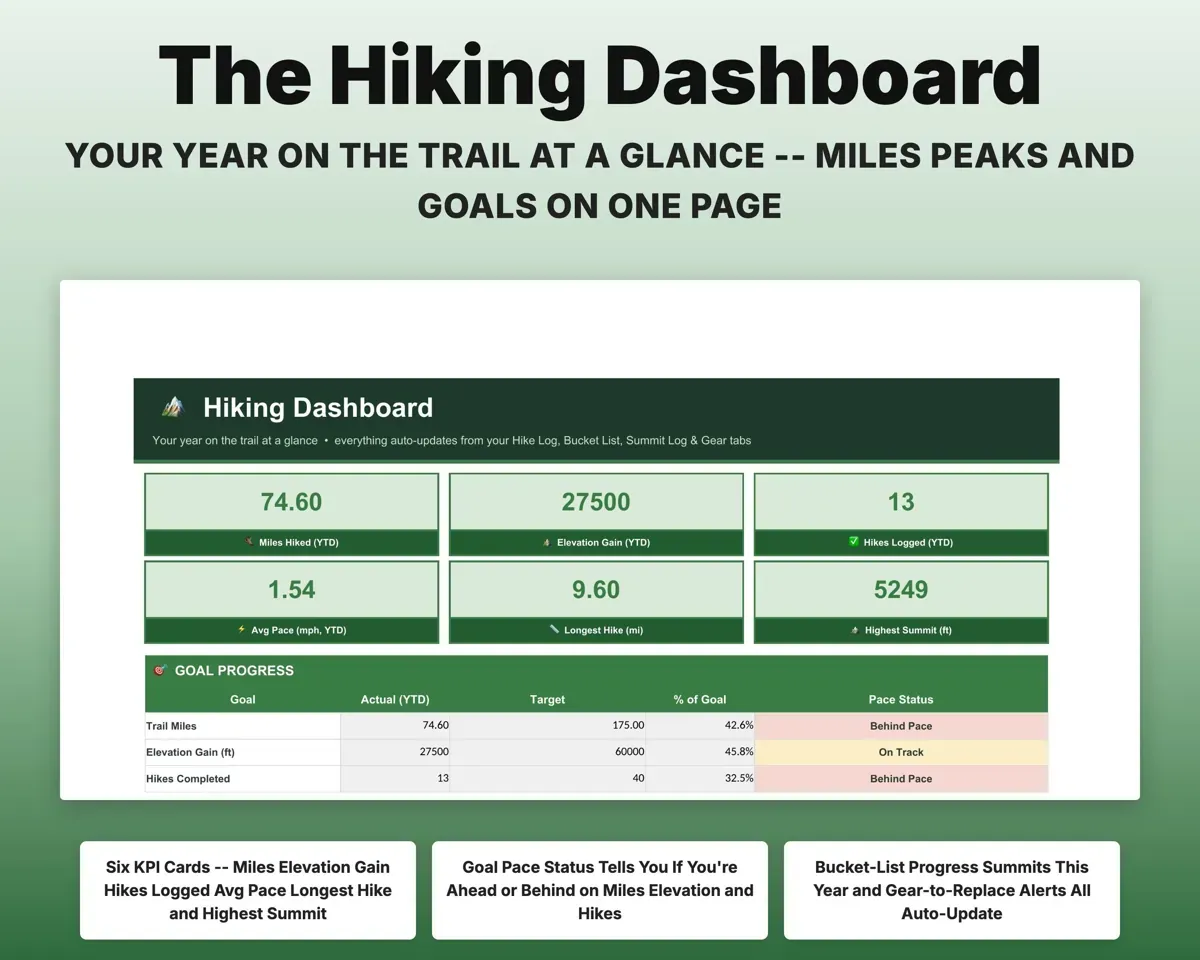
Log date, trail, distance, elevation and hours. Pace fills in, and the Dashboard shows miles, gain, hikes, longest hike and whether you're ahead of your goals.
Distance, gain, hoursGoal pace statusReplace shoes before they're worn out
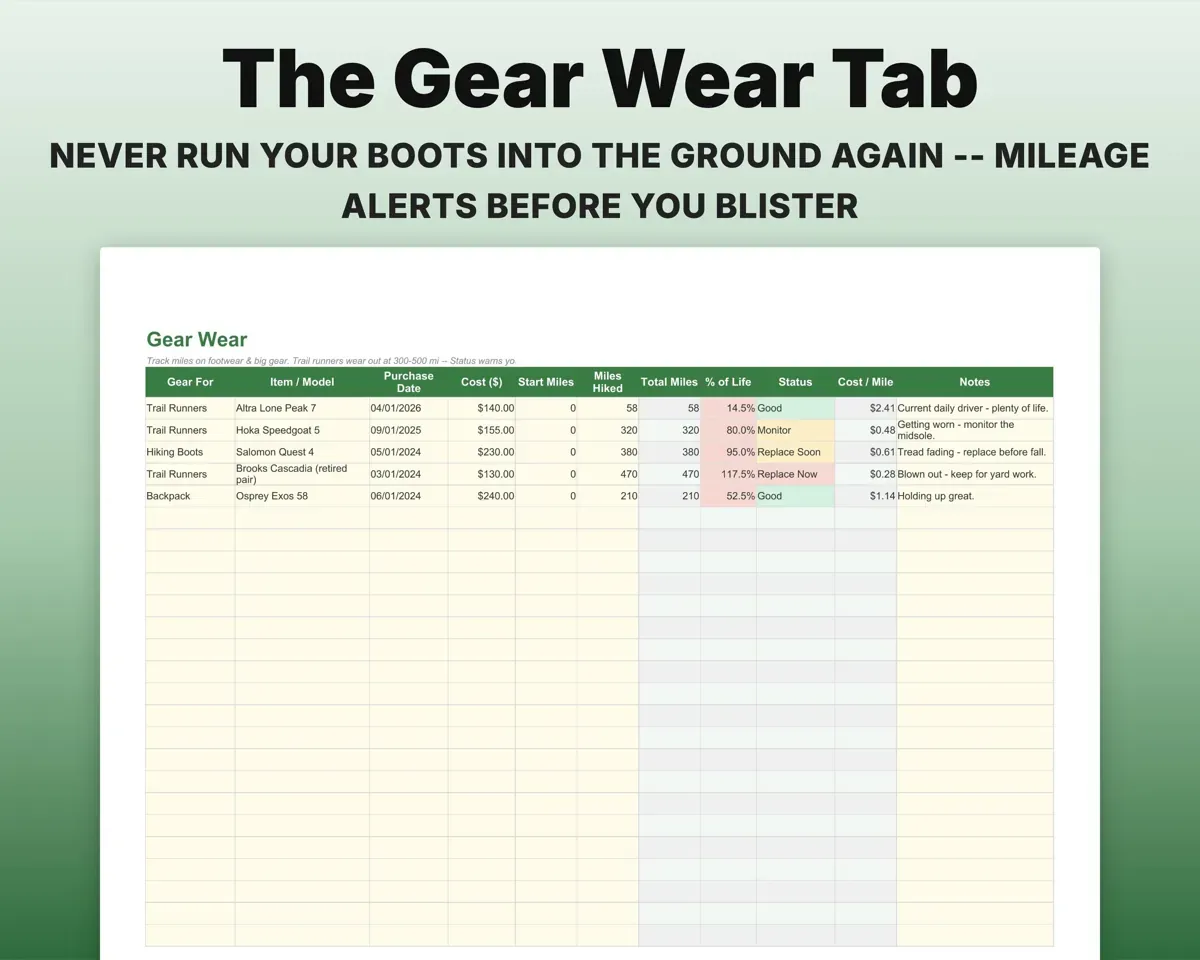
Log footwear and big gear once. Gear Wear adds up miles, shows how much life is left and the cost per mile, and marks each item Good, Monitor, Replace Soon or Replace Now.
Miles per pairReplace statusKeep a bucket list that counts itself
Add every trail and peak you want with a priority and target year, then mark it Done. The Dashboard shows how many you've crossed off.
Trail, target yearBucket list progressKnow your base weight for each trip
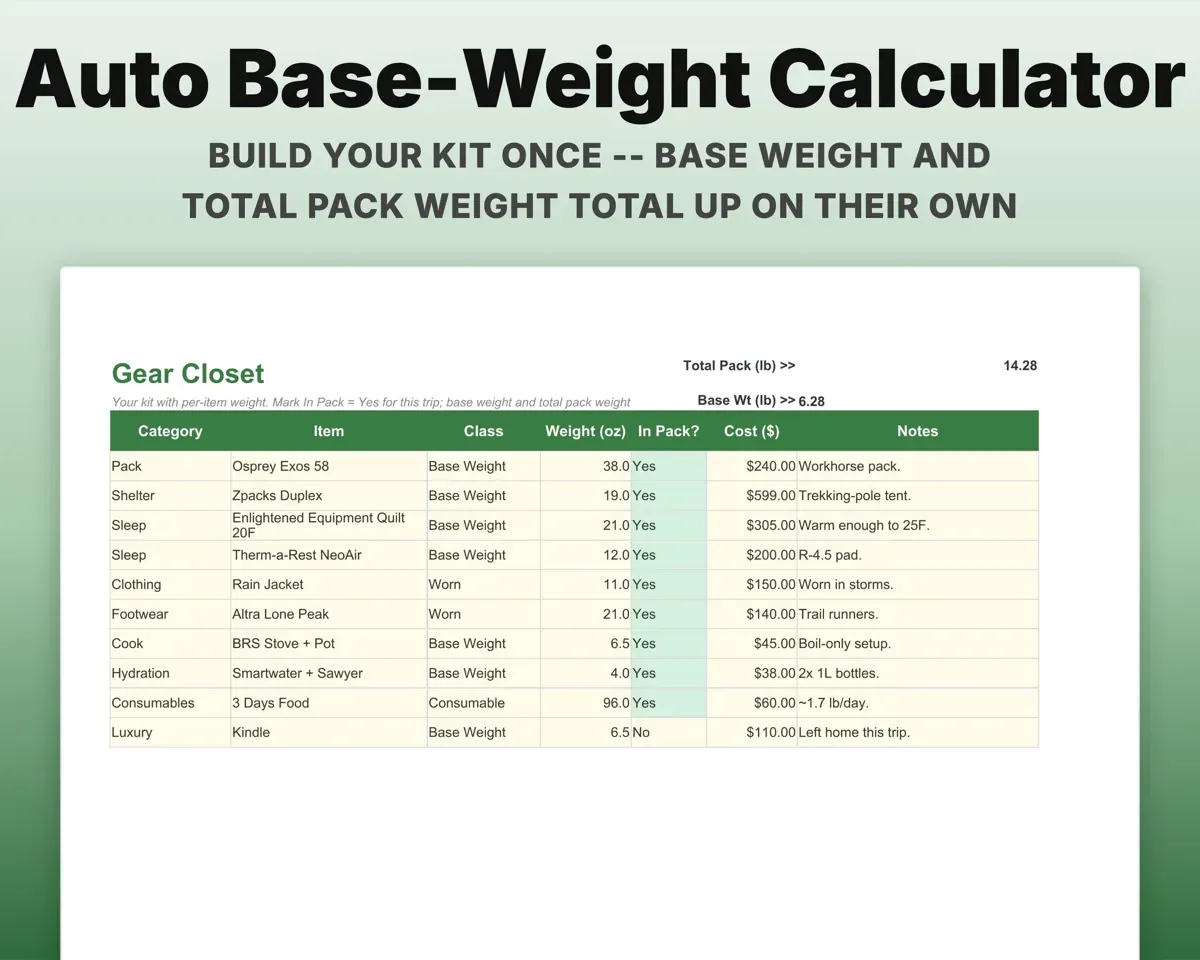
List your kit with a weight per item and mark what's in the pack. Base weight and total pack weight add up in pounds.
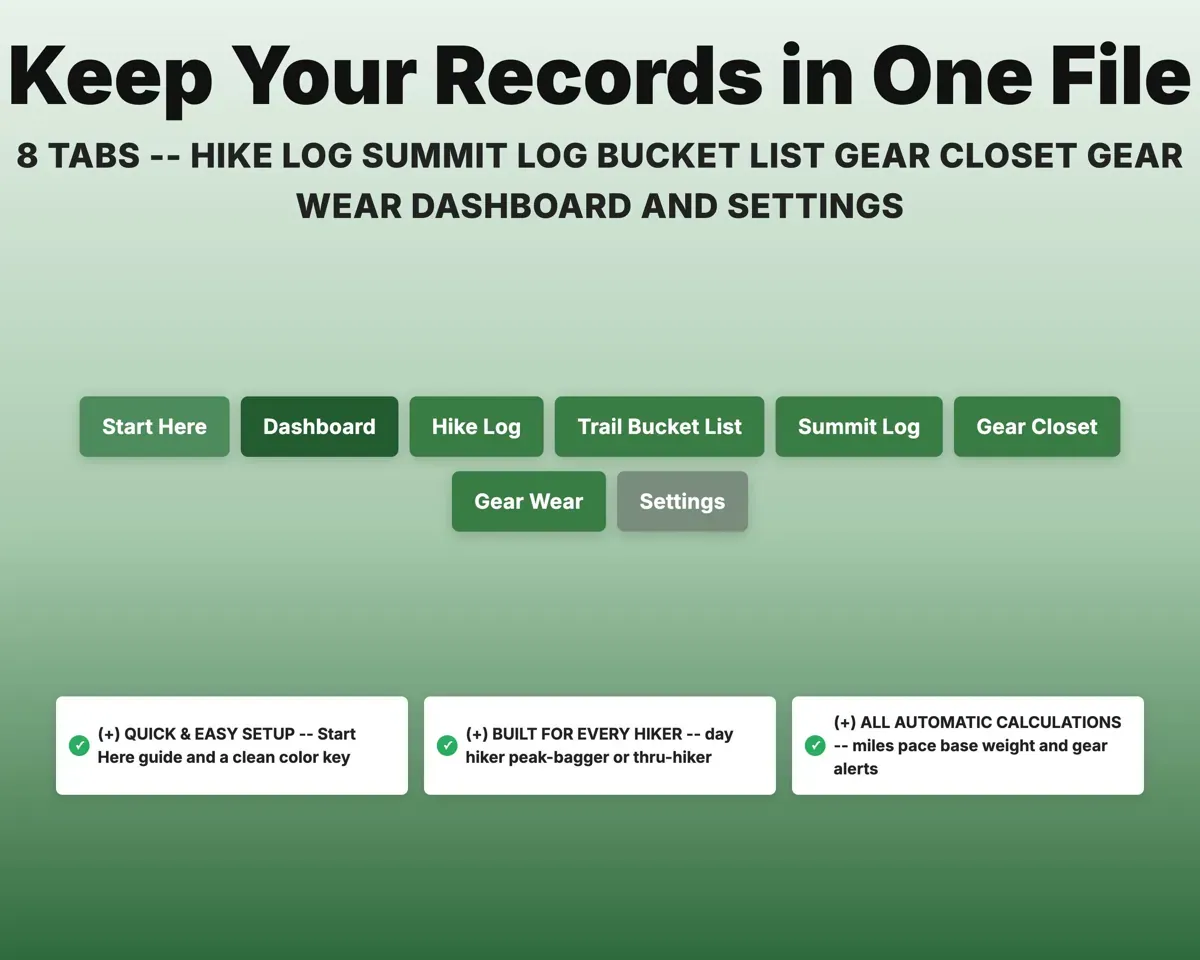
Item weightsBase weight in pounds8 tabs in one file
- Start Here
- Dashboard
- Hike Log
- Trail Bucket List
- Summit Log
- Gear Closet
- Gear Wear
- Settings
- Start Here
- Setup steps, color key and a tour of every tab.
- Dashboard
- Year totals, goal pace, summits, bucket list and gear alerts.
- Hike Log
- One row per hike, with pace worked out.
- Trail Bucket List
- Trails and peaks you want, with priority and target year.
- Summit Log
- Each summit tagged to its peak list.
- Gear Closet
- Your kit by weight, with base and pack weight totals.
- Gear Wear
- Shoe and gear mileage with replace status.
- Settings
- Home range, annual goals, shoe replace point and lists.
Pair it with
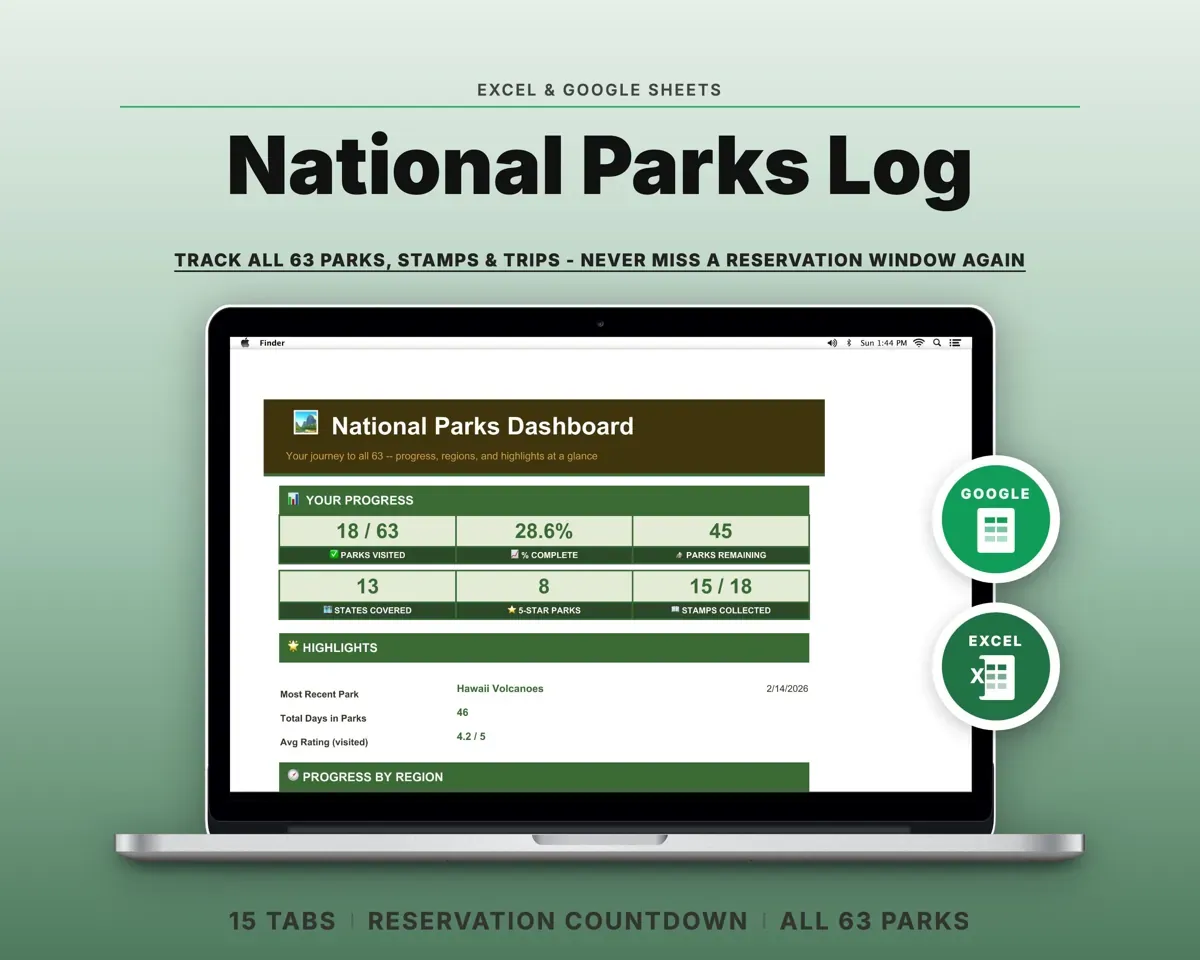
“Excellent! Very easy to use.”
“Nice Organization for 4H projects”
Before you buy
Can I track several peak lists at once?
Yes. Log a summit once on the Summit Log and tag the list it counts toward. The list dropdown is editable on Settings.
How does the shoe warning work?
Log each pair with its miles. Gear Wear shows how much of its life is used and what it costs per mile, then compares it to the replace point you set (400 miles by default).
Does it work for backpackers?
Yes. The Gear Closet totals base weight and pack weight for shakedowns, and the Hike Log handles long days.
How many hikes will it hold?
The Hike Log, Trail Bucket List and Summit Log each have 500 rows.
What do I get?
An Excel file (.xlsx), a filled-in sample to look at, and a quick-start PDF guide with a link that makes your own copy in Google Sheets.
How does delivery work?
You get your download links right after checkout, and Stripe emails your receipt. There is nothing to ship and nothing to wait for.
How do I set it up in Google Sheets?
Open the quick-start PDF and click the Google Sheets link. Google makes a copy in your own Drive that only you can edit. You need a free Google account.
Will it work on a Mac?
Yes. It works in Excel on Mac and Windows, and in Google Sheets in any browser.
I'm not a spreadsheet person. Is that a problem?
No. You only type in the yellow cells. Everything in gray works itself out, and the Start Here tab shows you where to begin.
Can I get a refund?
Templates are digital downloads, so sales are final. If a file won't open, is broken or doesn't match its description, email hello@cleanpixelstudios.com within 30 days and we'll fix it, or refund you if we can't.
What if I get stuck?
Email hello@cleanpixelstudios.com and we'll help you get it working.
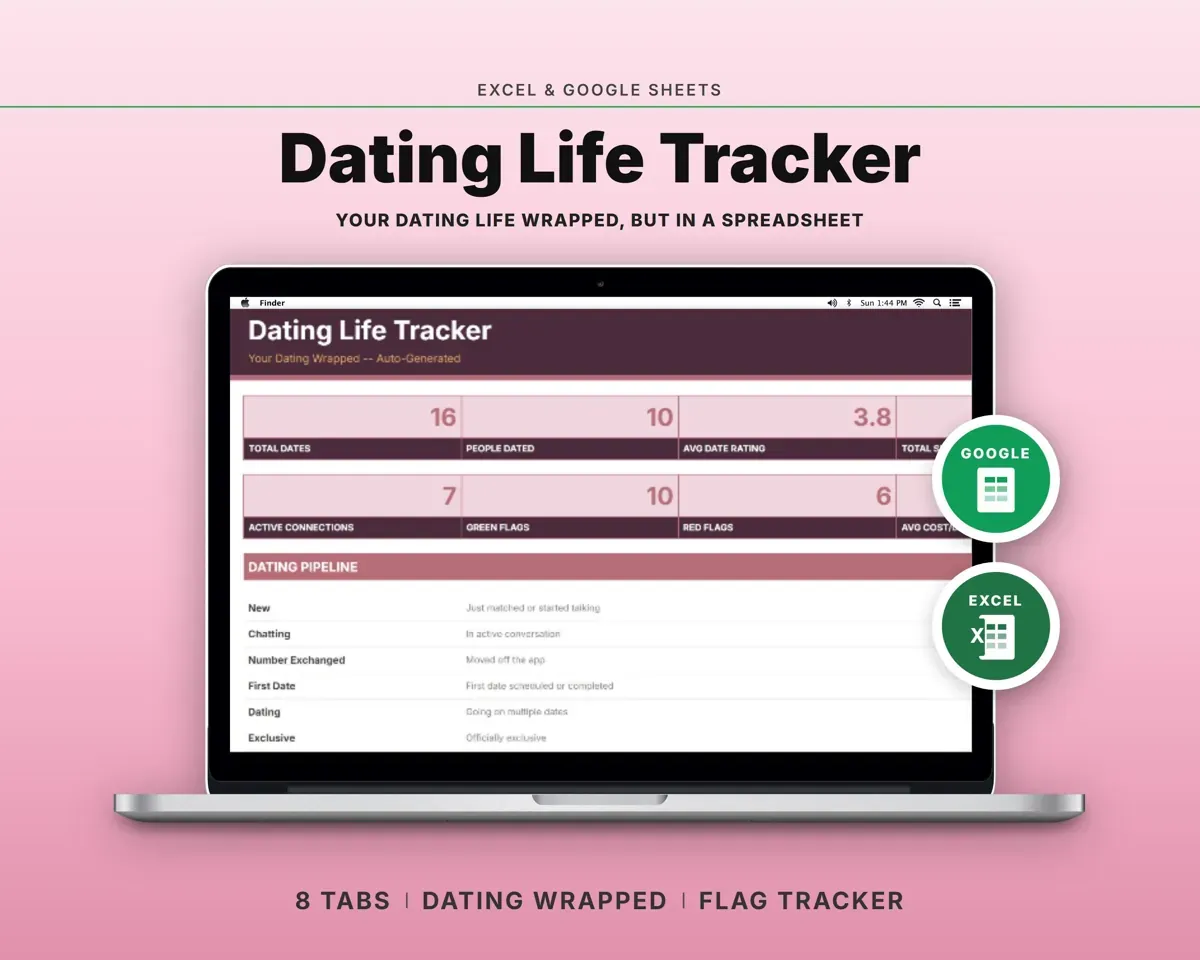
More in Home, hobbies & travel
See all Home, hobbies & travel templates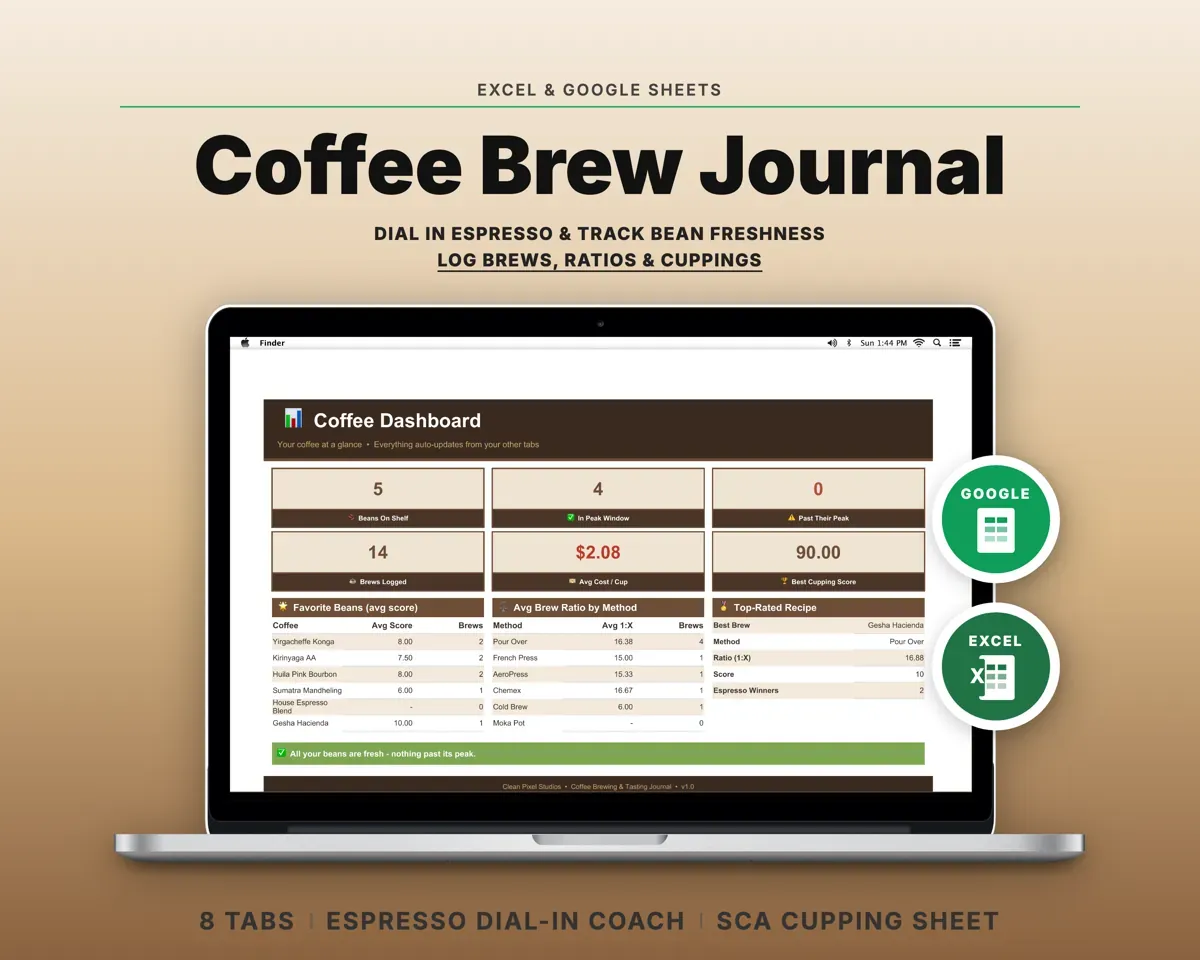
 Made by Clean Pixel Studios
We start every template by reading what people in that line of work say they struggle with, then build the spreadsheet around those problems. This one was made for hikers and nobody else.
How we build templatesHiking Log Spreadsheet$13.99 · Excel + Google Sheets