Built around the jobs people planning early retirement actually do
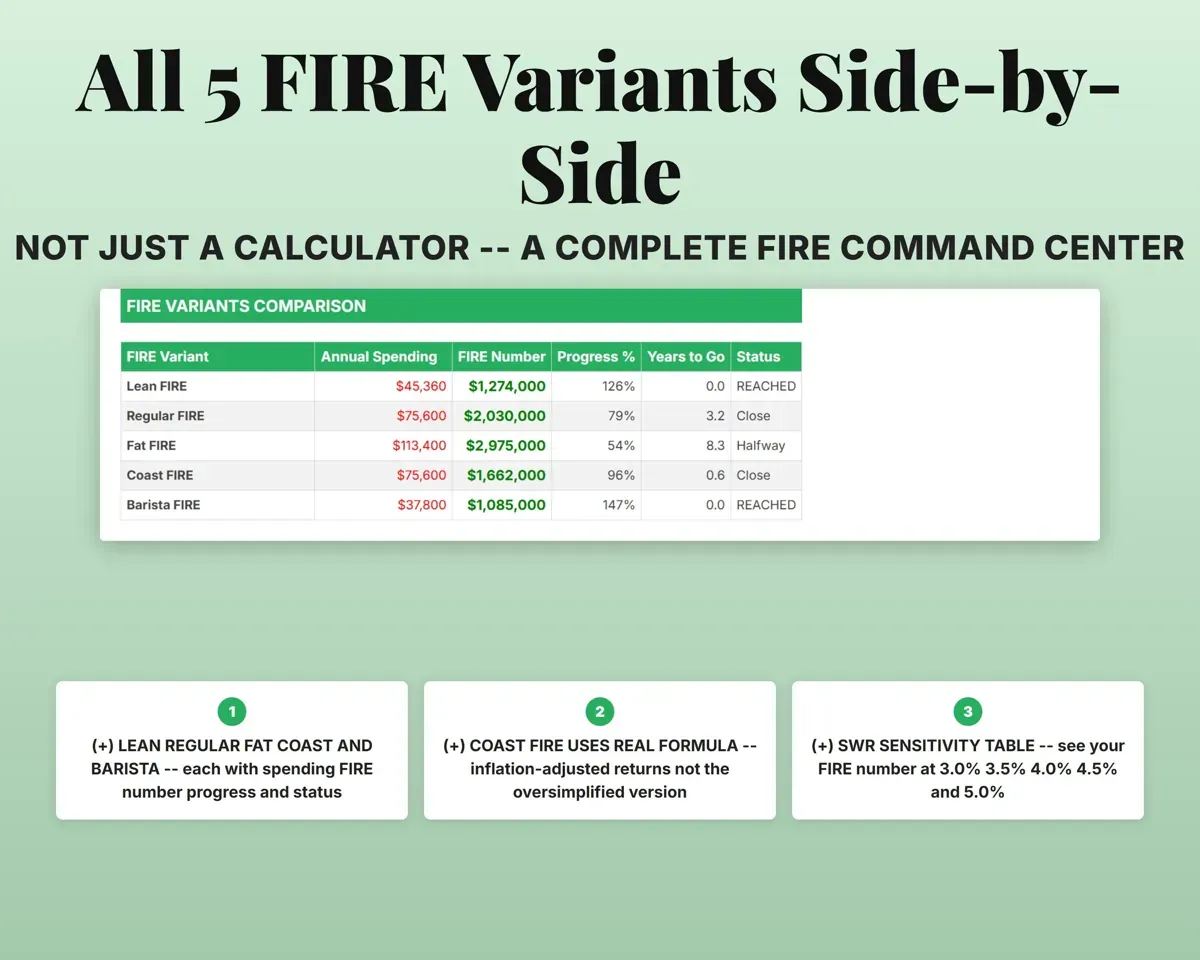
See every FIRE target side by side
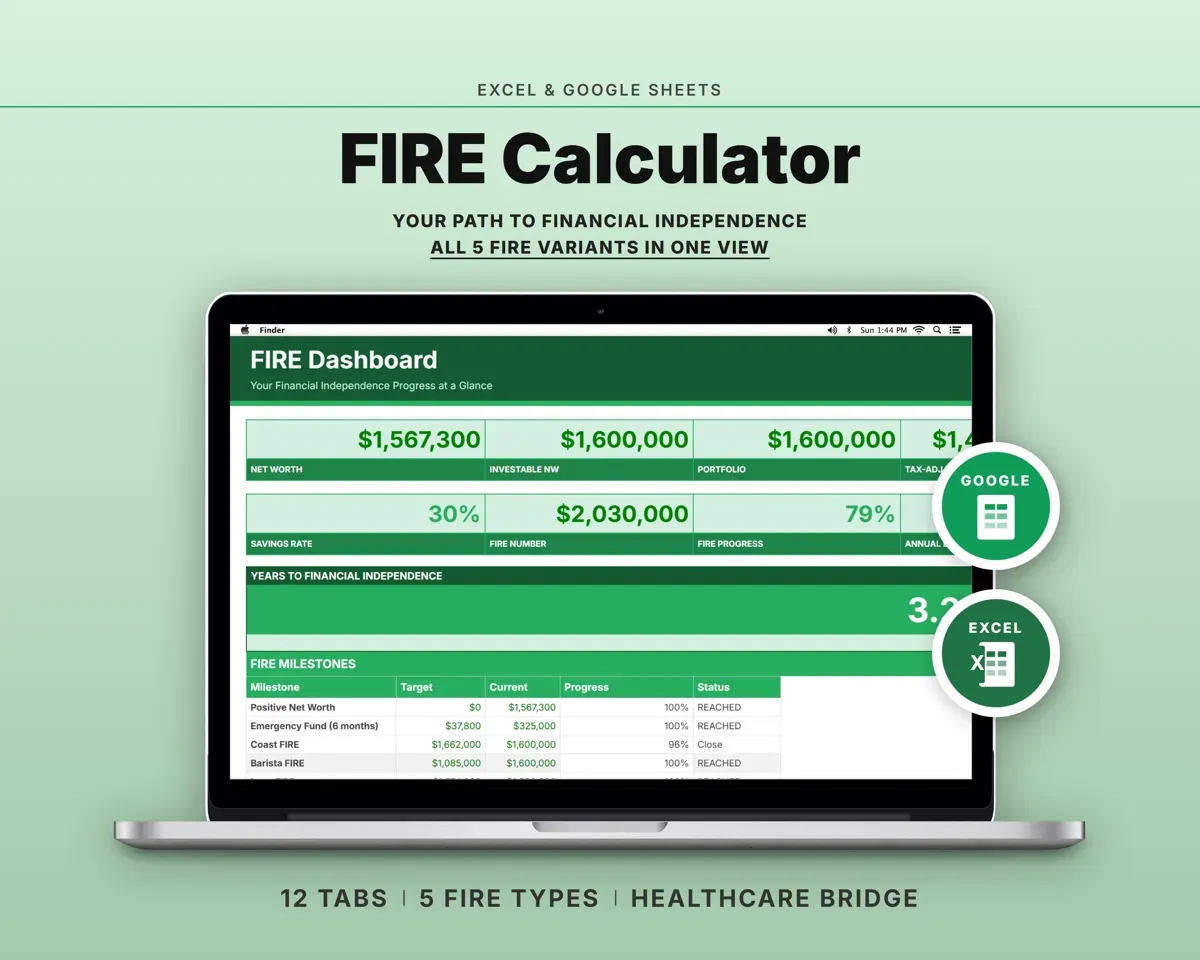
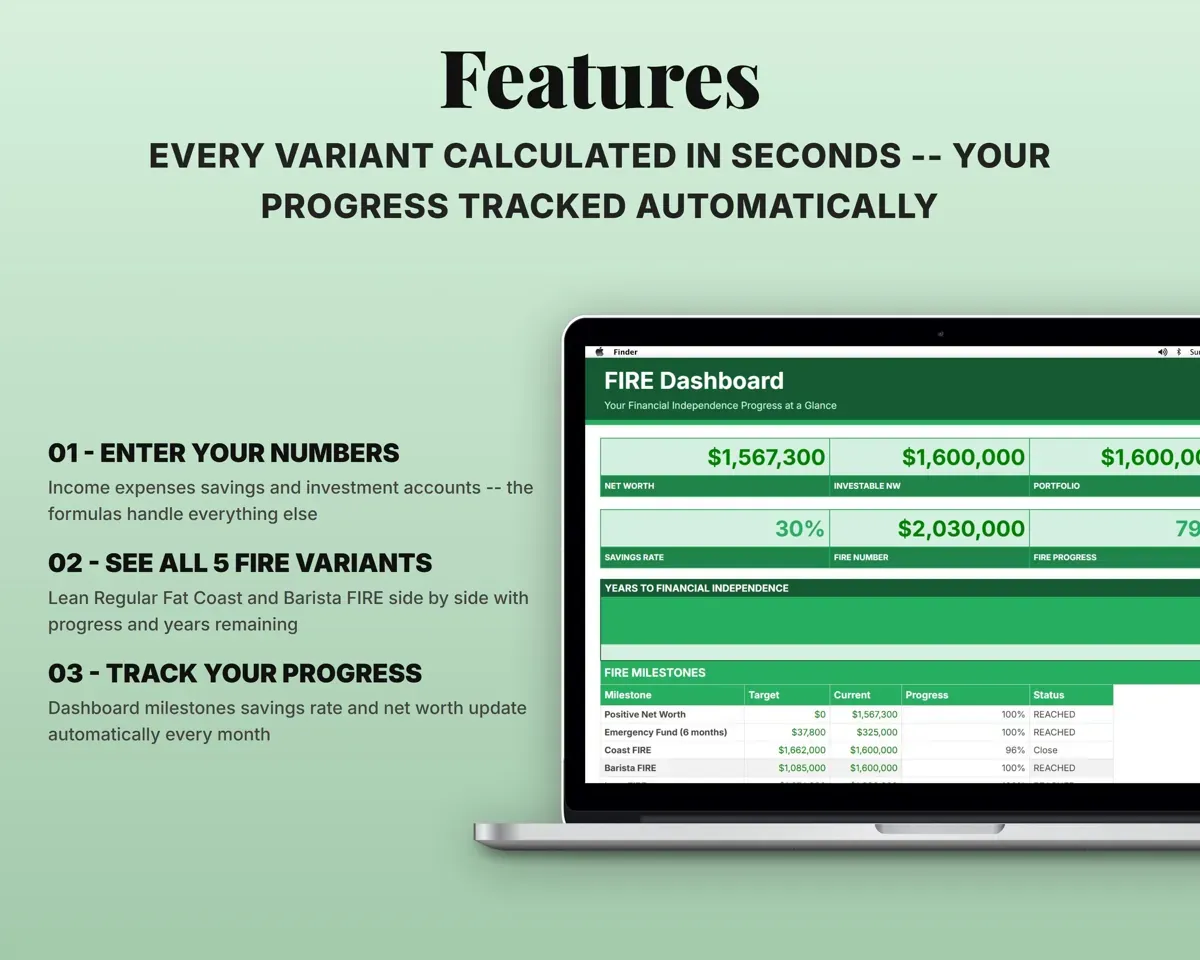
Lean, Regular, Fat, Coast and Barista FIRE each get a spending level, FIRE number, progress percentage and estimated years to go.
Spending, portfolioYears to go per targetPlan for the years before Medicare
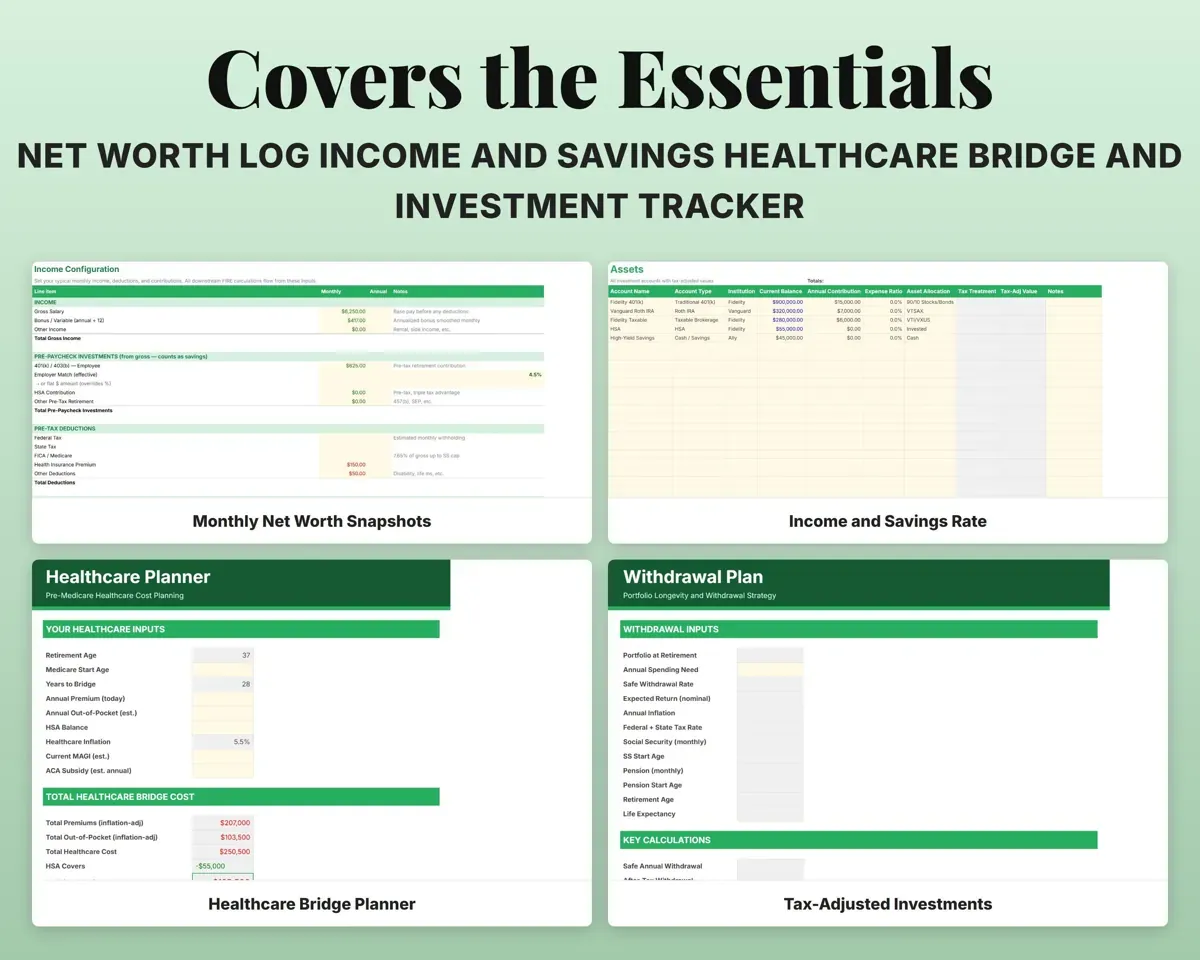
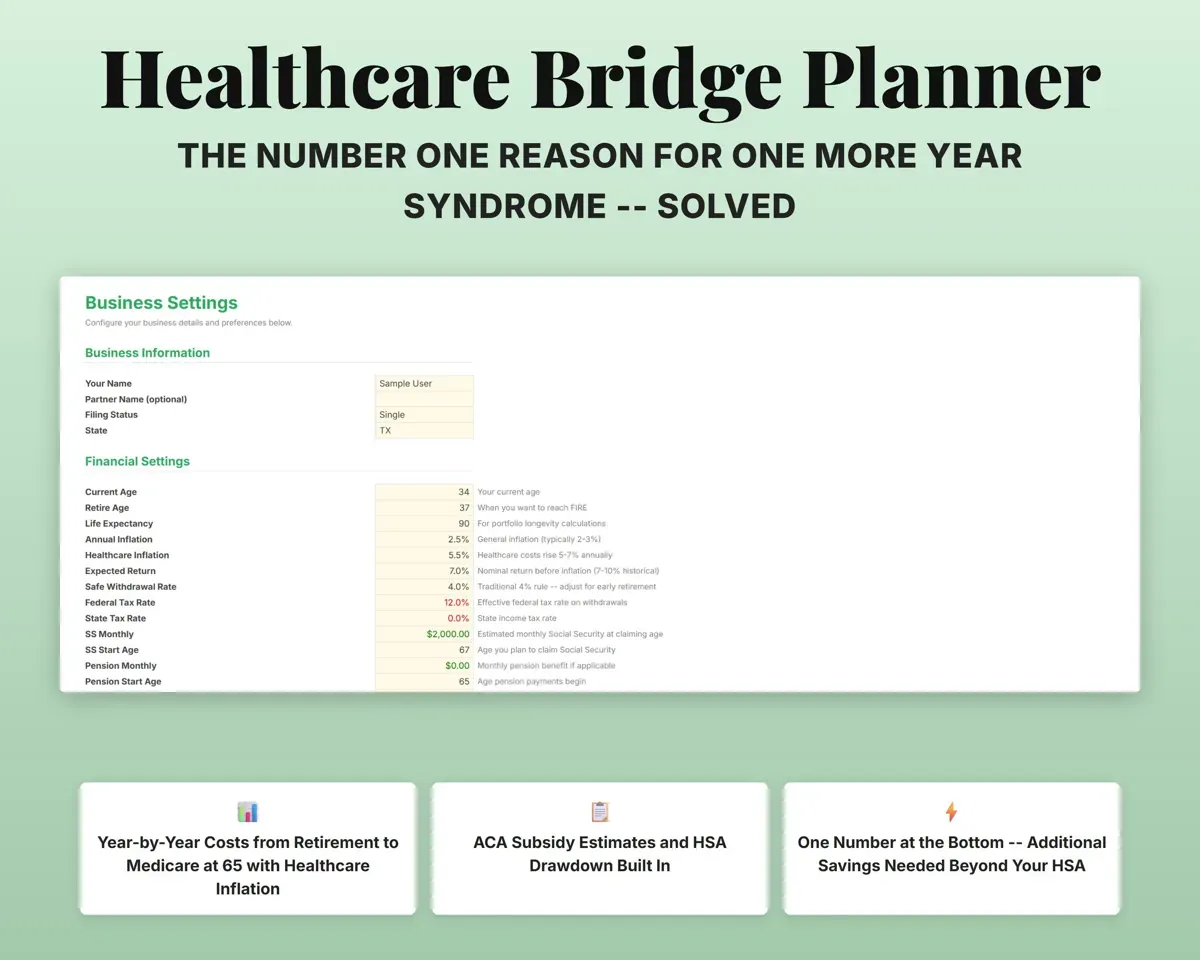
Enter premiums, out-of-pocket costs, your HSA balance and an ACA subsidy estimate. The sheet projects each year with healthcare inflation and shows the savings still needed beyond your HSA.
Premiums, HSA balanceExtra savings neededKnow what your accounts are worth after tax
List each account with its type and tax treatment. Tax-deferred balances are adjusted by your federal and state rates, so the FIRE math uses a realistic total.
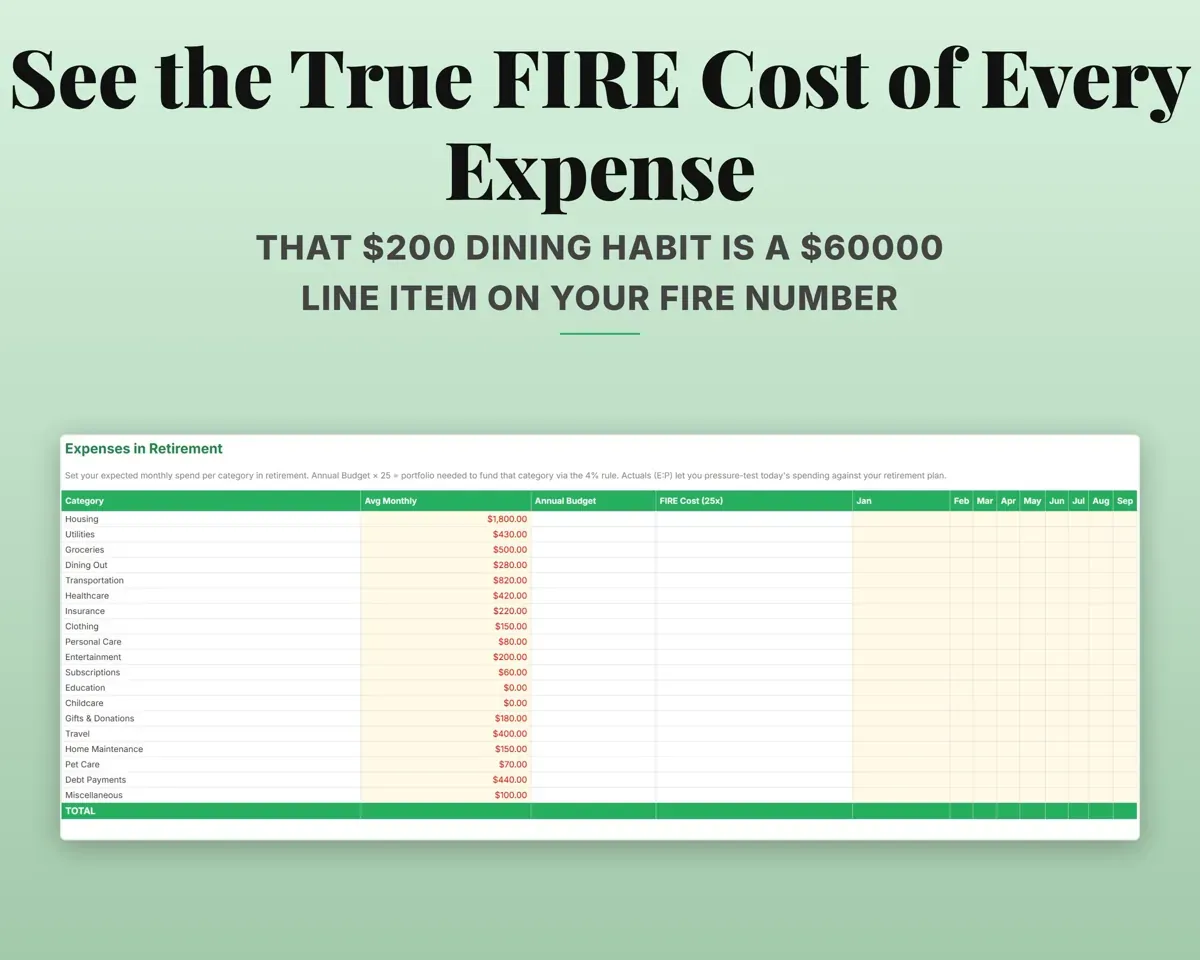
Balances, account typeTax-adjusted valueSee what each expense adds to your FIRE number
Budget each category and fill in monthly actuals. Every category shows its annual cost and the portfolio it takes to fund it at 25 times.
Monthly spendingFIRE cost (25x)Watch the portfolio grow year by year
A 30-year projection built from your savings, expected return and inflation, with room for windfalls and one-time costs, shows your progress toward the target each year.
Savings, windfallsBalance by ageTest how long the money lasts
Set a withdrawal rate plus Social Security and pension amounts and start ages. The plan shows the safe annual withdrawal, the after-tax monthly budget and how many years the portfolio supports.
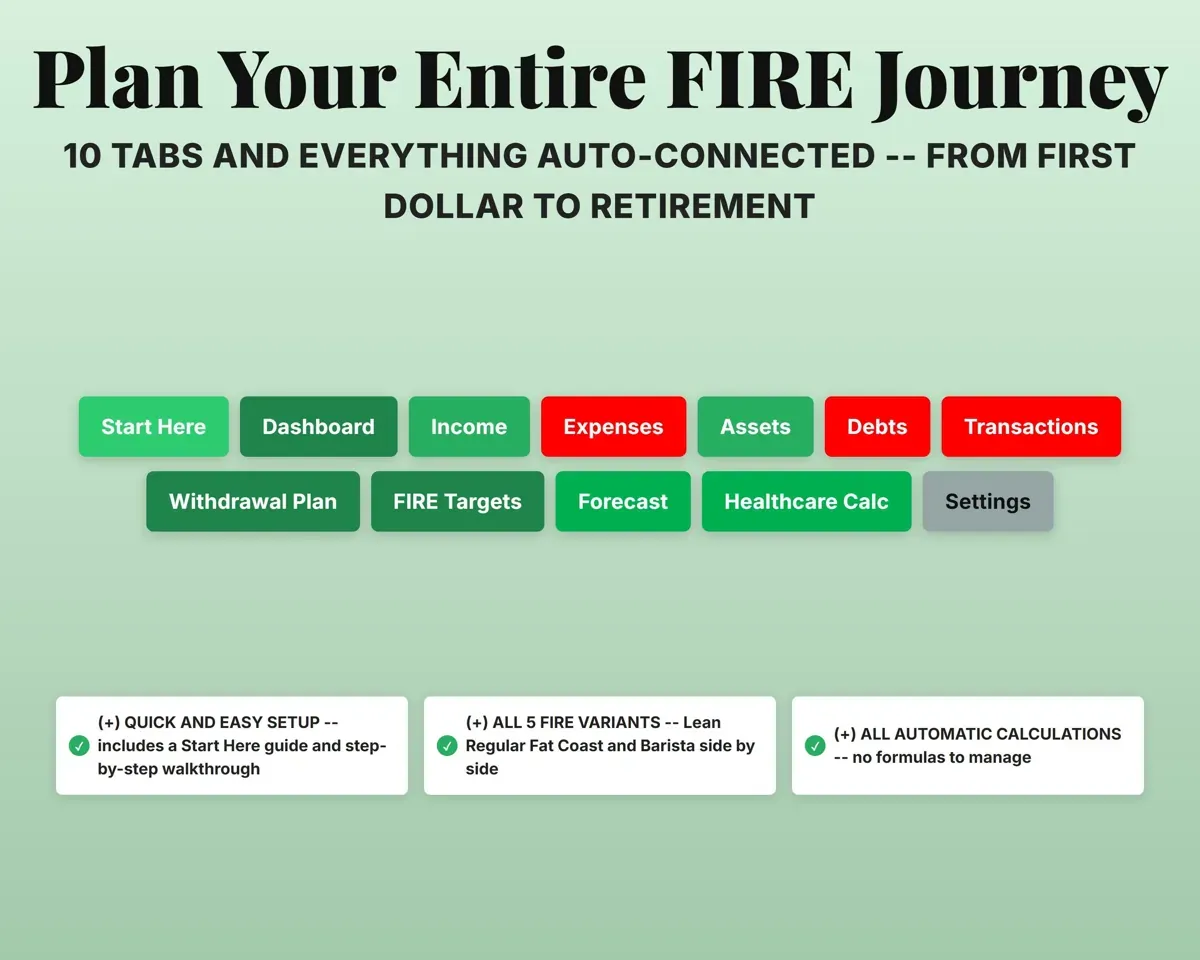
Withdrawal rate, SSYears portfolio lasts12 tabs in one file
- Start Here
- Dashboard
- Income
- Expenses
- Assets
- Debts
- Transactions
- Withdrawal Plan
- FIRE Targets
- Forecast
- Healthcare Calc
- Settings
- Start Here
- Setup steps, color key and a guide to every tab.
- Dashboard
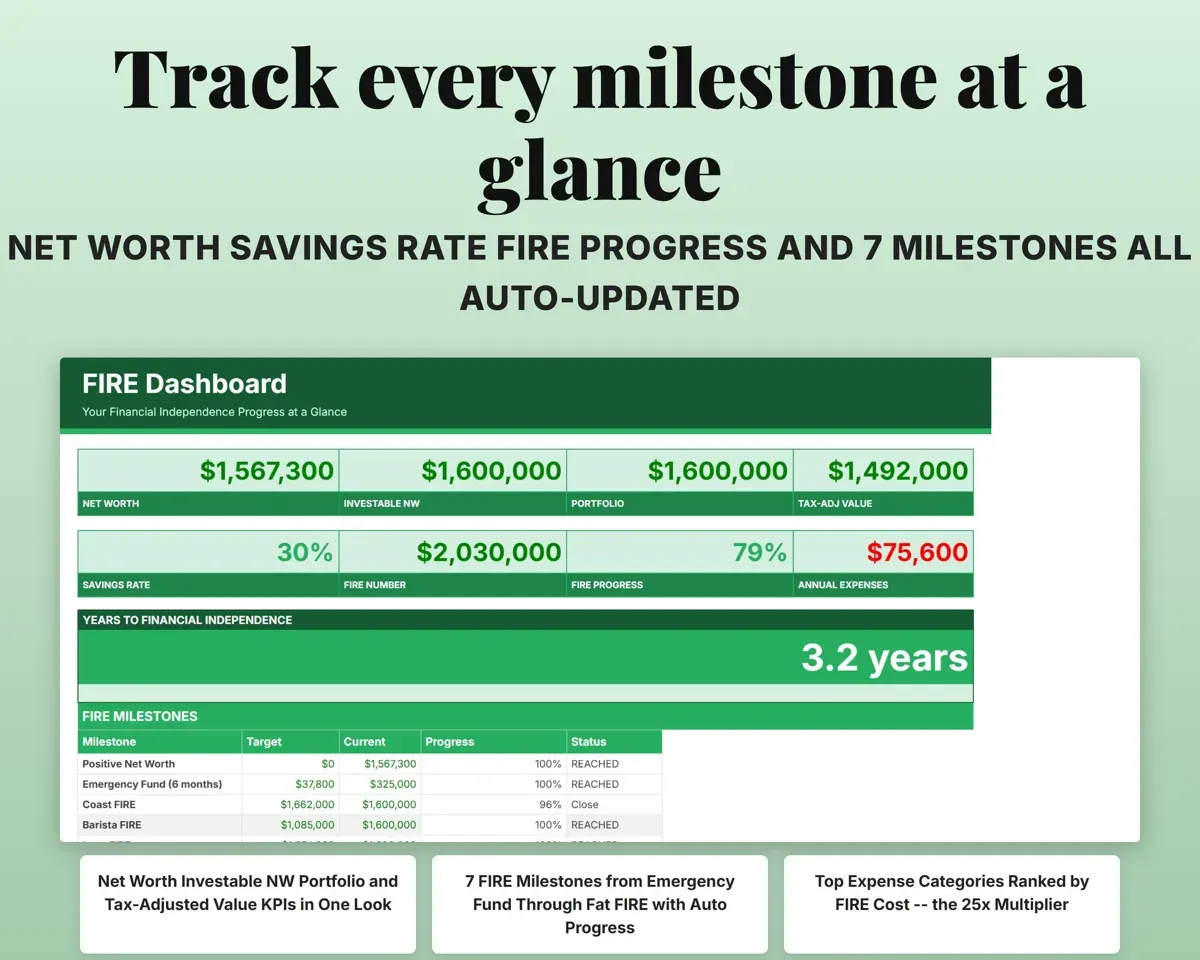
- Net worth, savings rate, FIRE progress and seven milestones.
- Income
- Monthly pay, deductions and every savings contribution.
- Expenses
- Budget and monthly actuals by category, with FIRE cost.
- Assets
- Each investment account with its tax-adjusted value.
- Debts
- Loans, payments, payoff dates and a payoff schedule.
- Transactions
- Optional purchase log that totals spending by category.
- Withdrawal Plan
- Safe withdrawal, after-tax budget and portfolio longevity.
- FIRE Targets
- All five FIRE variants compared using your real numbers.
- Forecast
- A 30-year portfolio projection with windfalls and one-time events.
- Healthcare Calc
- Year-by-year healthcare costs from retirement to Medicare.
- Settings
- Ages, inflation, returns, withdrawal rate and tax rates.
Pair it with
“The spreadsheet is well laid out and easy to use. Highly recommend!”
“Excellent! Very easy to use.”
Before you buy
Which kinds of FIRE does it cover?
Five: Lean, Regular, Fat, Coast and Barista. The FIRE Targets tab shows each one with its spending level, FIRE number, progress and years to go, plus a table of FIRE numbers at different withdrawal rates.
Can I count my home equity?
That is your choice. A Yes or No setting on the Settings tab decides whether home equity counts toward your FIRE number.
Do I have to log every purchase?
No. The Transactions tab is optional. You can type monthly totals for each category straight into the Expenses tab instead.
Is this financial advice?
No. It organizes your own numbers and assumptions so you can see where you stand. The projections depend on the returns, inflation and tax rates you enter.
What do I get?
An Excel file (.xlsx), a filled-in sample to look at, and a quick-start PDF guide with a link that makes your own copy in Google Sheets.
How does delivery work?
You get your download links right after checkout, and Stripe emails your receipt. There is nothing to ship and nothing to wait for.
How do I set it up in Google Sheets?
Open the quick-start PDF and click the Google Sheets link. Google makes a copy in your own Drive that only you can edit. You need a free Google account.
Will it work on a Mac?
Yes. It works in Excel on Mac and Windows, and in Google Sheets in any browser.
I'm not a spreadsheet person. Is that a problem?
No. You only type in the yellow cells. Everything in gray works itself out, and the Start Here tab shows you where to begin.
Can I get a refund?
Templates are digital downloads, so sales are final. If a file won't open, is broken or doesn't match its description, email hello@cleanpixelstudios.com within 30 days and we'll fix it, or refund you if we can't.
What if I get stuck?
Email hello@cleanpixelstudios.com and we'll help you get it working.
More in Small business & money
See all Small business & money templates
 Made by Clean Pixel Studios
We start every template by reading what people in that line of work say they struggle with, then build the spreadsheet around those problems. This one was made for people planning early retirement and nobody else.
How we build templatesFIRE Calculator Spreadsheet$9.99 · Excel + Google Sheets