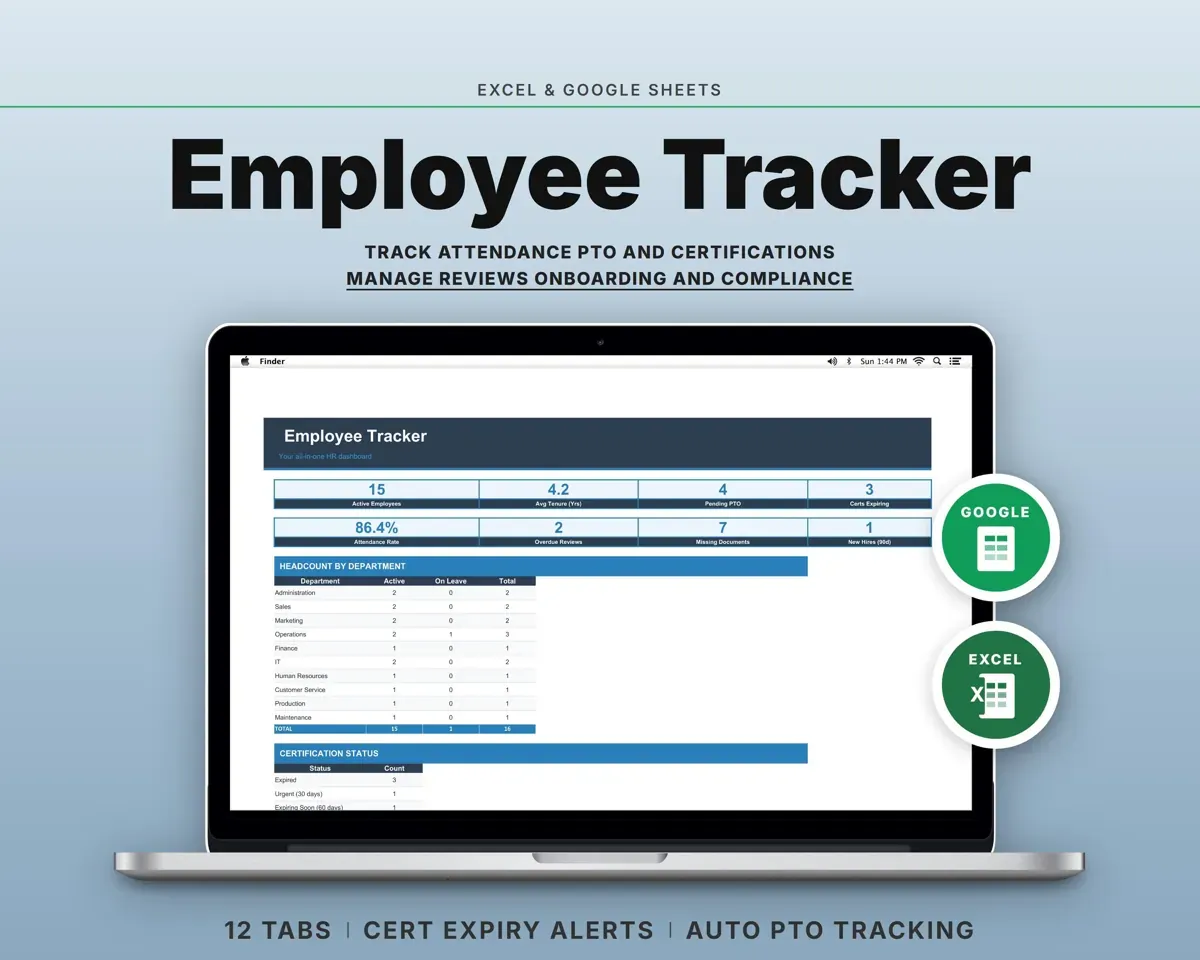
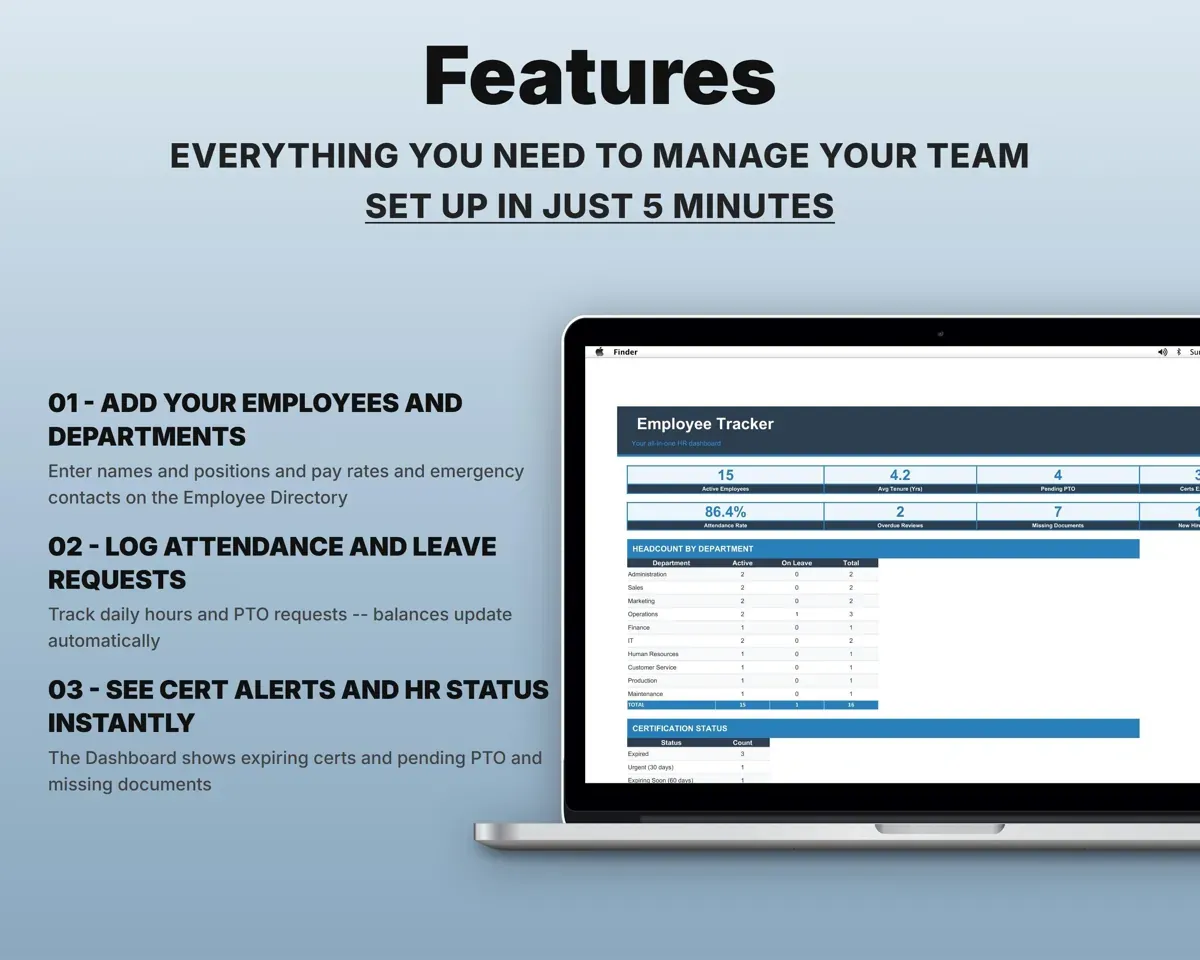
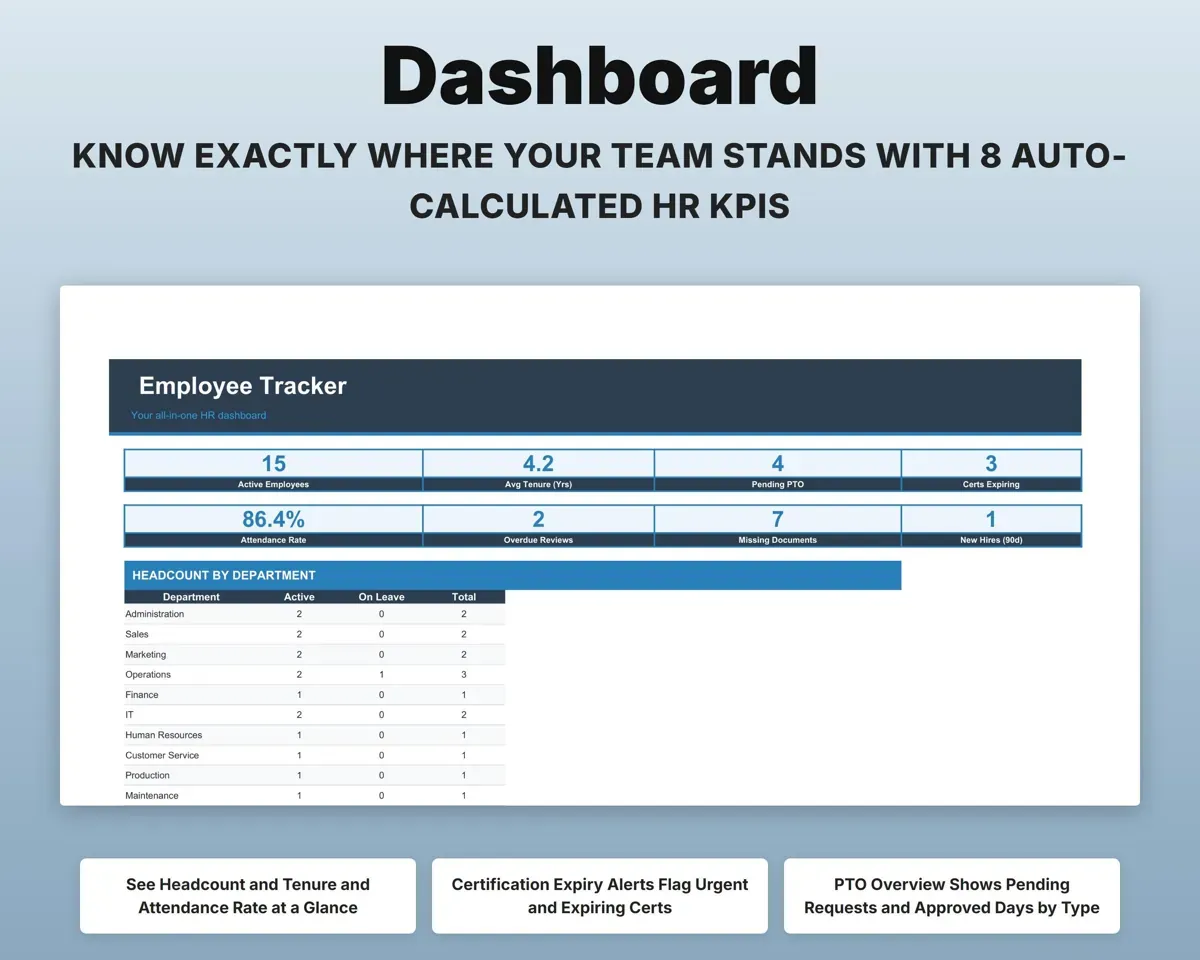
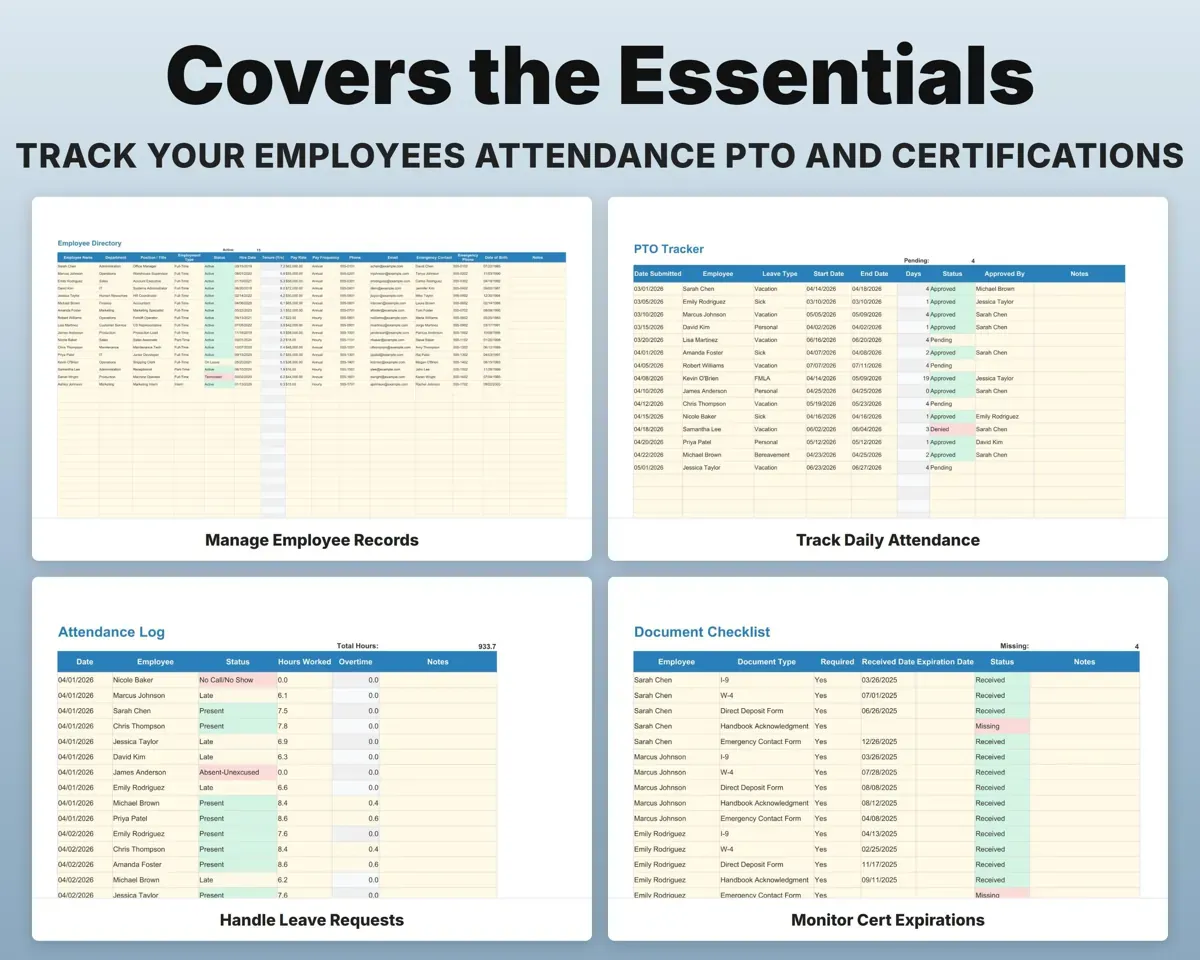
Built around the jobs small business owners actually do
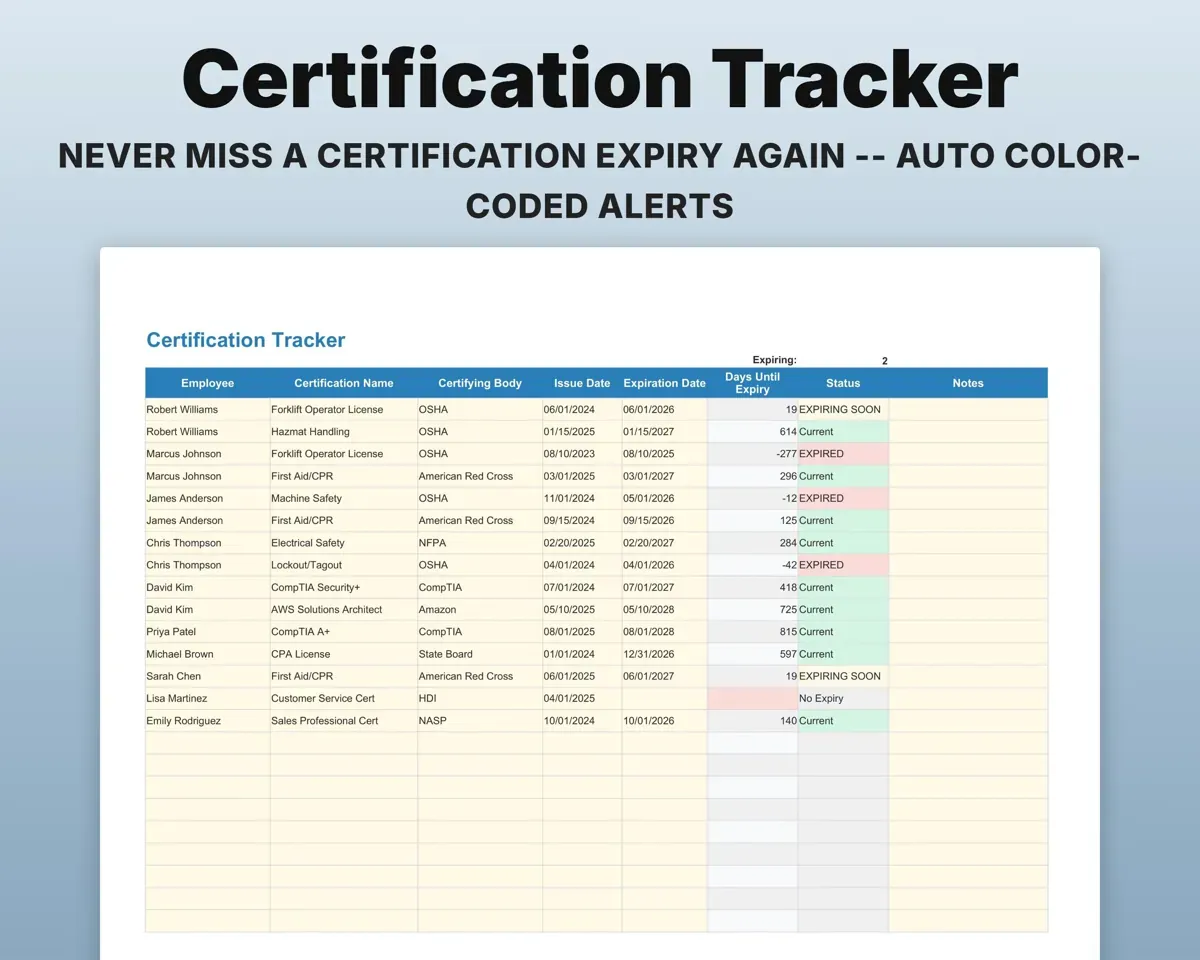
Catch certifications before they expire
Every certification counts down its days to expiry and changes color at 60 days, 30 days and when expired. The Dashboard counts urgent and expiring certs.
Expiration dateDays until expiryHandle PTO without the back-and-forth
Log each request's dates and leave type. Business days are counted for you, approvals are tracked, and the Dashboard shows pending requests and days by type.
Start, end, leave typeBusiness days offKeep every employee record in one place
Department, position, pay rate, emergency contacts and hire date for each person, with tenure worked out from the hire date.
Hire date, pay, contactsTenureTrack daily attendance and overtime
Log attendance each day and the sheet works out overtime. Pay changes are logged separately, with raise amounts and percentages calculated.
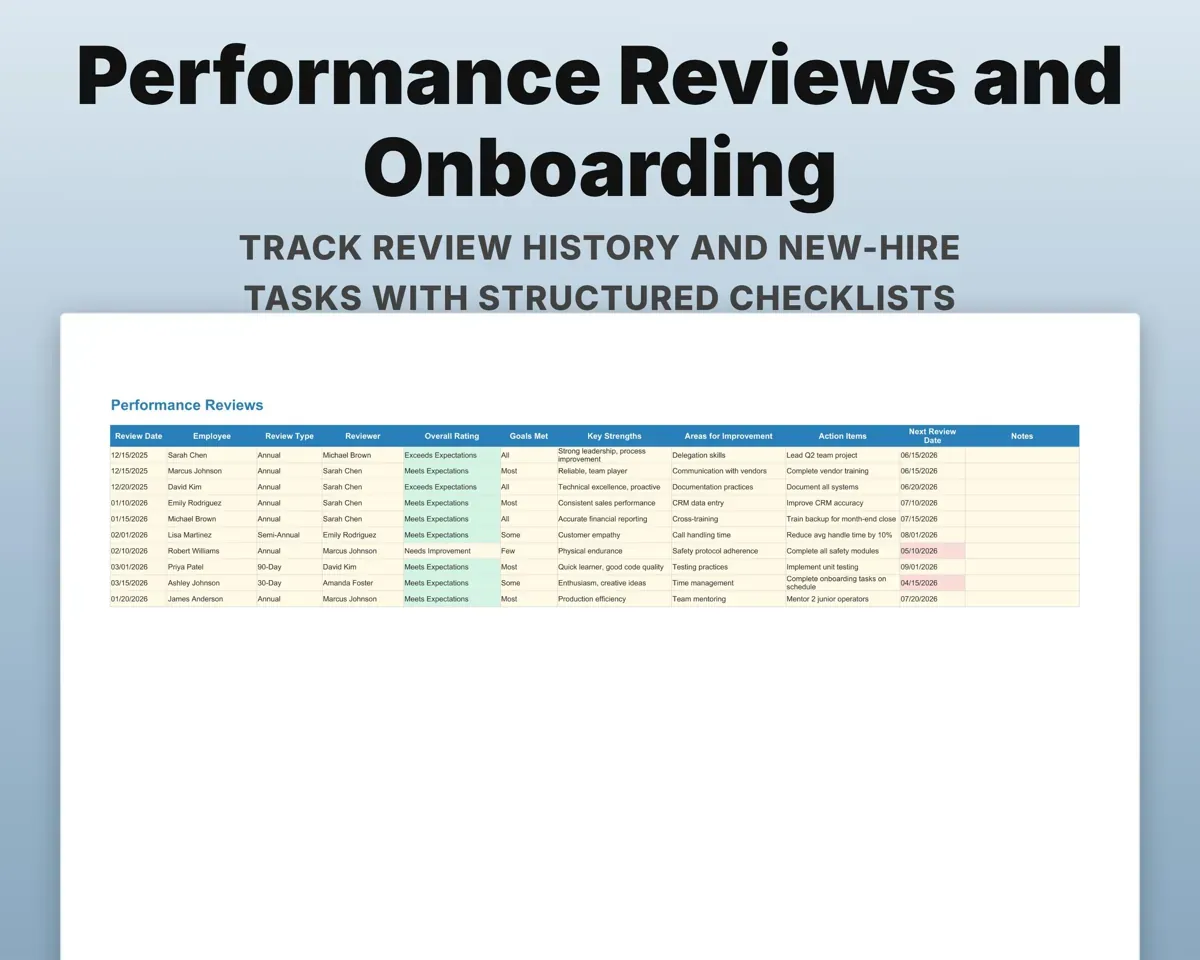
Daily attendanceOvertimeNever lose track of a review date
Ratings, goals met, action items and next review dates for each review. Overdue reviews show on the Dashboard.
Rating, next reviewOverdue flagBring new hires on step by step
Checklists by phase from Pre-Start and Day 1 through 30, 60 and 90 days, with an owner for each task. Required documents such as the I-9 and W-4 are tracked too.
Tasks, ownersCompletion statusPair it with
“Excellent! Very easy to use.”
“Nice Organization for 4H projects”
Before you buy
How many employees can it hold?
Up to 100 employees in the directory, with 500 rows on attendance, PTO, certifications and the other log tabs.
What if a certification never expires?
Leave the expiration date blank. It shows No Expiry and never triggers an alert.
Can I organize by location instead of department?
Yes. Use the Department field for locations, and the Dashboard metrics group by it the same way.
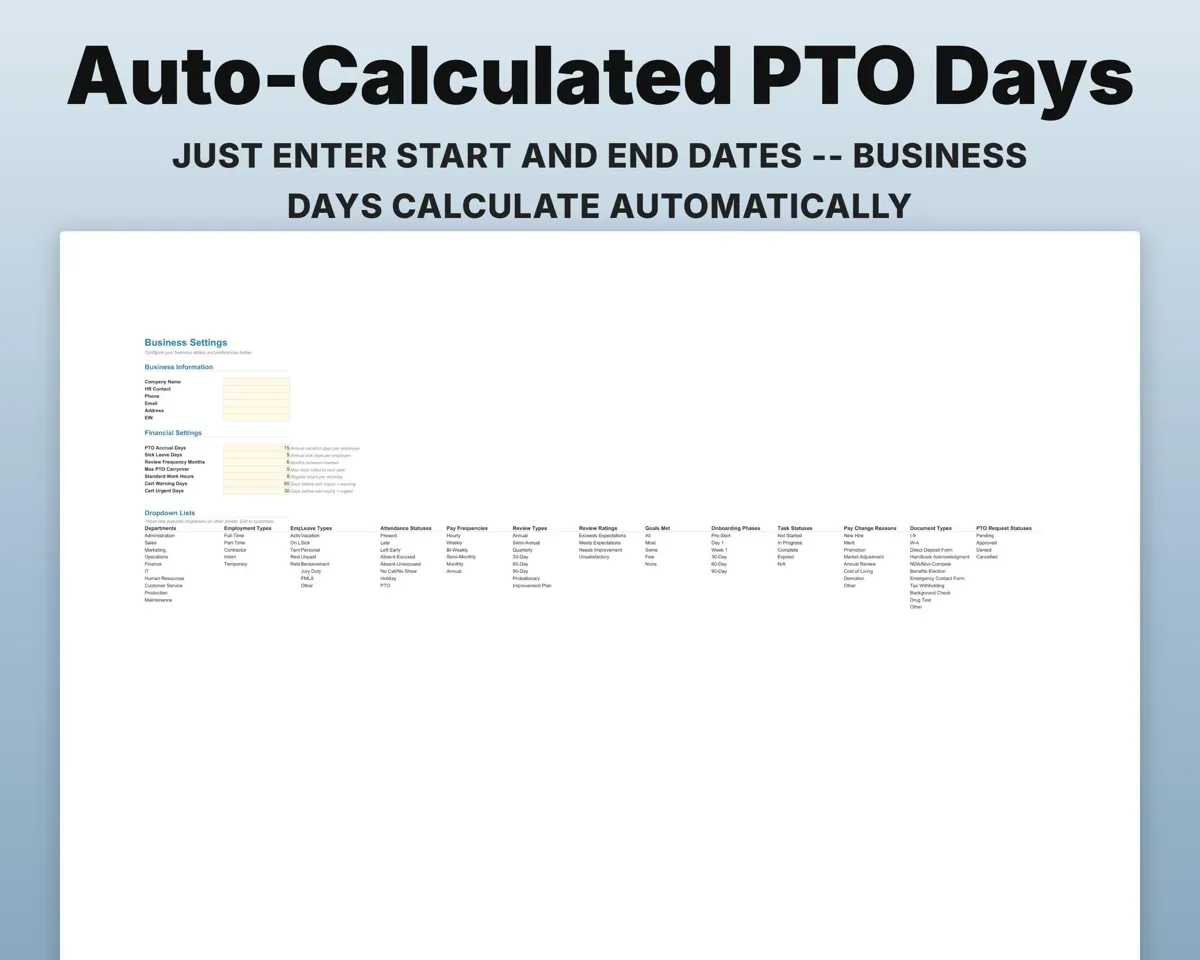
Can I change the dropdown lists?
Yes. Departments, leave types, attendance statuses, review ratings, document types and the other lists are editable on Settings.
What do I get?
An Excel file (.xlsx) and a quick-start PDF guide with a link that makes your own copy in Google Sheets.
How does delivery work?
You get your download links right after checkout, and Stripe emails your receipt. There is nothing to ship and nothing to wait for.
How do I set it up in Google Sheets?
Open the quick-start PDF and click the Google Sheets link. Google makes a copy in your own Drive that only you can edit. You need a free Google account.
Will it work on a Mac?
Yes. It works in Excel on Mac and Windows, and in Google Sheets in any browser.
I'm not a spreadsheet person. Is that a problem?
No. You only type in the yellow cells. Everything in gray works itself out.
Can I get a refund?
Templates are digital downloads, so sales are final. If a file won't open, is broken or doesn't match its description, email hello@cleanpixelstudios.com within 30 days and we'll fix it, or refund you if we can't.
What if I get stuck?
Email hello@cleanpixelstudios.com and we'll help you get it working.
More in Small business & money
See all Small business & money templates
 Made by Clean Pixel Studios
We start every template by reading what people in that line of work say they struggle with, then build the spreadsheet around those problems. This one was made for small business owners and nobody else.
How we build templatesEmployee Tracker Spreadsheet$17.99 · Excel + Google Sheets